Mobile menu toggle

Top stories - page 553

Which Apple Watch running app deserves to log your sweaty miles? [Runner’s Week: Day 1]

By

It's Runner's Week at Cult of Mac
Photo: Graham Bower/Cult of Mac

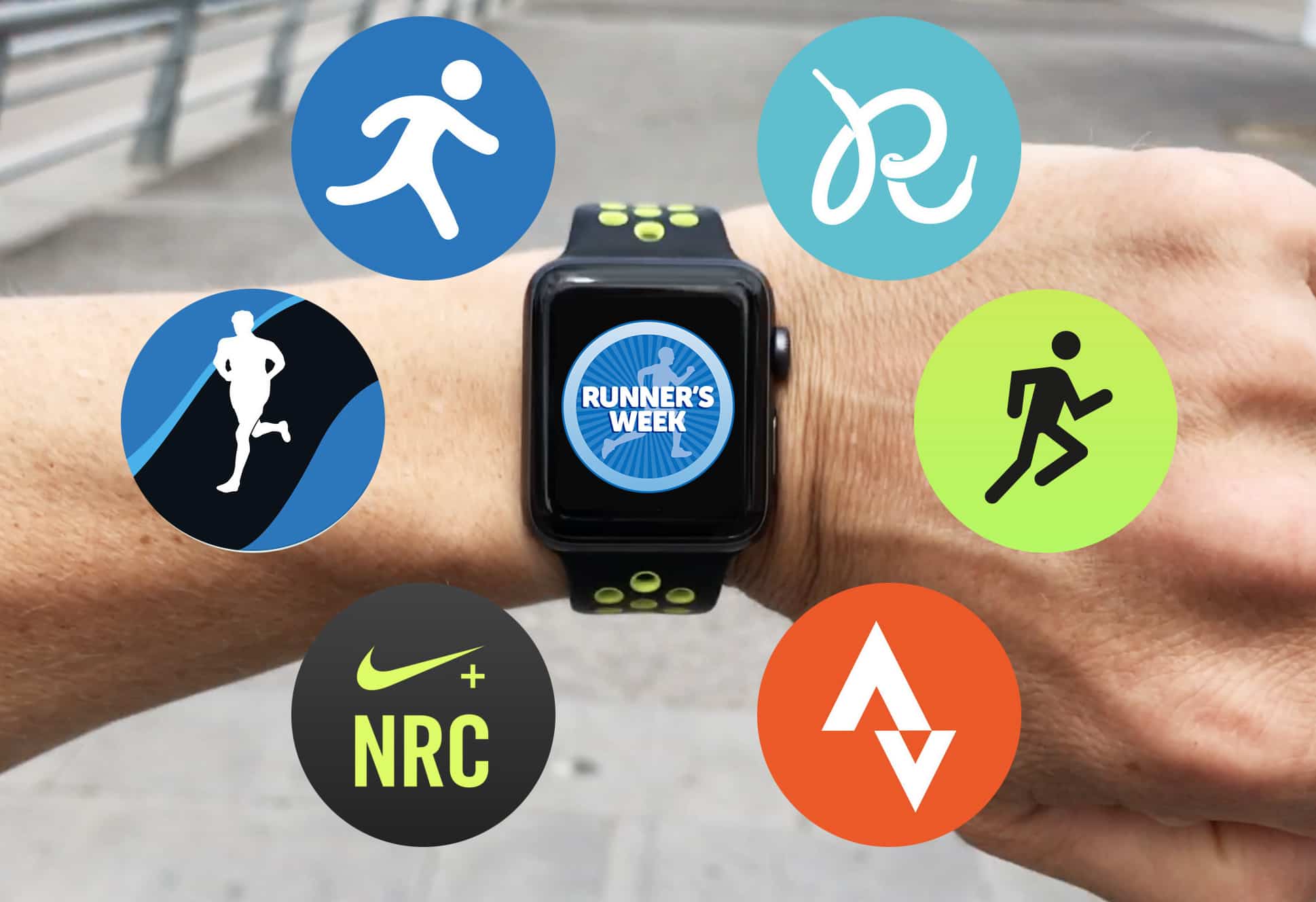
Runner's Week It takes a lot of effort to go running with Apple Watch, and not just because it gets you all sweaty. The hard work starts before you even put on your running shoes. Simply choosing which running app to use is an exhausting task.

Even if you don’t install any of the plethora of third-party running apps, the Apple Watch Nike+ model comes with two preinstalled options to choose from. So this week, to help get you off the starting blocks, we’ll be reviewing six of the best running apps for Apple Watch.

How to bulk select and delete photos the easy way on iPhone

By

bulk select iOS photos
Swipe your way to quick selections in iOS Photos.
Photo: Cult of Mac

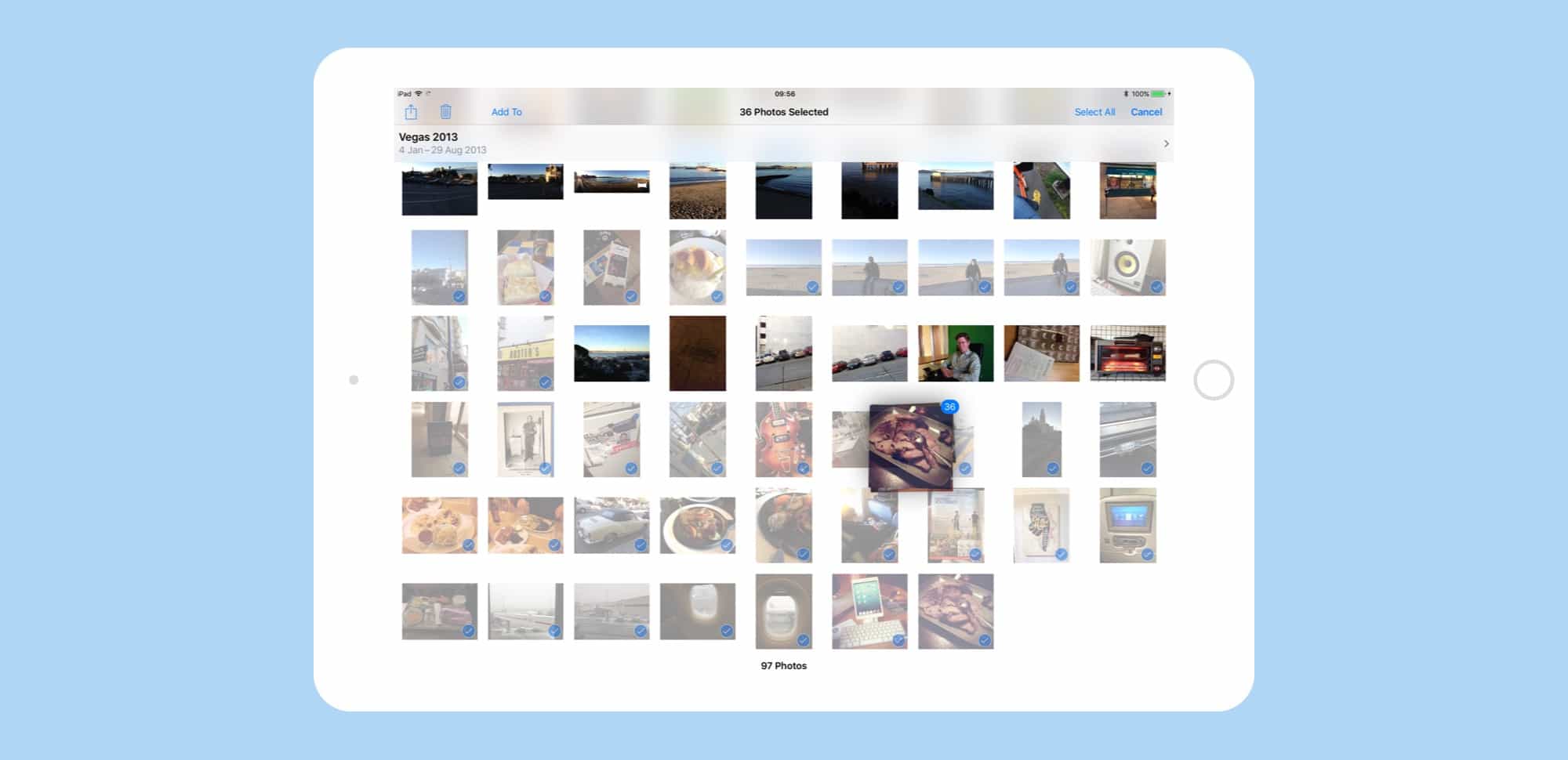
You know how to share, and how to delete photos from your iPhone and iPad, and you have no trouble selecting a bunch of photos at once in the Photos app. But what if you want to select a ton of images at a time? Tapping on each, one at a time, to enable the check mark, gets old pretty fast.

What if I told you that you could just swipe across the photos you wanted to bulk select instead? That would be be pretty great, you say? Yes it would. Let’s see how to do that.

How Apple Park is like Steve Jobs’ ill-fated NeXT Computer

By

Apple Park
Both examples of hubris on their creator's part?
Photo: Igor America

Apple Park is a physical manifestation of Steve Jobs’ undying hubris, a monument to fussy perfectionism that’s as crazy as his NeXT Computer, the not-entirely-successful computer he launched after being booted from Apple in 1985.

That’s the premise of a new Bloomberg op-ed, which draws parallels between the new Apple campus and one of Jobs’ most notorious tech launches. It’s interesting, but ultimately wrong. Here’s why.

This backpack makes lugging life light work [Review]

By

Shift Pack
The Shift Pack by Alpaka.
Photo: David Pierini/Cult of Mac

My closet floor resembles a bullpen. But instead of pitchers, it houses a rotation of backpacks and bags ready to be activated for work, day-long excursions or extended travel. Depending on the week, I could shift between four or five bags.

But when Shift Pack recently arrived for a tryout, it threatened to retire a couple of my veterans. It is a single backpack that aims to cover all the bases, work, play and travel or all at once if necessary.

How Apple made the iPhone magical, this week on The CultCast

By

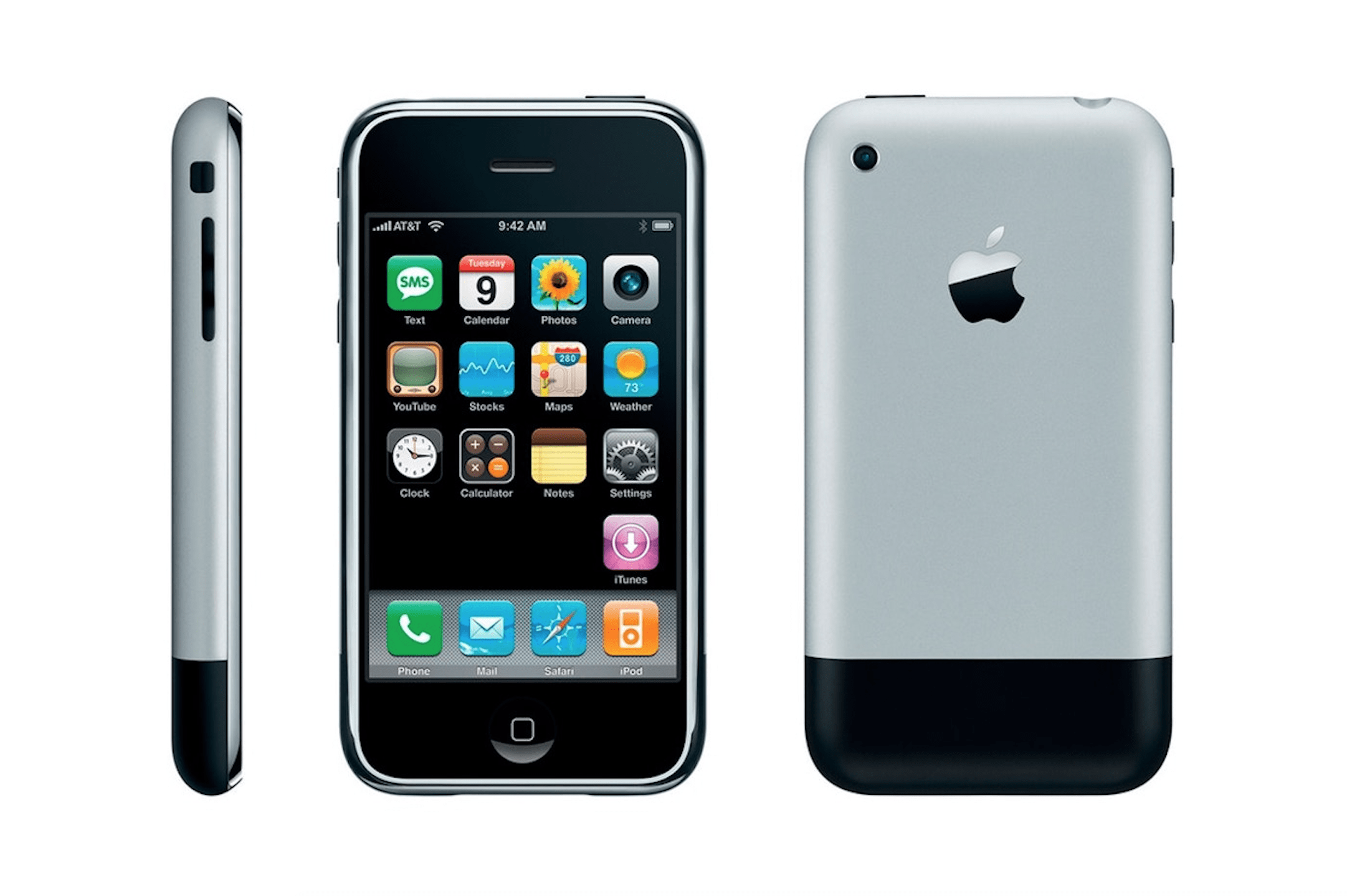
The Original iPhone
It was a thing of beauty, but the software made it magical.
Photo: Apple

It’s easy to ignore how intuitive it is to use an iPhone. But a team of designers painstakingly crafted the vast array of simple swipes and taps that give the iPhone its magic.

This week on The CultCast, we’ll tell you the stories behind inertial scrolling and Swipe to Unlock. And we’ll talk about Bas Ording, the man who brought iOS to life using the physics of our natural world.

Our thanks to Squarespace for supporting this episode. It’s simple to accept Apple Pay and sell your wares with your very own Squarespace.com website. Enter offer code CultCast at checkout to get 10 percent off any hosting plan.

Think you need pro gear for great iPhone photos? That’s fake news.

By

iPhone rig
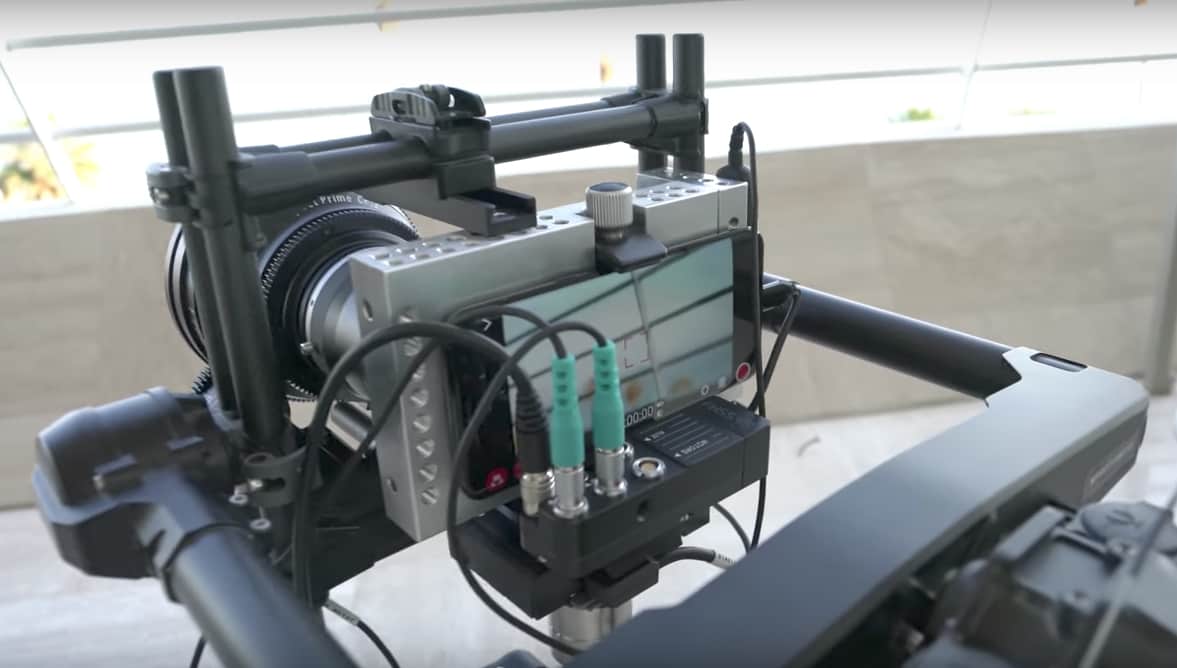
You don't necessarily need expensive gear to make a great iPhone video.
Photo: Marques Brownlee/YouTube

You can make great photos and videos with just an iPhone. There is nothing fake about that statement. Thousands of great iPhone photos appear on our camera rolls and Instagram feeds every day to prove it.

Nevertheless, a recent YouTube video suggested Apple uses more than just iPhones to create its “Shot on iPhone” commercials. The video quickly went viral. Headlines it generated sowed seeds of doubt about the authenticity of Apple’s claims.

So, are we really getting the great camera Apple says it puts in its iPhones?

How to switch off app review requests forever in iOS 11

By

review request settings
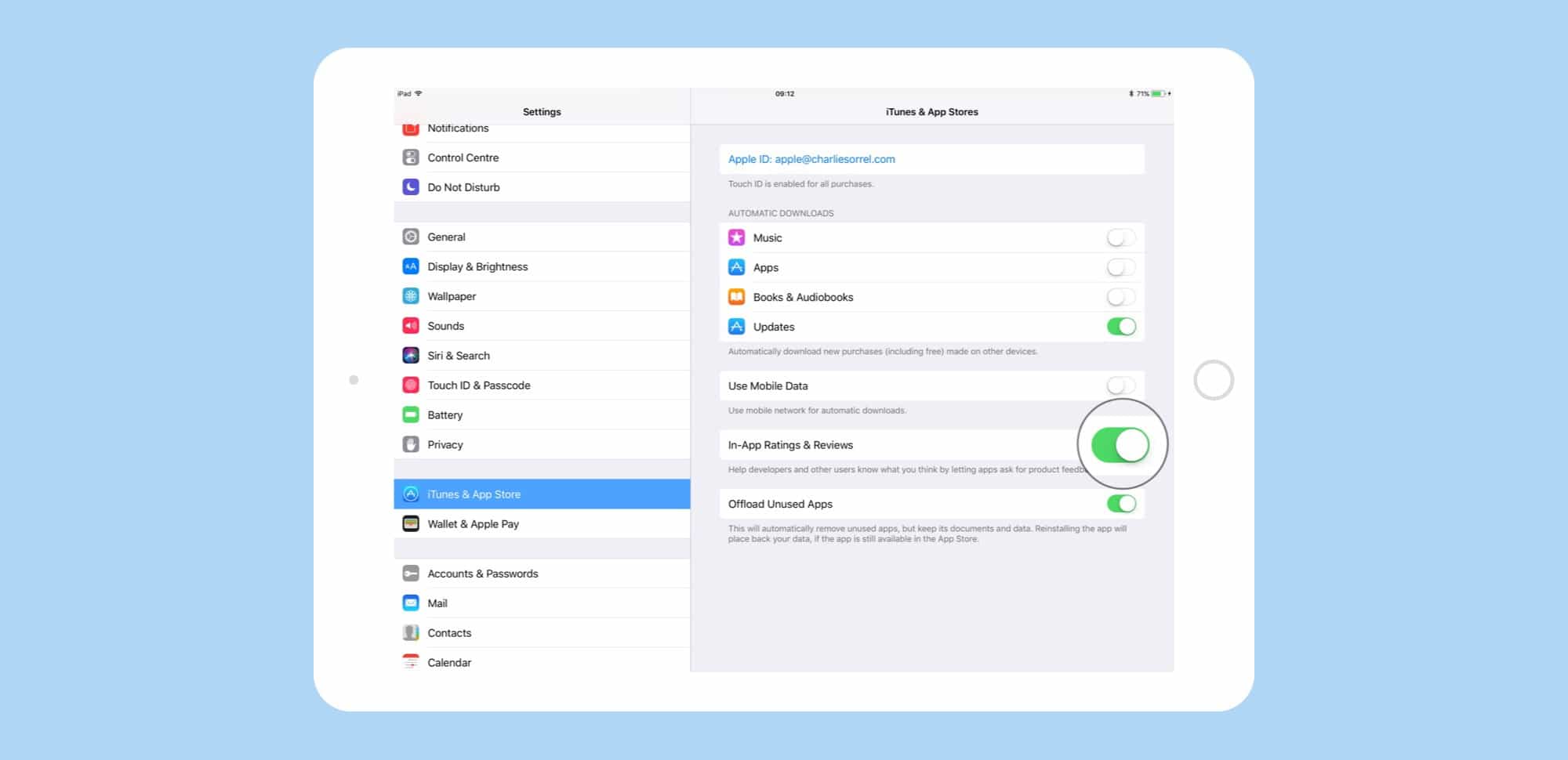
Here's how to switch of ratings prompts, but you might want to leave them on.
Photo: Cult of Mac

In iOS 11, app developers will no longer be able to beg you to rate their apps. Or rather, they will be forced to use the official new Apple rating system, which promises to be a whole lot less annoying. And one of the benefits of Apple’s built-in rating/feedback system is that you can switch off all review requests in one place, so you never have to see another pleading pop-up again.

How to use Photos’ Shared Albums for team projects

By

shared albums on iOS and mac
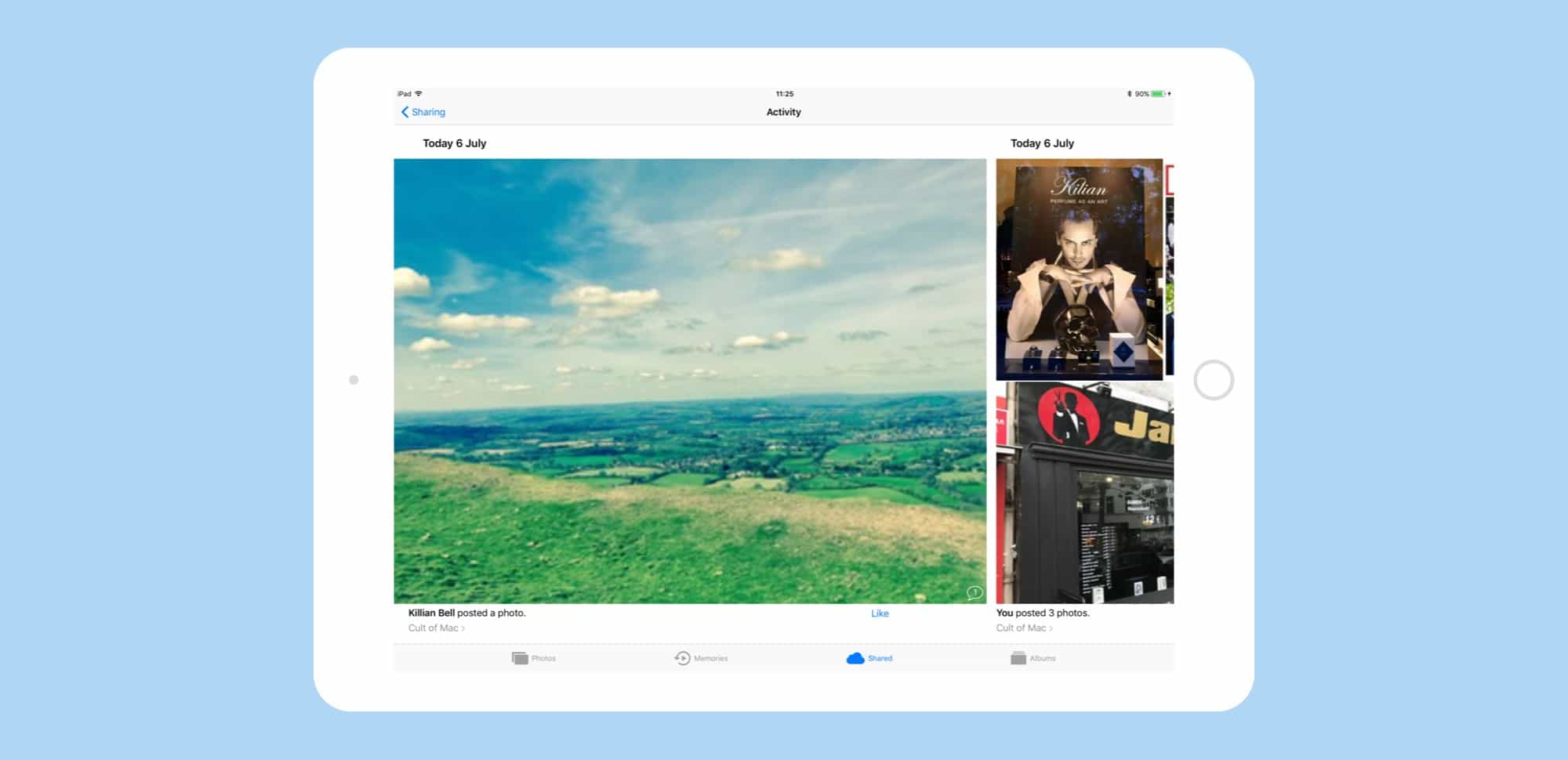
Here' our hastily-created Cult of Mac album. Imagine the productivity we're about to achieve.
Photo: Cult of Mac

The Photos app is where all your memories live, and the place you go to share photos. But did you also know that it can make a great professional tool? Any time you need a group of people to have access to the same pictures, you can use Photos, and Photo stream sharing, as a great, slick alternative to clunky collaborative tools like Pinterest. Here’s how.

Get ready mobile developers, iOS 11 is coming [Deals]

By

PRE-SALE- The Complete iOS 11 Developer Course + iOS Mastery Bundle
Developers: get on top of iOS 11 before it drops this fall, with these five comprehensive courses.
Photo: Cult of Mac Deals
We all knew this day would come. Apple will soon release their latest and greatest mobile operating system yet: iOS 11. It’s packed with updated interfaces, expanded 3D Touch and Siri functionality, drag and drop, and lots more. That means developers have a lot of cramming to do before it drops this fall.

Jailbreaking pioneers say iPhone jailbreaking is dead

By

Jay
Cydia creator Jay Freeman says he doesn't recommend jailbreaking your iPhone anymore.
Photo: Jim Merithew/Cult of Mac

It’s been months since the last iOS 10 jailbreak has been released. And according to the guys that originally made jailbreaking a huge craze, you shouldn’t get your hopes up about jailbreaking your iPhone ever again.

In fact, even if you could jailbreak iOS 10, Jay Freeman — the guy who invented Cydia, which was the App Store before the App Store was the App Store — says he doesn’t recommend it.

Jailbreaking is officially dead.

Suit of the future, first automatic toothbrush and more [Crowdfund Roundup]

By

Amabrush
The world's first automatic toothbrush.
Photo: Amabrush

Crowdfund Roundup bugDid you know that you’ll waste 108 days in your lifetime just brushing your teeth? But not with Amabrush, the world’s first automatic toothbrush, which promises to give you an even better clean in just ten seconds!

It’s one of the awesome ideas in this week’s Crowdfund Roundup. We also have the last suit you’ll ever need, a sticker that lets your MacBook’s trackpad do more, and a robot that will pull your weeds!

How to customize Favorites in Safari on Mac, iPhone, and iPad

By

safari favorites
Look closely, and you'll see that the bookmarks bar and the Favorites have different sites.
Photo: Cult of Mac

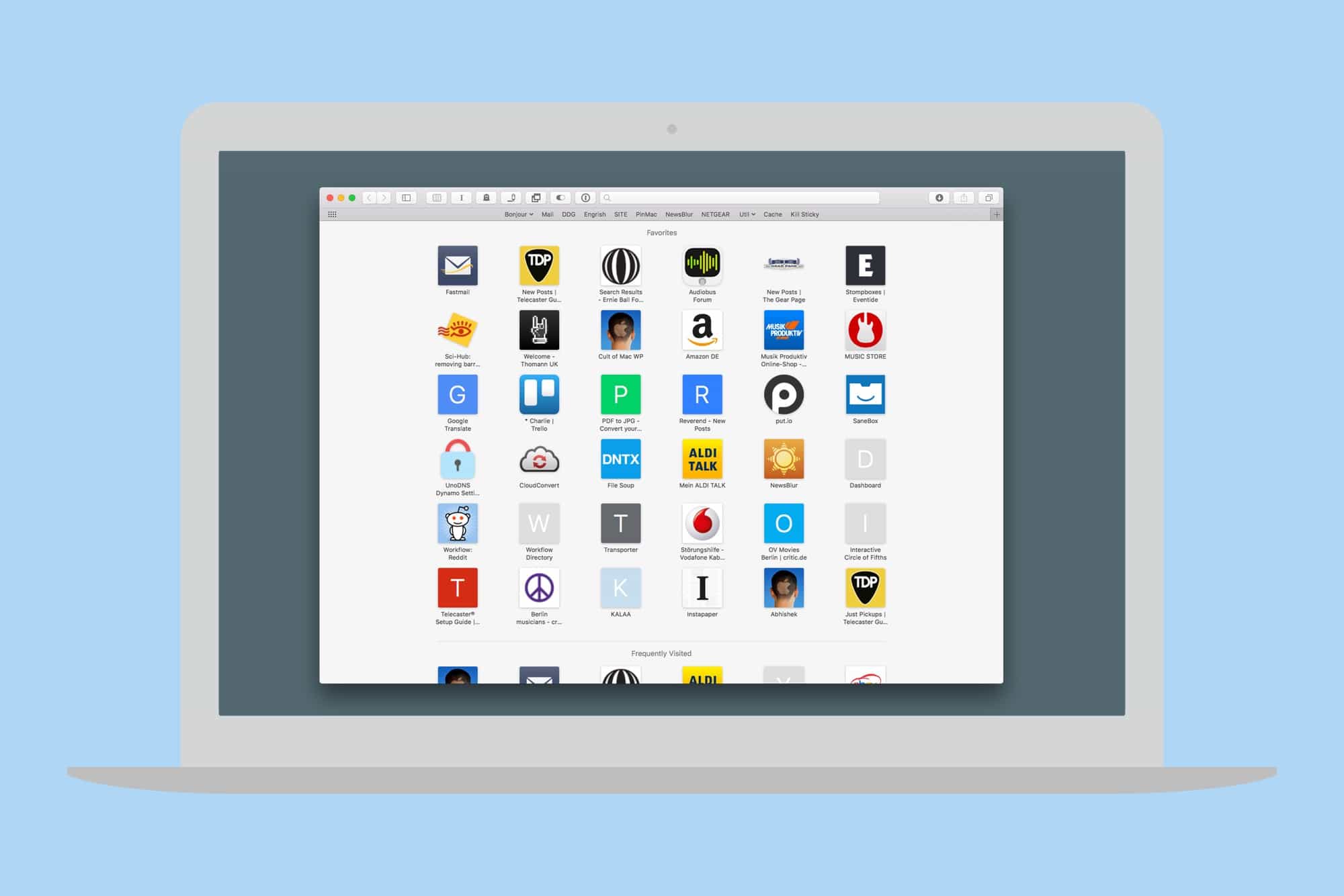
Whenever you open a new window or tab in Safari, you’ll see a view showing a grid of your favorite sites. But what if those Favorites aren’t actually your favorites? What if the default Favorites are useless to you, and you want to have a different set of sites appear in a new tab instead?

That’s why were here today. We’ll see how to customize the Safari Favorites in both iOS and macOS, while leaving everything else, like the bookmarks bar, intact.

How to save Apple Music’s auto-updating playlists forever

By

music launcher playlists
Grab Apple Music's ever-changing playlists and keep them forever, like a butterfly pinned to a board and kept in a locked drawer.
Photo: Cult of Mac

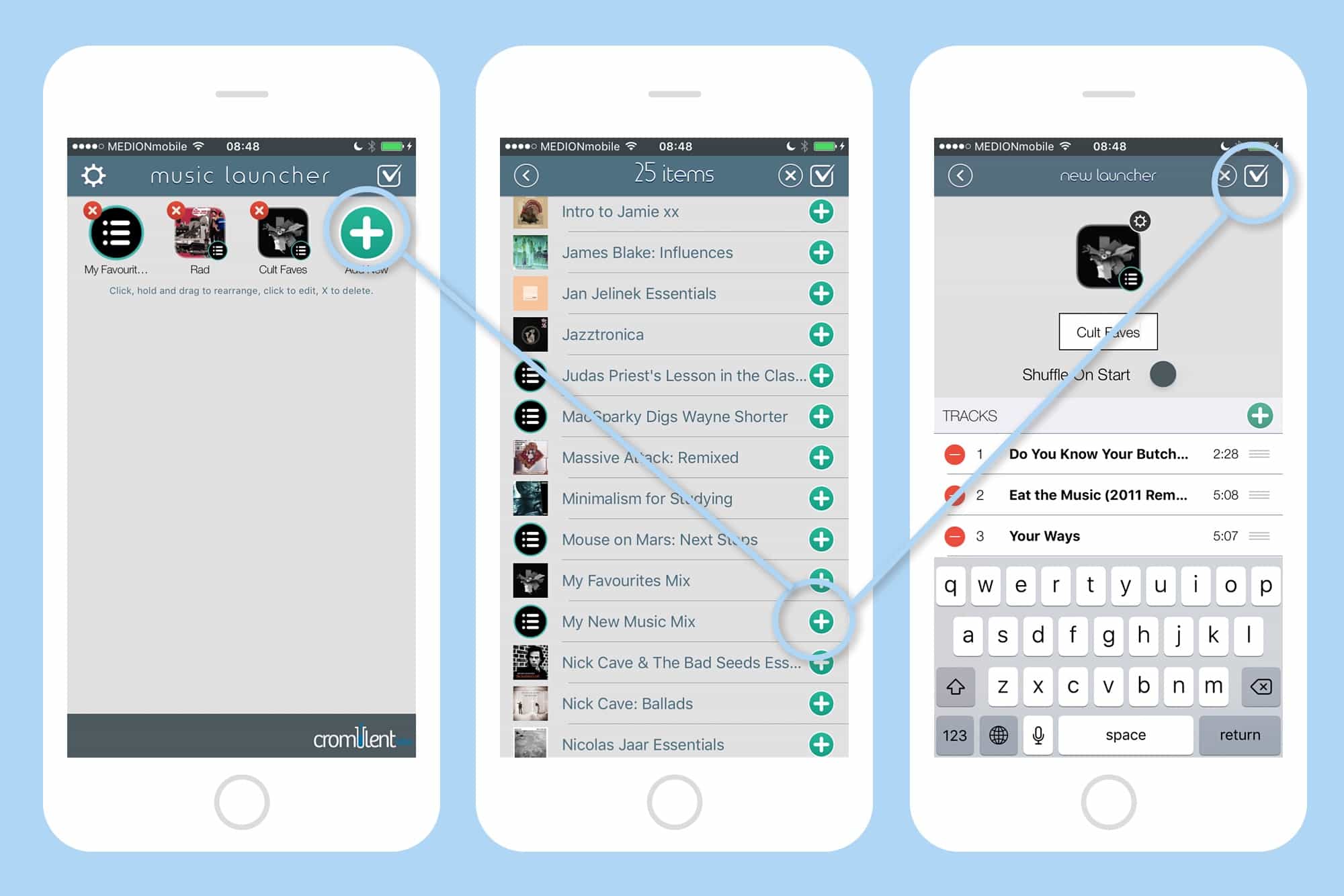
One of the neatest features in Apple Music is the For You tab. Specifically, the New Music Mix and My Favorites Mix playlists, which update every week with a whole new set of songs. But what if you dig one of these playlists so much that you want to save it? You can’t. Or at least you can’t unless you use an app like Music Launcher, which has a great kinda-hidden feature that saves Apple’s transient playlists in a permanent form.

Seamlessly download and copy YouTube videos to iPad

By

softorino youtube converter
Once you've got YouTube Converter set up, you almost don't need to go near the actual app to get your video conversions done.
Photo: Softorino

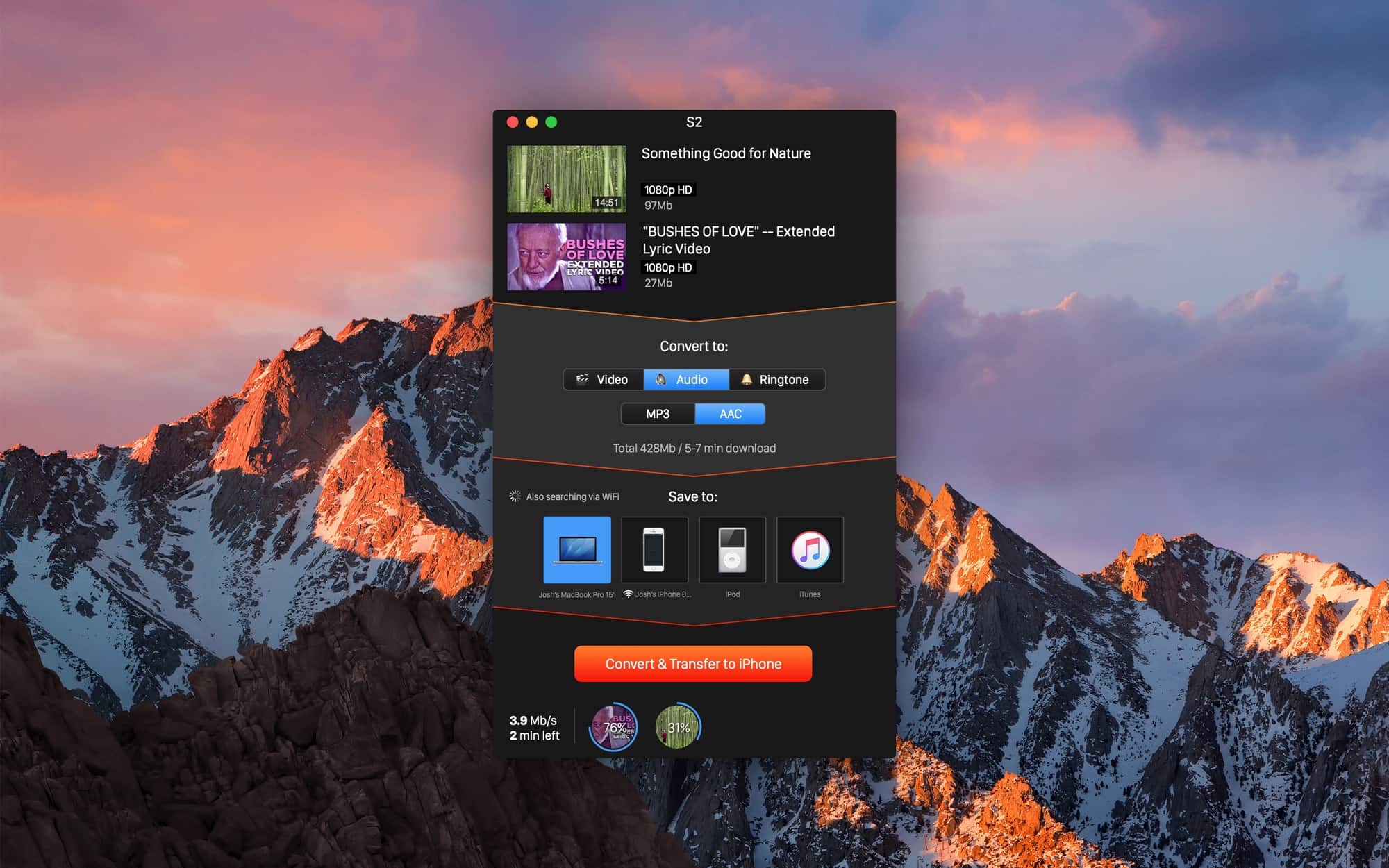
If you ever need to get a video off YouTube and onto your iPad or iPhone, then Softorino’s YouTube Converter 3 should be an insta-buy. It’s a $20 Mac app that grabs YouTube videos, converts them to a Mac- or iOS-friendly format, and then sends those videos wirelessly to your device. I’ve tried it out quickly and it’s actually even easier than it sounds.

How to use Siri Translate in iOS 11

By

siri translate hero
Siri will answer you, no matter how stupid your question.
Photo: Cult of Mac

Siri translation seems like the most obvious thing in the world. You probably already asked him/her the meaning of a foreign word, or how to say an English phrase in another language. Under iOS 11, though, this will actually work.

All you have to do is to ask Siri how to say something, and s/he will respond with an answer. Even better, you can use Type to Siri to make the query, which may come in handy when you’re in a line at the market and you don’t want to start talking into your iPhone.

Apple gear looks impossibly cool in classic movies

By

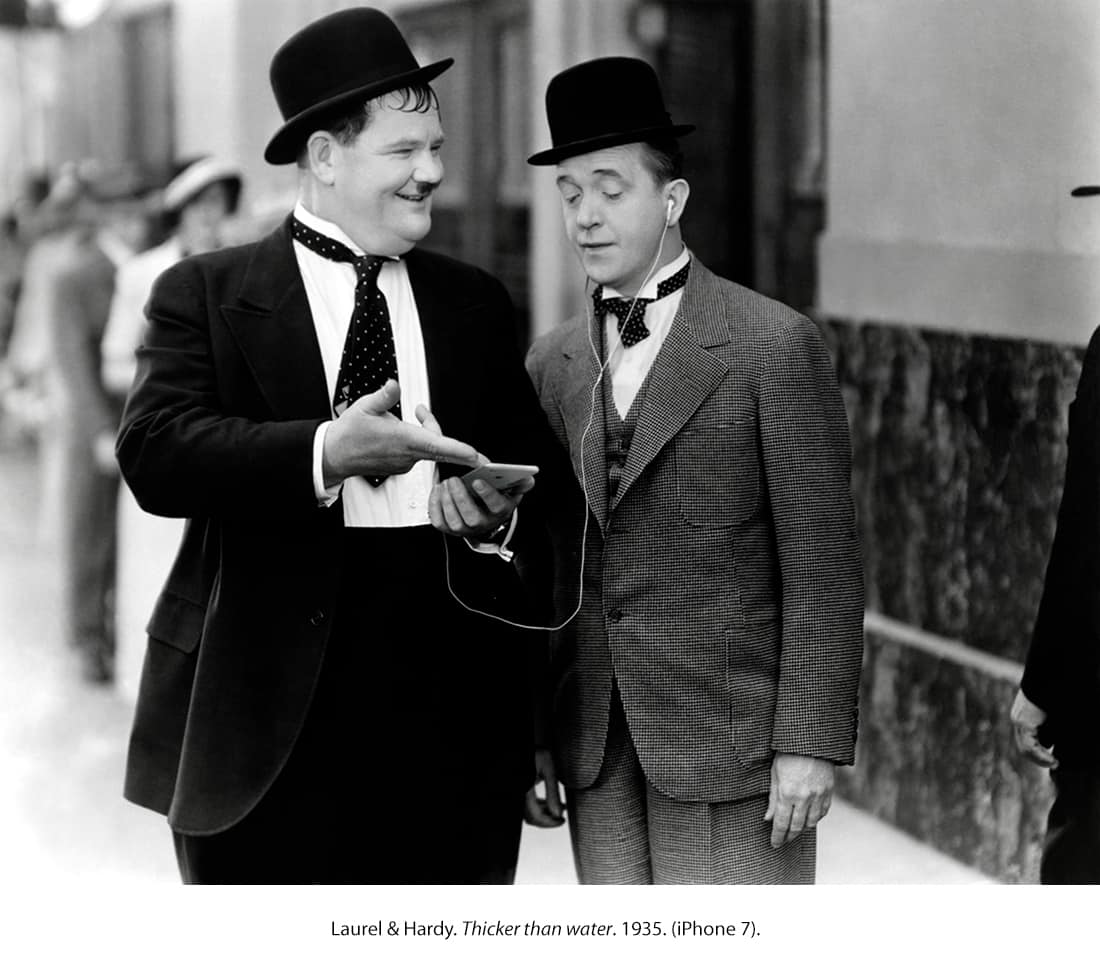
Laurel and Hardy
Laurel and Hardy using an iPhone is a crazy sight.
Photo: Pablo Larrocha

Remember the time Laurel and Hardy rocked an iPhone in one of their movies? Or when Audrey Hepburn and Julie Andrews used one of Apple’s handsets to snap a selfie at the 1965 Oscars?

Obviously such scenes can’t be real — but that’s not stopped a bunch of 2017-era Apple gear showing up in classic movies, thanks to one Apple fan’s work.

You’ll have to pay extra to enjoy iPhone 8’s wireless charging

By

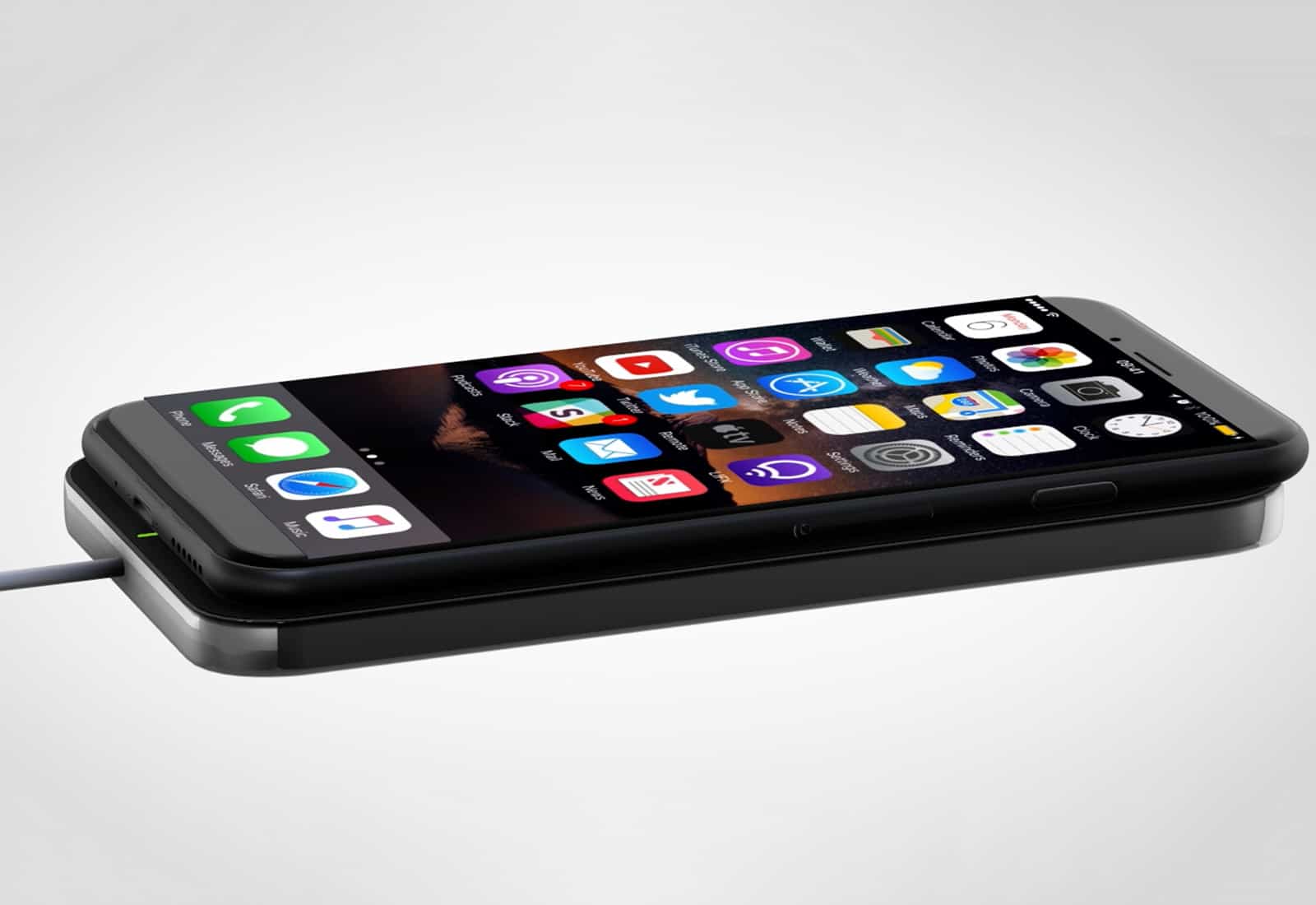
iPhone 8 wireless charging
We may have to wait for an update to activate wireless charging.
Photo: Ste Smith/Cult of Mac

iPhone 8 will finally bring wireless charging, according to one reliable analyst — but you’ll have to pay extra to enjoy it.

Although Qi charging technology is expected to be baked into every model as standard, iPhone 8 will not ship with the required charging pad.

Samsung will fight HomePod with Bixby smart speaker

By

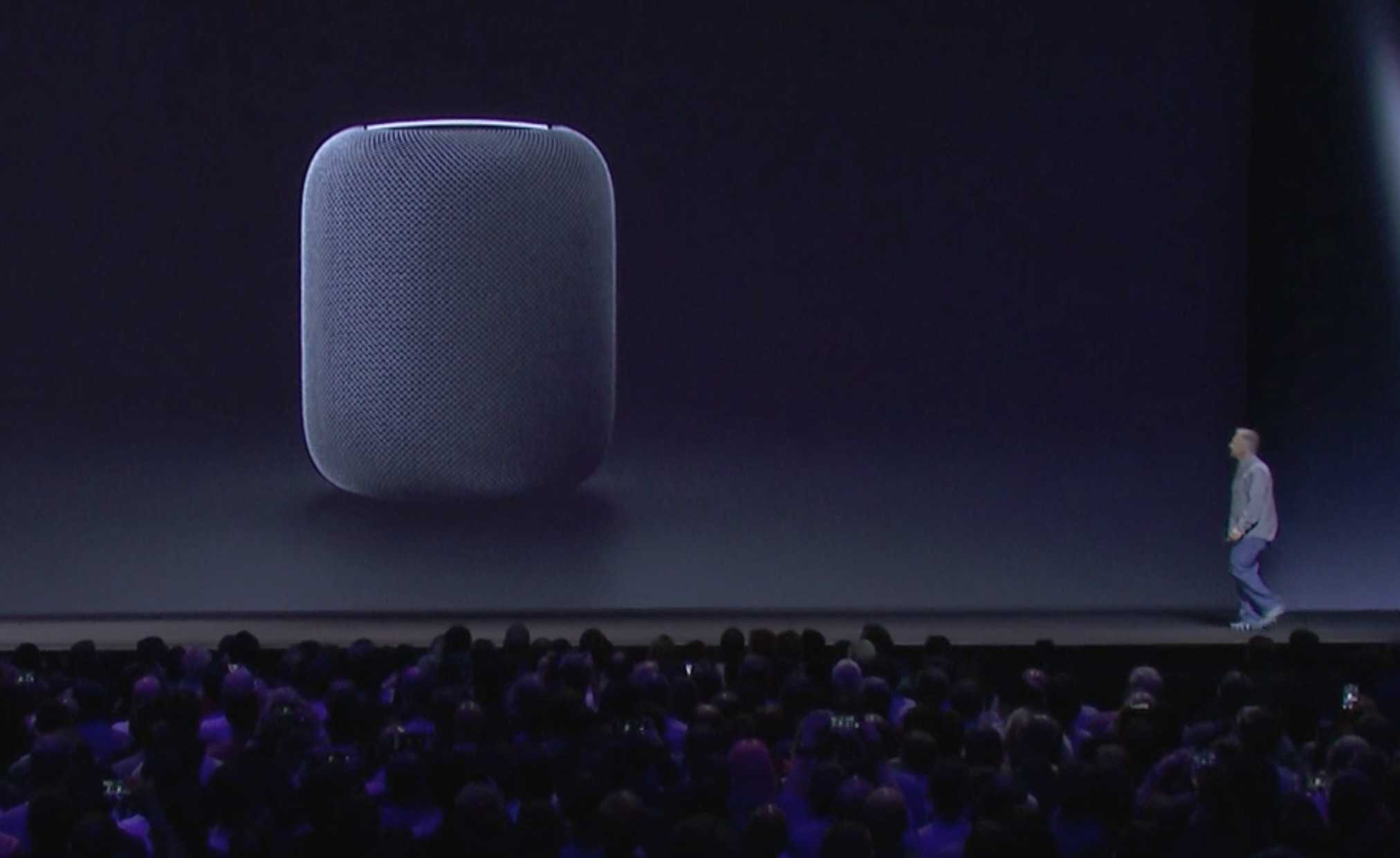
Phil Schiller gives the world a sneak peek at the HomePod during WWDC 2017.
We'd love to see Apple lavish some more attention on the HomePod.
Photo: Apple

There isn’t an Apple product Samsung doesn’t have an answer to, so it’s not surprising to hear the South Korean company is developing its own HomePod rival.

It will be powered by Bixby, the Galaxy S8’s new virtual assistant, but it’s likely to be a while before it’s ready to hit the market.