Mobile menu toggle

Top stories - page 552

Lose cable, but not your shows, with this cord-cutter megabundle [Deals]

By

The Ultimate Cord Cutting Kit Subscriptions
Cutting your cable doesn't have to mean less content, with access to the world's largest entertainment library.
Photo: Cult of Mac Deals

With the explosion of content over the last few years, cord cutting is sweeping the country. In comparison to wired alternatives, digital options cost less but offer just as much content — along with a few bonuses.

We’ve got a bundle that’s loaded for the cable-weary. And right now, you can get a year of the Ultimate Cord Cutting Kit Subscriptions for just $19.99.

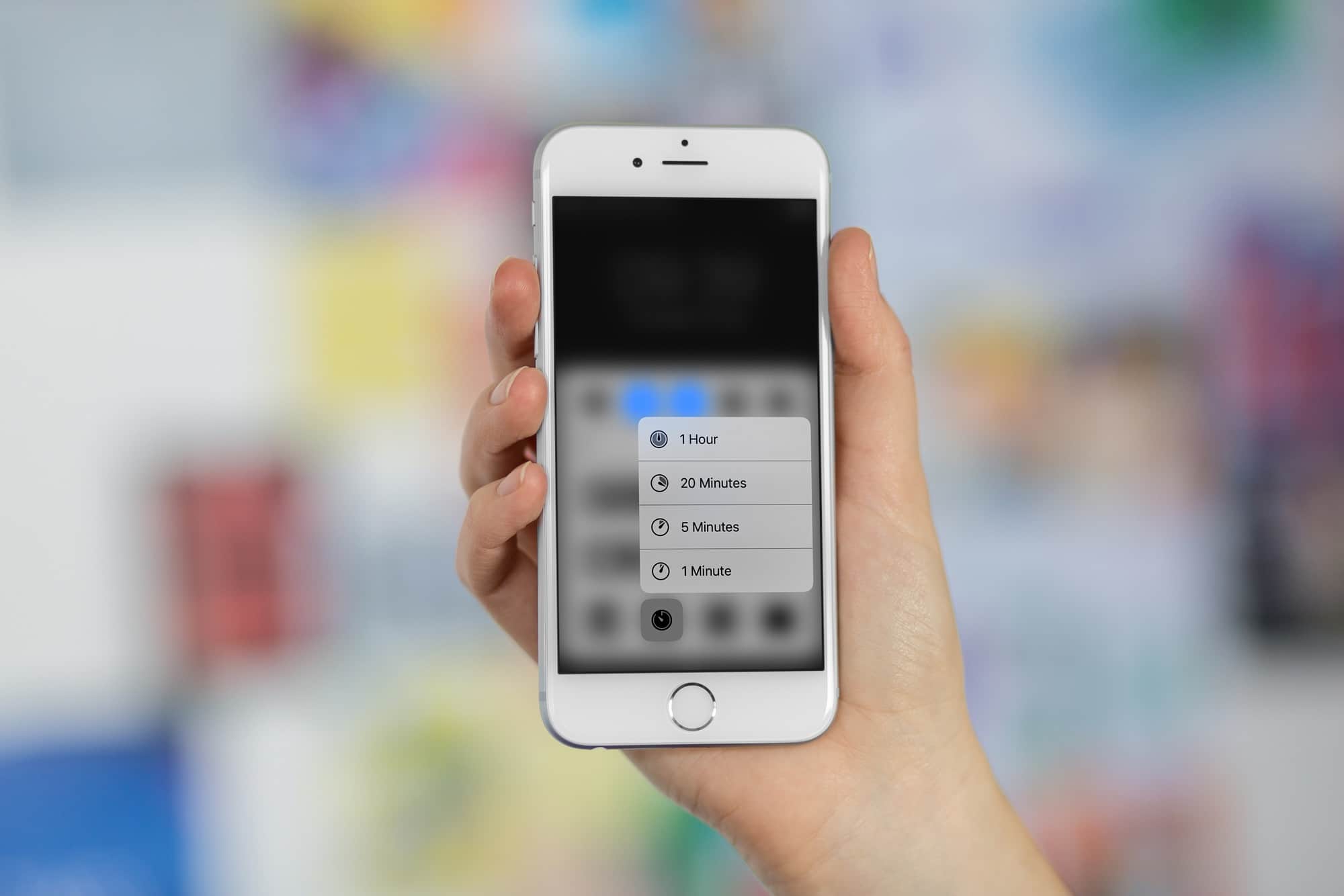
Quick tip: Using the awesome new iOS 11 Timer widget

By

timer iOS 11
The old timer is lame compared to the new one in iOS 11.
Photo: Cult of Mac

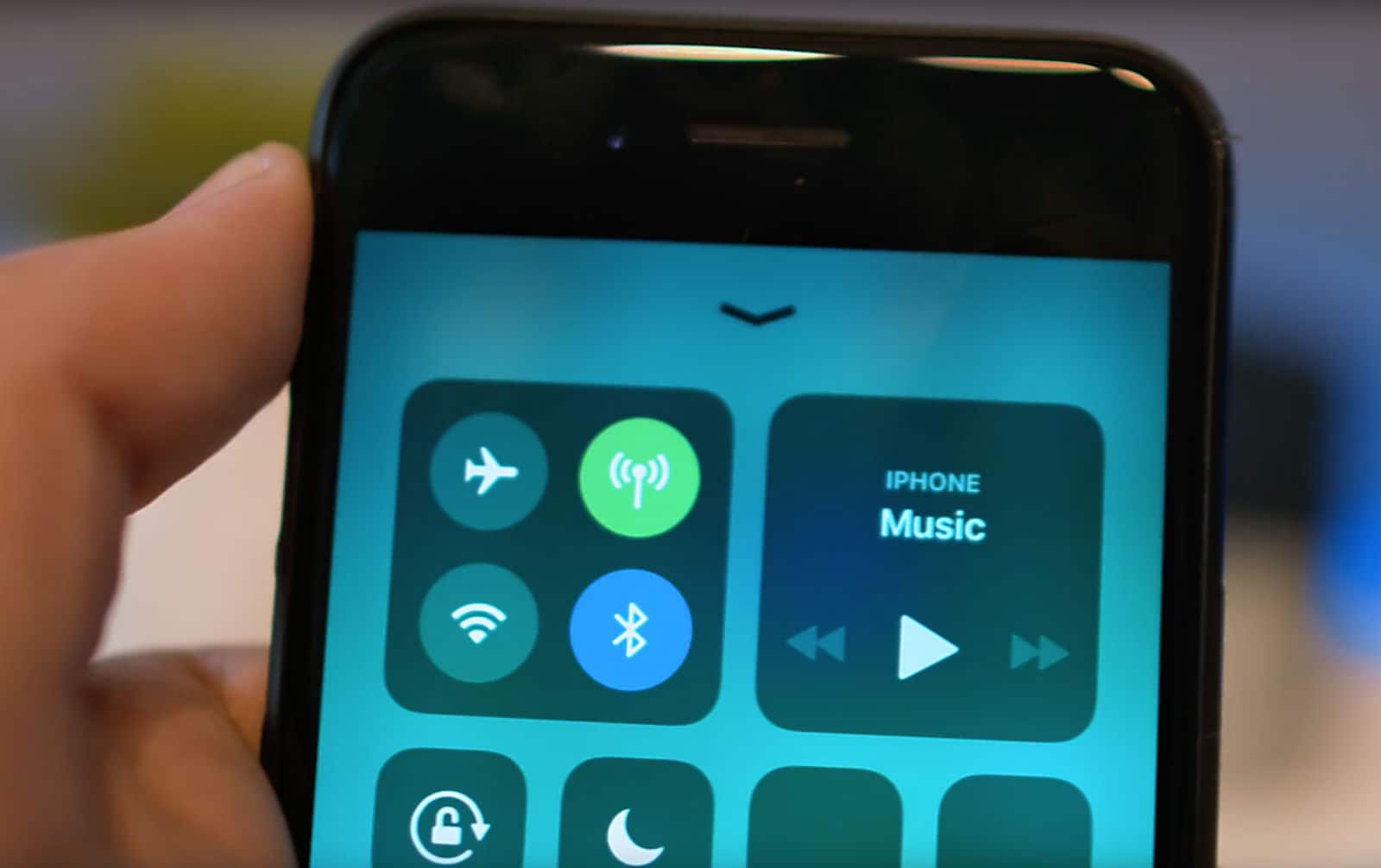
betaIf you’re using iOS 10 in an iPhone with 3D Touch, you can press on the timer widget in Control Center and pick from one of the preset timer shortcuts. In iOS 11, on the other hand, you get a full-featured, interactive timer widget that you can adjust, pause, and resume, all without ever launching the actual clock app. Let’s see it in action.

How to use your Mac’s screen as an Apple TV

By

reflector 2 mac
Beaming video from a 13-inch iPad to a 10-inch MacBook mightn't be smart, but it is possible.
Photo: Madebyvadim

You have a big 27-inch iMac sitting on the desk in the corner of your living room office, and yet you’re over there on the couch watching a movies on your iPhone or iPad. Wouldn’t it be great if you could beam one to the other, like sending video from an iPhone to an Apple TV? The good news is that you totally can, just by installing an app on your Mac. There are several available, but today we’ll use my favorite, Reflector.

These accessories make the grade, and you can win them [Top Tech Under $100]

By

top tech
Leather cases, charging cables, expansion cards and more in this
Photo: Ste Smith/Cult of Mac

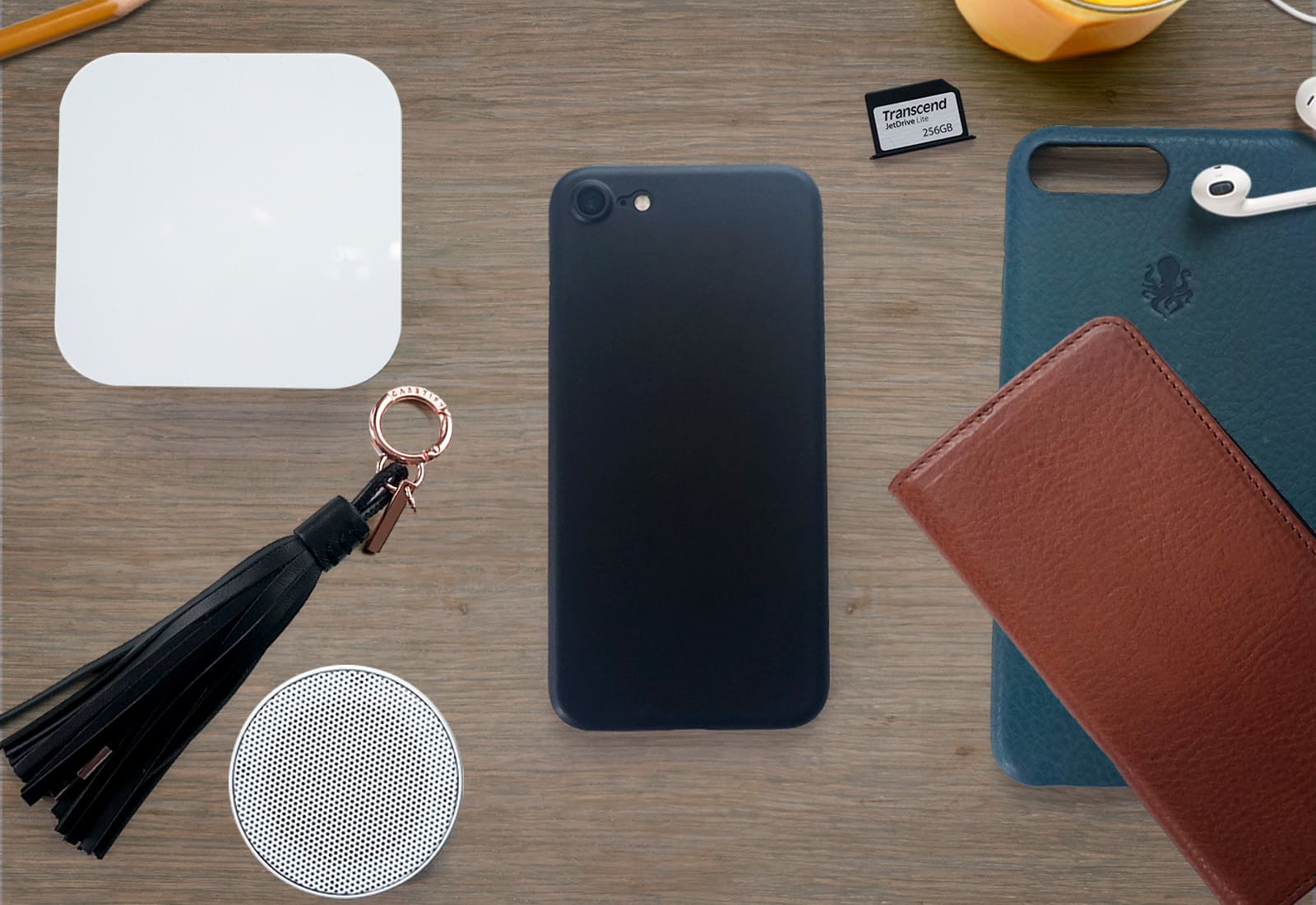
Welcome to Top Tech under $100. Each month, Cult of Mac rounds up some of the best tech products and accessories we come across that cost less than a C-note. This month we’ve got cases, MacBook expansion cards, tech for sleep and much more. Check out the video below to see this month’s selections — and don’t forget to enter our giveaway!

MapMyRun has some catching up to do [Runner’s Week: Day 5]

By

Runner's Week Day 5 - MapMyRun
MapMyRun still lacks support for Series 2 built-in GPS
Photo: Graham Bower/Cult of Mac

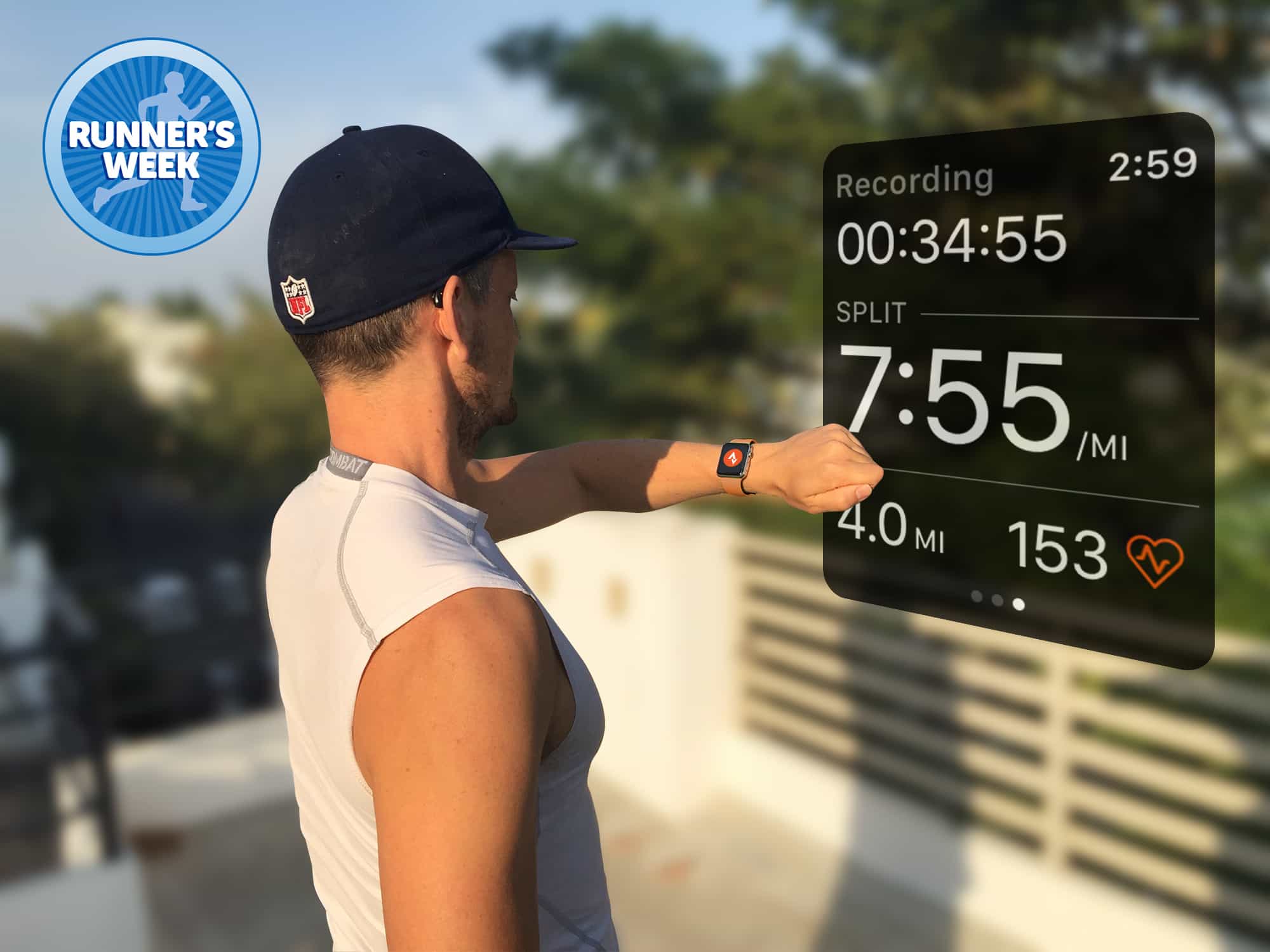
Runner's Week It’s Runner’s Week at Cult of Mac. Every day this week, I’m reviewing a different running app for Apple Watch in an effort to help you decide which one you want to accompany you on your sweaty asphalt-pounding sessions.

Yesterday I reviewed Runtastic. Today, it’s MapMyRun’s turn.

His eye and iPhone reveal shapes of San Francisco

By

Burton Rast iPhone photos
Unpainted Ladies from Burton Rast's Shapes of San Francisco.
Photo: Burton Rast

Burton Rast had his first look at San Francisco 20 years ago and wondered aloud to a friend if it was possible to photograph one of the world’s most photographed cities in a new way.

With his iPhone 6s and some creative tweaking of the pictures in Adobe Lightroom Mobile, Rast has succeeded in producing a unique view of the city’s iconic architectural landmarks.

HoudahSpot steps in where search comes up short [Deals]

By

HoudahSpot 4- Family License
When Search and Spotlight don't cut it, HoudahSpot digs deep into files and folders to get what you're looking for.
Photo: Cult of Mac Deals

Where would we Mac users be without Search and Spotlight functions? Well sometimes the answer is: right where we started. Unfortunately, Search isn’t always the best way to get at the files and folders we’re really looking for.

iPhone 8 shipping estimates slashed amid delay concerns

By

iPhone leak
TSMC has ramped up production for a September launch.
Photo: Ste Smith/Cult of Mac

Shipping estimates for the iPhone 8 have been slashed by one firm amid concerns that the device could be delayed by up to a month.

Following a trip to Apple suppliers, Bank of America Merrill Lynch analysts blamed delays on “technological issues” related to the handset’s fingerprint scanner and 3D facial recognition sensors.

How to find out everything about your photos with Exify

By

exify iPhone
If Exify can't tell you about it, you don't need to know it.
Photo: Charlie Sorrel/Cult of Mac

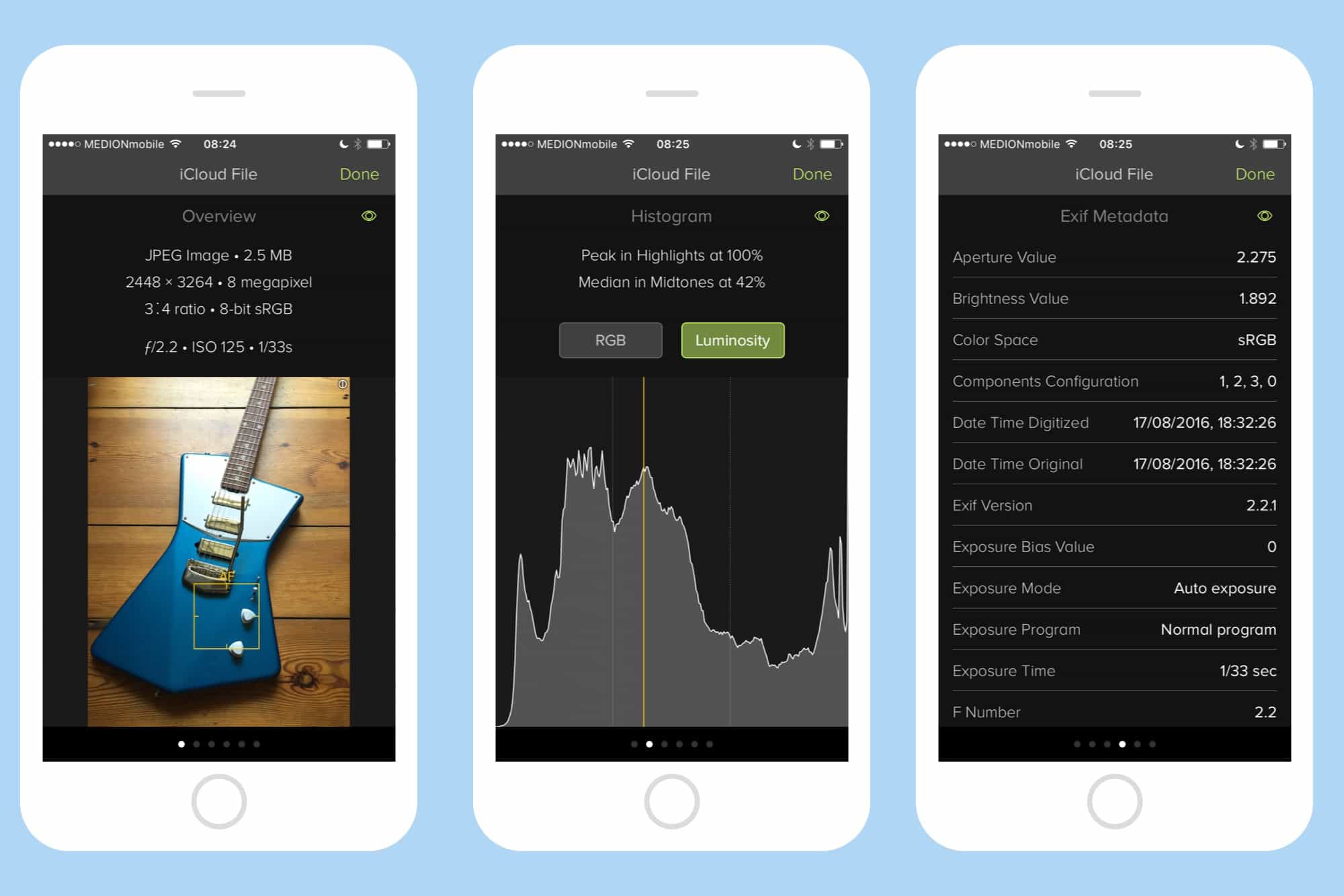
Pick a photo on your iPhone. Any photo. Can you tell me where and when you took it? Of course — that’s easy. But can you tell me the shutter speed of that photo? What about your elevation when you took it? Could you show me a histogram of the photo’s exposure? If you have Icon Factory’s Exify installed, then the answer is “Yes.” You can get to all that info, and a whole lot more, with a couple of taps.

Runtastic running app squanders an early lead [Runner’s Week: Day 4]

By

Runtastic running app uses color to show the intensity of your workout.
The Runtastic running app uses color to show the intensity of your workout.
Photo: Graham Bower/Cult of Mac

Runner's Week It’s Runner’s Week at Cult of Mac. Every day this week, I’m reviewing a different running app for Apple Watch in an effort to help you decide which one belongs on your wrist to log all your sweaty miles.

Yesterday I reviewed Strava. Today, it’s Runtastic’s turn.

These iPhone storage gadgets are perfect for data hogs [Review]

By

iPhone storage
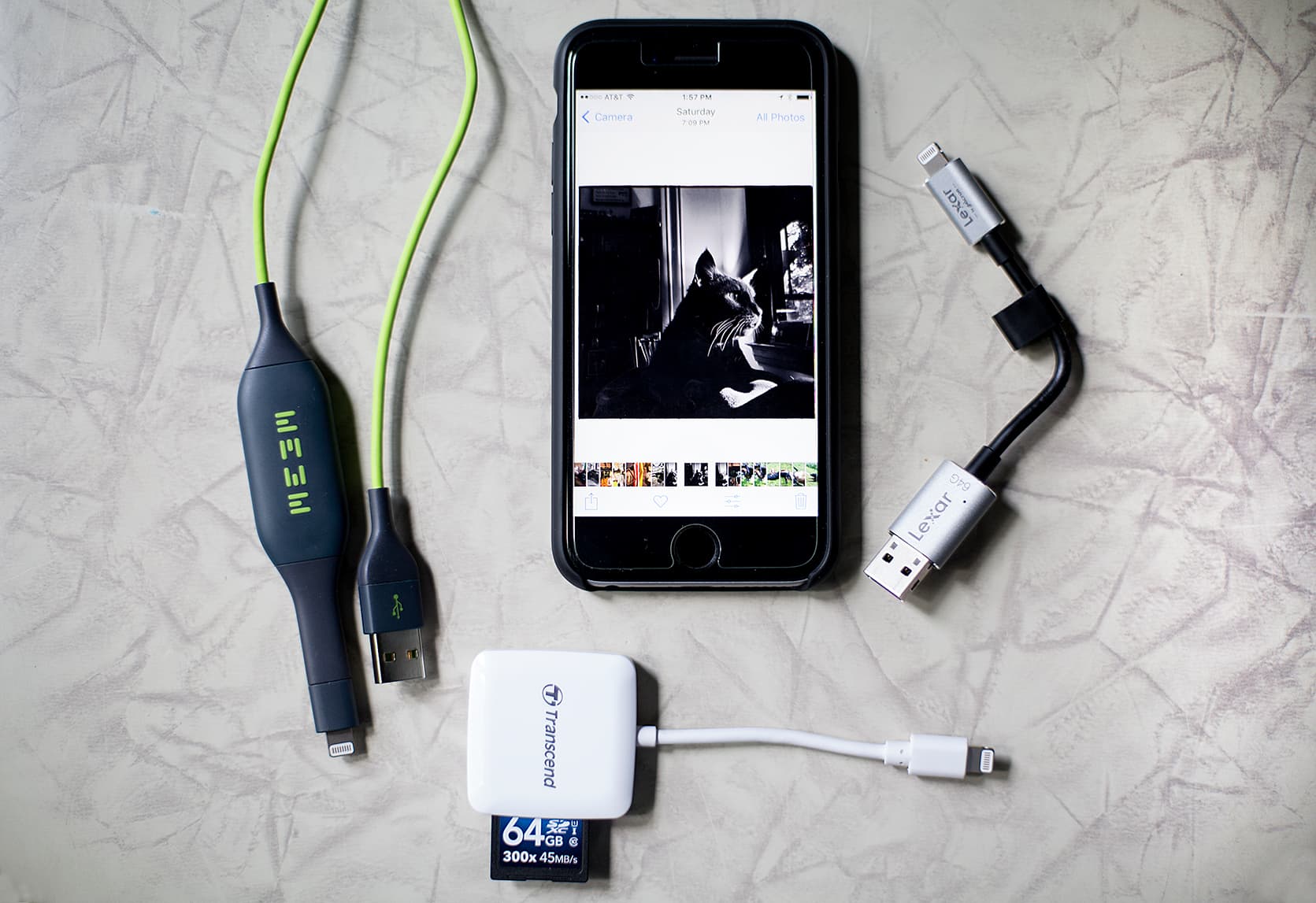
Three great gadgets with different ways to back up your iPhone files.
Photo: David Pierini/Cult of Mac

A friend emailed me with an iPhone crisis. The storage capacity on her iPhone 6 was full and she was unable to shoot pictures or videos. She needed space fast.

I walked her through the steps on how to purchase additional space on iCloud. But I also said I had a few devices that plug into the phone and allow her to quickly offload their data. She asked that I stand by.

Learn to make the most of your camera [Deals]

By

Photography Masterclass Bundle
This bundle of lessons teaches how to capture and edit digital photos at a professional level.
Photo: Cult of Mac Deals

So you’ve finally invested in a proper DSLR camera. Now, to figure out what all these buttons do. Even if you’re keen with a camera, you’ll need the software skills for making the most out of digital photos.

iPhone 8’s biggest features could be disabled at launch

By

iPhone 8 wireless charging
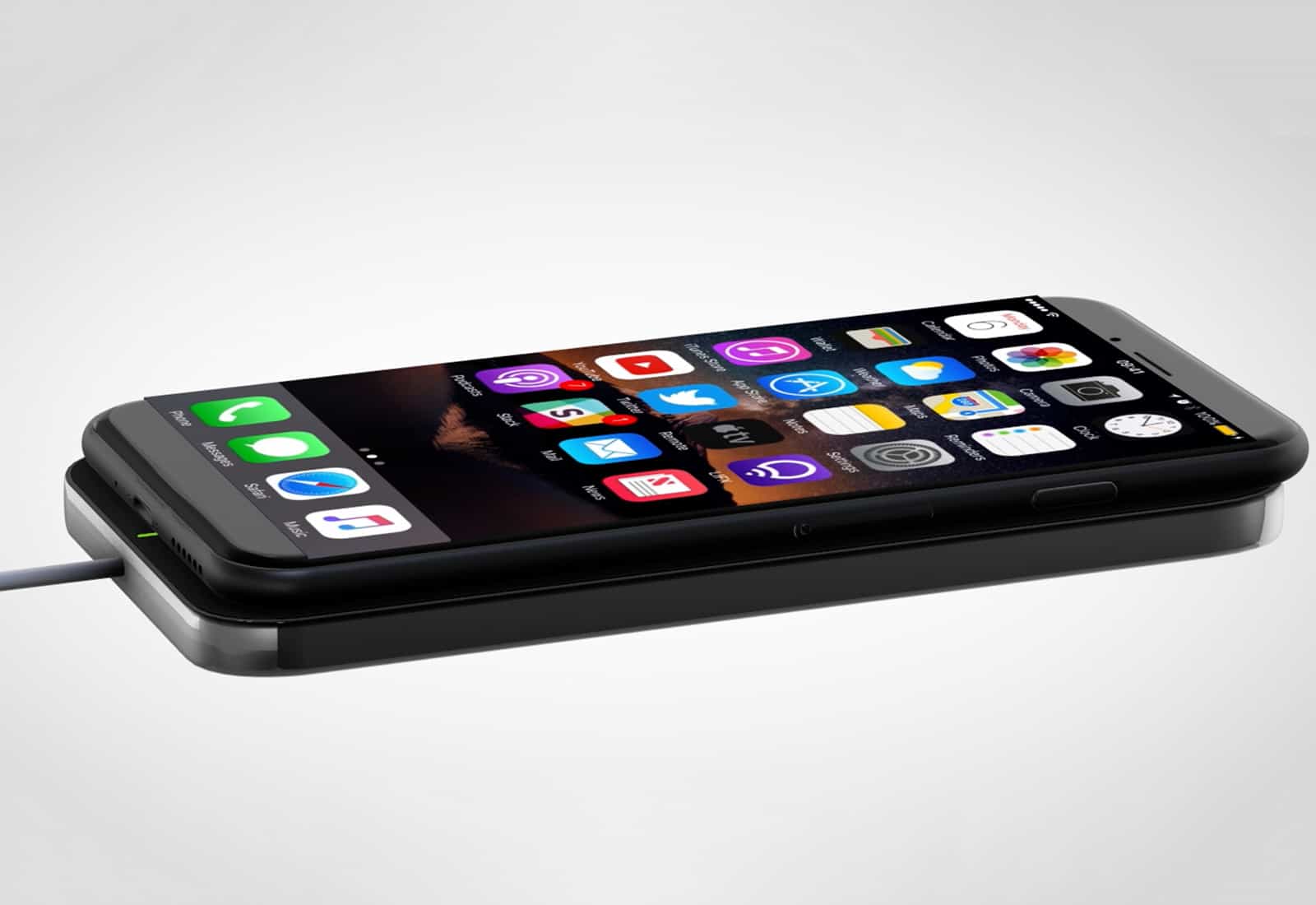
We may have to wait for an update to activate wireless charging.
Photo: Ste Smith/Cult of Mac

Some of the iPhone 8’s biggest new features could be disabled when the handset makes its debut this September.

A new report claims Apple is struggling to iron out software issues that are rendering wireless charging and another major feature unusable for now.

Apple brings PayPal support to App Store and iTunes

By

PayPal iTunes
It's now even easier to pay for iTunes purchases.
Photo: PayPal

You can now pay for App Store, iTunes, and Apple Music purchases using PayPal.

The new payment option is already available in Canada and Mexico, and will make its way to the U.S. and other countries “soon.”

How to add new Faces to Photos in iOS 11

By

iOS 11 faces
Adding Faces is even easier in iOS 11.
Photo: Charlie Sorrel/Cult of Mac

If you’re using the iOS 11 beta, you may be enjoying the new Faces and Memories features in the Photos app. But, even while the facial recognition has improved, Photos has lost the ability to recognize new people. If you look in the People album, you’ll see that Add People button has gone. How, then, do you add new faces to your library? Fear not — it’s still easy, although a little less obvious.

Head-up display gives any car a fighter-jet feel [Deals]

By

Hudway Glass Display
Get valuable trip info and a fighter pilot vibe all at once with this HUD for your car.
Photo: Cult of Mac Deals

Driving comes closest to the feeling of being a pilot that most of us will ever get. Given the way most people handle a car, that’s probably a good thing. But one simple way to safely bring the sense of a cockpit to the driver’s seat is to add a proper head-up display (HUD).

Replace Photobucket sharing with this automatic Dropbox action

By

workflow dropbox photo bucket
Workflow makes short work of rolling your own image-hosting service.
Photo: Cult of Mac

Imagine if an almost 15-year-old image hosting company suddenly decided to deactivate all the links to the photos you had stored there. That’s exactly what happened last week, when Photobucket cut all “hot-linked” — or embedded — images, and insisted that users pony up $400 per year to get them back. That’s a big deal, because Photobucket images power much of the web. It’s not used only for posting images to forums, but to put images on Amazon store pages, and eBay listings.

Few of the folks affected by this are going to pay the ransom to get their photo links back, so the web will be littered with Photobucket placeholders reminding people of this fiasco for years to come. We can’t help with that, but we can offer a great alternative to Photobucket. Today we’ll see how to upload a photo to Dropbox and grab its direct link automatically, so you can use the image on any website you like.

Little Snitch keeps Mac apps from going rogue

By

little snitch network map view
It sounds impossible, but Little Snitch 4 makes network security fun.
Photo: Objective Development

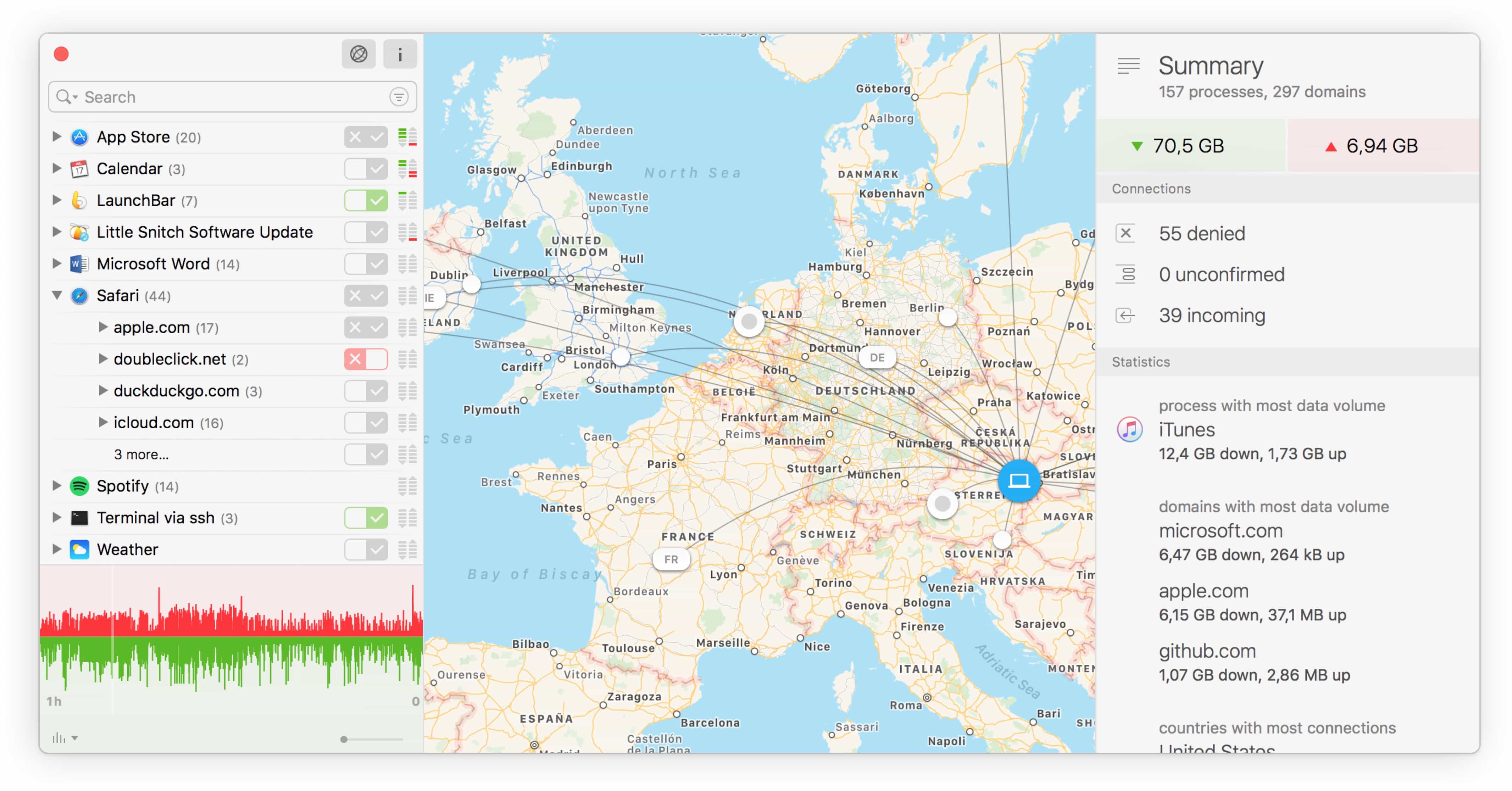
Little Snitch, from the maker of the sublime LaunchBar, just got updated with a new Silent Mode that makes the app about a million times better to use, especially the first time you install it. Little Snitch is a network monitor that tattles on every other bit of software on your Mac, telling you when an app connects to outside servers.

That’s pretty much its only function, but Little Snitch Version 4 packs a ton of neat touches that tell you everything about how your Mac is connecting to the outside world. I’ve been using it for the past week or so, and it makes keeping your Mac safe far less annoying.

Runkeeper app brings innovation and minor glitches [Runner’s Week: Day 2]

By

Runkeeper is one of the best running apps for Apple Watch, but it's not quite perfect.
One of the most innovative running apps for Apple Watch, Runkeeper is not quite perfect.
Image: Graham Bower/Cult of Mac

Runner's Week Choosing an Apple Watch running app can prove exhausting. So let Cult of Mac Runner’s Week help get you off the starting blocks.

Every day this week, I’ll review a different running app for Apple Watch. Yesterday I reviewed Nike+ Run Club. Today, it’s Runkeeper’s turn.