Mobile menu toggle

Top stories - page 551

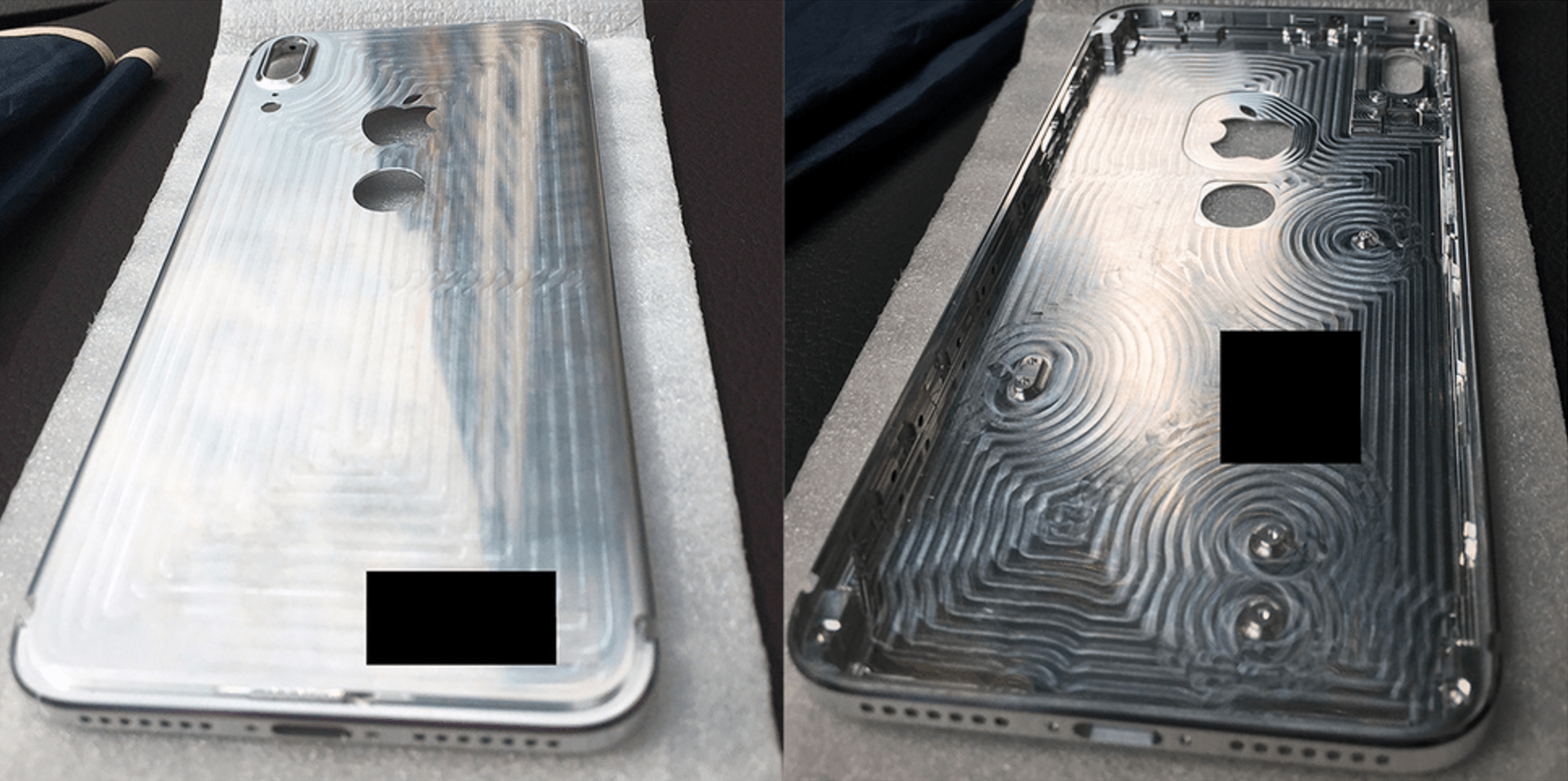
iPhone 8’s Touch ID returns to the back in new leak

By

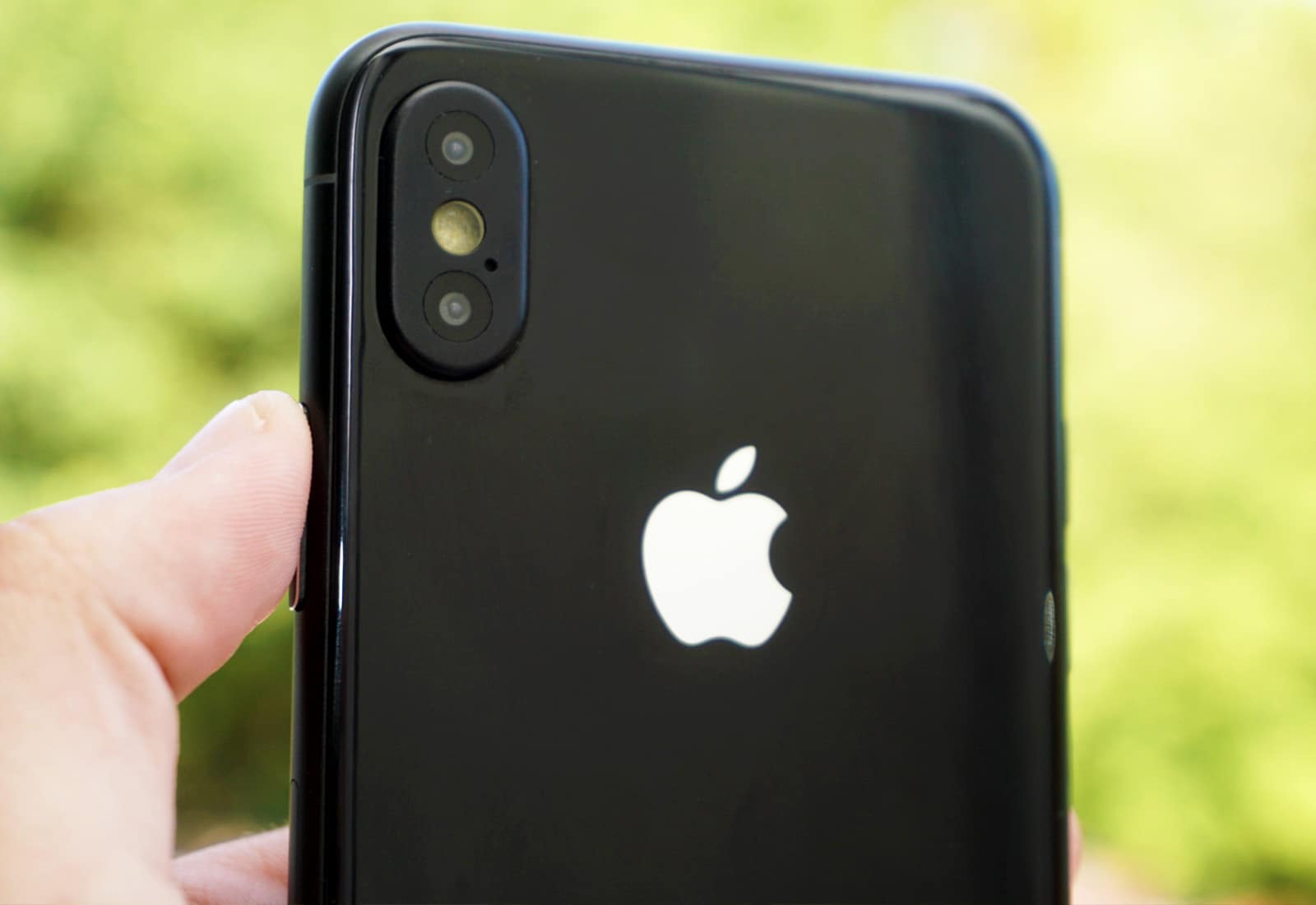
iPhone 8 chassis
Touch ID moves again.
Photo: Baidu

The positioning of Touch ID has changed yet again in the latest iPhone 8 leak.

A machined rear panel for Apple’s upcoming device suggests the company still has plans to put a fingerprint scanner on its back — as indicated by earlier leaks. But it won’t be a pain to reach like the Galaxy S8’s.

iOS 10.3.3 update eliminates serious Wi-Fi vulnerability

By

iPhone SE
Update to iOS 10.3.3 today.
Photo: Apple

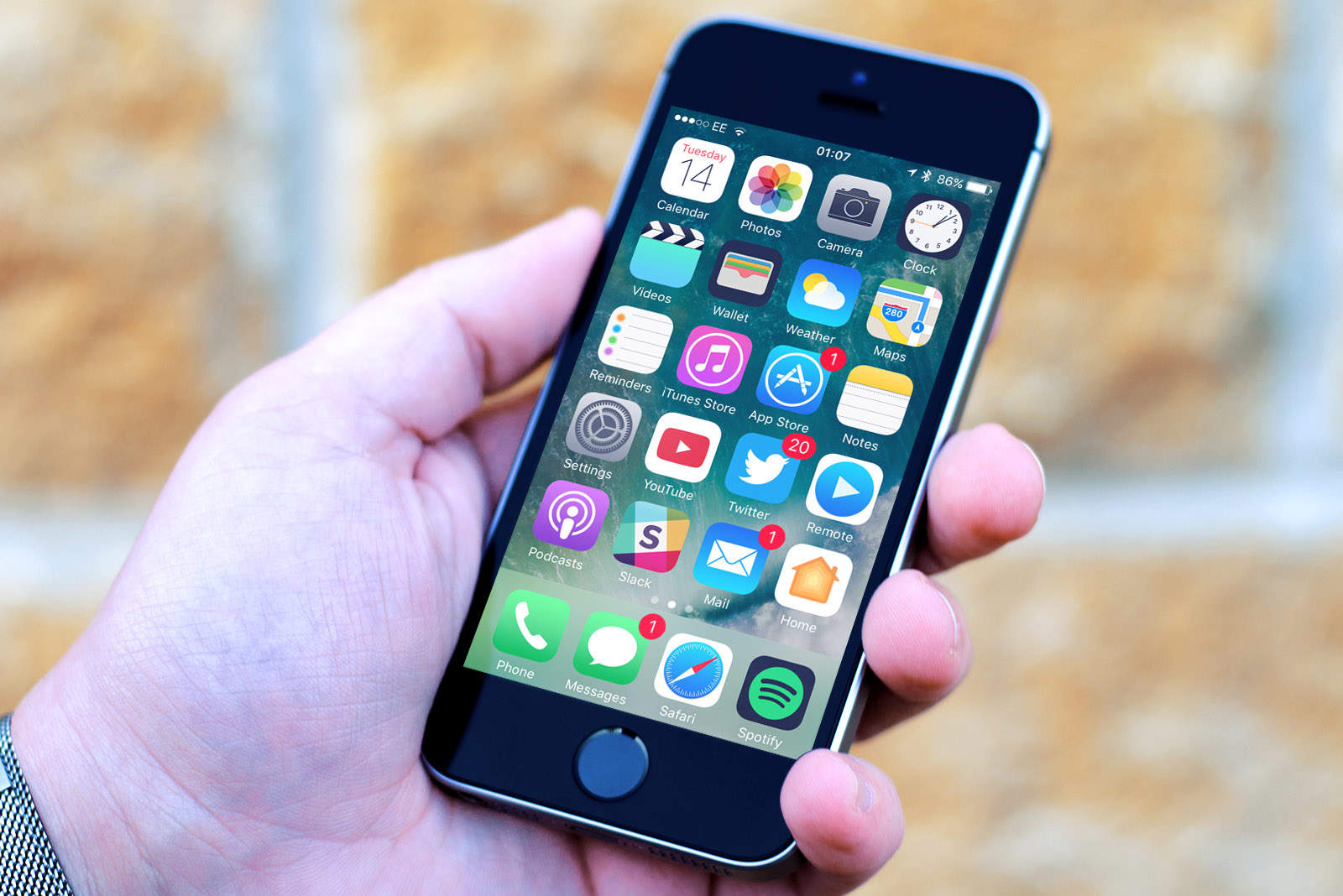
Apple rolled out its latest iOS 10.3.3 update on Wednesday, and you should install it as quickly as possible if you haven’t already.

This release fixes a serious vulnerability in the Wi-Fi chips used in iPhone, iPad, and iPod touch, which allows an attacker to remotely take control of your device over a wireless network.

Super-smart rings, secure GPS trackers and more [Crowdfund Roundup]

By

ORII smart ring
ORII is a smart ring that's actually smart.
Photo: ORII

Crowdfund Roundup bugMaybe smartwatches aren’t your thing, but what about an impressive smart ring that lets you take calls, interact with virtual assistants, and more without being too intrusive?

It’s just one of the awesome ideas in this week’s Crowdfund Roundup. We also have the world’s first graphene headphones, a fidget spinner that you can connect to your smartphone for ultra-cool LED effects, and more!

Everything new with Siri in iOS 11

By

siri ios 11
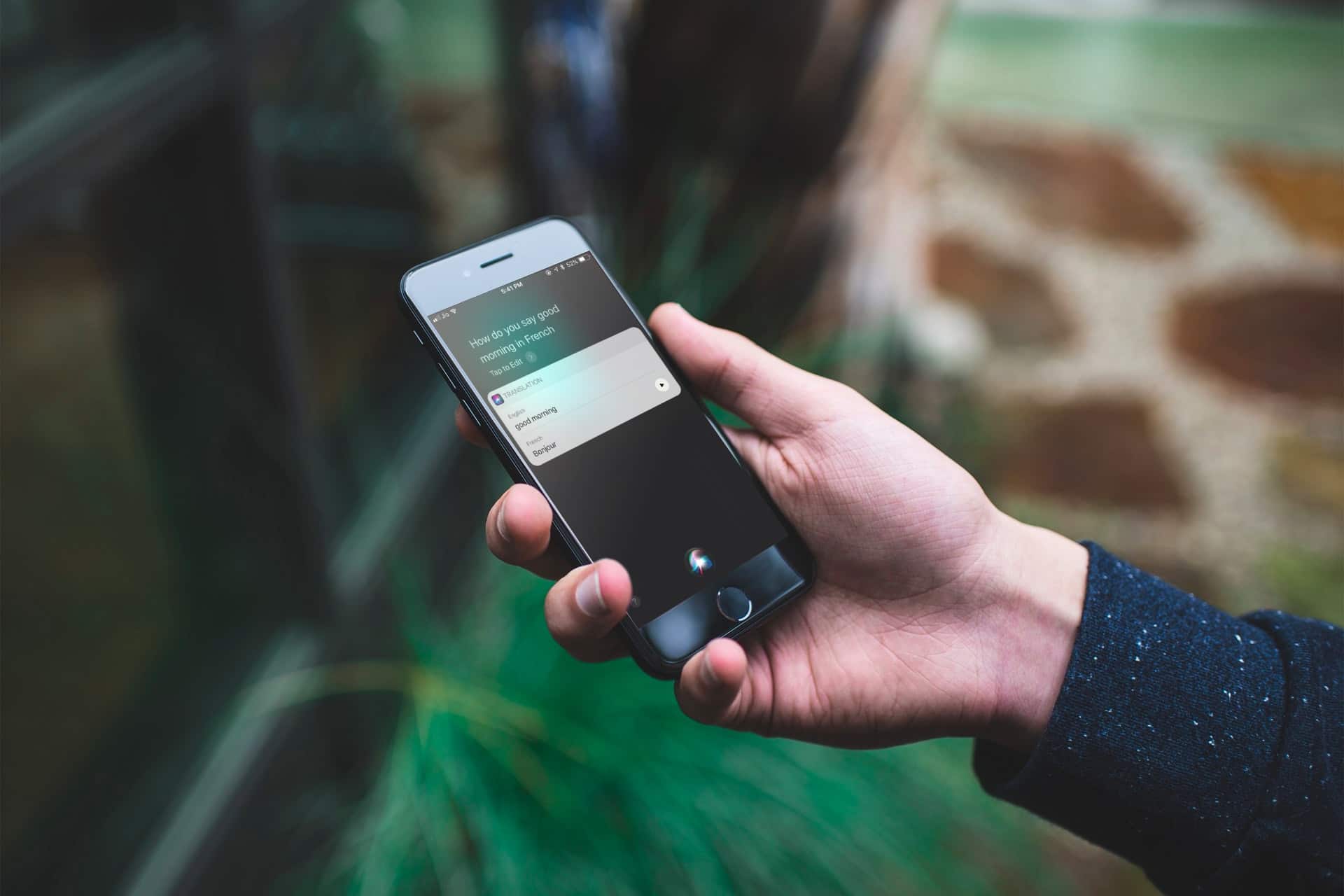
Siri gets a lot of love in the latest iOS 11 and macOS High Sierra updates.
Photo: Cult of Mac

Siri often gets dinged for being stupid, but significant upgrades in iOS 11 and macOS High Sierra make Apple’s AI assistant smarter than ever. With advances in machine learning and artificial intelligence, Siri sounds slicker and understands you better on Apple’s updated platforms.

Siri also learned a lot of new tricks, and can now offer suggestions inside other apps. Here’s a brief look at everything new with Siri in iOS 11.

How to use one-handed Maps mode in iOS 11

By

one-handed-maps
This is all happening with one finger.
Photo: Cult of Mac

Using one-handed maps is currently suboptimal, because you need two fingers to zoom the map. But in iOS 11, the familiar pinch-to-zoom gesture is joined by a new tap-to-zoom, which lets you navigate the entire interface with a single thumb. This means that you can easily check the map while walking, or even — if you are an irresponsible psychopath — while riding a bike.

Change these settings to save data when you travel [Tech Travel Tips]

By

music travel offline
Downloading music is just one way to save a lot of data when you travel.
Photo: Cult of Mac

tech travel tips Your mobile data plan takes a hammering when you travel. All the stuff you usually do while sitting in bed using your home Wi-Fi — like reading Cult of Mac and viewing cute capybara GIFs — will eat through your monthly allowance. And that’s before you get to the extra use of maps and Google to find your way around.

Today on Tech Travel Tips, we’ll look at ways to stop your iPhone and iPad from using up all your data in the first few days of your vacation.

Last chance: Name your price for 15 top Mac apps [Deals]

By

PWYW Biggest Mac App Bundle
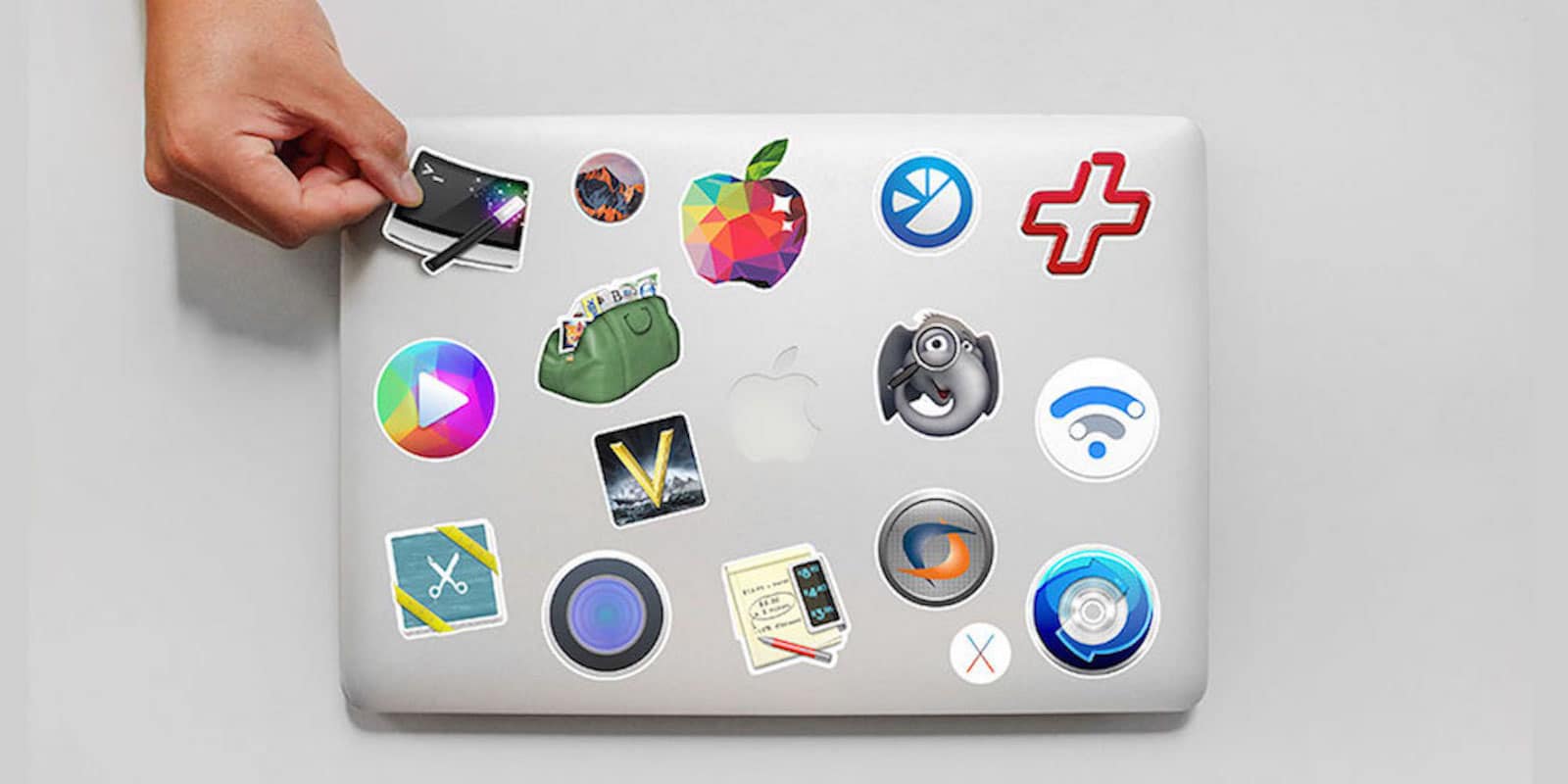
Time is running out to name your price for this bundle of 15 premium Mac apps.
Photo: Cult of Mac Deals

Macs are still top of the heap when it comes to performance and reliability. But without the right applications, your computer might as well be a shiny, pricey desk decoration.

But Mac apps are pricey. Loading up your sleek new machine with useful new apps can cost a pretty penny. And let’s be honest, you’ve dropped enough coin on your Mac. That makes this bundle of more than a dozen premium apps worth checking out. It’s packed with games, utility and productivity apps, and plenty more. And right now you can name your price for the whole shebang.

Steven Soderbergh’s secret iPhone movie has Hollywood abuzz

By

Soderbergh iPhone movie
Director Steven Soderbergh has reportedly made movie magic with an iPhone.
Photo: YouTube

Oscar-winning director Steven Soderbergh has the kind of filmography that gives him plenty of negotiating power when requesting money to make a film.

But the star filmmaker is a fan of low-budget, experimental movie-making and one of his upcoming titles was reportedly shot on an iPhone.

5 apps that keep you safe while traveling [Tech Travel Tips]

By

tripmode travel
Apps can make your trip safer and easier.
Photo: TripMode

tech travel tips At home, you can pretty much trust your own Wi-Fi network, and you kind of have to trust your cellular provider. But as soon as you fetch up at a hotel, airport, Airbnb rental or coffee shop, you risk everything.

Short of leaving your MacBook or iPhone out on the table while you visit the bathroom at a hacker conference, using public Wi-Fi is just about the worst thing you can do with your devices when you travel. Fortunately, there are ways to protect yourself — and they’re cheap and easy.

Why Apple investors should quit worrying about iPhone 8 delay

By

iPhone 8 mockup
Here's how Apple will make iPhone 8 feel less expensive.
Photo: Ste Smith/Cult of Mac

Apple investors have been urged to “quit worrying” by one analyst, who insists the “short-lived” iPhone 8 delay won’t impact stock price.

Robert Cihra from Guggenheim doesn’t deny that iPhone 8 will launch late, but he’s confident fans will wait, rather than jump ship.

Wirelessly diagnose your car, and more [Deals]

By

collage-2017-07-16
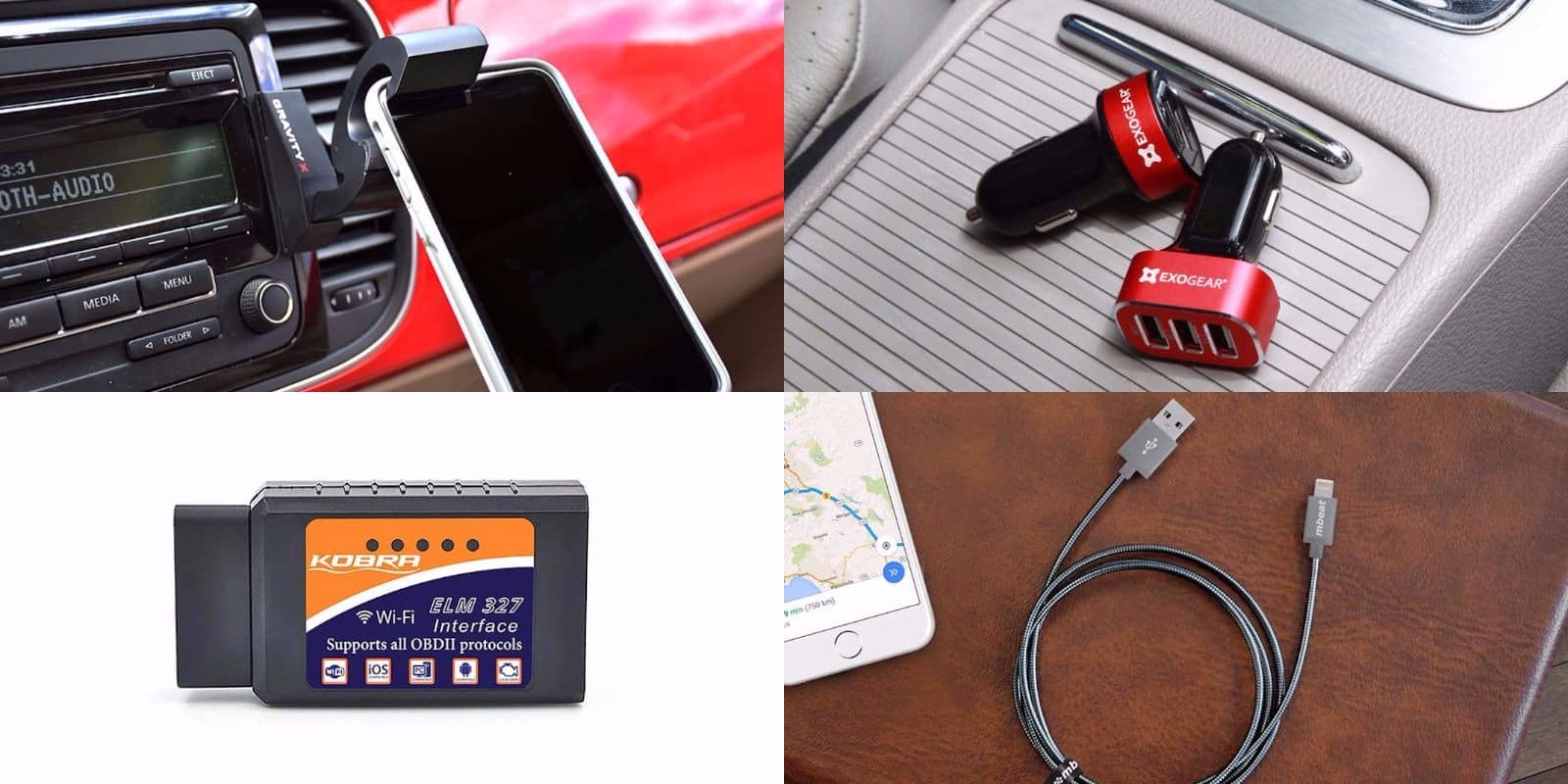
iPhone cables, mounts, chargers, and a wireless diagnosis tool. These are the auto accessories you're looking for.
Photo: Cult of Mac Deals

If you’ve got a car, you’ve got a hundred ways to integrate your mobile devices with it. We’ve gathered some great deals on essential tech to take on the road with you. Below you’ll find a futuristic phone mount, a 3-port USB hub, a metal-braided Lightning cable, and a tool for wirelessly checking on your car’s health. Everything Is discounted by 25 percent or more, read on for more details:

Gadgets to make traveling easy [Tech Travel Tips]

By

roost stand
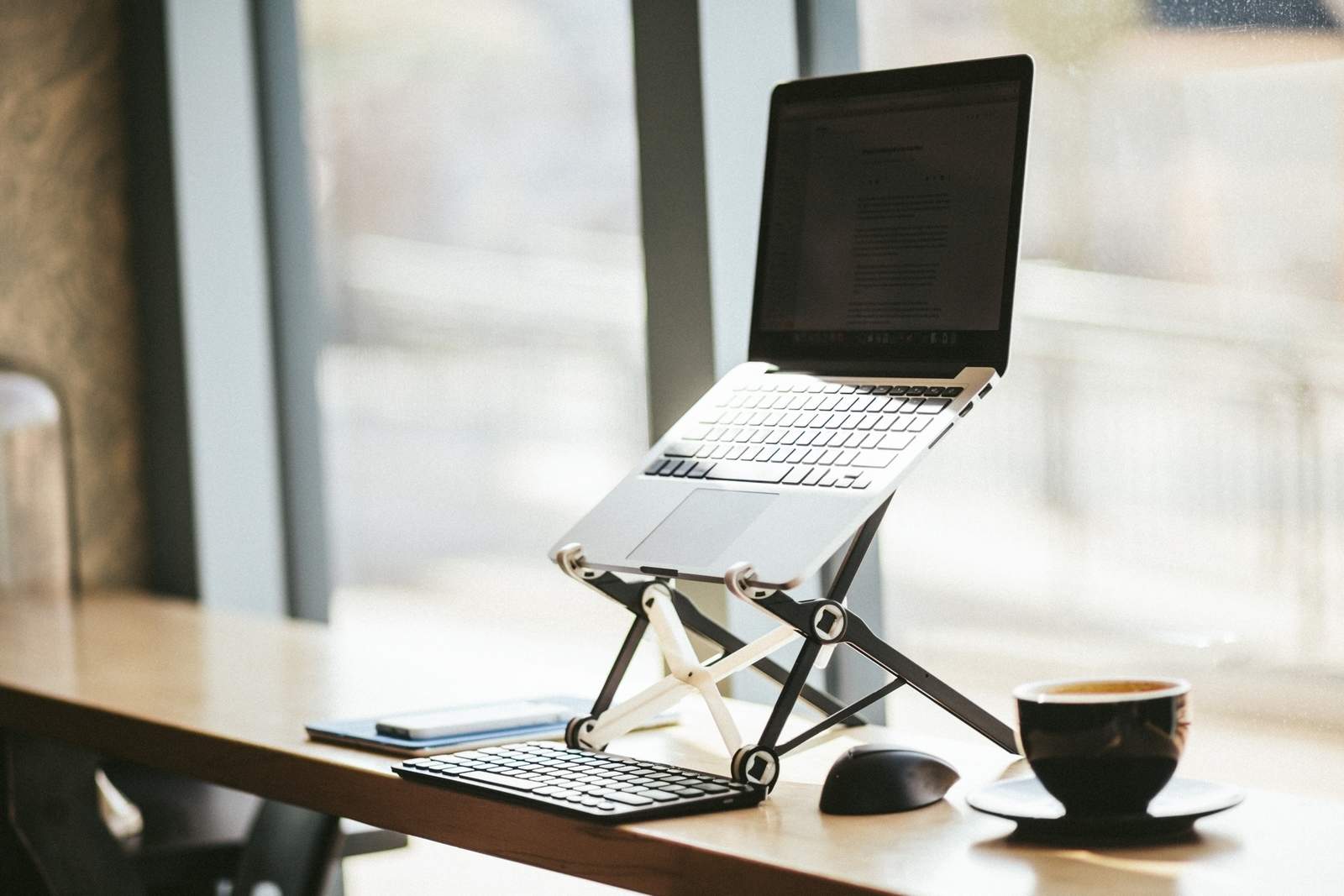
Travel is a time to leave things behind, but some gadgets will make your trips a lot easier.
Photo: Roost

tech travel tips Welcome to Tech Travel Tips, a week of travel tips for vacationers. This week we’ll show you how to keep your devices safe while traveling, what apps to download before you go, what settings you should change before leaving the house and — kicking off the week — the best travel gadgets to take with you. Let’s get started!

iPhone 8 will show up late but totally rock the party

By

iphone 8 display
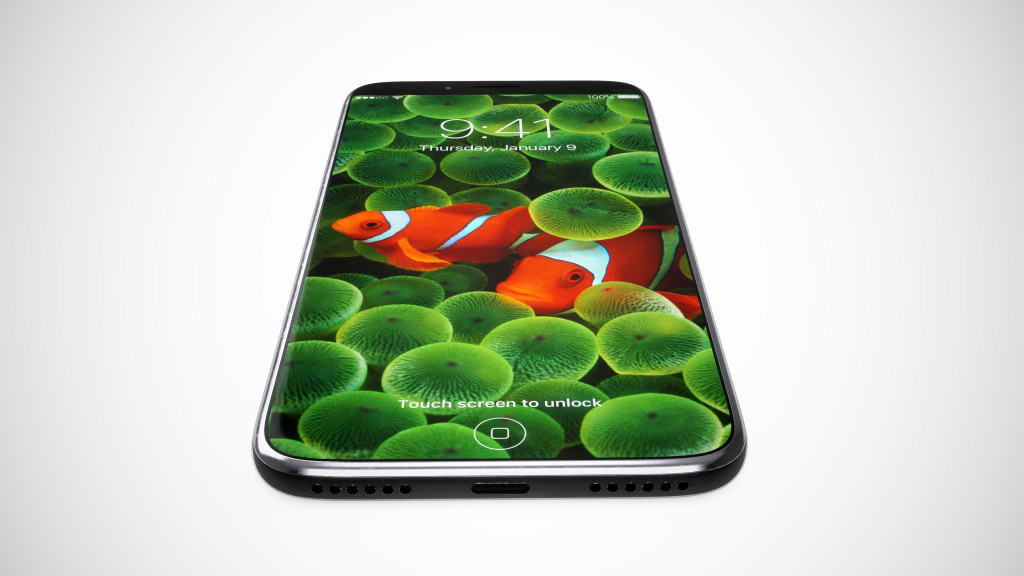
iPhone 8 could arrive on time after all.
Photo: Martin Hajek

Yet another analyst is warning that this year’s big iPhone 8 upgrade will launch late, but they promise it will be worth the wait.

Morgan Stanley’s Katy Huberty has told investors that the device won’t be available until October, rather than September, but it will bring “the most meaningful feature and technology upgrades in iPhone’s history.”

This app will clean up your writing, on the phone and computer [Deals]

By

GingerPage
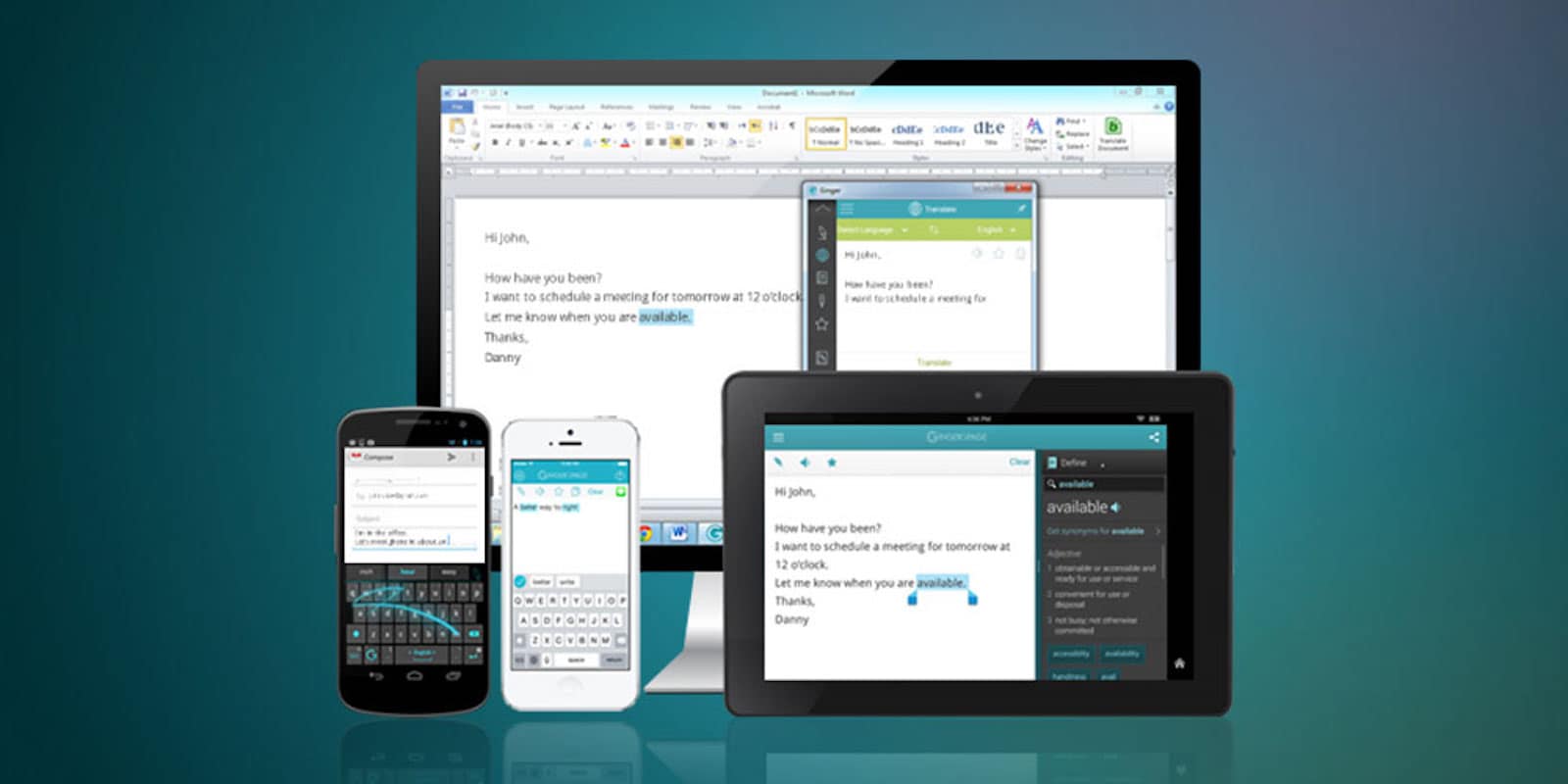
GingerPage makes the suite of text editing tools you'd use into part of the writing process itself,
Photo: Cult of Mac Deals

Whether through email, text, of social media posts, we communicate by text more than ever. And one surefire way to make the wrong impression is to send a message full of misspellings and bad grammar. Or maybe more accurate, the way to set yourself apart is to write without any goof-ups.

iPhone 8 won’t enter mass-production until months after launch

By

iPhone 8 facial recognition
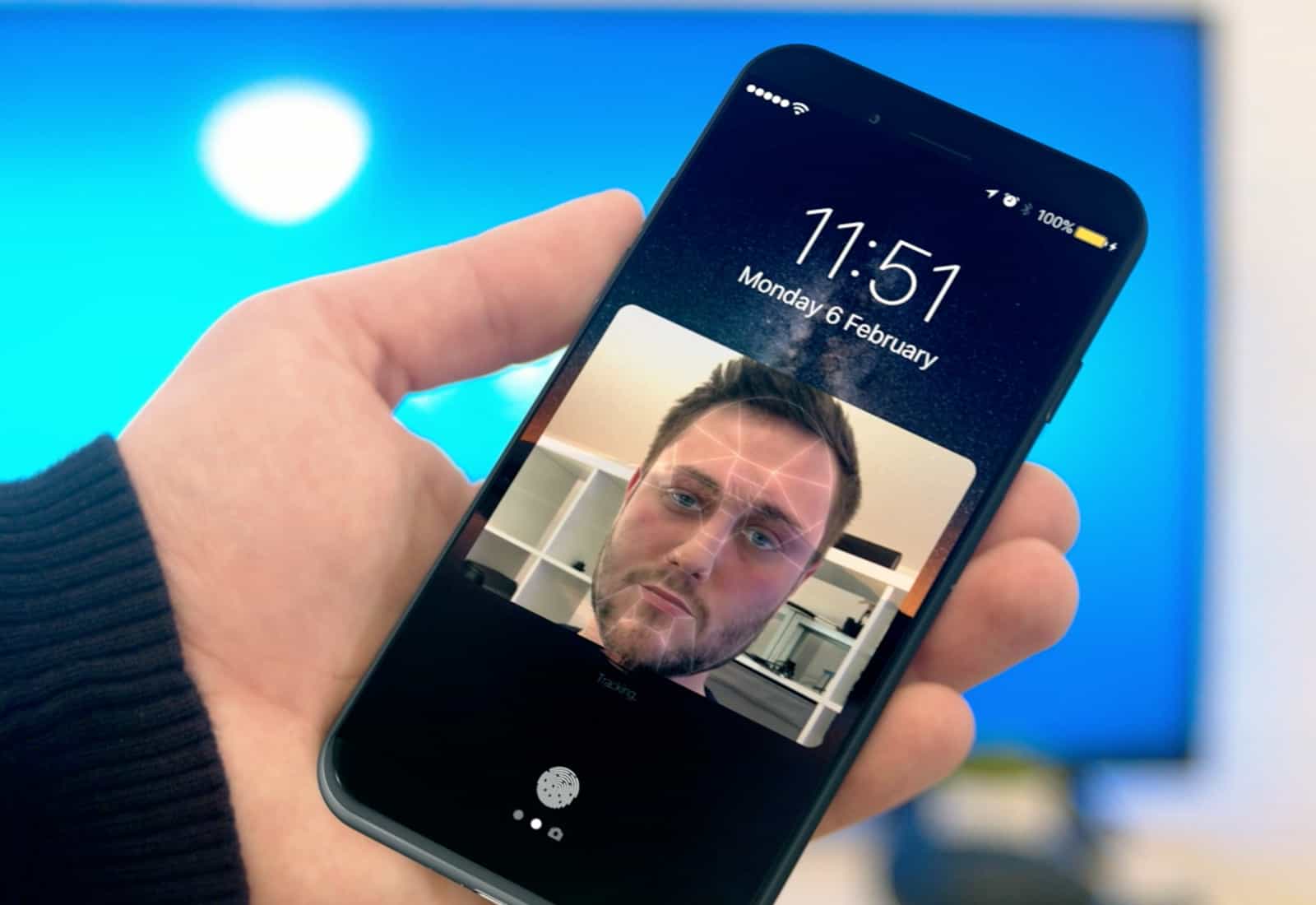
We could be waiting a long time for iPhone 8.
Photo: Ste Smith/Cult of Mac

Want to be one of the first to get your hands on Apple’s big iPhone 8 upgrade this fall? Prepare yourself for disappointment.

According to a new report, the device won’t enter mass-production until months after its official unveiling, and only small quantities will be available at first.

Seeing AI, Infltr, and other awesome apps of the week

By

Awesome Apps
'Appy weekend everyone!
Photo: Ste Smith/Cult of Mac

If you want to see how far artificial intelligence has advanced in the past few years, this week saw the release of an impressive AI image recognition app that can describe the world around you in natural language.

That’s just one of the picks we’ve highlighted for this week’s “Awesome Apps” roundup. We’ve also got a great new Street Fighter IV port, a brilliant photo-editor gone free, and a tremendous artistic puzzle game.

Check out our choices below.

This lesson bundle is like boot camp for coding [Deals]

By

Pay What You Want Learn to Code
Whether you're a beginner or a pro, this bundle of coding lessons can help get you caught up for whatever you're willing to pay.
Photo: Cult of Mac Deals

For newcomers, the world of coding can seem too big to even know where to begin. Even seasoned developers can find their skills slipping from too little use. That’s why both groups can benefit from a comprehensive coding education.

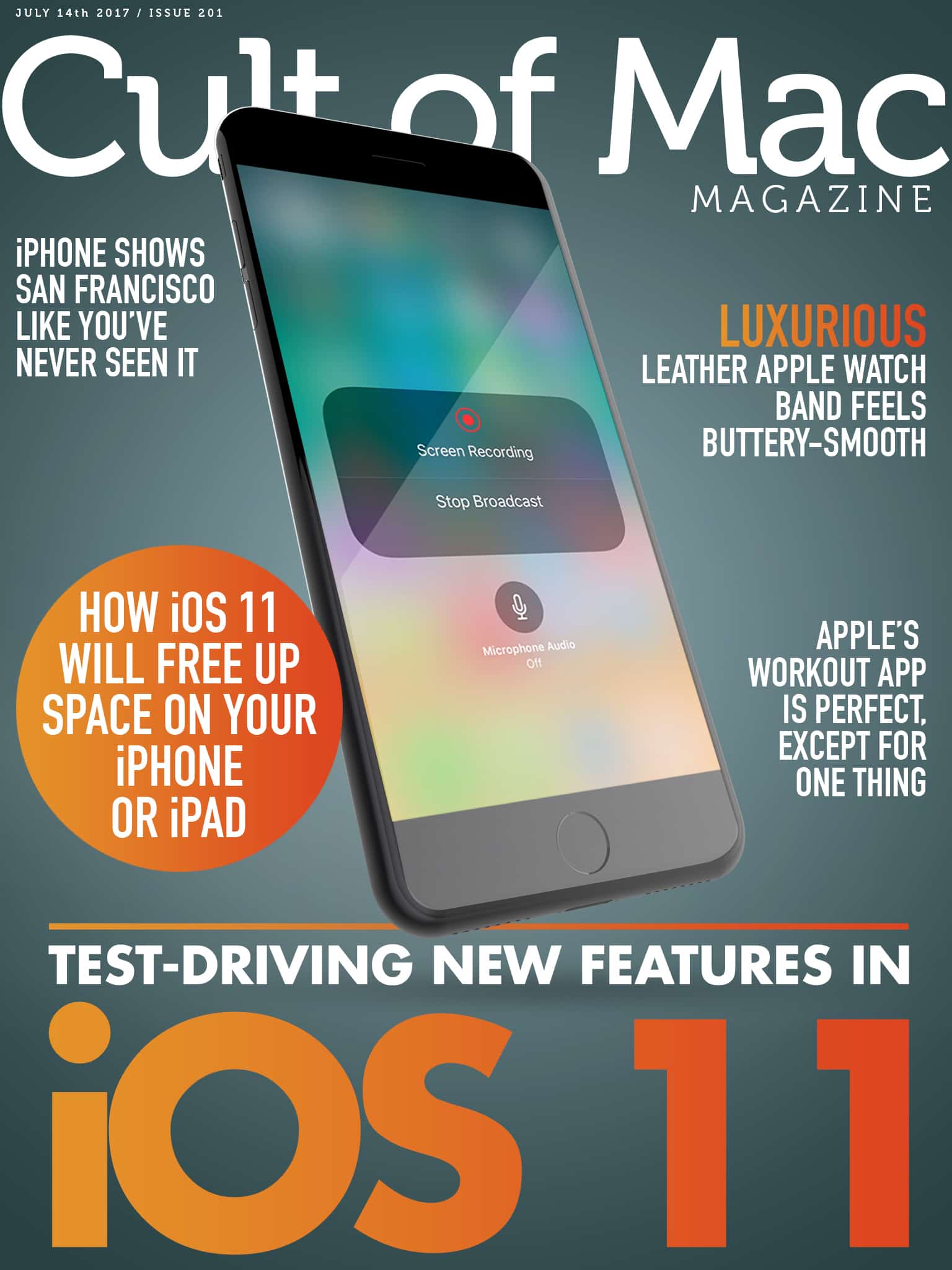
Cult of Mac Magazine: Test-drive iOS 11 beta 3 and more

By

ios 11 beta 3
Apple's iOS 11 beta 3 adds new iPad multitasking features, Siri upgrades and more in this week's Cult of Mac Magazine!
Photo: Ste Smith/Cult of Mac

iOS 11 beta 3 is out for developers, and we’ve got a rundown of all the new features and changes. Check out reviews, tips and how-to’s on Apple’s latest release.

In this week’s issue of Cult of Mac Magazine, you’ll find that story and more. Learn how to capture and edit digital photos at a professional level. And, check out stunning iPhone photos of The Golden City from Burton Rast’s Shapes of San Francisco. Get your free subscription from iTunes. Or, read on for this week’s top stories.

Protect your drive, upgrade your productivity, and more [Week’s best deals]

By

collage-2017-07-14
This week's best deals include powerful drive maintenance tools, productivity aids, and more.
Photo: Cult of Mac Deals

Welcome to another week of great new deals at the Cult of Mac Store. This time around we’ve got awesome noise-canceling Bluetooth headphones, and an app for staying on top of any project. There’s also a powerful VPN for safe and anonymous browsing, and an award-winning tool for protecting and repairing your computer’s drive. Everything is discounted by well over half, read on for more details:

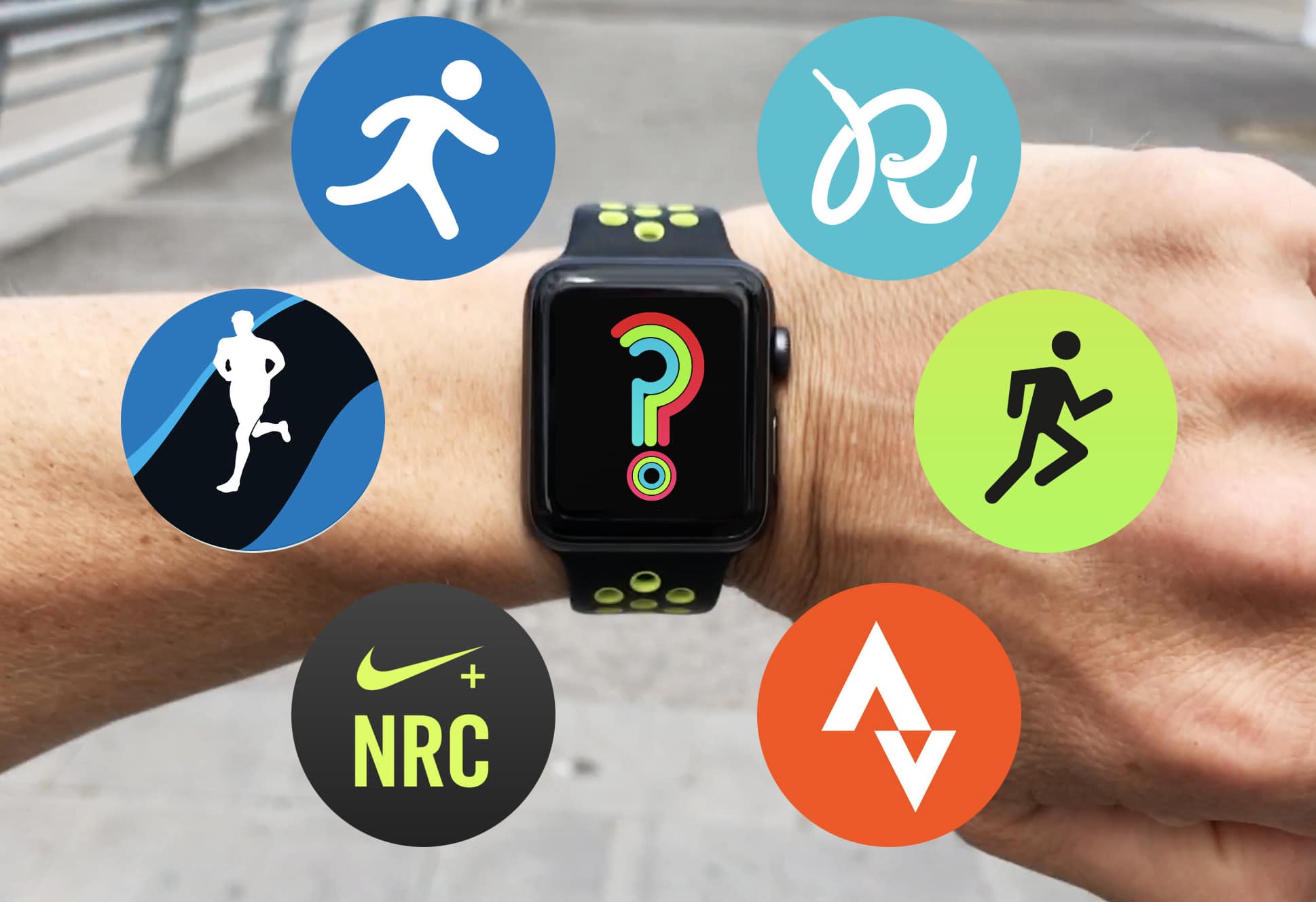
What’s the best Apple Watch running app? [Runner’s Week: Day 7]

By

Which running app deserves to log your sweaty miles?
And the winner is...
Photo: Graham Bower/Cult of Mac

Runner's Week All this week on Cult of Mac, I’ve been reviewing the best running apps for Apple Watch.

Over the past three months, I’ve run more than a thousand kilometers testing these apps in real-world running conditions, and now it’s time to reveal which one earns pride of place on my sweaty wrist.

How to use iOS Mail’s auto unsubscribe feature

By

unsubscribe iPhone
Unsubscribe from mailing lists with just two taps.
Photo: Cult of Mac

If you find yourself on a mailing list that you either never signed up for, or just got sick of, then iOS Mail has you covered. The app has a built-in feature that detects emails from mailing lists, and offers to unsubscribe from them right there, without you having to visit the sender’s site and hunt for the unsubscribe option yourself, like some kind of spam-lackey.

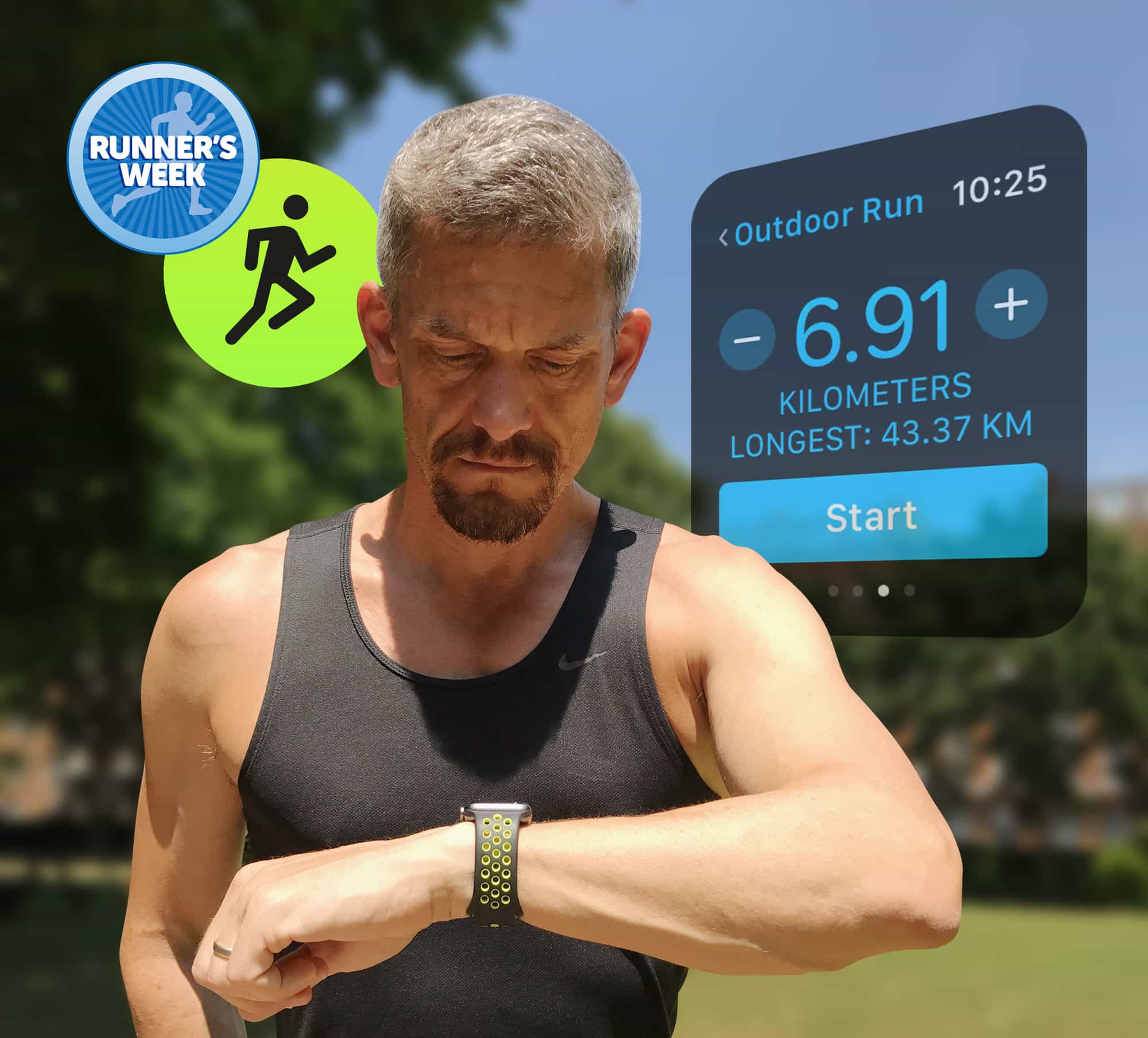
Apple’s Workout app is perfect, except for one thing [Runner’s Week: Day 6]

By

Apple's Workout app is the best watch app for runners by far. But...
Photo: Graham Bower/Cult of Mac

Runner's Week It’s Runner’s Week at Cult of Mac. All this week, I’ve been reviewing the best Apple Watch running apps. So far we’ve looked at Nike+ Run Club, Runkeeper, Strava, Runtastic and MapMyRun.

Today, it’s time to put Apple’s built-in Workout app through its paces. Let’s see how it measures up against the competition.

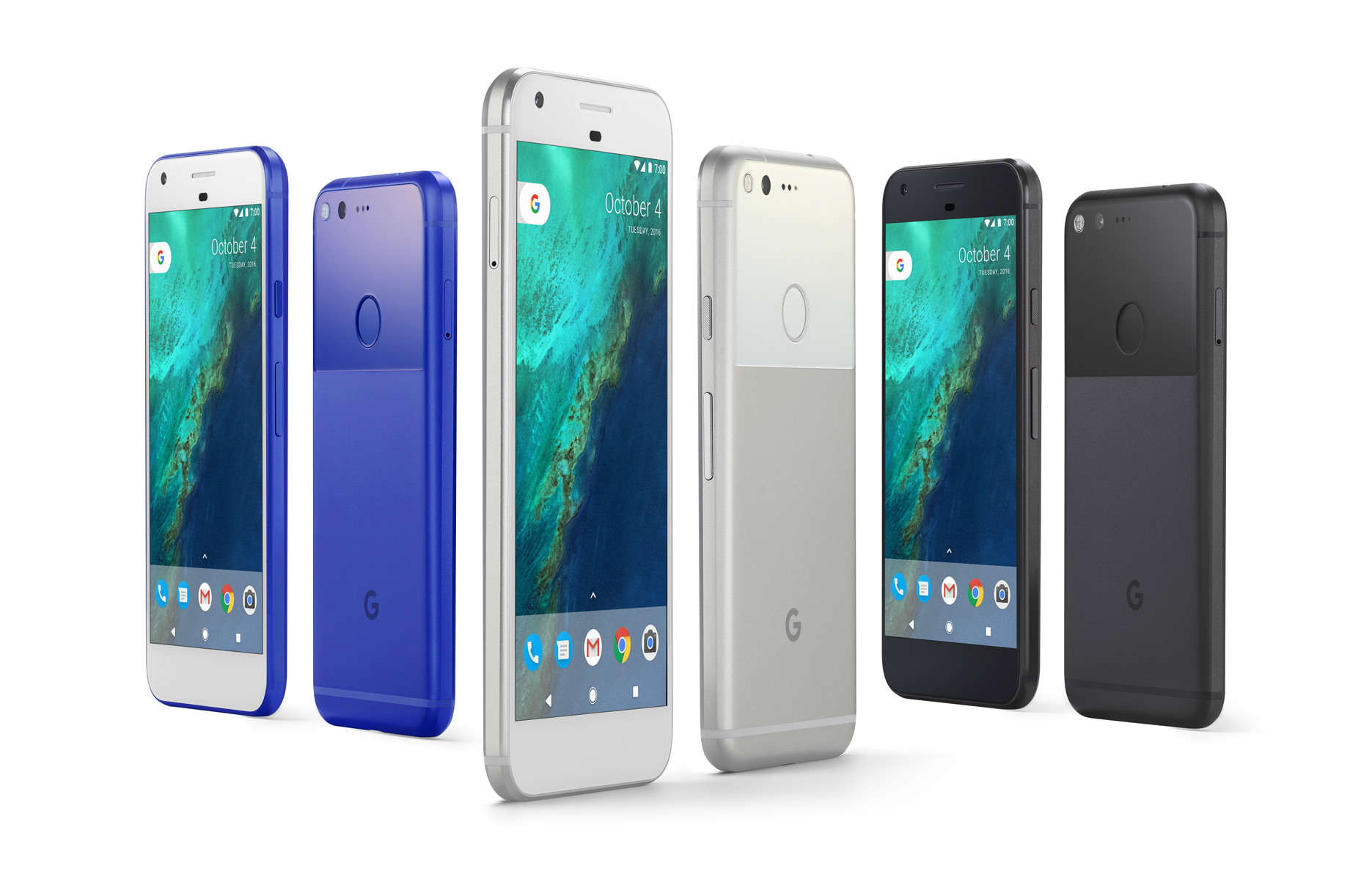
Google’s answer to 3D Touch is destined to fail

By

Google Pixel phone family
Google's next Pixel phones will be squeezable.
Photo: Google

Google’s next-generation Pixel smartphones will finally give pure Android lovers an alternative to the iPhone’s 3D Touch. But it won’t be anywhere near as good.

Instead of using pressure-sensitive displays like Apple, the company is said to be ripping off the new HTC U11’s squeezable edges.