Mobile menu toggle

Top stories - page 555

Get secure with Disconnect, the award-winning mobile VPN [Deals]
By

CoM - Disconnect
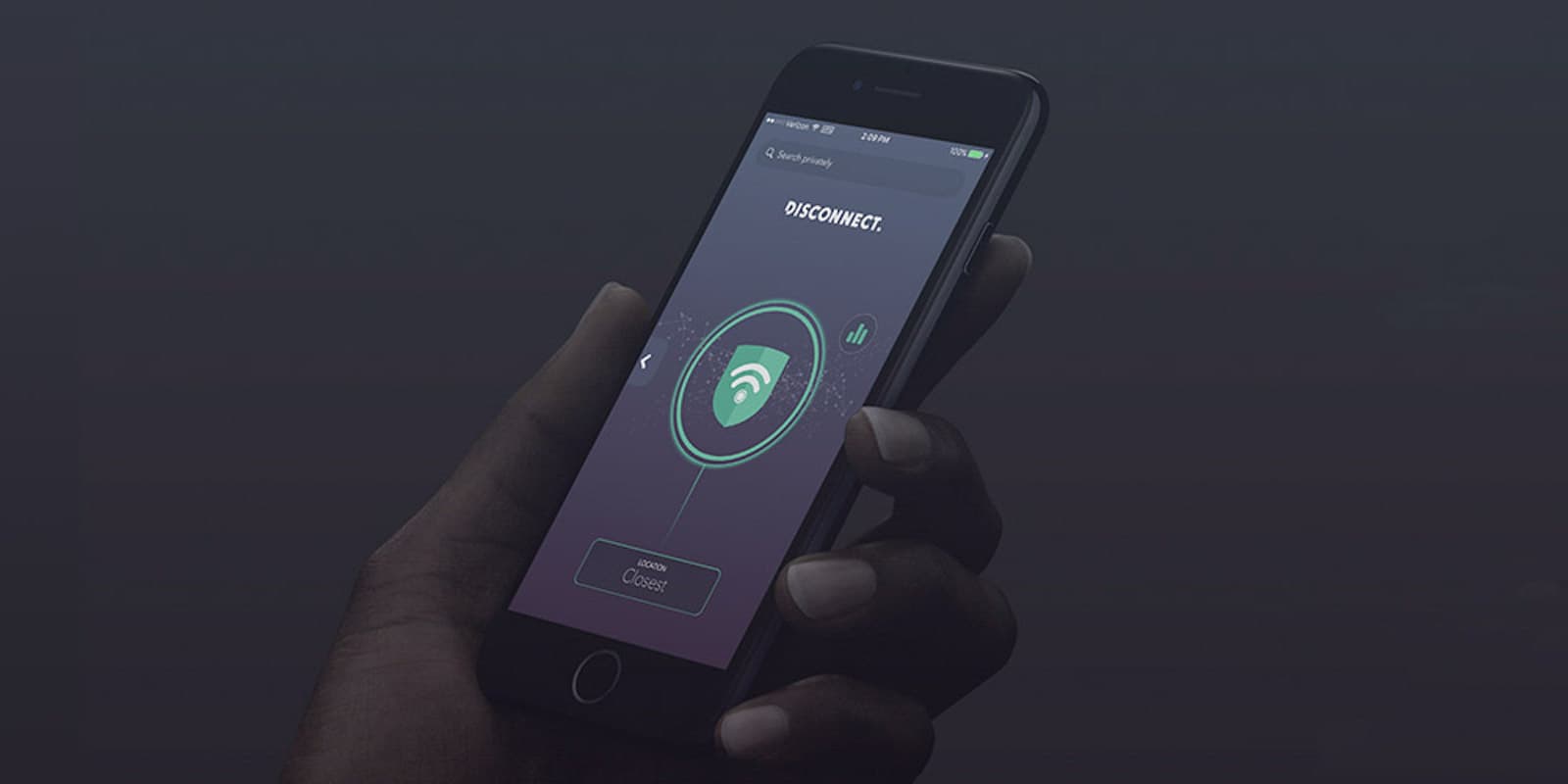
This app is part VPN, part tracker blocker, and a great way to enhance your online security.
Photo: Cult of Mac Deals
More and more people are concerned about their online security and anonymity. That might explain the popularity of Disconnect, a mobile app that’s part VPN, part tracker blocker. Like Signal or Tails, it’s becoming a go-to app for security-minded mobile users. And right now, you can get Disconnect for just $49 at Cult of Mac Deals.

iPhone to blame for insomniac teenagers

By

iPhone dark
Is your iPhone keeping you awake at night?
Photo: Jim Merithew/Cult of Mac

iPhone-turns-10Have a teenager who’s always wide-awake at night? Blame their iPhone.

One sleep researcher says that smartphone addiction is proving an additional delay to sleep onset, meaning some kids are only getting six hours of sleep a night. The result is chronic tiredness and poor school performance.

The inside story of the iconic ‘rubber band’ effect that launched the iPhone

By

Bas Ording Apple interface designer
Former Apple designer Bas Ording created the rubber band effect, which convinced Steve Jobs to build the iPhone.
Photo: Jim Merithew/Cult of Mac

iPhone turns 10 One day in early 2005, interface designer Bas Ording was sitting in a secret, windowless lab at Apple HQ when the phone rang. It was Steve Jobs.

The first thing Jobs says is that the conversation is super-secret, and must not be repeated to anyone. Ording promises not to.

“He’s like, ‘Yeah, Bas, we’re going to do a phone,'” Ording told Cult of Mac, recalling that momentous call from long ago. “‘It’s not going to have any buttons and things on it, it’s just a screen. Can you build a demo that you can scroll through a list of names, so you could choose someone to call?’ That was the assignment I got, like pretty much directly from Steve.”

How to kill pesky sharing popups in Safari on Mac and iOS

By

block sharing popups
From left to right -- original view, Kill Sticky view, and the built-in Safari Reader View.
Photo: Cult of Mac

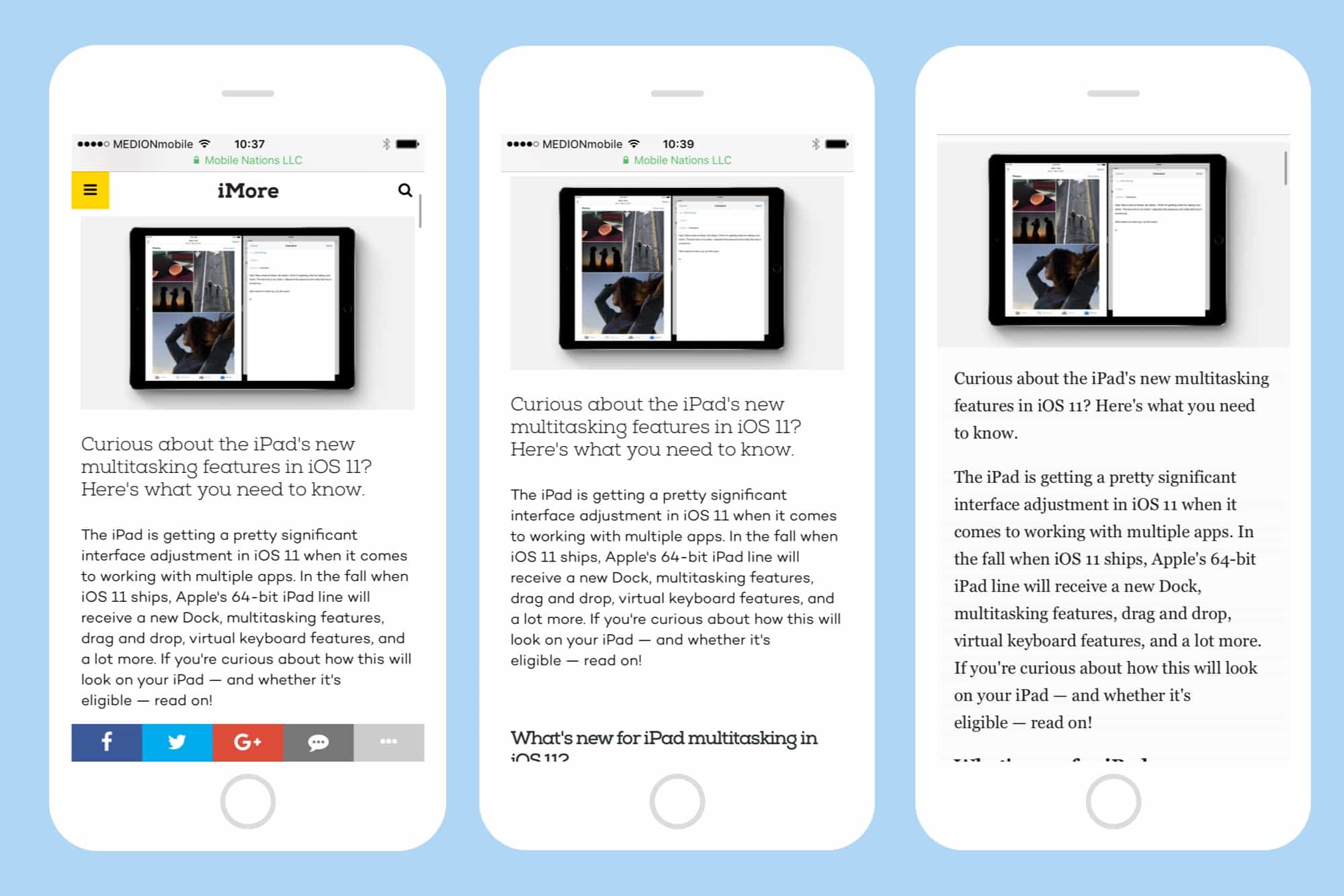
You know those supper-annoying bars that so often hover over a web page on your iPhone? The ones that offer sharing popups for social media sites that you never use? The ones that cover up half the text you’re trying to read? The ones you hate so much you’d rather just close the browser tab than try to read the page through this aggressive frame of junk?

Well, there’s good news for you all: Software engineer Alisdair McDiarmid hates them, too. Only unlike you and me, who just sit around and complain about them, McDiarmid did something about this growing problem. Behold, the Kill Sticky bookmarklet, guaranteed to wipe the messiest page clean.

A second screen for iPhone, Bluetooth 5.0 earbuds and more [Crowdfund Roundup]

By

InkCase iPhone 7
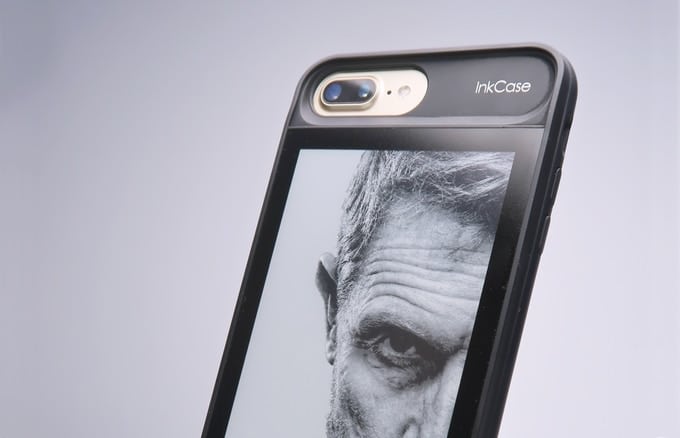
InkCase is finally available for iPhone 7.
Photo: InkCase

Crowdfund Roundup bug Ever thought you could do with a second display on your iPhone? InkCase for iPhone 7 is exactly that. You can use it to read books, display useful widgets or pretty photos, and lots more.

It’s just one of the awesome ideas in this week’s Crowdfund Roundup. We also have the world’s first wireless earbuds with Bluetooth 5.0, the ultimate survival tool, and more!

How to type faster with Key Flicks in iOS 11

By

key flicks iOS 11
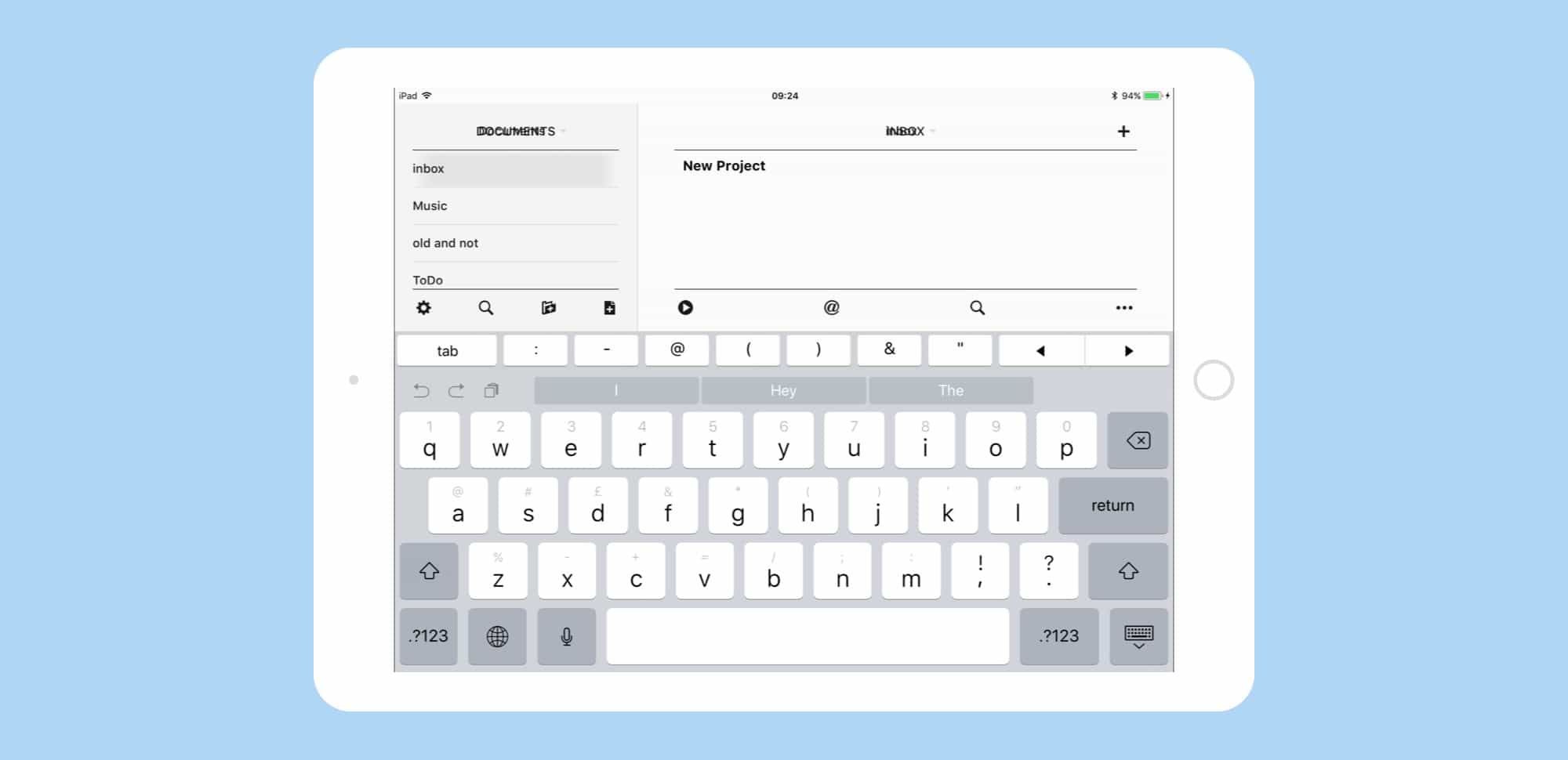
iOS 11's Key Flicks make typing on the iPad a whole lot easier.
Photo: Cult of Mac

The nice thing about an on-screen keyboard is that you can change how it works with a software update. That’s exactly what has happened in iOS 11. Now, the iPad keyboard uses something called Key Flicks to give fast access to double the number of keys, without changing the layout or making anything smaller. It does this by introducing a new gesture to access all those extra characters, and you’ll never have to press the 123 key.

iPhone launch day bag is the ultimate obscure Apple collector’s item

By

iPhone launch day bag
This bag, which held an original iPhone on launch day in 2007, is now a super-rare Apple collectible.
Photo: Mark Johnson

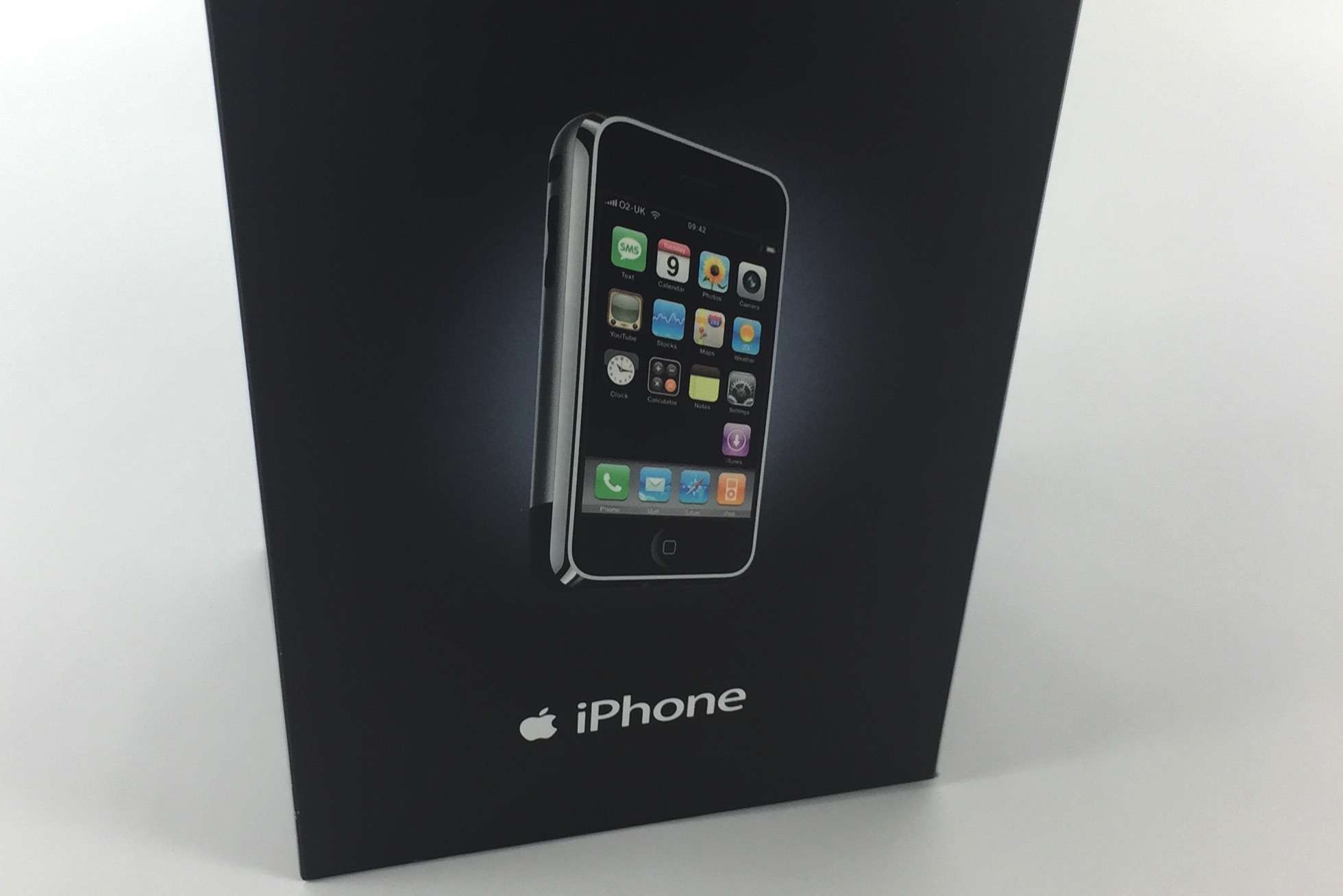
iPhone turns 10 It’s cool to own an original, first-gen iPhone. But if you really want to show that you were among the Apple faithful — a true believer who queued up for Cupertino’s inaugural handset back on June 29, 2007 — you’re going to want an extra accessory: the custom paper bag it came in.

More than just an oddball Apple collectible, it’s an early example of the extraordinary care Cupertino puts into packaging its magical devices.

Everything you need to know about Safari 11

By

Safari 11 WebRTC support
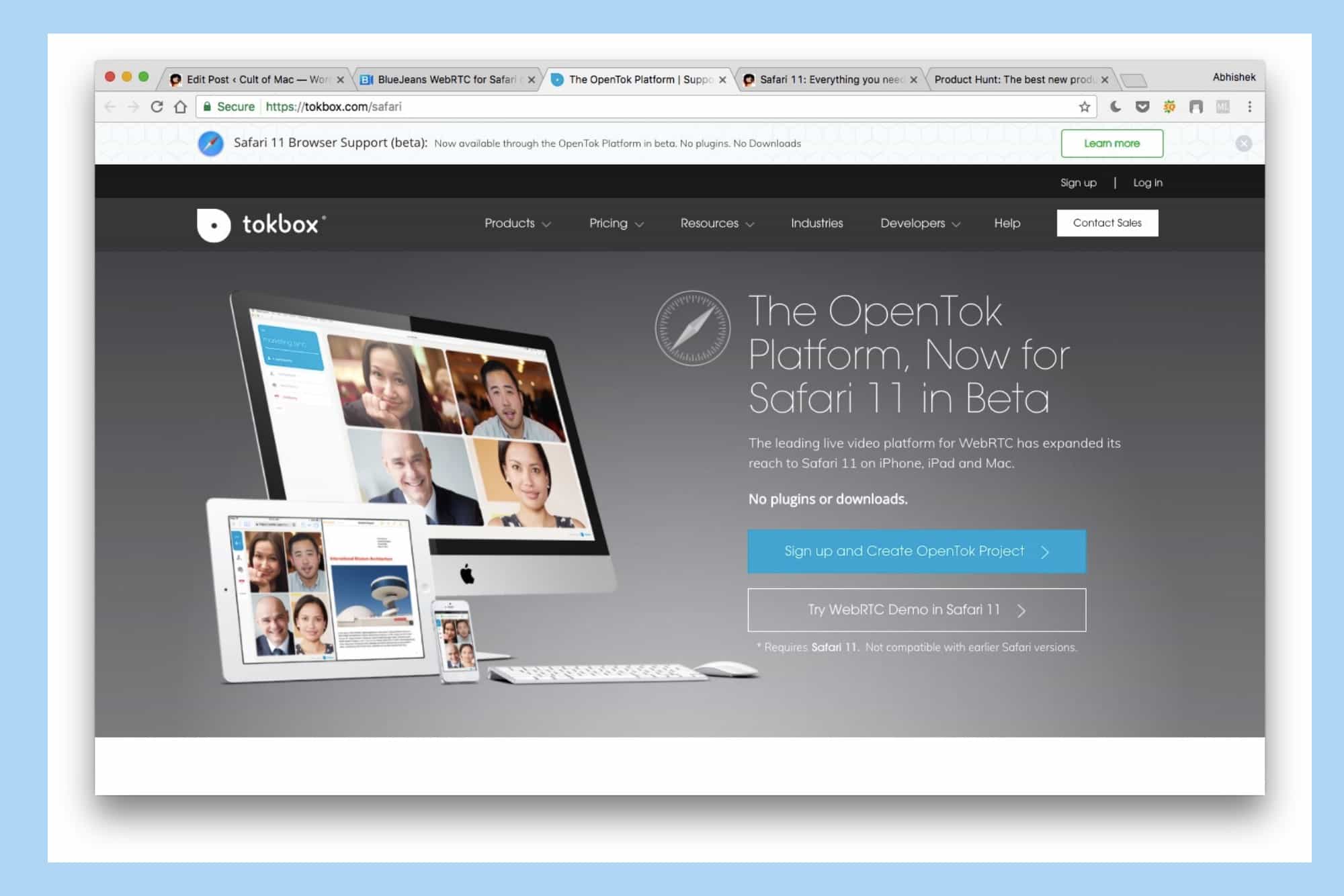
Apple has partnered with TokBox to enable video streams via WebRTC.
Photo: Cult of Mac

Safari 11 brings some big upgrades to enhance your browsing experience on macOS High Sierra and iOS 11. With the latest iteration of its web browser, Apple aims to shoot down aggressive web practices that hamper user experience, while also adding tons of under-the-hood features. The new Safari also promises to bring increased stability, speed and power efficiency.

Here’s everything you need to know about Safari 11.

How the iPhone made accessibility accessible to everyone

By

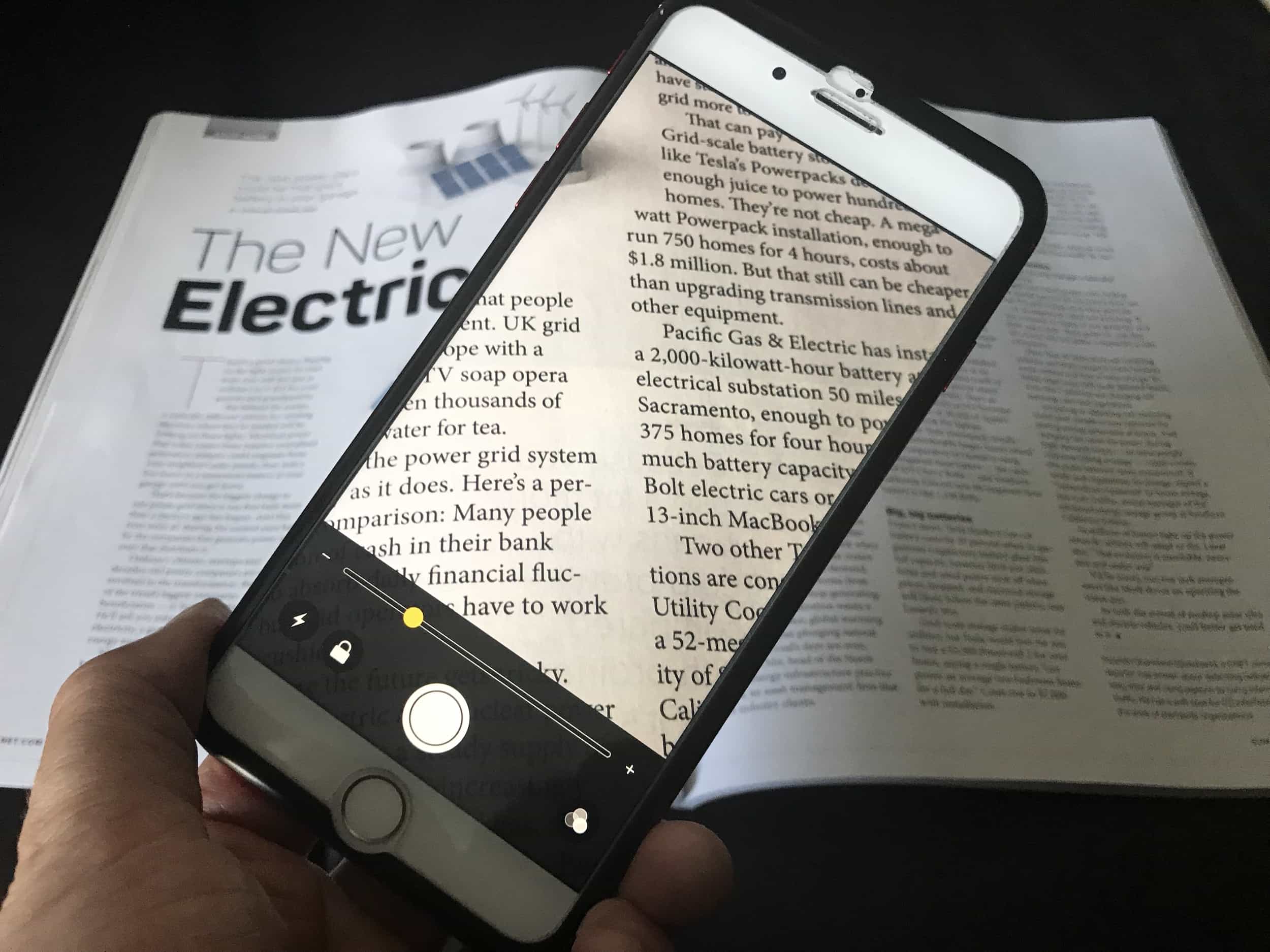
The iOS Magnifier: You probably had no idea your iPhone has a built-in magnifying glass.
You probably had no idea your iPhone has a built-in magnifying glass.
Photo: Leander Kahney/Cult of Mac

iPhone turns 10 Damon Rose is 46, and has been blind since he was a teenager. In 2012, the iPhone changed his life.

Rose, a senior broadcast journalist at the BBC, uses GPS to get around unfamiliar areas, with an earbud stuck in one ear, and uses a third-party app that tells him what shops he’s walking past. It’s “amazingly helpful,” he told Cult of Mac. “I can look at menus on restaurant websites while I’m sitting there with my first drink of the evening,” instead of having the waiter read out the menu.

The iPhone might not have been the first phone with accessibility features, but it was certainly the first popular pocket computer to be easily useable by the blind and the hearing-impaired.

The evolution of iOS: From iPhone OS to iOS 11

By

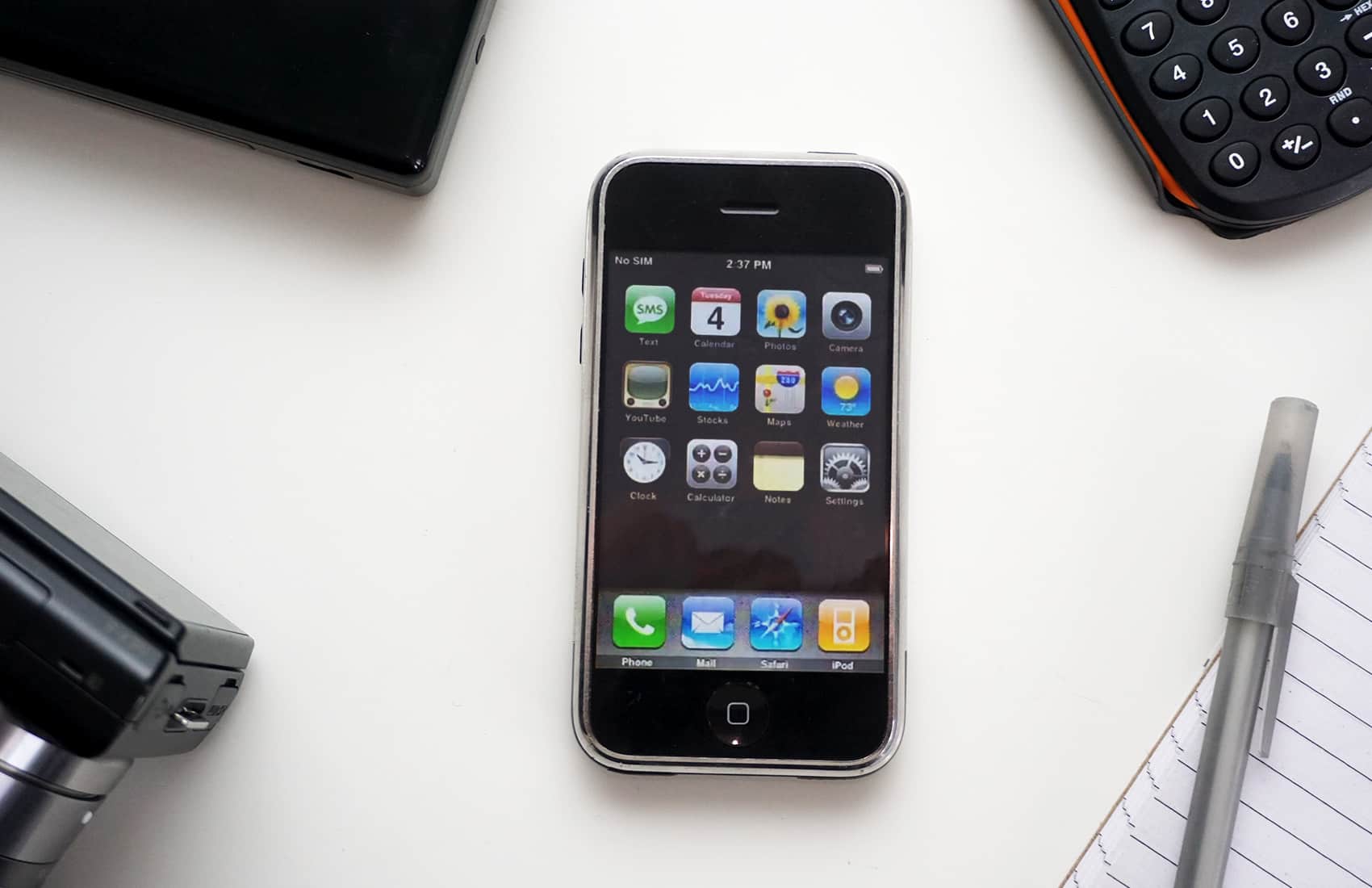
Original iPhone running iOS 1
A lot has change since 2007, when iPhone OS arrived on the original iPhone.
Photo: Ste Smith/Cult of Mac

iPhone turns 10 The operating system that powers the iPhone has undergone radical changes since Apple launched the device 10 years ago.

As part of Cult of Mac’s collaboration with Wired UK to mark the 10th anniversary of the iPhone, we took a look at the evolution of iOS, from a simple touchscreen operating system lacking key features into a true computing behemoth with more tools than any one user could possibly need.

iPhone 7 finally loses in speed test against Android rival

By

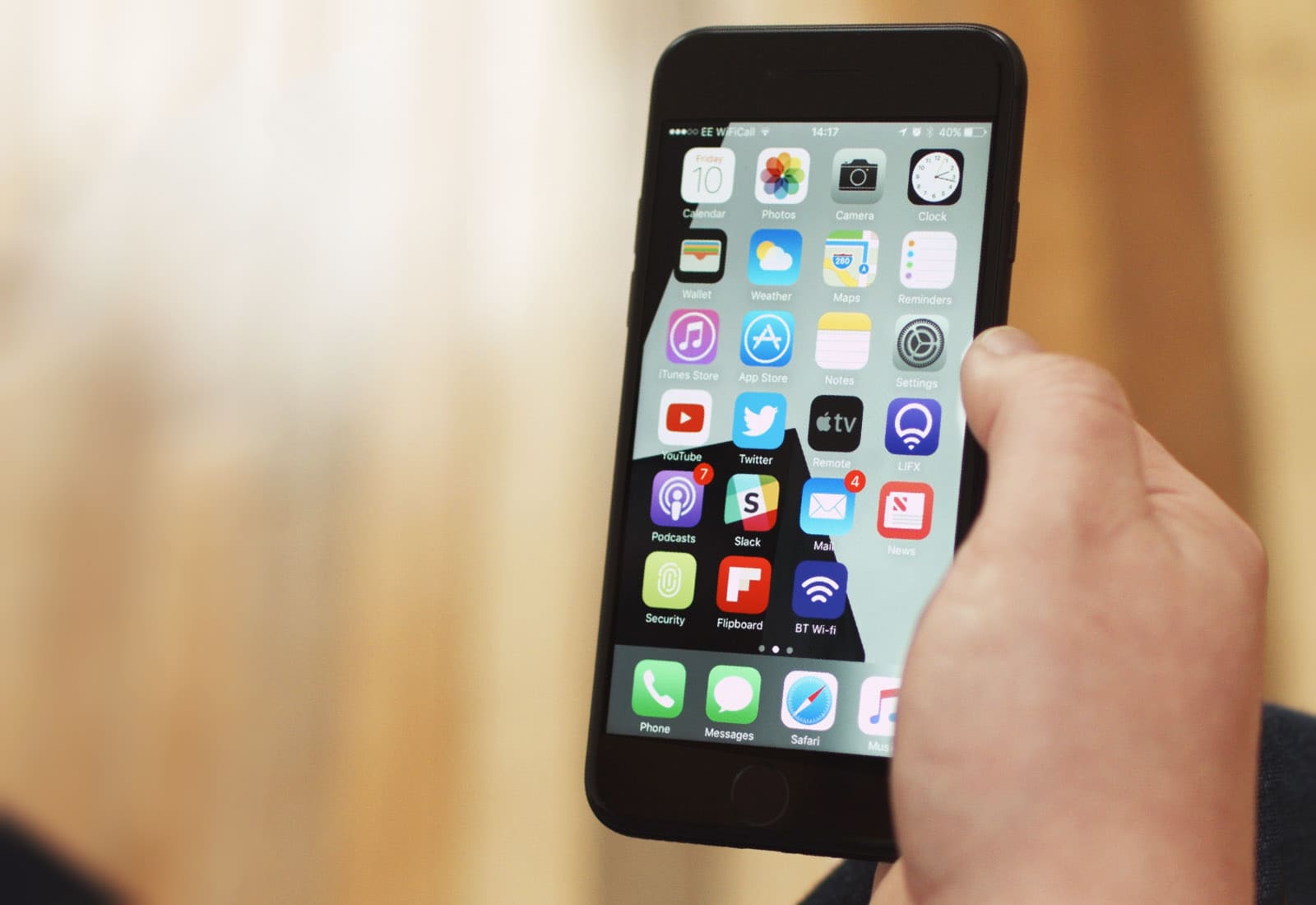
iPhone 7 in hand
iPhone 7 isn't top dog anymore.
Photo: Ste Smith/Cult of Mac

Thanks to Apple’s engineering magic, the iPhone has long outpaced its Android-powered rivals.

In real-world speed tests, the iPhone can blaze past high-end competitors from the likes of Google, Samsung and LG, despite slower processors and less RAM. But not anymore. We finally have an Android device that packs more power than the iPhone 7 — and that’s the OnePlus 5.

China’s black market can build an iPhone from scratch

By

iPhone black market China
China's black market looks like "an iPhone factory has thrown up all over itself."
Photo: Brian Merchant/Wired

iPhone-turns-10-1You don’t have to visit a Foxconn factory to see an iPhone built from scratch.

Visit China’s black market and you’ll meet traders with the components, tools, and know-how to build you a working handset for a fraction of the price you would pay Apple. The whole process is complete by the time you’ve finished your coffee.

iOS 11 turns the iPad into a legit Mac replacement

By

iPad iOS 11
iOS 11 for iPad might be Apple's biggest new product this year.
Photo: Apple

Updated 27 June, 2017: This post now includes details about the iOS 11 public beta.

Apple’s Worldwide Developers Conference keynote this June was so packed that even two-and-a-half hours didn’t seem like enough time. And yet the biggest announcement wasn’t new hardware, or a new app. It was an update.

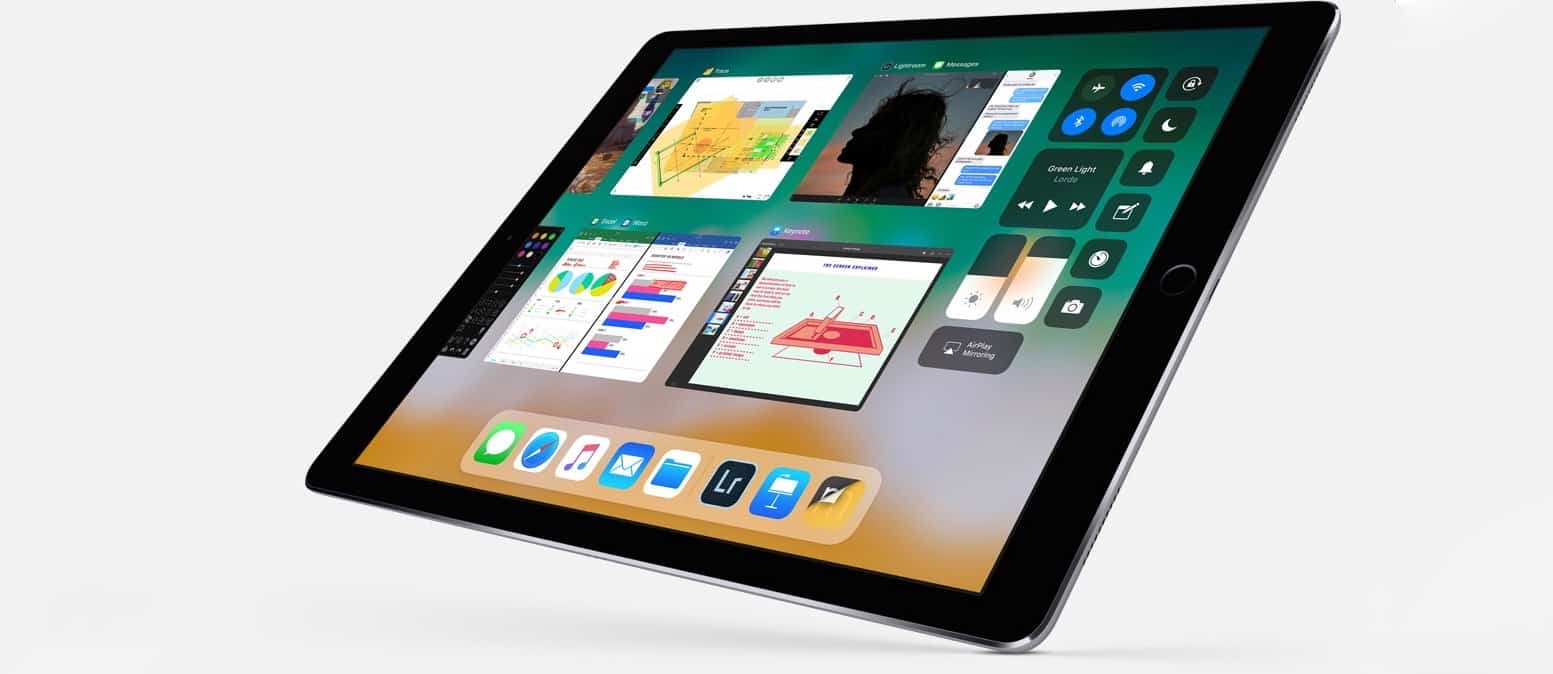
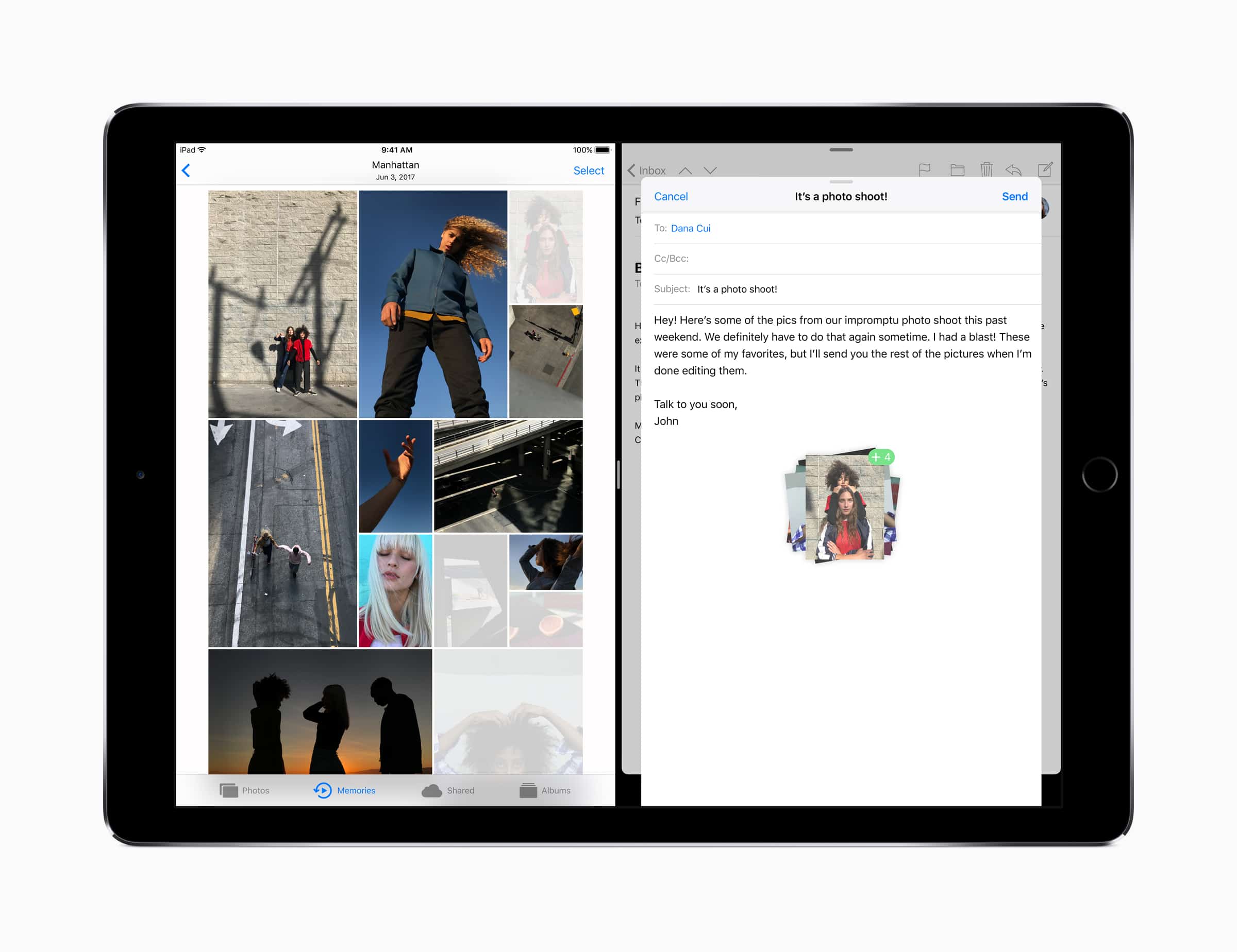
Specifically, the iOS 11 update for the iPad, which turns Apple’s tablet from little more than a big iPhone into a full-featured touchscreen PC. In one go, Apple showed that it is still full-steam behind the iPad, and that a desktop-class touchscreen computer doesn’t have to actually run a desktop OS, like Microsoft’s Surface.

Second thoughts on iOS 11? Here’s how to downgrade

By

iOS 11 downgrade
Finding iOS 11 too buggy? Downgrade with our handy video!
Photo: Ste Smith/Cult of Mac

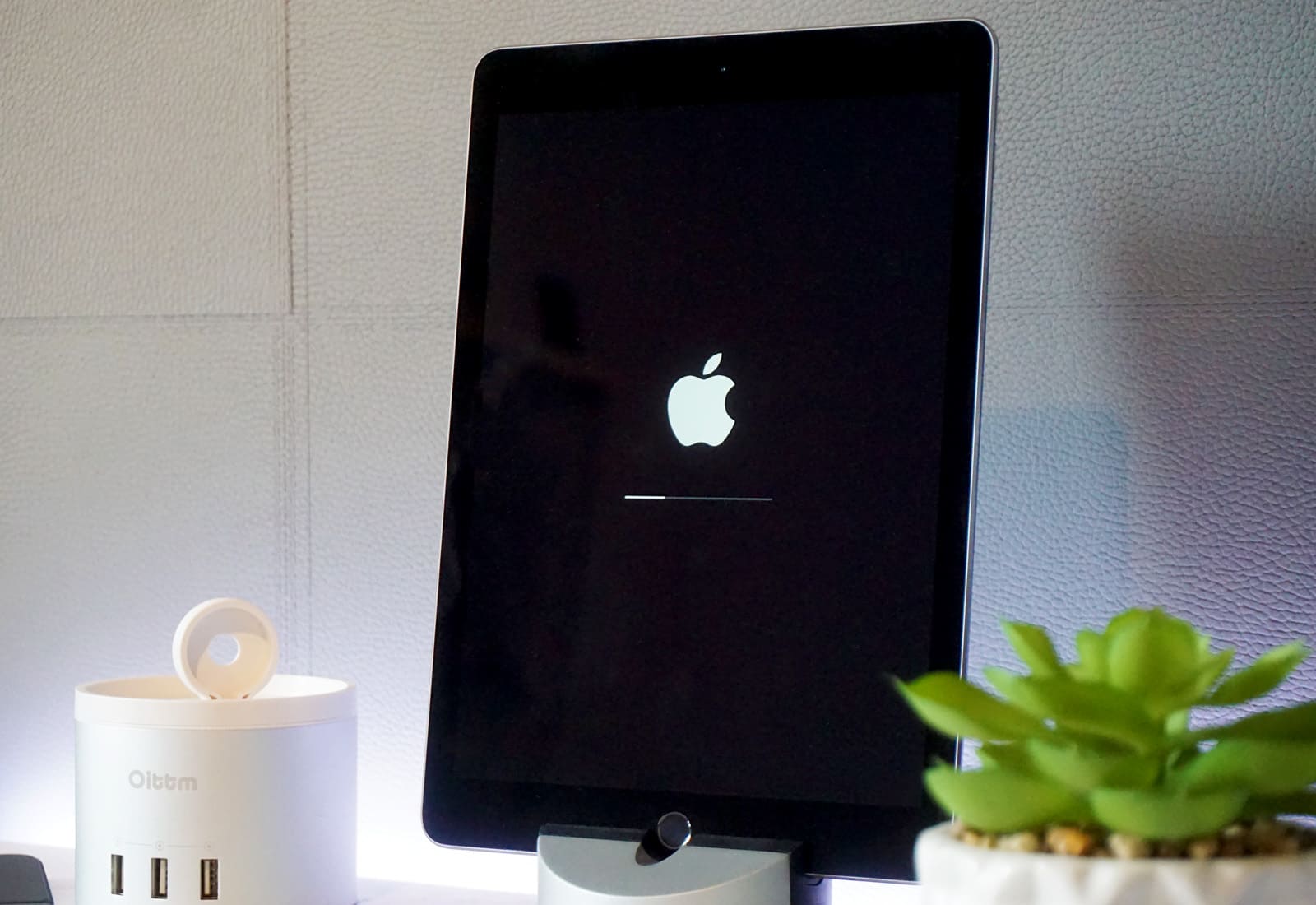
If you jumped into the future and upgraded to a beta version of iOS 11, but now found the cutting-edge software a bit too rough around the edges, don’t panic. Downgrading from iOS 11 back to the more familiar (and totally stable) iOS 10.3.2 isn’t difficult. All you need is a Mac or PC running iTunes.

If you’re worried about losing data, that’s completely avoidable! Just follow our how to downgrade from iOS 11 video, below and your iPhone or iPad will be back to normal in no time.

iPhone collection makes perfect birthday gift for Apple-loving CEO

By

iPhones at MacPaw museum
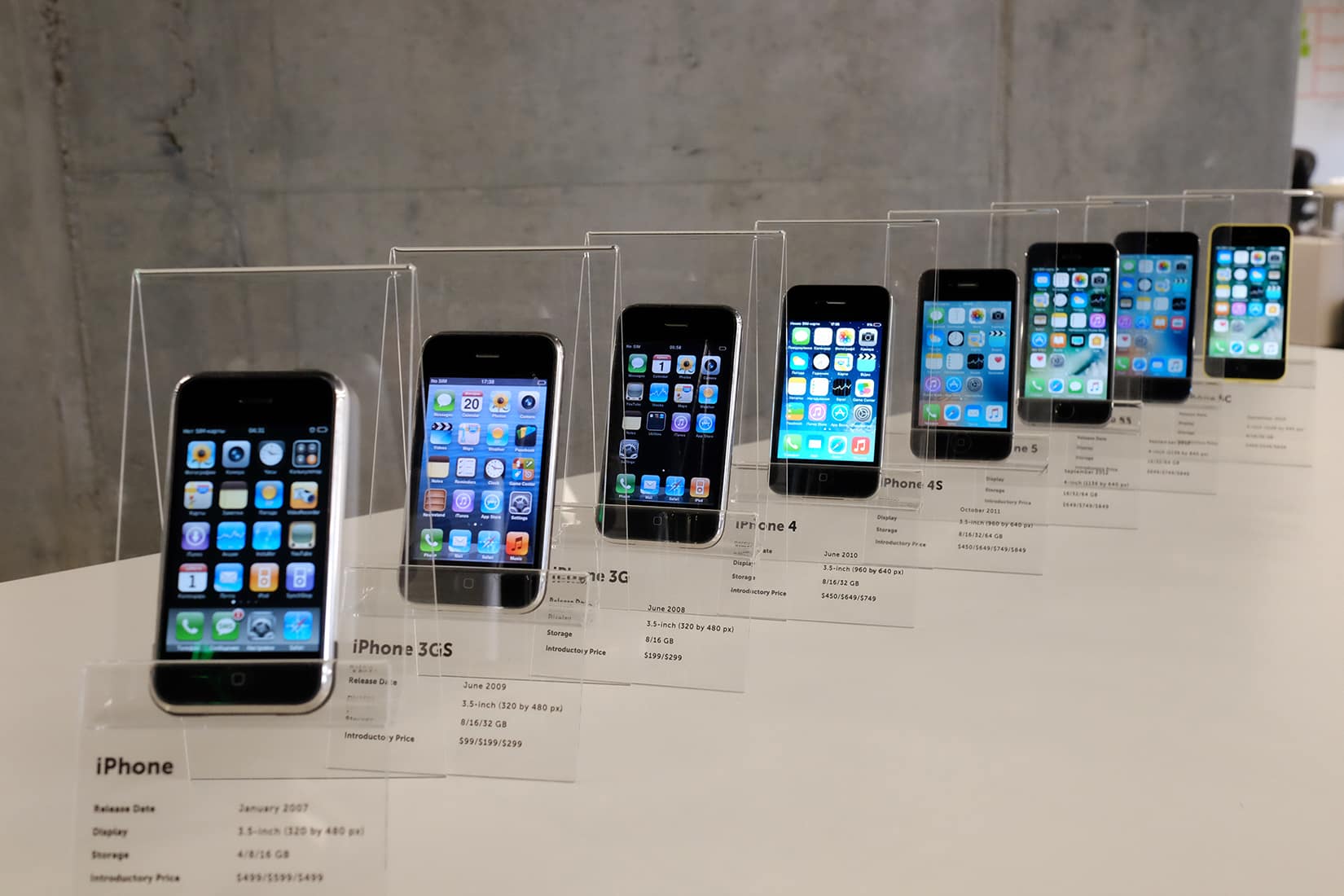
A collection of iPhones, presented as a 30th birthday present to MacPaw CEO Oleksandr Kosovan, fills a critical hole in his private Apple museum.
Photo: MacPaw

iPhone turns 10 Buying a birthday present for your boss can seem impossible. But the friends and co-workers of MacPaw CEO Oleksandr Kosovan — a diehard Apple fan — saw an opening after he bought a treasure trove of vintage Macs to create a museum at his company’s headquarters.

MacPaw’s mini Apple museum, filled with vintage gear auctioned off by fabled Apple repair shop Tekserve, contained no iPhones. Leaving out the smartphone that changed the world seemed like a glaring hole in a collection that otherwise did a good job of showing Apple’s role in revolutionizing personal computing.

How to install iOS 11 public beta on your iPhone or iPad

By

iOS 11 public beta
Now you can test out drag-and-drop, and all the other goodies in iOS 11.
Photo: Apple

Just three weeks after presenting iOS 11, and making the first iOS 11 betas available to developers, Apple has released a public beta of the next iPad and iPhone operating system. That means that anyone, including you, can sign up, download and run iOS 11 public beta on your iPhone or iPad. Doing so is super easy. Here’s how:

Make your Mac sound better than ever [Deals]

By

Boom 3D for Mac
This app can add a surprising level of depth to your common Mac speakers and headphones
Photo: Cult of Mac Deals
It’s a common joke to say that our Mac’s built-in speakers sound better than you’d expect. They actually don’t, but we do consume a lot of music on our Macs, and especially with Macbooks. Listening through built-in speakers or earpods can feel limiting as far as audio quality.

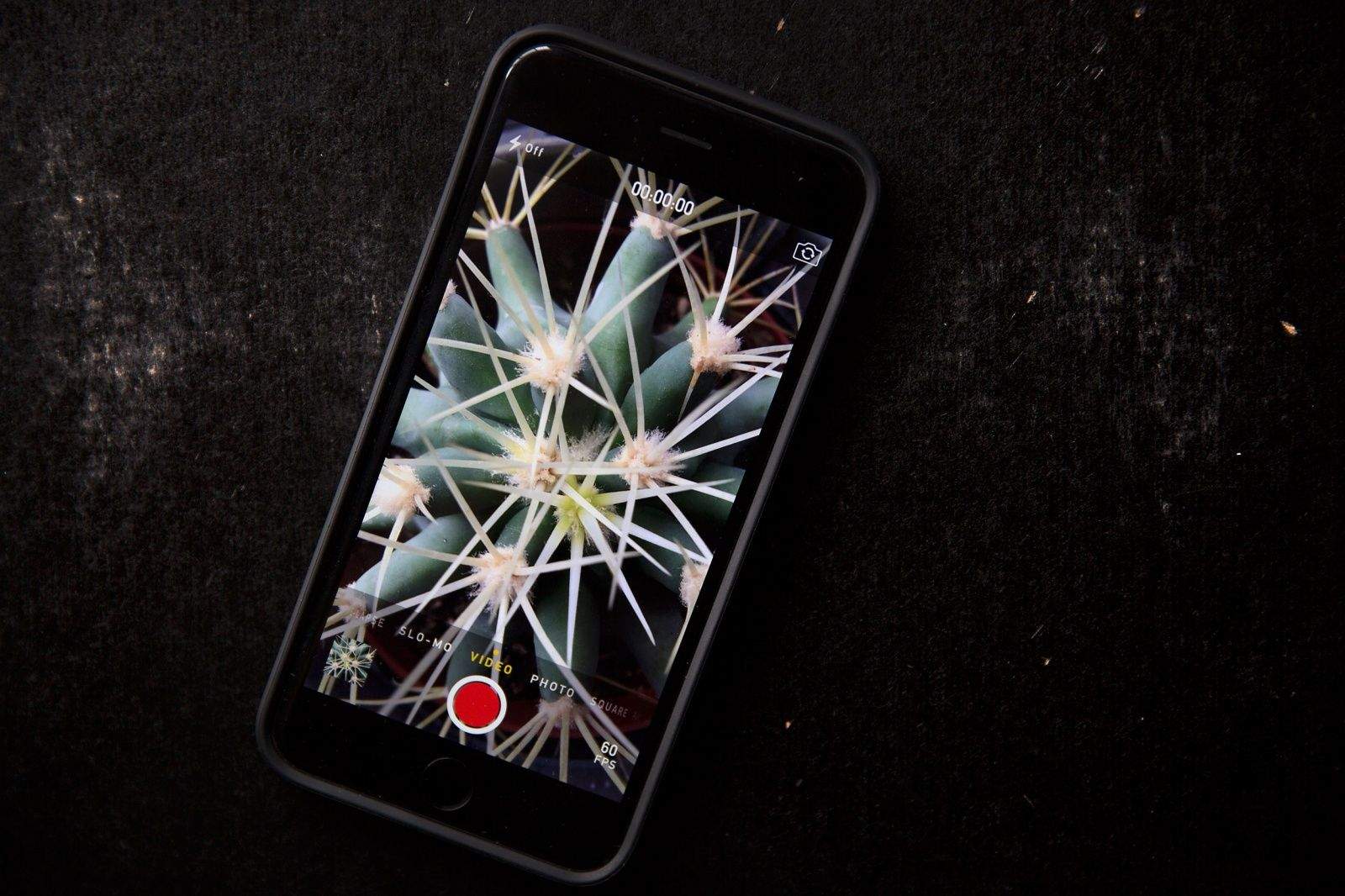
iPhone camera rig will make your footage look silky smooth [Review]

By

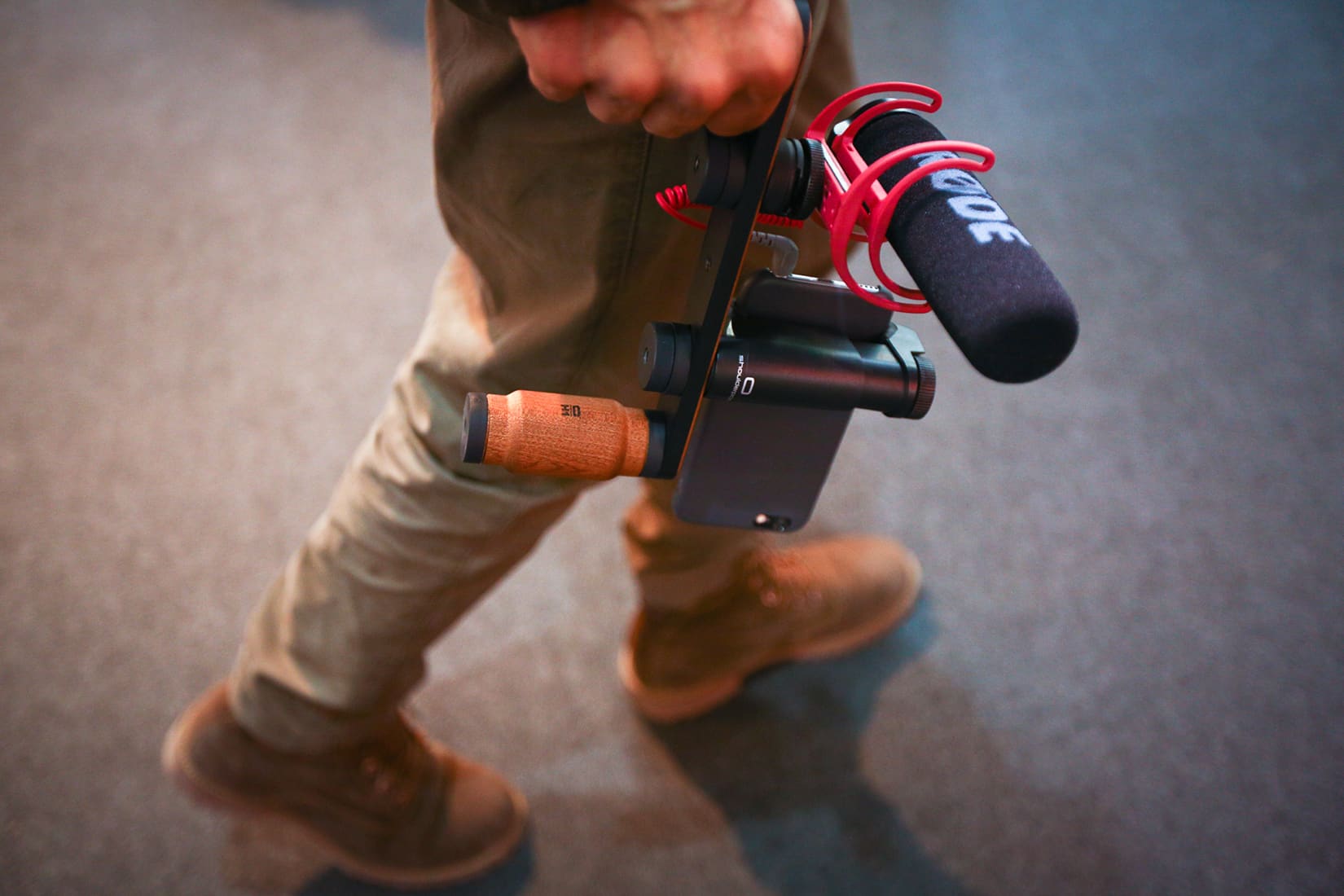
Shoulderpod
The X1 Pro Rig from Shoulderpod.
Photo: Shoulderpod

The more powerful the iPhone camera gets, the less practical the iPhone design is for certain jobs. Holding a thin, pocket-shaped device out in front of your face with your forefingers and thumbs on both ends to view the screen is risky and shaky, especially for video.

But there are accessories that can give the mobile video shooter a secure and steady grip without adding much weight or bulk in the field. Among the best tools come from a company in Spain called Shoulderpod.

How the iPhone revolutionized photography

By

iPhone photo shoot
Fashion photographer Georges Antoni uses the iPhone 7 Plus on Portrait mode to photograph Margaret Zhang for the June cover story of Elle Australia.
Photo: Bauer Media Australia/YouTube

iPhone turns 10When Apple launched the iPhone in 2007, no one imagined that in 10 short years it would become the world’s most popular camera and herald a new era of visual communication.

Yet we are witnessing the death of point-and-shoots, the explosion of massive social networks devoted to pics and videos, and the rise of perhaps the most popular photo style of all time — the selfie.

Just consider that we are expected to take 1 trillion pictures this year alone. That’s a million million photos.

Here’s a brief overview of some of the ways the iPhone was transformed photography forever.

iOS 11 Dock makes Handoff worth using again

By

iOS 11 handoff
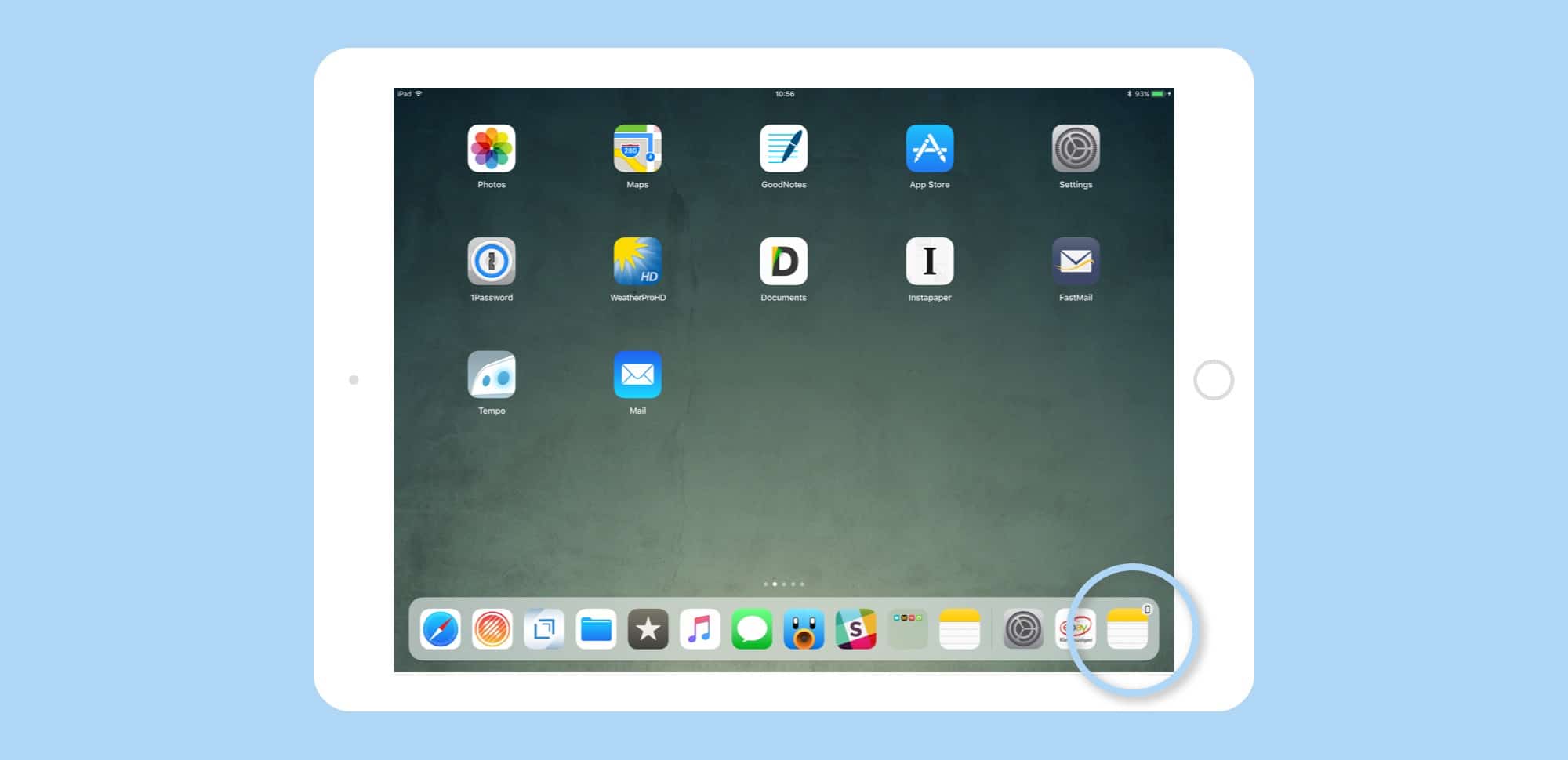
Handoff apps appear in the Dock's rightmost spot.
Photo: Cult of Mac

Handoff is one of those iOS/Mac features that seems great, but is limited in use. However, a simple tweak has made Handoff waaaay better in iOS 11. Now, instead of having a tiny app icon appear in the corner of your lock screen, Handoff apps show up right there in the new iOS 11 Dock.

This simple change has gotten me using Handoff again, instead of ignoring it like I have for the past however many years.

Money to burn? Buy an original iPhone for $20,000

By

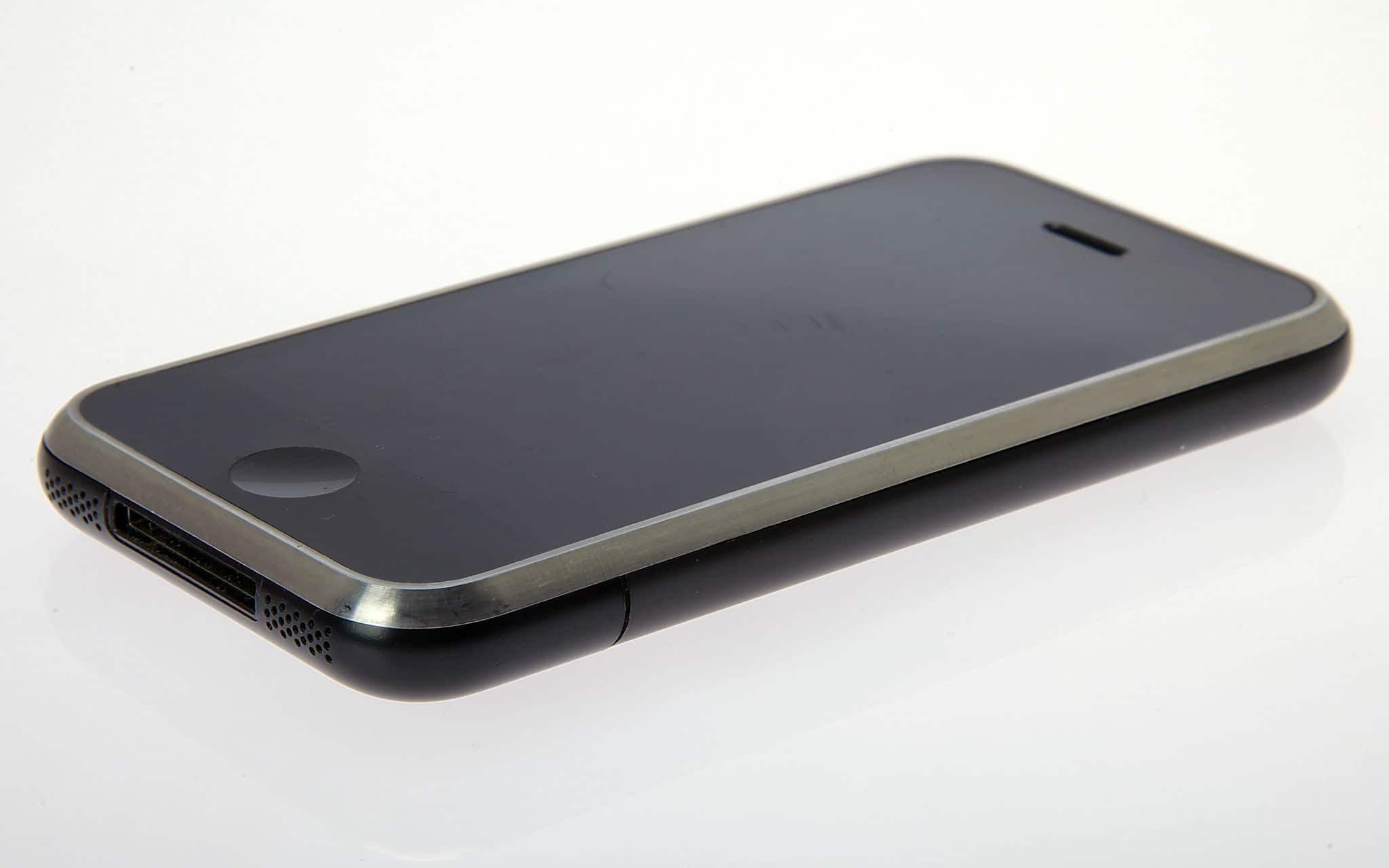
2G iPhone on eBay
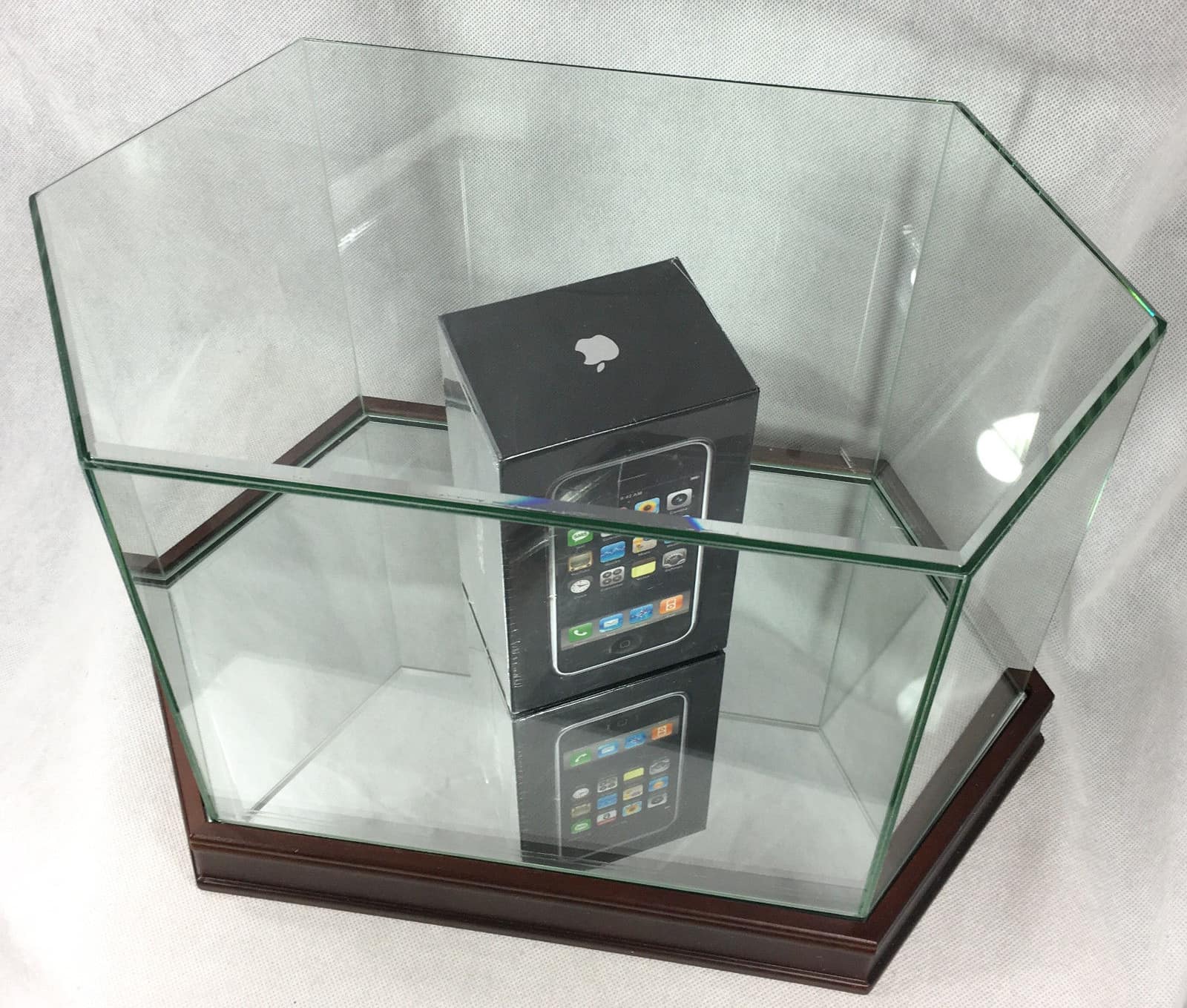
A 2G iPhone never opened and under glass. How much would you pay?
Photo: Discount Depot/eBay

iPhone-turns-10 When the iPhone launched in 2007, the tech world went into conniptions about the device’s price tag. At a time when carriers offered most cellphones for free, the iPhone’s $500 starting price seemed downright crazy.

Well, guess how much an original iPhone costs now?

10 times Apple learned from massive iPhone mistakes

By

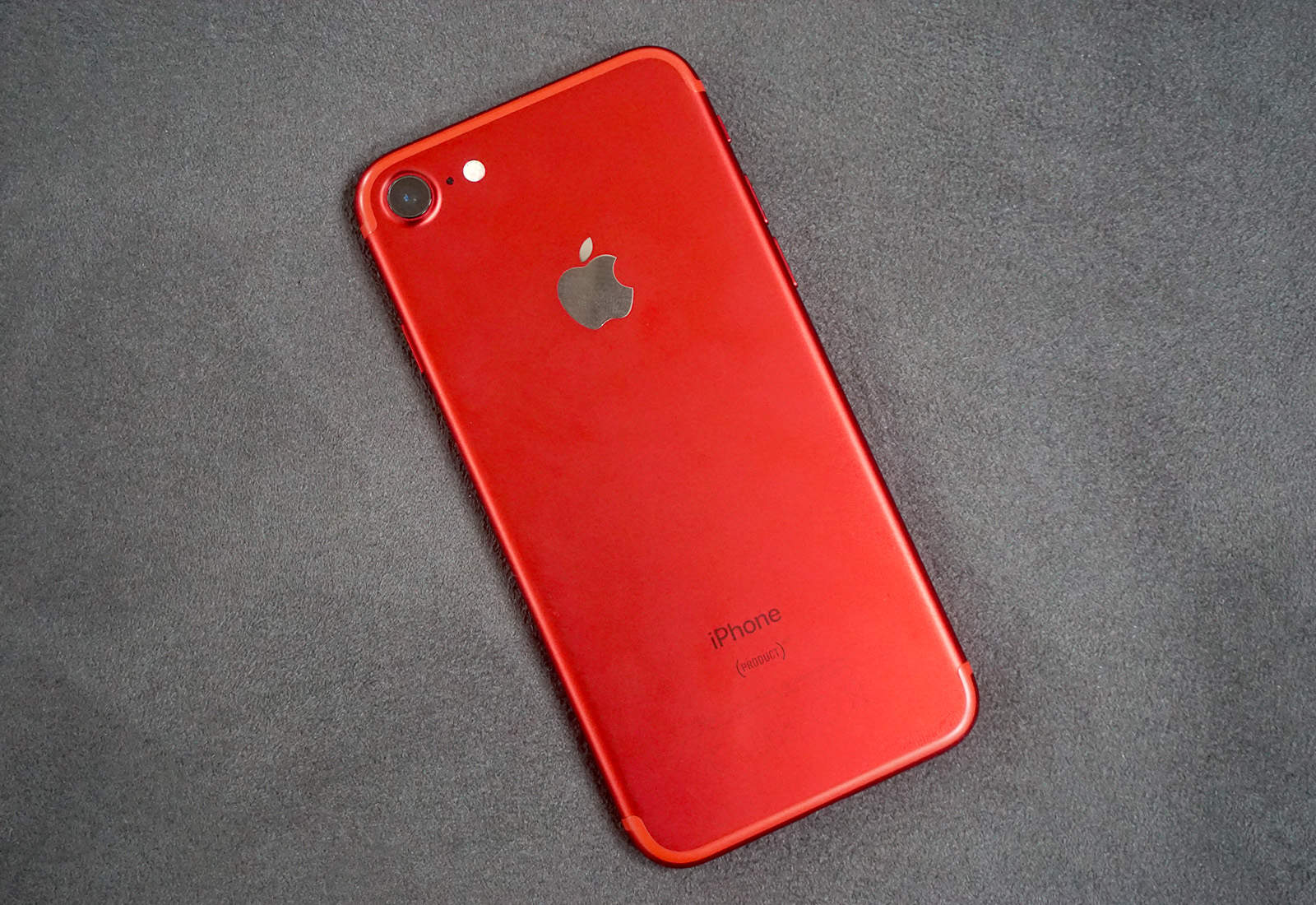
iPhone 7 red
iPhone 8 rumors haven't had an impact yet, either.
Photo: Ste Smith/Cult of Mac

iPhone turns 10 It might be the most successful smartphone on the planet, but the iPhone didn’t become what it is today without some failures along the way.

Even before the device made its much-anticipated debut in 2007, Apple overcame big missteps and mistakes. It tried putting iTunes on other phones. It believed we didn’t need native apps. It entered into embarrassing partnerships with big bands.

As Cult of Mac looks back over the iPhone’s history to celebrate the device’s 10th anniversary, in collaboration with Wired UK, 10 big failures stick out like a sore thumb.

‘Apple should pull the plug’: 10 iPhone predictions from 2007

By

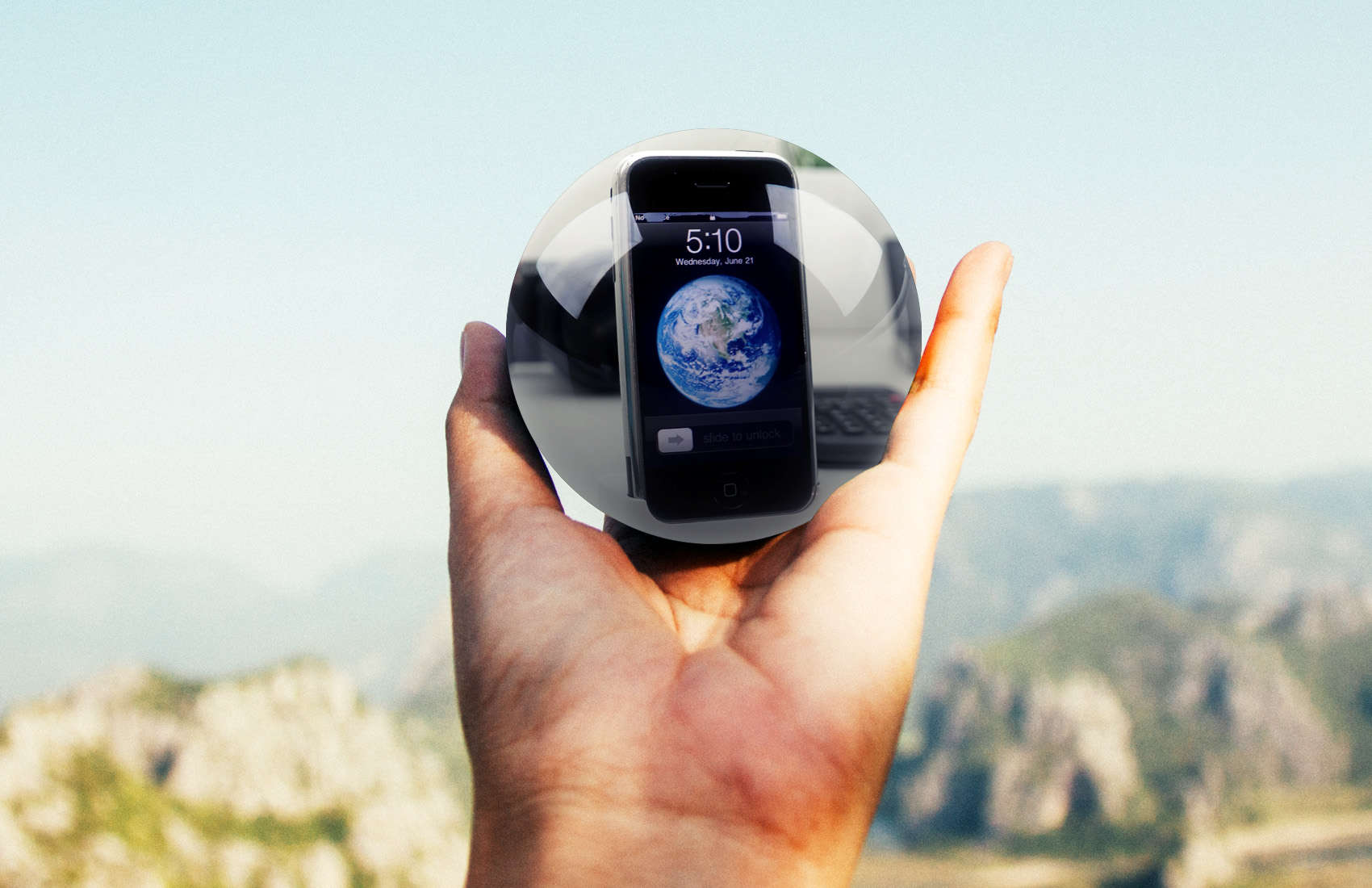
iPhone predictions from 2007
They must have been holding their crystal balls wrong.
Photo: Ste Smith/Cult of Mac

iPhone turns 10 Predicting the future is tough, even for the experts. That’s the only lesson we can learn from looking back at these horribly misguided iPhone predictions that greeted the device at its launch 10 years ago.

Before most people had even wrapped their fingers around Apple’s first-gen smartphone, tech pundits, analysts and competing CEOs were already writing off the iPhone as a disaster similar to Apple’s previous excursions into video game consoles and the like.

Here are just a few of the laughable reactions that greeted the iPhone in 2007.

Birth of the iPhone: How Apple turned clunky prototypes into a truly magical device

By

iPhone 2G prototype
iPhone 2G prototype
Photo: Jim Abeles/Flickr CC

iPhone turns 10 The world had never seen anything like the iPhone when Apple launched the device on June 29, 2007. But the touchscreen device that blew everyone’s minds immediately didn’t come about so easily.

The iPhone was the result of years of arduous work by Apple’s industrial designers. They labored over a long string of prototypes and CAD designs in their quest to produce the ultimate smartphone.

This excerpt from my book Jony Ive: The Genius Behind Apple’s Greatest Products offers an inside account of the iPhone’s birth.