Mobile menu toggle

Top stories - page 529

How to create long-exposure effects with iPhone

By

long exposure sea
Long exposures turn moving water into creepy mist.
Photo: Charlie Sorrel/Cult of Mac
One of the neatest tricks you can do with a standalone camera is the long exposure trick. You may have seen it used to turn the tail-lights of a car into long streaks of red curving through the dark behind a ghostly car, or to blur turbulent waters into a peaceful, misty-looking lake. In a regular camera, you have to finagle the shutter speed to get the level of blur just right, and there’s no second chance. On the iPhone, it’s way easier.

How to switch Animoji characters after recording

By

iPhone X Animoji
Switch Animoji characters without ditching your awesome facial performance.
Photo: Ste Smith/Cult of Mac

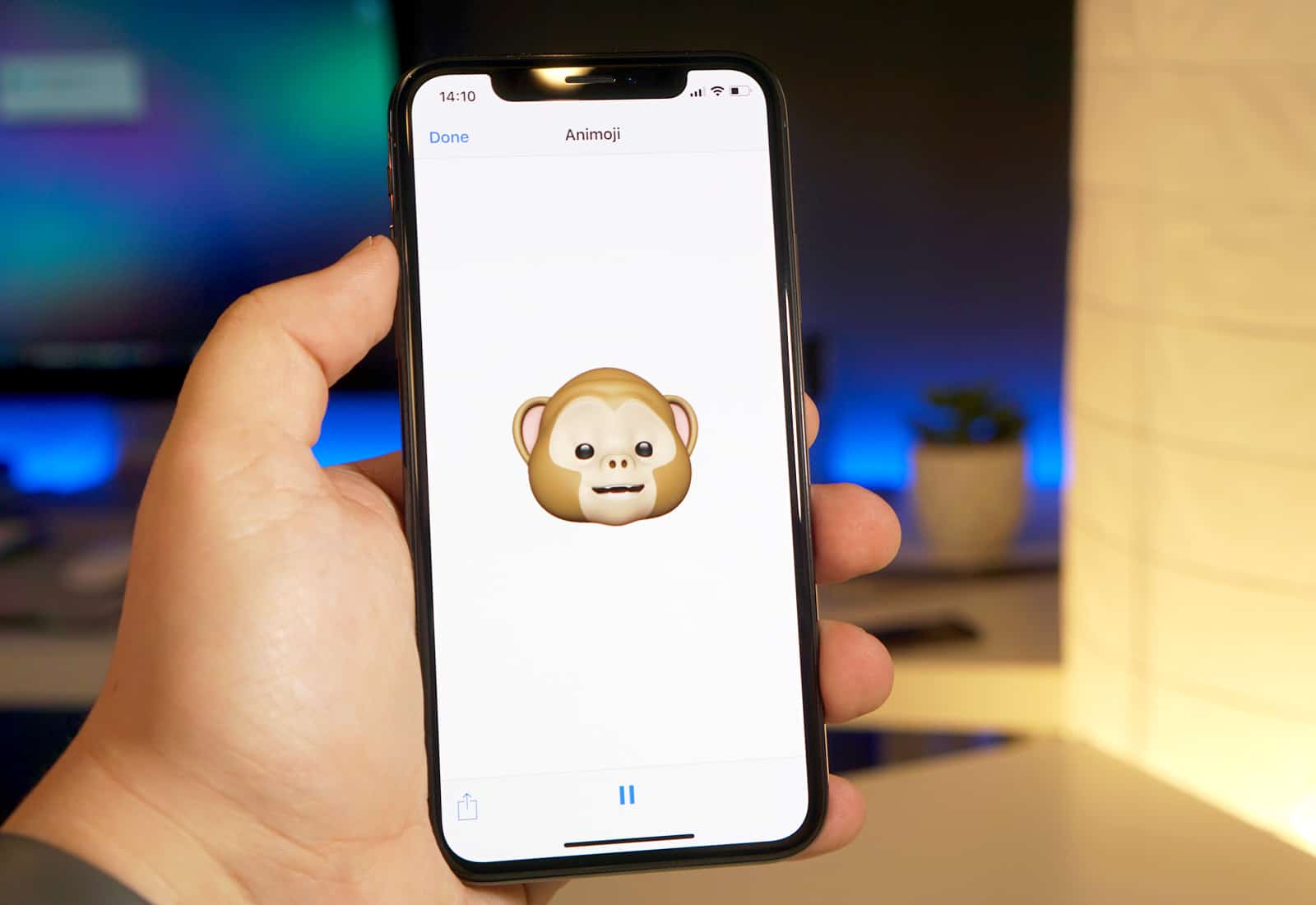
As a popular phenomenon, Animoji will probably disappear as quickly as Pokemon Go. But that doesn’t mean it isn’t fun, and this tip will make it even more fun. You know how when you record a little Animoji clip, and you wish you’d done it with the robot instead of the cheeky monkey? It’s easy to fix, without having to re-record your whole performances.

Apple now ships iPhone X in under 3 weeks

By

Photo of iPhone X in a person's hand, used to illustrate iPhone X review
Don't worry about burn-in on your iPhone X.
Photo: Ste Smith/Cult of Mac

Apple is quickly catching up with iPhone X demand.

Shipping estimates on its online store have dropped for the first time since the handset was made available to pre-order late last month. New customers are facing a wait of just 2-3 weeks.

How to speed up Face ID by switching off attention awareness

By

Face ID attention awareness
Face ID can now recognize a second person.
Photo: Ste Smith/Cult of Mac

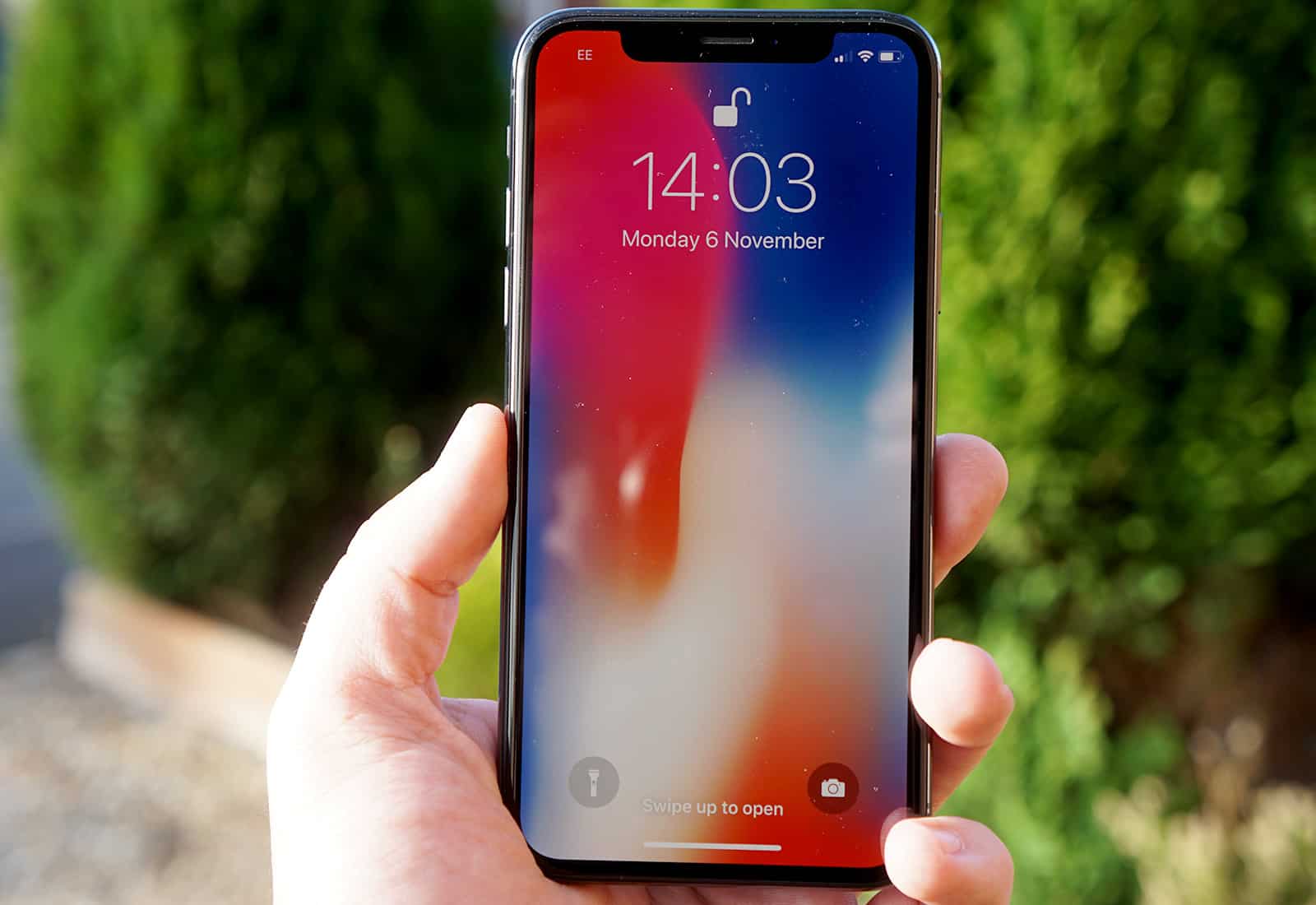
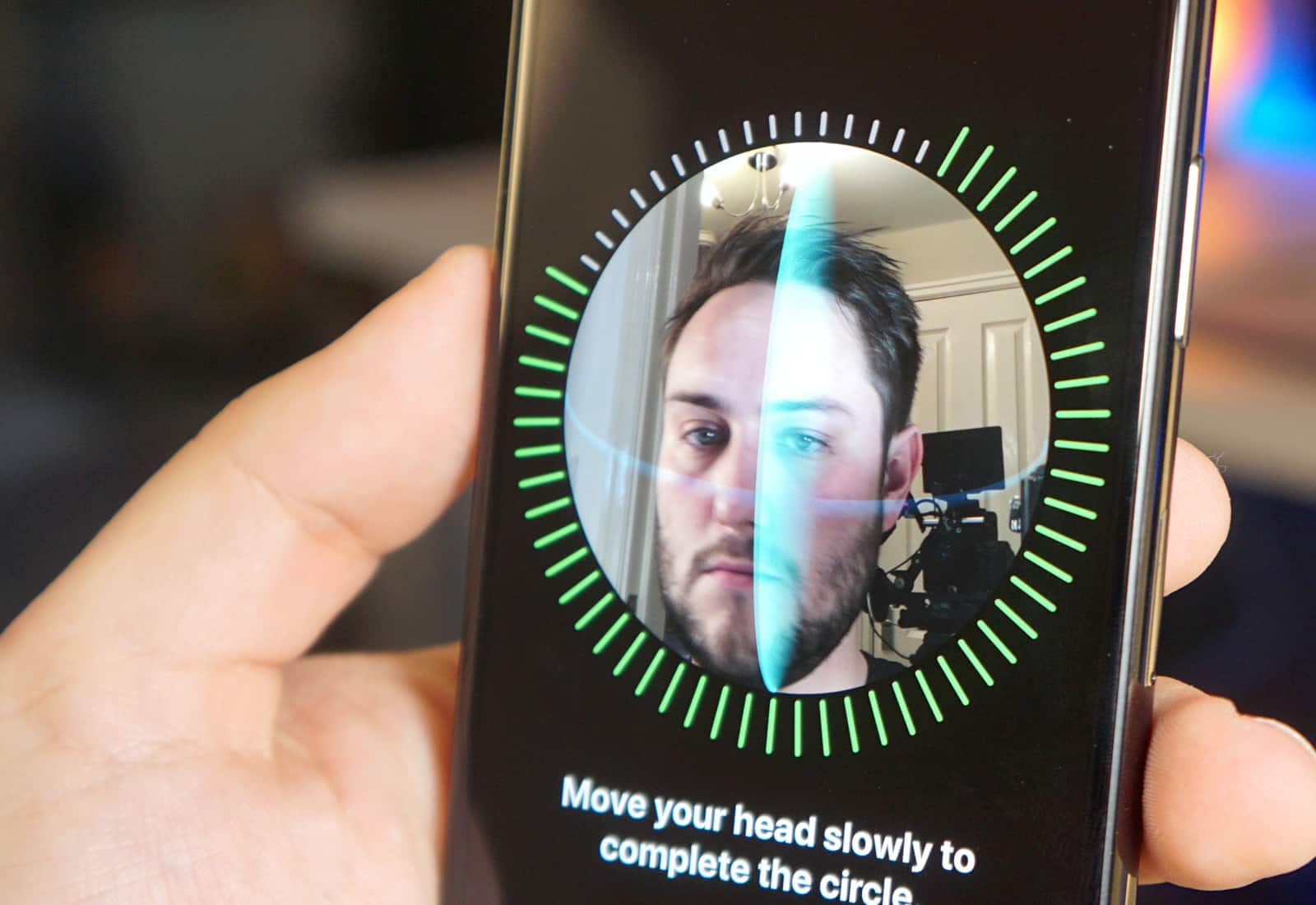
Face ID is, by most accounts, an amazing technology. You pretty much set it and forget it, and the iPhone X just unlocks itself whenever you look at it.

But what if you’re too lazy to point your eyes and your face at your iPhone whenever you want to look at it? What if you prefer to give it a sidelong glance, to show it who’s boss? Then you can disable attention awareness, which speeds up the Face ID process and unlocks your iPhone X faster.

Scoop up 2 terabytes of cloud storage for life [Deals]

By

Save massively on two terabytes of secure cloud storage, for long and short-term needs.
Photo: Cult of Mac Deals

Everybody knows that a key part of any proper data backup plan includes cloud storage. When a hard drive goes kaput, it’s reassuring to know that your most important files are just a WiFi signal away. Of course, it can also be pretty pricey as the capacity goes up.

Animoji may not require iPhone X’s TrueDepth sensor

By

iPhone X Animoji
Animoji are too much fun!
Photo: Ste Smith/Cult of Mac

You can’t enjoy Animoji unless you buy an iPhone X, but it’s apparently not because you need the device’s fancy hardware. It looks like Apple’s latest gimmick is powered at least partly by the handset’s front-facing camera rather than relying entirely on its advanced TrueDepth sensor.

Got an iPhone X? Sell your old phone for cash

By

The quickest and easiest way to get paid for your old devices.
Photo: MyPhones Unlimited

With the iPhone X finally released, now is the best time to lock-in a price to sell your old phone before it begins to depreciate. And you should use Cult of Mac’s gadget buyback program, because we pay the highest cash prices with the easiest service.

Our popular gadget buyback program pays more for used and broken Apple devices in most cases than rivals like Gazelle and BuyBackWorld.

And we can prove it…

Shooting From the Hip showcases beautiful iPhone photos [Book review]

By

iPhone photo book
Shooting From the Hip, the iPhone street photography of San Francisco's Scott Strazzante, is now for sale.
Photo: David Pierini/Cult of Mac

You may be tempted to marvel at Scott Strazzante’s new book, Shooting From the Hip, simply because he made all those gritty street photographs with an iPhone.

We can’t seem to get over the fact that the little wonder device in our pockets can be used to create great work. Apple touts stunning photos on big billboards, luring us with the promise that good pictures will come pouring out if we upgrade to the latest iPhone.

But photography — good photography, anyway — isn’t that simple. And to fixate on the tool Strazzante uses would be a disservice to him, and to the collection of 150 pictures inside this hardcover coffee table book.

How to turn any song into a ringtone with GarageBand for iOS

By

custom ringtones itunes
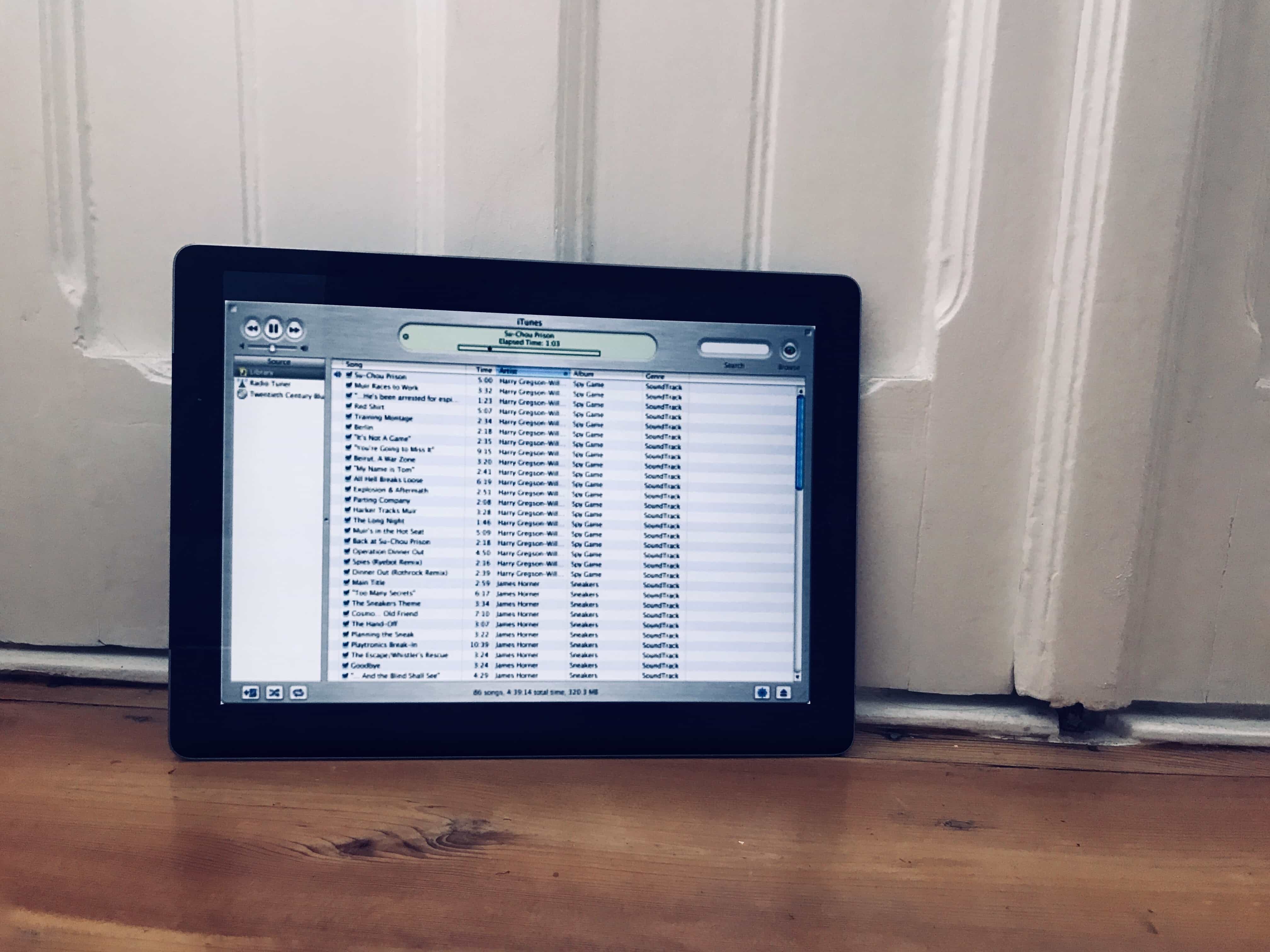
This is a screenshot of the original iTunes, on an iPad.
Photo: Cult of Mac

There are very few iOS tasks that still require a Mac. One of those is getting your own ringtones onto your iPhone. You can buy them, but you can’t add a downloaded ringtone onto your iPhone without hooking up to iTunes. Or can you? GarageBand on iOS lets you save your own creations as ringtones, to be used immediately. Here’s how.

Best wireless charging pads for iPhone X and iPhone 8

By

Best wireless charging pads for iPhone X and iPhone 8
You've got a new iPhone. Now it's time to get ready for wireless charging.
Photo: Belkin

Update: Apple added faster 7.5-watt wireless charging in iOS 11.2, which is currently in beta. We’ve updated this guide and placed compatible fast-charging pads at the top of the list.

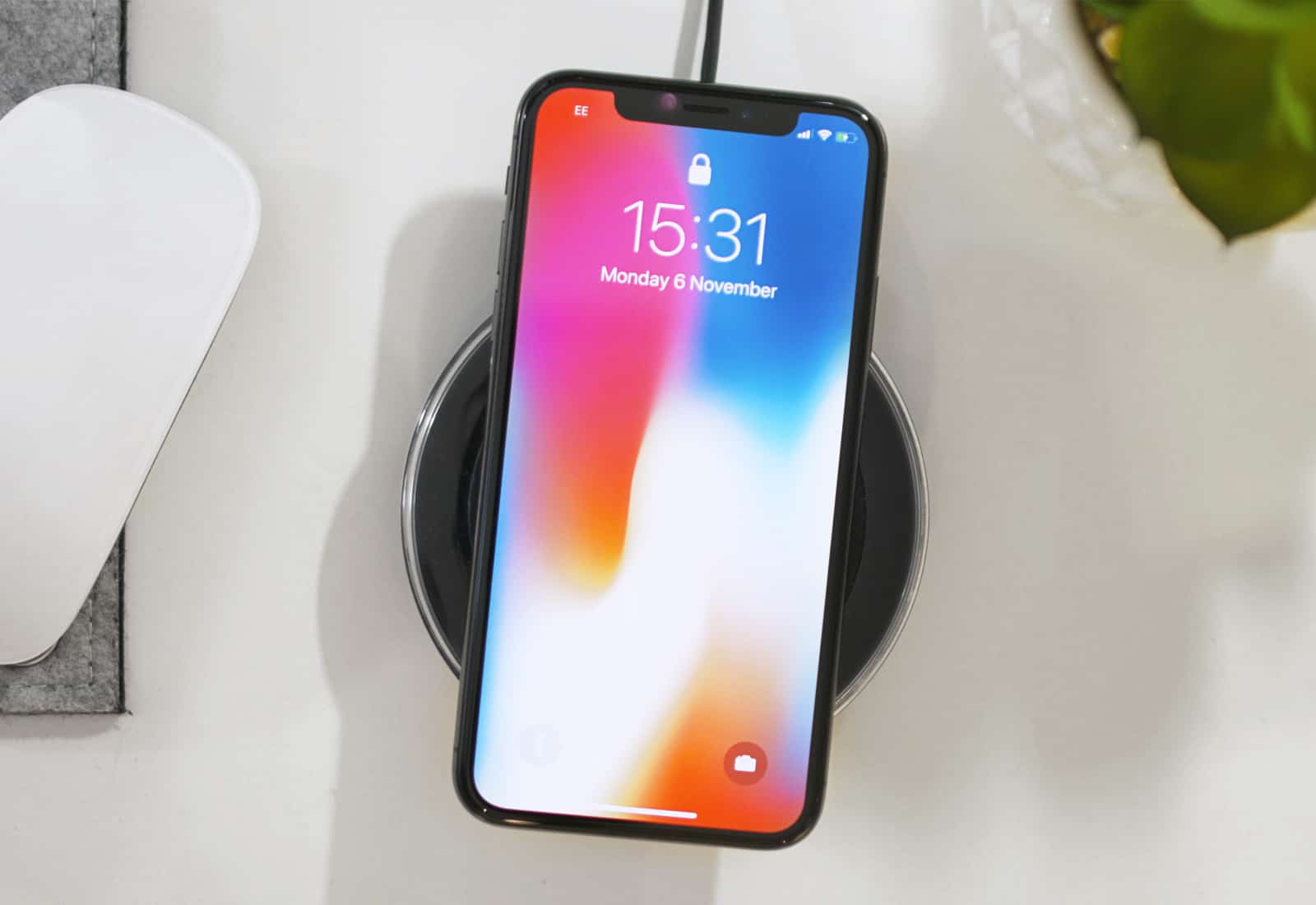
Apple’s new iPhone lineup finally supports wireless charging. Both the iPhone X and the iPhone 8/8 Plus use the Qi standard that’s been popular for years. That means you can choose from an endless list of compatible charging pads, mats and stands already on the market.

So, which one(s) should you buy? We’ve rounded up some of the best iPhone wireless chargers to make your buying decision a little bit easier.

Using iPhone X’s dark mode uses less than half the battery power

By

grayscale iphone x dark mode
The iPhone X sips power in dark mode.
Photo: Ste Smith/Cult of Mac

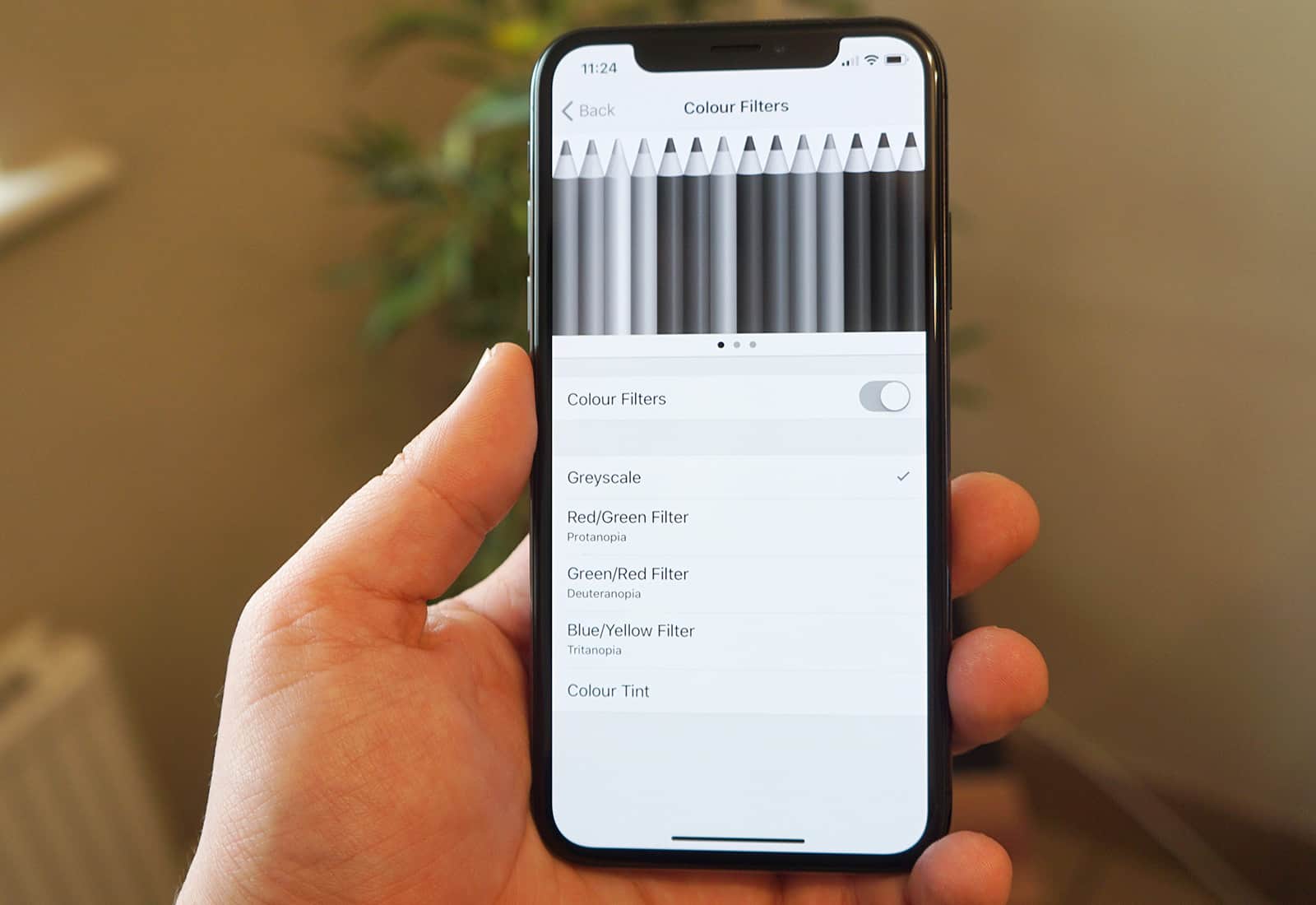
Did you read our guide to switching on the iPhone X’s Unofficial Battery Saver Dark Mode in order to stretch the battery life of your new iPhone X? Well, it turns out that blacking out as much of the screen as possible really can save a whole lot of juice. In testing, running the iPhone X in dark mode saves a staggering amount of battery power.

Essential iPhone X tips you need to know [Video]

By

Watch our latest video to see all the crucial iPhone X tips and tricks.
Photo: Ste Smith/Cult of Mac

iPhone X is radically different from every iPhone that came before it. As you strive to get accustomed to life without a Home button, these iPhone X tips and tricks will come in handy.

Check out the video below to see nine iPhone X tips you need to master immediately.

Save over $150 on these Jetsons-worthy earbuds [Deals]

By

These futuristic Bluetooth earbuds feature great audio, battery life, and comfort.
Photo: Cult of Mac Deals

Not long ago, the idea of wireless personal audio seemed downright futuristic. Now that it’s a reality, our expectations have caught up.  We expect a set of Bluetooth earbuds to have a good mix of battery life, audio quality, and comfort.

Luxurious leather makes this Apple Watch band feel buttery-smooth [Review]

By

clessant
Clessant uses prized Barenia leather from the Haas Tannery in France.
Photo: Clessant

Best List: Clessant Black Barenia Apple Watch Band

When it comes to fashion, it’s hard to beat basic black. However, sometimes you want a little something extra — a design that adds subtle interest without going over the top. The Clessant Black Barenia Apple Watch band does the trick, thanks to fine off-white stitching that looks almost like racing stripes.

Updates for your Mac dock, iPhone camera and more [Week’s best deals]

By

The week's best deals include a 3-lens attachment for iPhone, a massively customizable Dock upgrade, and more.
Photo: Cult of Mac Deals

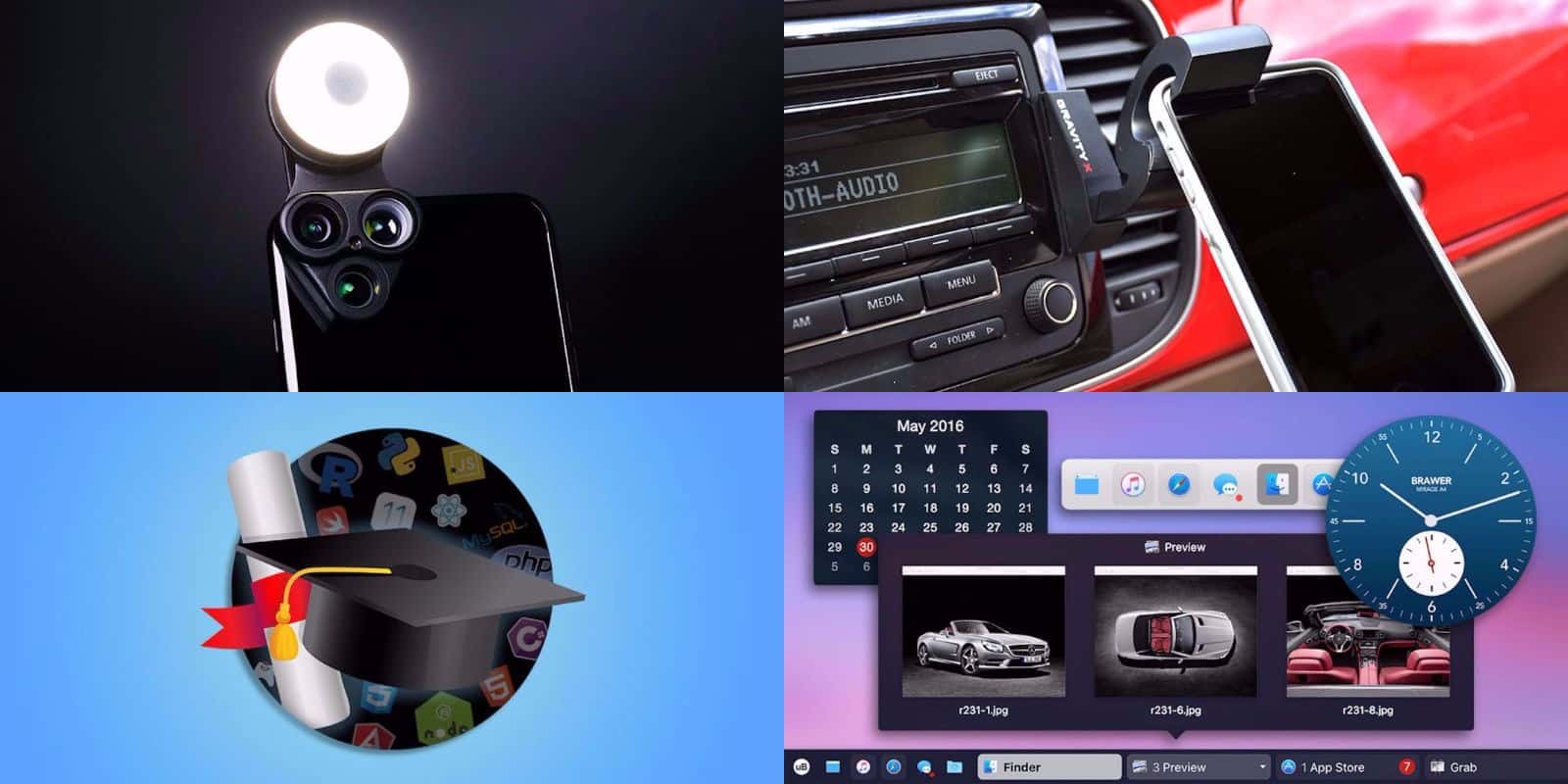
Welcome to another new week, and another round of great deals on gear and more at the Cult of Mac Store. This week’s best deals include an update for your Mac’s Dock, and a powerful lens attachment for iPhone. Plus, we’ve got days of coding courses and a slick car mount for your phone. Everything is discounted by a third off or more. Read on for more details:

Cult of Mac Magazine: iPhone X is Apple’s finest smartphone ever, and much more!

By

cover
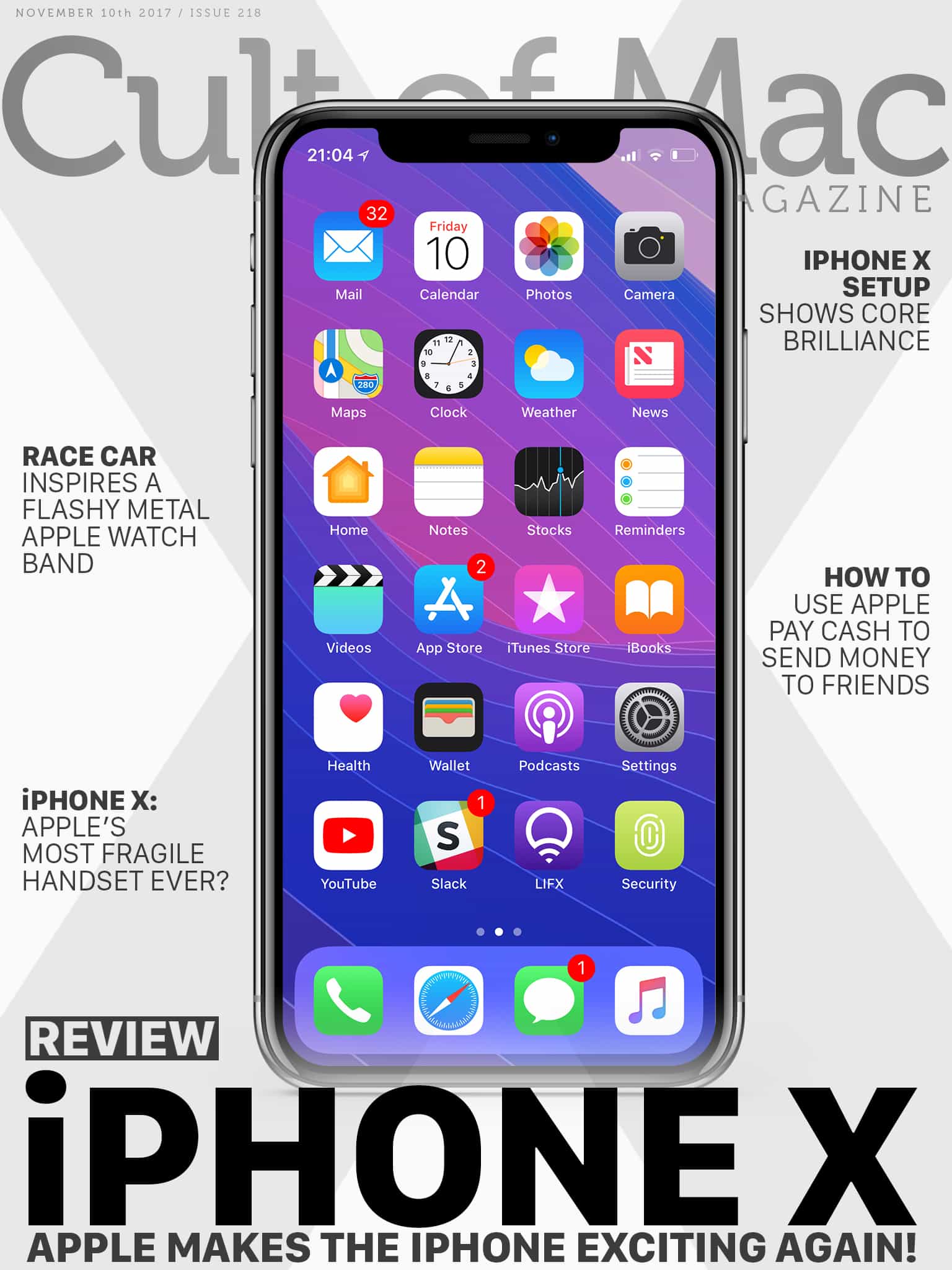
iPhone X looks right at home alongside the best products Apple ever made. We won’t forget this stunning smartphone for a long time.
Photo: Ste Smith/Cult of Mac

For iPhone X, Apple did away with aluminum unibodies, chunky bezels, Touch ID and the beloved Home button. In their place, iPhone X sports polished stainless steel and smooth glass, an edge-to-edge Super Retina HD display, and Face ID. The result proves stunning. Apple just made the iPhone exciting again. But is iPhone X worth $999? Red our full review on iPhone X.

In this week’s issue, you’ll find that story and more. Find out how Apple Pay Cash proves Apple hasn’t lost its attention to detail, and learn how to send money to friends using it. Learn how to squeeze more battery life out of iPhone X, and discover all the trick and tips to mastering your new phone. Check out our review of Juuk’s brand-new aluminum Vitero bands for Apple Watch, which are now available for pre-order. Get your free subscription to Cult of Mac Magazine from iTunes. Or read on for this week’s top stories.

Quick tip: How to make Face ID more accurate

By

VCSEL
The laser in the iPhone X's Face ID could one day transform the speed of broadband.
Photo: Ste Smith/Cult of Mac

What do you do when Face ID doesn’t recognize your face? Do you reposition your face? Reposition the iPhone? Stare a little harder at the camera, to tell it you really mean business?

Stop! Instead of acquiescing to your iPhone X’s silent demands, you should use this as a teaching moment (and show your phone who’s boss at the same time). Face ID learns how your face changes over time, but you can also teach it to recognize you better. Here’s how.

Quick tip: How to scroll to the top on iPhone X

By

iPhone X
The iPhone X is overloaded with essential gestures. Here's another one for you to learn.
Photo: Ste Smith/Cult of Mac

Ever since the early days of the iPhone, you have been able to tap on the status bar at the top of the screen to quickly scroll a long page back to the top. You may have been at the bottom of a long document, an epic web page or a particularly brutal Instapaper article, and one tap takes you back to the beginning. It’s a fantastic feature that really saves a lot of crazy finger-flicking, and is just plain convenient. Once you get used to it, the few apps that manage to disable the feature seem broken.

And yet now in the iPhone X, tapping the top of the screen no longer scrolls to the top. But don’t worry: There is still a way to do it. You’ll just have to learn yet another gesture.