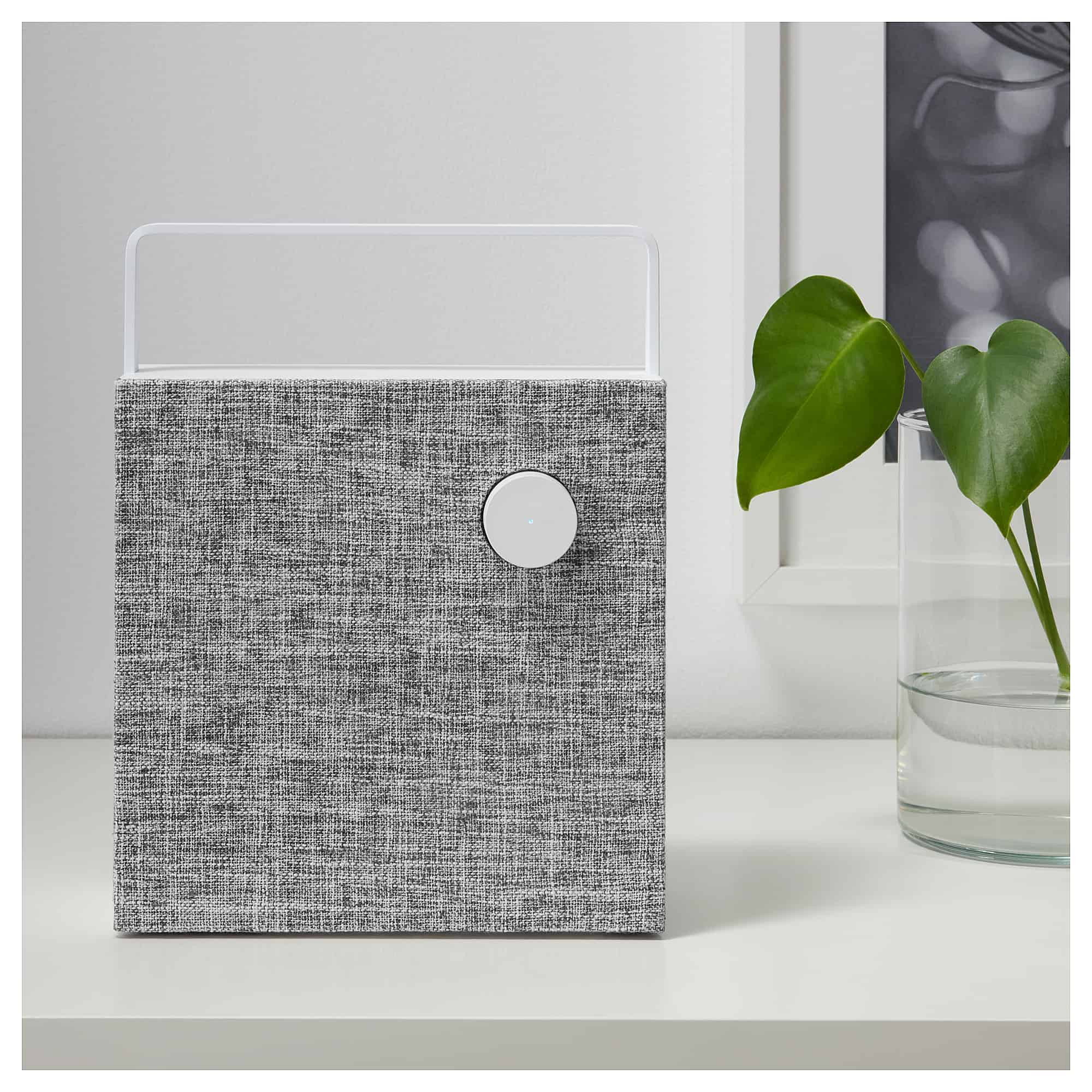
The Eneby is $300 less than a HomePod, and it's not like Siri works properly anyway. Photo: Ikea
Ikea’s new Eneby speaker may not pack the smarts of a HomePod or an Amazon Echo, but it’s great-looking and it’s pretty cheap. The new range of Ikea Bluetooth speakers starts at $49. If all you want is a nice, easy speaker for the living room, kitchen, or even the backyard, you should take a look.
Apple’s most recent iOS updates are causing problems with iPhone displays that have been fitted by third-party repairers. It was initially believed that unauthorized parts were the cause of the issue, but it seems there’s something bigger happening under the hood of your devices.
Even genuine Apple displays don’t work properly if they’re not installed by Apple.
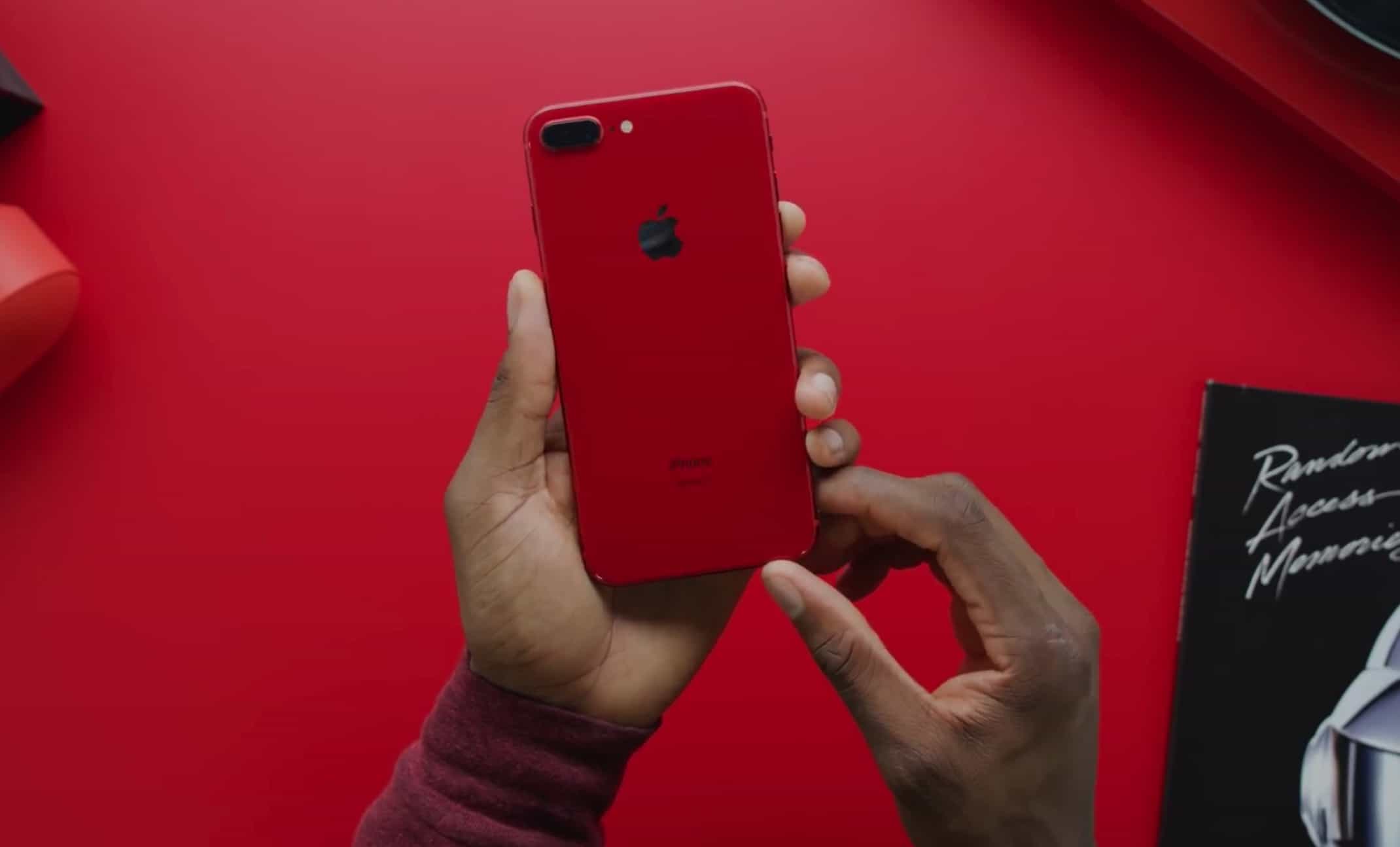
Apple is circumventing the traditional media once again. Photo: Marques Brownlee
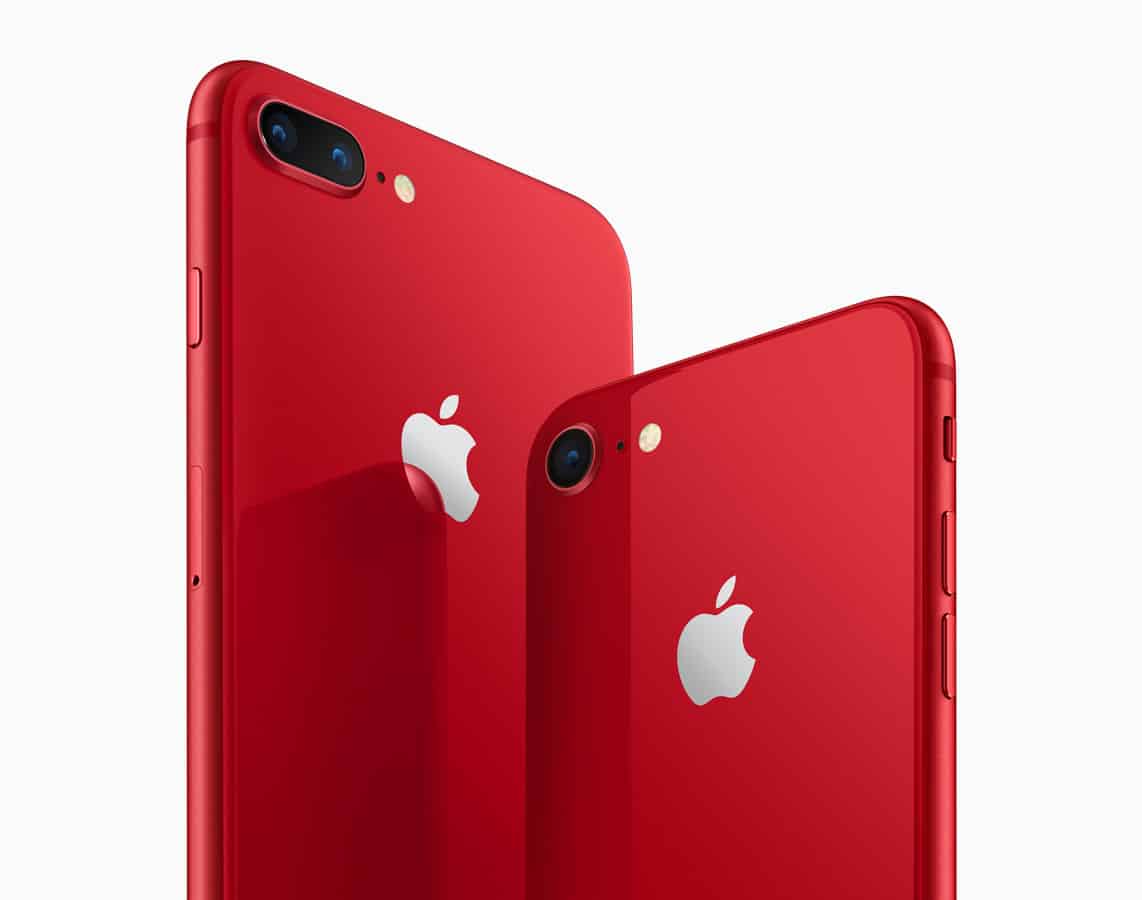
The new (PRODUCT)RED Special Edition iPhone 8 won’t start arriving until Friday, but one lucky YouTuber has received an early unit from Apple. Popular YouTuber Marques Brownlee was gifted a pre-release RED iPhone 8 Plus, and has posted an unboxing video online.
Brownlee’s take on the “seriously red” iPhone? That it’s pretty darn great — and the palette swap from white to red frontage, compared with last year’s iPhone, is much appreciated. Check out his video below.
This portable Bluetooth speaker sounds great and can survive almost anything. Photo: Cult of Mac Deals
Bluetooth speakers have made our music more portable. There’s nothing quite like bringing your tunes to the beach, on a boat, up a hill. There’s also nothing quite like the feeling of dropping your precious electronics into water or onto the rocks.
Apple has had its share of data scandals too, Facebook's CEO notes. Photo: Facebook
Steve Jobs once promised a “thermonuclear war” against Google. Here in 2018, it seems more like Apple is in more of a Cold War with fellow tech giant Facebook — based on recent comments made by both companies.
While we’ve argued before that the congressional investigation of Facebook only helps Apple, it seems that Facebook’s Mark Zuckerberg is doing his best to hurt Apple, too. Here’s how.
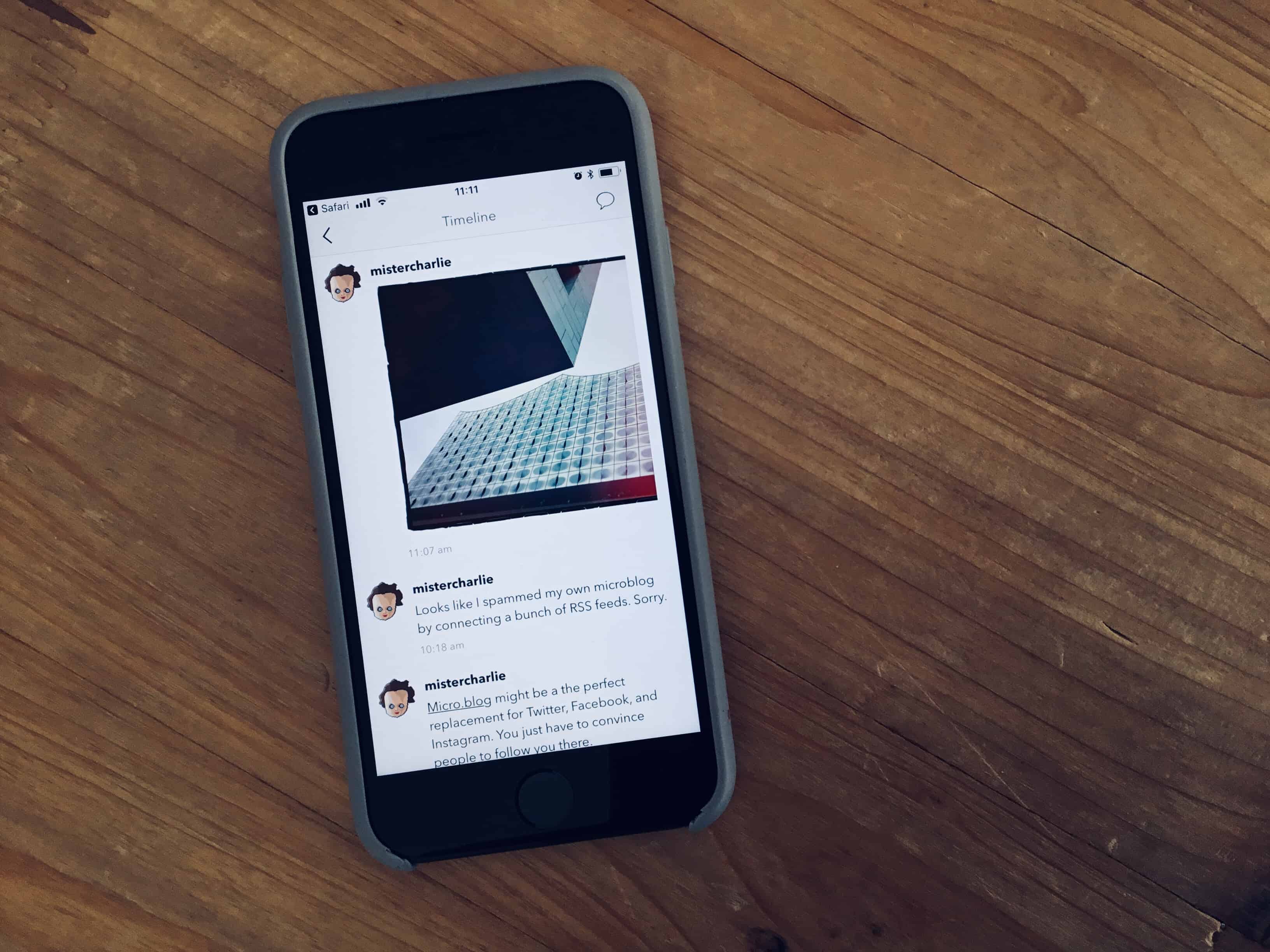
The Microblog app looks pretty great on iPhone. Photo: Charlie Sorrel/Cult of Mac
Facebook tracks your every move and sells the information to people who try to fix elections. Twitter is destroying the fabric of democracy, and doesn’t care. And even if you leave Facebook, it owns Instagram and WhatsApp, two of the biggest social networks outside of itself and Twitter. And now Facebook is promising to let anyone delete their posts, which means that you’ll never really know what’s been happening. IT’s time to leave Facebook and move on, but where?
After all, a social network is pointless if you have no friends on it. Happily, there’s a social network out there already that’s bigger than Facebook, and completely uncontrolled by any single company. It’s the web.
Today we’re going to see how to post your photos, messages, and other rants onto your own microblog, just like Twitter, Facebook, and Instagram. The best part is, you own everything, anyone can read it, and it’s as easy to use as sending a tweet.
Apple seemingly has a new relationship with Tencent. Photo: Cult of Mac
Ever lost a tab in Safari? You have like a million of the things open, and you end up scrubbing a two-finger trackpad swirl over the entire tab bar, shifting those things around so that you can read their labels, and you still can’t track down the Cult of Mac website in there. Well here’s good news: you can just pin that tab to the edge of the tab bar, so you’ll never lose it again.
Who wouldn't want Steve as their instructor? Photo: Deliberate Think
Who wouldn’t have wanted Steve Jobs to have visited their university class for a casual Q&A with the students? That’s what folks at MIT were lucky enough to experience in 1992.
Running NeXT at the time, Jobs stopped by to drop some wisdom on everything from his thoughts on leaving Apple to the state of computing to his thoughts on the right way to run a company. Excerpts from the discussion recently landed on YouTube. Check them out below.
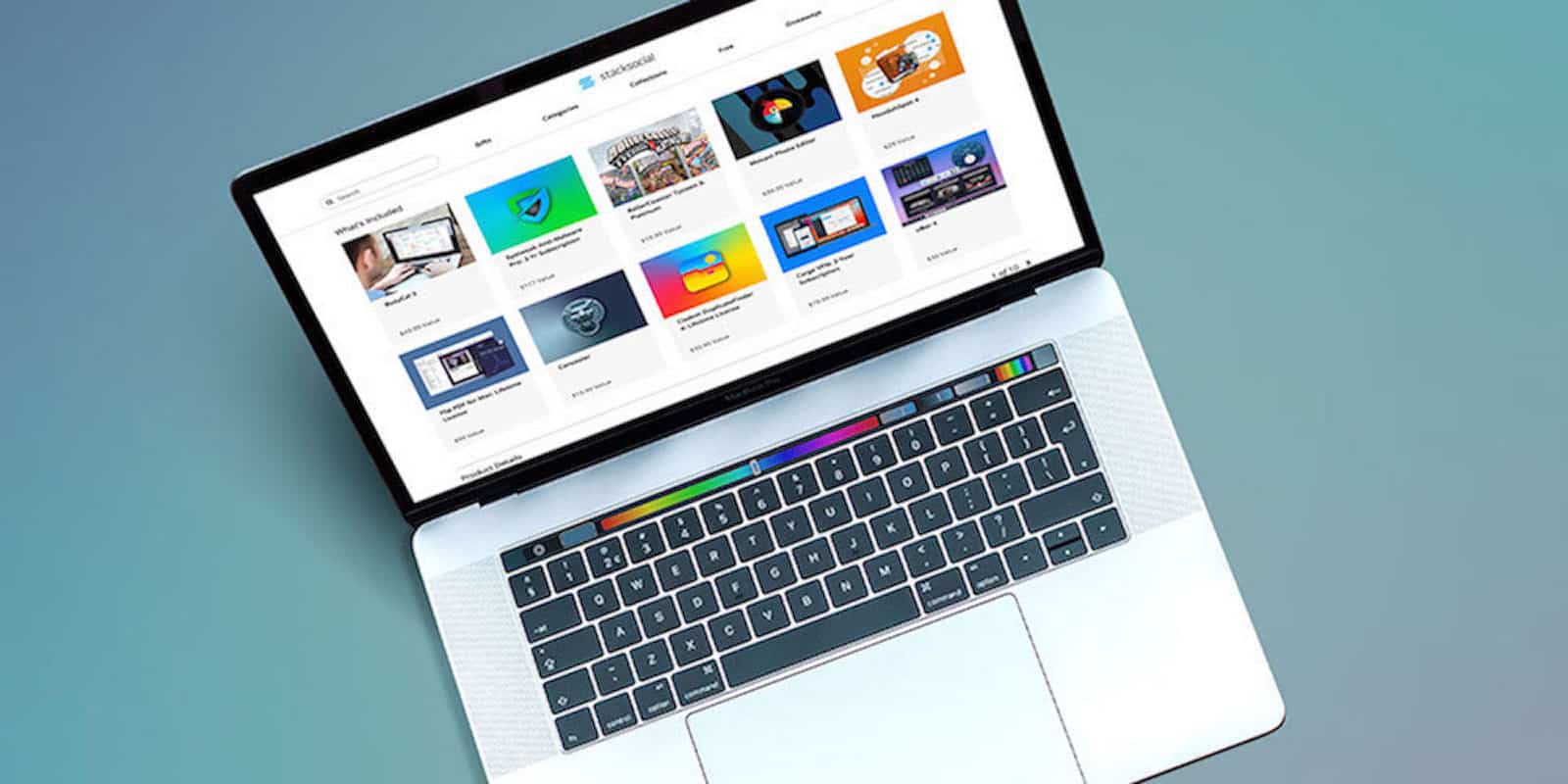
This loaded bundle includes 10 premium apps for creativity, productivity, and fun. Photo: Cult of Mac Deals
To get the most out of your Mac, it takes a good stable of apps. With all the options available on the App Store, though, it can be hard to know where to start. Luckily, we’ve got a can’t-miss, last-chance deal on a massive bundle of premium Mac apps.
A deferred do-it-later list can transform your to do list. Photo: Charlie Sorrel/Cult of Mac
Todo lists are great for not forgetting to, you know, do stuff. But they can be tyrannical, stressing you out with an endless queue of tasks which need to be completed. Even if you are hyper-productive, and manage to get through most of your chores, your todo list can end up cluttered with lower-priority tasks that don’t need to be on it.
This, then, is where the do-it-later list comes in.
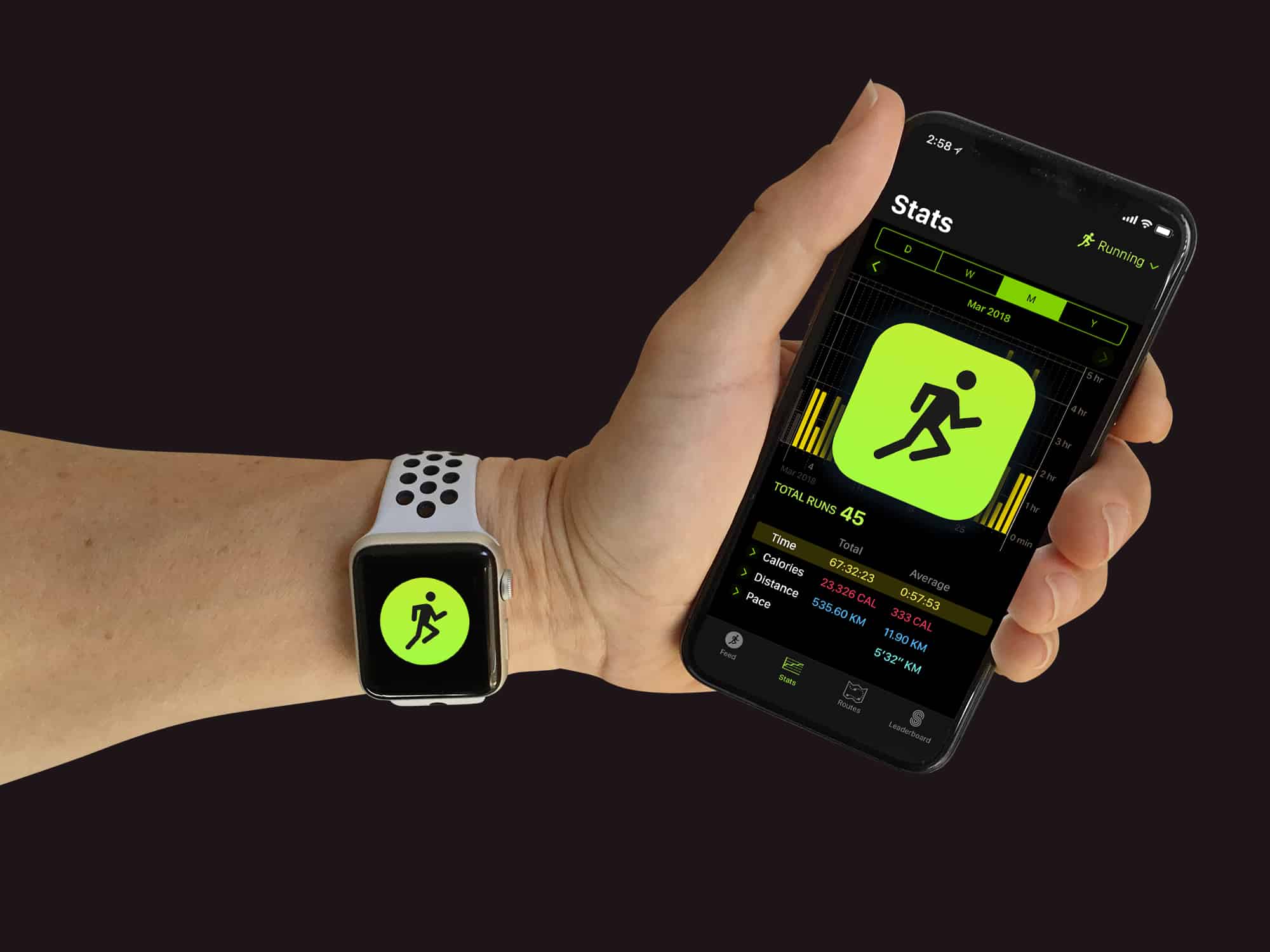
Will Apple move workouts to iCloud so you can browse them on any device? Photo: Graham Bower/Cult of Mac
When it comes to fitness apps on Apple Watch, sometimes it feels like Cupertino is running before it can walk. Fancy new features like Heart Rate Recovery are very welcome, but a few of the basics remain missing.
Apple could make major strides when it releases watchOS 5. So in the second of three posts about the future of watchOS, I’ll focus on five essential fitness features I’m hoping we’ll see at this year’s Worldwide Developers Conference.
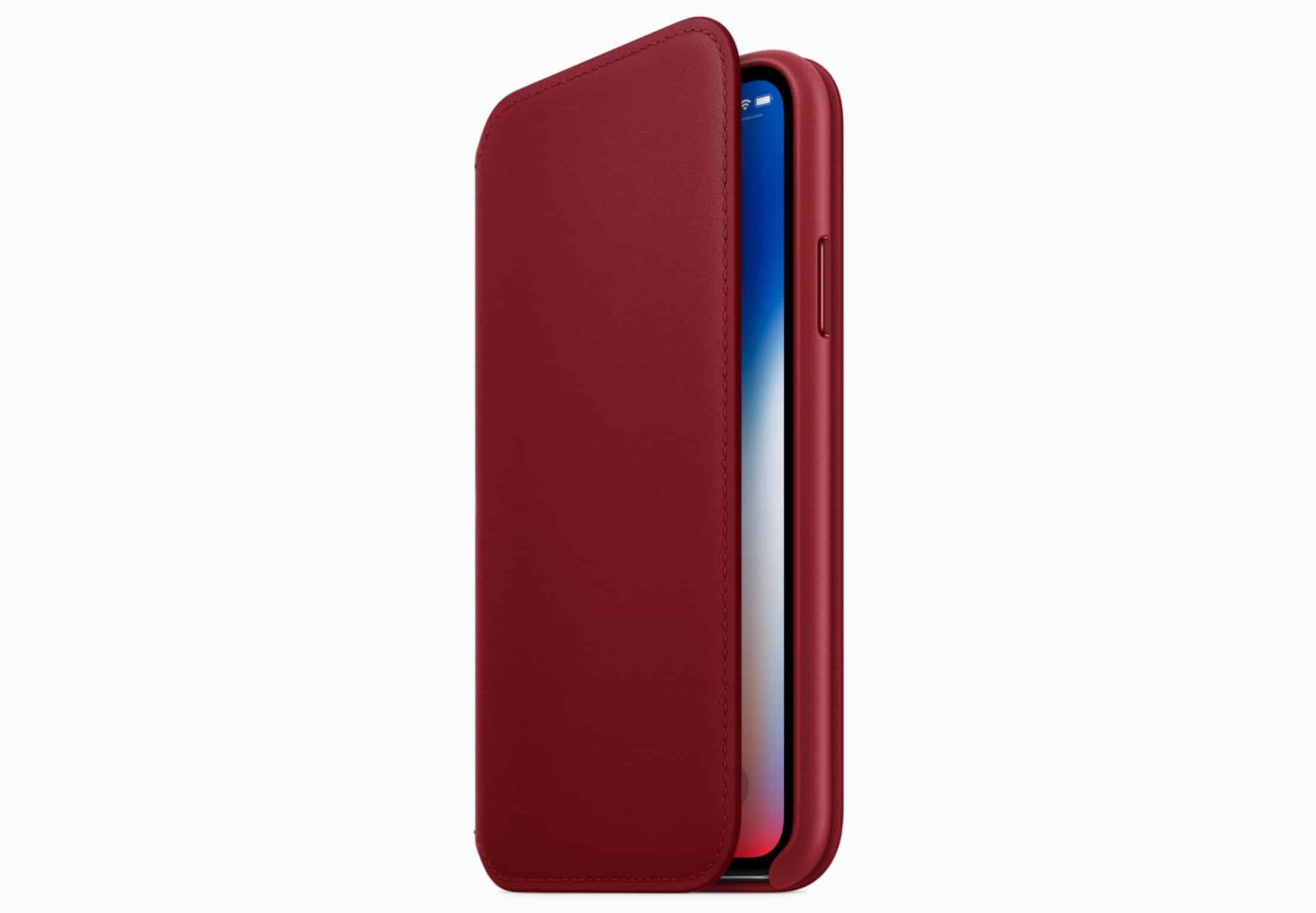
Apple’s new RED leather folio for iPhone X. Photo: Apple
You won’t find a special edition (PRODUCT)RED iPhone X in the Apple store alongside the new iPhone 8 tomorrow, unfortunately — but if you want to support a good cause, you can get your hands on one of Apple’s new RED leather folio cases.
This endoscopic camera offers a line of sight into deeply buried problems where eyes can't reach. Photo: Cult of Mac Deals
If you’ve got car trouble, plumbing issues, or other pressing repairs, your iPhone or laptop can be great partners. Just plop them next to you and look up instructions about how to fix your problem. But if the problem is deeply buried, you’ll need another tool.
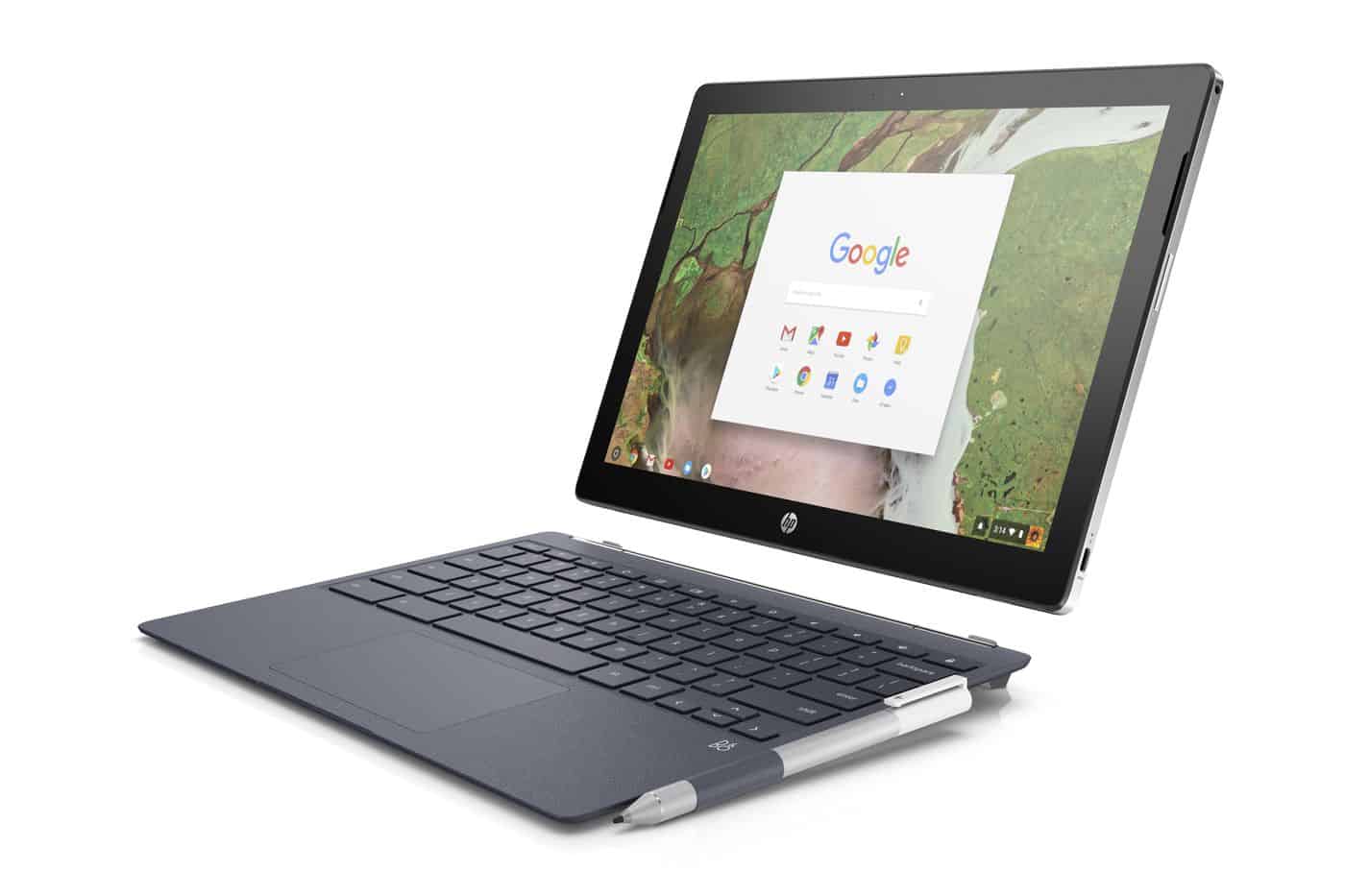
The HP Chromebook x2 just doesn’t make sense. Photo: HP
Android tablets were never going to topple the iPad, so now Apple’s rivals are trying their luck with new slates powered by Chrome OS. HP is the latest to throw its hat into the ring with the Chromebook x2, a pricey competitor to iPad Pro that ships with a detachable keyboard and stylus.
It’s somewhat attractive, but it makes no sense at $599.
The Apple Pencil stars this week, but not how you’d think. Instead of writing or drawing with it, you can use it to bow a virtual violin. Musicians will also love a new iPhone app which comes up with melodies and harmonies for you.
Don't break your back trying out different furniture arrangements, create a 3D preview first. Photo: Cult of Mac Deals
Spring is here, and with the new seasons comes fresh plans for your home or office. But even just thinking about that process can be a headache (which the allergens in the air doesn’t help). So instead of wearing yourself out by moving furniture around, you can plan it out first in immersive 3D.
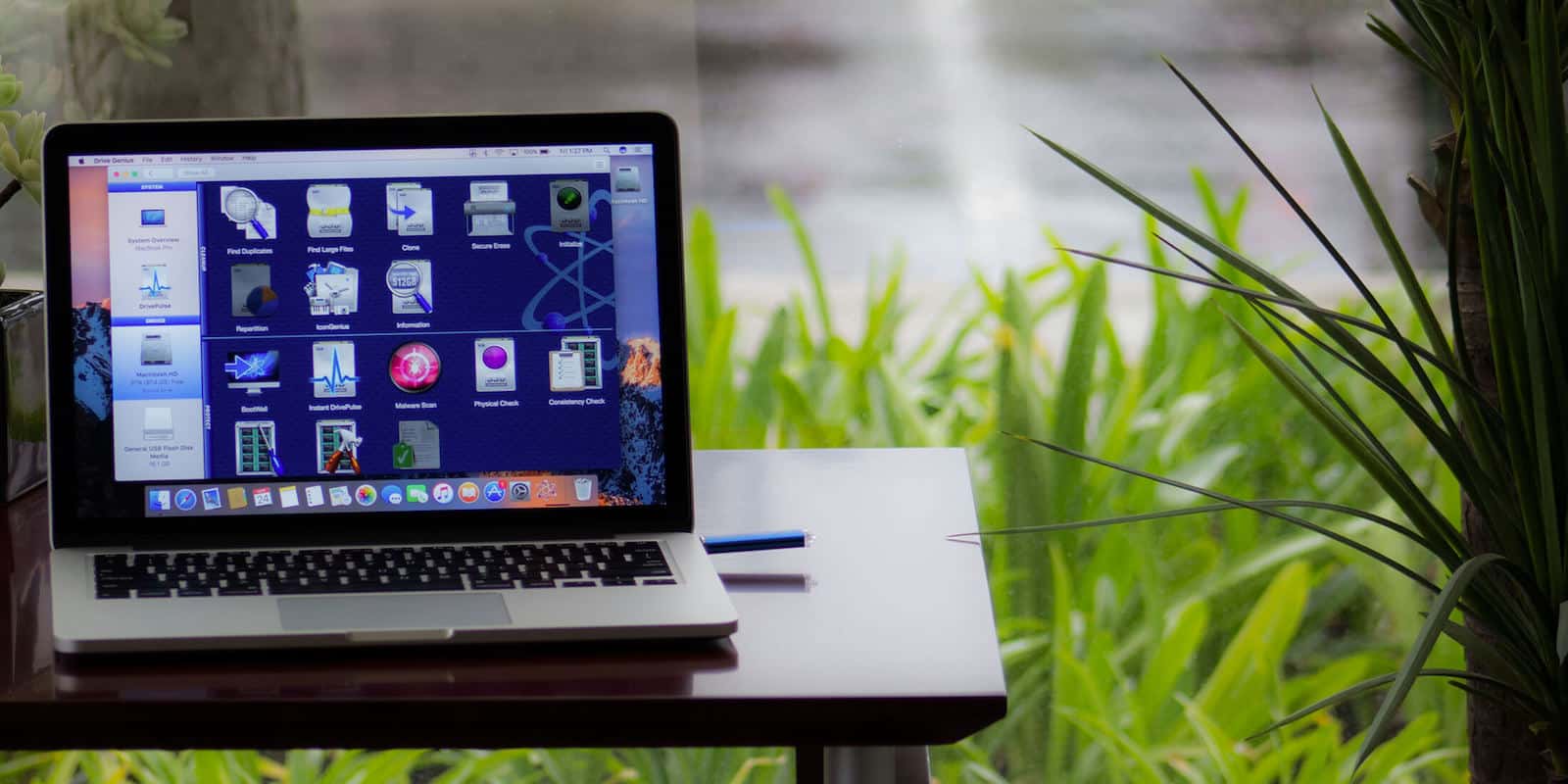
Keep your Mac's drive humming and healthy with this powerful diagnostic and repair tool. Photo: Cult of Mac Deals
Your Mac is a mighty machine. But to get the most out of your computer, you’ve got to take care of it. So unless you’re a computer technician, you’re going to want an app for that.
Drive Genius is that app. Used by no less than the Apple Genius Bar, it can speed up, clean up, secure and even revive a dead Mac. And this is your last chance to get Drive Genius 5 for $39 at Cult of Mac Deals.
In this week's Cult of Mac Magazine: What might Tim Cook announce at this years WWDC keynote? Photo:
In this week’s Cult of Mac Magazine: What’s next for Apple? We’ll find out in June, when the company hosts devs from around the world at the Worldwide Developers Conference 2018.
Every year, the event gives Cupertino execs a chance to show off Apple’s new software and hardware. It’s a chance for outsiders to get a direct look at what’s in the Apple product pipeline. In the video below, we round up all the latest WWDC 2018 rumors to give you a heads-up about what’s on the horizon.
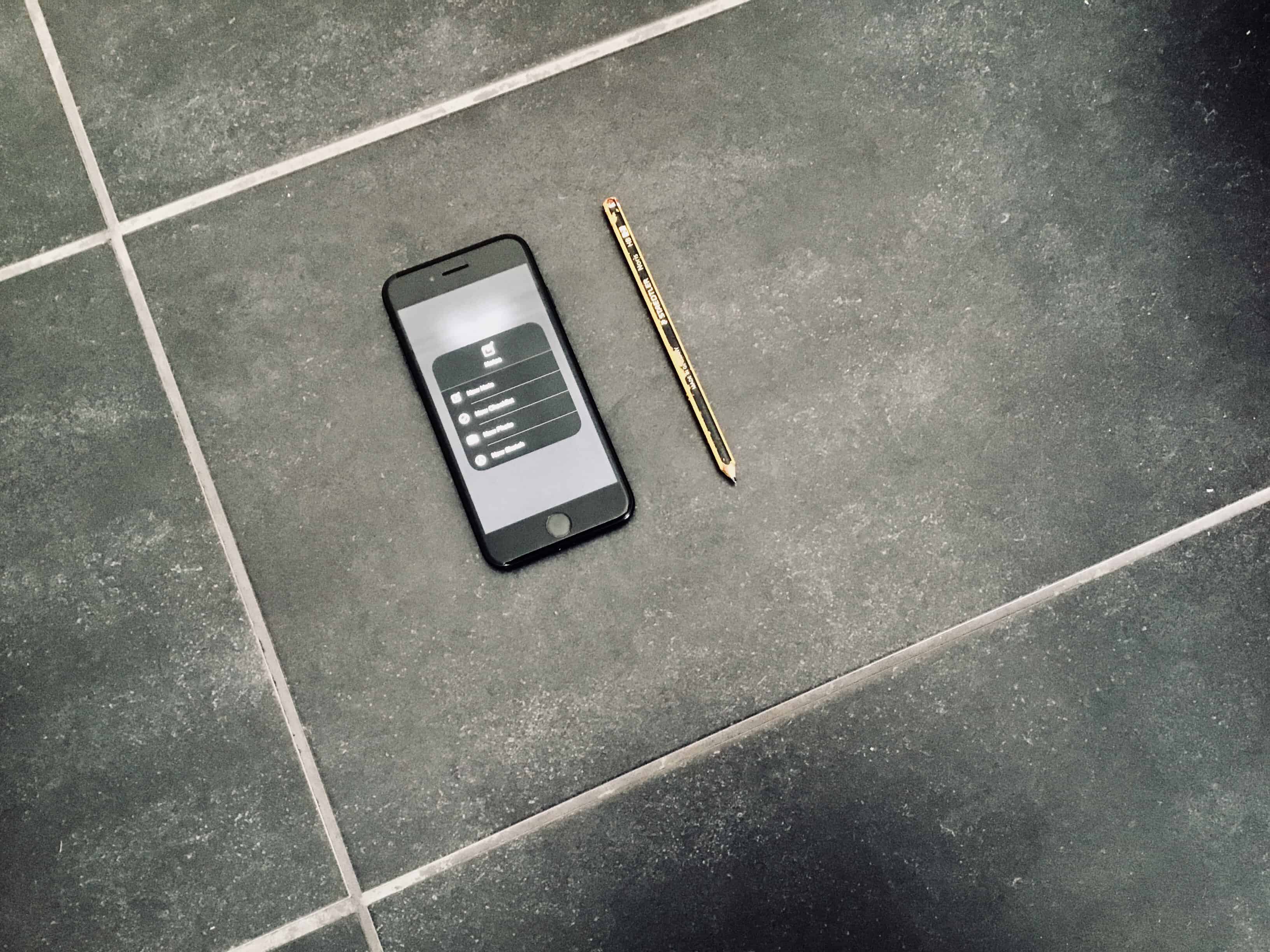
Lock-Screen Notes on iPhone. Photo: Charlie Sorrel/Cult of Mac
Lock-Screen Notes are one of the iPad’s best features. You can tap your Apple Pencil onto the unlocked iPad and immediately start writing or drawing on a note. It’s almost as instant as having a real pen and paper in front of you. But did you know that you can do the same thing with your iPhone? That right, you can create and add to notes right from the lock screen — no Apple Pencil required.
Name your price for a jumpstart course on coding for AI and deep learning. Photo: Cult of Mac Deals
Every day, the fields of deep learning and artificial intelligence grow more relevant. Machine learning is still in its infancy, so now is a great time to start learning. And if you’re interested in gaining some new coding skills for this exploding industry, we’ve got a deal for you.
It doesn't look like much, but then, neither did Keith Richards. Photo: Charlie Sorrel/Cult of Mac
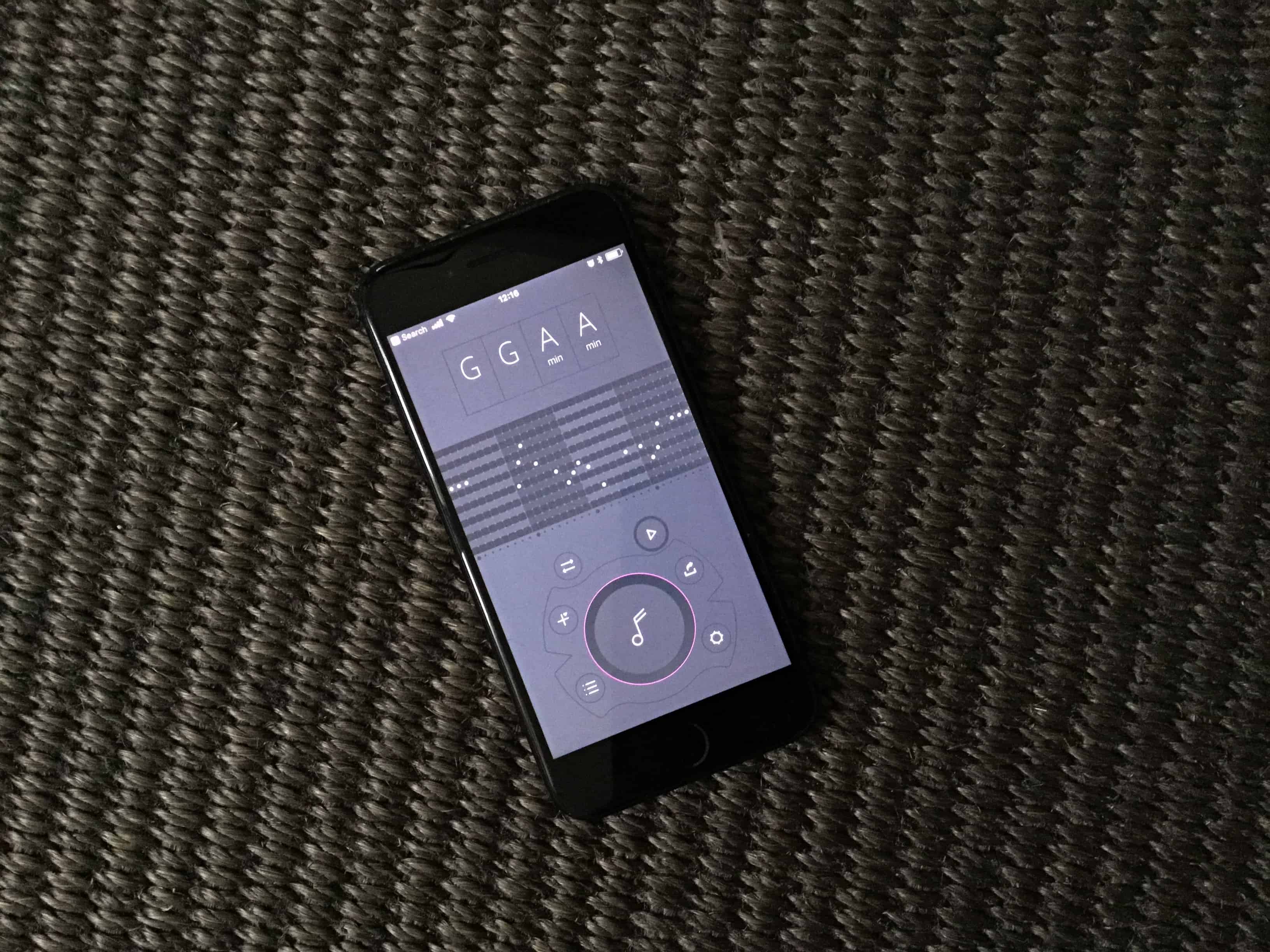
Are you a musician struggling to come up with song ideas? Are you a non-musician who just wants to come up with a neat melody for that cat video? Then you should check out Fortamento, a melody generation app for iPhone which is both incredibly easy, and surprisingly deep.
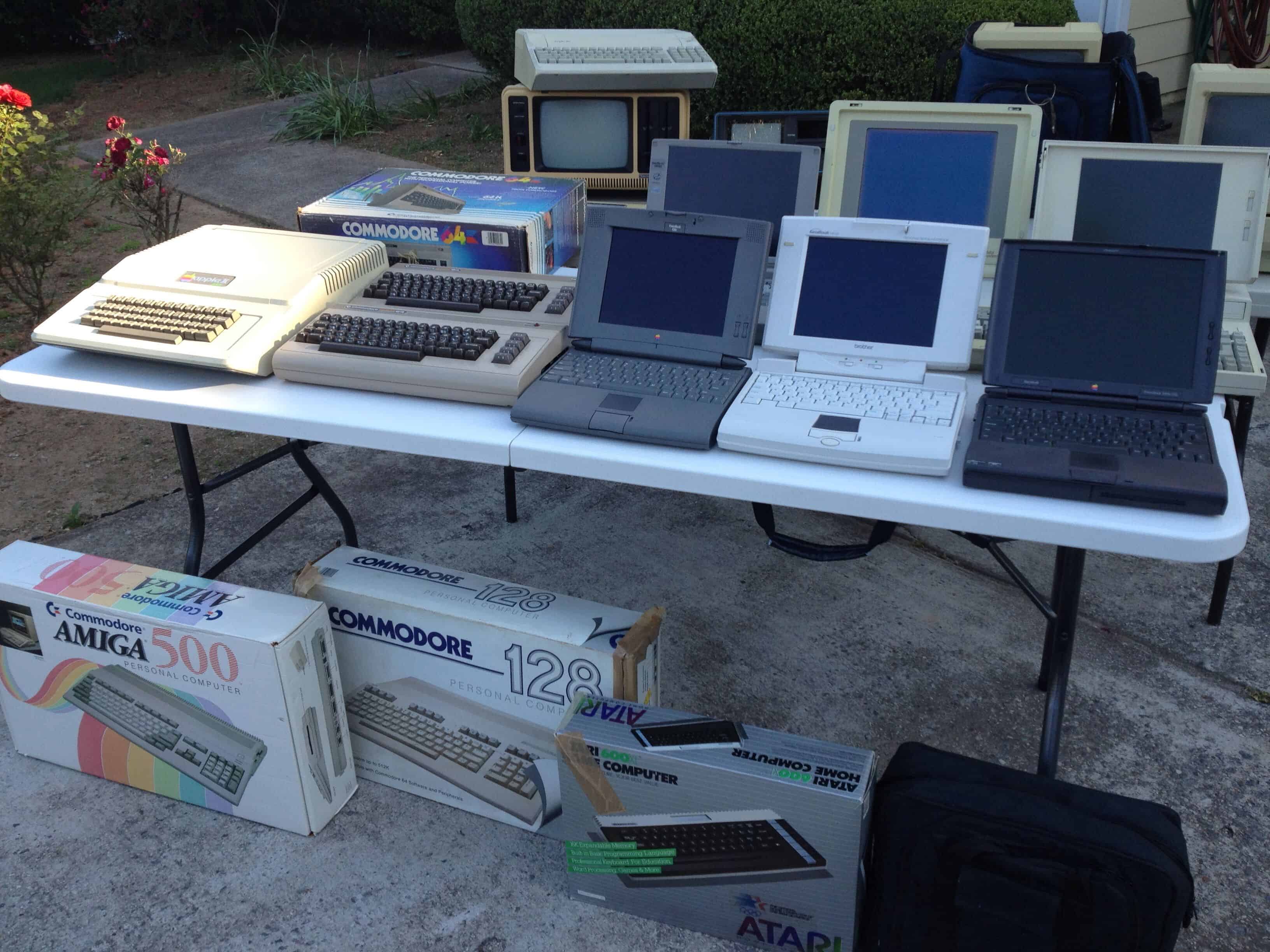
Once you start collecting computers, it's hard to stop! Photo: David Greelish
Some people only care about the latest technology. For others, collecting the significant computers of the past — whether it’s an iconic first-gen Macintosh or iPhone, or failures like Apple’s short-lived Pippin games console — is fun in its own right.
If you fall in to this second group, you’ll love these five computer collecting tips to get the most out of your hobby. They will help you turn your passion for vintage Macs into an eye-catching computer collection.
There's some free space right up there. Photo: Charlie Sorrel/Cult of Mac
MacOS High Sierra upgraded the Mac’s under-the-hood file system, replacing the decades-old HFS+ with the shiny new APFS. What this means for the user is way faster file copying, the ability to revert to previous versions of your documents, and several other neat features. But it also means that you may have a lot less free space left on your storage disk, thanks to APFS’ habit of using it to store special ‘dark matter.’Today we’ll learn what this dark matter is, and how to free up disk space.