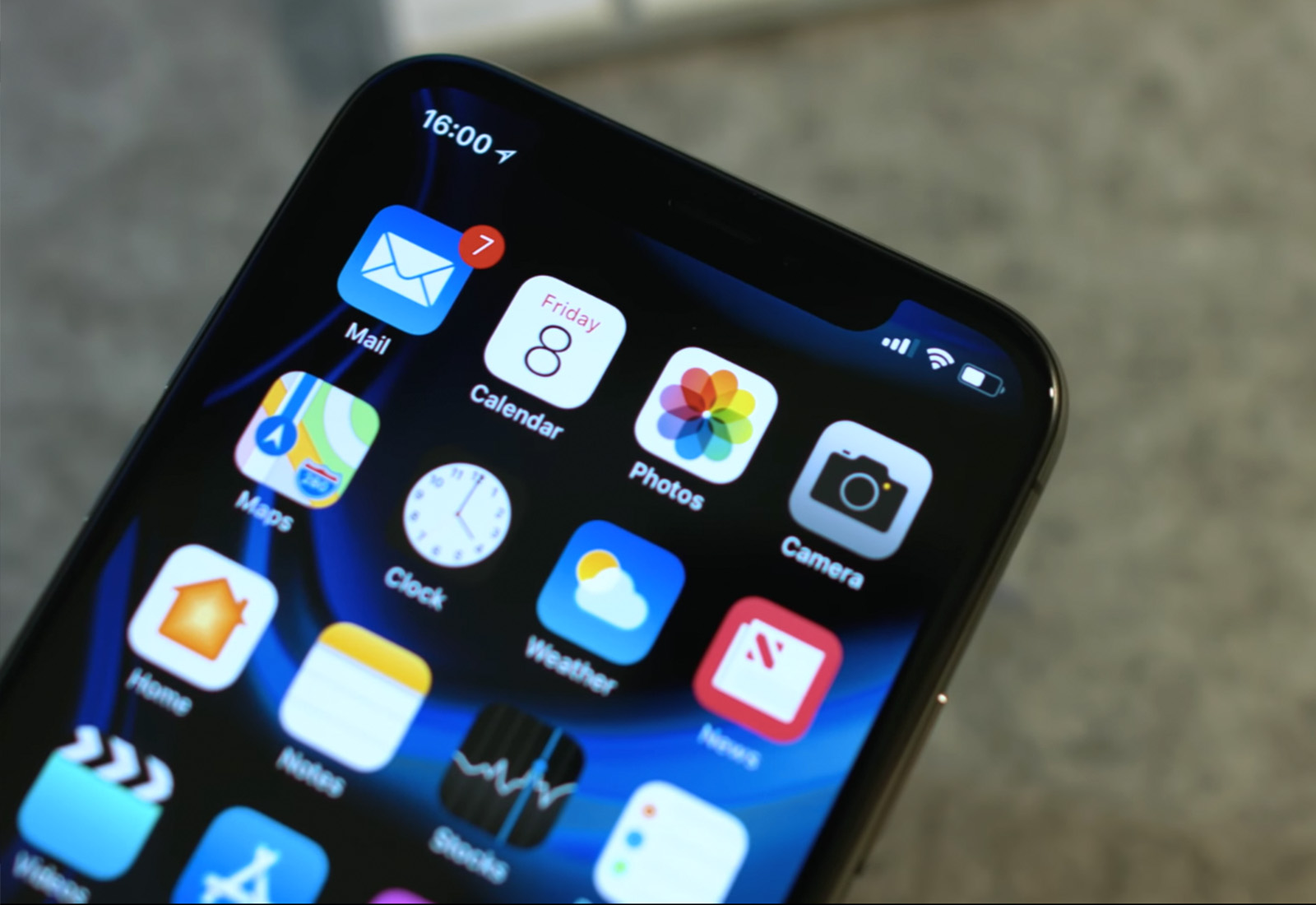
How's battery life on your iPhone with iOS 11.4? Photo: Ste Smith/Cult of Mac
New screenshots reveal Google took inspiration from iPhone X when designing its upcoming Android P update.
The operating system’s refreshed user interface features a multitasking interface that looks like it was pulled straight from iOS — as well as a familiar virtual Home button.
Telegram is one of the world's most popular messaging apps. Photo: Telegram/Cult of Mac
Russia’s state telecommunications regulator wants Apple and Google to remove the Telegram messenger app service from their respective app stores.
This follows a recent court decision in which a Russian judge ruled that Telegram, the world’s ninth most popular mobile messaging app, should be blocked in the country. This is due to the company’s refusal to give Russian state security services the encryption keys to access messages sent using the service.
No, not this kind of spotlight. Photo: Charlie Sorrel/Cult of Mac
If you use Spotlight to find stuff on your iPhone or iPad, you’ll be familiar with the mess of results you get when you search. Maybe you’re searching for a note or an email about that really important thing, only the actual results you want are buried under a heap of nonsense from twitter, from YouTube, from all the Ebay classifieds you’ve viewed, and so on.
The good news is, you can trim these results, eliminating the noise you don’t need. The even better news is that recent versions of iOS do this is a much more elegant way.
Nothing can bad can happen to your iPad down there on a stage floor. Nothing. Photo: IK Multimedia
Electric guitar players have effects pedals. It’s an addiction, and a law of nature. We keep buying little stomp boxes in pursuit of the perfect sound, and of course we don’t even call it sound. We call it “tone.” But the sensible players don’t try to beat the addiction. They switch to software. Instead of buying and trading expensive hardware boxes, they move to something like iOS effects apps, which let you experiment at a fraction of the cost.
And that’s where IK Multimedia’s new iRig Stomp I/O Pedalboard comes in. It’s a hardware pedalboard that provides guitar players with a familiar front-end to all those amazing iOS effects.
Deliveries helps keep track of packages in transit Photo: Ian Fuchs/Cult of Mac
As online shopping becomes an integral part of our lives, one pain point remains: Keeping track of when all our precious packages will arrive.
That’s why online shoppers will love iOS package-tracking app Deliveries. It eliminates the irritation of keeping track of where packages are and when they’re going to be delivered. Forget about dealing with the nightmare of order-confirmation emails and online accounts. Deliveries consolidates info on all the packages in transit to your home. Then it lets you keep tabs via a single timeline in an easy-to-use app.
The best and most useful apps for iPhone and iPad Photo: Ste Smith/Cult of Mac
With a mind-boggling 2.2 million apps in Apple’s iOS App Store, how do you find what’s good? That discovery problem is why we’re starting the 50 Essential iOS Apps series, a curated list of the best iOS apps on the planet, with new apps added every Monday, Wednesday, and Friday.
Throughout this series, we will highlight essential iPhone and iPad apps in a variety of categories. We will show off apps that display excellent design, functionality, features and value. Or, most often, a combination of those desirable traits. Whether you’re looking to boost your productivity, take advantage of important data or just have a little fun, we’ll recommend great iOS apps to suit your needs.
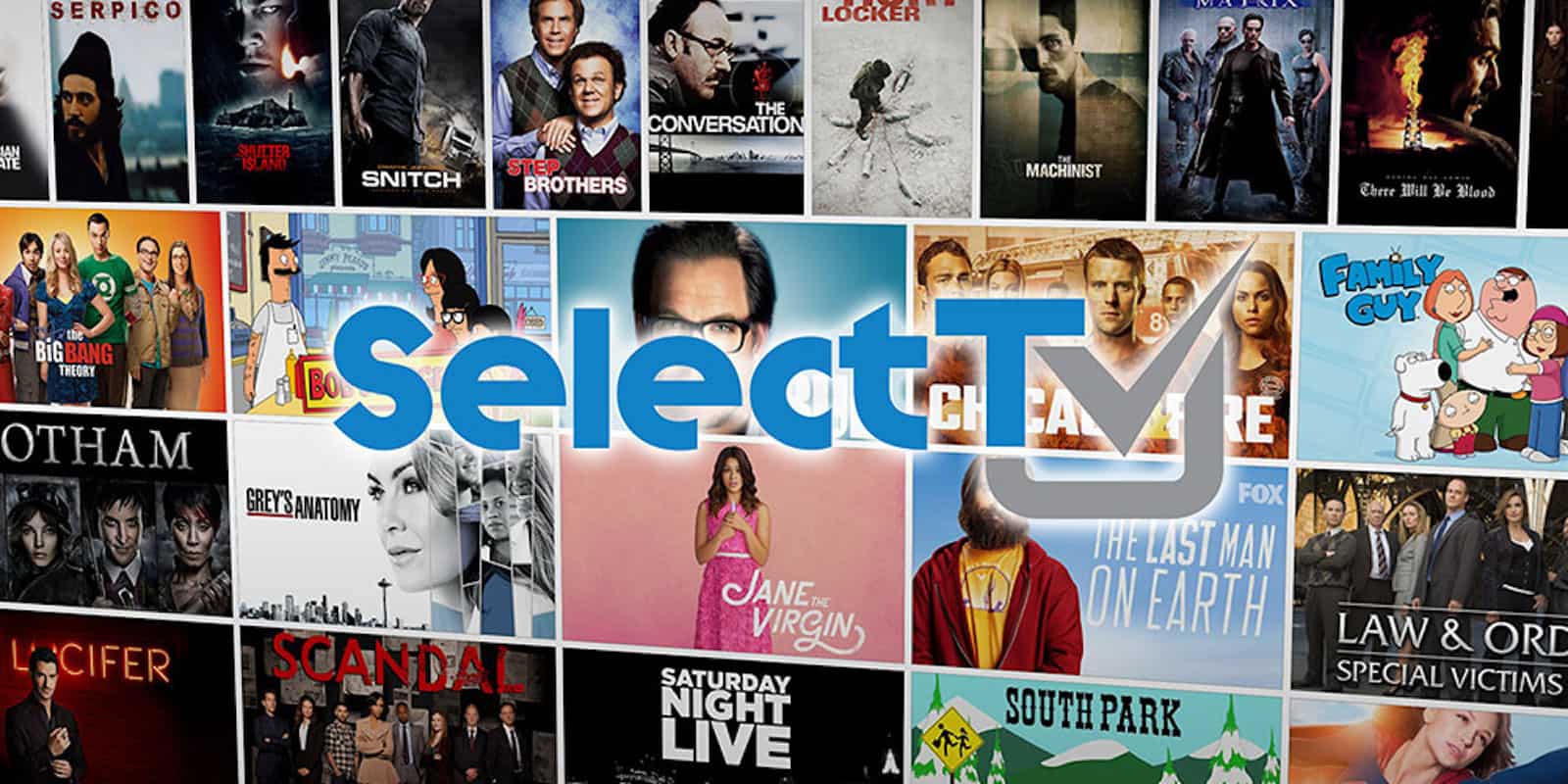
Get access to over 400,000 tv episodes with SelectTV Photo: Cult of Mac Deals
You might think that Amazon, Hulu or Netflix are the biggest beasts of streaming content. But you’d be wrong. Turns out, they all fall under the umbrella of the biggest streaming service of all: SelectTV.
Samsung’s next Galaxy S could be an iPhone clone. Photo: Samsung
Samsung’s design team avoided ripping off the iPhone X’s notch for the Galaxy S9, but that could be about to change. The South Korean company has now patented its first iPhone X clone, complete with a notch at the top of its screen.
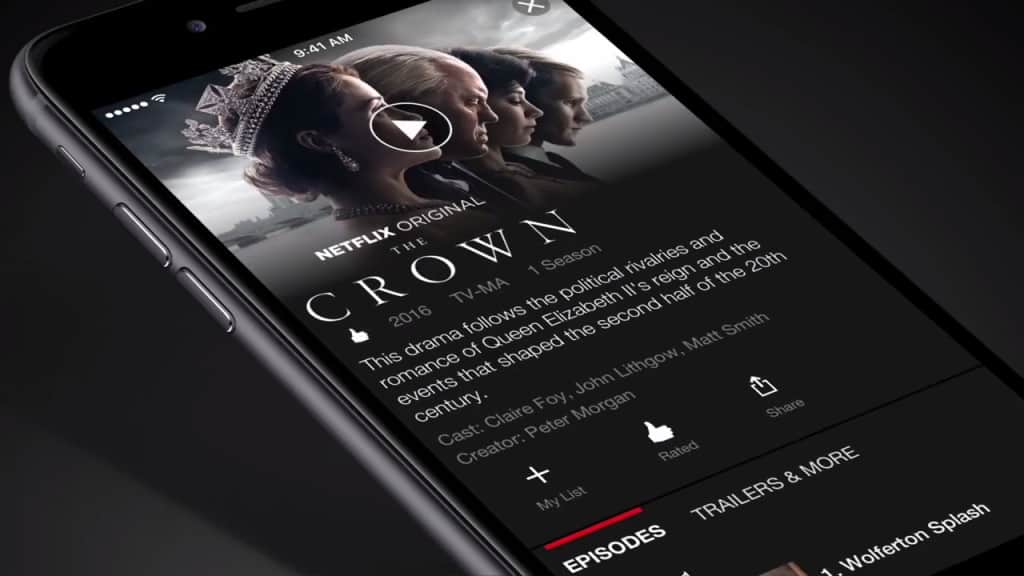
You’ll have to pay extra to keep four streams. Photo: Netflix
As the current king of the streaming video world, Netflix knows it’s got a target on its back — and it’s certainly sweating because Apple wants to steal its crown. So Netflix is using a tactic once employed by Apple, positioning itself as a scrappy, nimble upstart able to easily outflank its deep-pocketed adversaries.
Netflix CEO Reed Hastings even called his company “the anti-Apple” this weekend, painting Cupertino as a secretive company limited in its operational speed by obsessive top-down control.
That’s a misreading of the situation, and a serious strategic mistake. In fact, if Netflix misplays its cards, it could find itself Sherlocked.
Apple University could be opened in empty Apple Stores after they've closed. Photo: Apple
Apple’s got a pile of cash on hand that’s estimated to exceed $285 billion. So how should it spend it? Over the years, we’ve heard plenty of ideas — ranging from buying Disney to giving large sums of money back to shareholders.
Scott Galloway, clinical professor of marketing at the New York University Stern School of Business, has a different suggestion. His concept? That Apple should launch the world’s largest tuition-free university.
Will Apple finally deliver one of our most-requested features for watchOS? Photo: Jim Merithew/Cult of Mac
A watchOS update could finally add support for third-party Apple Watch faces soon.
Apple Watch fans have been calling for third-party face support since the device made its debut three years ago. A note discovered in the latest watchOS code suggests developers may soon get permission to build the custom faces we badly crave.
Get the most out of Facebook for your brand or product with this comprehensive marketing course. Photo: Cult of Mac Deals
One thing the last few weeks has taught us is that marketing on Facebook is effective. Of course, most people aren’t using the platform to exploit people, but to connect to the widest possible audience. To do that, you’ve got to understand how Facebook marketing and ads work.
Get a bunch of marketable coding skills with these 10 comprehensive courses. Photo: Cult of Mac Deals
The need for coders is only getting stronger. So if you’re looking for a way to boost your marketability, learning coding is one of the best ways. But where to start?
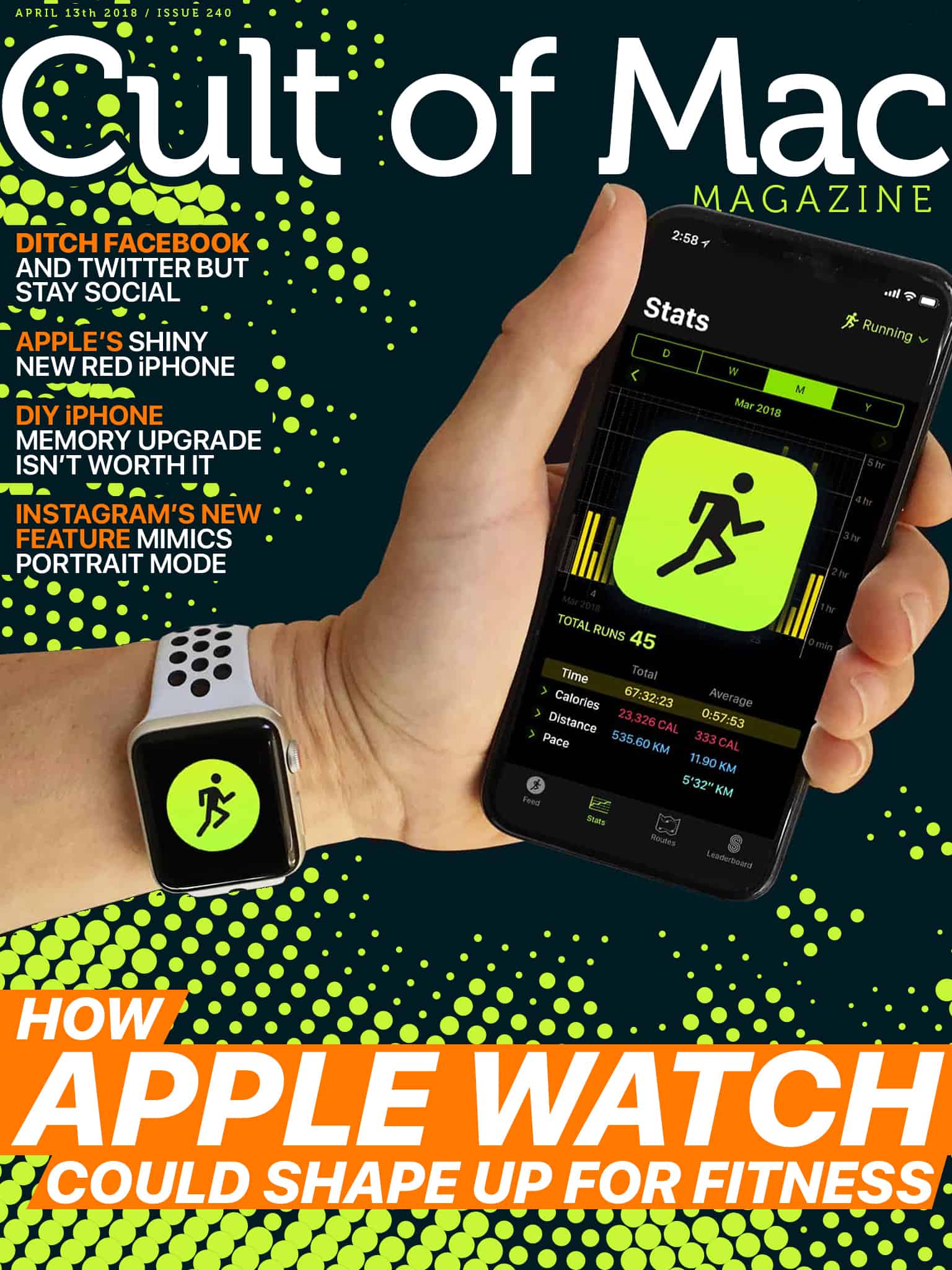
Apple has been hard at work getting its Workout and Activity apps into shape, with major upgrades rolling out every year. WWDC 2018 should be no exception, but will these Apple Watch fitness features show up? Photo: Ste Smith/Cult of Mac
In this week’s Cult of Mac Magazine: When it comes to fitness apps on Apple Watch, sometimes it feels like Cupertino is running before it can walk. Fancy new features like Heart Rate Recovery are very welcome, but a few of the basics remain missing.
Apple could make major strides when it releases watchOS 5. So in the second of three posts about the future of watchOS, I’ll focus on five essential fitness features I’m hoping we’ll see at this year’s Worldwide Developers Conference.
Microcasting is the new mouth-tweeting. Or something. Photo: Charlie Sorrel/Cult of Mac
Did you ever fancy making a podcast, but as soon as you considered the logistics, your eyes crossed, and you felt suddenly sleepy? But what if creating and publishing a podcast was as easy as squeezing out a Tweet? That’s where Wavelength comes in. Wavelength is a brand new app that lets you record, edit, and publish your short podcast — or microcast — in record time. It can even add your podcast feed to the Apple Podcast Directory, so anyone can easily find and subscribe to your microcast. Here’s how to podcast on iPhone.
Apple is cracking down on leaks. Photo: Duncan Sinfield
Apple issued a stern warning to employees this week about leaking confidential information to the media.
In a leaked memo detailing Apple’s efforts to stop leaks, the company says it caught 29 leakers in 2017. Of those caught, 12 were arrested. Apple told employees they are “getting played” by journalists and bloggers that approach them with flattery in exchange for information.
You can now play at 120Hz on iPad Pro. Photo: Killian Bell/Cult of Mac
Fortnite Battle Royale on mobile is a boatload of fun — but it could be a lot better. Clunky touch controls make it more difficult to play on iOS than on console or PC, and there’s nothing game controller manufacturers can do about it right now.
Gamevice has explained why its controllers do nothing if you attempt to use them in Fortnite — and why it’s taking Epic Games so long to add controller support.
Get more out of your Mac with this roundup of four top-shelf apps. Photo: Cult of Mac Deals
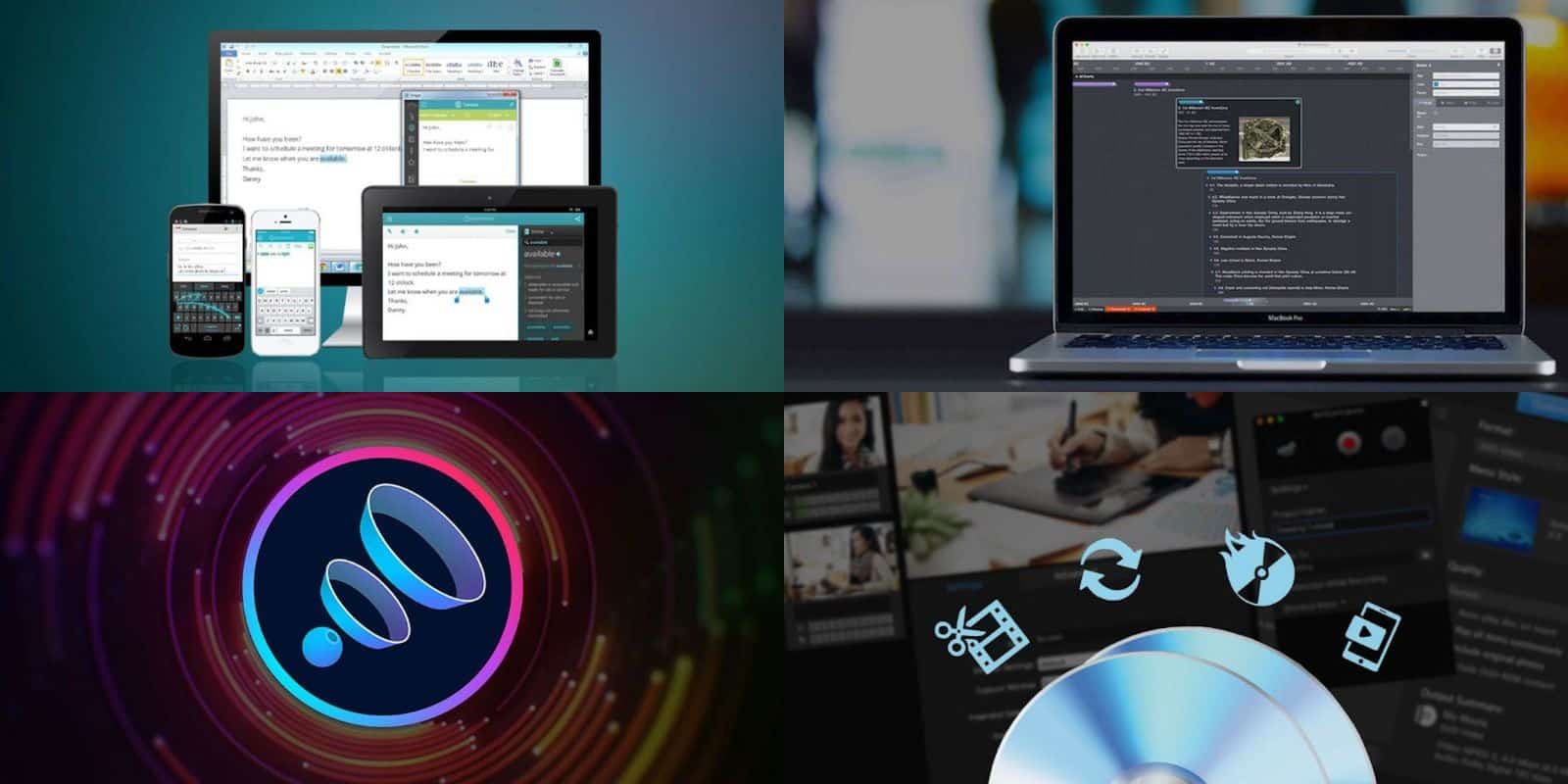
If you’ve got a Mac, we’ve got some great apps for it. And each is discounted by half or more. So you can get the powerful organizational tool Aeon Timeline, the audio-enhancing Boom 3D, the writing-improving Ginger Page, and the media conversion powerhouse Roxio Toast for pennies on the dollar. Read on for more details:
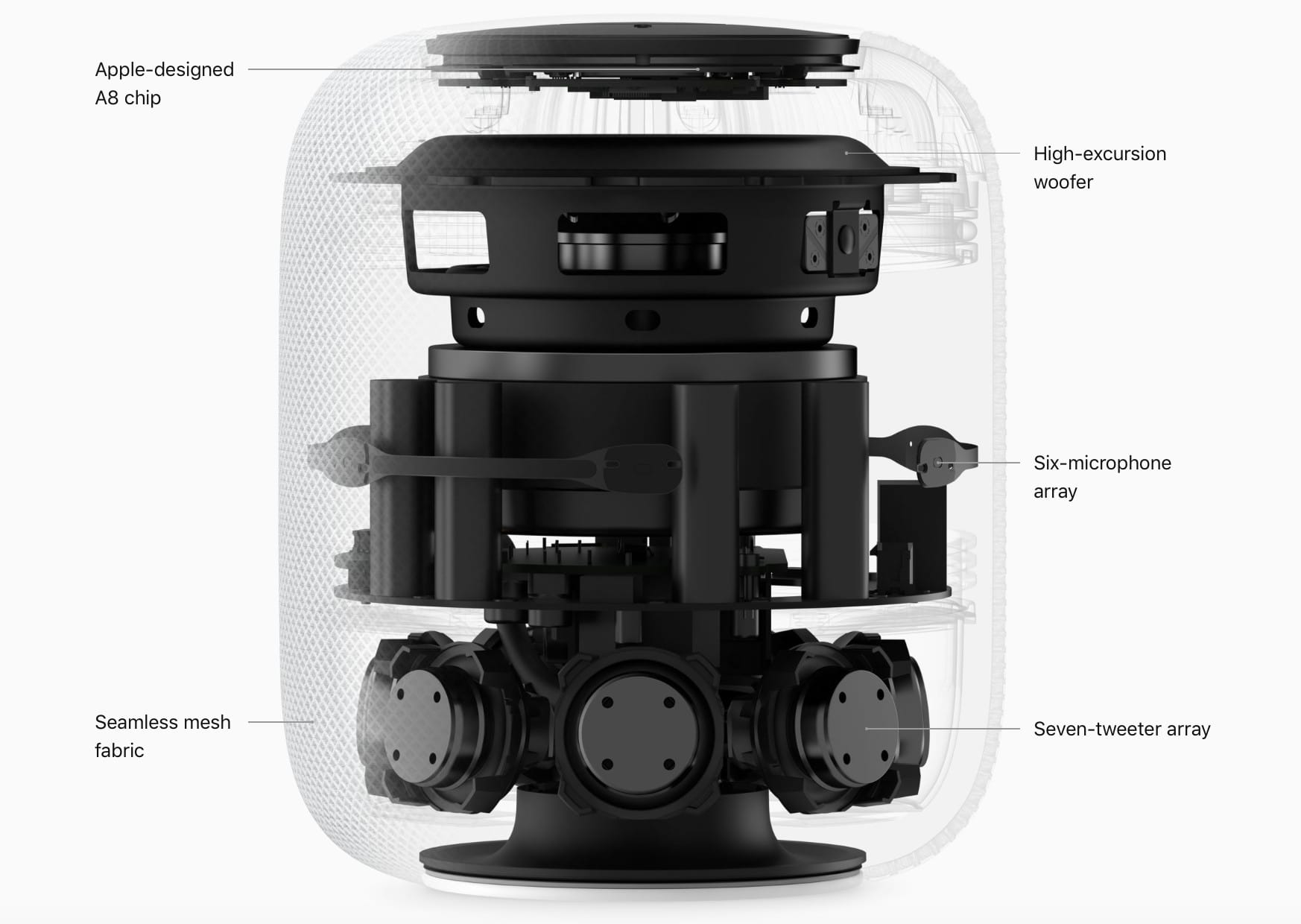
Is HomePod nearing its end, or just getting started? Photo: Apple
This week on The CultCast: HomePod sales are already stumbling — is it doomed? Plus: Face ID could replace passwords on your favorite websites; the death of Touch ID scheduled for this fall; and our hands-on reviews of an $80 tech-packed coffee cup, a beautiful new HomeKit smart lock, and the all-new Mavic Air drone.
Our thanks to Squarespace for supporting this episode. It’s simple to accept Apple Pay and sell your wares with your very own Squarespace.com website. Enter offer code CultCast at checkout to get 10 percent off any hosting plan.
A game that should never work. But really, really does. Photo: Rocketcat
Death Road to Canada is probably my pick for the best game to land in the App Store last year. It’s a weird-ass mashup that should never have worked: an amalgamation of randomly generated zombie survival RPG, action game, text-based interactive fiction game, and homage to the heyday of 8-bit gaming.
Its new FEMUR update makes a great game even better. It adds additional weapon types, five extra trader camps, new character the Barbarian, and a whole lot more. Plus, there’s even more to come.
Did you ever snap a photo of a magazine page, or capture a screenshot of text, and wish you could just copy and paste it like any normal text? Maybe it’s a photo of a recipe from a paper book, and you’d like to be able to search for it in future? The good news is that you can easily extract the text from a photo or screenshot, right there on your iPhone.
The even better news is that we’re going to learn how to do it right now.
Why bother learning how to tune your guitar? Photo: Roadie
This is the Roadie. It’s a guitar tuner with a rotating slot that you slide over a tuning peg of your guitar. Then you pluck a string, and the Roadie listens to the pitch, and actually turns the peg for you, shifting the pitch up or down until it is in tune.
Add thousands of icons to your library of design assets. Photo: Cult of Mac Deals
If you work on design projects, you know how important a library of assets is. And if you’re working on interface or website design, icons are your bread and butter.
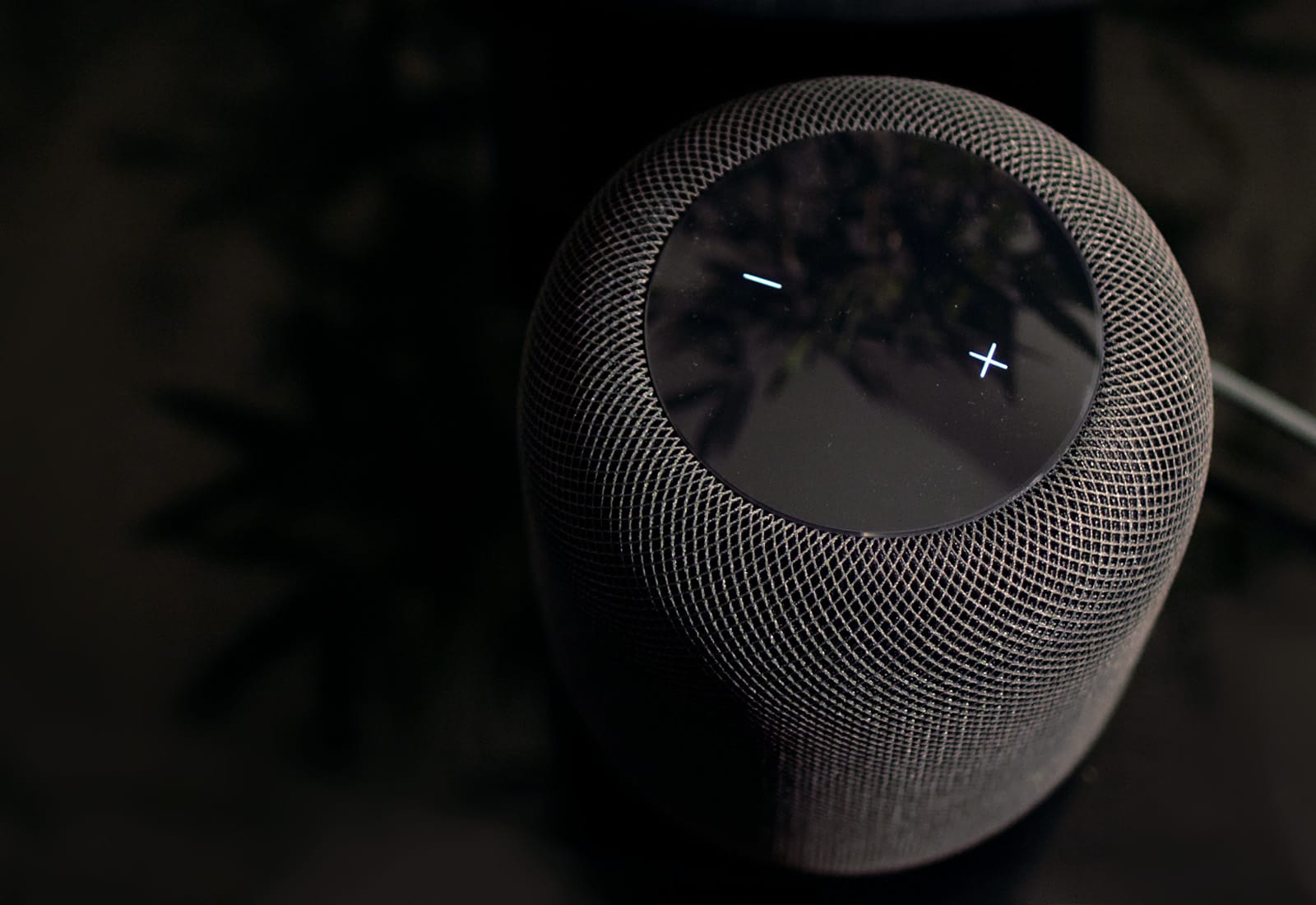
HomePod sales are already suffering. Photo: Ste Smith/Cult of Mac
Apple has been forced to cut HomePod orders as inventories continue to build up in its retail stores, according to a new report.
The $349 speaker enjoyed a promising start when it made its debut in February, but demand has fallen quickly as smart speaker shoppers turn to more affordable options from the likes of Amazon.
Like a tidy stack of documents, right in your Dock. Photo: Charlie Sorrel/Cult of Mac
Left to its own devices, the Dock on your Mac is little more than a list of running apps, plus a trash can. You probably already know that you can force apps to stick around in the Dock for quick-launching, and that you can drag any folder to the Dock and just click it to see inside. But did you know that you can add special folders that show you your recent documents, applications, your favorite items, and more?
The recent documents folder is worth the price of this tip alone (which is $0 BTW), because it keeps track of all your recently-used documents, anywhere on your Mac, and gathers them into one place. If you’re the kind of person who has a desktop cluttered with pretty much all your documents, then fast access to that file you were using one moment ago — and you swear it was right here, oh God where has it gone — is a lifesaver.