Mobile menu toggle

Top stories - page 499

Get cutting-edge gear at great prices [Deals]

By

We've rounded up next generation personal audio, touch-free smart controllers, and more ultra-modern gear.
Photo: Cult of Mac Deals

With all the technological wonders we take for granted today, it’s easy to lose track of the cutting edge in consumer tech. So to keep that sense of wonder alive, we’ve rounded up some of the most innovative new personal gear and gadgets you can find.

Below you’ll find a solar-powered, antitheft backpack, a Bluetooth speaker that doubles as a wireless charger, a touch-free controller for IoT devices, and more. Even better, each item is massively discounted, some by more than half. Read on for more details.


Amazon could soon be worth even more than Apple

By

Amazon
Amazon has had one heck of a 2018 so far!
Photo: Mike Seyfang/Flickr CC

Apple has pretty much clung onto its title of world’s most valuable company since early in Tim Cook’s reign at the top. However, it may not hold that claim for too much longer if Amazon CEO Jeff Bezos has much to say about it!

Amazon shares rose 7.1 percent for a record high in premarket trading today, following the company’s massive Q1 earnings. That narrows Apple’s market cap lead to less than $50 billion.

How to stop sites tracking you, and speed up your internet with 1Blocker X

By

Steve Jobs’ brief for iPad: A piece of glass for emailing on the toilet
Photo: Charlie Sorrel/Cult of Mac

Ever since iOS 9, you’ve been able to block ads, trackers, and other content in Mobile Safari. But as websites fought back, and the content-blocker apps added yet more rules in return, the war escalated. Blocker apps started to hit Apple’s hard limit of 50,000 rules.

Probably the most popular and comprehensive blocker is 1Blocker, which just got superseded by 1Blocker X. The new app splits off itself into seven “extensions,” each of which have 50,000 rules, bringing the total to 350,000 rules.

This doesn’t just allow 1Blocker X to boast in the app store. It also allows whole new categories of content blocking. The new setup works slightly differently, so let’s see how to get things started.

Enter to win $500 worth of Ethereum [Deals]

By

This is a can't-miss opportunity to win $500 of free Ether.

Photo: Cult of Mac Deals

Maybe you’ve heard of this thing called cryptocurrency? Besides an investment craze, it’s a scene that may well define the future of money. One of the most popular and promising coins out there is Ethereum.

Right now is your chance to win $500 of Ethereum at Cult of Mac Deals. That’s right, we are literally giving away free money.

Pro tip: Automatically save your Mac screenshots in iCloud

By

JPG screenshot location
Screenshots can be saved anywhere, including iCloud.
Photo: Charlie Sorrel/Cult of Mac

Pro Tip Cult of Mac bugOn your Mac, screenshots are pretty automatic. You hit the shortcut of your choice, and the resulting picture is saved to your desktop as a PNG image file. But what if you want a JPG? We’ve already covered that. How about saving the image to somewhere other than your desktop. Like iCloud maybe? Today we’ll see how to change the Mac’s default screenshot location to an iCloud folder.

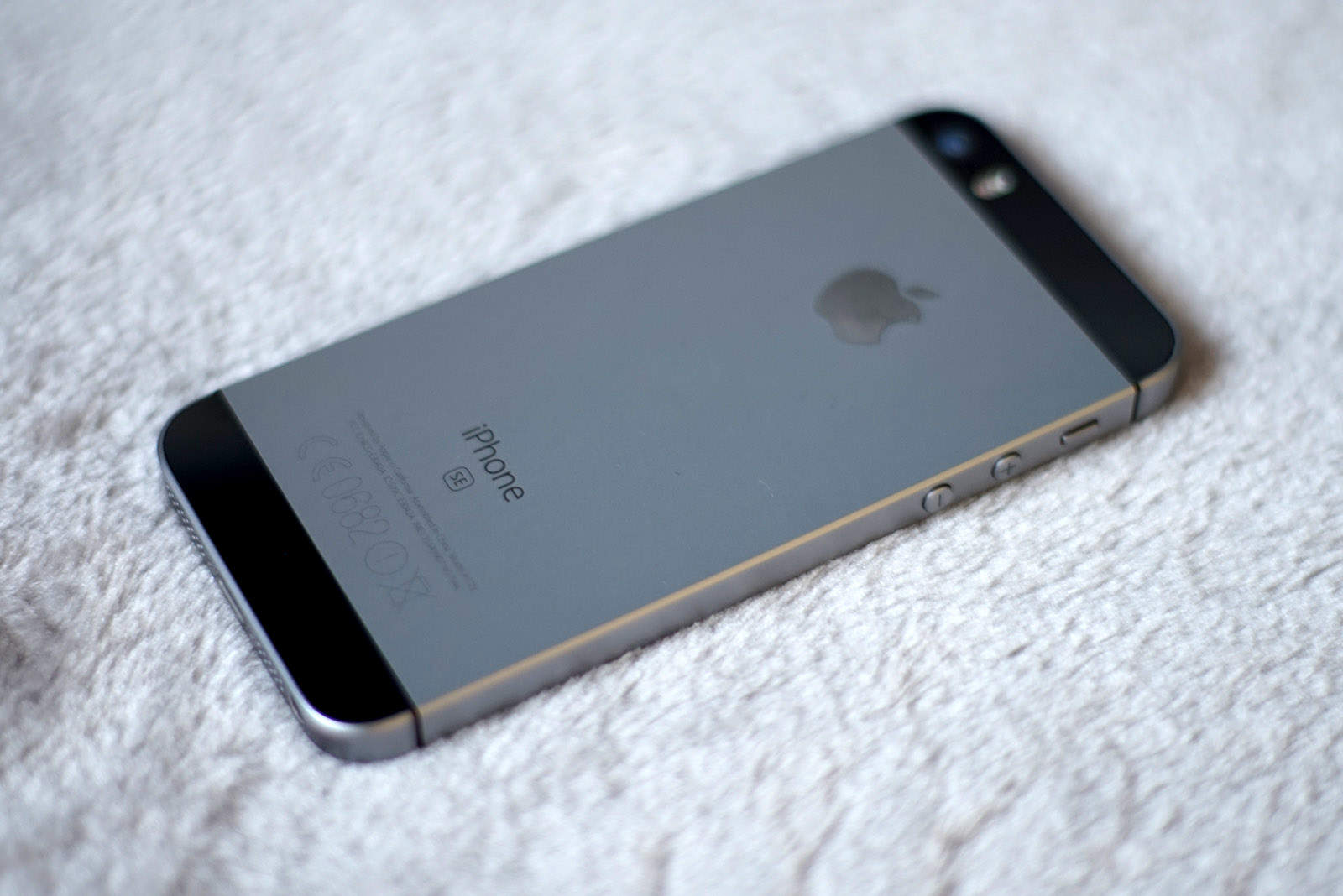
Possible iPhone SE 2 photos show off a couple of big surprises

By

Letemsvetemapplem
Two of the iPhone SE 2 images shared online.
Photo: Letemsvetemapplem

If you’re on the lookout for a new iPhone with 3.5mm headphone jack, your dream may be answered with the upcoming iPhone SE 2.

Despite a previous report stating that Apple would ditch the popular port for the new handset, photos circulating on Chinese social media suggest this may not be the case after all. Whether that’s a good thing or not will largely depend on whether you’re still mourning the arrival of earbuds with a Lightning connection!

And that’s not the only surprise…

How to record Apple TV on your Mac, wirelessly

By

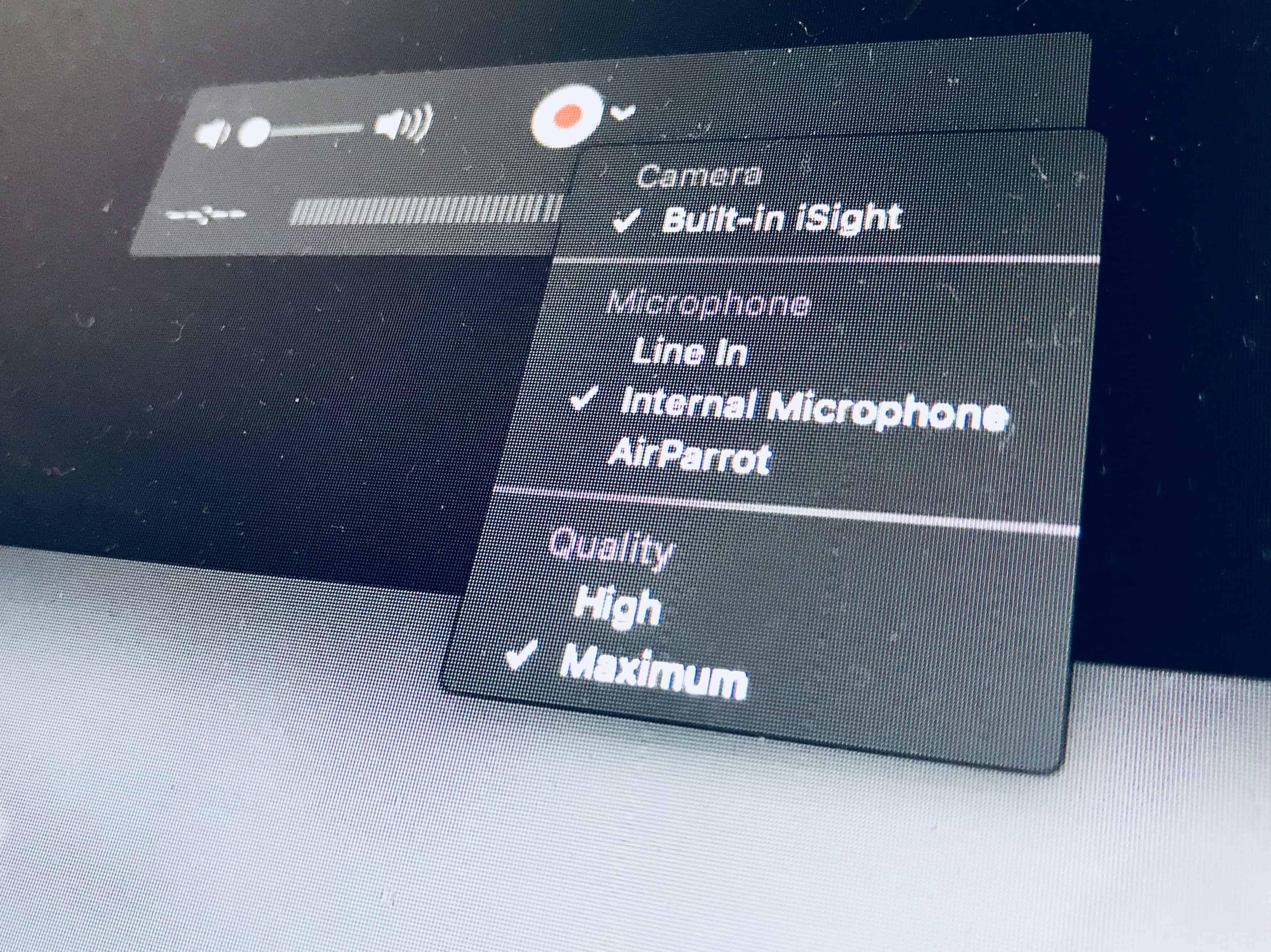
record Apple TV quicktime
QuickTime Player can record all kinds of things.
Photo: Cult of Mac

Today we’re going to learn how to record a movie that’s playing on your Apple TV direct to your Mac, with no wires required, no weird hacks, and not even any third-party software. The tools are all built into every Mac that ships. To record a movie off the “screen” of your Apple TV, you’re going to use Apple’s QuickTime app, and one of its lesser-known but super-powerful features.

DAW Cassette makes your music sound like it was recorded on tape

By

daw cassette
You wouldn't leave your iPhone in the sun like this.
Photo: Jure Cuhalev/Flickr CC

There’s little that’s more hipster than an audio cassette. Its sound is far from perfect, it’s impractical, and — most important of all — it is easy to see that you’re using one. But that doesn’t mean that tapes were all bad. Lo-fi cassette decks actually add some rather pleasant audio artifacts to audio.

So what? Well, now you don’t need to lug around a Walkman and a bag of tapes to enjoy the retro sound of audio cassettes, because there’s a) an iOS audio plugin and b) a website that will tape-ify any track you like.

Putin’s mug and missile give iPhone that Cold War feel

By

Caviar
There is now a nuclear option when shopping for an iPhone.
Photo: Caviar

A Cold War is all about rhetoric and saber-rattling. A Russian company called Caviar is taking advantage of growing tension between the United States and the former Soviet Union with a patriotic iPhone celebrating Russian President Vladimir Putin and the country’s newest cruise missile.

It’s called “Putin Ultimatum.”

Is this the year Apple fixes its broken iPhone naming strategy?

By

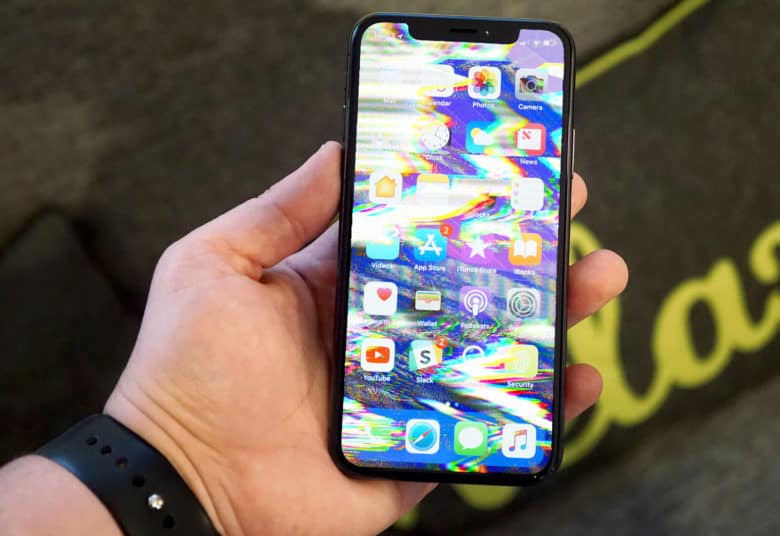
iphone glitch
iPhone naming is all kinds of broken these days.
Photo: Ste Smith/Cult of Mac

Apple could be about to change the way it names successive generations of iPhone. The aim would be to simplify a naming pattern that has become increasingly unwieldy in the past few years.

It’s about time — although that doesn’t mean a new iPhone naming system will necessarily make things any less confusing. Here’s why.

Capture notes quickly with Drafts [50 Essential iOS Apps #5]

By

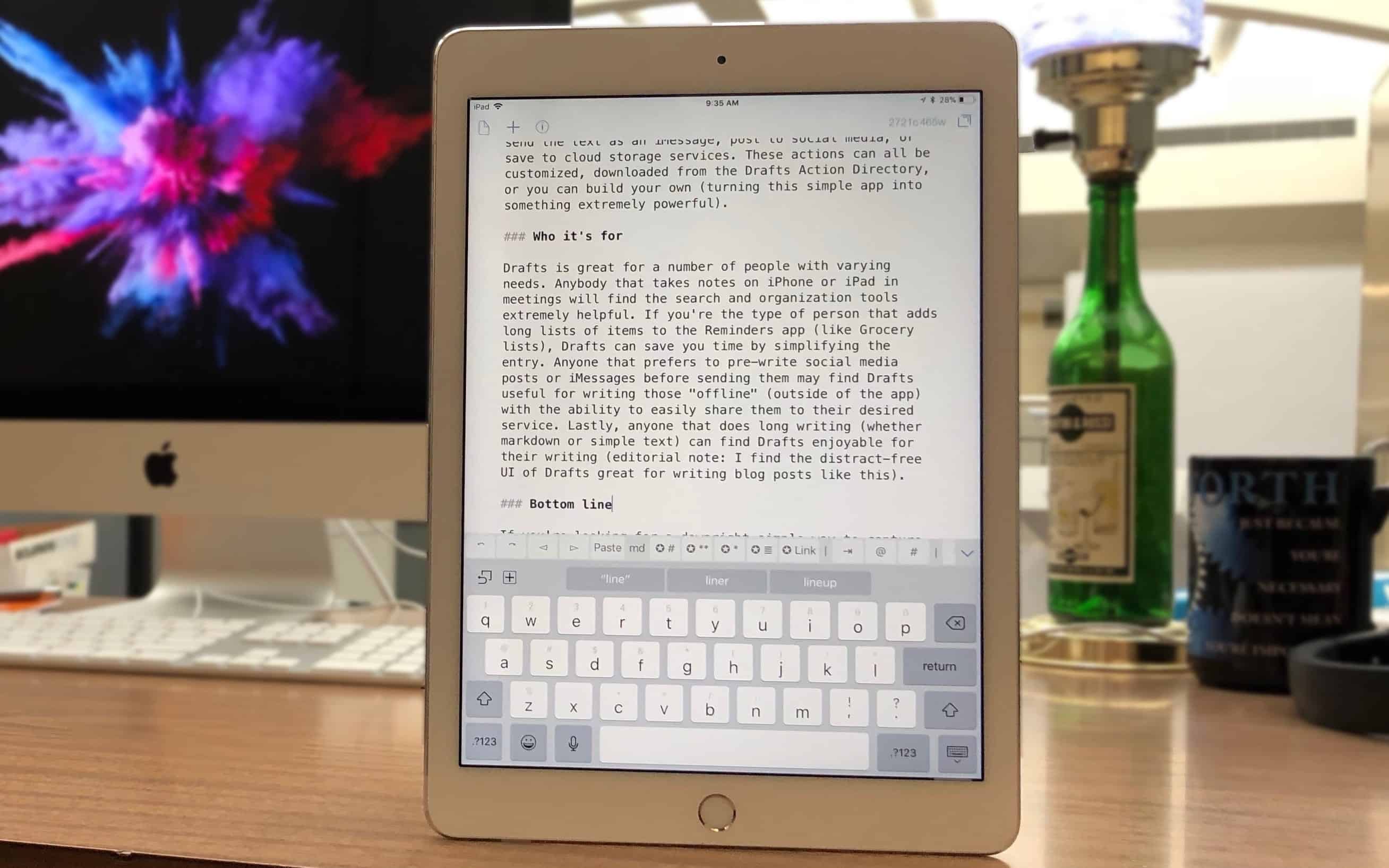
writing in Drafts for iPad
Drafts is where writing starts, before moving on to its final destination.
Photo: Ian Fuchs/Cult of Mac

50 Essential iOS Apps: Drafts 5 note taking and writing app While there are dozens of note-taking and writing apps available on iOS, few strike the balance of rich features and simple design the way Drafts does. Whether you’re looking for a quick way to digitally jot down a passing thought, take notes in a meeting, or store an address or phone number, the Drafts app makes it easy to quickly capture text before taking action.

How to cancel App Store subscriptions on iPhone or iPad

By

cancel subscription app store
Remember these?
Photo: Charlie Sorrel/Cult of Mac

App subscriptions are great, mostly. Trial subscriptions let you try out all the app’s features for free, and if you like the app enough to keep using it, the developer gets an ongoing income that lets them keep improving the app. It’s a win-win.

But what if you signed up for a trial subscription, and you don’t like the app? Or maybe you subscribed to a monthly magazine, and those unread copies just keep piling up? Canceling a subscription is easy, whether it’s a fresh trial, or a years-long subscription you just don’t want any more. Here’s how.

How to get iOS’ handy Recents feature on your Mac

By

Clock recent items
This clock illustrates the time component of 'recent' items.
Photo: Charlie Sorrel/Cult of Mac

One of the handiest features on iOS 11’s Files app is the Recents view. This view — available in the Files app itself, and in any other app that uses the Files picker to locate documents — shows all the files you have created or opened in the last few days.

Did you ever wish you could do the same on your Mac? Well, you can. Today we’re going to see how to add a folder to your Dock that shows recent iCloud Drive files.

iOS 11.3.1 rolls out with iPhone display fix

By

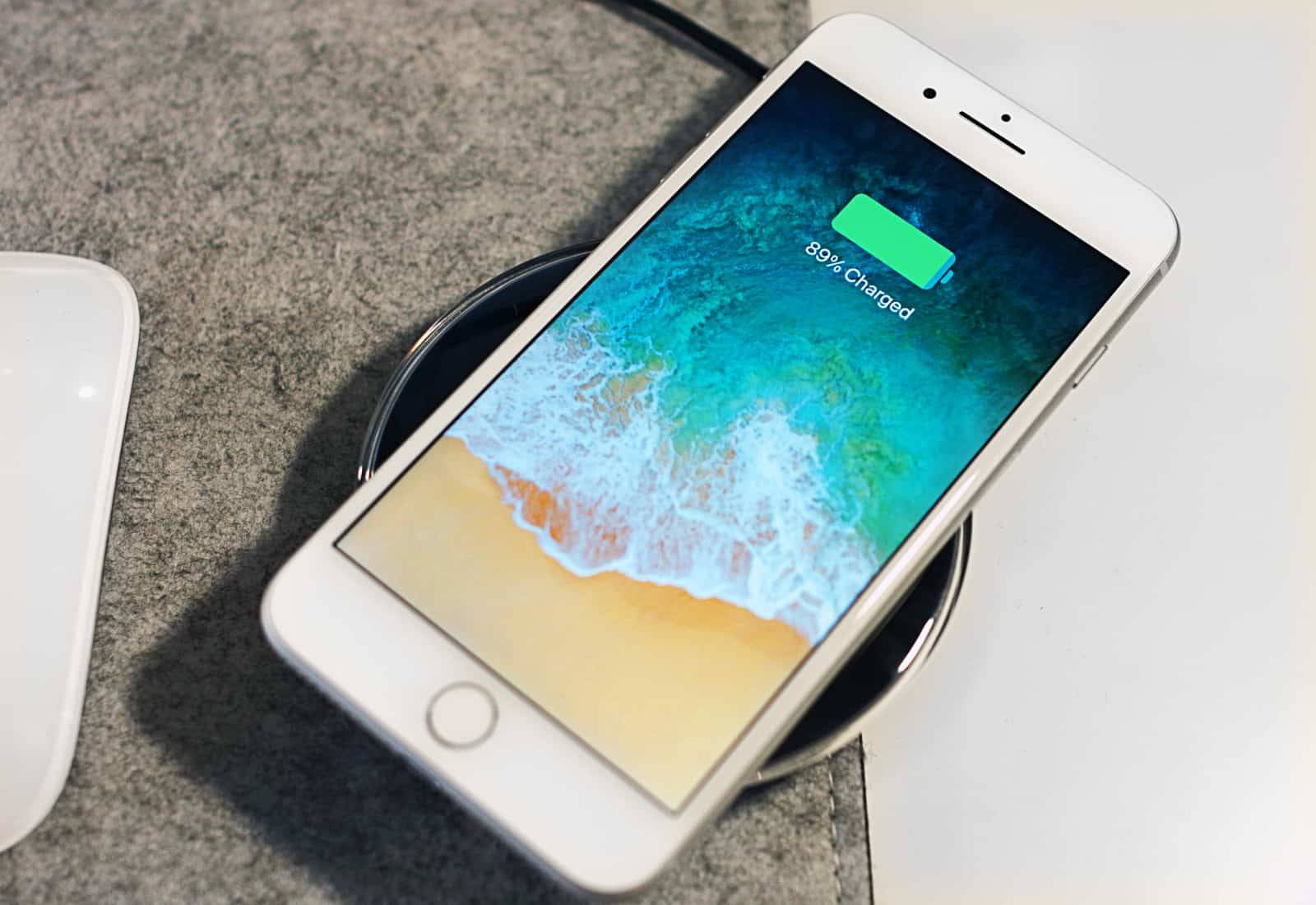
iPhone 8 Wireless Charging
Cheap iPhone 8 displays should work with iOS 11.3.1.
Photo: Ste Smith/Cult of Mac

Apple just rolled out iOS 11.3.1 with a fix for third-party iPhone displays that stopped working properly after an earlier software update. The release also promises security improvements for iPhone and iPad.

Lay your head on these plush Apple apps

By

icon pillows
Throwboy puts the soft in software for Apple fans.
Photo: Throwboy

Two Apple geeks were dating during Christmas 2007 when the young man of this story, Roberto Hoyos, made his girlfriend hand-sewn pillows that looked like Mac desktop icons.

A picture of the finished pillows went viral and orders began to flood Hoyos’ inbox. To meet the sudden demand, he started the company, Throwboy. To celebrate the company’s 10th anniversary, Hoyos has issued a second collection of icon pillows.

How to speed up your internet and stop your ISP tracking you

By

cloudflare dns
A cloud, with added flare, just like your awesome new DNS service.
Photo: Charlie Sorrel/Cult of Mac

Your entire DNS browsing history can be recorded by your ISP, and will soon be sold to anyone who wants it.

DNS is what sends you to the correct site when you browse the internet, but it is also non-encrypted, and reveals your entire browsing history. Your browser’s private mode does nothing, and the little green lock icon that denotes a secure connection doesn’t help either.

DNS is also slow. So, in order to fix both of these problems, you need to change your DNS provider to one that is both private, and fast. That’s Cloudflare’s new 1.1.1.1 service.

Tweak your photos to perfection with Snapseed [50 Essential iOS Apps #4]

By

tune image editing tools in Snapseed
Snapseed's editing tools are accessed with a flick of your thumb
Photo: Ian Fuchs/Cult of Mac

50 Essential iOS Apps: Snapseed Photo Editing app The iPhone’s camera is arguably one of the best cameras most people will use for capturing life moments. Sometimes, though, those photos don’t turn out quite as perfect as you hope. The iOS Camera and Photos apps have some basic editing tools, but if you’re looking for more fine-tuned tweaks, Snapseed is a powerful, free photo editor for iOS that helps revive and tweak your shots.

Go beyond iTunes to manage your iOS data [Deals]

By

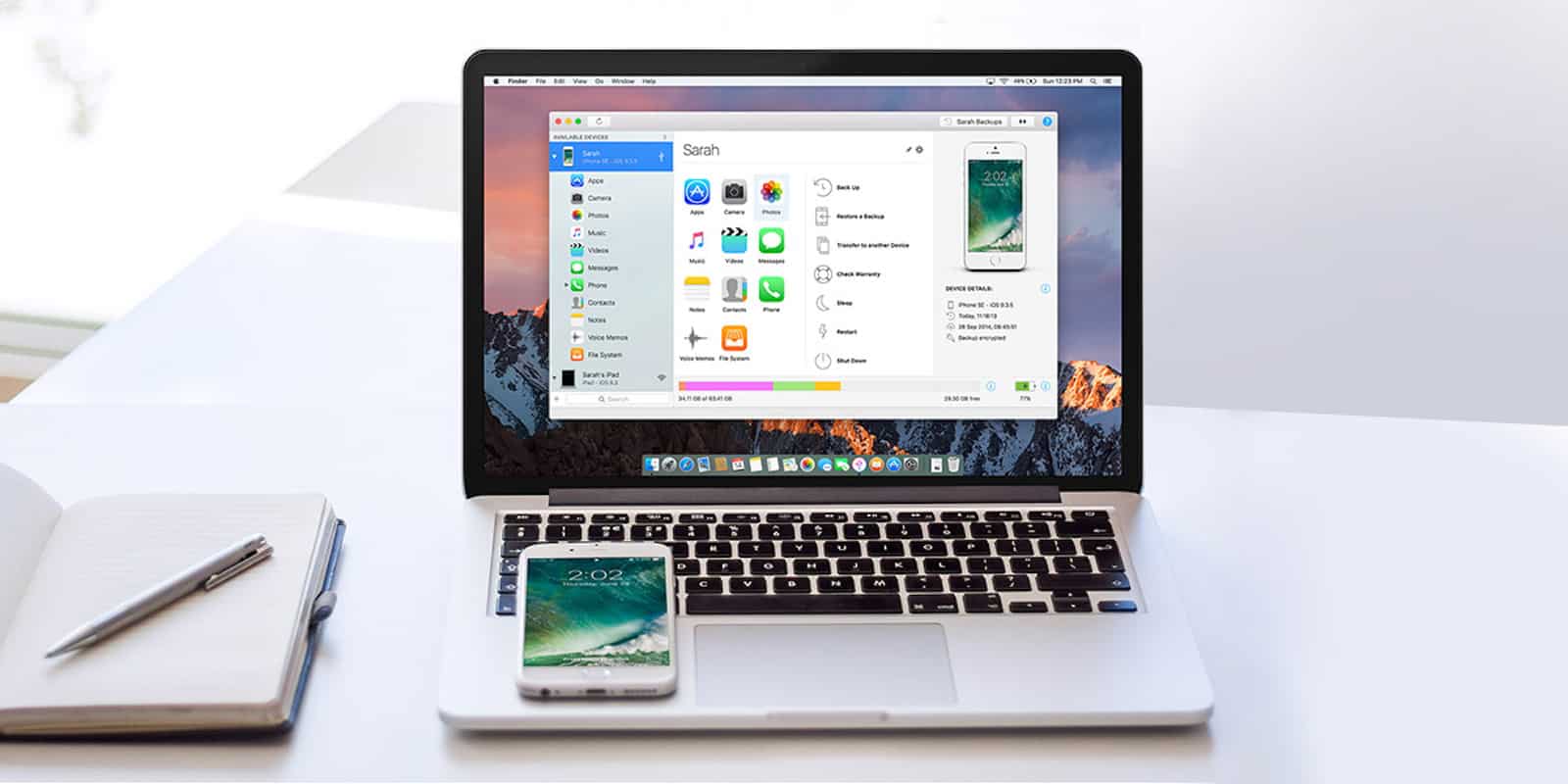
Manage your iOS data easily and without messing around with iTunes.
Photo: Cult of Mac Deals

Using iTunes to manage iOS devices can be a real headache. Broad categories for syncing make it tough to track down individual tunes, videos, and other files. So it’s nice to know you can manage the data on your iPhone doesn’t need to mean dealing with iTunes.

Your 13-inch MacBook Pro might need its battery replaced

By

Mac
Anyone who bought a 13-inch MacBook Pro (non Touch Bar) in the last year and a half should check if it needs a new battery.
Photo: Ste Smith/Cult of Mac

Apple admits that some MacBook Pro laptops have a problem that causes their batteries to swell up. The company is replacing these free of charge.

This affects only the non-touchbar version of the macOS laptop, and only models with a 13-inch screen. In addition, the device needs to have been produced in a specific timeframe.

Drafts 5, Vulse, Things, and other awesome apps of the week

By

Awesome Apps
'Appy weekend.
Photo: Ste Smith/Cult of Mac

This week has been big on big updates. Drafts, the best text-capture app for iOS, got a brand-new version. Cultured Code’s Things also received a big update (but still doesn’t allow drag-and-drop to task lists). And Dropbox finally did add drag-and-drop, just seven months after iOS 11 added the feature.

Well done!

Jumbo wireless charging station juices up 2 devices at once [Deals]

By

iPM Wireless Charger
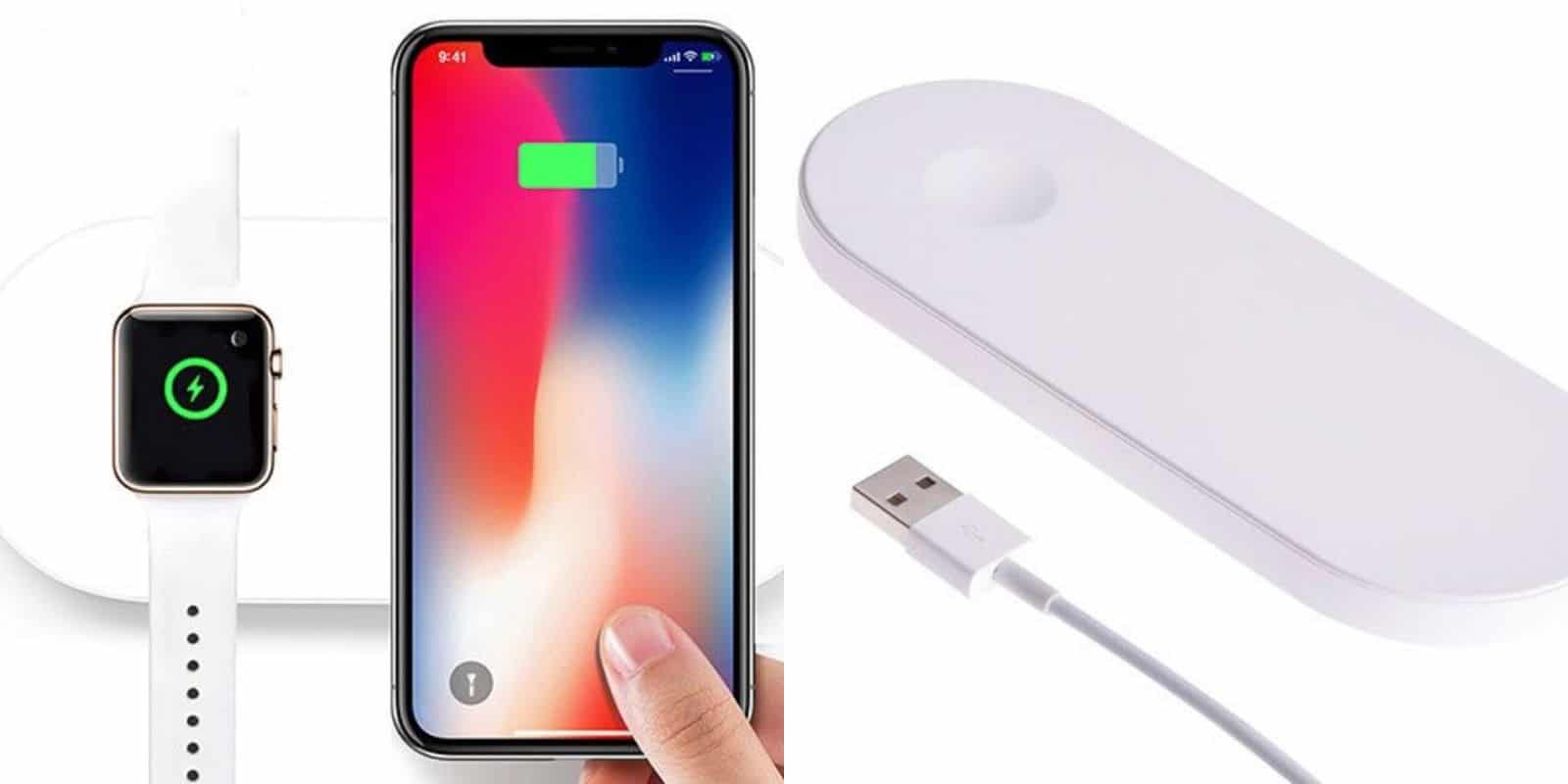
Charge your Apple Watch and iPhone at the same time with no problem.
Photo: Cult of Mac Deals

Charging up a device without wires used to sound like science fiction, but now it’s getting more and more common. With Qi charging technology, it’s a capability that most new devices will have. Wireless charging is growing more popular, so the charging stations are growing too.