Mobile menu toggle

Top stories - page 498

PodPocket is the rare AirPods accessory you’ll actually love [Review]

By

PodPockets review: A great AirPods accessory.
Photo: Lewis Wallace/Cult of Mac

The AirPods case is a tiny miracle that looks like a dental floss container. Maybe you like that white plastic design, but to me it looks a little clinical. Not to mention the fact that when my wife inevitably gets a pair of AirPods, we’re going to be constantly confused about which little white charging case is hers and which is mine.

Who needs the bickering? For just under $20, you can wrap your lily-white case in a colorful silicone shell called a PodPocket that will eliminate all confusion in multi-AirPods abodes. That’s exactly what PodPockets do, but that’s not all they do. They also help keep your AirPods safe and sound.


Pro Tip: Use emoji labels in Safari’s Favorites bar

By

emoji-bookmarks
Emoji bookmarks labels look great.
Photo: Cult of Mac

Pro Tip Cult of Mac bug Safari’s Favorites bar is the handiest part of the whole app. On Mac and iPad, it sits permanently at the top of the screen, ready for you to tap bookmarks and bookmarklets, either for fast access to a site, or to execute some neat JavaScript trick. But it can get cluttered up there.

By using Emojis instead of text to label your bookmarks, you can fit more of them in, and you can easily identify them by sight.

5 big things to expect from Google I/O 2018

By

Google IO 2018
Google I/O starts today!
Photo: Google

Google I/O 2018 is right around the corner. You may not be all that excited for it if you only ever use Apple devices, but you should be. Google’s plans for the future of its platforms could well shape the future of all smartphones, wearables, and more.

They will also tell us how Google intends to keep up with and fight Apple’s latest devices, including iPhone X, which is quite literally changing the face of Android-powered devices.

Here are five big things we’re expecting from this year’s Google I/O keynote, which kicks off on Tuesday, May 8.

Save money on iTunes with CheapCharts [50 Essential iOS Apps #8]

By

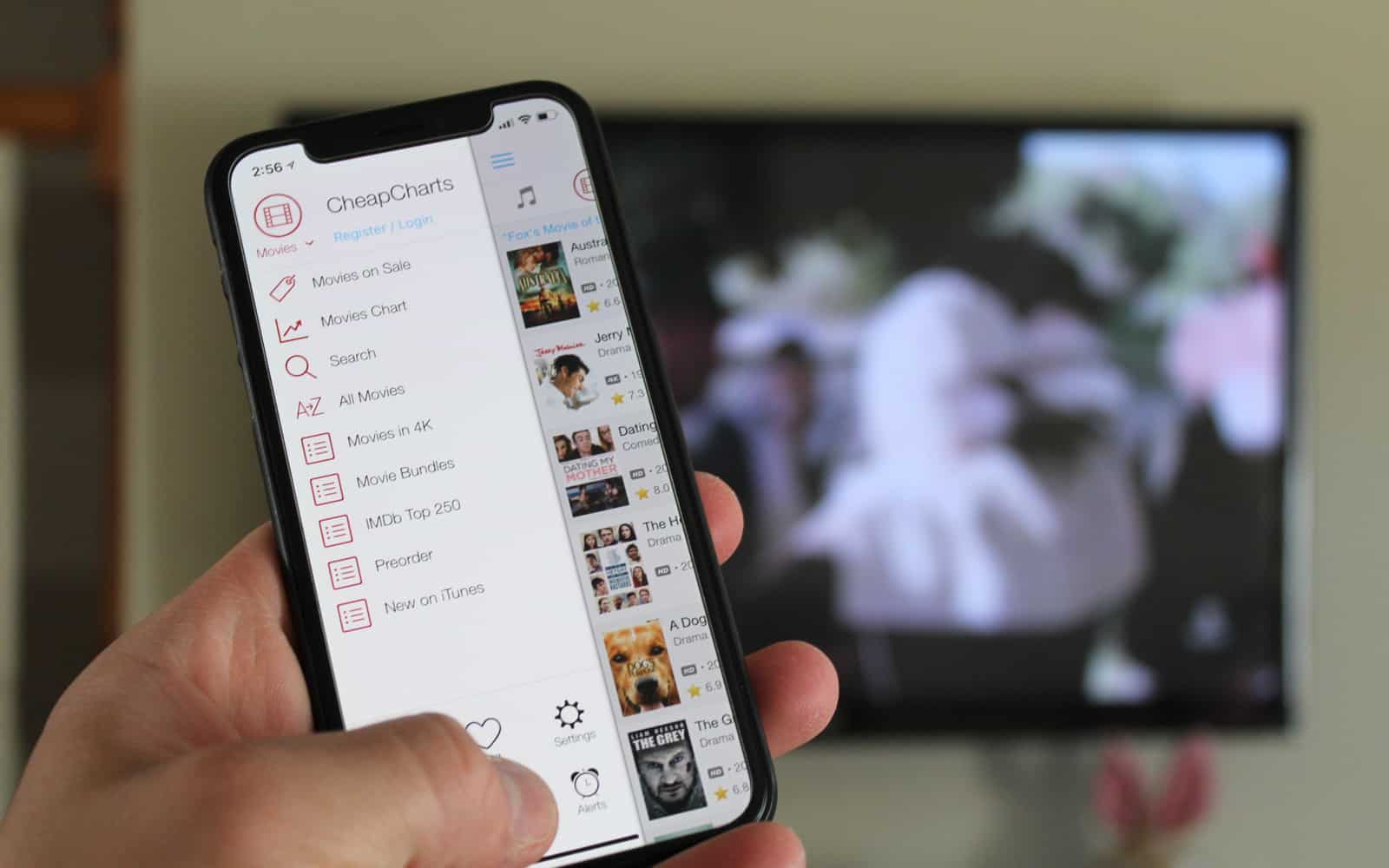
CheapCharts shows currently on sale movies
CheapCharts can save you you money on iTunes and the App Store
Photo: Ian Fuchs/Cult of Mac

50 Essential iOS Apps: CheapCharts is best App Store sales app iTunes and the App Store are two of the best online stores for buying digital content like movies and books. They’re also really good at getting you (the customer) to spend money. CheapCharts for iOS is the perfect companion to the App Store and iTunes Store, helping you get apps and digital content at the best price possible.

All-weather Apple Watch band is perfect for sports junkies

By

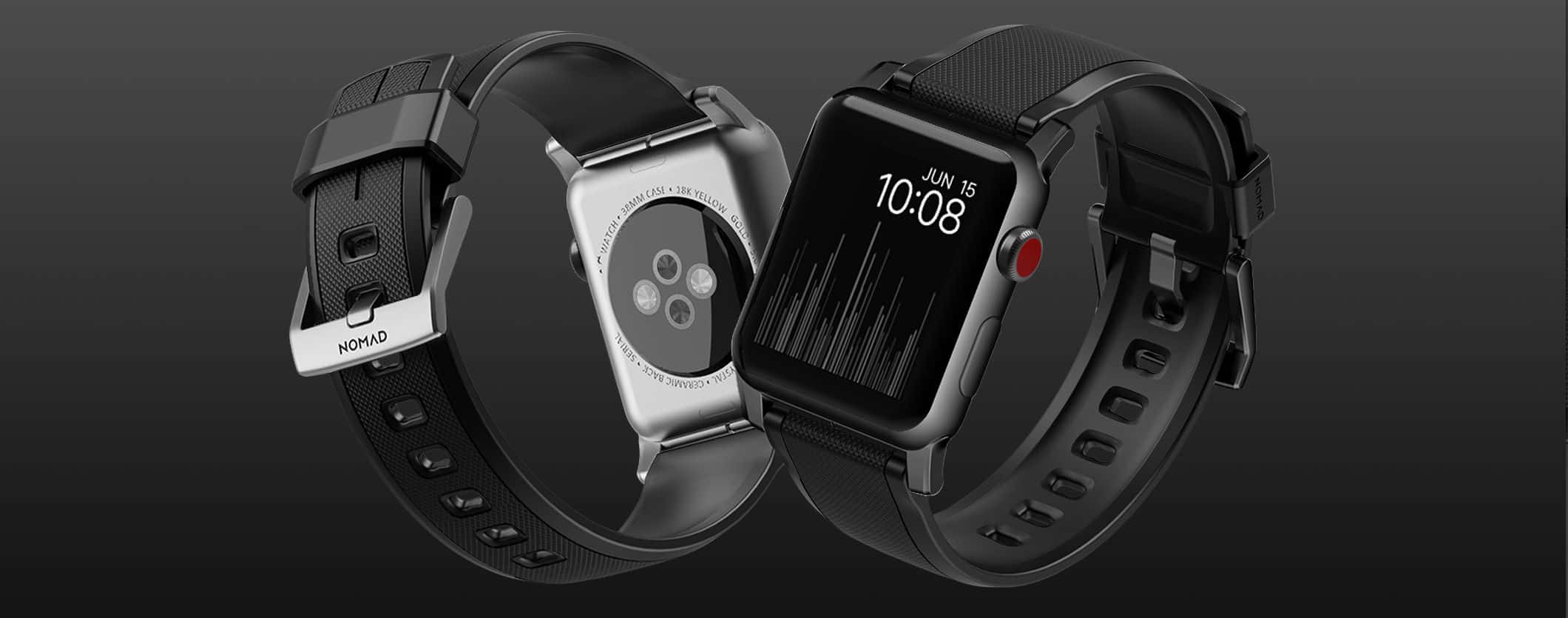
The Nomad Rugged Strap puts a stylish twist on the Apple Watch sports band.
Check out that knurled pattern on the Nomad Rugged Strap, a stylish Apple Watch sports strap.
Photo: Nomad

Best List: Nomad Rugged Strap for Apple Watch

Nomad, maker of minimalist, practical accessories for Apple Watch and iPhone, now offers a strap that is not only designed for active wearers, but is really good-looking as well. And, at 40 bucks, it’s a super-sporty and stylish alternative to the higher-priced Nike Sport Bands by Apple.

With the intention of creating a silicone strap designed to “withstand the stresses of all forms of sport and exercise,” Nomad has succeeded — the Rugged Strap is a strong, lightweight, sweat- and water-resistant band that is also-super comfortable on the wrist. The best part is that it will take you from a hard workout to a night out, and will look great in both situations.

Read on to learn more about this band, which is perfect for year-round sports junkies. And check it out in our Watch Store.

Why everyone was so wrong about iPhone X sales

By

iPhone X standing
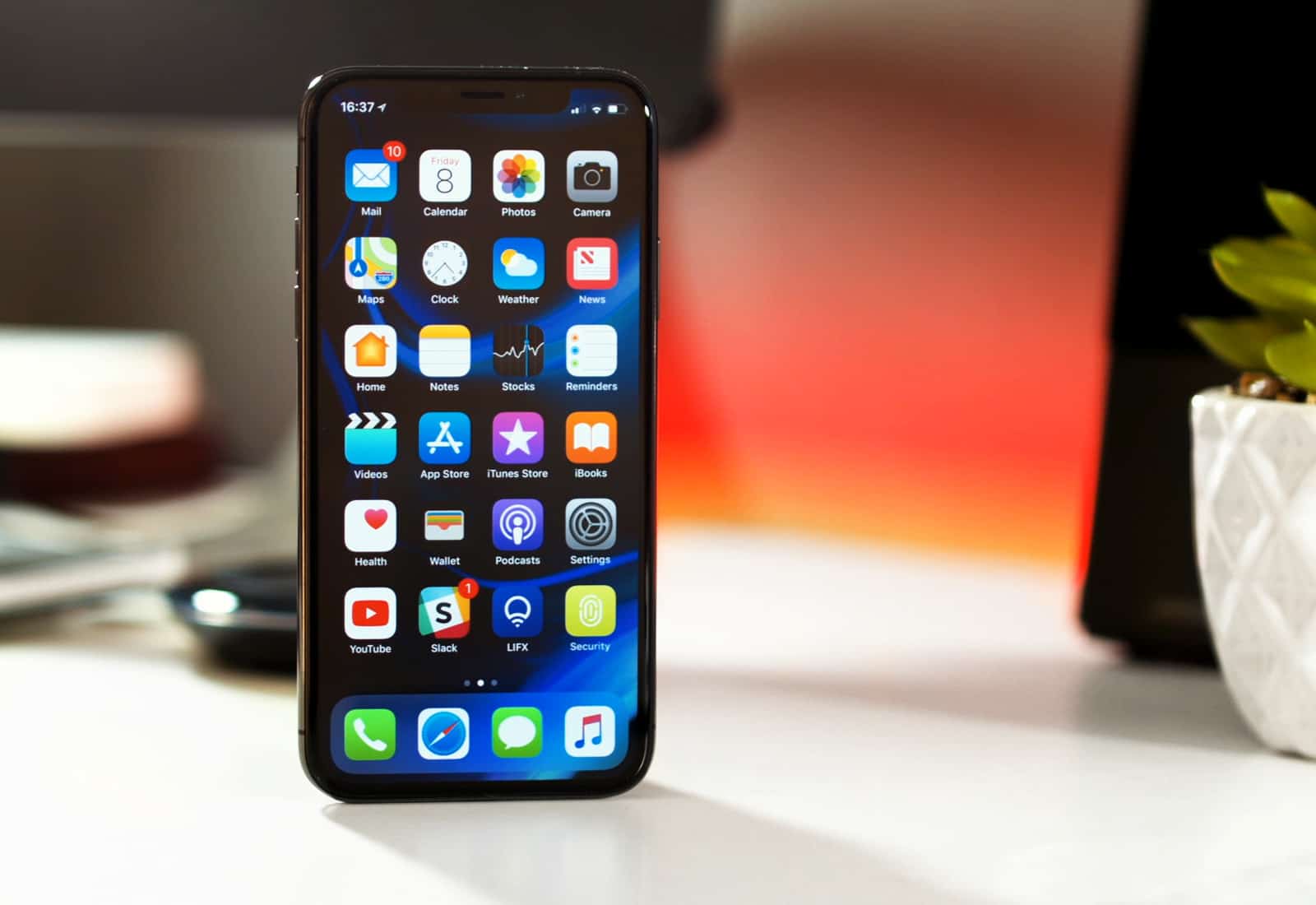
Everything you heard about iPhone X sales was wrong. In fact, it's Apple's most popular model.
Photo: Ste Smith/Cult of Mac

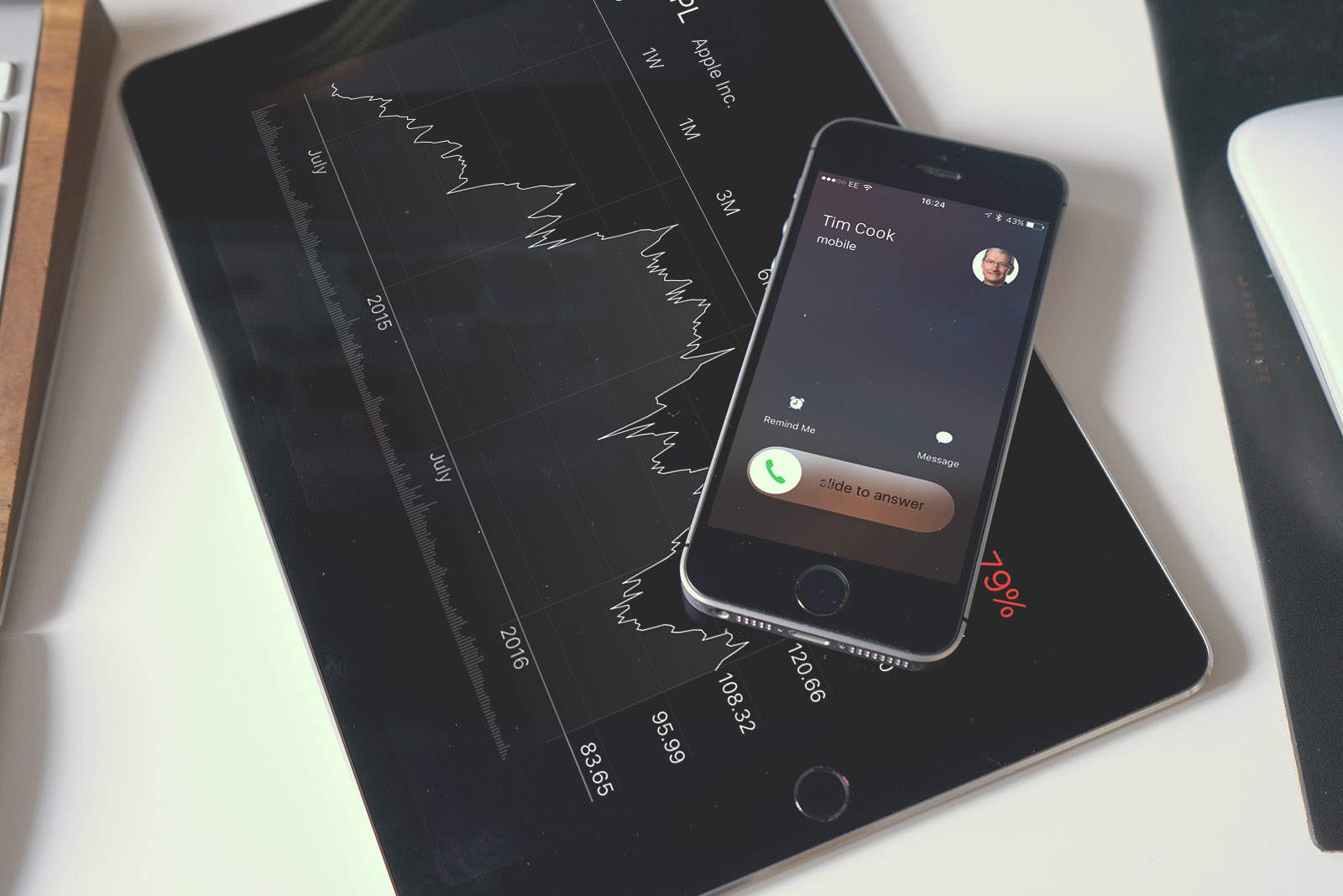
Analysts have been extremely pessimistic about the iPhone X, with almost daily predictions that Apple’s top-of-the-line model was a flop. And they were all dead wrong. Tim Cook just said the iPhone X has been Apple’s best-selling model for every week since it launched, and that sales of all the company’s phones grew last quarter.

How did the analysts get it so wrong? Here’s what probably happened.

5 big revelations from Apple’s surprising Q2 earnings call

By

Will Apple reach its own targets for Q2?
Apple stock is booming after today's report.
Photo: Ste Smith/Cult of Mac

Apple blew analysts’ expectations out of the water this afternoon with its historic Q2 2018 earnings report that saw the company post the most revenue ever in the March quarter.

Tim Cook and Apple CFO Luca Maestri were absolutely giddy during today’s call with investors. Everyone expected the iPhone X to be a bust, but even Apple was surprised by its success as it still dominates the iPhone sales charts. New products are on the horizon too as Apple’s executives teased new goodies coming down its pipeline:

These were the biggest takeaways from the call:

Live blog: Apple reveals if iPhone X really is the flop many predict

By

Apple earnings
Wall Street is worried about Apple's Q2 results.
Photo: Ste Smith/Cult of Mac

Apple is set to reveal its second quarterly earnings report of 2018 this afternoon. If you’ve been listening to the analysts the last few months, you know that iPhone sales might take a dip.

Lagging iPhone X demand could cause Apple to bring in slightly less revenue than this quarter last year, unless Apple’s services or “other products” sectors picked up the slack. We’ll know for sure once Tim Cook and Apple CFO Luca Maestri run through all the numbers with investors today at 2 p.m. Pacific.

As usual, Cult of Mac will be live-blogging the action with all the analysis and snark we can muster.

Come join the fun:

How to take long exposure iPhone photos [Quick Tips]

By

live photos
Create stunning long exposure style photos in seconds on your iPhone.
Photo: Ste Smith/Cult of Mac

They say the best camera is the one you have with you. And when isn’t the iPhone with you? iPhone photography has created a whole new generation of amateur photographers. While you may be looking for the next great app to help produce some stunning photos, did you know you can easily recreate a long exposure style image right within the camera app?

Check out our latest Quick Tips video below to see how.

Here’s how to find which apps are about to stop working on your Mac

By

drill bits
Imagine 64 of these drill bits all working together.
Photo: Steven Depolo/Flickr CC

Sometime, probably quite soon, your Mac will stop running 32-bit apps. All new Macs have 64-bit processors, and Apple wants to phase out older 32-bit apps in order to “enable faster system performance” for your Mac as a whole. What this means is that, in an as-yet-unspecified future version on macOS, 32-bit apps will stop running altogether.

If you’re running macOS High Sierra 10.13.4, then you may already have seen a warning pop up onto the screen when you launch older apps. Today we’ll see how to view a list of all the 32-bit apps on your Mac, so you can either harass the developer to update them, look for a better-supported alternative, or just delete them.

Save big on iMac and other Apple gear today at Best Buy [Deals & Steals]

By

iMac Pro
Save big bucks on a new iMac and much more
Photo: Apple/Ste Smith/Cult of Mac

In today’s edition of Deals & Steals, we’ve discovered a great deal on a new iMac and much more, as part of Best Buy’s 24 hour Flash Sale. You can also get your hands on the HomePod for a nice discount!

Elsewhere, save big on a bonanza of PC gaming parts and a mounted phone charger.

Note: On some of these deals, Cult of Mac might earn a small commission through an affiliate link. However, we pick our daily Deals & Steals strictly on their potential value to our readers.

Most of these deals are good for a limited time only, so act fast before the prices change!

Deals & Steals: Save on Apple accessories

Pro tip: Stop iOS automatically adding suggested apps to the Dock

By

suggested apps dock
Suggested apps are a great Dock feature, but you can still switch them off.
Photo: Charlie Sorrel/Cult of Mac

Pro Tip Cult of Mac bugI love the new iOS 11 Dock. Do you love the new iOS 11 Dock? I bet you totally dig it. But maybe we love it a little too much, and end up jamming it so full of apps that every icon becomes too small to tap. If that’s the case, then you might appreciate this tip. Did you know that you can remove the three-app section on the right side of the dock? The one where iOS automatically shows apps it thinks you might want to use right now?

Steve Jobs autograph is a bargain at only $20,000

By

Steve Jobs autograph
The elusive Steve Jobs autograph is an expensive pursuit.
Photo: Press Pass Collectibles

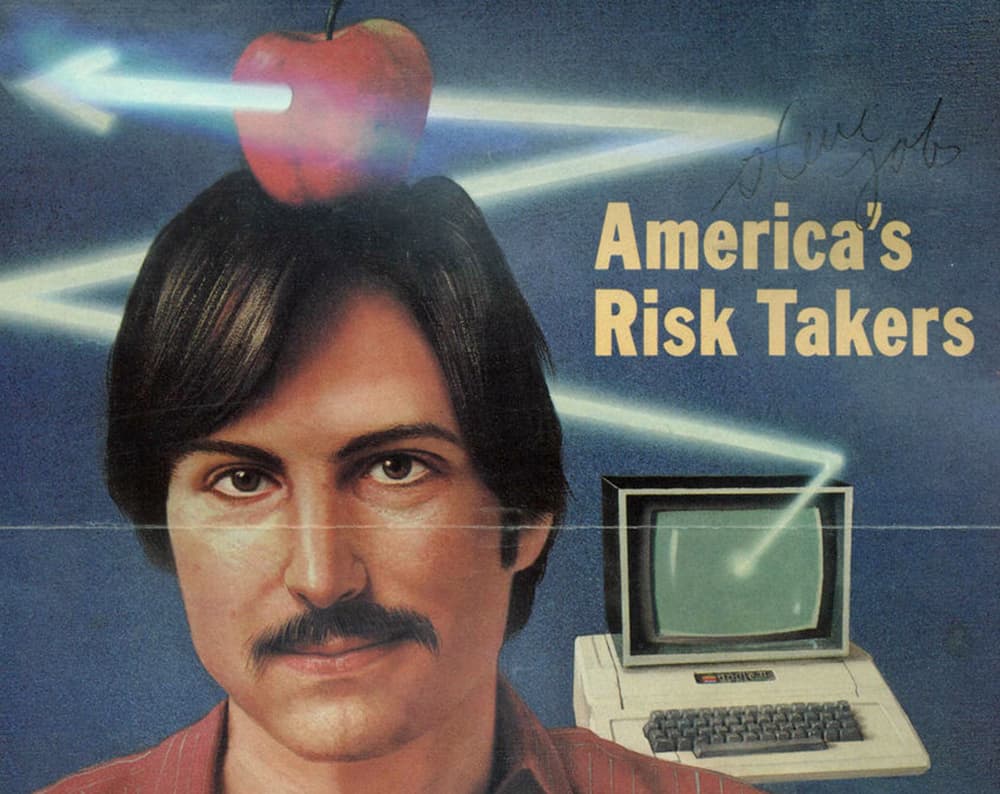
As Apple collectibles go, a Steve Jobs autograph is almost as rare as the Apple 1. Both are pricey investments.

However, a TIME magazine cover featuring Jobs and the signature he loathed giving out is kind of a bargain at a penny shy of $20,000.

Celebrate World Password Day with Dashlane [Deals]

By

This convenient app saves time and effort by securely storing and retrieving your passwords whenever you need them.
Photo: Cult of Mac Deals

Using a password manager is a great way to make your online logins and forms easier and more secure. It organizes and deploys all of your login information from a central, secure location. So when you log in somewhere, you can save time and worry in keeping your passwords strong and secure.

DAW Cassette, 1Blocker X, Bands in Town, and other awesome apps of the week

By

Awesome Apps
'Appy weekend.
Photo: Ste Smith/Cult of Mac

This week you can block all kinds of evil internet content with, make your music sound like it was recorded onto a crappy old cassette tape, translate any web-page right inside mobile Safari, and listen to the songs of bands that are playing live in your town. Yes, its time for your favorite Sunday read, the cult of Mac Apps of the Week roundup.

We talk iPhone SE leaks, Steve Jobs saving Pixar, and the brightest flashlight on earth on The CultCast

By

MacBook Pro
Another episode of The CultCast, packed with this week's best Apple stories.
Photo: The CultCast

This week on a very feisty episode of The CultCast: New iPhone SE will steal one of iPhone X’s best features; how Steve Jobs saved Pixar, then stole all their stock; MoviePass ends its unlimited movie option; Gal Gadot promotes Huawei on Twitter … from an iPhone; and we wrap with the best iPhone camera lenses, wireless security system, and the most powerful flashlight on Earth in an all-new Under Review.

Our thanks to Udemy for support thing episode. Whether you’re looking to learn something new or just sharpen your skills, Udemy has over 65,000 courses starting at just 11.99.
Visit Ude.my/CULTCAST or download the Udemy app to learn anytime, anywhere.

How to switch on the awesome new Gmail interface

By

gmail redesign
Gmail's new super-clean interface is ready for duty.
Photo: Cult of Mac

Gmail’s sweet new interface is rolling out to users. It offers the familiar simple text-based interface from the Gmail you all know and “love,” but it manages to be both less messy, and more useful. If you want to take it for a spin, then switching it on is easy.

Transit app makes public transportation a breeze [50 Essential iOS Apps #6]

By

Transit for iPhone shows upcoming times
Transit shows nearby transportation options and upcoming arrival times.
Photo: Ian Fuchs/Cult of Mac

50 Essential iOS Apps: Transit Public transportation can be a nightmare. Traveling in an unfamiliar city or relying on trains and buses to get around can leave you feeling overwhelmed and frustrated.

Transit for iPhone makes finding train bus, and subway schedules simple. With support for more than 80 U.S. cities and dozens more around the world, it is one of the most useful apps for making the right choice of transportation.

Tim Cook vs. Steve Jobs: Who is Apple’s best CEO ever?

By

And the winner for best Apple CEO is ...
Both great leaders, but who managed Apple better?
Photo illustration: Ste Smith/Cult of Mac

Steve Jobs was a mercurial genius with a singular knack for turning bright ideas into shiny new products. Tim Cook is an operations wizard who hammered Apple’s supply chain into a manufacturing powerhouse.

If you’re an Apple fan, you know the widely accepted narrative. You’ve heard the stories about these powerful CEOs and their various strengths and weaknesses. But who helmed Apple most successfully?

We put Cupertino’s most capable execs head-to-head to determine which Apple era was really the best. Get ready to settle things once and for all!