Mobile menu toggle

Top stories - page 497

Strength is the missing Activity Ring. Here’s how you can close it.

By

Strength training is currently Apple’s weakness
Photo: Graham Bower/Cult of Mac

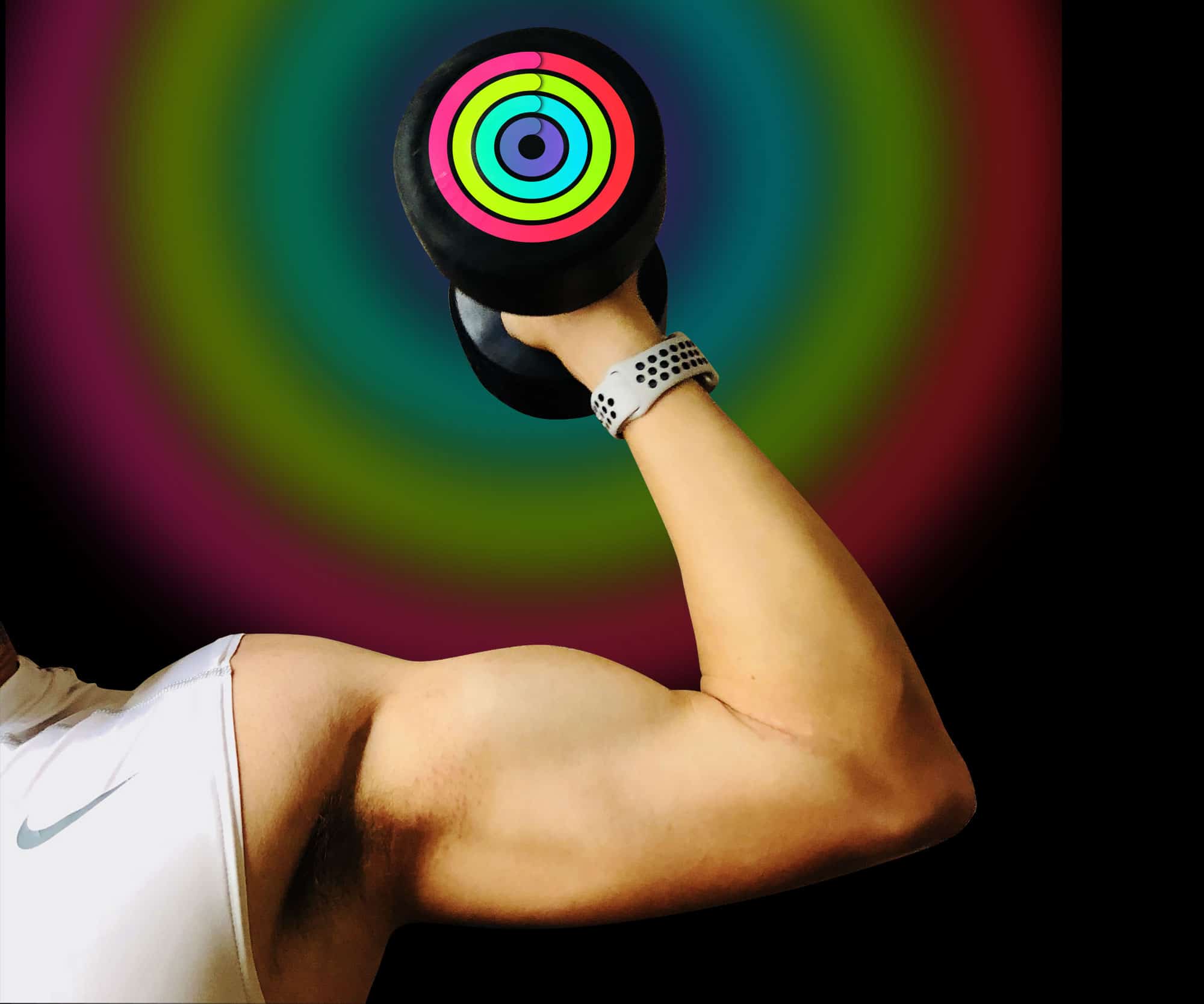
The Activity Rings on your Apple Watch don’t provide a complete picture of your fitness. There is one important ring missing: Strength. The Rock didn’t get ripped just by standing up once an hour. And both the Exercise and Move rings essentially measure the same thing: cardio.

As any fitness expert will tell you, an effective workout program should combine cardio with strength training. Here’s why strength is currently Apple Watch’s weakness, and how you can use third-party apps to make sure it isn’t yours as well.


Supersized iPhone X display will be whole inch bigger than iPhone 8 Plus

By

iphone x
iPhone X Plus will boast an impressive 6.5-inch OLED display.
Photo: Ste Smith/Cult of Mac

The larger iPhone X Plus will be roughly the same size as the current 5.5-inch iPhone 8 Plus, a new report claims. Despite that, its greatly reduced bezel will give it a screen size of 6.5 inches, making it by far Apple’s largest-ever iPhone display.

By comparison, the current iPhone X measures 5.8 inches on the diagonal. The first iPhone, released back in 2007, had a display of just 3.5 inches.

15 Apple Watch-inspired gifts for Mom [Mother’s Day Gift Guide]

By

mom
The editors of Cult of Mac Watch Store have rounded up a beautiful collection of Apple Watch bands, chargers and stands specifically picked for Mom in our Mother's Day Gift Guide.  
Photo: Bezels & Bytes

Mother’s Day is on Sunday, May 13 — mark that down and prepare to pay homage to the woman who gave you life. How about a little something for her Apple Watch?

Cult of Mac has rounded up a beautiful collection of Apple Watch bands, chargers and stands specifically picked for Mom in our Mother’s Day Gift Guide.

If you mother is a nerd, a Luddite, a traveler or style maven, we’ve got you covered. There’s a unique gift for every Apple Watch-loving momma out there, and we can vet for the quality and popularity of these bands and stands. Check out Cult of Mac Watch Store’s Mother’s Day Gift Guide.

Casetify’s nylon Apple Watch bands hit all the marks

By

casetify
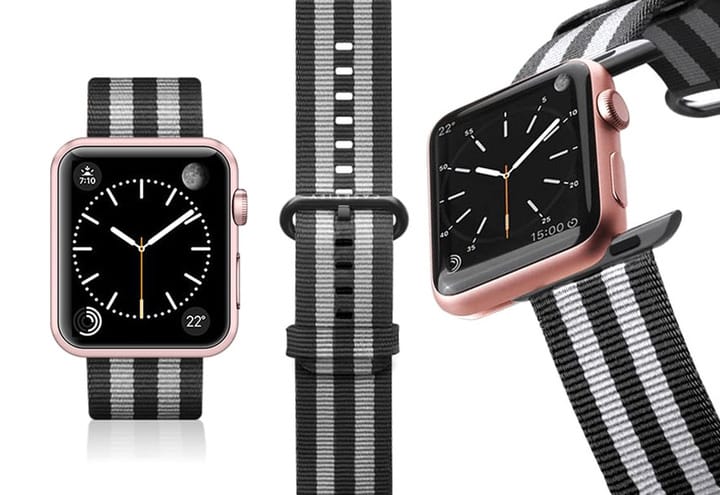
These fabric-like, breathable nylon Apple Watch nylon bands from Casetify are comfortable and long-lasting.
Photo: Ste Smith/Cult of Mac

Nylon bands for Apple Watch are in high demand for their comfort and versatility. Add in great engineering and style, and you’ve got the ideal strap to fit your everyday needs.

Enter Casetify, a company that believes in being radically unique, creating beautifully designed, made-to-order products that are hand-inspected from beginning to end.

The company recently launched its line of Nylon Fabric Bands for Apple Watch, and we’re now featuring them all in our Watch Store. A great value at $40!

How to restrict what your kids can watch on YouTube

By

youtube restrictions
Some things are definitely adults-only.
Photo: Cult of Mac

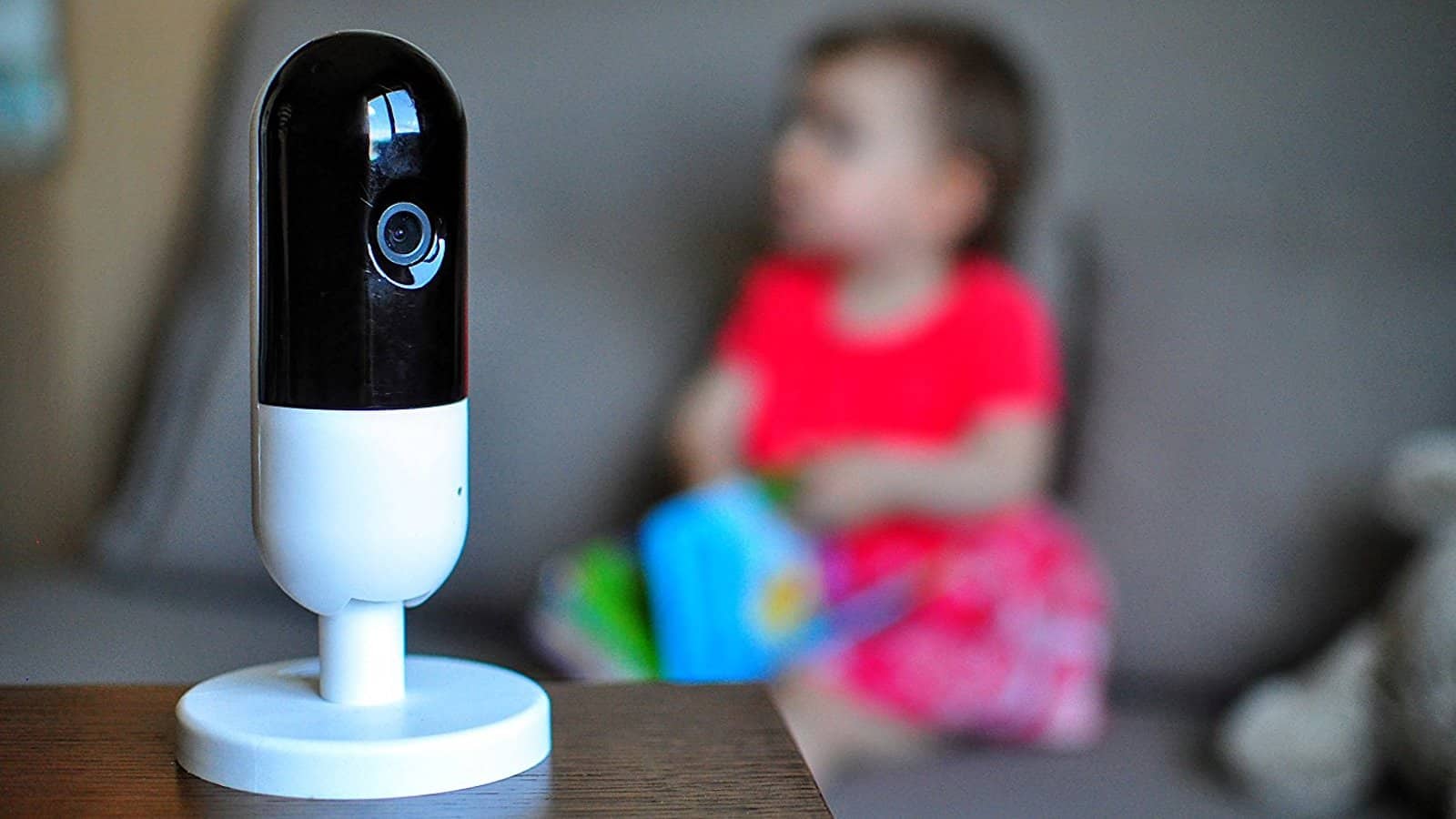
Kids on YouTube are like rats at a food dispenser. Tap, tap, tap, next video please. But unlike the rats, which get “rewarded” with an electric shock or worse, kids just end up surfing the Up Next links until they end up seeing a rat getting shocked, or worse. A more pompous writer would point out here that it’s a parent’s job to monitor their child’s YouTube activity, but actual parents know this isn’t particularly realistic. So how do you stop your kids watching the wrong thing? Let’s see:

Retrobatch for Mac means you can finally ditch Photoshop

By

retrobatch
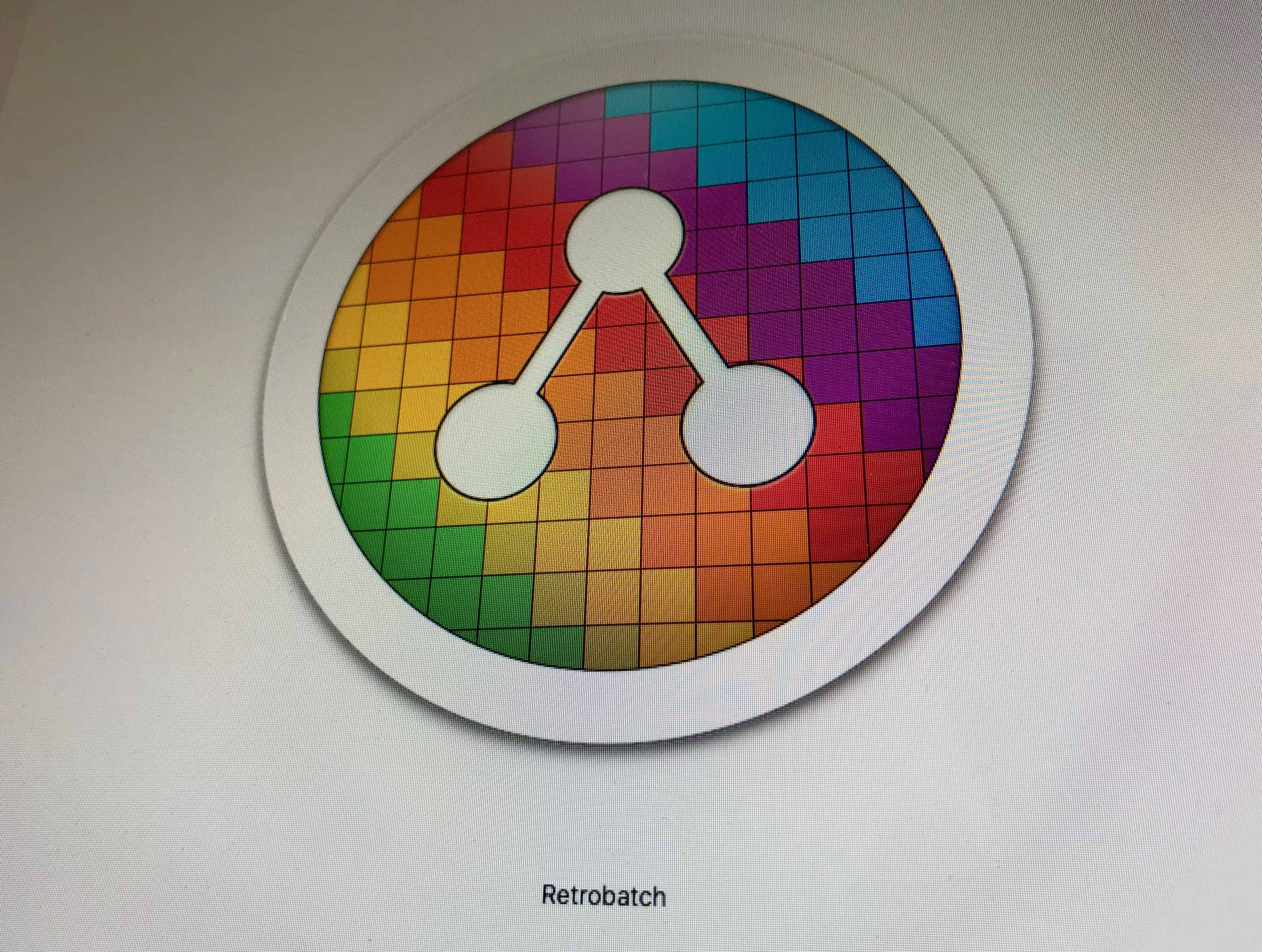
Even Retrobatch's icon is fantastic.
Photo: Cult of Mac

Acorn is one of the two best1 Mac image editors for normal humans. Retrobatch, from the same developer, is a batch-processor for images, letting you build simple or fancy workflows that can do pretty much anything to your images, automatically. If you regularly resize photos, remove location data, add watermarks, or anything else, this is for you.

Even crazier is Retrobatch’s machine-learning component, which can apply filters and operations based on what it sees in the image. For instance, you could drop a folder of images onto Retrobatch, and it would check them all and only apply filters to pictures of hot dogs. That’s right. It can detect pictures of hot dogs.

Stay secured with Encrypt.me VPN App [50 Essential iOS Apps #10]

By

Encrypt.me protects an open network
Encrypt.me keeps your information safe on unsecured networks
Photo: Ian Fuchs/Cult of Mac

50 Essential iOS Apps: Encrypt best VPN app There has been a lot of talk about online security lately. Having good internet habits is important, and using a good VPN like BulletVPN features is a great way to make sure your data doesn’t end up in the wrong hands. Encrypt.me is an easy-to-use, easy-to-understand VPN app for iOS (and Mac, Android and Windows) that can help keep you safe.

Get ready for a triple-lens iPhone

By

multi-camera smartphones
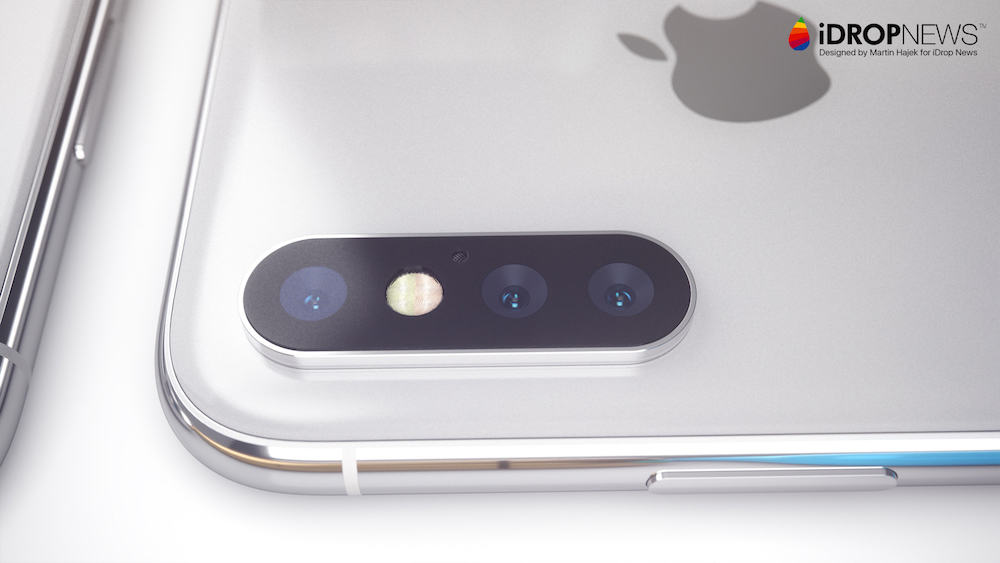
Imaging the iPhone with three lenses.
Photo: iDrop News/Martin Hajek

Just as you are scraping together the money for an iPhone with two camera lenses, Apple may be coming out with a triple-lens iPhone sometime next year.

A news story out of Taiwan about the rising revenues of two handset components makers buried that little nugget as it reported on an expected recovery of a sluggish smartphone sales across the globe.

How to keep using Time Machine without AirPort or Time Capsule

By

flux-capacitor
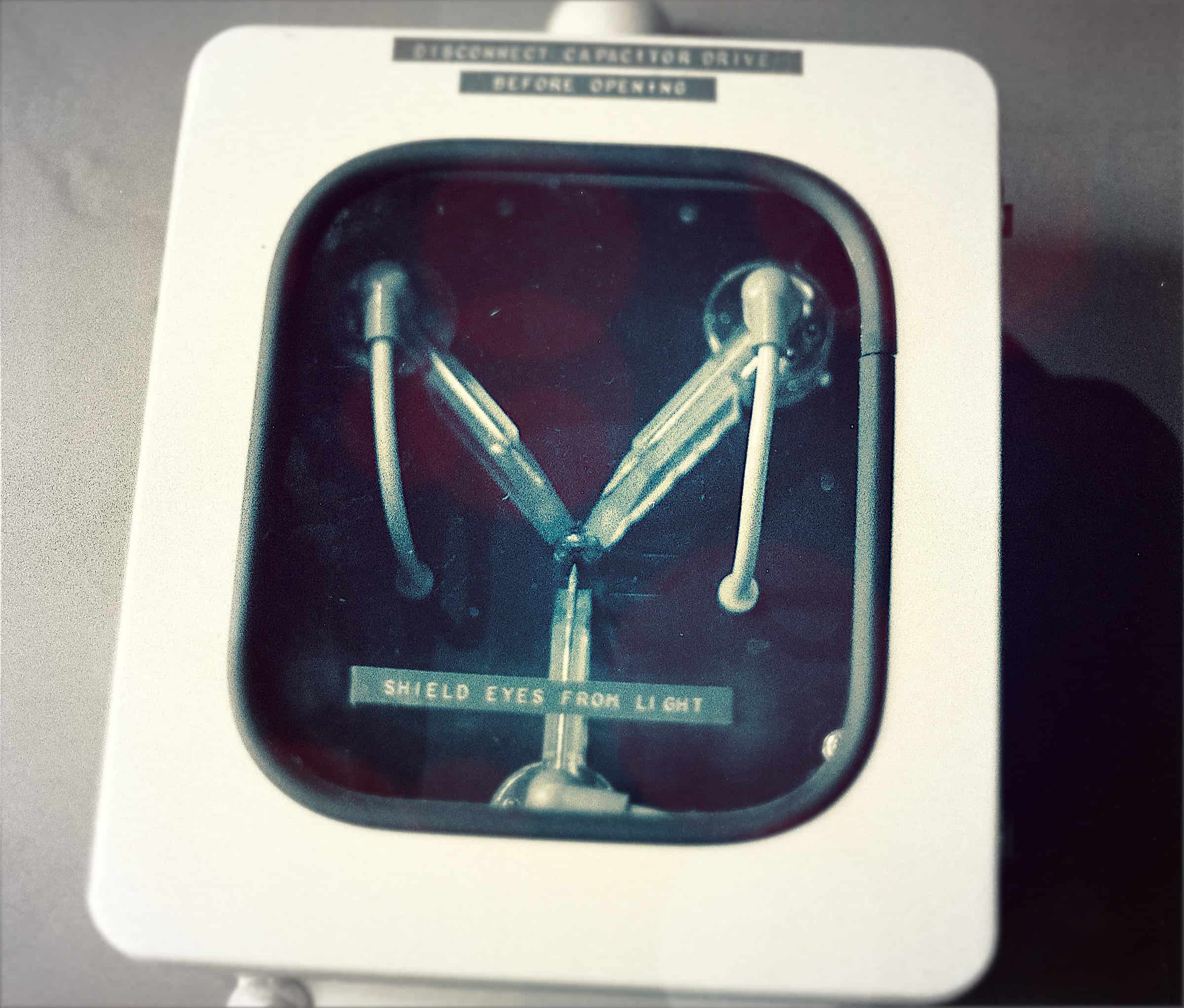
This is what makes Time Machine backups possible.
Photo: Morgan Sherwood/Flickr CC

Apple’s AirPort routers introduced one game-changing new feature to the world: easy backups. Time Machine is Apple’s automatic backup utility, and it made backups easy enough for non-nerds to use regularly.

The easiest way to use it was to buy a Time Capsule, a wireless AirPort router with a hard drive built in. Before Time Capsule, nobody backed up. After Time Capsule, anyone could keep hourly, daily and weekly backups without even thinking about it. But now that Apple has stopped making Time Capsule, and AirPort routers in general, how do you keep using Time Machine?

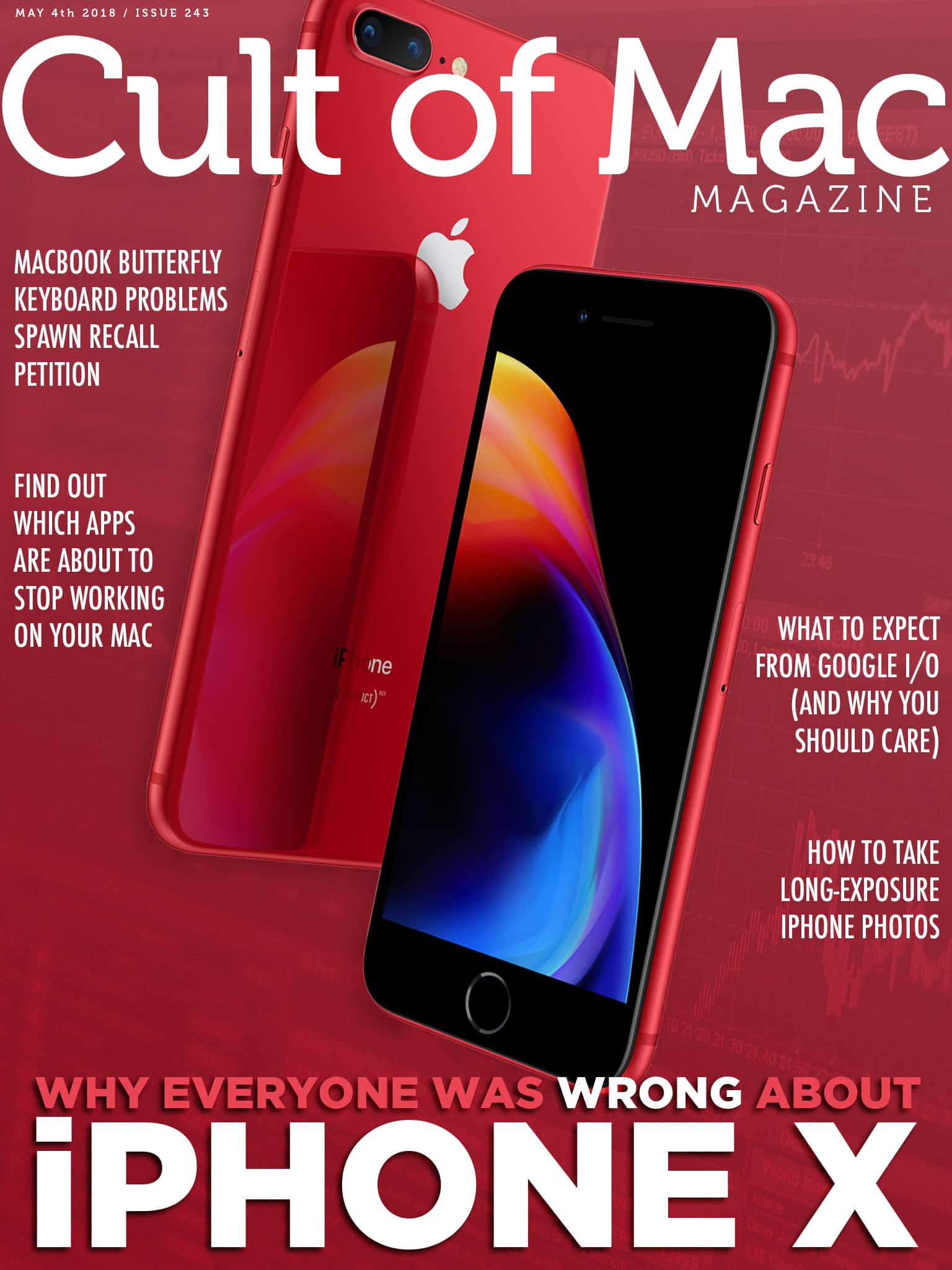
Cult of Mac Magazine: Why everyone was so wrong about iPhone X, and more!

By

cover
In this week's Cult of Mac Magazine: Everything you heard about iPhone X sales was wrong. In fact, it's Apple's most popular model.
Photo: Ste Smith/Cult of Mac

In this week’s Cult of Mac Magazine: Analysts have been extremely pessimistic about the iPhone X, with almost daily predictions that Apple’s top-of-the-line model was a flop. And they were all dead wrong. Tim Cook just said the iPhone X has been Apple’s best-selling model for every week since it launched, and that sales of all the company’s phones grew last quarter. How did the analysts get it so wrong?

You’ll find that story and more in this issue. Mother’s Day is around the corner on May 13, so check out our Watch Store’s Mother’s Day Gift Guide for on-time shipping. Get your free subscription to Cult of Mac Magazine from iTunes. Or read on for this week’s top stories.

Newton, Bias Amp 2, Overcast privacy, and other amazing apps of the week

By

Awesome Apps
'Appy weekend.
Photo: Ste Smith/Cult of Mac

This week we look at the amazing new Bias Amp 2 for guitarists, which looks just awful on the big-screen iPad Pro, we see how the Newton email app has banished the “sent” mail folder, we check out the new privacy features in the Overcast podcast app, and find out how to duplicate our entire Instagram history on our own microblog.

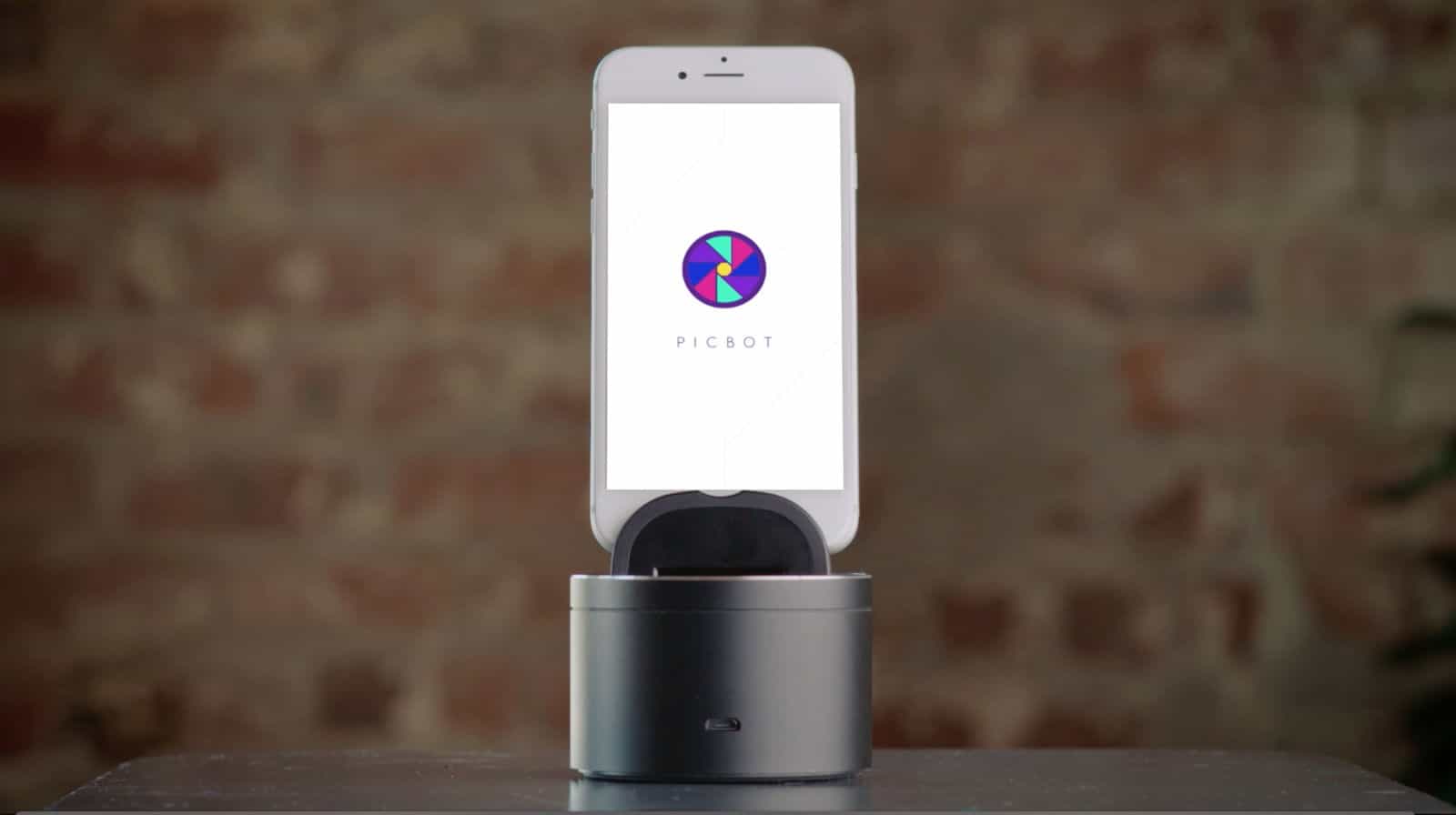
Picbot is the photo assistant for the iPhone age [Deals]

By

Picbot is a motorized iPhone mount is great for panoramas and time-lapse videos.
This motorized iPhone mount is great for panoramas and time-lapse videos.
Photo: Picbot

iPhones are photography and video powerhouses. But shooting with a tripod means sticking with static shots, and handheld, well, looks handheld.

Ready to up your iPhone photography game? This motorized mount offers a bunch of new possibilities.

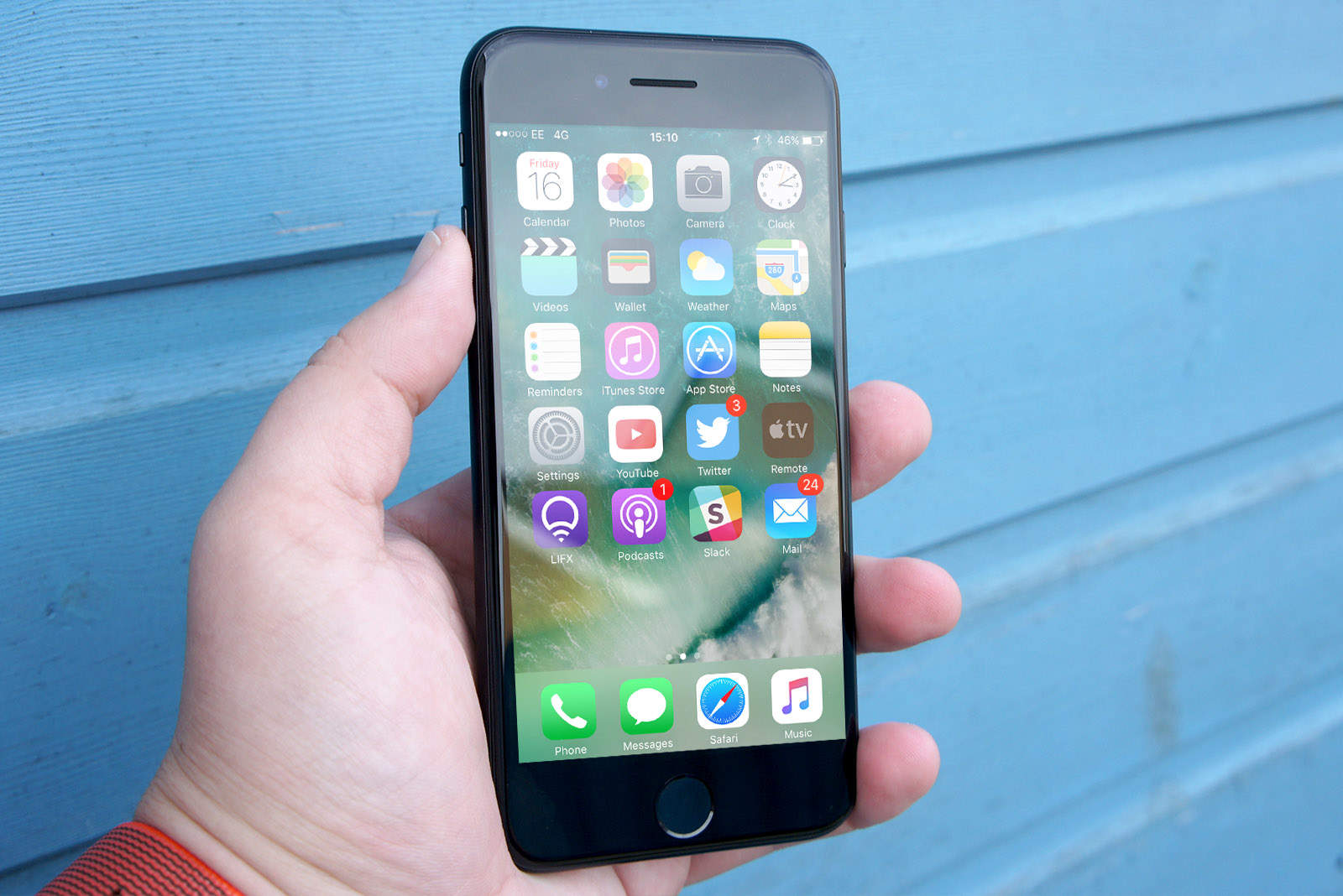
iOS 11.3 breaks some iPhone 7 microphones

By

iPhone-7
How’s your iPhone 7 mic after updating to iOS 11.3?
Photo: Ste Smith/Cult of Mac

Apple’s recent software updates have broken some iPhone 7 and iPhone 7 Plus microphones.

Users report that they cannot be heard during calls since updating to iOS 11.3 or later. Apple has advised Authortized Service Providers that they can initiate repairs if necessary — even on devices that are no longer covered by a warranty.

Take your podcast listening up a notch with Overcast [50 Essential iOS Apps #9]

By

Overcast offers a simple interface and great features. It's the best podcast app around.
Overcast offers a simple interface and great features.
Photo: Ian Fuchs/Cult of Mac

50 Essential iOS Apps: Overcast best podcast app Podcasts are a great way to stay informed and entertained, or just to pass time. The number of podcasts is booming, and if you listen efficiently you can hear even more of them.

With the Overcast podcast app for iOS, you get a great podcast listening experience along with some awesome time-saving features.

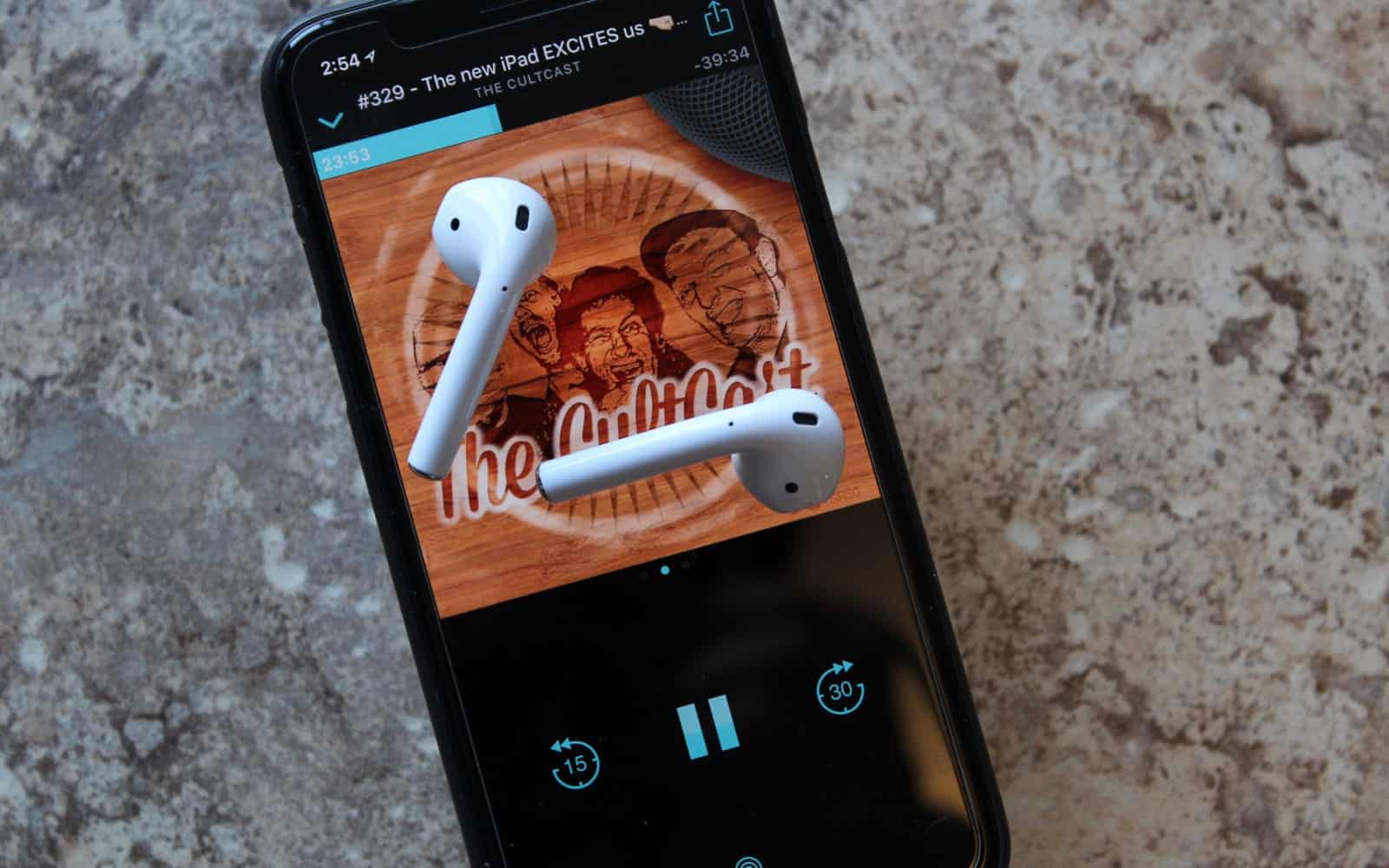
iPhone X is a huge hit, the death of 3D Touch, and inflatable paddle boards on The CultCast

By

Tim Cook with money bag
Tim Cook
Illustration: Cult of Mac

This week on a very volatile episode of The CultCast: the analysts were all wrong—iPhone X is a massive hit. Plus: the death of 3D Touch starts with 2018 iPhone; the world’s most famous Apple analyst may no longer be reporting on Apple; Apple’s AirPort router lineup is officially dead; and we pitch you our favorite show, movie, and vodka in an all-new Under Review. It’s a juicy one. Hit play and catch the discussion.

Our thanks to Squarespace for supporting this episode. It’s simple to accept Apple Pay and sell your wares with your very own Squarespace website. Enter offer code CultCast at checkout to get 10% off your first hosting plan or domain.

How to master Split View on the Mac

By

Split View on the Mac
This is how they did Split View on the olden days.
Photo: Charlie Sorrel/Cult of Mac

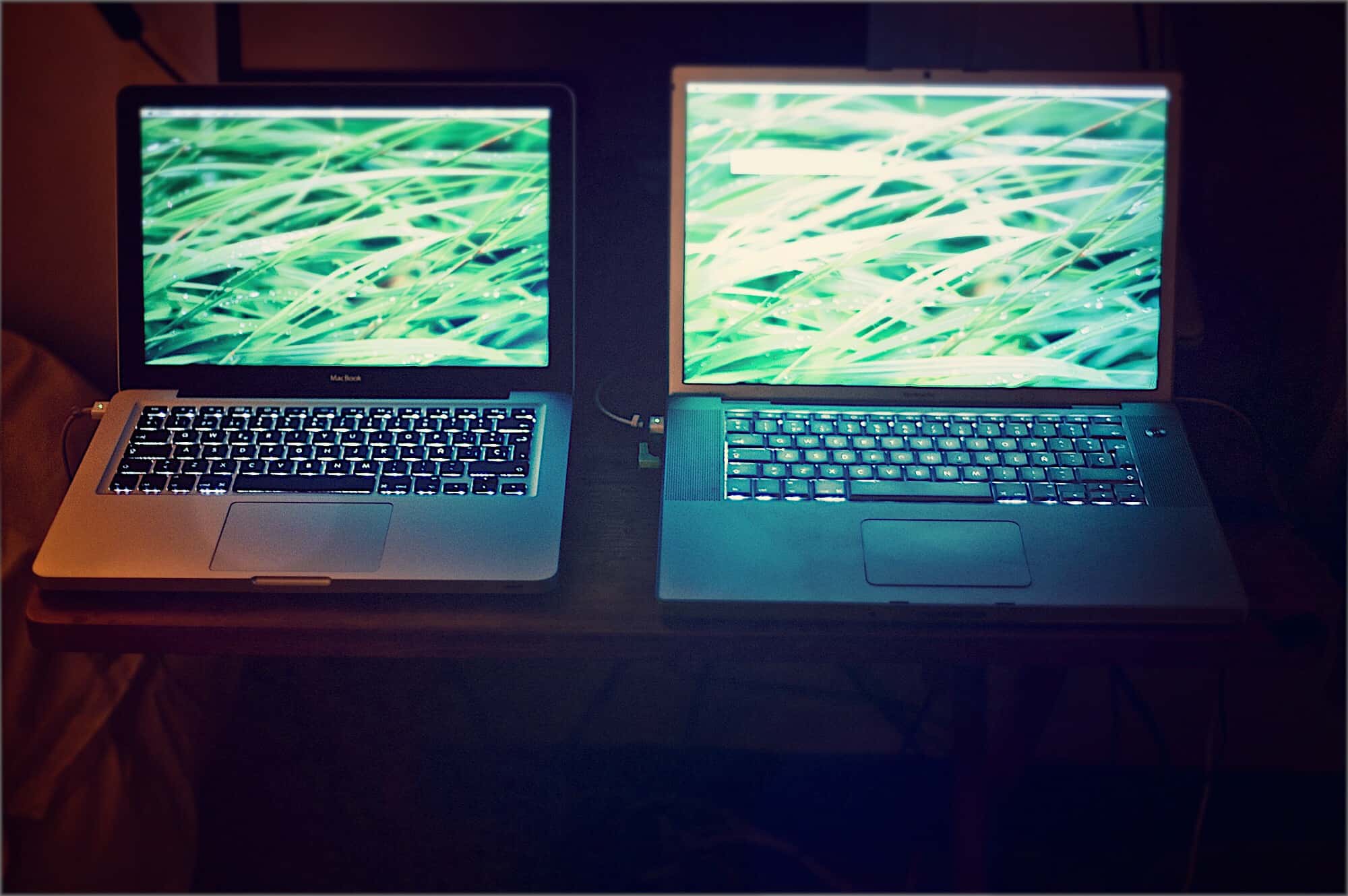
Split view on the iPad is amazing. Two apps, side-by-side, open up all kinds of neat shortcuts. You can drag text, links, and pictures from Safari into notes apps, emails, Pages documents and so on. The Mac is less in need of such a mode, because screens are bigger, and you can already place two windows side-by-side, but on a little MacBook, where every 1/64th inch counts, Split View is a great feature. Here’s how to use it.

The iconic Koss Porta Pro headphones go wireless

By

Koss Porta Pro Wireless
Look, no wires! Wait a minute…
Photo: Koss

Koss’s amazing Porta Pro headphones have finally gone “wireless.” These lightweight, great-sounding headphones first launched in 1984, and have been on sale since. And now, they are available with a Bluetooth connection. Behold, the Koss Porta Pro Wireless.

Fortnite is killing it on iOS, but it could be so much better

By

Fortnite
Team Rumble just got a lot better.
Photo: Epic Games

I’ve been encouraging every gamer I know to play Fortnite on iOS since it made the leap to the App Store back in March. I’ve gushed about how spectacular the game is on mobile, and how it keeps up with its console counterparts.

I’m not at all surprised that the game is making an absolute killing on iPhone and iPad, raking in more than $25 million in revenue during its first month of availability. I’ve played it almost every day, and spent more than I’d like to admit on items I don’t really need.

But two months on, now that the novelty has worn off, I have some complaints to make. Fortnite could be so much better on iOS if Epic was to give it the attention it really deserves.

MacBook butterfly keyboard problems spawn recall petition [Update]

By

MacBook butterfly keyboard
A new petition calls for Apple to recall the MacBook butterfly keyboard, which can fail when a speck of dust gets in the wrong place.
Photo: Apple

The butterfly keyboard in recent MacBooks draws frequent complaints. And these have now escalated to the point where an online petition is requesting that Apple recall every MacBook Pro released since 2016.

These laptops are super-slim, and so are their keyboards. Reducing the thickness left room for very little key travel, resulting in accusations that even a small speck of dust underneath one of the keys can cause it to stop functioning.

Beef up your resume with serious Salesforce skills [Deals]

By

Become a master of Salesforce, the go-to customer relationship management platform.
Become a master of Salesforce, the biggest customer relationship management platform out there.
Photo: Cult of Mac Deals

So many of today’s businesses keep track of their customer relationships with Salesforce. It’s become an essential platform for managing sales, customer service, marketing, apps, analytics, and lots more. So it’s a great skill to have on your resume.

Learn to play a musical instrument with iOS

By

learn to play
You don't have to build your own guitar, thank God.
Photo: Charlie Sorrel/Cult of Mac

Learning a musical instrument is hard. Really hard. It takes a long time to make anything that sounds like music, and yet still people put in the long hours and the hard work to become great at their chosen instrument.

There’s no way around practicing, but there is. lot you can do to make the practice easier, more effective, and much more fun, and all you need is there on your iPhone or iPad.