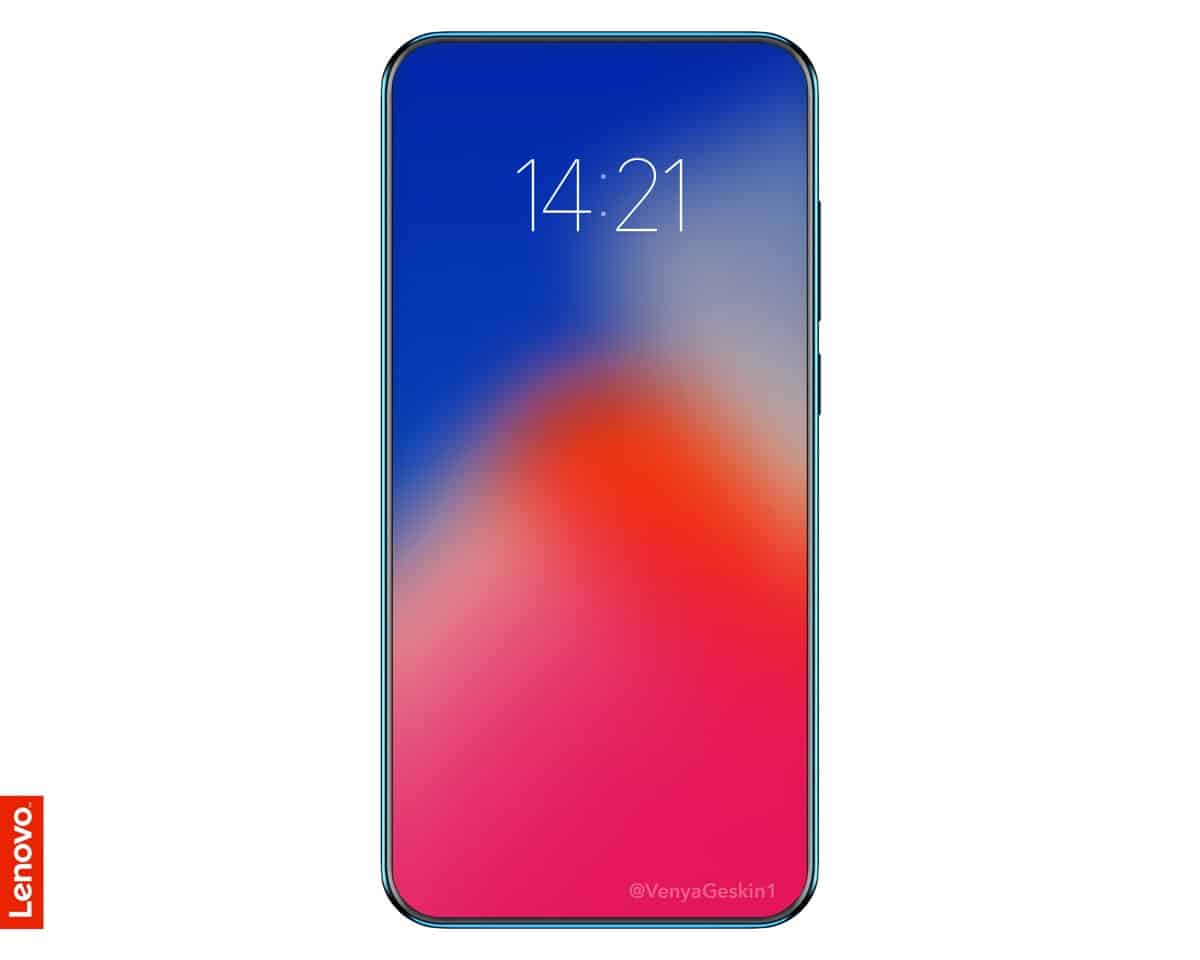
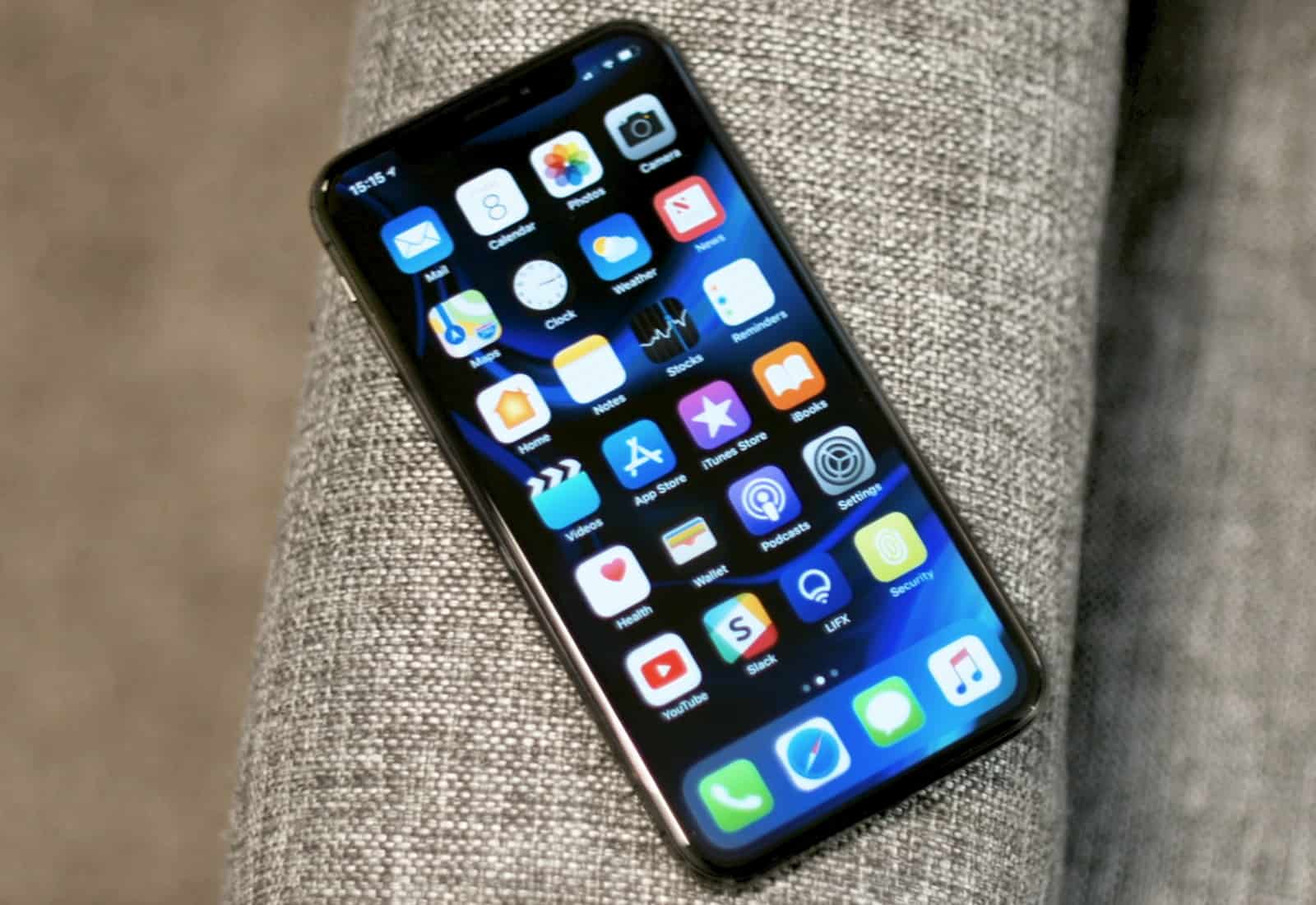
Lenovo has a new iPhone X clone up its sleeve that’s unlike all the others.
The upcoming Z5 has a stunning edge-to-edge display with incredibly slim bezels, but it is missing the controversial notch that has been slowly invading Android devices since Apple unveiled its latest flagship last September.
Wear your Apple Watch in a unique way with the Silver Horn Charm Necklace by Bucardo. Photo: Bucardo
Today only, take 25 percent off Bucardo’s stunning Charm Necklaces for Apple Watch.
Real turquoise and Swarovski crystals adorn several of these lovely charms, and all necklaces are crafted from either gold or silver plated stainless steel. In wearing these beautiful Apple Watch charm necklaces, the watch is still clearly visible, incorporating itself into a hot piece of jewelry. It’s unique yet timeless — just like mom. Save 25 percent through Mother’s Day in our Watch Store.
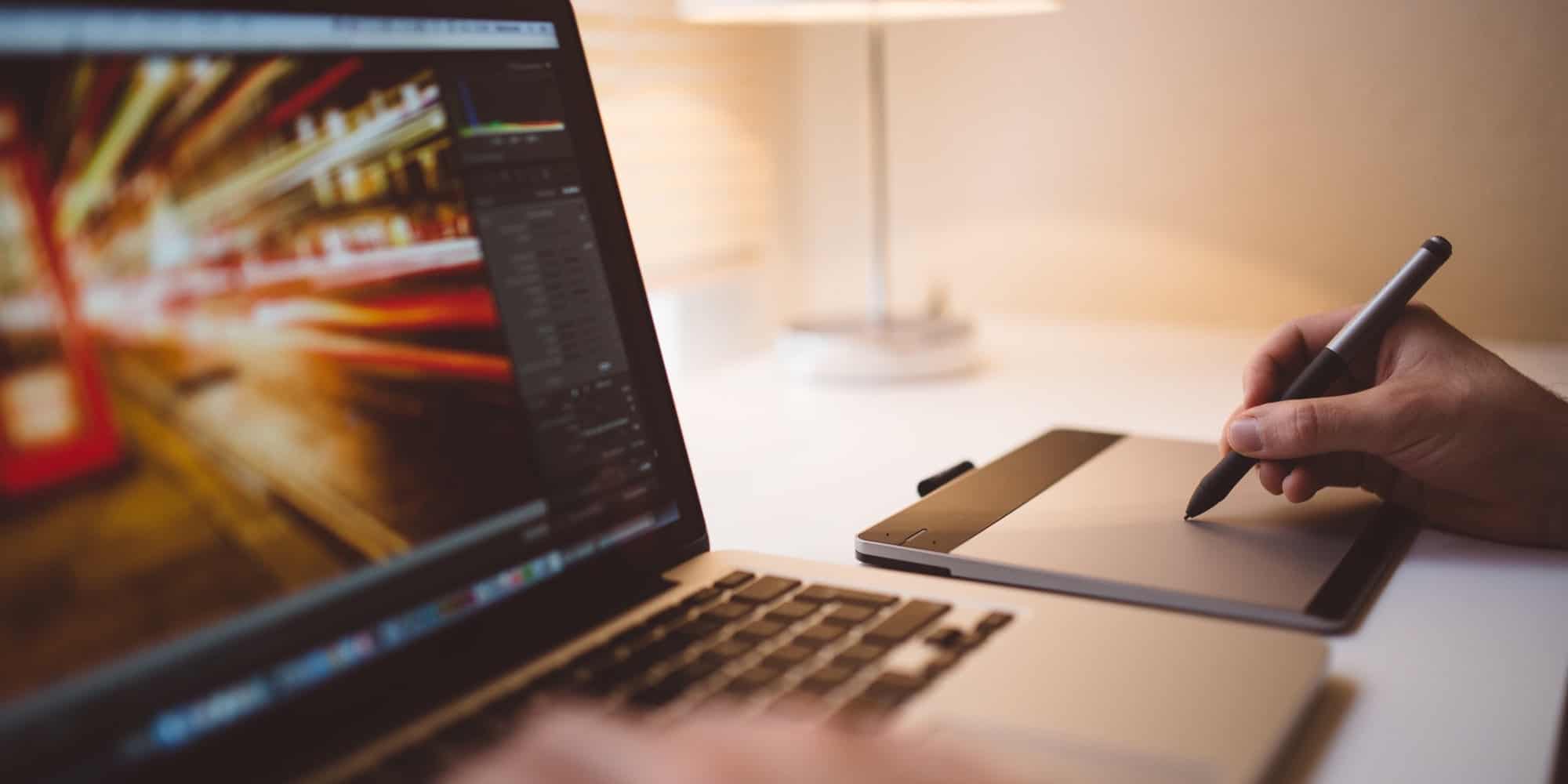
Get trained and certified in Adobe's leading graphic design apps. Photo: Cult of Mac Deals
We live in a visual age, so the ability to use apps like Photoshop, InDesign, and Illustrator are super marketable. Even better if you can back up your resume entry with certification.
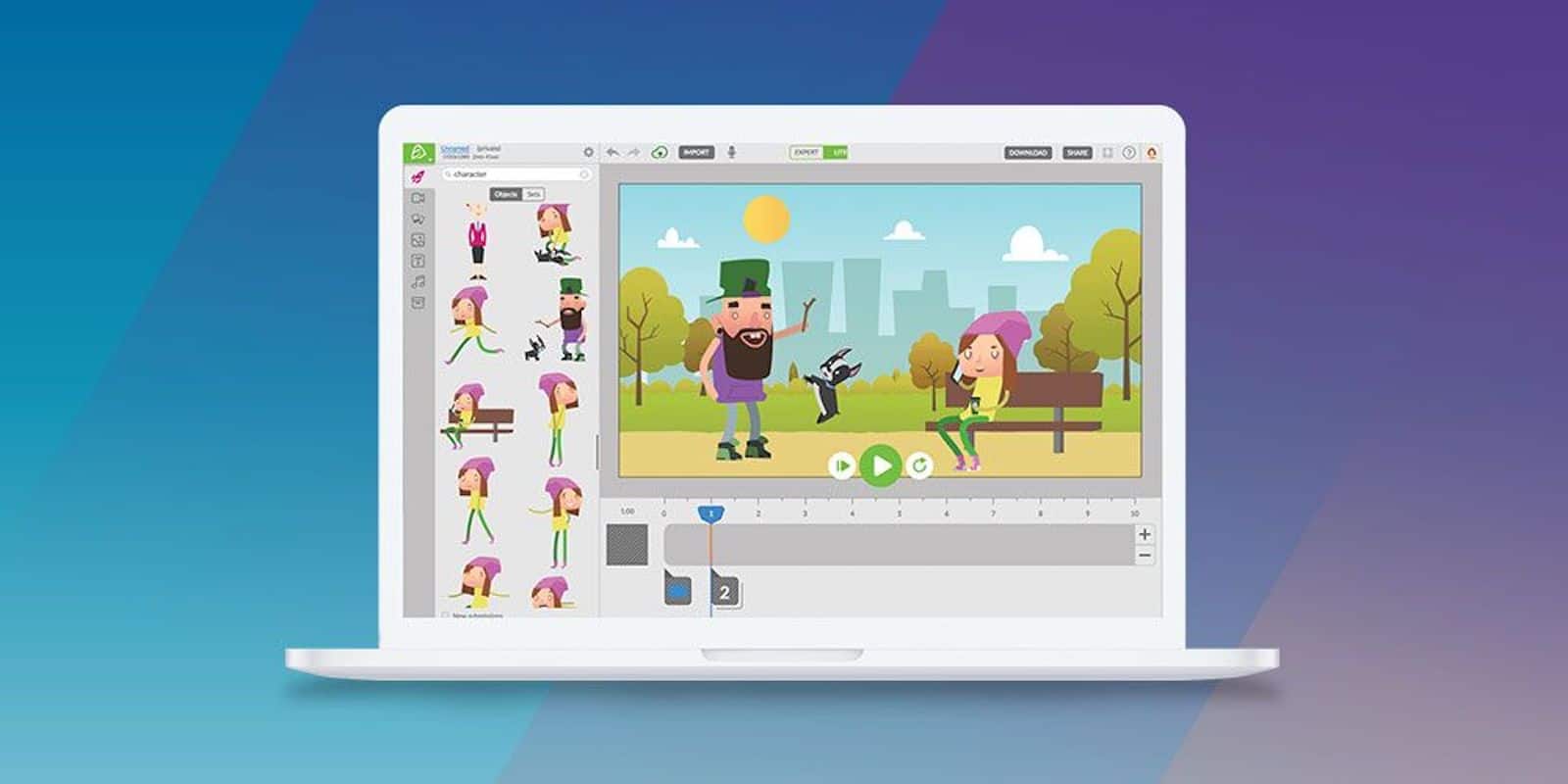
You don't need a Hollywood budget to create fun, compelling animations. Photo: Cult of Mac Deals
Animation and graphics are one of the best ways to connect a message with an audience, whether it’s an explainer, a commercial, or just a skit. Technology has made it so that you don’t need a render farm to make animated content. You just need the right app.
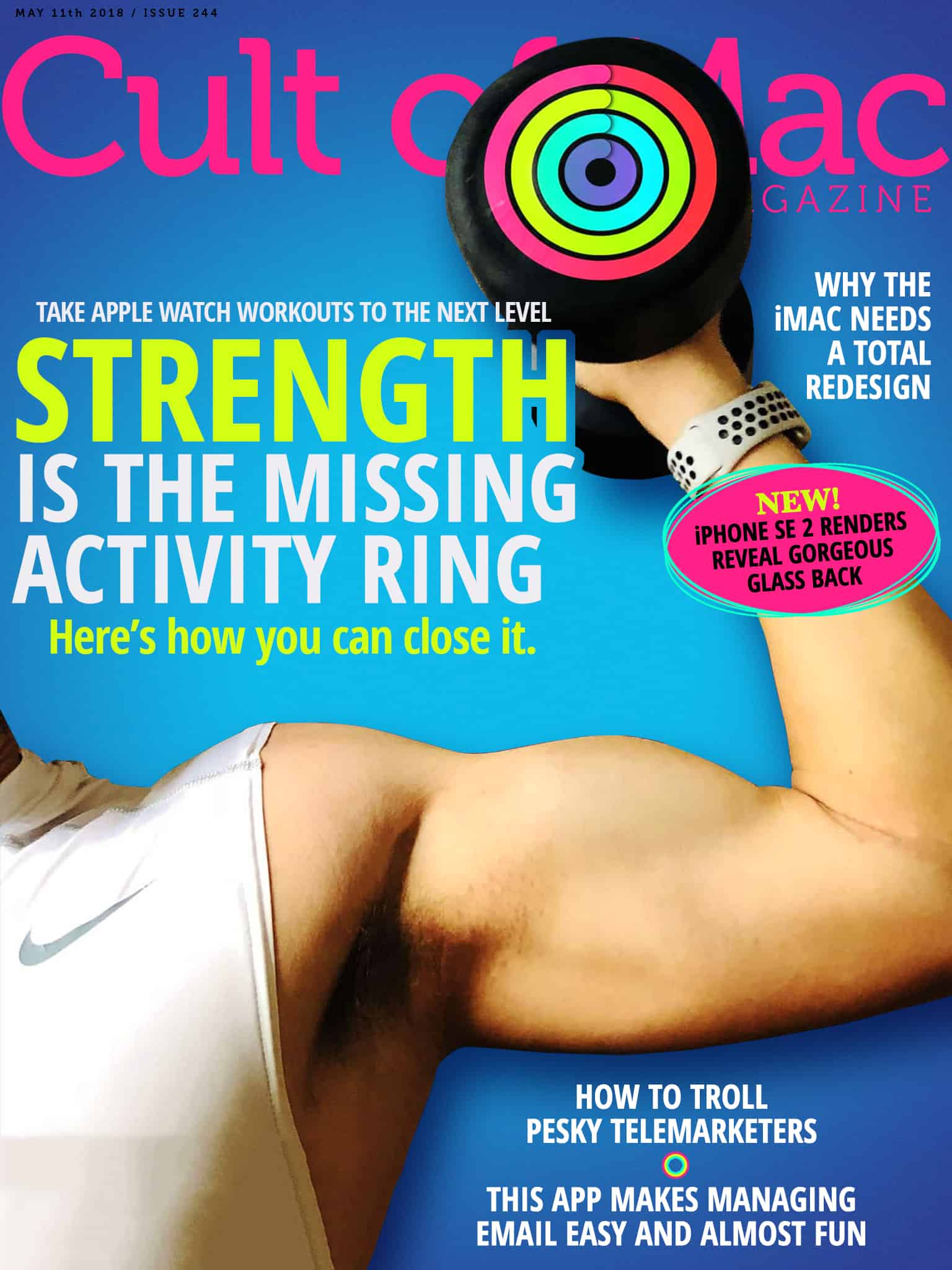
In this week's Cult of Mac magazine: Why doesn’t the Activity app track strength training? Photo: Ste Smith/Cult of Mac
In this week’s Cult of Mac Magazine: The Activity Rings on your Apple Watch don’t provide a complete picture of your fitness. There is one important ring missing: Strength. The Rock didn’t get ripped just by standing up once an hour. And both the Exercise and Move rings essentially measure the same thing: cardio.
As any fitness expert will tell you, an effective workout program should combine cardio with strength training. Here’s why strength is currently Apple Watch’s weakness, and how you can use third-party apps to make sure it isn’t yours as well.
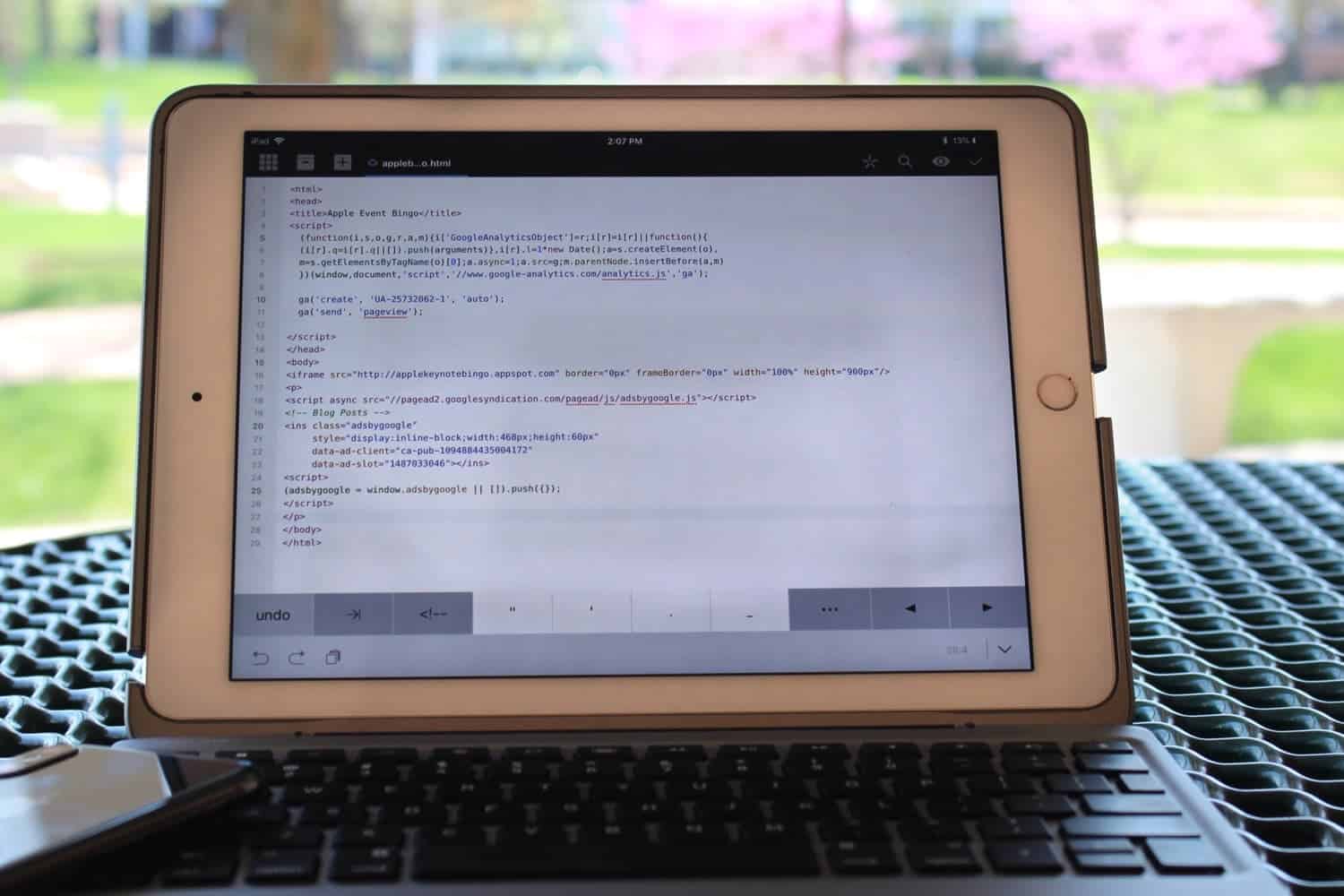
Coda makes it easy to edit code, no matter where you are. Photo: Ian Fuchs/Cult of Mac
The iPhone and iPad are arguably one of the most powerful computers most of us own. While much argument has been had as to whether you can do real work on iOS, apps are a proving ground for what an iOS device is capable of. Coda for iOS harnesses the power of iOS to make a feature rich programming app, turning your iOS device into a shell terminal, FTP client, remote file viewer, and pocketable coding app.
Friends don't let friends play ukulele. Photo: Charlie Sorrel/Cult of Mac
Apple is famously bad at social networks. Unless you count iMessage, which is easily successful and popular enough to exist as a standalone business. Or iCloud Photo Sharing, which brings families and friends closer together every day. What’s that you say? Ping? Sure, that didn’t work out, but using it as your sole representation of Apple’s social efforts is lazy at best.
Apple, then, is pretty good at social stuff. It’s just that it’s hidden. For instance, now you can hook up with friends in Apple Music, and spy on what they’re listening to. How? Let’s see.
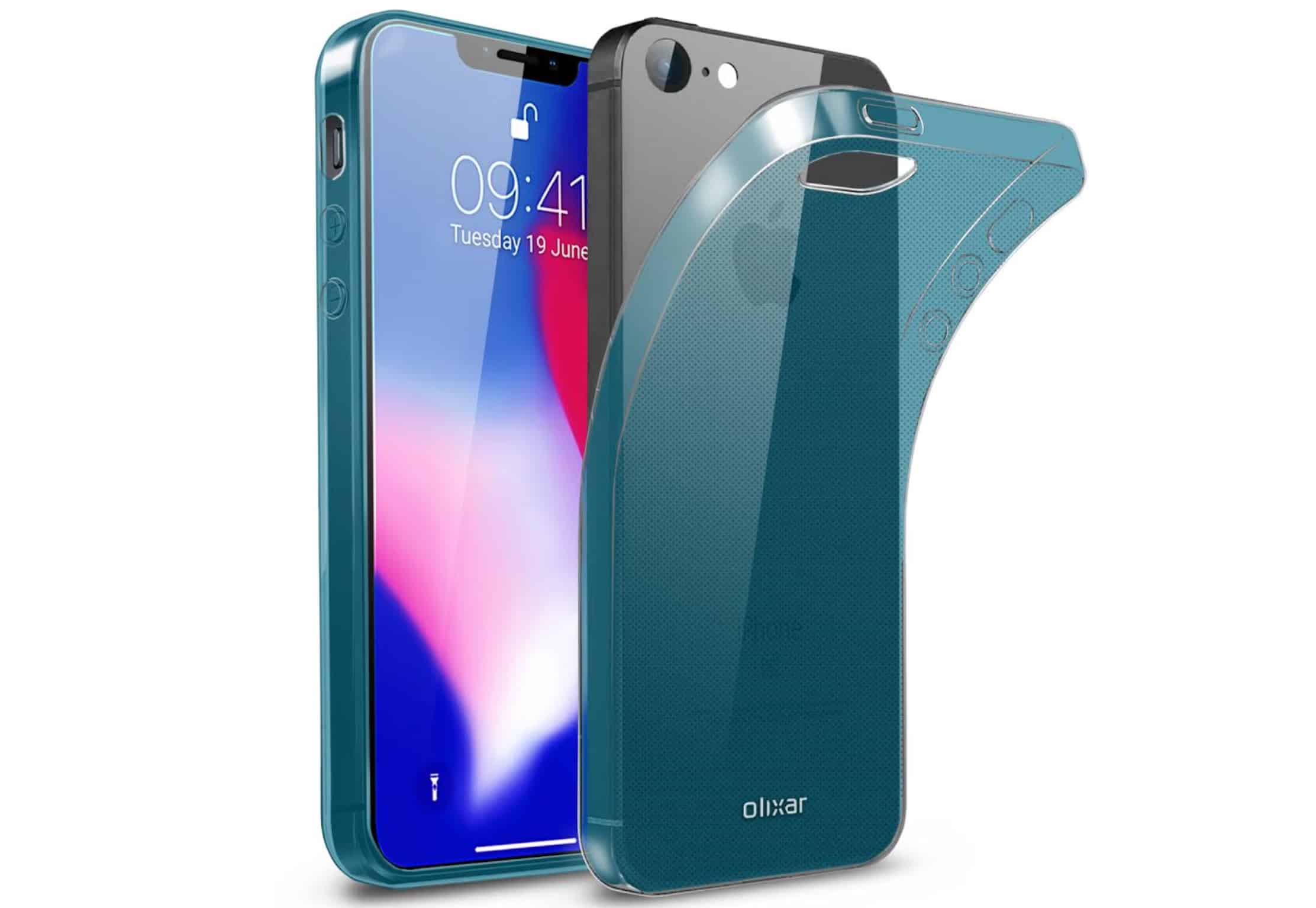
iPhone SE 2 looks good in these renders, but they may not be accurate. Photo: Olixar
New renders of the upcoming iPhone SE 2, which depict its gorgeous glass back, have been revealed by a popular case-maker.
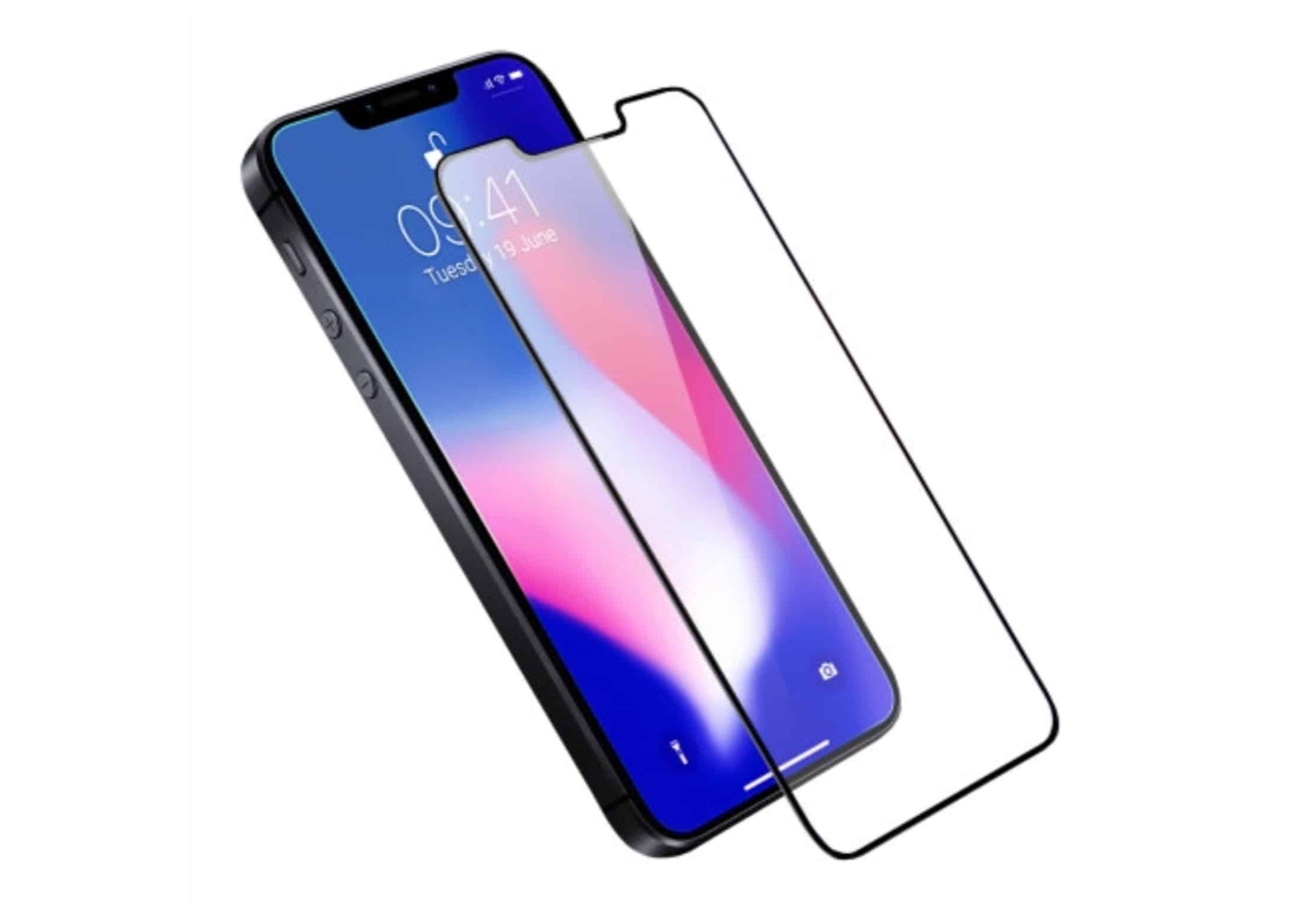
Olixar is already producing accessories for the device based on information it has gleaned from sources in China. Its new screen protector indicates the iPhone SE 2 will be a big surprise, with an edge-to-edge display just like iPhone X.
The delicate accent stitching looks great, but there's more to this Apple Watch band than meets the eye. Clessant uses prized Barenia leather from the Haas Tannery in France. Photo: Clessant
Best List: Clessant Gold Barenia Apple Watch Band
When it comes to fashion, it’s hard to beat basic black. However, sometimes you want a little something extra — a color and design that adds subtle interest without going over the top. The Clessant Gold Barenia Apple Watch band joins its black counterpart and does the trick, thanks to fine off-white stitching that looks almost like racing stripes.
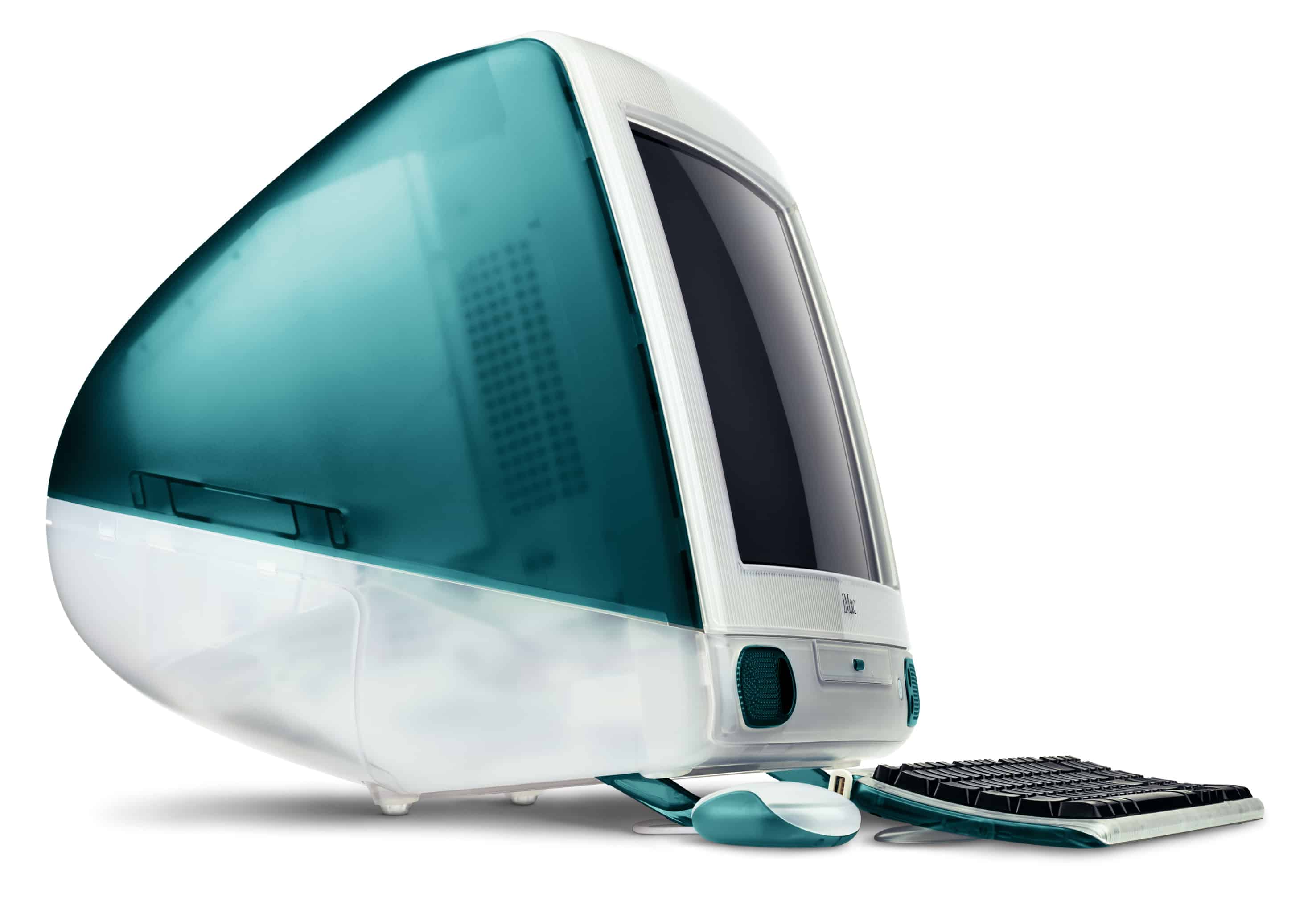
Will the iMac ever be this exciting again? Photo: Apple
When the first iMac debuted 20 years ago, it shook the tech world with its completely unorthodox appearance. The blobby, curvaceous and colorful computer looked, in Steve Jobs’ words, good enough to lick.
It was a statement computer, both for those who owned it and for those who made it.
However, with the iMac not having had a substantial redesign since 2012, Apple’s all-in-one desktop is getting a bit long in the tooth. It’s time for Apple to give it an overhaul with a new iMac design that would get the world excited about Macs again — and prove Apple remains committed to innovative computing.
One popular accessory-maker, which has already started producing screen protectors for the device, expects the iPhone SE 2 to feature an edge-to-edge display with a notch — just like iPhone X.
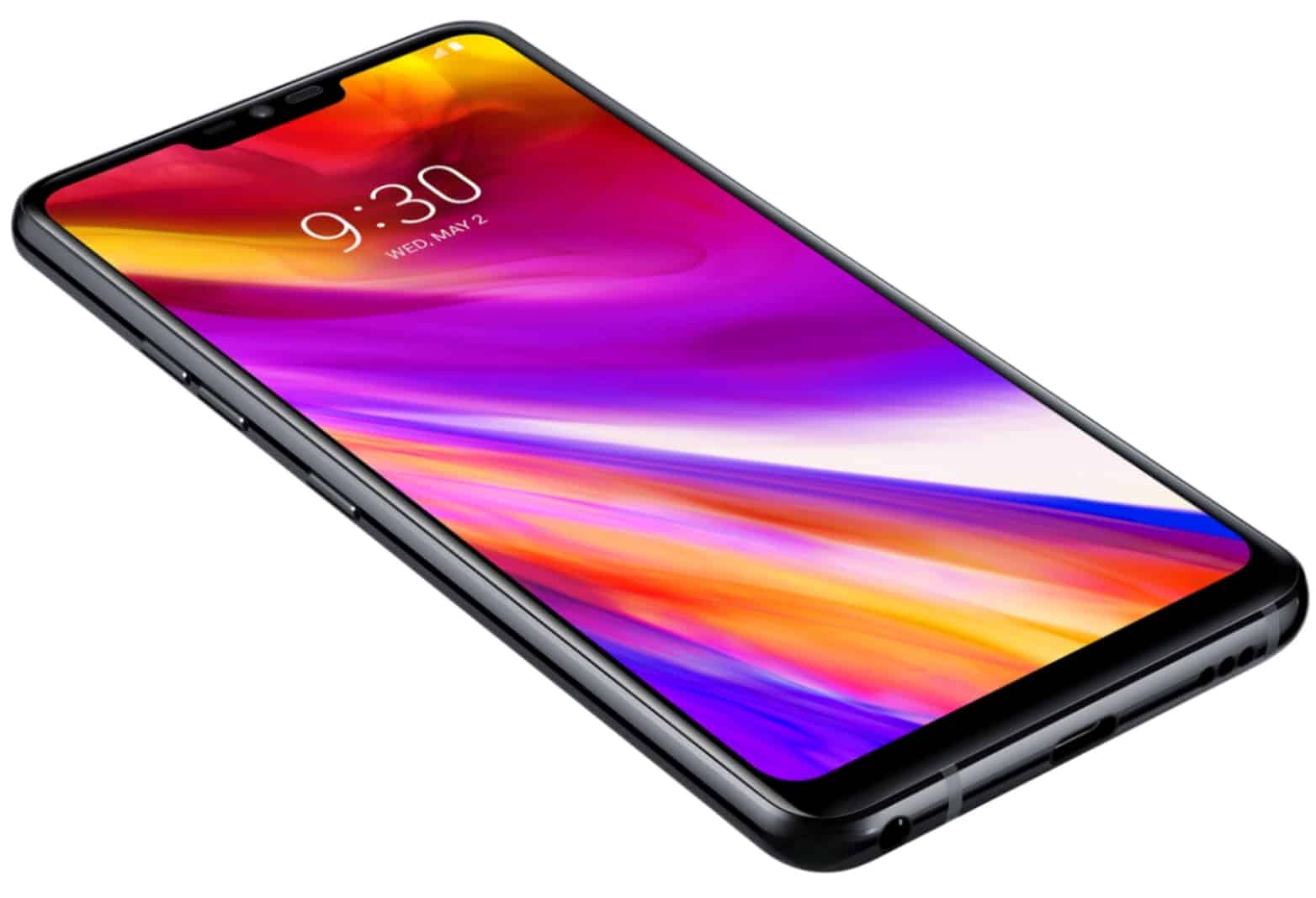
The LG G7 ThinQ’s MLCD+ display is brighter and more color accurate. Photo: LG
Apple is expected adopt new LCD technology from the LG G7 ThinQ for one of three iPhone models set for release later this year.
The MLCD+ display will deliver increased brightness to what will surely be Apple’s most affordable smartphone to go on sale this fall. It will also offer a wider color gamut to match the iPhone X.
Steam Link’s first big update is great for controller users. Photo: Valve
You can now play your PC game library anywhere around your home without being weighed down by a chunky gaming laptop. The official Steam Link app lets you enjoy your favorite Steam games on your iPhone, iPad, and Apple TV.
You’ll be able to play with a Steam Controller, MFi controller, or a range of other gamepads supported by Steam.
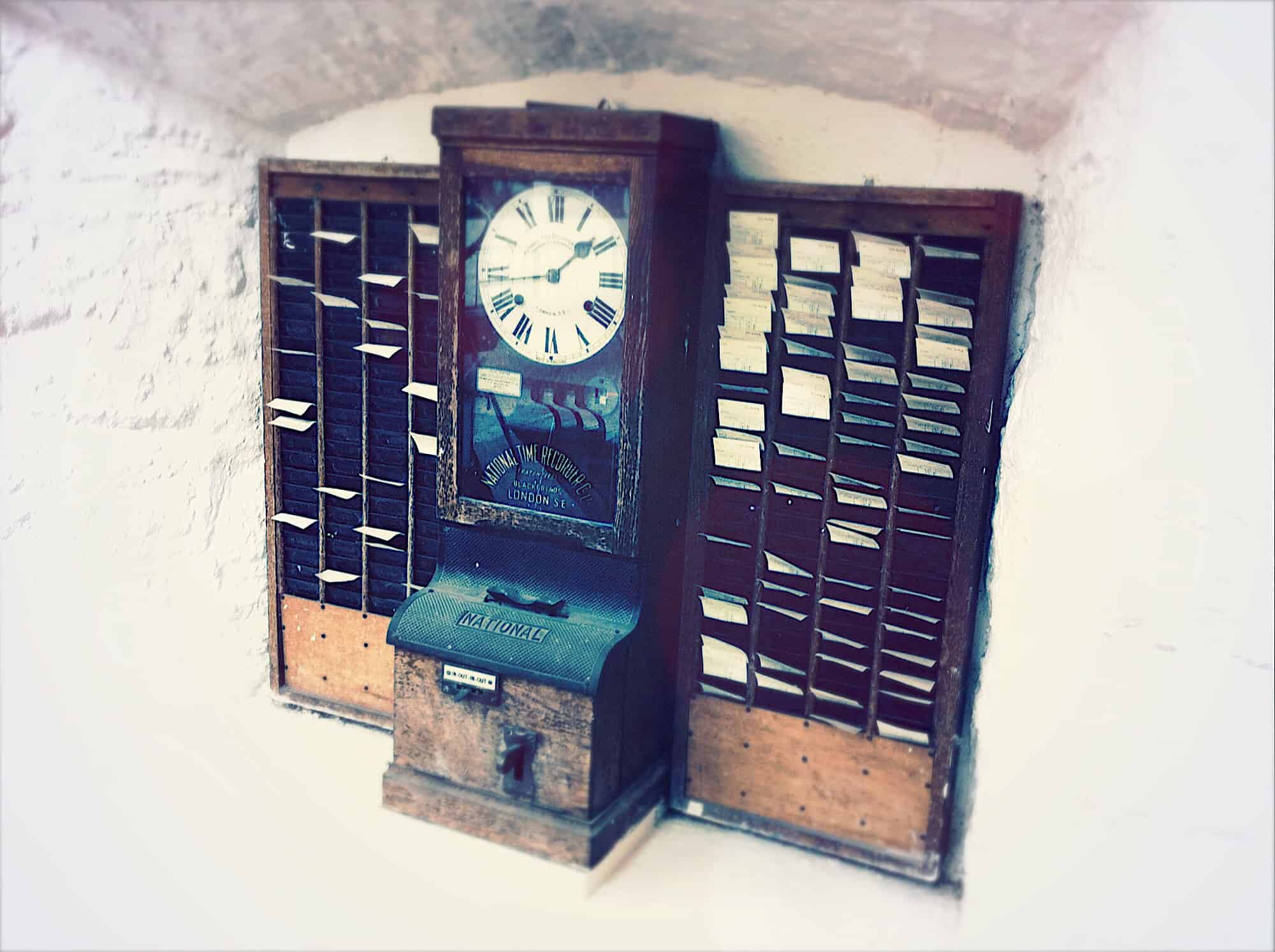
A clock is an easy, if lazy, metaphor for memories. Photo: Charlie Sorrel/Cult of Mac
Memories is one of the best features of the Photos app. It gathers together pictures into albums that are surprisingly smart. It picks you best pictures, adds music, and uses things like facial recognitions to focus on the important people in the pictures. The whole thing is presented as a slideshow.
But did you know that you can edit those memories? You can change the title, the duration, the music, and more. Let’s take a quick look how to tweak our memories to make them perfect.
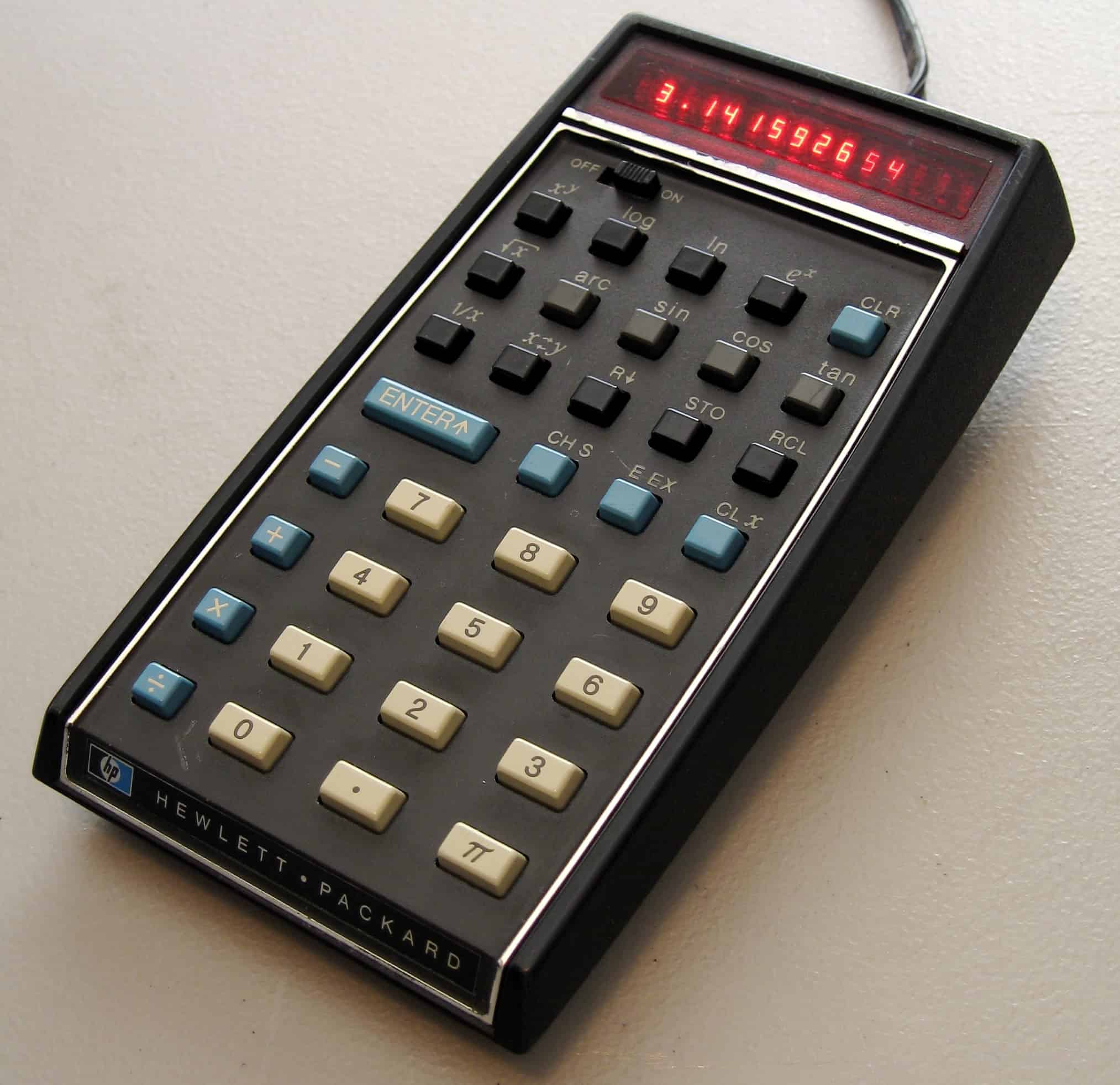
Doing a bit of quick adding-up in the iPhone calculator app? Or are you in the middle of a complex series of calculations better suited to a spreadsheet, but you used the Calculator anyway? A mis-hit key can spell anything from annoyance to disaster, forcing you to bang on the C key a few times to reset the the whole calculation, and start over.
But it doesn’t have to be that way. With this quick pro tip, you can easily delete just one digit at a time.
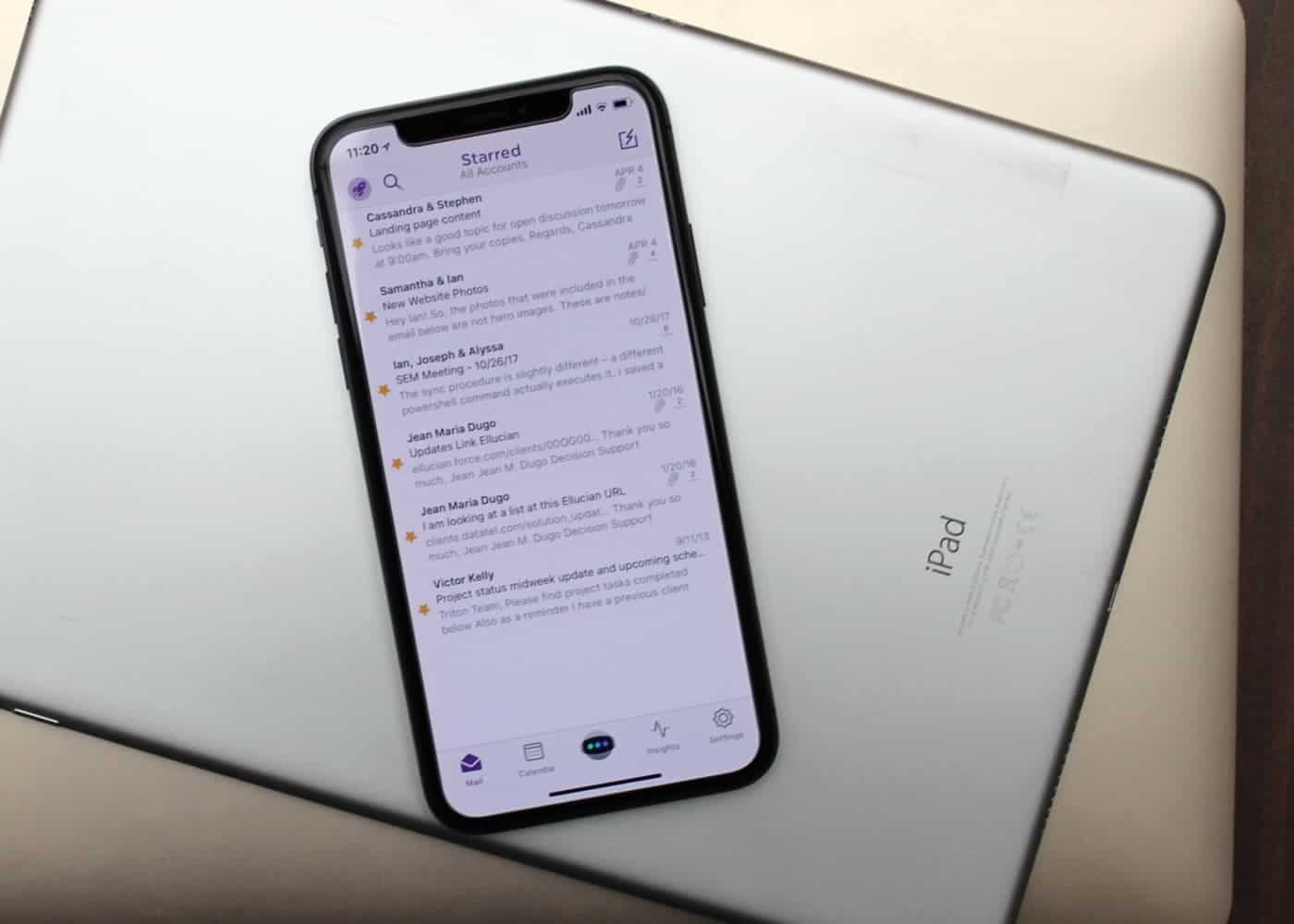
Mail isn't always best for email. Photo: Ian Fuchs/Cult of Mac
Email is a necessary evil. Whether it’s personal communications, work-related updates or the latest sale at your favorite store, email is something we deal with nearly every day.
After trying dozens of email apps over the past eight years, Astro is the best email app I’ve come across, and the first that I both recommend and enjoy using.
I wanted a Galaxy S10, but I'm stuck with iPhone. Photo: Ste Smith/Cult of Mac
iPhone X remained the best-selling handset in Europe throughout the first quarter of 2018, despite a substantial drop in overall shipments as a result of “smartphone fatigue.” Apple reportedly shipped more than 10 million devices during the three-month period.
These wireless earbuds are a nice mix of high tech and understated design. Photo: Cult of Mac Deals
Images of the future usually involve super tall buildings, shiny flying things, lasers and holograms. But the future isn’t all big and flashy, in fact, there’s a lot you’ll see less of. Like earbuds, for example.
Apple's secret AI sauce gets a new ingredient Photo: Charlie Sorrel/Cult of Mac
There were 3.4 billion robocalls in April this year, and the chances are it feels like you got roughly half of those to your own phone. These calls aren’t just telemarketing anymore, either. Just like email spam, scams pervade these already-annoying automated calls. One way around this is to unplug your landline phone, and to ignore all phone calls to your iPhone (go to Settings > Notifications > Phone and switch off Allow Notifications).
A better way is to troll the robocallers by hooking them up to a service that answers the calls for you, and uses robots to keep the telemarketers on the line, wasting their time an costing them money. And for that, you need the Jolly Roger.
Google I/O 2018 was full of AI surprises. Photo: Google
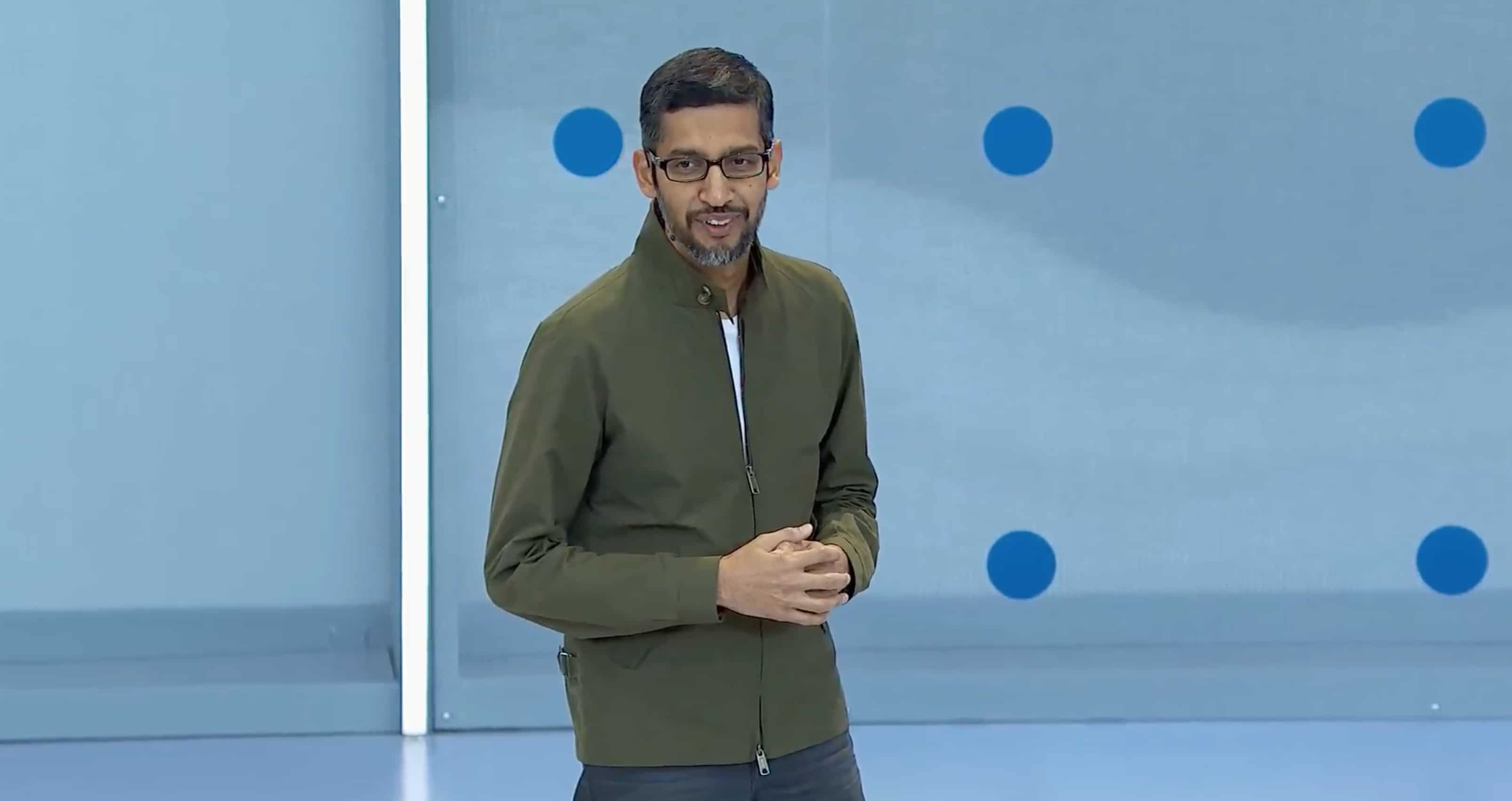
Google just took the wraps off its big software lineup for 2018. If Apple executives were watching, there’s a lot they should be worried about.
Artificial intelligence has always been one of Google’s strengths over Apple. But in 2018, the search company is going all out, putting AI in everything. Pretty much every app the company has is getting some new machine-learning tricks in the next few weeks that make certain iOS features look ancient.
Check out the biggest announcements from this morning’s Google I/O keynote.
Did you ever open up Google on your iPad, and wish that, instead of just typing your query using the always-accessible keyboard, you could write it anywhere on the Google home page using a finger, or an Apple Pencil? No, me neither. But that doesn’t make the possibility any less real. Now, with a simple settings tweak, you need never type a Google query ever again.
What does Google have in store for us this year? Photo: Google
Google I/O 2018 kicks off in less than an hour.
There’s loads to look forward to this year, including an update on Android P, and previews of what’s to come for Chrome, the Google Assistant, Android Auto, and more. The recently-rebranded Wear OS may also get some much-needed attention.
Google is live-streaming its big keynote, which kicks off at 10 a.m. Pacific. If you can’t tune in, follow our live blog below to stay up to date with everything that’s happening in Mountain View.
Google I/O 2018 kicks off today in Mountain View, California. The two day event starts with a big Google keynote that will see the company lay out its plans for the future of its biggest products, including Android and Chrome OS.
You can watch the whole thing live right here from 10 a.m. Pacific.