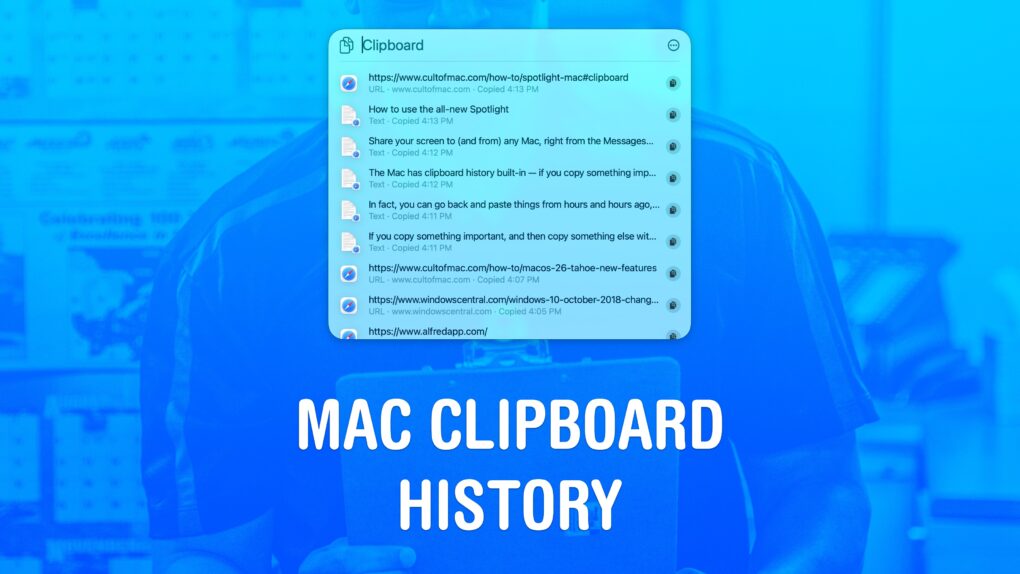
Using a clipboard history manager on a Mac is a total game-changer. If you copy something important, then copy something else without thinking, the first item doesn’t disappear. You can go back and get it again. In fact, you can go back and paste things from hours and hours ago, like a link you copied earlier in the day.
You can also copy a bunch of things in a row and quickly paste them elsewhere, without switching back and forth and back and forth.
macOS 26 Tahoe added a built-in clipboard history that does all that for free. Here’s how it works.

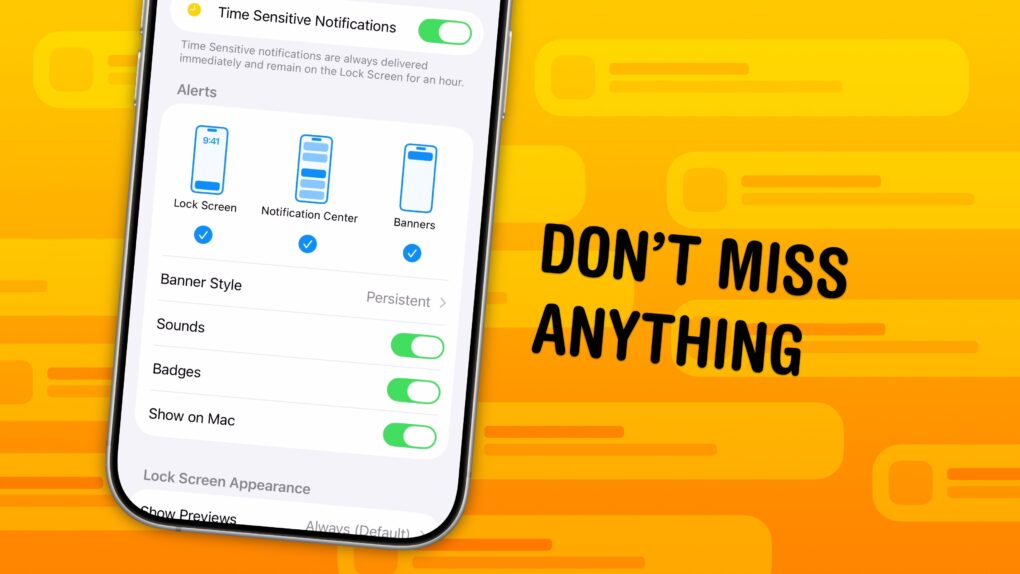
 You can set up persistent notifications from specific apps so they stick to the top of your iPhone screen. With persistent notifications in iOS, when your phone is unlocked and an important alert comes in, the notification will stay visible at the top of the screen until you act upon it.