Mobile menu toggle

Search results for: shortcuts

Review: Logitech’s Create keyboard case turns iPad Pro into a bona fide laptop

By

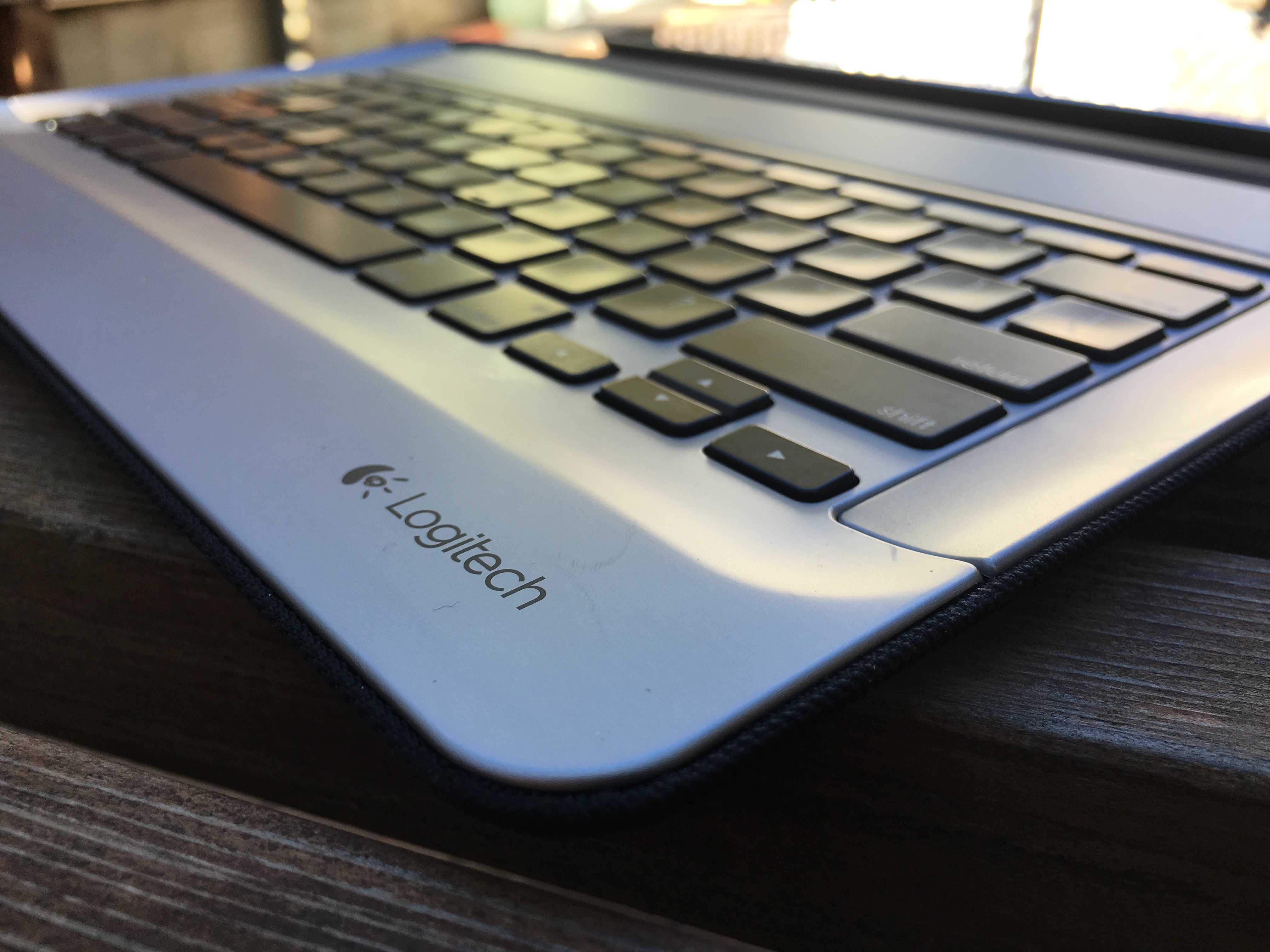
11132015_Logitech_Create_iPad_Case_IMG_0618

The iPad Pro is being hailed as “a new kind of computer,” but as some have noted, it’s really the top half of a new kind of computer. Missing is the bottom half — the keyboard.

Apple has a solution for that — the $169 Smart Keyboard, which turns the iPad Pro into a laptop lookalike. But there’s a fantastic alternative: Logitech’s Create keyboard and case.

Logitech’s Create has several advantages over Apple’s Smart Keyboard. First, it’s a keyboard and a case that turns the Pro into a proper faux laptop (Apple’s keyboard is half a case that covers only the iPad’s screen). Logitech’s keyboard has fantastic chicklet keys, versus Apple’s hated low-travel flat keys; and it’s backlit, an essential requirement for any keyboard.

All in all, Logitech’s $150 backlit keyboard turns the iPad Pro into a MacBook — but a MacBook with cool extra features like Touch ID and a touch-sensitive screen.

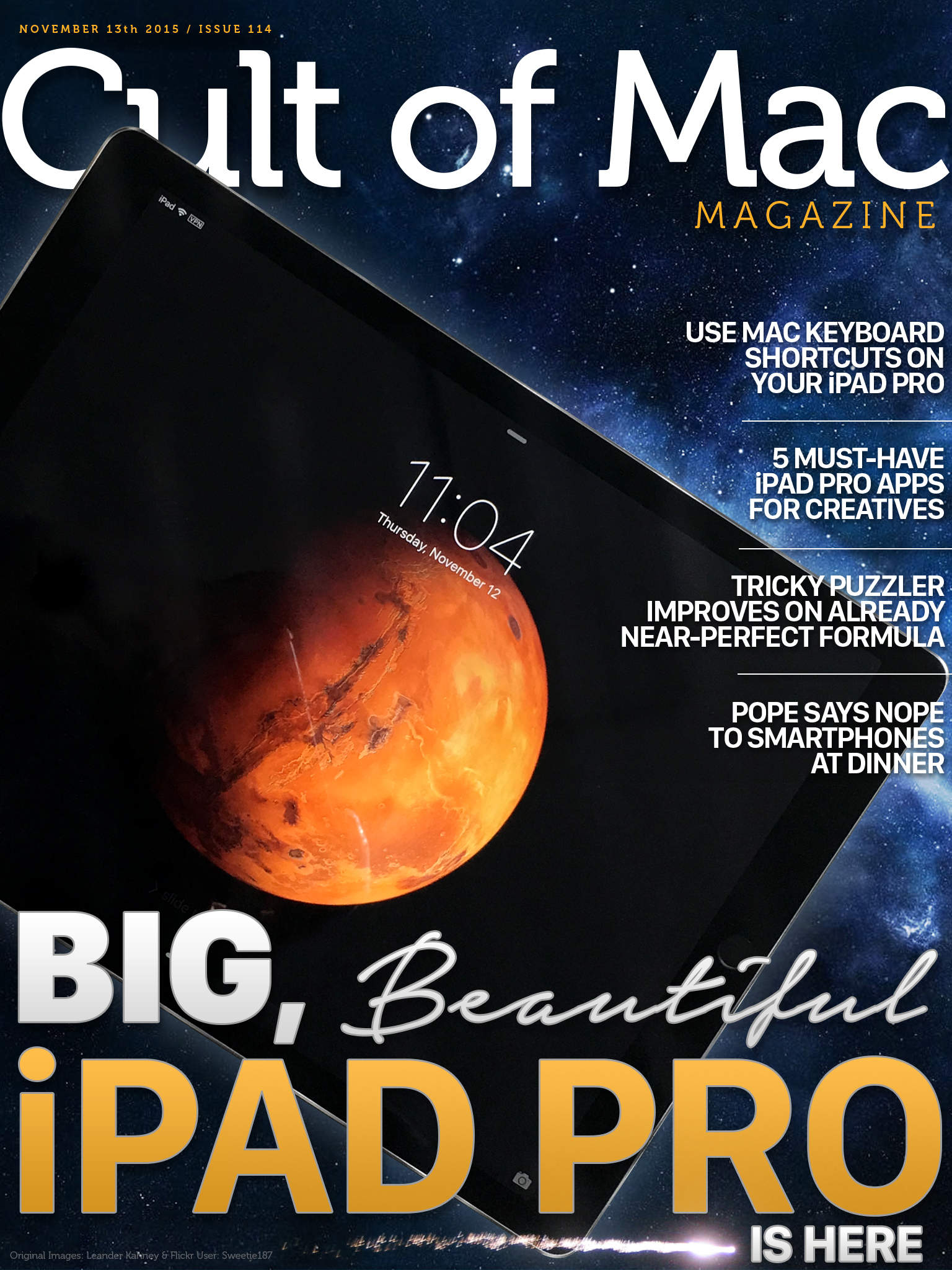
Cult of Mac Magazine: Big, beautiful iPad Pro

By

Size does matter.
Size does matter.
Cover Design: Stephen Smith/Cult of Mac

We’ve gotten our happy little hands on the gorgeous, huge new iPad Pro, and we’ve got first impressions of the next-gen post-PC Apple tablet right here.

Plus, some Mac-like keyboard shortcuts for your new friend, must-have iPad Pro apps for creative types, a review of The Room Three (a fantastic puzzler in the App Store), and a check-in with Pope Francis, who wants us all to spend time with each other at the dinner table.

So check out all that and a bunch more in this week’s Cult of Mac Magazine, the best slice of Apple news and info this side of Cupertino. Be sure to get your own copy today.

Here’s a quick preview of what’s inside:

Let Alloy turn your frequent iPhone tasks into apps

By

alloy-automator-launcher-iphone-app - 6
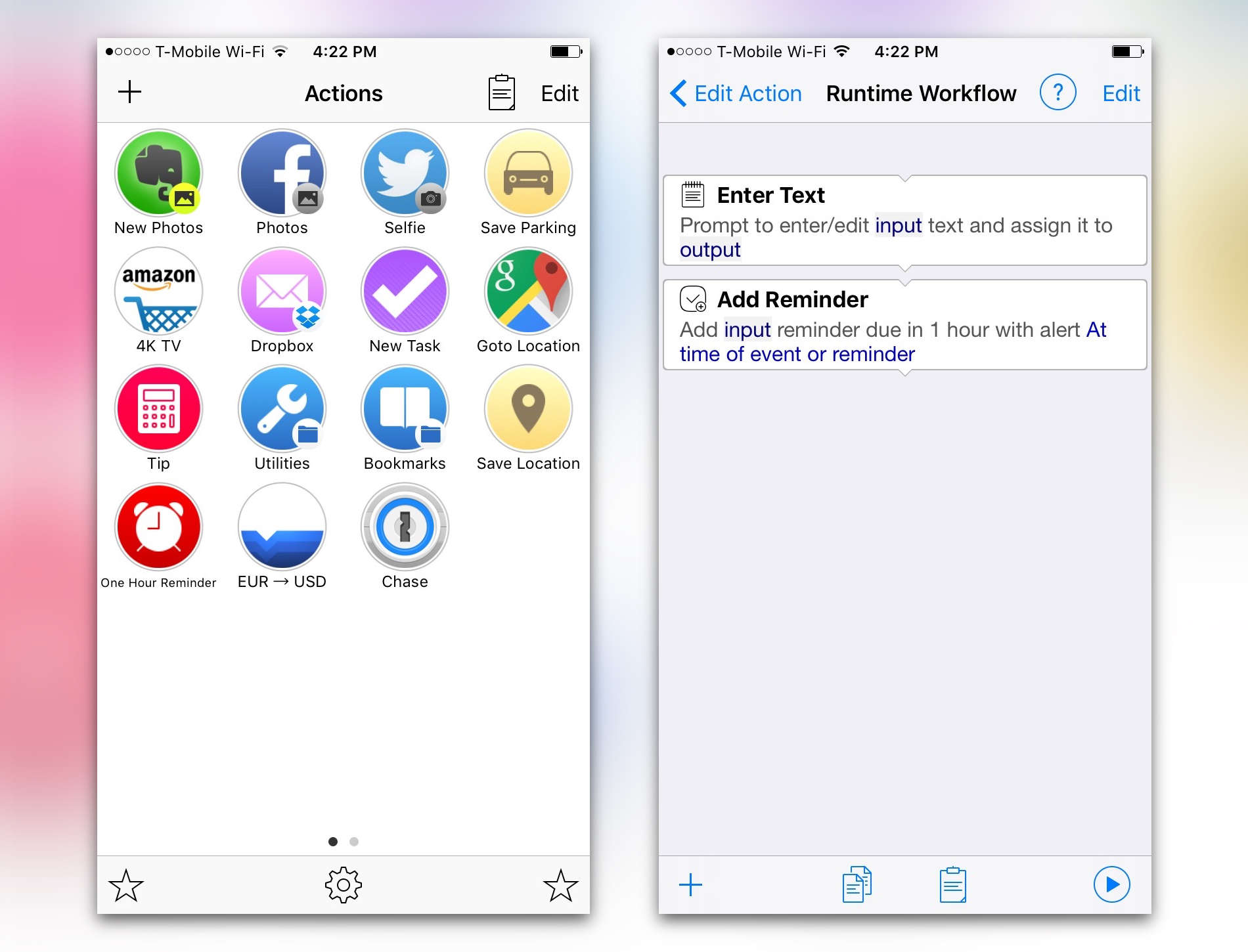
Alloy streamlines our frequent multi-step tasks into quick automated launchers.
Photo: Alloy

Alloy is the iPhone app that ultimately wants you to spend less time using your iPhone. It lets you create automated tasks and workflows that you can launch with one tap. The automations can upload a selfie to Twitter, convert currency, save your parking location, perform a saved search on Amazon and just about anything else if you’re willing to get creative

How to master the Apple TV remote’s new buttons

By

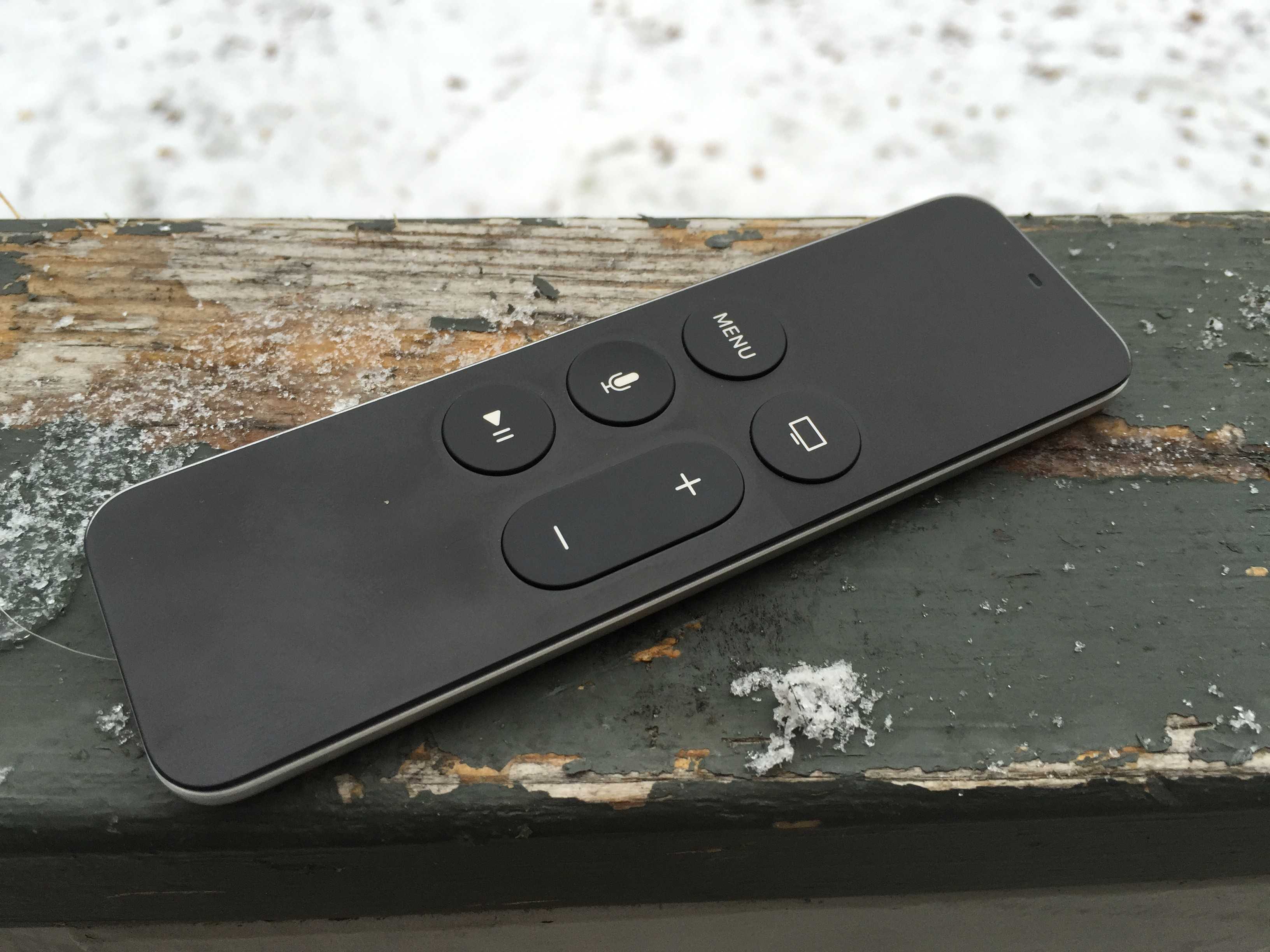
Wonky Menu button? Try this weird trick.
Photo: Rob LeFebvre/Cult of Mac

Like all well-designed products from the Apple mothership, the new Apple TV’s remote, also known as the Siri remote, looks simple but contains a surprising amount of depth.

Sure, you might know that one press on the Menu button will take you back one screen, but what about all the other secret moves (like how to restart your Apple TV with the buttons)?

Luckily, we’re here to help you discover all the secrets of the Siri remote. Today, let’s look at the buttons and their hidden features.

5 secret remote tricks to supercharge your Apple TV

By

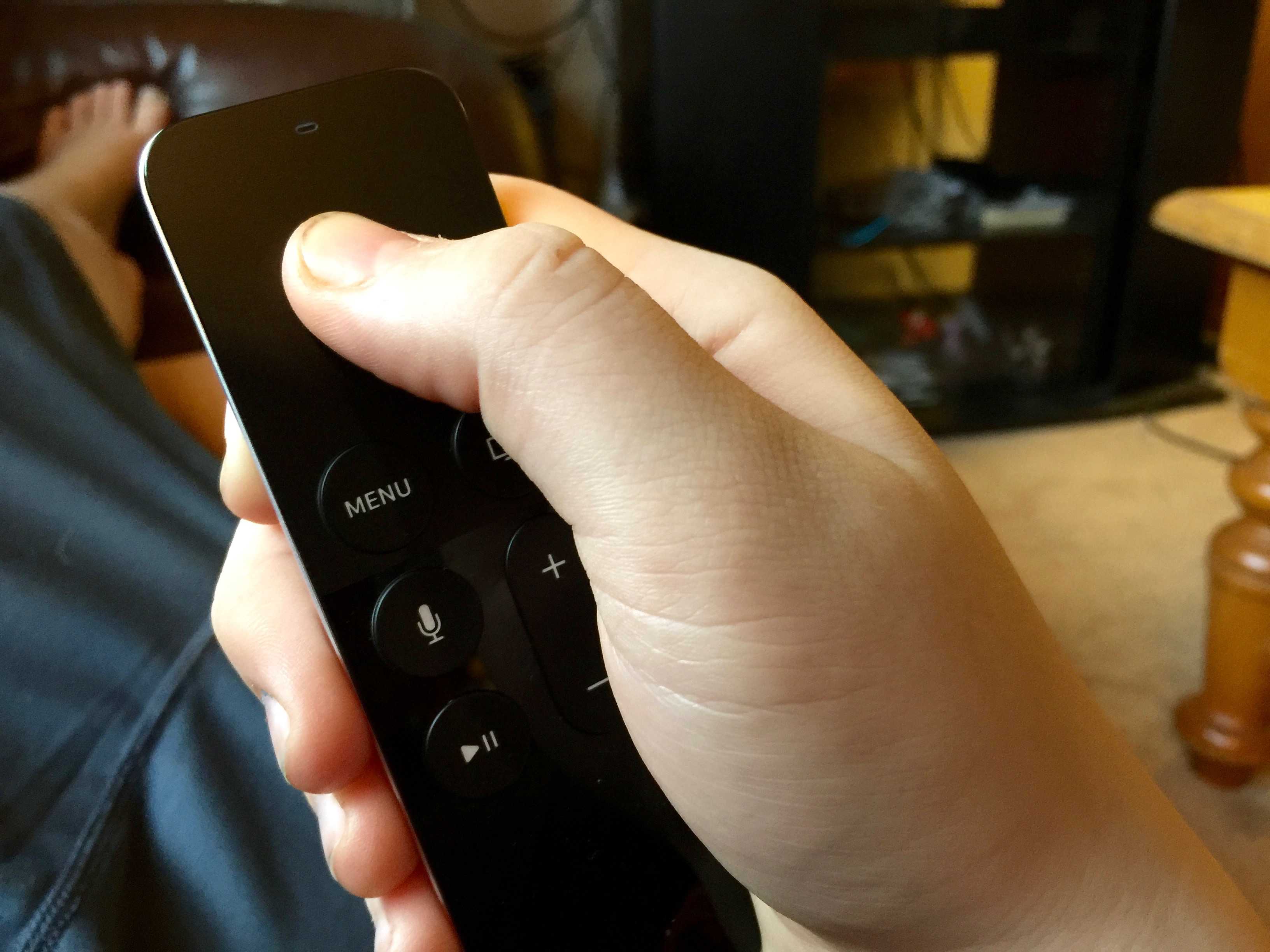
tvOS changes the default scrubbing behavior of your Siri Remote, and we couldn't be more glad.
Photo: Rob LeFebvre/Cult of Mac

Your Apple TV remote is an amazing little device that lets you manage your big TV exerience. There are quite a few little settings you may have missed, though, when you started up your new Apple TV.

You can adjust and tweak your way through the Apple TV settings to make the most of your time with the remote, including monitoring its battery, adjusting accessibility options, and — yes — even figuring out what Siri commands you can use.

Here are five of them, just for you.

Poop now at your fingertips with new emoji keyboard

By

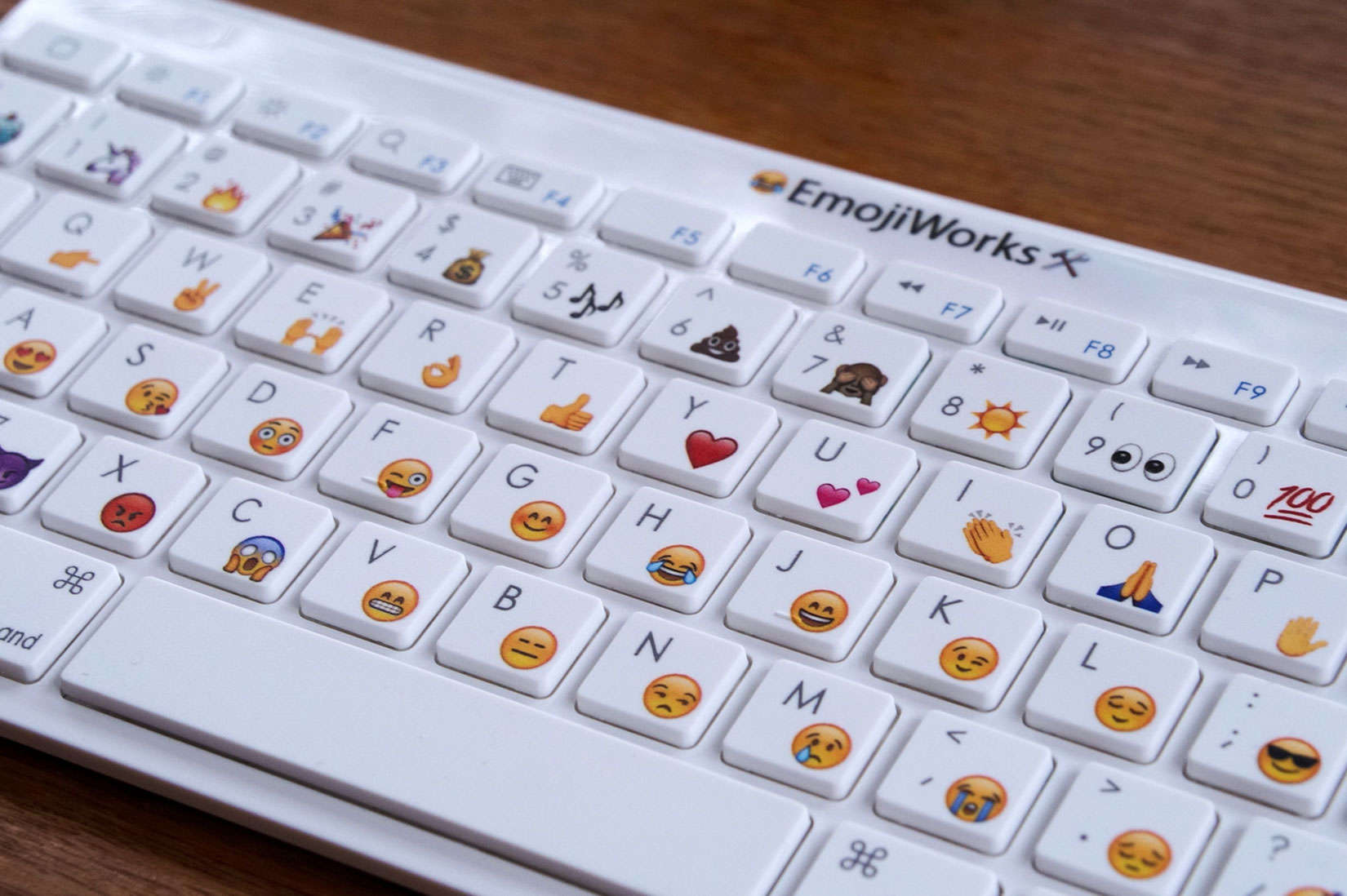
This keyboard from EmojiWorks is a quicker way to express your feelings via emoji.
Photo: EmojiWorks

There’s now a faster way to flip the middle finger or display a steaming pile of poop – along with your other favorite emoji.

EmojiWorks has introduced what is probably the first portable keyboard with built-in emoji shortcuts. Each letter key displays two or three different emoji, which can be inserted into a message by pressing a dedicated emoji key.

Downwell, Paper and other awesome apps of the week

By

appsoftheweek_1024
Yep, it's that time of the week again!
Photo: Ste Smith/Cult of Mac

How do weekends go by so quickly? It’s already halfway through the end-of-week break but — don’t worry — we’ve got the app hookup you need, whether you’re planning on a lazy game-playing Sunday, or a day of out-and-about photo-snapping action.

What have we picked as the best apps of the past seven days? Read on to find out.

3D Touch is the star of the show in new iPhone 6s ad

By

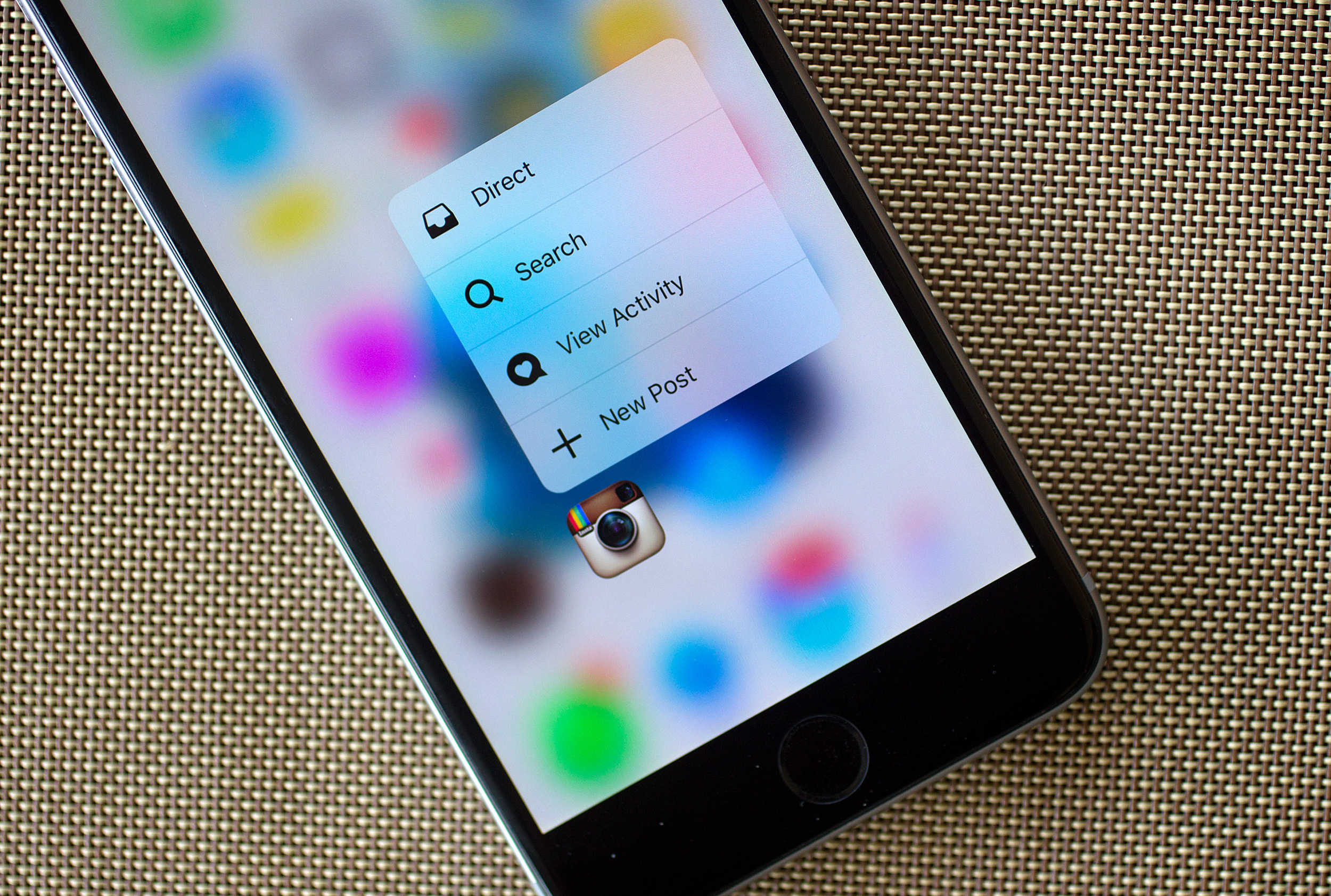
3D Touch provides super useful home screen shortcuts.
Photo: Jim Merithew/Cult of Mac

Apple has released a new ad for iPhone 6s, focusing on its incredible new 3D Touch technology.

The 30-second video highlights the Peek and Pop gestures, and demonstrates the many ways in which that can be useful during everyday use.

The 10 best new updates to iWork

By

iWork
Notice anything different?
Photo: Apple

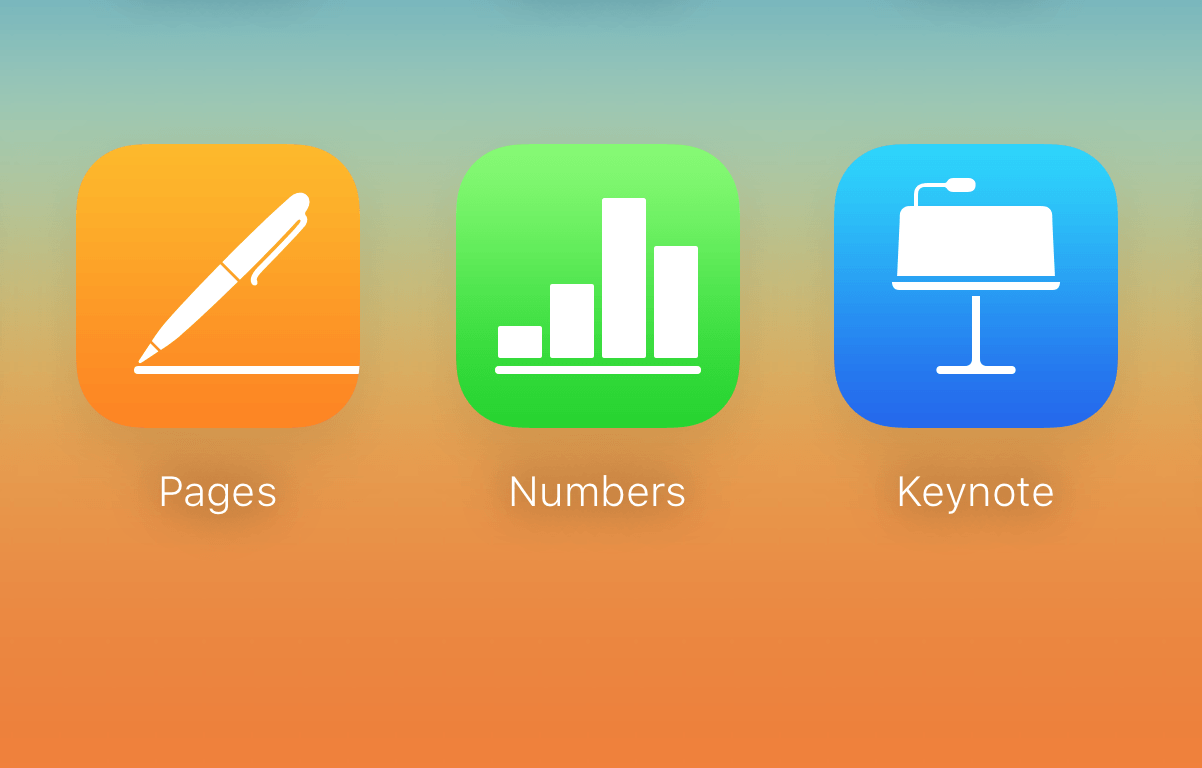
All three of Apple’s productivity apps just came out of beta on iCloud.com, and Apple’s also updated all of them for both iOS 9 and OS X El Capitan. There’s a host of improvements and fixes both large and small for each app on each platform.

All the full specifications are over at Apple’s productivity suite landing page, but here are ten of the best improvements for this long-running, venerable suite of word processing, presentation, and spreadsheet apps from our favorite Cupertino-based company.

Samsung Galaxy S7 to rip off the iPhone 6s’ 3D Touch

By

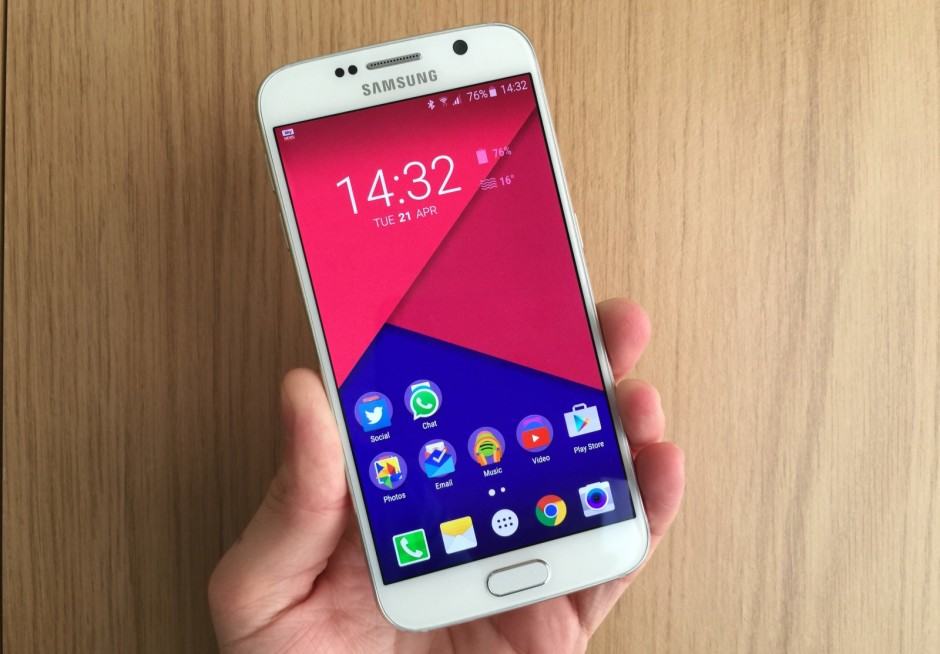
samsung-galaxy-s7-to-rip-off-the-iphone-6s-3d-touch-image-cultofandroidcomwp-contentuploads201504Galaxy-S6-front-jpg
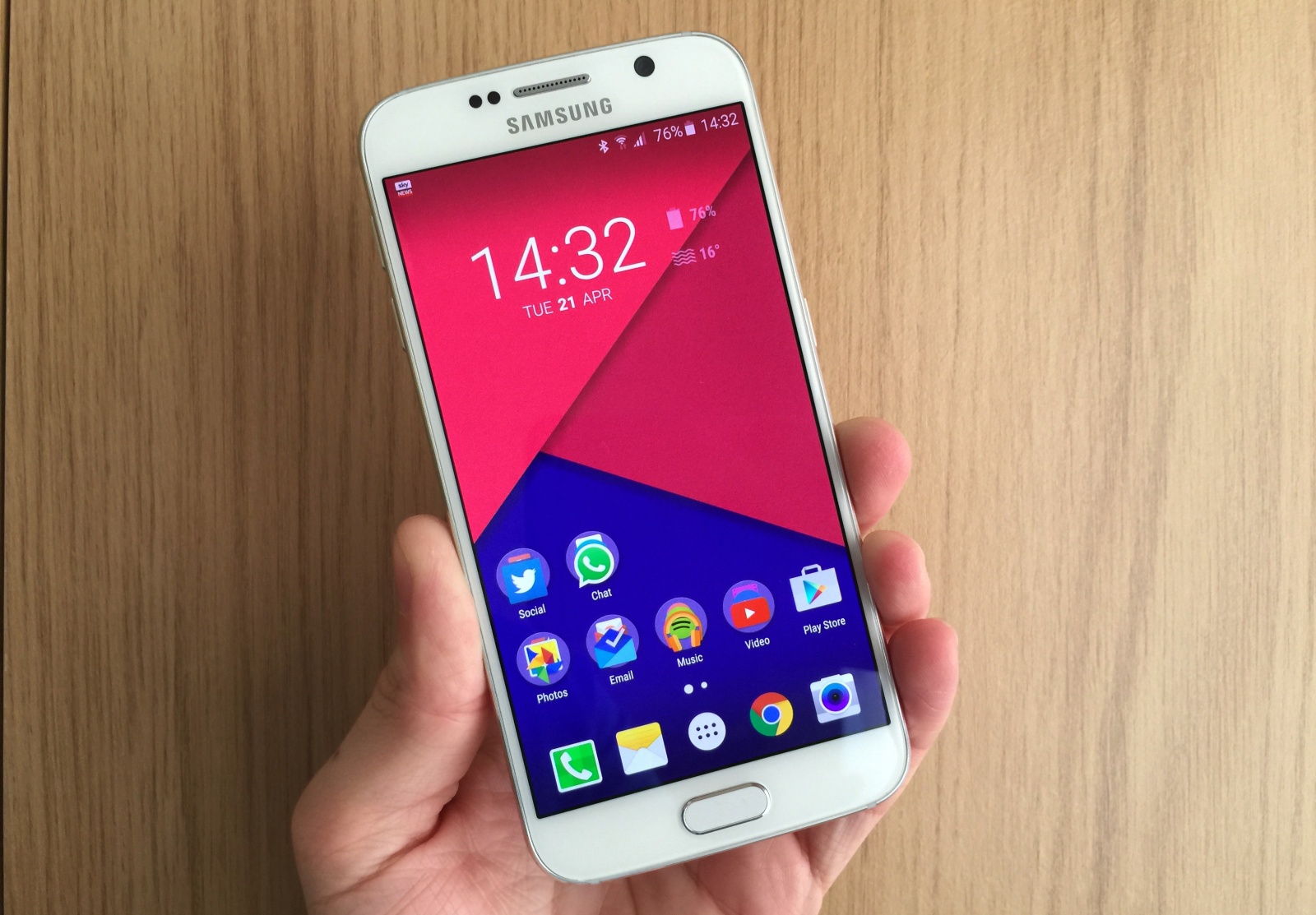
The next Galaxy is going to be even better. Photo: Killian Bell/Cult of Android

The pressure-sensitive displays packed into Apple’s latest iPhones give them a unique advantage over their rivals, but not for long.

Samsung is already working to put a pressure-sensitive screen of its own into next year’s Galaxy S7, new reports claim.

1 84 85 86 87 88 121