
Google’s next-generation Nexus smartphone will adopt the iPhone’s 3D Touch technology, according to an “insider” familiar with the company’s plans. It’s thought HTC will be tasked with building the device, and it should arrive later this year.

Google’s next-generation Nexus smartphone will adopt the iPhone’s 3D Touch technology, according to an “insider” familiar with the company’s plans. It’s thought HTC will be tasked with building the device, and it should arrive later this year.

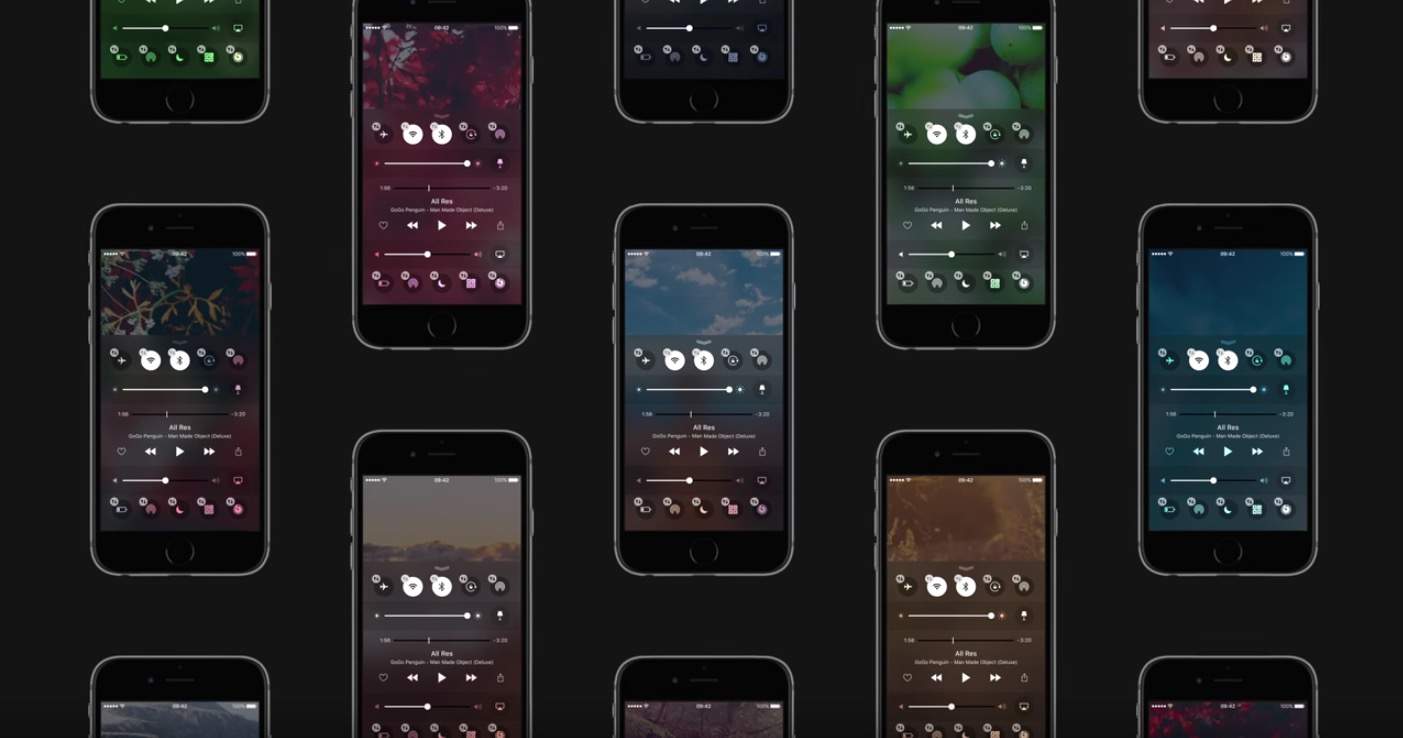
Over the years, Apple concept designer Sam Beckett has made some killer videos, exploring possible ways Cupertino could revamp Notification Center. His latest concept again tackles Notification Center, but this time imagines how 3D Touch could make it better in iOS 10. I’m sold.

With iOS 9, Apple introduced a whole slew of multitasking features including picture-in-picture, so I can watch a video while using another app. Even though this was technically already possible on the Mac, there hasn’t been an easy way to get a video to overlay another window so I can focus on both at the same time. Well the new Fluid Browser solves that problem, quite magnificently I might add.
Fluid is its own web browser, but it’s not meant to replace Safari or Chrome for my main usage. Instead, I open up Fluid and go to a website where I want to play video, like YouTube or Netflix. The video itself will enlarge to fit the width of the browser window. Then magically, if I click somewhere else on my desktop, Fluid will float above the other windows and even has adjustable opacity so I can make the video as prominent on screen as I want.
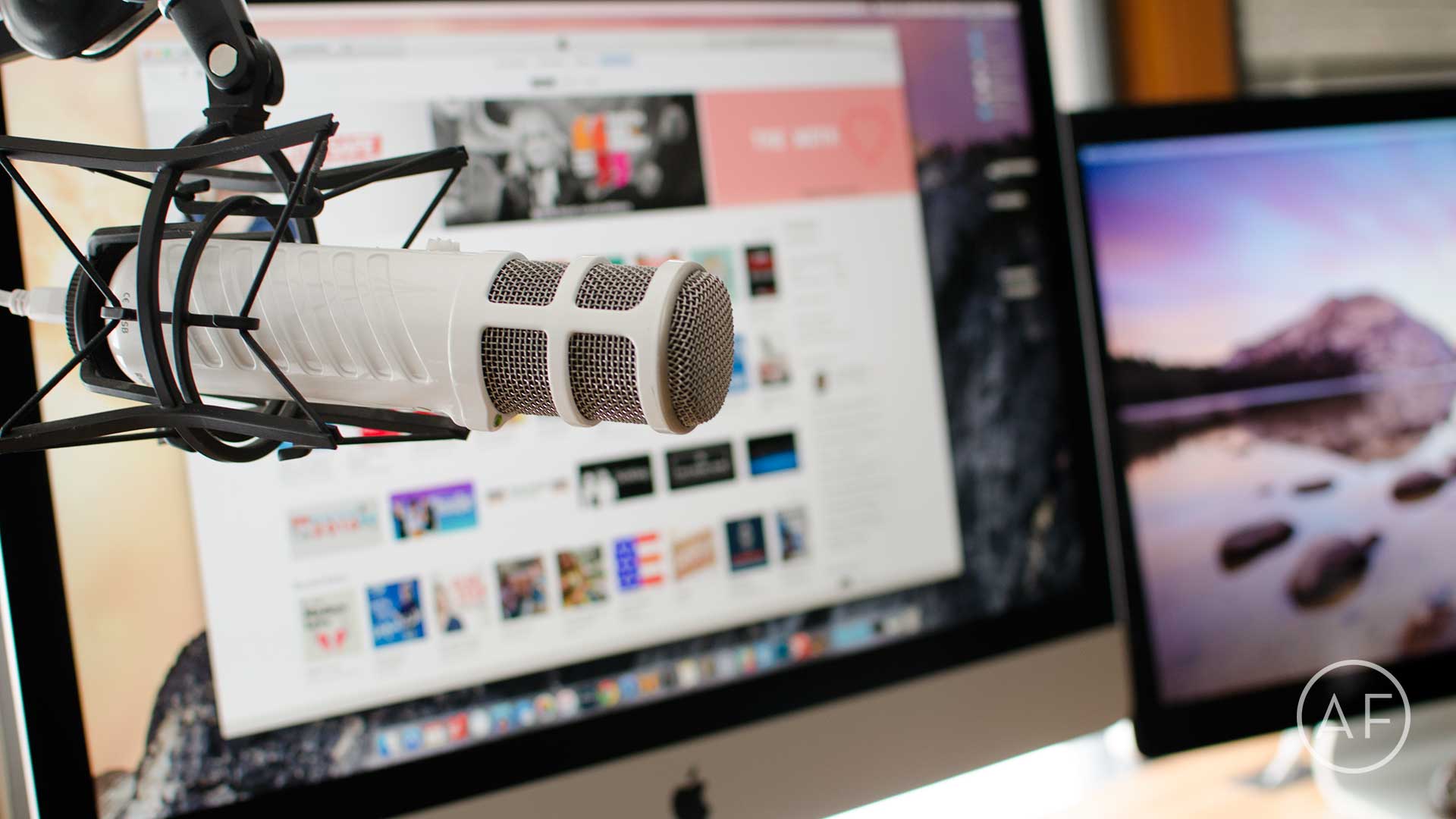
 Podcasting has been experiencing a renaissance lately, and for good reason. Podcasts can be about a wide variety of topics, from Apple to sports, comedy, storytelling and so much more. It’s a great time to get into podcasting because the barrier to entry is so low and you don’t have to break the bank to buy a totally workable setup.
Some of the greatest podcasts in the iTunes Top Charts are regularly recorded using sub-$100 to $300 mics. Whether you want to gain influence in a community or nerd out about the latest iPhone, a podcast is a great place to do it.
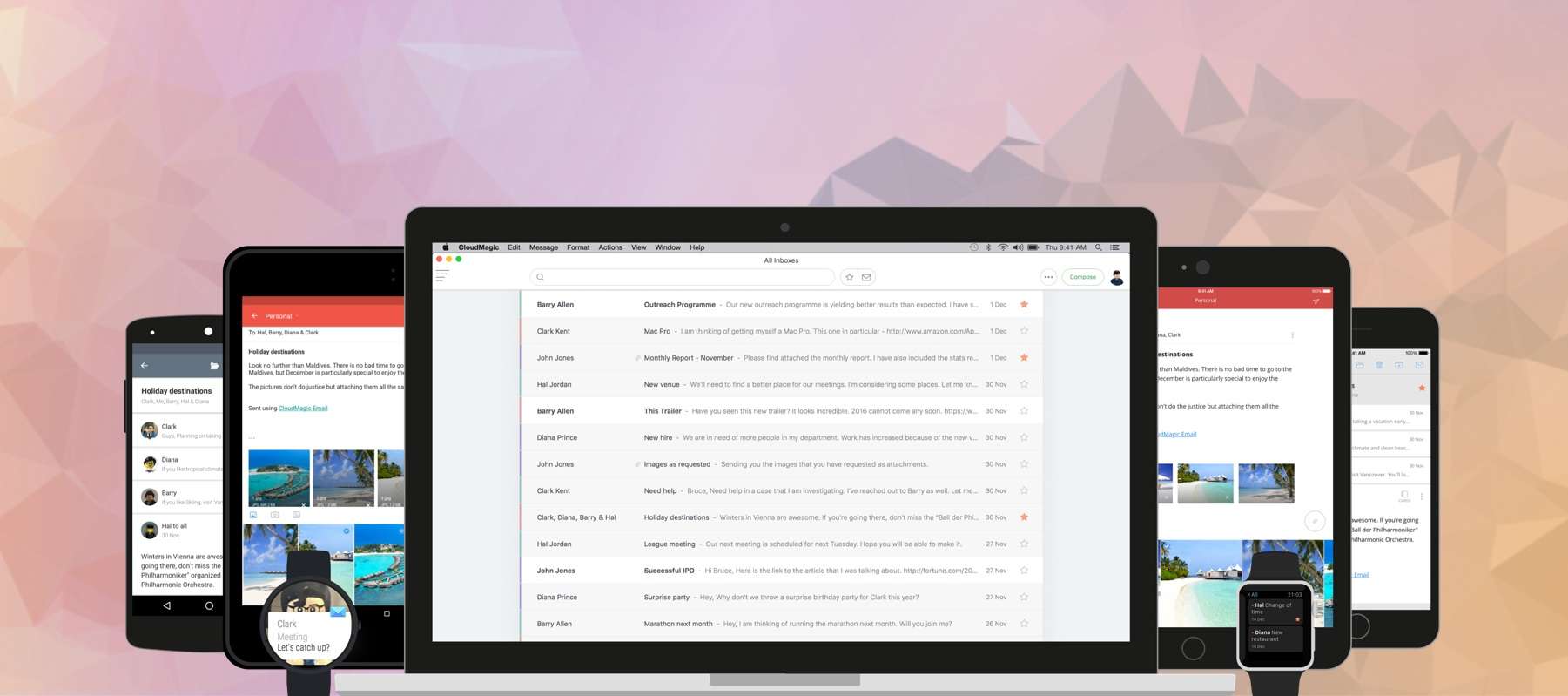
For managing multiple mail accounts on the go, nothing beats the brilliant CloudMagic. It packs everything you need in an email app — and a whole lot more — and supports almost every mail service you can throw at it. And now it’s finally available on your Mac!

 2015 was a bold year for Apple. The company jumped into new product categories, polished its existing hardware and software lines, and wowed us repeatedly.
Apple also made most of us throw up in our mouths a little bit now and then, due to some questionable (and some undeniably bad) choices.
These are Apple’s biggest wins and most epic fails of the past year, as remembered — fondly and otherwise — by Cult of Mac staffers.

The developers of the Poison Maps app figured out a new way to implement 3D Touch that goes above and beyond what we’re used to seeing. They use two patent-pending gestures called “context zooming” and “context panning.” The first lets you quickly see the surrounding area of a particular location you’re zoomed in on without leaving that location, while the latter lets you move around in the surroundings and effortlessly focus in on somewhere new.
These gestures work using long presses. Since 3D Touch can sense varying amounts of force, Poison Apps cleverly uses the technology to adjust the zoom based on how hard you press.
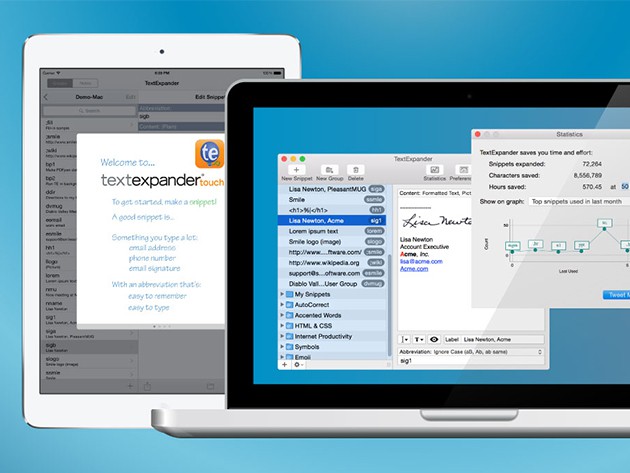
If you spend any time behind the keyboard (and let’s be honest, if you’re reading this you probably do), you’re probably wasting a lot of time. The wide menu of commonly used terms, names, phrases and information that we take time to type out add up to minutes and hours that can be saved by using TextExpander. It turns your most regularly used terms into quick keystrokes for populating documents and images, an invaluable time saver that you can get for just $22.

One thing that apps like Instagram and VSCO have mastered is making photo retouching on a mobile device (e.g. smartphone, ipad, etc.) a breeze. Simple sliders grouped in easily understandable categories and real-time results make the editing process a snap. It’s fun and easy to dial in the overall look of an image on your phone’s screen! However, with that convenience, comes limitations. For instance, if you want anything more precise than a slider you’ll have to open up a professional application like Photoshop, Lightroom or Aperture.

What better reason to stay at home and avoid the holiday throngs than with this pair of early deals on lessons in data analytics? These lessons cover Google Analytics and Excel, and both are going for more than 90% off — it doesn’t take a great grip on numbers to know that’s a good deal.