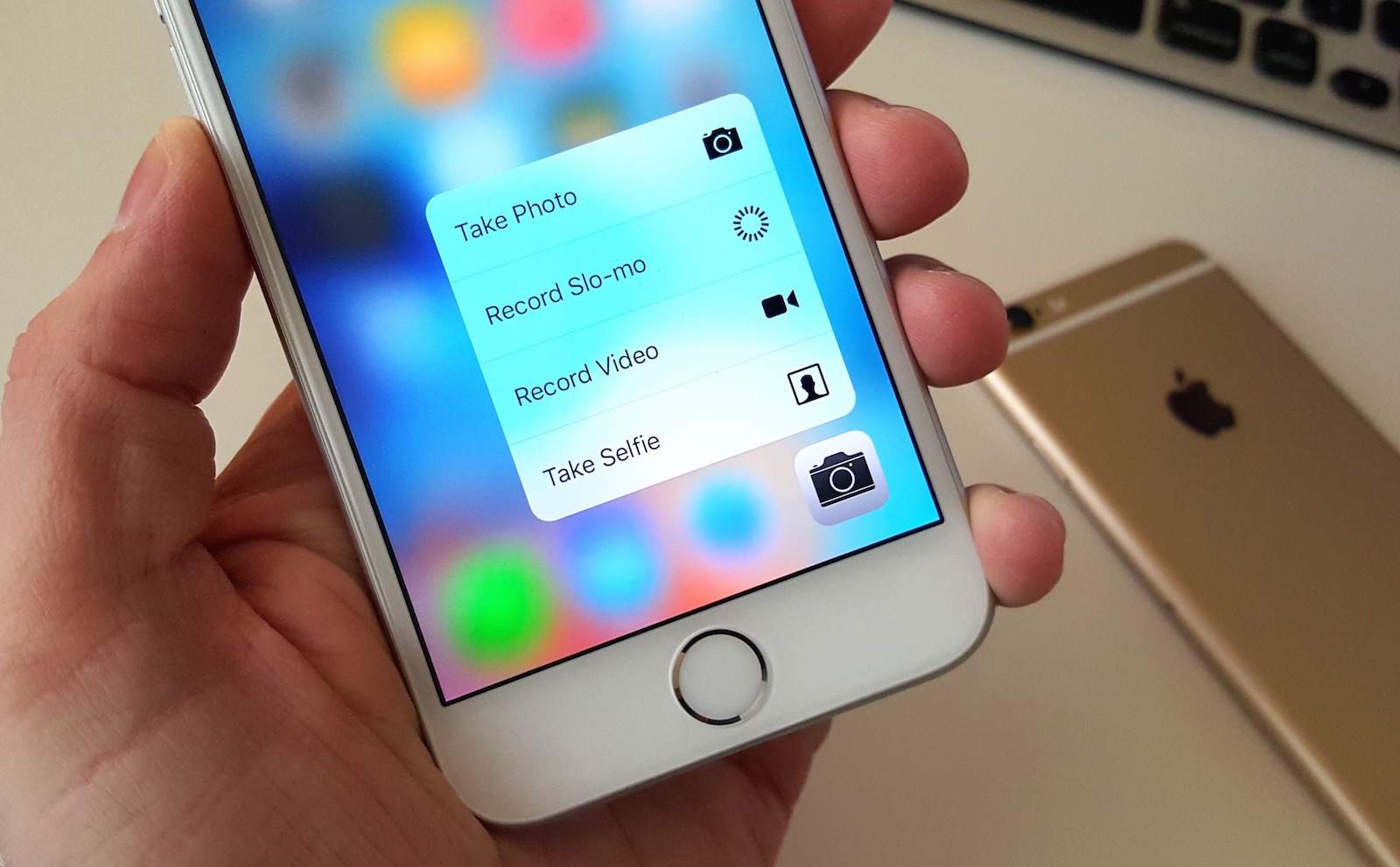
Google’s upcoming Android N upgrade will bring native support for iPhone-like pressure-sensitive displays.
The move should make “3D Touch” screens more popular on Android, and will make it easier for app developers to take advantage of them.

Google’s upcoming Android N upgrade will bring native support for iPhone-like pressure-sensitive displays.
The move should make “3D Touch” screens more popular on Android, and will make it easier for app developers to take advantage of them.



Samsung didn’t adopt the iPhone’s pressure-sensitive display for its latest Galaxies as some reports promised it would, but other Android makers are already using it.
The latest is Meizu, which today unveiling its incredibly attractive Pro 6 smartphone with “3D Press” technology, plus a 5.2-inch Super AMOLED display, a ten-core Helio X25 chipset, and a 21.1-megapixel rear-facing Sony camera with 10 LED ring flash.
You’ve got a Mac, but it could be doing more for you. From getting your phone running in top shape, taking more organized notes, or getting your streaming music playlists in order, we’ve got a triplet of useful apps at slashed prices that run the gamut.
Take a look:
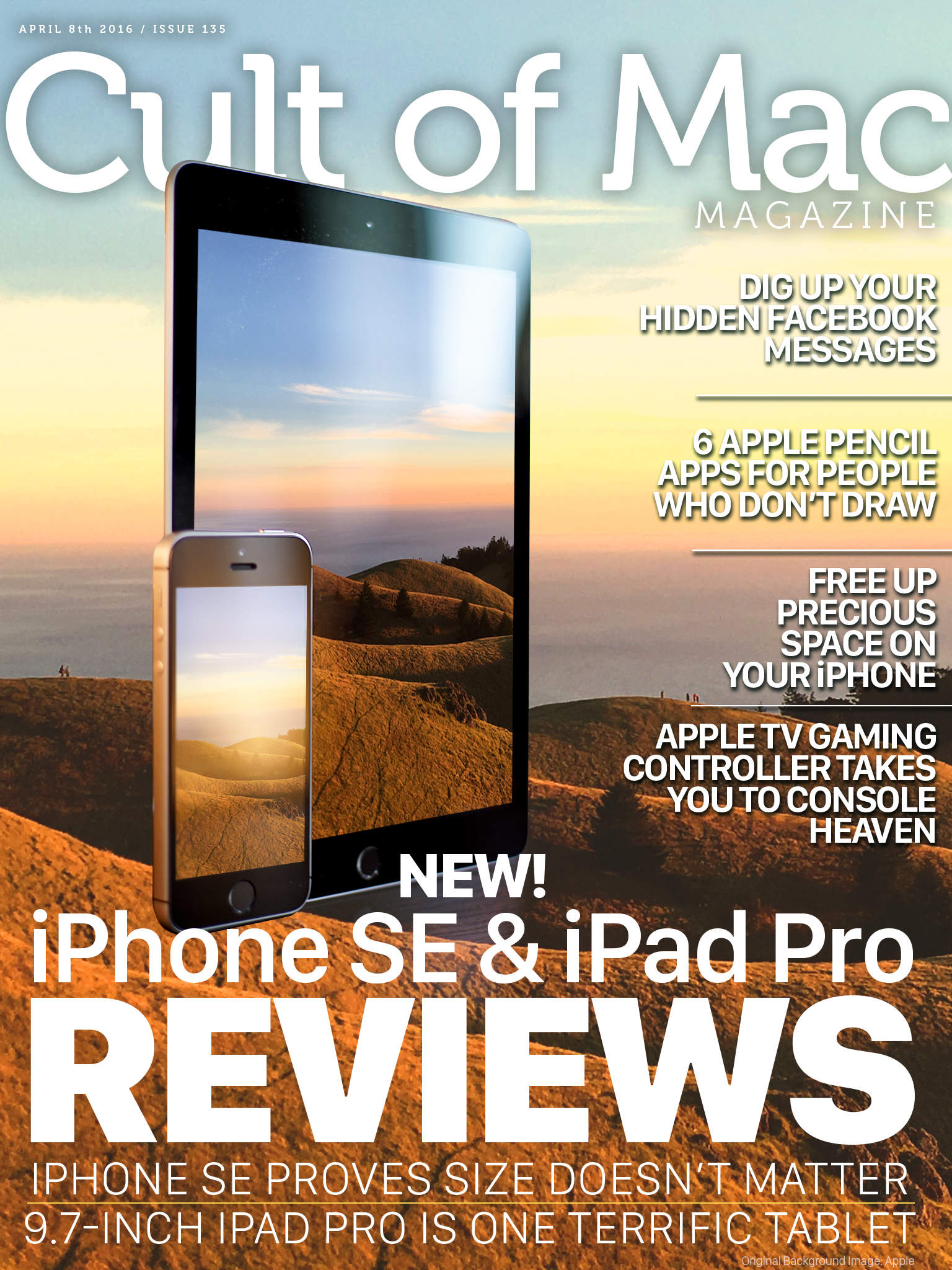
The new iPhone SE is small but powerful and the new 9.7-inch iPad Pro is as satisfying a tablet as ever.
These two great new Apple products get their moment in the spotlight as we bring you iPhone SE and iPad Pro reviews in this week’s digital magazine.
Plus, we’ve got a ton of how-tos like finding hidden Facebook messages and freeing up precious iPhone space, more hardware reviews, and a bunch of news about our favorite company.
Head on down to see this week’s top stories, and be sure to check out your own copy of Cult of Mac Magazine this week.
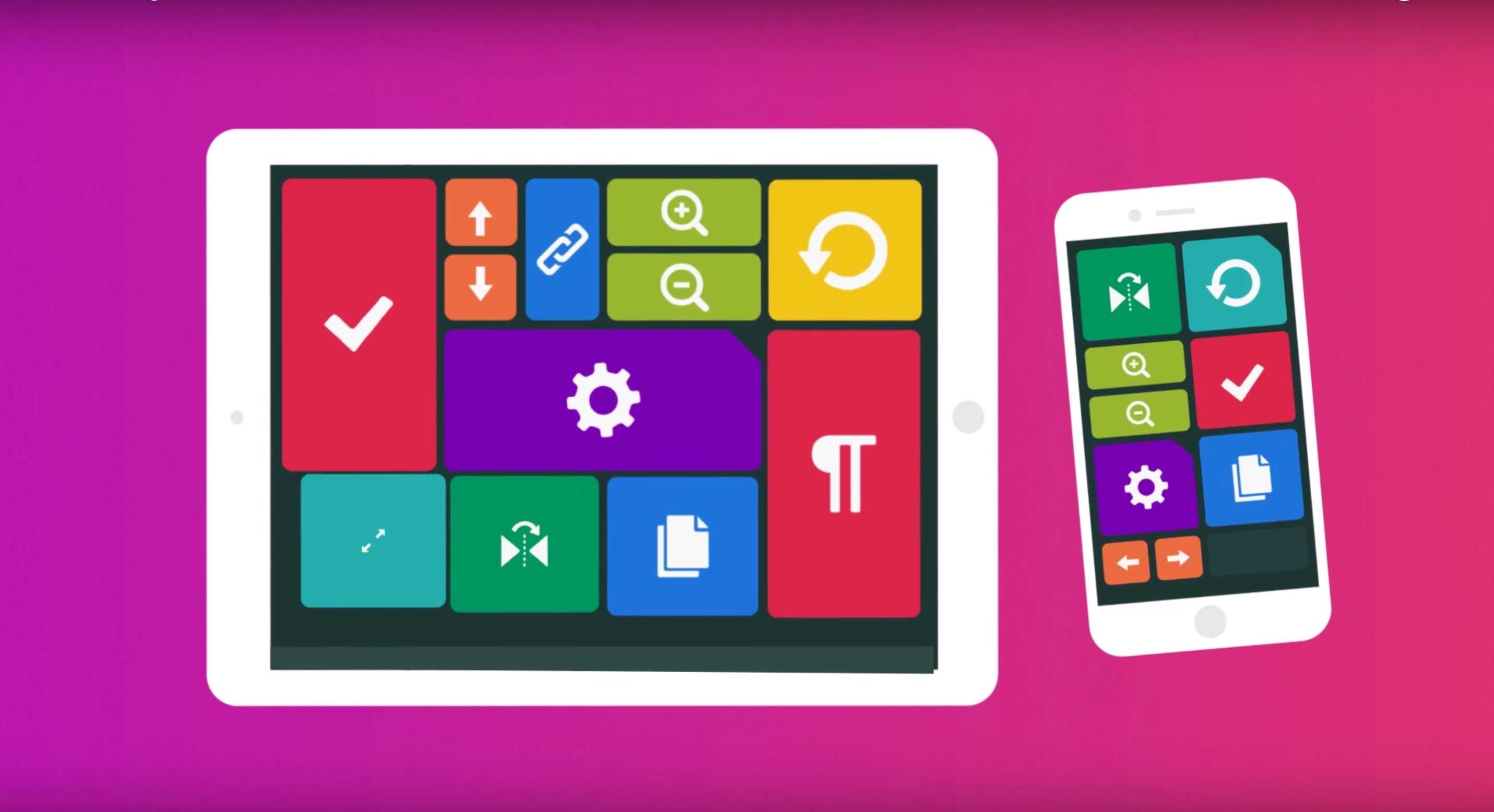
I just used my iPad to control my MacBook Pro. I watched a video on YouTube, did some image manipulation with Lightroom and edited an essay in Microsoft Word, all without touching my laptop.
Sounds like something you’d expect with a screen sharing app, but Quadro makes it even simpler with a new iOS app that will let you connect to and control your Mac or PC with a grid of commands that look like something out of Star Trek.
Check out the video below to see how it works.
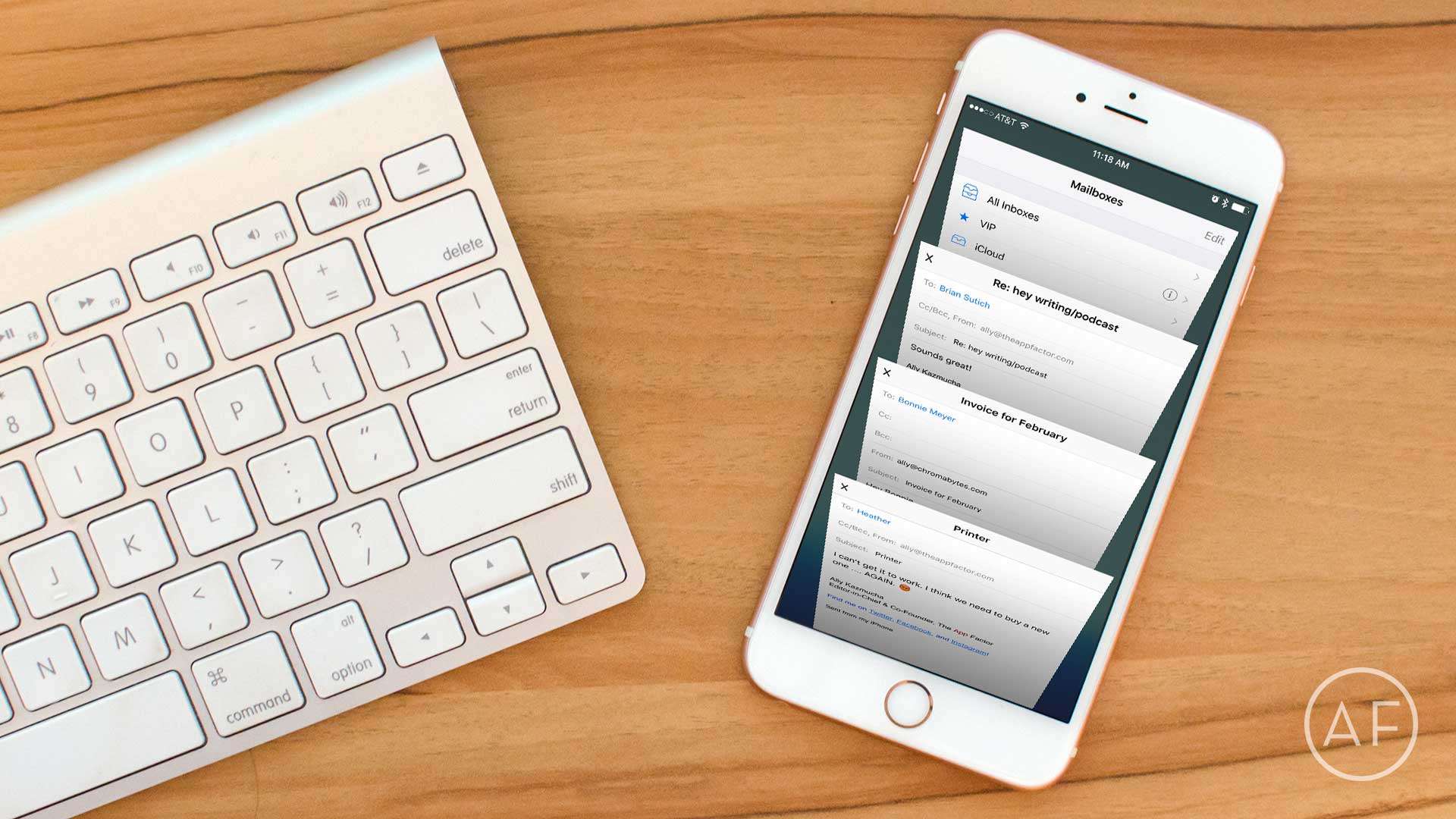
 No matter how many email apps I try, I just keep coming back to the stock iOS Mail app. While some of the things I’ve come to love about the iPhone’s built-in Mail app are obvious, some are not — such as shortcuts or gestures that make using it even more intuitive. Here are a few favorite iOS Mail tips I think everyone should know.
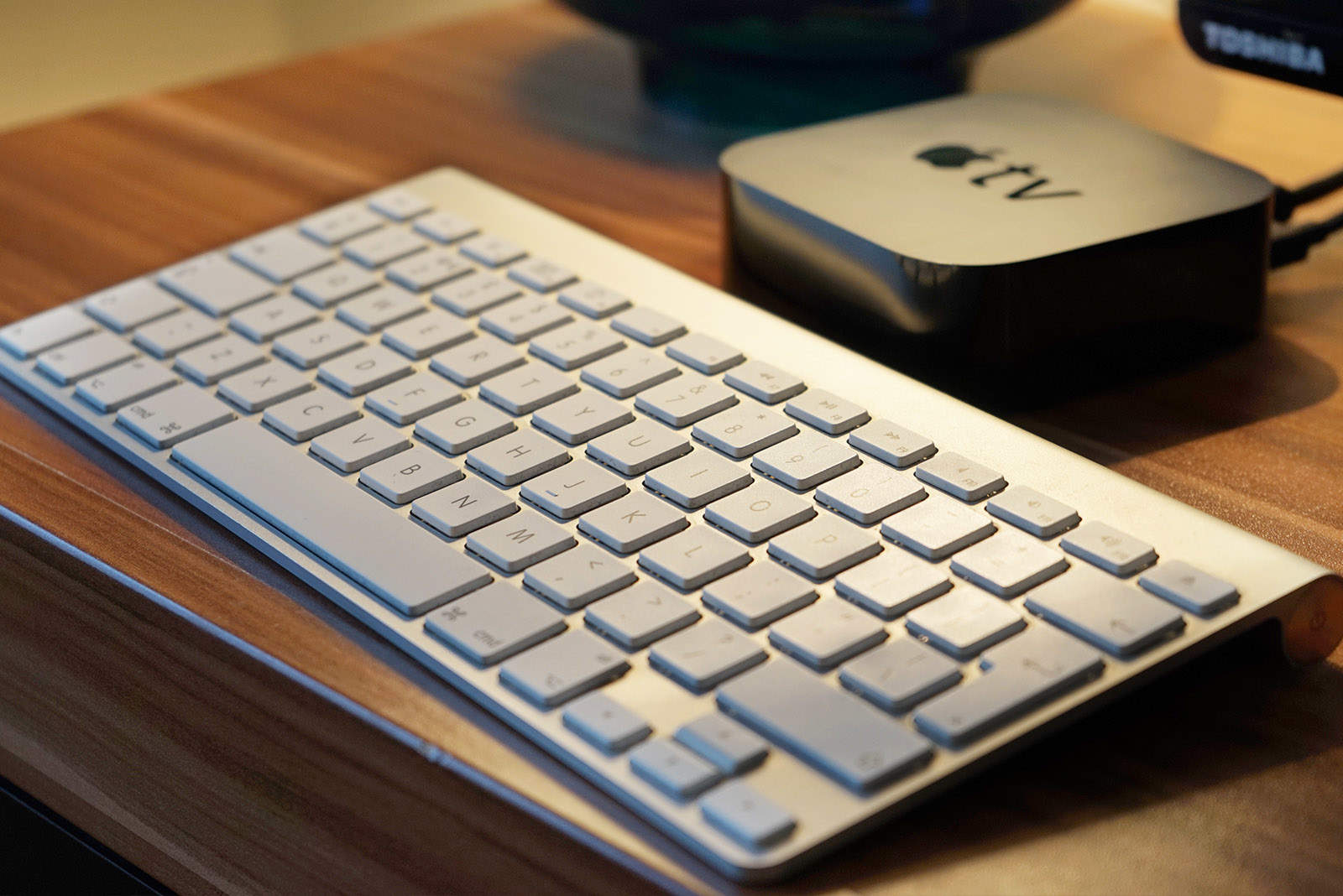
With this week’s release of tvOS 9.2 for Apple TV, the fourth-generation set-top box now works with Bluetooth keyboards. While the splash screen specifically calls out Apple wireless keyboards, the truth is that you might be able pair pretty much any Bluetooth external keyboard with your new Apple TV.
Here’s how. (And here’s how to upgrade to tvOS 9.2 if you haven’t already.)
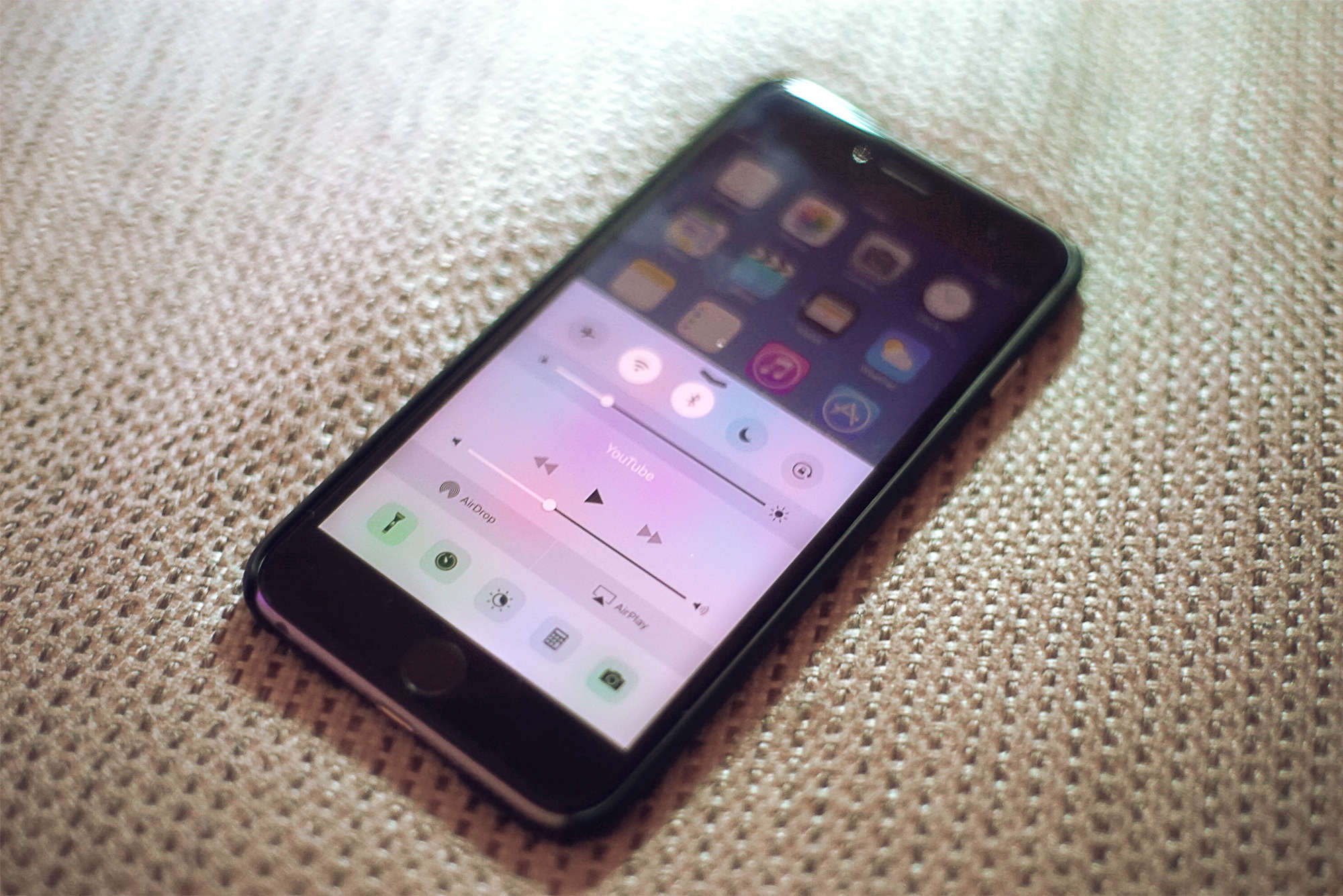
iOS 9.3 is out now for everyone, and the upgrade delivers some great new features that make Apple’s mobile platform better than ever.
With sweet additions like password-protected Notes, sleep-saving Night Shift and data-friendly Wi-Fi Assist, iOS 9.3 might be Apple’s biggest “dot” release yet.
Here’s a quick rundown of all the coolest things you can do once you’ve downloaded the iOS 9.3 update, which Apple released Monday.
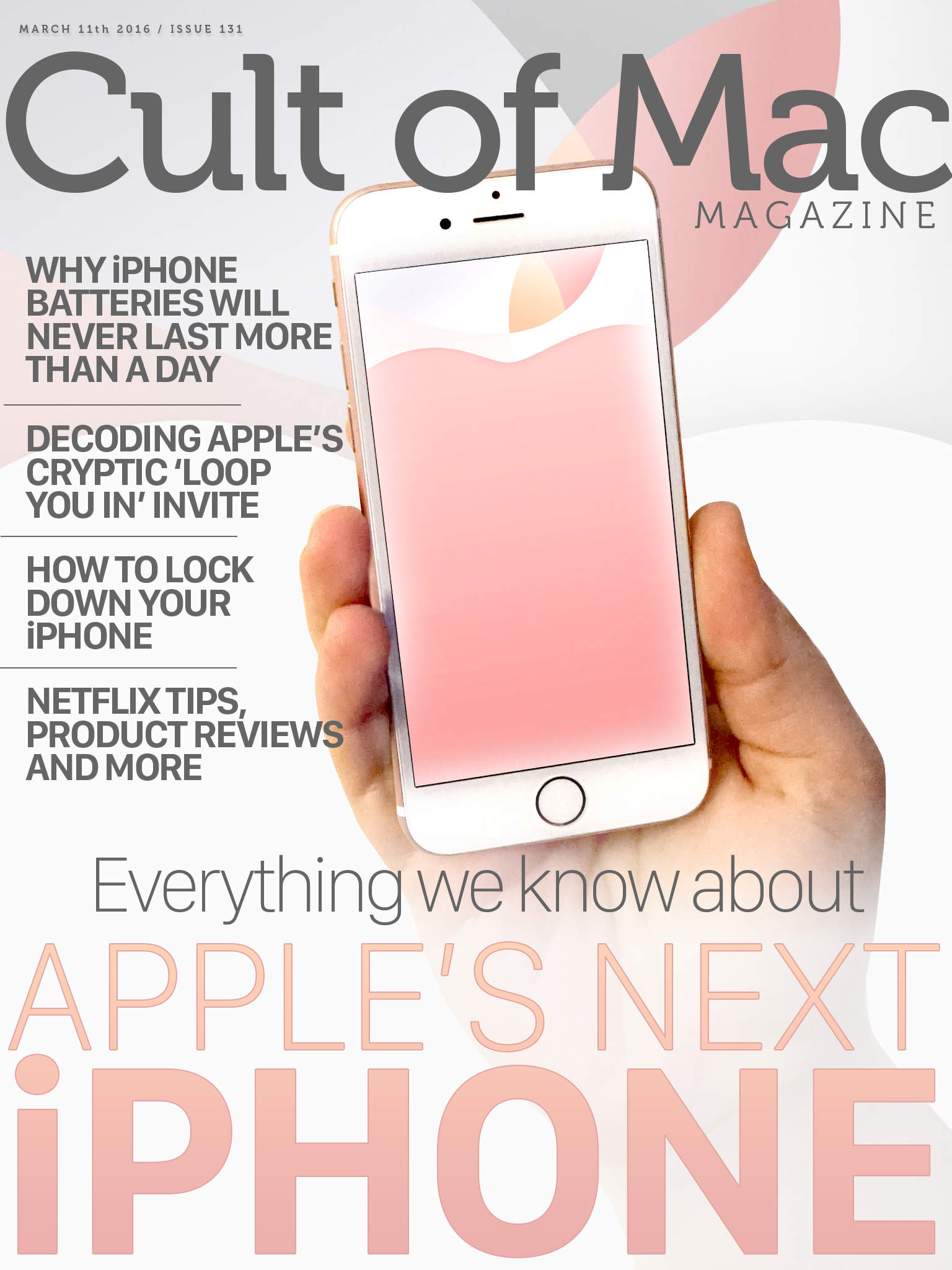
If the rumor mill is correct, Apple’s releasing a new 4-inch iPhone, possibly dubbed the iPhone SE, at its upcoming keynote in March. What the heck will it look like, what are the specs, and how much will it cost?
We’ve got a look at all the possibilities in this week’s Cult of Mac Magazine, plus a look at why your iPhone battery will never last more than a day, Apple’s cryptic “loop you in” invite, a way to lock down your iPhone, and a ton of killer tips and product reviews to keep you informed.
All that, plus a bunch more, in this week’s issue. Here are the top stories for the week:
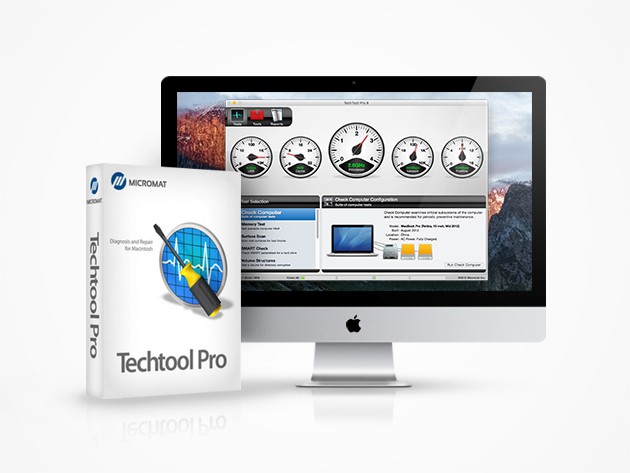
Another week, another grip of great apps. Whether you’re looking to keep your computer running in top shape, fix your spotty wifi, or stay focused and productive, we’ve got apps you’ll love at prices you can’t resist.
Take a look for yourself: