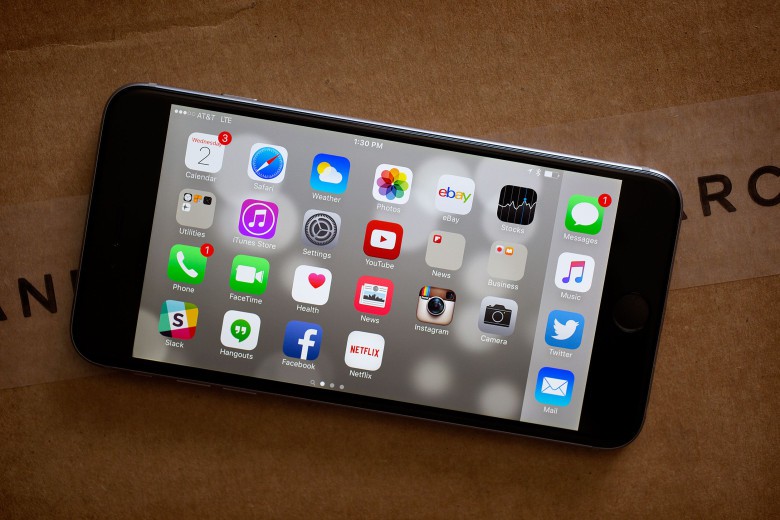
Okay, don't spend too much time multitasking. You have Cult of Mac reading to catch up on. Photo: George Tinari/Cult of Mac
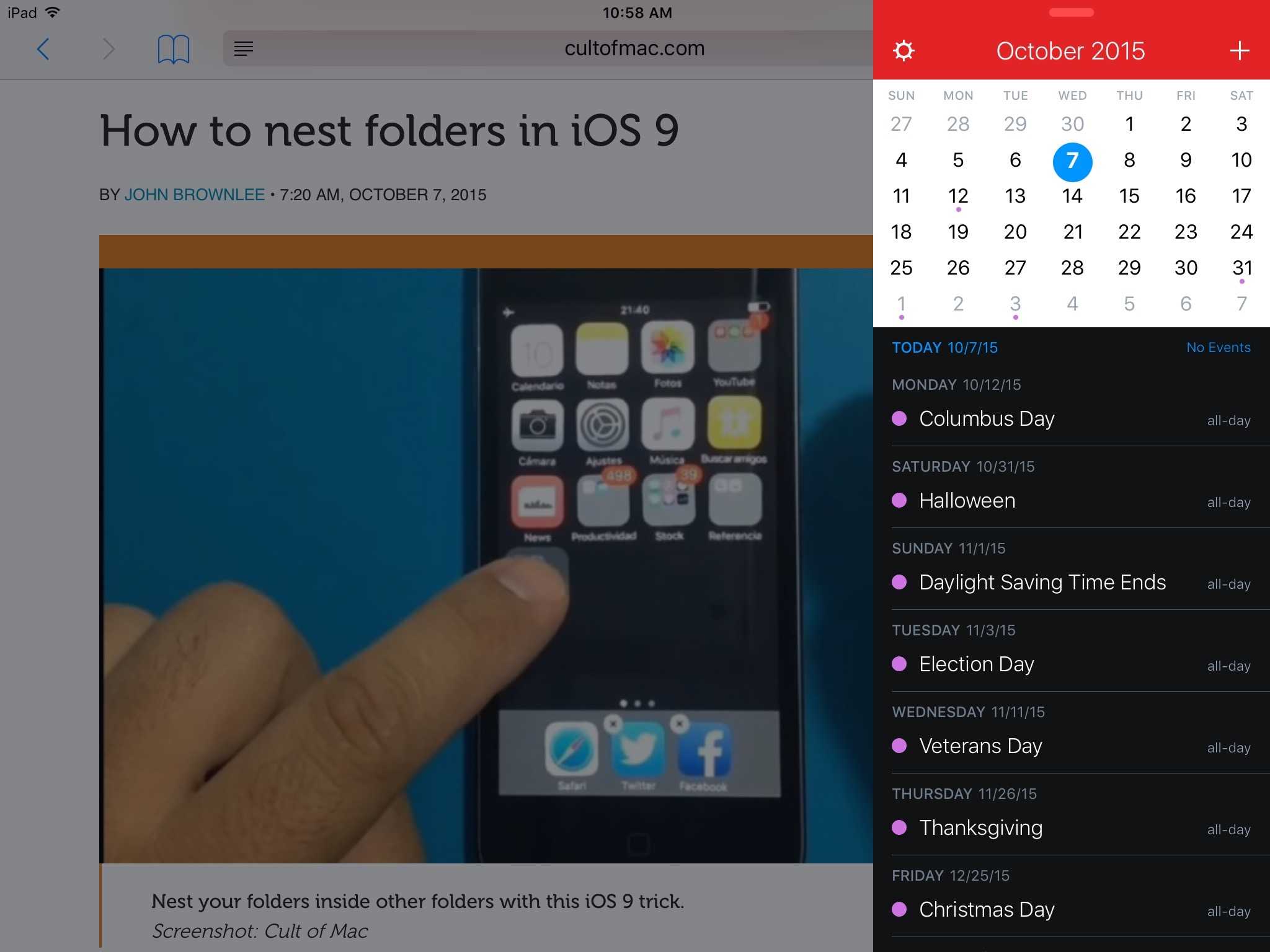
Flexibits updated its popular Fantastical apps for iPhone and iPad this morning to take advantage of a number of new features in iOS 9 and on the iPhone 6s. Arguably the biggest improvement to productivity comes in the form of multitasking support for the iPad. Fantastical also threw in a dash of the new iPhone’s 3D Touch as well.
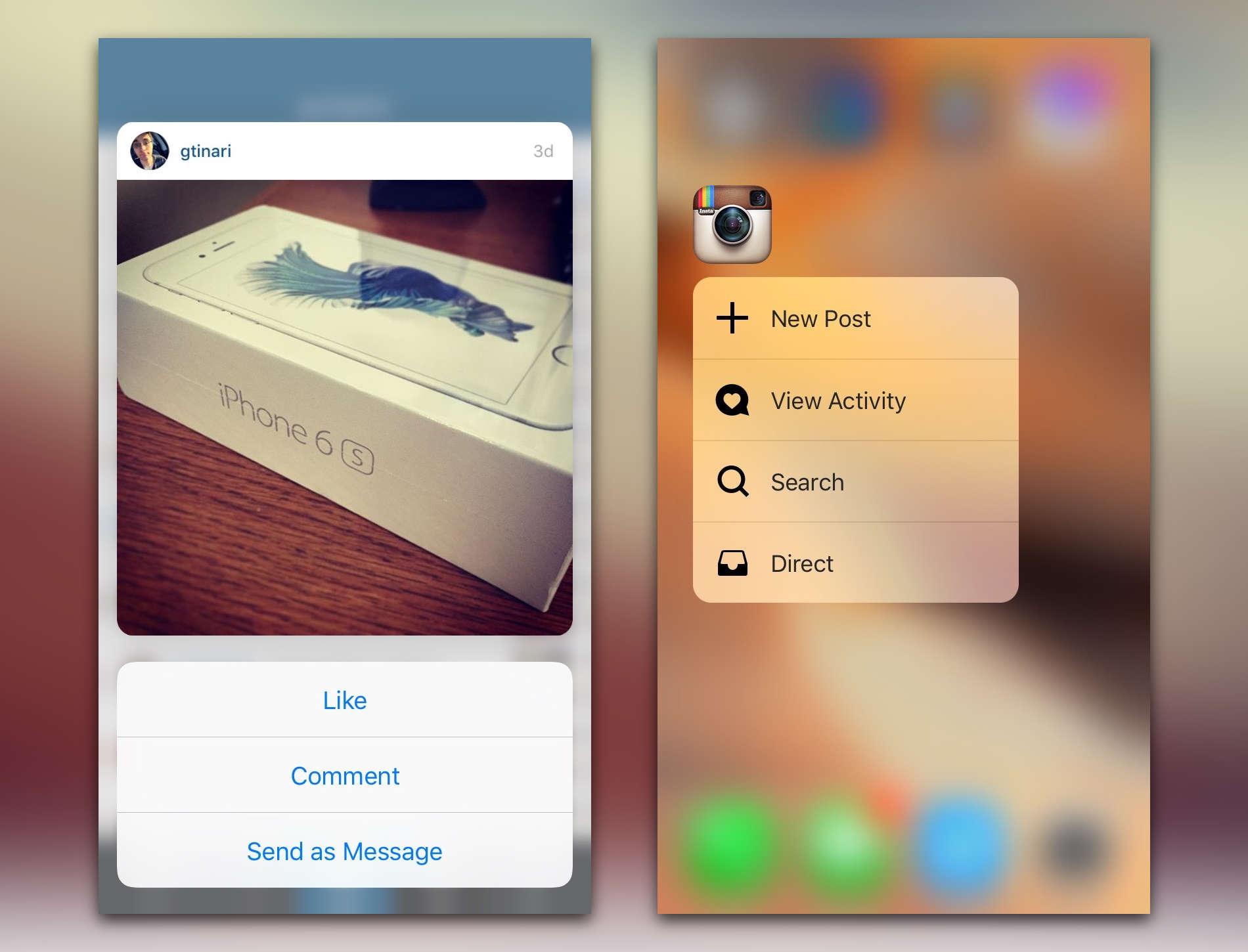
3D Touch is awesome on Instagram. Photo: Instagram
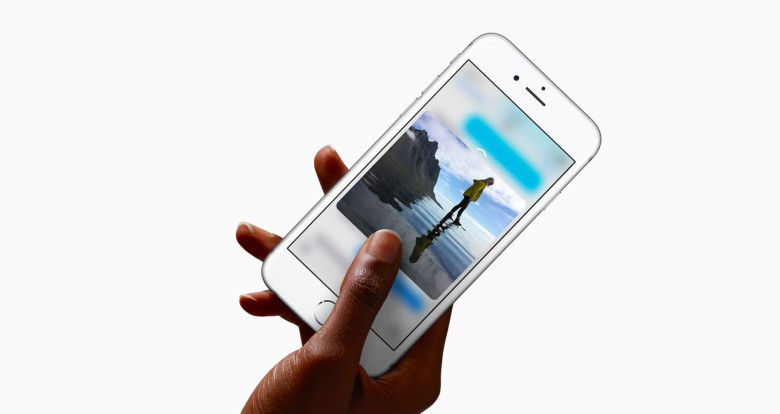
If you’re looking for an app to wow you with the revolutionary powers of 3D Touch, look no further than Instagram. The photo sharing app has already created some great new interactions with 3D Touch by letting users peek at photos and profile info using three new APIs provided by Apple.
We’ve only had 3D Touch iPhones for a week, but Instagram’s engineers have already managed to set a high bar for other apps to aspire to. In a new engineering blog post, the company gives developers a peek at how they implemented the new 3D Touch APIs so seamlessly, and show how other apps can make 3D Touch much more powerful than just a 2015 version of the right click.
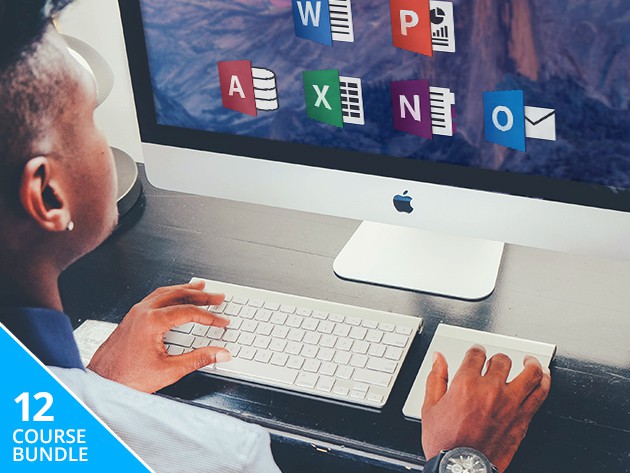
Office is having a tough time right now. Photo: Microsoft
Microsoft Office is still the champ of content creation in workplaces the world over, so it’s well worth getting acquainted with. These 12 courses cover the works: Word, Excel, PowerPoint, Outlook, and Access, for beginners and advanced users alike. It’s hours of content and invaluable insight that right now you can get it for whatever you’re willing to pay.
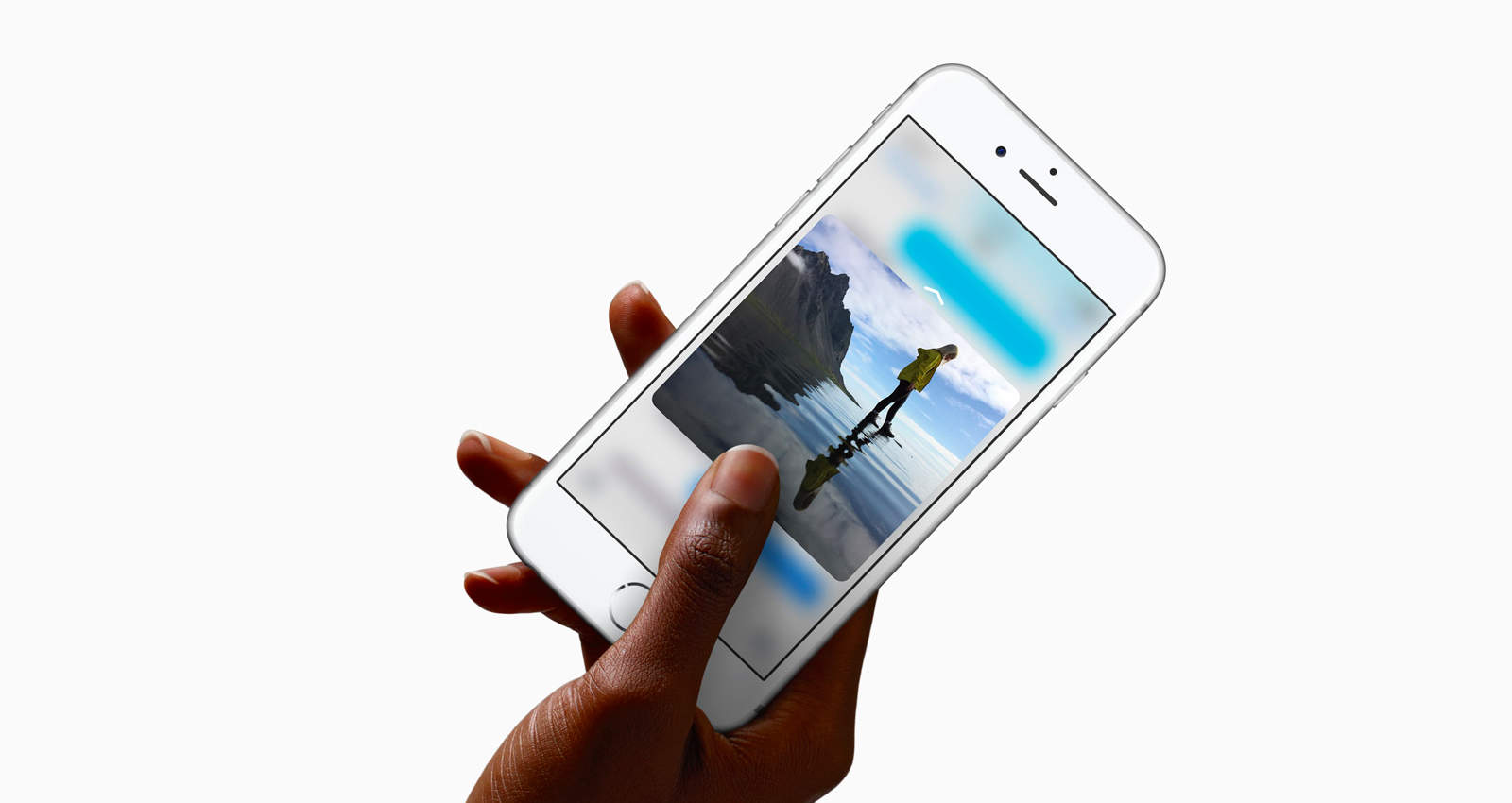
Third-party apps are already jumping on board with 3D Touch and so should you. Photo: Apple
So, you’re one of 13 million people to get a brand new iPhone 6S over the launch weekend. Congratulations, you now have access to a faster phone — potentially a rose gold one, better cameras, stronger aluminum and of course, 3D Touch. The latter is actually extremely useful, but it’s only as useful as developers allow.
Since the feature is brand new, 3D Touch mostly works with Apple’s stock iOS apps for quick application shortcuts on the Home screen, plus Peek and Pop inside apps to preview different types of content. A few productive developers saw the light and quickly updated their apps to support this drastically new way to use an iPhone.
You can tell that the future is very bright for 3D Touch as developers are just getting started figuring out how to unlock all of its potential. Until we reach that 3D utopia, here are five terrific apps that already do Apple’s latest innovation plenty of justice.
Apple hits another home run. Photo: Jim Merithew/Cult of Mac
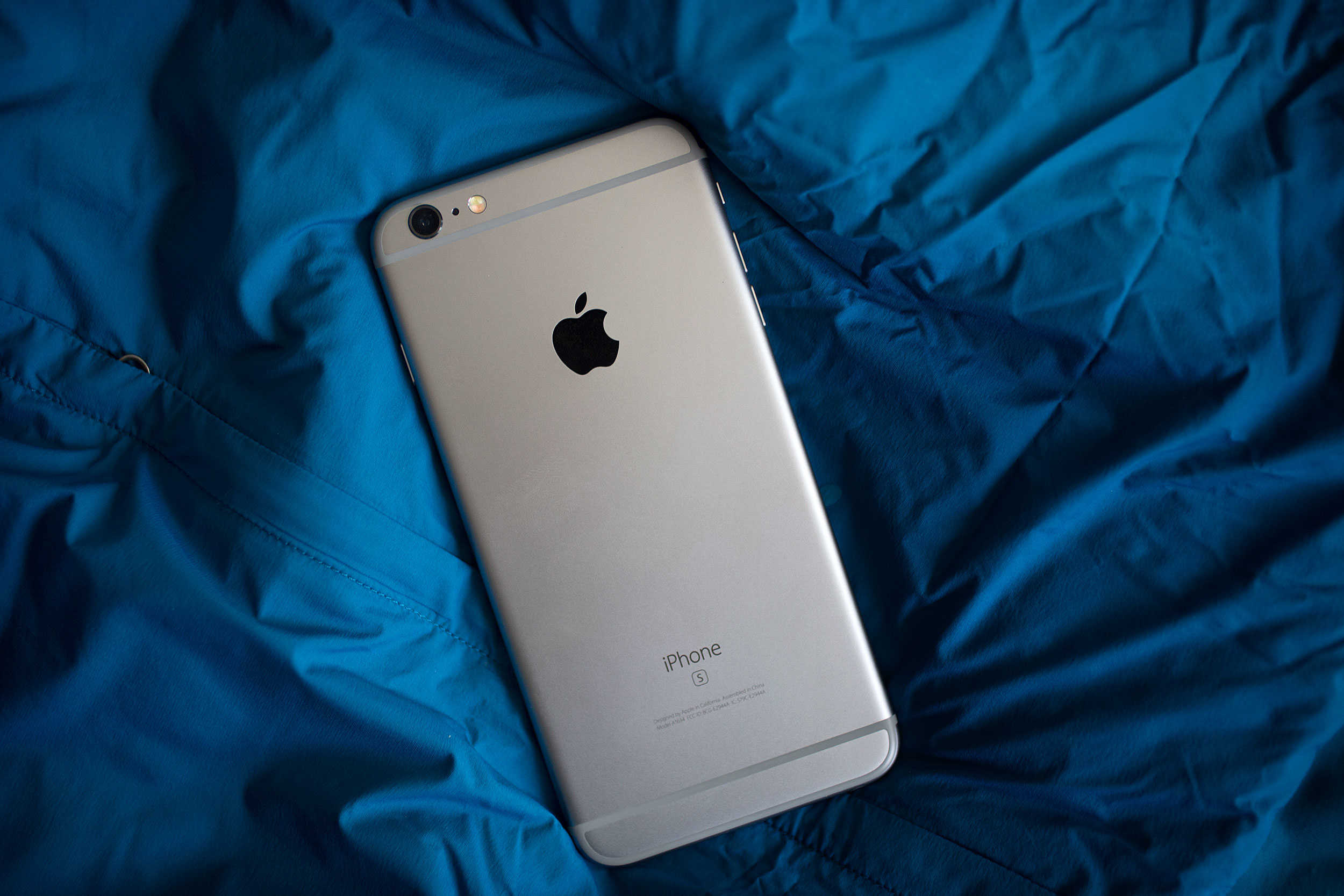
iPhone 6s is a mirror image of its predecessor at first glance, but thanks to improved internals and innovative new technology, it’s very much a different beast.
With Apple’s latest A9 processor, a new 12-megapixel iSight camera, Live Photos, and 3D Touch, this is much, much more than just an “incremental” iPhone upgrade. It’s the iPhone that will change the way you use your iPhone. It’s Apple most exciting smartphone in years.
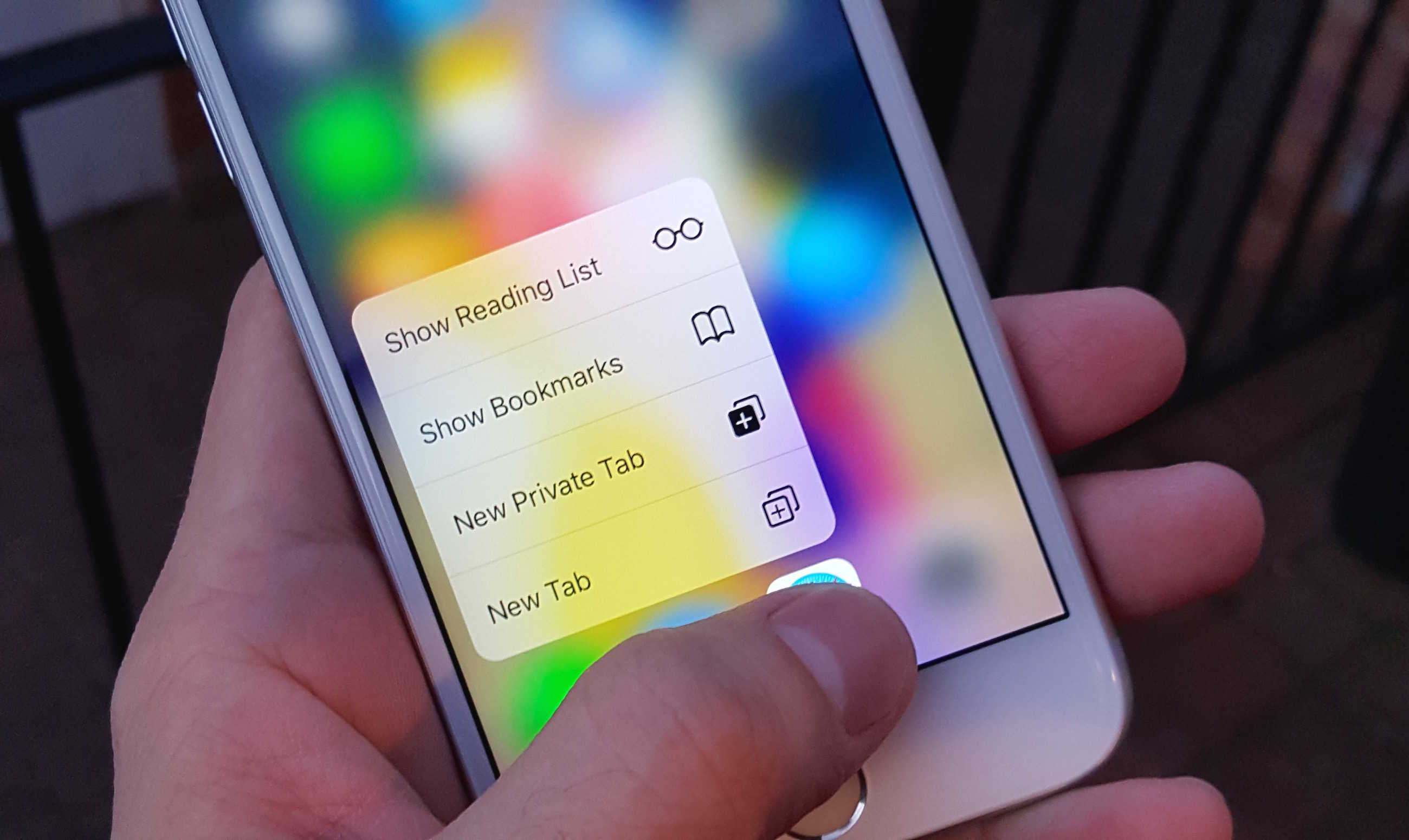
Quick Actions are the best thing about 3D Touch. Photo: Killian Bell/Cult of Mac
If you’re trying your best to resist an iPhone 6s or iPhone 6s Plus, do not walk into an Apple Store and try 3D Touch. Once you’ve had a taste of it, your smartphone simply won’t feel complete without it.
Here are four ways in which 3D Touch makes life a lot sweeter.
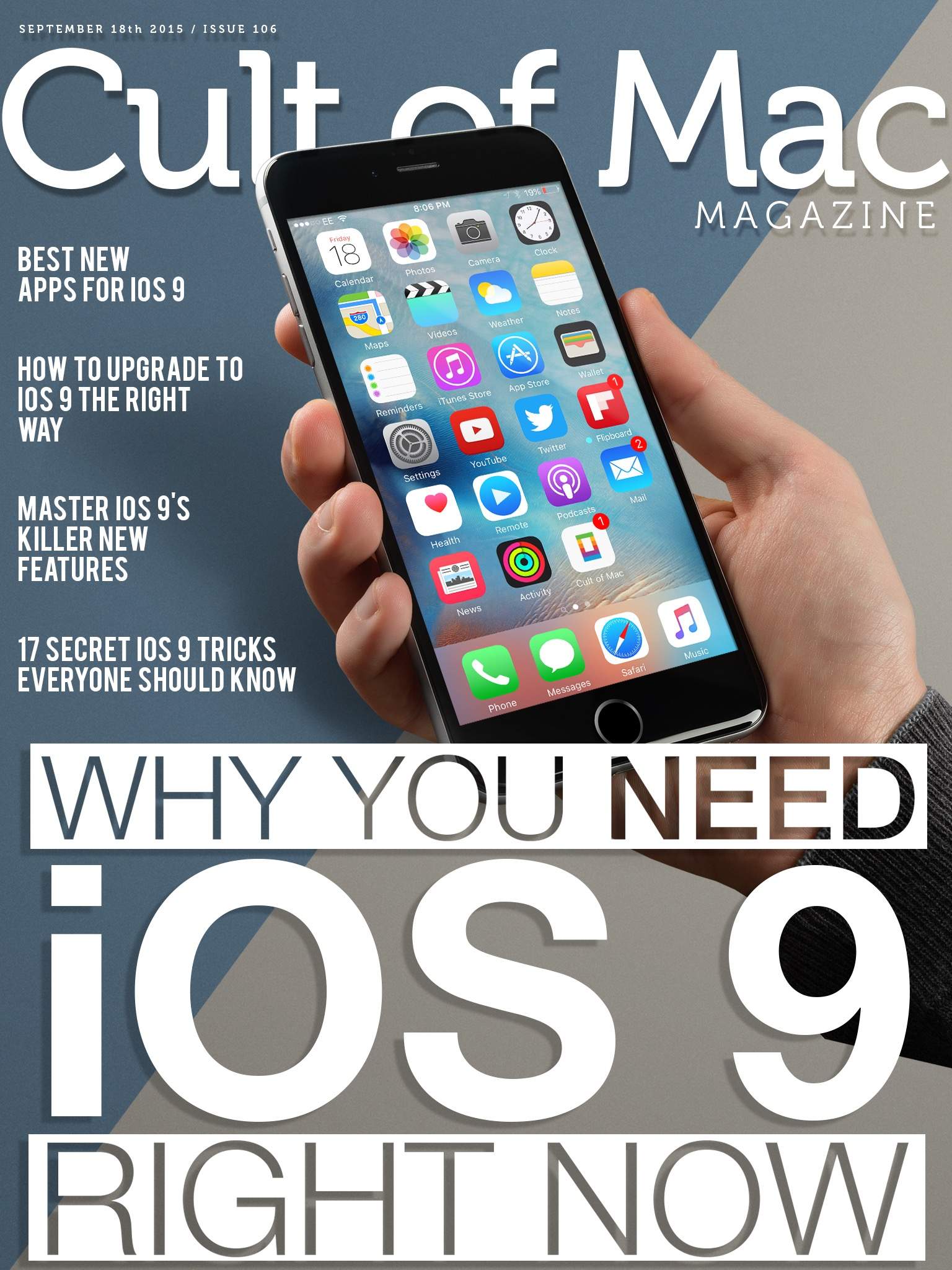
More iOS 9 news and reviews than you can handle! Cover: Stephen Smith/Cult of Mac
We’re excited about all the cool new “whiz-bang” features in iOS 9 as well as the hundreds of tiny little improvements that will make your iPhone and iPad much better to use.
This week, we’re sharing that joy with you as we take a deep dive into iOS 9’s killer new features, how to upgrade the right way, an abundance of tiny tricks you need to know, and some of the best apps already rocking iOS 9.
Take a look at Cult of Mac Magazine to fill your head with all this great content.
Best Buy is preparing for shoppers wanting iPads. Photo: Apple
If you want to use the new gee-whiz features of iOS 9, like Picture in Picture to FaceTime with your significant other while you write a paper in Pages, or you want to Slide Over a Twitter app to keep track of all the goings on while you surf the web, you’re going to need a newer device.
However, all is not lost if you have an older device. Most of the power of iOS 9 is under the hood, making even older devices just a little more battery efficient, just a bit more useful.
iOS 9 is going to shift your mobile life into the fast lane. Photo: Jim Merithew/Cult of Mac
iOS 9 won’t shock you with a bunch of whiz-bang new features or a drastic new look, but in many ways, Apple’s latest mobile operating system is more important than its two immediate predecessors. While iOS 7 and iOS 8 laid a foundation that embraced the future of mobile design, iOS 9 is making all those changes worth a damn.
Apple drops iOS 9 today, bringing a more intelligent UI, better built-in apps, a smarter Siri and much more. Our iOS 9 review shows how the new software makes everything you do on your iPhone or iPad easier — and far faster — than ever before.