All three of Apple’s productivity apps just came out of beta on iCloud.com, and Apple’s also updated all of them for both iOS 9 and OS X El Capitan. There’s a host of improvements and fixes both large and small for each app on each platform.
All the full specifications are over at Apple’s productivity suite landing page, but here are ten of the best improvements for this long-running, venerable suite of word processing, presentation, and spreadsheet apps from our favorite Cupertino-based company.
Multitasking on iPad – Pages, Numbers and Keynote now all support Slide Over, Split View and Picture in Picture multitasking on iPad Air 2, iPad mini 4, and the upcoming iPad Pro.
Keyboard improvements – The iWork apps can now also take advantage of the new shortcut bar in iOS 9 as well as shortcuts on wireless keyboards, letting you cut, paste, and copy with the best of them.
3D Touch controls – You’ll be able to peek and pop all over the place in the new updated apps on your iPhone 6s and 6s Plus, as Apple added support for pressure-sensitive 3D controls for the mobile versions of iWork.
Open archives – You’ll also now be able to open iWork ’08 and even ’06 documents to edit those super old Pages files you have, and you can preview shared documents via the Web browser. Compatibility with Microsoft Office apps is also better now.
VoiceOver – Now you’ll have even more ways to navigate Pages, Keynote and Numbers, with new VoiceOver commands for both the iOS 9 and El Capitan versions of the apps. In Pages, for example, you’ll be able to have VoiceOver read text-formatting details, add and review comments, and track changes all with your voice.
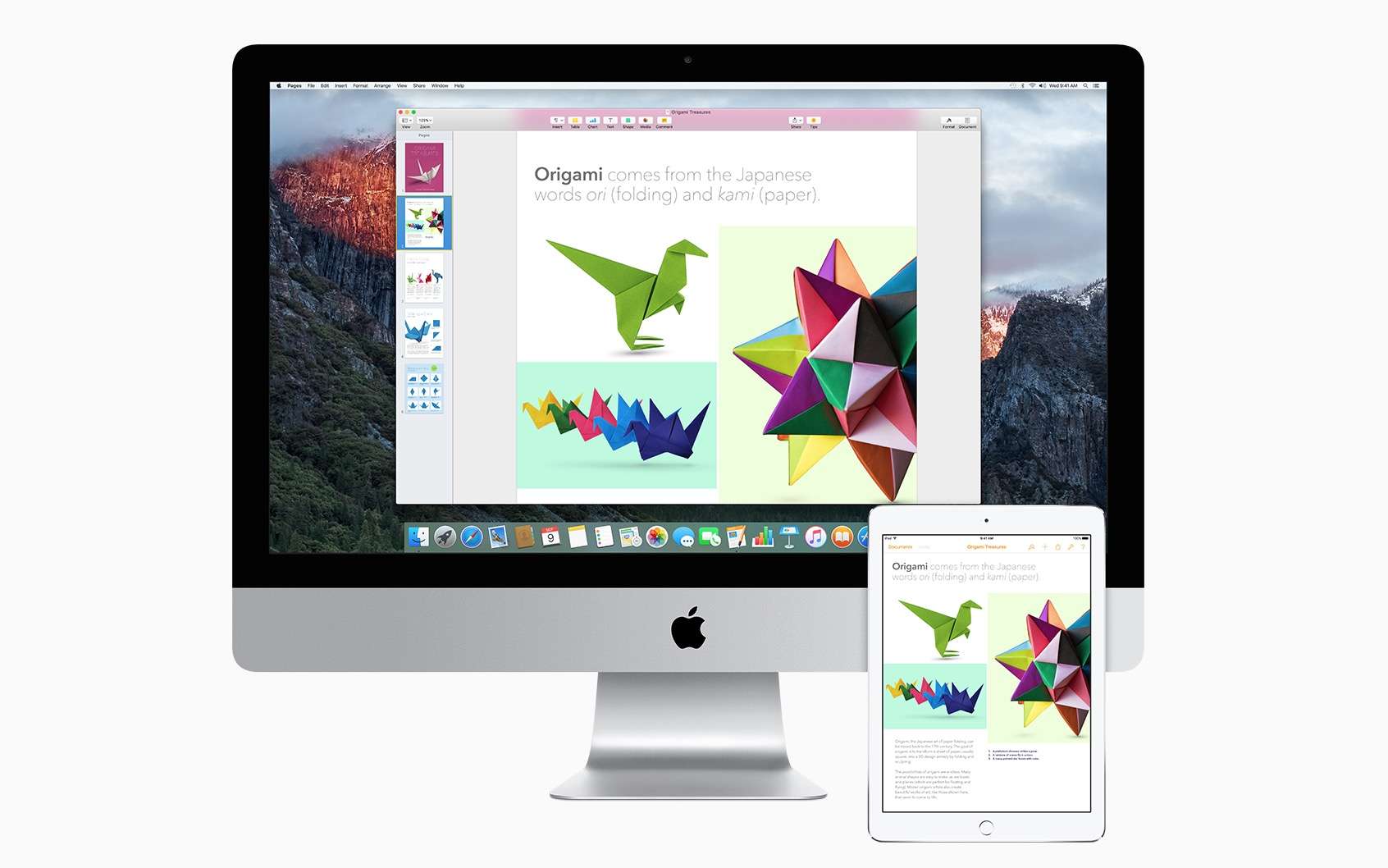
Photo: Apple
Split View – All three iWork apps are now supported with Apple’s new Mac-based double screen feature, Split View.
Force Touch – Now you can use Force Touch in Pages, Keynote or Numbers as long as you have a newer Macbook or iMac with a Force Touch trackpad.
Sharing is caring – All the iWork apps now have a “View only” setting, which lets you share documents with others without giving them access to make changes. There’s also a new way to share password-protected documents directly with an iCloud link.
Handoff – For the first time, you can now use Handoff to seamlessly switch between iPad, Mac, and iPhone when working on a Pages, Numbers or Keynote document.
Updated file format – If you’ve tried to send a .pages or .key file to someone via Gmail or Dropbox, you know what a disaster that can be. A new updated file format for all iWork apps will make it easier to send documents via these types of services – a plus in our modern, connected, platform-agnostic world.
You can grab the updates for free on iOS 9 and OS X via the iOS or Mac App Stores if you already own a copy, or you can buy one for $9.99 each for iOS and $19.99 each on OS X.

Rob LeFebvre is an Anchorage, Alaska-based writer and editor who has contributed to various tech, gaming and iOS sites, including 148Apps, Creative Screenwriting, Shelf-Awareness, VentureBeat, and Paste Magazine. Feel free to find Rob on Twitter @roblef, and send him a cookie once in a while; he’ll really appreciate it.


9 responses to “The 10 best new updates to iWork”
What about mail merge between Pages and Numbers? I’m still stuck using iWork ’09 because the new versions haven’t supported mail merge.
Good point – The only mention of mail merge I see is on the Pages tab, with “AppleScript support for Mail Merge.”
I just bricked my ’09 because I did a clean install of the Captain and didn’t realize I needed to copy over iWork ’09. Eventually, I figure at this point, it will become incompatible soon anyway.
The ability to open old Pages docs should have been there from the start. That was a poor decision on their part.
“Updated file format – If you’ve tried to send a .pages or .key file to someone via Gmail or Dropbox, you know what a disaster that can be. A new updated file format for all iWork apps will make it easier to send documents via these types of services – a plus in our modern, connected, platform-agnostic world.”
A description of what the new format is would sure be nice. Is the the new format a .docx or .txt or rich text or …
^ agreed i’m interested in this too and frustrated at the lack of information from this article.
I’ve been able to use handoff since iOS 8 though…
I’ve just been checking the Keynote for iCloud. I have a features test presentation I use to test functionality.
Am I alone is seeing this online version as being just about worthless for everything other than a static, flat screenshow?
I have some slide transitions, such as the ‘cube’ effect [where you can wrap an image around two slides], and simple fade-in and fade out image effects. None of these seem to be preent in this version. Neither can I find ‘build-in/out’ functionality.
How did this make it through beta without these functions? Am I missing something?
“I’m at a loss how Apple can produce software like this and call it ready for mass market. Am I wrong?”
This could be said of most of their software the last five years or so.