The iPad Pro is being hailed as “a new kind of computer,” but as some have noted, it’s really the top half of a new kind of computer. Missing is the bottom half — the keyboard.
Apple has a solution for that — the $169 Smart Keyboard, which turns the iPad Pro into a laptop lookalike. But there’s a fantastic alternative: Logitech’s Create keyboard and case.
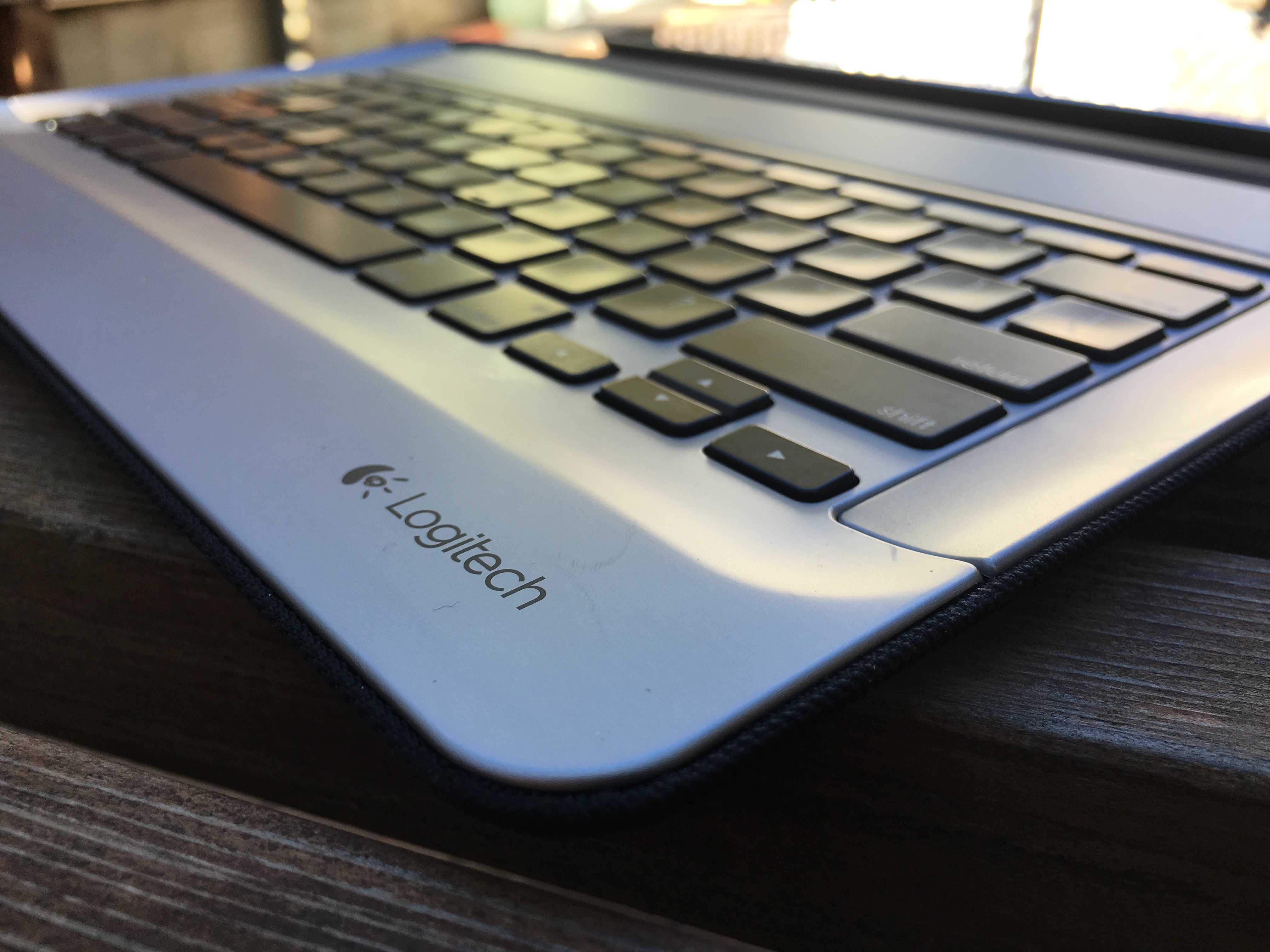
Logitech’s Create has several advantages over Apple’s Smart Keyboard. First, it’s a keyboard and a case that turns the Pro into a proper faux laptop (Apple’s keyboard is half a case that covers only the iPad’s screen). Logitech’s keyboard has fantastic chicklet keys, versus Apple’s hated low-travel flat keys; and it’s backlit, an essential requirement for any keyboard.
All in all, Logitech’s $150 backlit keyboard turns the iPad Pro into a MacBook — but a MacBook with cool extra features like Touch ID and a touch-sensitive screen.
Casing the joint
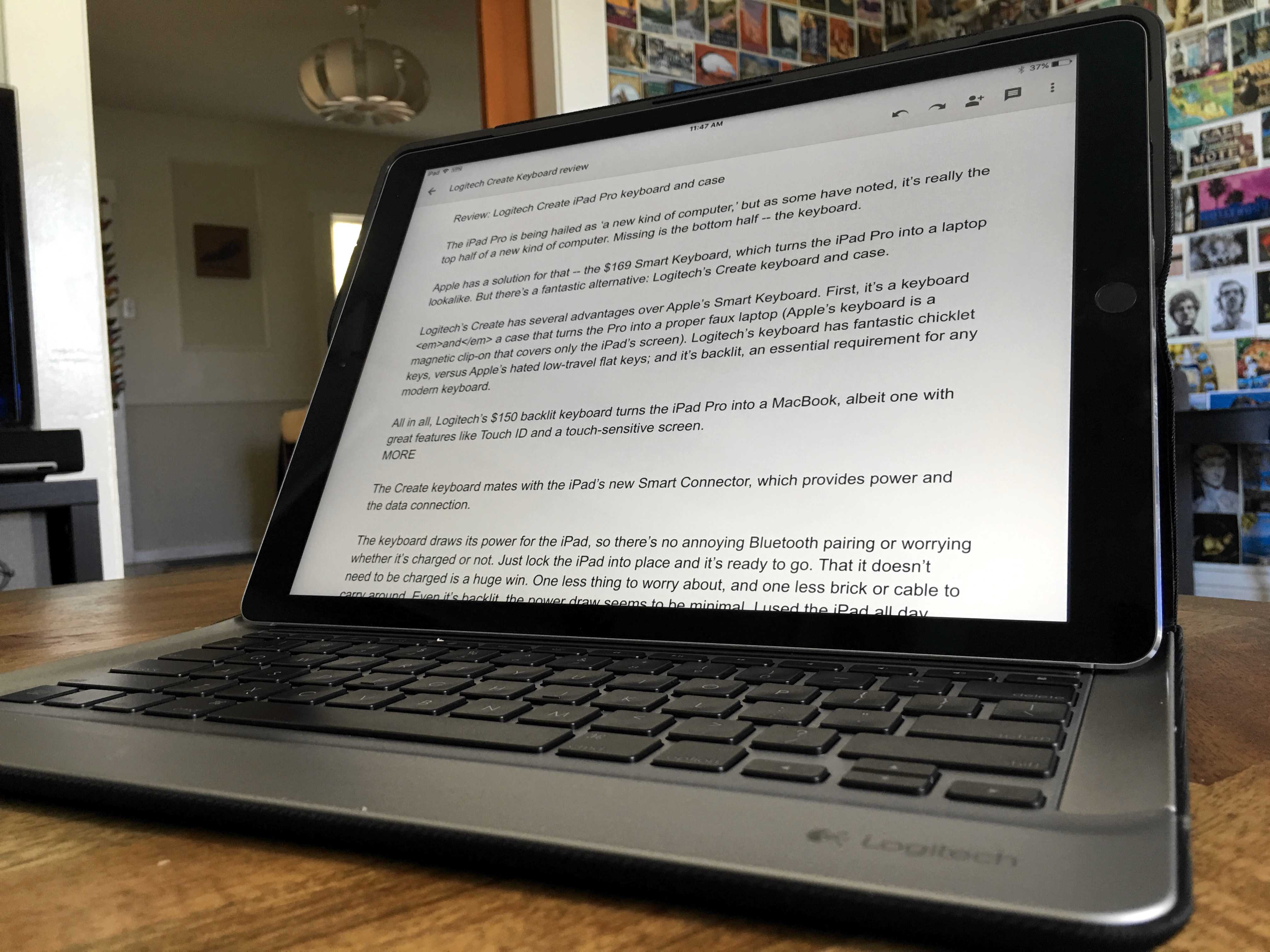
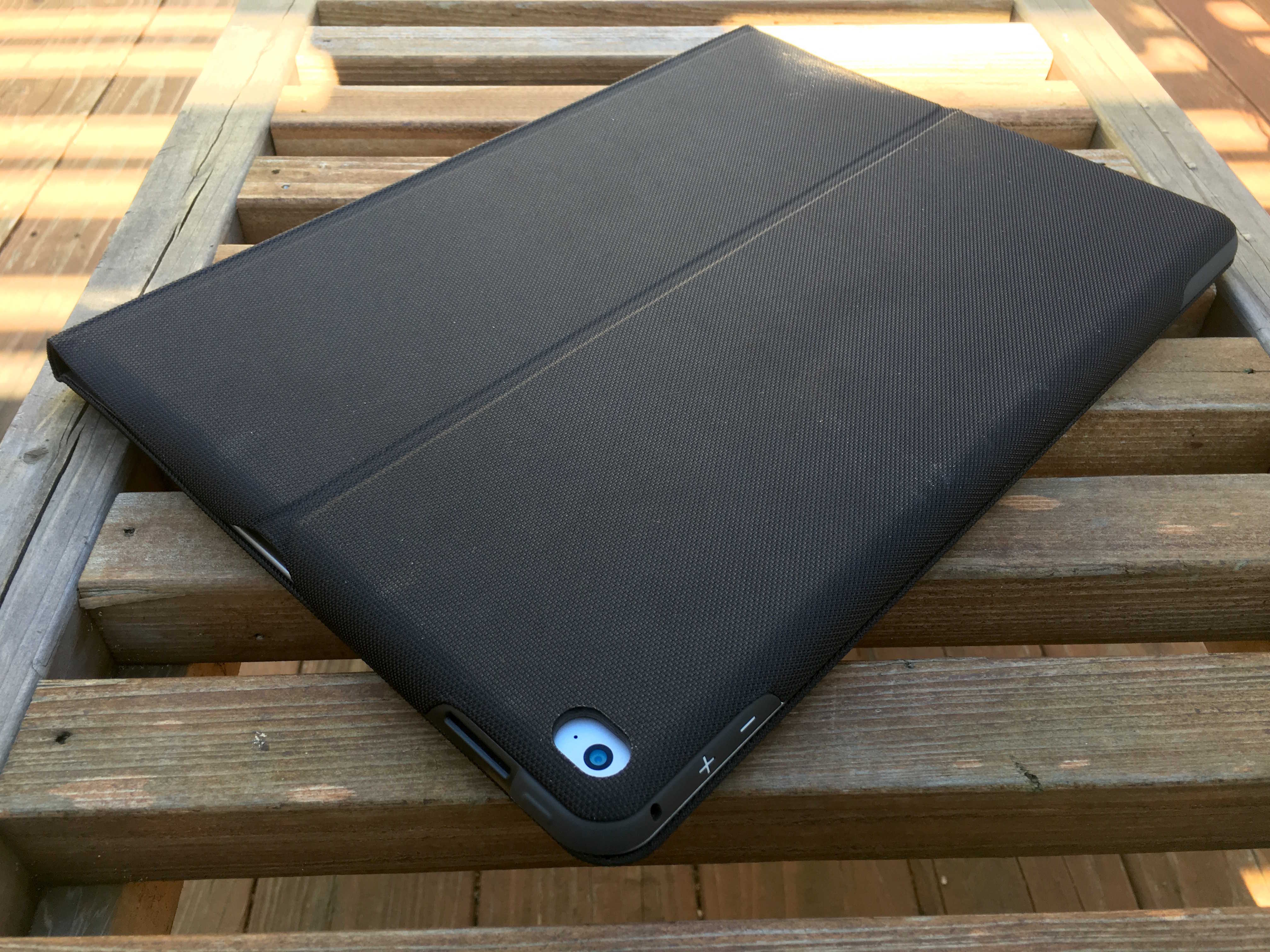
The Create is like an empty laptop shell, and the iPad clips into the lid. With a fabric exterior, it’s well-made and super sturdy. I could probably jump up and down on it without breaking it. It folds up like a laptop, waking up the iPad when it’s opened and shutting it down when it’s closed.
Unfortunately it’s no lightweight. The iPad and case combined weigh about 3.2 lbs. By comparison, the 13-inch MacBook Air weighs 2.96 lbs and the 13-inch Macbook Pro weighs 3.57 lbs.
The iPad is docked to the keyboard with a strong magnet. You can pick it up even when it’s opened, and the keyboard stays attached and in position. It’s not flimsy or rickety, which is the way it should be if you’re pounding on it on your lap. In fact, the heft is welcome. Unlike the new ultra-slim MacBook, which is almost too light, it doesn’t dance around in your lap when you’re working on it.
By contrast, the Create is a steady platform for the ginormous iPad Pro. The only downside is that the iPad sits at a fixed angle. It’s not adjustable like a MacBook’s screen, but it doesn’t really matter. I just adjust the angle of the whole thing, keyboard and all. I find it easy to type on my lap, or lying in bed, or on a tabletop.
All in all, it’s so much like using a MacBook that I kept reaching for the trackpad that isn’t there. It’s taken a while to retrain myself to reach for the screen instead.
The Smart Connector
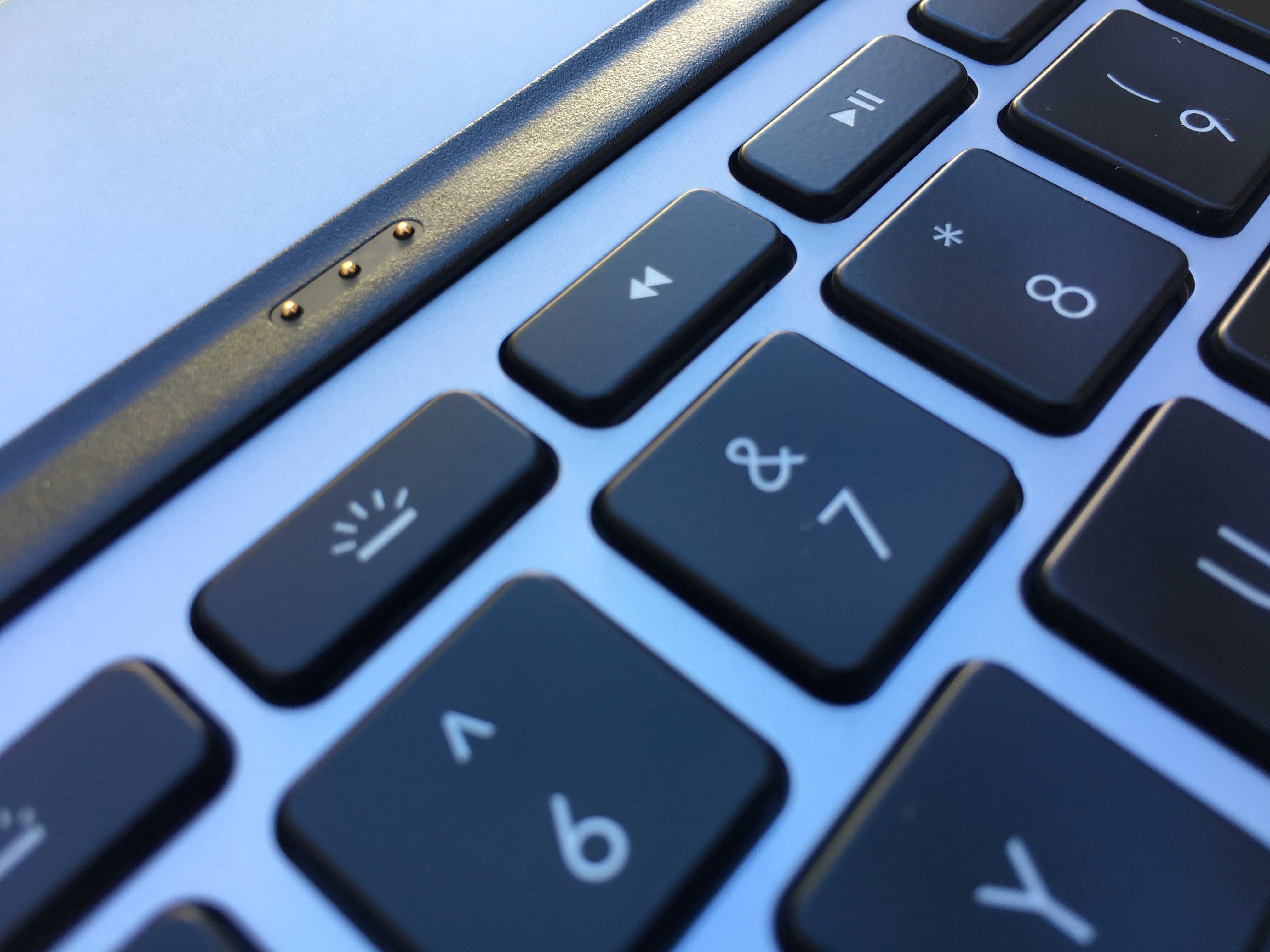
For power, the keyboard connects to the iPad’s new Smart Connector, which provides juice and a data interface.
Thanks to the Smart Connector, there’s no Bluetooth pairing or worrying whether the keyboard is charged or not. Just lock the iPad into place and it’s ready to go. The fact it doesn’t need to be charged is a big win. It’s one less thing to worry about, and one less brick or cable to carry around. And it seems to sip power, even though it’s backlit. I’ve been using the iPad and keyboard all day and easily got the iPad’s full rated 10 hours of use.
Chiclet-ey keys
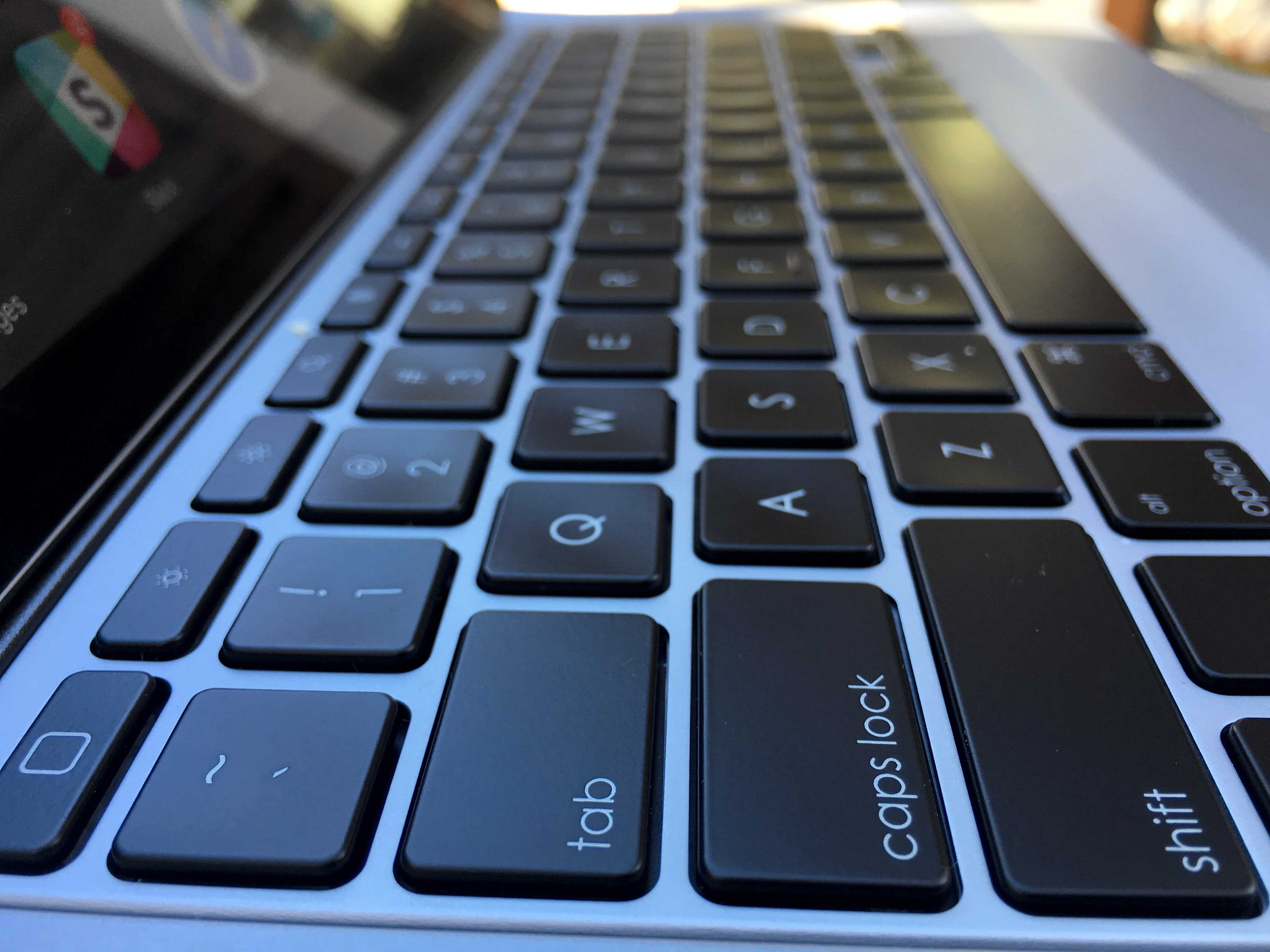
The Create keyboard has lovely chicklet keys, which unfortunatley seem to be getting phased out at Apple. Both the new MacBook and the iPad Pro’s Smart Keyboard have low-travel keys, which lots of reviews hate. I’ve kinda gotten used to them on the MacBook, but I admit, I love Chiclet keyboards.
Backlighting on a keyboard is essential in my book, especially on a laptop. Unlit keyboards seem incomplete, broken. The Create’s backlighting is great. It lights up as soon as you hit a key and it’s good and bright. If prefered, it can be adjusted to a dimmer setting.
Shortcuts
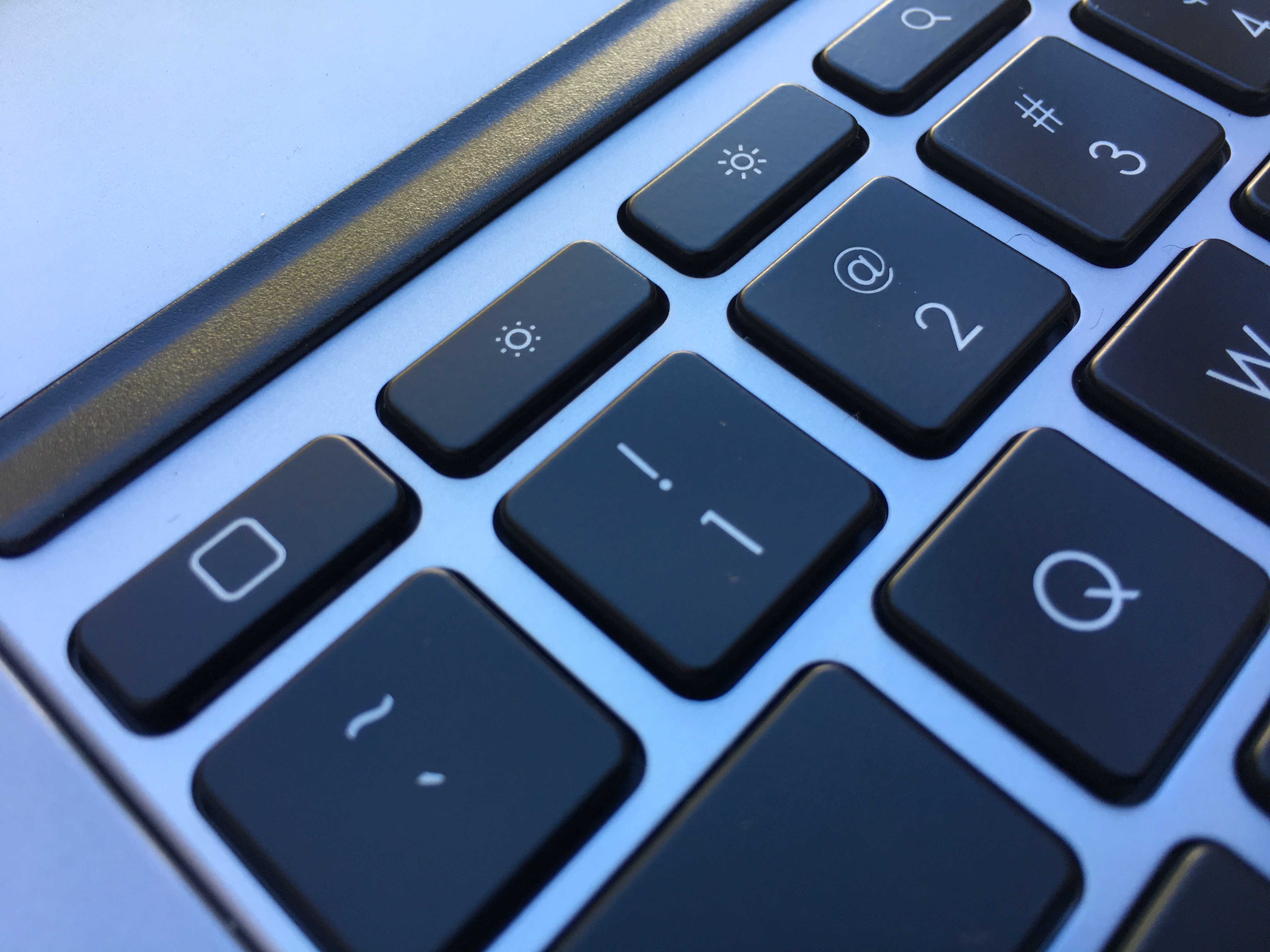
Accross the top of the keyboard there’s a nice set of 14 iOS function keys. There’s a Home button that jumps to the Home screen; screen brightness up and down; keyboard brightness (toggles between high and low); and media controls — play, fast forward and rewind.
There’s also sound controls and a Lock button. Best is the dedicated Search key which brings up Spotlight search. With the search enhancements in iOS 9, search is the best way to navigate an iPad. You can search across multiple apps and services, as well as the Web. Need to open an app? Just type the first letter or two, and it pops right up. No need to swipe through endless Home screens looking for an elusive icon. Search results bring up contacts, email messages, music and the web. In fact, the search screen should really be the iPad’s Home Screen — the default starting place for all tasks, but that’s another story.
There’s also a key for launching alternative keyboards. The default is the Emoji keyboard, but it can be set for things like other languages.
The Create keyboard comes in a range of colors. I got black and space grey, but I wish I’d gotten the red and gold keyboard and a gold iPad, which looks slicker than snot. There’s also a white and blue keyboard case to match the silver iPad.
Downsides
The Create costs $150, which is pretty pricey for a keyboard and case. But consider that Apple’s Smart Keyboard is $169 and Apple’s silicon case (to protect the back) is $69. So although $150 for a case/keyboard isn’t sandwich money, it’s almost $100 cheaper than Apple’s options, and it’s arguably better.
It’s also pretty hefty. The Create almost triples the thickness of the bare iPad Pro and doubles the weight. The volume buttons are maddening. There are cutouts for the camera, Lightning port and speakers, but not the physical volume buttons. You have to manipulate them through overlays built into the case, and it requires a ridiculous amount of force. But it’s small beans. There are after all, dedicated volume buttons on the keyboard.
Conclusion
It’s hefty and it’s not cheap, but overall, a keyboard like the Create is an essential addition to the iPad if you’re going to replace your laptop. Again, essential. It’s the missing bottom half of the new kind of computer.

Leander Kahney is the editor and publisher of Cult of Mac. Leander is a longtime technology reporter and the author of six acclaimed books about Apple, including two New York Times bestsellers: Jony Ive: The Genius Behind Apple’s Greatest Products and Inside Steve’s Brain, a biography of Steve Jobs.
Leander has written for Wired magazine, Scientific American, The Guardian, The Observer, The San Francisco Chronicle, MacWeek and many other publications.


19 responses to “Review: Logitech’s Create keyboard case turns iPad Pro into a bona fide laptop”
“Review: Logitech’s Create keyboard case turns iPad Pro into a bone fide laptop”
Yeahhh hiiii! I’m gonna have to go ahead and correct you on that. That would be “bona fide”, not “bone fide.”
Yeahhh, nice article… but “bona fide.” Okaaaay? And I’m gonna need that red stapler, too. Yeahhhh.
Yeaaaahhhh, I’m gonna need you to go ahead and have that TPS report ready by 3:00
:))
I think if iOS had a cursor that worked with a track pad/mouse, that would make it more like a laptop.
But it’s not a laptop. It’s a pad. For a similar form factor, with a LOT more power, trackpad, cursor, etc, there’s the Air or Macbook. I don’t understand the thinking of trying to make each device seem like the other. Cool as this keyboard is, it’s just a keyboard (albeit one that has to be attached), and the Mac portables already have one.
Maybe when/if Apple puts a touchscreen on an Air or Macbook, people will be happier thinking they have an all-in-one solution.
With iOS 9, it DOES have a trackpad. Anytime you are in a text input area, using 2 finger on the on screen keyboard, or when attached to the external keyboard, 2 fingers anywhere on the screen, you can position the cursor like with a trackpad. Really nice feature.
The expression is “Bona Fide” meaning real or genuine. The way you have
it written, “Bone Fide” merely means the author is a dolt.
I compared both keyboards at an Apple Store. Since I am a designer, I need the ability to have it function as a sleek iPad that I can fold the keyboard out of the way without the bulk of the Logitech keyboard, so my choice is the expensive Apple smart keyboard. The photos of the Apple smart keyboard makes it look thin and flimsy but actually holding the keyboard, you get a great sense of the quality. I’d gladly choose the lightweight portability of the Apple Smart keyboard over the extra keys and backlit, heavy, cheap feeling, hard to use as an iPad – Logitech Create keyboard. I highly recommend that you compare the keyboards in the store before choosing. The Logitech keyboard looks better in the photos.
Two more downsides to this keyboard.
1- when you fold the screen flat over the keyboard, the edge of your ipad is metal-on-metal with the keyboard. That’s going to likely show wear on both devices in pretty short ofder.
2- I’m finding rather quickly that the combined keyboard/ipad combo is SO heavy, I want to take the ipad out. It loses a big part of ease of use. But is is a real wrestling match to get the ipad in and out of the keyboard.
These plus the problems mentioned in the review outweigh the benefits for me. I’m returning it.
New type as in the already existing 2 in 1?
Hmm.. I wonder if there will be an iPad pro clamcase.. I have one for my ipad3 and its pretty great – I like how you can pivot it over and use the keyboard as a stand..
A “laptop” is a computer that can be used in one’s lap. It needs a rigid keyboard and the screen must remain open without external support. This keyboard, like Apple’s Smart Keyboard, does not satisfy either condition and therefore cannot turn an iPad Pro tablet into a “laptop.” Why Apple did not take the MacBook Air and turn it into a device with a detachable tablet screen is a mystery to me.
The problem is that when you do a detachable screen, then you have to stuff the guts (processing/battery) in the screen, then the screen has to be thicker than without the processing/battery. The other reason is that OS X is not designed to be touch enabled, which is why they created iOS in the first place, it’s easy to use while holding a tablet with one hand and using it with the other.
If you look at any of the hybrids, they are thicker than a laptop without a detachable screen, plus the screen would be more expensive and possibly require more battery to make them last as long on a charge. Plus, OS X is based on X86 and ARM chips requires less battery power.
And yet Apple has created a large tablet that is not too much thicker than my MacBook Air lid and a keyboard that attaches to it magnetically, albeit in a (to me) very unsatisfactory way. It should be an easy design and engineering challenge for the Apple whiz kids to stiffen that keyboard and make the joint strong enough to support the tablet.
And here’s another thought: If, for whatever reason, there must be two operating systems, why not run them both on such a device. It runs OS X when the keyboard is attached and iOS when it’s not.
I’m an Apple user from the pre-Macintosh days, and I have huge respect for the company and its products, but Tim Cook’s dismissal of the hybrid devices smacks of a post hoc justification for a bad decision to me.
What about $99 pencil ( stylist ) did you try that? is it worth it?
Stylist?
Re. the alternative keyboards: Is one of them DVORAK?
I’m a Windows guy because I’ve always been priced out of the Macbook market, but I’ve tried the keyboard on the latest Macbook and I absolutely love it.
Why is it that people hate it? Is it because it is different and they are so used to the old click-clacky keys? Or is it because it is really that bad?
Have a close look as the iPad once it is in the case. It bends the iPad and the screen becomes warped.
Took mine back. Too big and too heavy……oh and bent my brand new iPad Pro.