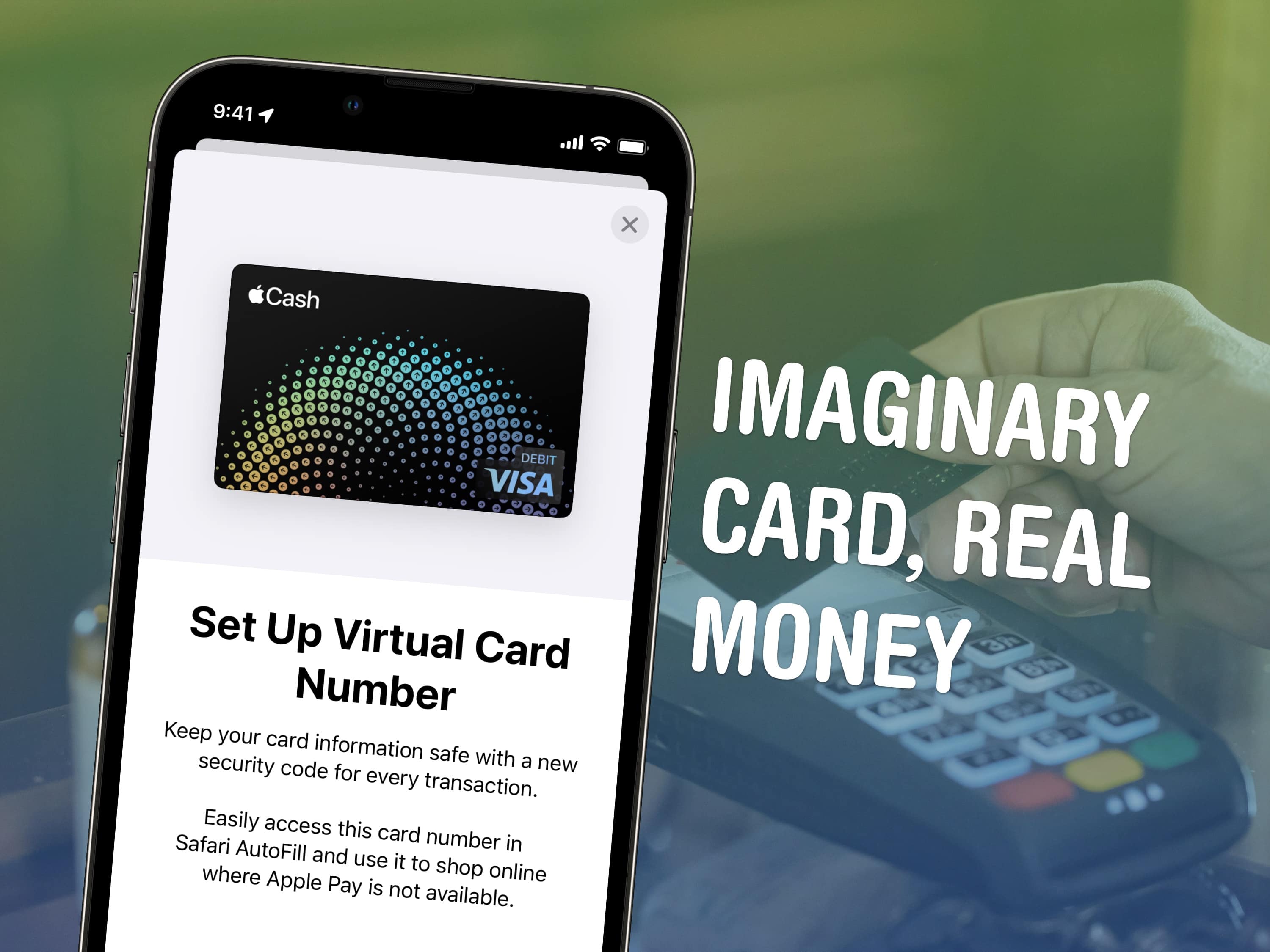
You can get a temporary debit card number to pay with Apple Cash online in case you want to pay with your balance on a site that doesn’t accept Apple Pay. If you have a lot of money sitting in your Apple Cash account, this can be a convenient way to pay without using your other cards. (It’s also handy if you don’t have any credit or debit cards from other banks.)
In case it’s unclear, Apple Cash is what you receive when someone sends you money via iMessage. It’s not to be confused with the other products with similar names. Apple Card is a highly rated credit card you can apply for. (It’s a physical card, made of titanium.) Apple Card Savings is a high-interest savings account for people with a physical Apple Card. And Apple Pay is a payment method (secured by Face ID, Touch ID or your device’s passcode) that lets you pay with credit/debit cards from other banks.
Previously, you could only pay with your Apple Cash via Apple Pay (or transfer it to your bank). Now, you can tie your Apple Cash to a virtual card number to pay using your Apple Cash balance online. Here’s how to set it up.

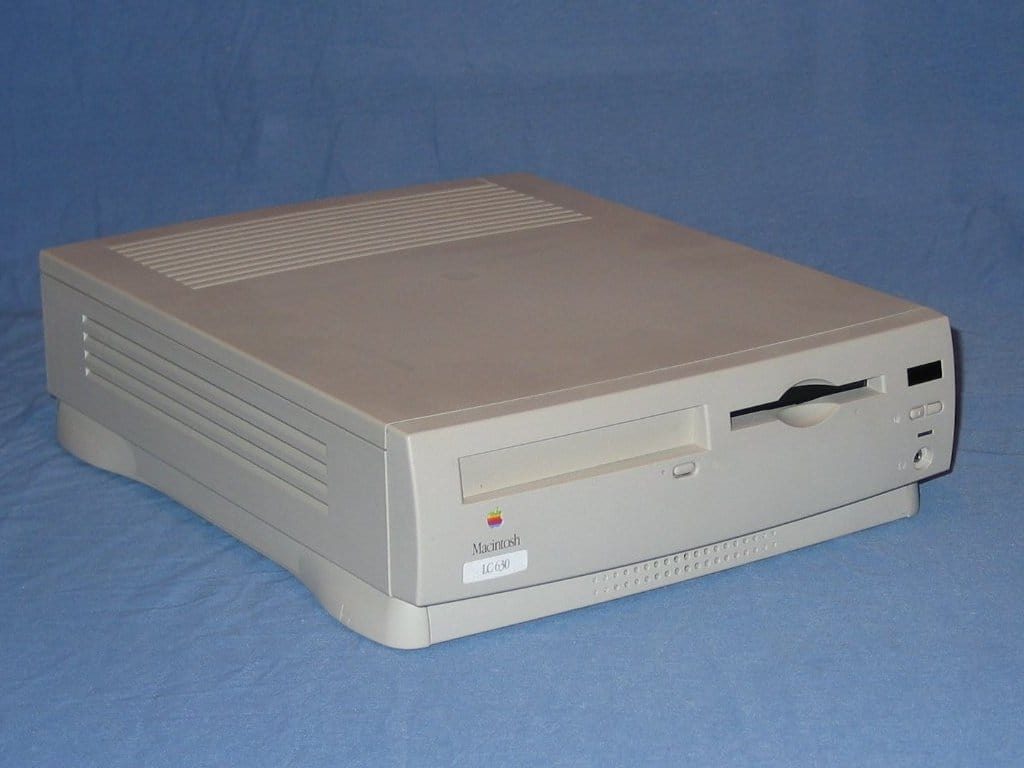
 July 18, 1994: Apple launches the Quadra, LC and Performa 630 Macintoshes, three similar computers with slight differences tailored for the professional, educational and home markets. Aimed at multimedia use, the new 630 series Macs bring innovative hardware and software at a much more affordable price than previous Apple computers.

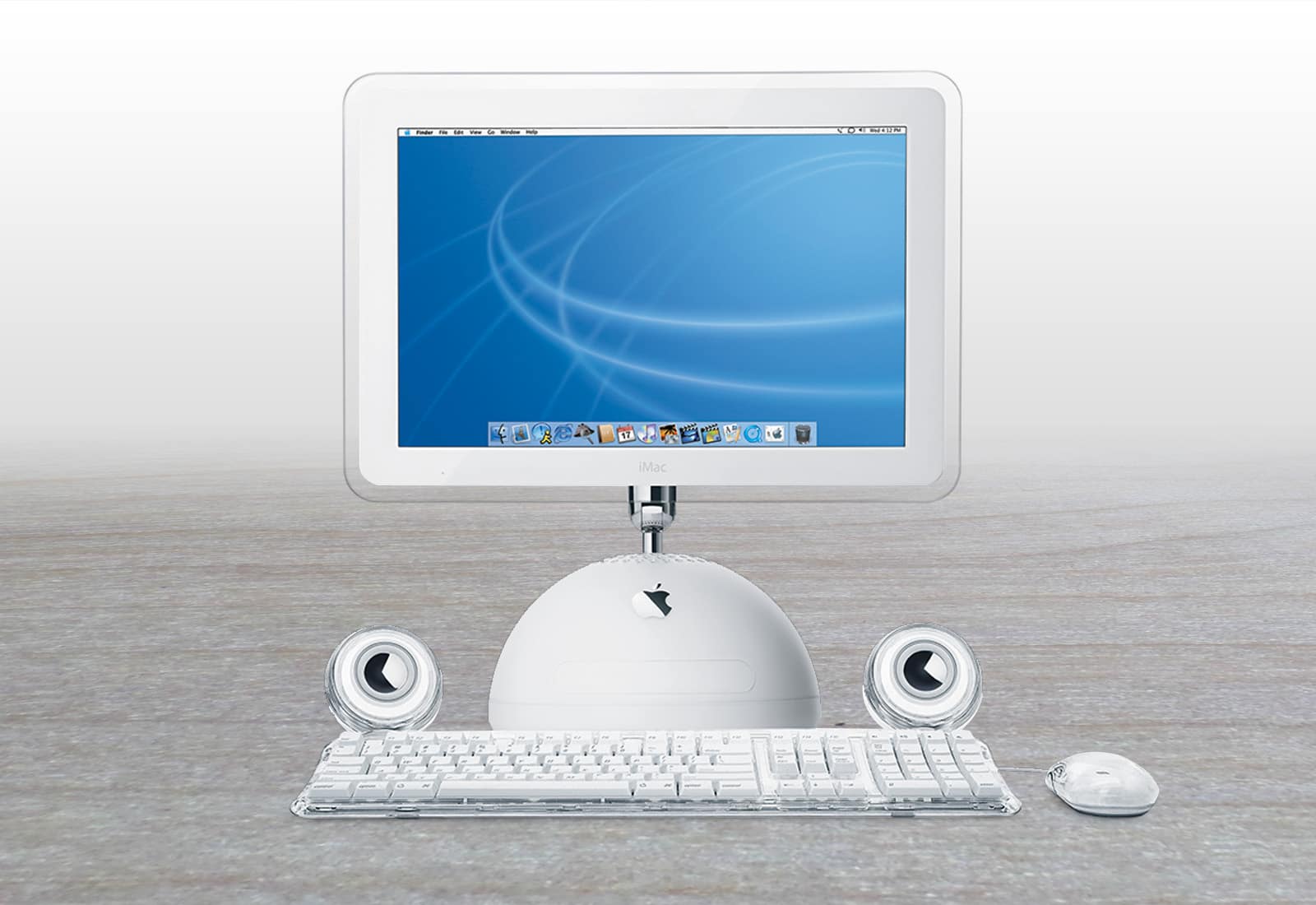
 July 17, 2002: Apple ships a new super-sized iMac G4 with a 17-inch widescreen LCD display that becomes the envy of most computer users at the time.
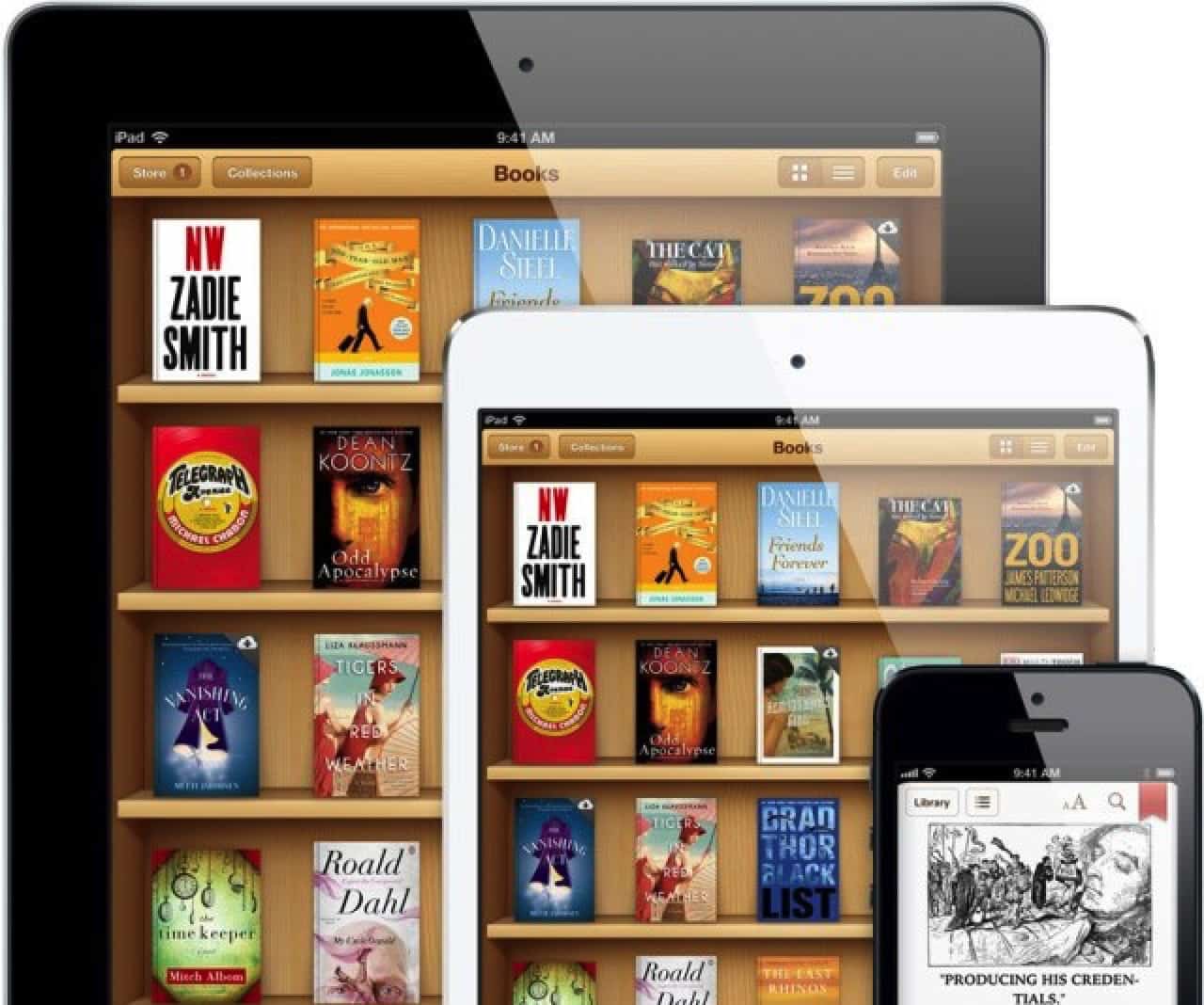
 July 16, 2014: Apple agrees to pay $450 million to resolve the Department of Justice’s antitrust case against the company over e-book pricing in the iBooks Store. In the e-books lawsuit, Apple stood accused of conspiring with five major book publishers to fix prices on digital books.