The Logitech Signature Slim Solar+ K980 is powered by light, and it connects via Bluetooth, so no cables are ever needed.
It features a full keyboard layout with number keys in a slim and low-profile form. It works with Mac, iPad and iPhone.
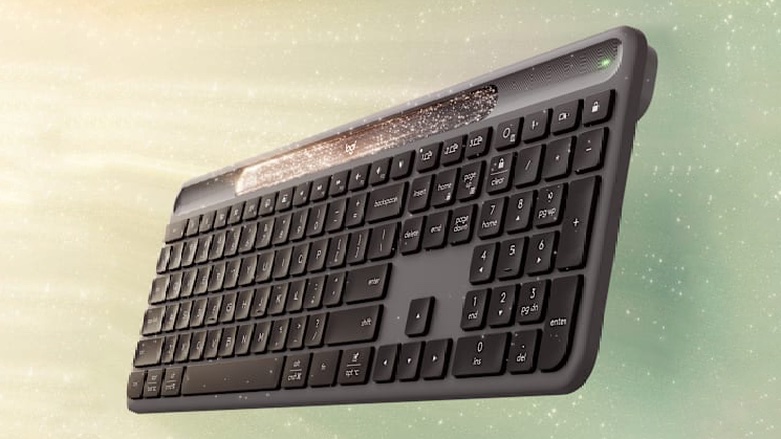
The Logitech Signature Slim Solar+ K980 is powered by light, and it connects via Bluetooth, so no cables are ever needed.
It features a full keyboard layout with number keys in a slim and low-profile form. It works with Mac, iPad and iPhone.

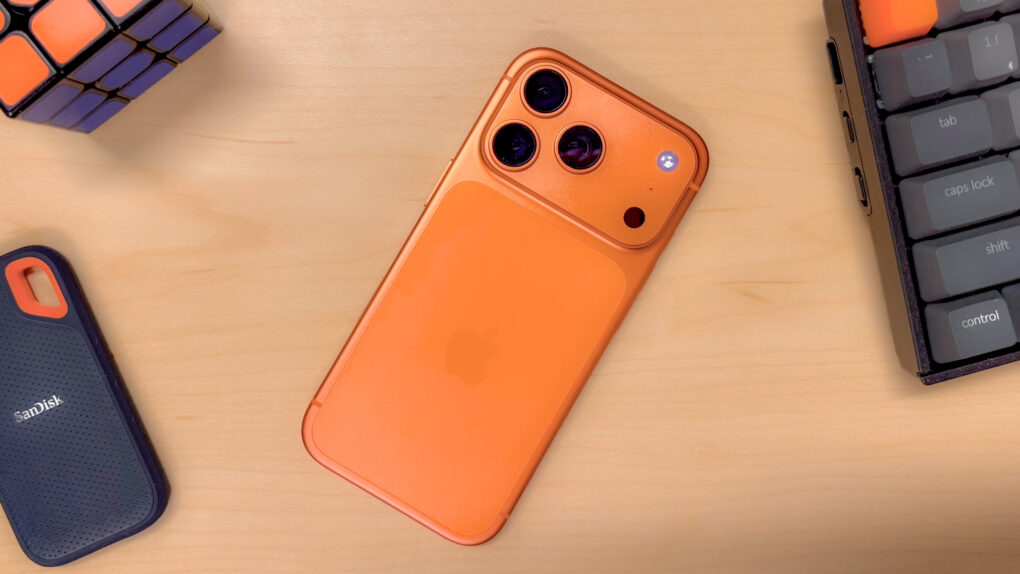
For the first time ever, Apple released a Pro iPhone where “pro” means professional, not premium. The wafer-thin iPhone Air swiped the coveted premium device seat this year, but the iPhone 17 Pro still sits at the head of the table.
With its upgraded pro features and a new, no-nonsense design, the iPhone 17 Pro delivers the goods for people who need maximum power.
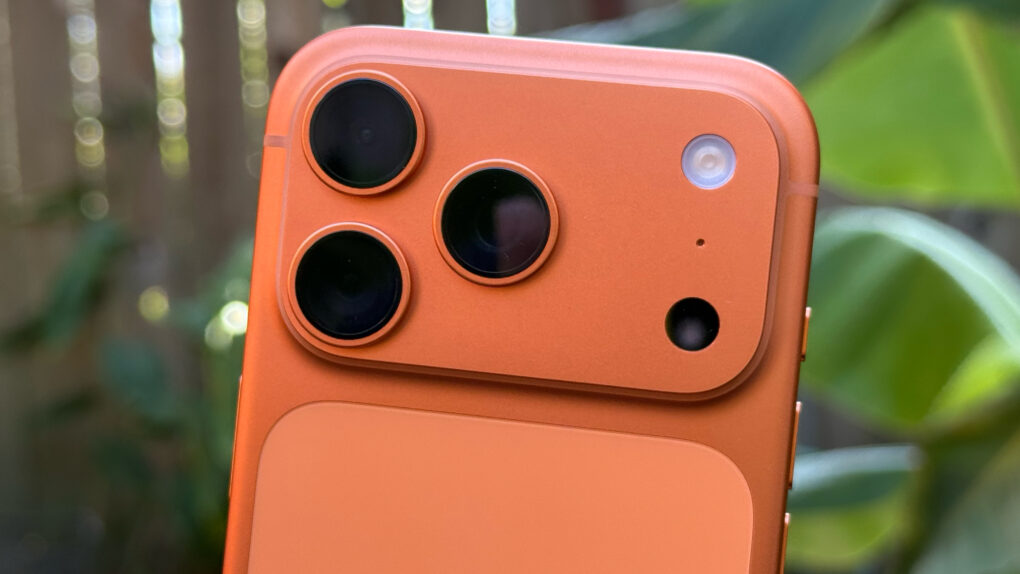
In its iPhone 17 teardown, the iFixit team provides a detailed explanation of why the iPhone 17 Pro scratches so easily. They brought in a materials scientist to get to the heart of what’s causing Scratchgate — and explain how Apple might have avoided the problem.
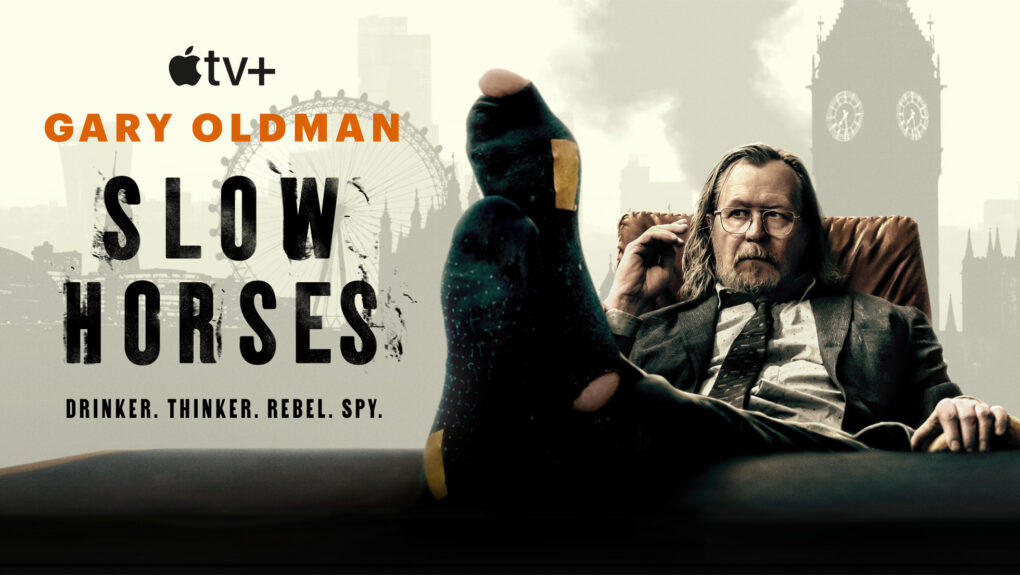
A big hit for Apple TV+, the darkly comedic spy thriller Slow Horses returned Wednesday with the first episode of its fifth season. Once again it’s off to a fast start, making London look like a bloody shooting gallery. And it appears the season will echo contemporary themes of nationalistic fervor and immigration backlash.
How will Slough House section chief Jackson Lamb (Gary Oldman) and his beleaguered team of B-team spies react, especially when one of their number may be compromised?

Taking a cue from the iPhone’s Messages app, Meta is adding message translations to WhatsApp. With this feature, you can directly translate chats in a conversation into a familiar language.
At launch, the translate tool will support over 19 languages on the iPhone.
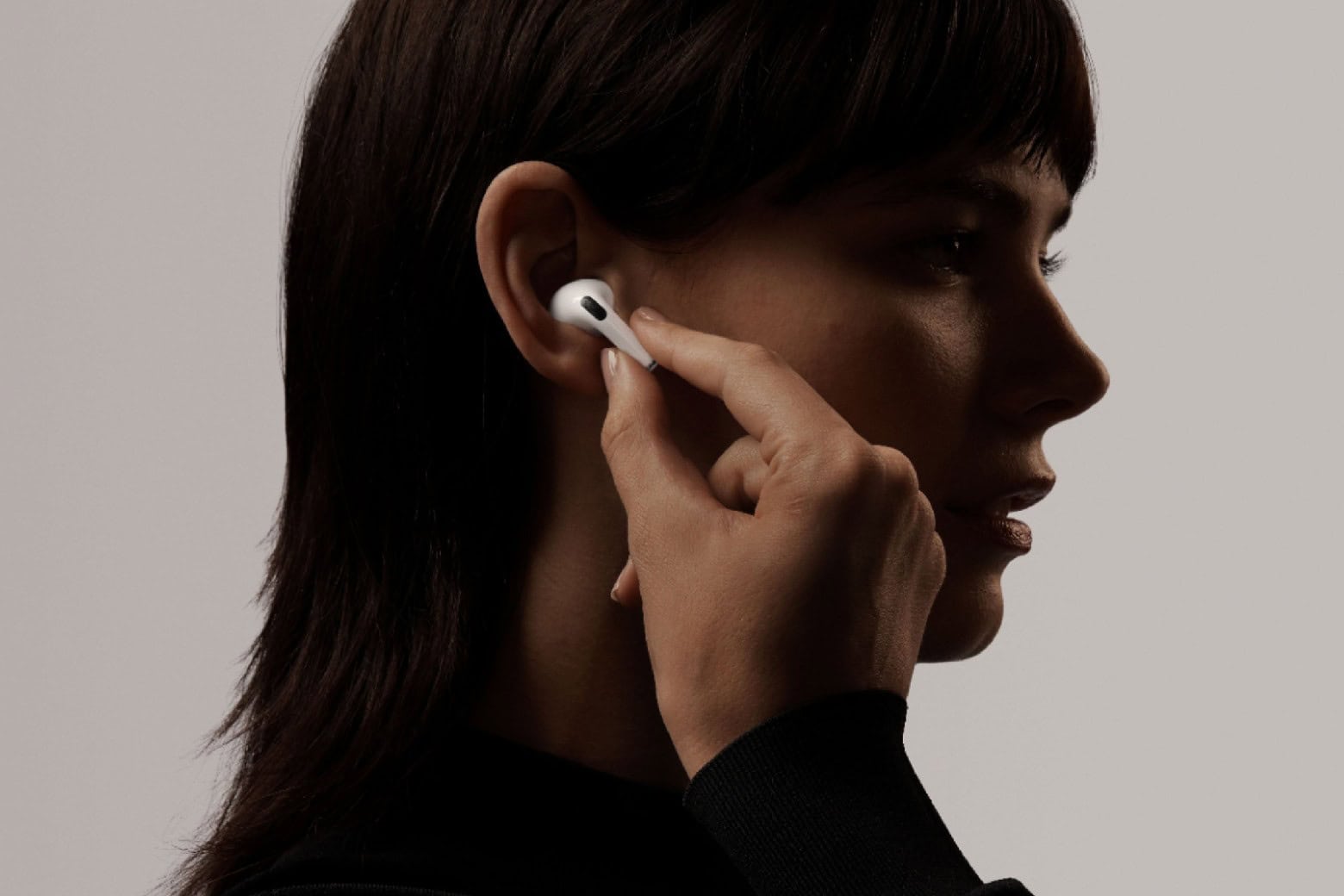
Want noise-canceling Apple earbuds for less? Hop on this deal to snag a pair of refurbished first-gen AirPods Pro for just $89.99.
No, they don’t come with all the advanced features of second- and third-gen AirPods Pros. But they deliver quality audio and active noise cancellation at a price that even Amazon can’t beat.
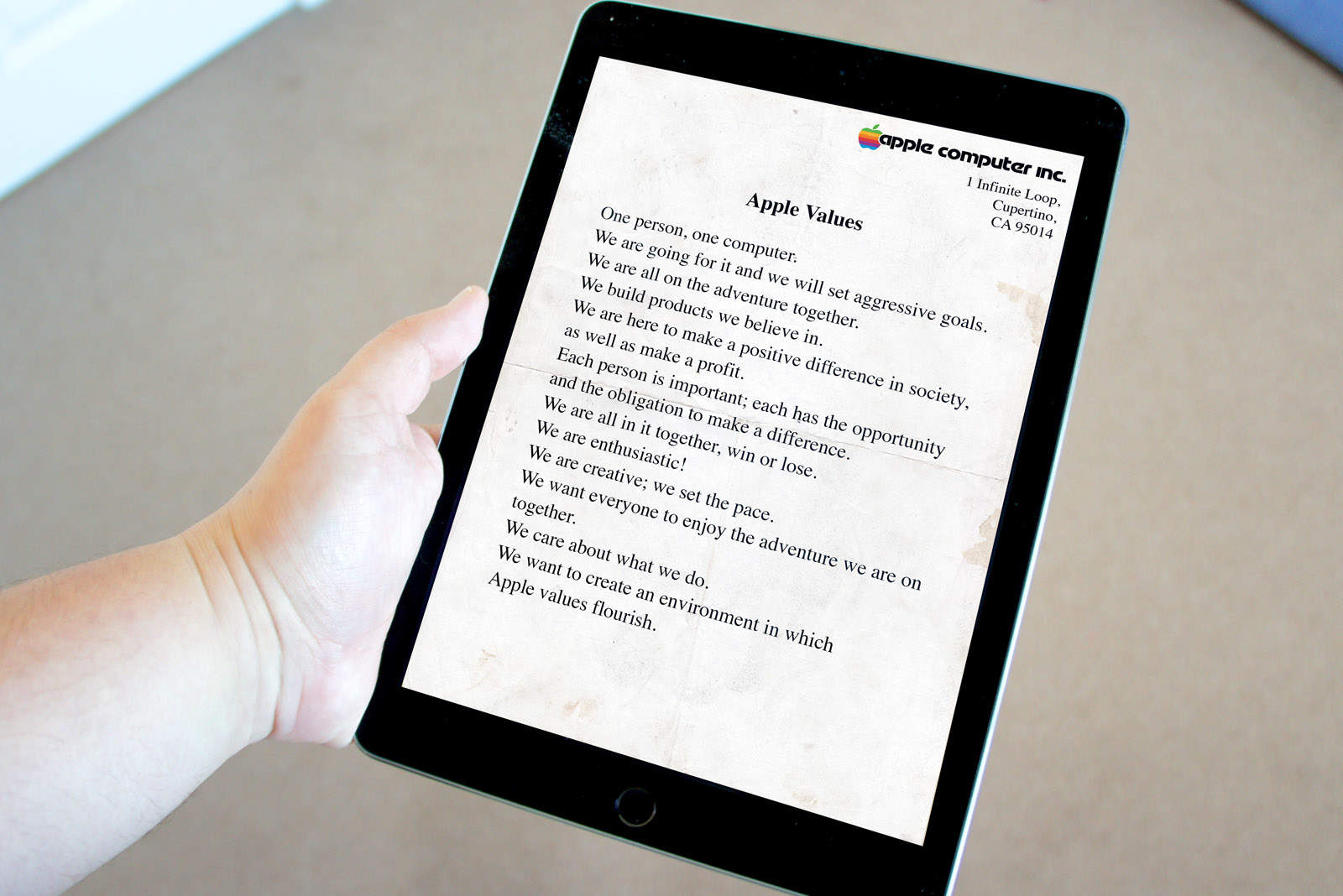
 September 23, 1981: Years before Steve Jobs would tell us to “think different” and Tim Cook would say Apple should act as a “force for good,” Cupertino lays out what it calls its “Apple Values.” This mission statement will guide the company for years.
In the memo, management defines Apple Values as “the qualities, customs, standards and principles that the company as a whole regards as desirable. They are the basis for what we do and how we do it. Taken together, they identify Apple as a unique company.”

Through a major investment, Apple will protect and restore California’s coastal redwood forests, the iPhone giant said Tuesday. To do so, it partners with The Conservation Fund to ensure the long-term sustainability of the iconic trees.
“Forests are one of the most powerful technologies we have for removing carbon from the atmosphere,” said Lisa Jackson, Apple’s vice president of Environment, Policy and Social Initiatives. “Our global investments in nature are leveraging that technology while supporting communities, stimulating local economies and enhancing biodiversity in ecosystems around the world.”
Code found in iOS 26 beta 1 reportedly reveals that Apple is prepping a new feature: Background Security Improvements. These will patch security problems and won’t need the user to be involved or even be aware that a patch is being applied to their iPhone.
This is apparently the replacement for Rapid Security Responses, an iPhone security tool that Apple introduced but then hasn’t used in years.
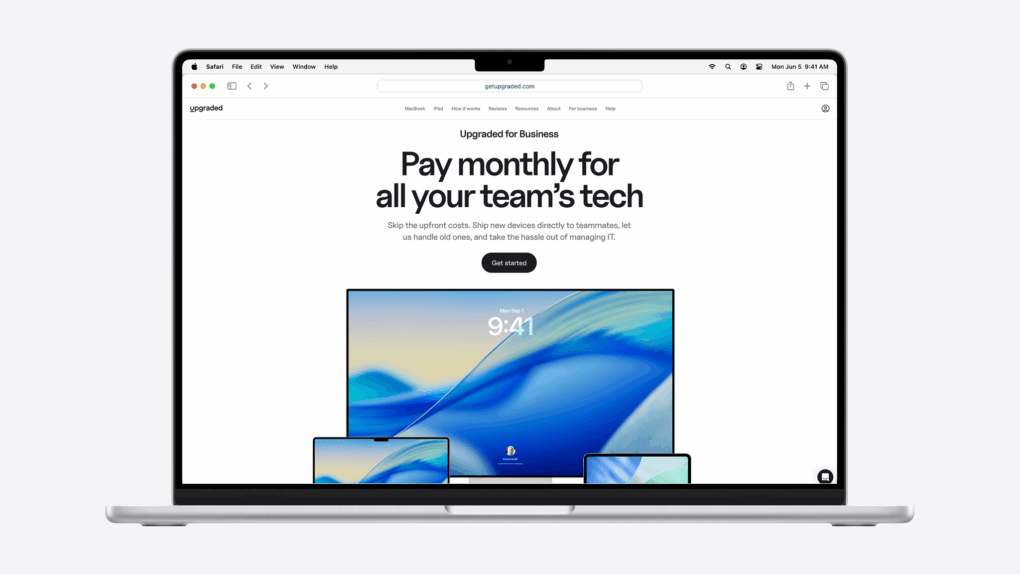
MacBooks make you faster, sharper and more productive. But they’ve always come with one big problem: price. Upgraded’s affordable MacBook financing program changes that.
Whether you’re buying a MacBook for yourself or outfitting an entire company, it usually means a huge upfront bill, a complicated reselling process, or headaches when managing devices for remote employees.
Upgraded solves this with simple monthly MacBook subscriptions, starting at just $33.28 per month. For businesses, Upgraded’s innovative MacBook financing also means turning big upfront capital expenses into smaller operating expenses you can write off, while handing off the hassle of device management.
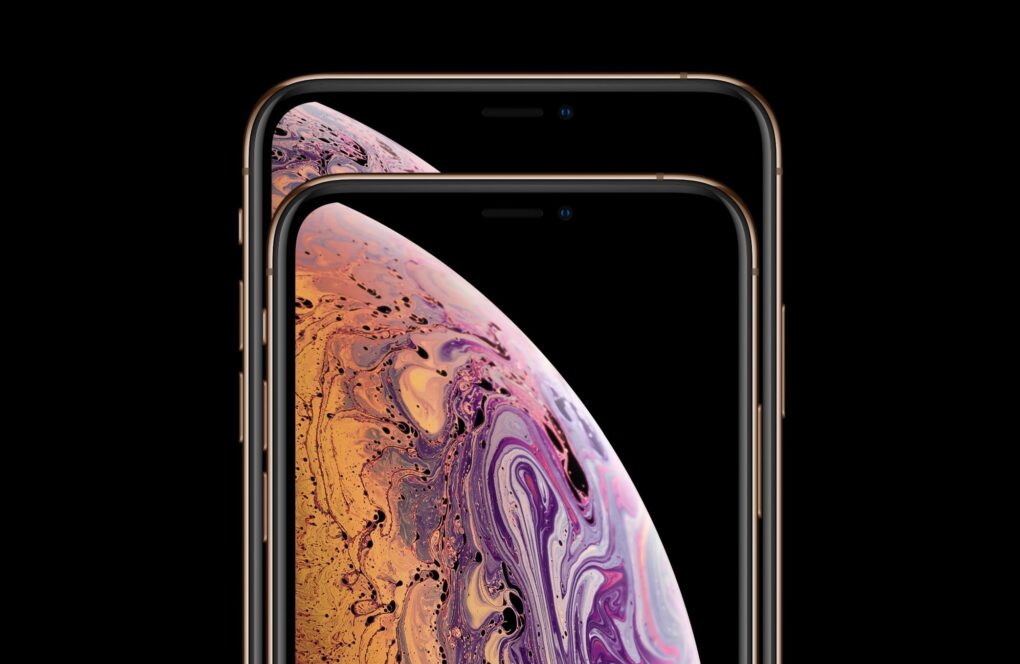
Apple plans to adopt Samsung’s cutting-edge OLED display technology for its 20th anniversary iPhone in 2027, marking a significant leap forward in screen brightness, thinness and power efficiency, according to a new report Tuesday.
The move would see Apple implement Color Filter on Encapsulation (COE) technology for the first time in a traditional smartphone, following Samsung’s lead.
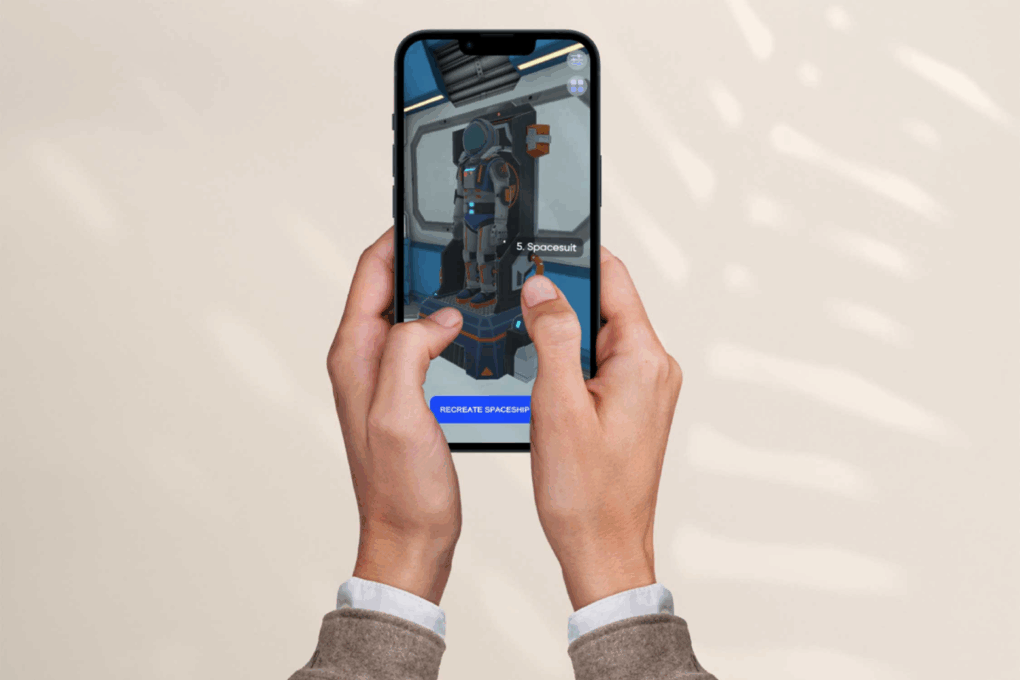
The memoryOS app is designed to give your mind a real performance boost. It isn’t just another brain-training gimmick. It’s built on scientifically proven methods, like mnemonics and spaced repetition. And it digitizes everything into a fun, gamified experience.
If your recall isn’t where you want it to be (and blueberries and brain games just aren’t cutting it), grab a five-year subscription to memoryOS for $249.99. That’s a 66% discount off the regular price of $749.95.

What’s the biggest upgrade a computer setup can undergo other than a new computer, external display(s) or a massive audio boost? It’s the very platform the setup sits on — usually a desk. In my case, it’s an Uplift Standing Desk V3, which I reviewed recently (five stars, btw).
It’s a huge upgrade aesthetically and functionally. And it changes how I mount and use my gear, too.
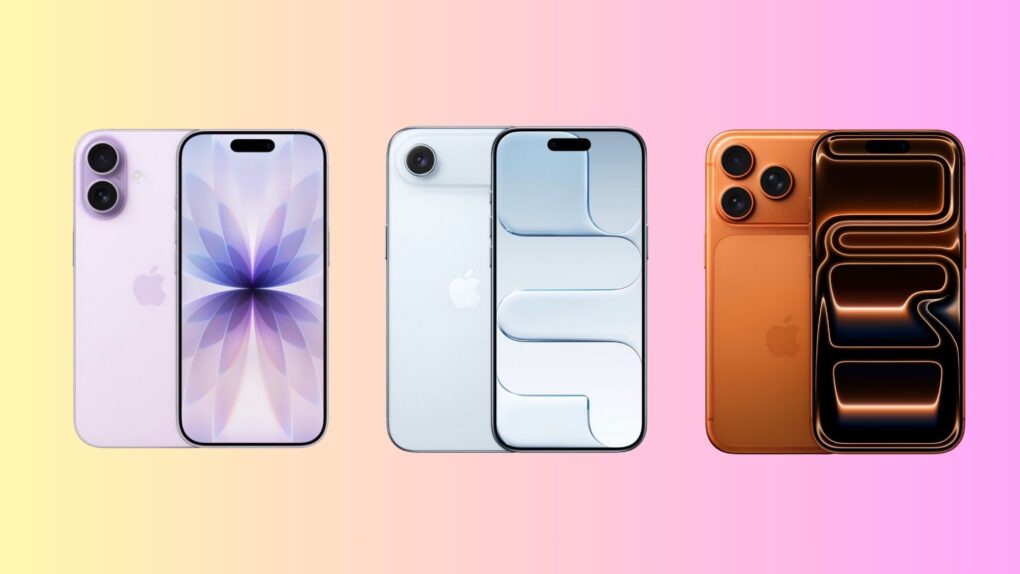
Apple’s 2025 iPhone lineup is its boldest — and most confusing — yet. It offers three distinct models designed to cater to very different kinds of users. From the slim and stylish iPhone Air to the all-out powerhouse iPhone 17 Pro, with the well-balanced iPhone 17 in between, there’s something here for everyone.
But with overlapping features, similar pricing and Apple blurring the lines between Pro and non-Pro models, choosing the right iPhone isn’t as straightforward as it used to be.
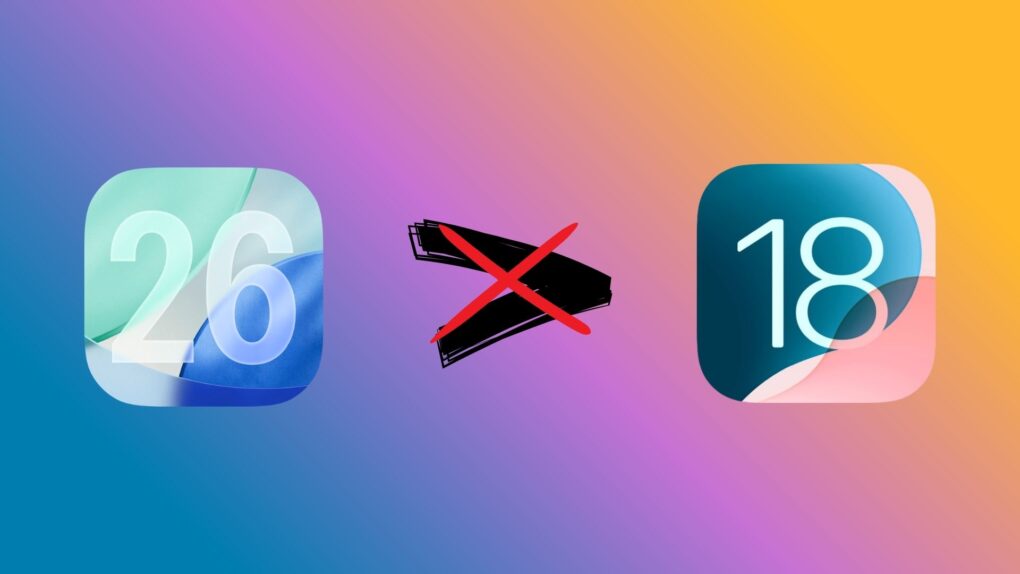
A week after the release of iOS 26, Apple has stopped signing iOS 18.6.2. So, you can no longer downgrade your iPhone from iOS 26 to iOS 18.
This move is standard practice for Apple. It usually stops signing older iOS builds shortly after a major update goes public.
Apple expanded its Apple Immersive Video catalog Monday with a slate of new films from major global publishers, broadcasters and brands, marking a major milestone for the Vision Pro platform.
The new content comes from partners including Audi, the BBC, CANAL+, CNN, HYBE, MotoGP and Red Bull. Releases are planned over the coming months.
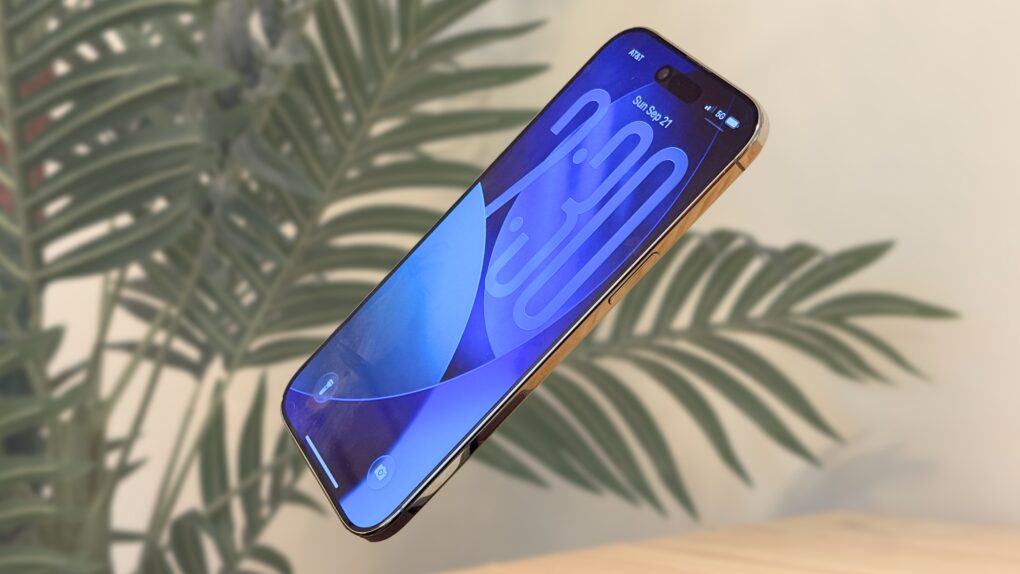 ★★★★☆
★★★★☆
The iPhone Air is what the people say they’ve been asking for: something new. This is the first iPhone in a long time that will truly shock you when you take it out of the box and hold it in your hand.
That means cutting a few things you’ve come to expect from the iPhone: the second speaker, the second (and third) rear cameras … but also, the thickness and weight. And the more time I spent with the iPhone Air, the more I appreciated what was still there: the super-bright and big display, the improved front camera and, most surprisingly, the battery life.
Here’s my experience switching from the iPhone 16 Pro to the iPhone Air. It’s a path I think you might enjoy taking, too. Keep reading or watch our video review.
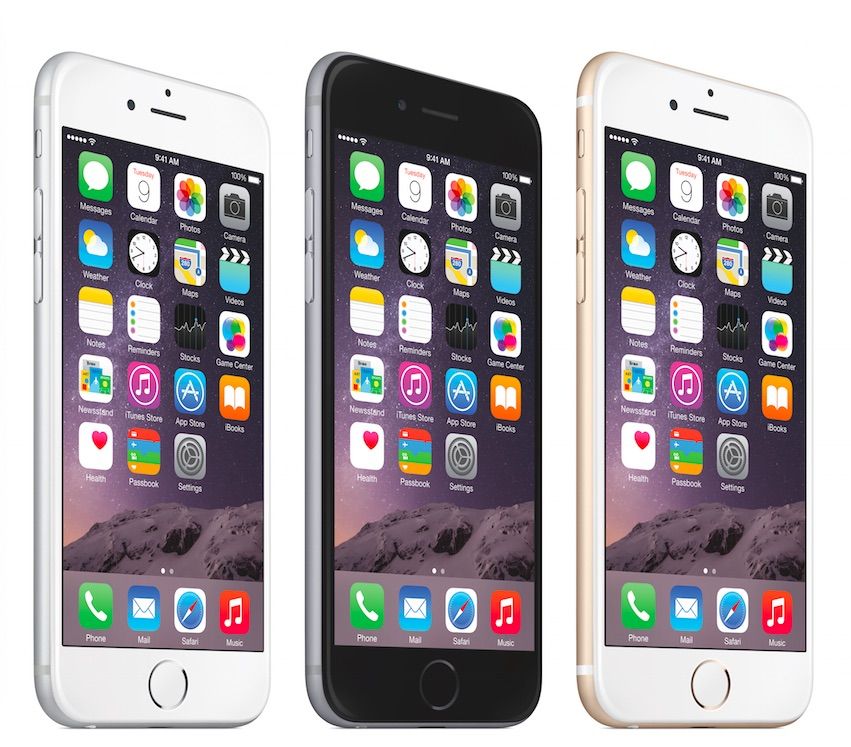
 September 22, 2014: Apple notches a new sales record with the iPhone 6 and iPhone 6 Plus launch, selling an astonishing 10 million units in the first weekend the handsets go on sale.
The eagerly anticipated smartphones bring a redesigned form factor that will persist for years. The most obvious change? Larger 4.7-inch and 5.5-inch displays built to lure phablet fans. The iPhone 6 and 6 Plus also boast an A8 chip, improved iSight and FaceTime cameras, and — significantly — Apple Pay for secure mobile payments.
“Sales for iPhone 6 and iPhone 6 Plus exceeded our expectations for the launch weekend, and we couldn’t be happier,” Apple CEO Tim Cook says in a press release. “We would like to thank all of our customers for making this our best launch ever, shattering all previous sell-through records by a large margin.”
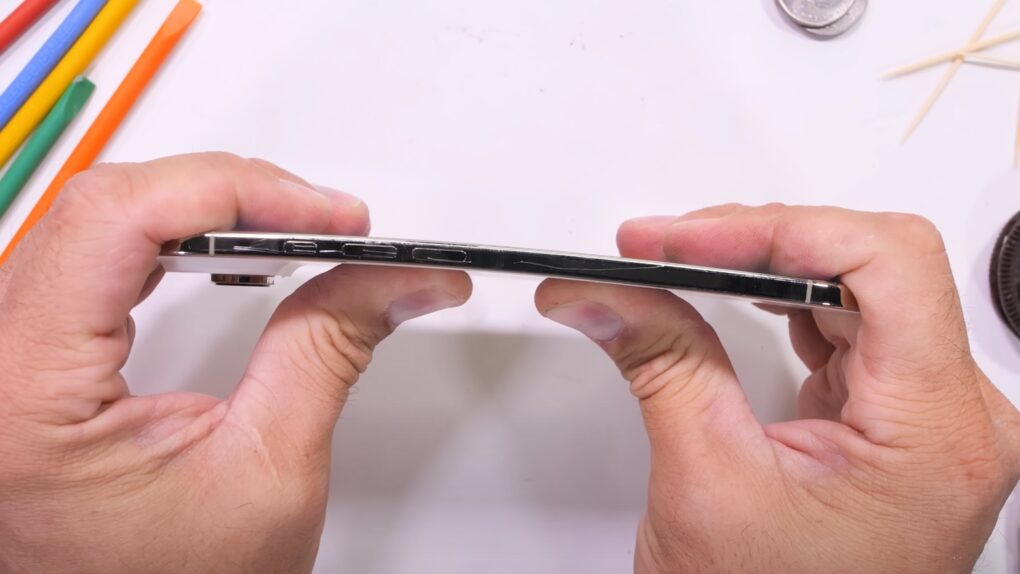
Do not worry that you’ll accidentally bend your iPhone Air. Despite its super-slim shape, tests show that it takes a huge amount of pressure to get the sleek new model to break.
That should reassure those who might accidentally sit on the handset.

Apple’s new iPhone Air surprised repair experts by proving ultra-thin doesn’t have to mean harder to fix. Despite measuring just 5.6mm thick — making it Apple’s thinnest iPhone ever — the device earned a solid 7 out of 10 repairability score from iFixit in its iPhone Air teardown, matching the iPhone 16 and 16 Pro.
And the teardown reveals how they made it so thin in the first place.
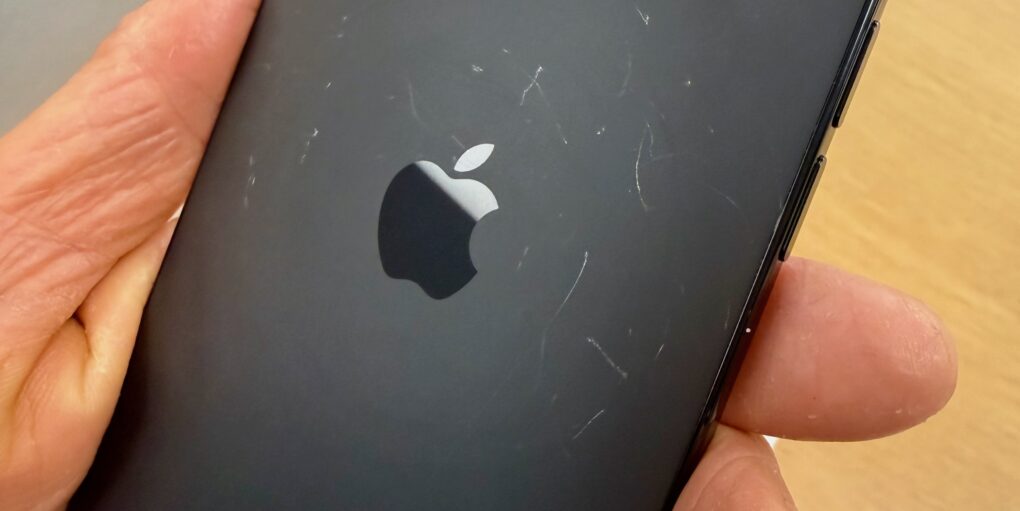
SAN FRANCISCO — The iPhone 17 Scratchgate drama is real. Demo units of the new iPhone 17 Pro and iPhone Air models in Apple retail stores are showing scratches on opening weekend. The scratches appeared on their aluminum frames and on the glass panels on their backs.
I examined demo iPhones at Apple Stonestown in San Francisco on Friday (the busy iPhone 17 launch day) and again on Sunday. Many of the new iPhone 17 Pros and iPhone Airs are already scratched, especially the iPhone 17 Pro in deep blue and the iPhone Air in space black. But other colors showed scratches, too, even the iPhone 17 Pro in cosmic orange — the hot color this year.
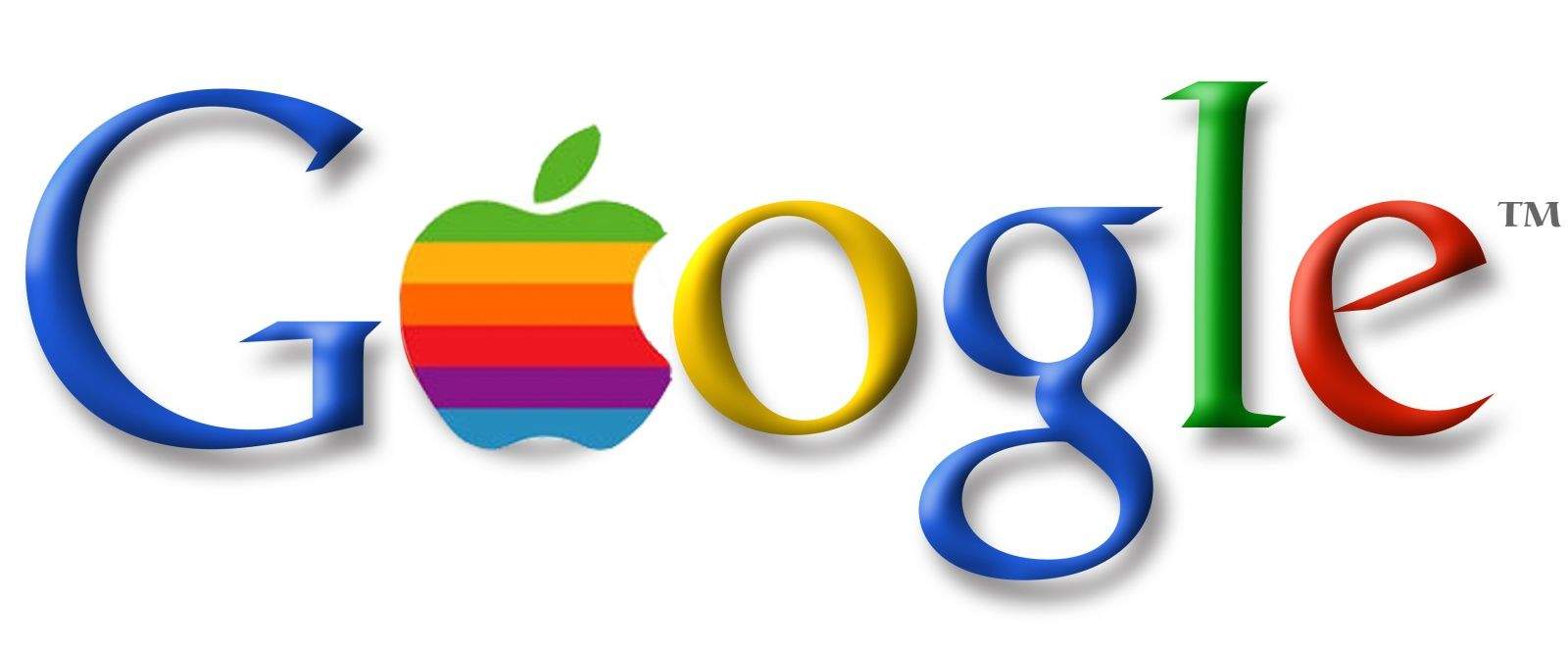
 September 21, 1999: A little startup called Google comes out of beta, with the launch of a website that will let the general public easily search the internet for information.
To Apple, which is embracing the internet with its colorful new iMac desktop computer and iBook laptop, Google seems like the perfect ally. Sadly, the relationship between the two companies won’t remain rosy for long.
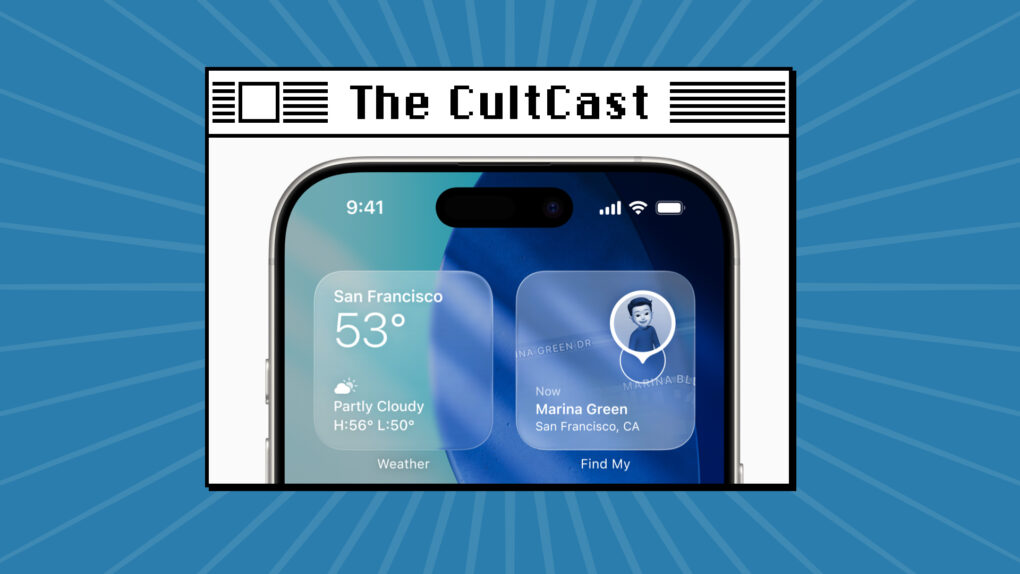
This week on Cult of Mac’s podcast: Now that we’re all running the latest software versions on our iPhones and Apple Watches, it’s time to go over the coolest new features.
Yes, Apple’s new Liquid Glass user interface takes some getting used to, but it’s pretty sweet in the end. And there are a bunch of other great additions we love. Join us for the conversation!
Also on The CultCast:
Listen to this week’s episode of The CultCast in the Podcasts app or your favorite podcast app. (Be sure to subscribe and leave us a review if you like it!) Or watch the video live stream, embedded below.
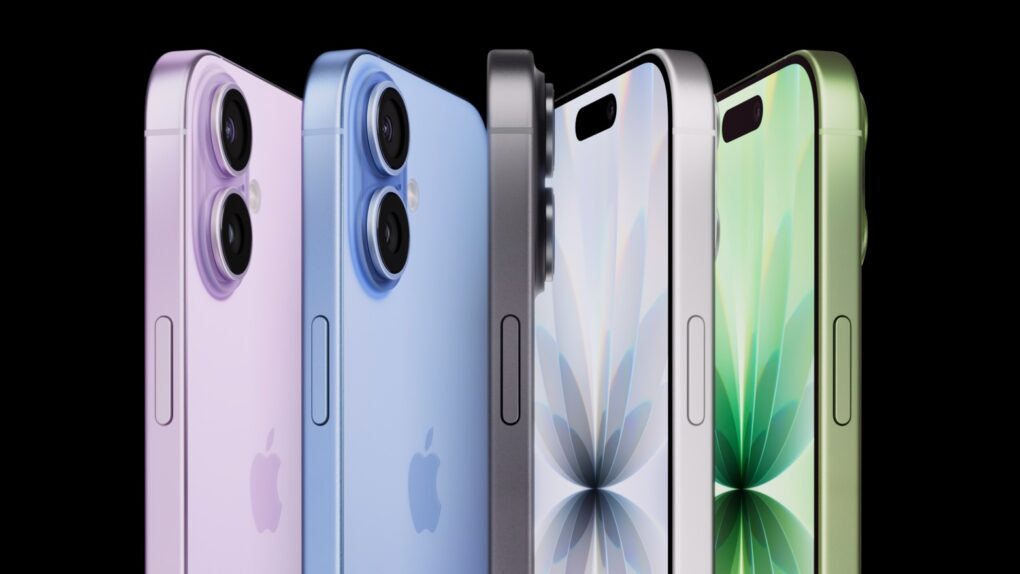
Enough customers are snapping up the base-model iPhone 17 that Apple reportedly asked the companies that assemble the handset to increase production.
There are also signs that the top-of-the-line iPhone 17 Pro Max is selling well.

Spike Lee’s crime drama starring Denzel Washington keeps pulling in a large audience, defying a possible second week drop off. Highest 2 Lowest earned a spot among the most popular films on streaming, according to two companies that track ratings. It’s a win for Apple TV+.
Plus, Apple TV+’s comedy The Studio had a comeback after winning lots of awards this week, and Apple’s adaptation of the sci-fi classic Foundation stayed popular even as its third season wrapped up.