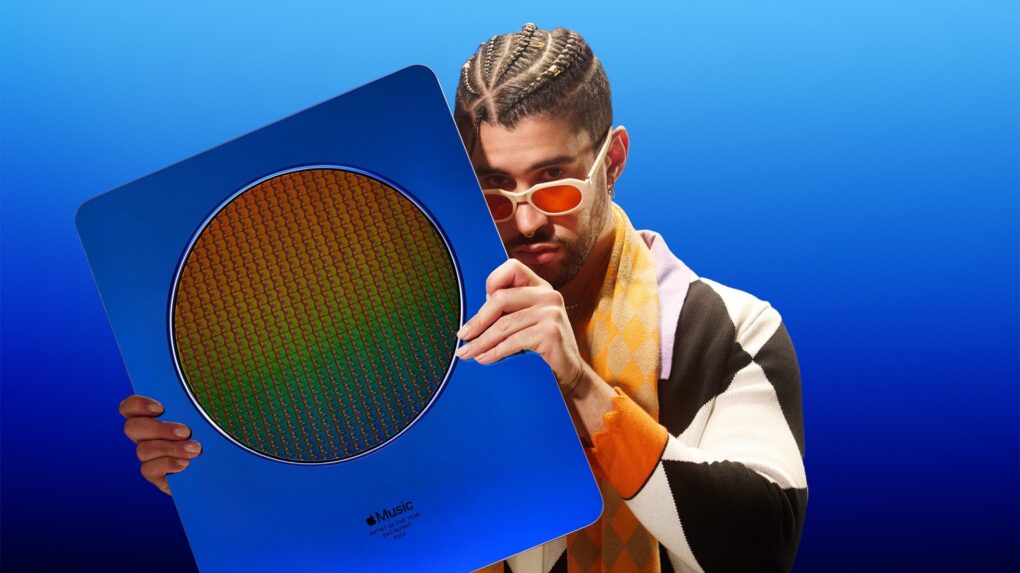
Three-time Grammy Award winner Bad Bunny will headline the 2026 Apple Music Super Bowl LX Halftime Show. The game will air on NBC, bringing the Puerto Rican superstar to one of the world’s biggest entertainment stages.
“What I’m feeling goes beyond myself,” Bad Bunny said in a press released issued by the NFL on Sunday. “It’s for those who came before me and ran countless yards so I could come in and score a touchdown. This is for my people, my culture, and our history. Ve y dile a tu abuela, que seremos el HALFTIME SHOW DEL SUPER BOWL.”
The game will take place at Levi’s Stadium in Santa Clara, California, on February 8, 2026.

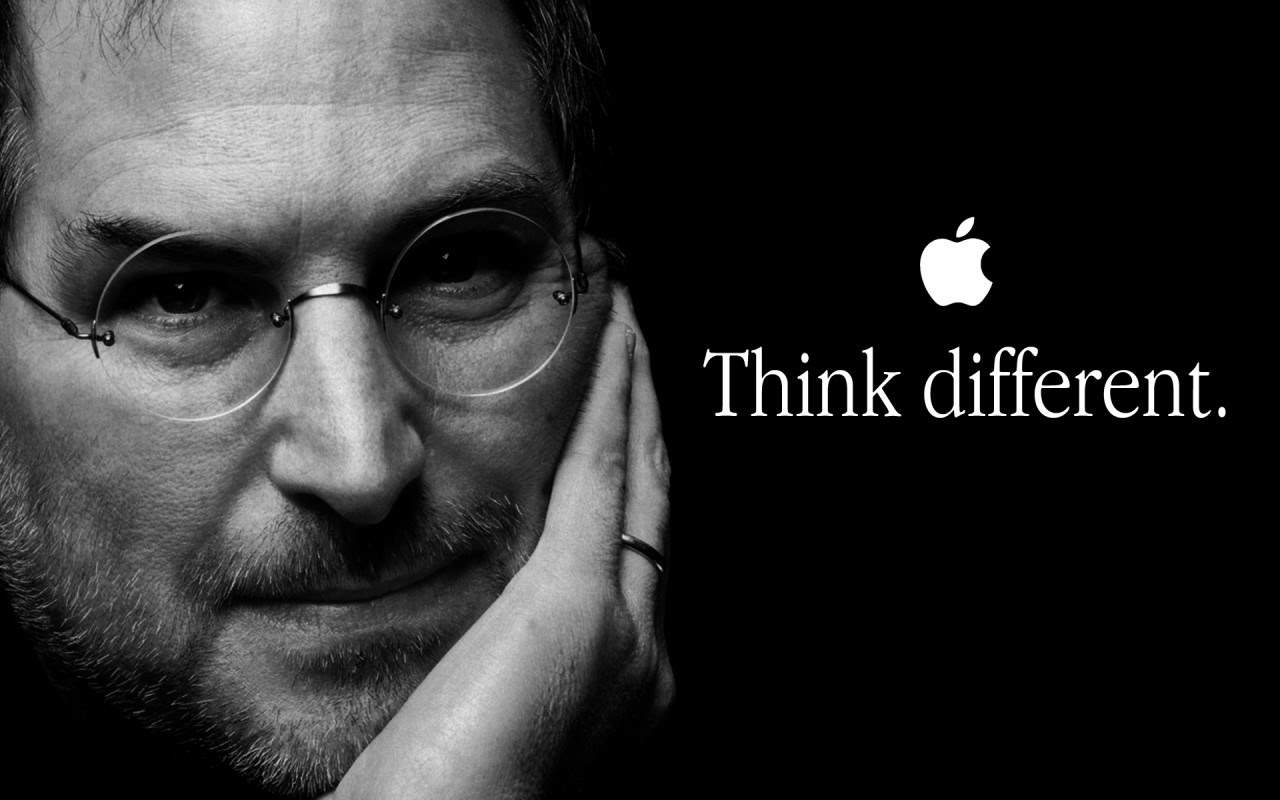
 September 28, 1997: Apple debuts its iconic “Think Different” ad campaign. The television commercial aligns the troubled computer company with some of history’s most celebrated freethinking rebels.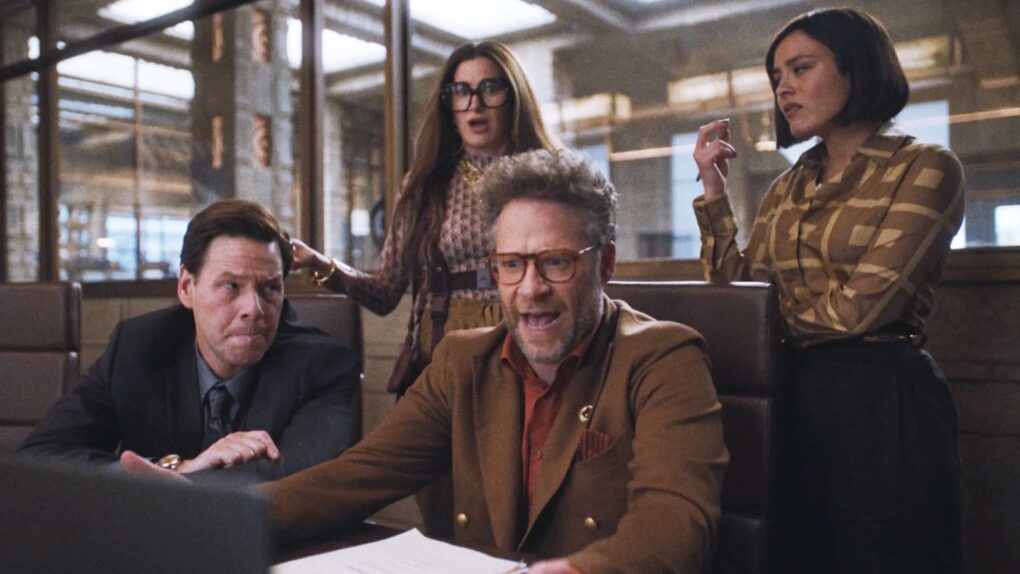
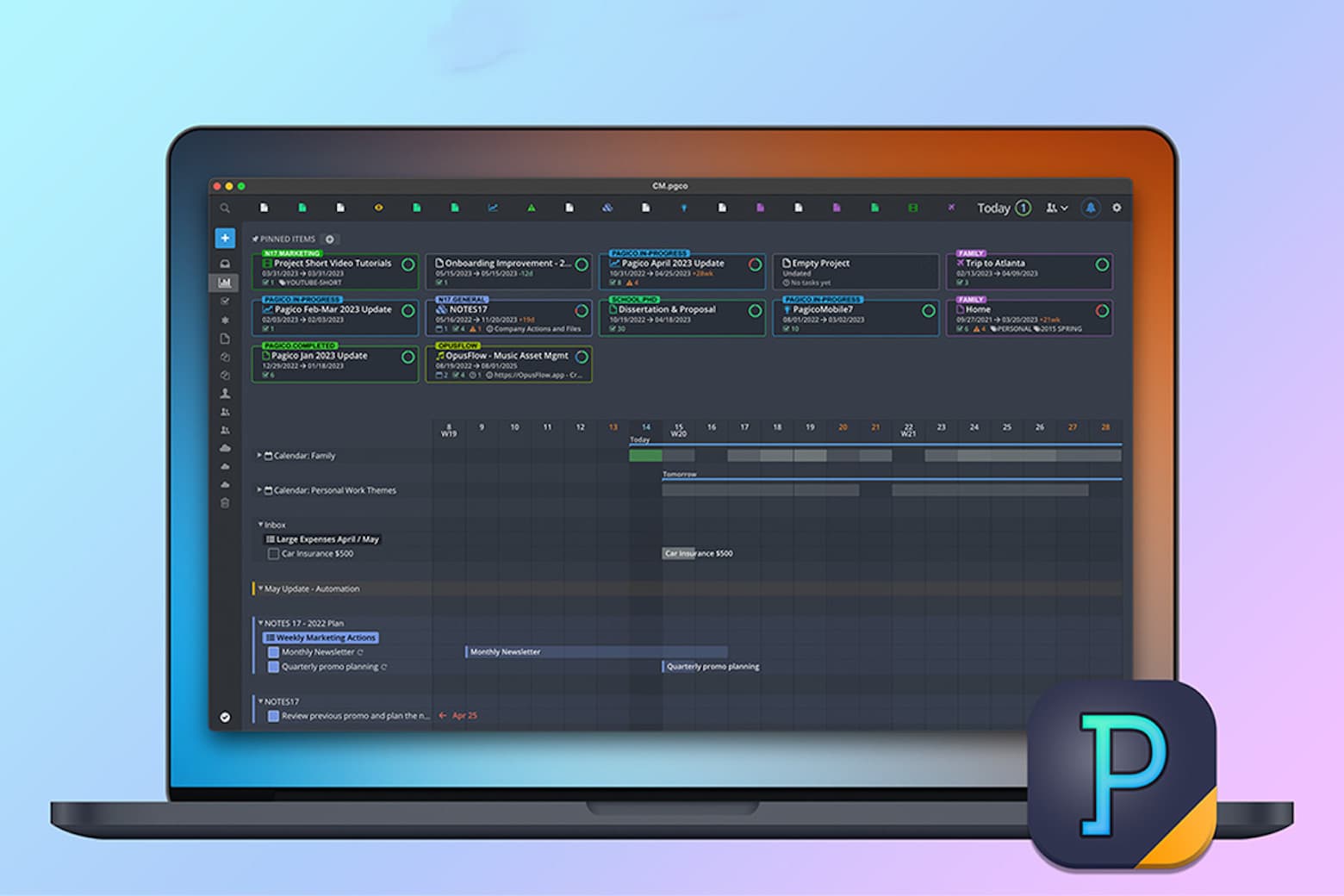
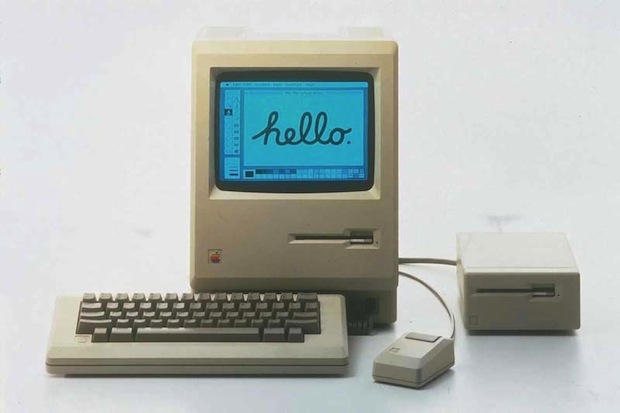
 September 27, 1979: Years before the Macintosh will ship, Steve Jobs and Jef Raskin clash for the first time over the direction of the R&D project to produce Apple’s revolutionary computer. Raskin, the founder of the Macintosh project, wants to produce a machine that’s affordable for everyone. Apple co-founder Jobs wants a computer that’s going to be the best, regardless of price.


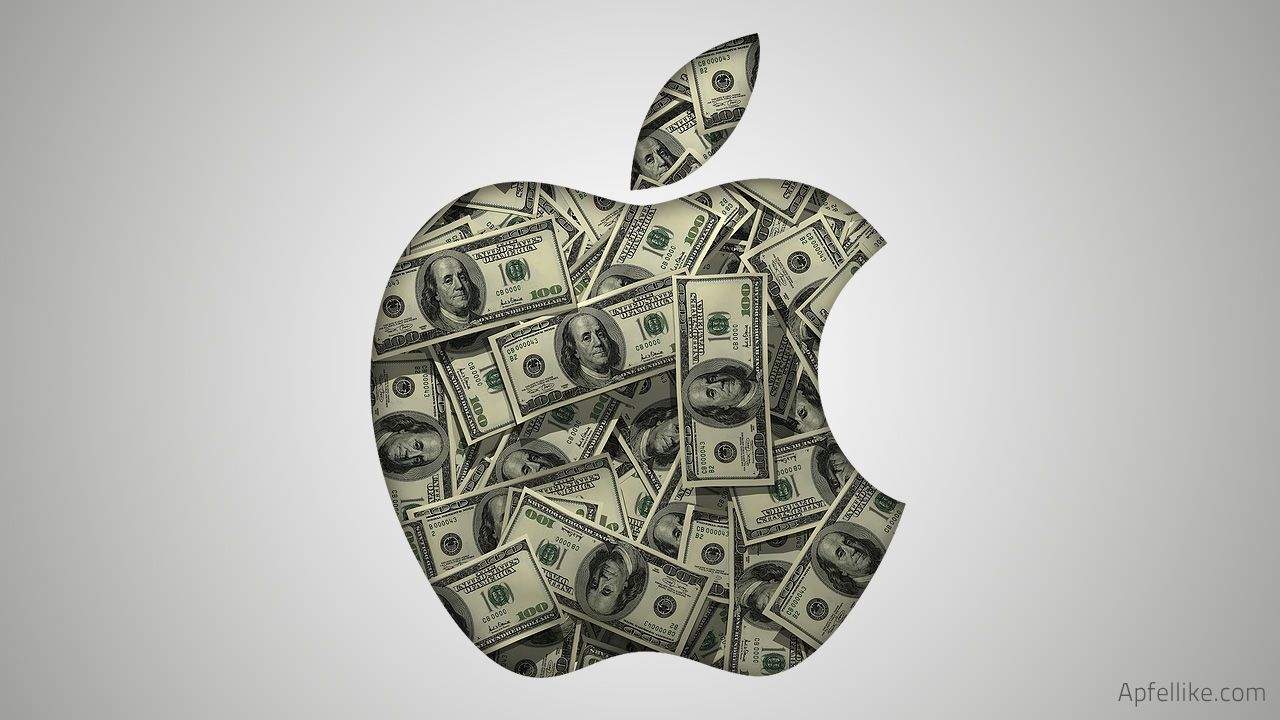
 September 26, 1997: In one of his first tasks after returning to Apple as interim CEO, Steve Jobs reveals the company’s massive quarterly loss of $161 million. It’s Apple’s biggest loss ever.
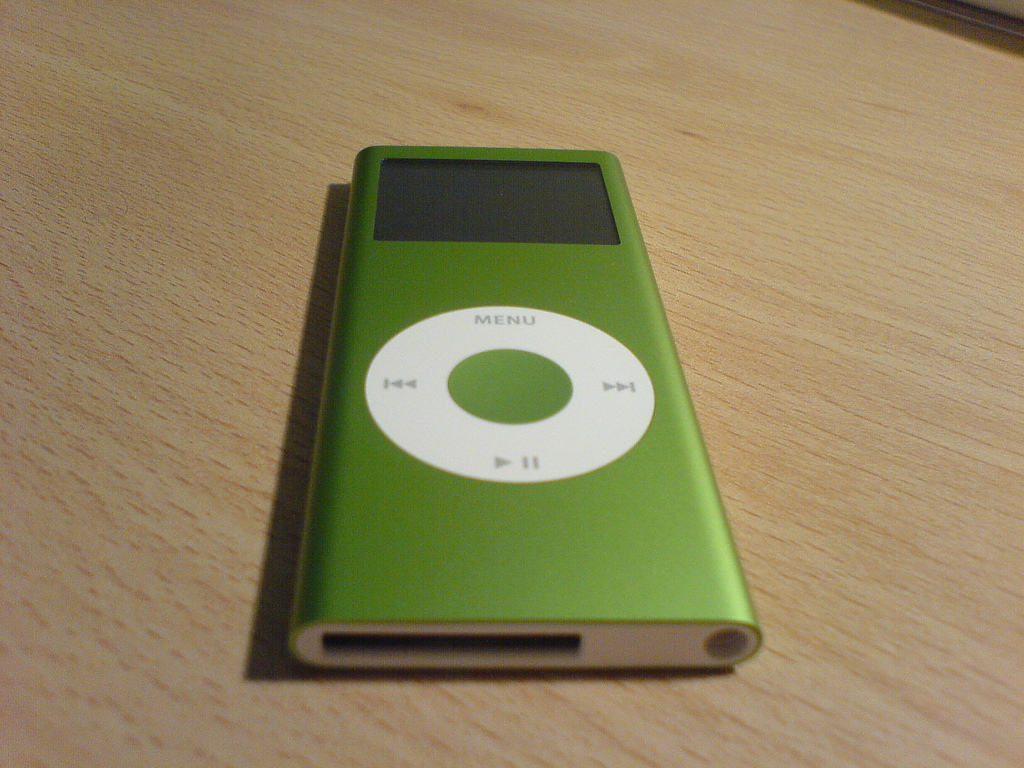
 September 25, 2006: Apple ships its second-generation iPod nano, offering a fancy redesign of the pocket-size original.