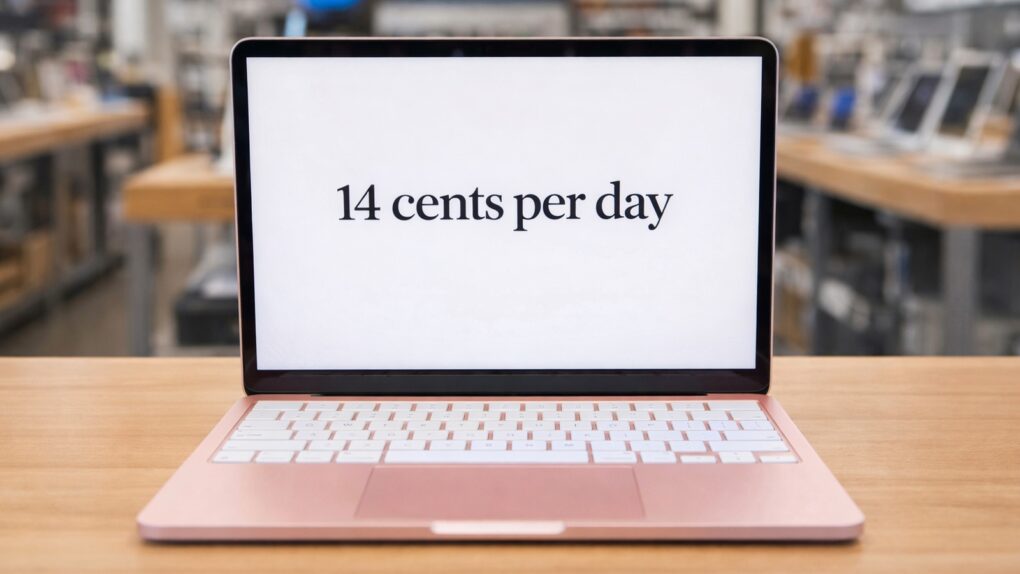
Think long term, and the MacBook Neo costs far less than you might realize. AI image: Apple/ChatGPT/Cult of Mac
An analyst’s report shows Apple’s new MacBook Neo is even more affordable than it first appears. The total cost of ownership is about half that of comparable Windows PCs.
It may sound counterintuitive at first — how can a $599 Mac be half the cost of a $599 PC? — but the analyst showed that the typical lifespan of a Mac is so much longer than that of a Windows PC that the Apple model costs much less over time.
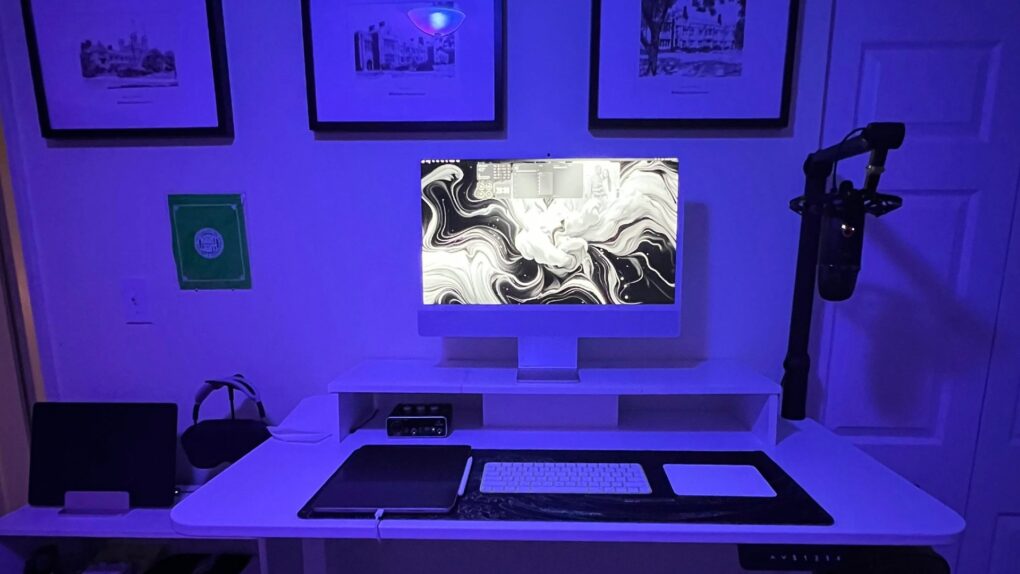
This M4 iMac setup packs great audio gear, too. Photo: [email protected]
The iMac has always occupied a special place in Apple’s lineup — a beautifully integrated all-in-one desktop computer that bundles a 4.5K Retina display, camera, speakers and microphone into a single elegant slab of aluminium with color-matched accessories.
Yet despite the machine’s considerable visual appeal, iMac setups are a surprisingly rare sight in Cult of Mac‘s long-running Setups section. I noted in March 2025 that, out of 616 Setups articles written over more than four years at that time, only 11 featured an iMac as the centrepiece. That’s partly due to the fact that Apple desktop sales. They made up just 14% of Mac sales in 2024, while MacBooks accounted for a whopping 86%.
New model number, same old drawbacks. Photo: Jason Zhang/Unsplash License
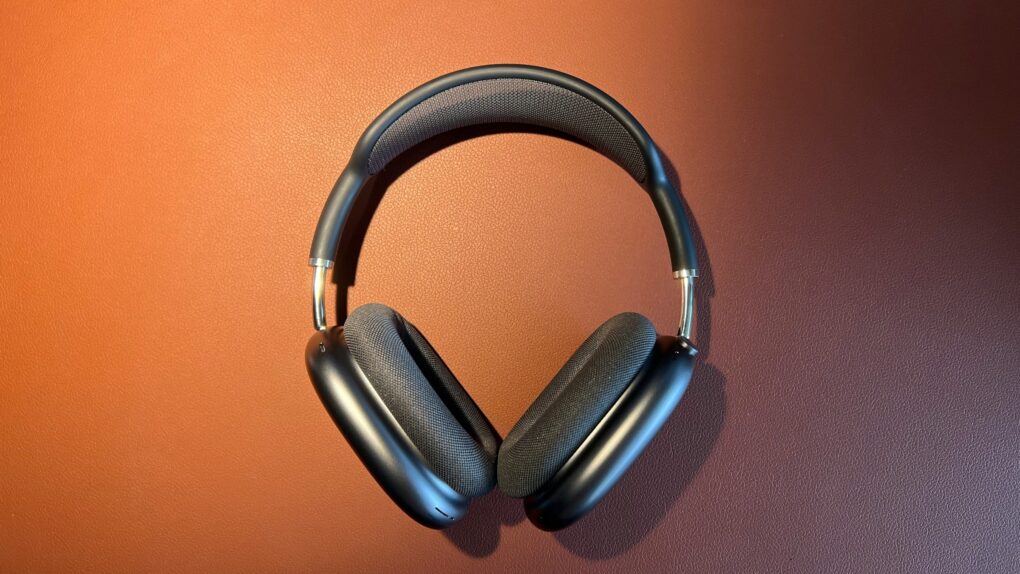
Apple had years to refine its high-end headphones, the AirPods Max. But with the just-announced AirPods Max 2, the company played it safe.
An upgrade to Apple’s H2 chip brings some notable new features to AirPods Max 2. However, with many of the original model’s shortcomings still present, the revamp feels like a missed opportunity.
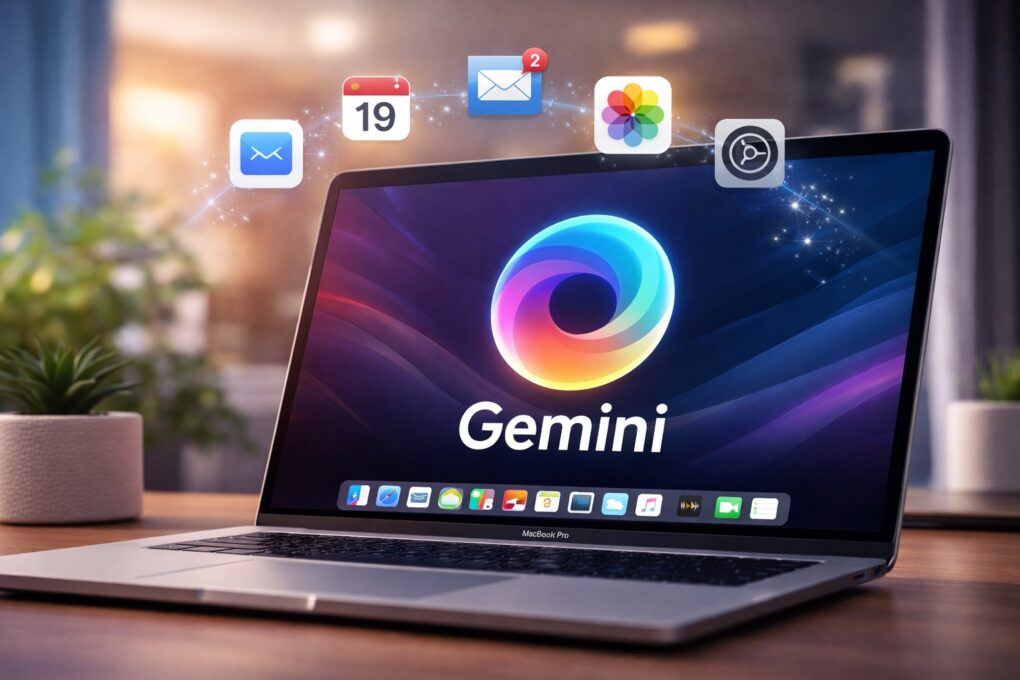
Gemini could soon get a dedicated Mac app. AI image: ChatGPT
Google has begun internally testing a dedicated Gemini app for macOS. While the company continues to improve its AI tool almost every other week, the lack of a native Mac app limits its full potential.
A dedicated app will make Gemini more accessible and better integrated into everyday workflows on macOS.
An iPhone typing bug that frustrates users gets a fix. AI image: Apple/ChatGPT/Cult of Mac
Apple’s iOS 26.4 update includes a small line in its release notes that is drawing outsized attention. It promises “improved keyboard accuracy when typing quickly.”
While that might sound like a routine tweak, it appears to address a typing problem that has frustrated iPhone users for months.
The IIfx was the fastest Mac of its day. Photo: Old Computr
March 19, 1990: The ultra-fast Macintosh IIfx makes its debut, sporting a hefty price tag appropriate for such a speedy machine.
The fastest Macintosh of its day, it boasts a CPU running at a “wicked fast” 40 MHz. It gains an additional speed bump from a pair of Apple-designed, application-specific integrated circuits. Prices start at $9,870 and run up to $12,000 — the equivalent of $24,561 to $29,862 in 2026 money!
A developer did with a MacBook Pro what usually requires a whole rack of specialized, powerful gear. AI image: Grok/Cult of Mac
Over the past few years, the artificial intelligence race looked like a story about infrastructure. Which company can build the biggest, most power-hungry data center, stock it with the most Nvidia GPUs and spend the most money? OpenAI, Amazon, Google, xAI — they’re all in a competition to build industrial-scale computing factories just to run the most powerful AI models. But it looks like developer Dan Woods just upended that story by running a data-center AI model on MacBook.
And that could mean Apple wins the AI race after all.
★★★★☆
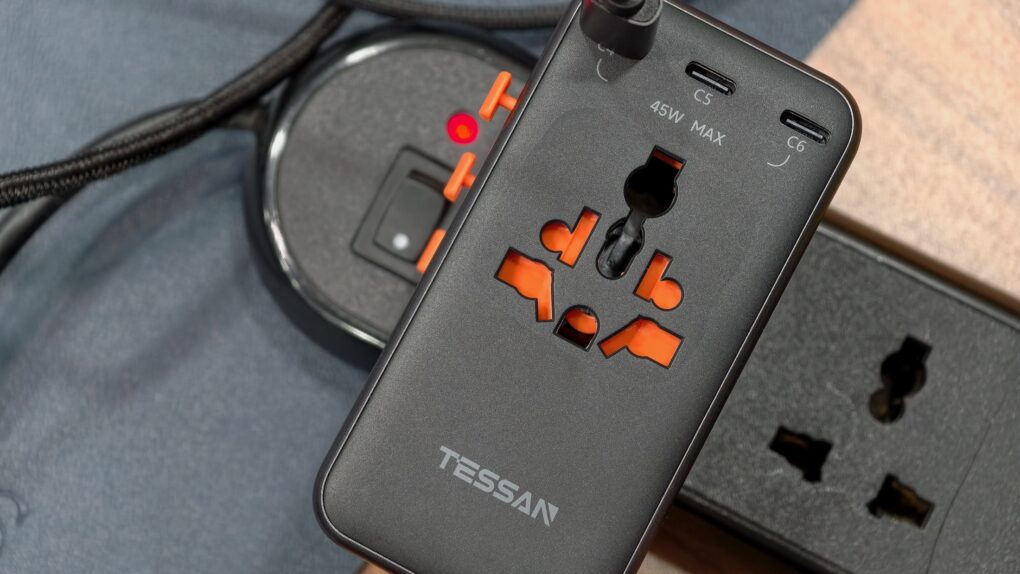
The Tessan Voyager 205W travel adapter is one-of-a-kind. Photo: Rajesh Pandey/Cult of Mac
The Tessan Voyager 205 Universal Travel Adapter combines a global plug adapter with a powerful 205W GaN charger with seven ports. It’s bigger and heavier than your usual travel adapter — but also far more capable.
Does the Voyager deserve a spot in your travel bag? Find out in our review.
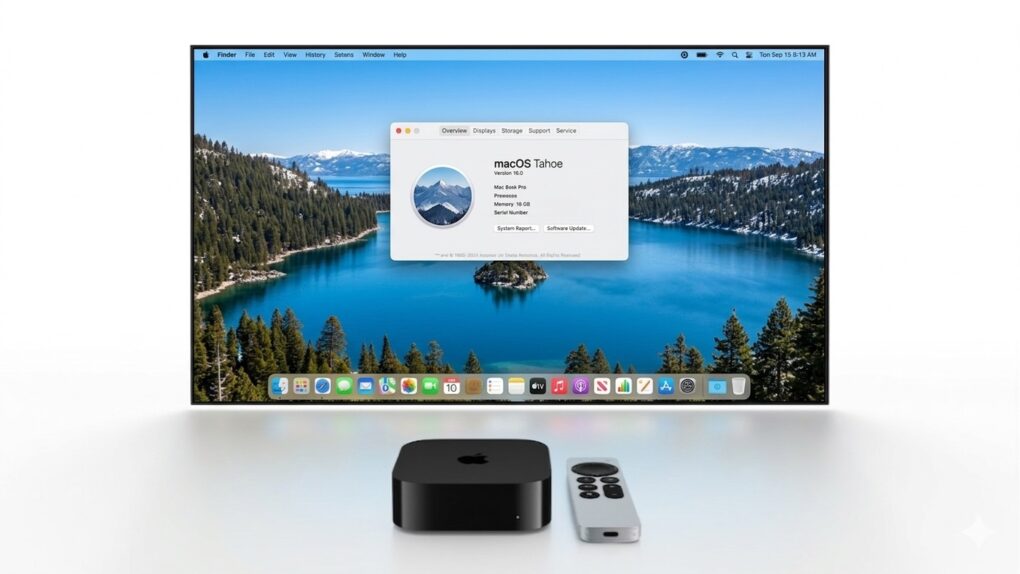
Dream on: an Apple TV 4K can't be made into a useful Mac. Image: Apple/Cult of mac
The MacBook Neo runs macOS on an Apple A-series processor with excellent performance, which has caused people to suggest that the Apple TV 4K could be hacked to run macOS and create a full-featured desktop computer for $129.
Or they propose Apple itself port macOS onto the video streamer and release it as a desktop that costs $200 or less.
A smarter AI-powered browser is here for your iPhone. Photo: Perplexity
Perplexity’s AI-powered browser, Comet, is now available on iOS. It features AI Comet Assistant, which can analyze a webpage to provide a quick summary or pull specific details.
A dedicated voice mode lets you ask questions instead of typing, and it works across all your open tabs.
Apple took an important step toward the iOS 26.4 release date. Image: Apple/Cult of Mac
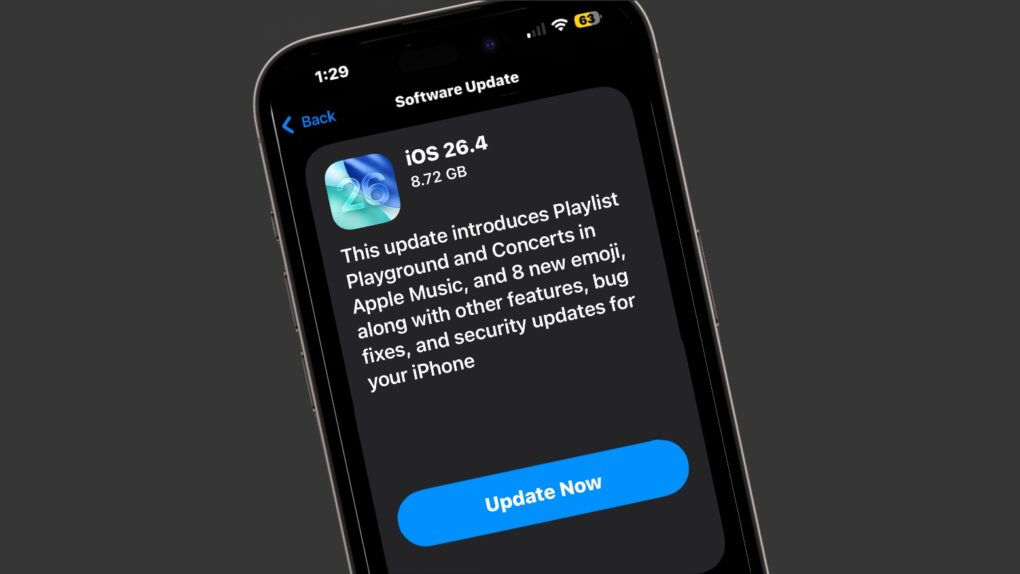
Apple on Wednesday seeded the iOS 26.4 Release Candidate to beta testers, signaling that eager iPhone users should circle March 25 on their calendars. The new version brings in fresh emoji, a tweak to Liquid Glass and other changes.
The macOS Tahoe 26.4 Release Candidate has also been released, as have equivalents for iPad, Apple Watch, Apple TV and more.
The Camera Remote app will take your selfies to a whole new level. Photo: Graham Bower/Cult of Mac
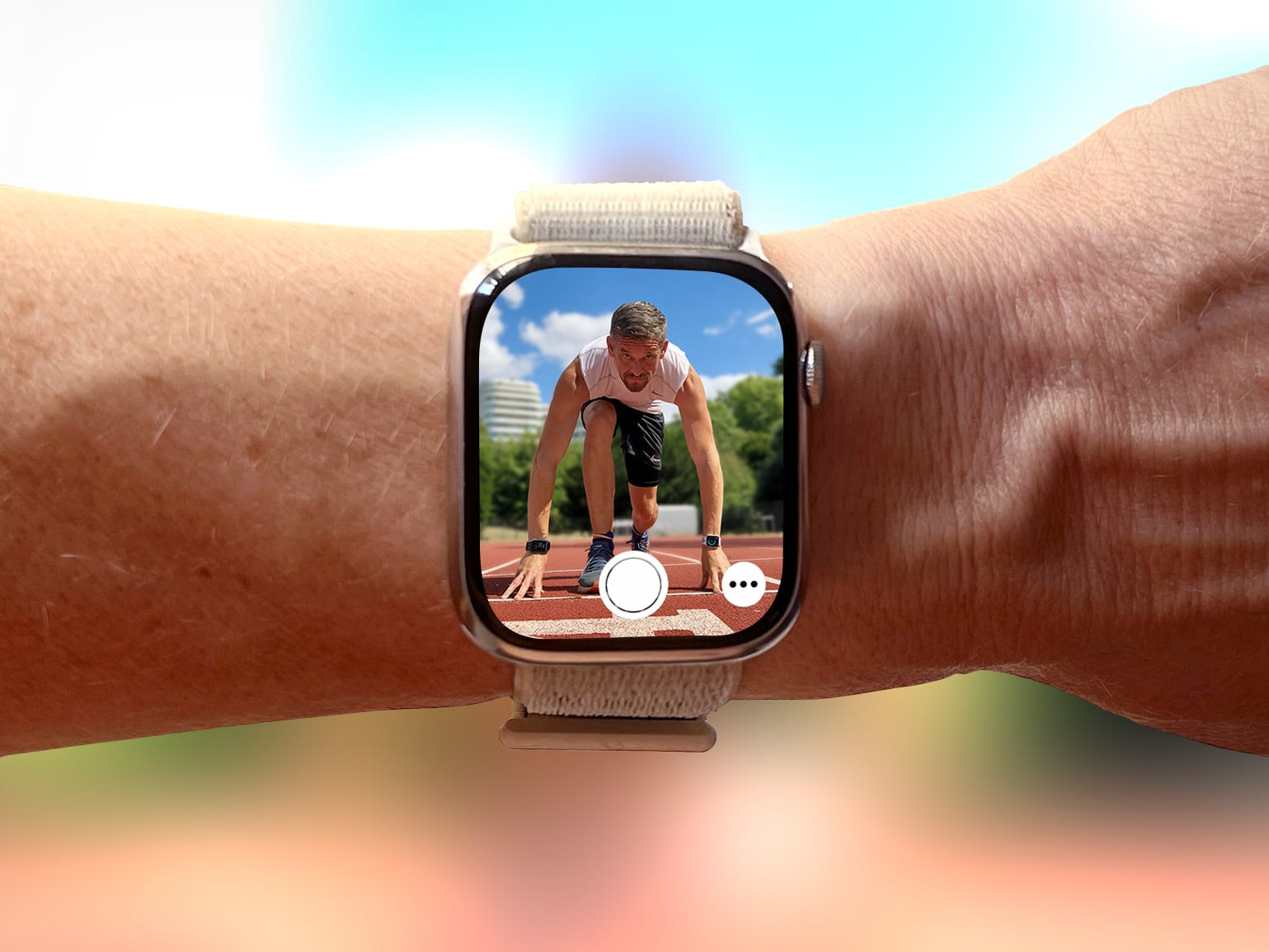
Everyone knows Apple Watch is an excellent health and fitness companion. But did you know it’s also handy for taking selfies? That’s thanks to Apple Watch’s best-kept secret: the Camera Remote app.
This indispensable Apple Watch app lets you use your iPhone’s best camera to take selfies. Using the app will elevate your selfie game, enabling you to take more flattering shots — with better compositions, more interesting poses and much, much more.
I use it all the time to take photos for Cult of Mac, and I’ve learned a few tricks along the way. So here’s my definitive guide to taking better selfies with Apple Watch.
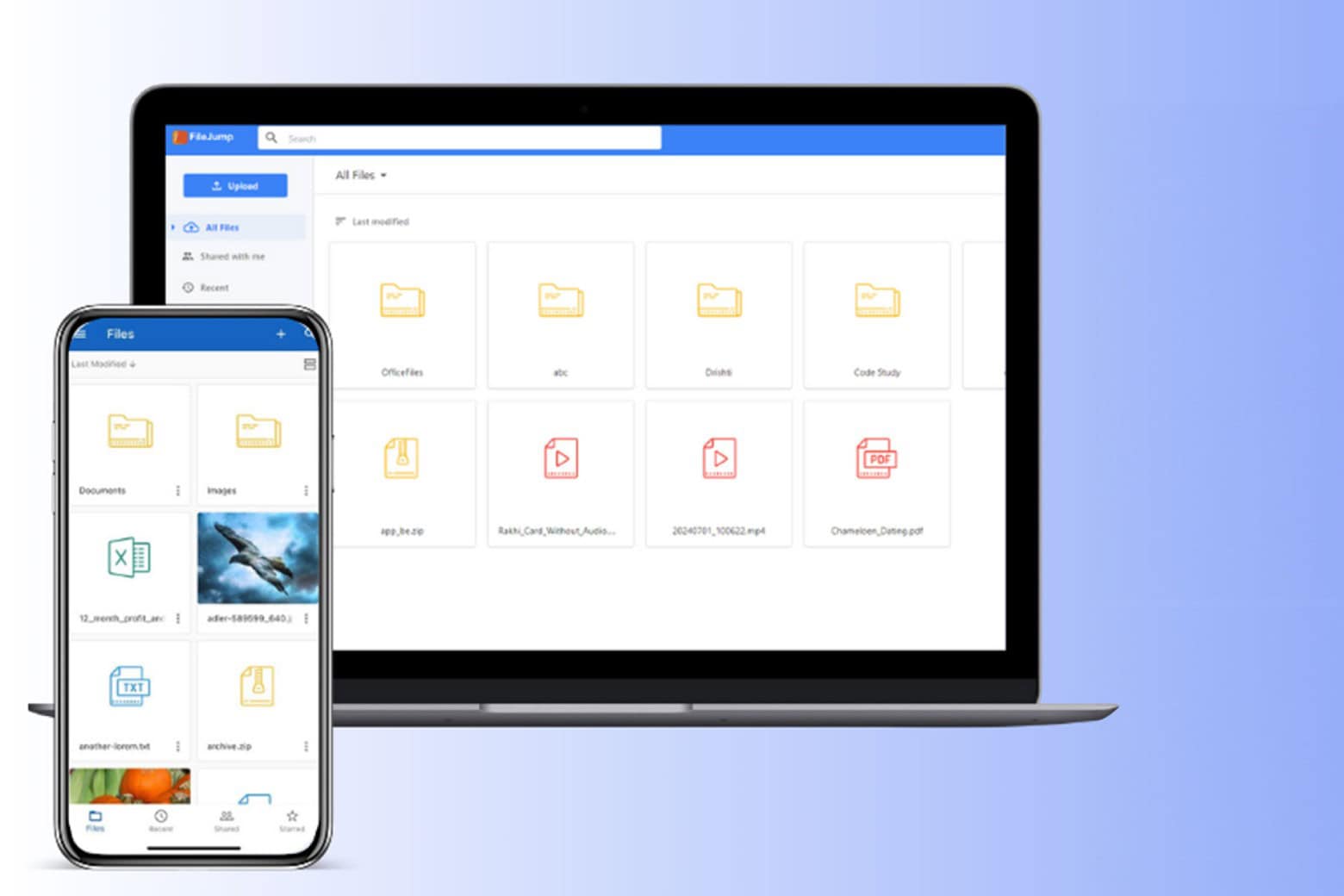
Make the smart investment today with FileJump’s 2TB lifetime subscription for $89 and enjoy secure, hassle-free storage for life.
Photo: Cult of Mac Deals
We all know subscription fees multiply like rascally rabbits. Wouldn’t it be nice to have cloud storage that doesn’t add to the misery? FileJump offers a refreshing alternative. Why rent your cloud storage month after month when you can score 2TB of cloud space for just $75.65 for life with code MARCH15?
No more recurring payments or surprise fees. Just a one-time investment for a lifetime of secure, accessible cloud storage.
The latest Vision Pro headset boosts processing power and improves comfort. Photo: Leander Kahney/Cult of Mac
Nvidia’s RTX graphics cards — the kind already sitting inside many Windows PCs and workstations — can now stream high-fidelity, immersive content directly to an Apple Vision Pro headset via Nvidia CloudXR. It’s a collaboration the two companies announced Tuesday at Nvidia’s GTC conference in San Jose.
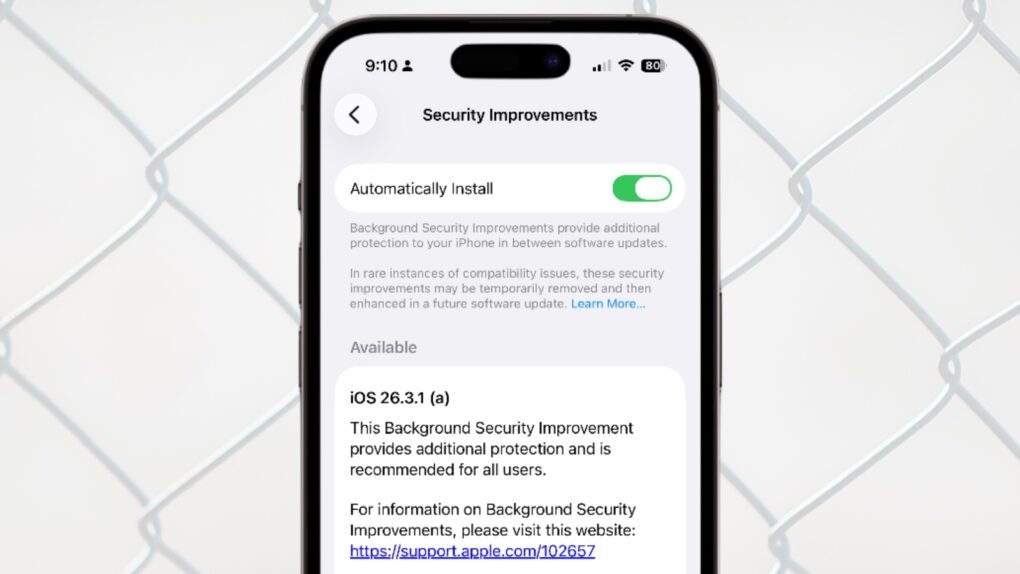
iOS 26.3.1 (a) is Apple's first ever Background Security Improvements patch for iPhone. Image: Apple/Cult of Mac
Apple updated iOS, macOS and iPadOS with a Background Security Improvements patch on Tuesday, the first time the company has used its new system for securing user devices. This patch fixes a flaw in WebKit that could have allowed malicious websites to access data from other websites.
Background Security Improvements are installed without requiring the iPhone, Mac or iPad user to do anything — or even be aware of the update.
Sometimes, picking a winner is not easy. Photo: Apple/Rajesh Pandey/Cult Of Mac
Apple’s budget-oriented iPhone 17e packs a faster processor and more base storage — at a lower price — than the iPhone 16. But despite launching more than a year earlier, the iPhone 16 still holds an edge in several important aspects.
Here’s how the two affordable iPhones compare — and which one you should buy.
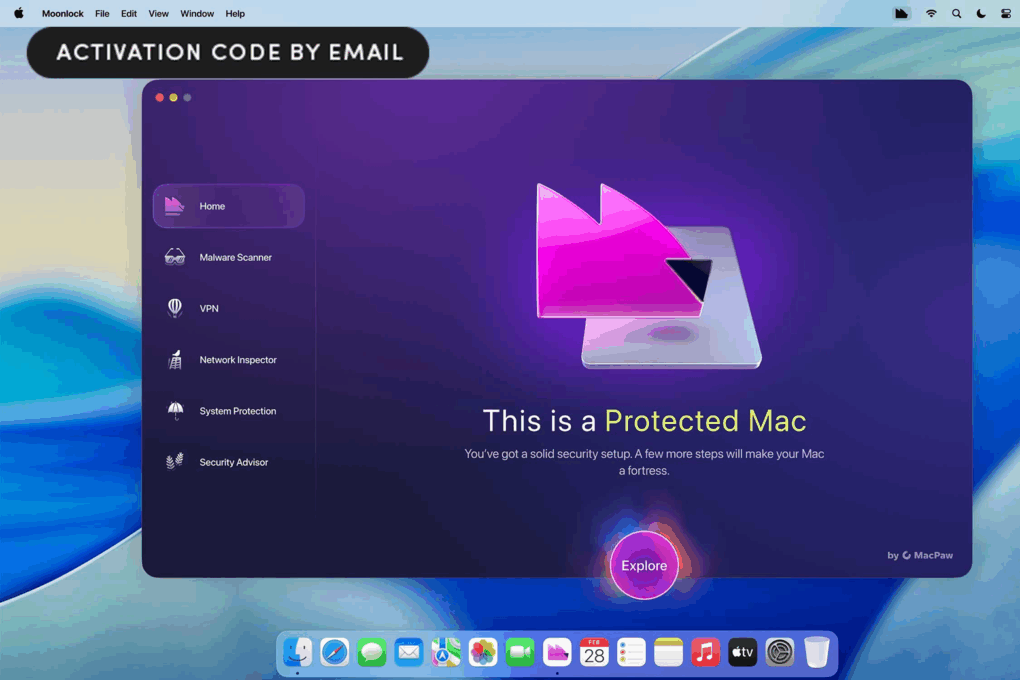
Save 44% on the new Moonlock security app for Mac. Photo: Cult of Mac Deals
It’s no longer true that Macs are immune to online threats. Moonlock, a new app from MacPaw, gives Apple users Mac-first cybersecurity — with malware protection, built-in VPN, privacy tools and clear guidance — all for just $29.99 a year.
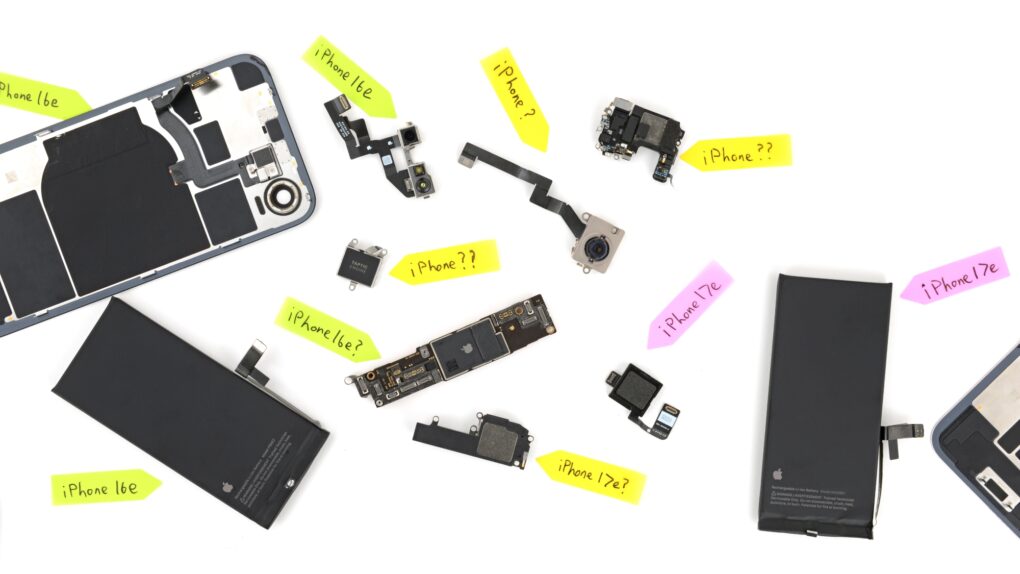
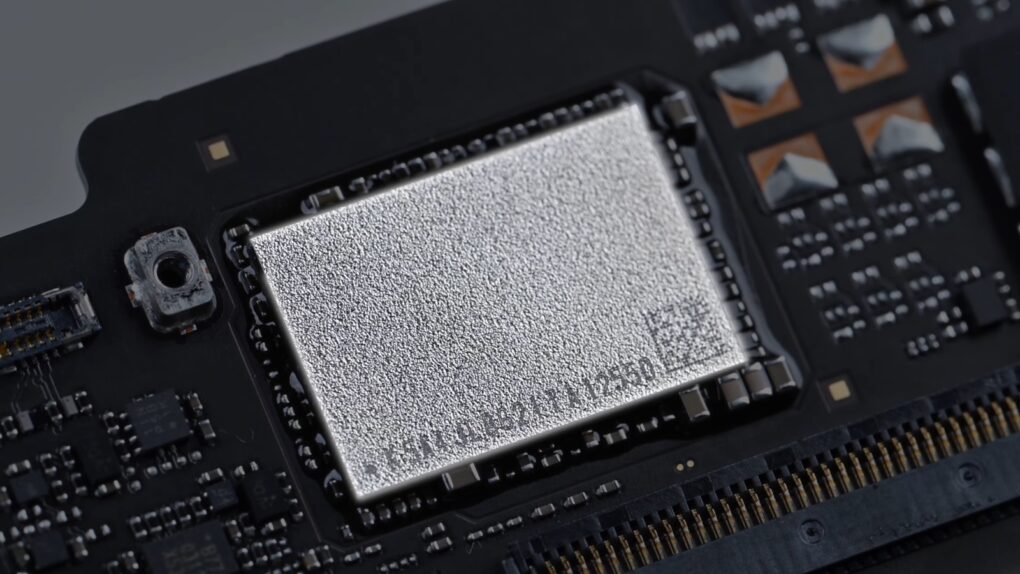
The MacBook Neo's SSD is a NAND chip soldered to the motherboard. Screenshot: DirectorFeng
A MacBook Neo can be upgraded to 1TB of storage, but the DIY project isn’t for amateurs. A video demonstrating the process shows that it takes skills, experience and the right equipment.
Still, it’s interesting to watch. Especially as it also shows how easy it is to disassemble the MacBook Neo.
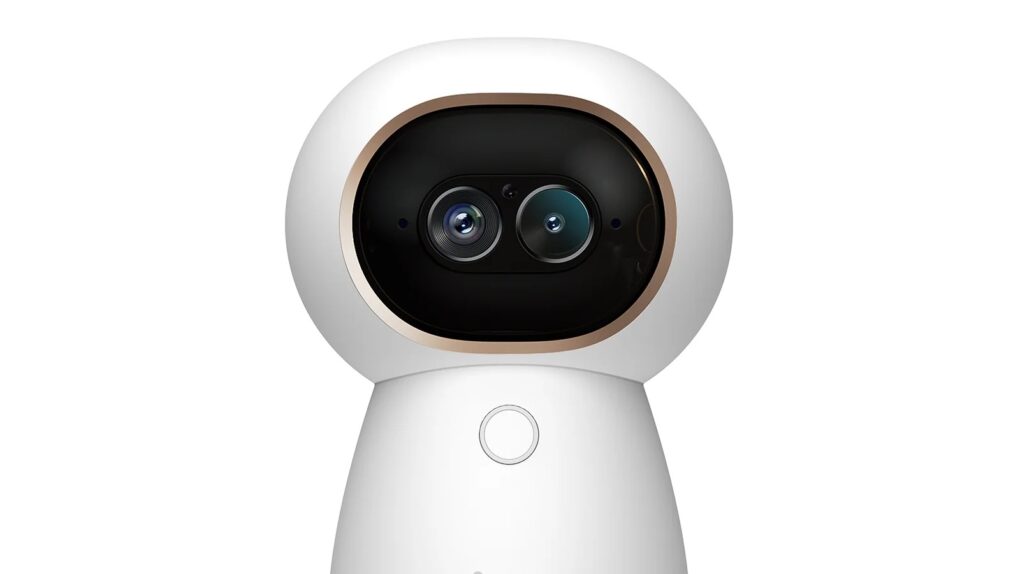
Aqara said this is the first Matter-certified camera. Photo: Aqara
Smart home accessory maker Aqara unveiled two new security cameras Tuesday — the Camera Hub G350 and the Doorbell Camera G400. Both are designed to work well in Apple Home setups, among others. The bigger story is the G350, which marks a significant milestone: Aqara’s first Matter-certified camera, billed as the first Matter-certified camera hub for multi-platform homes.
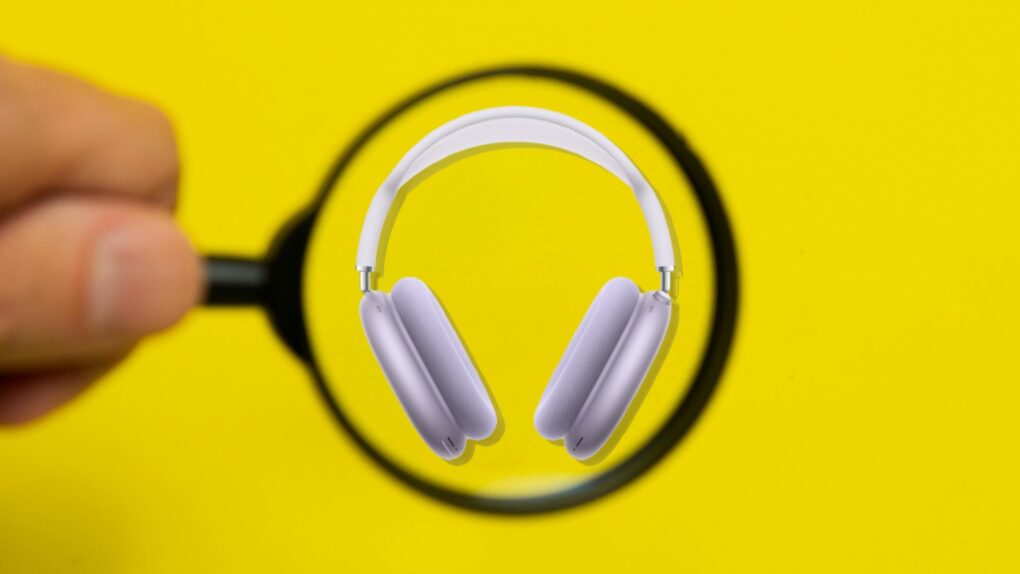
Who knows the AirPods Max 2 release date? Not even Apple. Photo: Apple/Cult of Mac
When Apple unveiled AirPods Max 2 on Monday, the company was unable to specify a release date, simply telling customers its new high-end headphones will launch “early next month.” It’s very unusual for Apple to not reveal when its own product will reach customers. But it turns out the headphones are waiting for Apple software that’s still in development.
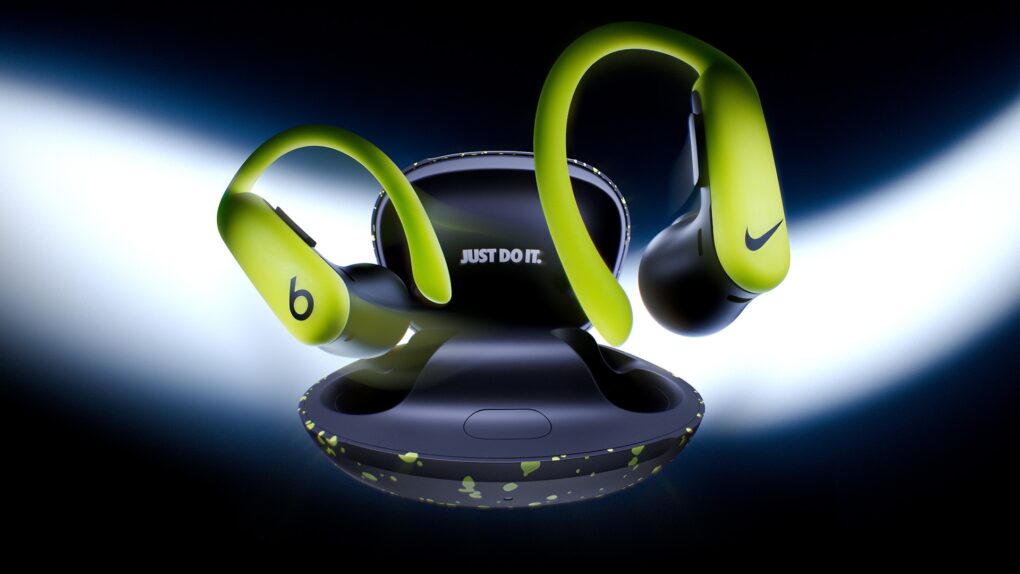
They're the same earbuds, but Nike brings a whole lot of sporty style. Photo: Beats
Two of the world’s most recognizable lifestyle and sports brands — Beats and Nike — joined forces for the first time with the launch of Powerbeats Pro 2 – Nike Special Edition, the companies said Tuesday.
It’s their first hardware collaboration. And it’s the first time Beats has shared brand real estate on a product like this. And what’s more, the promotional campaign stars basketball legend LeBron James alongside pro golfer Tom Kim and cast of comedic foils.
“This isn’t just a new colorway; it’s a collision of two brands that define performance, culture, and sports — the attributes of today’s athlete,” said Chris Thorne, CMO of Beats. “By placing the Swoosh on our hardware for the first time, we’re honoring the shared DNA of Beats and Nike — and celebrating ambassadors like LeBron James who embody both. It’s a tribute to the grit, style and sound that push people to their limits.”
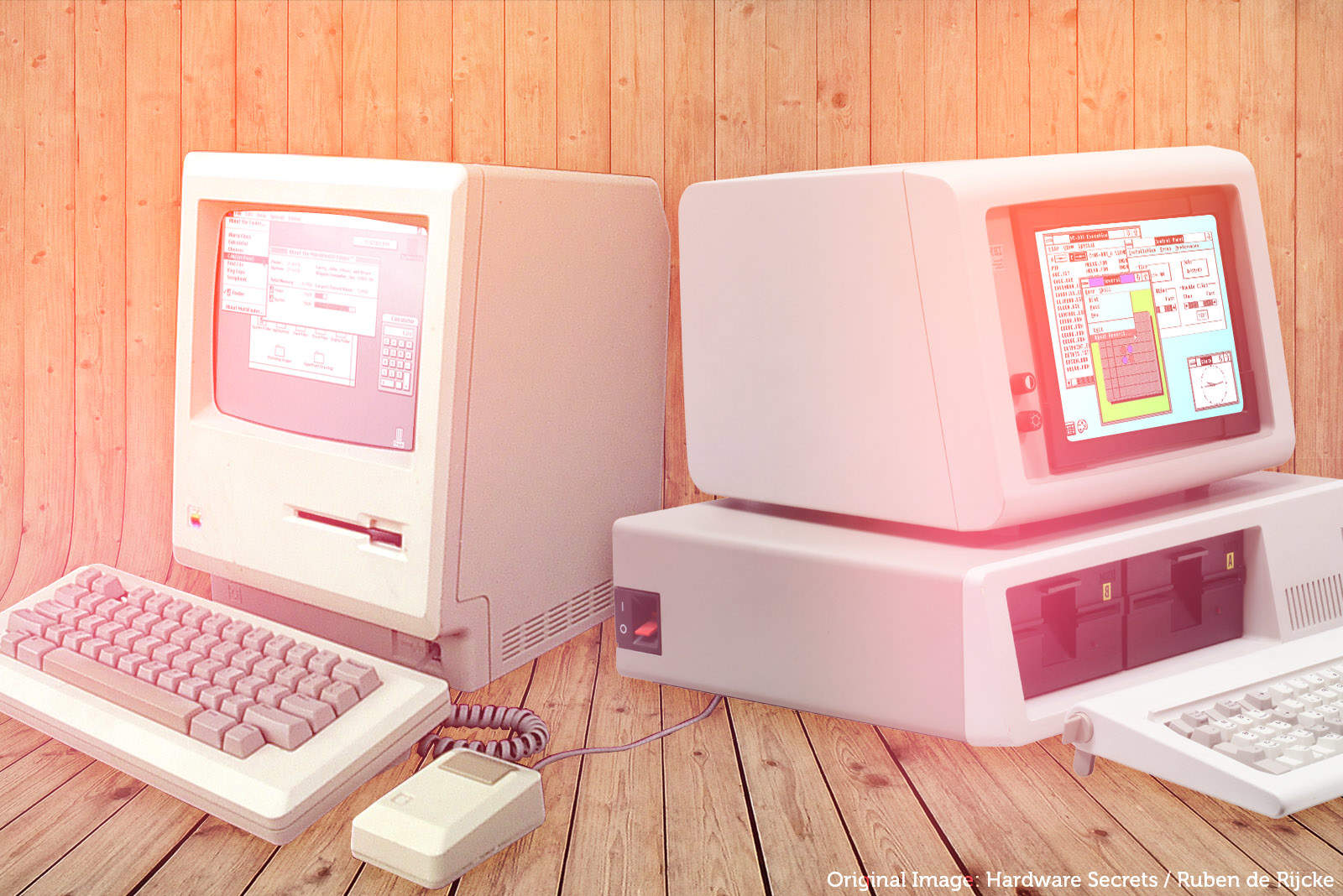
Windows 2.0 borrowed several elements from the Mac user interface. Photo illustration: Ste Smith/Cult of Mac
March 17, 1988: Apple sues Microsoft for allegedly stealing 189 different elements of its Macintosh operating system to create Windows 2.0.
The incident, which causes a deep rift between Apple and one of its top developers, paves the way for an epic battle between the two companies that will rage for years.
Grab a grade-A refurb iPad for less. Photo: Cult of Mac Deals
Want an iPad for less? This near-mint refurbished iPad 10 from 2022 packs a gorgeous 10.9-inch Liquid Retina display and delivers all-day battery life — for just $239.99.


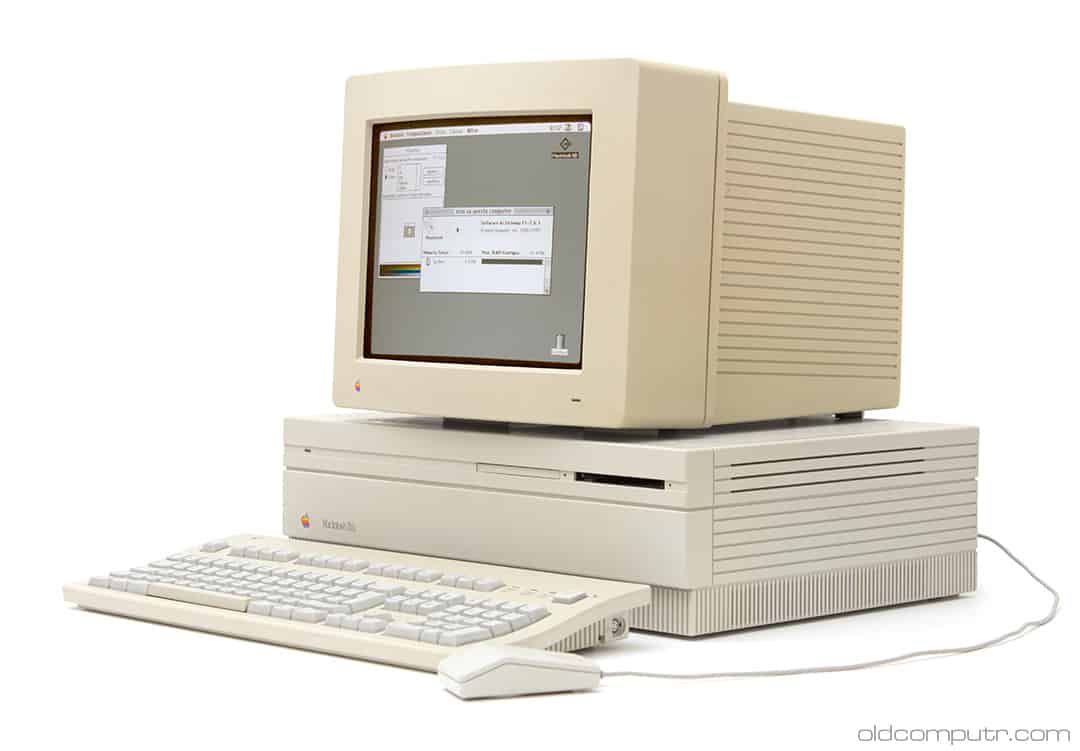
 March 19, 1990: The ultra-fast Macintosh IIfx makes its debut, sporting a hefty price tag appropriate for such a speedy machine.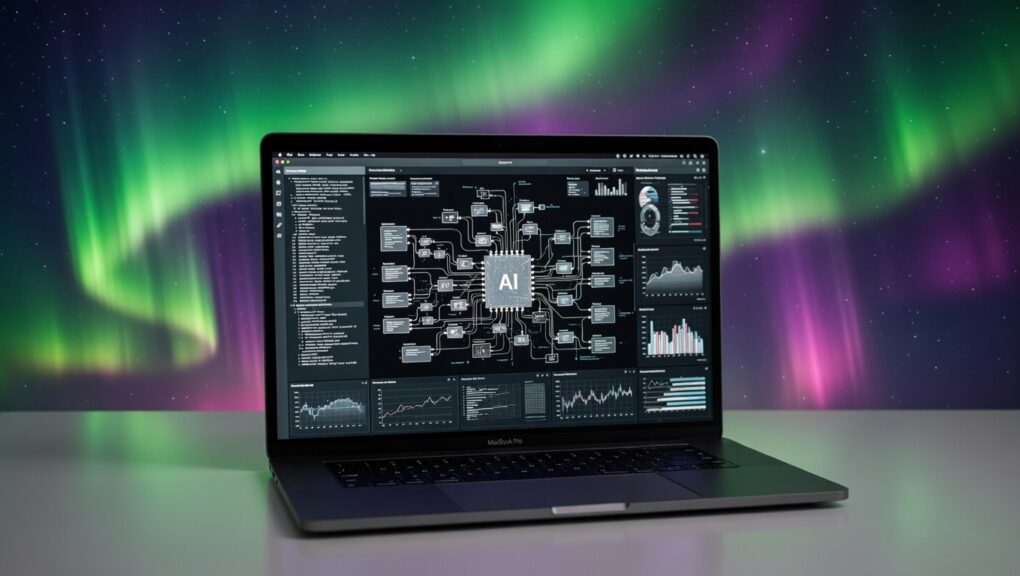

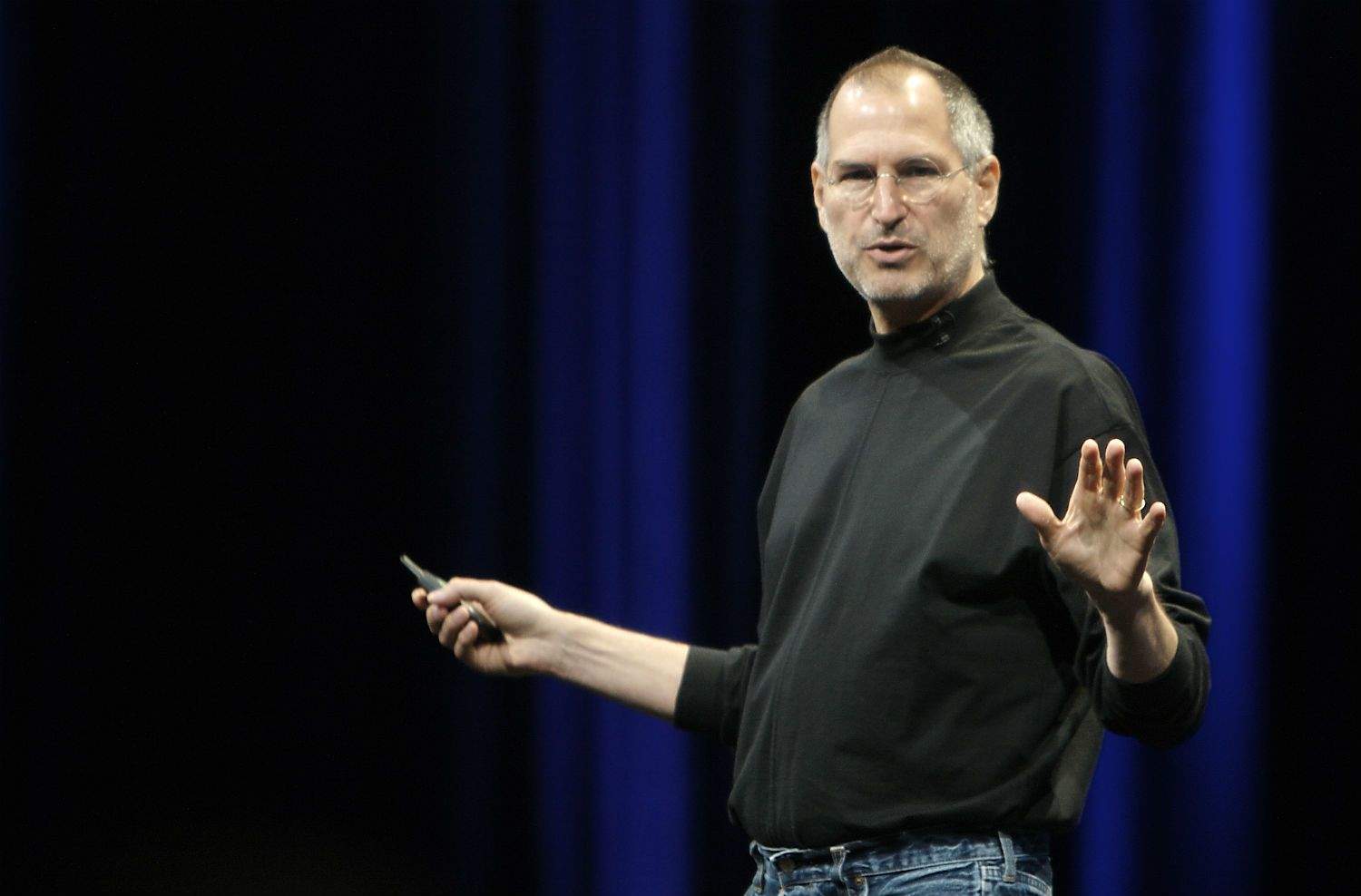
 March 18, 1991: Steve Jobs marries 27-year-old Laurene Powell less than two years after a chance meeting.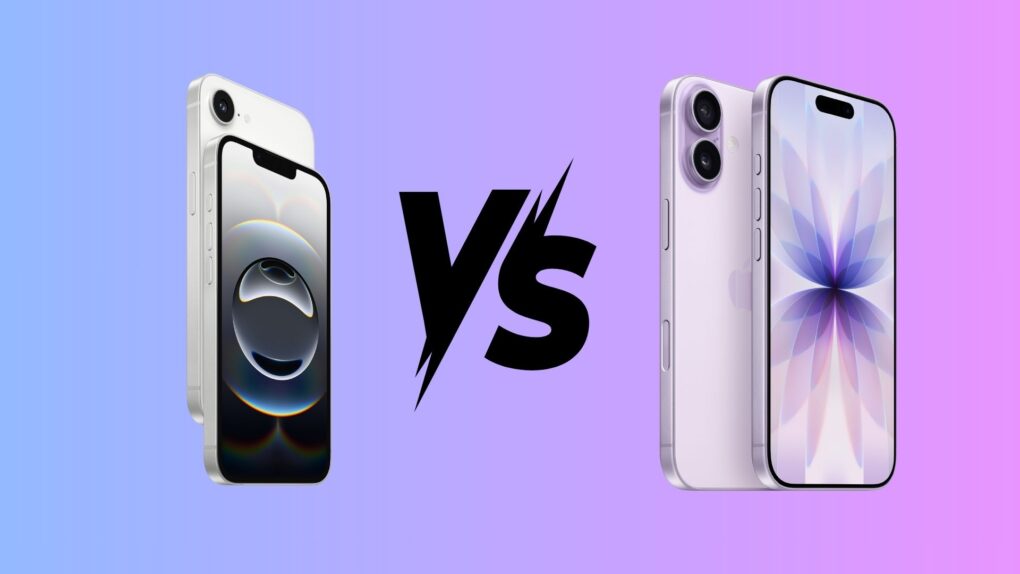
 March 17, 1988: Apple sues Microsoft for allegedly stealing 189 different elements of its Macintosh operating system to create Windows 2.0.