
Apple announced a sweeping leadership transition on Monday, naming longtime executive John Ternus as its next chief executive officer in September. Current CEO Tim Cook will move into a new role as executive chairman of Apple’s board of directors at that time.
“It has been the greatest privilege of my life to be the CEO of Apple and to have been trusted to lead such an extraordinary company,” said Cook in a statement. “I love Apple with all of my being, and I am so grateful to have had the opportunity to work with a team of such ingenious, innovative, creative, and deeply caring people who have been unwavering in their dedication to enriching the lives of our customers and creating the best products and services in the world.”


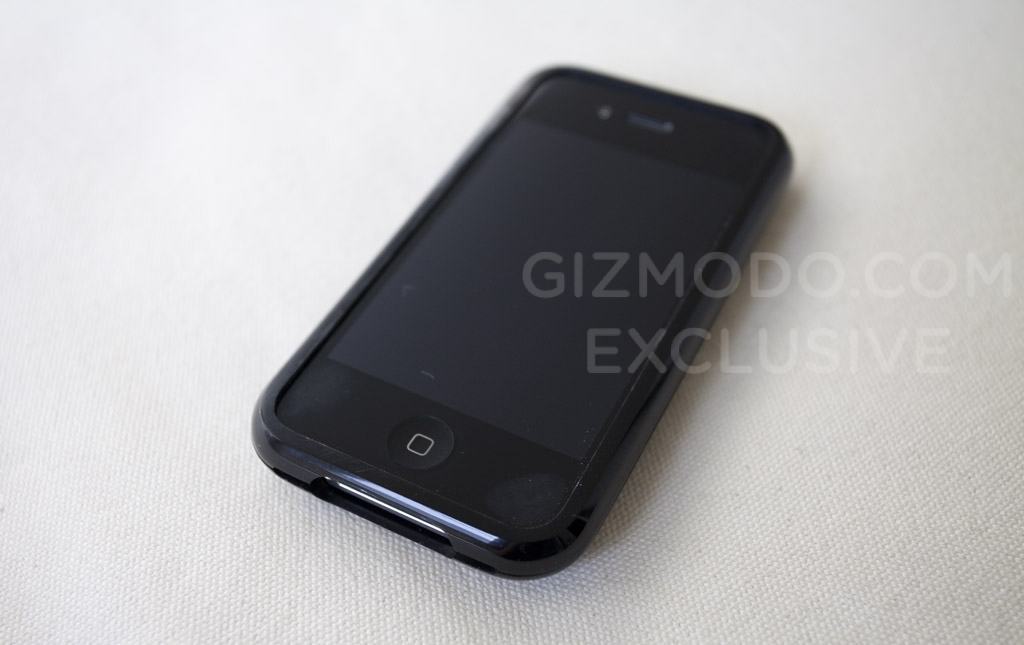
 April 20, 2010: A day after the most high-profile iPhone leak in history, tech news site Gizmodo dissects a prototype iPhone 4, then publishes the teardown — showing the world exactly what’s inside the soon-to-be-released device.


 April 19, 1994: Gaston Bastiaens, the executive in charge of Apple’s revolutionary new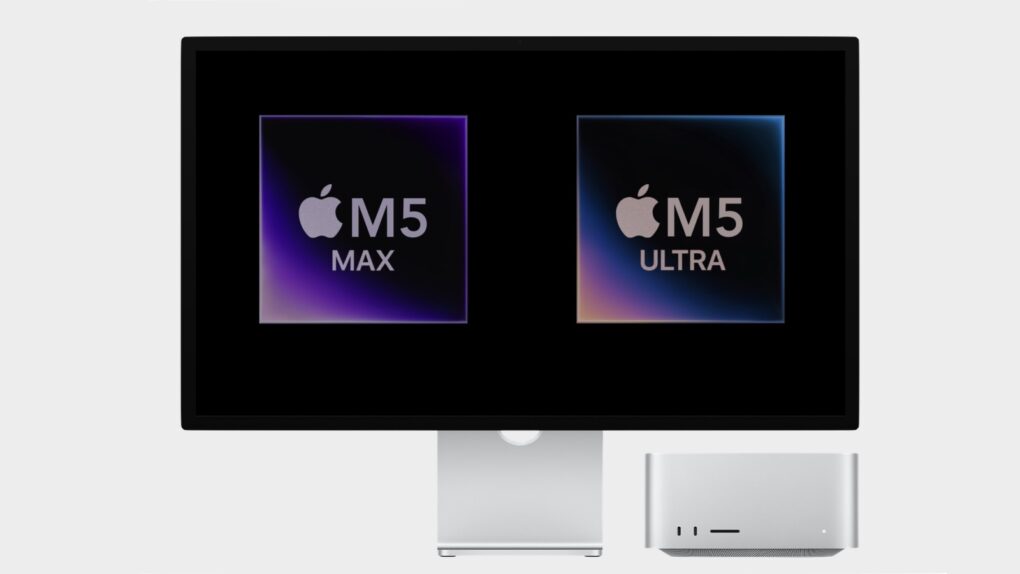


 April 18, 1996: Apple unveils a massive $15 million promotional tie-in for the Mission: Impossible movie starring Tom Cruise.
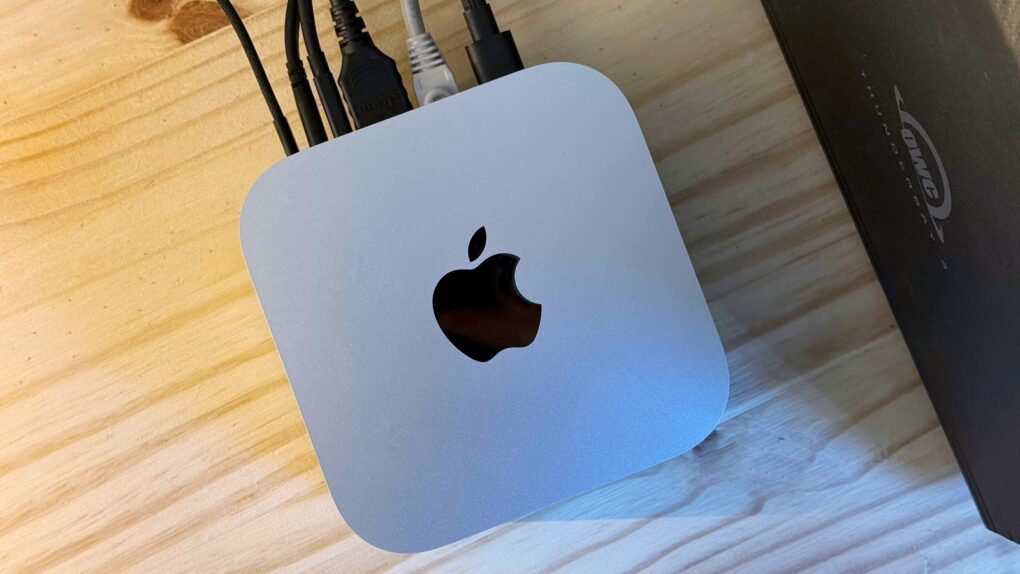


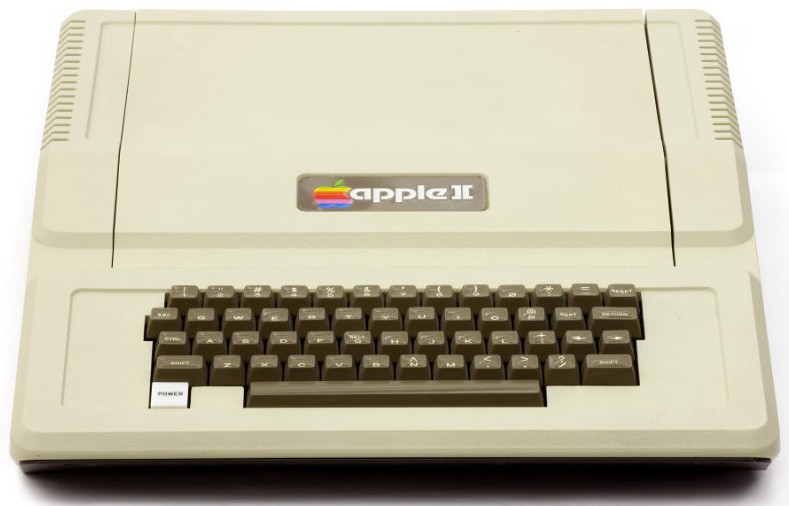
 April 17, 1977: The






 April 16, 2009: Apple hits back at Microsoft following an advertisement that criticizes Cupertino for failing to sell decent laptops for less than $1,000.