Apple released Cards for the iPhone and iPod touch in the App Store today. Scott Forstall introduced Cards at Apple’s “Let’s Talk iPhone” event last week.
Cards lets you create and send beautiful greeting cards to friends from your iPhone on iOS 5. Once you design your card in-app, you can pay to have Apple ship it anywhere in the world.
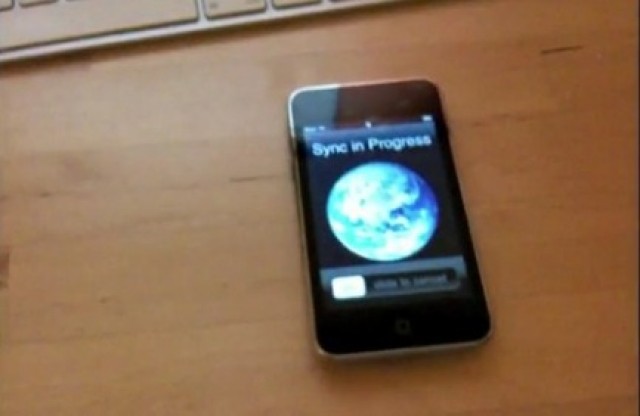
One of the neatest features of iOS 5 and iTunes 10.5 is Wi-Fi Sync, which allows you to finally leave the Apple Connector Cable in your computer desk drawer where it belongs, at least most of the time. It can be a little hard to figure out at first how to make Wi-Fi Sync work for you. Here’s our handy guide to getting Wi-Fi Sync working.
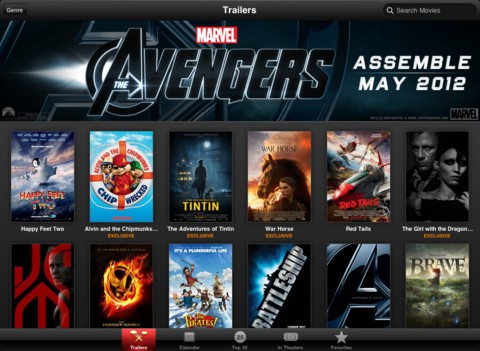
Today Apple released the iTunes Movie Trailers app for the iPhone and iPad. The app lets users watch HD trailers from the iTunes store.
Apple’s new app actually does much more than just show you upcoming movie trailers. You can also find movie showtimes at local theaters, purchase tickets, see a calendar view of upcoming movie releases, and view favorites.
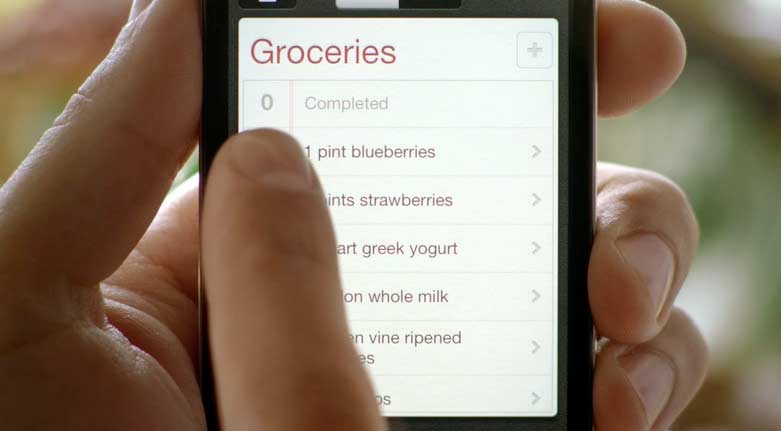
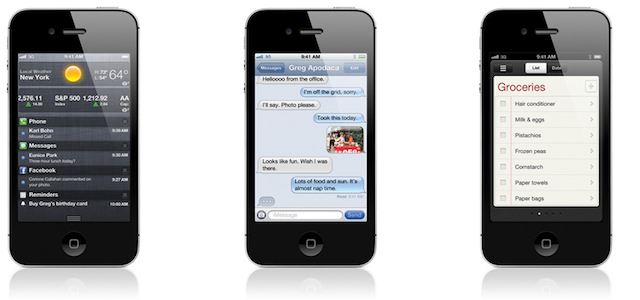
We’re crazy about iOS 5’s Reminders, but unless you know how to tap into their power, Reminders just seem like a simple to-do list. Take it from us… Reminders is much, much more. Here’s how to use Reminders in iOS 5, the right way.
Got iOS 5 installed and puzzled about how to use this newfangled Twitter integration? Cult of Mac has you covered. Here’s a guide to using Twitter in iOS 5.
iOS has seen an enormous amount of change over the last few years. When the first iPhone was released, the most entertaining thing to do was to watch YouTube videos and try to find a few web-based games. This was a time before apps, or multi-tasking, or folders. Looking back, it’s funny to think how revolutionary the iPhone and iOS was at the time when it lacked many features that we take for granted today.
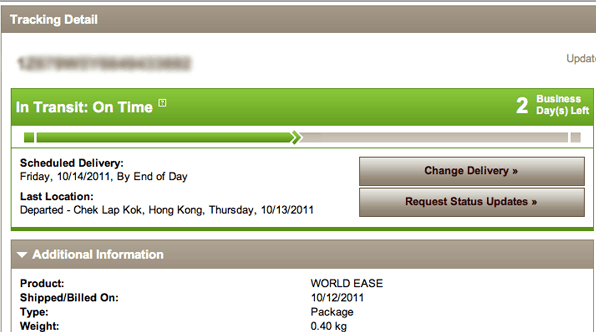
Are you getting antsy to get your shiny new toy but Apple is still showing your iPhone 4S as “Preparing for Shipment”? I’m not sure why the Apple system is not showing actual tracking for many, but trust me, your iPhone is likely already on the move. Follow the simple steps below to get your actual tracking information in realtime.
Friend. It’s Mac I’d like to friend. Oh well, no matter… here’s the important part: We’re getting low on these Mac-inspired beauties, and once we sell out, we’ll be out for good.
Like it? You can scoop one up now for just $18. And I bet you need one. After all, to qualify for fanboy/girl status you need at least 5 Apple related tees in your rotation and I bet you have less than 3. Would also make a fun gift for the Apple fan in your life.
Unisex tees are 100% made in the beautiful USA, are sold by Seattle indie brand Might Tees, and are available to ship anywhere in the world.
Get one now and you’ll like the way you look. We guarantee it.
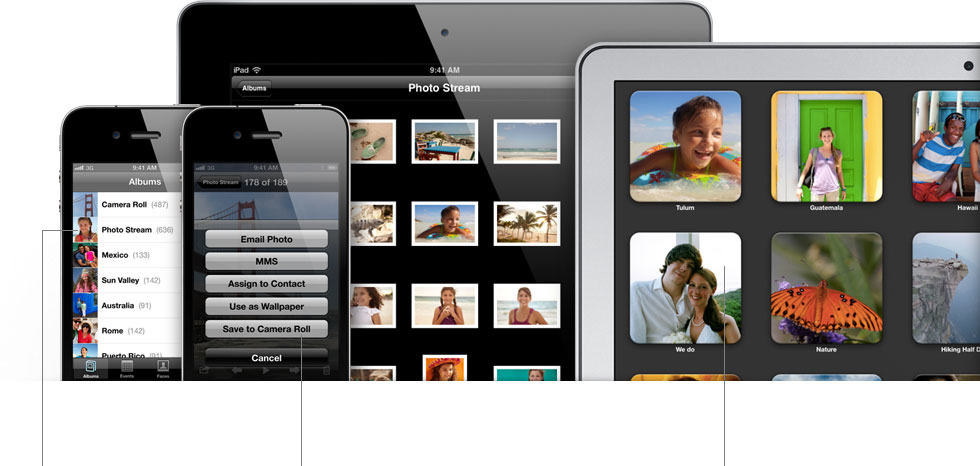
My god, will the updates ever stop? Along with the iOS 5 firmware and OS X Lion 10.7.2, Apple has also just updated iPhoto to version 9.2, bringing along with it compatibility with iCloud and its Photo Stream feature along with the usual gaggle of fixes.
It’s a 367MB download that requires OS X Lion. You can grab it now through Software Update, or the Mac App Store. Here are the release notes.
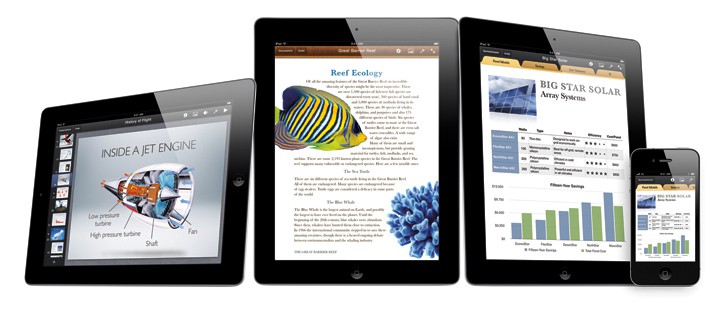
Apple’s iWork suite of apps for iOS have been updated along with seemingly every other in-house piece of software in Cupertino today, bringing iCloud support to each of Apple’s productivity apps: Numbers, Pages and Keynote. Here’s a complete list of what’s new.
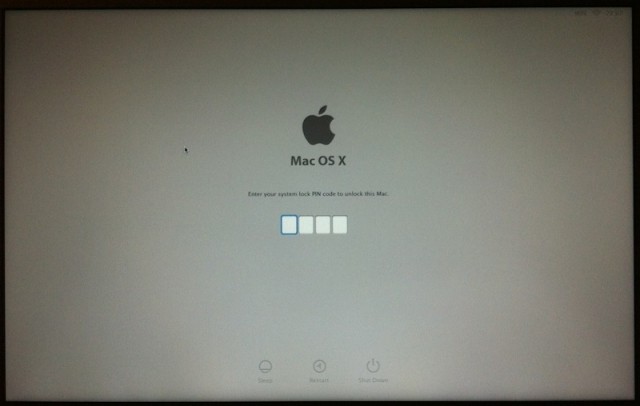
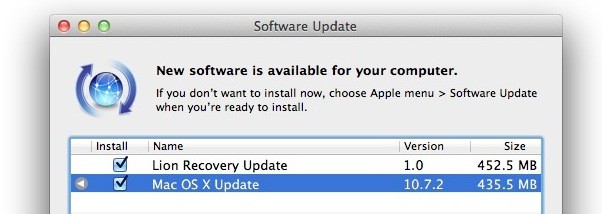
The goodies just keep on coming. Following on the heels of the release of iOS 5 and OS X Lion’s 10.7.2 update, Apple has also issued a new Lion Recovery update, a new 452MB fix that improves on the software and addresses an issue with Find My Mac when using a firmware password. Since you’ll be rebooting for OS X 10.7.2 anyway, might as well get downloading.
Simultaneous with the release of iOS 5, Apple has just pushed live the latest update to OS X Lion, and with the 10.7.2 update comes support for iCloud and a fresh version of Safari.
The update is 435MB and can be downloaded now through Software Update. Release notes are below.
The wait is over! After months of developer testing, Apple has finally pushed iOS 5 to the masses, bringing over 200 new features to iPhones, iPads and iPod touches around the world.
iOS 5’s new features are too numerous to count, but some of the big ones are iCloud, iMessage, Notification Center, Reminders, Newsstand, new photo taking options, Safari Reader and Reading List, tabbed browsing on the iPad, a split-keyboard for thumb typing on the iPad, Twitter integration, iTunes Match and much, much more.
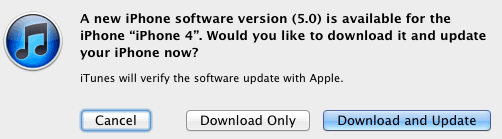
We’ll update this post shortly with direct links to download the iOS 5 build appropriate to your device, but for now, plug in your device, load up iTunes and hit the “Check for Update” button.
Want a step-by-step guide to the update process? Check out our how-to guide. And while you’re downloading, make sure to check out our review.
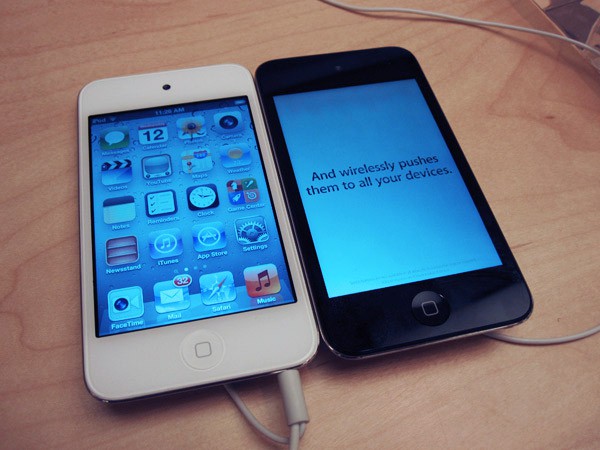
The iPod touch didn’t get much — well, any — real improvements this year. It’s got the same amount of storage, memory and megahurtz as it did last year. But it does now come in white, and I guess that’s something.
Anyway, if you want a white iPod touch, they are now on display and available for purchase at Apple Stores around the country, starting at $199 for an 8GB model and going all the way to $399 for a 64GB model.
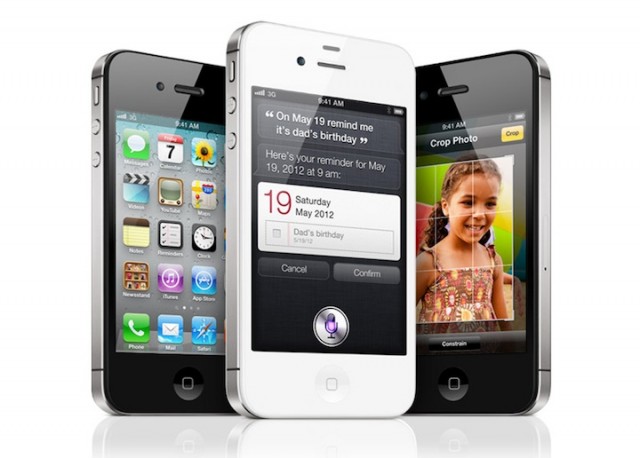
Electronics retail giant Best Buy is throwing its weight behind the iPhone 4S, offering the entire family of Apple handsets, along with deals on previous versions, starting Friday, Oct. 14. All three memory configurations: 16GB, 32GB and 64GB along with black and white models will be available.
Upgrading your iPhone, iPad or iPod touch to a new version of iOS isn’t hard, but there’s still a few ways to optimize the process, not just to make the upgrade process as quick and painless as possible, but to make sure you leave all downgrading options available to you in a pinch. Here’s how to do it the right way.
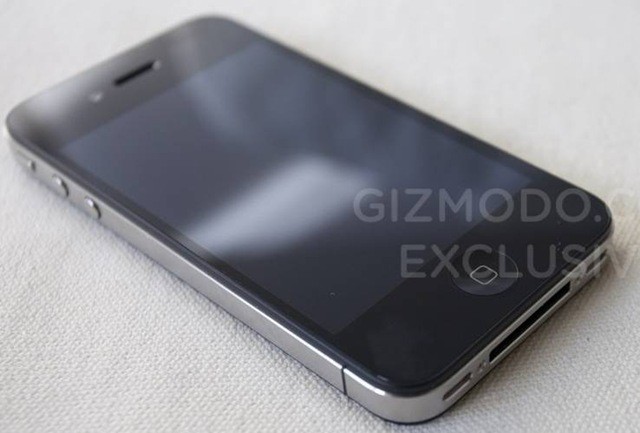
Well, looks like the saga of the stolen iPhone 4 prototype is finally over. The two men who sold Gizmodo the iPhone 4 prototype they ‘found’ in a German beer garden in April of 2010 have been sentenced, and as has been typical in the case so far, they got off light.
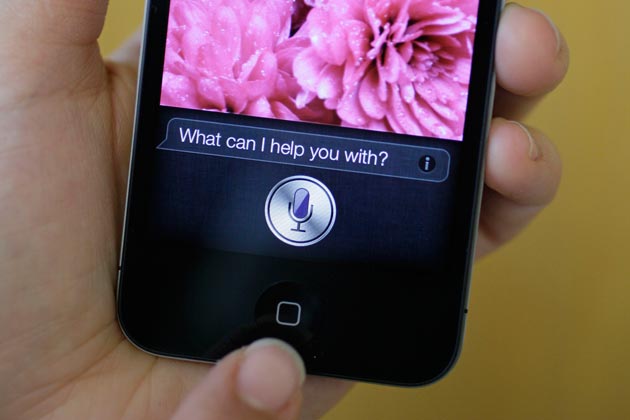
If you’re hoping that the Dev Team will be able to port the iPhone 4S’s new Siri feature to other devices like the iPad 2 and iPhone 4, prepare for a disappointment: MuscleNerd says that it will likely require piracy, and therefore, they probably won’t do it.
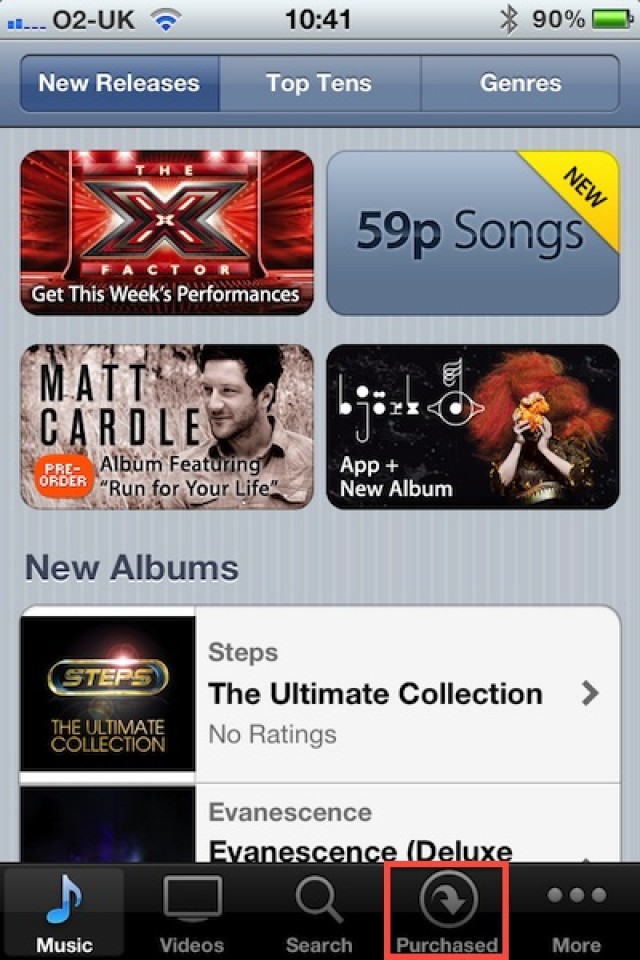
Following its unveiling at WWDC back in June, users in the U.S. have been able to enjoy the iTunes in the Cloud beta, which allows them to re-download content purchased from the iTunes Store. Users in other parts of the world were left out, and we were led to believe that iTunes in the Cloud would be U.S.-only upon its launch. Today, however, Apple is rolling out the feature internationally.
Remember the chatter prior to last week, that Apple would announce an inexpensive iPhone? Well the rumor has returned — evolved into the “iPad mini.” According to one analyst, Apple is prepping the device for 2012 to combat Amazon’s $199 Kindle Fire.
What started as a downer for deflated consumers may become yet another runaway hit for Apple. Already with more than 1 million advance orders, the iPhone 4S is expected to ship to 2.5 million eager fans during the upcoming Christmas season.
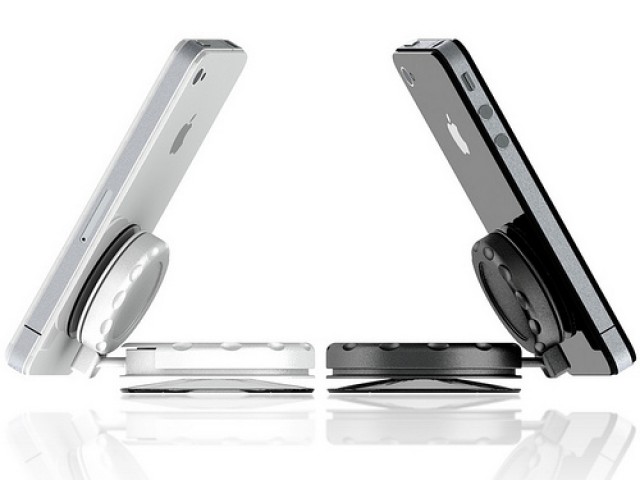
We’ve come across some awesome Kickstarter projects for iOS device accessories, and the MobileMount is most certainly up there with the best of them. Its a simple device that uses two suction cups to securely mount your iOS devices — or any device for that matter — to a flat service.
After releasing multiple versions of its iconic iPhone handset, Apple has built in what one Wall Street expert Wednesday calls “an annuity of smartphone buyers.” The iPhone 4S typifies such thinking as 18 percent of 2012 sales for the new phone is expected to come from owners of previous iPhone models.