Mobile menu toggle

Latest Version Of Redsn0w Gets Rid Of Obnoxious IPSW Downloads (Unless You’re On iOS 5)

By

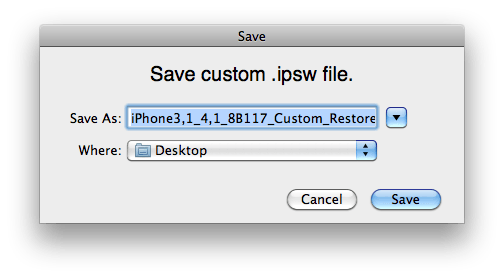
Pwnage-Tool-Save-Custom-IPSW

One of the big annoyances of the jailbreaking process is downloading the right IPSW file for your jailbreak program of choice to crack. Not only are IPSW files — being mirrors of a particular iOS image — pretty huge, but Apple doesn’t distribute anything but the most recent one, which means that if you’re trying to jailbreak an older version of iOS (one, say, that still has a particular vulnerability to exploit), you need to dig around torrent sites and the like.

Fooey. Luckily, the latest version of jailbreak utility Redsno0w 0.9.9b1 gets rid of that whole IPSW business, and handles downloading them for itself.

GimmeMusic Is The Easiest Way to Discover Music You’ve Never Heard Before on Your iPhone [Review]

By

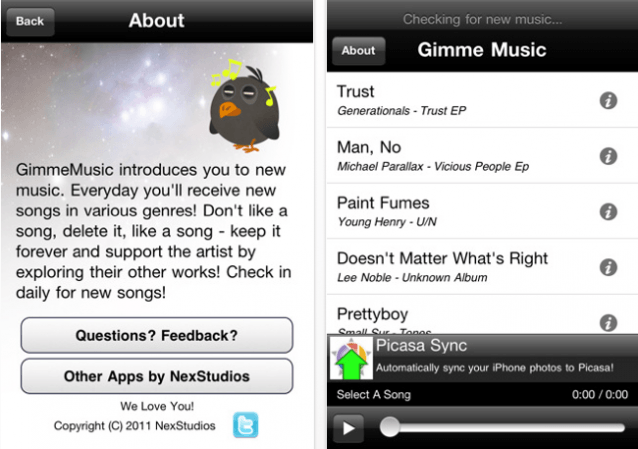
GimmeMusic-for-iPhone-1

Are you fed up with listening to the same old albums all the time? Sure, that UB40 compilation you made in 1983 has some pretty decent tracks on it, but wouldn’t you like to discover something new?

GimmeMusic for the iPhone is a free app from NexStudios that will help you discover new music. The beauty of this application — apart from that ‘free’ price tag — is that it’s incredibly simple to use. In fact, all you have to do is listen.

V-Moda Remix Remote Earphones Might Outlast Your iPhone. Or Humankind. [Review]

By

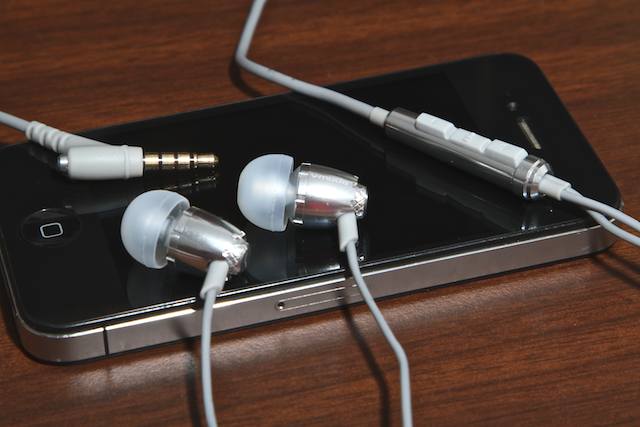
vmoda-remix-remote-cover-2

Take a gander at the flock of reader comments under any canalphone review and one thing should become quickly apparent: canalphones are kinda flimsy.

The few chances we’ve been given to play with V-Moda’s creations have given us the solid impression that the company is paying much closer attention to the survivability of its canalphones; and that maybe they’re paying more attention to that factor than any other outfit. In fact, the three-button, microphone-equipped V-Moda Remix Remote ($80) seems like it should be the most bombproof  canalphone in its range — and it hasn’t proved us wrong yet.

Steve Wozniak Q&A With LosGatosPatch

By

wozniak_gree_apple

Steve Wozniak took some time recently with Patch to talk about his friendship with Steve Jobs, the origins of Apple Inc., Apple’s future and whether he would go back to work at Apple. Woz, as he is affectionately called, co-founded Apple with Steve Jobs designing the Apple I and Apple II computers that got everything started back in the early days of the company.

Apple Is Aware Of iMac Graphic Anomalies, But No Fix Is Available Yet

By

imacgraphics1

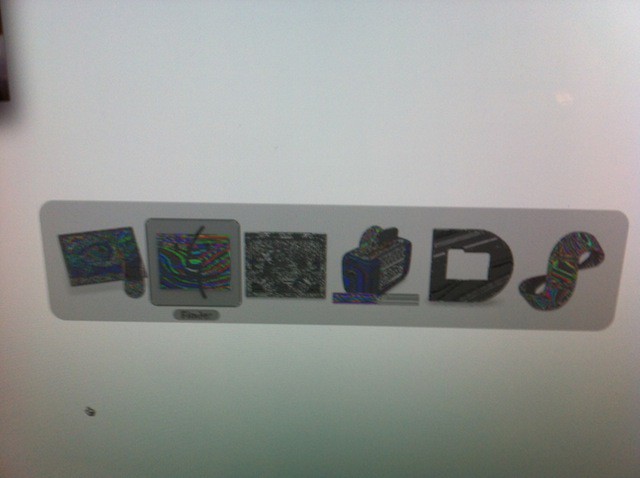
Last week I reported that after the release of Mac OS X Lion iMac users were complaining about graphic or video problems. I was experiencing some of the reported problems too. My particular problem was akin to what others have seen on their 2011 27-inch iMacs configured with a 3.4GHz quad-core Intel Core i7 and AMD Radeon HD 6970 graphics processor with 1GB of GDDR5 memory. The problem is intermittent and it always disappears for a while after a restart.  See above for an example of how my problem manifested itself.

I contacted AppleCare about the problem, but no fix was available and they claimed that they had never seen this problem before. On the other hand after I submitted a bug report to Apple I got a completely different answer from Apple engineering.

Install Windows 8 in a Virtual Machine on Your Mac in Just 4 Simple Steps [How-To]

By

Windows-8-inside-OS-X-Lion

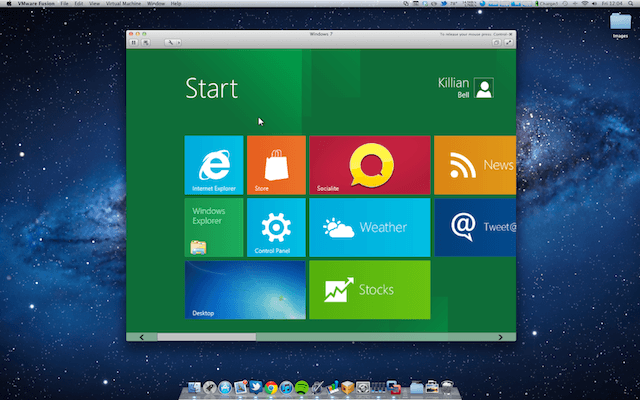
Microsoft has been showing if its upcoming Windows 8 operating system at its BUILD conference in California this week, and while I may be completely dedicated to my Mac, I can’t help but think Windows 8 looks pretty darn nice.

We’ve already showed you how to install the Developer Preview on a Boot Camp partition on your Mac, but there is an easier method for those of you who just want to play around. In this how-to, we’ll take you through the setup for installing Windows 8 in a virtual machine — in just four simple steps.

VMWare Fusion 4 Adds Lion Support & Virtualization, But Remains Hard To Use

By

VMWareFusion4

VMware released version 4 of Fusion for the Mac earlier this week. Fusion 4 virtualization software will let Mac users run Windows, Linux and now Mac OS X Lion along with the native Mac OS X operating system. VMWare claims that the new version if optimized for Mac OS X Lion and that it offers over 90 new features. The biggest new feature is the apps ability to virtualize Mac OS X Lion.

Are You Curious About Windows 8? Here’s a Little Peek [Gallery]

By

win8-1

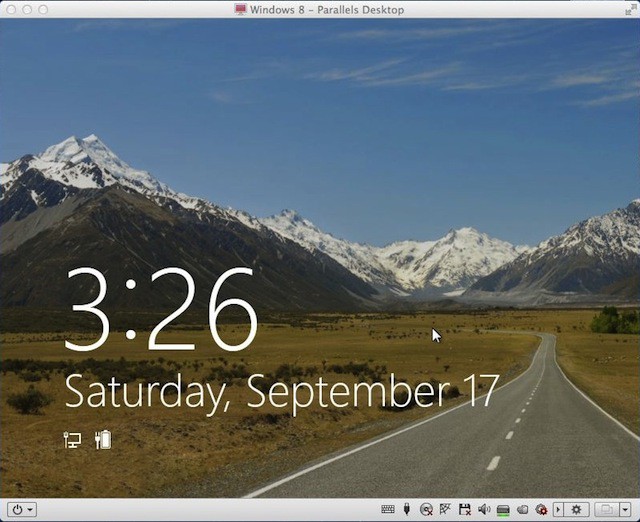
This mountain view is the nicest thing you’ll see in the Windows 8 Developer Preview that Microsoft recently released. The rest made me throw up a bit in my mouth – especially the Metro UI. I’m not sure I’m ready to think that different yet.

The mountain scene above was produced after Windows 8 booted and after it was idle for a short period. I was running Windows 8 as a Parallels Desktop 7 virtual machine on my 13-inch MacBook Air. I’ll tell you how you can do that yourself at the end of the gallery.

I spent a couple of  hours exploring Windows 8 and this gallery is a broad overview of the changes that Windows 7 users have to look forward too.

After spending all this time with Windows 8 I grabbed my MacBook Air and hugged it tight. I’m so glad that I have Mac OS X Lion and not Windows 8.

How This Guy Is Making Your iPhone Virtually Human

By

AdamCheyer


Today, your iPhone is a gadget, a mere consumer appliance. But your future iPhone will become increasingly human. You’ll have conversations with it. The phone will make decisions, prioritize the information it presents to you, and take action on your behalf — rescheduling meetings, buying movie tickets, making reservations and much more.

In short, your iPhone is evolving into a personal assistant that thinks, learns and acts. And it’s all happening sooner than you think, thanks to the guy pictured above.

Install Windows 8 On Your Mac With Boot Camp [Video How-To]

By

bootcamp

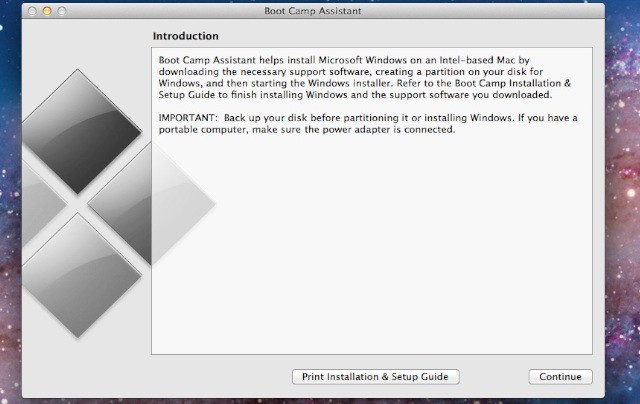
With the release of Windows 8 for developers, many people have been trying to install Microsoft’s new operating system in a virtual machine with little success. Fortunately, Apple’s own Boot Camp application not only runs Windows 8, it runs it far better than most virtual machines will. In this video, I’ll show you how to set up Windows 8 on your Mac with Boot Camp.