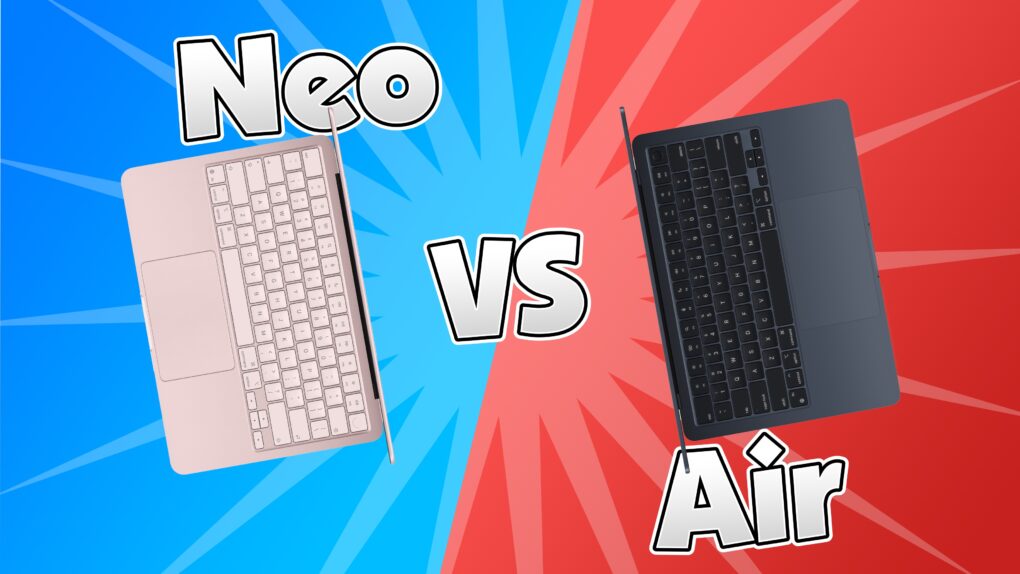
The MacBook Neo is Apple’s newest low-end MacBook. Does that mean there’s no reason to buy a MacBook Air anymore? Would power users go straight for the MacBook Pro? I don’t think so. There are still plenty of reasons to buy Apple’s midrange MacBook Air vs. the MacBook Neo.
Apple did a good job differentiating the two computers — there’s no configuration of the Neo that overlaps with the Air. Picking between the two should be straightforward. If you want more than 512GB storage, 8GB of memory or support for multiple external displays, you should opt for the MacBook Air. If you don’t need that much power or high specs, the Neo will do just great for you.
Here are all the differences between the two laptops.
This post contains affiliate links. Cult of Mac may earn a commission when you use our links to buy items.
MacBook Neo (A18 Pro) vs. MacBook Air (M5) comparison
Apple now has three MacBooks in its lineup.
The MacBook Neo is Apple’s basic laptop. At just $599, it’s the cheapest MacBook Apple has ever shipped. That’s the same price as the Mac mini or the iPhone 17e. But don’t be fooled; it’s no slouch. According to Apple, it’s still “up to 50 percent faster for everyday tasks than the bestselling PC.”
The MacBook Air is now the mid-range model. For those users who need a little more, it offers greater support for external peripherals and has options for higher specs. Although it doesn’t have “pro” in the name, it’s more than capable for all kinds of creative pursuits. And it still comes in the same thin size and weight.
The MacBook Pro captures the high-end needs of professional video editors, programmers, researchers, game designers — the kind of people who need serious power. It’s the only MacBook available with the powerful M5 Pro and M5 Max chips.
The basics: chips and battery life
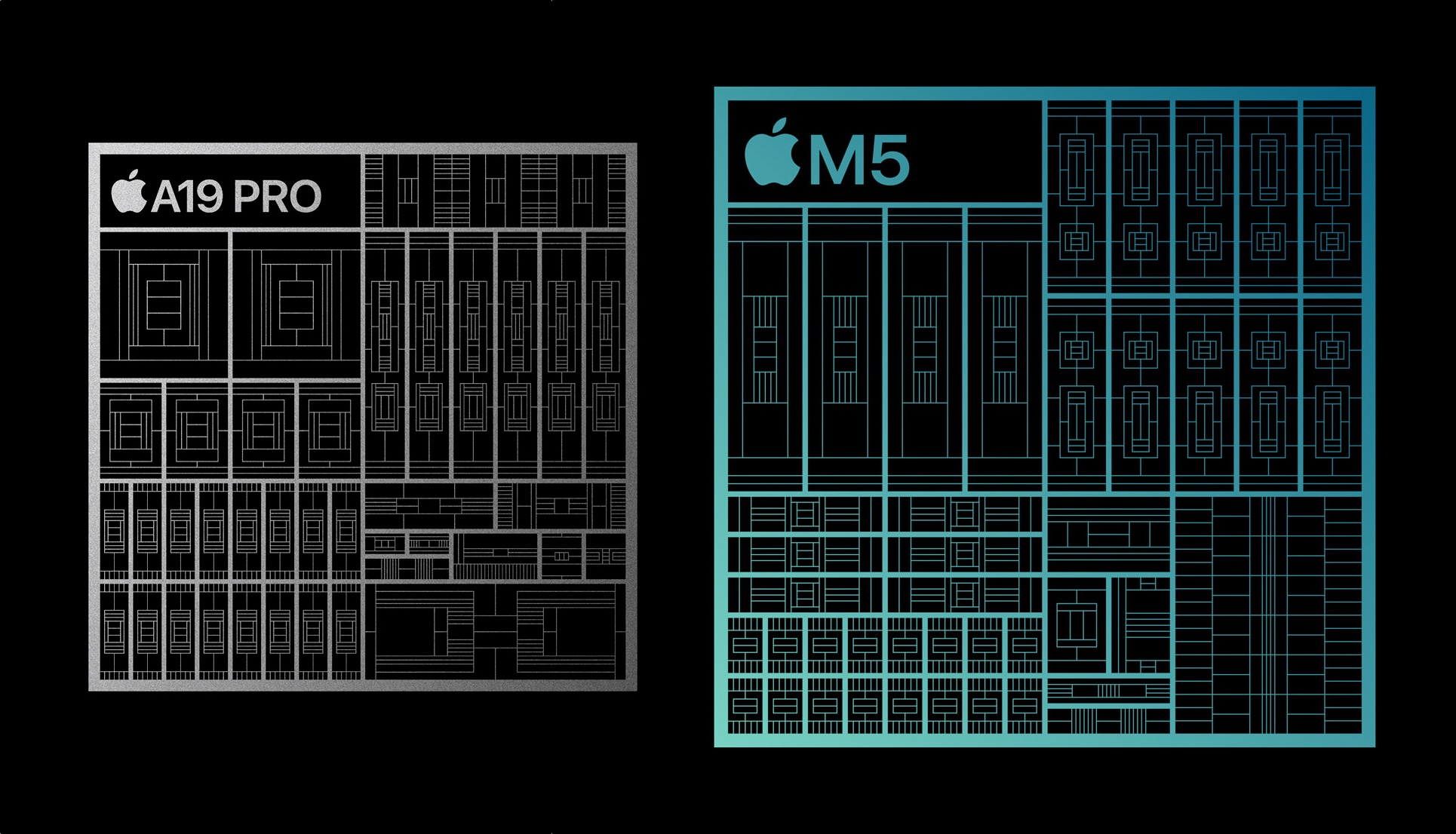
Image: Apple
The chip powering the MacBook Neo is the A18 Pro. This is the processor that originally debuted on the iPhone 16 Pro in 2025. Designed for the constraints of a smartphone, this chip is lower power. But for most tasks, like browsing the web, basic document editing and even light photo and video editing, the A18 Pro should be sufficient.
The MacBook Air has the latest M5 chip. It’s a larger chip with more power, more cores for multitasking and support for more displays and accessories.
Here are the two chips compared:
- A18 Pro: 6-core CPU (2 performance, 4 efficiency), 5-core GPU
- Base M5: 10-core CPU (4 super, 6 efficiency), 8-core GPU
- Upgraded M5: 10-core CPU (4 super, 6 efficiency), 10-core GPU
In terms of battery life, the MacBook Air comes out slightly ahead:
- Neo: 36.5 watt-hour battery, 16 hours video streaming, 11 hours web browsing
- Air: 53.8 watt-hour battery, 18 hours video streaming, 15 hours web browsing
The MacBook Neo comes with a 20W power adapter; the MacBook Air comes with a dynamic 40W power adapter that can max out at 60W.
Configuration options
The higher configuration for a MacBook Neo doesn’t overlap with the base model MacBook Air. There’s a gradual price ramp as you upgrade the specs.
- Neo: $599: 256 GB storage, 8 GB memory, A18 Pro
- Neo: $699: 512 GB storage, 8 GB memory, A18 Pro, Touch ID
- Air: $1,099: 512 GB storage, 16 GB memory, M5, Touch ID
- Air: $1,299: 1 TB storage, 16 GB memory, M5, Touch ID
- Air: $1,499: 1 TB storage, 24 GB memory, M5, Touch ID
External displays and peripherals: MacBook Neo vs. MacBook Air

Photo: Apple
The MacBook Neo and the MacBook Air each have two USB-C connectors, but the ports themselves are not the same.
The MacBook Neo has one USB 3 port (the one in the back) and one USB 2 port (the one closer to the front). The USB 3 port supports charging, DisplayPort and data transfers up to 10 Gb/s. With DisplayPort, it can power an external monitor up to 4K at 60 Hz. It does not support Apple’s Studio Display.
The MacBook Air has two Thunderbolt 4/USB 4 ports, which support data transfers up to 40 Gb/s. This is ideal for high-speed external drives and storage. It can also power multiple high-resolution displays — two 6K displays at 60 Hz or two 4K displays at 144 Hz; one 8K display at 60 Hz, one 5K display at 120 Hz or one 4K display at 240 Hz.
The MacBook Air also has a MagSafe connector for charging, freeing up its two Thunderbolt ports for peripherals.
So if you plan on plugging in a 5K display or fast SSD storage, you’re probably better off with a MacBook Air.
Colors
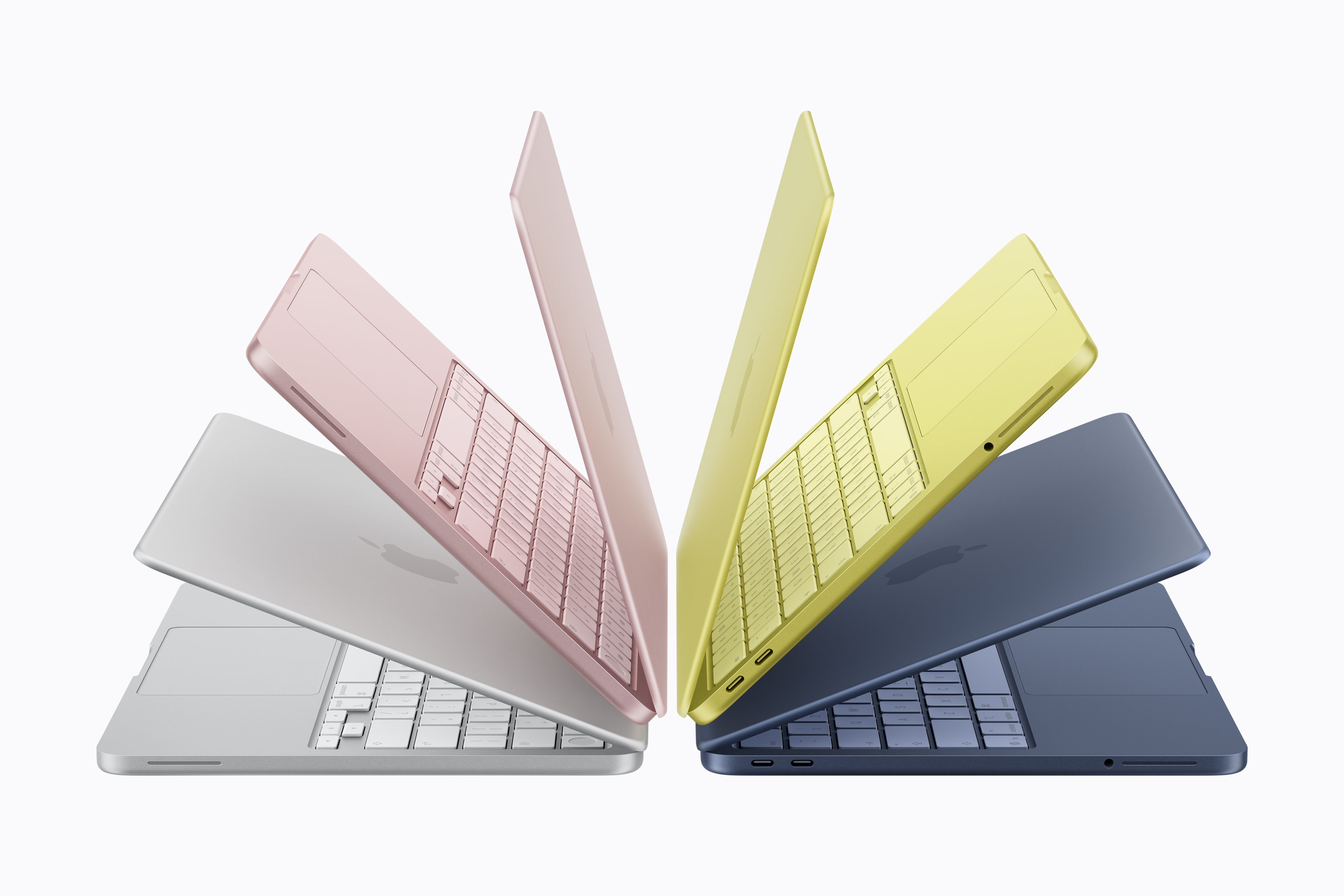
Image: Apple
The MacBook Neo comes in a far more vibrant selection of colors: silver, blush, citrus and indigo. Even the darkest color, indigo, is much lighter and more colorful than the midnight MacBook Air. The keyboard is even color-matched as well, whereas the MacBook Air has black keys no matter which color you choose.
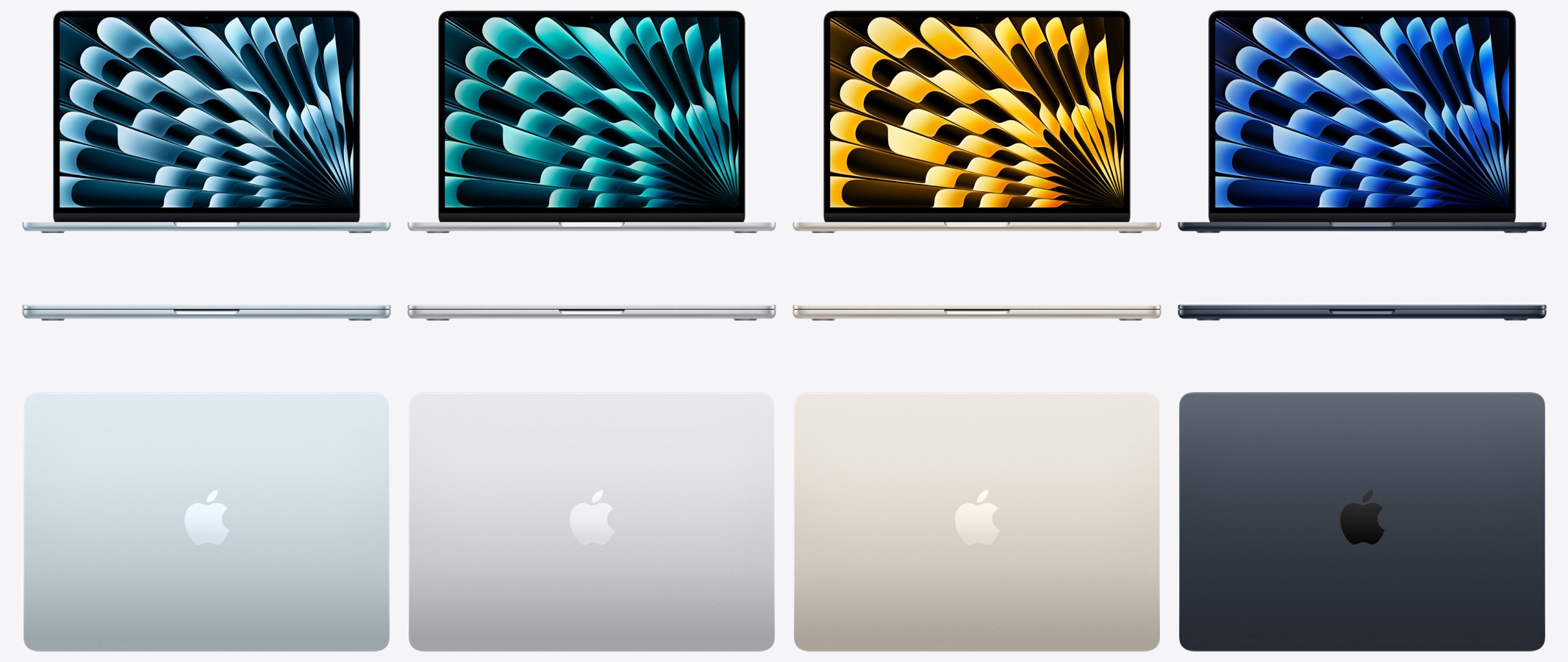
Image: D. Griffin Jones/Cult of Mac
The MacBook Air colors are very subtle. It comes in sky blue, silver, starlight and midnight. Having reviewed the sky blue MacBook Air, don’t be deceived by the official product images — it’s a much more subtle shade than you expect. It’s more like cool silver, neutral silver, warm silver and dark-blue-gray.
A more subtle difference is that the Apple logo on the MacBook Neo is embossed as a darker texture, whereas the Apple logo on the MacBook Air is shiny and polished.
Display size and weight

Image: Apple
The MacBook Air has a slightly larger display compared to the MacBook Neo. It also comes in an additional 15-inch model for an extra $200. The display itself on the MacBook Air itself supports a wider range of colors.
- Neo: 13.0-inch display, 2408 × 1506
- Air: 13.6-inch display, 2560 × 1664
- Air: 15.3-inch display, 2880 × 1864
The MacBook Neo and the 13-inch MacBook Air are virtually the same size and weight. The 15-inch MacBook Air is an inch and a half wider and an inch deeper.
- Neo: 11.71 × 8.12 × 0.50 inches
- Air: 11.97 × 8.46 × 0.44 inches (13-inch)
- Air: 13.40 × 9.35 × 0.45 inches (15-inch)
- Neo: 2.7 pounds
- Air: 2.7 pounds (13-inch)
- Air: 3.3 pounds (15-inch)
Miscellaneous other differences
Here’s a quick rundown of other differences between the two models:
- Neo: Unlit keyboard
- Air: White LED backlit keyboard
- Neo: Two speakers, two microphones
- Air: Six speakers, three microphones
- Neo: 3.5mm headphone jack
- Air: 3.5mm headphone jack with support for high-impedance headphones
- Neo: Spatial Audio with built-in speakers
- Air: Spatial Audio with built-in speakers and dynamic head tracking with AirPods
- Neo: Multitouch trackpad
- Air: Multitouch force-sensitive trackpad
- Neo: Wi-Fi 6E
- Air: Wi-Fi 7
- Neo: 1080p webcam
- Air: 1080p webcam with Center Stage and Desk View
Conclusion: MacBook Neo vs. MacBook Air comparison
The MacBook Neo is Apple’s entry-level laptop. It boasts Apple’s signature all-day battery life and ease of use. It can swim through web browsing, document editing and other basic tasks. But if you want higher specs than its 8GB memory or the maximum 512GB storage, the MacBook Air is a better choice.
- 16-hour battery life
- Comes in four bright, fun colors
- Thin and light design
- No MagSafe charging
- USB 3 and USB 2 ports
- No support for high-resolution displays

Buy the MacBook Neo if you just want a laptop. You don’t have a vast array of peripherals to plug into it, nor a big multi-monitor setup. Your work involves bouncing around some web apps, and you can edit photos and videos if you need to, but it’s not a regular part of your work.
Powered by Apple's M5 chip, this 13-inch laptop delivers excellent performance and extreme efficiency in the same gorgeous design as last year’s model. It packs two Thunderbolt 4 ports and a MagSafe connector for fast charging, with Wi-Fi 7 connectivity. It comes in four colors.
- Outstanding Apple design
- 18-hour battery life
- Supports Apple Intelligence
- Only two ports
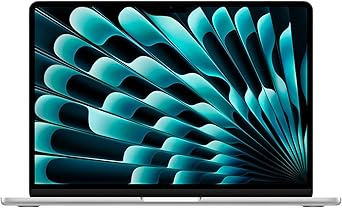
Buy the MacBook Air if you need a more powerful computer. You can use the Thunderbolt port to plug in a dock with a wide array of other ports, or a 5K display. The M5 chip can handle more serious tasks.

D. Griffin Jones was a writer, podcaster and video producer for Cult of Mac. Griffin has been a passionate computer enthusiast since 2002, when he got his first PC — but since getting a Mac in 2008, he hasn’t turned back. His skills in graphic and web design, along with video and podcast editing, are self-taught over 20+ years. Griffin has a bachelor’s degree in computer science and has written several (unpublished) apps for Mac and iOS. His collection of old computers is made up of 40+ desktops, laptops, PDAs and devices, dating back to the early ’80s.
Griffin writes for his personal blog, Extra Ordinary, and is currently looking for work.


One response to “MacBook Neo isn’t the MacBook Air killer you might think”
I bought a 13″ MBA M4 256/16 a few months ago. Luckily because I traded in an older macbook I only paid $650 for it. If I had waited the Neo would have been perfect. Mostly email and managing data in Square and Google Sheets.