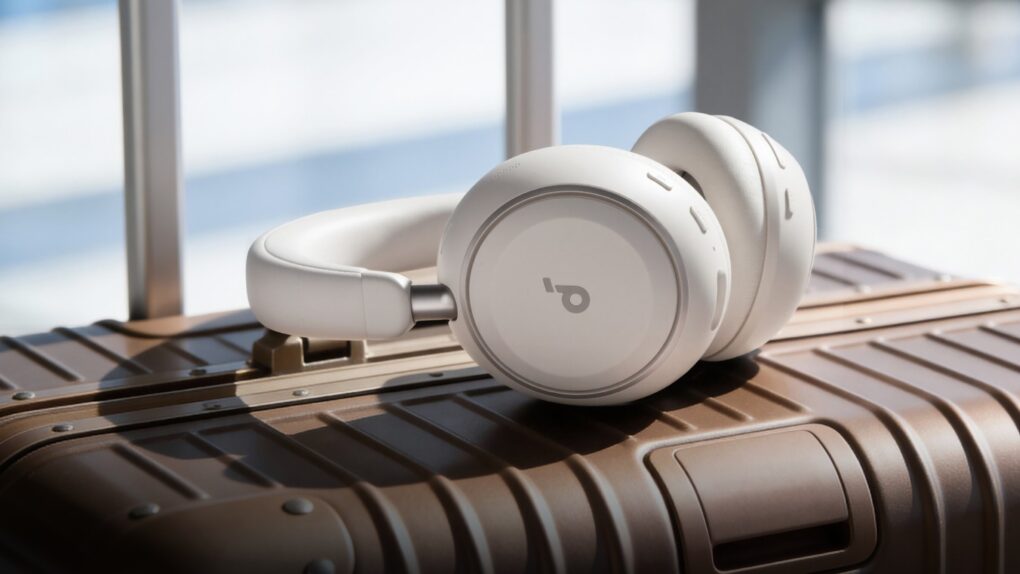
Soundcore Space 2 headphones on suitcase Photo: Soundcore
Soundcore unveiled its new Space 2 over-ear headphones at Mobile World Congress in Barcelona on Sunday. Aimed squarely at travelers and commuters, Space 2 combines advanced noise cancellation, extended battery life and personalized sound tuning — all at a price point that undercuts many competitors — $129.99.
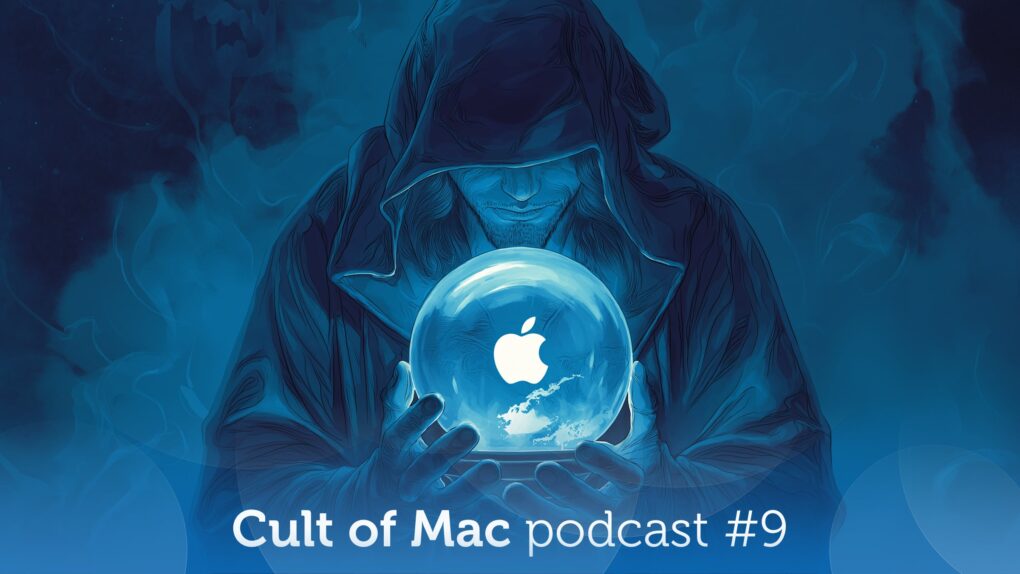
What will Apple reveal next week? Illustration: Midjourney/Cult of Mac
This week on the Cult of Mac podcast: Apple’s prepping to launch something Monday, but who knows what? We put our professional reputations on the line once again with predictions about what’s coming next week, including the “special Apple Experience” set for March 4.
Writer, developer and Accidental Tech Podcast host Casey Liss joins us for our fun Apple predictions game — and you can play along, too!
Also on the Cult of Mac podcast:
The cosmic orange iPhone 17 Pro became a big hit, so Apple might deliver more bold colors in this year’s model. Still, the reporting on this so far is a little weird.
Griffin goes over the new features in the latest iOS 26.4 beta.
Casey gives us an overview of Callsheet, his app for movie and TV fans that “aims to be a not-crappy version of the IMDb app.”
We discuss another ortholinear keyboard in yetanother interesting setup.
Listen to this week’s episode of the Cult of Mac podcast in the Podcasts app or your favorite podcast app. (Be sure to subscribe and leave us a review if you like it!) Or watch the video live stream, embedded below.
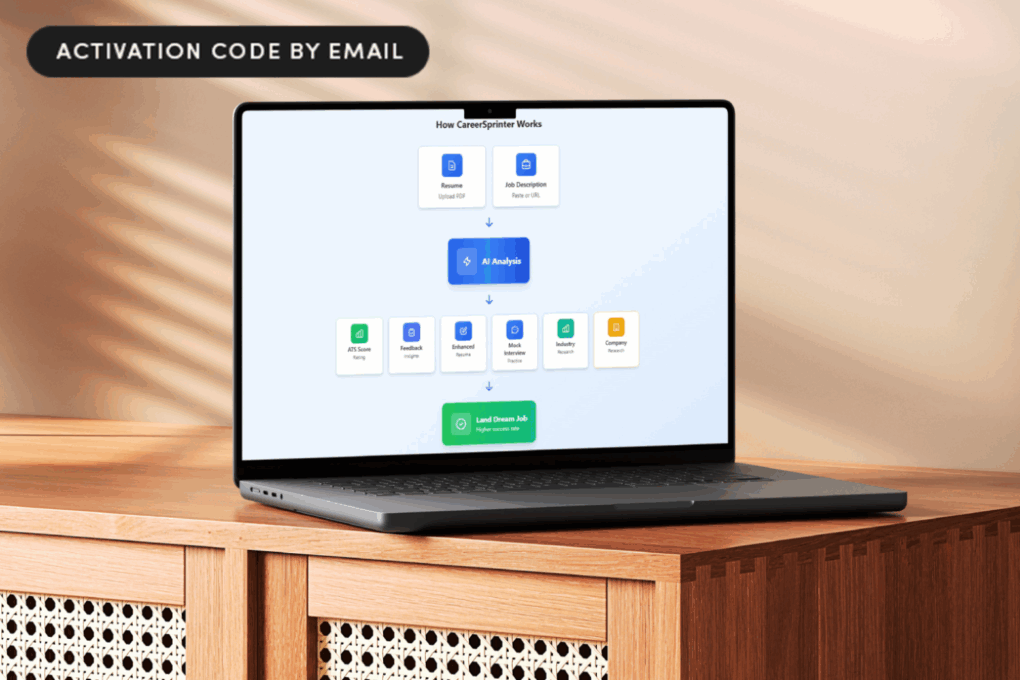
Save 89% on lifetime access to CareerSprinter Pro Plan while it's on sale! Photo: Cult of Mac Deals
CareerSprinter Pro gives you lifetime access to AI-powered resume, interview and salary tools that help you job hunt smarter and move your career forward with confidence — for a one-time payment of $49.99.
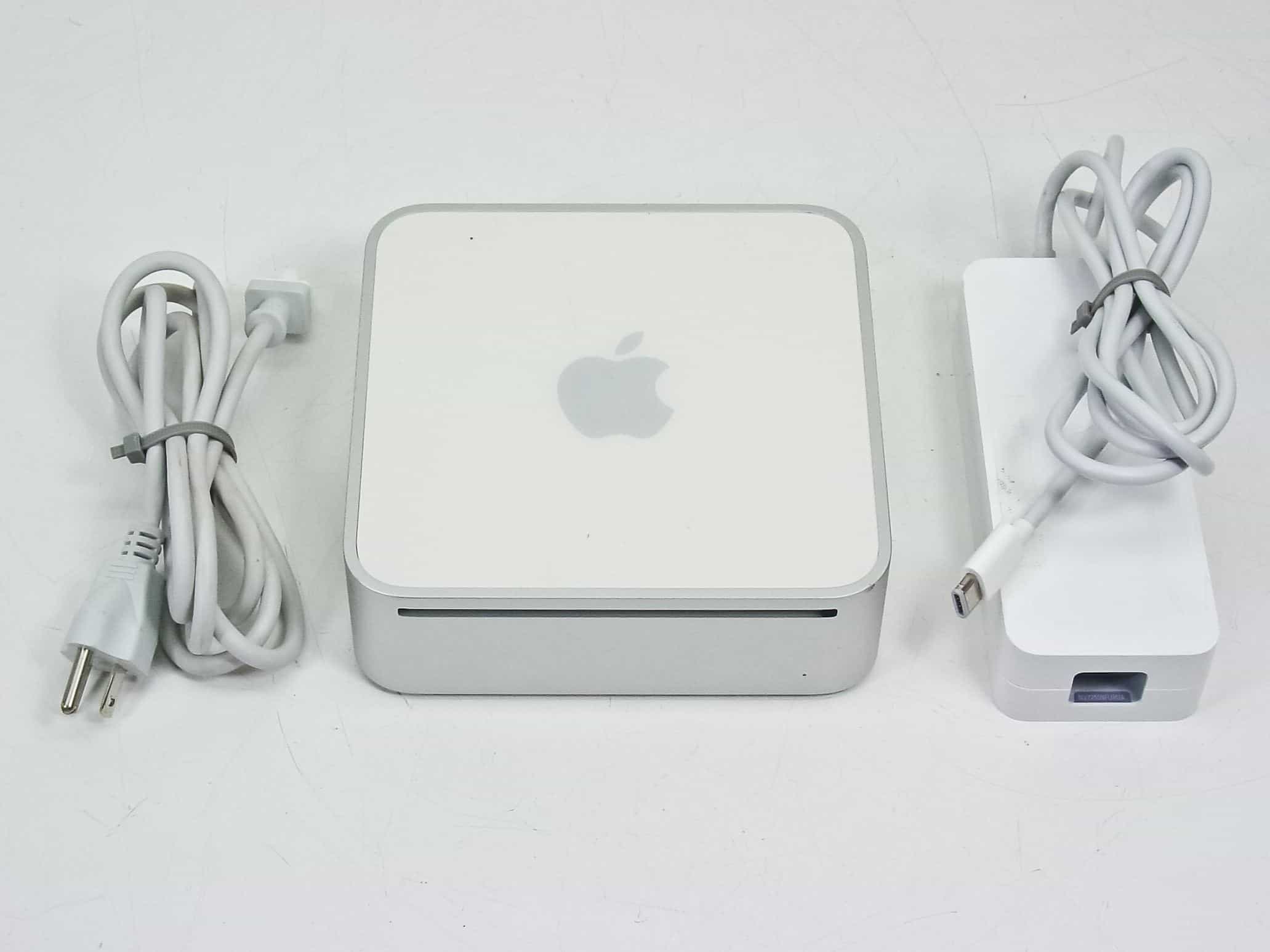
With a powerful Intel chip inside, the 2006 Mac mini made big waves. Photo: RecycledGoods
February 28, 2006: Apple introduces an upgraded Mac mini, an affordable computer powered by an Intel processor.
A “headless” Mac for entry-level users, it’s the third Apple computer to switch to Intel chips. Oh, and it makes one heckuva media player when plugged into a television set.
It’s not a built-in feature, but you can make it yourself. Image: D. Griffin Jones/Cult of Mac
If you’re tired of your kids’ or partner’s music polluting your music recommendations and history, there’s a solution. While Apple Music does not offer a built-in private mode, you can make your own using a Focus mode.
Turn on a special Focus mode, and Apple Music will ignore all the songs, artists and albums that play next.
It’s even possible to enable your private mode when you connect to a specific Bluetooth speaker, like a living room sound system. Or when you enter a specific location, like work. Here’s how to set it up — keep reading or watch our quick video.
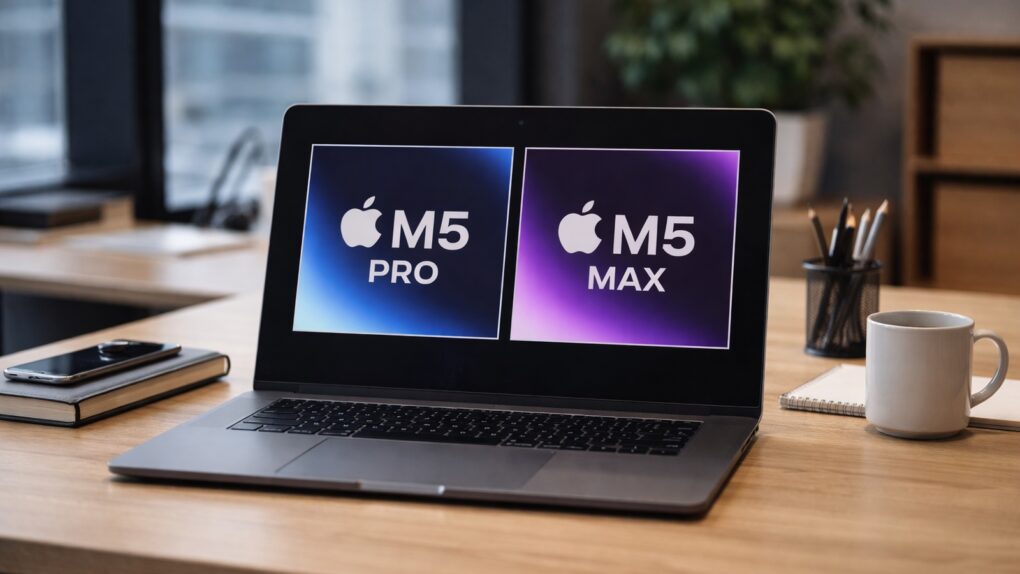
The whole point of upgrading the MacBook Pro with the new M5 Pro or M5 Max processors is to boost performance. Although Apple has yet to announce the new high-speed chip variants, we can still make solid estimates of the increase to be expected. Spoiler alert: WOW.
Here’s the hefty CPU and GPU performance jumps to expect from the upcoming M5 Pro and M5 Max processors.
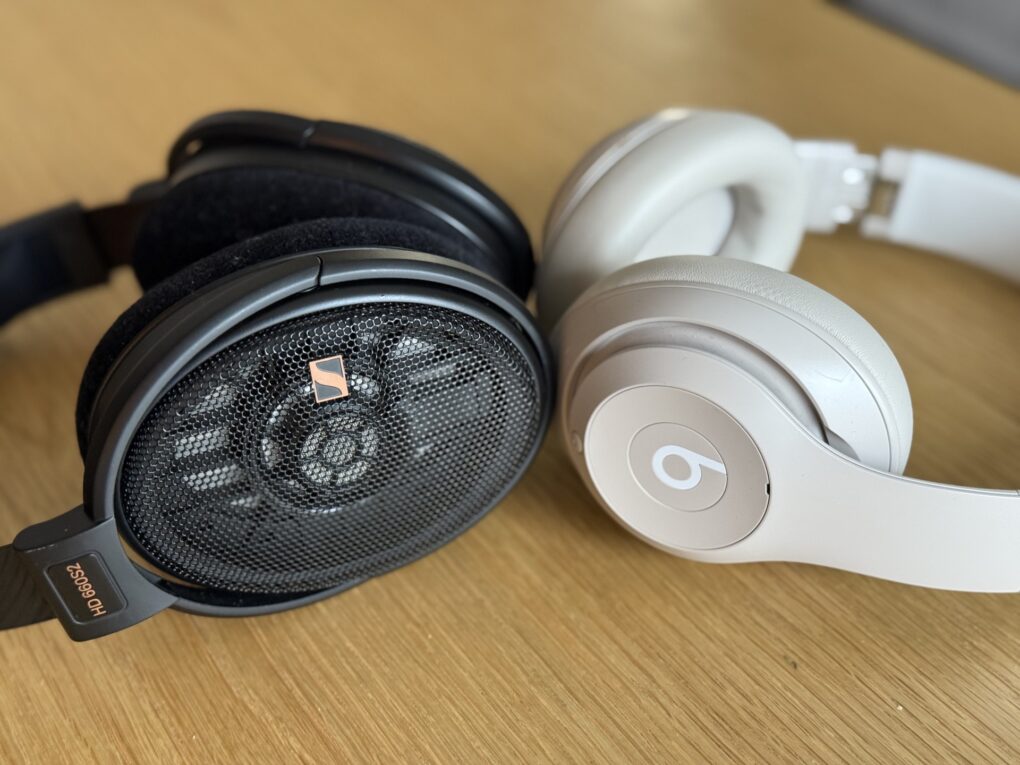
Each type of headphone has plenty to recommend it. Photo: David Snow/Cult of Mac
Ever wondered how closed-back and open-back headphones differ? Is one or the other better for your uses in your computer setup and elsewhere? What the heck is “impedance?”
I recently experimented with both open- and closed-back cans in my evolving setup. I’ve laid out all the considerations and key differences for you below. And you can find my gear in the links list at the bottom of this article.
Kaiju battle! Godzilla and Kong must face Titan X in Apple TV’s Monarch season 2, now streaming.
Image: Apple TV
The giant monster action of Monarch: Legacy of Monsters returned on Friday with season two stomping onto Apple TV. The series is set in the MonsterVerse that includes Godzilla and other kaiju, with Kong taking a giant-size role in the season that just premiered. Plus there’s a new Titan X to battle with.
Watch the new season two now on Apple TV, or get caught up with season one.
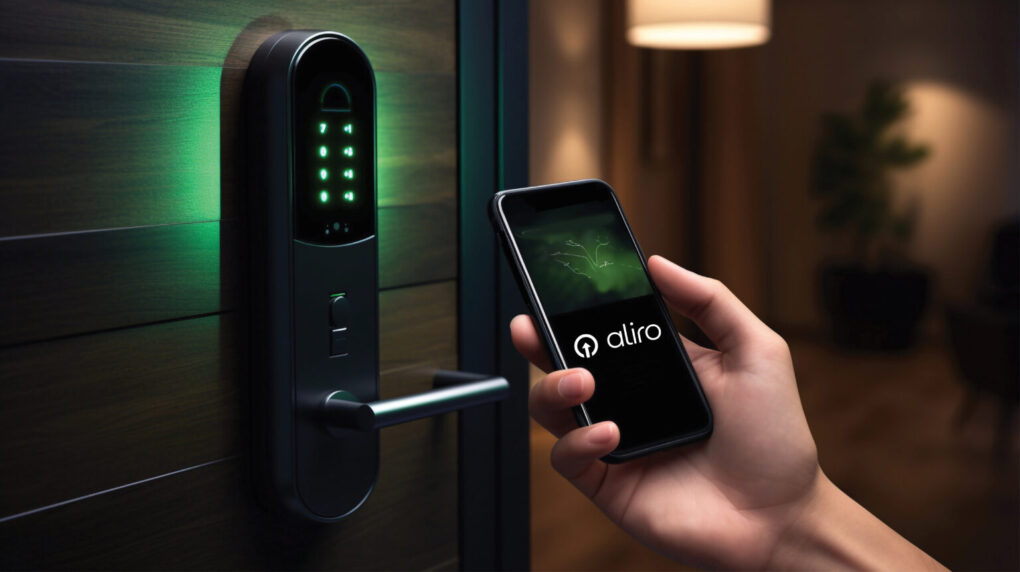
The new Aliro 1.0 standard will ensure more smart locks work well with more devices. Photo: CSA
The new Aliro 1.0 communication protocol and credential standard could fundamentally change how iPhone users interact with smart locks, the Connectivity Standards Alliance said Thursday upon release of the specification. And it will affect usage not just at home, but in places like offices, hotels, colleges and apartment buildings.
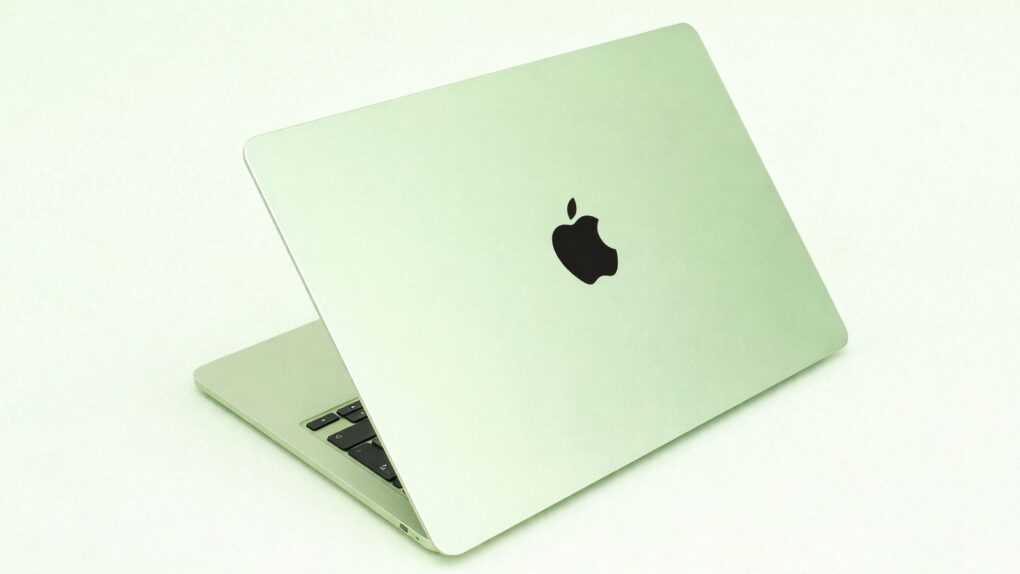
There’s huge anticipation for the budget MacBook that’s rumored to launch soon. But a critical question about the laptop has yet to be answered: Just how much will it cost? We already know it’ll be the most affordable macOS notebook ever, and there’s plenty of speculation about the exact cost.
There’s definitely a level that the price cannot go above if Apple wants the low-cost MacBook to succeed. Trouble is, the ongoing AI boom might force Apple to increase the cost of the device above its original plan. That raises questions about how successful the budget laptop will be.
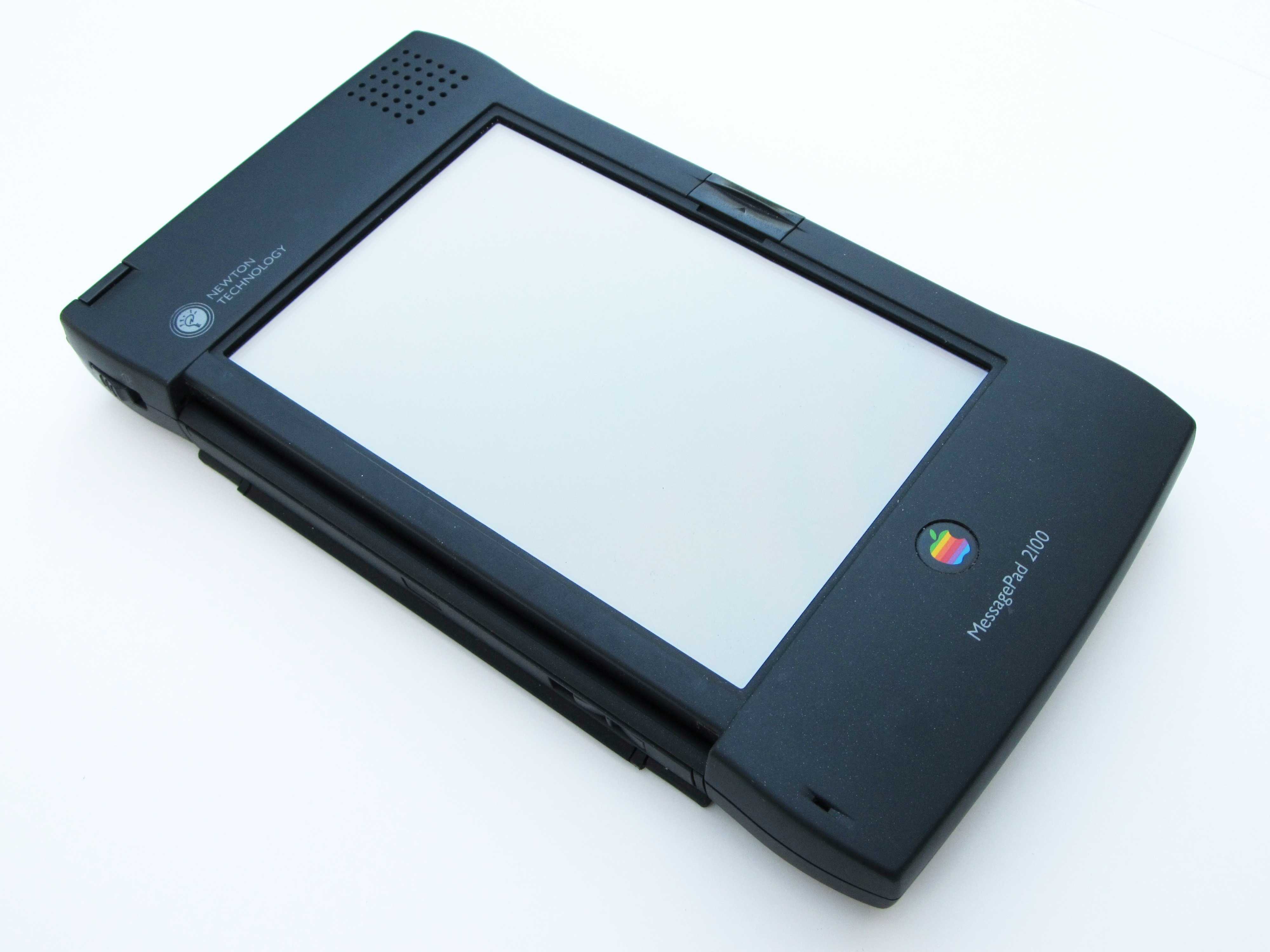
The MessagePad was a product ahead of its time. Photo: Moparx
February 27, 1998: Apple discontinues work on the Newton MessagePad product line, the series of personal digital assistants the company launched five years earlier. It also stops development work on Newton OS, the operating system that the devices run upon.
“This decision is consistent with our strategy to focus all our software development resources on extending the Macintosh operating system,” Apple’s interim CEO Steve Jobs says in a press release. “To realize our ambitious plans we must focus all of our efforts in one direction.”
iPhone security is tight enough for NATO classified documents. Photo: Apple
The iPhone and iPad are the first consumer devices to meet the information assurance standards set by NATO member nations. As a result, the devices can be used to handle classified information up to the NATO Restricted level without the need for specialized software or additional configuration, the company said Thursday.
“Apple has built the most secure devices in the world for all its users, and those same protections are now uniquely certified under assurance requirements for NATO nations — unlike any other device in the industry,” said Ivan Krstić, Apple’s vice president of security engineering and architecture, in a press release.
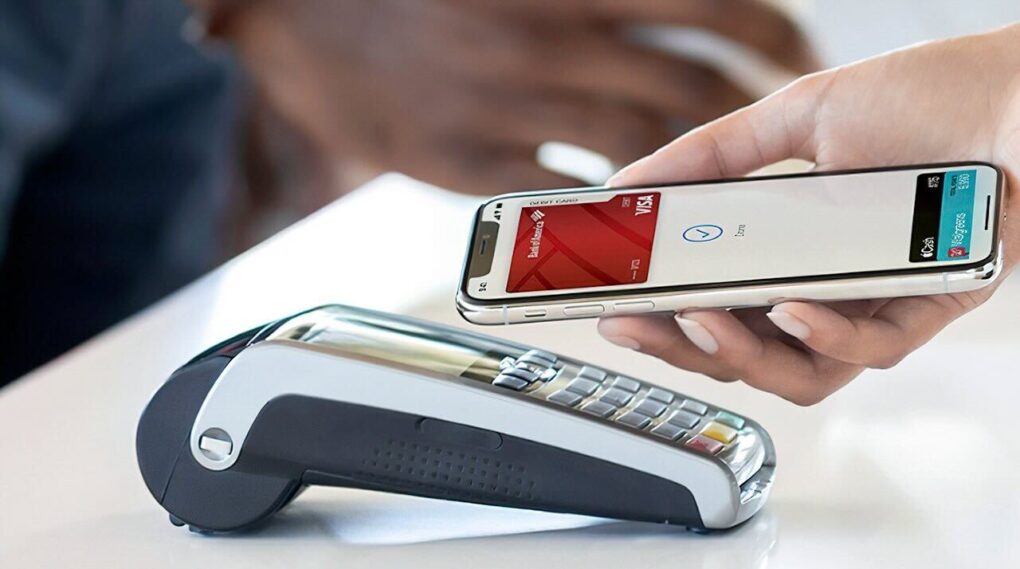
The iPhone giants seems close to launch Apple Pay in India. Photo: Apple
Apple is in advanced talks with major banks and global card networks to bring Apple Pay to India, potentially by mid 2026 — a move that could significantly expand the iPhone maker’s footprint in the world’s most populous country.
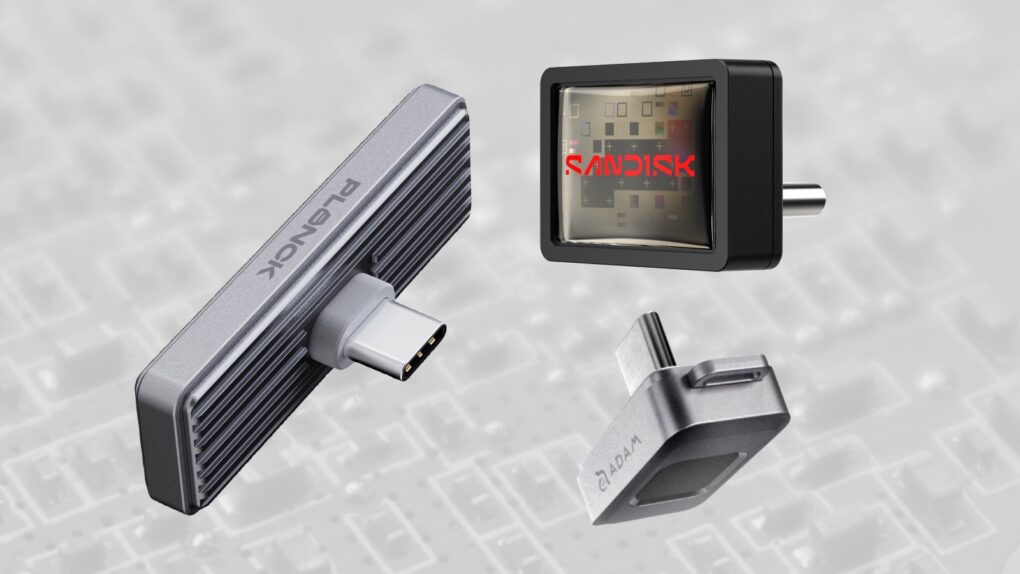
Whether you want fast, secure or affordable, we found the best iPhone SSD options. Image: Cult of Mac
Adding storage space to your iPhone is easy — you just need the right SSD. I’ve tested ones that work with Apple’s handset and found three standout options for holding gigabytes of images, video and more without massively bulking up the handset.
So here are the best SSDs for your iPhone. All you need to do now is decide whether you want the tiny drive to emphasize speed, security or affordability.
Rhys Ifans stars in Star City, from the creators of For All Mankind. It premieres May 29, 2026 on Apple TV. Photo: Apple
Star City is an ambitious new Apple TV drama set in the Soviet space program. It expands the alternate-history universe established by the streamer’s acclaimed series For All Mankind. And the new show got the “first-look” treatment Thursday, when Apple sent out a new photo to get fans excited about the premiere of Star City season one.
The eight-episode series debuts May 29 with two episodes, followed by one new episode each Friday through July 10.
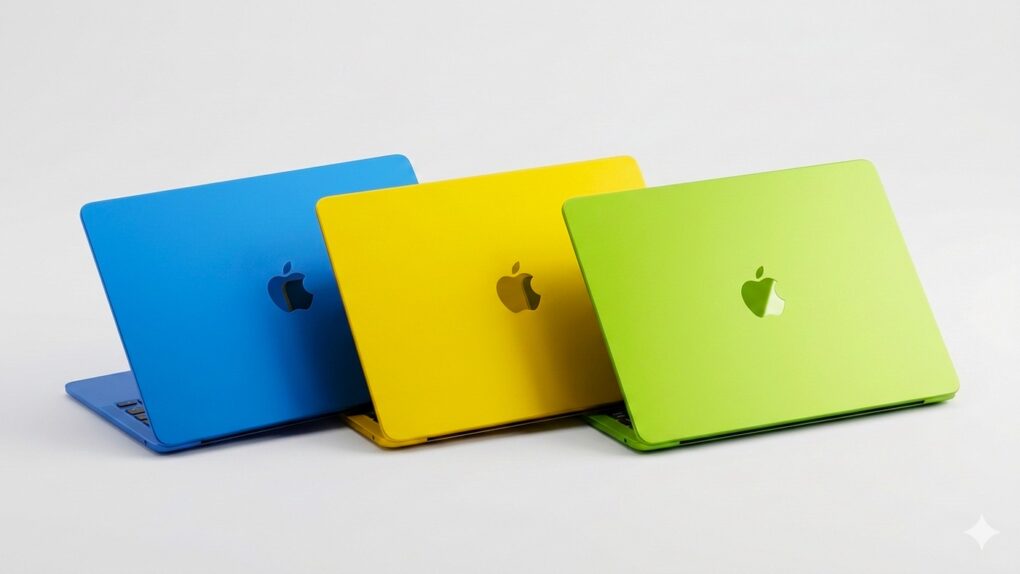
The colorful budget MacBook could be the star of Apple's March product announcements. AI image: Gemini/Cult of Mac
Apple CEO Tim Cook confirmed Thursday what had previously been rumored: The company will launch new products starting Monday, March 2.
The graphic he posted on X hints at the new MacBooks that are expected to be among the announcements. Beyond notebooks, the iPhone 17e, revamped iPads and possibly more could all be unveiled in just a few days.
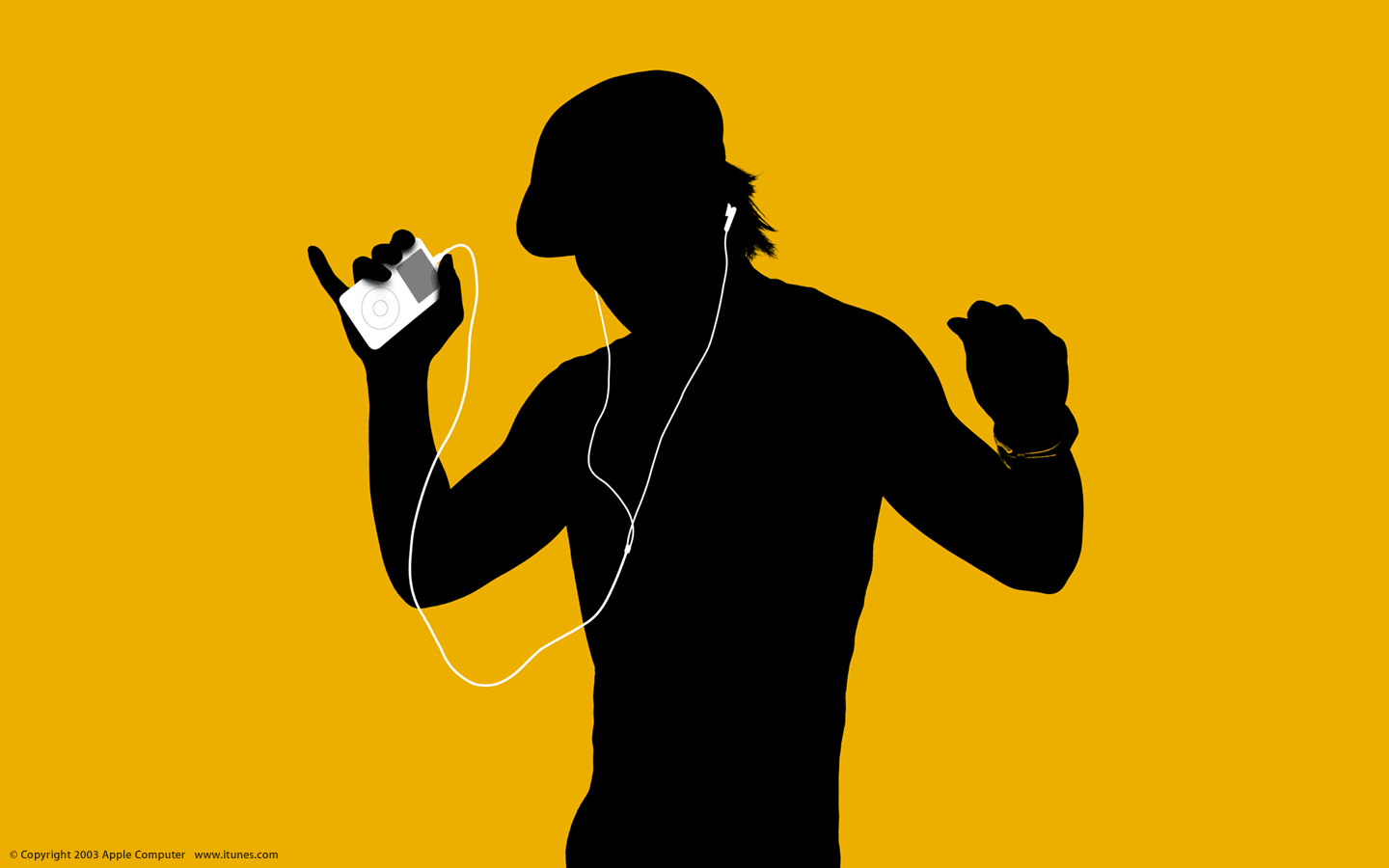
In the early 2000s, the iTunes Music Store went from strength to strength. Photo: Apple
February 26, 2008: Less than five years after launching, the iTunes Music Store becomes the No. 2 music retailer in the United States, second only to Walmart.
In that relatively short period, iTunes sells more than 4 billion songs to more than 50 million customers. The rapid rise to prominence stands as a massive achievement for Apple — and for the revolutionary digital distribution model Cupertino helped pioneer.
Save 87% on lifetime access to Hive AI's Unlimited Plan. Photo: Cult of Mac Deals
It’s easy to lose track of your projects when all your ideas and notes are scattered across different apps. If you want a simpler way to get organized, try Hive AI. This browser-based workspace pulls documents, visual boards and structured data into one place — and adds AI tools to help you clean things up faster.
It’s part workspace, part AI-integrated project manager, and it’s great for working alone or collaborating with others. Right now, you can get a lifetime subscription to Hive AI for just $79 (regularly $619).
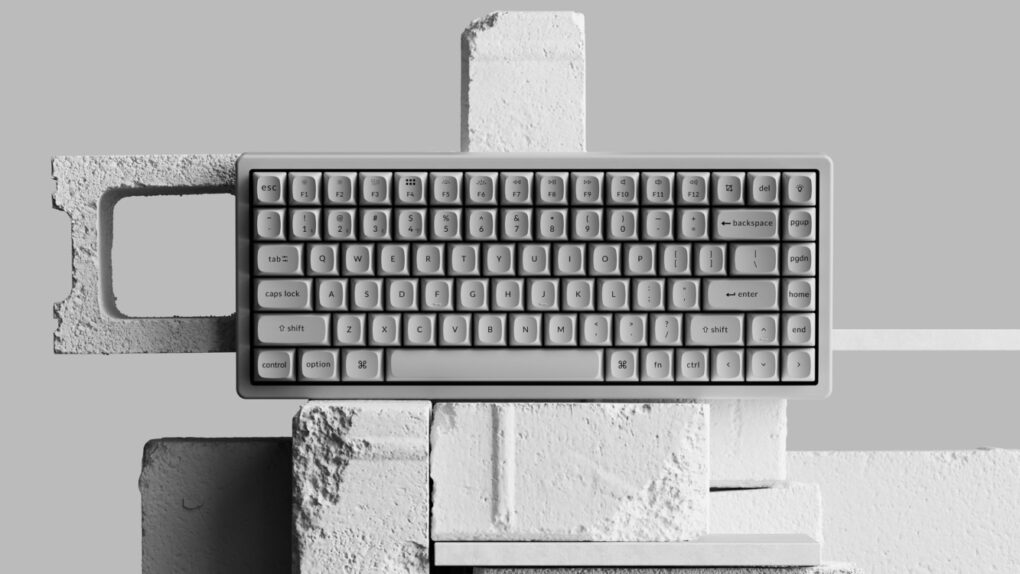
This Hall Effect keyboard's body, or housing, is solid concrete. Photo: Keychron
Never shy about making keyboards that look as good as they perform, Keychron just pushed that idea into genuinely unexpected territory. Launched Tuesday, the K2 HE Special Edition comes in two versions — one with a body made entirely of concrete, and one cast in resin. Both cost $199.99.
“Mechanical keyboards have advanced significantly in switch engineering, but enclosure materials have remained largely unchanged,” said Keychron co-founder Paul Tan. “With K2 HE Special Edition, we applied magnetic switch performance to a material-driven redesign, expanding how a keyboard can look and feel.”
Make your AI-generated writing sound ... human! Image: Cult of Mac Deals
AI writing tools work wonders, but AI detectors can flag your content if it leans too heavily on robo-prose. If you want your AI writing to be undetectable, you must edit all that content yourself, but it takes time to add the human touch. Sometimes, there just isn’t room in the schedule, but that’s OK. There’s a robot for that, too. You can use an AI humanizer like Undetectable Humanizer.
The Undetectable Humanizer transforms your AI-generated text into natural, human-like prose to help it bypass AI detection systems. This tool is a great get for writers, content creators and business owners who need to save as much time as they can when creating engaging content. A lifetime subscription to this effective AI humanizer’s pro plan is on sale now for $139.99 (regularly $2,880).
★★★★★
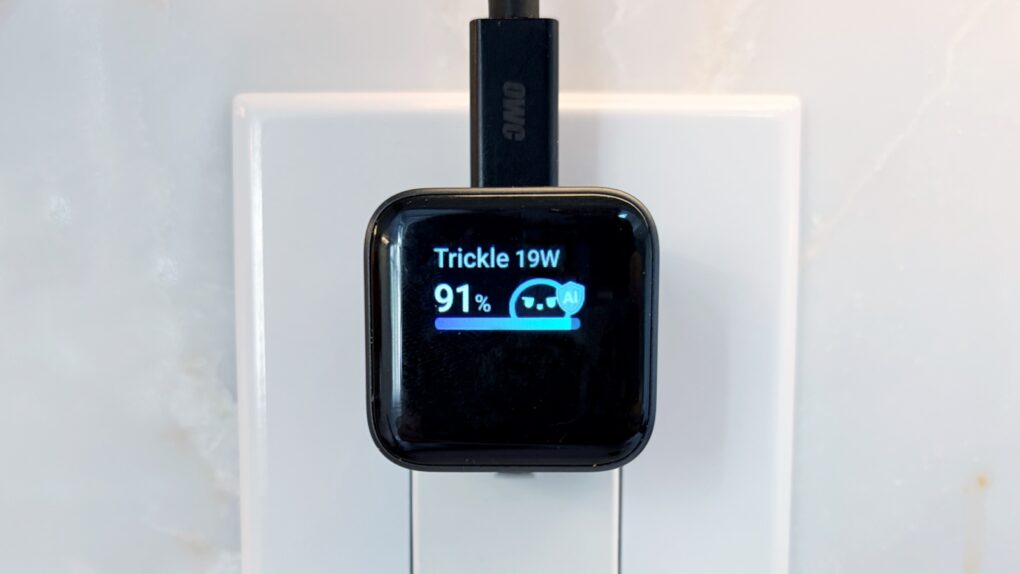
Anker's new miniature wall charger sports a smart display and other innovation. Photo: Ed Hardy/Cult of Mac
The Anker Nano Charger (45W, Smart Display, 180° Foldable) — that’s its actual name — is the smartest wall charger I’ve ever used. It recognizes my iPhone and iPad when I plug them in and even displays the device’s current battery level.
I can set it to quickly or slowly juice up my device, helping to protect its battery. Or order it to slow charge my handset overnight.
Here’s why I love Anker’s tiny new charger after testing it for several weeks.
This was one of the worst (and one of the most significant) days in Apple history. Photo: Bonhams
February 25, 1981: Original Apple CEO Michael Scott oversees a mass firing of employees, then holds a massive party. The Apple layoffs follow a hiring boom that led to what Scott called a “bozo explosion” at the company. They also stand as an early sign that the fun startup culture of Apple’s early days are gone forever.
“I used to say that when being CEO at Apple wasn’t fun anymore, I’d quit,” he tells a crowd of Apple staffers. “But now I’ve changed my mind — when being CEO isn’t fun anymore, I’ll just fire people until it is fun again.”
For many people at Apple, the day is the worst in the company’s history.
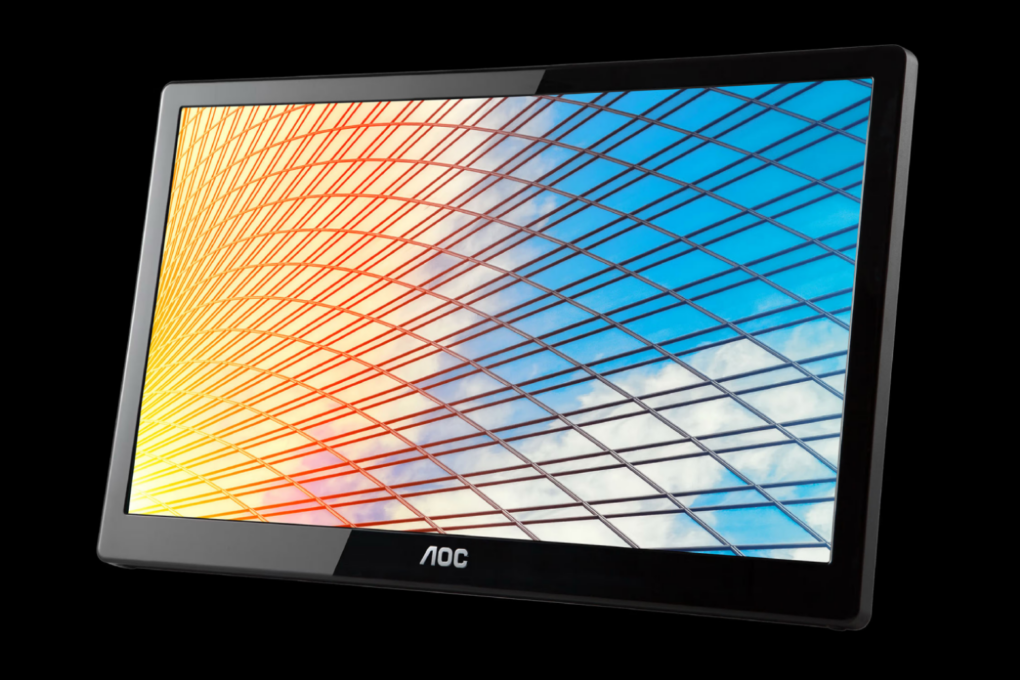
MacBook screen feeling cramped? We've got a $60 solution for you. Photo: Cult of Mac Deals
A lightweight USB-powered portable monitor can instantly double your screen space, anywhere you go. It’s an excellent productivity booster for MacBooks and other laptops when you venture away from the big screen in your home setup.
And right now, you can treat yourself to all that precious extra screen real estate for just $59.99 (MSRP $139) with this 15.6-inch refurbished portable monitor from AOC.
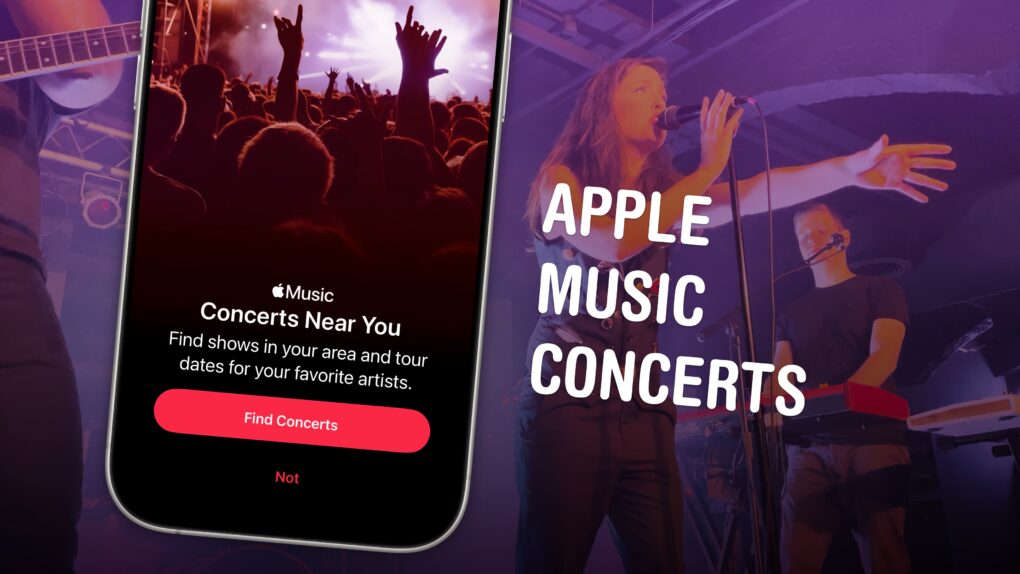
A great new feature comes to Apple Music. Image: D. Griffin Jones/Cult of Mac
Upcoming iOS 26 feature Apple Music Concerts solves one of music lovers’ biggest heartbreaks — finding out too late that your favorite artist already passed through your neighborhood on tour, unbeknownst to you.
The feature lets you see shows coming soon to your city, with convenient details on venues, ticketing, set lists and more. You can also look up an artist’s tour and see all their upcoming shows.
Supposedly, Apple Music Concerts will even notify you when a tour is coming nearby. The feature, available now in iOS 26.4 beta 2, hasn’t been out long enough for me to test. But if it works like the Apple Music notifications that alert you about new tracks, it could be a lifesaver.
Unfortunately, though, there’s one serious drawback. Here’s an overview of Apple Music Concerts.
Time to jump ship? Photo: Rajesh Pandey/Cult of Mac
1Password, a popular third-party password manager service among Apple users, will soon cost significantly more. The company plans to raise prices for both individual and family accounts by as much as 33%.
After the increase, 1Password’s individual subscription will cost $47.88 yearly, while the Family plan will rise to $71.88 annually.

 February 28, 2006: Apple introduces an upgraded Mac mini, an affordable computer powered by an Intel processor.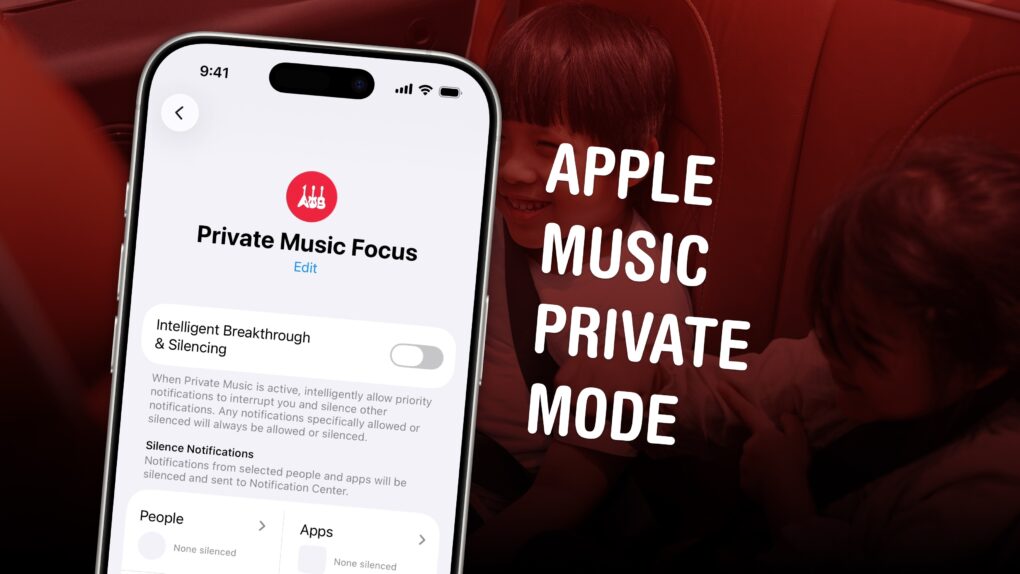

 February 27, 1998: Apple discontinues work on the Newton MessagePad product line, the series of personal digital assistants the company

 February 26, 2008: Less than five years after launching, the iTunes Music Store becomes the No. 2 music retailer in the United States, second only to Walmart.

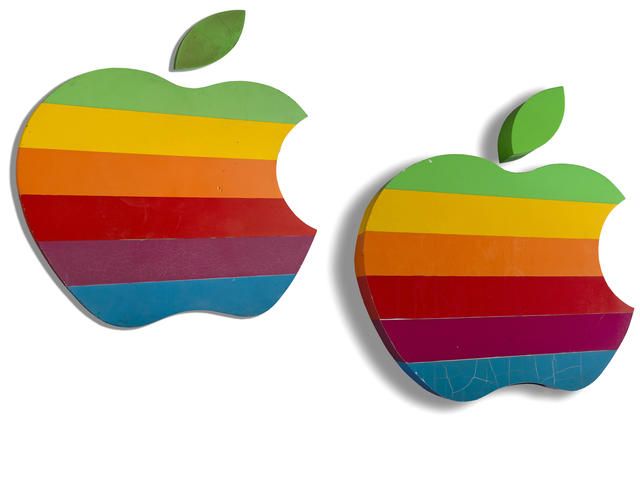
 February 25, 1981: Original Apple CEO Michael Scott oversees a mass firing of employees, then holds a massive party. The Apple layoffs follow a hiring boom that led to what Scott called a “bozo explosion” at the company. They also stand as an early sign that the fun startup culture of Apple’s early days are gone forever.