The 4K iMac is pretty, but you can get a lot more for your cash. Photo: Ste Smith/Cult of Mac
Apple delivered the 4K iMac many fans have been waiting for this week, but it’s not quite the all-in-one powerhouse some were expecting. Look past its beautiful design and you’ll find a lot of drawbacks you probably wouldn’t (and shouldn’t) expect to get with a $1,500 computer.
The upside is, this gives another great topic for a slanging match.
So join us in this week’s Friday Night Fight between Cult of Android and Cult of Mac as we go head to head over one question: Is the 4K iMac a total ripoff?
Apple's often unreliable cloud service sure saved me from a potential catastrophe. Photo: Apple
As you may have heard, Apple released the public beta for OS X El Capitan yesterday. Since I tend to ignore the risks of beta software in favor of all the new features, I downloaded it on my mid-2011 MacBook Air. Do yourself a favor: don’t be like me. Understand and acknowledge the risks of beta software. It’ll save you time and data.
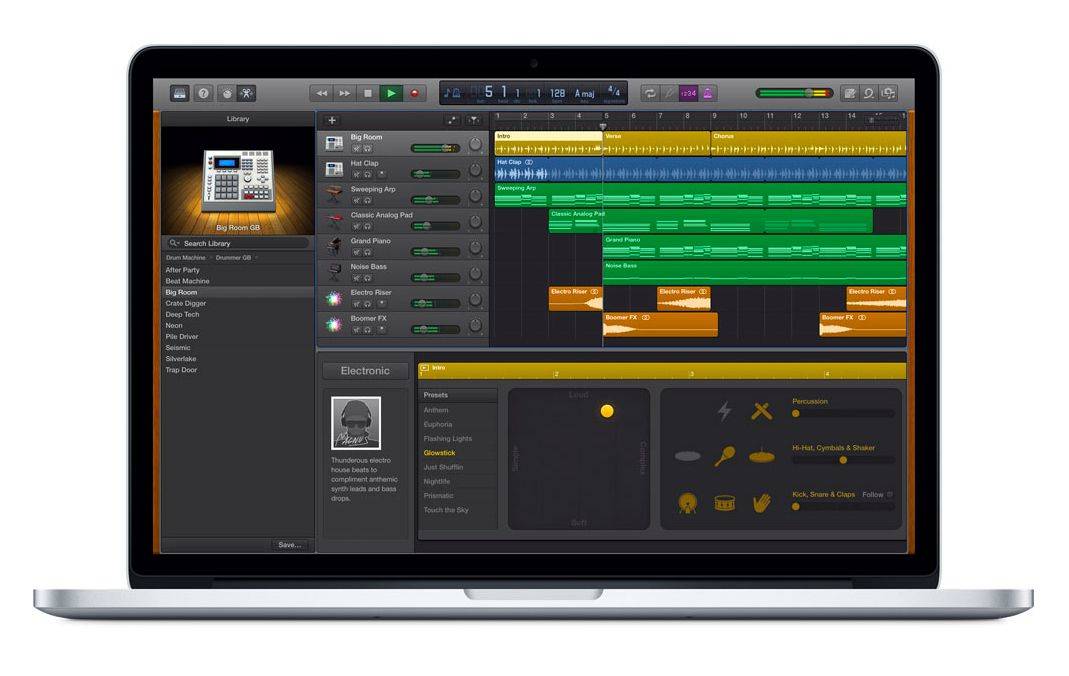
GarageBand is getting a tuneup -- just in time for the Apple Music launch Photo: Apple
GarageBand for Mac is getting a sonic upgrade with 10 new drum settings and 100 new synth sounds designed for electronic dance music and hip-hop tracks.
The new features are coming June 30 — just in time for the launch of Apple Music.
Using these simple keyboard tricks will make your life so much better. Photo: Jim Merithew/Cult of Mac
Mastering a few crucial Mac keyboard shortcuts will make using your Apple computer easier and much more efficient. Cutting your reliance on your mouse will help you work more quickly, and you’ll undoubtedly impress your family, friends and co-workers to no end. You might even end up becoming the go-to Mac person in your office, and we all know how wonderful that will be.
Here are the top 10 Mac keyboard shortcut tricks you really need to memorize right now, whether you’re a Mac newbie or a veteran user who still uses the mouse for everything out of habit.
OS X Yosemite is packed with new features. Unfortunately, not everybody knows every single trick to squeeze the latest, greatest functionality out of Apple’s new system software.
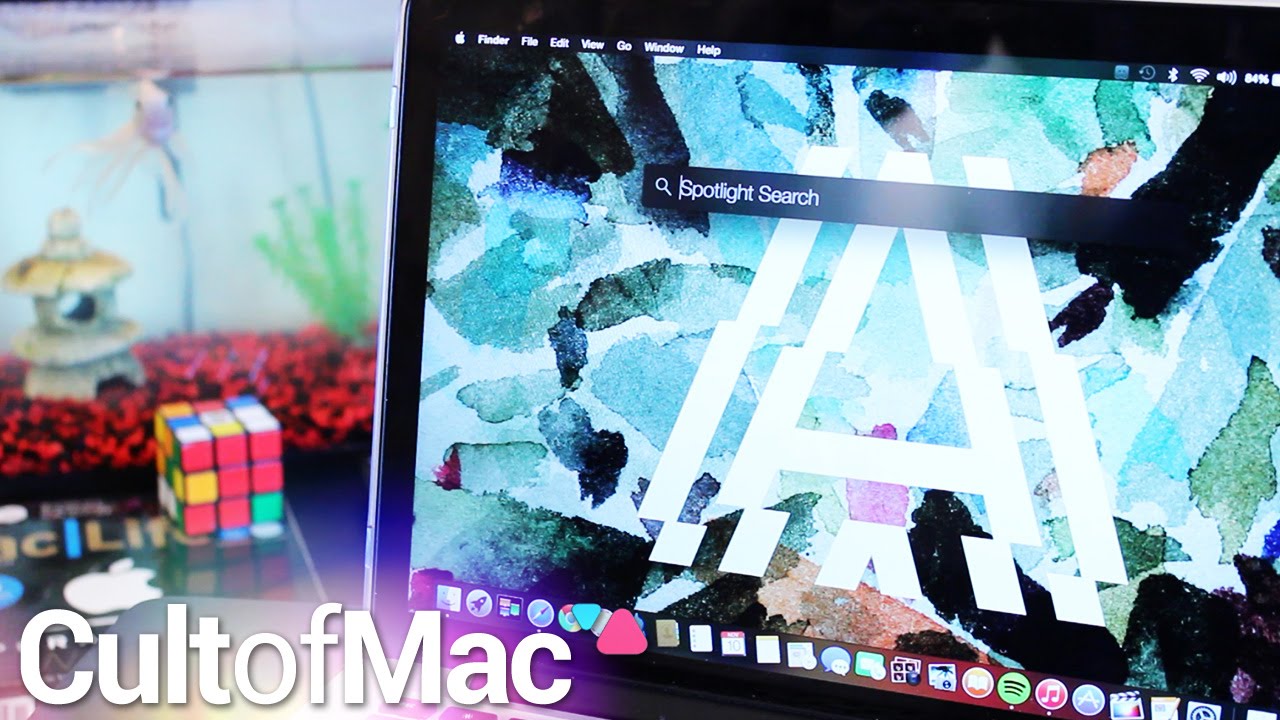
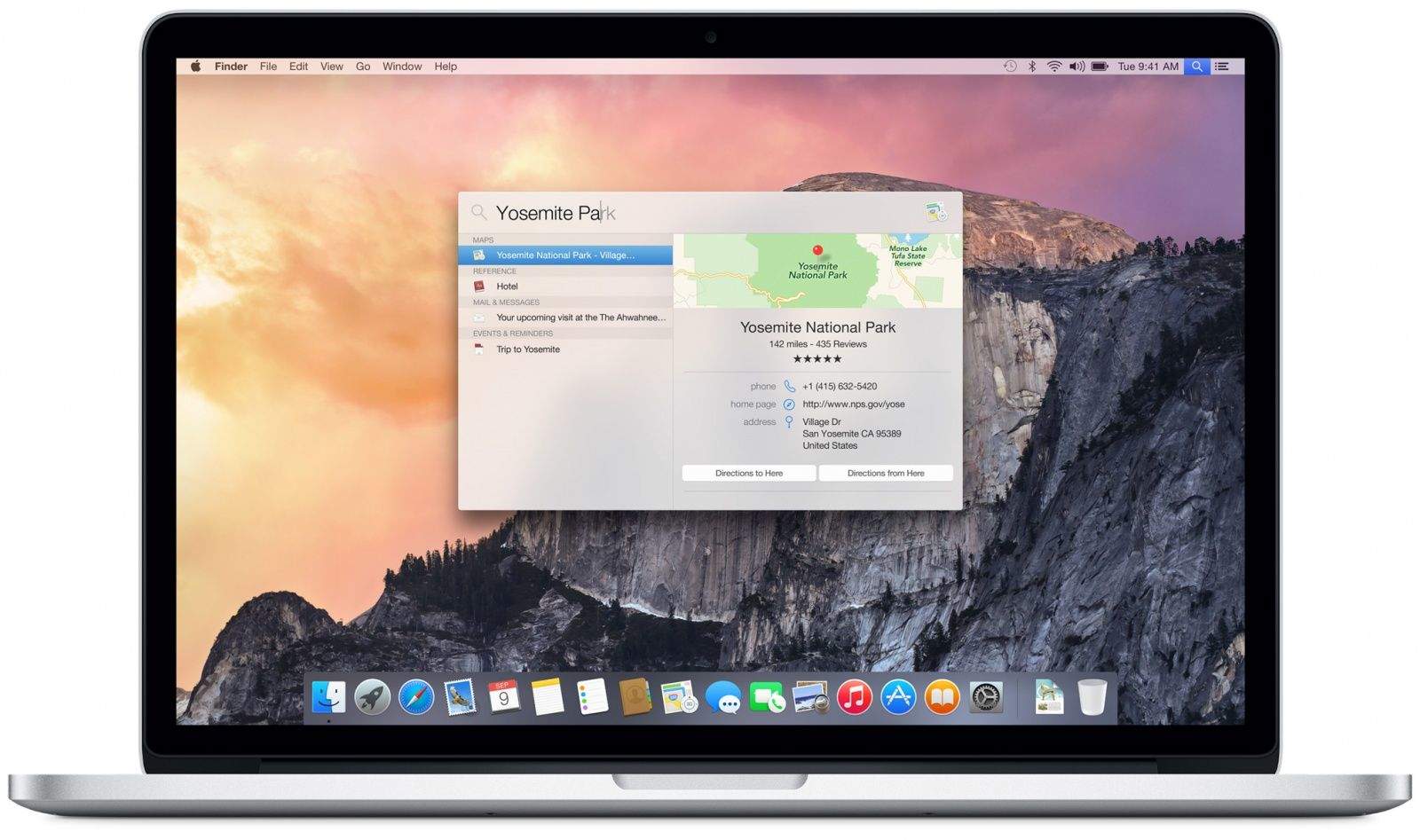
In today’s instructional Cult of Mac video, we share five basic OS X Yosemite tricks that everyone needs to know. We’ll show you how to make phone calls from your Mac, switch to Yosemite’s “dark mode,” use Spotlight like a pro, easily record video from your iOS device screen, and let other people control your Mac (and vice versa).
The next OS X Yosemite update might fix Wi-Fi woes forever. Photo: Cult of Mac
Are you one of the many, many OS X Yosemite users who have been plagued with intermittent, seeming unsolvable problems with Wi-Fi dropping since upgrading from Mavericks? The end to your problems may very well be coming down the pipe.
Whether you’re a Mac novice or a seasoned veteran, there are a ton of tips and ticks out there for mastering OS X Yosemite. In Part 2 of our Yosemite tip series, we gather more of the very best.
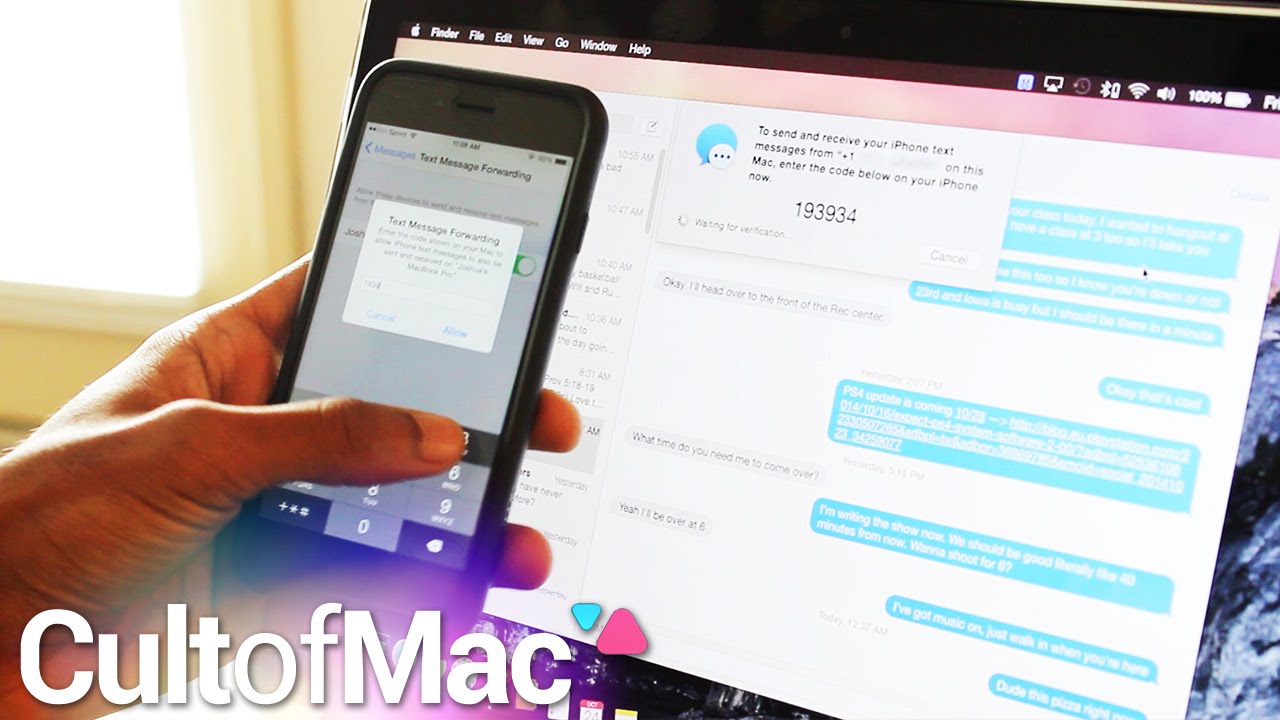
In the past, using the Messages app on a Mac could be an irritating experience. And what if a friend dared to send a green-bubble text from an Android phone? When texting from your Mac, messaging those friends wasn’t possible until now.
In today’s Cult of Mac video, find out how to enable Text Message Forwarding between your iPhone and Mac. With iOS 8.1 and Yosemite installed, enjoying this seamless feature is just a few short taps and clicks away. Find out how to do it all in this speedy tutorial.
Subscribe to Cult of Mac TV to catch all our latest videos.
Apple is busy putting the finishing touches on its next operating system, but Microsoft gave the world an early look at the next version of Windows today that is set to run on everything from smartphones to PCs.
Microsoft says its next version of Windows will be the most comprehensive platform ever, and while the company is retreating from the disaster that was Windows 8, it’s bringing back some classic features and stealing a few things from the Mac too. If you’re considering making the jump between operating systems, here’s a guide onhow to switch Mac to Windows with all the essential steps.
Here’s everything Mac users need to know about Windows 10:
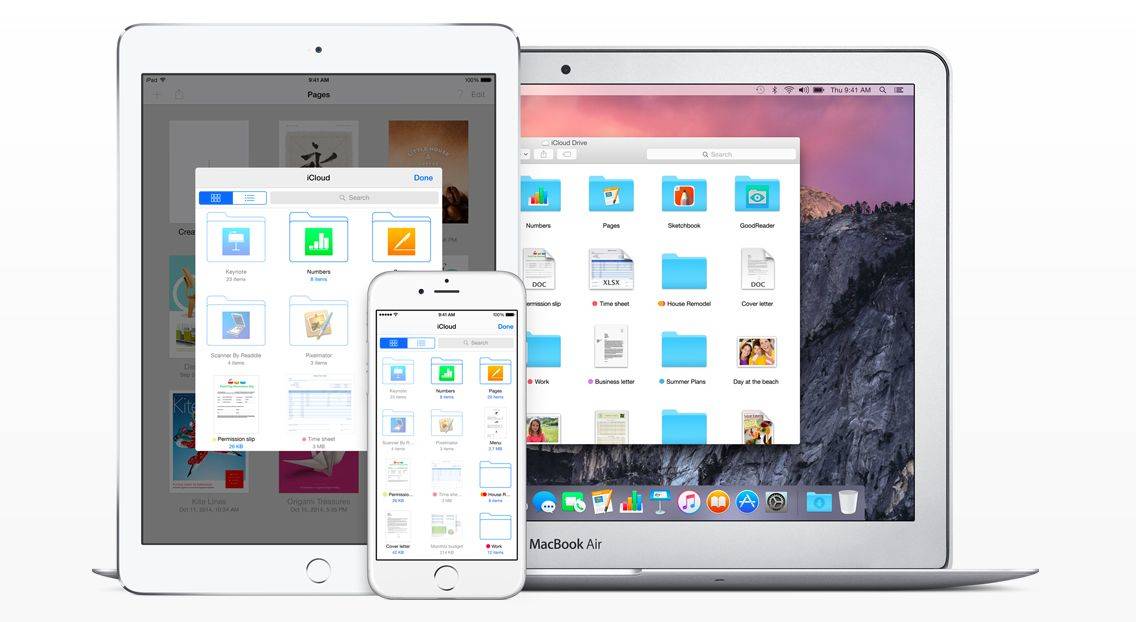
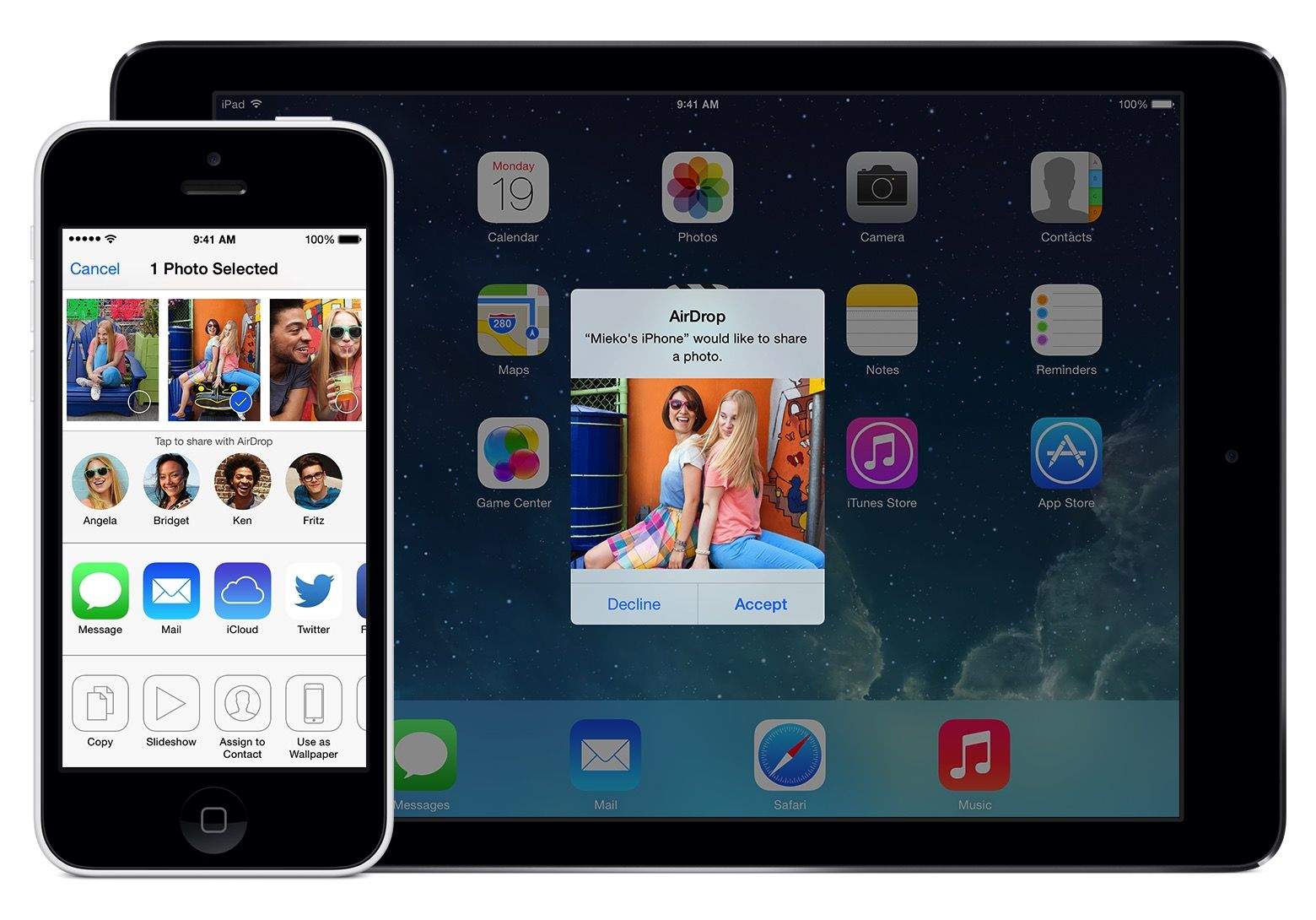
AirDrop gives iOS 8 users no-fuss, no-muss file sharing. Photo: Apple Photo: Apple
When you need to move files quickly between two Apple devices, AirDrop is an incredibly useful tool. It started out as a Mac-to-Mac thing, and then iPhone-to-iPhone, but with iOS 8 and OS X Yosemite, AirDrop becomes even more powerful: Now you can share files from Mac to iPhone (or iPad) and vice versa.
Continuity and Handoff are great — at least the parts that work. Photo: Rob LeFebvre/Cult of Mac
Continuity and Handoff sound great on paper. They let you transfer certain documents and data between your Mac and your iPhone or iPad, provided both are running the latest Apple system software — iOS 8 and OS X Yosemite, which is currently in public beta.
When Continuity and Handoff work, it’s a brilliant display of Apple’s vision for truly interconnected devices. When they don’t, it’s frustrating. Some of the features work flawlessly for me, while others don’t function as advertised (at least on my gear — here’s a compatibility chart that will tell you if your gear is new enough to work with Handoff and Continuity). It’s probably because Yosemite’s in beta — it makes sense that not all features work right now. Your mileage may vary, as they say.
Ready to take the plunge? Here’s how to get set started, plus a brief look at the Handoff and Continuity features I was able to get working (and a few more that I was not).
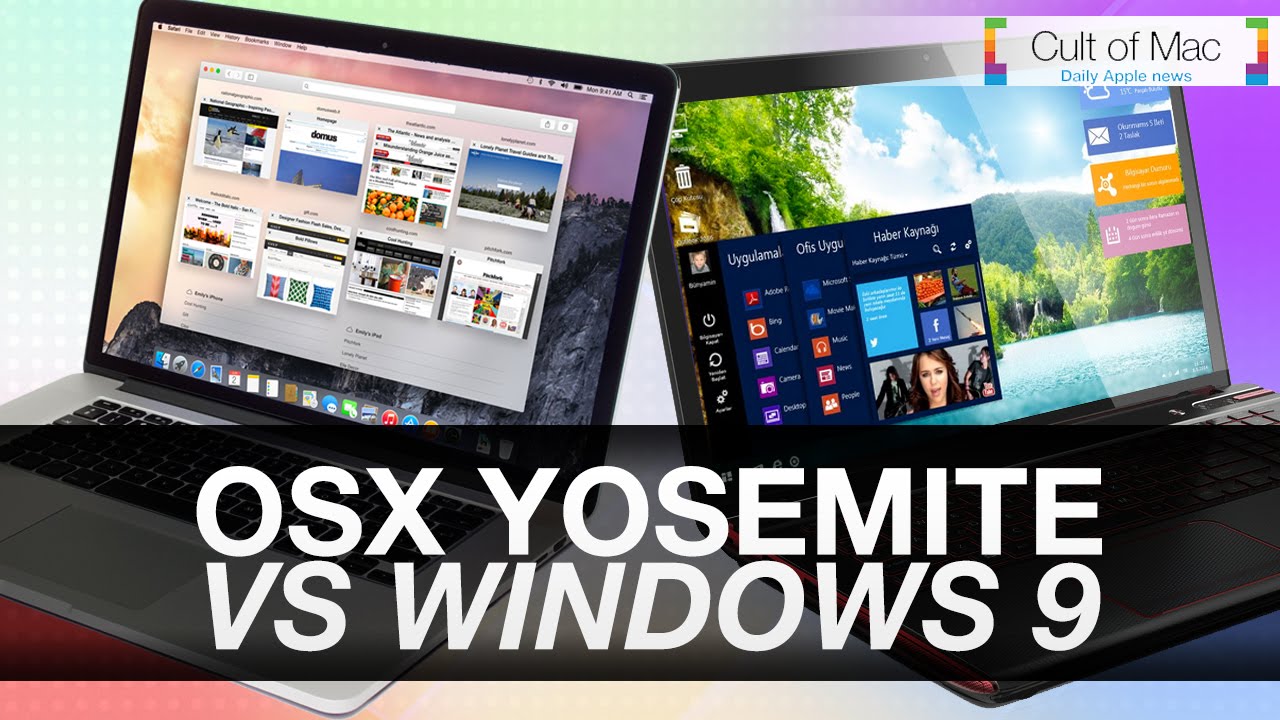
For decades Mac and the PC have been at each other’s throats, competing for that No. 1 spot in the computing world. Vitriolic ad campaigns and entire product launches aimed at decimating Windows or OS X have firmly established a war that somehow hasn’t ended even in the post-PC era.
With Apple’s release of OS X Yosemite sitting just around the corner, the time for Microsoft to answer with Windows 9 is nearly here. In today’s video, we go into everything we know about OS X Yosemite and what we think we know about Windows 9 so far. We break down all the new features, design elements and more to help you start forming your opinion about which OS is best.
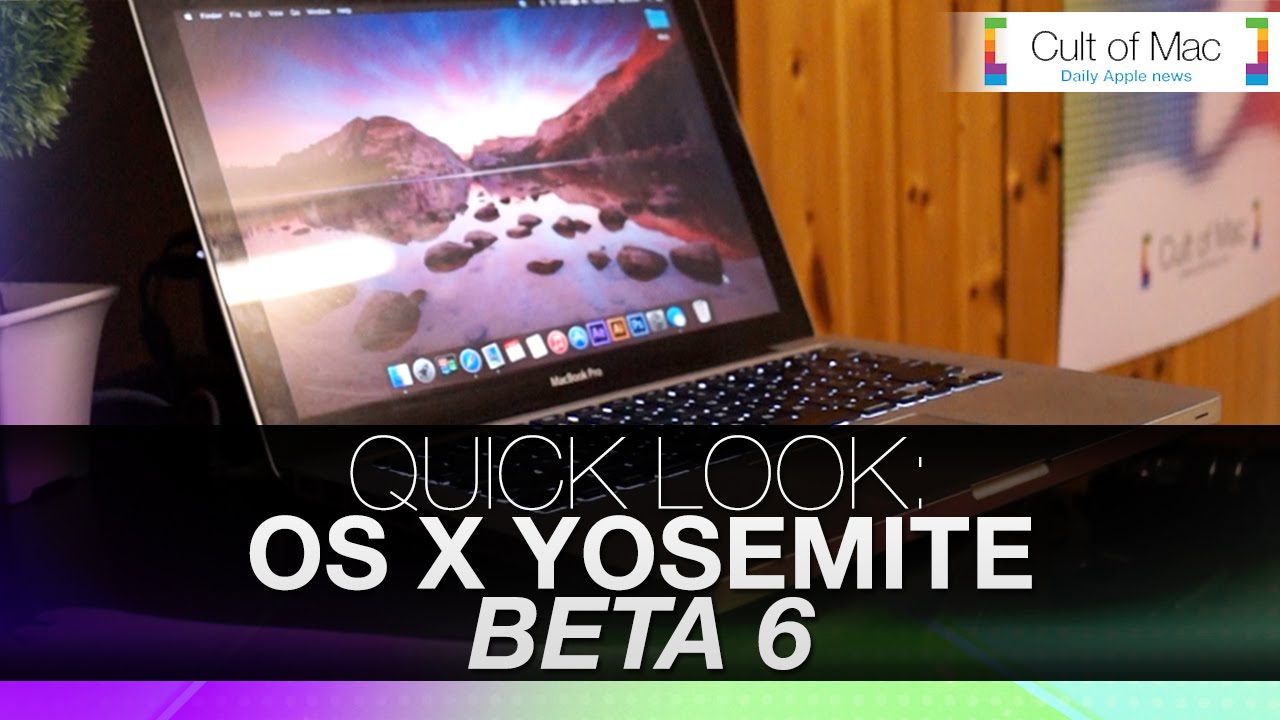
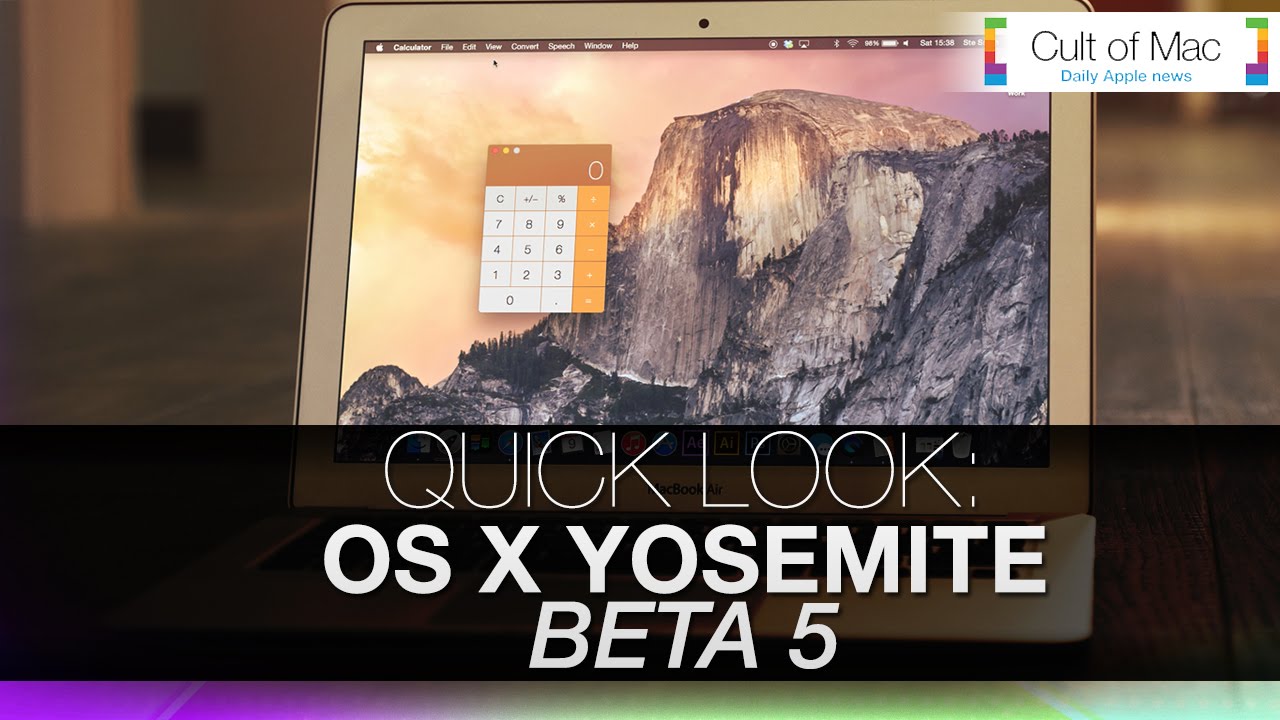
The fifth beta of OS X Yosemite was released to developers a few days a go, with the operating system getting closer to a general release, in today’s video we take a look at the subtle changes Apple has made in the latest beta.
Take a look at the video to see the changes in action.
The iPhone 6 seems to get nearer and nearer each week as Apple fanboys and other tech enthusiasts await an official reveal date with mounting anxiety, but the age of the iPhone 6 might finally be close at hand. A year’s worth of leaks, rumors, and theories regarding the iPhone 6 are finally about to be put to rest, thanks to sources who revealed this week exactly when we can expect Apple to reveal their next generation iPhone.
Watch today’s Cult of Mac news roundup for all the details on the rumored iPhone 6 keynote date, as well as iOS 8 beta 5 details, and even why one piece of technology has Kanye West filing lawsuits like his name’s Johnnie Cochran.
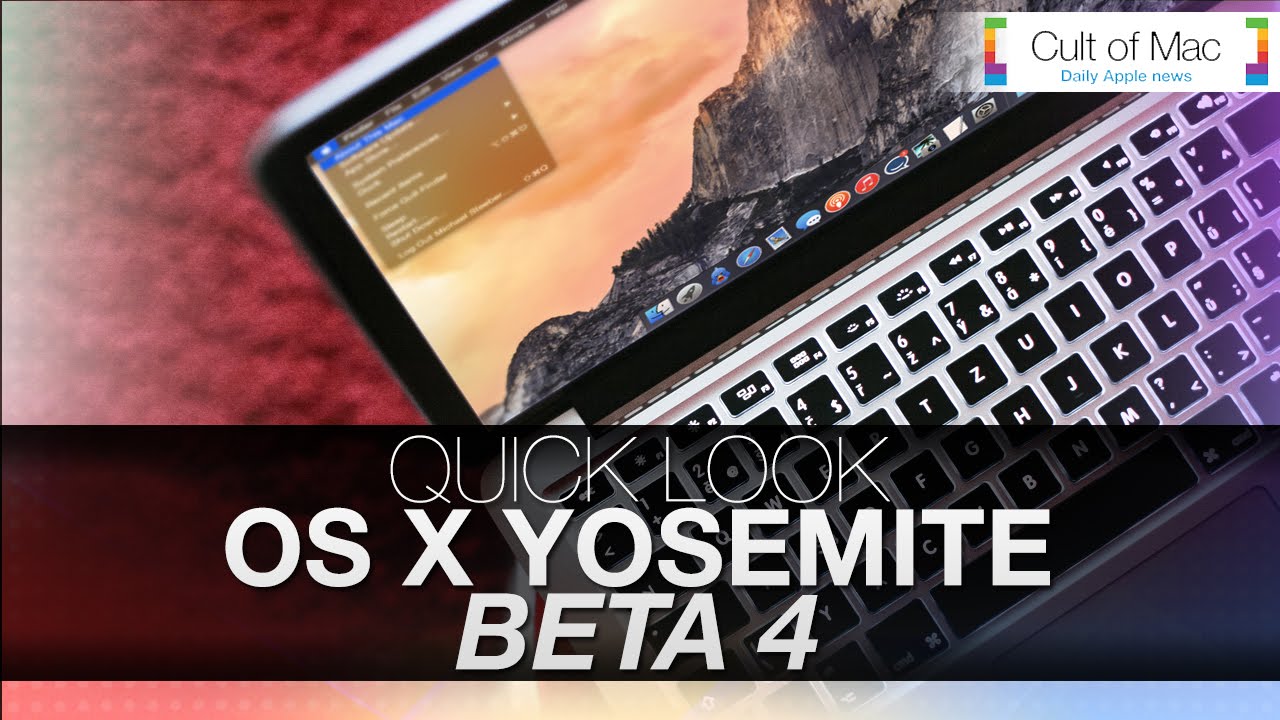
The latest OS X Yosemite beta, pushed to developers Monday, brings a few more tweaks to Apple’s upcoming Mac operating system.
In today’s video you’ll get a quick look at the updates in OS X Yosemite beta 4, including changes to Dark Mode, a new calculator and a refreshed iTunes. With the public beta of OS X Yosemite rumored to be just around the corner, Mac fans should be getting excited about the operating system’s great looks and many functional upgrades.
SAN FRANCISCO -- While Apple watchers tuned into last week's Worldwide Developers Conference keynote for a look at where the company might be headed, coders at the annual convention were getting a look at the current state of the art when it comes to the company's software.
Cult of Mac asked developers from around the world who were in town for WWDC (or its indie sibling, AltConf) what they thought about changes coming in iOS 8 and OS X Yosemite. We also asked them about their favorite apps as well as their views on Swift, the new programming language Apple introduced at WWDC. Get their takes in the gallery above.
What’s your take on iOS 8, Swift and OS X Yosemite?
Got your own favorite features in Apple’s latest releases? Let us know in the comments below.
With so many new features in OS X Yosemite, we couldn’t fit them all into one video. Today we take a look at Handoff and Phone Calls, two of the hottest additions to Apple’s operating system. These two powerful features will link your Mac and your iPhone like never before.
Macs are solid machines, but just like their owners they have a tendency to get lethargic as they age. Launching and switching programs takes longer, simple tasks become arduous, and the dreaded beach ball of doom appears more often than it did when your machine was new. The operating system just starts to feel crufty, and can get worse over time. I see these issues in my IT consulting business regularly.
You may be asking, why does this happen? There are many reasons, but some are more common than others. Sometimes your hard disk (or solid-state drive) gets too full and interferes with normal computer operations. Crashes or misbehaving programs can corrupt the disk directory or application cache files. Remnants from old software may still be running behind the scenes, or you don’t have enough RAM to deal with your OS and workflow.
Is there some sort of tune-up you can do to sort it out? Your tech always tells you to just reboot the computer, but there’s got to be more than that. The good news: Yes, there are some things you can do. And, perhaps, adopt some more-efficient computing practices for yourself along the way.
Apple has finally revealed the latest version of OS X, and it’s one of the biggest updates for the operating system in years. In today’s video, we take a quick look at OS X Yosemite in action and provide a quick overview what it has to offer.
Don't let this happen to you. Screengrab and photos: Joshua Smith/Cult of Mac
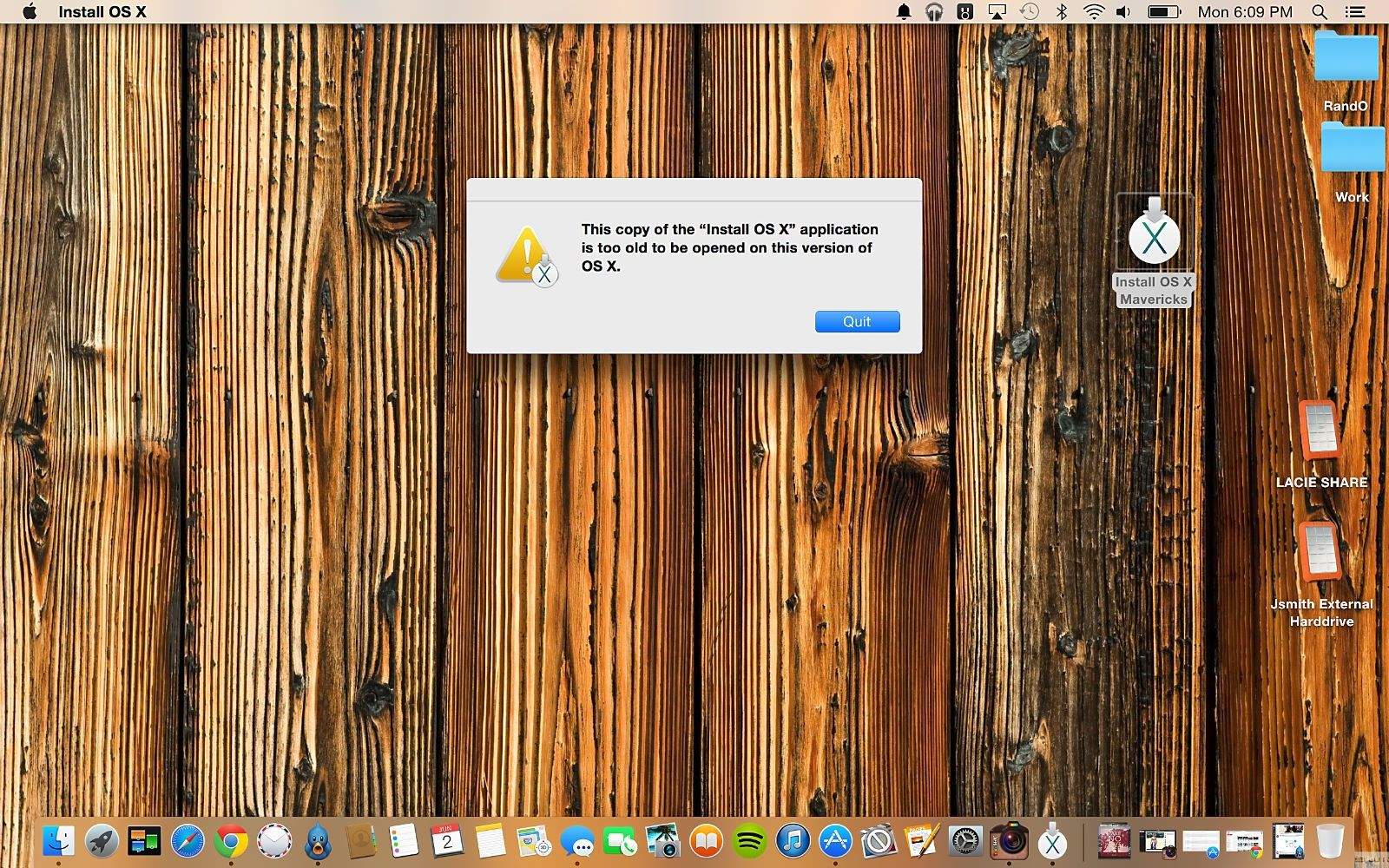
An overwhelming sense of eagerness overtook me after Apple showed off OS X Yosemite at WWDC. The redesigned interface and accompanying features, like a spruced-up Spotlight and the ability to take phone calls on your Mac, made downloading the beta version too intriguing to pass up.
Little did I know that moments after finalizing the installation, I would encounter a massive problem that would send me on an emotional ride.
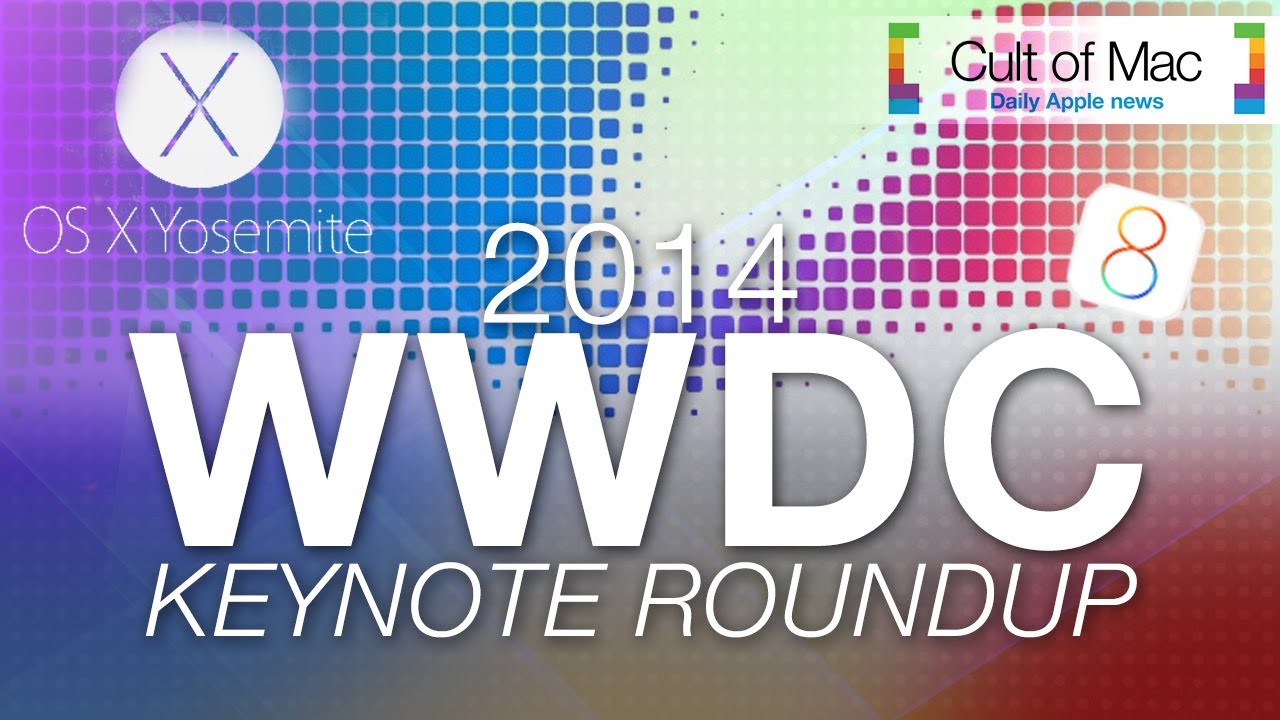
Clocking in at 2 hours, Apple’s 2014 WWDC keynote is a lot to take in, when you just want to know the facts about what’s heading to your Apple devices.
Well Cult of Mac is here for you, we’ve chopped it down into bite-size chunks so you can find out everything you need to know in no time. Also make sure to subscribe to our Youtube channel so you don’t miss any of the latest iOS 8 or OS X Yosemite videos and other great content 7 days a week.
iMacs are an investment, but when year after year newer, more powerful iMacs are released it can make you feel a little disheartened. In this quick and simple Sunday Tips video, Ste Smith will show you how upgrade your iMac’s (2009-2011) ram so it’s faster and more powerful than the day you brought it home.
With Apple recently making OSX Beta Seed downloads available to the general public, Cult of Mac’s Ste Smith shows you how to prep your Mac to install the latest software. Get the latest OSX updates before general release by following the simple steps shown.
Take a look at the video to see what you need to do.

 The upside is, this gives another great topic for a slanging match.