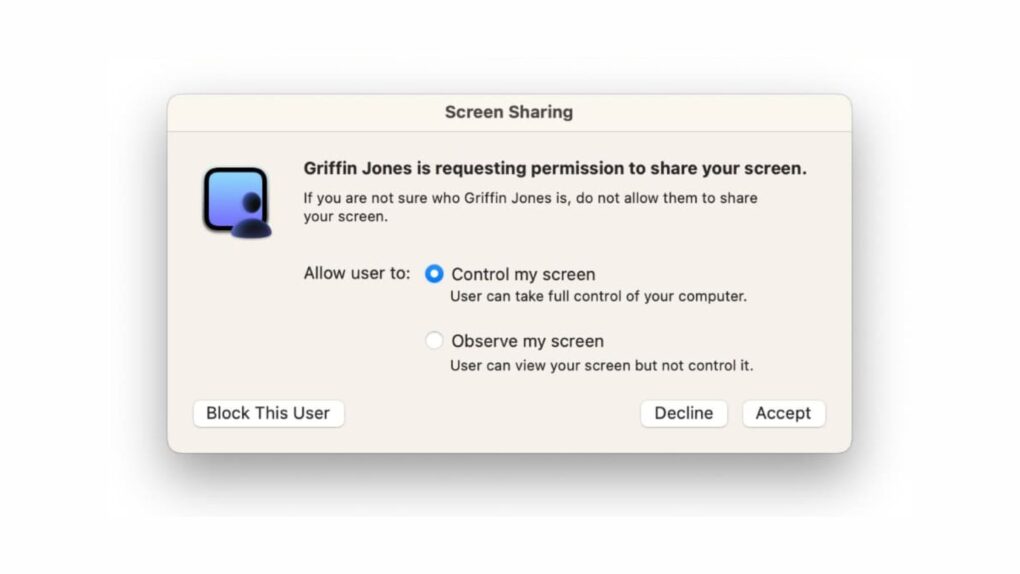
The macOS Screen Sharing vulnerability lets attackers bypass login credentials entirely. Photo: Cult of Mac
A macOS Screen Sharing vulnerability that Apple patched earlier this month is now being actively exploited by hackers. Attackers use the flaw to seize control of Macs and install cryptocurrency miners.
The bug allows attackers to bypass Screen Sharing’s login screen without needing any valid credentials. Once inside, attackers escalate to full root access and install Monero mining software on compromised machines. If you didn’t already update your Mac’s operating system, you should do it as soon as possible.
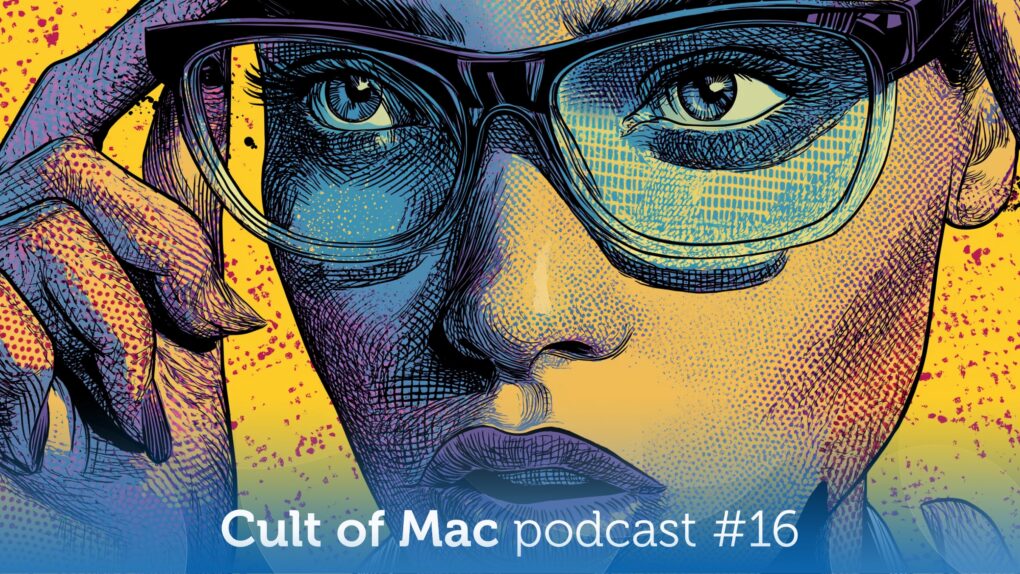
The latest rumor gives us a better idea what to expect from Apple's smart glasses. Illustration: Midjourney/Cult of Mac
This week on the Cult of Mac podcast: New details emerge about Apple’s smart glasses, including possible shapes, sizes and colors.
Now for the important question: Will we — or anybody else — actually want to wear a pair?
Also on the Cult of Mac podcast:
Apple reportedly plans a last-ditch effort to get its Siri team up to speed on AI-powered coding. Meanwhile, Siri’s worse than ever! Will Apple make the WWDC26 deadline for the Siri upgrade?
The tech behind the first folding iPhone’s (supposedly) crease-free screen sounds insane.
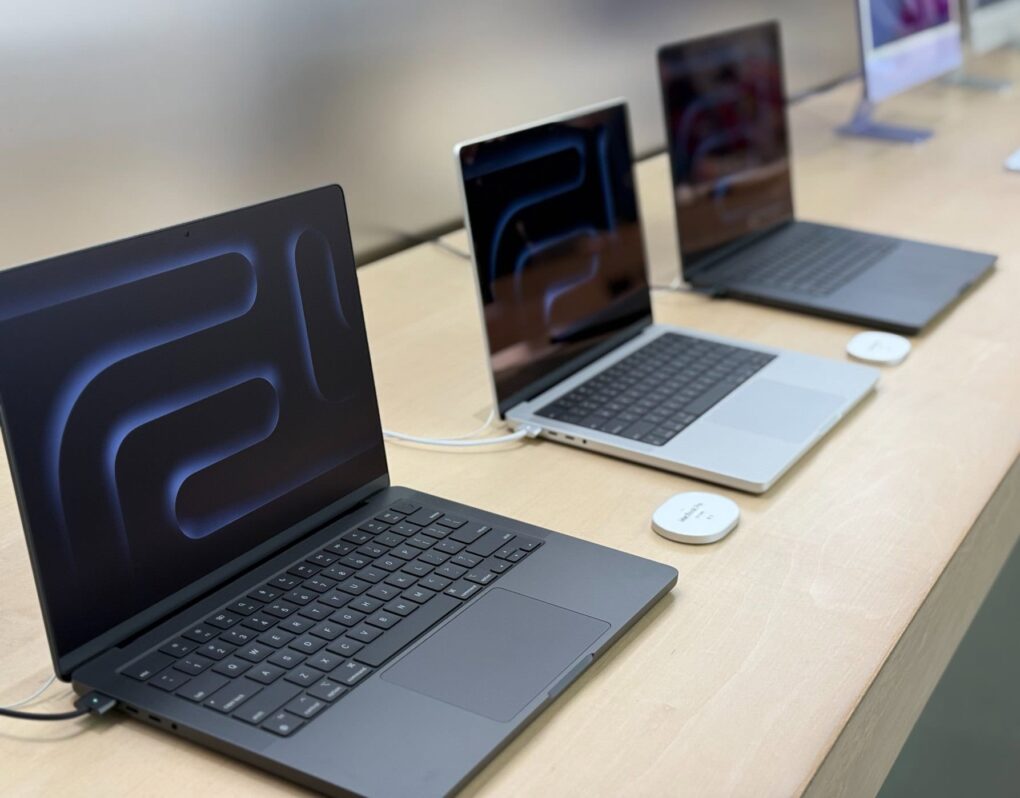
A MacBook Pro setup puts the weirdest hinged screens we’ve ever seen front and center.
And finally, Griffin shows us how to walk back one of macOS Tahoe’s most divisive design decisions.
Listen to this week’s episode of the Cult of Mac podcast in the Podcasts app or your favorite podcast app. (Be sure to subscribe and leave us a review if you like it!) Or watch the video version, embedded below.
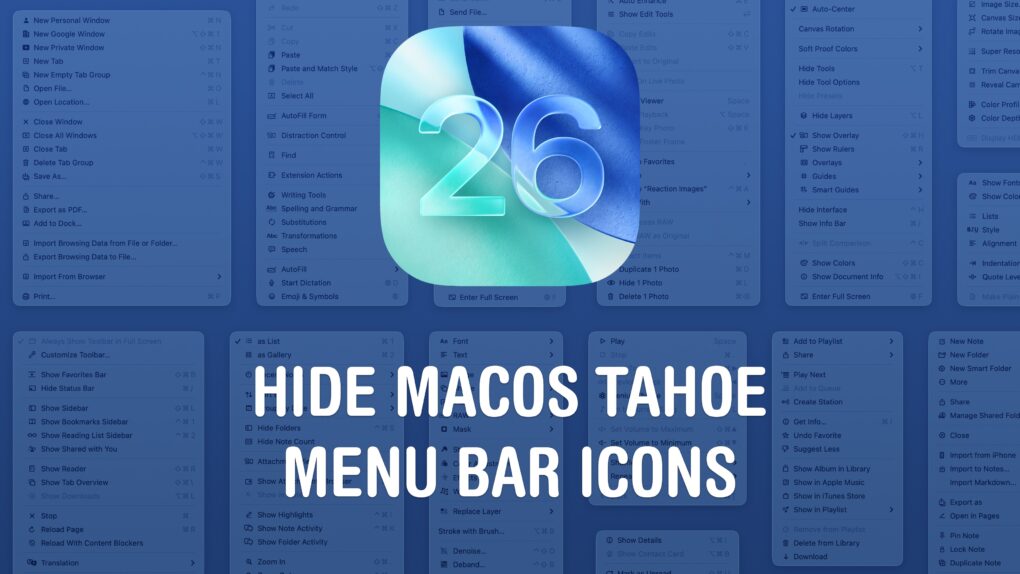
Get rid of all those distracting icons. Image: D. Griffin Jones/Cult of Mac
The macOS Tahoe menu bar icons are one of the more universally panned changes in Apple’s redesigned Mac operating system. They clutter the interface, making it hard to find what you’re actually looking for. And on top of that, different apps use different icons for different actions — it’s not remotely consistent.
You don’t need to live your life this way, though. Developer and hacker Steve Troughton-Smith figured out a quick way to disable the icons. You need to crack open the Mac’s Terminal app, but luckily, you can paste a single command in to bid (most of) the icons adieu.
Slow charging your Mac is now easier to spot. Photo: David Snow/Cult of Mac
Your MacBook will now warn you when you plug in a slow charger. Apple quietly introduced this feature in macOS Tahoe 26.4.
The “Slow Charger” warning can help you quickly identify underpowered adapters that could slow down charging or affect your MacBook’s performance during use.
There's a big macOS update out for your Mac. Photo: Apple/D. Griffin Jones/Cult of Mac
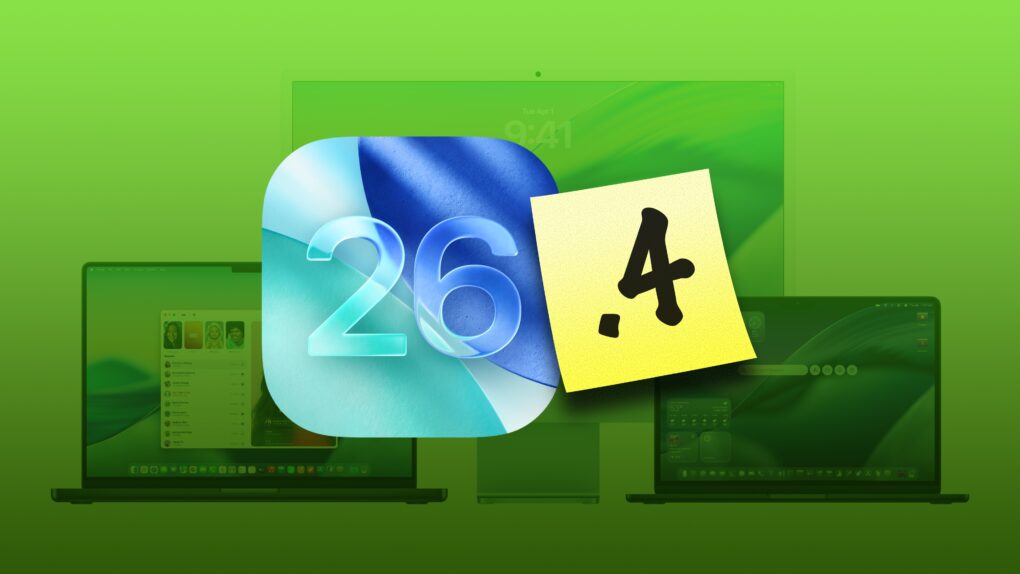
macOS Tahoe 26.4, which Apple released Tuesday, brings several noticeable improvements and changes to the Mac’s operating system. While not a massive overhaul, this is exactly the kind of point update Tahoe needs right now.
Let’s take a look at what’s new in macOS Tahoe 26.4.
iOS 26.3.1 (a) is Apple's first ever Background Security Improvements patch for iPhone. Image: Apple/Cult of Mac
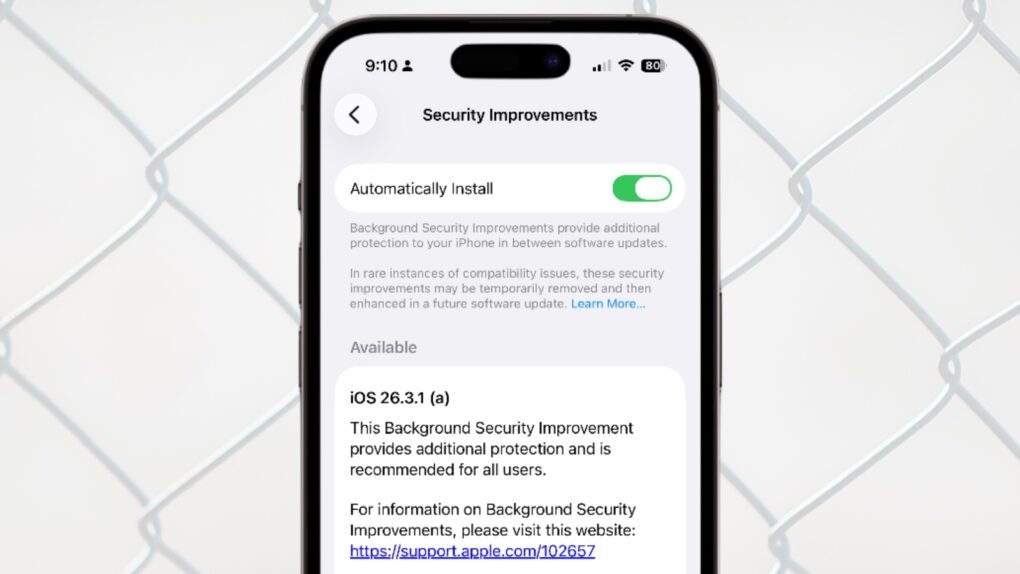
Apple updated iOS, macOS and iPadOS with a Background Security Improvements patch on Tuesday, the first time the company has used its new system for securing user devices. This patch fixes a flaw in WebKit that could have allowed malicious websites to access data from other websites.
Background Security Improvements are installed without requiring the iPhone, Mac or iPad user to do anything — or even be aware of the update.
Apple updates iOS with bug fixes and support for new displays AI image: Gemini/Cult of Mac
iOS 26.3.1 is ready to be installed on your iPhone starting Wednesday. Mac users got macOS Tahoe 26.3.1 at the same time. The new versions include bug fixes — which are always welcome. And iPad users can install iPadOS 26.3.1, too.
In addition, all three system software updates bring support for the Apple Studio Display monitors that just launched.
You can soon limit your MacBook's maximum battery charge. AI image: ChatGPT
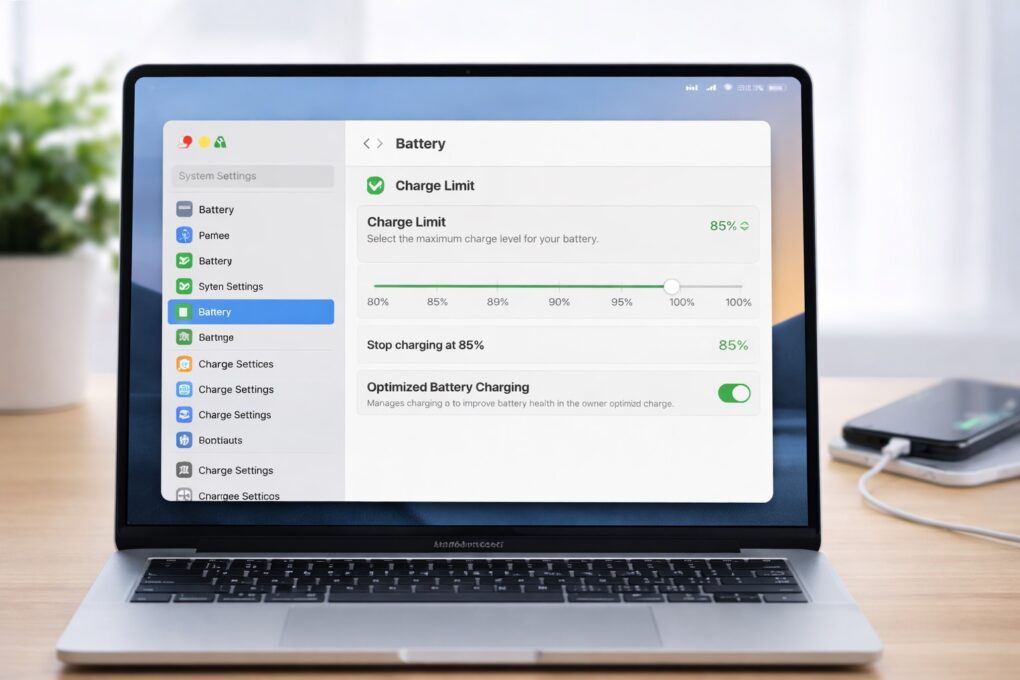
With macOS Tahoe 26.4, Apple will finally bring a long-requested feature to Macs: a battery charge limiter. This will allow you to select the maximum charge level for your MacBook’s battery.
iPhones have offered a similar battery health feature for a few years now, making its absence on the Mac all the more noticeable.
You can easily deactivate Liquid Glass in iOS 26 and macOS Tahoe if you really can’t tolerate it. Photo: Gemini/Cult of Mac
iOS 26’s Liquid Glass user interface brings dramatic change to the iPhone, so it’s no surprise that some people hate it. If the new translucent look is just not for you, you can tweak or turn off Liquid Glass in iOS 26.2. And it’s easy.
Plus, you will find the same settings in macOS Tahoe 26.2 and iPadOS 26.2, so you can turn off Liquid Glass on all your Apple devices if you like. Here’s how.
Background Security Improvements deliver behind-the-scenes software patches to shield iPhone users from hackers. AI image: ChatGPT/Cult of Mac
Apple ran the first test of its new Background Security Improvements feature on Tuesday. Registered developers can access the initial security patch, though it does nothing aside from test the new system.
The eventual goal is enable Apple to distribute security patches separated from software updates.
macOS Tahoe’s next update will put an end to bad video-call lighting Photo: Apple
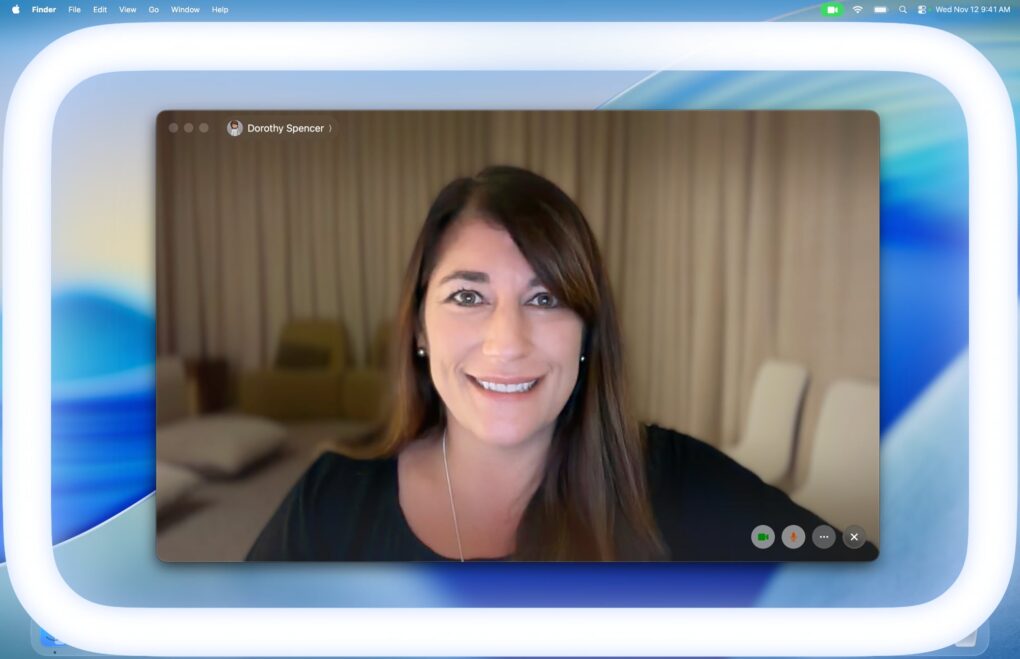
macOS 26.2 beta 2 adds a new Edge Light feature to improve the look of your video calls. As the name indicates, it will add a white light to the edges of your Mac’s display while you’re on a video call.
It’s like a built-in ring light that should improve your appearance when hopping on FaceTime to chat with friends or colleagues.
Security patches stand between your Apple devices and danger. Graphic: Google Gemini
When Apple needs to install a security patch onto an iPhone, iPad or Mac, it now does so without requiring the user to do anything — or even be aware of the update. The new Background Security Improvements feature delivers “additional security protections between software updates,” according to Apple.
It’s a feature of iOS 26.1, iPadOS 26.1 and macOS 26.1, but users have the option to deactivate it.
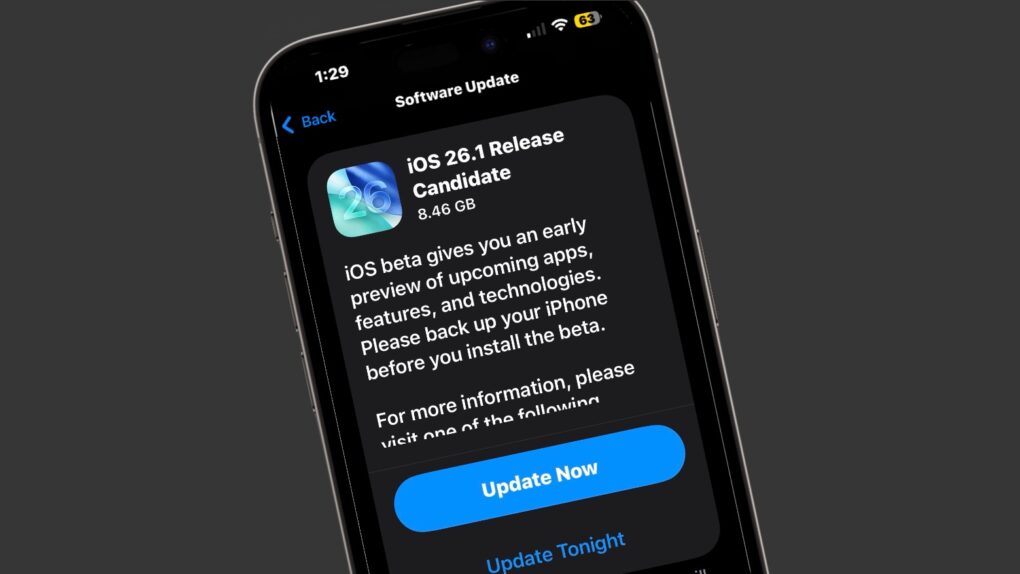
The iOS 26.1 release candidate means the final version is almost out. Image: Cult of Mac
Apple seeded the release candidates of iOS 26.1 and macOS Tahoe 26.1 to developers and the public on Tuesday. This is usually the final step before new versions launch — which should happen next week. The highlight is a new setting that makes the controversial Liquid Glass UI less transparent.
Release candidates for iPadOS 26.1, watchOS 26.1, tvOS 26.1 and visionOS 26.1 also went out to on Tuesday.
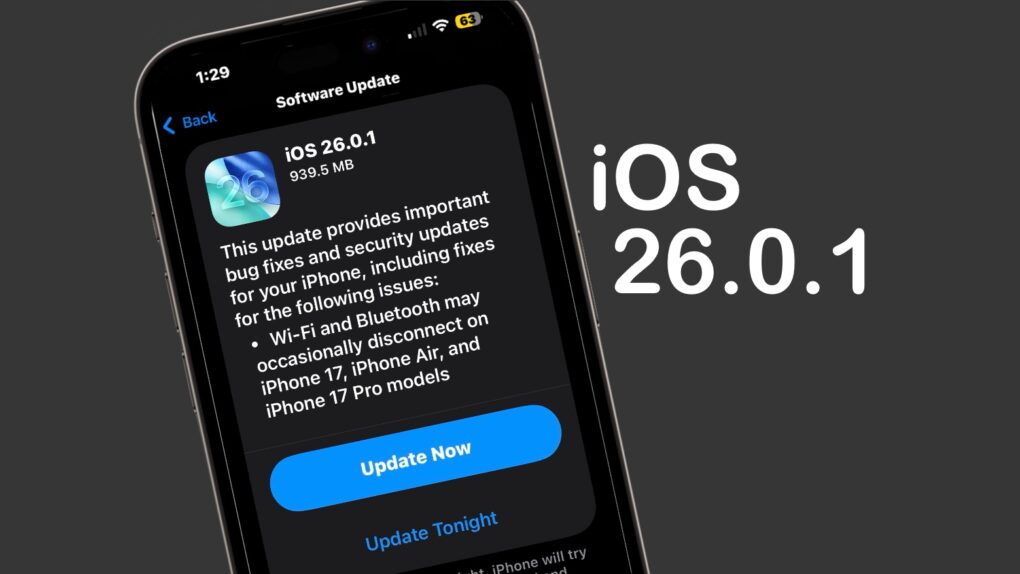
iOS 26.0.1 includes multiple bug fixes for iPhone 17 users. Image: Cult of Mac
iOS 26.0.1 and macOS Tahoe 26.0.1 launched on Monday, bringing a range of bug fixes to the major operating system upgrades introduced earlier this month. That includes taking care of multiple issues in the new iPhone 17 series — some quite serious.
In addition, iPadOS 26.0.1, watchOS 26.0.2, tvOS 26.0.1 and visionOS 26.0.1 all went to users on Monday.
iOS 26 is finally ready for public release. Photo: Rajesh Pandey/Cult of Mac
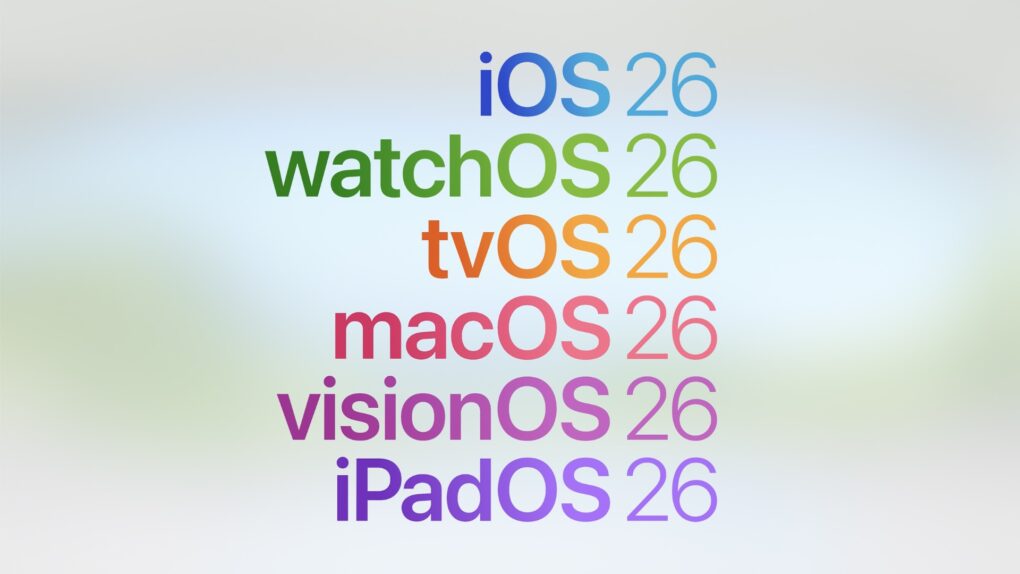
Apple is finally ready to release iOS 26, iPadOS 26, watchOS 26 and macOS Tahoe to the public. After initially showcasing these operating systems at WWDC25 this spring, the company will release the first stable build on September 15.
So when will iOS 26 actually land on your compatible iPhone? With all the new features packed in, you’ll want to be first in line to grab the update. Here’s when iOS 26, iPadOS 26, watchOS 26 and macOS Tahoe go live in your region.
Liquid Glass is coming to your iPhone, iPad and Mac next week. Image: Apple
Following months of beta testing since WWDC25, Apple is finally ready to release iOS 26, iPadOS 26 and macOS Tahoe to the public. These operating systems finally have a release date.
The updates will start rolling out as early as September 15, just a week after Apple’s Awe Dropping event.