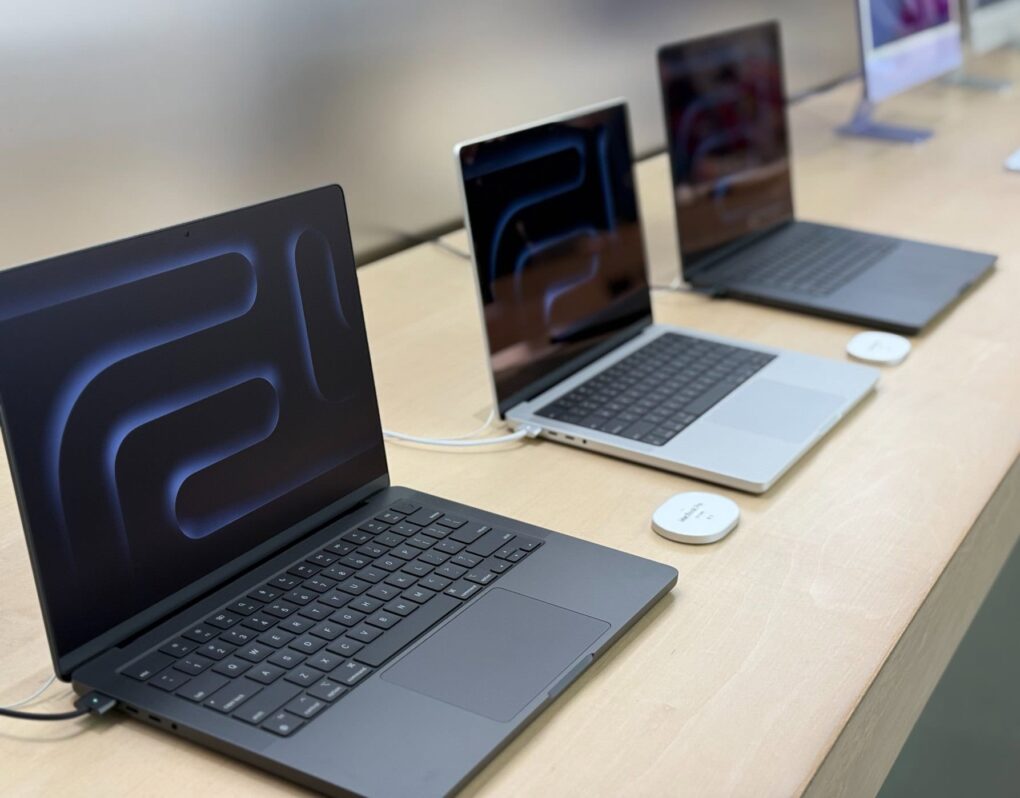
Your MacBook will now warn you when you plug in a slow charger. Apple quietly introduced this feature in macOS Tahoe 26.4.
The “Slow Charger” warning can help you quickly identify underpowered adapters that could slow down charging or affect your MacBook’s performance during use.
Latest macOS Tahoe update makes slow charging easier to spot
Apple bundles 70W, 96W or 140W USB-C power adapters with its latest MacBooks. These chargers provide enough power to fast-charge the battery to around 50% in just 30 minutes.
However, you can also use a lower-wattage charger to top up your MacBook. The problem is that many users may not realize when a charger isn’t powerful enough. In such cases, the MacBook might charge very slowly or even lose battery under heavy workloads.
With macOS Tahoe 26.4, Apple added a Slow Charger notification, as detailed in a new support page. It will appear in the battery status menu and above the Battery Graph in System Settings > Battery. (Apple added a similar Slow Charger warning to the iPhone in iOS 18.)
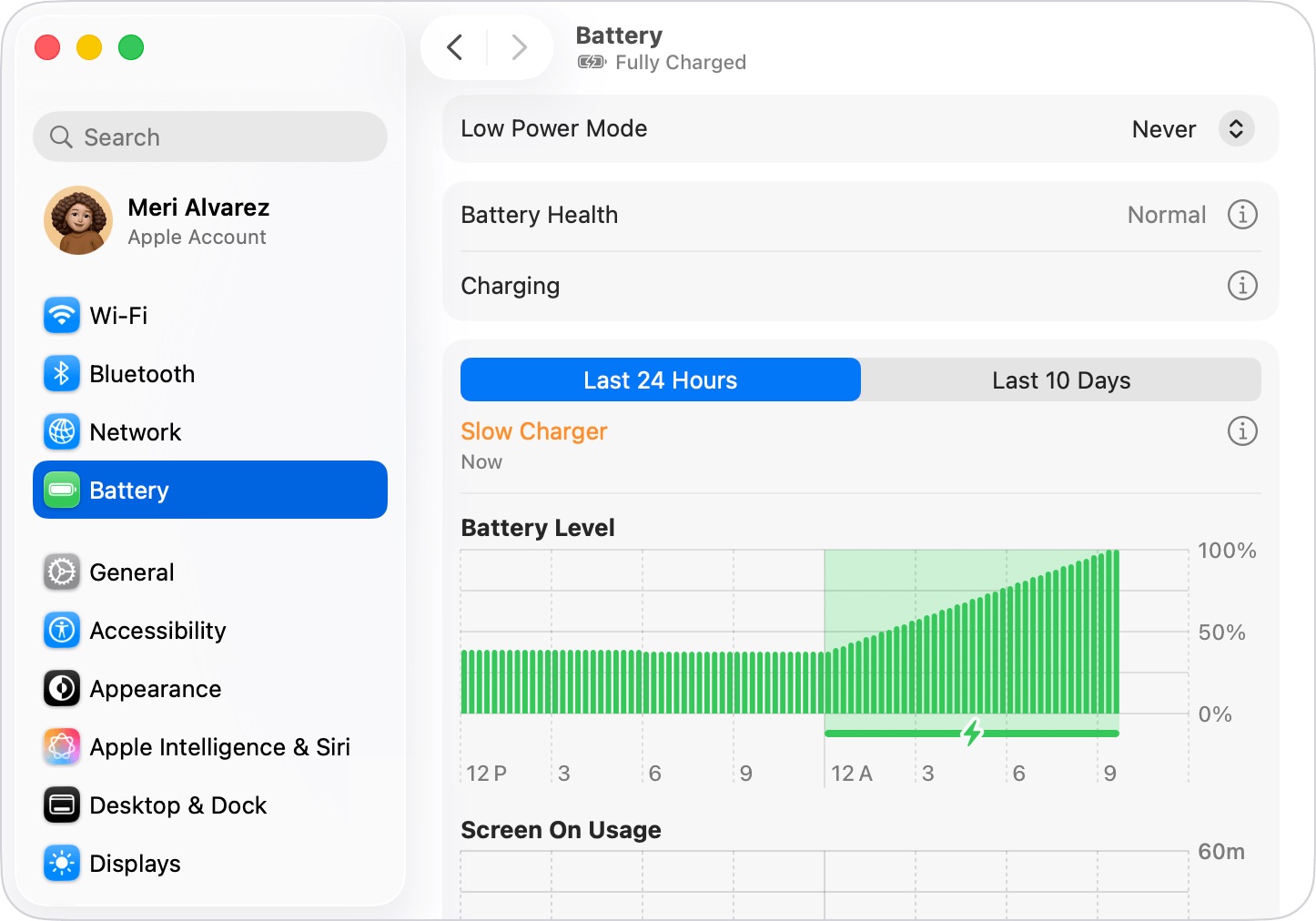
Photo: Apple
Apple’s support page says the Slow Charger label will appear in macOS 26.4 anytime you use a charger that does not deliver the minimum recommended wattage to your Mac. If you use multiple power bricks to charge your MacBook, the Slow Charger warning can come in handy.
Other new features in macOS Tahoe 26.4
It marks the second charging-related addition to MacBooks in macOS Tahoe 26.4.
The update also introduces the ability to limit your MacBook’s charge level between 80% and 100%, in 5% increments. Utilizing the setting wisely should boost the battery’s long-term health.
See also: Everything new in macOS Tahoe 26.4

Rajesh has been writing about consumer technology for over a decade, with a strong focus on iPhones, Macs and Apple’s ecosystem. He enjoys digging into Apple software updates, hardware changes, and discovering new Mac apps that make work faster and more enjoyable.
You can reach out to him at mail[at]rajeshpandey.me.

