Mobile menu toggle

MacBook Pro - page 38

Get intense! Amp up Apple Watch workouts with HIIT [Cult of Mac Magazine 326]

By

Crank up the intensity! Learn how to log HIIT workouts on Apple Watch.
Cover: Leander Kahney/Cult of Mac

High-intensity interval training, or HIIT, is all the rage these days. Proponents say it delivers many of the benefits of a much longer workout — but in short, sharp bursts. If you want to fast-track your fitness, your Apple Watch can help.

Find out how to log interval-training workouts in this week’s totally free issue of Cult of Mac Magazine. It’s filled with MacBook tips, product reviews and a surprising number of wild iPhone rumors. Download it now (or get the stories in your browser below).

How to fix the new 16-inch MacBook Pro’s clicking speakers

By

Apple added an Escape button, but broke the speakers. Find out how to fix MacBook Pro clicking speakers.
Apple added an Escape button, but broke the speakers.
Photo: Charlie Sorrel/Cult of Mac

The new 16-inch MacBook Pro ships with a serious problem. If you listen to sound — any sound — through its speakers, they can click. It sounds like a stuttery, glitchy crackle. You can hear it when the Mac makes an alert sound, or when you listen to music. The problem is not limited to the new 16-inch MacBook Pro, either. It’s a long-standing bug that affected previous models as well.

The good news is that there’s a workaround. The problem isn’t the speakers. They work fine. It’s the operating system. More specifically, it’s the sample rate of the audio device. Here’s how to fix the clicking speakers on your brand new MacBook Pro.

Big change coming to MacBook Pro and we reveal our Gear of the Year, on The CultCast

By

CultCast 417
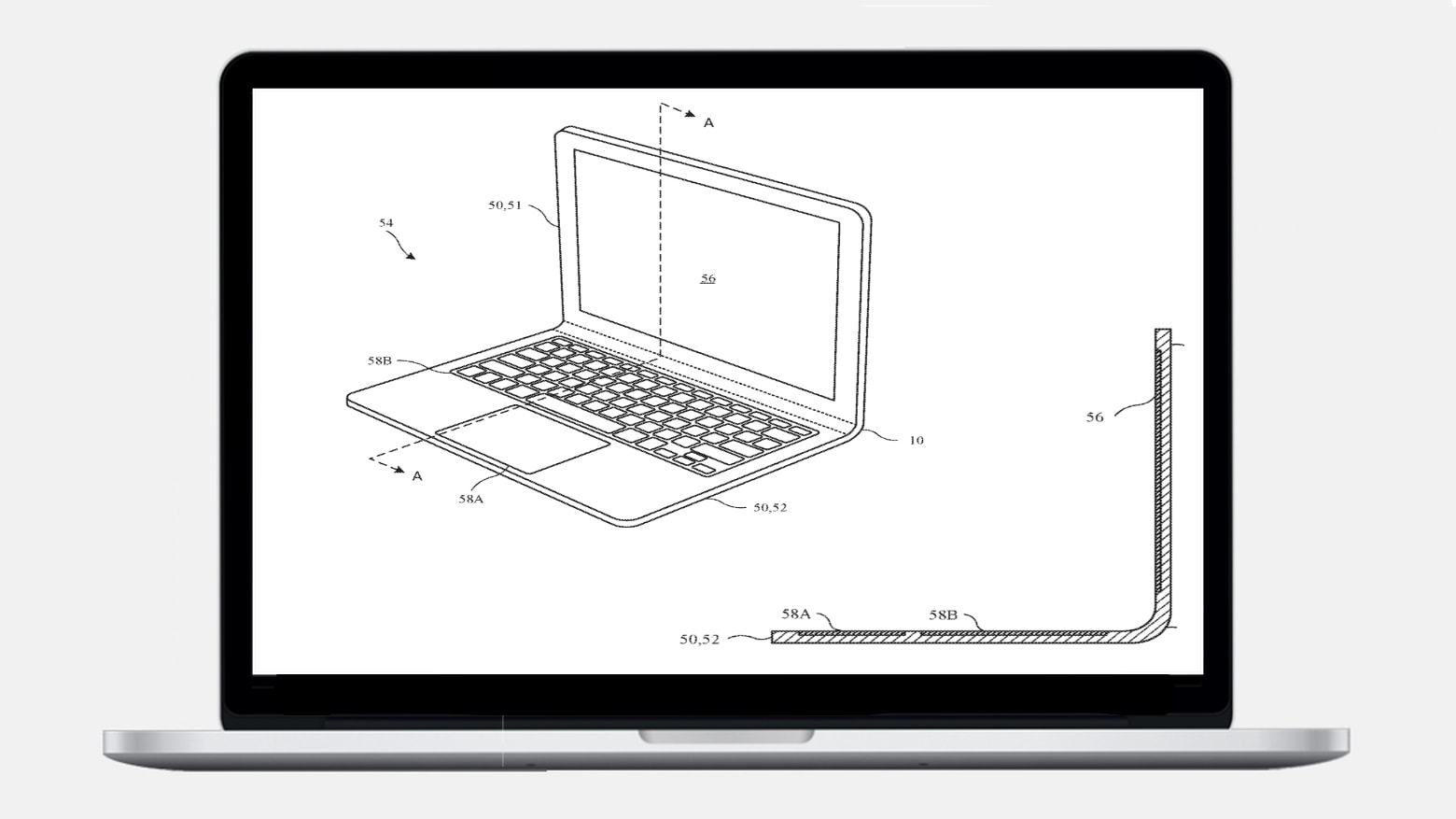
A welcome change may be coming to MacBook Pro and iPad...
Photo: @YSR50

This week on The CultCast: Apple is readying a new display technology that could bring a huge change for MacBook Pro and iPad; our favorite Black Friday hauls; and it’s time for our favorite Gear of the Year! Plus our favorite movies, TV shows, and all the other stuff we loved most in 2019. It’s a party and you’re invited.

Our thanks to NETGEAR for supporting this episode. The Orbi WiFi 6 router gives you ultra-fast speeds and wider coverage throughout your home – it’s the biggest revolution in WiFi ever. Check it out today at Netgear.com/bestwifi.

10 best skateboard stickers for defiling your new 16-inch MacBook Pro

By

It takes years of professional training to place MacBook stickers this badly.
The MacBook still has more places to stick stickers.
Photo: Charlie Sorrel/Cult of Mac

Stickers are great, and skateboard stickers are the best of all. Which is why, when it comes to decorating/ruining/improving your new 16-inch MacBook Pro, you should be covering it with badass skate designs.

Even if you’re not a sticker kind of person, there’s an argument to be made that the MacBook needs at least one sticker, just to fix the stupid upside-down Apple logo on its lid. So, without further rambling, here are the 10 best skateboards stickers to stick on any MacBook.

How to add a Dark Mode toggle to the MacBook Pro’s Touch Bar

By

The homemade Dark Mode button lets you toggle between Dark Mode and the MacBook Pro's regular appearance, right from your Touch Bar.
The homemade Dark Mode button.
Photo: Charlie Sorrel/Cult of Mac

The Mac’s Dark Mode isn’t bad. It’s definitely a better view when quickly checking something on your Mac late in the evening. But unless you have it set to switch automatically, toggling Dark Mode on and off is a pain. So, with a shiny new MacBook Pro in front of me, I decided to put the Touch Bar to use.

Did you know you can add your own buttons to the Touch Bar? You can, and it’s totally rad.

Apple’s fix for 13-inch MacBook Pro units that keep shutting down

By

13-inch MacBook Pro from 2019
It's about time!
Photo: Apple

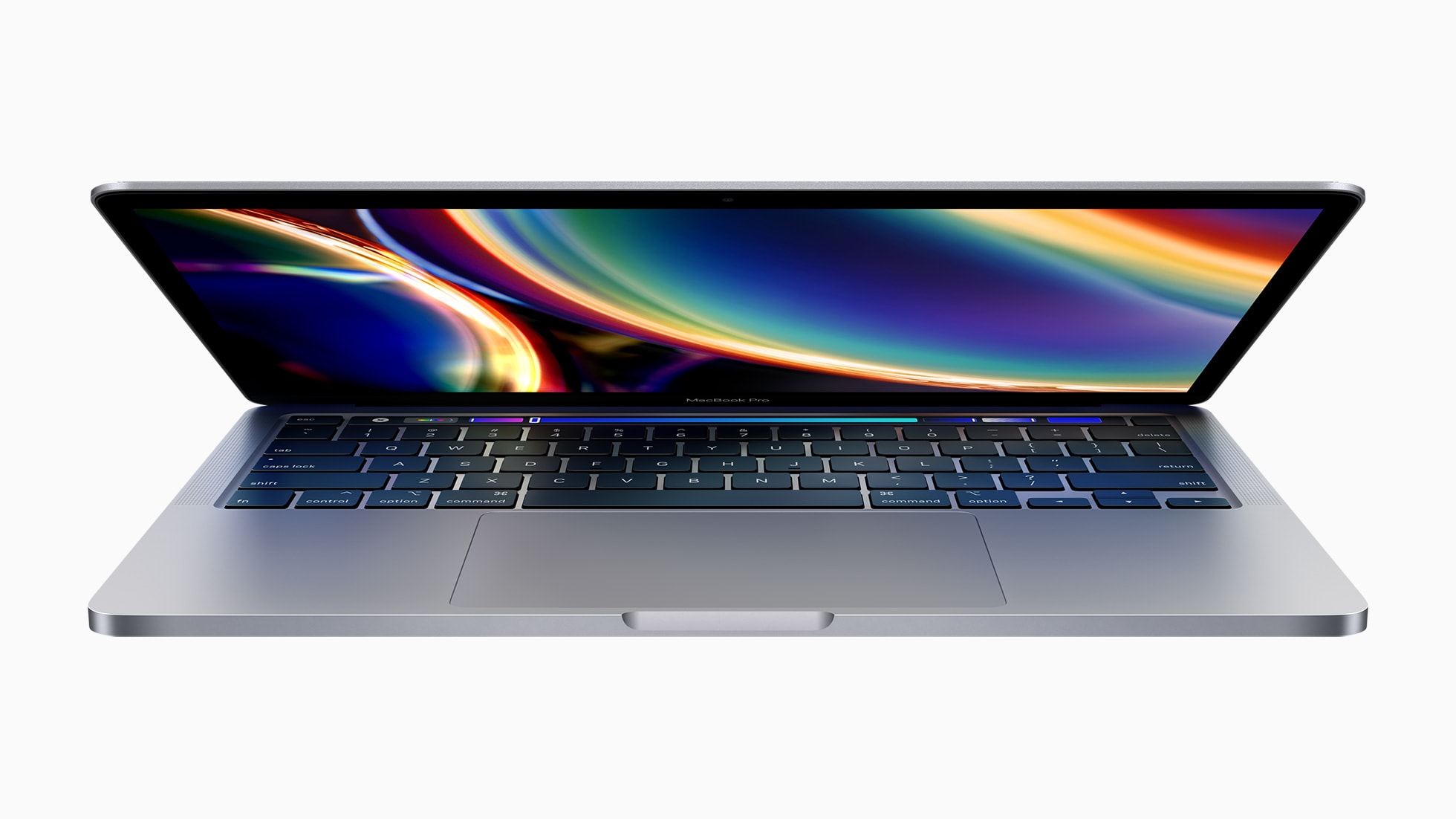
Apple has offered a fix for 13-inch MacBook Pro units launched in 2019 that unexpectedly turn themselves off.

It’s a pretty lengthy solution, but it should eliminate the issue on affected notebooks. Those who cannot rid themselves of the random shutdowns are advised to contact Apple Support.

Wonderful gifts for any Mac fan [Gift Guide 2019]

By

Mac-Gift-Guide-2019
Shopping for a Mac fan? Start here!
Image: Killian Bell/Cult of Mac

If you’re buying for an Apple fan who loves their Mac, there are loads of awesome gifts you should consider. We’ve rounded up the best to make your holiday shopping a little easier.

Gift-Guide-2019-bugWe’ve picked out the best headphones, mice, keyboards, and more so that you don’t have to spend hours hunting down the perfect purchase. And many of them are on sale today for Cyber Monday.

Now all you have to do is break out your wallet.

Apple Watch Series 3 hits a new low at $170! [Deals & Steals]

By

DS-Nov-29-19
And find up to $80 off Apple Watch Series 5!
Photos: Apple, Casetify, Amazon

Retailers just can’t stop slashing prices on Apple Watch Series 3. Amazon is now offering brand-new units from just $169.99 — the lowest price to date! Go grab yours now before they all sell out.

And if you’re after the new Apple Watch Series 5, you will also find up to $80 off that in today’s Deals & Steals roundup. Plus, there’s up to 47% off Anker’s brilliant charging accessories, 50% off the Fire TV Stick 4K, and up to 30% off at Casetify.

Finally, look out for the biggest discounts yet on second-generation AirPods, with prices starting at just $134.

When it comes to quiet keyboards, MacBook Pro lags only behind Pixelbook Go

By

When it comes to quiet keyboards, MacBook Pro lags only behind Pixelbook Go
Apple's new MacBook Pro keyboard won't disturb your colleagues.
Photo: Apple

One of the downsides of Apple’s previous MacBook butterfly keyboard design was how loud it was. That’s something Apple has tried to rectify with its new quiet scissor switch keyboard on the MacBook Pro.

But how does its volume stack up against both the previous MacBook keyboard, and other laptops on the market? A new report from the Wall Street Journal set out to find an answer.

The 16-inch MacBook Pro, reviewed! [Cult of Mac Magazine 324]

By

The 16-inch MacBook Pro review is in!
Our 16-inch MacBook Pro review is in!
Cover: Leander Kahney/Cult of Mac

Remember that butterfly keyboard we hated? All is forgiven, Apple, thanks to that gorgeous new MacBook Pro we’re swooning over.

Or almost all. Our reviewer likes the laptop’s Magic Keyboard and loves the Touch Bar (shocker!). But there’s one thing that could be better. You’ll need to read Charlie Sorrel’s 16-inch MacBook Pro review to find out the one feature he’s not a fan of.

Get his loving critique, plus plenty of other MacBook Pro news, in this week’s issue of Cult of Mac Magazine. Grab it from the App Store and enjoy it on your iPad. You’ll also find the week’s best Apple news, reviews and how-tos in your free mag (and below).

The 16-inch MacBook Pro is amazing, but it’s still a Mac [Review]

By

MacBook Pro review
It's about time!
Photo: Charlie Sorrel/Cult of Mac

There’s a great Steve Jobs story that somehow seems relevant in a 2019 MacBook Pro review. You probably know it, but I’ll tell it anyway. After the iPad launch, Jobs supposedly walked into a meeting with the Mac team, carrying an iPad. He woke up the iPad, which happened instantaneously. Then he woke up a Mac, which took a while to come out of sleep. Then he asked something like, “Why doesn’t this do that?”

Today, he might take the iPad Pro, and the brand new top-of-the-line MacBook Pro, start them both editing a few images, and wait for the fans to spin up on the Mac. While it cranks up to leaf-blower levels, he’d point at the silent iPad, and make some scathing quip.

The new 16-inch MacBook Pro is an incredible computer that’s let down by the red-hot Intel chips inside. Apple’s cool, fast, super-powerful A-series ARM chips can’t come to the Mac soon enough. Using this Intel machine after using an ARM-powered iPad for several years, the Mac feels like there’s something wrong with it. And yet, barely 24 hours into owning one, I absolutely love it.

The impressive power of the 16-inch MacBook Pro, plus Apple’s December event, this week on The CultCast

By

CultCast 415
Surprise! Apple's got another event scheduled for December 2nd.

This week on The CultCast: Everything you need to know about the new 16-inch MacBook Pro! Plus our first impressions of this hot new machine. And we discuss Disney+, and why it may beat Netflix and Amazon as the best streaming service available.

Our thanks to NETGEAR for supporting this episode. The Orbi WiFi 6 router gives you ultra-fast speeds and wider coverage throughout your home — it’s the biggest revolution in Wi-Fi ever. Check it out today at your local Best Buy and at Netgear.com/bestwifi6.

Apple kicks reviews off online store

By

holidaygiftguide
You won't find any reviews here.
Photo: Apple

Just before the holiday shopping season kicks into full swing Apple has decided to make it harder to see reviews of the products it sells online.

The Ratings and Reviews section of Apple’s online store was recently removed from all product pages with no word on why the change was made.

Want a 16-inch MacBook Pro? Sell your old model for the best price!

By

MacBook-Pro-display
Selling your old MacBook is easier than you think.
Photo: Tianyi Ma/Unsplash

Apple’s long-awaited 16-inch MacBook Pro is on sale now, and it’s (almost) everything we hoped it would be. If you’re lusting after one, Cult of Mac’s buyback program can help make it more affordable.

We pay great prices for used MacBook, MacBook Air, and MacBook Pro units — and we make the whole process quick and simple. We also cough up real cash, so you can spend it anywhere you like.

Teardown shows 16-inch MacBook Pro is full of Magic Keyboard goodness

By

16-inch MacBook teardown by iFixit
Explore the inside of the new 16-inch MacBook with a teardown by iFixit.
Photo: iFixit

Disassembling the new 16-inch MacBook Pro finds plenty to like. There’s a keyboard that’s almost certainly more reliable, a revamped thermal system and a bigger battery.

On the other side of the coin, repair company iFixit did a teardown and gives this laptop a low, low rating for repairability.

13-inch MacBook Pro dropping horrible Butterfly keyboard

By

13-inch MacBook Pro from 2019
It's about time!
Photo: Apple

The smaller MacBook Pro will reportedly be upgraded next year with a keyboard that users can trust, just as the new 16-inch version recently was.

If true, it means the current 13-inch MacBook Pro will be the last with the infamous Butterfly keyboard.

16-inch MacBook Pro shows the advantages of a post-Jony Ive Apple [Opinion]

By

The 16-inch MacBook Pro isn’t quite as svelte as it could be.
The 16-inch MacBook Pro isn’t quite as svelte as it could be. And that’s good news.
Photo: Apple

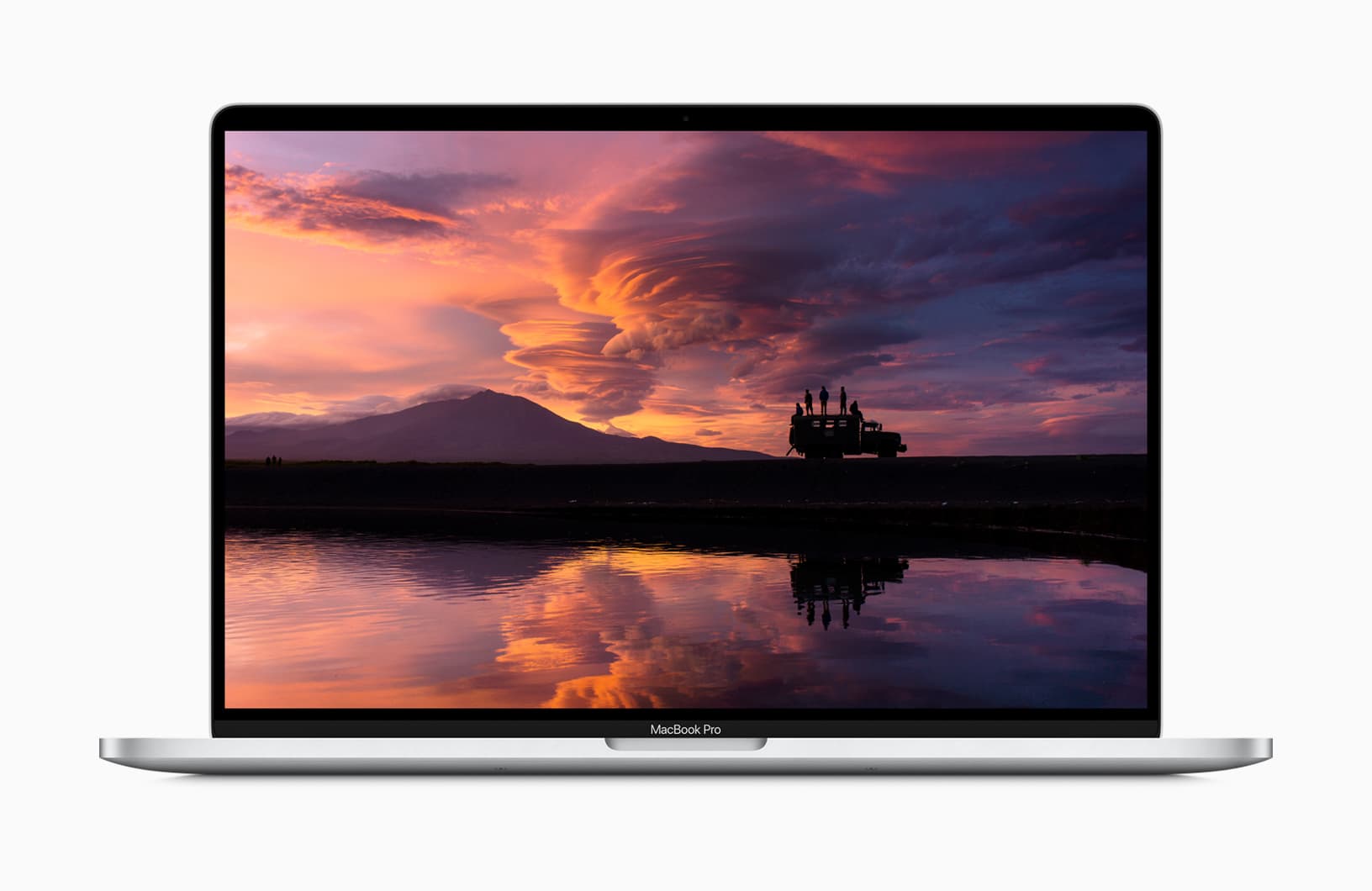
The new 16-inch MacBook Pro is a sign of a fundamental shift at Apple: It includes a keyboard that makes this laptop slightly less stylish but more useful. It’s hard to believe this would have happened in the days when chief designer Jony Ive’s habit of putting form ahead of function still reigned supreme over all Apple’s products.

As Ive slowly exits the company, we’re already seeing products less willing to make compromises in functionality in order to get super-sleek looks.

16-inch MacBook Pro is here at last! [Cult of Mac Magazine 323]

By

We've been waiting. And waiting. And waiting. Now the 16-inch MacBook Pro is here!
We've been waiting. And waiting. And waiting.
Cover: Leander Kahney/Cult of Mac

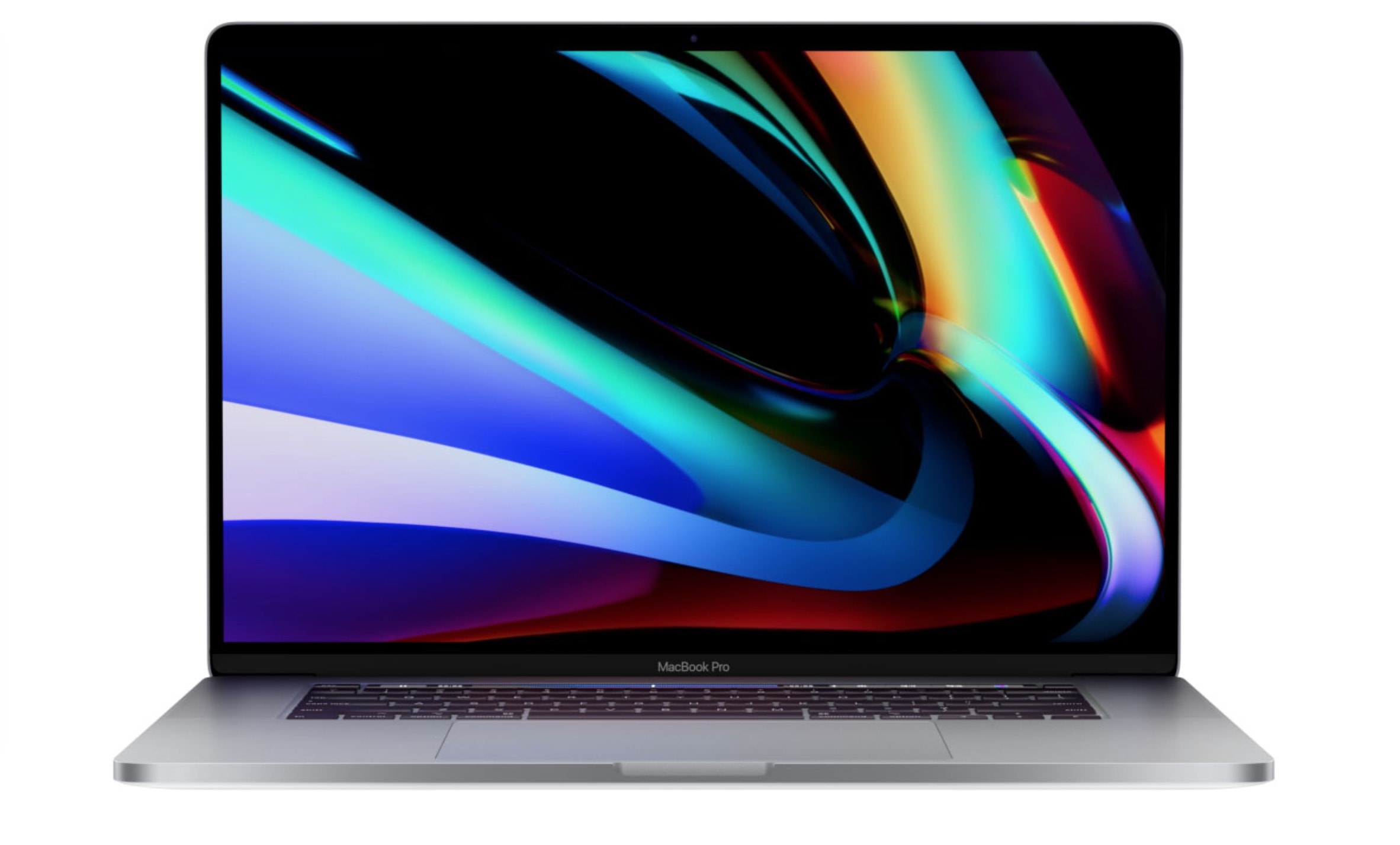
Apple unleashed the 16-inch MacBook Pro this week, delivering a powerful beast of a machine that answers many of our prayers. That butterfly keyboard? Gone, replaced with a Magic Keyboard. And those thermal throttling problems? Supposedly fixed forever.

Sure, we found a couple of not-so-happy surprises. But all in all, we feel just a little bit giddy. Find out all the reasons why in this week’s issue of Cult of Mac Magazine. You can download it free from the iOS App Store. As always, it’s jammed full of Apple news, reviews and how-tos.

The MacBook Pro is PRO again! We talk the new 16-incher plus our Disney+ first impressions, on The CultCast

By

CultCast 414: The long-rumored 16-inch MacBook Pro is finally here, and it's a beauty.
The long-rumored 16-inch MacBook Pro is finally here, and it's a beauty.
Image: Cult of Mac

This week on The CultCast: Everything you need to know about the new 16-inch MacBook Pro! Plus, our first impressions of this hot new machine. And we discuss Disney+, and why it may beat Netflix and Amazon as the best streaming service today.

Our thanks to Squarespace for supporting this episode. Easily create a beautiful website all by yourself, at Squarespace.com/cultcast. Use offer code CultCast at checkout to get 10% off your first purchase of a website or domain.

Get your MacBook Pro’s Escape key back without spending $3,000

By

Escape the Touch Bar's tyranny by restoring your MacBook Pro Escape key.
Find out how to escape the Touch Bar's tyranny.
Photo: Charlie Sorrel/Cult of Mac

The Escape key is pretty essential to the Mac. You can use it to, well, escape from the current window/view/text field. You can use it to dismiss some dialog boxes. It can even be used to force-quit an unresponsive app. And that’s before we get to the Vim text editor, which is as dependent on the Escape key as Jony Ive is on new kinds of aluminum. So why did Apple remove the physical MacBook Pro Escape key when it introduced the Touch Bar?

Apple made that move, much to the despair of some users, back in 2016. Now, in the new 16-inch MacBook Pro, the Escape key is back. But what if you have a perfectly good previous-gen MacBook Pro? Are you really going to spend close to $3,000 just to get your Escape key back? No, you are not. Instead, you are going to repurpose the Caps Lock key, and turn it into an Escape key.

Why the new MacBook Pro will be my first new Mac in 6 years

By

macbookpro
To be honest, I’d buy any MacBook as long as it didn’t have that broken butterfly keyboard.
Photo: Apple

The new 16-inch MacBook Pro launched yesterday, and by all accounts, it’s fantastic. But it arrives at a time when the MacBook (Pro or otherwise) is no longer the default choice for a portable Apple computer. Regular readers will know that several Cult of Mac writers use an iPad Pro as their main machine. Killian, Ed, Ian and I all ditched the Mac awhile ago in favor of iOS.

And I haven’t bought a Mac since 2013. It was a MacBook Air that has since moved on. The only Mac I still own is a 2010 iMac. And yet I have already ordered the new MacBook Pro. Why? What changed?

Bespoke briefcase is built for new 16-inch MacBook Pro

By

WaterField Designs Executive Leather Laptop Briefcase
WaterField Designs makes the case for a 16-inch MacBook Pro.
Photo: WaterField Designs

WaterField Designs, maker of bespoke bags for all your tech needs, was ready to pounce with a new hand-crafted briefcase when Apple unveiled the new 16-inch MacBook Pro today.

The Executive Leather Laptop Briefcase, available in black bison leather or chocolate brown cowhide, pairs a throwback look with contemporary internals.

16-inch MacBook Pro wows writers in first hands-on reviews

By

16-inch-MacBook-Pro
The wait is over.
Photo: Apple

Apple finally unleashed its long-rumored 16-inch MacBook Pro on the world this morning, and according to some lucky people who got to play with it early, it was well worth the wait.

The new 16-inch MacBook Pro pulled out plenty of surprises beyond its bigger display. Early hands-on reviews rave about the scissor keyboard, the new audio system, upgraded thermal management and of course, its beastly processing power.

Here’s what reviewers are saying about the new machine.