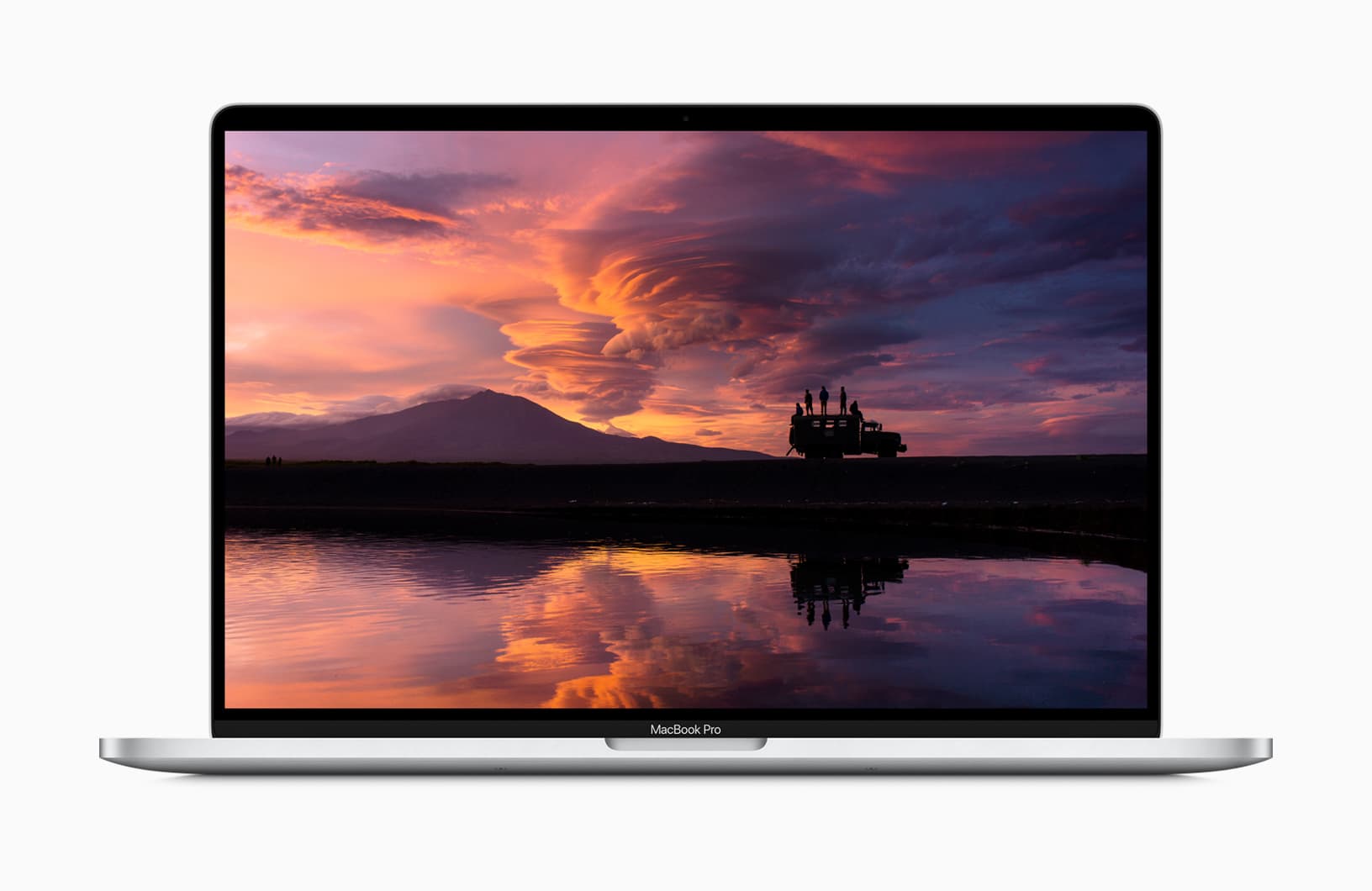
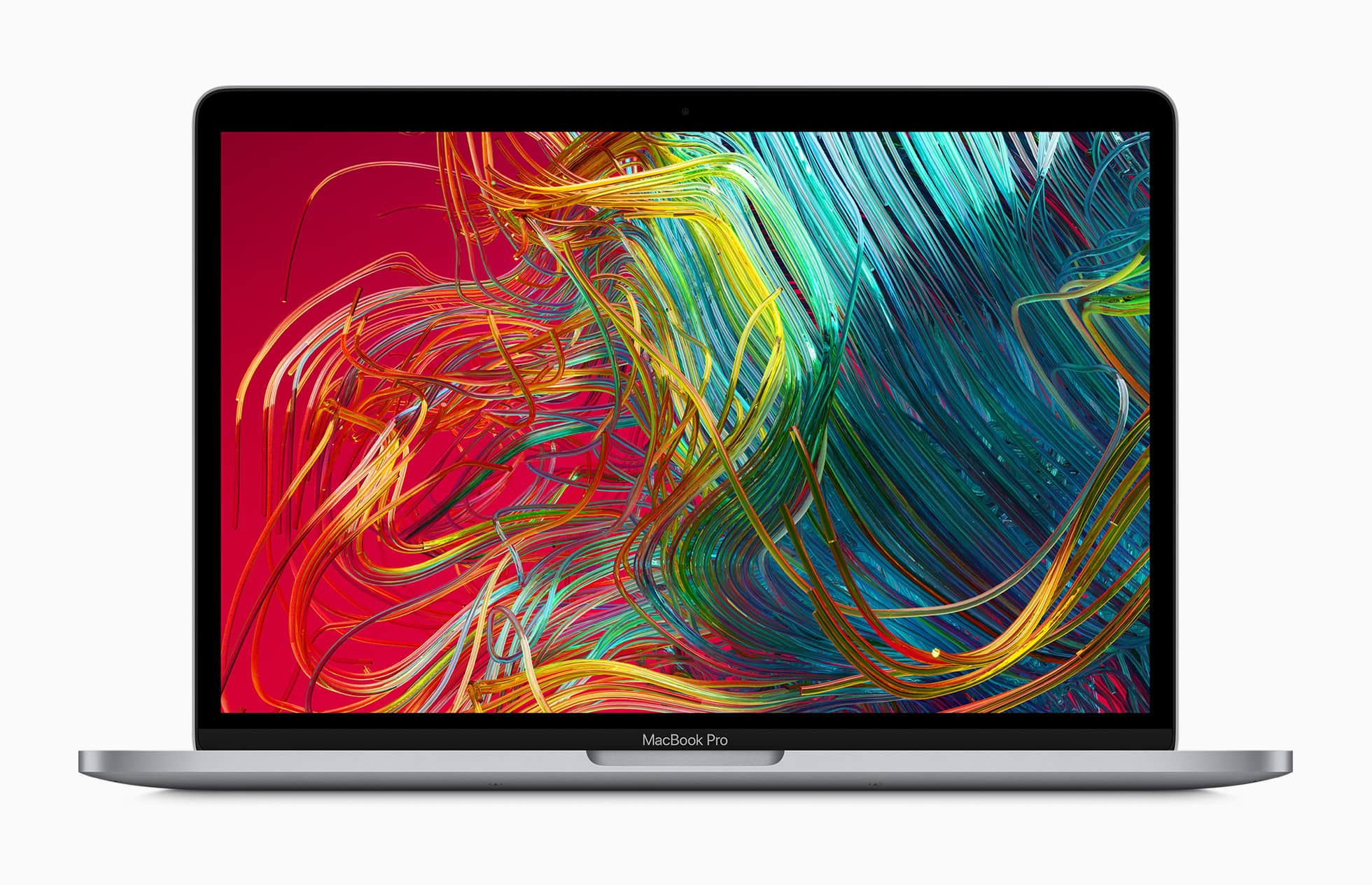
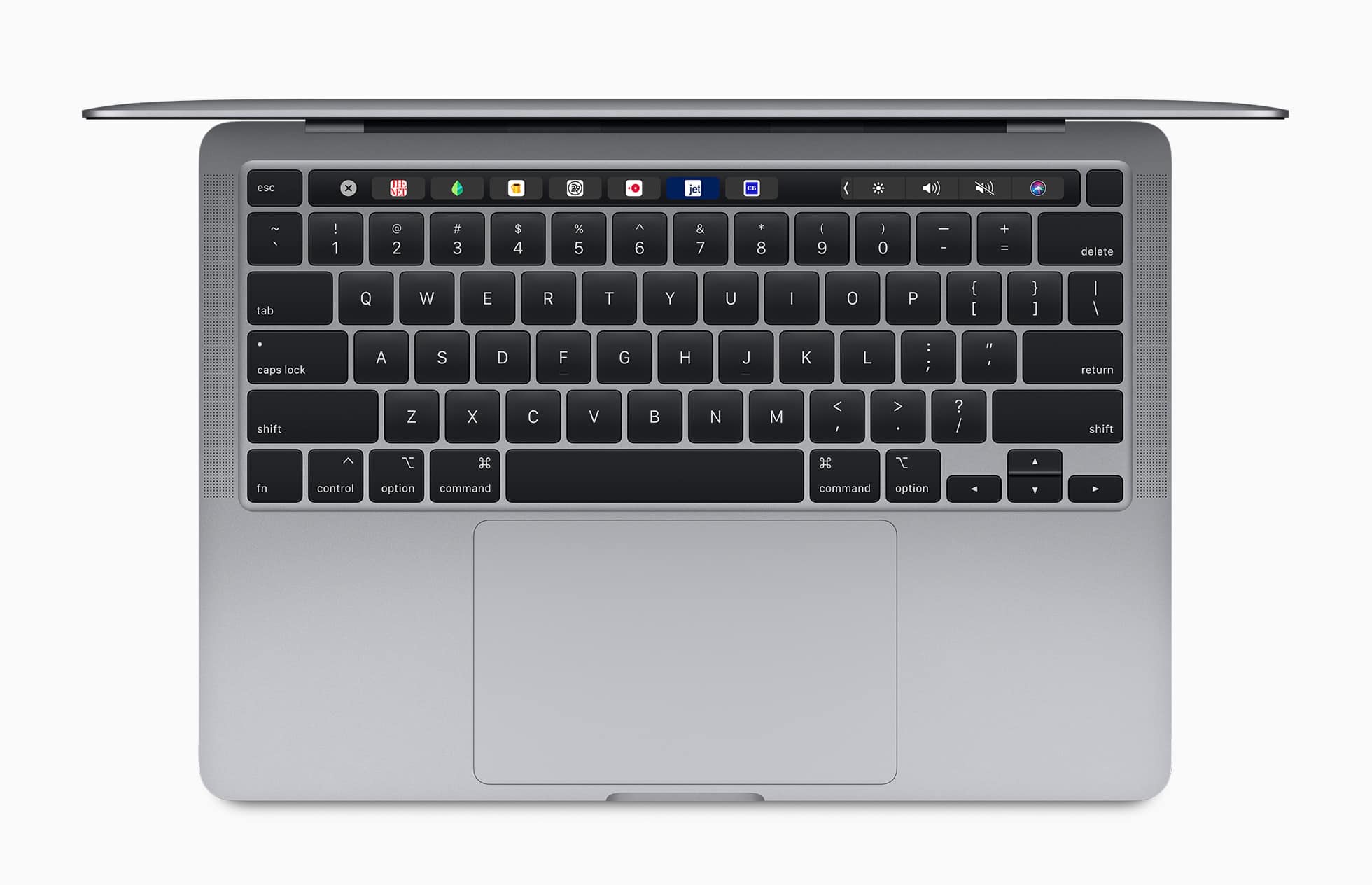
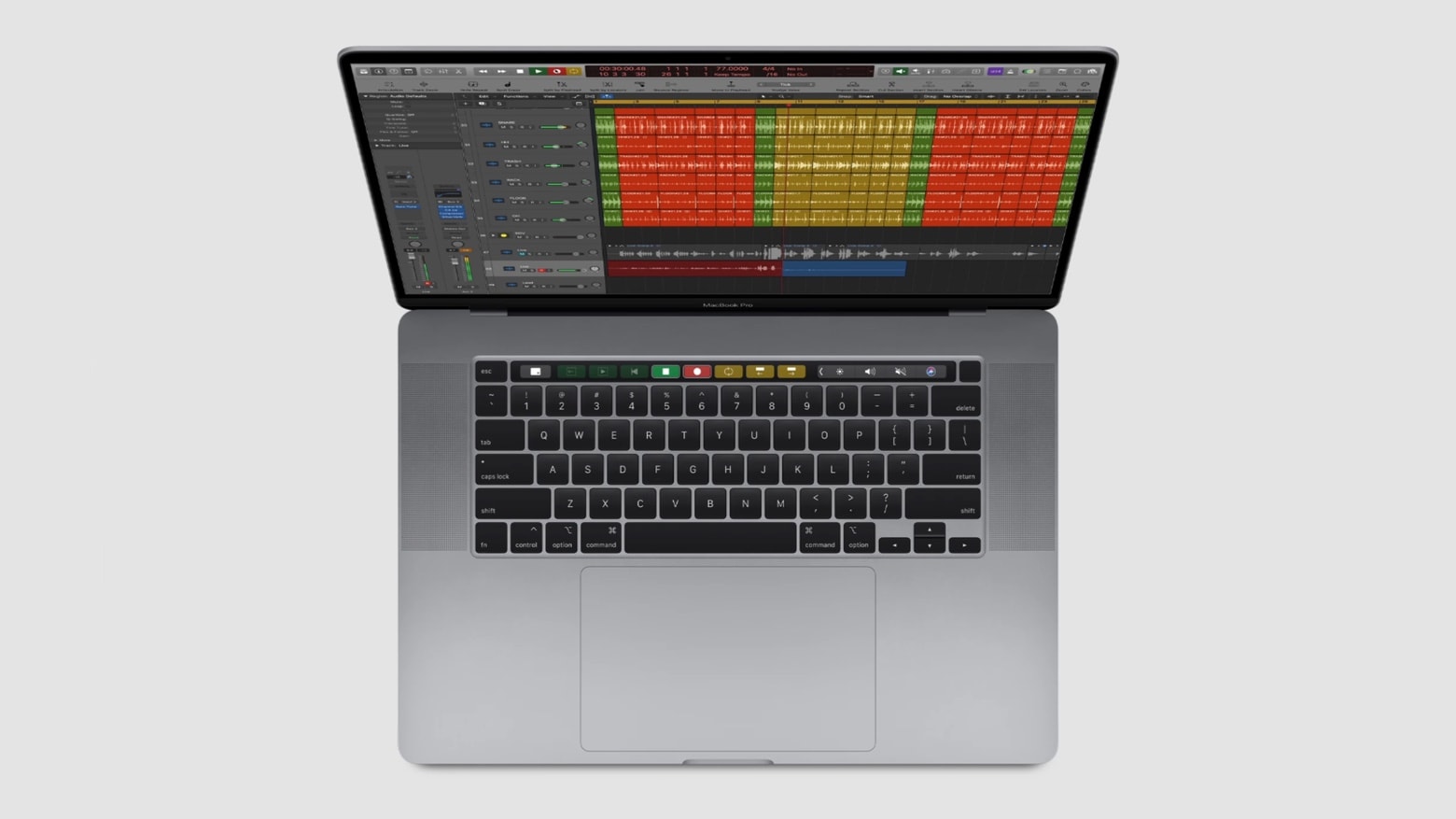
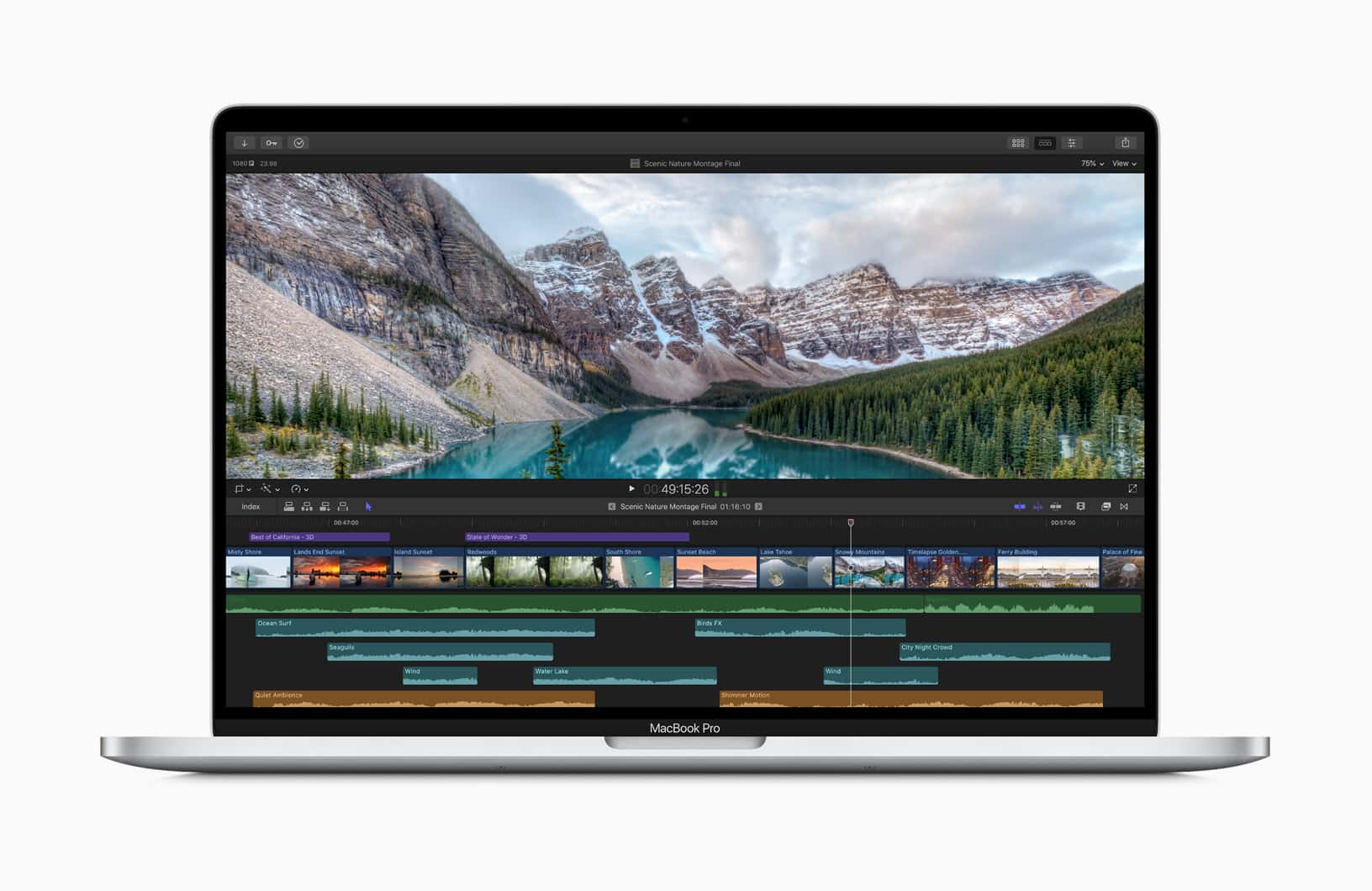
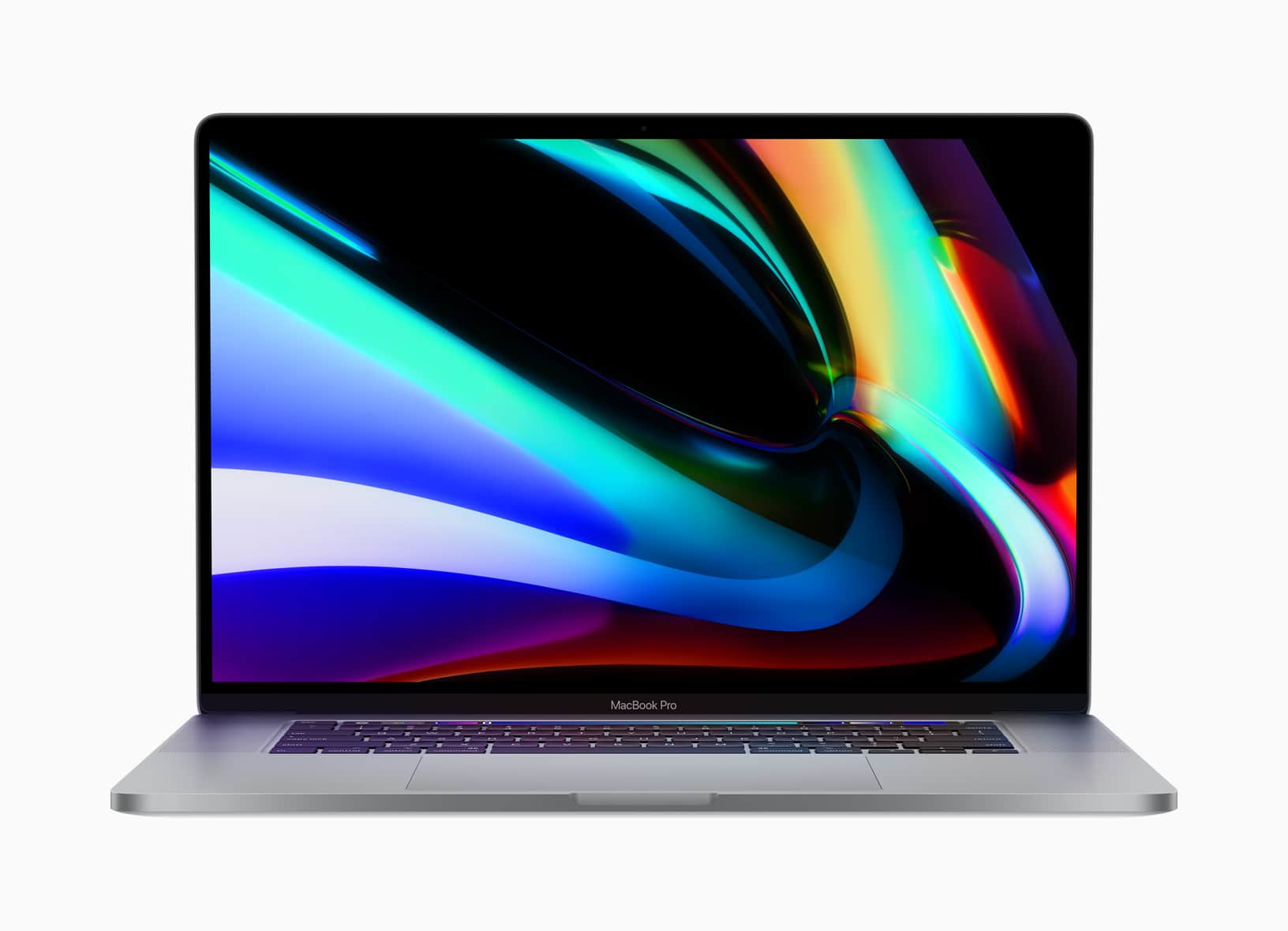
Now is the time to treat yourself to a 16-inch MacBook Pro, with Woot offering up to $605 off refurbished models. Prices start at just $1,874.99, but the sale is good for today only, so enjoy it now!
Woot is hosting another massive blowout on refurbished Apple devices, giving you the chance to save hundreds on MacBook, MacBook Pro, and iPad — as well as some original Apple accessories.
These deals are available today only, so enjoy them while you can.
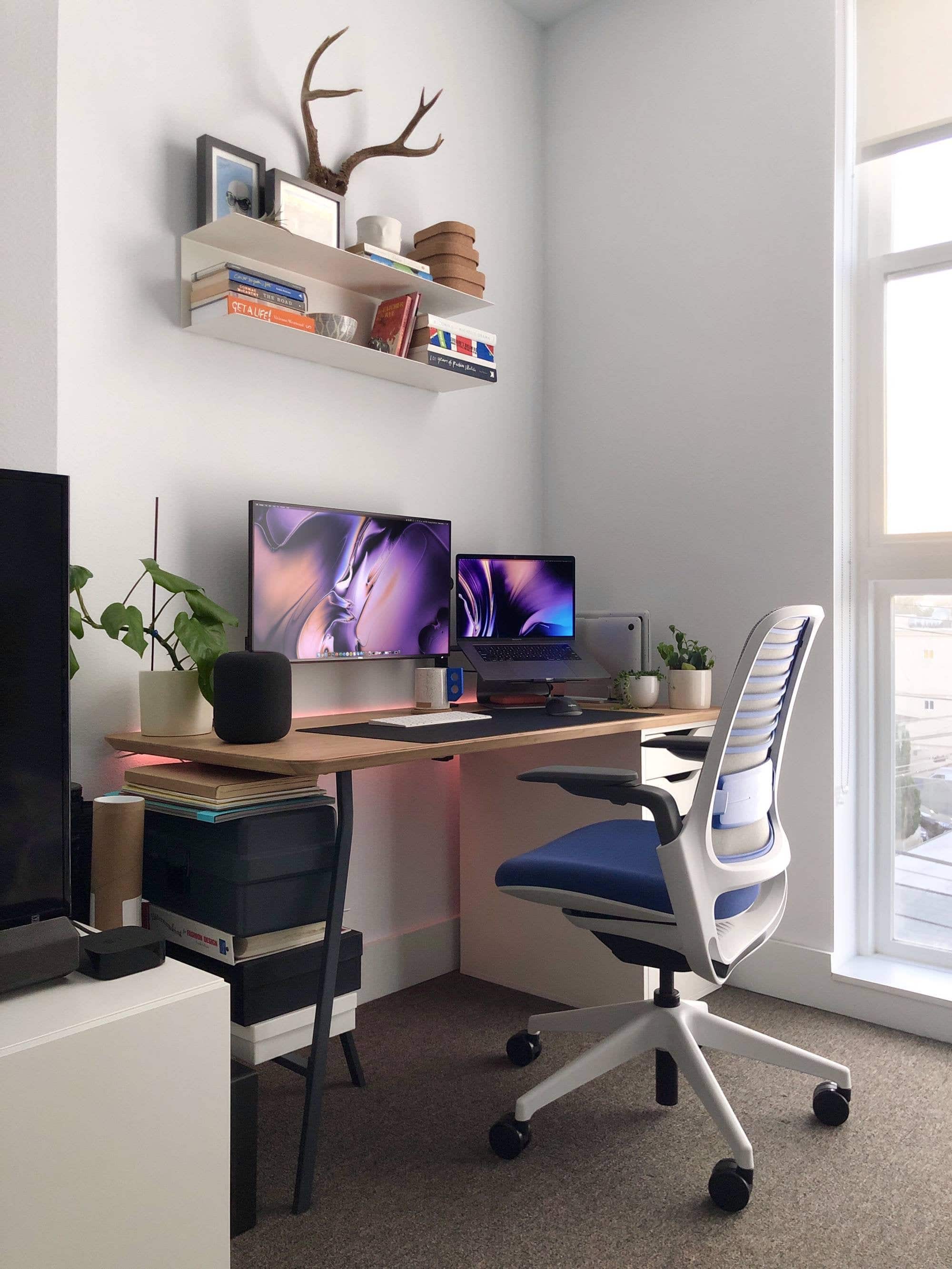
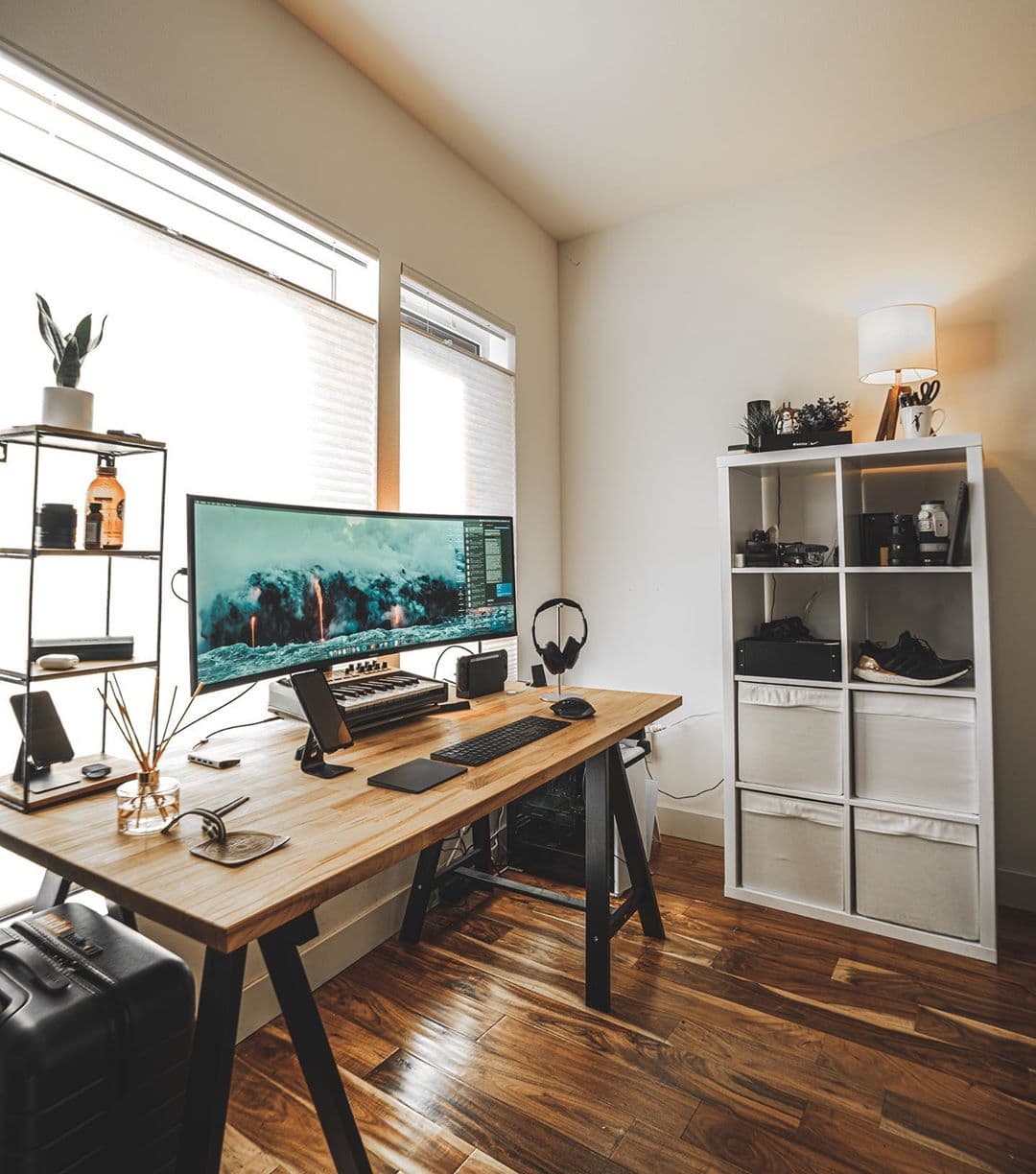
There is a lot of open desk space in this setup. Photo: Johan Loekito
Los Angeles-based designer Johan Loekito has three MacBooks on his desk. Yes, three!
It may sound bonkers to have three MacBooks on one desk but his hardware collection is more modest that it first appears. His main machine is a 2018 MacBook Pro and it’s a company laptop. He has a 2015 MacBook Pro for personal stuff, and a 2014 MacBook Air that is his partner’s.
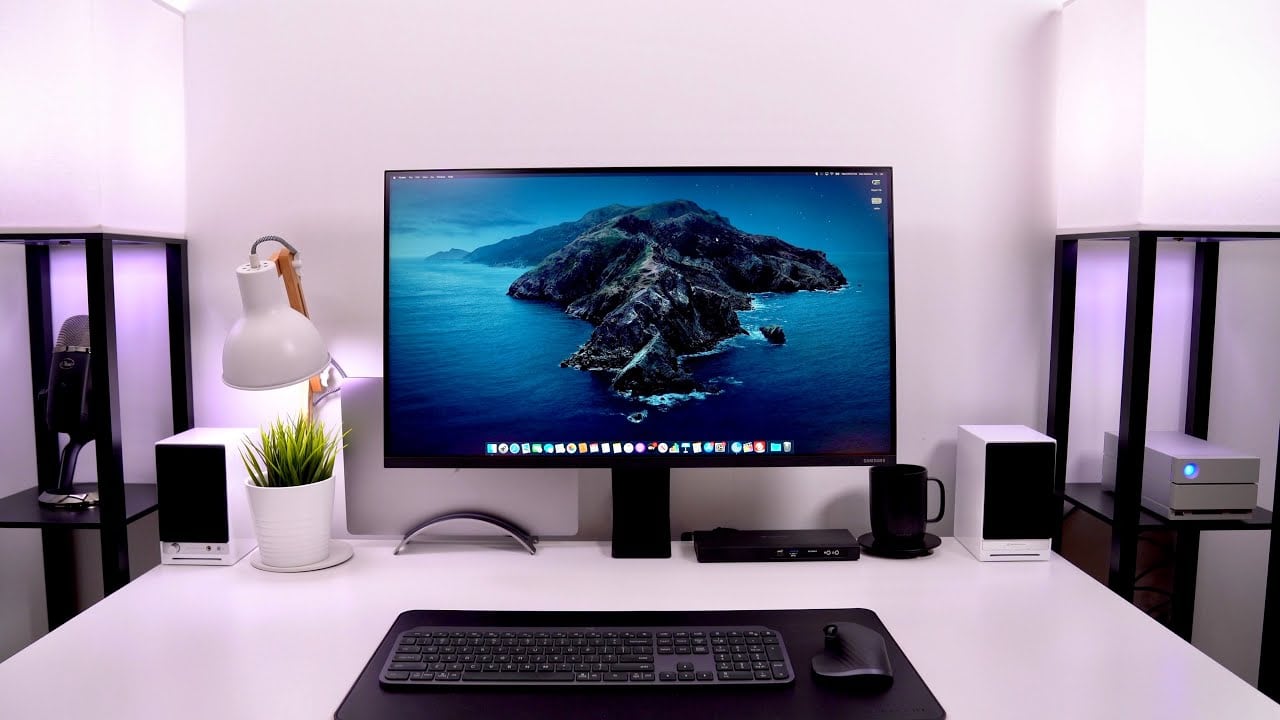
This guy knows how to save desk space. Photo: @danbarbera1
When tech YouTuber Dan Barbera built his desk, he wanted something that gave him a lot of space and flexibility. He runs his rig off a 2019 MacBook Pro, so his computer is not chained to his desk. The Autonomous SmartDesk 2 is roomy and gives him the option to sit or stand.
The most accommodating thing on the desk, though, is a 32-inch Samsung Space 4K Monitor. Designed to save space, the hyper-adjustable Samsung Space allows him to push the monitor against the wall, or tilt it all the way down onto the desk, freeing up valuable desk real estate underneath it.
In need of a cheap Mac or iPad? Check out Woot’s latest one-day sale on MacBook, iMac, and iPad refurbs. Prices start at just $209.99, and there is a whole bunch of great devices to choose from.
Stock is selling fast and once it’s gone, it’s gone. Don’t miss out!
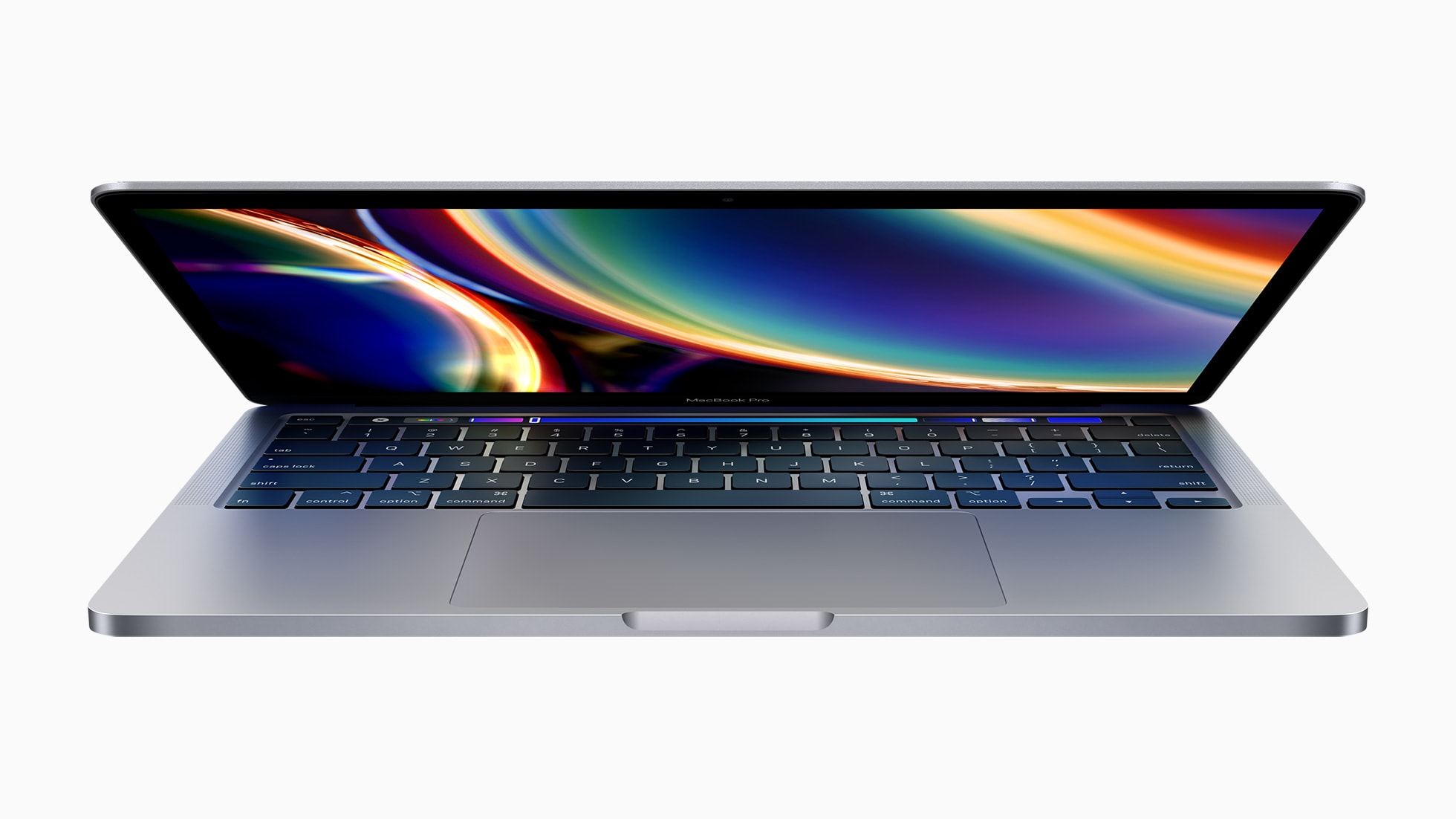
The 13.3-inch MacBook Pro has only been out a few months, but refurbished units are available today. Photo: Apple
Apple launched a redesigned 13-inch MacBook Pro in May, and refurb models are already available. Buying one of these refurbished Mac units from Apple.com saves up to $230.
Best Buy is today offering some of the biggest discounts we’ve seen on Apple’s newest MacBook Pro models as part of its three-day Anniversary Sale. You can enjoy savings of up to $300.
Prices start at just $1,599.99 (down from $1,799.99) for the newest 13-inch MacBook Pro, while 16-inch models are down to as little as $2,099.99 (from $2,399.99). Get yours before the sale ends!
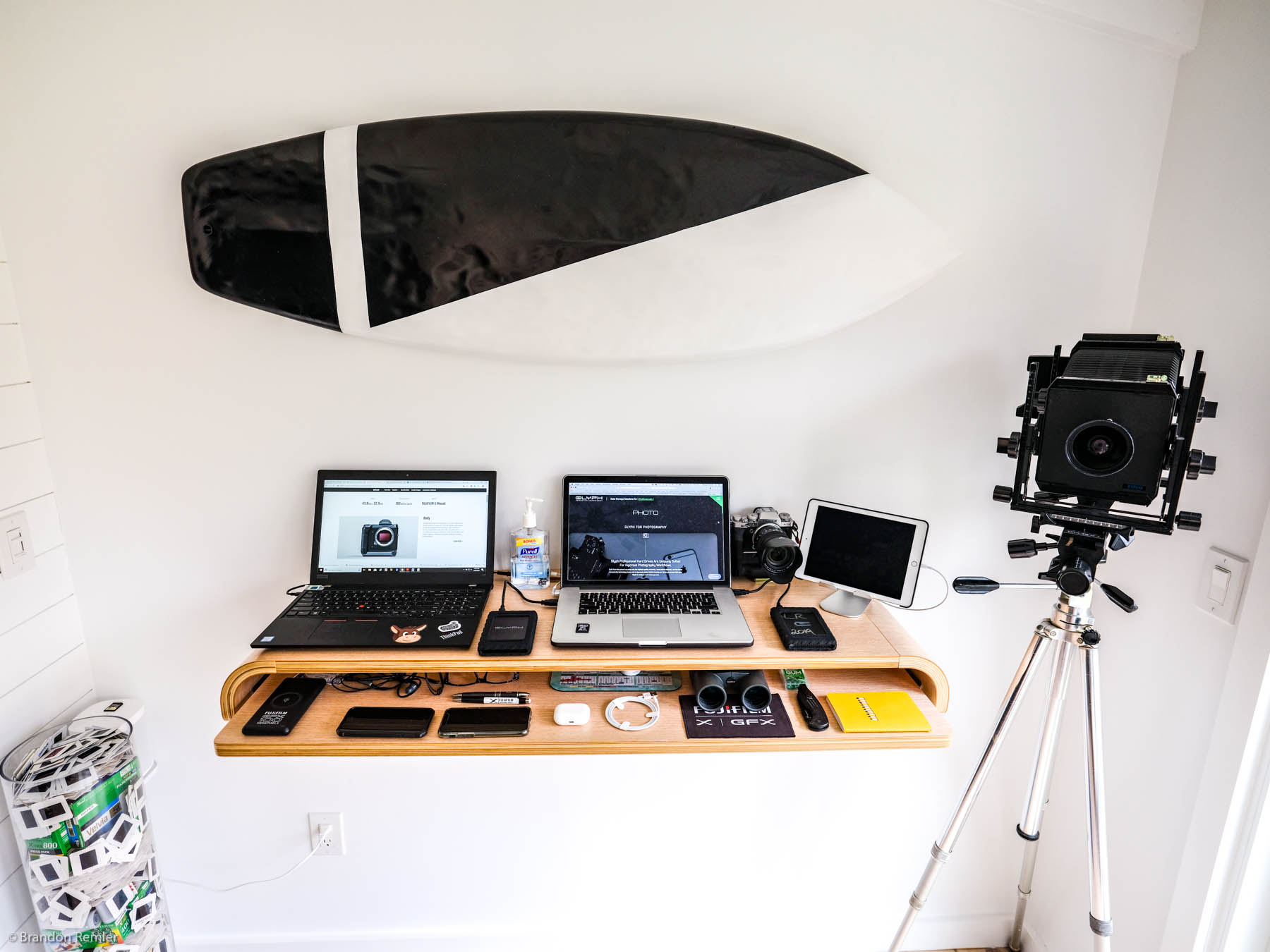
This camera-centric setup is easy on the eyes. Photo: Brandon Remler
This standup setup is definitely ready for its close-up. Artfully outfitted by Fujifilm North America salesman Brandon Remler, it sports a pair of laptops. But the real focus falls on Remler’s array of cameras, both film and digital.
“I do primarily use digital,” Remler told Cult of Mac in an email. “I did film for 20 years and it has a great feel and experience. Now moved on to Fujifilm GFX system. Gfx100 or Gfx50 — as well as our other Fujifilm x series (have one of everything so it’s not fair ;-).”
Apple’s newest MacBook Pro is a worthy upgrade for anyone who wants rid of the problematic butterfly keyboard. It’s also more powerful than ever before. Bag yours today and get $200 off the usual price!
Woot is hosting another big blowout on 2019 MacBook Pro units. You can pick up a 13-inch model, refurbished by Apple, for as little as $899.99. The sale is good for today only, so if you’re interested, make your move before it’s too late.
Bag yours before the discounts disappear. Photo: Apple
Amazon is slashing prices on Apple’s newest MacBook Pro. The 13-inch model, introduced in May with a brilliant new Magic Keyboard and extra storage, is now $199.01 cheaper for a limited time.
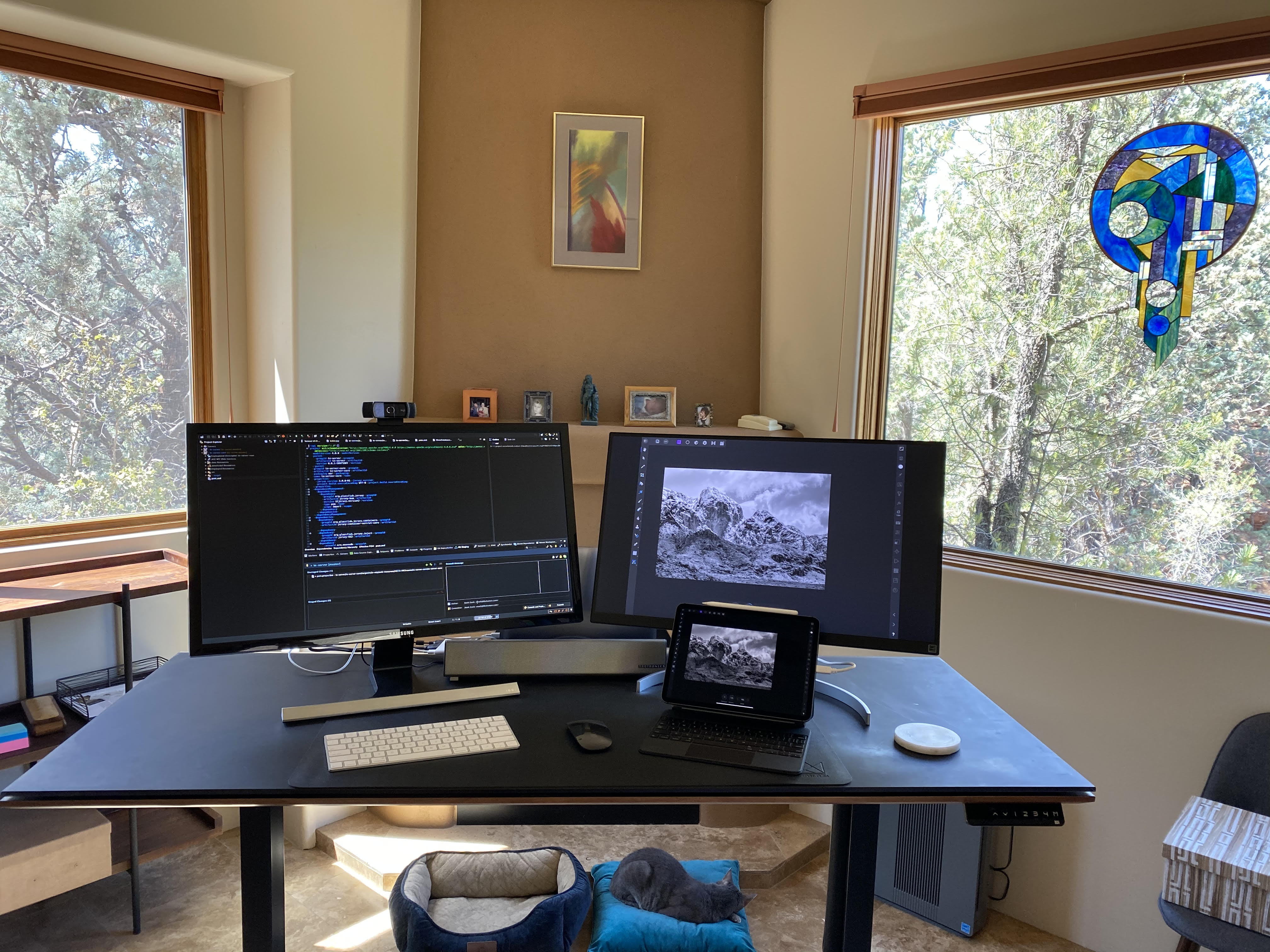
This setup can handle any task you throw at it. Photo: Mark Davis
Mark Davis is somewhat of a Renaissance man. He is an author of four novels, an entrepreneur, an engineer and a scientist. He is between startups right now but recently sold a data analytics platform to Dell. In order to perform all of his duties, he needs a setup that can match his tempo. Naturally, he has a dual-monitor setup.
His main monitor is a Samsung U28E590D 28-inch 4k UHD which has a one-millisecond response time that obliterates latency. He pairs it up with a LG 27-inch IPS Monitor which he mainly runs off of his 2018 iPad Pro. A 13-inch MacBook Pro is the backbone of the setup. It is covertly hidden on a Twelve South BookArc behind the monitors. His MacBook is specced out with 16GB of RAM storage, which is important to him “so I can run multiple virtual machines in parallel when needed,” he said.
You can save up to $500 on last year’s 13-inch MacBook Pro, up to $300 on a 16-inch MacBook Pro, and up to $535 on a 2018 iPad Pro. There are also some sweet discounts on Apple Watch and AirPods.
Jessie Ruane is a New York-based professional actor and interior home decorator so when it came to her home office setup she came to play. Since she last redid her setup, Ruane wanted to go with something cleaner and more minimalist. She said the favorite part of her setup is that it “is super functional to record great audio, hook up hard drives and accessories efficiently, and just perform everything speedy.”
The mainstay of the dual-monitor, MacBook Pro-run rig is an outstanding 27-inch LG UltraFine monitor. The LG UltraFine has a whopping 8 million pixels, more than four times as many as most conventional 1080p HD monitors and works seamlessly with her MacBook.
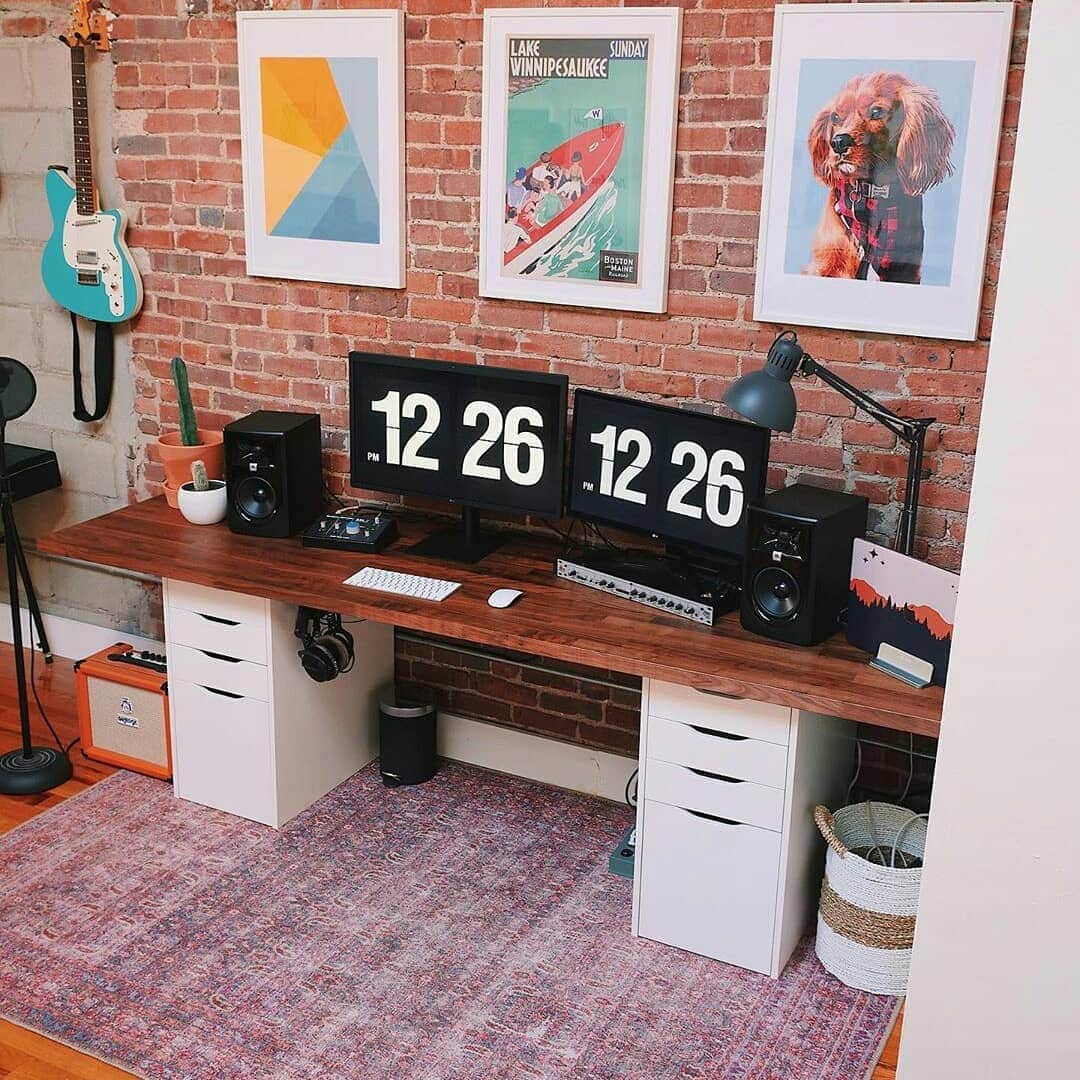
Audiophiles will be drooling at the mouth when they see this setup. Photo: @connellmccarthy
Connell McCarthy is a senior designer for Shopify by day and moonlights as a musician. His setup was built to handle both of these activities.
He works at a Strucktube table, by Tokyo Desk, which gives him a ton of space to work with. His monitor is the LG 32-inch FreeStyle IPS Monitor which gives him good screen quality without breaking the bank. The nerve center of his rig is a MacBook Pro.
Are you excited about the first Apple Silicon MacBooks? Photo: Apple
Apple will release its first MacBook Pro and MacBook Air powered by Apple Silicon by the end of 2020, a report published Thursday claims.
According to Digitimes, Apple manufacturers will start shipping components such as backlit units (BLUs) for the next-gen MacBooks in the third quarter of 2020. That could be any time between now and September.
This setup is great for work and hobbies. Photo: @hipstergram89
Garvin Ling is a Seattle-based coder whose setup was designed to handle some pretty heavy-duty stuff. The Samsung CJ89 43-inch UltraWide is an absolute mammoth of a monitor. It gives him a ton of screen real estate without sacrificing quality. He runs his setup off a MacBook Pro.
He has an Apple Magic Keyboard with the Numeric Keypad, which accompanies both a Logitech MX Master 2s and an Apple Magic Trackpad. This mouse-trackpad two-punch combination makes for easier and quicker coding and editing.
A limited supply is available, so bag yours before they're gone. Photo: Apple
Amazon is making the 16-inch MacBook Pro more affordable than ever with $399.01 off the usual price. It’s the biggest discount we’ve seen so far on Apple’s most powerful notebook. Bag yours before it disappears!
The 2020 MacBook models are selling so well that Apple is bumping up the number it’s making. Photo: Apple
Apple is reportedly enjoying strong sales of the MacBook Pro, and will increase production in the next few months. Laptop shipments could be up significantly for the third quarter.
All macOS computers seem to be having a strong 2020. In the second quarter of this year, total Mac shipments were up 36%, according to a market-research firm.
Can you handle some hot, hot beta action? Image: The CultCast
This week on The CultCast: We’ve got more details on the 14-inch MacBook Pro, and Apple Maps gets a new feature that blows us away! Plus: We talk our two-week impressions of iOS 14, and a major Hollywood film is coming to Apple TV+.
Our thanks to Squarespace for supporting this episode. Easily create a beautiful website all by yourself, at Squarespace.com/cultcast. Use offer code CultCast at checkout to get 10% off your first purchase of a website or domain.
Go claim yours before they're all gone. Photo: Apple
Amazon’s Deal of the Day offers big discounts on 2019 MacBook Pro units. You can save up to $449 on renewed 13-inch models, which look and work as good as new. Get yours for as little as $1,149.99.
Apple will ship its first Apple Silicon-based MacBook Air late 2020 or early 2021, reliable Apple analyst Ming-Chi Kuo claimed in a note published Friday.
Kuo has previously said a 13.3-inch Apple Silicon MacBook Pro will ship before the end of the year. However, this is the first time he has talked about the future of the MacBook Air line.
The (potentially) best news of all? Kuo thinks the switch from Intel CPUs could make the MacBook Air even cheaper than current models.
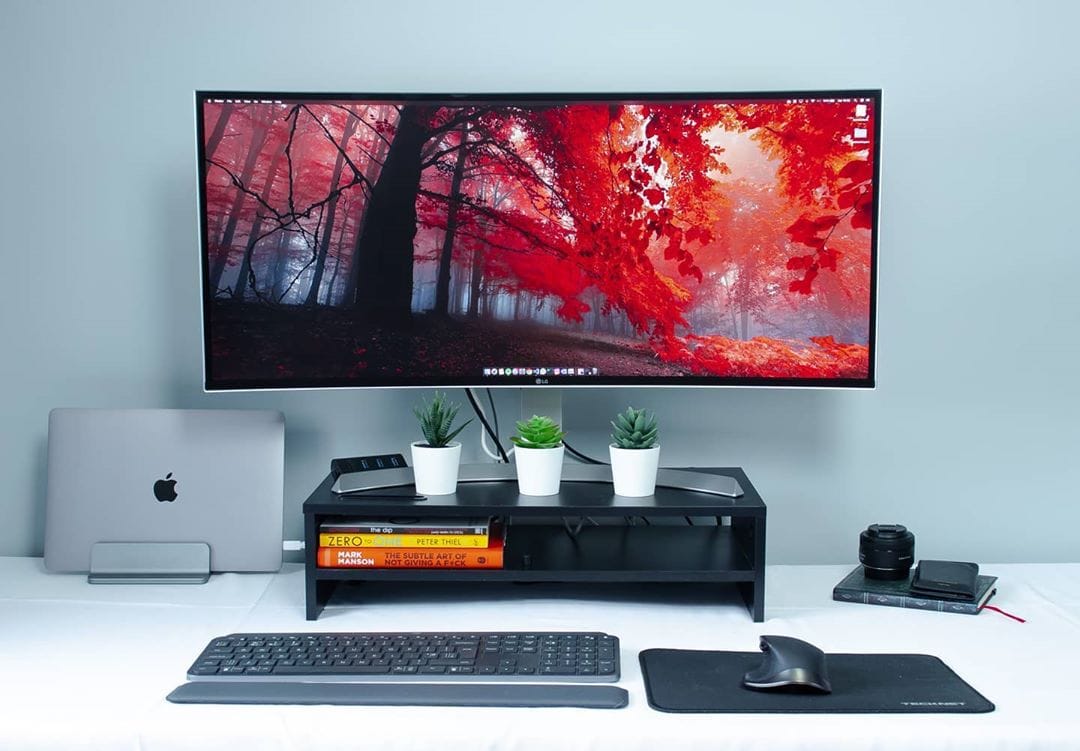
All it takes to build a nice setup is a MacBook and an UltraWide. Photo: @developerdylan
Programmer Dylan Garrett used to have a dual monitor rig, until he became enlightened in the ways of the UltraWide. Although the extra screen space that comes with having two monitors was an obvious plus, their resolutions were terrible and he decided to throw them both in the trash and adopt the LG 34-inch UltraWide as his sole monitor.
It took three years to assemble this rig. Photo: @carlosazaustre
It took web designer Carlos Azaustre a span of three years to piece together his setup. Everything was carefully chosen.
To start off, the Madrid-based front-end engineer has the Samsung 34-inch UltraWide Monitor. He previously had a 24-inch FullHD Monitor but after a few years of wear-and-tear he decided it was time to make a change. So he splurged and went with the Samsung UltraWide. He runs his rig off of a 13-inch 2013 MacBook Pro which sits upon an AmazonBasics Laptop Desk Stand.