Apple seemingly has a new relationship with Tencent. Photo: Cult of Mac
Website favicons have finally returned to Safari in macOS Mojave. The teeny-tiny icons, which make it easier to distinguish between sites in open tabs, are also coming to iPhone and iPad for the very first time with iOS 12.
Some of Apple's iOS apps will be available inside macOS Mojave. Photo: Apple
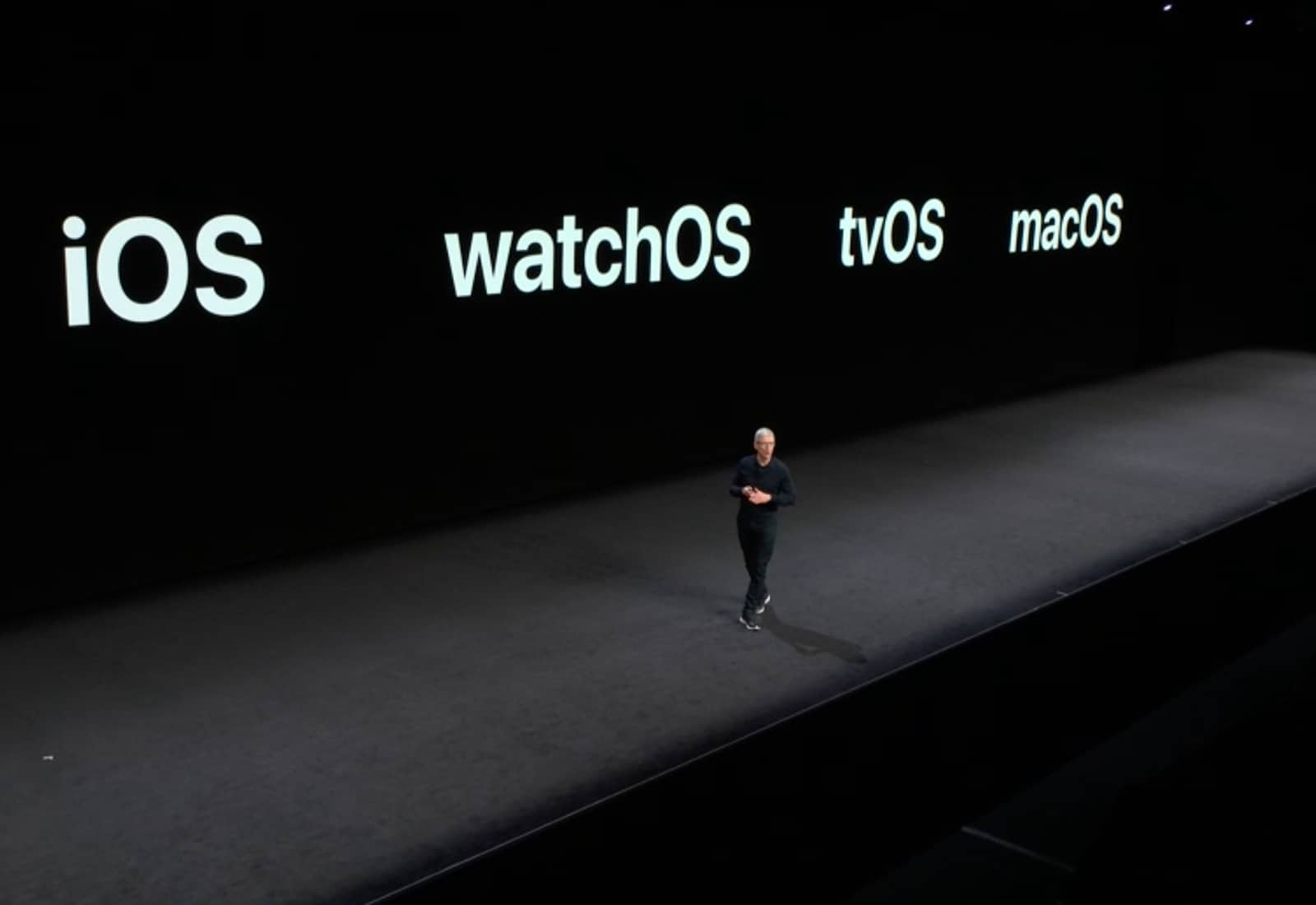
Apple confirmed during its big WWDC keynote on Monday that iOS apps are coming to macOS.
The company has spent two years developing the frameworks required to make the ports possible. Several of its own iPhone and iPad apps, including Apple News and Voice Memos, will be available inside macOS Mojave this fall.
In a new interview, Craig Federighi, Apple’s senior vice president of software engineering, reveals more about how iOS apps will work on a Mac. He also promises that they won’t make your Mac feel like a super-sized iPhone.
This iBook definitely won’t run macOS Mojave. Photo: Charlie Sorrel/Cult of Mac
These are the devices that can run iOS 12 and macOS Mojave
There’s good news and bad news for fans of keeping old hardware running. While iOS 12 will run fine on any device that currently runs iOS 11 — and may even make older hardware run faster — macOS 10.14 Mojave is dropping support for older Macs.
Let’s take a look at which machines will work with iOS 12 and macOS 10.14.
WWDC 2018 was packed with new software. Photo: Apple
Apple’s WWDC 2018 keynote lasted nearly 130 minutes and was jam-packed with new software goodies for developers and regular old Apple fanboys.
But if you were hoping to see some shiny new hardware unveiled at today’s event, you were in for some big disappointments. Apple is doubling down on its software game. And even though they didn’t have any new physical toys to show off, Tim Cook and company still managed to pull out some big surprises.
Are you ready for all the Apple action? Image: Ste Smith/Cult of Mac
The first major Apple keynote of 2018 is just hours away, and it’s going to be a doozy. Apple is expected to give us our first look at iOS 12 and macOS 10.14, plus new software for Apple TV, Apple Watch and Apple Music. Some new hardware might also be in the cards as well, but we’ll have to wait until Tim Cook takes the stage to find out.
The WWDC 2018 keynote is set to kick off at 10 a.m. Pacific and we’ll be at the event and live-blogging all the festivities. Come on in and enjoy the fun with us!
AirDrop is somehow conceptually related to balloons. Photo: Charlie Sorrel/Cult of Mac
AirDrop is a fantastic Apple feature. You can use it to share files of pretty much any size with anyone nearby, even in the middle of a desert with no Wi-Fi and no cellular. It Just Works, and once you get used to it, any other way of sharing files seems primitive.
Today, we’ll make AirDrop even easier to use on your Mac, by adding AirDrop shortcut to the Dock.
As ever, WWDC was a highlight of the Apple year. Image: Apple
WWDC 2018 is less than a week away and to prepare developers for the big event, Apple just updated its WWDC app for iPhone and iPad.
Developers and regular iOS users alike can all download the app to access information about sessions and other events that will be going down this week. The app comes with a new look too that makes videos more prominent than ever.
Are A-chips coming soon to a Mac near you? Photo: Apple
Apple manufacturer Pegatron has reportedly received orders from Apple to manufacture an ARM-based MacBook model, codenamed “Star” or “N84.” ARM processors are currently used for Apple’s iPads and iPhone, but not its Macs.
No more tangles with the Side Winder cable tidy. Photo: Fuse Reels
This is the Side Winder, a spinning reel for your MacBook’s power brick that coils and spools out both the mains and the DC cables from the brick in seconds. It adds a little bulk to the charger, and in return it promises to free you from tangles and knots, forever.
The Core X is $200 cheaper than the Core V2. Photo: Razer
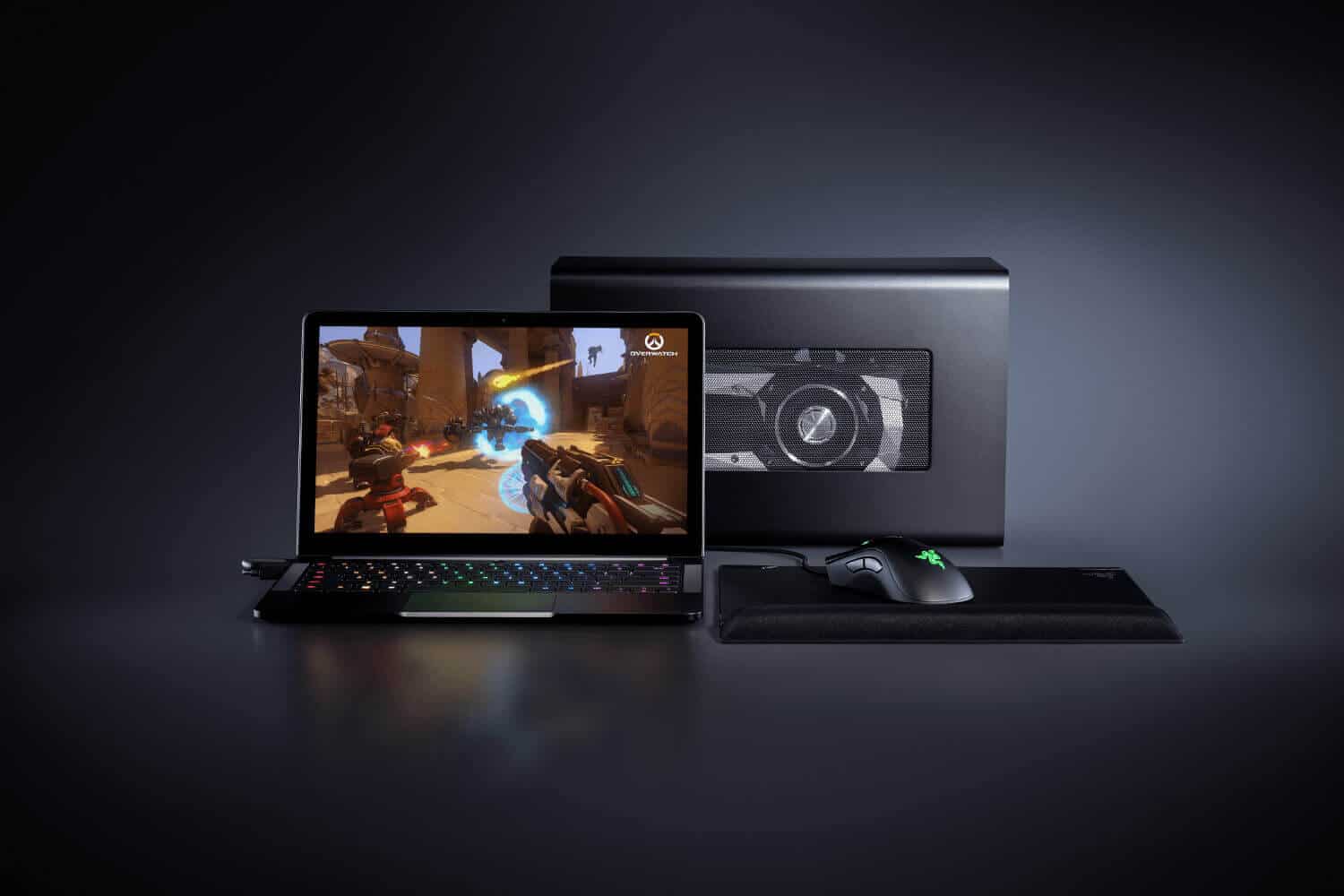
Razer today updated its lineup of eGPU enclosures, adding a more affordable model that’s finally compatible with macOS. The Core X is $200 cheaper than its sibling, the Core V2 — and in some ways, it’s even better.
Apple takes accessibility very seriously. Photo: Apple
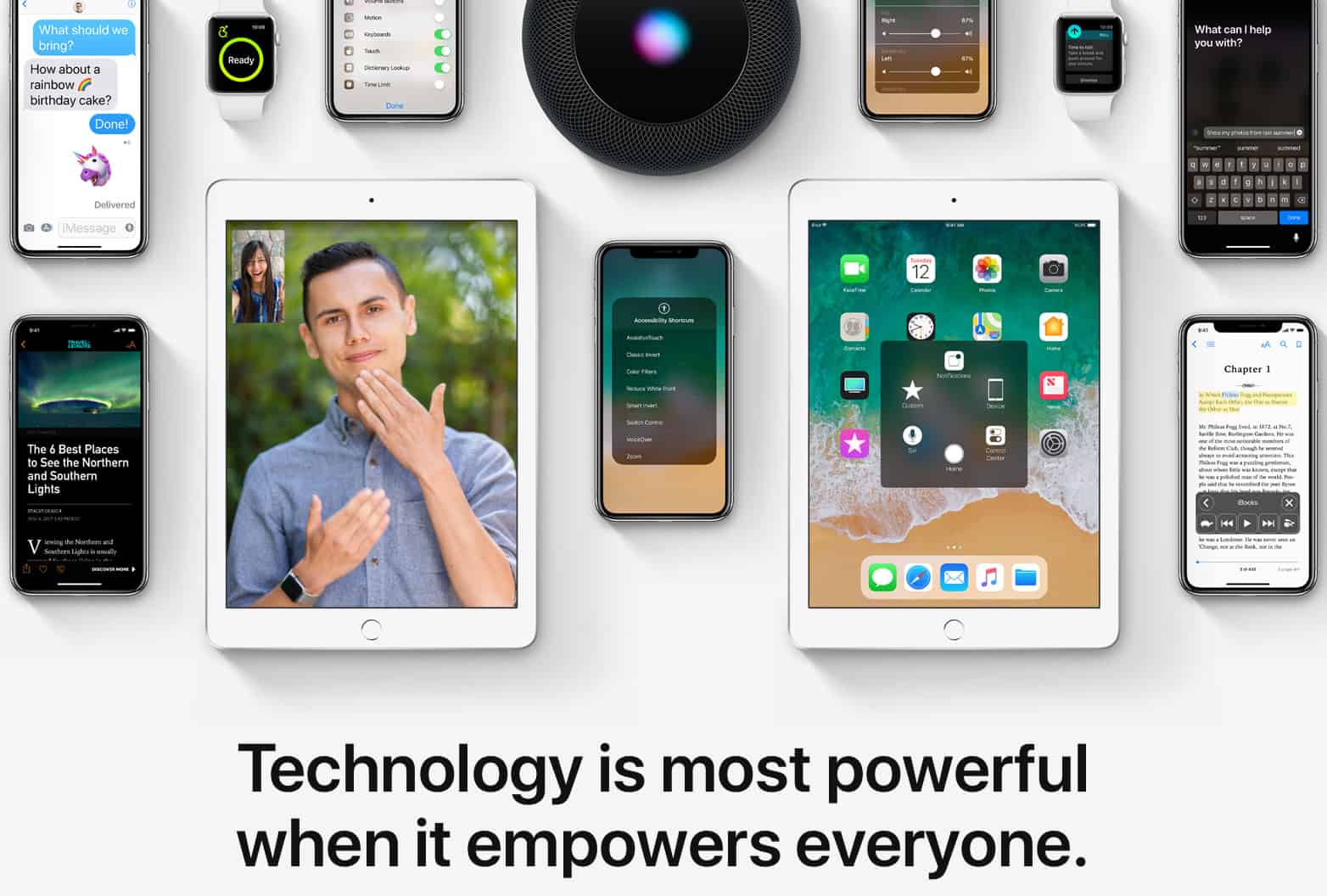
The Apple website has today been updated to highlight the accessibility features of iPhone, iPad, Apple Watch, and more. The change is in celebration of Global Accessibility Awareness Day, a yearly event that promotes digital access and inclusion for those with different disabilities.
On the Mac, you have long been able to tap on any word or phrase to look up a dictionary definition. Just click on the word using a three-finger tap on your trackpad, and the dictionary panel appears. But have you tried this recently? Today, in this simple popover panel, you can get full access to not just dictionary definitions, but news, Siri Knowledge, movie details, App Store listings, and lots more depending on what you’re looking up.
The Tweetbot you love, only better. Photo: Tapbots
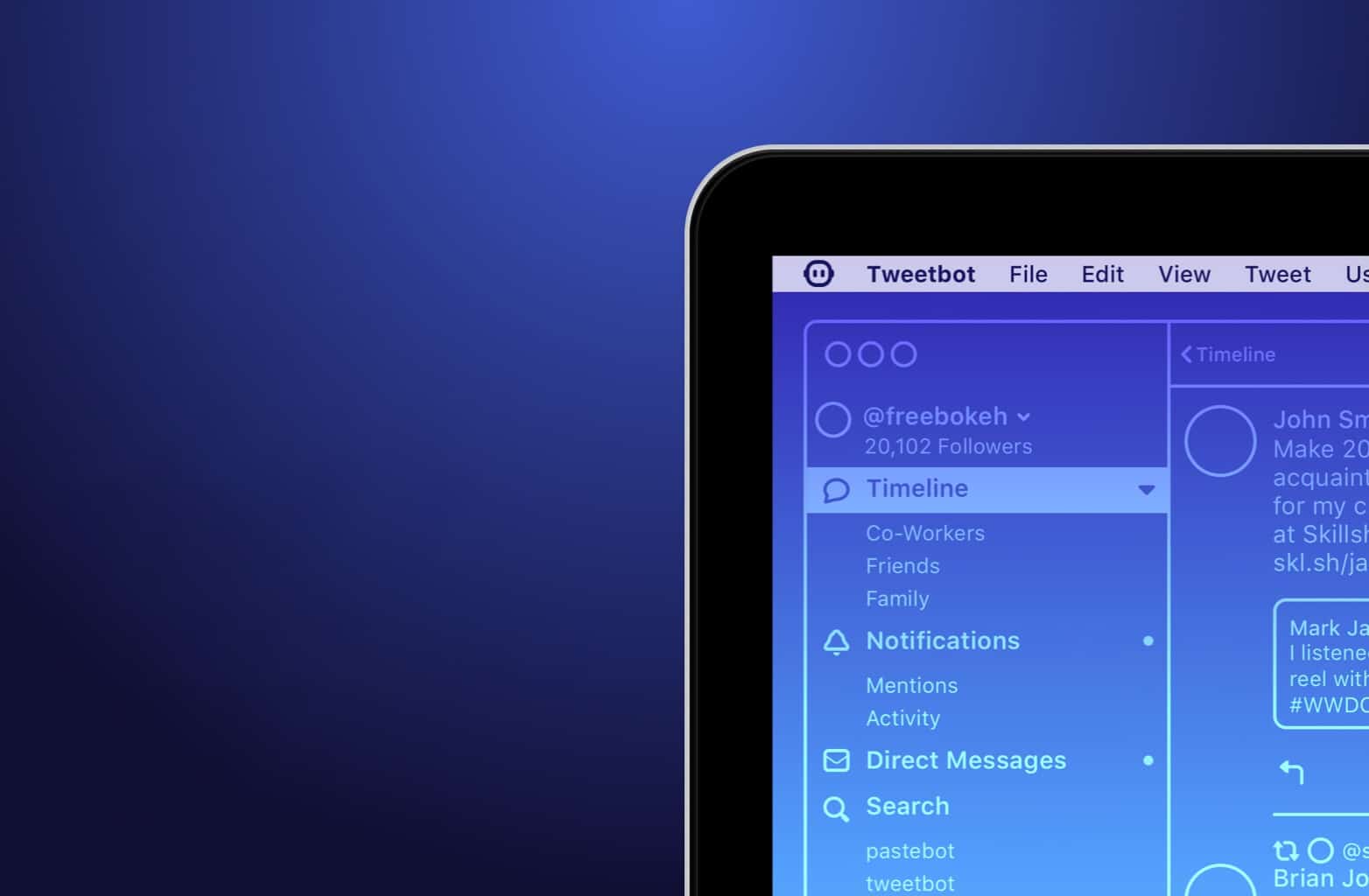
Tweetbot has long been our favorite third-party Twitter client for a whole bunch of awesome reasons — and now there’s even more. Tweetbot 3 today landed on macOS, bringing night mode, GIF and video previews, timeline filters, and more.
iOS 11.4 is nearly ready. Photo: Ste Smith/Cult of Mac
iOS 11.4 looks like it’s on track for a public release sometime around WWDC 2018.
Apple just released a big batch of betas for developers this morning, including the fifth build of iOS 11.4 which brings a number of new features and improvements to the iPhone and iPad.
Steam Link’s first big update is great for controller users. Photo: Valve
You can now play your PC game library anywhere around your home without being weighed down by a chunky gaming laptop. The official Steam Link app lets you enjoy your favorite Steam games on your iPhone, iPad, and Apple TV.
You’ll be able to play with a Steam Controller, MFi controller, or a range of other gamepads supported by Steam.
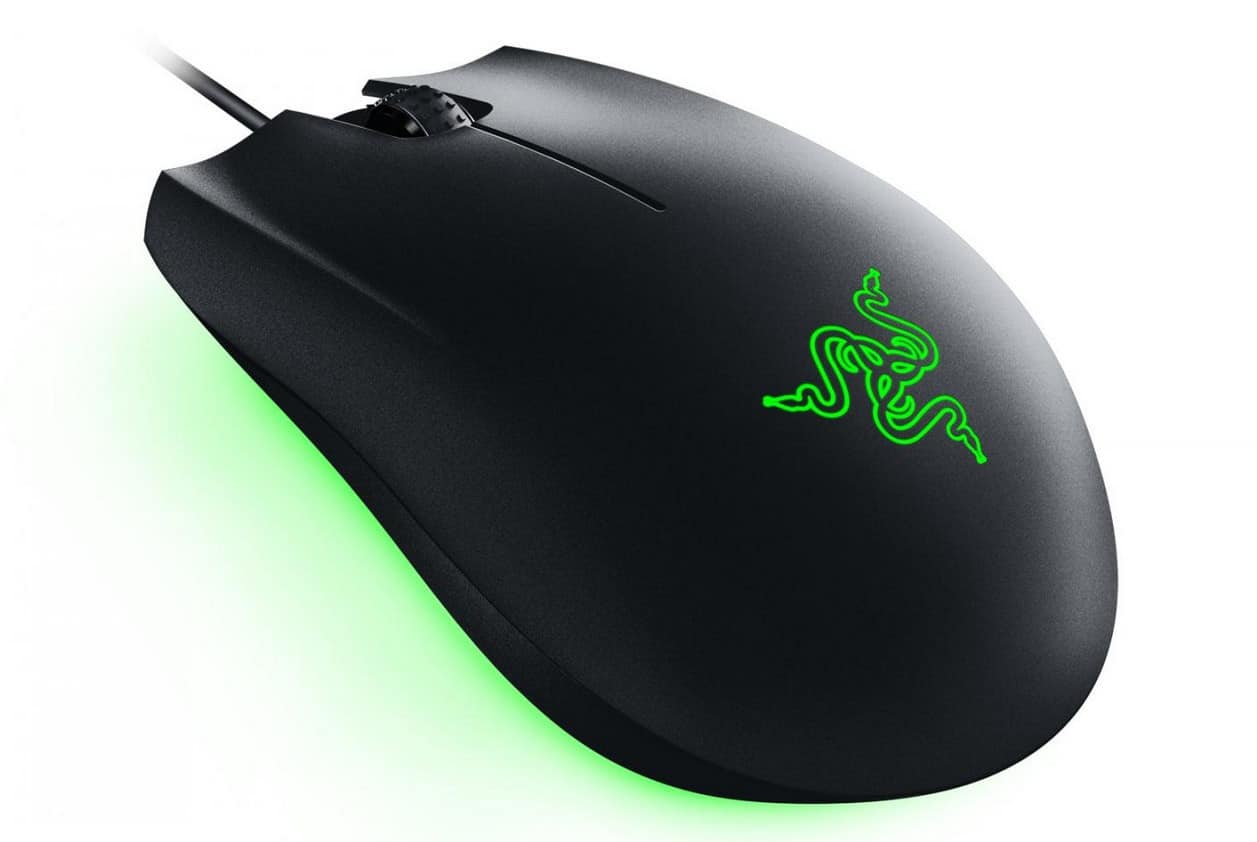
The Abyssus Essential won’t break the bank. Photo: Razer
If you do a lot of gaming on your Mac or PC, a $10 mouse from Walmart isn’t going to cut it. But that doesn’t mean you have to break the bank on something super-fancy, either.
The Abyssus Essential, Razer’s newest mouse, has everything the average gamer needs — and it’s ideal for buyers on a budget.
This is how they did Split View on the olden days. Photo: Charlie Sorrel/Cult of Mac
Split view on the iPad is amazing. Two apps, side-by-side, open up all kinds of neat shortcuts. You can drag text, links, and pictures from Safari into notes apps, emails, Pages documents and so on. The Mac is less in need of such a mode, because screens are bigger, and you can already place two windows side-by-side, but on a little MacBook, where every 1/64th inch counts, Split View is a great feature. Here’s how to use it.
Use your Pro Controller to play your favorite Mac and PC games. Photo: Valve
Steam has added official support for the Switch Pro Controller in its latest client beta.
Players no longer have to use fiddly third-party workarounds to enjoy Nintendo’s best controller in their favorite games. All of its buttons and even its motion controls are now fully supported.
Sometime, probably quite soon, your Mac will stop running 32-bit apps. All new Macs have 64-bit processors, and Apple wants to phase out older 32-bit apps in order to “enable faster system performance” for your Mac as a whole. What this means is that, in an as-yet-unspecified future version on macOS, 32-bit apps will stop running altogether.
If you’re running macOS High Sierra 10.13.4, then you may already have seen a warning pop up onto the screen when you launch older apps. Today we’ll see how to view a list of all the 32-bit apps on your Mac, so you can either harass the developer to update them, look for a better-supported alternative, or just delete them.
No one likes autoplaying videos on the web. Photo: Killian Bell/Cult of Mac
Google has done us all a favor by asking Chrome to block autoplaying videos with sound. No longer will our ears be sodomized unexpectedly by obnoxious ads that we’ll never look at. There are some caveats, however.
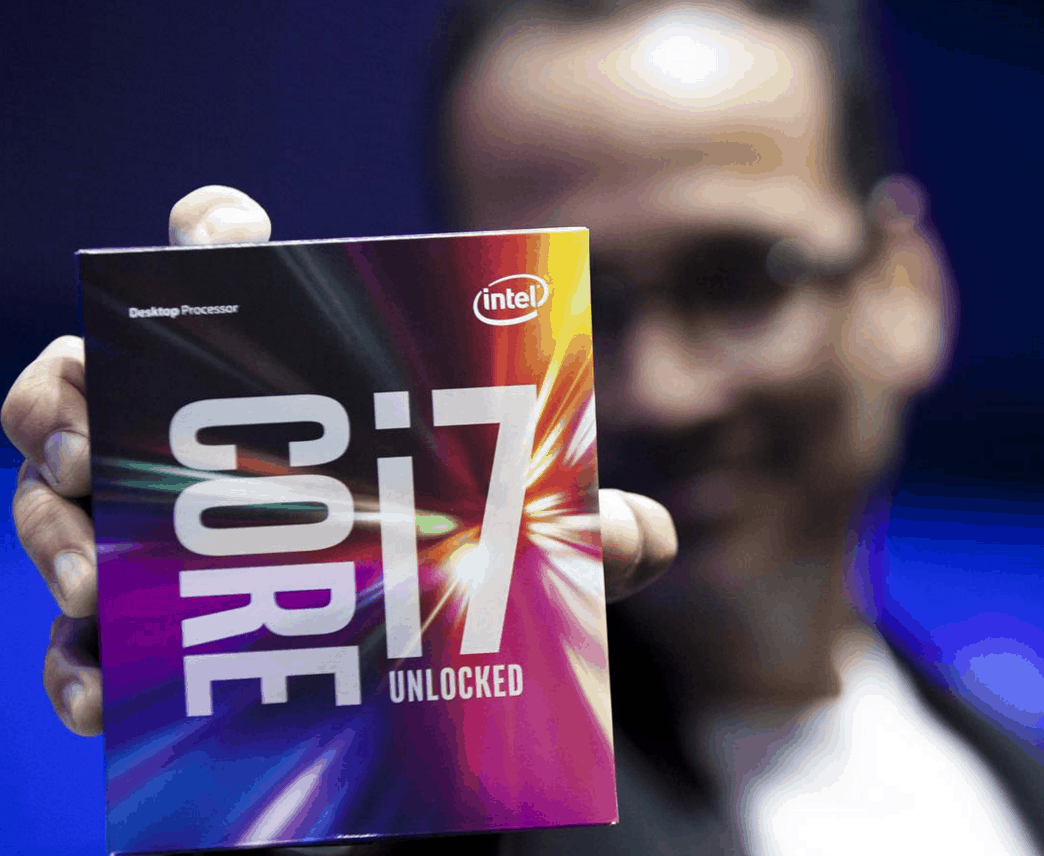
Intel will task GPUs with antivirus scanning. Photo: Intel
Intel plans to offload virus scanning to improve the performance of its processors.
It will allow antivirus programs to use its integrated graphics chipsets when scanning for attacks, which will reduce processor and power consumption on some machines. It could mean that you’ll get more use out of your MacBook in between charges.
Apple seemingly has a new relationship with Tencent. Photo: Cult of Mac
Ever lost a tab in Safari? You have like a million of the things open, and you end up scrubbing a two-finger trackpad swirl over the entire tab bar, shifting those things around so that you can read their labels, and you still can’t track down the Cult of Mac website in there. Well here’s good news: you can just pin that tab to the edge of the tab bar, so you’ll never lose it again.