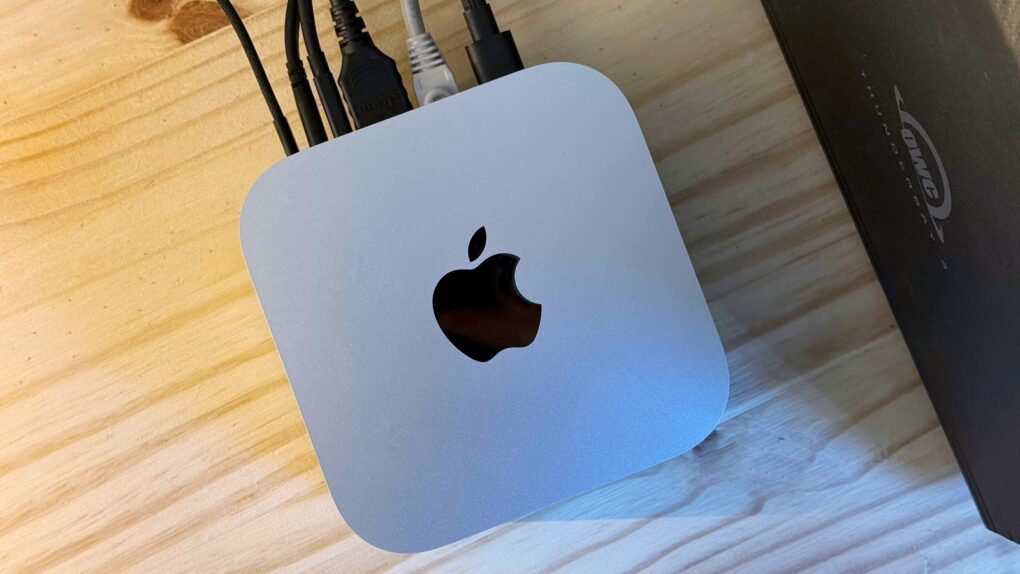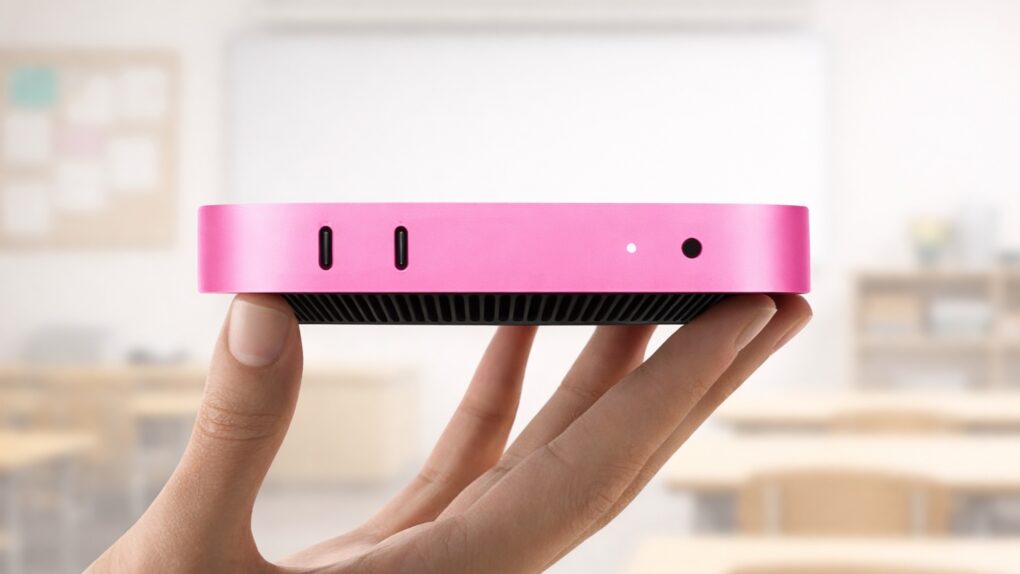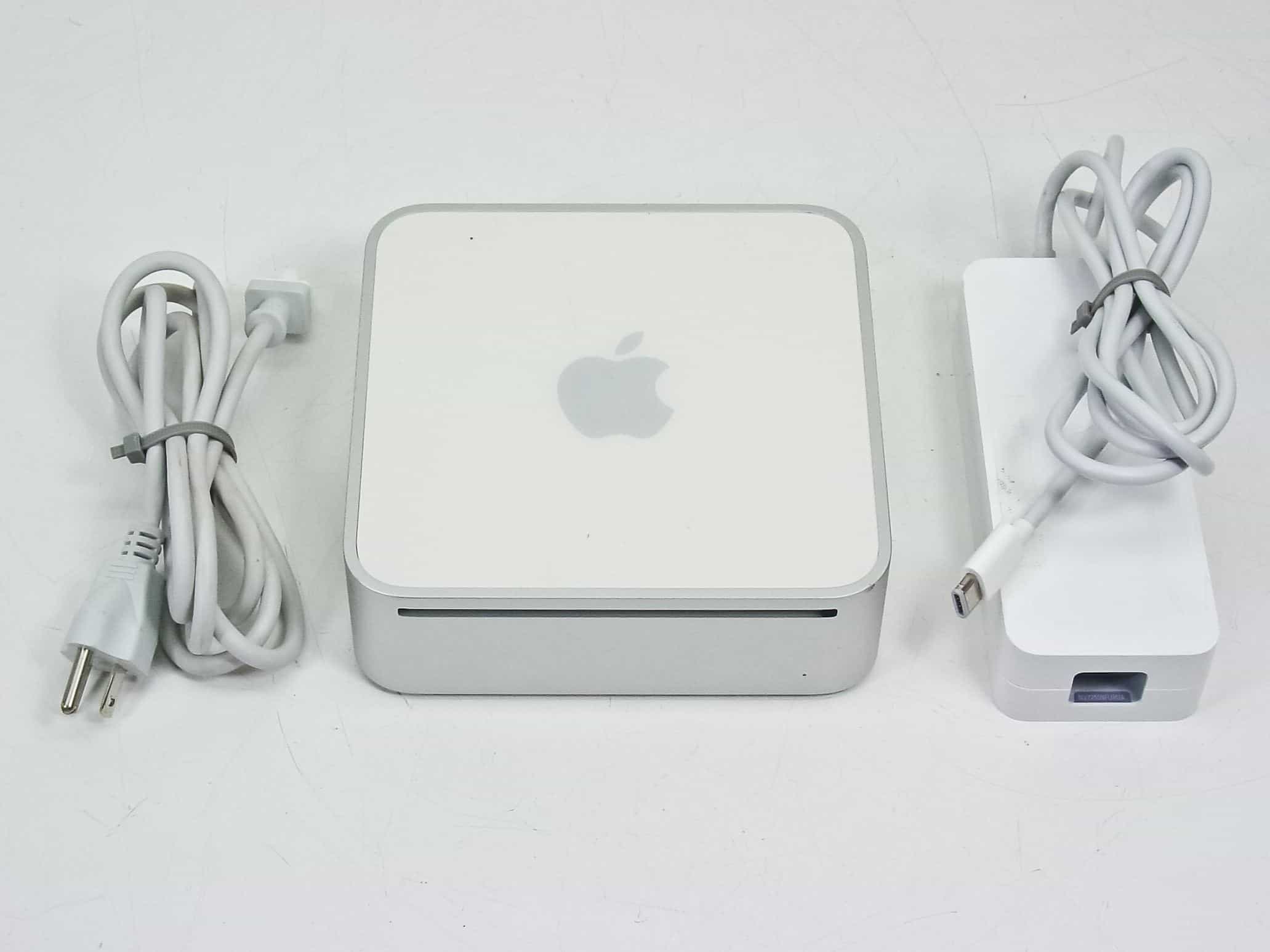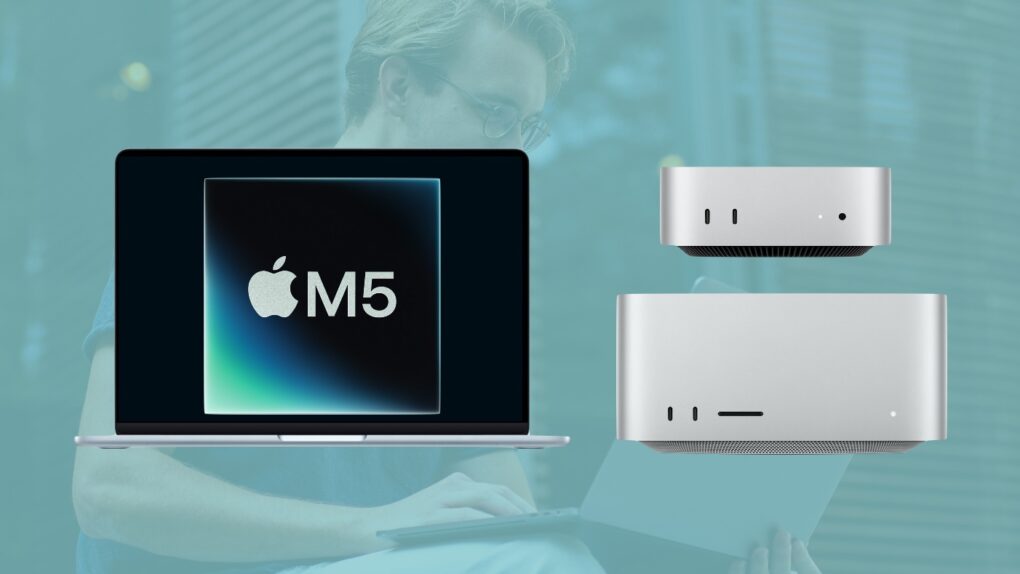
The 2018 Intel-based Mac mini has officially entered Apple’s vintage list. Alongside this, the 2015 iPhone 6s also joins the list.
This means that these products will only receive limited repair support from Apple.
The 2018 Intel-based Mac mini has officially entered Apple’s vintage list. Alongside this, the 2015 iPhone 6s also joins the list.
This means that these products will only receive limited repair support from Apple.
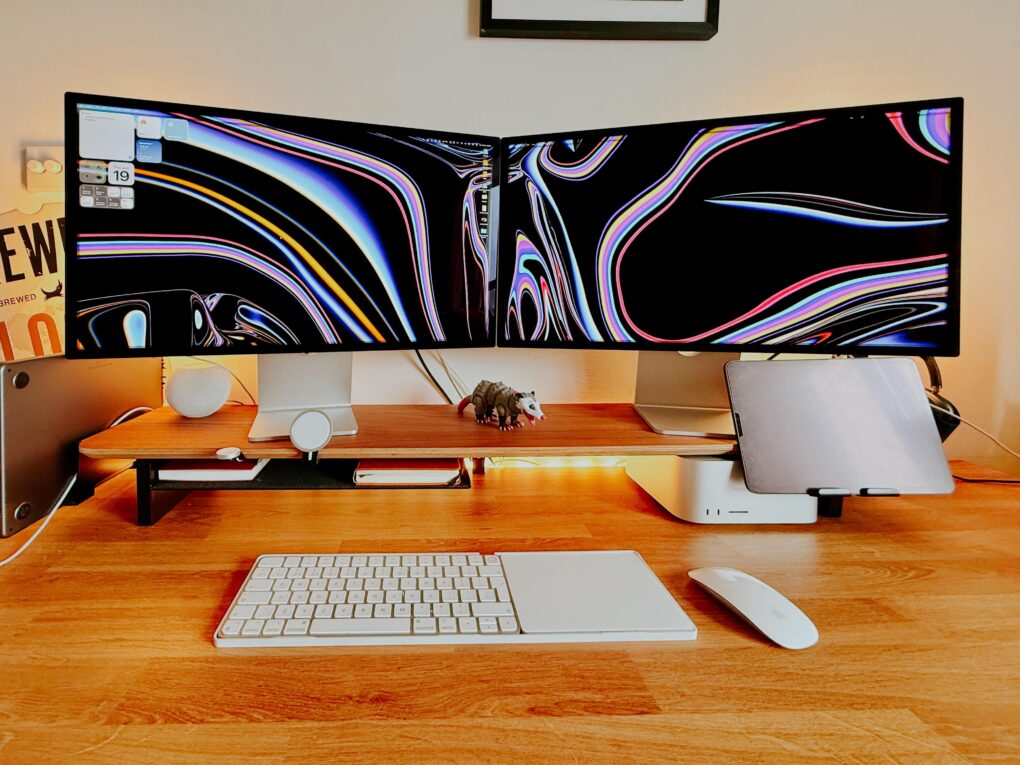
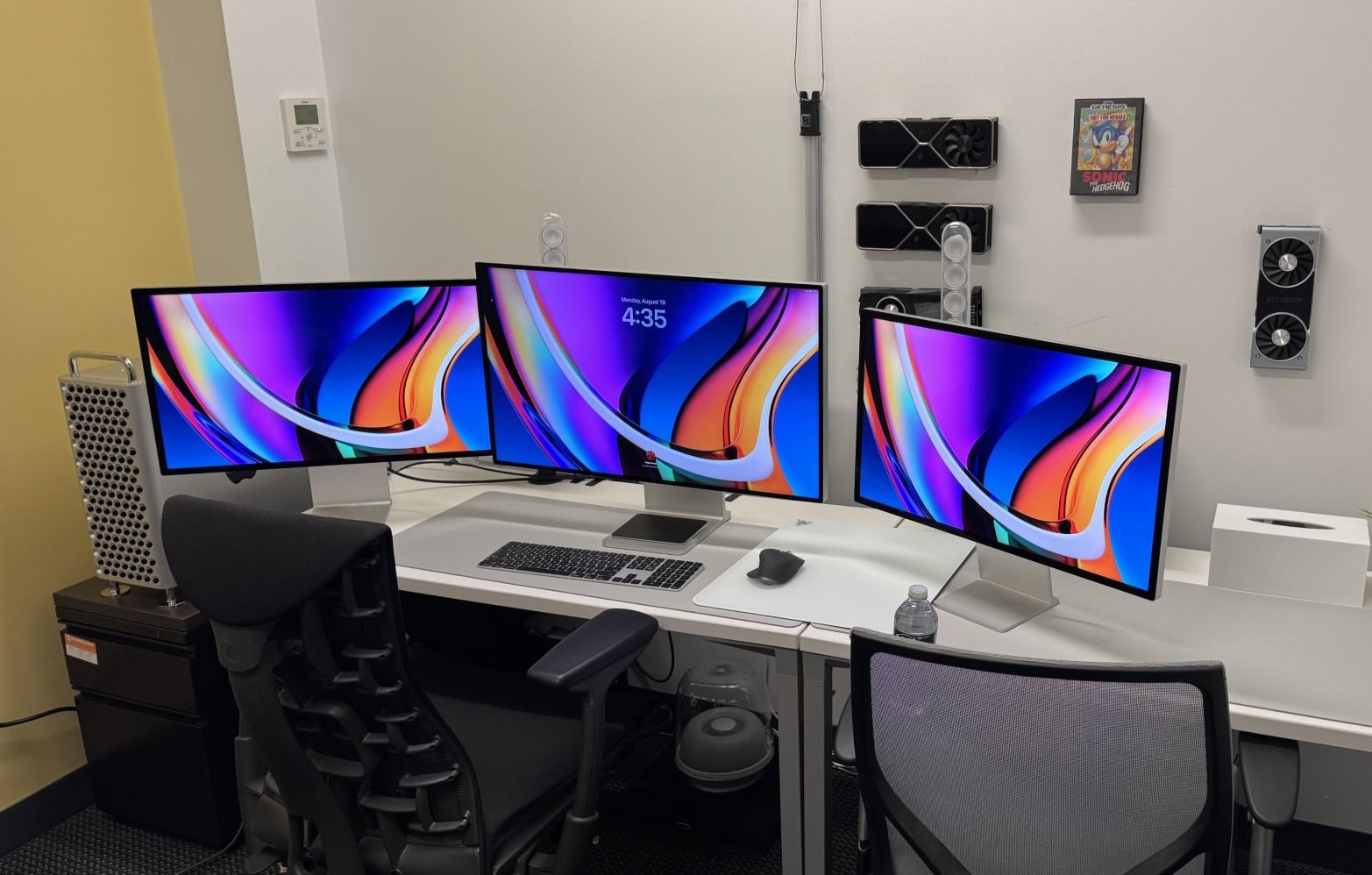
Have you ever run multiple displays with different resolutions? Today’s featured Mac mini setup sports older Apple Thunderbolt Displays (2.5K resolution, aka 2560 x 1440p) flanking a newer Studio Display (5K, or 5120 x 2880p). Seems like that might cause a touch of seasickness looking back and forth between them all the time — or maybe a sticky mouse cursor — but it doesn’t bother the user at all. For them, it’s all about the excellent color reproduction across the board.
Every so often a computer setup on social media throws me for a loop with some odd visual — and it’s often related to desirable gear. Today’s M4 Mac mini workstation looks like it keeps a pair of walkie-talkies in the mix. But they’re actually computer speakers with tall, stick-like Govee light bars for gaming sitting right behind them. The way the light bars stick up makes them looks like antennas.
Few things take a computer setup up a few notches more than a good monitor mount — especially when it features dual arms positioning dual displays well off the desk. Today’s M4 Mac mini setup enjoys a pair of solidly affordable 4K Asus displays mounted on a Huanuo Dual Monitor Stand with two highly adjustable arms for optimal positioning.
The M4 Mac mini comes with a built-in speaker, but it’s more for alert sounds, calls and the like rather than high-quality music streaming. So today’s M4 Mac mini user does the necessary thing and adds an external sound system. This one includes nice Kanto speakers on rising stands and a powerful Kanto subwoofer under the desk.
In my lengthy travels among computer setups displayed on social media, I saw a cool Mac mini case a while back that made the compact M4/M4 Pro desktop computer look like a little Mac Pro. I wondered if it’d catch on as a cool, must-have accessory, but then I never saw it again — until now. Today’s featured M4 Pro Mac mini setup sports one of the snazzy and functional cases in a dual-display workstation.
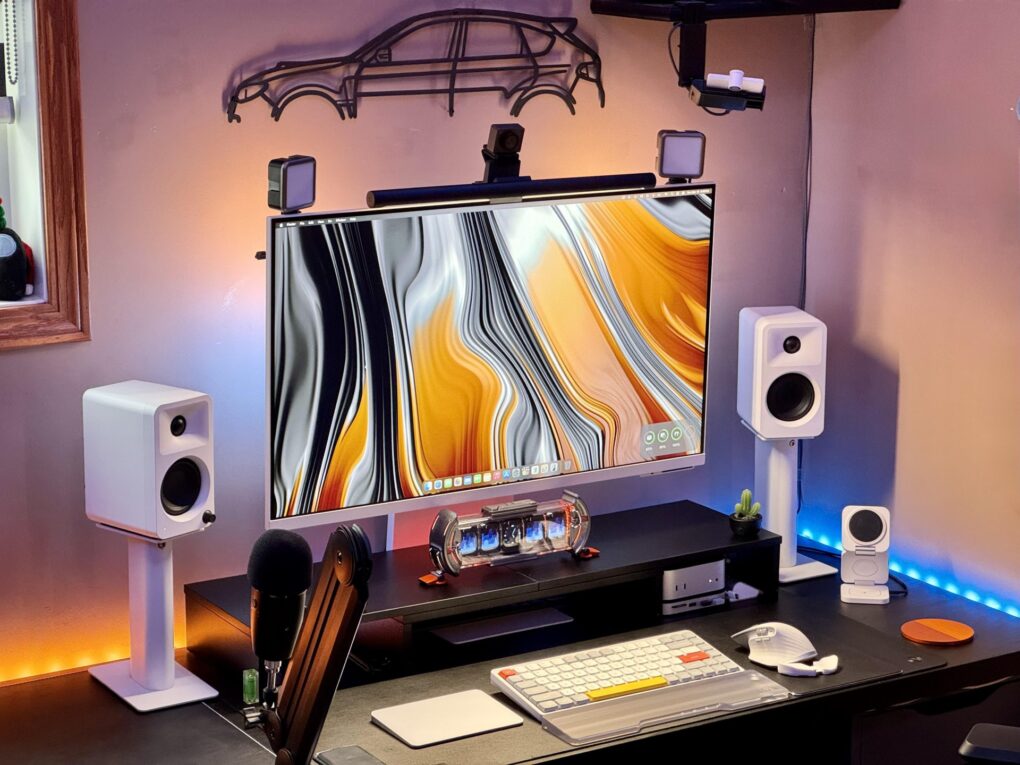
Today’s M4 Mac mini setup jumped out at me not because of the powerful little desktop or the gorgeous-but-distracting display wallpaper, but because of all you can see riding on top of the monitor. It features a typical monitor light bar with a pronounced webcam riding on top. But look to the corners and notice something I’ve never seen: two separate LED light panels — Ulanzi lights — mounted there to make the user look better on video calls.
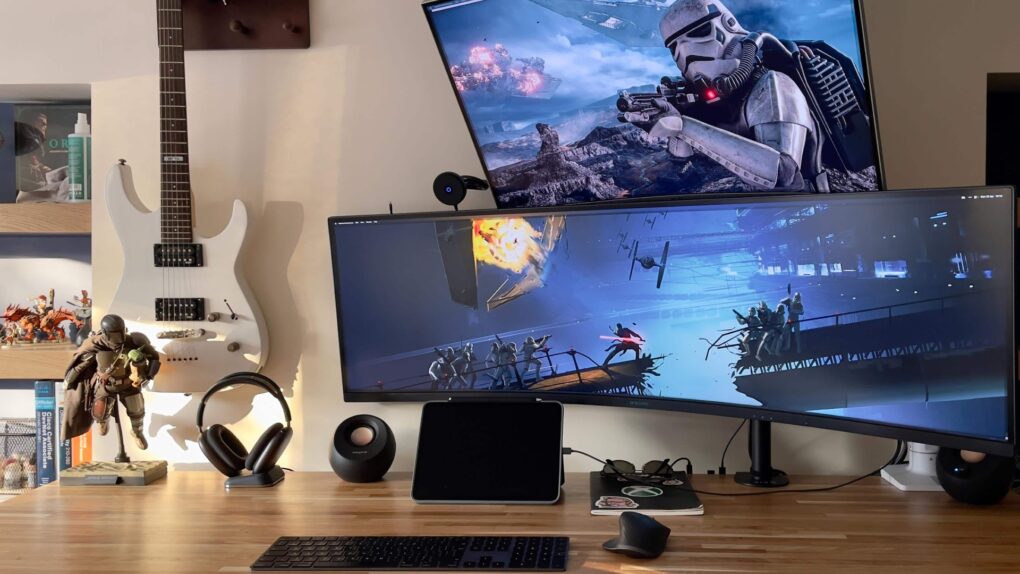
Apple’s 27-inch 5K Studio Display continues to impress users — aside from its steep price tag. Lots of folks look for affordable alternatives. Today’s Mac mini user owns a Studio Display, but he wanted to try an ultra-wide Samsung Odyssey G8 OLED display. Well, guess what. He keeps going back to the Studio Display. See below for all the reasons why.
Sometimes even an advanced user runs into roadblocks getting their computer setup where they want it. Today’s Mac mini and MacBook Air setup, owned by a French software developer, relies on cable swaps to switch between devices on a big external display. But some straightforward Mac functionality and the addition of one piece of hardware could make things much easier.
These days, a well-equipped new Mac mini and a good docking station buy you loads of computing power and connectivity to plenty of peripherals for years to come. Today’s M4 Pro Mac mini workstation features a fine dock for Mac mini in the iVanky FusionDock Max 1 (even though the Thunderbolt 4 dock with a whopping 20 connection options was designed for MacBooks).
February 28, 2006: Apple introduces an upgraded Mac mini, an affordable computer powered by an Intel processor.
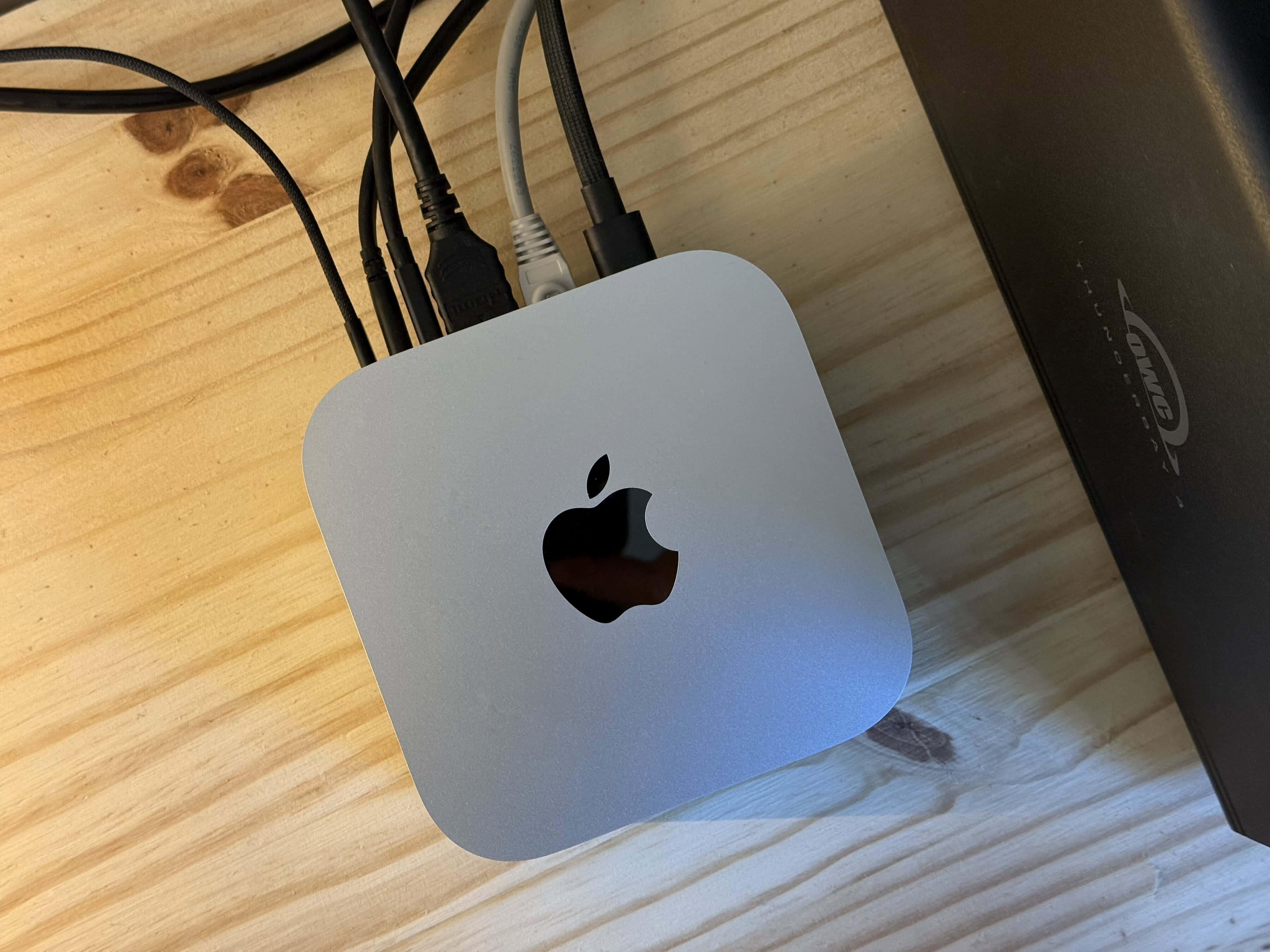
A “headless” Mac for entry-level users, it’s the third Apple computer to switch to Intel chips. Oh, and it makes one heckuva media player when plugged into a television set.
A physically beautiful computer setup is a wonder to behold. And one loaded with primo audio gear truly turns me green with envy. So today’s PC setup with desktop and laptop machines got my attention both for its aesthetic and the fact that it sports a raft of cool components. They include a very useful item I’ve never seen before: a WiiM Ultra Music Streamer and Digital Preamp.
In the world of computer setups, I see lots of people with two displays, loads of people with one ultra-wide display and tons of people arguing over which is best. Today’s M4 Mac mini user loves his Samsung ultra-wide monitor, which is one I haven’t seen often. But it looks like a keeper for both Mac and PC setups. And it’s deeply discounted right now.
Today’s Mac mini setup really pumps up the clear audio with Yamaha studio monitor speakers, suitable for the user’s music production. They mount the speakers on stands, which is great. But they mount them sideways, which is … odd. And despite having those, they love their HomePod mini for most uses.
It’s a fun game for a Friday: Find the Mac mini in today’s featured setup photo, above. Or maybe it’s not so fun, because you’re doomed to failure. It’s not visible because the user mounted it on the back of his 5K Samsung ViewFinity S9 external monitor (which just happens to look just like its ultimate foe, Apple’s 5K Studio Display).
“It’s interesting to see how minimalist every Mac user seems to go with their setups,” noted a commenter. So our user quipped, “Apple store energy, hehe.”
Refurbished M4 MacBook Pro and M4 Mac mini units in a wide range of configurations can now be purchased at considerable savings directly from Apple.
These computers launched only a few months ago, and refurbished units cost as much as 15% less than new ones.
Need faster cables in your Mac setup? Amazon just put up a limited-time sale on Anker’s various sizes of certified ultra-high-speed HDMI 2.1 cables, which are great for connecting high-resolution displays, or almost any gear where you want to transmit high-quality audio and video. The cable size with the biggest discount reaches a staggering 46% off.
In today’s featured setup from the Pacific Northwest, Polk Audio boosts Mac mini sound with bookshelf speakers on the desk as well as a subwoofer under it. But that’s not the extent of the user’s devotion to Polk, an admired longtime brand we rarely, if ever, see in setups coverage. The Mac mini setup is just one part of a magnificent man shed. The other part is a home theater festooned with more than enough Polk Audio hardware for stellar surround sound.
I’ve seen a few amazing man caves and she shacks while covering cool computer setups for Cult of Mac, but not many can compete with the home of today’s M4 Mac mini setup. The user converted a backyard shed nestled in the woods of the Pacific Northwest. So now the man shed M4 Mac mini setup doubles as a home theater sporting a gargantuan screen. You can find all the gear in the links list below for both the computer and home theater setups.
The ruggedly handsome new Shield Case brings true portability to the small-but-mighty M4 Mac mini and its accessories, WaterField Designs said Tuesday. It’s the latest in the company’s long line of cool cases for Apple gear.
“We designed the Shield Case for professionals who take advantage of the portability of Apple’s most compact desktop computer yet,” said Gary Waterfield, the San Francisco-based company’s owner. “The M4 Mac mini’s reduced size makes it an ideal candidate for mobile use, but its unique dimensions require thoughtful protection.”
No matter how delightfully small and incredibly powerful the new M4 Pro Mac mini may be, it’s helpless without an external display of some sort. Today’s Mac mini setup pairs the tiny beast with a gigantic pal — a curved ultra-wide display from Dell spanning 40 inches. And the mini shares the monitor and Logitech input devices with a Windows laptop.
From time to time in computer setups coverage I come across a first-time Mac user, and their delight at having switched from Windows to Mac is often obvious. And that’s true of today’s M4 Pro Mac mini user, but they still need to work on a Windows laptop regularly. So they installed a Mac-Windows KVM switch in their setup to easily use the same peripherals with either machine with just the click of a button, as described and shown below.
Mac shipments in the last three months of 2024 rose sharply, hitting 17.3% in year-over-year growth according to a market research firm. Apple enjoyed a better growth rate than any of its top rivals, some of which saw their shipments decline.
The company also experienced growth in Mac shipments for the entire year compared to 2023.
As good as some speakers built into computers and monitors sound these days, it still often pays to use external speakers on the desktop. Today’s setup features a powerful M4 Pro Mac mini — with an improved built-in speaker, no less — but the user still opts for Creative Pebble Pro speakers in the computer setup.
What does Apple have planned for the Mac in 2025? For the last couple of years, Apple’s been killing it with its desktop and laptop computers. The chips scream, the industrial design has never been better, and the Mac lineup is undoubtedly the best in Apple’s history. Just look at the amazing new Mac mini.
But can Apple keep up the pace next year?