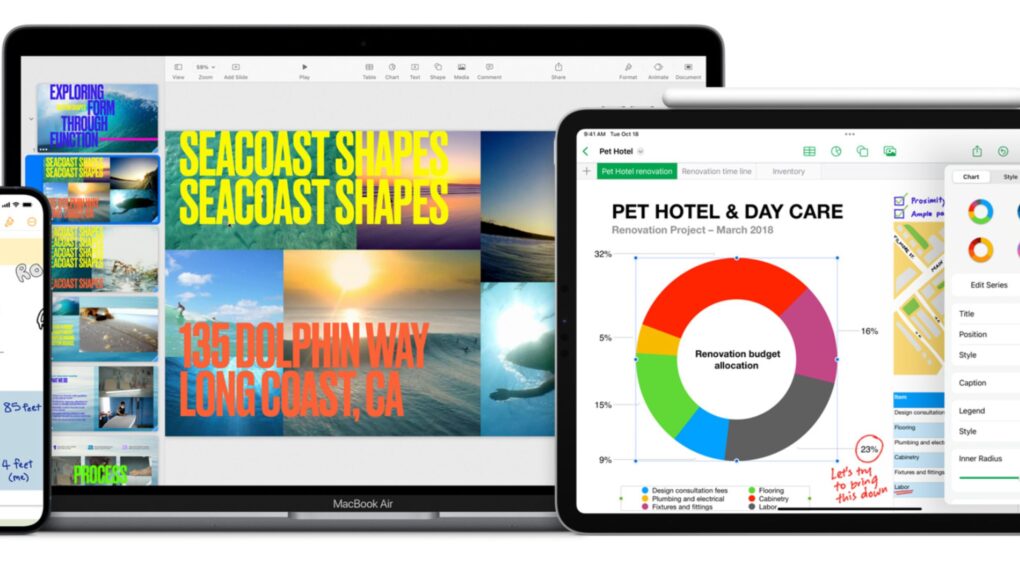
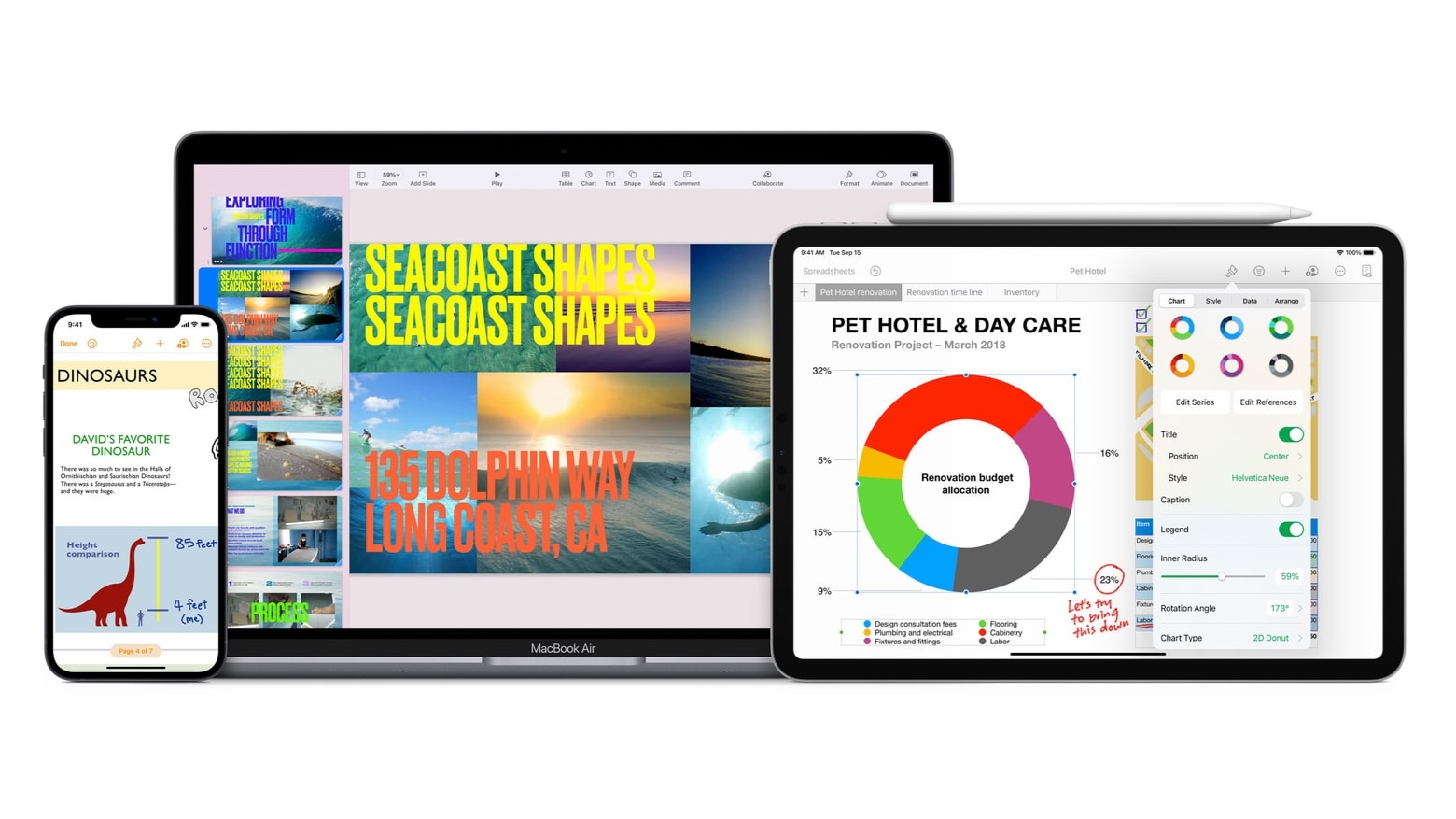
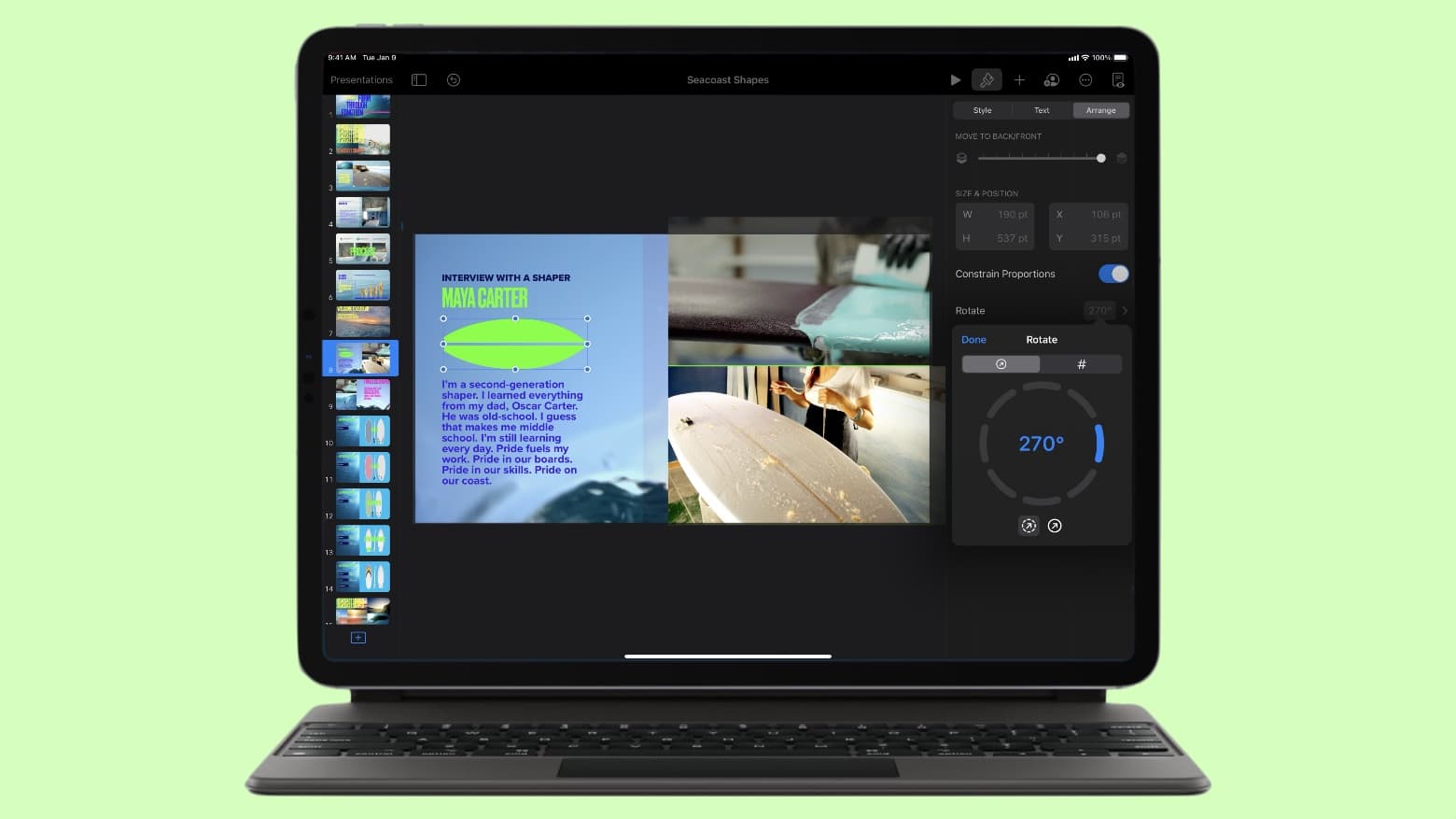
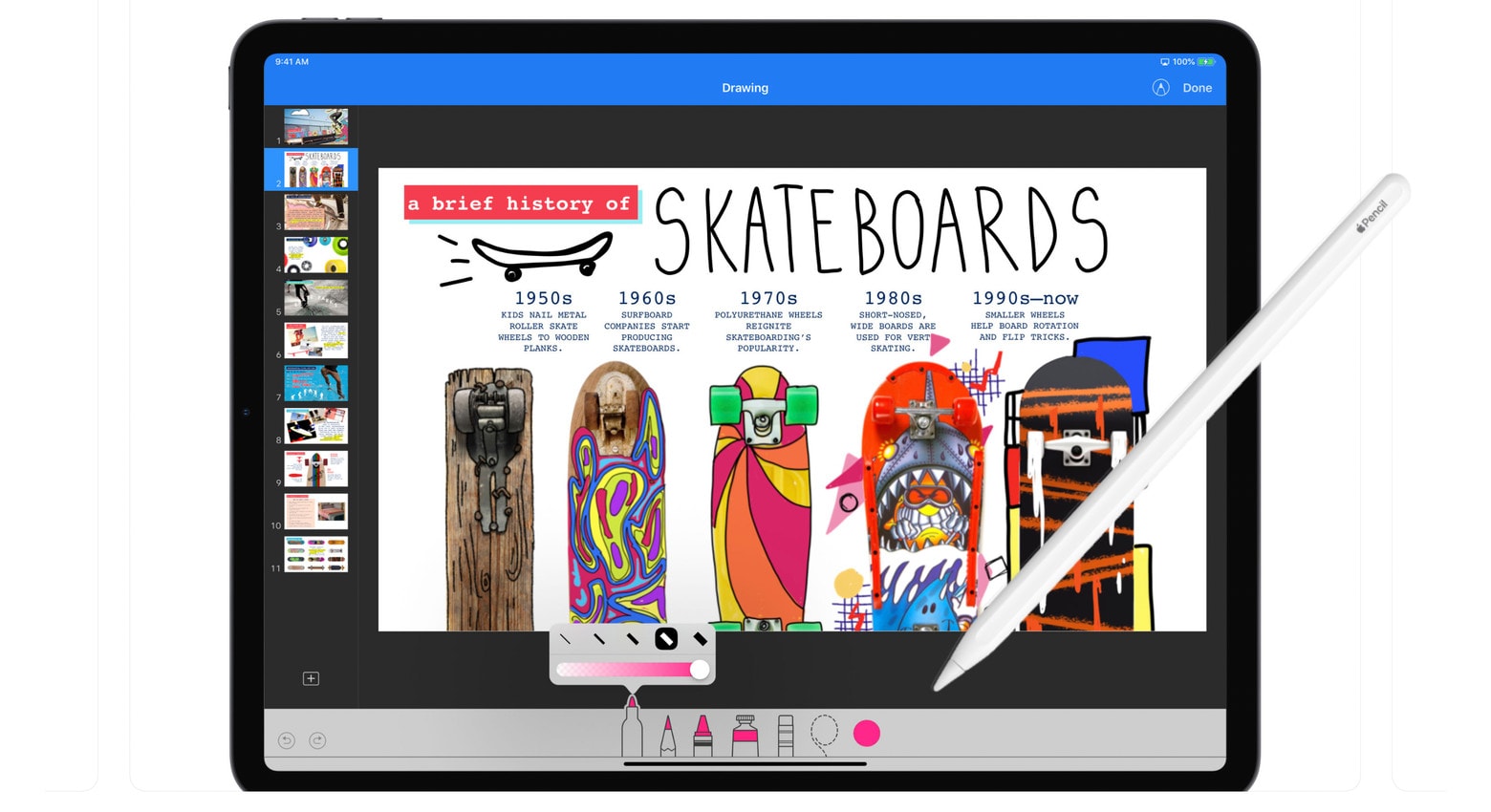
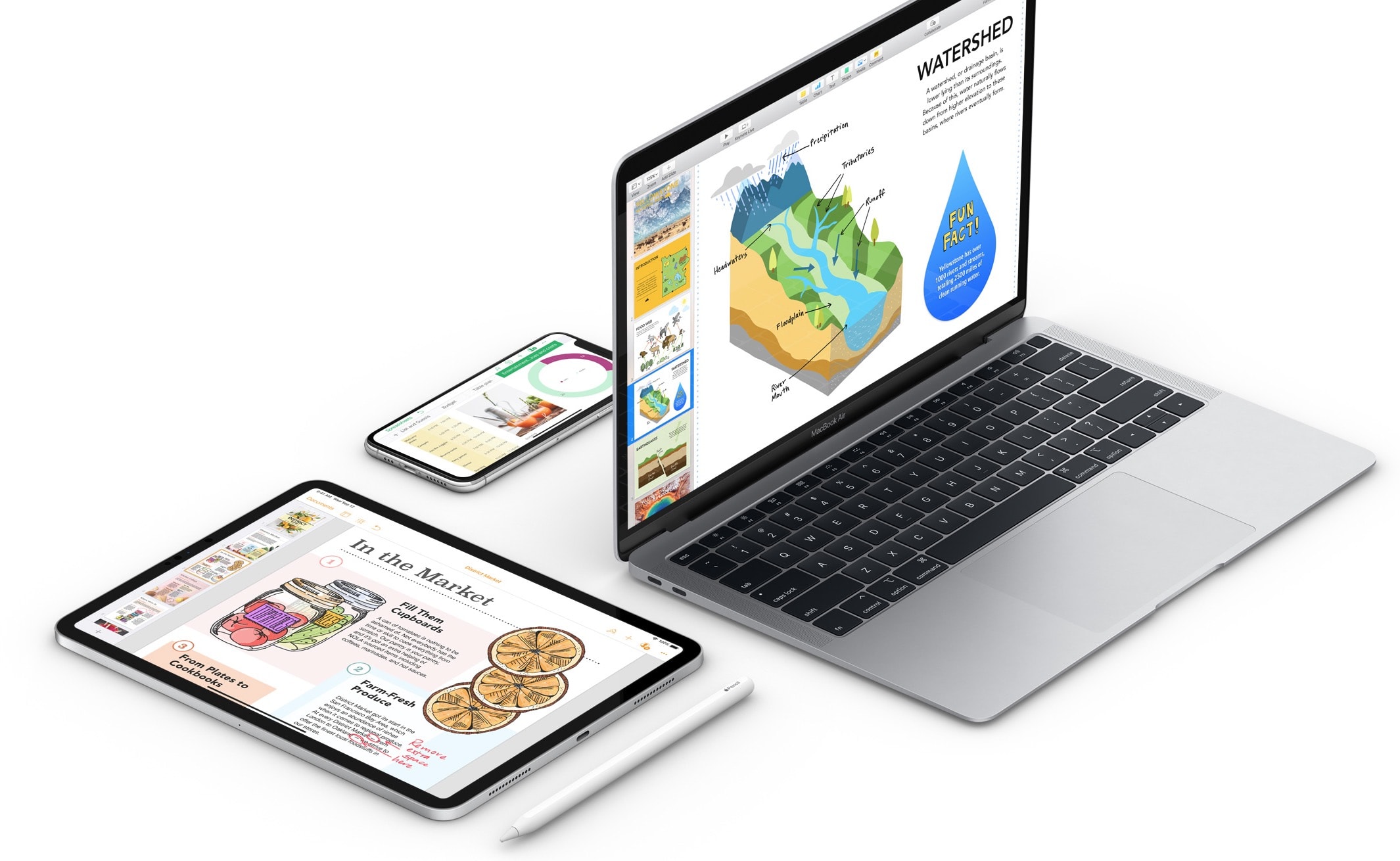
The iWork Intelligent Assistant is rolling out in beta to Apple Creator Studio subscribers. Photo: Apple
A beta version of Apple’s newly launched iWork Intelligent Assistant is now live in Pages, Keynote, and Numbers, after the apps briefly vanished from the App Store.
The tool goes way beyond the AI features Apple brought to its apps back in January, but only Apple Creator Studio subscribers can access it.
The Apple Creator Studio app bundle got a series of updates. Photo: Apple
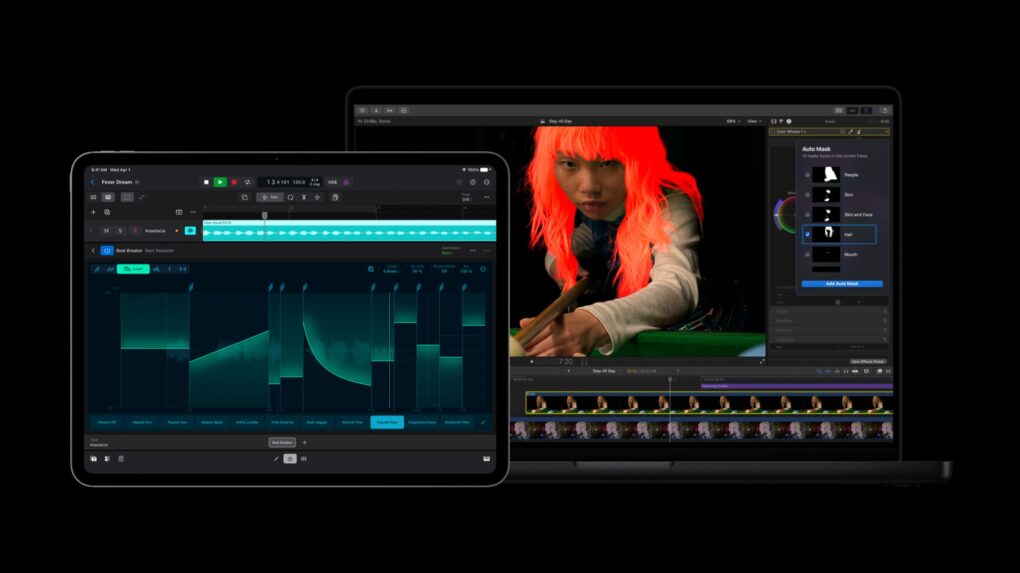
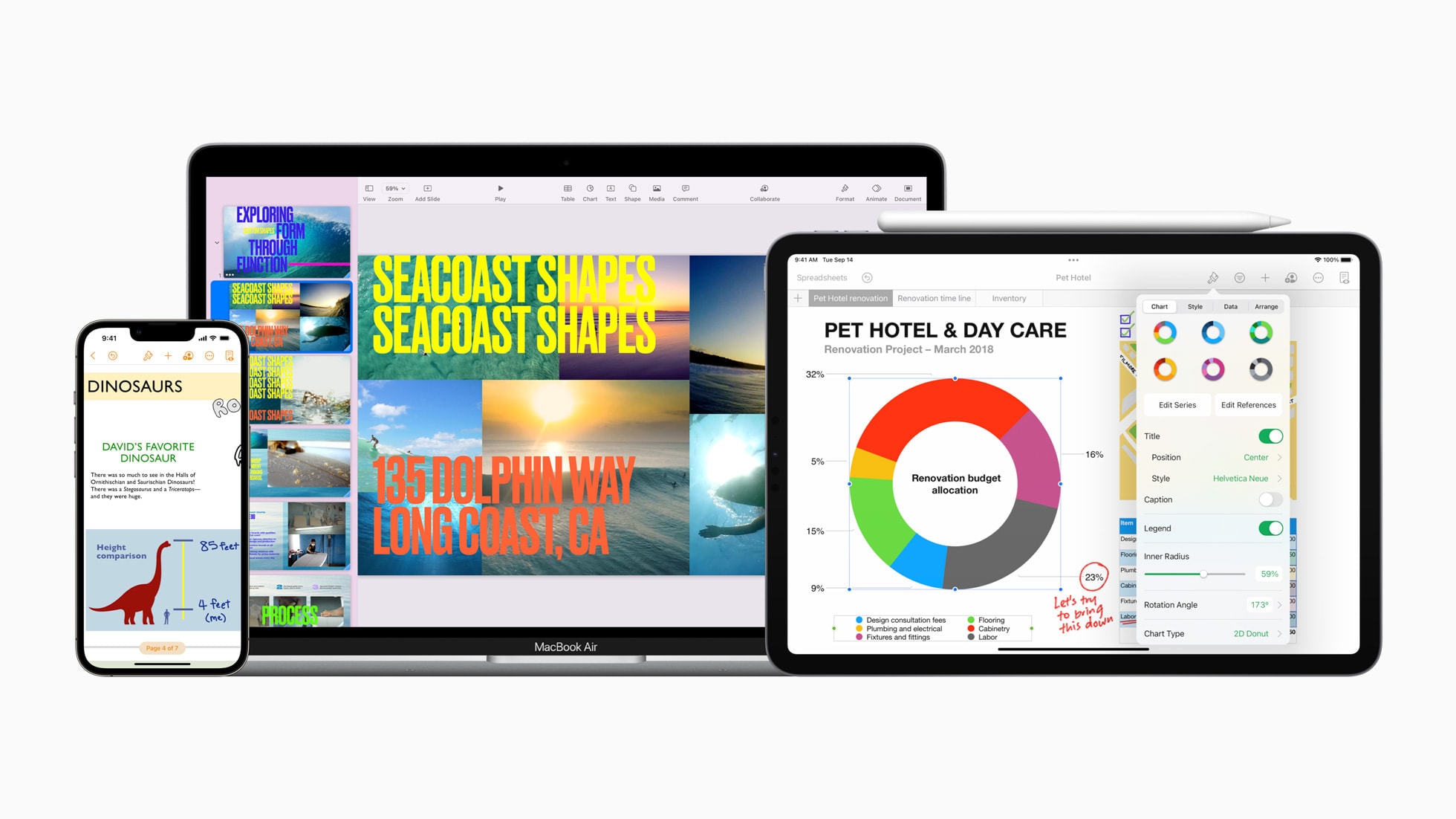
Apple rolled out a fresh batch of updates to Apple Creator Studio Tuesday, sharpening AI features inside its flagship video and music apps while weaving Pixelmator Pro’s editing tools directly into Final Cut Pro, Keynote, Pages and Numbers.
The updates expand on the role Mac, iPad and iPhone already play for creative work. They layer in new AI capabilities across editing, photo and music workflows.
Make a presentation that leaves an impression. Image: Apple/D. Griffin Jones/Cult of Mac
If you want to create the best possible Keynote presentation, you should follow a few simple rules — and ape the style of the keynote GOAT, Steve Jobs.
If you want the latest updates to the iWork apps, you may need a fresh download and install. Image: Apple/Cult of Mac
With the launch of Apple Creator Studio Wednesday, Apple also updated its suite of productivity apps otherwise known as iWork. That’s Keynote, Pages and Numbers, which were always free and are now “freemium.” Some features will only work for Creator Studio subscribers, but others work for anyone using free versions of the productivity apps.
There are some new improvements out for Apple's iWork suite. Photo: Apple/Cult of Mac
Apple updated its iWork suite of productivity applications Tuesday with improvements related to shared documents, HEIC photos and iPad keyboards. The updated apps in iWork 14.0 — Pages, Numbers and Keynote — are all available free on Mac, iPad and iPhone.
Moving backgrounds are new feature of Keynote 12.1. Screenshot: Apple
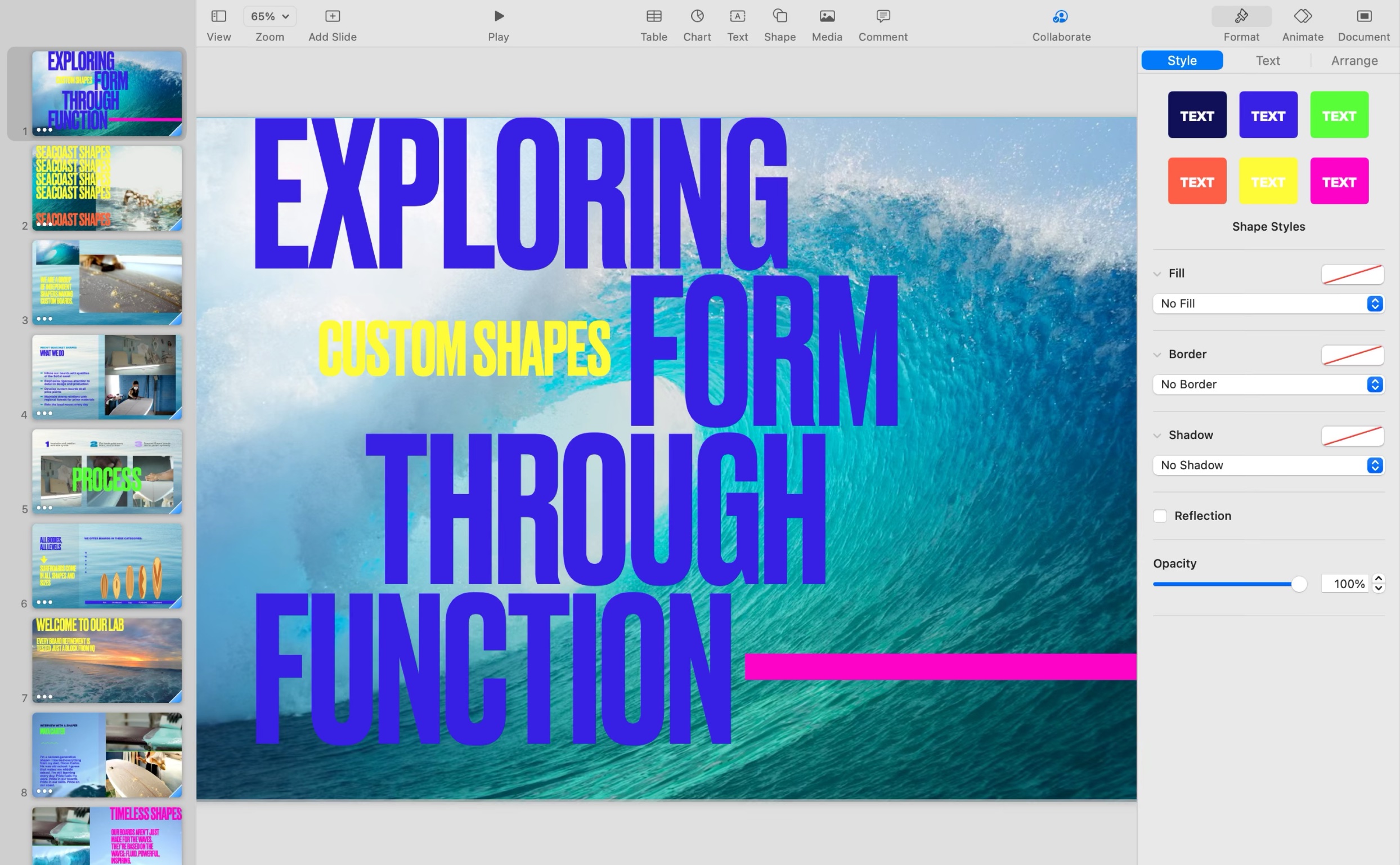
Apple’s Keynote version 12.1 adds moving backgrounds intended to add visual interest to presentations. And Pages 12.1 adds support for mail merge.
Add in a performance-oriented tweak in Numbers 12.1, and you’ve got iWork 12.1, the latest version of Apple’s free productivity suite for Mac, iPad and iPhone.
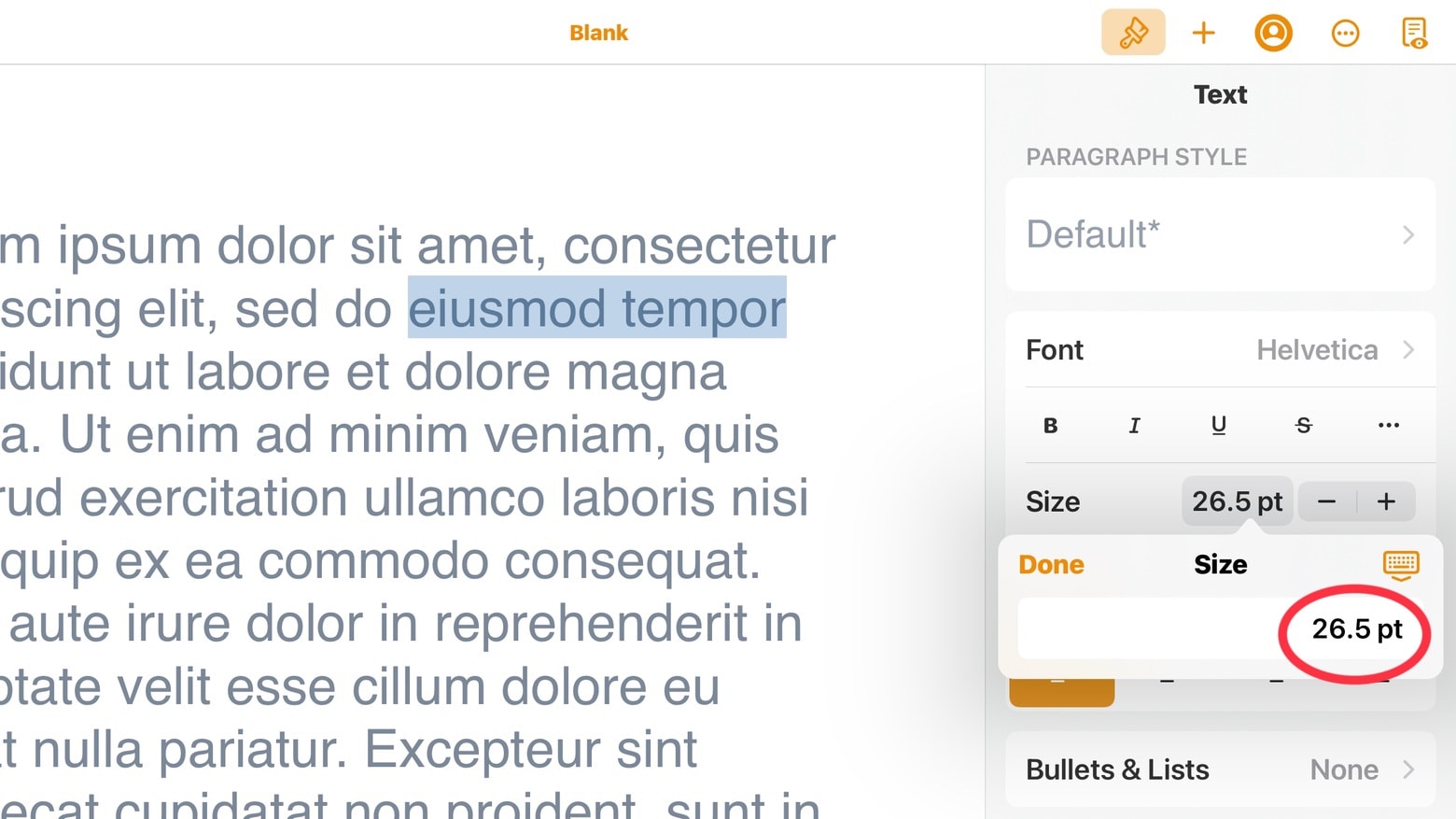
All the iWork 12.0 applications for iPad and iPad let users edit font sizes more precisely. Screenshot: Ed Hardy/Cult of Mac
The just-released Pages 12.0, Numbers 12.0 and Keynote 12.0 offer a variety of new features, including much finer control over font sizes in the iPad and iPhone versions.
And there are additional new features available in all versions of the iWork suite, including the one for Mac.
Updates to Keynote, Pages and Numbers help you out with remote presentations and work on the go. Photo: Apple
Apple updated its iWork suite of productivity apps — Keynote, Pages and Numbers — with new features Tuesday that enable users to make presentations in new ways and help them work better with documents on the go.
Pages, Numbers and Keynote just scored additional linking and/or Schoolwork capabilities. Photo: Apple
Newly released versions of the Pages and Numbers productivity apps let users make embedded objects like shapes and images into links. This is true for both the Mac and mobile versions of the iWork apps.
Plus, the iPad and iPhone versions — as well as Keynote — also get additional capabilities for teachers who use the Schoolwork app.
iWork 11 adds new tools that make precisely arranging objects a breeze. Photo: Cult of Mac
Apple took Pages, Numbers and Keynote to 11 on Tuesday. Version 11 of all three iWork productivity applications debuted for macOS, iPad and iPhone.
The highlight of the iOS/iPadOS versions are precise controls for sizing and arranging objects. The macOS version got an updated media browser. Both received a range of other enhancements as well.
Apple rolled out new updates Tuesday for its entire iWork suite on iOS, adding Scribble support, a new image picker and more. You can download the newest versions of Pages, Numbers and Keynote now.
Apple late on Tuesday rolled out the latest updates to its iWork and iMovie apps for iPhone and iPad. All now offer full mouse and trackpad support, iCloud file sharing, and a number of other new features and improvements.
iWork for Mac has a new collaboration tool. And there’s an array of other improvements, too. Photo: Apple
All the apps in Apple’s free iWork productivity suite for Mac now support iCloud Drive folder sharing, a collaboration feature that debuted last Tuesday in macOS 10.15.4.
This new feature is a highlight of each iWork application — Pages, Numbers and Keynote — reaching version 10.0. And there are numerous other enhancements, too.
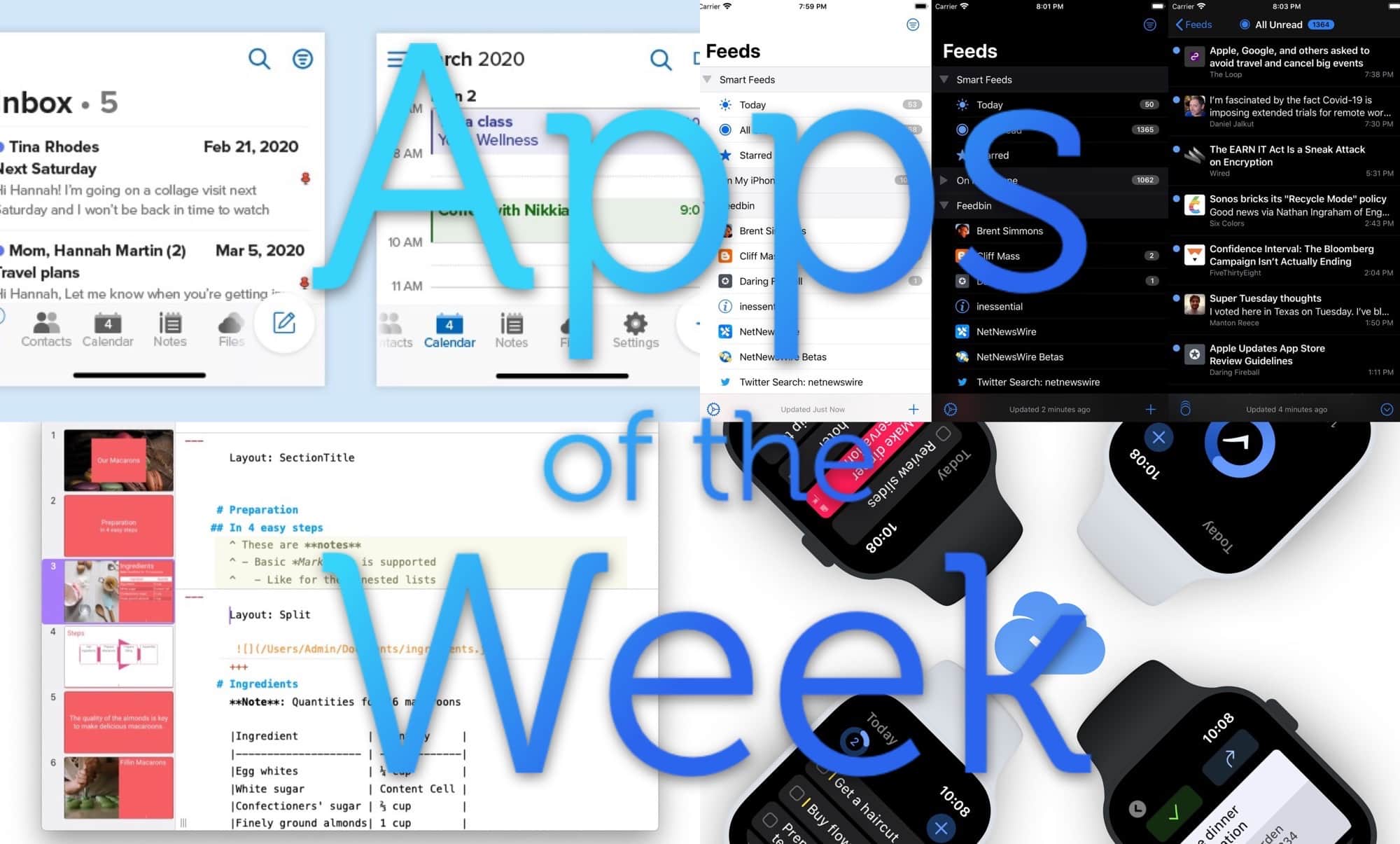
This week we “watch” our to-dos with Things, read the news really, really fast with NetNewsWire, make Keynote-style presentations with Markdown, and more.
Slideas is a new Mac app that turns Markdown text into fancy, stylish presentations. It’s like Keynote, only entirely driven by typed text. And like Keynote and PowerPoint, you can add videos, charts, images and more. How does it work?
These could become Apple's new offices in Pittsburgh. Photo: Wally Gobetz/Flickr
Pittsburgh Pennsylvania might be the next U.S. city that Apple plans to expand its footprint in.
According to a new report from local newspaper, Apple is reportedly in talks with real estate developers to move into the free 90,000 square-feet at the historic Pittsburgh Athletic Association building on Fifth Avenue in Oakland.
Apple gave all of its iWork apps some love today. Photo: Apple
Apple put out a big update for its iWork suite of iOS apps this morning, bringing a bunch of new features to the iPhone and iPad apps, including Dark Mode.
The update for Numbers 5.2, Pages 5.2 and Keynote 5.2 are available for free from the App Store, inside you’ll find some new font features, support for multiple windows, the ability to add HVEC-movies, and the option to access files from a USB drive or external hard drive.
It’s the first time the company has used Google’s platform for a live keynote. It will make it easier than ever for fans to tune into the action on almost any platform.
iWork could expose user data to U.S. authorities. Photo: Apple
Apple’s suite of iWork productivity apps received a big batch of updates today for both the Mac and iOS versions.
Keynote, Numbers and Pages for the two platforms added a bunch of new features. The biggest addition is some new outline styles. There are also a couple of new customization options for Apple Pencil and a face detection feature that intelligently positions people in placeholders and objects.
Apple has published its full WWDC 2019 keynote video for those who didn’t get a chance to watch the epic event live — and those who want to watch it all over again.
The video includes previews of everything Apple announced Monday, including iOS 13, macOS 10.15, iPadOS, watchOS 6 and more. It also lets you relive the new Mac Pro’s spectacular unveiling.
The WWDC keynote is one of Apple's biggest events. Photo: Charlie Sorrel/Cult of Mac
Today Apple will announce iOS 13, possibly the new Mac Pro, plus a slew of Mac and Apple Watch-related news. Cult of Mac will not be live-blogging the action — instead you can join our WWDC 2019 watch party or follow along on Twitter. And as always, you can watch the show live.
We’re expecting to learn all about the incredible new iOS 13, which many expect will turn the iPad into some kind of Mac Pro-beating powerhouse1. Also expected is a Marzipan update, and perhaps our first peek at the real new Mac Pro.
Whether you’re watching on your Mac, your iPhone or iPad, or your Apple TV, we’ll show you how to tune in.
You can even show up at an Apple Store and watch it on the big screen!
Key. Notes. Pretty funny right? Right? Photo: Charlie Sorrel/Cult of Mac
Sometimes, when I want to wire up a few guitar pedals and connect them to my iPad, maybe via a mixer or audio interface, I make a diagram before I plug everything in. But the trouble with drawing a wiring diagram on the iPad is just the same as drawing it on paper: If you want to move a component, or change the routing, you have to erase the wires and redraw them.
There are apps made for this. Omnigraffle is one, and it’s great. But it also costs $60, which is too much just for a few diagrams.
Then I thought, what about using Keynote, Apple’s free presentations app? Doesn’t it do diagrams? It does, and it’s quite good.
The Apple Pencil just got more useful for iWork users. Photo: Apple
An update to Apple’s free iOS alternative to Powerpoint allows iPad users with an Apple Pencil to easily draw an animation path for any object in Keynote.
At the same time, quite a few features were added to this software and the other iWork applications, Pages and Numbers.
Apple’s going full Hollywood at the event. Photo: Cult of Mac
The first Apple event of 2019 is finally upon us and it promises to be unlike any other Apple keynote we’ve seen.
Services are set to be the star of the show as Apple busts out a new TV streaming app, news subscriptions and maybe even an Apple Pay credit card. Rumors have been ramping up leading to today’s “It’s show time” event, but there are still plenty of surprises waiting for fans. As always, Cult of Mac is live-blogging the whole dang thing with up-to-the-minute analysis on all the new stuff. Apple CEO Tim Cook takes the stage at 10 a.m. Pacific — most likely with a ton of Hollywood A-listers in tow — but we’re gonna get the party started a little before that.
As part of a special Today at Apple session, locations with video walls will invite fans to watch a stream of the event, live from the Steve Jobs Theater. You can sign up now to take part.