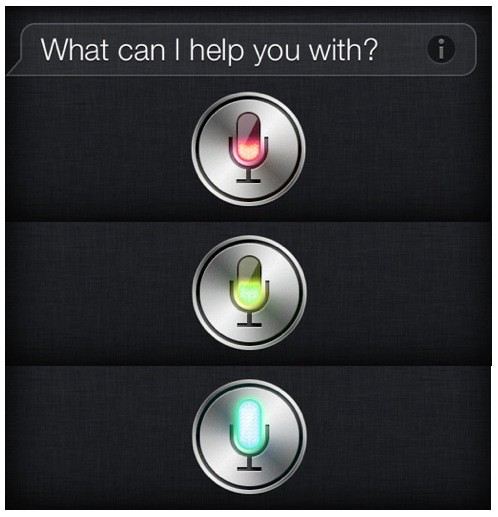
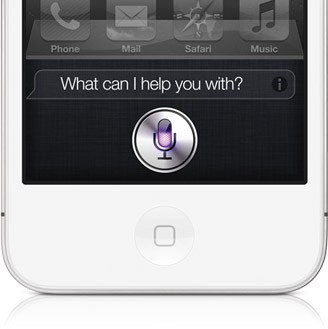
Purple Siri is soo boring. Why not change it up a bit? If you’ve jailbroken your iPhone 4S, then you can take advantage of a fun tweak called Siri Mic Colors. Once installed for free in Cydia, this simple package spices up your iPhone’s digital assistant with some rainbow flair.
The iPhone Dev Team has released a tool for jailbreaking A5-based iOS devices. Dubbed “CLI” (Command Line Interface), this Mac-only tool is not for the faint of heart. It’s a unix tool for jailbreaking and troubleshooting. Tinkerers can play with advanced settings to create custom firmware installs. If you think you have what it takes, CLI is available now.
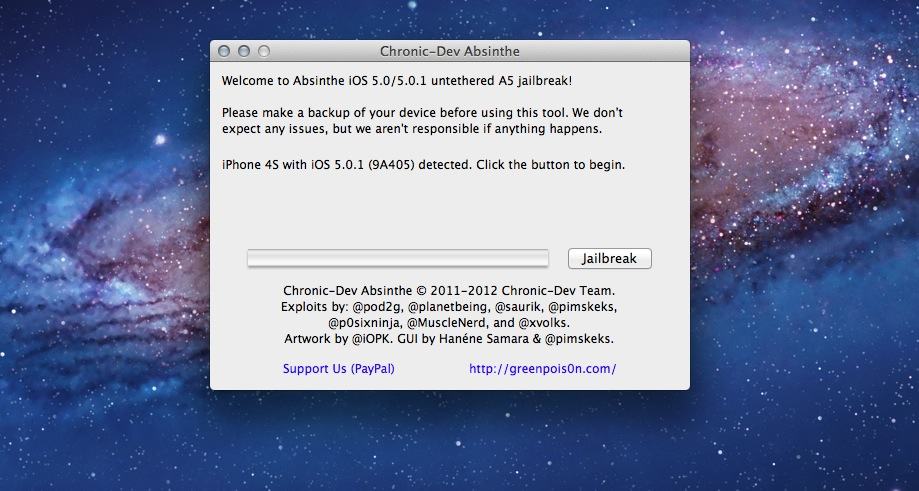
Hours after the initial version was released, the Chronic Dev Team has updated its Absinthe jailbreak tool with a way to handle the intense amount of strain that the Greenp0is0n servers have been receiving. The untethered iOS 5 jailbreak for the iPhone 4S and iPad 2 was released earlier today, and many have been unable to successfully install Cydia due to high traffic.
The untethered iOS 5 jailbreak for the iPhone 4S and iPad 2 has become available, and we have tutorials up for the iPhone 4Sand iPad 2 already. This is a highly-anticpated jailbreak, and millions will likely use it to jailbreak their A5-based iOS devices.
As you can imagine, many are trying to jailbreak their iPhones and iPads right now with the Chronic Dev Team’s Absinthe tool, and the Greenpois0n servers are getting hammered. This means that it may be nearly impossible for many to actually get Cydia up and running right now. If you can’t manage to finish the Absinthe jailbreak on your iPhone 4S or iPad 2, we have a handy fix.
The untethered jailbreak for the iPad 2 has finally been released. After months of waiting, you can download the Chronic Dev Team’s free Absinthe Mac tool to jailbreak your iPad 2 in a matter of seconds.
We’ll show you how to jailbreak your iPad 2 running iOS 5.0 or iOS 5.0.1 the right way in this guide.
The untethered jailbreak for the iPhone 4S has finally been released. After months of waiting, you can download the Chronic Dev Team’s free Absinthe Mac tool to jailbreak your iPhone 4S in a matter of minutes.
We’ll show you how to jailbreak your iPhone 4S running iOS 5.0 or iOS 5.0.1 (both versions) the right way in this guide.
It’s here! It’s finally here! The long-awaited Absinthe jailbreak for the iPhone 4S and iPad 2 running iOS 5.0 and 5.0.1 is finally here. The server’s getting hammered, but you can download the Absinthe app directly here. Download the latest version here.
Having been promised just over a week ago that an untethered jailbreak for Apple’s A5 powered devices was “just a matter of days away,” we were all expecting to see Cydia and all sorts of fancy tweaks installed on our devices by now. But of course, these things take time. After all, we want a smooth and reliable experience when we come to jailbreak our most prized possessions.
While the exploit still isn’t quite ready for public release, it’s certainly very close. Pod2g has issued further details on his team’s work, revealing that all the “technical hurdles” have already been overcome, and that they are just ironing out the final bug fixes before the hack goes live.
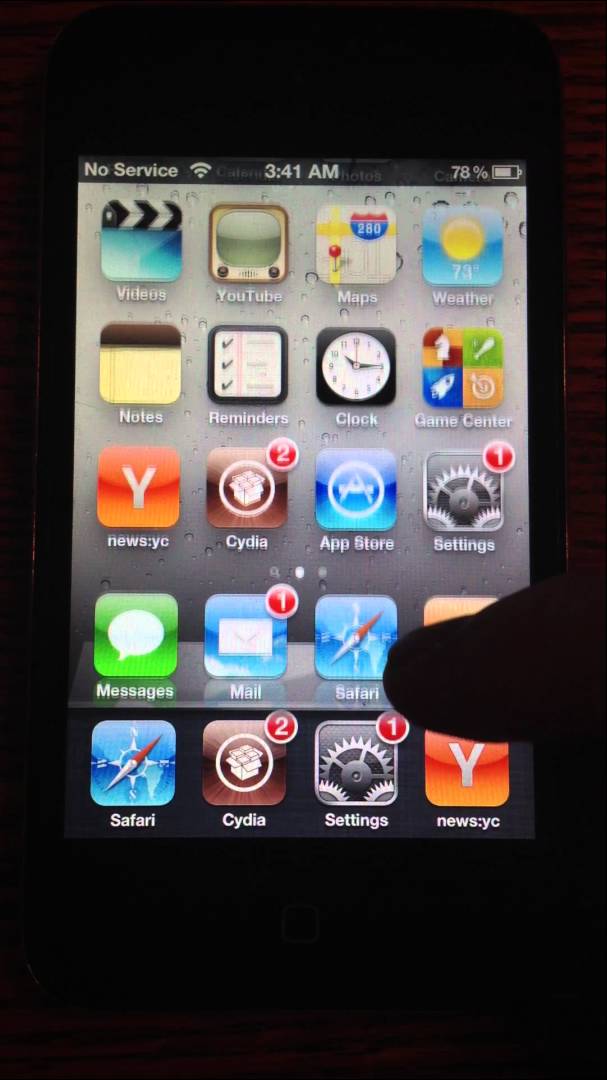
Jailbreakers can bring Apple’s Cover Flow effect to their iOS docks with a new tweak called Overflow. Created by App Store and jailbreak developer Adam Bell, Overflow works with tweaks like Infinidock and Springtomize to let you easily scroll through docked apps like album covers in the Music app.
Are you still rocking iOS 4.3.3 on your jailbroken iPad 2? Time to bite the bullet and upgrade to iOS 5.0.1. If you don’t, you might lose your window to jailbreak iOS 5.
Fed up of seeing updates in the App Store for apps that you do not want to update? Unfortunately most of us just have to put up with them, but if you’ve got a jailbroken device, you can use the Update Hider for iOS 5 tweak to hide them away.
The entire jailbreaking community has its eyes on Pod2g and his “Dream Team” of fellow hackers right now, anticipating their exploit for Apple’s A5-powered devices. The team recently revealed that the it was just “a matter of days” away from public release, and today we have a video of a jailbroken iPhone 4S in action.
Pod2g and his “Dream Team” of fellow iOS hackers seem to be making some pretty decent progress on their much-anticipated A5 jailbreak, promising in their latest blog post that the exploit’s public release is now just “a matter of days” away.
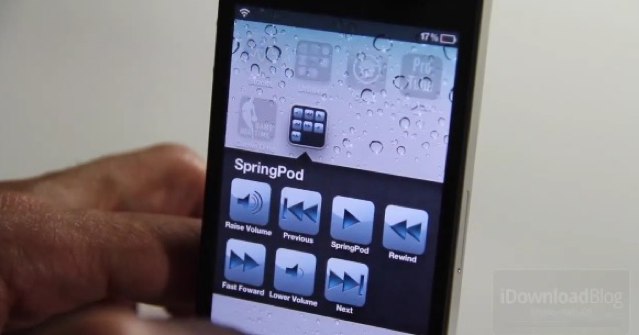
If you’re listening to music in the background while you use other apps on your iOS device, it’s quick and easy to control your Music app by using the buttons in the multitasking tray. If you have a faulty home button, however — which is a common problem on Apple’s iOS devices — you may have an issue.
Thankfully, SpringPod offers an alternative solution by adding music controls to your home screen.
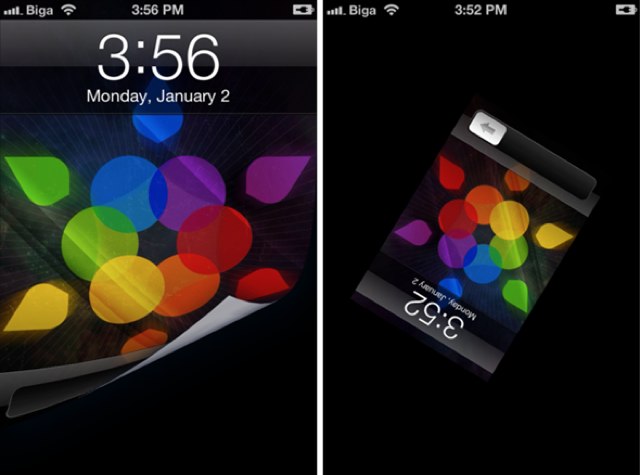
Don’t you wish your iOS device would do something a little more spectacular when you use that “slide to unlock” button? Well UnlockFX from Filippo Biga might be the answer. It’s a tweak that offers all kinds of fancy effects designed to transform the unlock animation on your jailbroken iOS device from boring to beautiful.
Despite a message posted to Twitter by Pod2g earlier this week, suggesting an untethered jailbreak for the iPhone 4S was less than a week away from public release, a new blog post detailing the iOS hacker’s process indicates the exploit could still be weeks away yet.
Pod2g has revealed that his new exploit requires a developer account to inject the necessary files to your device, and until he finds a way around this, the hack will not see a public release.
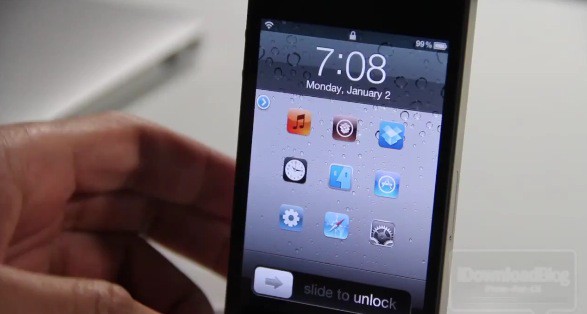
Do you ever wish that you could get quick access to your iOS apps from your device’s lock screen? With LockLauncher installed on your jailbroken iPhone, you can.
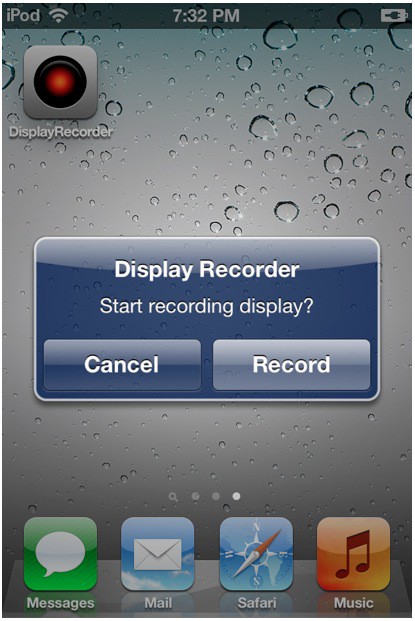
Did you know that you can easily record your jailbroken iOS device’s screen with an app called Display Recorder? Thanks to a recent update that introduced iOS 5 compatibility, jailbreakers running the latest version of Apple’s mobile OS can record screen activity and share it with the world.
Display Record is a fantastic Cydia app that has been around for years. Version 1.2.5 introduces the ability to record your screen on iOS 5, save the movie file, and share it with YouTube or your desktop computer.
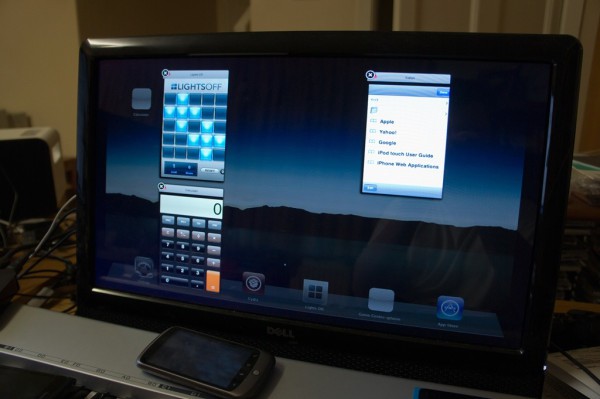
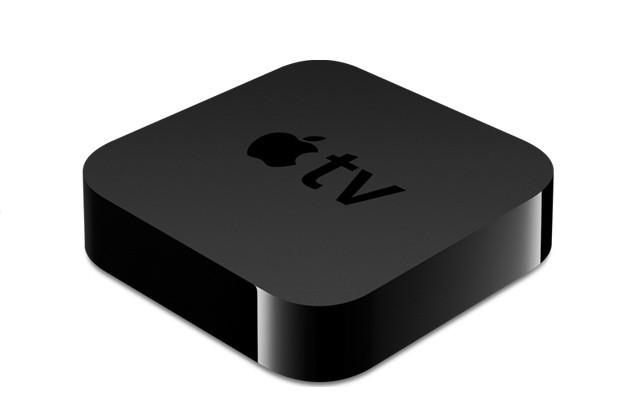
Known developer Steven Troughton-Smith has been able to run iOS App Store apps on the Apple TV fullscreen at the device’s full, 720p resolution. Troughton-Smith also worked on the Siri port that was demoed months ago and made available for jailbroken iOS devices last week.
With the help of another developer by the name of TheMudKip and Grant Paul’s MobileLaunchpad launcher, Troughton-Smith has been able to run iOS apps natively on the Apple TV without using AirPlay.
One of the most useful little introductions to Apple’s iOS 5 software are the new multitasking gestures on the iPad, which allow you to use four-finger swipes to switch between the apps you have running in the background. Unfortunately we didn’t get these on the iPhone, but thanks to a new jailbreak tweak called Zephyr, we can add them ourselves.
Well, isn’t this a nice little late Christmas gift. Following the last month of updates, pod2g has finally released his untethered iOS 5.01 jailbreak through the iPhone Dev Team and Chronic Dev Team. But sorry chaps, it won’t work on the iPhone 4S or iPad 2. Not yet, anyway.
Known developers Grant Paul (a.k.a ‘chpwn’) and Ryan Petrich have released a working Siri port for older, jailbroken iOS devices in Cydia. “Spire” will install Siri on older-generation iOS devices, including the original iPad.
Spire downloads Siri directly from Apple’s servers. The only catch is that you will need access to an iPhone 4S and your own proxy to get the port up and running.
So Santa stuffed an Apple TV in your stocking? That’s pretty freaking awesome. We’re jealous. Well actually, we already had one so I guess we’re not that jealous, but congratulations on joining the club of Apple TV owners. We’re stoked to have you with us, and we want you to get the most from your new gagdget so we’re going to help you get it setup the right way so you can skip through all the menus and side features and dive straight into the good stuff.
In this handy guide, we’ll take you through initial setup; show you the best features of Apple TV and teach you some awesome tweaks that will take your television experience to the next level so you can cuddle up in next to your flatscreen wearing those new pajamas your kids bought you and go into a week-long tv-coma.
Here’s our guide to setting up your new Apple TV the right way.