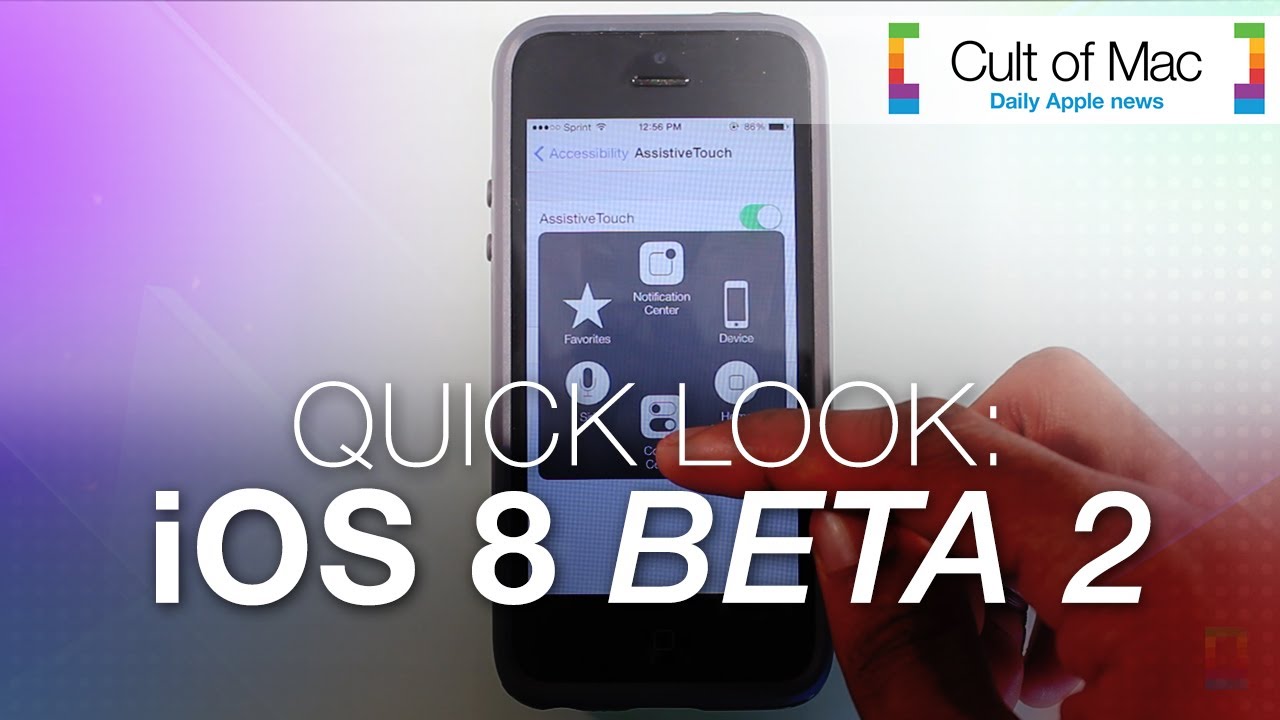
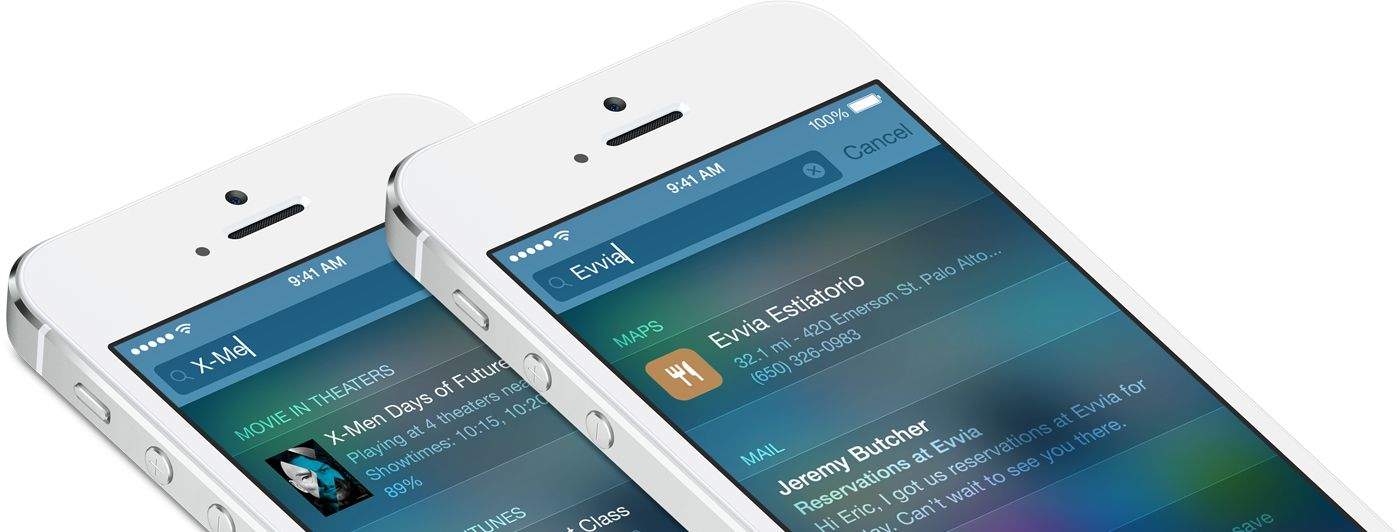
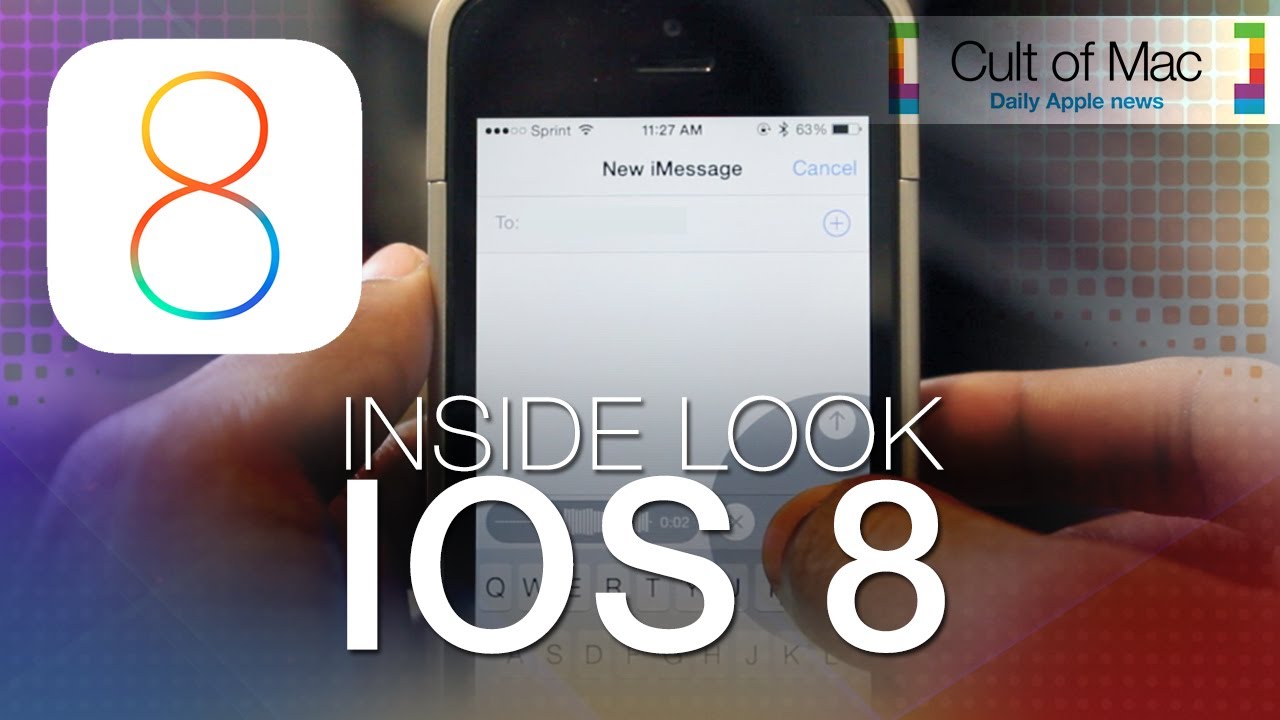
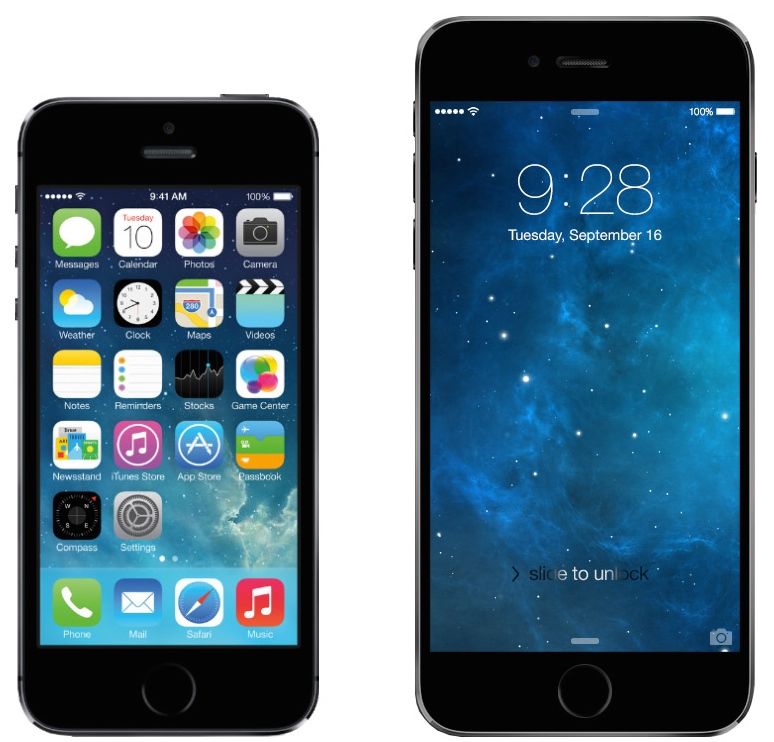
The second beta of iOS 8 upgrades Apple’s mobile platform visually as well as functionally. Along with plenty of bug fixes, iOS 8 Beta 2 delivers a number of neat tweaks that make the upcoming mobile OS even better than before. See some of the new enhancements in action in today’s quick-look video.
Sooner rather than later, Google will be tracking your every move.
The Mountain View search colossus already knows whether you have the flu or are interested in dropping a few pounds, thanks to its mining of your search data and Gmail missives.
Thanks to Google’s recent bargain buy of tiny satellite company Skybox Imaging — a purchase that cost Google just $500 million, or 1/38 what Facebook shelled out for WhatsApp — by 2016, Google may be able to predict market-moving factors like consumer spending and oil prices.
That means Google might be able to foretell when you’ll be waiting in line for the latest iPhone.
Scoring a sweet deal on an iPhone directly from Apple is nearly impossible. Luck for us, a bunch of Cupertino’s retail partners aren’t afraid to cut some dinero off its price-tag to try to get you in the store. But which store is best for Apple deals?
To locate the top places to get deals on Apple products, DealNews tracked several years worth of deals for the iPhone, iPad, and 11-inch MacBook Air and discovered that certain retailers offer consistently better deals on one specific product. Many of the big name retailers are great for iPhones deals, but you might be the surprised where to look for the best iPad and MacBook Air bargains.
Here are the best places to score a deal for each Apple product:
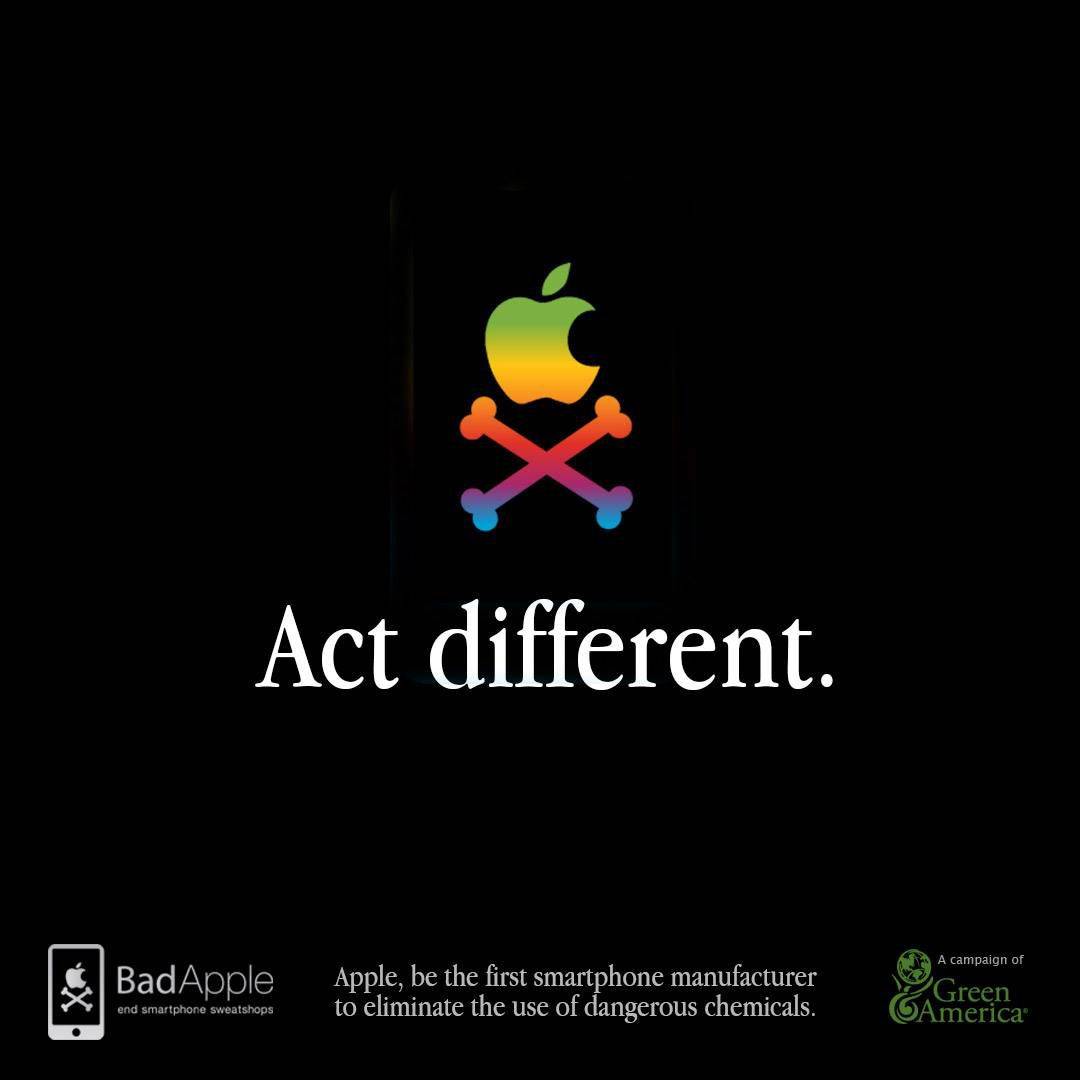
Elizabeth O’Connell is waging war on Apple from an iPhone 5C with a cracked screen.
O’Connell, campaigns director for Green America, is part of an 80-strong group of environmental and human rights groups that recently fired off a 17-page letter to Apple’s vice president of environmental affairs Lisa Jackson. At the core of the question are known carcinogens, benzene and n-hexane, the chemicals that make your iPhone screen so shiny.
As former head of the Environmental Protection Agency Jackson, protest organizers say, should know better. The effort is part of Green America’s “Bad Apple” campaign, which features a mock app. At this writing, over 2,000 people have signed up for the “app,” which sends an email to Apple asking to cut the noxious chemicals. Organizers say another 20,000 people have signed a traditional online petition.
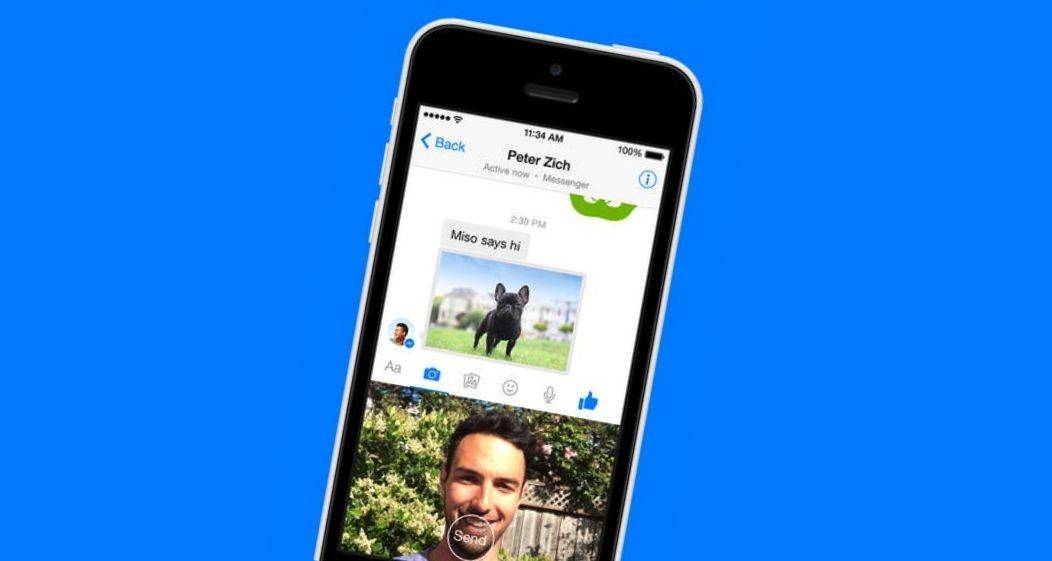
Is Facebook Messenger messing you around? Photo: Facebook
You can now share your crazy World Cup goal celebrations with your friends via Facebook Messenger for iPhone. A new update rolling out today introduces the ability to record and send 15-second video clips without ever having to leave the app.
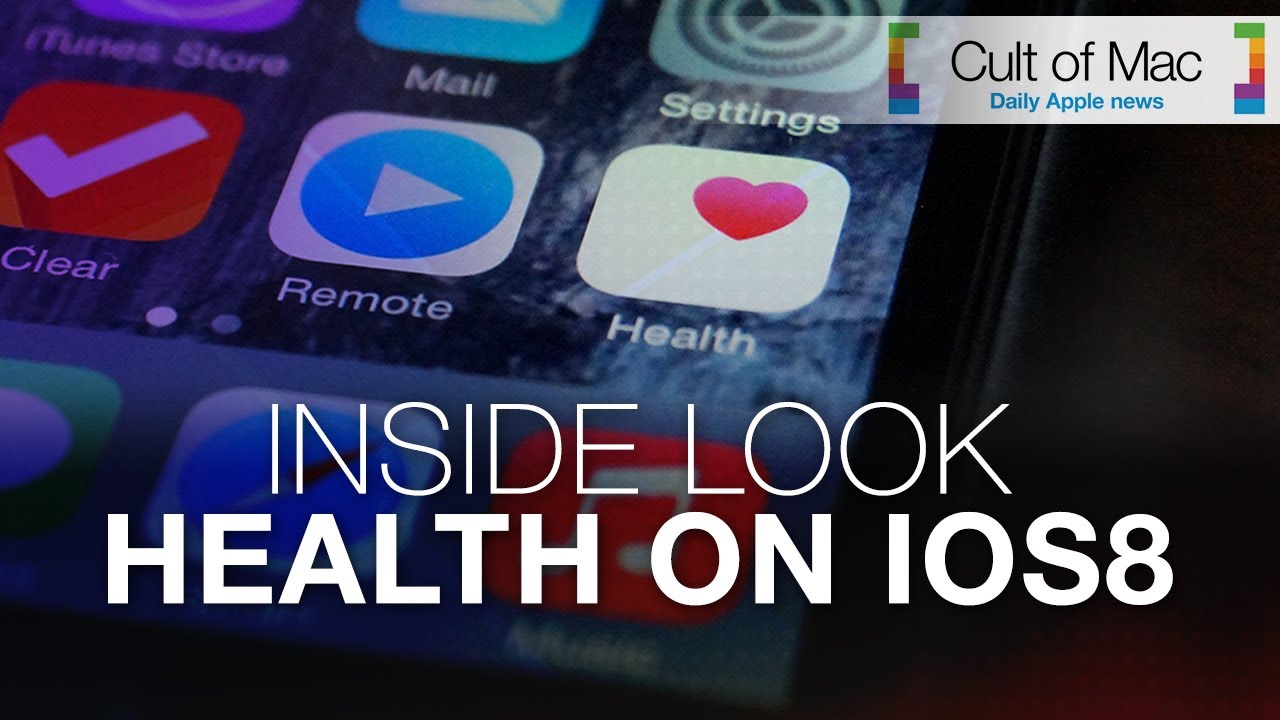
With the release of iOS 8 just months away, there is plenty for users to look forward to. While fitness fanatics have had to rely on third-party apps, the upcoming version of iOS introduces a dedicated Health app. Today’s video brings an inside look at the new app and how you can anticipate using it later this year.
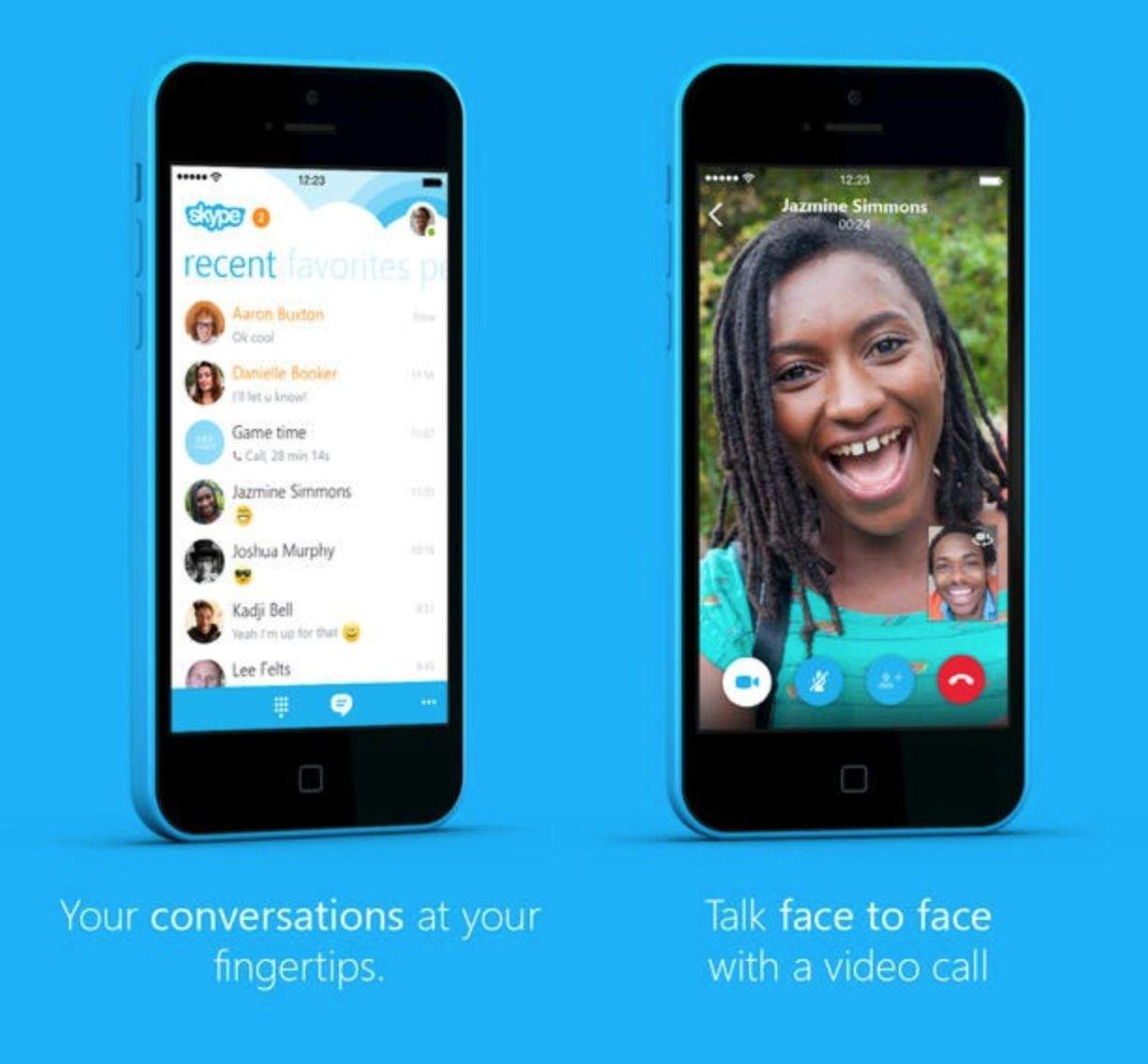
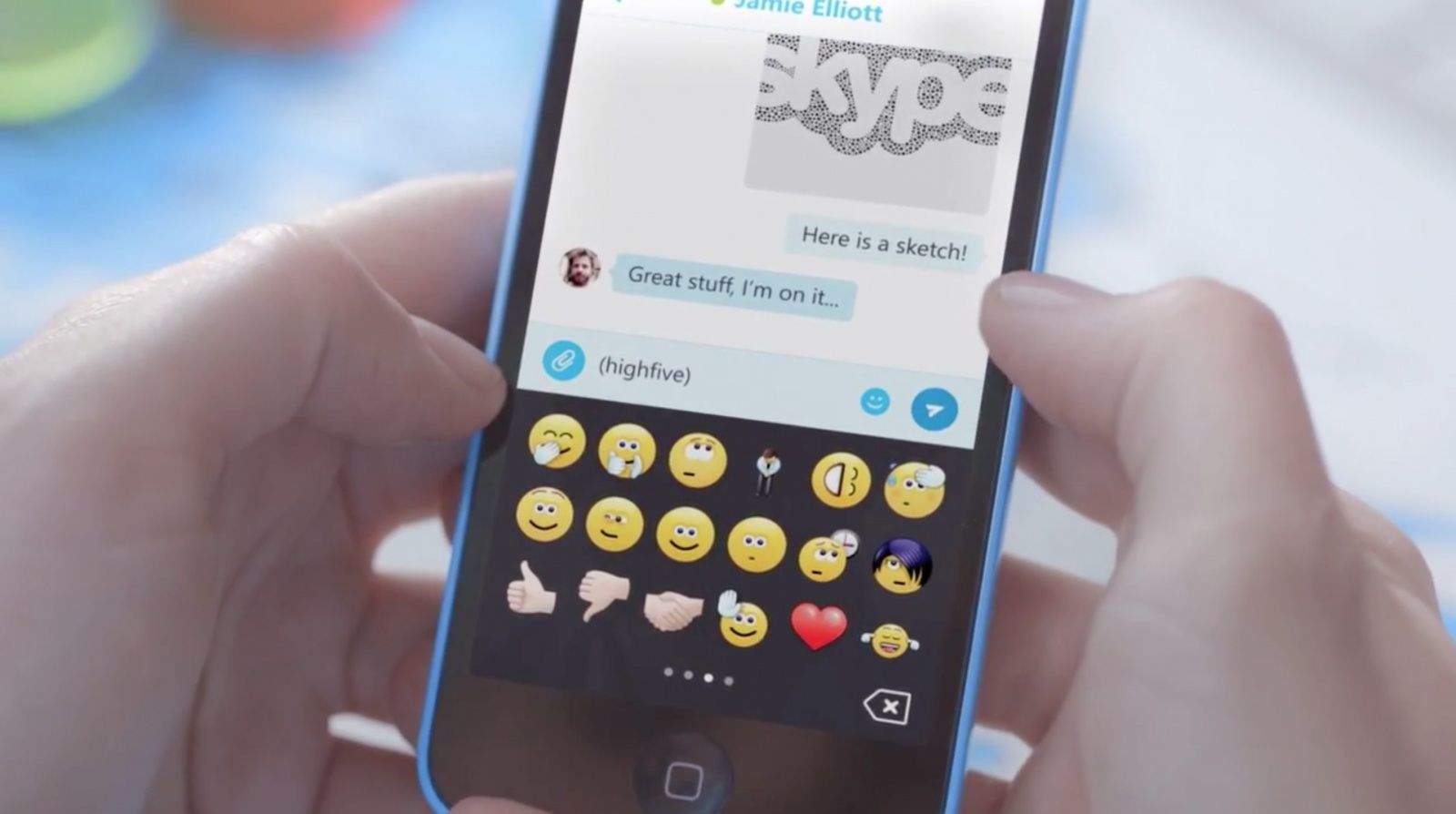
Yesterday Skype announced a major redesign of its iPhone app that was scheduled to hit the App Store sometime next week. For some reason the update is already available. It packs several new features that are designed to make the app easier to use.
Apart from letting you quickly edit and share photos (and always sitting, ready to go, in your pocket), the iPhone camera has one other great feature: It geotags every photo and video you shoot with the place you captured the imagery. You might not care about that now, but in the future when you wonder, “Where did I take that naked self-portrait?” or decide to take a look at your old vacation snaps, you’ll love geotagging.
Hell, half the time I use a map to find a photo — I can usually remember where I was better than when I was.
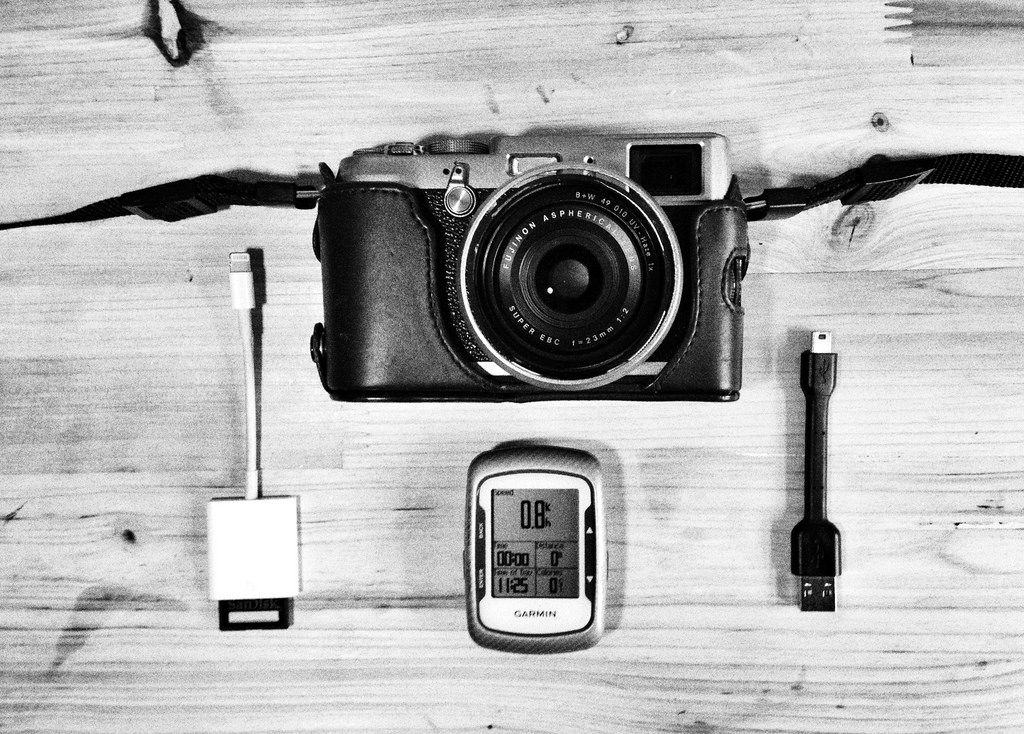
Lack of geotagging is perhaps the main reason I don’t take my regular camera out as often as I’d like, so I decided to do something about that. I’m using a combination of the iOS GeoTagr app on iPhone and iPad, plus a Fujifilm X100S camera and a Garmin EDGE 500 GPS bike computer.
The Skype team at Microsoft has been hard at work on a complete rewrite of their iPhone app, and it’s arriving in the App Store next week.
Version 5.0 of Skype for iPhone looks very similar in some ways to the existing Windows Phone and Android Skype clients, but its developers promise that they have built it to “fit iOS best.”
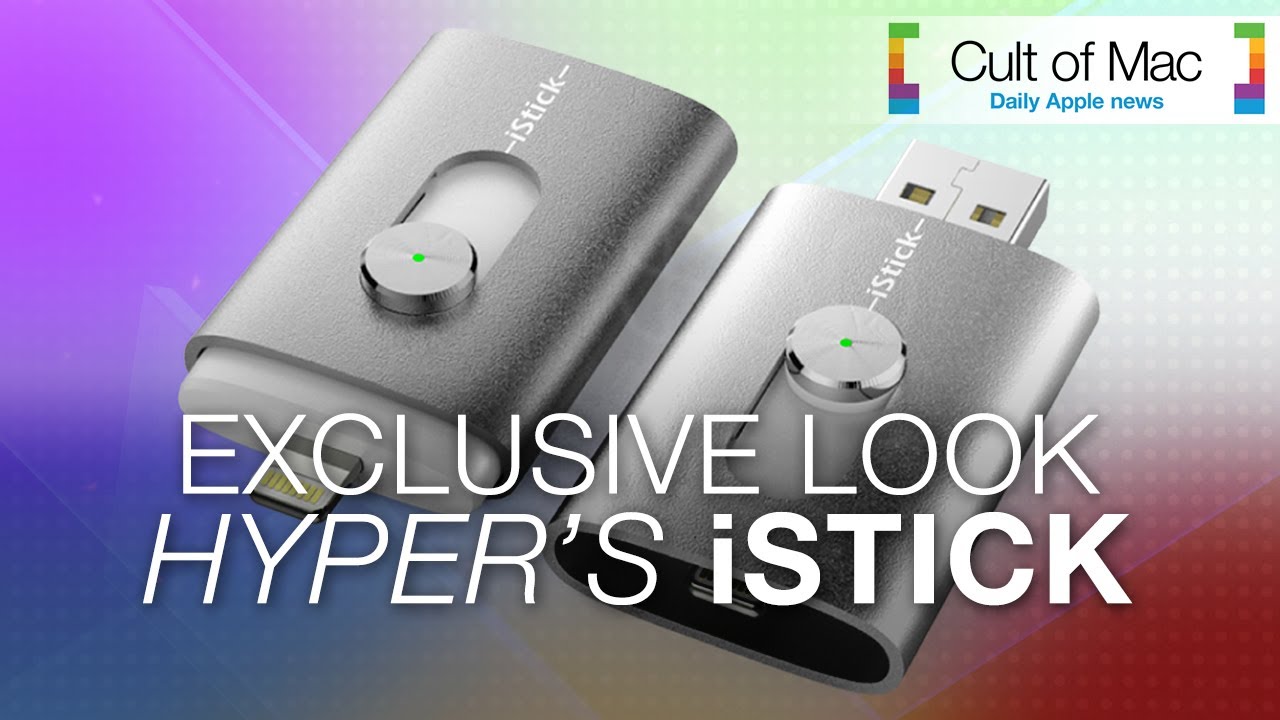
The Kickstarter campaign for Hyper’s iStick, which surpassed an original goal of $100,000 in just three hours, is currently racing toward $1,000,000 with only eight days left.
With so much interest in the iStick, a USB flash drive with a Lightning connector, we had to take it for a test drive. Watch our video to see what you think. You can keep an eye on Hyper’s Kickstarter, which ends June 17, here.
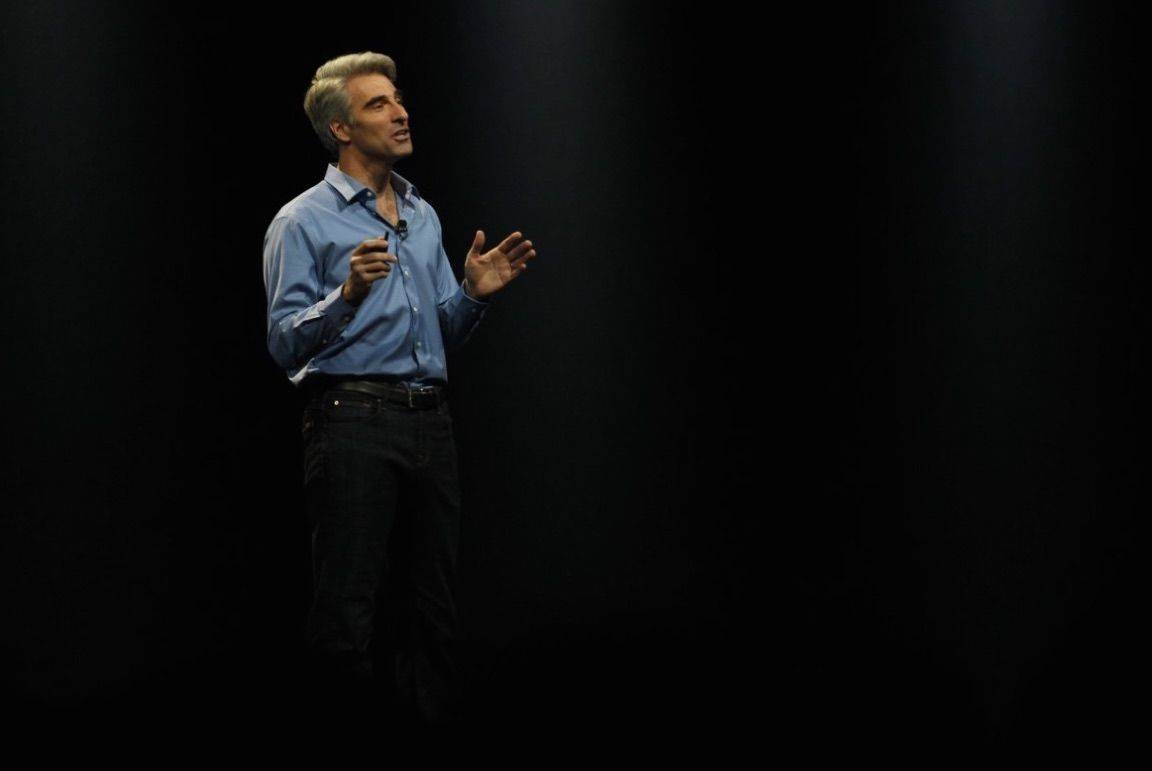
The Rumor: Apple's chief of software Craig Federighi joined Twitter just before WWDC with the new @Craig_Apple handle.
The Verdict:Don't be fooled. After CNBC tweeted that they confirmed with Apple the account really is Craig's, we did a little digging of our own and concluded there's just no way any Apple SVP would be tweeting the stuff the account was spiting out, even though we really wish it were him.
Federighi was the fan favorite at WWDC this year, with lines for pictures with him wrapping around the conference center. He's got the sharp wit and charm to kill it on Twitter, unfortunately, Craig himself has verified it's not his account.
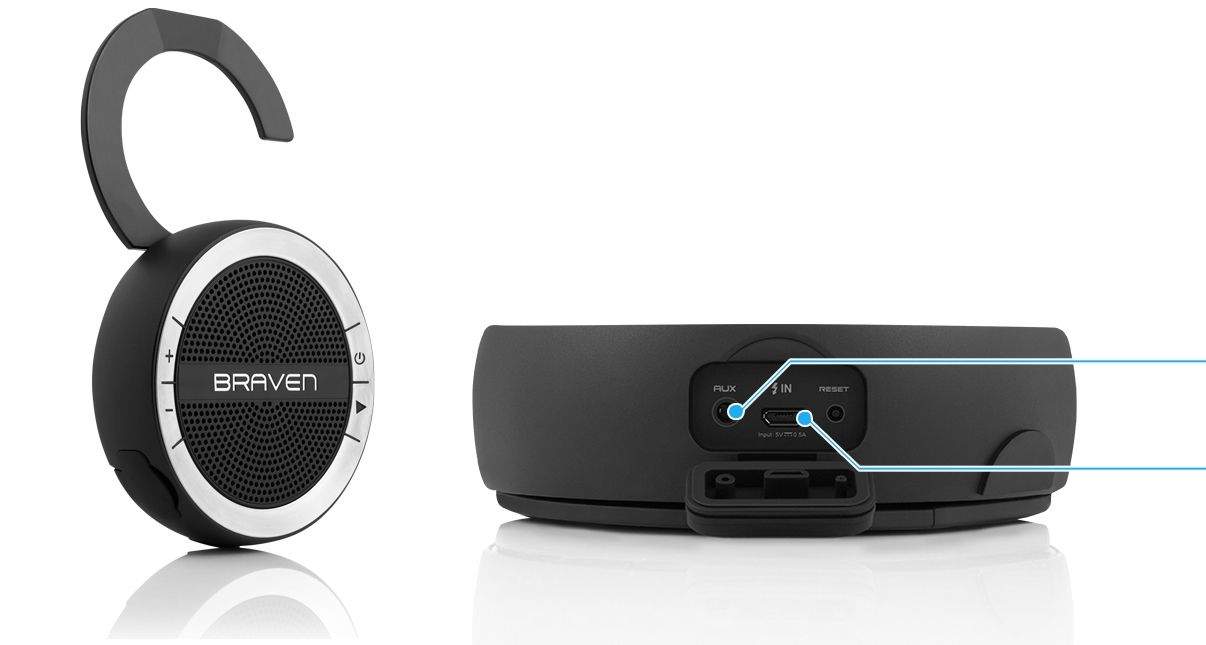
Braven makes some of my favorite Bluetooth speakers, and the Mira looks like another winner – 10-hour battery, built-in speakerphone, proper control buttons for play/pause and volume, and splashproof. But the really neat part is the fold-out hook for hanging it up in kitchens, bathroom, gardens and workshops. The hook also doubles as a kickstand for safer spaces. $99
Carriers in Mexico are no longer allowed to make use of the word “iPhone,” according to a new report from the Mexican publication El Universal. The news outlet reports that the ruling comes from the Mexican Institute of Industrial Property (IMPI)and is based on the fact that the phonetically identical sounding “iFone” trademark is already owned by a small call center in Mexico. The trademark has been held since 2003 — four years before Apple released its first generation iPhone.
While Apple was acquitted as being at fault in the case, due to the fact that it is not considered a telecommunication services provider, Mexican carriers did receive blame, on the basis that they do provide such services.
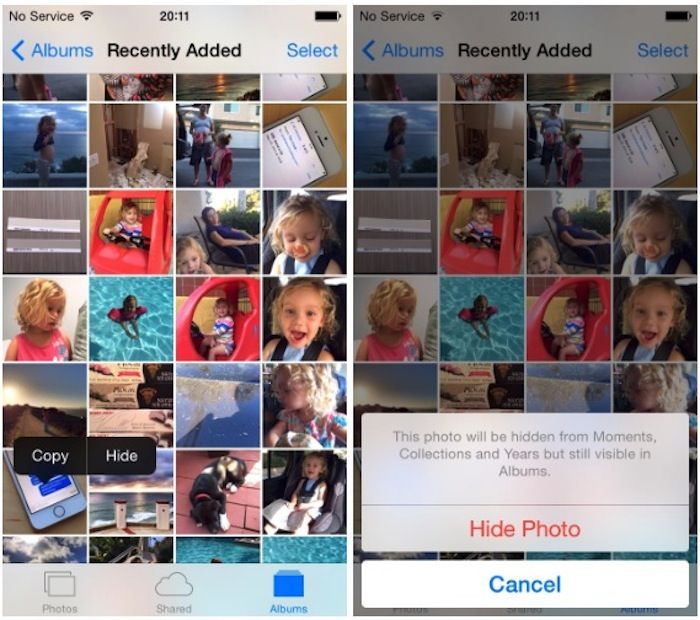
How many times have you allowed a friend to use your iPhone and then experienced that sudden sinking feeling when you realize they might stumble across “personal” snaps in the Photos app? Well, with iOS 8, that’s something you won’t need to worry about quite so much.
Apple has added a new feature to the built-in Photos app that allows you to hide images you don’t want others to see — but hidden photos aren’t exactly hard to find.
Apple’s WWDC keynote just days ago brought us many new iOS 8 features to look forward to downloading this Fall. Thanks to an immediate downloadable beta version open for developers, many have found even more useful features and changes not mentioned on Apple’s big stage. In today’s video your host Joshua Smith introduces eight of his top hidden iOS 8 features.
Apple is finally going to open OS X Yosemite betas to the public, but when it comes to iOS 8, Apple fanboys desperate for a sneak peek at Cupertino’s upcoming software have been left out in the cold.
Luckily, if you’re willing to give a little info and some cash to certain “developers” you too can become an official iOS 8 beta testers and reap all the new benefits and bugs of iOS 8 as Apple puts the finishing touches on the biggest iOS release ever.
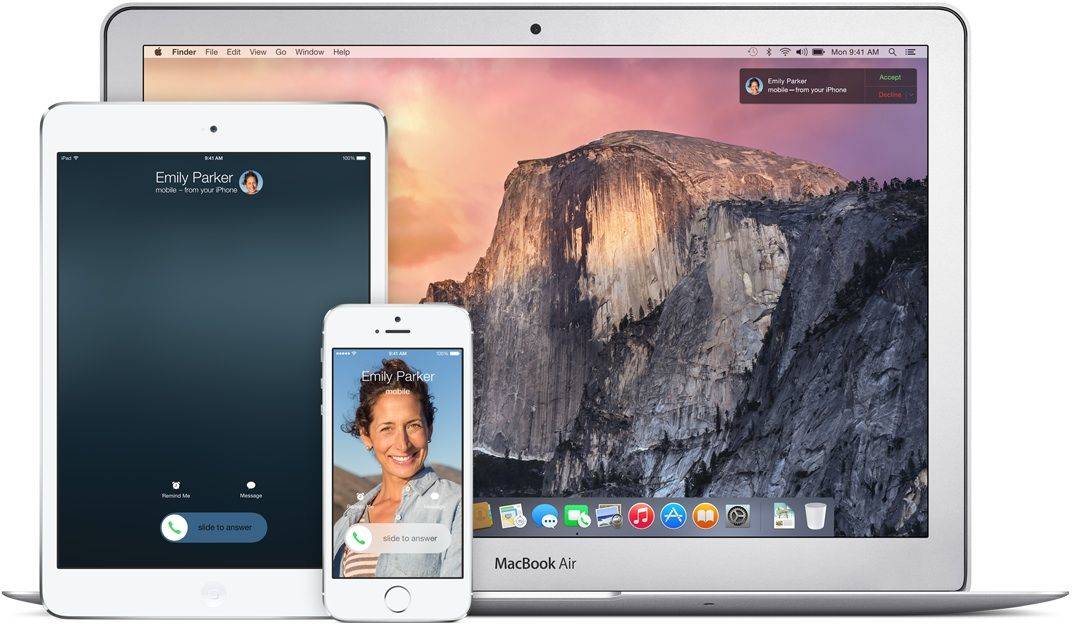
Apple has made yet more improvements to AirPlay in iOS 8 by enabling compatible devices to make direct connections with each other for content streaming. This eliminates AirPlay’s reliance on a Wi-Fi network and fixes one of its biggest limitations.
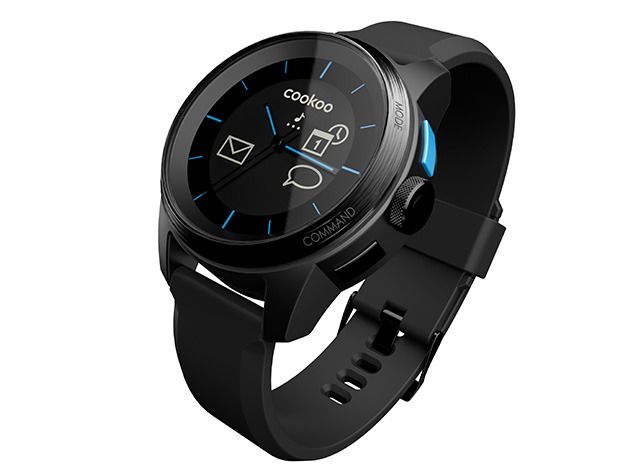
Smart watches are cool, but very, very nerdy-looking. Not that being a nerd is off-putting, but you may not always want to send that message when someone looks at your wrist.
That’s why the COOKOO watch is so awesome. It gives you most of the functionality of any competing smart watch, and you can still wear it on a date without looking like you’re going to have Scotty beam you up out of the restaurant mid-meal. And you can get one for yourself for 23% off the regular price…just $99!
As Apple has finally announced the long-awaited iOS 8, it’s only natural for users to be curious how it will affect their daily routines. With all new features and enhancements for your iOS device, in today’s video see what’s coming this fall, and what we think about it.
The Rumor: The 4.7-inch iPhone 6 will start production in July, but the 5.5-incher will wait until August.
The Verdict: Definitely yes. Even though the rumor comes from the unreliable Digitimes, Apple has to start producing the iPhone 6 en mass by late-July or early-August if it hopes to have enough on shelves for its regular fall launch. The production delays on the 5.5-inch iPhone 6 will be frustrating for fanboys wanting their first phablet, but maybe the goodies in iOS 8 will keep them distracted long enough they won't notice.
Everyone expects Apple to release a larger 4.7-inch iPhone this fall, and there are reports of an even larger 5.5-inch model floating around the supply chain. Heck, we’ve seen 12-inch iPad parts leak recently. It’s pretty clear that displays are only going to be getting bigger.
Developers will need to update their apps to fit new screen sizes, and today Apple provided a way for them to do just that.
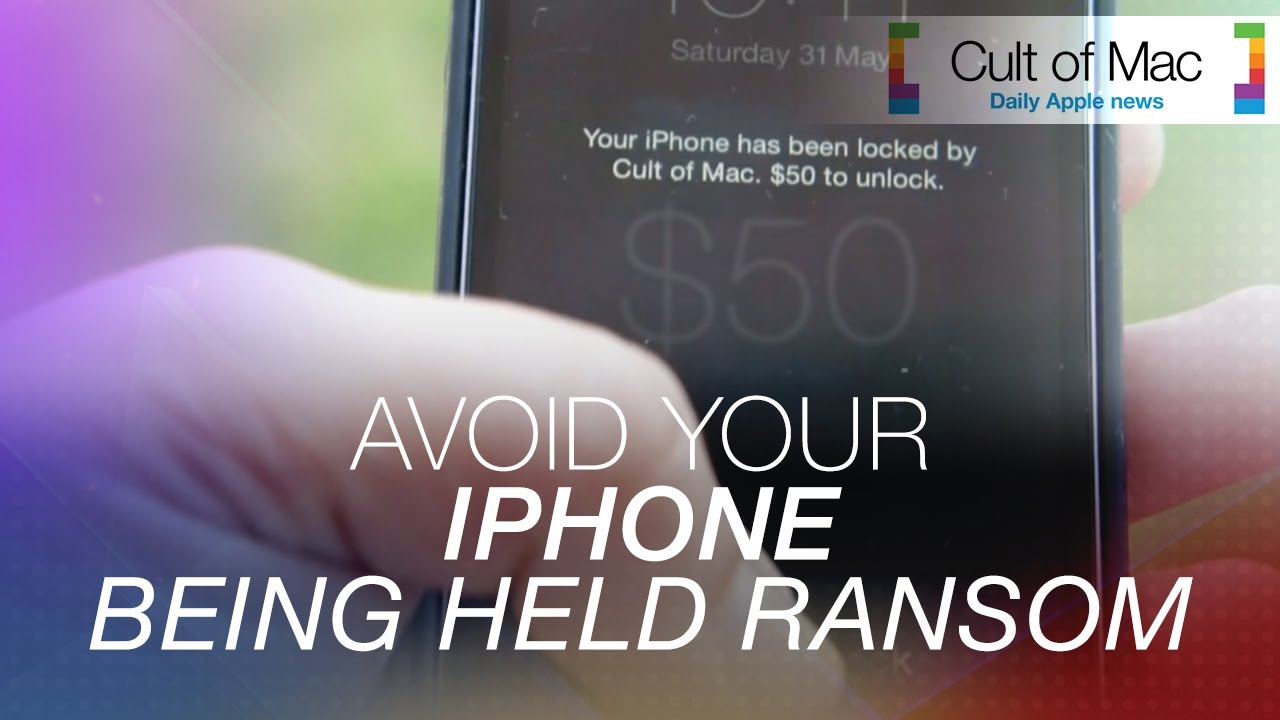
After reports of iPads, iPhones and Macs being hacked and held ransom in the U.K. and Australia, we put together this video to show you how to avoid the problem — and what to do if it’s already happened.
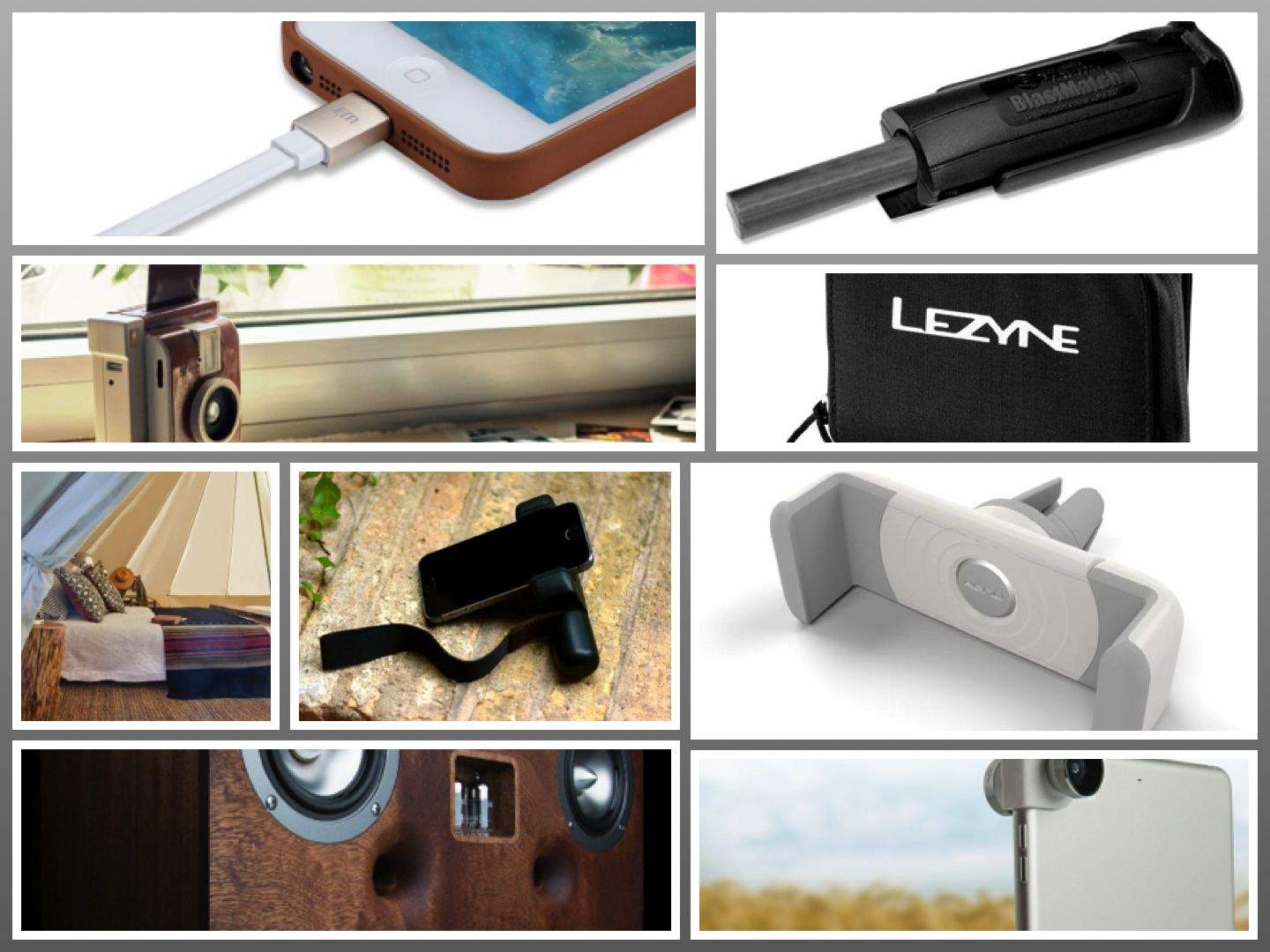
Film or digital? Campfire or BBQ? Car or bike? Cable or wireless?
No matter which way you swing, this week’s gadgets have you covered. iPhoneographers can enjoy the Shoulderpod hand grip or slip the new iPad Olloclip onto their Mini or Air, and film nuts can get instant satisfaction with the new Lomo Instant Camera.
Camping? Take it easy in the giant Meriwether tent or go survivalist with the Blastmatch fire-starter. You can even choose how to arrive at the site, with accessories for your car or your bike. Happy traveling!
Cole Rise has nearly one million followers on Instagram and the hottest new photography app in the App Store. He also made seven of Instagram’s built-in filters, which explains where the name for the “Rise” filter originates.
His app, Litely, is less than a month old with over 3 million downloads. Considering he was one of the first 100 people on Instagram, he really gets mobile photography and where it’s headed. During our conversation, Rise goes behind the scenes of Litely’s development, shares his influence on Instagram during its early days, and gives some great advice on how to take better pictures.
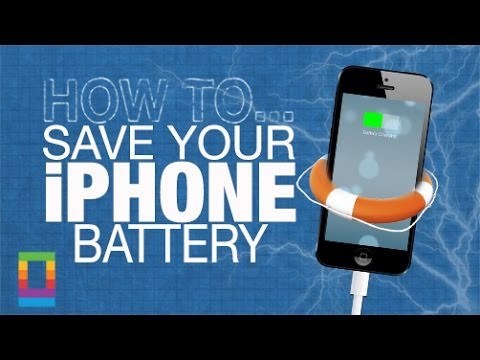
One of the biggest knocks people tend to make at the iPhone is its battery life. While we all have busy lives, it’s imperative for our devices to last the long haul with us. In today’s how-to find out how to save more of your iPhone battery with just five quick and easy tips.
Readdle today rolled out its biggest update yet for PDF Expert 5, one of the finest PDF editing apps for iOS. It adds support for continuous scrolling and calculations, improves performance, and makes PDF Expert a universal app — so you only have to buy it once to use it on both iPhone and iPad.