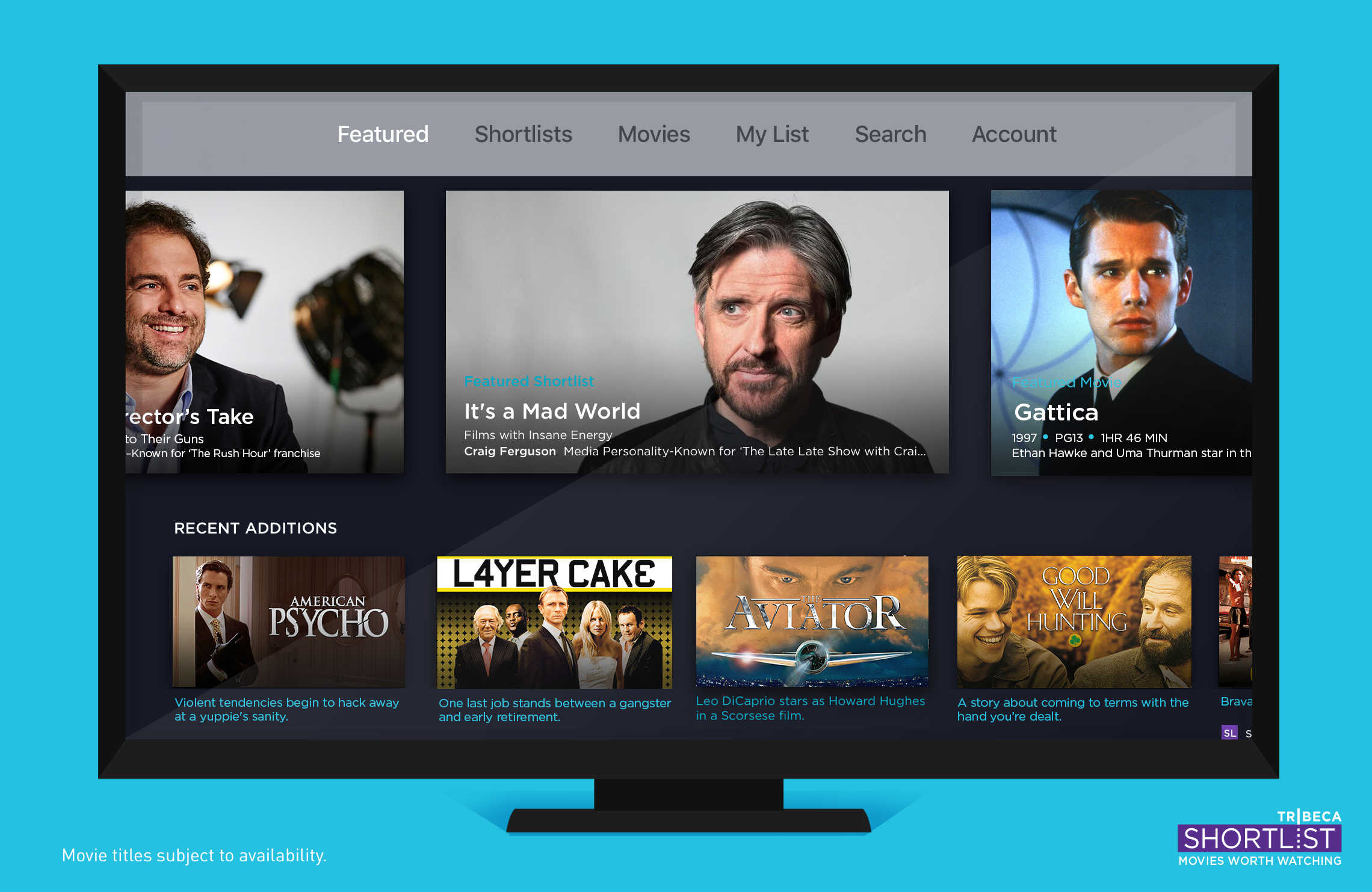
Get your fill of high-quality film recommendations here. Photo: Tribeca Shortlist
Looking to watch peerless films on your Apple TV? Look no further than Tribeca Shortlist, a service for film lovers that showcases a high-quality, curated list of films that are worth watching.
Already chosen as a Best New App for iPhone and iPad by Apple, Tribeca Shortlist is now available on the biggest screen in your home via Apple TV.
March yourself right into fun. Photo: Stephen Smith/Cult of Mac
There’s nothing better than kicking back and playing an iOS game that respects your time, money and energy. Games that keep you entertained without costing you too much (especially at first) can be a great way to spend your time, whether you’re chilling on the couch at home, on the subway home after a long day at work, or waiting at the dentist’s office.
Here are all the hot new iOS games we found ourselves playing this month.
We found your lost iPhone... Photo: Jim Merithew/Cult of Mac
Finding your iPad or iPhone is about to get a whole lot easier, even under the worst circumstances, thanks to a new app from TrackR that can locate your lost iOS devices regardless of whether or not its connected to Wi-Fi or cellular data.
The new free app called TrackR tablet, runs on both iPhone and iPad, and simplifies the way you find lost iDevices. There’s no sign in process to get into the app. Just open it up and ring your lost iPhone.
Size does matter, in fact. Photo: Ste Smith/Cult of Mac
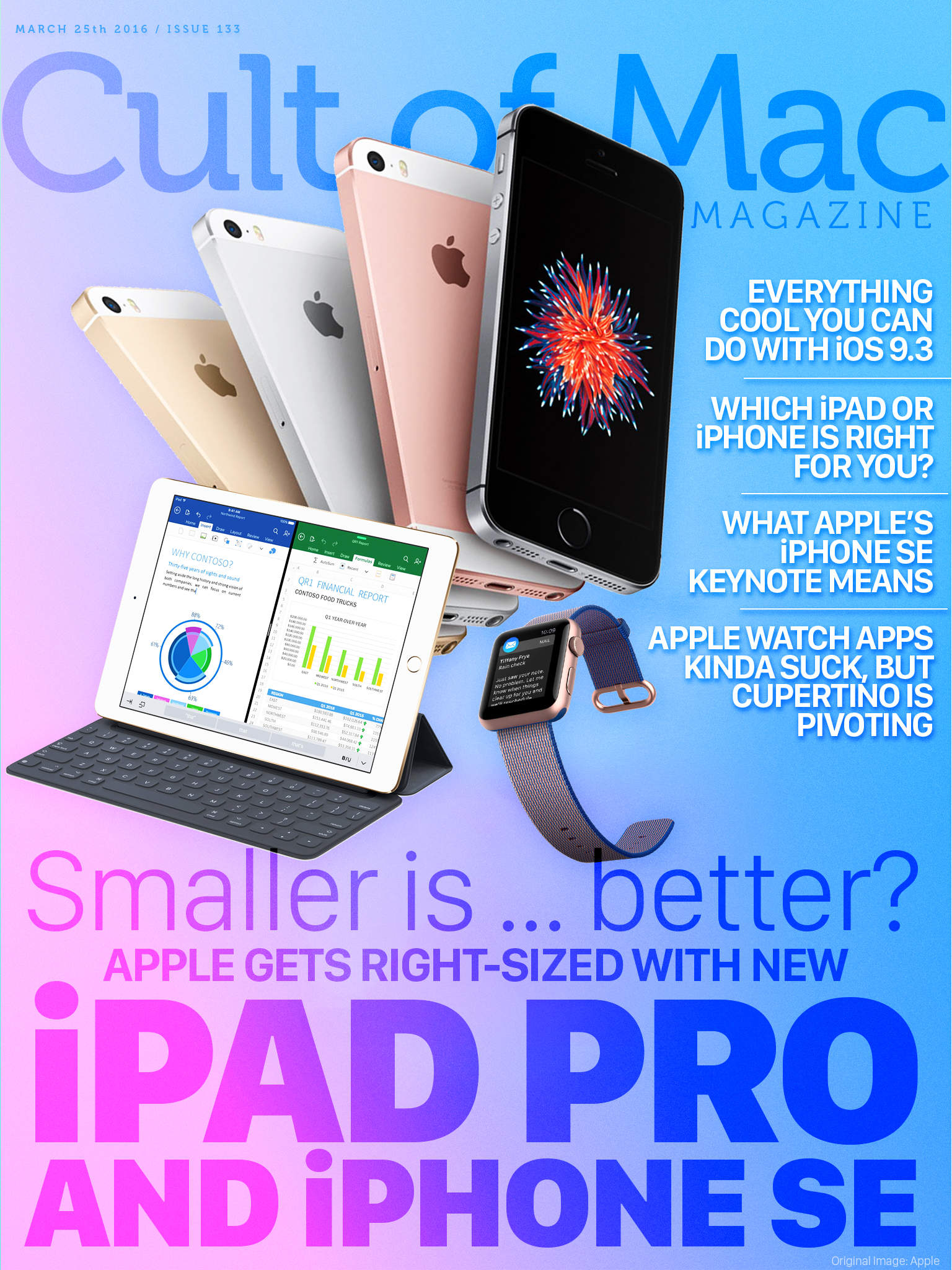
Once again, Apple has refreshed its iPhone and iPad line with some better (albeit smaller) iOS devices, the iPhone SE and the 9.7-inch iPad Pro.
If you’re looking for all the details on these two new gadgets, or just want to know which is the right iPad or iPhone for you, be sure to grab this week’s Cult of Mac Magazine, which also includes all the cool things you can do with iOS 9.3, a look at Cupertino’s new Apple Watch pivot, and a deeper dive on the keynote itself.
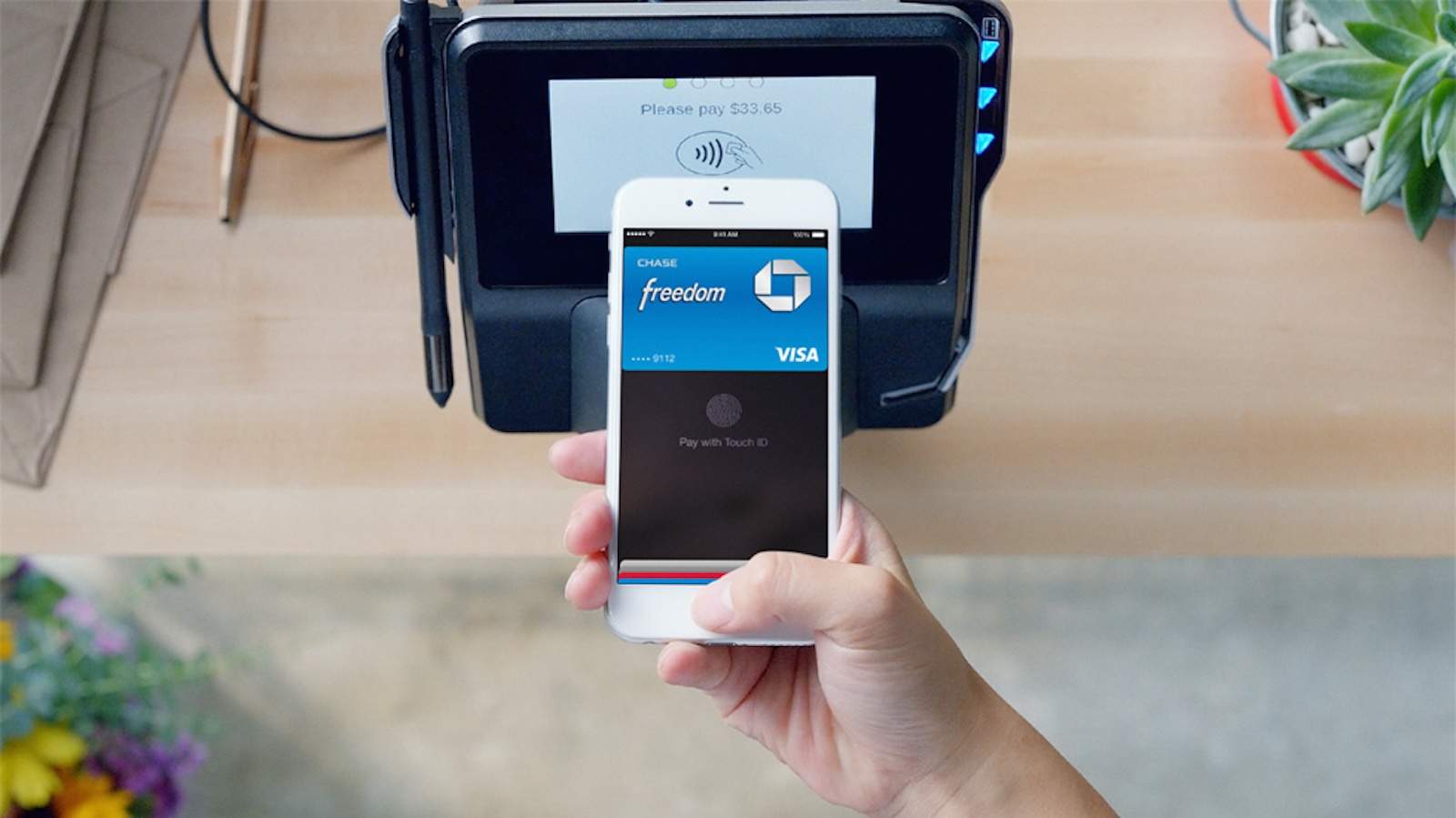
Using Apple Pay to buy items has been limited to physical retail stores and apps, but Apple is reportedly planning to rollout the service soon to mobile websites, putting it in closer competition with PayPal and other platforms.
The mobile website version of Apple Pay will allegedly be ready in time for the 2016 holiday shopping season. Once launched, the mobile version will allow shoppers to complete purchases using their fingerprint rather than entering credit card info on websites.
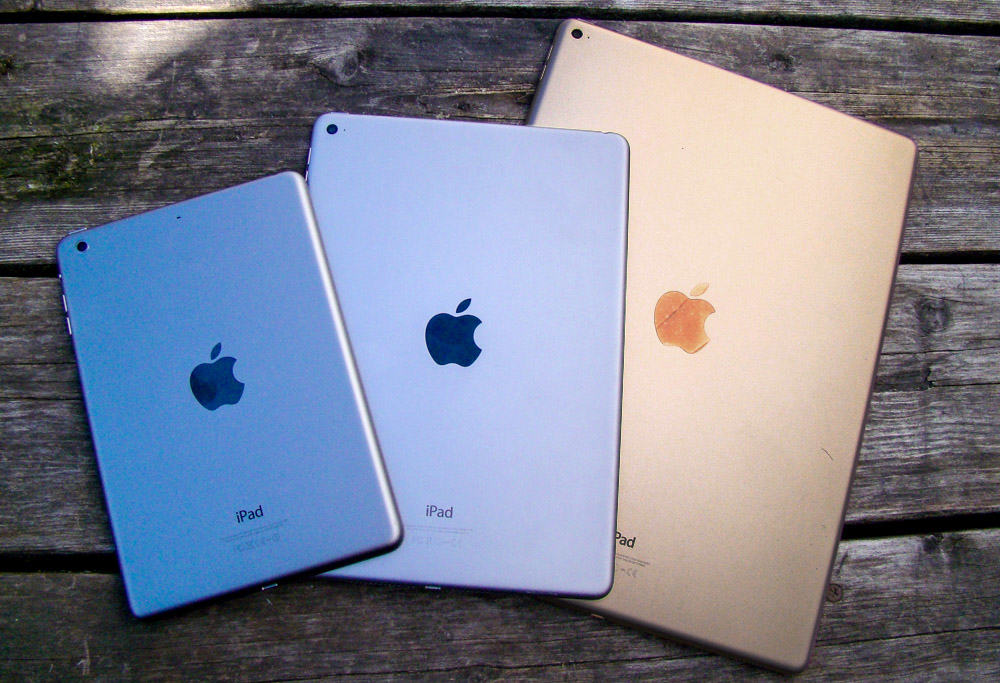
Which iPad model is best for you? Photo: Rob LeFebvre/Cult of Mac
With the iPad lineup now verging on unwieldy, it’s harder than ever to decide which Apple tablet to buy. Which iPad is best for you? That’s going to depend on your needs, desires and budget — but your iPad buyer’s guide can help!
Do you go for the massive appeal of the 12.9-inch iPad Pro or opt for the smaller-but-newer (and slightly gimped) 9.7-inch iPad Pro? Will a tiny iPad mini suit you, or should you opt for an iPad Air 2, which is still a very capable, thin tablet?
All good questions! We’re here to help you answer them with this handy iPad comparison, just in time for when the new iPad Pro goes on sale Thursday, March 24 (most likely at 12:01 a.m. Pacific, according to Apple Support).
See all of Apple's latest software in action Photo: Ste Smith/Cult of Mac
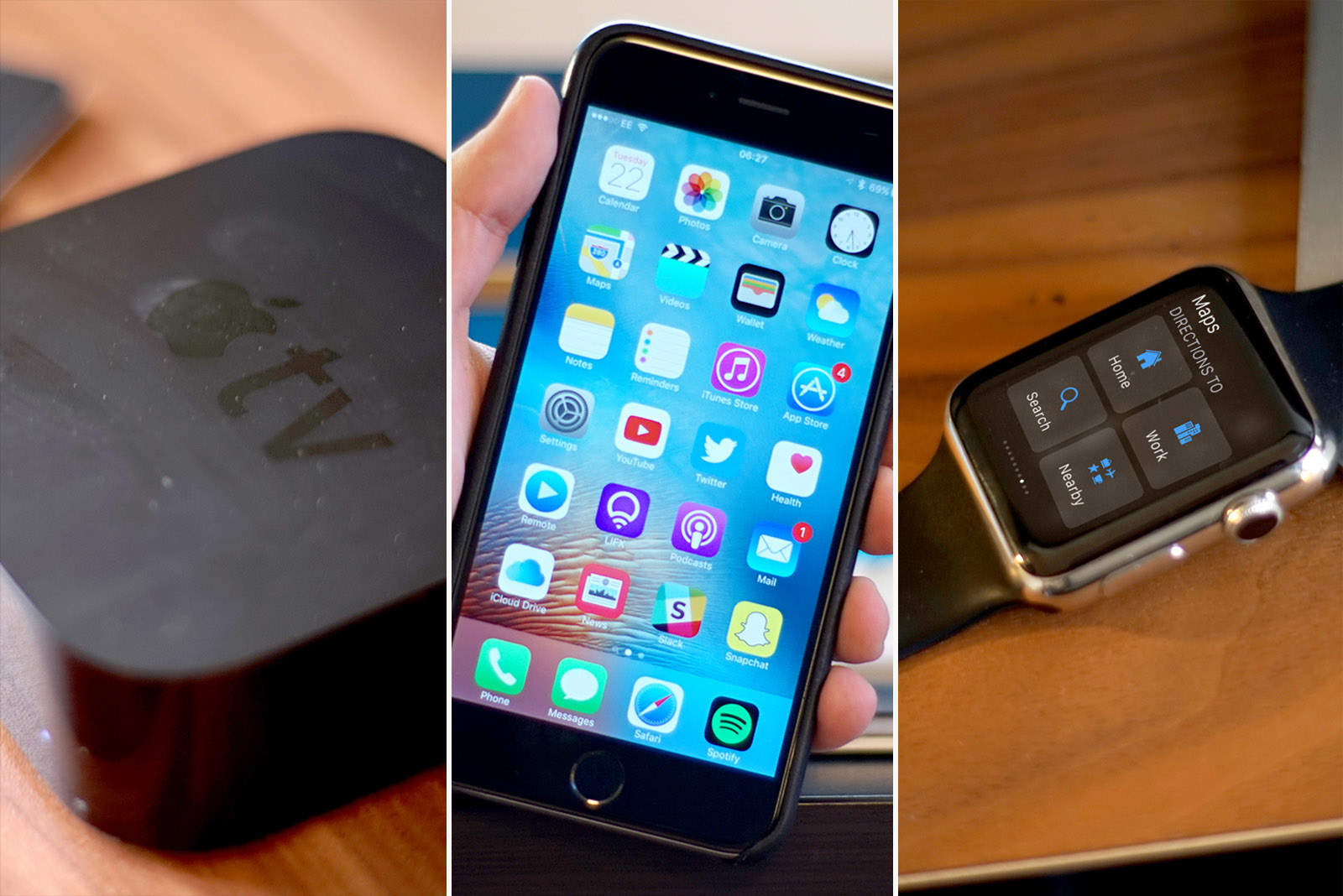
Along with the iPhone SE and new 9.7-inch iPad Pro, Apple unleashed a slew of new software updates this week, bringing all-new features to your iPhone, iPad, Apple Watch and Apple TV.
Find out what’s awaiting you in the new Apple updates, as well as how to update all your Apple devices, in a series of Cult of Mac videos you can watch below.
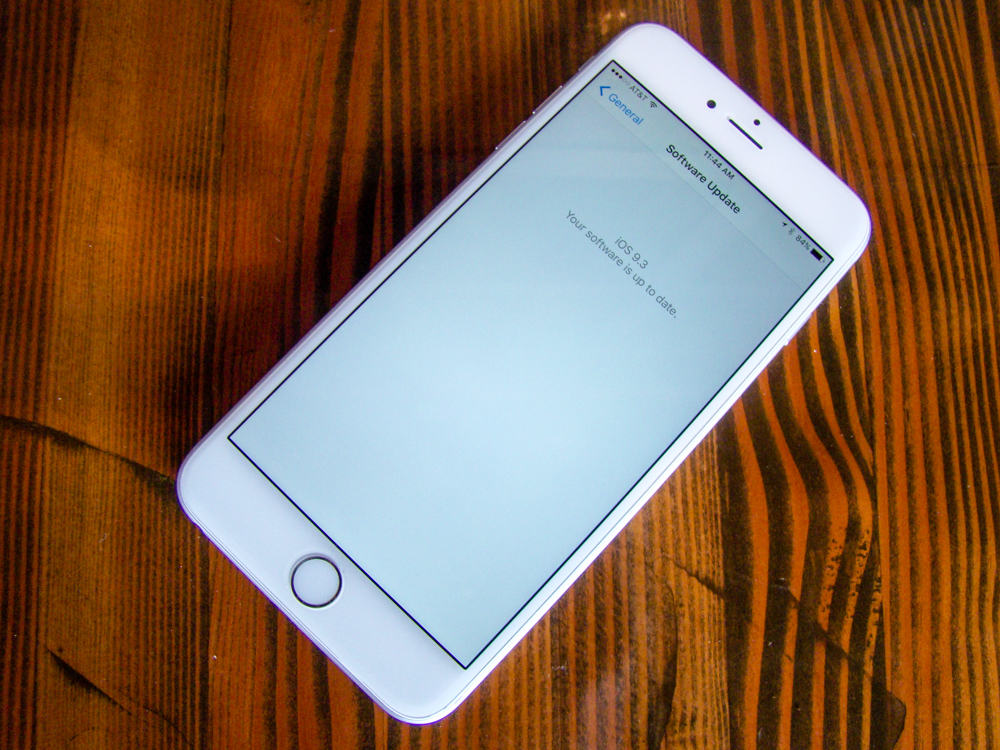
Get your iOS device up to date fast and easy. Photo: Rob LeFebvre/Cult of Mac
iOS 9.3 is perhaps the biggest “dot” upgrade Apple has created for its mobile platform. Apple usually doesn’t show off incremental iOS upgrades at its carefully staged keynotes, but iOS 9.3 clocked some time at Monday’s iPhone SE event, and you should update right now.
If nothing else, you’ll get some great new features like Night Shift to make your mobile digital life just a bit better. Here’s how to get iOS 9.3 on your iPhone or iPad.
iOS 9.3 is out now for everyone, and the upgrade delivers some great new features that make Apple’s mobile platform better than ever.
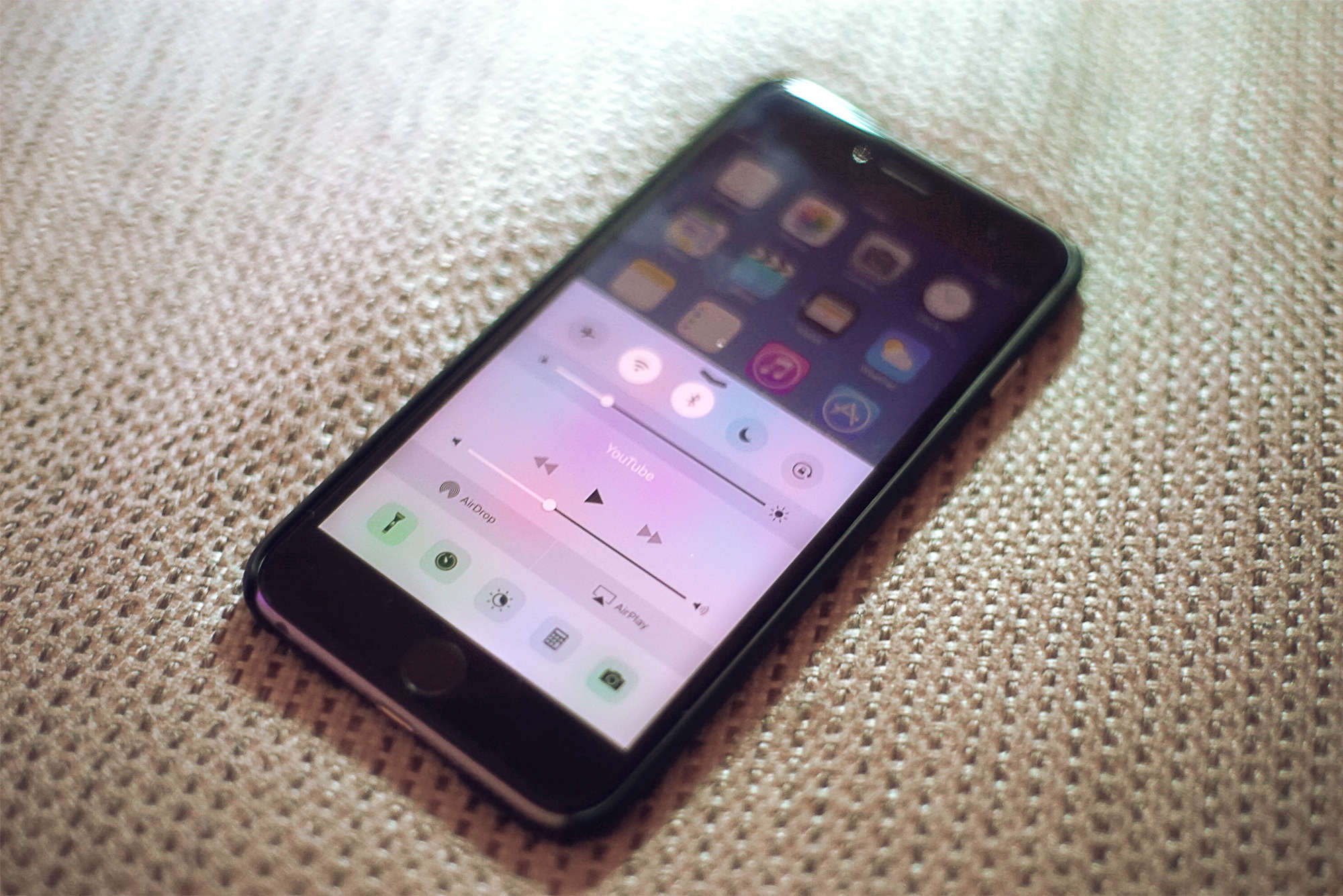
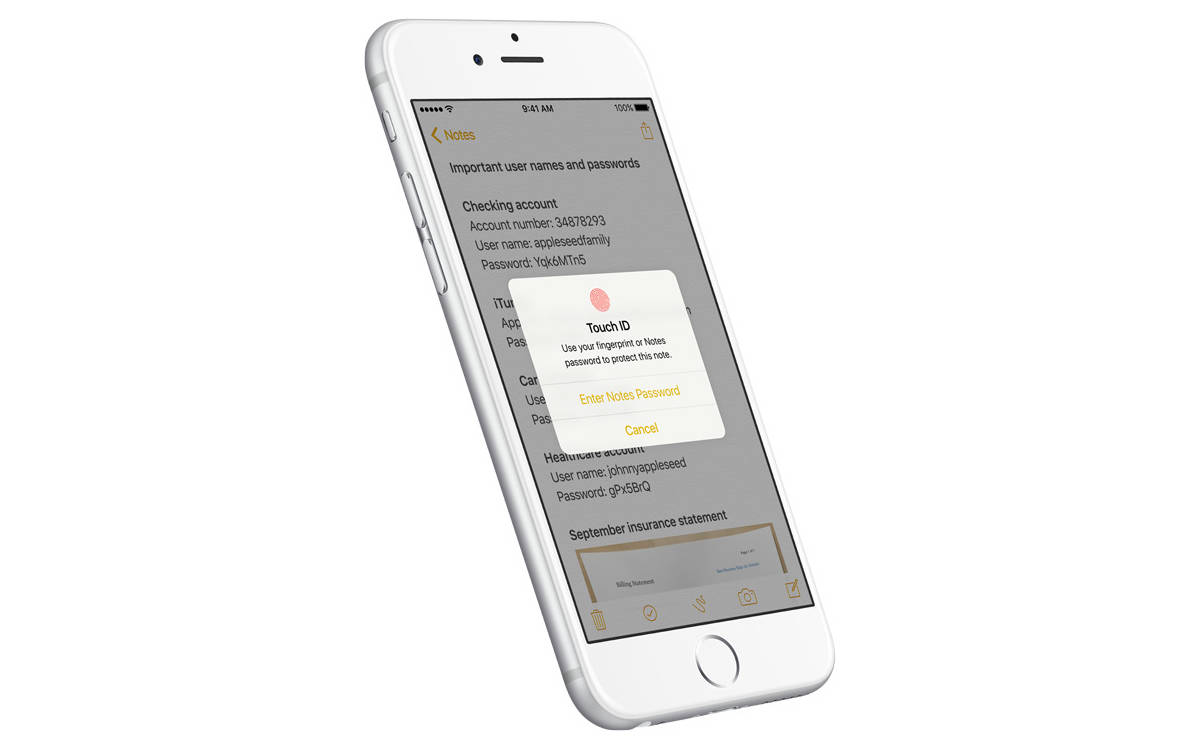
With sweet additions like password-protected Notes, sleep-saving Night Shift and data-friendly Wi-Fi Assist, iOS 9.3 might be Apple’s biggest “dot” release yet.
Here’s a quick rundown of all the coolest things you can do once you’ve downloaded the iOS 9.3 update, which Apple released Monday.
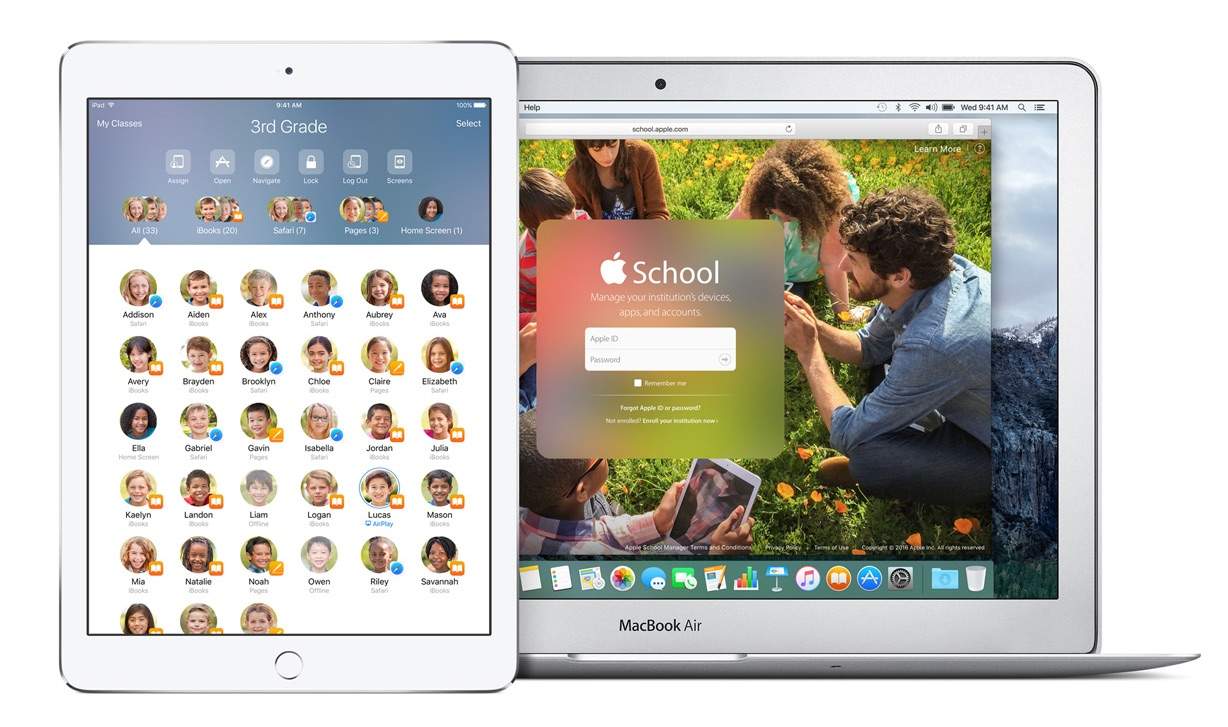
Apple is putting more tools in the hands of educators today with the official launch of the new Classroom app for iPad that promises to opens up new, more engaging ways of teaching and learning on the iPad.
The new app is part of the new iOS 9.3 education features Apple has added that allow teachers to manage student devices, share work and assignments, as well as track students’ progress to help them stay on track.
Start capturing your iOS gaming with this handy trick! Photo: Ste Smith/Cult of Mac
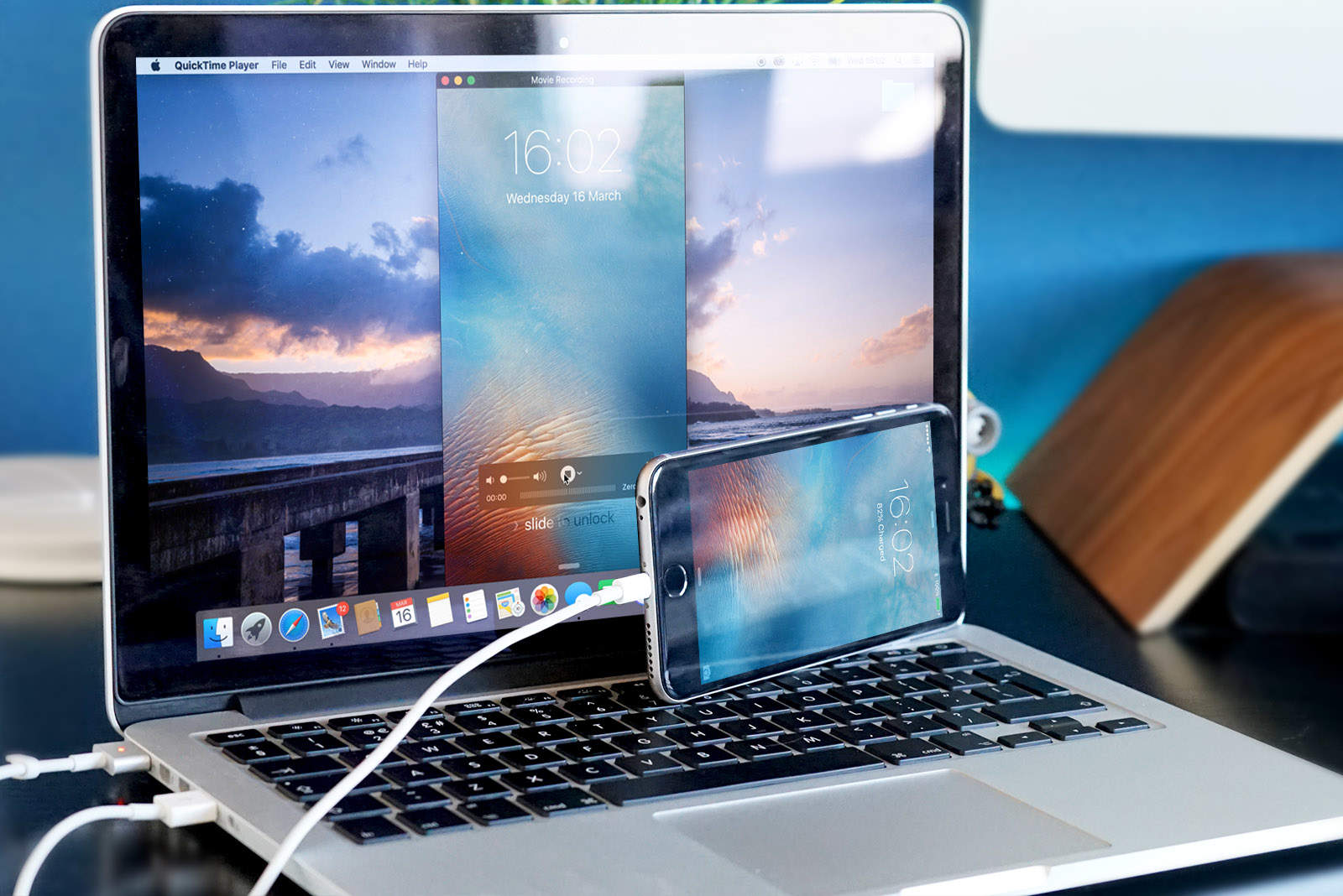
There are many reasons you may want to record your iPhone screen: demonstrations, tutorials, gaming and much more.
Sure, there are apps out there that can do this for you, but the only downside is that they use up valuable storage space on your iPhone or iPad. In this week’s Quick Tips video, I’m going to show you how to record your iOS device to your Mac in under a minute.
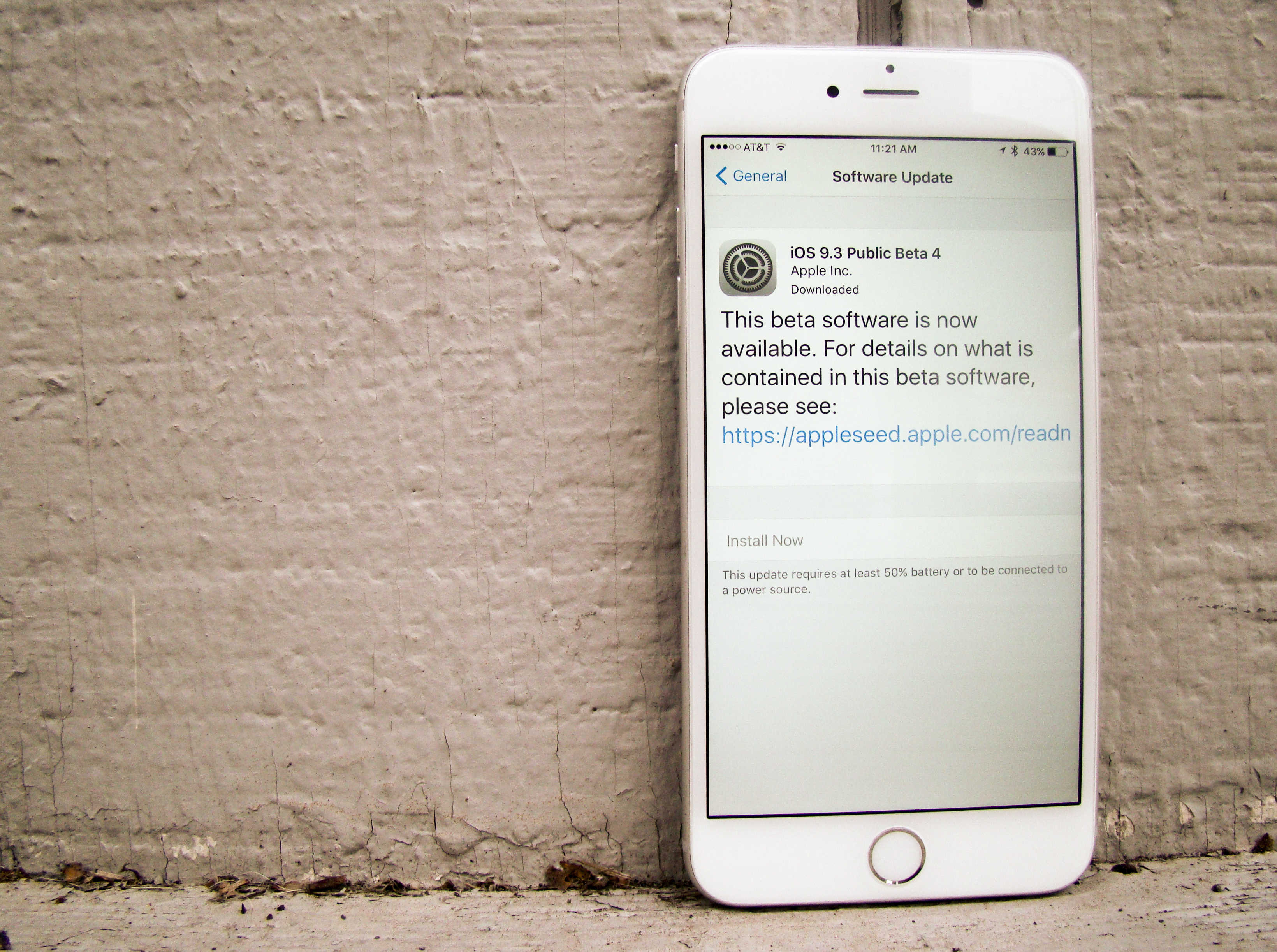
It seems like iOS 9.3 has been in beta for years now, but Apple isn’t quite done fine-tuning its biggest software update of the year.
Apple released iOS 9.3 beta 7 to developers this afternoon, exactly a week after the last version was seeded to devs and public testers. iOS 9.3 adds new features such as Night Shift mode, multiple Apple Watch pairings on one iPhone, improved Apple News and Apple Music apps, and some great education features for iPad.
Developers can grab the new beta directly from the Apple Developer Center portal or via an over-the-air update if you have the previous beta installed.
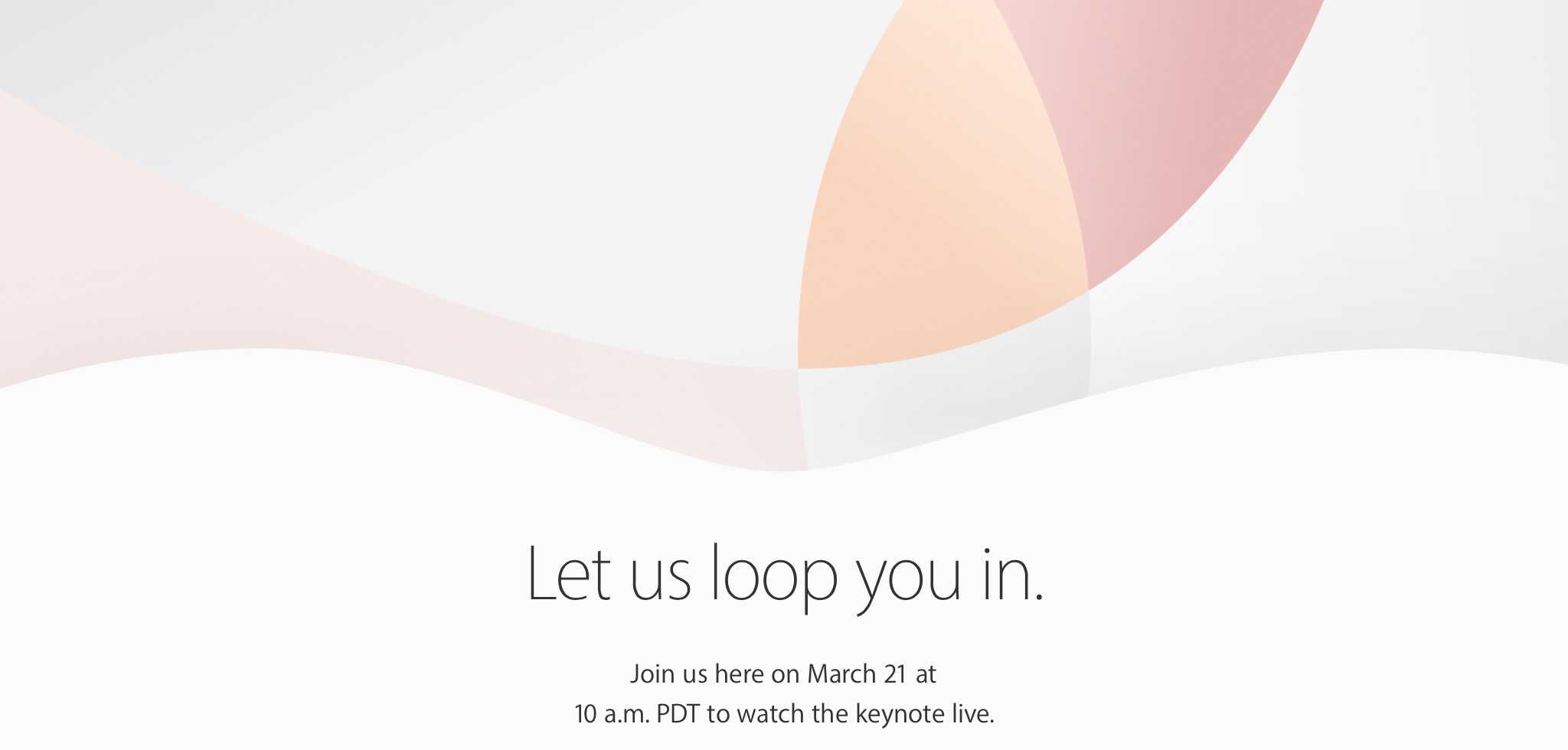
This week on The CultCast: it’s official, Apple is going to “loop us in” at their March 21 press event. Join us as we decode the mysterious event invitation. Plus: some new leaks give us glimpses at the iPhone SE and iPhone 7 designs; the incredible size and scope of Apple’s new spaceship campus; and don’t miss the stuff we’re embarrassed to secretly love in an all-new Get To Know Ur Cultist.
Our thanks to FreshBooks for supporting this episode, the easy-to-use invoicing software designed to help small business owners get organized, save time invoicing and get paid faster. Get started with a free trial at Freshbooks.com/cultcast.
Get ready to meet the iPad Pro's smaller sibling. Photo: Apple
The iPad Air lineup hasn’t been updated since October 2014 but that is finally set to change on March 21st when Apple is expected to unveil a new 9.7-inch iPad that will undoubtedly be the best tablet to ever come out of Cupertino.
Thanks to a flurry of rumors and leaks over the winter we have a pretty solid idea what Tim Cook and company will reveal when Apple loops us in at 1 Infinite Loop. If you want Apple’s first keynote of 2016 to be a surprise, stop reading now.
Here’s everything to expect from Apple’s new iPad:
The iPhone SE keynote will be livestreamed. Photo: Martin Hajek
The iPhone SE and a new iPad will be unveiled by Apple on March 2st at an event at the company’s Cupertino headquarters, but Apple fans don’t need a press pass to get full access to first keynote of 2016.
Add a mouse (and other peripherals) to your iPad or iPhone. Photo: DoBox
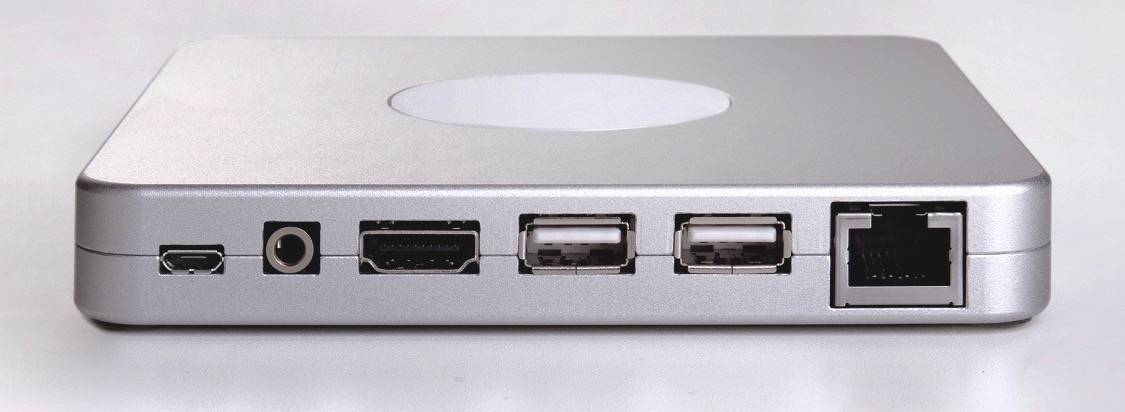
The development team at DoBox wants to make your iPad even more useful. This wireless box will let you connect a mouse, a wired keyboard, or even a printer to your iOS device (or Mac) and let you turn your iPad into even more of a productivity workhorse.
Apple's top lawyer went back to Congress today. Photo: House Committee on the Judiciary Hearings
Apple General Counsel Bruce Sewell suffered an iPad disaster during his appearance before the House Judiciary Committee today, and it couldn’t have happened at a worse moment.
As Sewell read his introductory statement from his iPad Pro, the Apple lawyer’s tablet appeared to crash or become unusable, forcing him to resort to his backup plan: a three-ring binder with good old paper printouts.
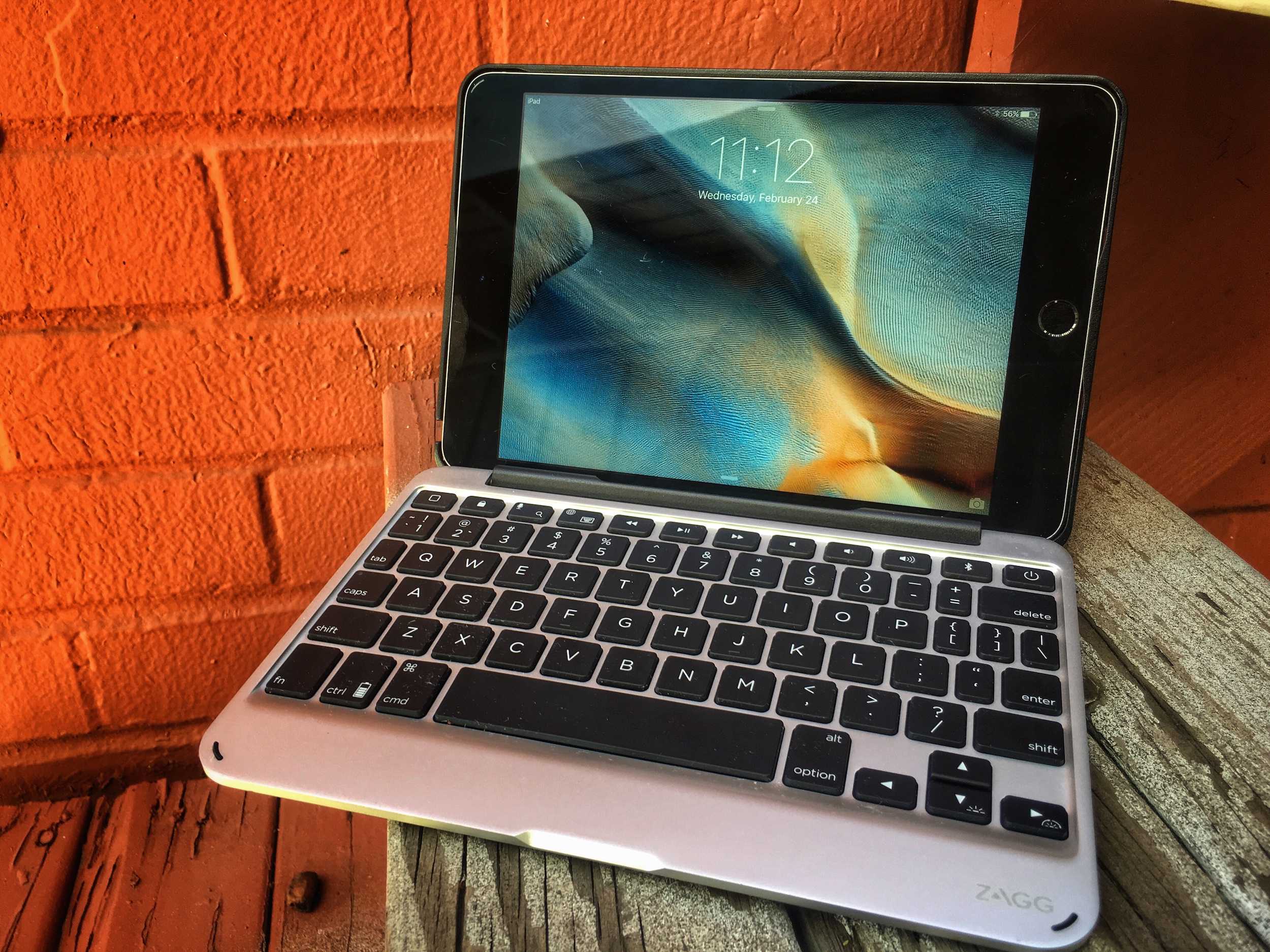
Zagg Slim Book turns the iPad mini into a tiny netbook. Photo: Buster Hein/Cult of Mac
Best List: Zagg Slim Book case
Long before the original iPad debuted, I dreamed of the day that Apple made the ultimate portable netbook that wouldn’t destroy my bank account and could be carried around everywhere.
Apple wisely never got into the short-lived netbook trend, but you can get pretty much the next best thing by combining the iPad mini 4 with Zagg’s new Slim Book case that adds a great detachable keyboard to the world’s best tiny tablet.
The iPad Pro won't have the best camera for long. Photo: Leander Kahney/Cult of Mac
Apple is rumored to unveil a new 9.7-inch iPad on March 21st, and while it may not pack as big a screen as the iPad Pro, it will be way better at taking photos and videos.
Rather than matching the iPad Pro camera, a new rumor claims Apple may give the new iPad the same sensors found in the iPhone 6s.
Get the public betas for iOS and Mac before your friends do. Photo: Rob LeFebvre/Cult of Mac
Want to get your hands on the latest, greatest iOS and OS X features for your iPhone, iPad, and Mac before anyone else does? Do you love checking out all the new stuff in iOS 9 and OS X El Capitan so you can be the first to comment on them?
All you need to do is sign up for the Apple Beta Software Program, and you’ll be able to access the public betas of these flagship operating systems before they’re available to the rank and file.
Here’s how to sign up for (and install) Apple’s latest public betas.
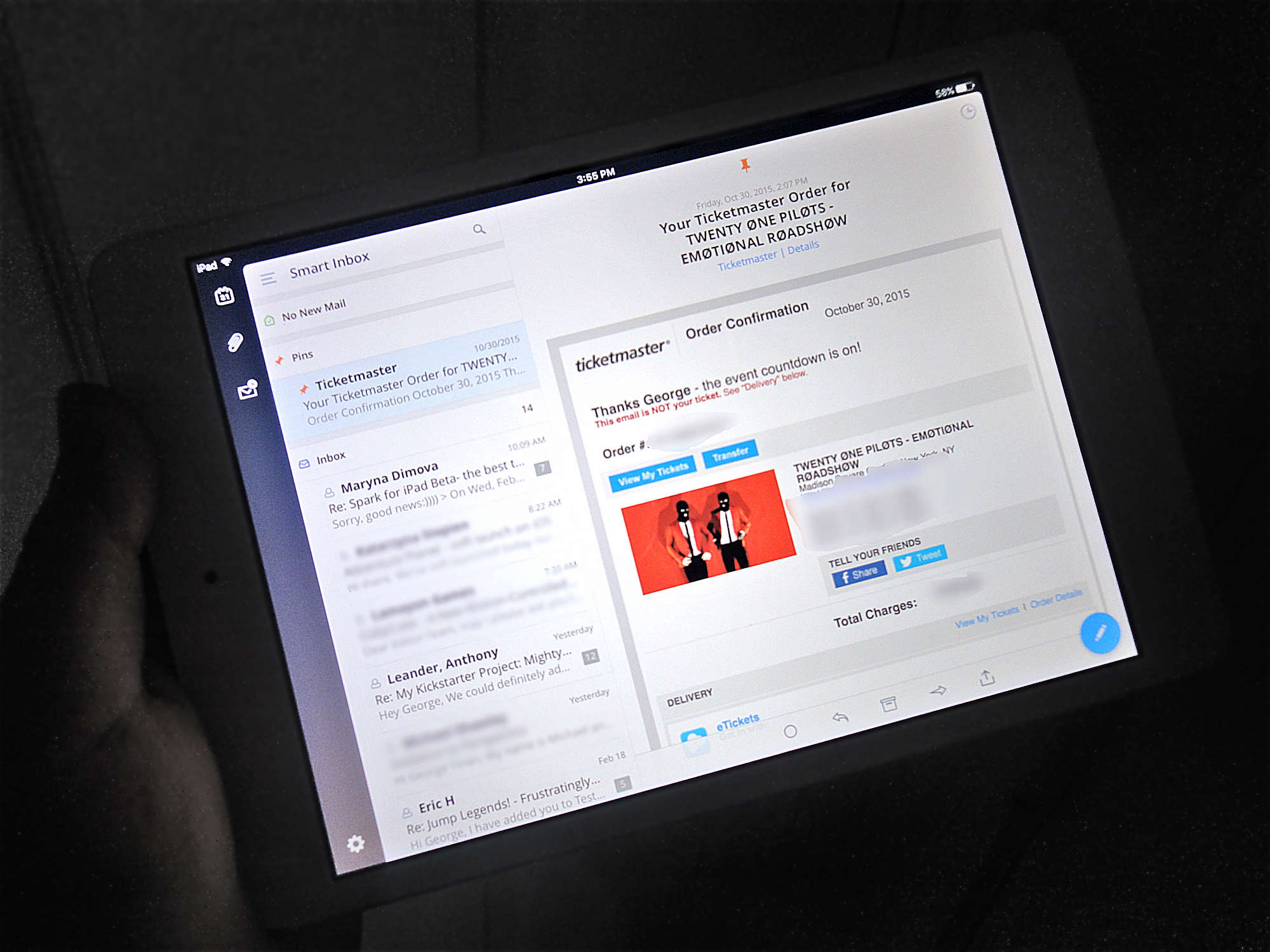
The iPad app is even better than the already amazing iPhone app. Photo: George Tinari/Cult of Mac
One of the best email clients for the iPhone just got even better. Spark, which promises that “you are going to like your email again,” is now available for the iPad as well. And this isn’t an all-too-common instance of developers just stretching out the iPhone version of their app and calling it a day. Spark is fully optimized for the iPad’s larger display.
Wonder how Facebook users will react to this new software. Photo: Leander Kahney/Cult of Mac
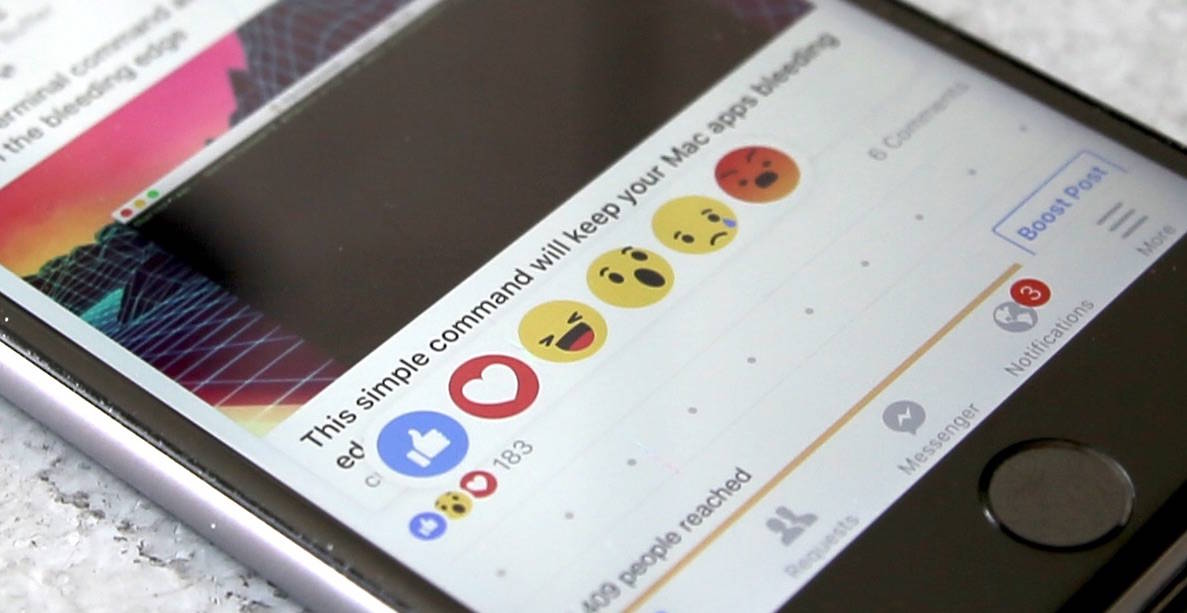
Trying to express your empathy for a friend’s grief, or your outrage at a recent political post, has been a Facebook conundrum since day one. No one wants to Like things they don’t actually, well, like. It’s just too limiting.
That’s why Mark Zuckerberg and Co. just rolled out Facebook’s new Reactions, five new emotional icons that we all get to use in place of the familiar thumbs-up Like button (which is still there, thank goodness).
The new Facebook Reactions system has rolled out to the web and your iOS devices today (via the Facebook app). Here’s how to respond to Facebook posts with a bit more color.
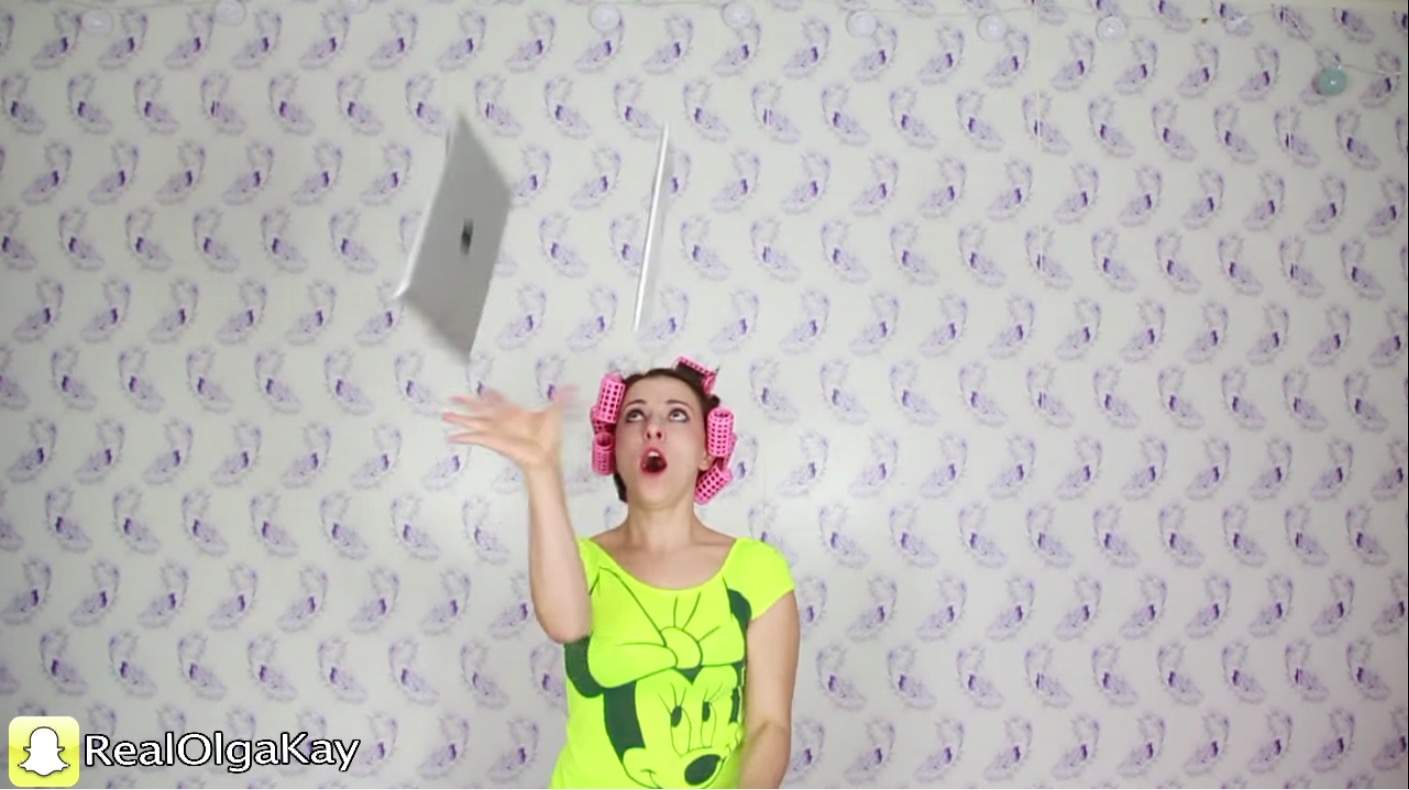
Olga Kay shows off her mad iPad juggling skillz. Photo: Olga Kay
The cheapest iPad costs $269. The most expensive iPad costs $1,079. And they’re all basically wafers of easily-damaged silicon, sandwiched between even more easily shattered glass.
The point? You don’t want to drop an iPad, let alone three of them. Yet that’s just what Olga Kay risked, trying to answer one timeless question: can you juggle iPads?
iPad shipments are continuing to fall. Photo: Leander Kahney / Cult of Mac
Apple could be in for its worst ever quarter for iPad shipments, with a new report claiming that the first three months of 2016 are set to hit a historic low for Apple’s tablets with just 9.8 million units shipping.
If correct, those numbers would be down 39.1 percent on quarter and close to 20 percent on-year. While Apple has been experiencing falling iPad demand for some time now, this would be especially bad considering that Q1 2016 is also expected to bring the first ever quarter of declining iPhone sales.
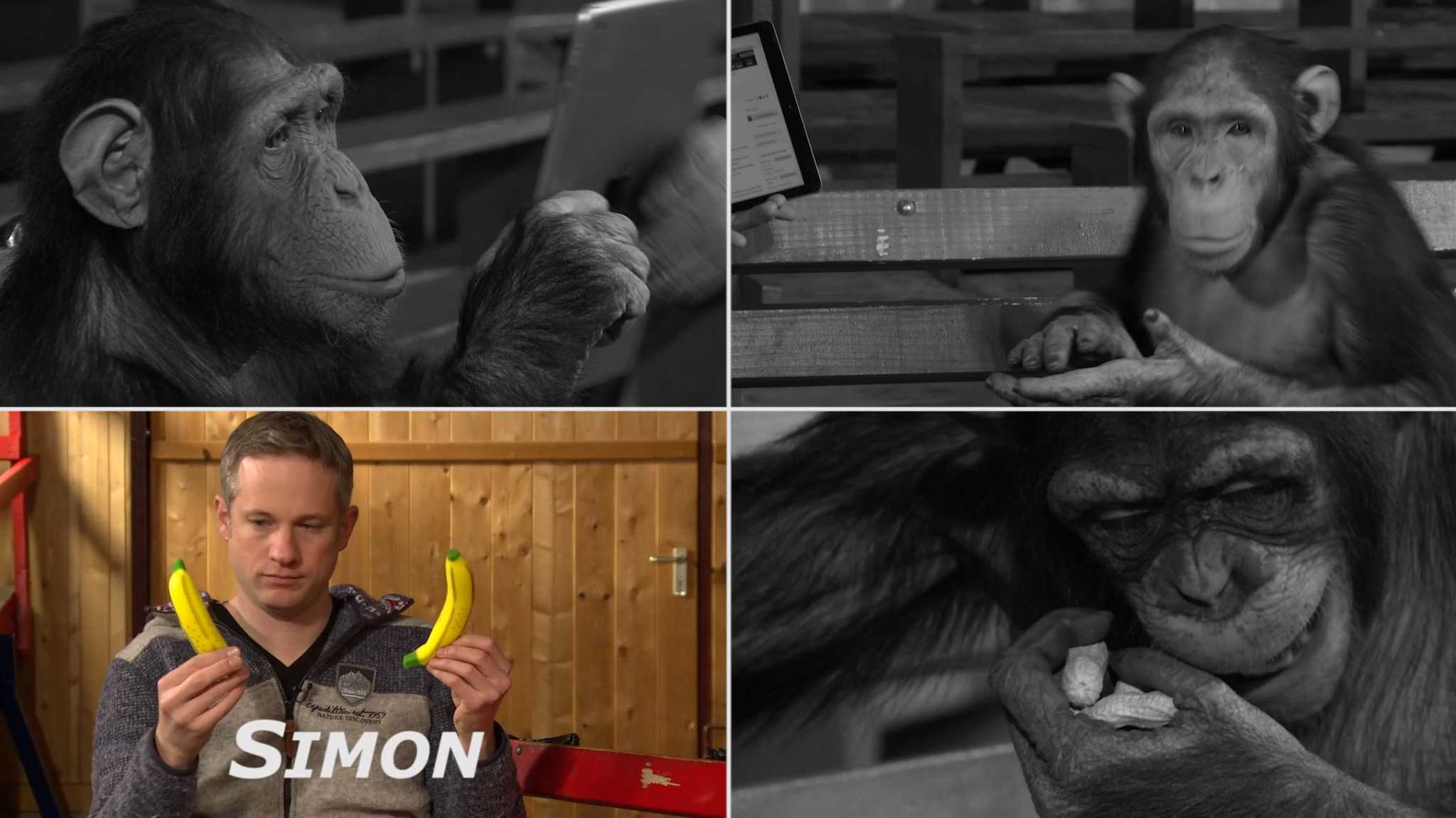
I've heard of chimps eating people's faces for less than this. Photo: Simon Pierro
Simon Pierro, the “iPad magician,” thought he should find an appropriate way to ring in the Chinese New Year. And it’s the Year of the Monkey, so the obvious call was to perform his feats of tech-assisted illusion for a bunch of increasingly aggravated chimpanzees, even though they aren’t actually monkeys?
Alright, so they don’t really get that mad, considering Pierro has the intelligence and sense of self-preservation to actually give them some peanuts after cruelly magic-ing them away. But the tension is real.