There’s over half a million apps on the App Store at this point, but that’s not to say that apps can’t still stand out from the crowd. Choosing the cream of the crop, though, can be a daunting and contentious task.
That’s why we need your help. A week from now, we’re going to announce our ten favorite iOS apps of 2011, then later in the month declare our vote for the best app of the year. Hence this poll; we need you to tell us which app you think qualifies as the best of the best.
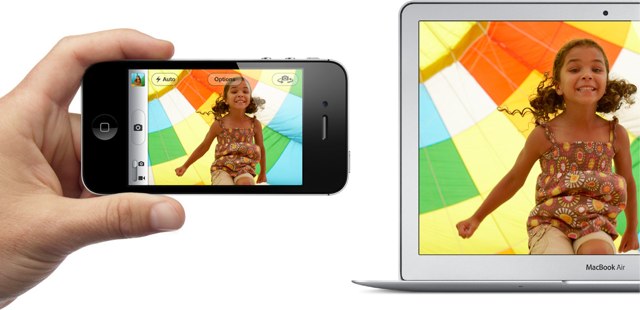
By making your photographs available across all of your devices, Photo Stream makes it easier than ever to share your holiday snaps with your friends and family. However, the experience is ruined somewhat when your stream gets cluttered up with screenshots you’ve taken on your iOS devices.
Screenshot Dam is a new tweak for jailbroken devices that aims to solve this problem by preventing screenshots from entering your Photo Stream altogether.
AirPlay has been around for well over a year now, but the range of AirPlay compatible accessories available is still pretty slim. However, that could be about to change.
Apple is reportedly planning to introduce Bluetooth support to AirPlay, which would significantly extend the range of accessories currently compatible with the feature. The company will also improve iOS connectivity for third-party accessories.
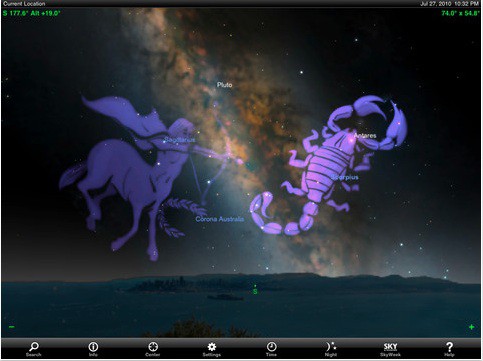
For those of us setting out to catch the lunar eclipse early tomorrow morning — here’s a great piece in the Christian Science Monitor on why it’ll be so spectacular out here west of the Rockies — there’s nothing like an iPad armed with a great astronomy app. But according to Tim DeBenedictis, developer of SkySafari 3, his app is the only one that can predict this — and any other — eclipse. That’s fine with us, since he’s offering his app for free all this weekend.
When we have an iOS device stolen, thieves don’t just obtain our precious iPhone, but they also obtain all the information that’s stored on it. Our devices are filled with personal data such as names and addresses for our friends and family, and for our convenience, they save usernames and passwords for all kinds of different services.
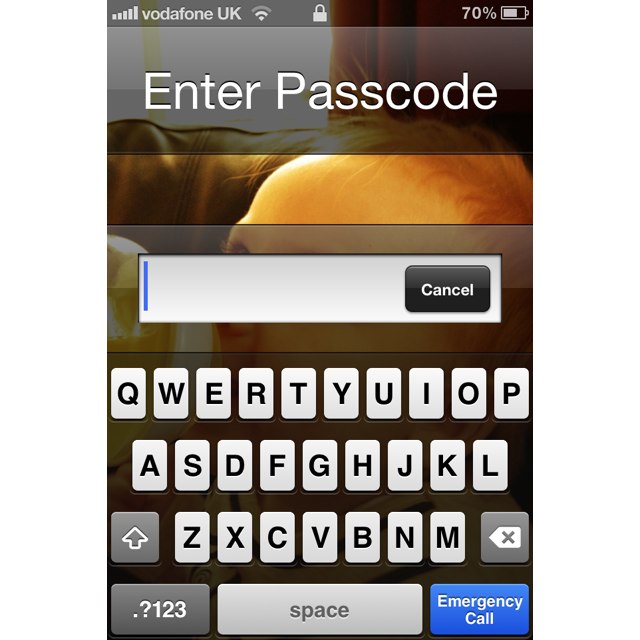
That’s why we secure our devices with passcode locks. But did you know you can use an alphanumeric passcode to make it even more secure?
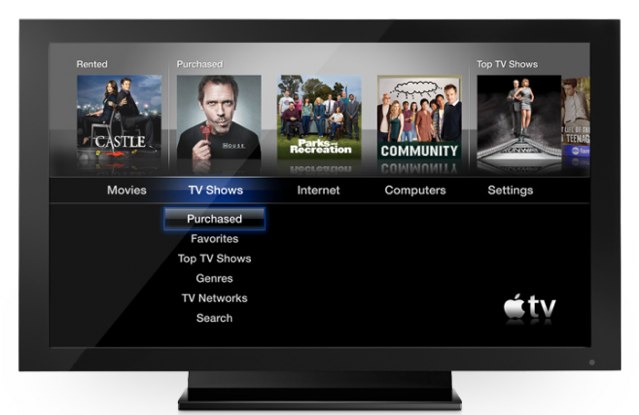
Apple quietly issued an update to its Apple TV earlier this week, which finally introduced TV show streaming from the cloud to users in Australia, Canada, and the U.K. for the first time. However, there may have been a good reason why Apple was so quiet about it.
It would seem that the feature isn’t ready yet — or that it was not meant for certain territories — because just days after being introduced, Apple has removed it again.
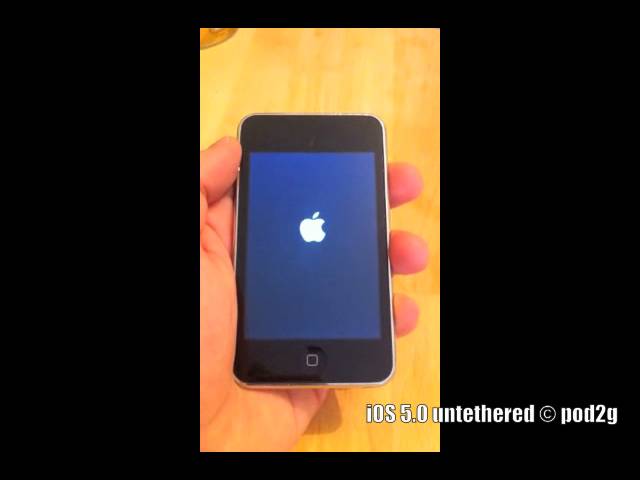
Back in November, iOS hacker Pod2g announced in a message on Twitter that he had discovered a bug in the iOS 5 software that could provide an untethered jailbreak. To backup his claims, Pod2g has posted a video to YouTube that demonstrates the hack in action, but he’s yet to provide any indication as to when the jailbreak might go public.
Porn star Jesse Jane has become one of the latest iOS users to recover a stolen purse — with her iPhone inside — using Apple’s Find My iPhone feature. After her device was stolen, Jane took to Twitter to inform her followers that she had successfully tracked down her device, and she kept them updated on its recovery.
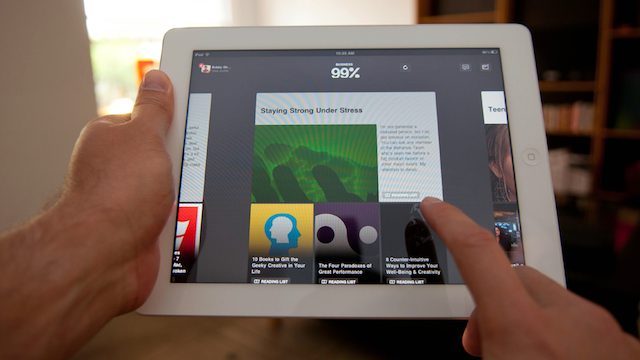
Reading the news on the iPad is one of the absolute best experiences you can have on Apple’s magical tablet device. So when news hit yesterday that our two favorite iOS news reader apps came out with updates, we were pretty stoked. While you probably heard a great deal about the other reader app, we wanted to tell you about the awesome news reader you might be missing out on. It’s called Flud, and it was just completely redesigned yesterday.
Besides sporting a major facelift, what’s spectacular about Flud is its new ability to make reading the news a social experience. Rather than relying solely on an app to recommend websites and content to you, Flud users have the ability to see what their friends are reading in the app and share content back with them rather than spamming their Facebook or Twitter feed with the 15 news stories they’ve read throughout the day. Giving each user the ability to create a “news personality,” Flud aims to change the way we consume news much in the same way that Spotify and Rdio have changed the way we listen to music, by allowing users to inspire and be inspired by others based on what they consume.
During an interview at the Le Web expo in Paris this week, Google chairman Eric Schmidt took a stab at Apple and insisted his company’s Android operating system is way ahead of iOS in a number of ways, including affordability and choice. What’s more, Schmidt claims that in six months, Ice Cream Sandwich will offer better functionality.
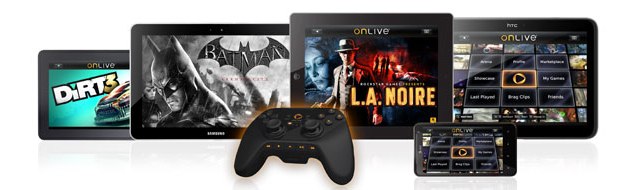
We’re huge fans of OnLive’s terrific cloud gaming service here at Cult of Mac, and we’re even more excited to hear that it’s coming to iOS devices. The company has announced that an OnLive app is on its way to the App Store, which will allow users to play top-tier console-quality games on the go.
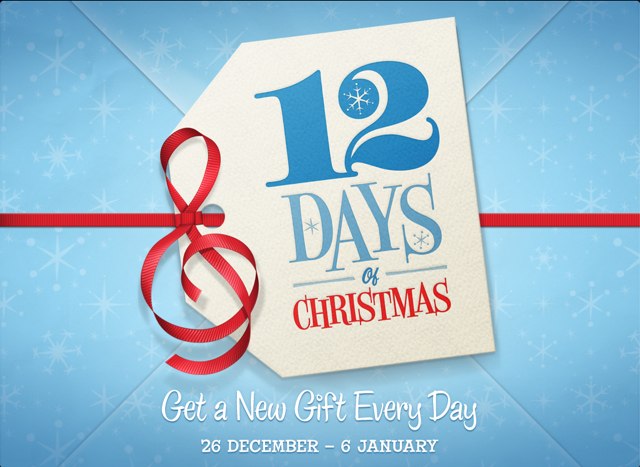
Apple’s iTunes 12 Days of Christmas promotion is becoming an event that European users can depend on every year. A new app for its Christmas 2011 giveaway hit the App Store yesterday, and will offer iTunes users a free download every day between December 26 and January 6.
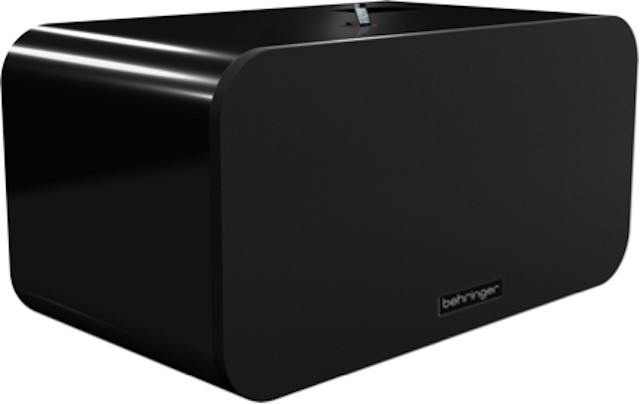
Not happy with your iPhone’s tinny speaker? If you’ve got 30 G’s to help solve the problem, BEHRINGER is ready to sell you the biggest, baddest iPhone/iPod speaker dock this side of Mount Olympus: the iNuke Boom, a 700 pound monster speaker system measuring 8 feet wide and 4 feet tall that can output up to 10,000 watts of sound.
Holy crap. That thing will have you sneezing skeleton. The iNuke Boom isn’t available quite yet, but it’ll be on display at CES 2012. We’ll make sure to stop by BEHRINGER’s booth then and see how many fillings we can knock out of their sockets with the iNuke then.
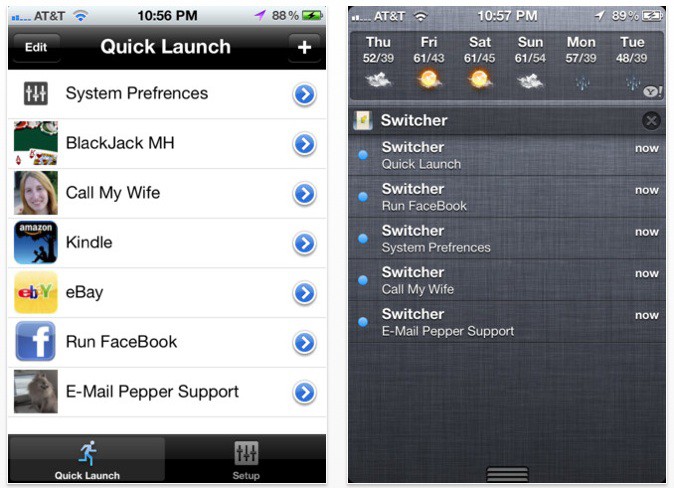
There’s a lot to like about iOS 5’s Notification Center, but unfortunately, it’s not nearly as configurable as it could (and perhaps should) be.
If you want to wring more power out of your Notification Center, though, we’ve got good news: there’s a really simple way to turn Notification Center into a quick launch bar for all your favorite settings and contacts. Even better? Unlike many Notification Center tweaks, there’s no jailbreak required.
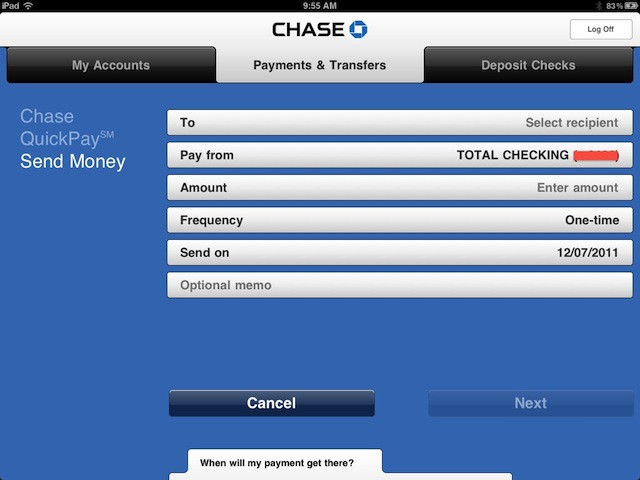
Here’s another sign we’re edging closer to a world without paper money: Chase bank has added a feature to its iDevice apps that lets its customers transfer money from their Chase accounts to any bank account in the U.S. (both Chase and non-Chase alike).
With access to over half a million apps in the App Store, getting things done on our iPhones has never been easier. So instead of running around like a headless chicken this Christmas Eve in a desperate bid to buy gifts for all your friends and family, why not sit back, stick your feet up, and do you Christmas shopping on your iPhone?
We’ve compiled a list of the App Store’s best apps for Christmas shopping that will help you plan, save, shop and send cards directly right from the palm of your hand.
Apple Giveth, and Apple Taketh Away. The Walled Garden approach Apple has taken with its App Store means that not everything you once bought is still available. However, that doesn’t mean you’re out of options for installing software that was previously downloaded:
Hello, I got the iTether app yesterday before Apple pulled it out, but my daughter didn’t get the chance to download it. How will I install it to my daughter’s iPhone? I back up my phone to my PC and I have the app in my file. Please help.
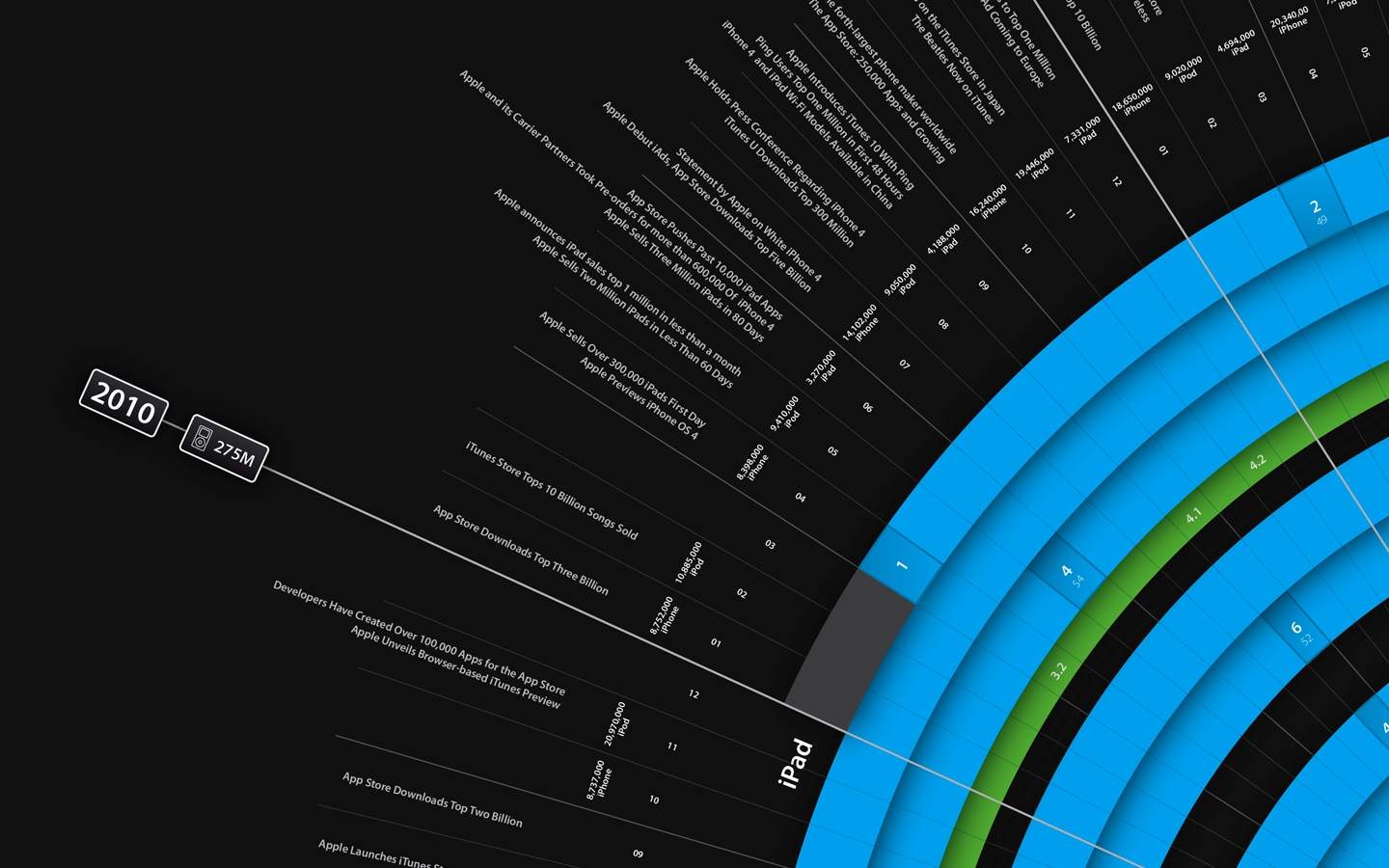
Here’s a poster that might float your boat, especially if you’re an App Developer: this beautiful radial infographic shows off the last ten years of the iPod and iTunes. And if you’re willing to print it yourself, it could cost you as little as $99!
One of the things that really stands out using an iPhone is just how smooth it feels compared to using Android. Where as Android is laggy, with a measurable interim between when you touch the screen and when the OS responds, iOS almost seems to anticipate what you want to do before your finger touches the display.
How has Apple managed this incredible feat? A better question might be: “How has Google managed to screw up Android’s multitouch so much?” According to Andrew Munn — a software engineering student and ex-Google intern — Android is so messed up that Google might never be able to match an iPhone or iPad’s performance. Ouch!
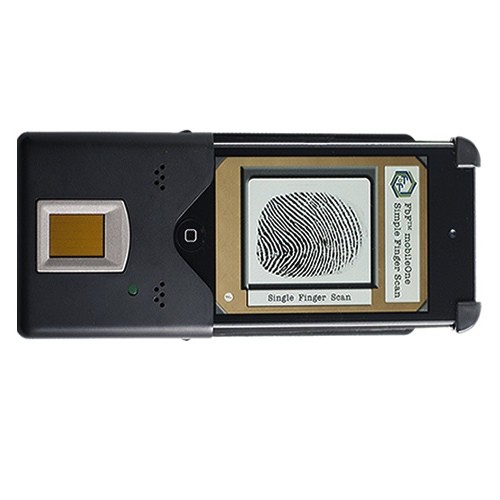
The MobileOne iPhone Fingerprint Device (Photo/Provided)
The next time you are pulled over by police you may encounter a familiar face: your iPhone. Faster than you can say “Book ’em, Dano,” Apple’s handset is quickly becoming law enforcement’s favorite tool for identifying unknown fingerprints. The iPhone’s touchscreen will even be enlisted by the FBI to spot terrorism suspects.
We eagerly waited for Mojang to release the much anticipated port of Minecraft for almost a year, and while we ended up loving Minecraft: Pocket Edition on its own merits, it was missing a lot of stuff from the desktop game, including crafting, monsters and more.
If you were disappointed by Minecraft: Pocket Edition, though, turn that frown upside down. A post on the official Mojang blog says that their future plans include bringing many of the desktop’s best features to the mobile edition.
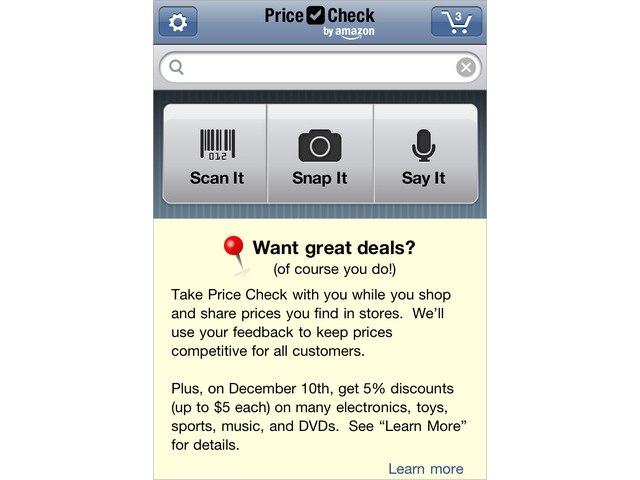
Amazon is using its Price Check app for the iPhone to lure shoppers away from physical retail stores by offering tasty discounts that can only be used online on Saturday, December 10. The company issued a press release today in which it announces its plan to “incentivize” shoppers to buy online, “ensuring they are really getting a deal.”
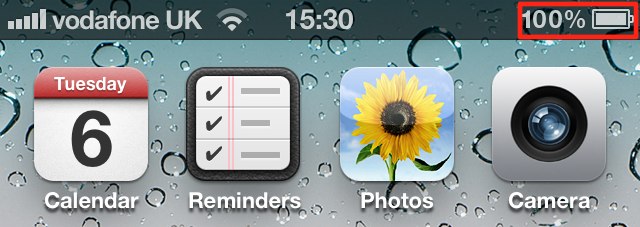
Today’s tip is a simply one, but it’s a question I get asked a lot when people see the battery percentage in my iPhone’s status bar. The iPhone ships with this feature disabled by default, and Apple hides the option away within the device’s general settings. So, here’s how to enable it!