Mobile menu toggle

iOS apps

Read Cult of Mac’s latest posts on iOS apps:

Price drop: Get a versatile iPhone scanning app that works with iPad, too

By

Scan documents with your iPhone or iPad with iScanner, now only $35.
This iPhone and iPad-compatible scanning app works wonders.
Photo: Cult of Mac Deals

With the right scanning app, your iPhone or iPad can scan documents with vivid clarity. There’s no need for a printer-size scanner — you just need your Apple gear. A great example of such an app, iScanner is now on sale for only $24.97 (regularly $199.90).

WhatsApp tests a smarter way to make iPhone messages disappear

By

A photograph of WhatsApp on a smartphone used in a story about a new disappearing messages option.
The latest WhatsApp beta adds more control to disappearing messages on iPhone.
Photo: antonbe/Pixabay

WhatsApp is testing a new feature on iPhone where messages automatically disappear once you read them. The privacy-focused feature, called “After reading,” also gives users fine-tuned control over how long their texts remain visible after someone opens them.

The new feature builds upon WhatsApp’s existing disappearing messages functionality. Currently, users can choose to automatically delete sent messages after one day, seven days or 90 days.

WhatsApp Plus delivers customization to iPhone users — for a price

By

A stylized WhatsApp logo used to illustrate story about paid WhatsApp plus
Will iPhone owners pay for features like premium stickers in WhatsApp Plus?
Image: Mariia Shalabaieva/Unsplash LIcense

WhatsApp is entering its subscription era, with a new paid tier for some iPhone users called WhatsApp Plus.

While existing WhatsApp features will remain free, the subscription brings cosmetic and functional upgrades such as premium ringtones, custom icons and the ability to pin more chats.

Classic 6-second video app Vine resurrected as Divine

By

Video app Vine returns as diVine
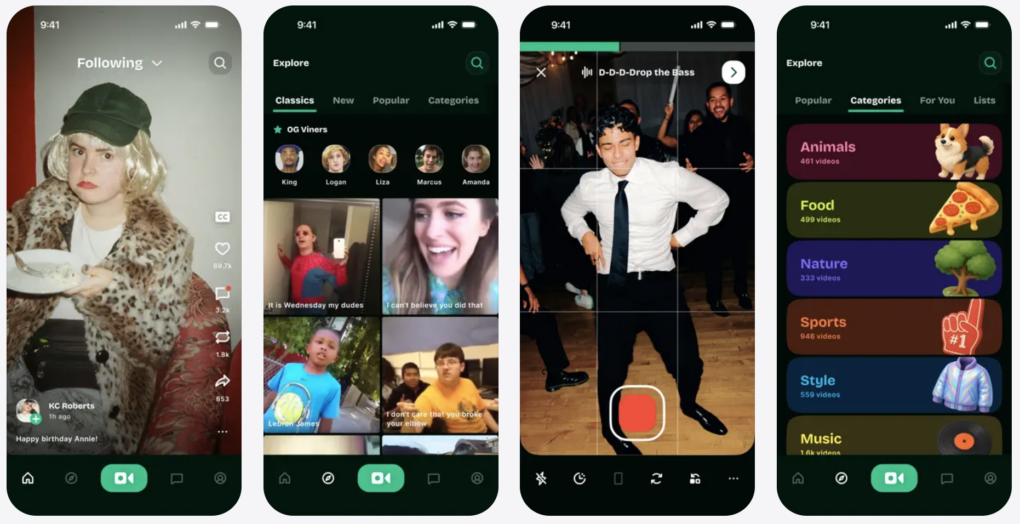
Vine resurrected as diVine on the App Store and Google Play.
Photo: App Store

Nearly a decade after Twitter pulled the plug on Vine, the beloved 6-second video app is back — this time under the name Divine. It’s now available as a free download on the App Store.

Reclaim gigabytes with the iPhone cleanup app that actually works

By

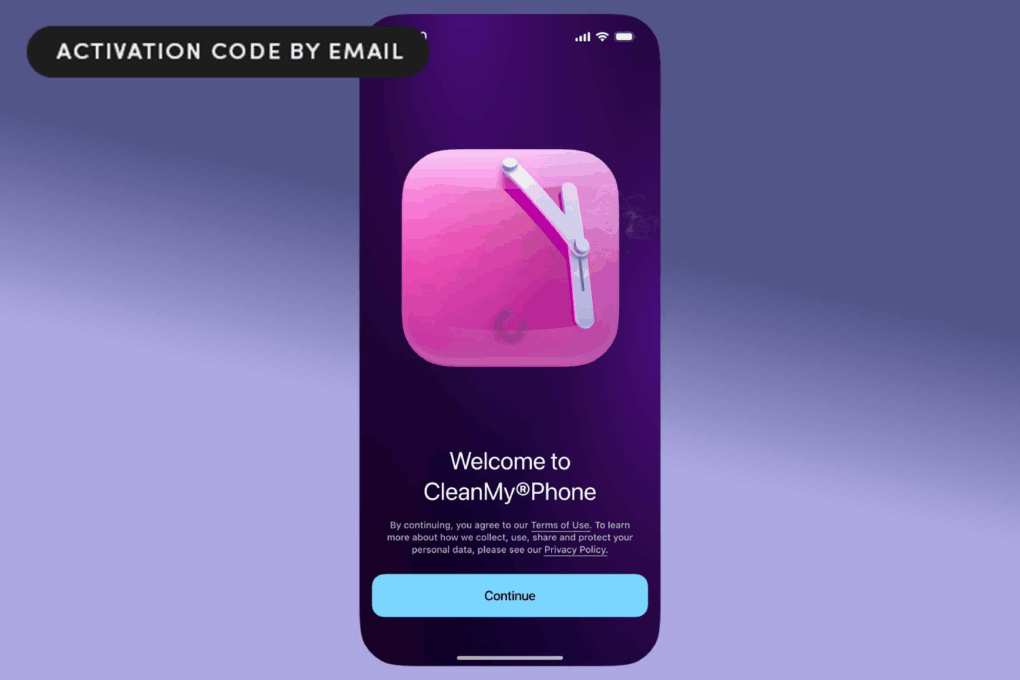
CleanMy®Phone opened on an iPhone device
This is the smart, easy way to free up storage space on your iPhone or iPad.
Photo: Cult of Mac Deals

MacPaw’s CleanMy®Phone app frees up storage space on your iPhone by scanning for duplicate photos, massive videos, screenshots you forgot about and other silent space-eaters.

CleanMy®Phone offers a smarter, more Apple-like way to take control of your storage on your iPhone or iPad. And one year of access is on sale for just $19.99 (MSRP $44.99) for a limited time. Alternatively, you can grab a lifetime sub for just $59.99.

Price drop: Learn something new every day with Nibble app (88% off)

By

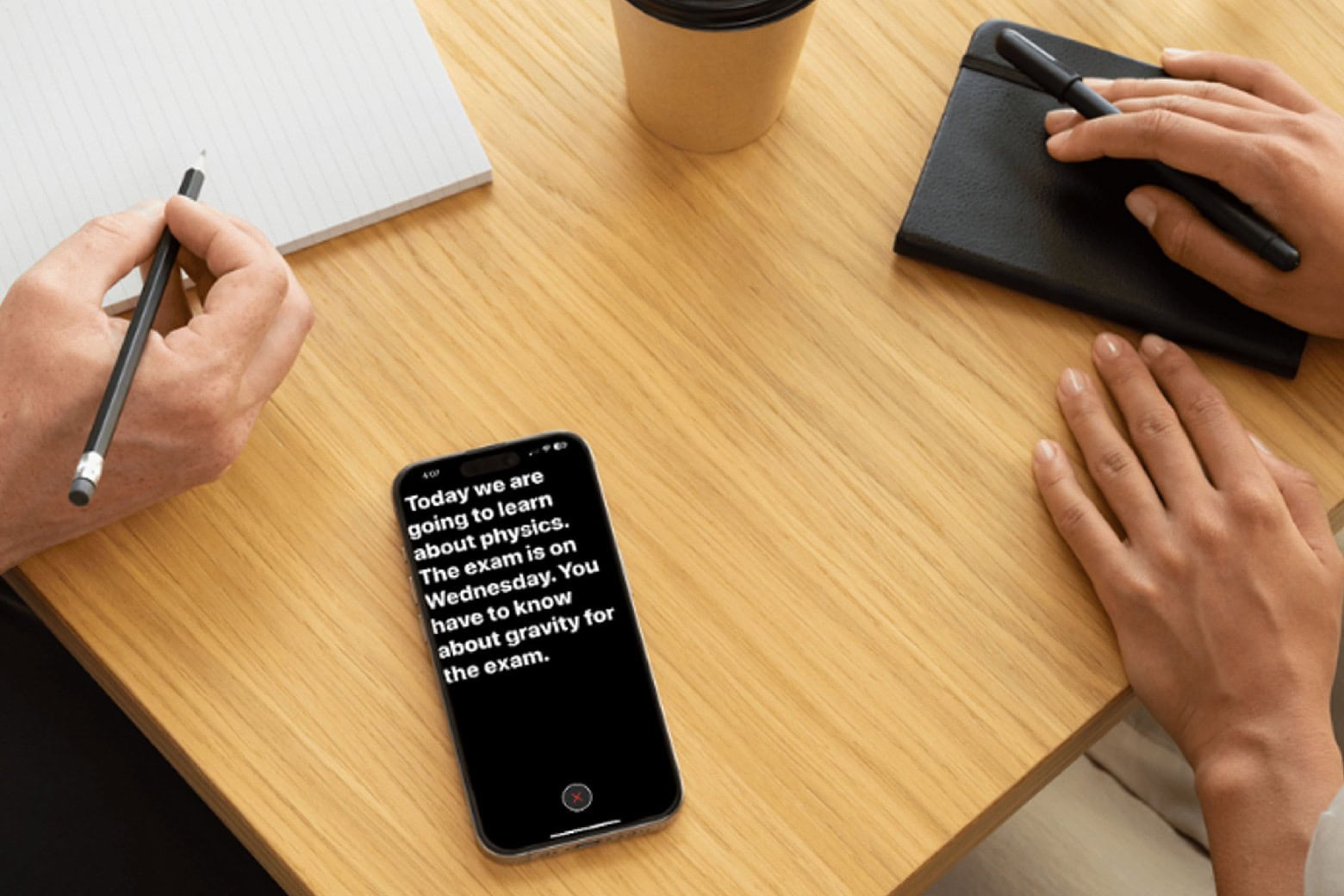
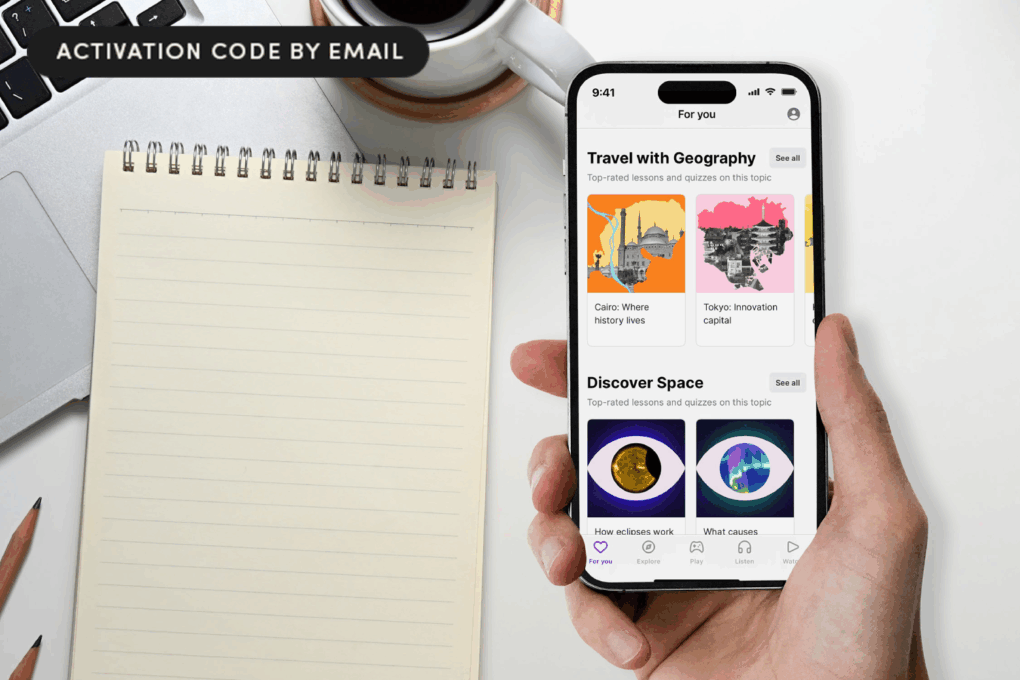
Photo of a hand holding an iPhone with the Nibble app open and a notepad on a table top.
Rather than doomscrolling, spend your idle minutes boosting your brain.
Photo: Cult of Mac Deals

With this Nibble app deal, you can turn 10 spare minutes a day into real learning, thanks to bite-size lessons filled with audio and games.

The Nibble app takes those idle moments like waiting in line, commuting or winding down at night, and turns them into small but genuinely satisfying educational wins. And with this deal, you can learn everything that matters for less.

Just grab a three-year subscription to Nibble for $29.99 (an 88% discount off the MSRP of $269.97) and get your brain in gear.

Apple Sports app tees off with golf coverage

By

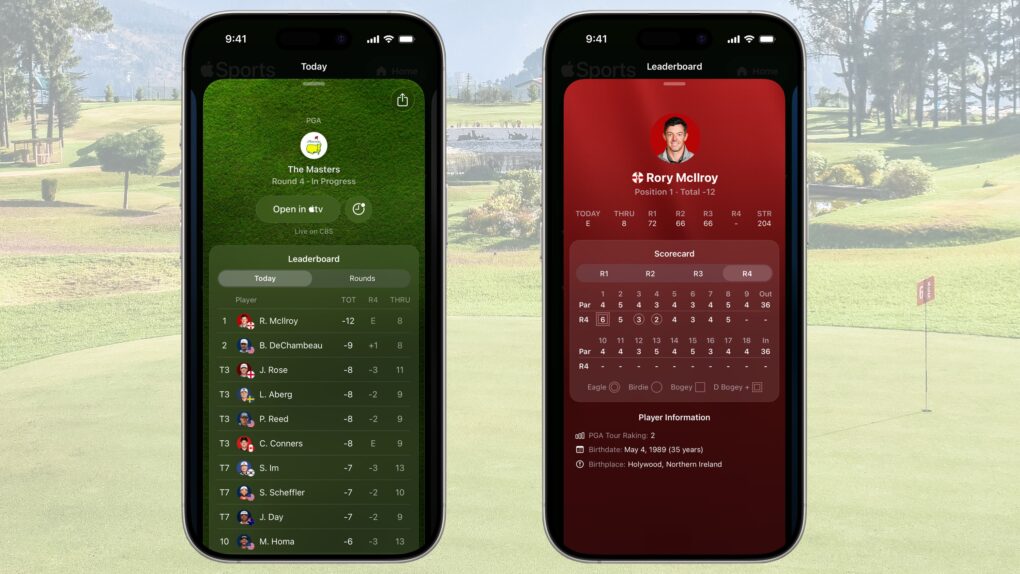
Apple Sports app tees off with golf coverage
Fore! Track your favorite golfers in Apple Sports.
Photo: Apple/Cult of Mac

The free Apple Sports app just added golf to its growing list of supported sports.

Golfers can get live scores on their iPhone for all official PGA Tour and LPGA Tour events, including the majors. And the fun starts this weekend with the PGA’s WM Phoenix Open.

Why modern iOS apps hog so much space (and what you can do about it)

By

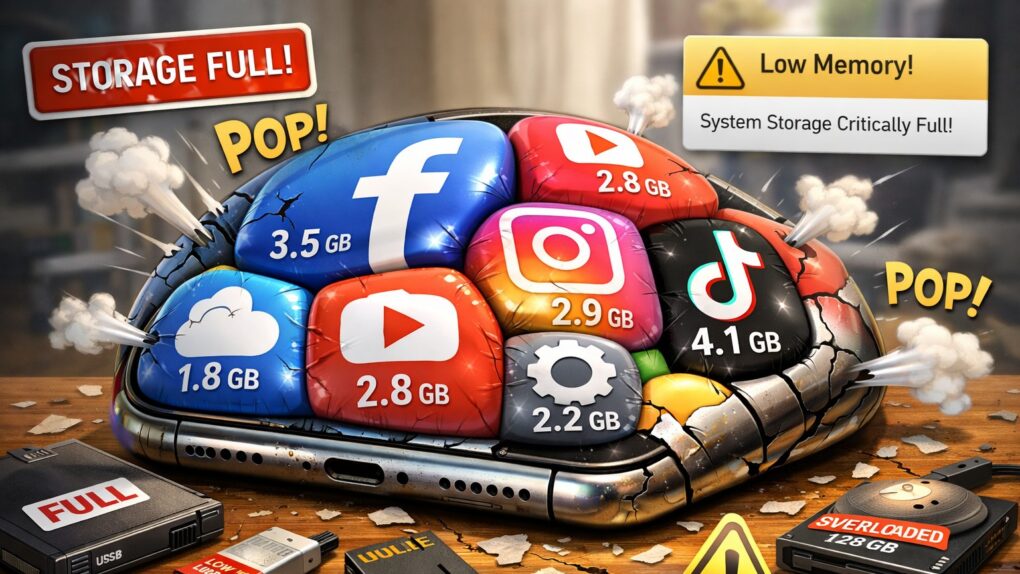
Why iOS apps take so much space
Does it seem like iOS apps keep getting bigger and heavier? It's not your imagination.
AI image: ChatGPT/Cult of Mac

If you’ve noticed your iPhone storage filling up faster than it used to, you’re not imagining things. Modern iOS apps now routinely consume hundreds of megabytes, with some reaching multiple gigabytes in size. What’s behind this relentless growth? Why do iOS apps take so much space? And what can you do about it? Read on. 

Some AI apps leak loads of your data — see the worst offenders

By

AI-generated image of a dark server room with glowing computers, with the words,
Now you can find out if your new AI apps leak your personal data all over the place.
AI image: Midjourney/Cult of Mac

New security research repository Firehound uncovered widespread data leaks affecting millions of iPhone users who downloaded AI-powered apps from the App Store.

If you’ve downloaded AI apps lately, as millions of others have, you might want to check to see if they made Firehound’s list.

Setapp Mobile shuts down, blaming Apple’s complex EU marketplace terms

By

Setapp Mobile shuts down
Setapp Mobile's demise in the EU could be a cautionary tale for other developers.
AI image: Grok/Setapp/Cult of Mac

Setapp Mobile, MacPaw’s ambitious alternative iOS app store for European Union users, will close its doors in February after just over a year of operation, the service said Thursday.

On a support page, MacPaw cited Apple’s “still-evolving and complex business terms that don’t fit Setapp’s current business model” as the reason.

New fitness app Reps & Sets 26 gets serious about strength training

By

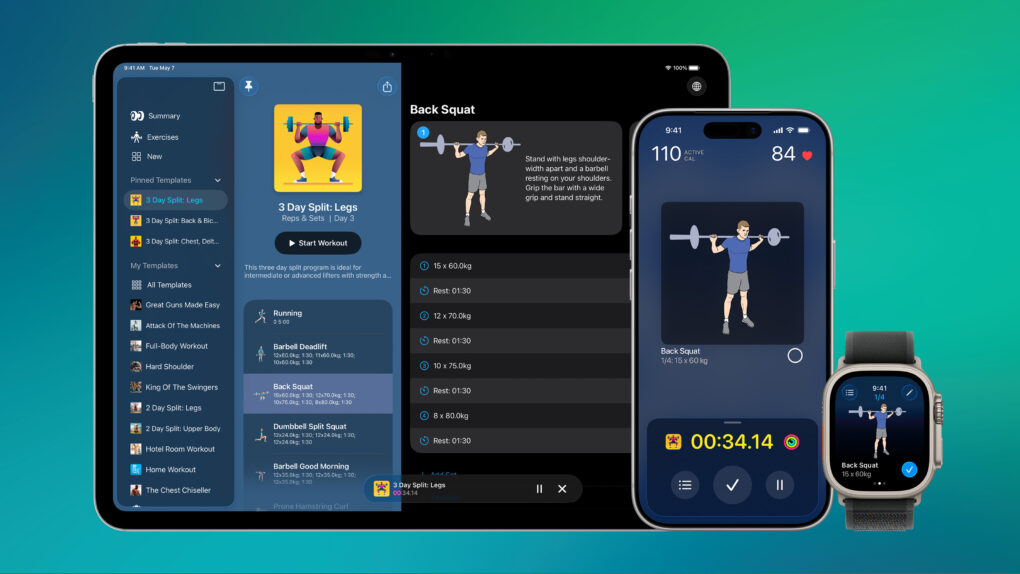
Screenshots showing Reps & Sets 26 strength training app on iPhone, iPad and Apple Watch.
Reps & Sets works on iPad, iPhone, and Apple Watch.

Reps & Sets 26 is a brand-new strength training app designed exclusively for iPhone, iPad and Apple Watch. It was developed by a long-time Cult of Mac contributor: me, Graham Bower.

Reps & Sets 26 isn’t just another generic cross-platform fitness app. I made it Apple-exclusive, to take full advantage of the latest OS 26 technologies like CloudKit, SwiftUI and HealthKit, to deliver a truly native experience. And right now, it’s a free download. Perfect timing for your New Year’s resolutions. Get Reps & Sets 26 now, and get ripped in 2026.

Discount code: Transfer and sync all kinds of files among your Apple devices

By

AnyTrans Mac app lets you transfer and sync files on Apple devices
Sidestep Apple's file-management hurdles with AnyTrans.
Photo: Cult of Mac Deals

AnyTrans is a one-stop content manager for iOS devices. The Mac app makes it easy to transfer any kind of data — music, photos, texts, whatever — among all your Apple gear.

And for a limited time, you can get a lifetime subscription to AnyTrans for just $19.97 with code SYNC10 (regularly $79.99).

Price drop: This app can identify more than 33,000 plant species

By

This $20 app can identify over 14,000 plant species.
Identify and care for plants with this app.
Photo: Cult of Mac Deals

Love spending time outdoors or nurturing greenery? Consider Plantum, an AI-powered plant identifier that’s like a flora encyclopedia you can carry around in your pocket. This iOS plant identification app can identify more than 33,000 plant species and offer tips on plant care.

It comes in handy whether you’re walking through the great outdoors or managing your garden. And for a limited time, a lifetime subscription is on sale for just $14.97 with code GROW5 (regularly $59.99).

3 reasons you shouldn’t close your open iPhone apps

By

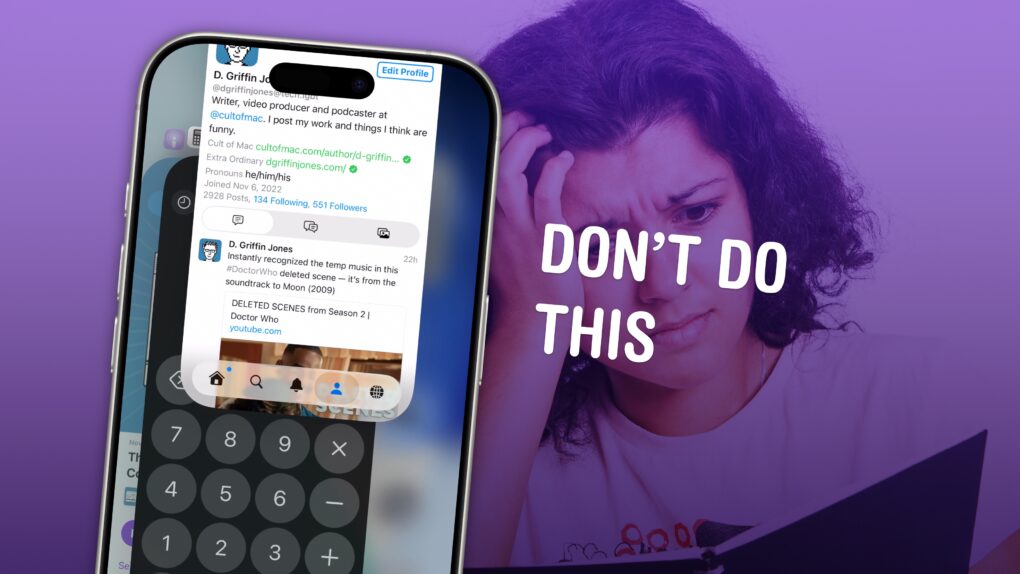
How do you close iPhone apps?
How do you close iPhone apps? It's easy, but you really shouldn't.
Image: D. Griffin Jones/Cult of Mac

It’s good to know how to close apps on iPhone for those times when an app is acting buggy or becomes unresponsive. It’s really easy — just swipe up to see your running apps and swipe up again to close them.

But does this mean you should always quit your open apps? No, not at all.

Despite what you may have heard, quitting apps on iOS usually makes things worse, not better. It’s a myth that quitting apps will save battery life, make your iPhone run faster or free up memory. Overall, it negatively impacts your iPhone’s performance.

Here’s how to close iPhone apps — plus three reasons why you shouldn’t rush to do it.

Price drop: This app lets you swipe left to delete unwanted iPhone photos

By

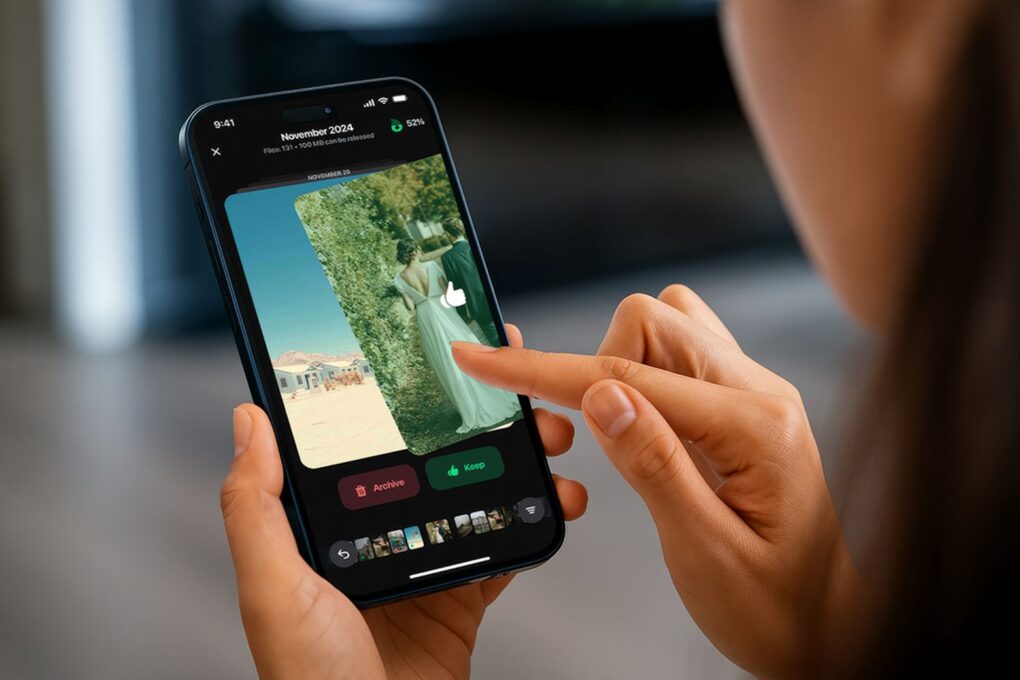
Swiping through photos on an iPhone.
Save 71% on this decluttering app for iPhones!
Photo: Cult of Mac Deals

Delete unwanted iPhone photos the easy way with Cleaner Kit, the app that’s going viral on TikTok for making it fun to free up storage space on your device. It lets you swipe through photos like a Tinder feed so you can trash the ones you don’t want to keep.

But that’s not all. It also lets you clean up your email, merge duplicate contacts and more. Similar iPhone storage cleaner apps charge outrageous subscription fees. But Cleaner Kit offers a lifetime subscription for just $24.99 with code SAVE5 — a massive discount off the MSRP of $104.97.

Let this highly rated memory app train your brain

By

Person playing a memory game using the memoryOS app on an iPhone.
Give your brain a boost with this well-reviewed memory app.
Photo: Cult of Mac Deals

The memoryOS app is designed to give your mind a real performance boost. It isn’t just another brain-training gimmick. It’s built on scientifically proven methods, like mnemonics and spaced repetition. And it digitizes everything into a fun, gamified experience.

If your recall isn’t where you want it to be (and blueberries and brain games just aren’t cutting it), grab a five-year subscription to memoryOS for $249.99. That’s a 66% discount off the regular price of $749.95.

Learn from a virtual teacher with this highly rated language app

By

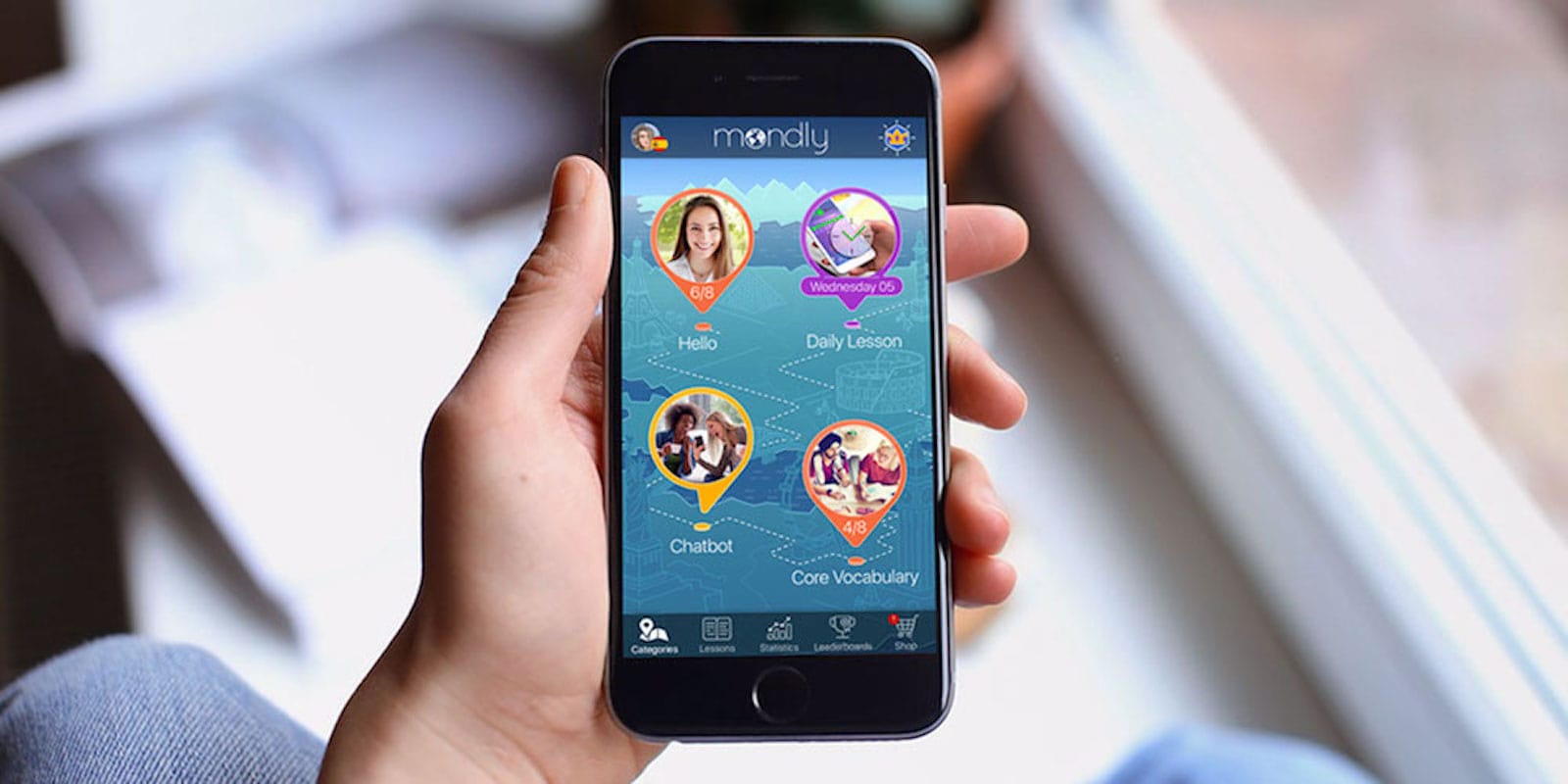
Photo of hand holding iPhone, with Mondly language app on the screen.
Using speech recognition, native speakers and VR, this app takes mobile language learning to a new level.
Photo: Cult of Mac Deals

The Mondly language-learning app utilizes daily lessons, weekly quizzes and monthly challenges to help you master a new language quickly. It also boasts a VR component that lets you practice your language skills in real-life situations.

How much would you pay to learn even a single new language? A hot deal on a lifetime premium subscription gives you access to all 41 of Mondly’s languages for just $89.99. That’s a massive 70% discount on the regular price of $299.99.

Today in Apple history: Dev defends I Am Rich, his totally useless $1,000 app

By

I Am Rich iPhone app cost $1,000 and was totally useless.
The I Am Rich app could be yours for the bargain price of $999.99.
Photo: Ste Smith/Cult of Mac

August 10 Today in Apple history: Dev defends I Am Rich, his totally useless $1,000 app August 10, 2008: The developer of I Am Rich, a pointless iPhone app that sold for a whopping $999.99, defends his notorious creation as “art.”

After Apple removed I Am Rich from the App Store in the wake of controversy over the app’s outrageous price and total lack of usefulness, its creator, German developer Armin Heinrich, says he made it as a sort of joke.

How to take fabulous fireworks photos with your iPhone

By

These tips will help you take better fireworks photos.
Photo: Richard Dongses/Flickr CC

With a little know-how, you can photograph fireworks with an iPhone and achieve great results. But just pointing and shooting with no prior planning can lead to blurry, unexciting fireworks photos.

For instance, does this sound familiar? Last year’s fireworks made you say ooh and ahh, but when you look at your iPhone photos from that night, the sound you make is more of an ugh.

Don’t blame Siri or some engineer in Cupertino for previous photo fails. The iPhone camera, as mighty as it is, can’t do all the thinking for you — especially in challenging lighting conditions like a fireworks display. But with a little thought and preparation, you can make this holiday worth reliving on your iPhone camera roll.

Below are some simple tips to make your iPhone fireworks photos sizzle.

Apple Intelligence is cool and all, but this app can do your homework

By

Two students getting help from AI homework helper app SpeedTutorAI.
Hook up with a lifetime AI study buddy for less than $30!
Photo: Cult of Mac Deals

SpeedTutorAI is an AI homework helper app for iPhone and iPad that takes the possibilities of Siri and ChatGPT to new heights. You’ll get help with math problems, answers to your questions, and concise summaries of class lectures, all as if you were working with a real-life tutor.

But you won’t pay real-world tutor fees. You can secure lifetime access to SpeedTutorAI with unlimited use for only $29.97.

Get this top-rated PDF editing software for the best price on the web

By

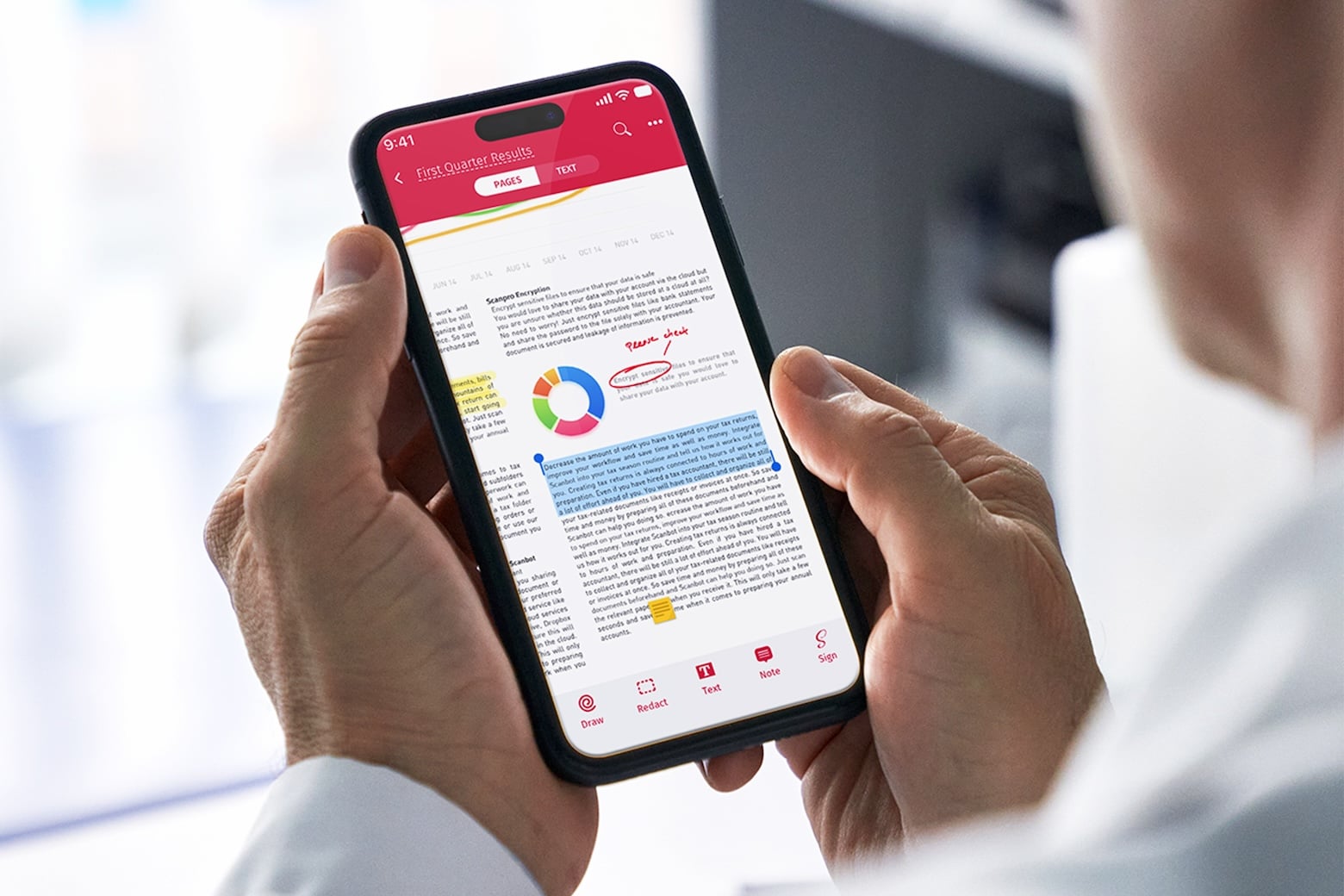
Photo of a computer with UPDF Pro PDF etiro on the screen, with a keyboard and other accessories on the desk.
Never struggle to edit a PDF again with this top-rated software.
Photo: Cult of Mac Deals

Whether you use a Mac or any other operating system, there is a universal truth we all know: Editing PDFs can be one of the most frustrating tasks on earth. The top-rated UPDF Pro app can make working with the file format easier, and lifetime subscriptions are on sale for just $47.97 (regularly $149.99).

That’s the best price on the web — and more than two-thirds off the regular price of this excellent PDF editor.

Turn your photos into cool collages

By

You don't need a collage degree to make something cool with this collage app, only $39.99.
Transform your photos into eye-catching collages with this easy-to-use app.
Photo: Cult of Mac Deals

Pic Stitch is a versatile collage app for iPhone, iPad and Android devices. With this easy-to-use software, you can take advantage of a robust menu of editing tools, and hundreds of layouts, to customize your photo collage before you can share it to social media — without ever leaving the app.

And instead of paying the normal price of $149, you can get a lifetime subscription to Pic Stitch Pro for $39.99. That means you won’t wind up paying monthly fees for a collage-making app that will give you years of utility.

Discount code: Scan and fax documents with your iPhone using this multipurpose app

By

Photo of man using SwiftScan VIP scanning app on an iPhone.
The SwiftScan VIP app turns your iPhone into a scanner.
Photo: Cult of Mac Deals

While the world is increasingly going digital, paper documents are still in use and need to be incorporated into your workflow. The SwiftScan VIP scanning app bridges the gap between paper and digital. It turns your iPhone into a convenient scanning and faxing multitool. And right now, it’s on sale at the best price you’ll find online.

Swap doomscrolling for brain-boosting with this fun learning app

By

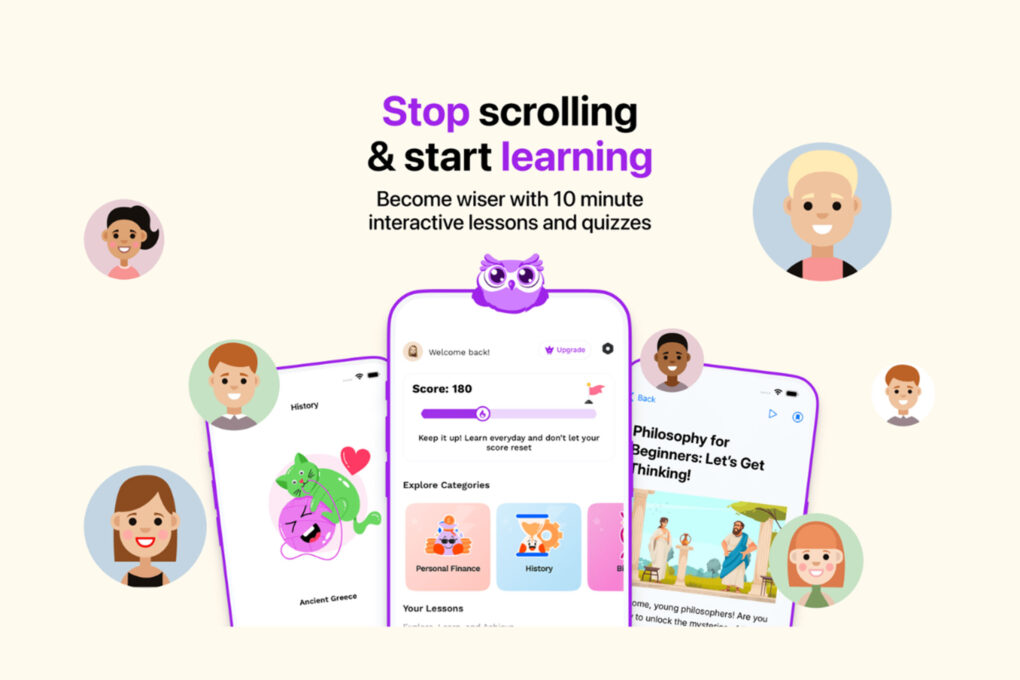
Promotional image showing screenshots of the Wiser5 learning app
Transform downtime into learning time with the Wiser5 iPhone app.
Photo: Cult of Mac Deals

Micro-learning app Wiser5 is like a fusion of Instagram and your favorite classes in school. You can learn about personal finance, math, biology, literature and other solid subjects right on your iPhone — and have fun while doing it.

Right now, you can bag this broad-based learning app for just $39.99 for life.

Santa tracker: How to follow Santa Claus with your iPhone or Mac

By

Santa Tracker
NORAD’s Santa tracker app is available for iPhone and iPad. And there’s a website for Macs.
Photo: NORAD

It’s Christmas Eve, and Santa Claus is on his way. You can find out exactly where he is with the help of the NORAD Santa tracker and your Mac or iPhone. You can even track Jolly Old Saint Nick’s progress in real time.

Here’s how to keep an eye on Kris Kringle‘s progress.