It’s not the worst idea for a social network I’ve heard of, but that’s not a tall order. Image: BeReal/D. Griffin Jones/Cult of Mac
How do you use BeReal, one of the top new social media apps? It’s simple: You and your friends get one (and only one) opportunity to post a picture a day, all at the same time. You can see what everyone’s up to in this small slice of the day.
It’s a social media app like no other. Let me walk you through what it’s like to create an account and use BeReal.
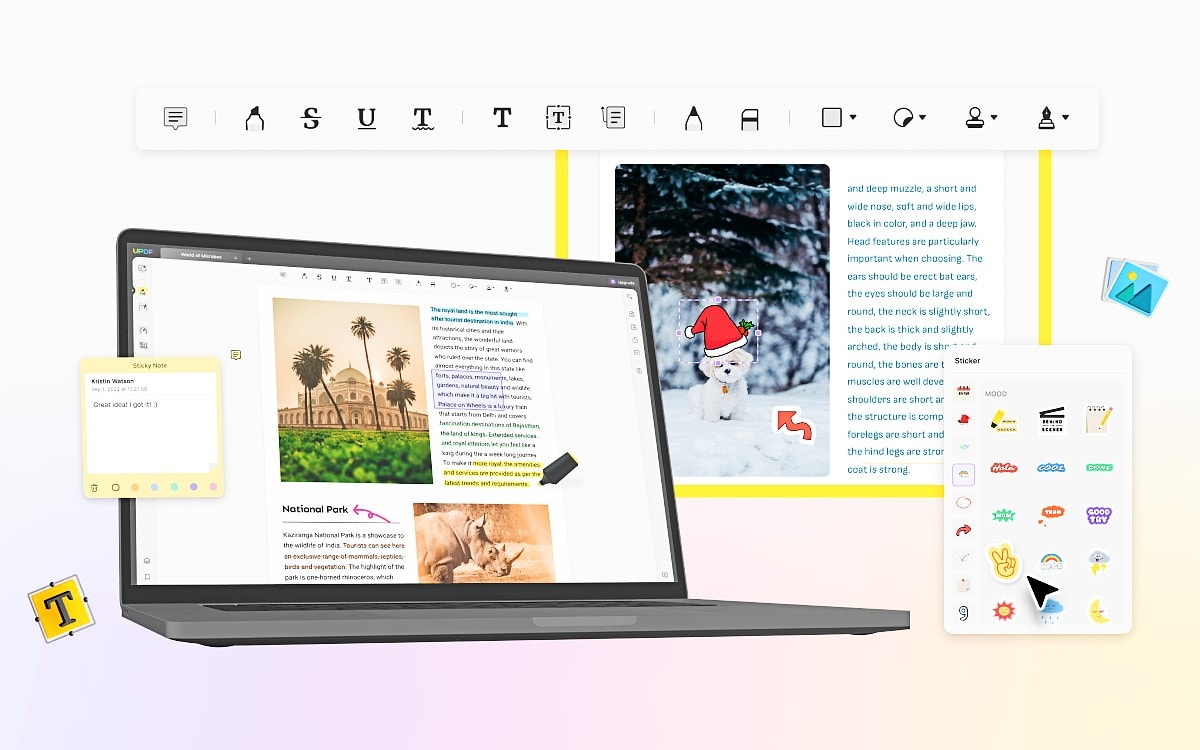
Find out how UPDF stacks up against popular PDF editors PDF Expert and Adobe Acrobat in terms of feature sets and price. Image: Superace
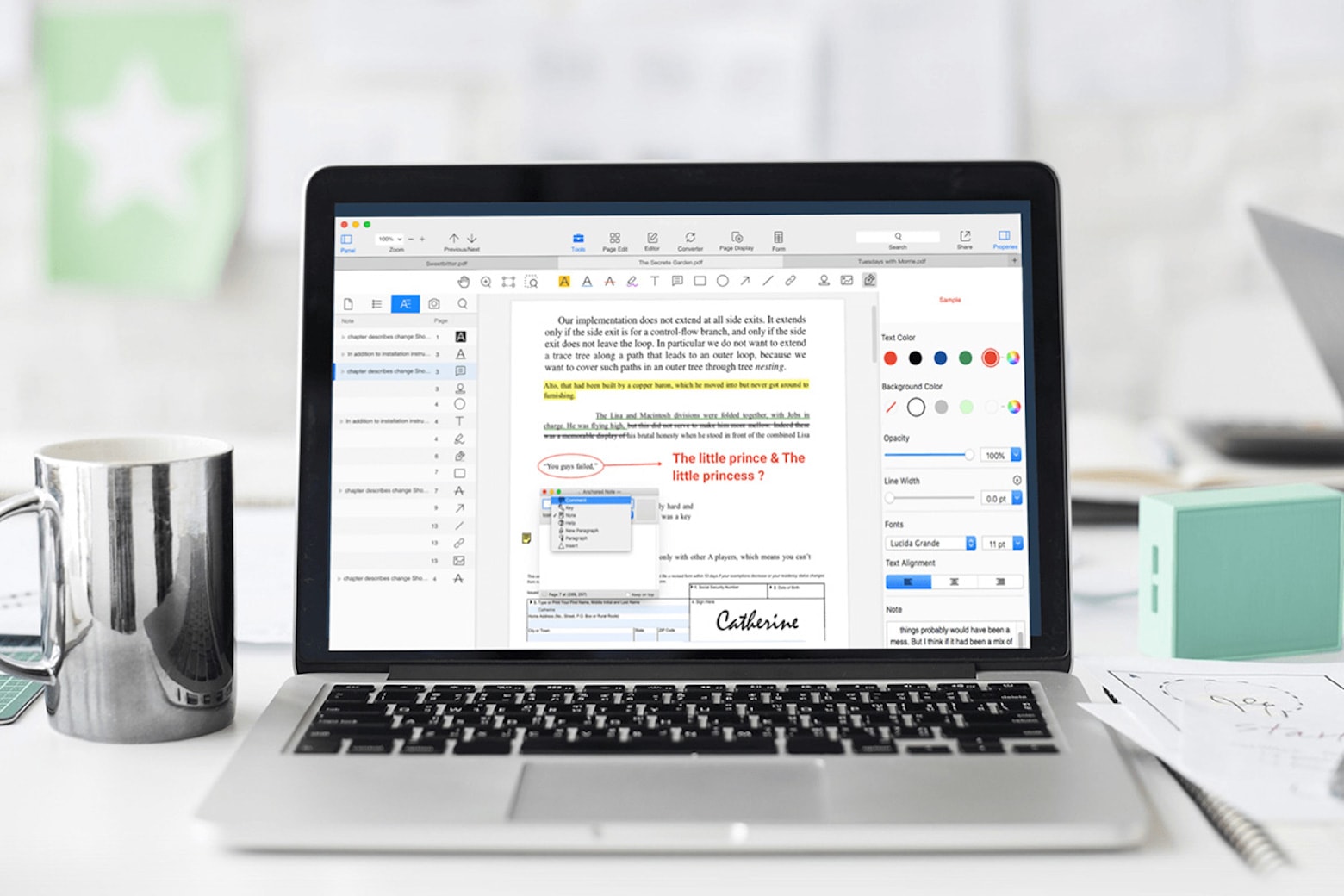
Most people must deal with PDF files online at some point, like when they fill out forms, sign documents or save files they don’t want others to easily modify. But if you think your only choices for easy-to-use, feature-rich PDF editing software are big, expensive products, you haven’t met UPDF yet.
SPONSORED
This post is brought to you by Superace.
In this article, we’ll take a look at how UPDF stacks up against major PDF editors — PDF Expert and Adobe Acrobat — in terms of feature sets and price. Then you can make your best choice. At the end of this article, a special discount will be provided for Cult of Mac readers.
Hit your 2023 productivity goals with iScanner for iOS. Photo: Cult of Mac Deals
If your 2023 resolution is to boost your productivity, start by archiving all that paper you’ve got lying around. The iScanner app turns your iPhone into a document control tool that makes scanning, sharing, tweaking and archiving everything you have on paper a snap.
App Store award winners are going to get a physical plaque from Apple. Photo: Apple
Apple crowned 16 apps and games as winners of its 2022 App Store Awards for “making a profound cultural impact.” The App Store’s editorial team honored apps and games on five platforms: iPhone, iPad, Mac, Apple Watch and Apple TV.
This time around, the company also selected five “Cultural Impact winners that have made a lasting impact on people’s lives and influenced culture,” Apple said in a press release Tuesday.
For today only, get this OCR scanner for life for an insane discount. Photo: Cult of Mac Deals
Packing your remote workspace with bulky office equipment is one way to ensure you have all the tools you need, but it’s not exactly practical. Replace that clunky scanner with one that can fit in your pocket. iScanner can create high-quality digital scans of documents, ID cards and books using just your iPhone, but that’s not all it can do.
Get the best deal you'll find online on this motivational, educational app that boils books down to their essentials. Photo: Cult of Mac Deals
Self-improvement is a lot like cooking. If you rush it and go in too hot, you’ll probably burn out. Instead, you should take your time working on yourself with guidance from some fantastic works of nonfiction that have been boiled down to their most essential lessons.
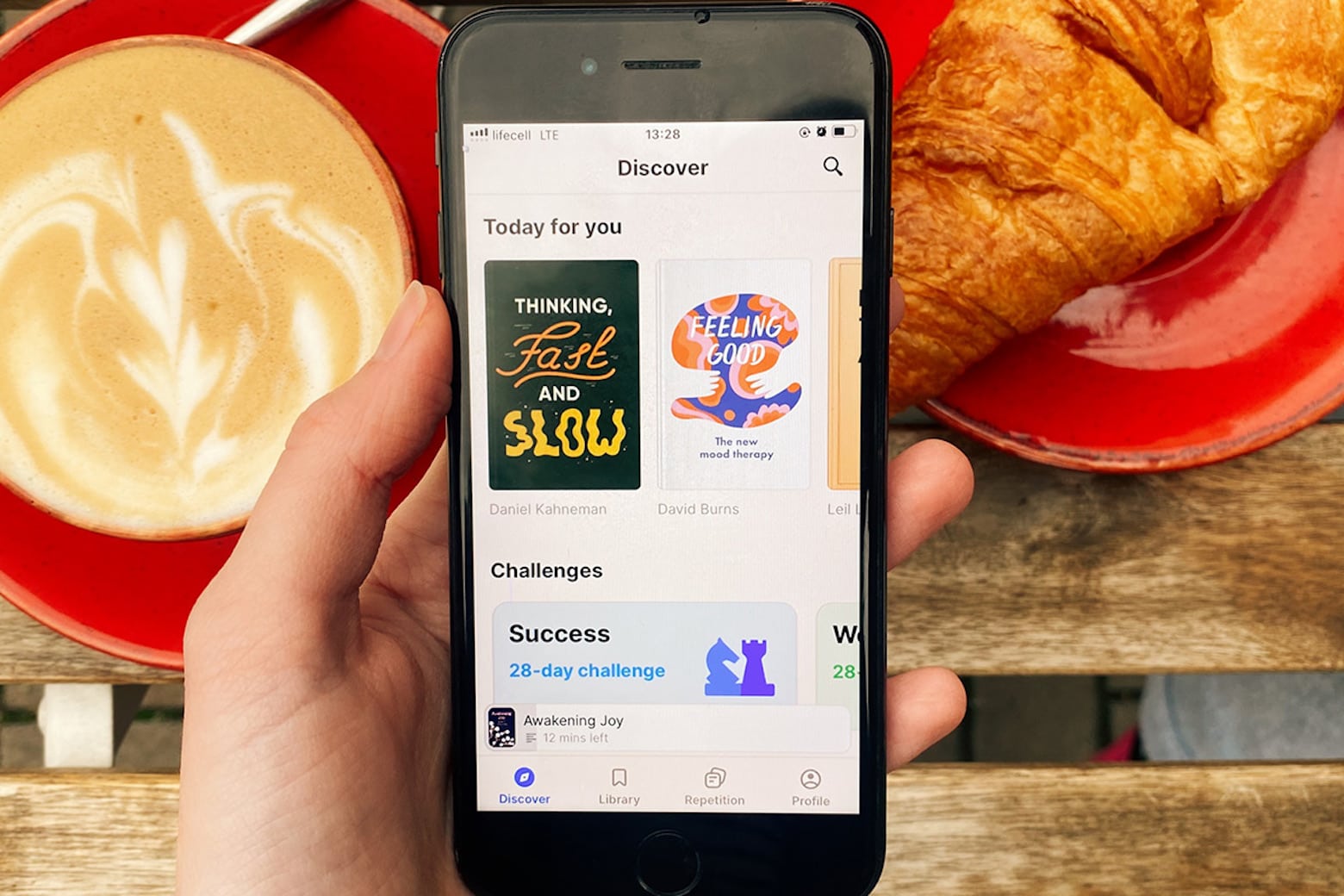
Book-summary app Headway offers bite-size, personalized learning that you can work through at a manageable pace. It’s the season to give thanks, and part of that will be thanking yourself for not rushing your growth. You can get lifetime access to Headway for only $59.99. And up until November 23 at 11:59 p.m. Pacific, you can get an additional 20% off with code HEADWAY.
The never-ending stream of apps truly never ends. And we’ve found a few more that might be worth your time. Photo: Unsplash
With Thanksgiving right around the corner, there’s a good chance you’ll have some down time on the way. Whether you’re planning a trip to see family, doing some shopping, or just want to flex your Apple knowledge, this week we have some Awesome Apps to infuse some tech into your holiday week.
Regardless of what you’re trying to do, apps can help make it easier, faster, or more fun. Photo: Unsplash
Apps can be useful for a a countless number of things. From making a new parents life easier to finding new music, there’s are apps fit to help make things nearly effortless. This week, we have a couple great new (to me, at least) apps, and a really solid update to one of my favorites. As usual, I’ll put out the call for other suggestions as well. If you have something you want us to check out for a future Awesome Apps post, be sure to email your suggestion or tweet them over!
Score a lifetime subscription to this versatile iOS scanning app at a deep discount. Photo: Cult of Mac Deals
Scanners come in handy, but buying one means dropping a hefty sum and wasting space in your home or office. iScanner is a cheaper and more capable solution for scanning documents.
Right now, you can get a lifetime subscription to this top-rated iOS scanning app for just $39.99. And you might be surprised how much use you get out of it.
Learn what your plants need with this top-rated iPhone app.
Photo: Cult of Mac Deals
From shooting 4K HDR footage to scanning documents, there’s a lot that your iPhone can accomplish. You can even use it as your personal plant assistant.
With the NatureID app, you can identify plants, determine the best way to care for them, and even spot early signs of disease. Lifetime subscriptions to NatureID are currently available for $19.99 (regularly $59)
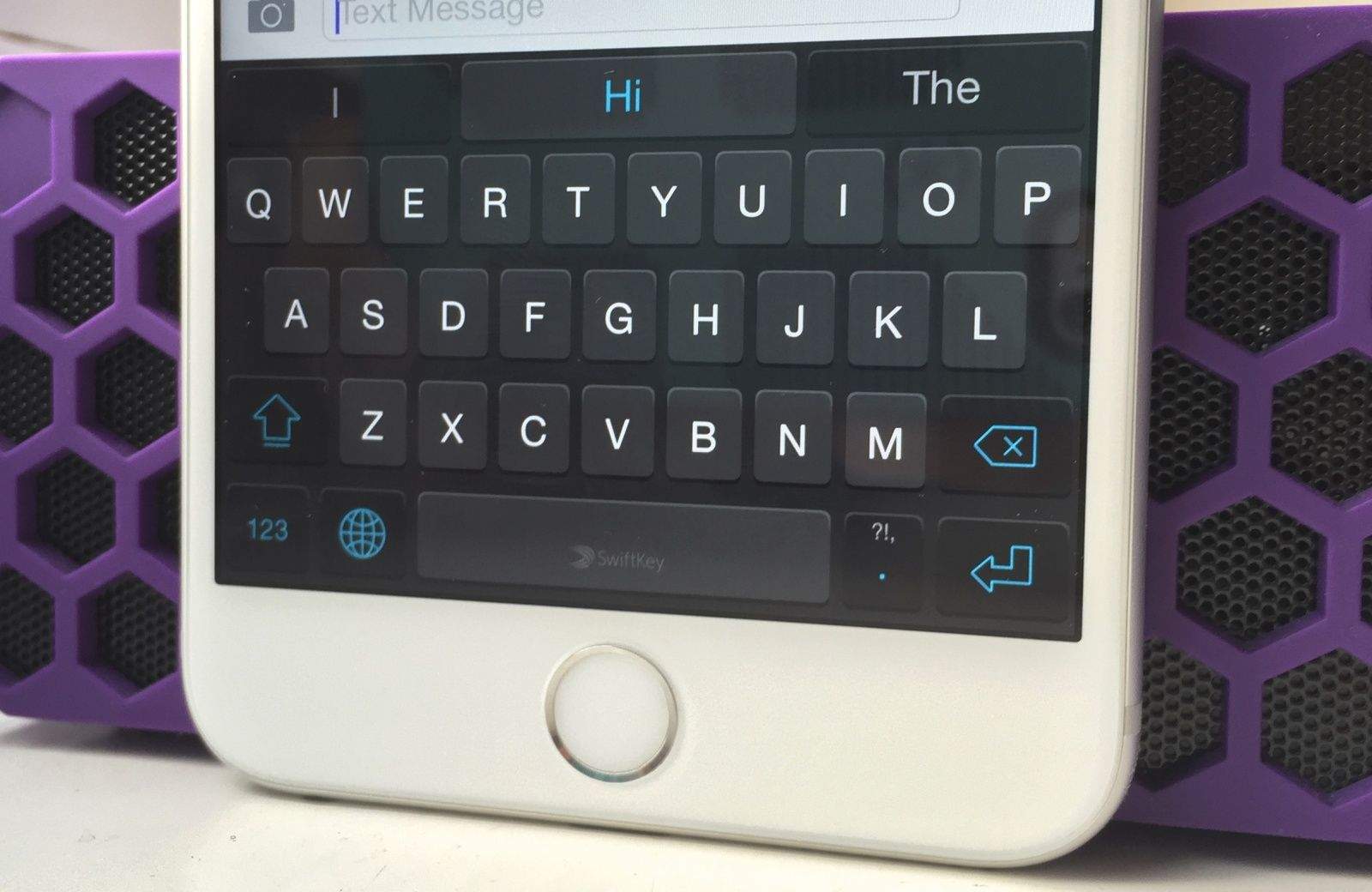
SwiftKey for iOS is riding off into the sunset. Photo: Killian Bell
Microsoft is killing SwiftKey for iOS, one of the most popular third-party keyboard apps for iPhone. The company will remove the app from the App Store and end its support on October 5.
SwiftKey first became available for iPhones in 2014. Microsoft acquired the keyboard app in 2016 and eventually discontinued its own Word Flow keyboard for iPhone.
Make complicated music production simple with this $40 editing software Photo: Cult of Mac Deals
The music industry has exploded in recent decades, and with numerous courses teaching people how to create their own hits, virtually anyone with a laptop can make something majestic.
The challenging part is choosing the right software. EasySplitter Pro offers helpful tools that might become one of your mashup essentials. Lifetime subscriptions are on sale for $39.99 (regularly $599) for a limited time.
Wondershare FamiSafe helps you keep track of your kids. Photo: Artem Podrez@Pexels
This parental control app post is presented by Wondershare.
Do you know what your kids are doing right now? These days, parents typically keep a pretty close eye on their children’s whereabouts and activities. And technology can help you do an even better job of it, thanks to apps like Wondershare FamiSafe.
FamiSafe lets you control kids’ screen time, detect inappropriate content on their devices, and track their locations in real time. In this article, we’ll cover FamiSafe’s benefits with a focus on live location tracking. Because if you don’t know where they are, you can’t keep them safe.
See how much you can get done with these awesome Mac and iOS productivity apps. Photo: Cult of Mac Deals
Want to squeeze even more functionality out of your Mac or iPhone? We gathered up three great productivity apps for macOS and iOS, and they’re all on sale for Labor Day.
Plus, when you bundle two items (equalling $49 or greater), you could get 20% off with code YOURWAY20. And if you bundle three (totaling $49 or more), you use YOURWAY30 to get 30% off. You can even check out our full Labor Day Collection for more items to bundle and save on.
You can get creative with these language-learning apps. Photo: Cult of Mac Deals
Learning a new language is a lot like learning anything else: It’s not a one-and-done situation. You might be able to build up your vocabulary and work toward fluency using one language-learning app, but what if another one can help you in a different way?
During our Labor Day Sale, you don’t have to choose between language apps. Instead, you can bundle a couple together and get a discount on the lot of them. As long as your total is $49 or more, you can save 20% with code YOURWAY20 if you buy two items or 30% with code YOURWAY30 for three or more. We might have the perfect three apps to get you started, but there are plenty more Cult of Mac Deals in our Labor Day Collection.
Grab this versatile iPhone scanner app to digitize documents, measure rooms and solve math equations. Photo: Cult of Mac Deals
If you labeled either side of a Venn diagram with “has access to a full scanner” and “needs a scanner,” how much crossover would there be? Instead of waiting for a scanner to be available, iOS users can put one in their pocket.
Need to scan a page from a textbook? Maybe send a project outline to your new boss? Whatever the situation, having your iPhone double as a document scanner proves incredibly useful, and that’s exactly what you get with iScanner. And this convenient document scanner app is on sale for $39.99 (regularly $199).
Ditch paper for good with iScanner, the AI-powered scanner app for iPhone. Photo: Cult of Mac Deals
If modern life has taught us anything, it’s that the more backups you have, the better off you are, especially if you’re going to school or learning new skills. The iScanner app for iOS makes it easy to back up anything on paper as a digital file, making it easy to edit and share.
This free, easy-to-use graphic design software lets you quickly create eye-catching images for social media and more. Image: VistaCreate
This post is brought to you by VistaCreate.
Graphic design software VistaCreate offers an array of tools that can help anyone create effective images for their business or project — design skills optional.
To do that, the easy-to-use graphic design software offers a huge array of templates, free access to a massive library of images and videos, and handy tools, like a new background remover that helps open up your image options.
Even better, the free version of VistaCreate is feature-rich on its own. But if you want even more, you can try the Pro version for a few dollars a month.
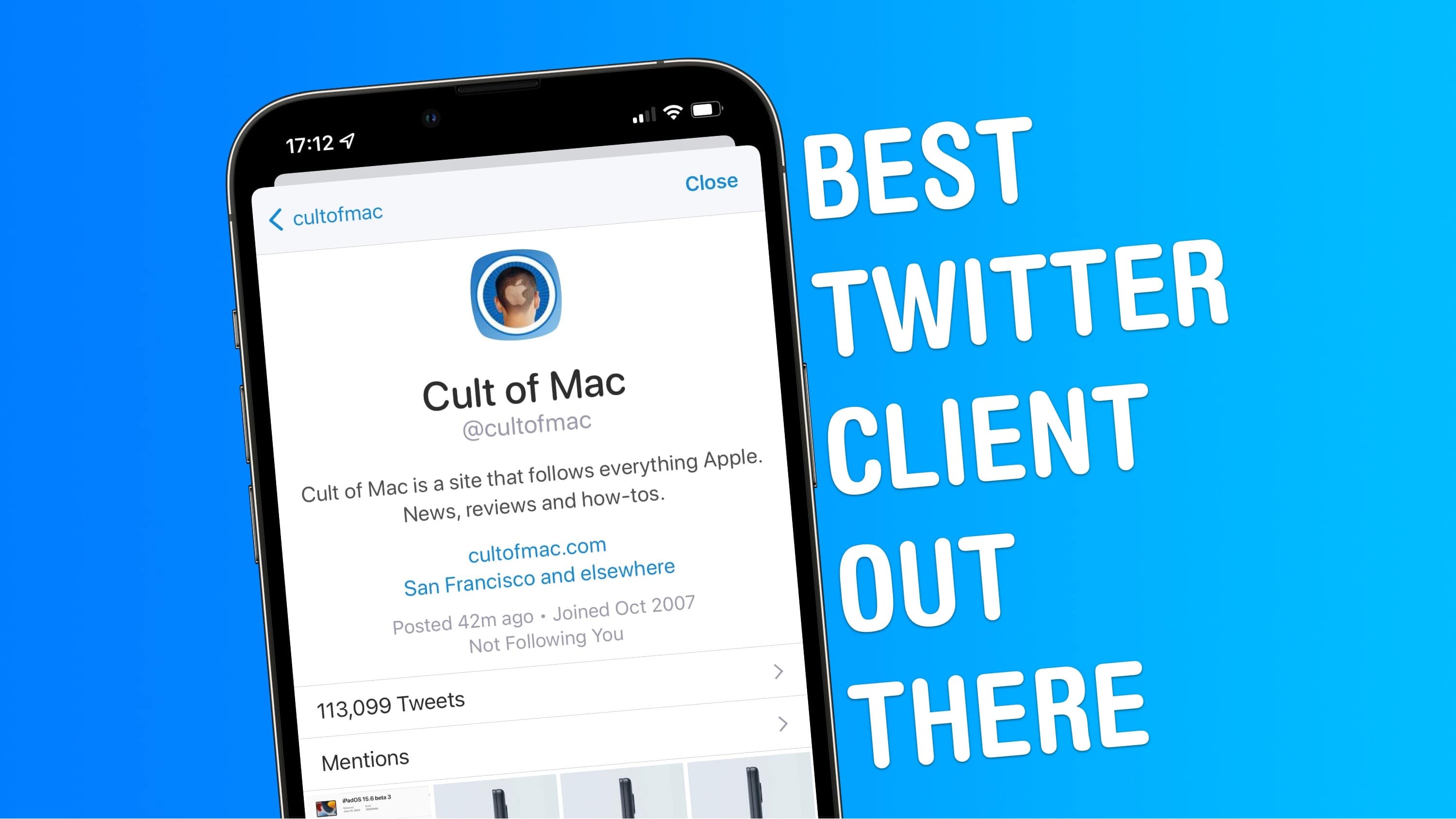
Sleek design, power features, no promoted tweets ... what more could you want? Image: Joe White/Cult of Mac
Twitter might be going through a turbulent time, but for many of us in the tech community, it remains our de facto town square — a place where we can meet to share our views, opinions and hopes.
Like most of us here at Cult of Mac, I’ve been using Twitter for years. And although I’ve switched between clients more than a handful of times, my favorite Twitter app is Twitterrific.
In fact, I’d even say that Twitterrific is the best Twitter client for iPhone and iPad. Stick around to find out why.
The emoji in this picture are accurate representations of every picture of me until I was about 8. I didn't know how to smile for pictures and I did not care to learn. Image: D. Griffin Jones/Cult of Mac
There are lots of times when you might want to cover up faces before posting pictures: Teachers often want to censor the faces of their students. Boudoir photographers (Google it) can censor explicit portions of their photography for social media. Foster parents who are legally prohibited from posting identifying pictures of children in their home can quickly cover them up. Forget trying to blur faces — there’s an app that makes covering up faces dead easy: MaskerAid.
If you’ve ever wanted to hide a face before posting a picture, MaskerAid (a pun on “masquerade”) will quickly censor faces with emoji. Unlike apps like Snapchat, MaskerAid will preserve the full quality and resolution of your pictures.
MaskerAid is the latest app by independent podcaster and developer Casey Liss. You can download MaskerAid here on the App Store for iPhone (there is no Android version). The app is free to try out with your own pictures, but to use the full set of emoji, you must pay a one-time purchase of $2.99.
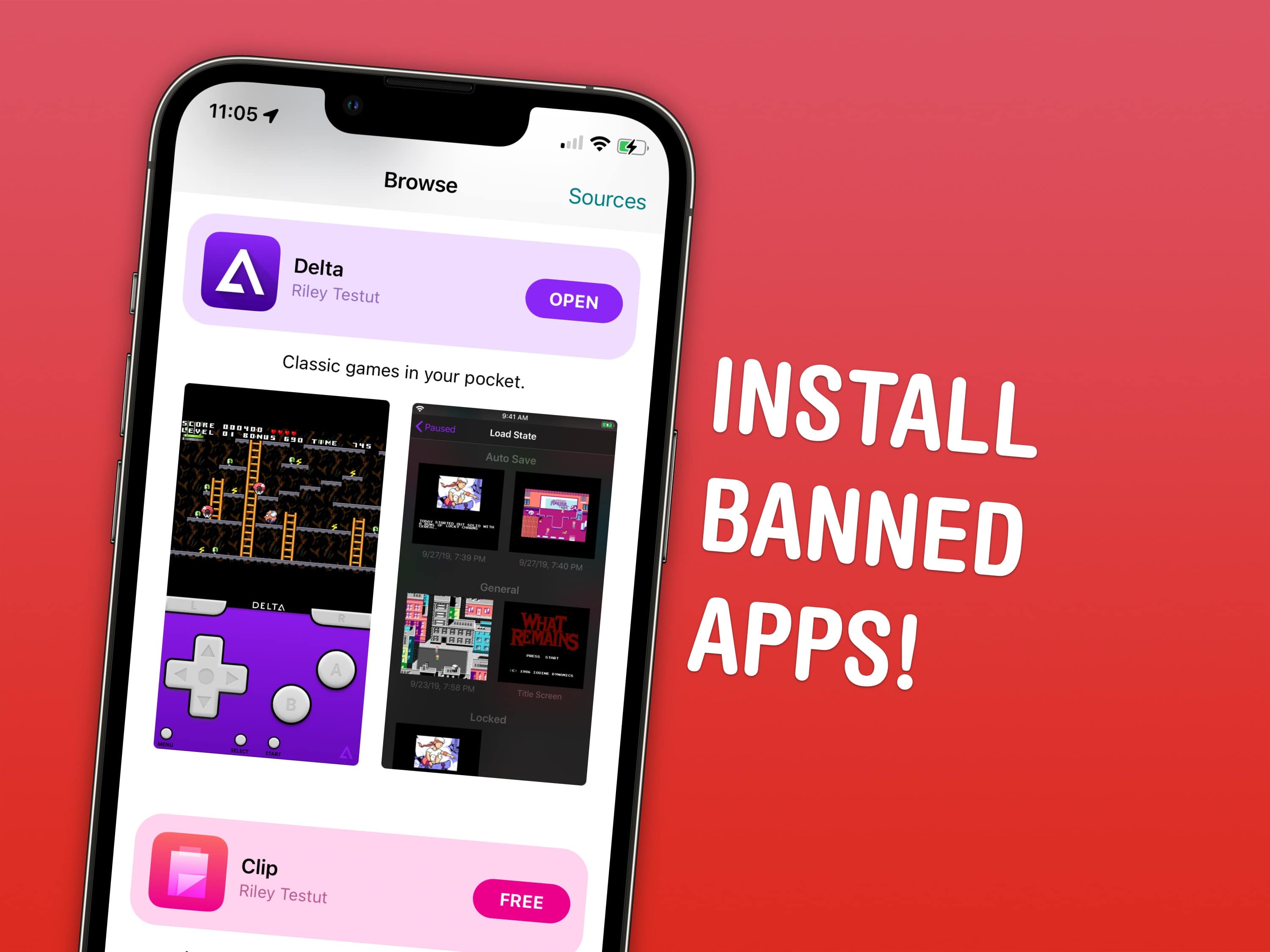
Install the apps Apple doesn’t want on the App Store with AltStore. Image: D. Griffin Jones/Cult of Mac
Apple bans apps like emulators and clipboard history on your iPhone, but there’s a clever way to sideload these apps without jailbreaking.
The official App Store is the only way Apple wants you to get apps on the iPhone. If there’s an app that doesn’t fit Apple’s strict rules, it doesn’t get on the App Store at all.
Apple strictly forbids a few categories of apps. Emulators — apps that play games from old consoles like the Nintendo Entertainment System and GameBoy — are prohibited. Porn is not allowed either. System-wide features like clipboard managers — which are very popular and even downloadable on the Mac App Store — are not allowed on the iPhone. (My favorite is Maccy.)
That doesn’t mean it’s impossible to get these types of apps, though. You can install an alternative App Store for iPhone called AltStore right now with the help of a Mac or PC. With AltStore, you can install verboten apps like emulators and clipboard history without jailbreaking your iPhone.
Whether you want to scan documents or run complex calculations, your iPhone can do it all with this app. Photo: Cult of Mac Deals
Sometimes it feels as though office equipment can sense when you’re in a hurry. You need a digital copy of a document, and your scanner picks that time to scan only a quarter page or reduce your print’s shading to the point that it looks like a ghost.
When you need a high-quality scan, fussing with hardware is probably the last thing you want to deal with. But what if you could scan documents using your iPhone? iScanner does just that, turning your trusty smartphone into a full-featured document scanner that’s easy to use and produces crystal-clear results.
Plus, lifetime iScanner subscriptions are available for just $39.99 (regularly $199) for a limited time.
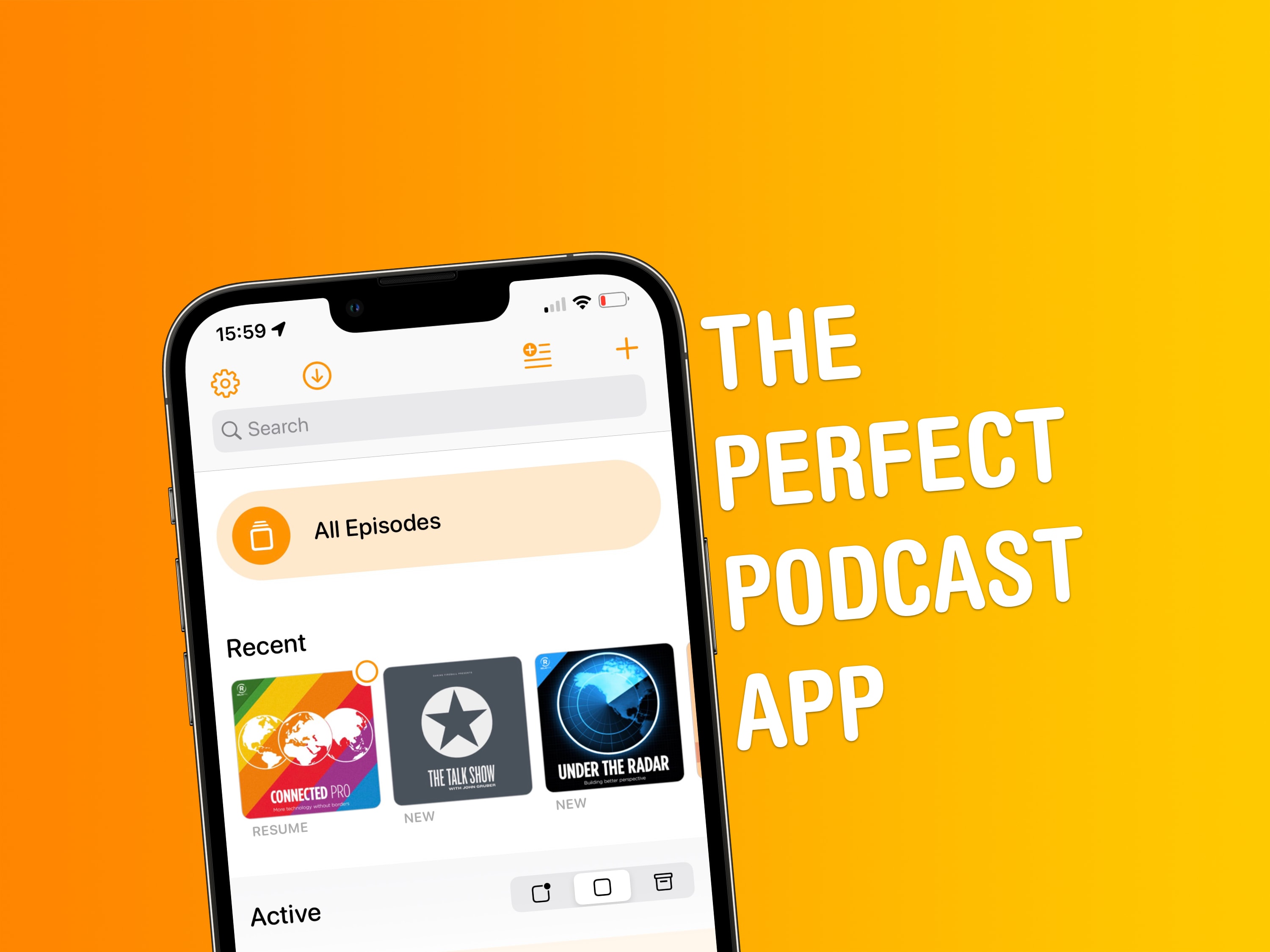
A great design and smart features are some of the reasons why I love Overcast. Screenshot: Joe White/Cult of Mac
This definitely isn’t the first time we’ve talked about Overcast here at Cult of Mac. But since I’ve been spending time rounding up my must-have apps as part of our Awesome Apps series, it makes sense to tell you why Marco Arment’s podcast client is the best podcast app out there.
It’s actually a great time to introduce anyone unfamiliar with Overcast to the app, since it recently received its biggest redesign ever. Part of this change includes a new home screen with some smart features. I love Overcast for a number of reasons, but the app’s home screen is probably chief among them.
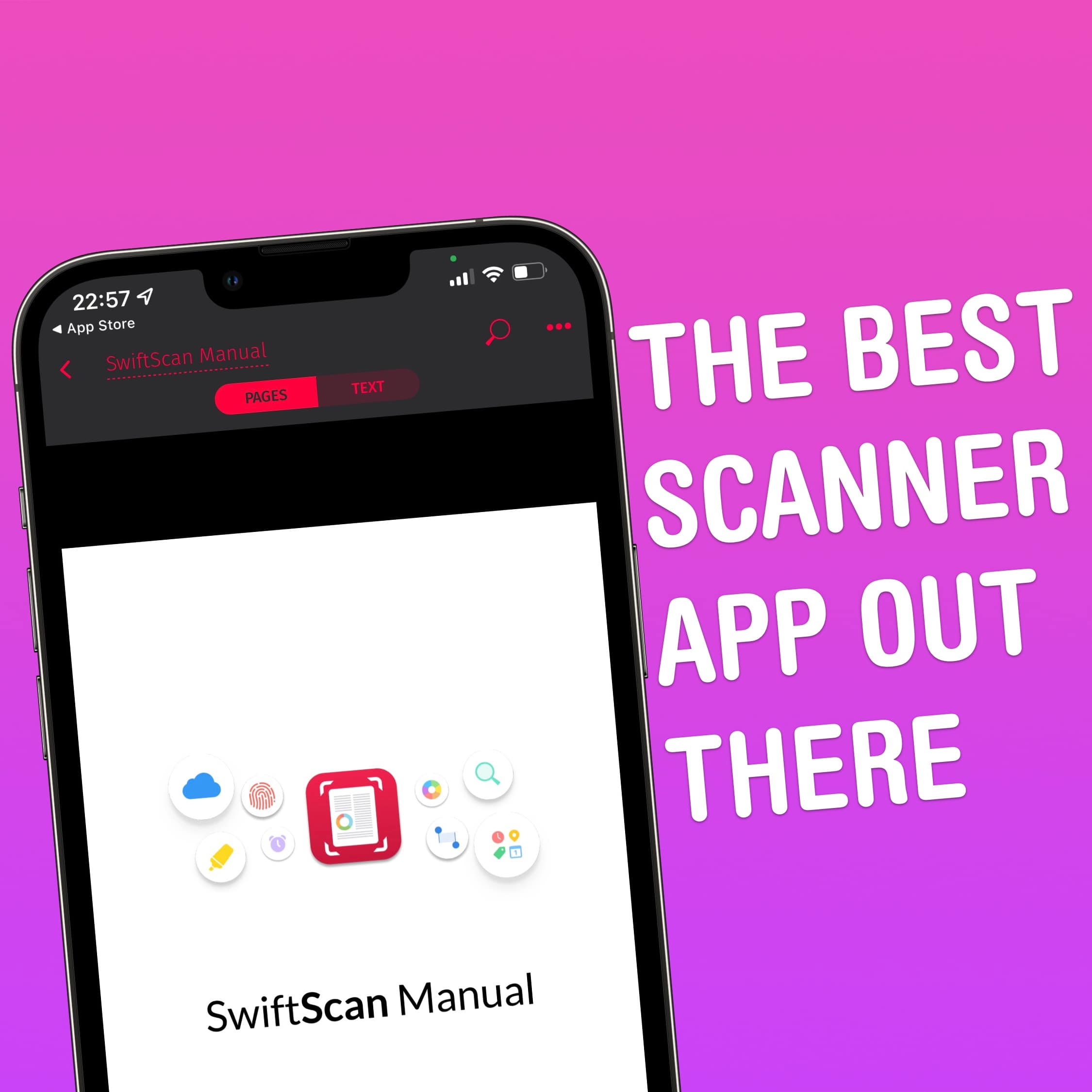
SwiftScan is the best scanner app out there. Screenshot: Joe White/Cult of Mac
Gone are the days where folks needed a document scanner sitting atop their desks. Instead, we have our trusty iPhones! When friends ask me which app they should be using to turn paper documents into PDFs, I point them in the direction of SwiftScan. Let me tell you why.
Mela is the perfect culinary sidekick. Photo: cottonbro/Pexels
Forget your whisk, chef’s knife or food-mixer. Apple’s iPhone should be your go-to device when it comes to preparing delicious meals in the kitchen. While it’s incredibly handy having Siri nearby to set multiple cooking timers, our iPhones, iPads and Macs can also double as digital recipe-books. And when it comes to recipe apps, trust me: The best out there is Mela.