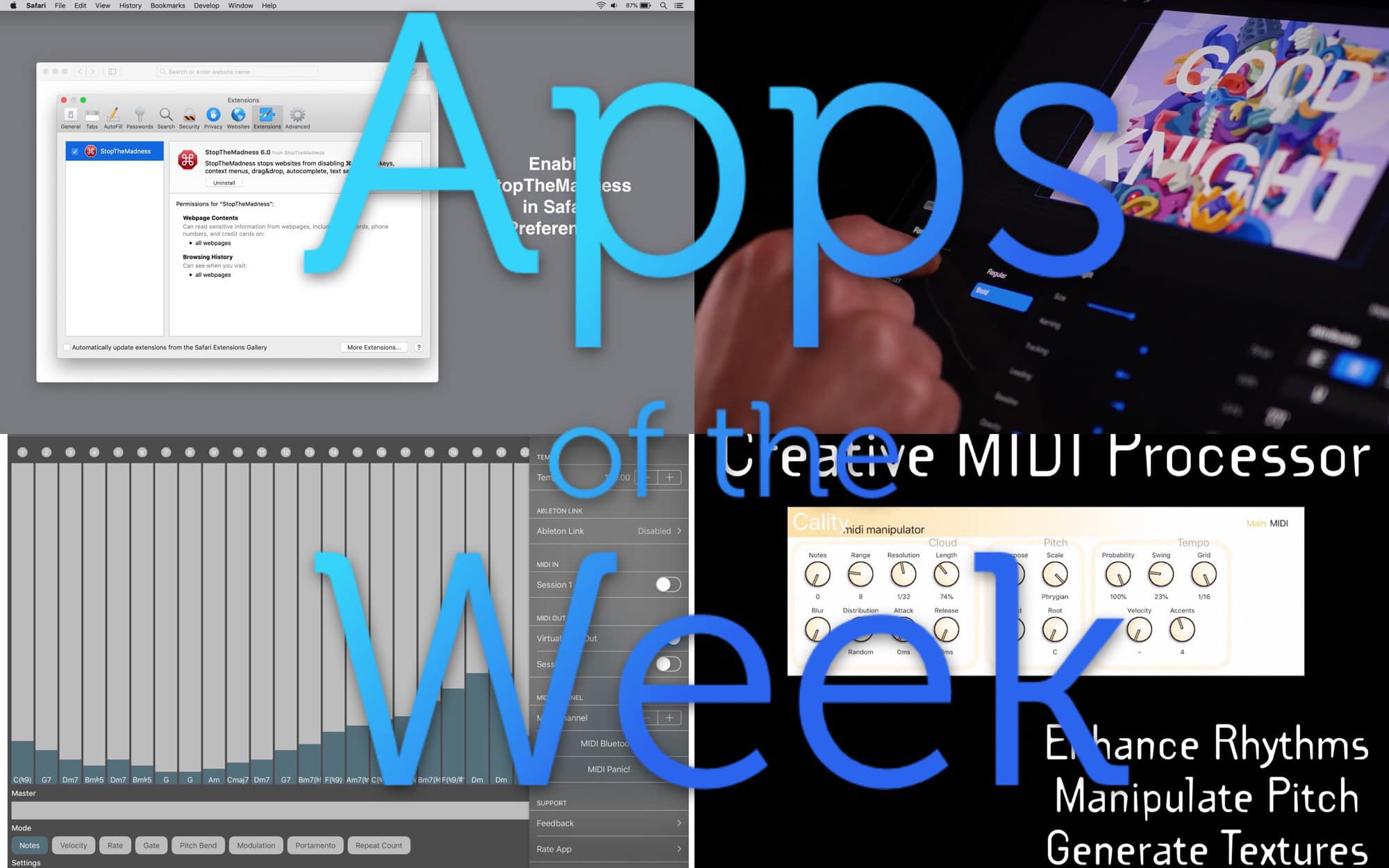
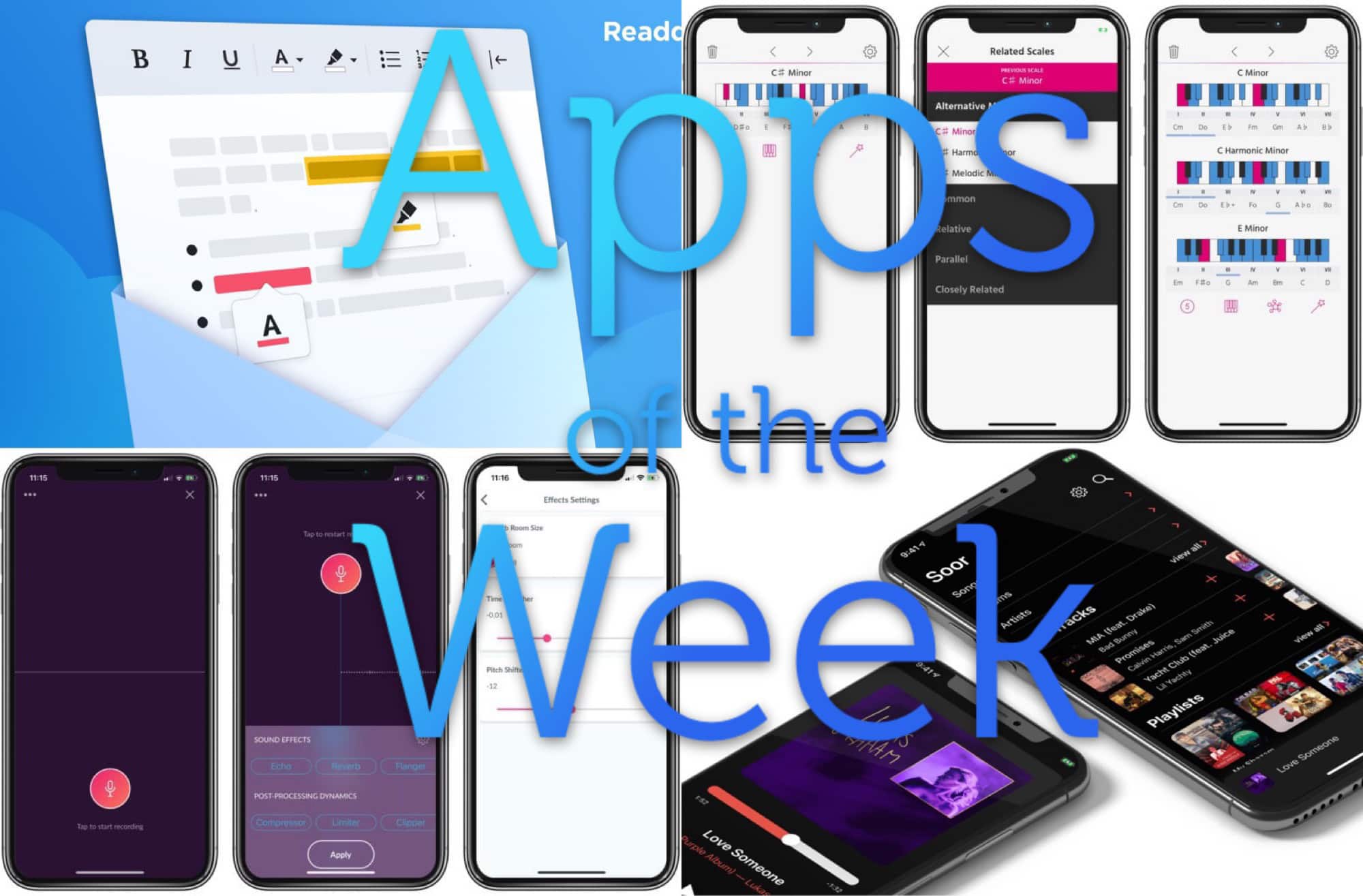
This week we clean up text with Text Case, fix up focus with Focos, ditch Instagram with Sunlit, and more.
Grab the best new photo, note-sketching and text-fixing apps you’ll see this week
Photo: Cult of Mac
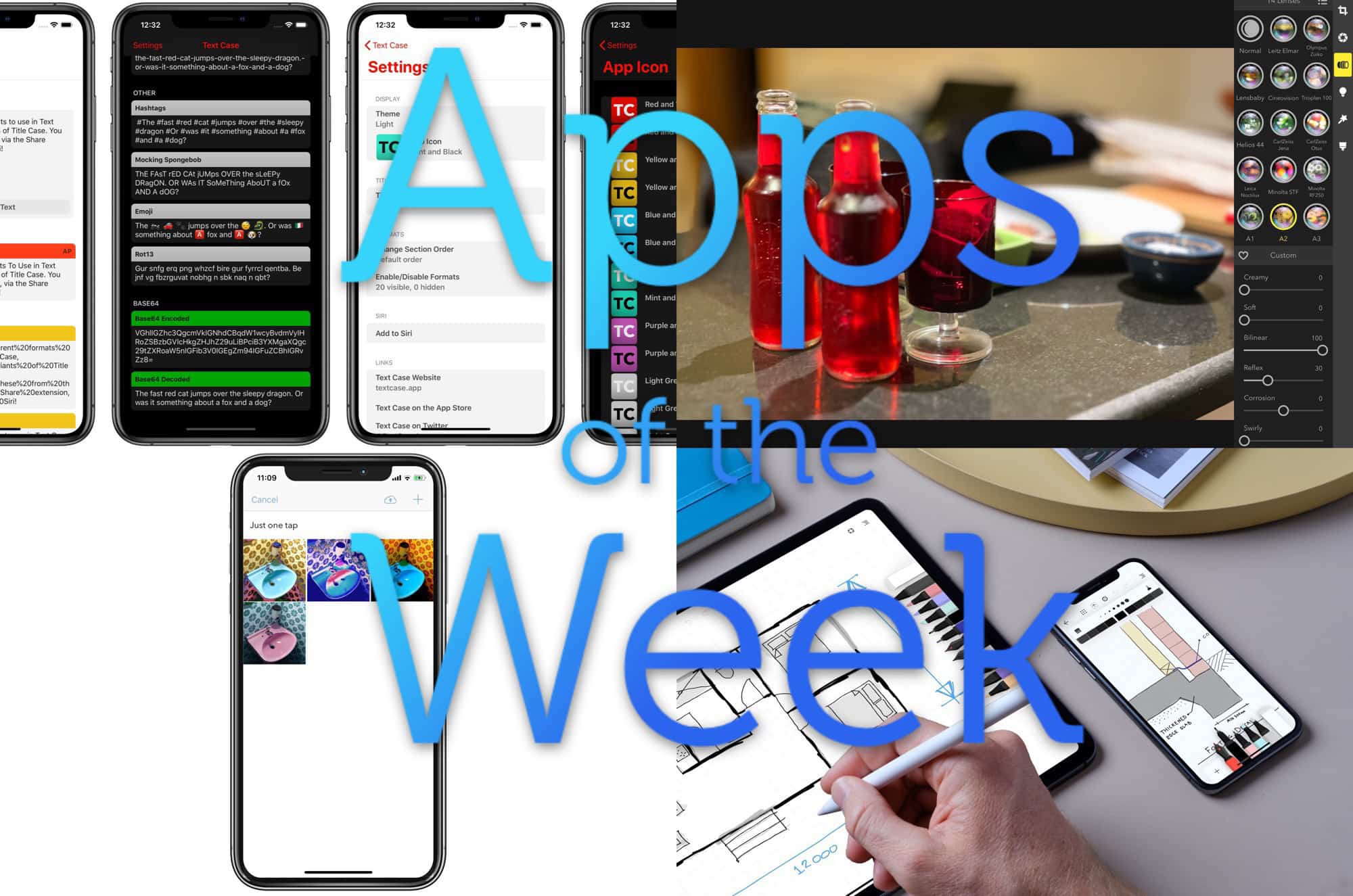
This week we clean up text with Text Case, fix up focus with Focos, ditch Instagram with Sunlit, and more.
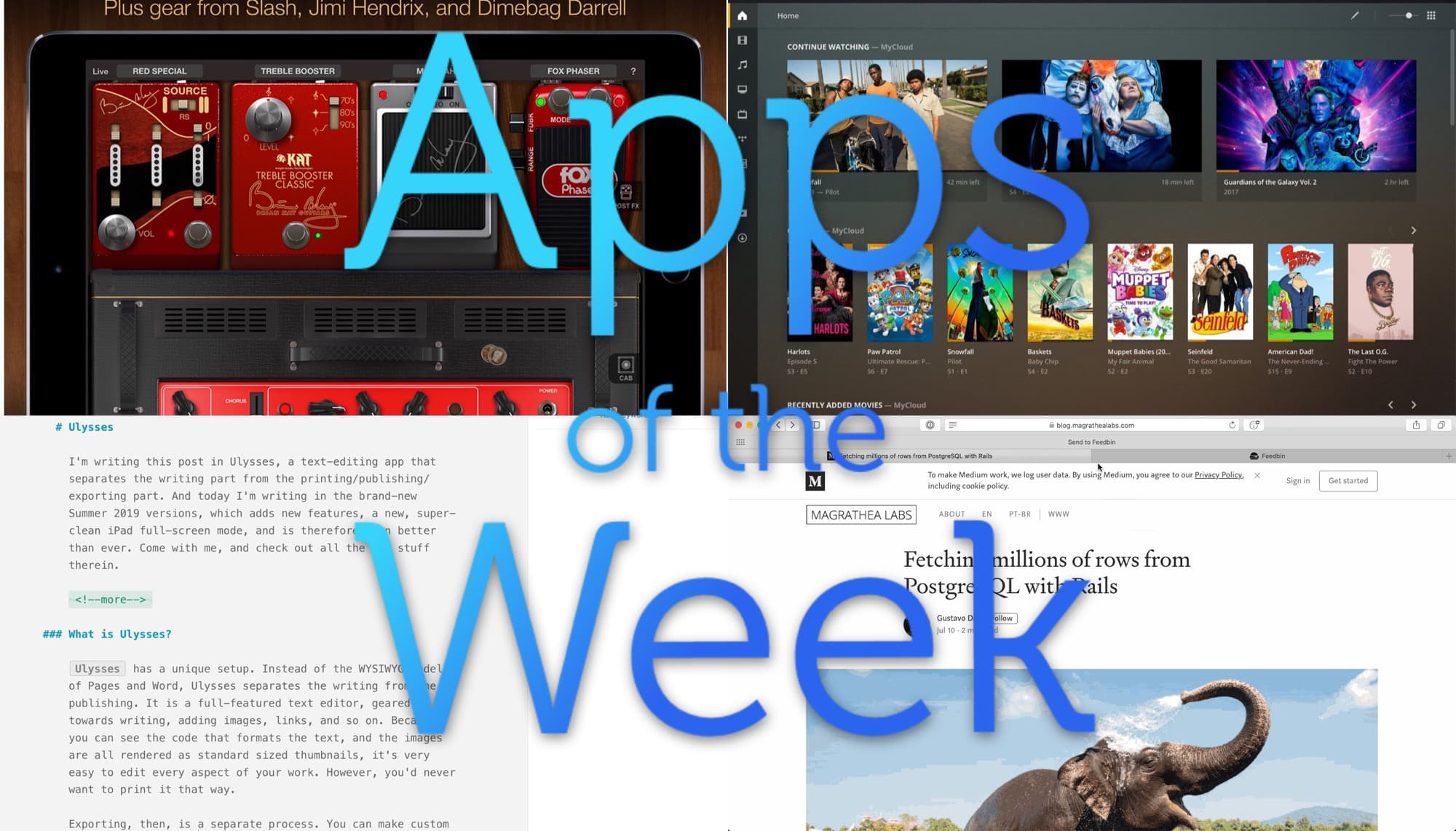
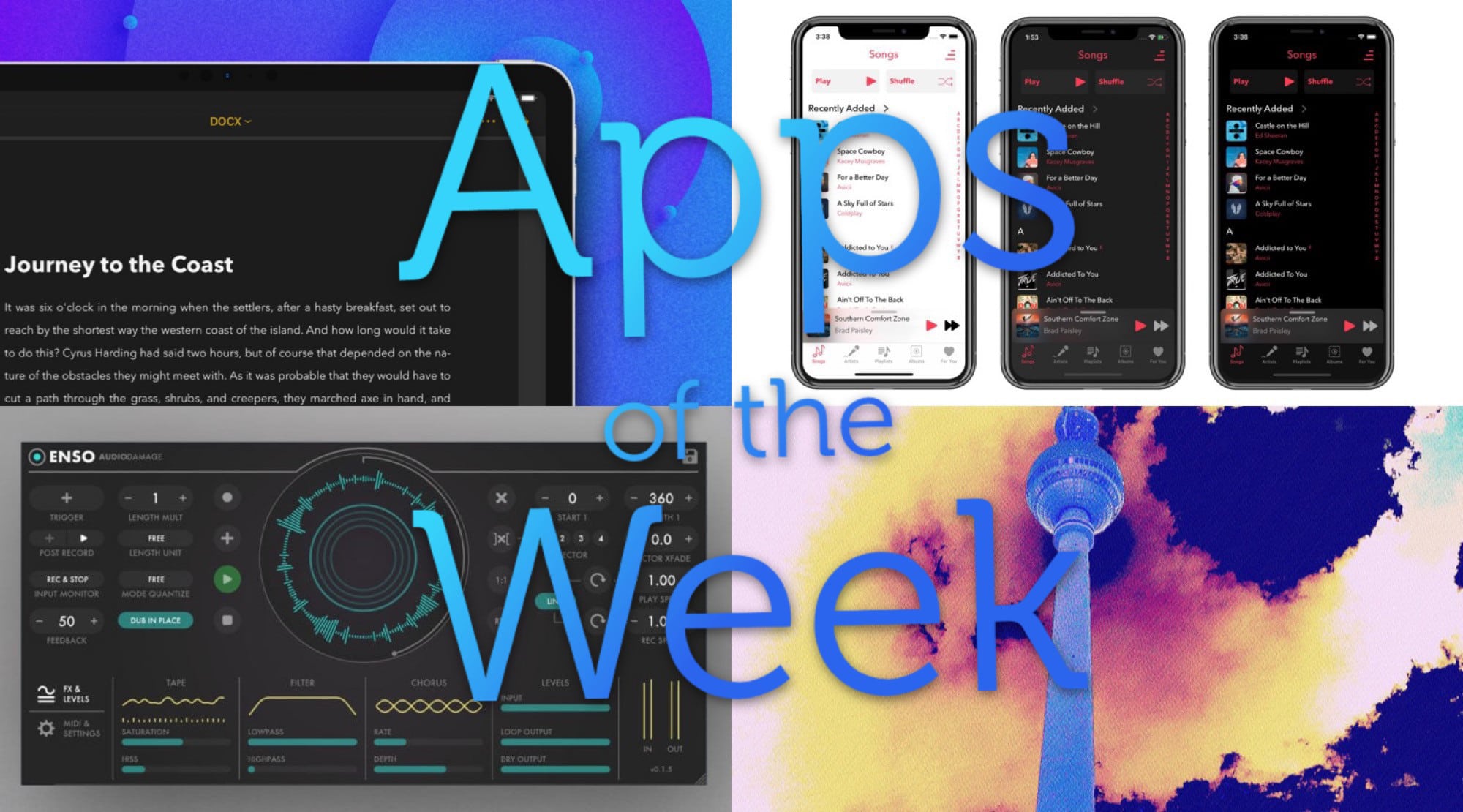
This week we mangle music with Enso, the amazing new audio looper for iPad, and chop up images with Hyperspektiv 2.0. Plus we showcase a new music player app and a big update to our favorite writing app.
Earlier this week I wrote abut using Shortcuts to build a simple download manager for iOS. It works great, but there’s a better solution. It’s an app called Yoink, and it can be a download manager, and way more.
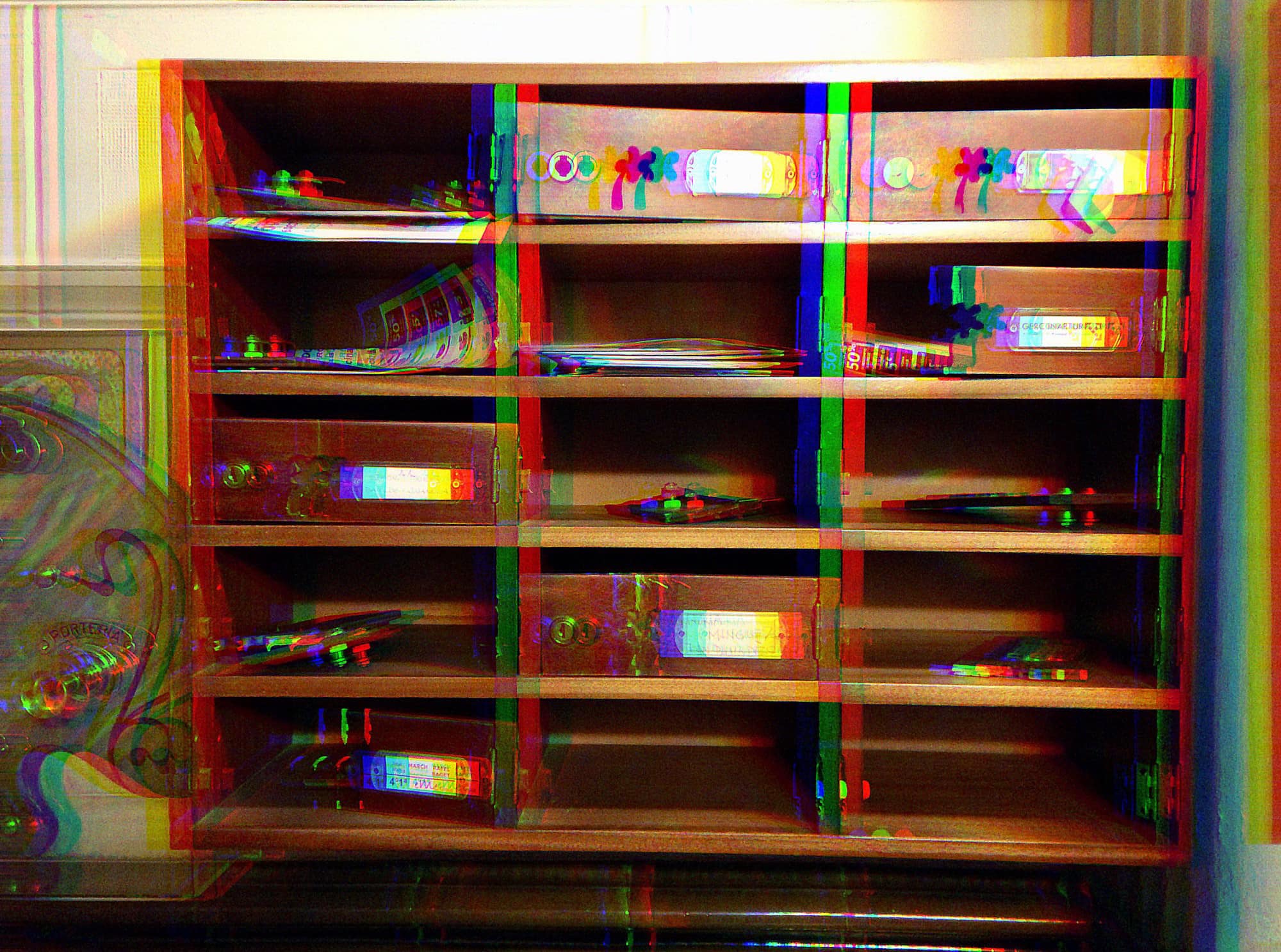
Hyperspektiv is one of my favorite photo apps from the past few years. Instead of screwing with your digital photos to make them look like olde timey film photos, it screws with your digital photos to make them look crazy and awesome. It’s a glitch-style filter app, and it pretty much decimates your images, turning them into incredible video clips, and — now — still photos.
Hyperspektiv 2.0 is out, and it cranks up the heat on the image-mangling burner to H-O-T.
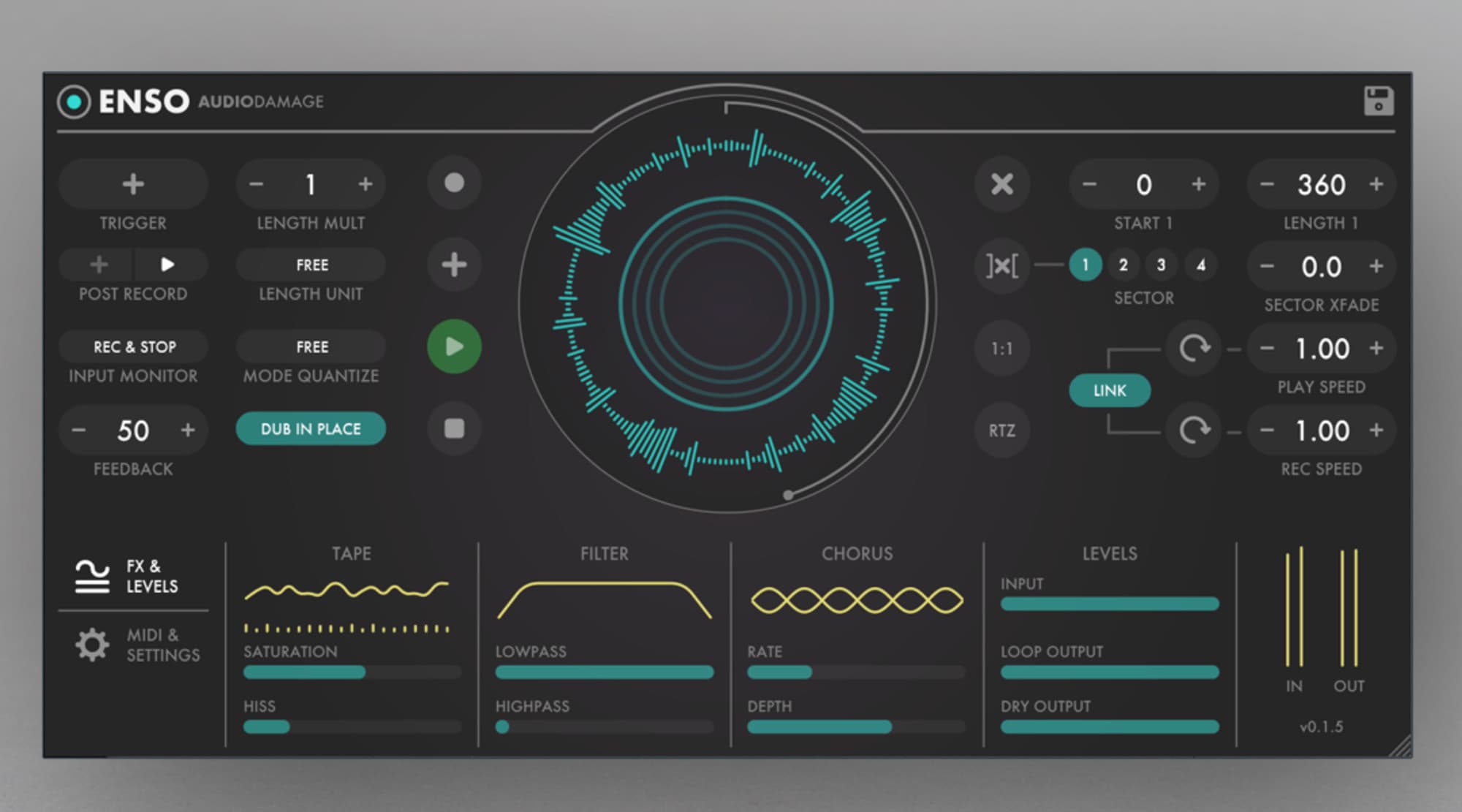
Enso looper is a big, big deal for iOS musicians. In principle, it works like any other looper app or hardware looper: You play music into it, and then that music is looped over and over, forming a backing track for more playing.
But Enso is hot, hot, hot for two reasons. One is the amount of control you have over the looping. The other is that it is an Audio Unit, which means that it can be used inside other apps, like GarageBand and AudioBus.
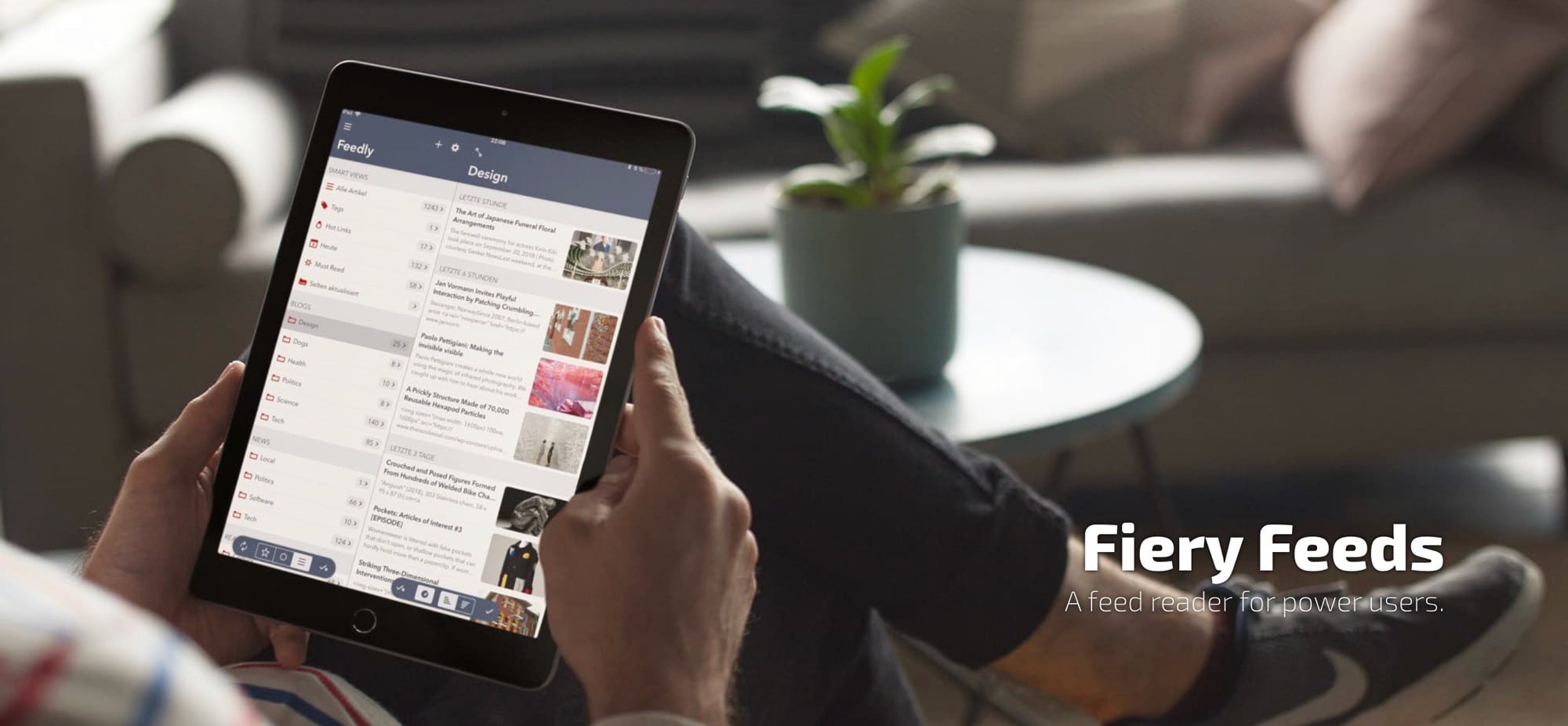
How do you read the news? If you do it on Twitter, you’ll be used to missing things as they fly past on your ever-updating timeline. If you read the news on Facebook, you’re being fed articles picked according to Facebook’s own agendas. And if you read the news on regular websites, you spend forever visiting sites just to see if there’s been an update.
If only there was a better way. If only you could open an app and see, at a glance, all the new stories from your favorite websites. Wouldn’t that be something?
The good news is, there are many apps, and many services, that exist to bring you the updates to your favorite sites. They work like Google Reader used to — only way better.
Ulysses just got a big update for both Mac and iOS, but mostly for the Mac. The best text editor and writing app for both platforms remains the best — only now it does a little bit more. Let’s take a look.
This week we check out music app alternative Soor, share audio with Riffr, discover new podcasts with Castro, and lots more.
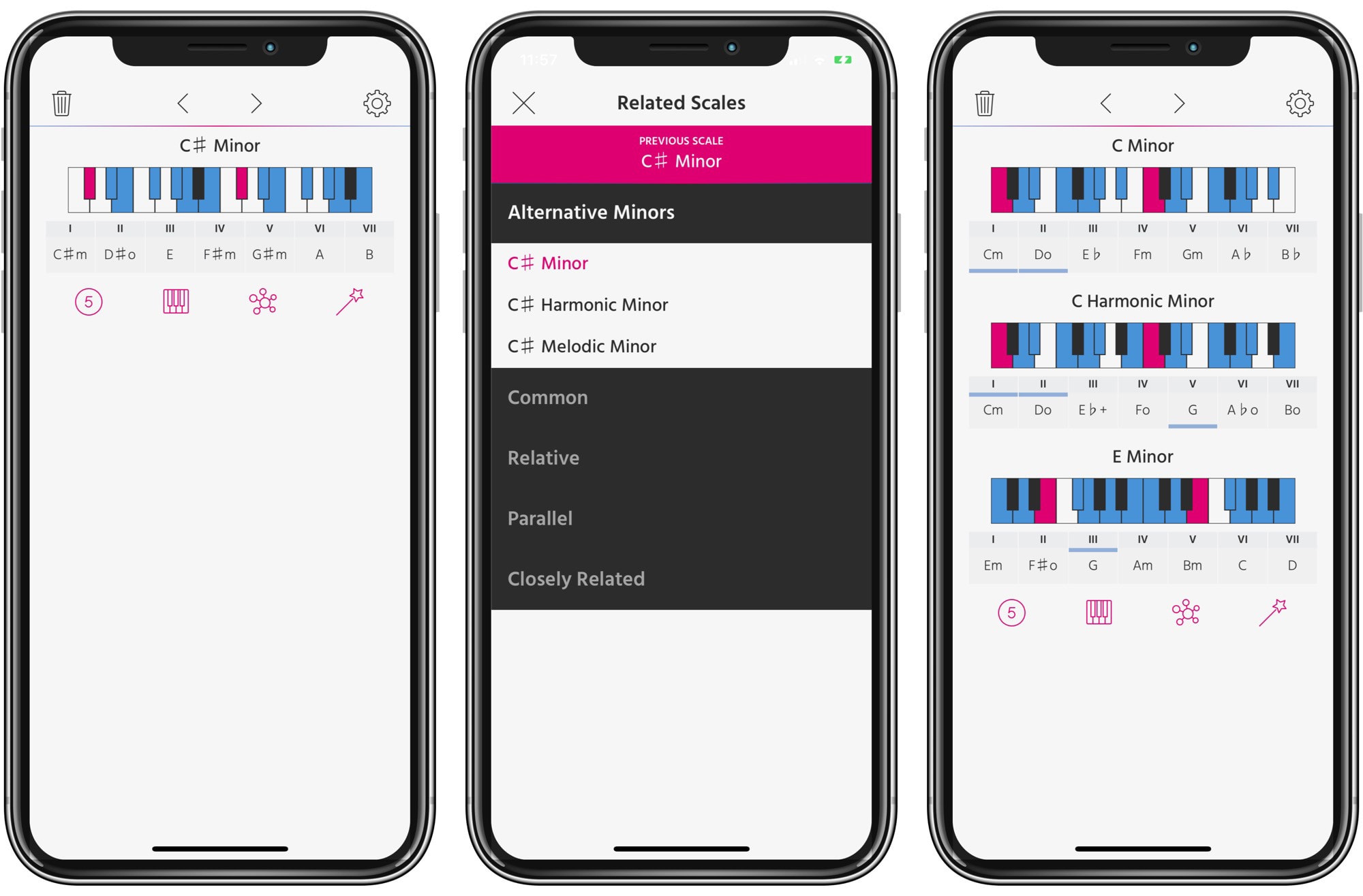
Pensato is a universal app for exploring chords and scales in music. And it has a unique purpose. Instead of just helping you with creating chord progressions, it helps you come up with interesting scale progressions. What?
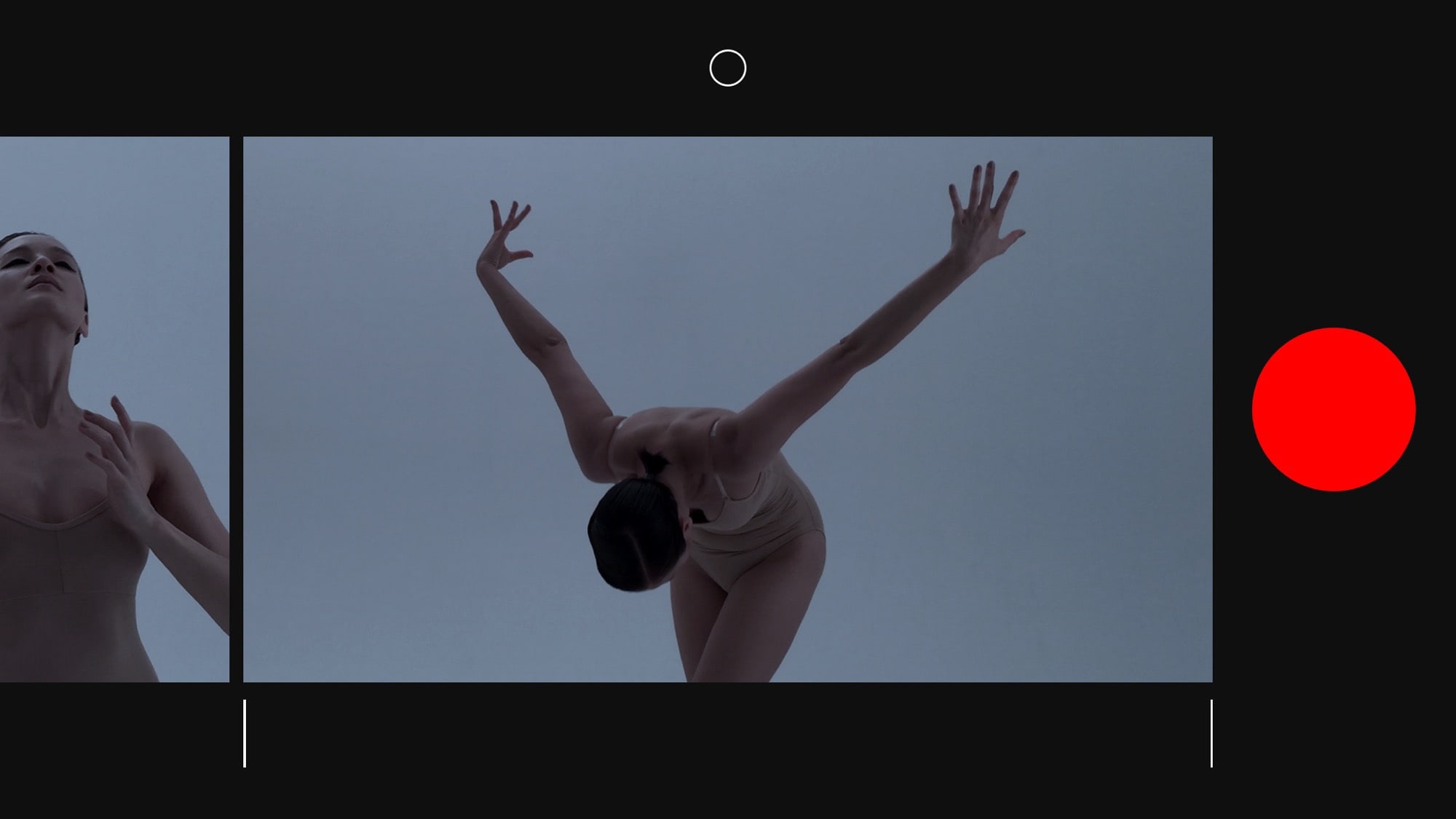
Nizo is a new take on video apps. It manages to blend shooting and editing together, so you can edit your movies on the fly as you capture them.
The interface to do this is — like much good design — so clean and obvious that you wonder why it wasn’t done before. Let’s take a look.
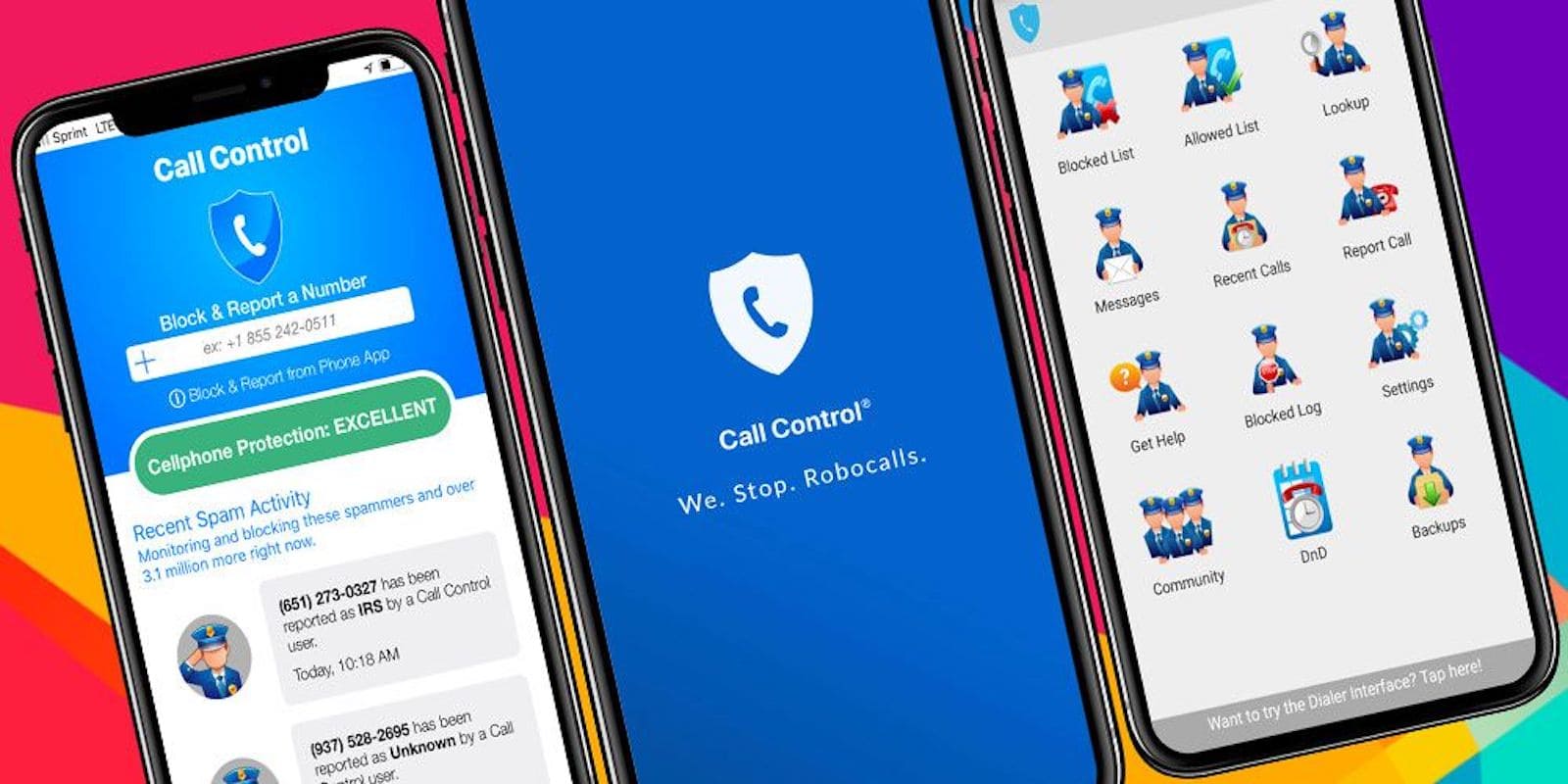
If you thought we were past the age of spam calls, sorry, but no. From intrusive advertising to scam calls, some estimate that billions of scam calls afflict us per month.
Luckily, in the arms race against robocalls, machine learning joins the fight — on your side!
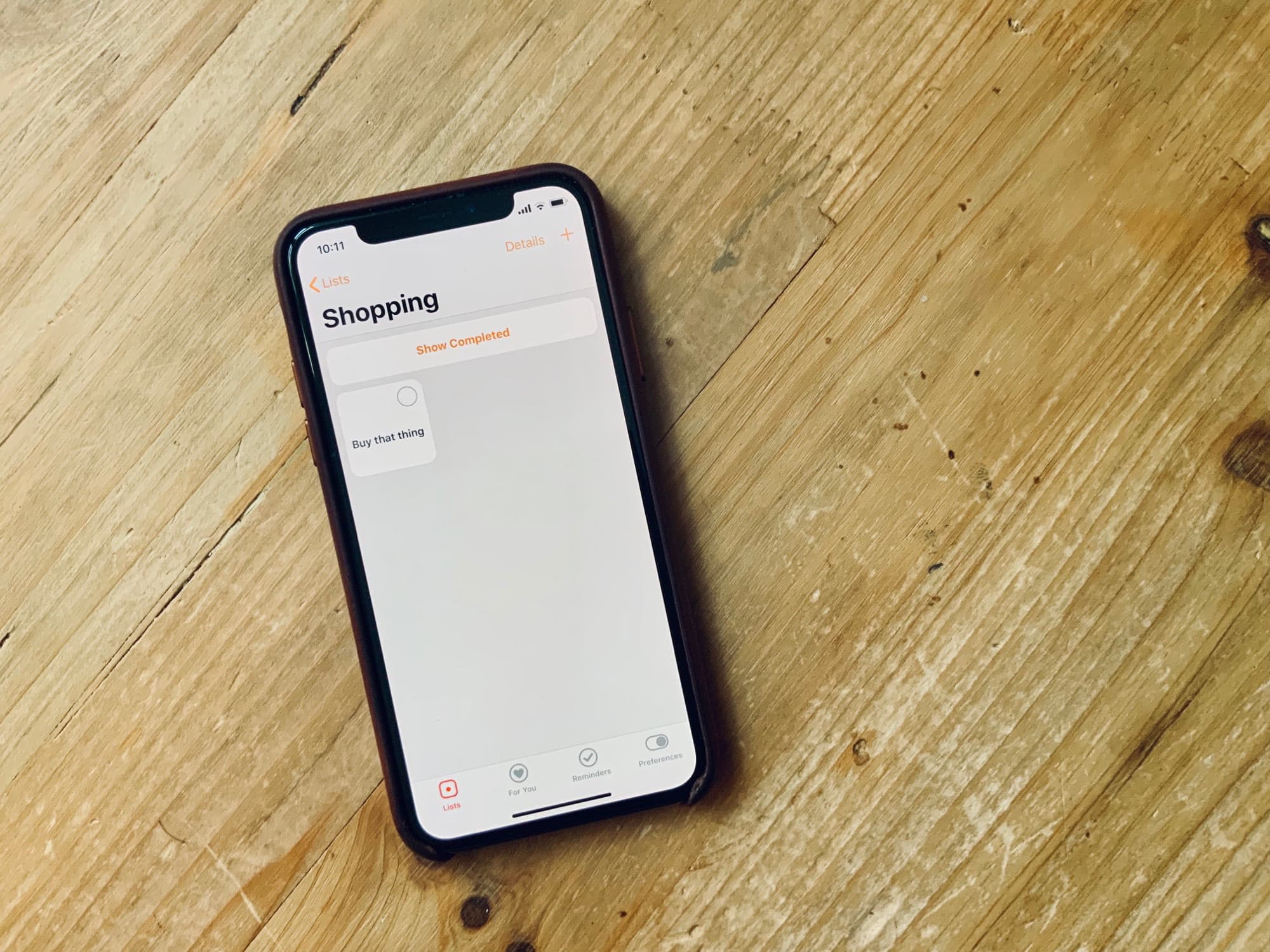
It seems like Apple’s Reminders app was made by a surly teenager who would rather have been watching YouTube videos than coding that afternoon. It offers the bare minimum of everything.
Our hypothetical teen developer clearly never actually needed to be reminded of anything, because entering something as obvious as a task with a due date takes four taps at various spots on the screen just to get to the date picker. And remember that this is a reminders app, the purpose of which is to remind you of things. Imagine a text editor where you had to press each letter key several times to type that letter.
Fortunately, you can pick from a zillion other iOS reminders apps, and all of them use the same central Reminders lists you already probably utilize. Today we’ll see how to set a reminder way, way quicker than with Apple’s built-in abomination. Today we’ll check out how to use Memento.
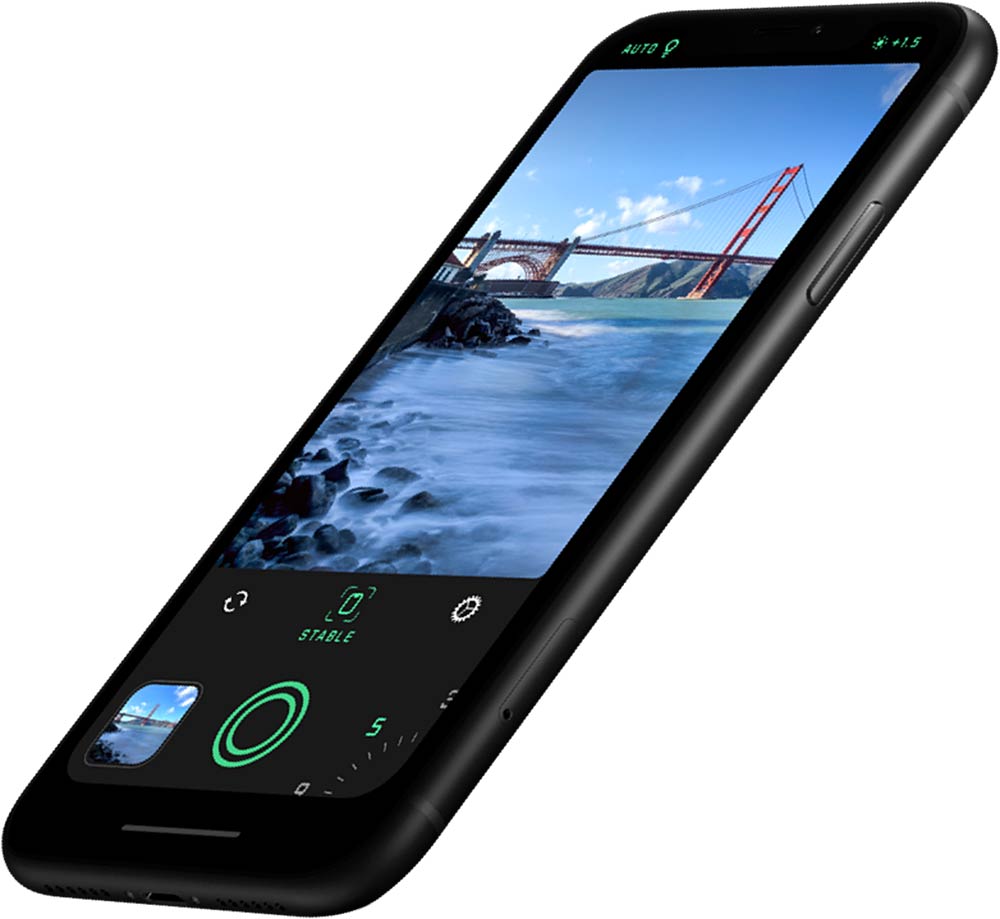
Halide, an iOS camera app that entered a flooded photo app category in 2017, quickly rose above most of the others as a must-have tool for serious iPhone photographers.
The creators, wanting manual camera settings and a RAW shooting option, rolled out a new app this week bringing ease to the otherwise complicated task of light and motion painting with long exposures.
The new app, Spectre, requires no technical skill – or even a tripod – to bring the streams of light to urban scenics shot on iPhone.
For Apple Watch-owning musicians, the MidiWrist app is pretty wild. It lets you control almost any music hardware or software just by tapping the Apple Watch. The possibilities are almost literally endless — and you can even map the smartwatch’s Digital Crown as a custom controller.
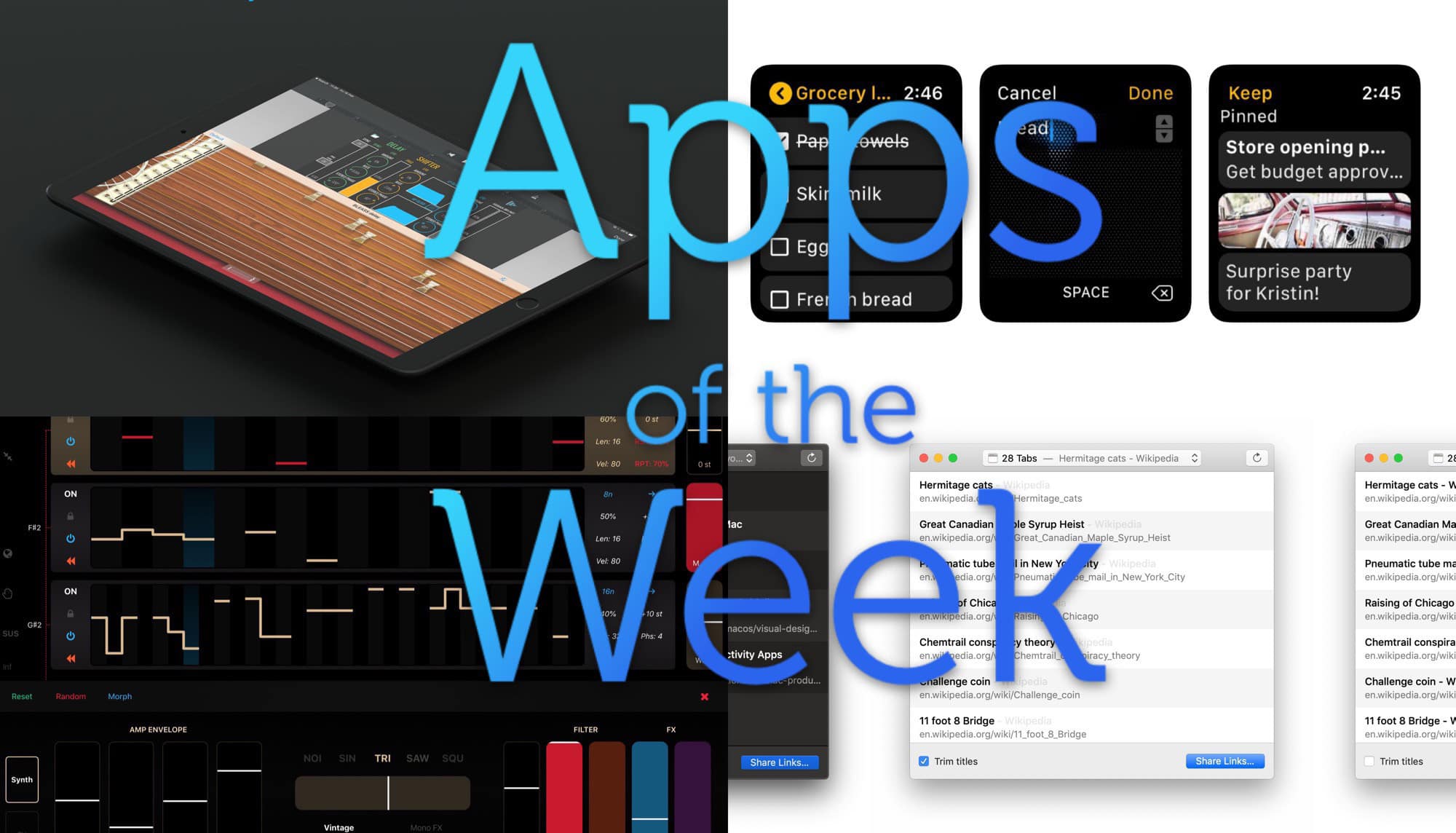
This week we mangle music with Bleass Delay, take notes from our wrists with Google Keep, quickly save all our Safari tabs to links, and more. So, so good!
A week or so back, I took a long trip, and I figured I’d make some music on the journey. I wanted an app that would be simple to use, but powerful enough to get some real expression into these musical sketches. Plus, I wanted something called parameter locks, which I’ll explain below.
I quickly narrowed in on Triqtraq. It’s not a new app, but it’s so good you should check it out ASAP.
This week we check the size of our suitcase with easyJet’s AR, find expert advice with SnafWho, make music by sampling everyday sounds in LoopField, and go back in time with GTA: Vice City.
Have you ever felt sick and thought to yourself, “I should diagnose myself based on a web search,” later wishing you’d sought a professional instead? How about taking on an extensive home-improvement project, only to call in a contractor after struggling to make any real progress?
Getting in shape or losing weight shouldn’t be something you are stuck doing on your own, either. That’s where a personal trainer comes in.
Pixelmator for iOS, everyone’s favorite Photoshop alternative, has finally been updated to support the newest lineup of iPad Pros and Apple Pencil 2.
The update, version 2.4.4, also brings a whole host of bug fixes and improvements.
Have you ever sat on the couch, or out on the porch with your iPad, and realized that the file you need is on your Mac? And only on your Mac — not in Dropbox or iCloud Drive or some other easy-to-reach storage? You have to get up, walk to the Mac, and then work out how to get that file onto your iPad.
It doesn’t have to be this way. With one app, you can put all of your Mac’s (or PC’s) folders and files right there inside the iPad’s Files app, ready to browse. Let’s do it.
A Connecticut woman used the Find My iPhone app on her iPad to track her ex-husband moments before he stormed the house and fatally shot her, police said.
Once she realized he was just outside the home, Taylor had only enough time to alert her son to call 9-1-1.
Warby Parker tried and then scrapped virtual eyeglass fittings with augmented reality. The technology didn’t quite fit with the experience of trying on an actual pair of frames.
Now the e-commerce brand is confident that what you see on your iPhone is what you’ll get, thanks to an iOS app update that uses the TrueDepth cameras of all X-class iPhones.
Making the resolution to learn a new language is easy. Like any commitment, seeing it through is harder. So unless you’re surrounded by native speakers, you’ll need to find another way to carve out time each day and get feedback on your progress.
Apple’s sudden shutdown of Facebook’s internal apps for iOS created enough chaos this week that some working for the social network company were openly talking about quitting, according to reports.
The Facebook employee apps show shuttle schedules, campus maps, and company calendars. Apple disabled all of them Wednesday after it learned Facebook ran a research app where iOS users could be rewarded for their data, a sideloaded app that violates Apple’s developer rules.
Whether you’re addicted to Twitter, obsessed with Fortnite or wasting the day away on Netflix, you can kill hours on your iPhone without ever doing anything useful or productive.
Instead of mindlessly killing time, Brilliant gives you a way to expand your mind and learn something new every day.