Transferring your WhatsApp data to a new device can be a pain — particularly if you’re switching from Android to another platform, or vice-versa. But WhatsApp looks set to make it a whole lot easier by giving users the ability to backup their messages to Google Drive.
If you’ve been interested in trying out Apple’s iWork suite of productivity apps for yourself, but don’t have an Apple device to try them on, you’re in luck: Anyone can now create an Apple ID and sign into the iCloud Beta website to use Pages, Numbers and Keynote for free.
A celebratory selfie undid these two iPad thieves. Photo: TheSmokingGun
Meet the world’s worst iPad thieves: Dillian Thompson (20) and Dorian Walker-Gaines (22). From “the money team.”
Houston police arrested these two geniuses after they uploaded a celebratory selfie video from Burger King to flaunt the cash they stole, along with an iPad, laptop and a couple other items left in someone’s unlocked car. The duo took a number of selfies and even uploaded a video to Facebook showing the $5,000 in C-notes they’d just stolen.
“This, my good people, is what we get from a good night’s hustle,” Dillian says in the video, completely oblivious to the wonders of iCloud and the felony theft charges that are about to follow.
Imagine a lifetime job with Apple, that doesn’t require you going into the office every day, from which you can never be fired, but which still gives you a sizeable guaranteed paycheck at the end of each month.
If that sounds like a dream come true, apparently you share the same utopian vision as a little company called Hall Data Sync Technologies: a non-practicing patent troll company which just filed a patent infringement lawsuit against Apple.
iCloud.com is free of Google Maps. Photo: Cult of Mac
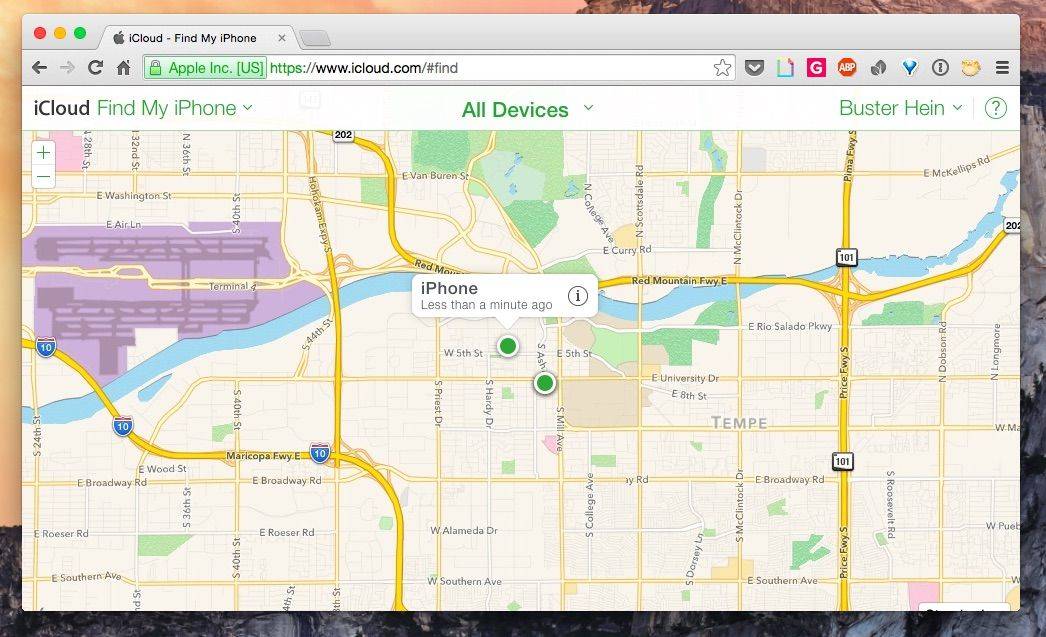
Apple Maps has been out for over two years, but it’s just finally completing its original mission to completely replace Google Maps in all of Apple’s products.
Starting today, iCloud.com users will see an online version of Apple Maps when using Find My iPhone instead of Google Maps.
What is happening with iCloud within Apple? Photo: Jim Merithew/Cult of Mac Photo: Jim Merithew/Cult of Mac
iCloud was hailed by Tim Cook back in 2012 as “not just a product. It’s a strategy for the next decade.” Yet these days, iCloud is something of a mess: Not only has it not gained significant features since launch, but a slate of very public hacks have made it a rare black mark on Apple’s security record.
What the heck happened? According to a new report, iCloud isn’t living up to its potential because, organizationally, it’s an orphan within Apple.
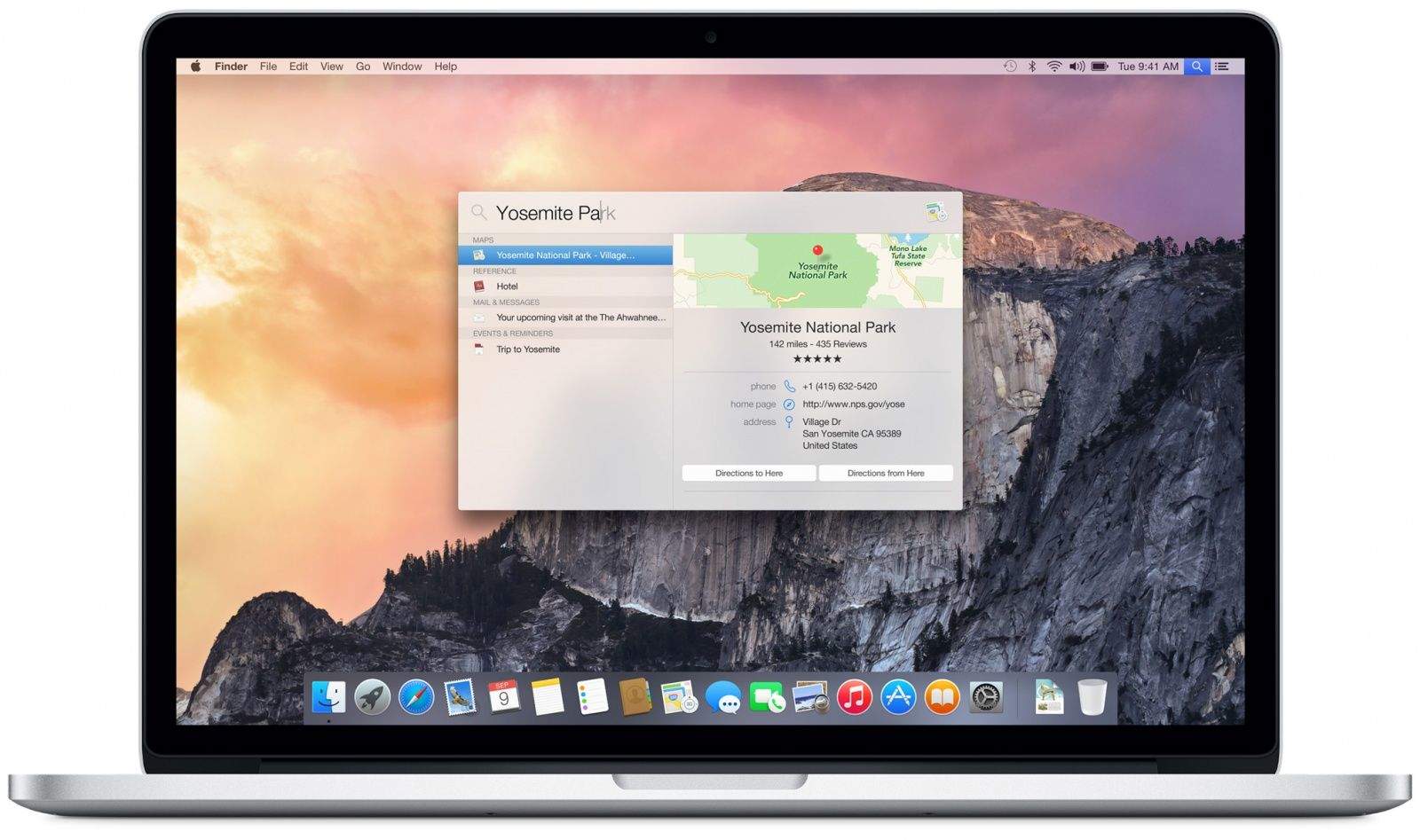
Whether you’re a Mac novice or a seasoned veteran, there are a ton of tips and ticks out there for mastering OS X Yosemite. In Part 2 of our Yosemite tip series, we gather more of the very best.
Apple Pay is here at last. With U.S. customers giving the new payment method a try, results — and opinions — vary widely.
In this week’s news roundup, we talk about Cult of Mac’s first day with Apple Pay, the new Marvel movie leak, Christian Bale landing the role of Steve Jobs in an upcoming biopic and much more. Get your weekly fix of news in just minutes.
The trusty green lock you should be paying attention to while surfing. Screenshot: Alex Heath/ Cult of Mac
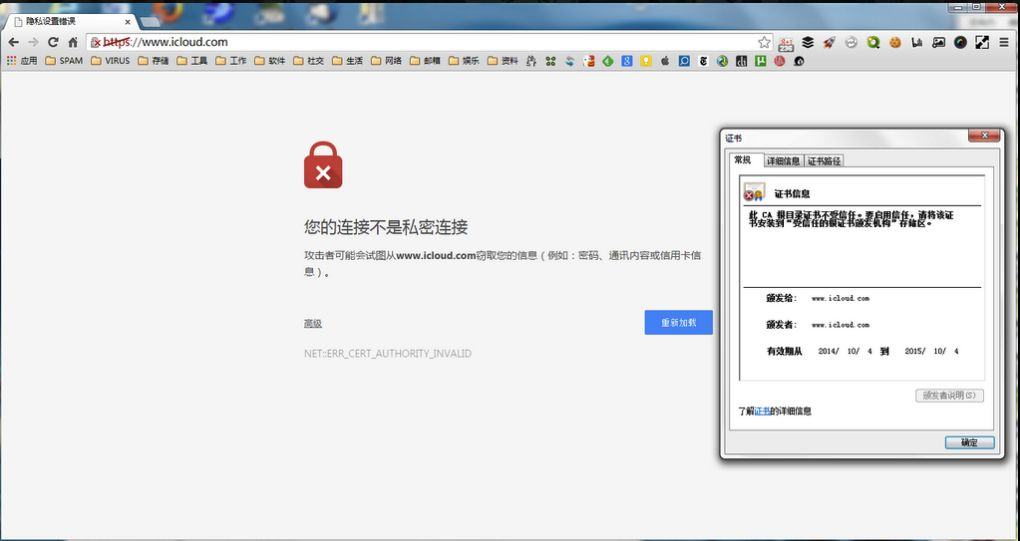
Recent reports of iCloud phishing attempts in China illustrate just how important it is always verify that you’re logging into legitimate websites before you enter your precious passwords.
To help, Apple today outlined how users can protect themselves from phishing attacks, in which bad guys pose as legitimate entities in an attempt to gain sensitive data on the web. Apple’s simple PSA page shows how web surfers can verify the authenticity of any website.
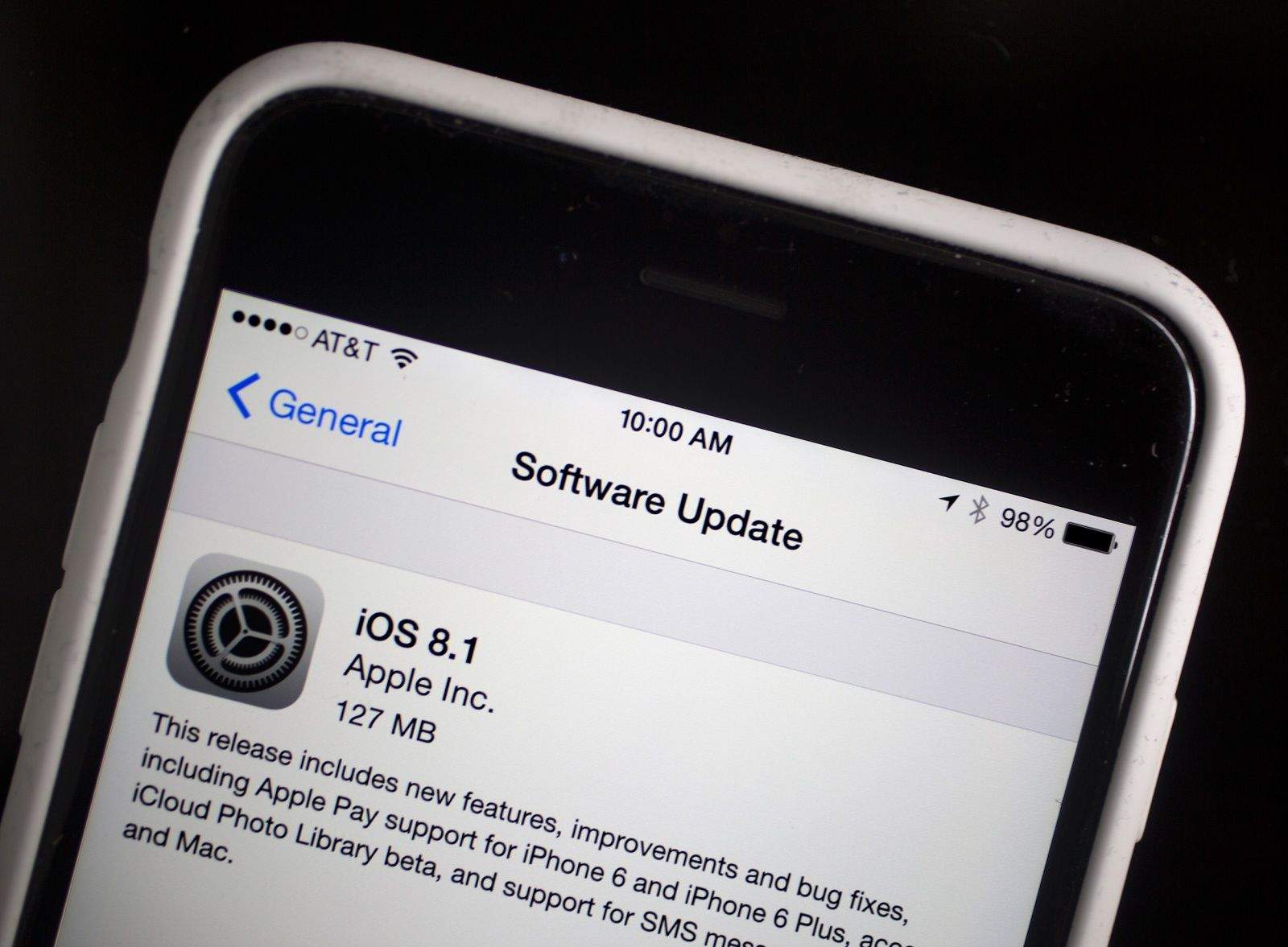
Apple just released iOS 8.1, bringing Apple Pay, iCloud Photo Library and other new features to the mobile operating system.
Available now via Software Update, iOS 8.1 will let you quickly set up Apple Pay on compatible devices. Upgraders running OS X Yosemite will also notice additional Continuity features that let iOS 8 work with the latest version of the Mac operating system.
As per Wikipedia, a man-in-the-middle attack “is a form of active eavesdropping in which the attacker makes independent connections with the victims and relays messages between them, making them believe that they are talking directly to each other over a private connection, when in fact the entire conversation is controlled by the attacker.”
GreatFire.org first noticed the apparent attack when it became aware of the fact that certain connections made to Apple’s iCloud site in China no longer responded with a trusted digital certificate, thereby risking decryption.
iCloud faces some tough security issues. Photo: Jim Merithew/Cult of Mac Photo: Jim Merithew/Cult of Mac
iCloud passwords and security passwords can be guessed using social networking and various phishing techniques, and complex passwords and two-step verification are not as intuitive as they should be.
In a delightfully complete article over at TidBITS, author Rich Mogul lays out the facts behind the current spate of Apple security problems – most of which boil down to this: People are the weakest link in the chain.
As anyone who’s worked with technology in the past decade can tell you, the thorniest technical challenges aren’t typically those that deal directly with hardware and software. No, in most cases, the toughest things to troubleshoot and fix lie along the human spectrum. System administrators have long known this, coming up with acronyms like PEBCAK and ID-10T errors.
The same goes for security, which in Apple’s case affects an ever-increasing number of people who not be savvy to the ways of information security.
Here’s an important heads-up: If you keep documents in your iCloud Drive, don’t use iOS 8’s “Reset All Settings” option. It could delete files stored in the cloud.
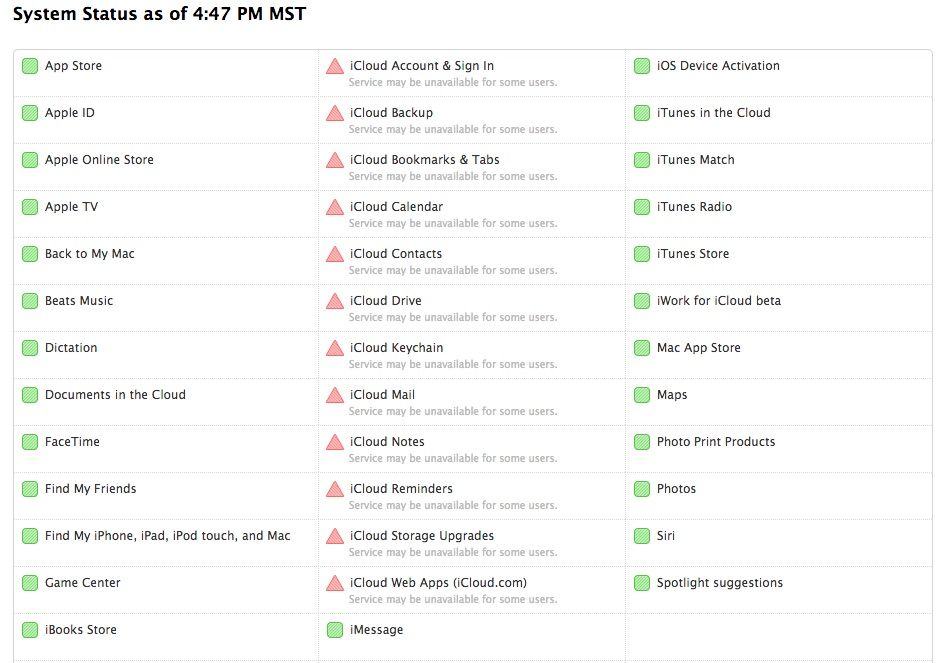
If you’ve been having trouble accessing some of iCloud’s services this afternoon, you are not alone.
Apple’s System Status page is showing that some iCloud users are unable to access all of the service’s features and have been unable to do so for about an hour.
We’ve received reports from users across the U.S. that iCloud is unavailable to them, and many other Apple users in other countries are reporting the same issue. An official statement on what’s caused the outage has not been released by Apple, though some reports have theorized that the company’s iCloud facility in North Carolina is facing issues.
We’ve reach out to Apple for comment, but for now there is no ETA on when iCloud will be up and running again for all users.
Picture: Killian Bell Illustration: Killian Bell/Cult of Mac
Apple was aware of the iCloud vulnerability which resulted in dozens of nude celebrity images being leaked earlier this month.
According to emails between Apple and noted security expert Ibrahim Balic, Cupertino was given information of a similar security flaw as early as March of this year. In an email from that month, Balic informed an Apple official that he had successfully bypassed the feature designed to stop a so-called “brute-force” attack taking place.
With these handy tips (and warnings), you'll master iCloud Drive in no time. Photo: Jim Merithew/Cult of Mac Photo: Jim Merithew/Cult of Mac
If you haven’t been scared off cloud services by the Fappening or past horrors like MobileMe, you might want to try iCloud Drive, Apple’s answer to Dropbox and Google Drive. It’s a pretty great concept, an extension of the Apple philosophy from way back – documents are identified by the apps they were created by. Before, though, you needed to export a file from a drawing app to use it with a painting app. With iCloud Drive, you’ll be able to move from one app to another much more easily.
Before you begin, make sure you’ve read and understand the warning about using iCloud Drive if you haven’t yet installed OS X Yosemite on your Mac. If you haven’t installed the Yosemite public beta, apps on your iOS 8 devices will be unable to share data with companion apps on your Mac. Consider yourself warned.
If you choose to enable iCloud Drive on your iOS 8 device, and you have an OS X Yosemite beta installed on your Mac, here’s how to use it the right way.
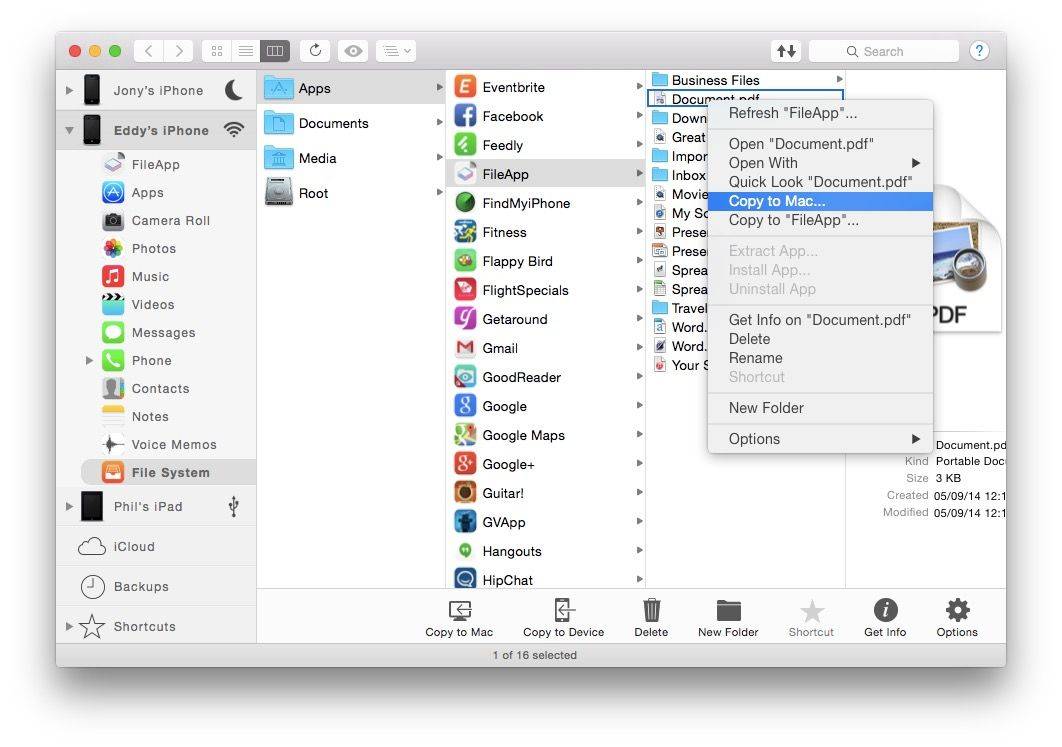
You can use iCloud or iTunes to transfer your entire mobile system from your old iPhone to your new one. It’s a clumsy, one-way process, though, and can be time consuming.
The folks over at DigiDNA iMazing (formerly DiskAid) have a secure solution that works a bit differently, giving you complete control over how you backup and restore your data, letting you create a complete snapshot of your iPhone before you head to upgrade to iOS 8 or a new iPhone 6.
Plan ahead so that family can access your iPhone photos if you die. Photo: Jim Merithew/Cult of Mac
Today Apple quietly expanded its use of two-factor authentication to protect iCloud users. Now those who have enabled the added security measure will be asked to verify their identity with a secondary device when logging into iCloud.com.
Your iPhone 6 will take better photos than most pocket cameras.
Two things strike me about the camera in the new iPhone 6 models. One is that you can take better pictures; the other is that the iPhone is now a much better place for viewing those pictures.
With their bigger, brighter screens — and iCloud’s new Photo Albums feature (which stores all your photos, ready to view, in iCloud) — the iPhone 6 and its larger sibling, the iPhone 6 Plus, are looking to be the best smartphones yet, from a photographic point of view.
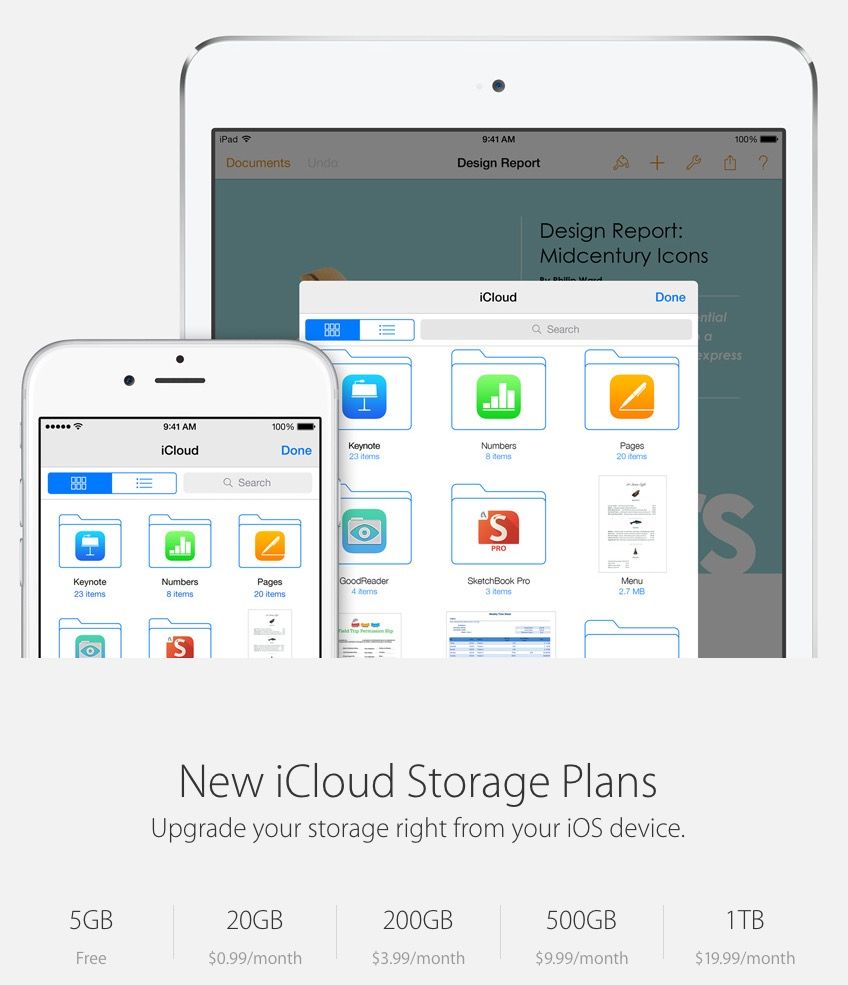
Even when it was first unveiled, iCloud storage was expensive, and as companies like Dropbox and Google Drive have dropped the prices of their offering.
But an update to Apple’s iCloud webpage suggests that’s about to change. The company is radically dropping the price of iCloud Storage, starting at just $0.99 a month for 20GB of storage.
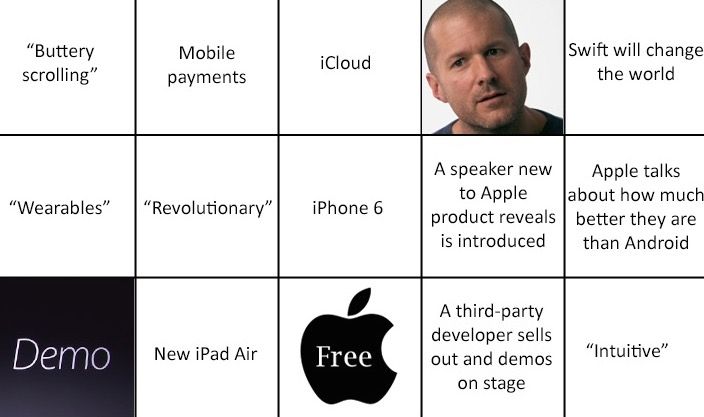
We’re in a frenzy of anticipation about Apple’s September 9 event. Just like you, we’re expecting big and bigger iPhones, the iWatch and something to take the stage of that immense box Apple has constructed outside the Flint Center auditorium.
As we tweet, liveblog and take you hands-on with new products from what may be the most important Apple event in years, you can play along with this awesome set of free bingo cards, courtesy mobile PR firm Appency.
This week: With Apple’s big Sept. 9 media event just around the bend, we dust off our crystal balls and reveal our iWatch and iPhone 6 predictions! Plus: The Fappening. How did so many high-profile celebrity nudies leak for all to see? And is an iCloud flaw responsible for the debacle? We’ll tell you what happened, how it happened, and what you can do to help keep those sensitive selfies safe from prying eyes.
Softly chuckle your way through each week’s best Apple stories! Stream or download new and past episodes of The CultCast now on your Mac or iDevice by subscribing on iTunes, or hit play below and let the chuckles begin.
Our thanks to Lynda.com for sponsoring this episode! Learn virtually any application at your own pace from expert-taught video tutorials at Lynda.com.
Trusting the Internet can be one of the silliest things you can do, especially when it comes to private matters. While what you do within the comfort of your own circle deserves to stay within its parameters, sometimes things don’t play that way.
Some celebrities found that out the hard way this week when their “personal” photos were hacked from their iCloud accounts and leaked online. With the world frantically sharing the photos left and right, this has turned all eyes toward Apple and the security of its cloud operation.
It was only a matter of time before Apple spoke out more publicly about the controversy surrounding the compromised iCloud accounts of numerous celebrities.
In an interview with The Wall Street Journal, Tim Cook revealed that Apple is adding new security measures to iCloud in the coming weeks. Users will be notified by email and a push notification for account activity, including whenever an iCloud backup is accessed. Two-step verification will also be strengthened to cover more aspects of iCloud.
Cook also said that Apple plans to raise more “awareness” about internet security.
We’re sorry, internet, but this new Funny or Die video has figured out the way to absolutely make the new iPhone 6 completely hack-proof.
No more iCloud, no more internet. The un-hackable iPhone 6, says this short film, is just a phone. And it only calls your parents.
Watch below as the three “interviewees,” playing Apple software designers, get angrier and angrier in their explanation, which comes down to “this is why we can’t have nice things.” Warning – there are a few colorful descriptions of things members of 4chan (the group behind most of the iCloud hacking) might want on their phone, as well. If you’re easily offended, skip the video.