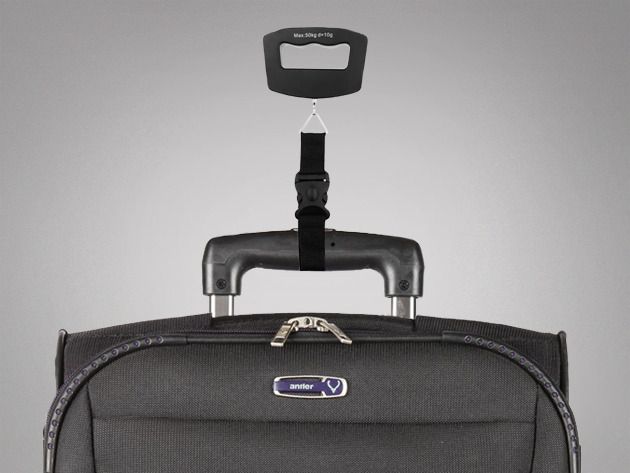
This time around we’re offering an iOS 7 Dev Bundle that will teach you to build and monetize your own apps for 79% off the regular price – just $79 – and a portable, lightweight Handheld Luggage Scale that keeps you from second-guessing the weight for your cargo for only $19!
Last week, Alex Kibkalo, a former Microsoft employee living in Lebanon, was arrested on charges that he had sold the Windows 8 source code in retaliation for a bad performance review. What was most shocking about the arrest was the means by which Microsoft gathered evidence pinning the crime on Kibkalo: they went into his personal Hotmail account and read his email to figure out it was him, without a court order to do so.
Apple would never do something like that by reading iCloud email without a court order, right? It’s not that simple, actually. Like Hotmail, Yahoo, and other webmail providers, iCloud’s terms of service specify that Apple reserves the right to read your email at any time.
When an app reaches the Top Ten Grossing List in the “Graphics and Design” category of the Mac App Store, and remains there since its March 2012 launch, there’s a good reason behind it. The app we’re offering this time around through Cult of Mac Deals fits that description…and then some.
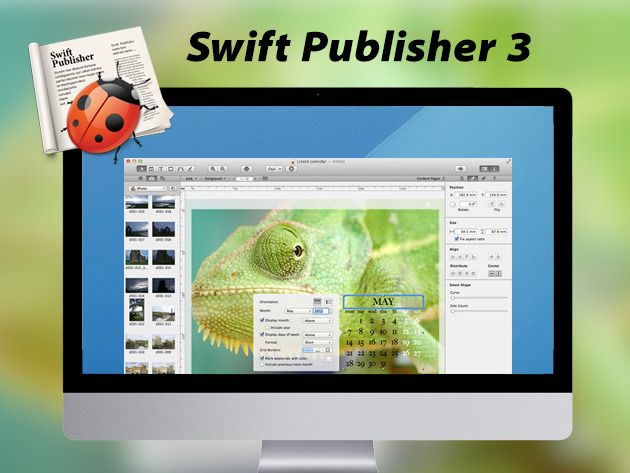
Need to quickly lay out documents and get them ready for publishing? Swift Publisher is a page layout and desktop publishing app that is designed to streamline your workflow – and you can have it for just $9.99.
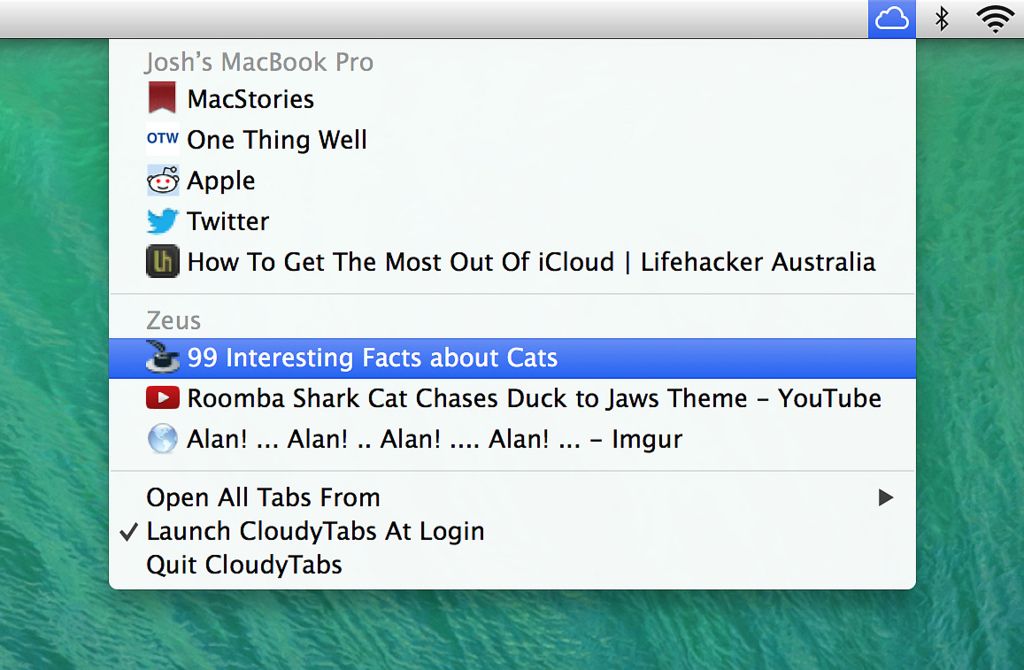
Use Google’s Chrome on your Mac but Safari on your iPad? Do you wish you could use iCloud tabs to open that browser tab that’s open on your iPhone? You need CloudyTabs, a Mac app that puts iCloud Tabs in your menubar, and opens them in your default browser.
Every single day, iPhone and iPad owners ask Siri millions of questions. Each and every one of those questions must be analyzed by Apple using computer-intensive natural language processing, translating it into a form that a computer can understand.
That takes a lot of computer horsepower. But how much?
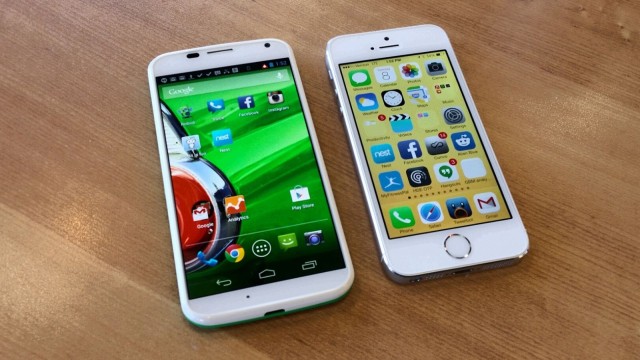
If you’ve been thinking about ditching your iPhone for an Android-powered smartphone, but you’ve been put off by the time and effort it takes to transfer all of your data, you no longer have an excuse not to make the move. Motorola just updated its Migrate transfer tool to support iPhone users who want to make the switch.
Using Migrate, users can transfer all of their contacts and calendar entries from their old iPhone to a new Motorola handset in just a few simple steps. It all happens without wires, and it’s completely free.
A good, strong password may be the only thing standing between your identity and some cyber criminal lurking in the shadows of the web. With mSecure you can be sure your information is 100% safe from hackers and identity thieves.
Right now you can get mSecure for 55% off the regular price – just $9 – courtesy of Cult of Mac Deals.
iOS users that long for something other than Safari will be delighted to know that Google has released a free update for Chrome for iOS.
The new updated includes an Autofill feature that lets users complete forms with just a few clicks, similar to the autofill feature Apple introduced in iOS 7 with iCloud Keychain. Along with some stability enhancements and bug fixes, Google has also improved image searches by adding the ability to long press on an image to search for related images.
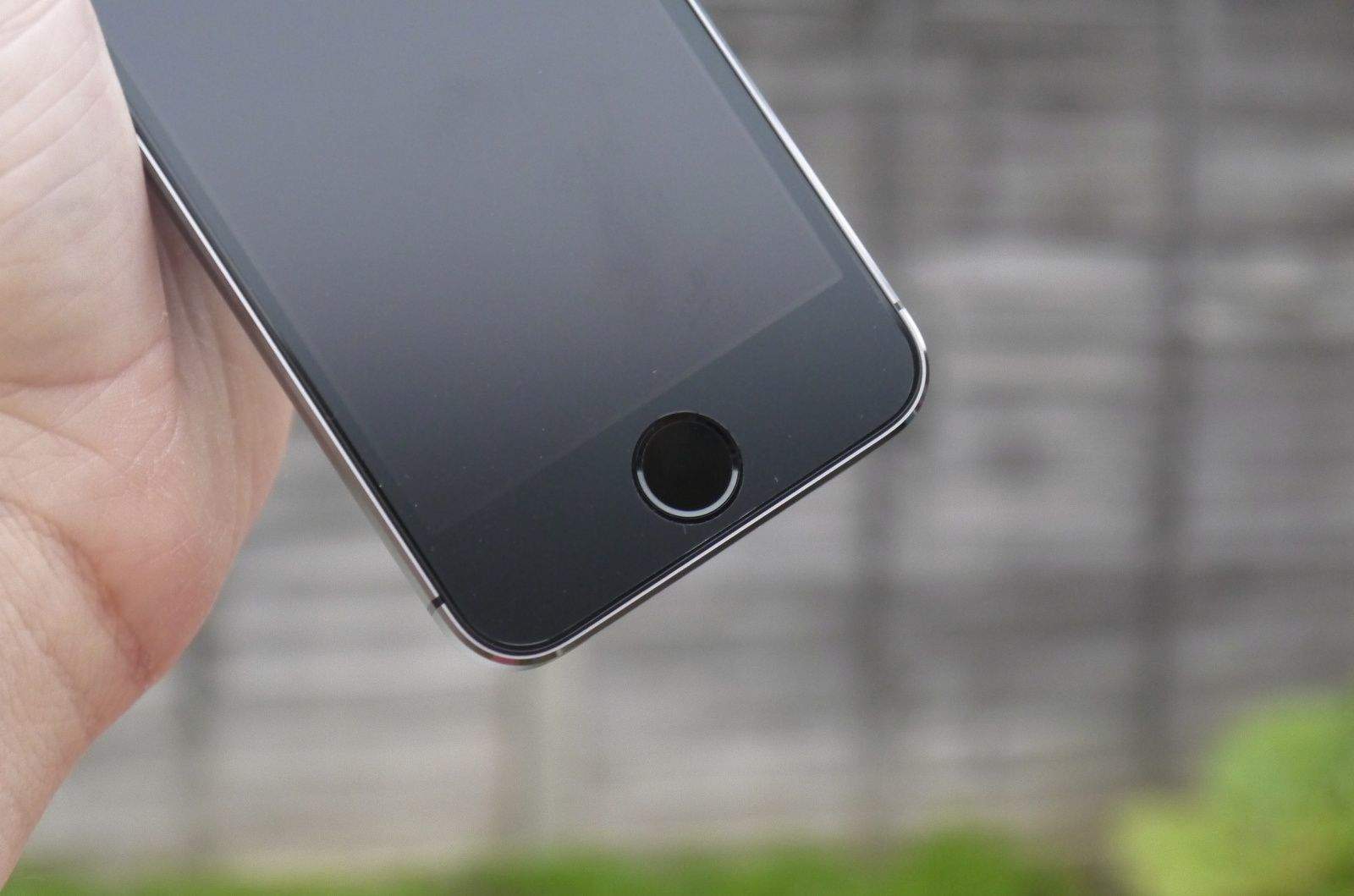
If you picked up a new iPhone 5s this year, you’d better take good care of its home button, because you can no longer pick up a cheap replacement on eBay and fit it yourself. The repair experts at mendmyi have discovered that Apple pairs every Touch ID sensor with an A7 chip, and if you install a home button that doesn’t match up, Touch ID simply won’t work.
CNNMoney has hit out at Apple by saying that it should momentarily forget about its position as an acclaimed product manufacturer and instead “focus on its mediocre software.”
While acknowledging that Apple builds some of the most coveted laptops, tablets, and smartphones around, writer Adrian Covert nevertheless singled out the company’s suite of software applications as the “one dark cloud” which looms over Apple. Although apps like iPhoto, Pages, iCal and Mail are functional enough, Covert claims, better alternatives exist, while iTunes and defunct social network Ping are varying degrees of broken.
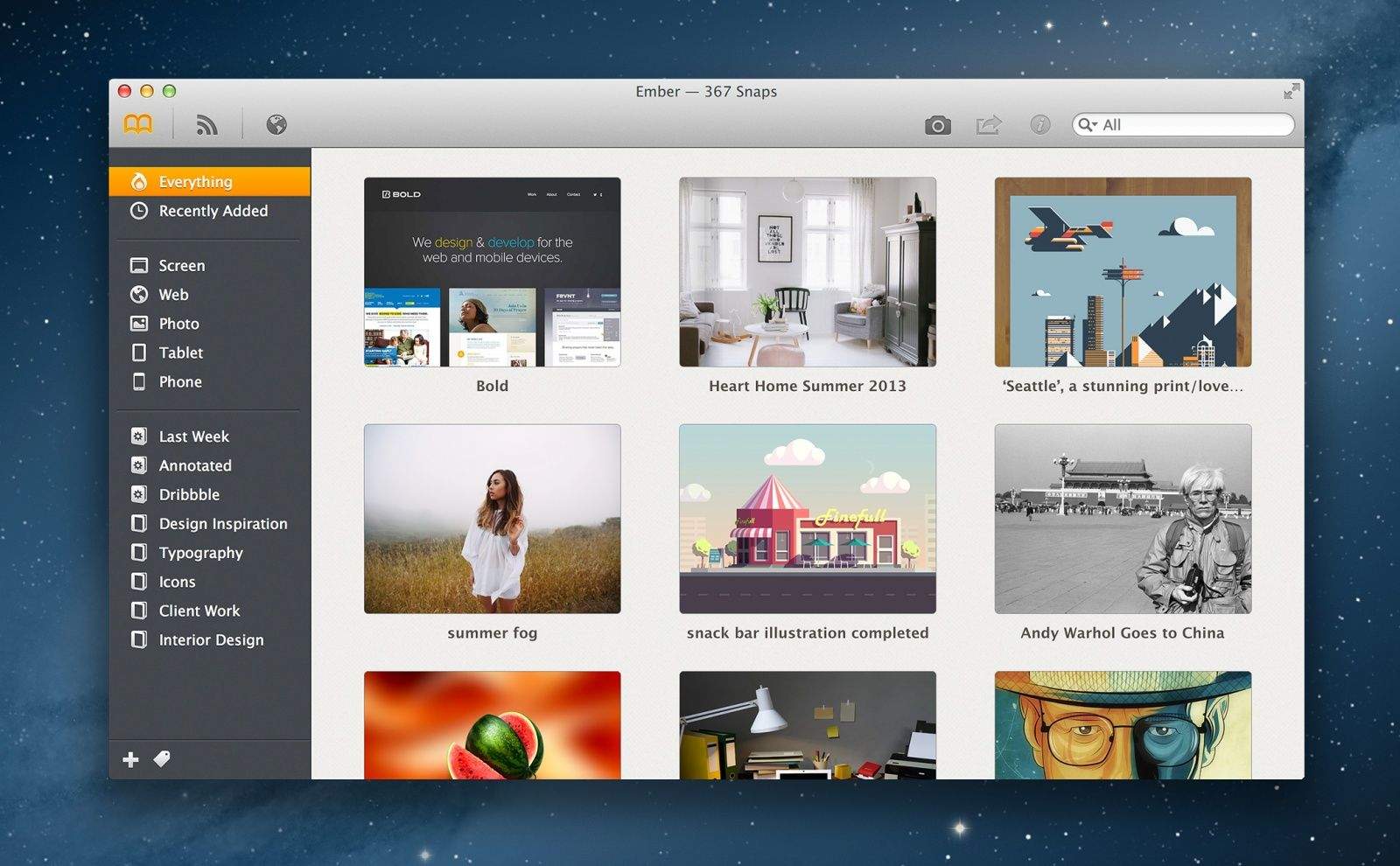
Ember, the awesome scrapbooking tool for Mac from Realmac Software, has been updated to support Apple’s new OS X Mavericks update. It also comes with “two huge new features,” including the ability to search for colors, and the option to store your Ember library in iCloud.
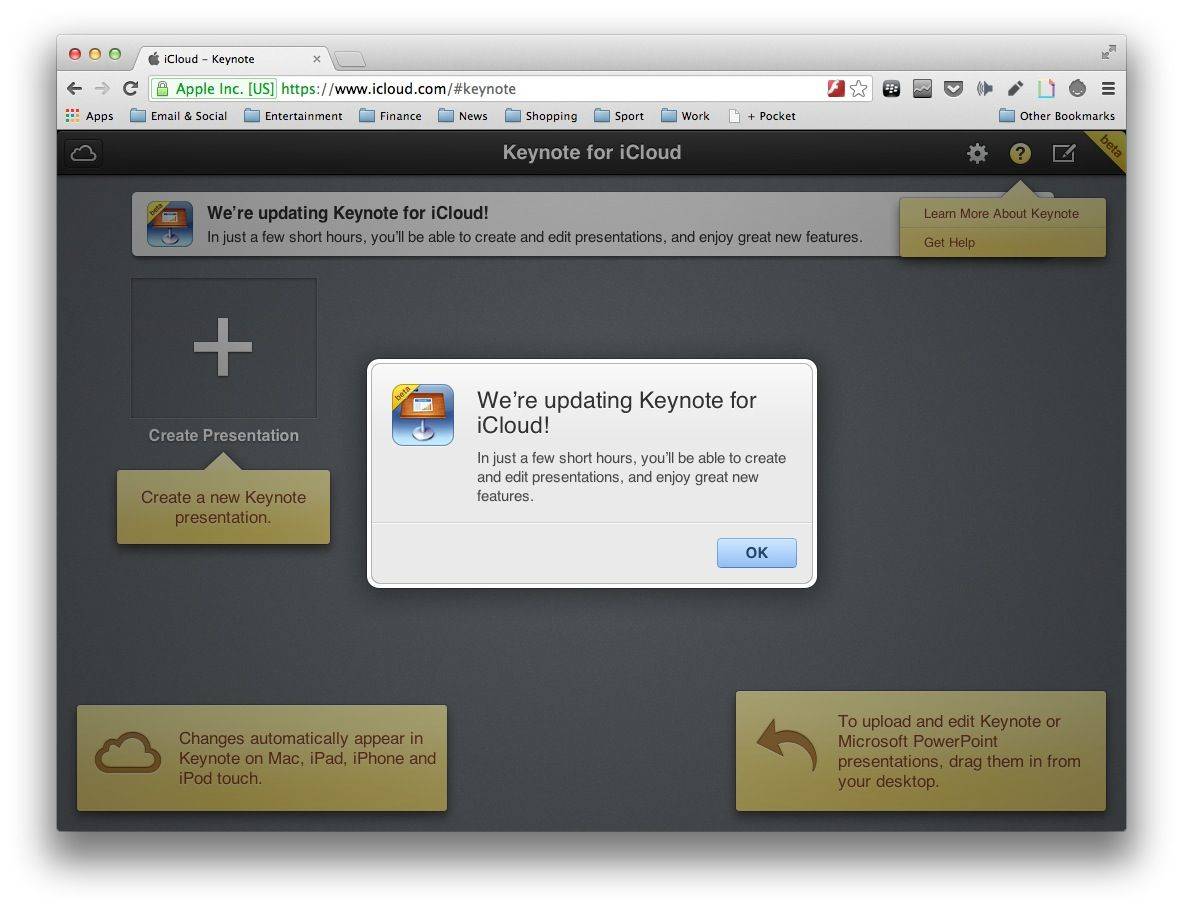
Apple’s iWork for iCloud apps have been made unavailable ahead of today’s iPad event, pretty much confirming that we will see updates for Pages, Keynote, and Numbers during the keynote. “In just a few short hours, you’ll be able to create and edit documents, and enjoy great new features,” a notice reads.
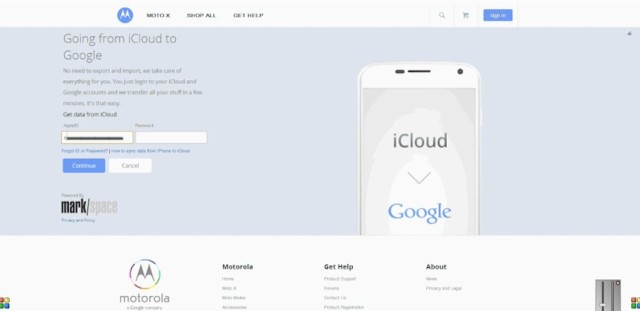
Could you be persuaded to give up your iPhone and switch to Android if you were given a really simple tool to transfer all of your important data? Motorola is certainly hoping so with its new web-based migration tool that takes all of your contacts and calendar events from iCloud and puts them on a Moto X.
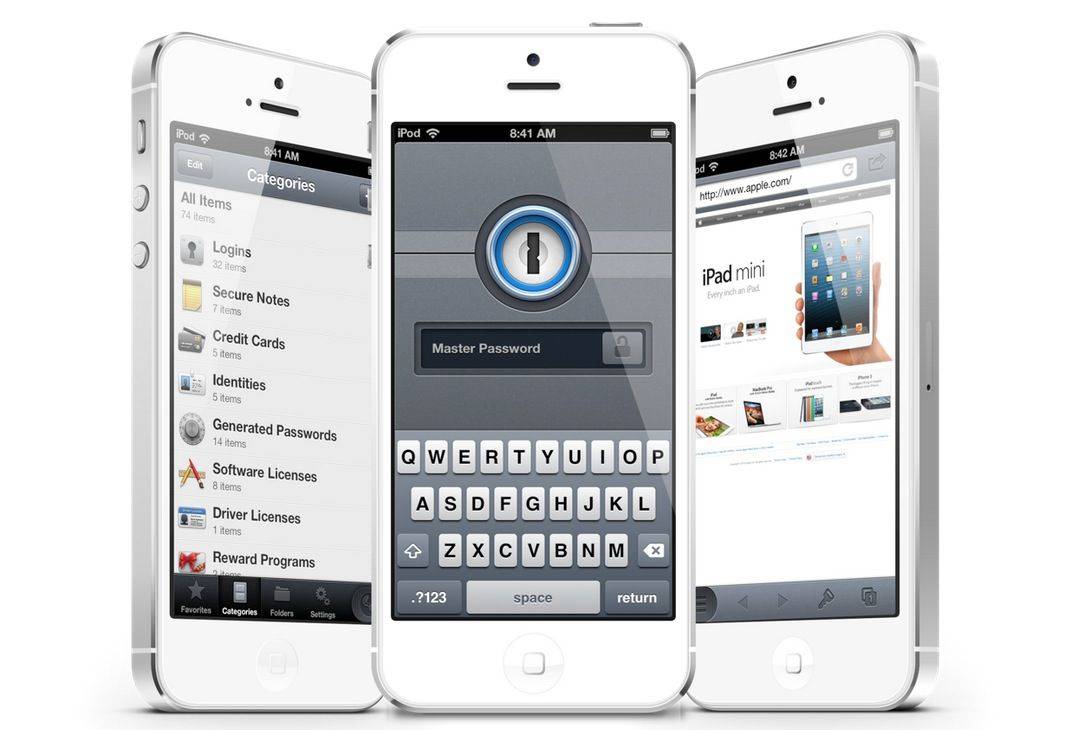
1Password, the popular password manager from AgileBits, has today been updated to finally support Wi-Fi syncing between Mac and iOS devices. The update also adds the ability to change the built-in browser’s user agent, and improves support for the latest iOS 7 firmware.
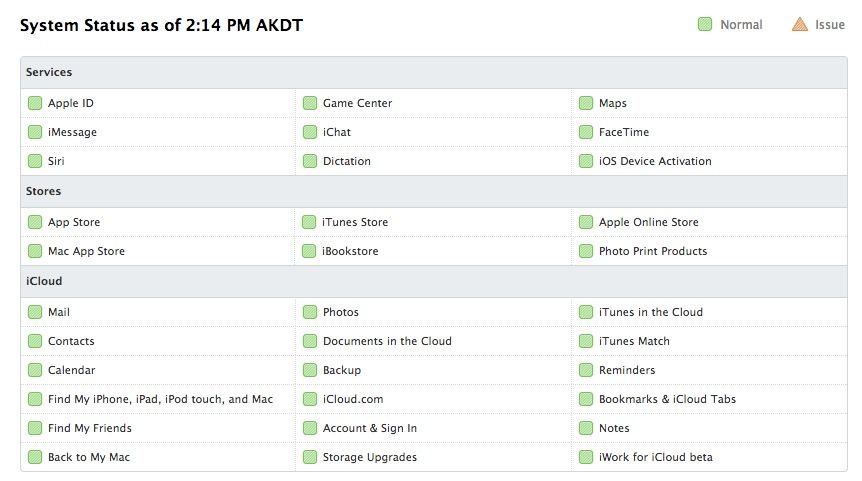
Apple reported some system outages early Wednesday, with multiple services going down between 9:30 and 11:00 am. Game Center and FaceTime were also down for a shorter period of time around 9:30, an outage lasting till 9:45 or so. Here’s what that looks like:
Multiple Services – 9:28 AM – 10:57 AM – Some users were affected
Users may have been unable to make purchases from the App Store, iTunes Store, Mac App Store, or iBookstore. Users may also have been unable to access iTunes in the Cloud, iTunes Match, or restore purchases from an iCloud backup.
If you were trying to connect to the App, iTunes, or Mac App Stores during this time (or the iBookstore), you may have had trouble. You may have had trouble accessing iTunes in the Cloud, iTunes Match, or restoring purchases from an iCloud backup. It wasn’t you, luckily, but Apple.
Here’s how to find out in the future whether it’s you, or Apple, that’s not letting you use the services.
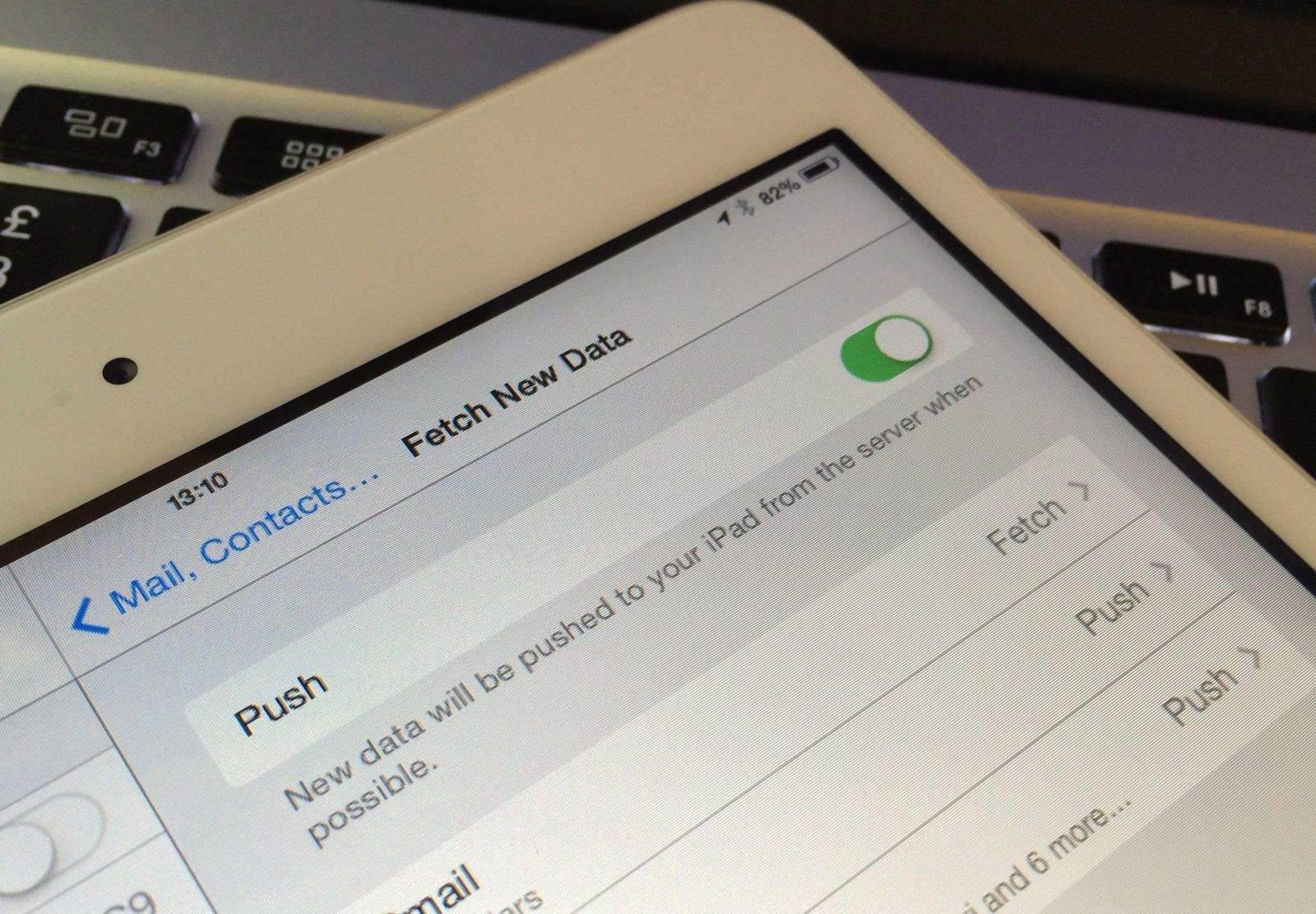
Apple has today restored push email services on iOS devices in Germany almost two years after it had to be shut down following a legal battle with Motorola. The Cupertino company announced the change in a new support document, which explains how users can restore push services on their iOS devices.
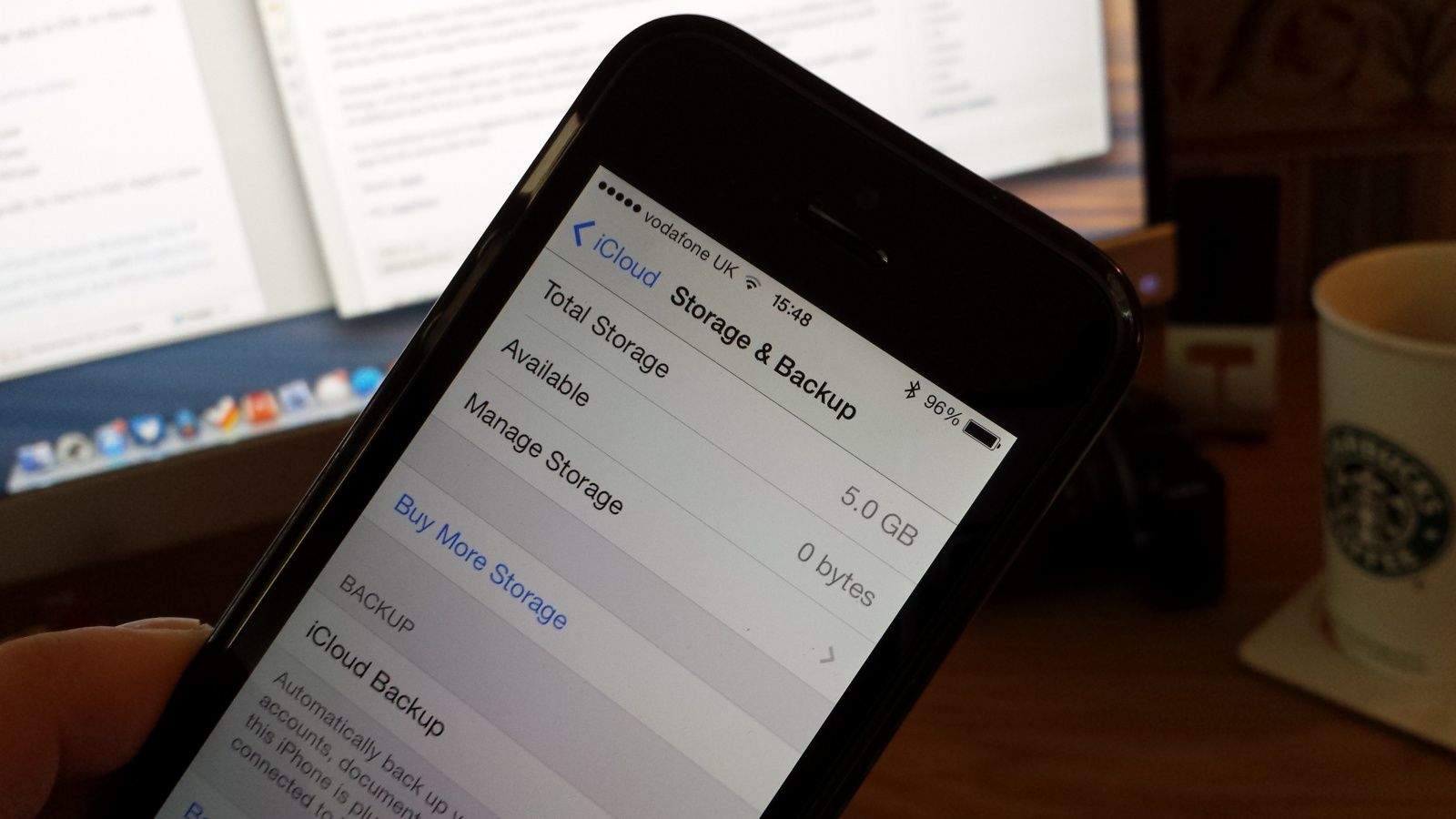
Today’s the day you’ll probably have to start paying for iCloud storage, folks — if you’re a former MobileMe subscriber, anyway. After giving us 25GB of iCloud storage absolutely free for two years, Apple has now ended the offer and dropped all non-paying iCloud users down to the basic 5GB plan.
If you need more than that, you’ll have to sign up for a subscription from today.
If you were a MobileMe customer enticed to join the iCloud by Apple’s offer of 20GB of free storage, get ready to pony up for more: Apple is emailing people telling them to prepare to start paying for iCloud storage come September 20th.
If you head over to iCloud.com, you’ll notice that it has been completely redesigned to match the look and feel of iOS 7. The new iCloud website has been in beta all summer, and Apple has made it publicly available on the eve of tomorrow’s iOS 7 launch.
The web versions of Mail, Contacts, Calendar, Notes, Reminders, Find My iPhone, have all been revamped to match their iOS 7 counterparts, and the iWork suite is also available. Apple demoed the web versions of Pages, Numbers, and Keynote at WWDC in June.
Another week has sped by and we’ve had a ton of great offers that have made their way onto the Cult of Mac Deals page. Before we head into another week, we’re going to shine a spotlight on two of the offers that you may have missed.
Since we’re so reliant on our iPhones and iPads – especially as iOS becomes more prevalent – that we need to give thought on things beyond security on these devices. We need to think about what to do in order to keep our data safe from accidental deletion — including looking at software solutions beyond what’s included with our Mac.
With that in mind, here are 2 things you can do to make sure the chances of losing your iOS data is as slim as possible:
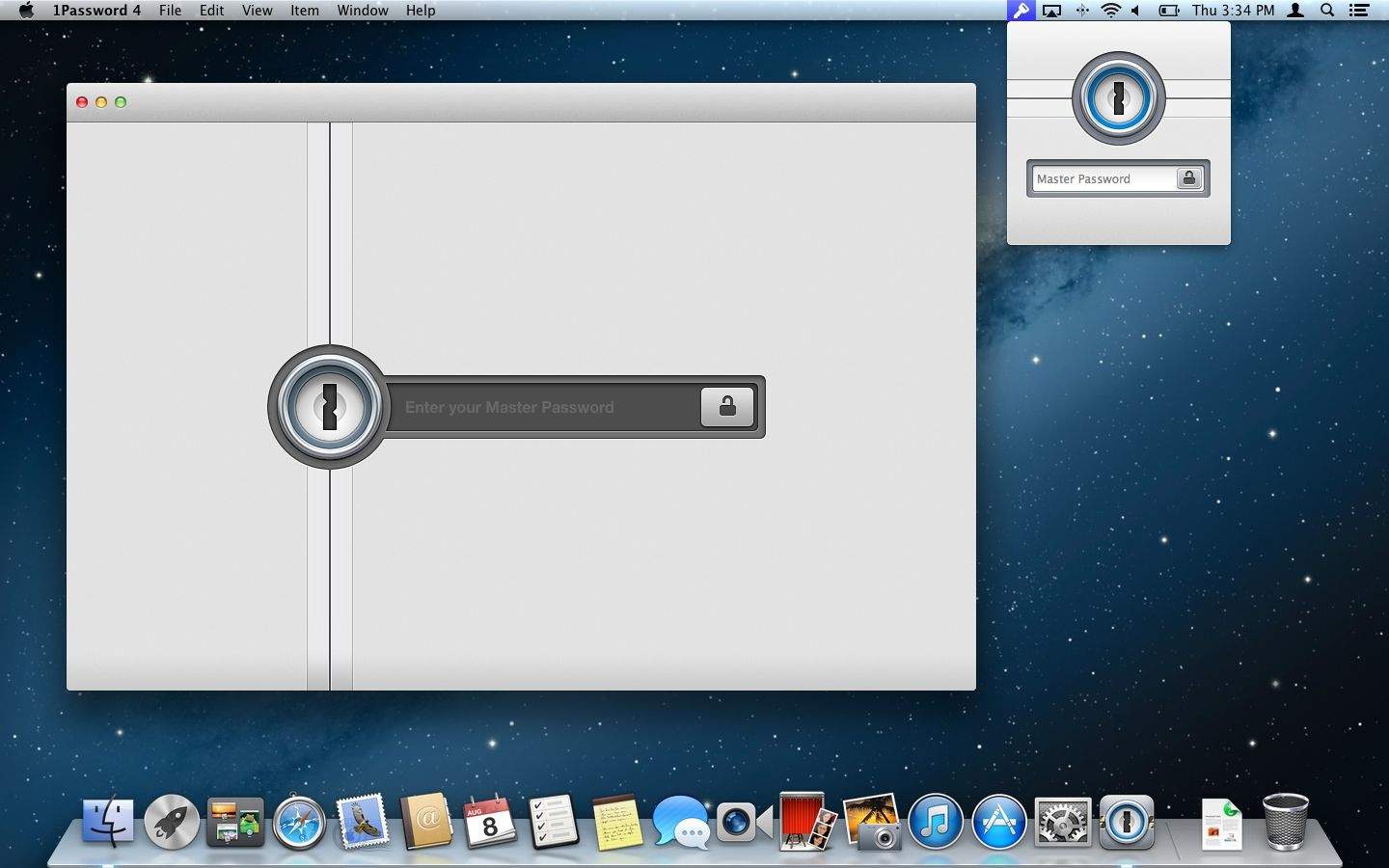
1Password has been one of the most essential Mac apps for years, but it hasn’t seen a major upgrade since November 2009. Agile Bits is hard at work on the redesign of 1Password 4 for Mac, but they sent us a sneak peek of the reengineered password management app that’s been in the making for over a year.
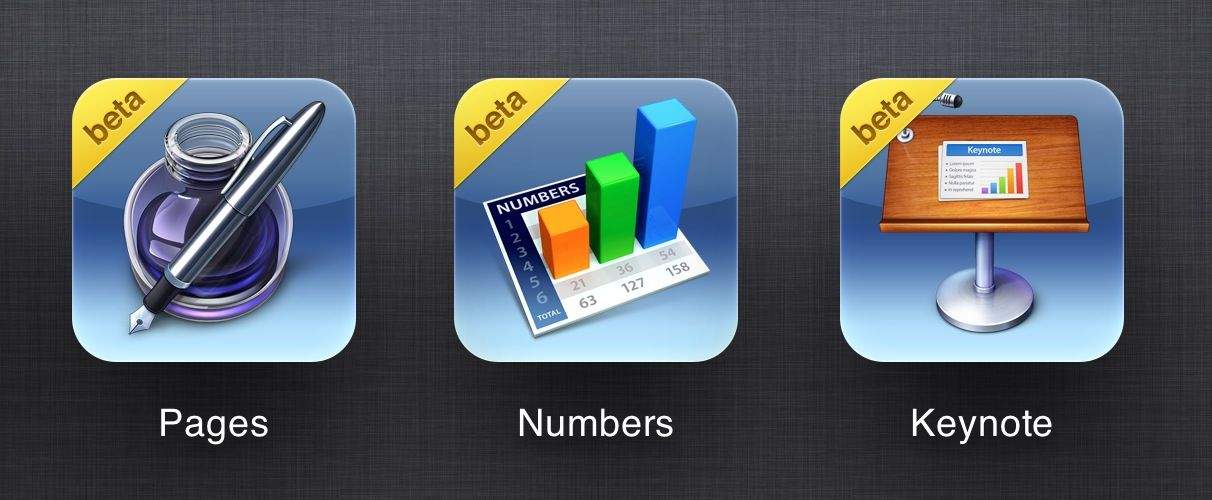
The iWork for iCloud beta, which allows you to use Pages, Numbers, and Keynote inside your web browser, is now available to all at iCloud.com. You do not need to be an existing iWork customer to take advantage of the apps, but if you are, you can now access all of the iWork documents you’ve stored in iCloud from absolutely anywhere.
Documents by Readdle — the free iOS app that replaces a dedicated document viewer, PDF reader, download manager, music player, and more — has today received another new update that adds even more nifty features.
In addition to photo library integration, you’ll also find drag and drop file organization, and the ability to “star” your most important or most frequently used files.
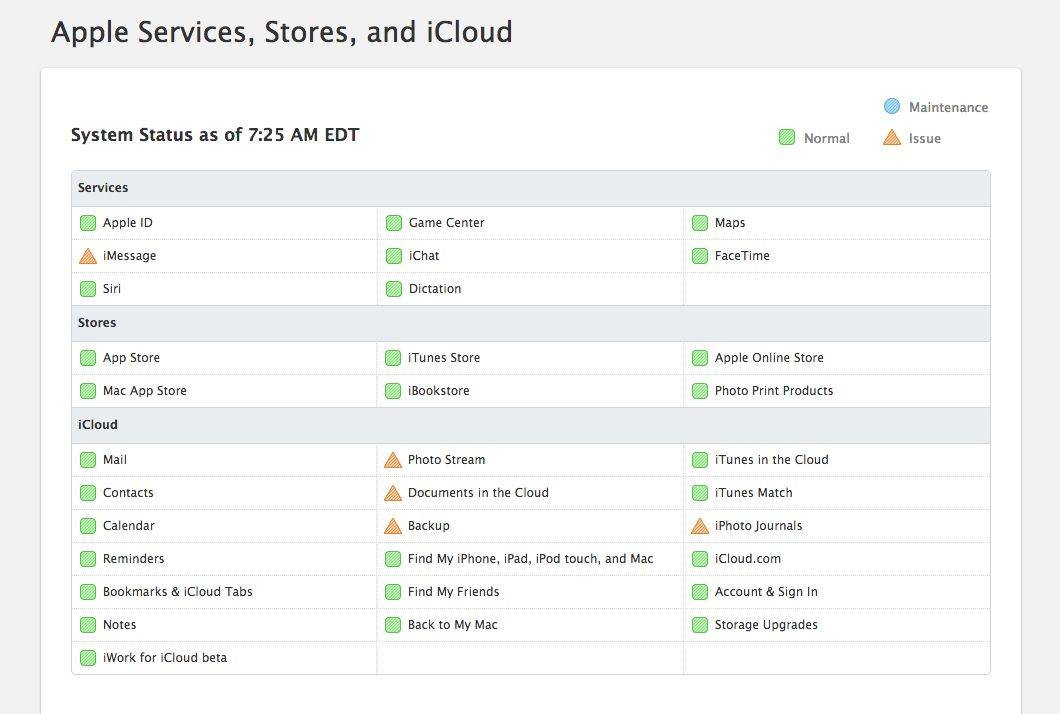
If you’re having problems accessing the iCloud this morning, it’s not just you: Apple’s official Systems Status page indicates that multiple iCloud users are having problems accessing Apple’s services.