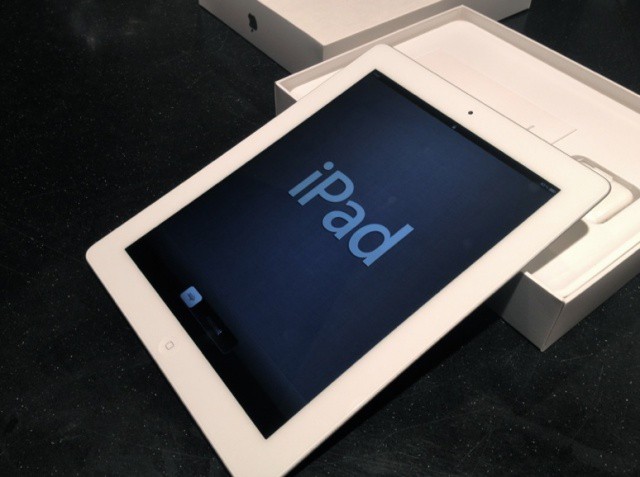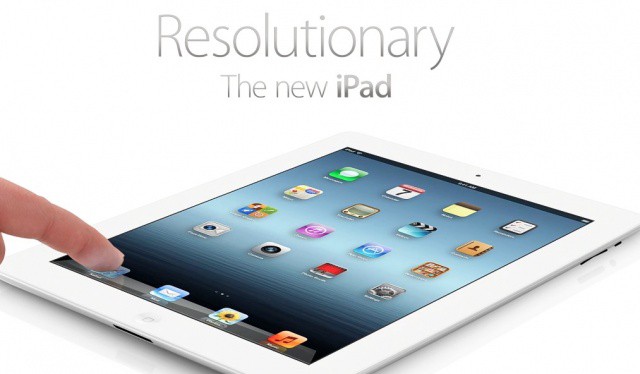
Last week, we showed you how to prepare your old iPad for today’s upgrade to the new one. Now you have your new device, you’ll want to ensure that all of your data from your old one gets transferred over during the setup process. Here’s how to do it — the right way.
You just bought the new iPad. Whether this is your first iPad or an upgrade, setting up a new device can take some time. Luckily, Apple has made it easy to set up a new iPad for the first time with iCloud — you don’t even need a desktop computer!
There are also resources like Cult of Mac to help you get the most out of your new iPad. We’ll show you how to get your iPad ready for prime time with this handy setup guide.
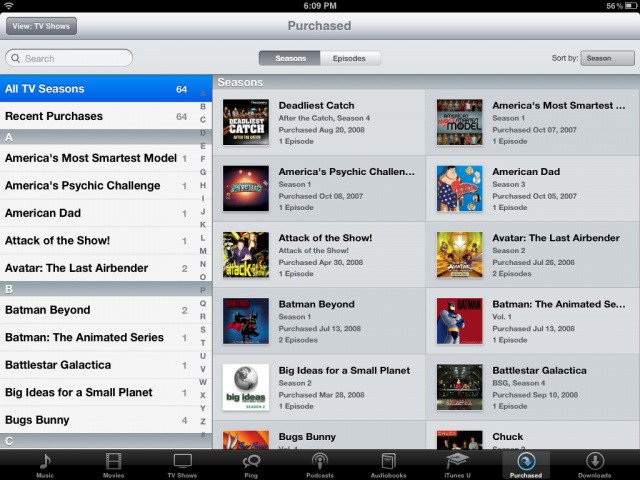
Apple announced that movies are now available for download in iCloud last week at its iPad event. You can now view and re-download video content purchased from the iTunes Store on any authorized device, including the iPhone and iPad.
While nearly all the major Hollywood studios were onboard at the time, Universal and Fox studios hadn’t been able to close a deal with Apple for iCloud availability due to licensing conflicts with HBO. According to a spokesperson for the company, HBO is loosening its restrictions on the studios to let Apple have access to more content, specifically Universal and Fox.
Apple has announced that it is shutting down iWork.com on July 31st. The website was a beta product that Apple launched back in 2009 to store documents created with its iWork productivity suite. Since then, iCloud has been introduced to let you keep your documents wirelessly synced across devices, and there is no need for iWork.com anymore.
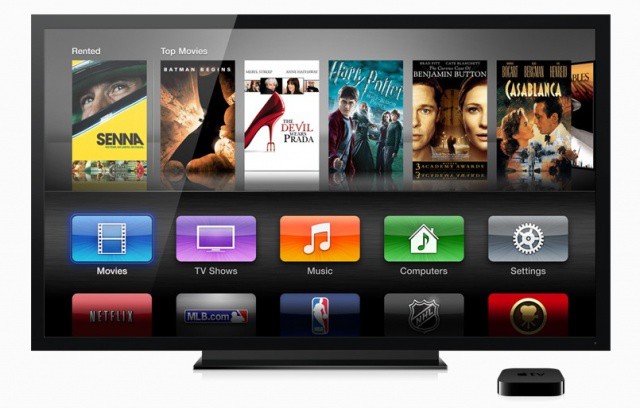
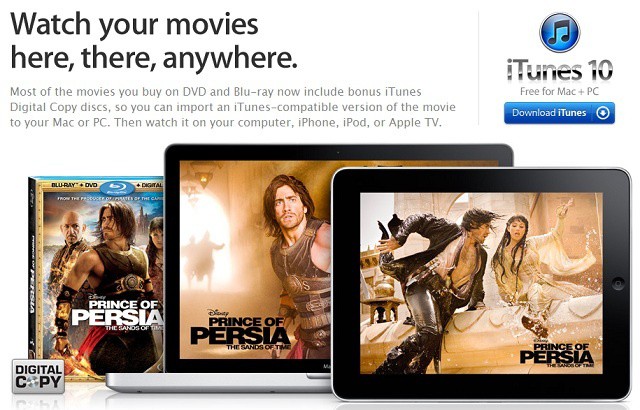
In their rush to announce the new iPad on Wednesday, Apple hurried through the details of their new Apple TV and didn’t talk much about the new ability to stream your movies straight from iCloud to your Apple TV or iOS device. What’s awesome about the new feature is that it works for movies that you didn’t even buy from iTunes: iTunes Digital Copies.
As Tim Cook put it at this morning’s event, Apple’s iCloud “just works” and 100 million customers love the lofty storage service.
Greenpeace, however, says Apple’s iCloud is an unsustainable coal-fueled mess and that the just-announced movie service will only make it worse.
“Apple is about innovation, but buying coal at really cheap source is not innovative,” Greenpeace senior policy analyst Gary Cook told Cult of Mac. “Those data centers [supporting iCloud] are fueled by about 60 percent coal.”
One of Apple’s biggest announcements yesterday — apart from something about some new iPad — was iPhoto for iOS. We’d suspected that Apple would fill in the hole in its iLife suite, and we were right. What we weren’t expecting was something as fully featured as iPhoto turned out to be. That said, it seems the app was really built with the iPad 3 in mind: It works great on the iPad 2, but it’s a little glitchy in places: just like its desktop cousin.
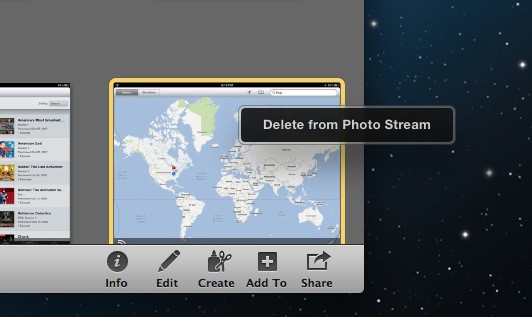
Following the release of iOS 5.1 and the long-awaited ability to delete individual photos from Photo Stream, a new version of iPhoto for Mac has been released with the same feature. You can now delete photos from your iCloud Photo Stream on all of your Apple devices and have your changes synced instantly.
Apple has noted that iCloud can now be used to re-download movies and TV shows that have been purchased from the iTunes Store. During today’s keynote, it was revealed that the third-gen Apple TV would support 1080p HD video, and Apple gave its iTunes video catalog a 1080p facelift to match. On top of that, iCloud will now let you access your purchased video content on all of your devices as many times as you want.
The new feature is welcomed, but there are a couple major Hollywood studios that have not made their content available on iCloud. Universal and Fox haven’t been able to ink a deal with Apple yet.
Not enough Omni's in the article for you? Try this: OmniOmniOmniOmniOmniOmniOmniOmni
Nerds who use Omni Group’s kick-ass task manager Omnifocus have a little bit of good news today. No, you still can’t export due tasks to a Google calendar shared with coworkers. You can, however, rely on the new non-beta status of the Omni Sync Server, which gets its official launch today. That’s not all: Sync is coming to all Omni’s apps.
In addition to iCloud, there are a number of other cloud services available to Mac and iOS users. Dropbox, Box.net, and Google Docs all come to mind immediately and each offers its own set of features. Another option that isn’t discussed so much by Apple users is Microsoft’s SkyDrive.
Although SkyDrive has offered a basic iOS app and web access from Macs and iOS devices, the functionality has been a bit limited. Newly leaked details of an OS X SkyDrive app, however, indicate that Microsoft may be planning to compete against iCloud on Apple’s home turf.
It’s been rumored that Apple is looking to rid future iPhones of their traditional 30-Pin connector in a move to save space, but we have no idea what Apple would replace it with to handle the charging and syncing of iOS devices. iCloud has given us the ability to completely cut the cord for syncing, but recharging the device would still require a cable. Or would it? Thanks to some newly invented hi-tech fabric, it looks like future iPhones may possibly be charged using body heat in the not too distant future.
Apple has aired a new commercial for the iPhone 4S. Simply called “iCloud Harmony,” the 30-second TV spot highlights iCloud’s ability to sync your media and apps between devices. “Automatic. Everywhere. iCloud.“
After a German court ruling earlier this month that deemed Apple’s push email services for iCloud (and MobileMe) infringe upon a Motorola patent, the Cupertino company has been forced to disable the service in Germany.
Apple will join Facebook's data center (above) in Prineville, Oregon.
Just days after confirming its plans for its data center in North Carolina, Apple has confirmed that it is gearing up to build another one in Prineville, Oregon, neighboring rivals like Amazon, Google, and Facebook. The Cupertino company purchased the 160-acre lot for $5.6 million from Crook County.
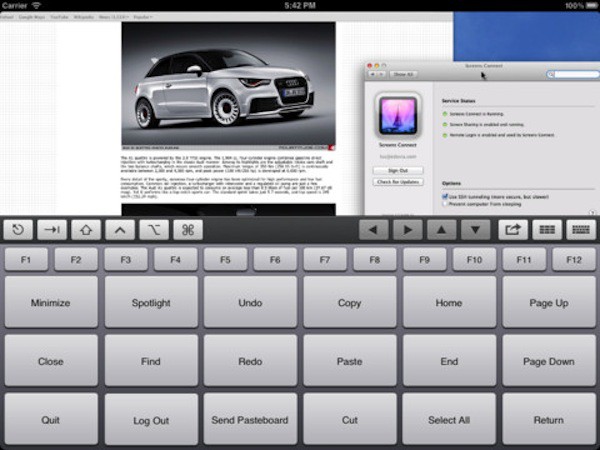
Screens is one of many VNC apps available for the iPad and iPhone. Screens 2.0, which was released today, takes the concept of remote controlling a Mac or PC to another level. The update offers some very nifty features to the two year old app including integration with iCloud Siri, and AirPlay.
Screens isn’t one of the cheapest VNC solutions for iOS – it has a price tag of $19.99. The software backs up its somewhat steep cost by delivering a great user experience.
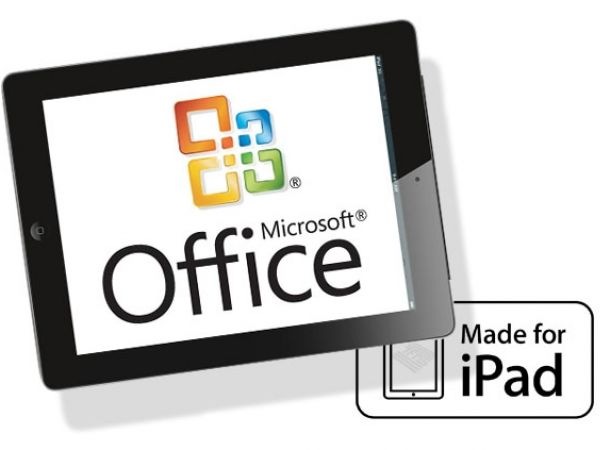
It looks like Microsoft will be brining Office to the iPad, something that’s been the subject of speculation for a while. Although a photo showing Office on the iPad has surfaced, there are a lot of big questions surrounding it. When will it ship? How much will it cost? Which features will Microsoft incorporate from the desktop version of Office? How will it compare to Office on Windows 8 or Windows on Arm (WOA) tablets?
Then there’s another big question – does it even matter that Microsoft is creating an iPad version of Office?
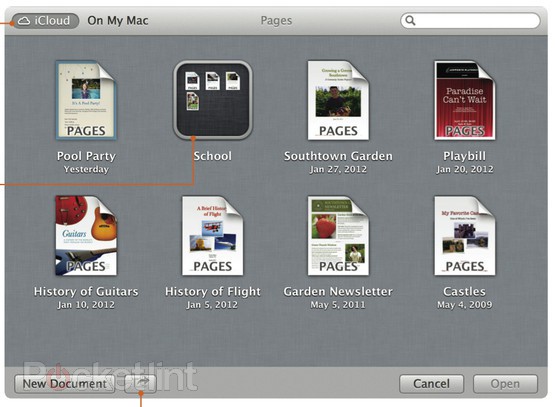
The Finder's new iCloud view works just like iOS. Screenshot: Pocket Lint
With Mountain Lion, Apple has finally tied iCloud to the Mac desktop. While iCloud has worked seamlessly on iOS since launch, moving documents between iCould and your Mac was embarrassingly awkward, involving web browsers, dragging and dropping.
Now, it has been shoved deep into the heart of the OS, in the form of a kind of alternate Finder.
One of the big threads in the Mountain Lion features that Apple has posted is much deeper integration with iCloud that Lion offers. That isn’t a surprise given Lion began a trend of bringing iOS functionality to the Mac, but it may raise some concerns for Macs in the workplace.
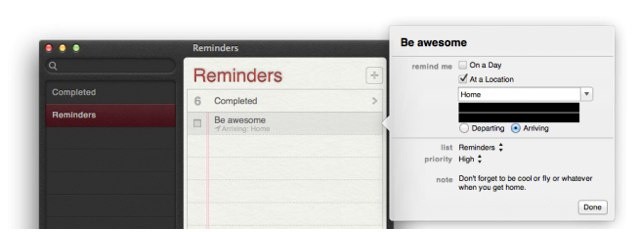
In Mountain Lion, Apple is bringing the iOS document syncing feature to OS X along with Mac versions of the iOS Notes and Reminders apps. There’s also a Mac version of the iOS 5 Notification Center. These are all tremendously valuable features for business users, but the fact that they function by passing business content to Apple’s iCloud servers and onto the devices of employees and their family members is likely to be a big concern for CIOs.
There’s no doubt that iCloud offers some great value to Mac and iOS users. It even has some potential as a business tool. Unfortunately, like many other personal cloud services, iCloud presents some major securtiy concerns when it comes into the workplace – either on a user’s iOS device or on a business Mac or PC. Those concerns stem from the ability to sync business data to outside devices and computers as well as its capacity to archive some of that data on Apple’s iCloud servers.
Unlike most personal cloud products, which can be difficult to effectively disable in corporate or business settings, iCloud use can be restricted or blocked. That leaves IT departments with the question of whether or not iCloud access should be managed or disabled. It’s a tricky question, particularly in BYOD settings where the device belongs to a user and not the company. It’s made even trickier because the choices involved in managing iCloud are rather blunt in approach and don’t offer much in the way of fine tuning to specific needs.
Today BYOD and the consumerization of IT aren’t just buzzwords on the horizon, they’re fact of business life and have begun transforming the workplace for millions of professionals. Many solutions exist to deal with managing user-owned mobile devices and integrating them to varying degrees with corporate resources and shared data – something that the explosion of cloud products is helping to drive. Many enterprise cloud solutions (public and private) exist to meet these demands while ensuring data management and security.
Unfortauntely, cloud solutions aren’t limited to the workplace and consumer cloud products including Apple’s iCloud, Dropbox, Box.net, Google Docs and many others have become staple parts of our daily lives. That’s great news for all of as consumers. It gives us access to our files and data anywhere at anytime on almost any device. But consumer cloud technologies pose a big headache for IT professionals who are responsible with keeping business and workplace data both readily available and appropriately secured.
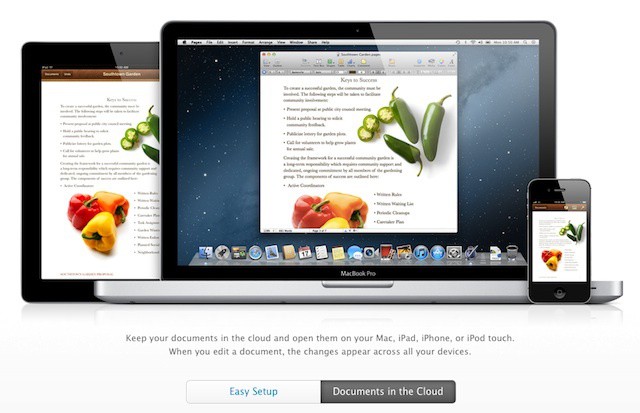
As of this point, the current version of iWork for Mac has absolutely no iCloud functionality, while the iOS version fully supports it. This tends to be frustrating when moving files around, as it makes what should be a straightforward process into a disaster. In this video, I’ll show you how you can upload your documents directly to iCloud, to make file sharing much easier.
Motorola Mobility sued Apple in a Florida court on Wednesday for violating 6 wireless technology patents found in the iPhone 4S and iCloud. The patents in question relate to antenna, software, data filtering, and messaging technology.
Google recently acquired Motorola for $12.5 billion and is in the process of merging with the company. While Google is not directly involved with this specific case, Motorola’s lawsuit can definitely be seen as another attempt to protect patent ammunition for the ongoing legal war between the top smartphone manufacturers. In fact, this is the closest Apple and Google have ever come to fighting in the courtroom.
Despite rumors that suggested its previous seed would be the last one before a public release, Apple has seeded another build of its OS X Lion 10.7.3 software to registered developers. The latest release sports the build number 11D46, and is available to download now from the Mac Dev Center.
Apple has expanded the reach of iTunes Match this week by adding support for an additional 19 countries across Latin America and Europe. The music matching service, which only launched late last year, is now available to users in 37 countries in total.