Mobile menu toggle

How-To - page 33

How to use ‘dot’ glitch to skip paywalls and watch YouTube without ads

By

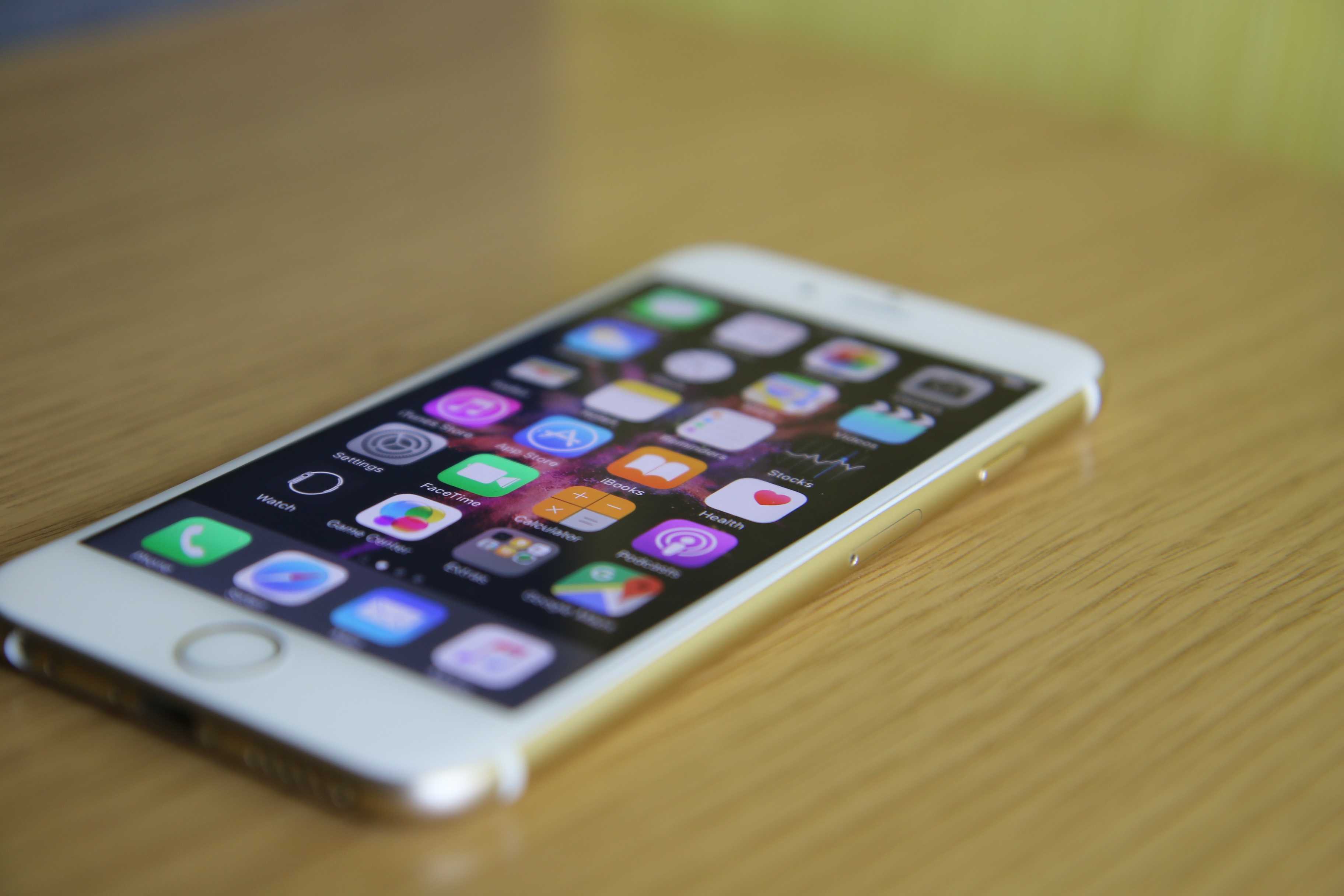
This quick trick lets you dodge YouTube ads.
Photo: Szabo Viktor/Unsplash CC

Adding a single character to a URL can let you bypass some websites’ metered paywalls and watch YouTube videos without having to endure those annoying ads.

The simple hack — typing a “dot” immediately after the “.com” in a site’s URL — doesn’t work on every single website out there. But it does give you an advertisement-free pass to many of them.

Find a lost iPhone in the dark by using Apple Watch to light up its camera flash [Pro tip]

By

How to light up iPhone's flash from Apple Watch.
Track down an iPhone faster at night.
Photo: Killian Bell/Cult of Mac

Pro-tip-4Finding a lost iPhone isn’t too difficult if you own an Apple Watch. By simply tapping a button in Control Center, you can play a sound that will help you locate your mislaid device. It’s also possible to light up iPhone’s LED flash.

The trick can make it easier to find a lost iPhone in a dark room. This pro tip will show you how to use it.

How to perfect your push-ups with Apple Watch and iPhone

By

Log push-ups effortlessly with iPhone and Apple Watch
Photo: Graham Bower/Cult of Mac

The push-up is one of the world’s most hated exercises. In the movies, Marine Corps drill instructors shout: “Drop down and give me 40” as a punishment.

But the push-up doesn’t deserve its bad reputation. It’s actually a versatile, effective and enjoyable exercise. Better still, you can do it anywhere, anytime, without any special equipment. Which makes it an indispensable part of any quarantine home workout routine.

Here’s how your iPhone and Apple Watch can help you give your push-ups a push in the right direction.

Remember: Always check with your doctor before starting any new exercise activity. Don’t exercise if you feel any discomfort, nausea, dizziness or shortness of breath.

How to customize your CarPlay setup and ditch apps you don’t need

By

BMW could ditch its pricey annual subscription cost for CarPlay
Don't settle for the default CarPlay layout.
Photo: Sony

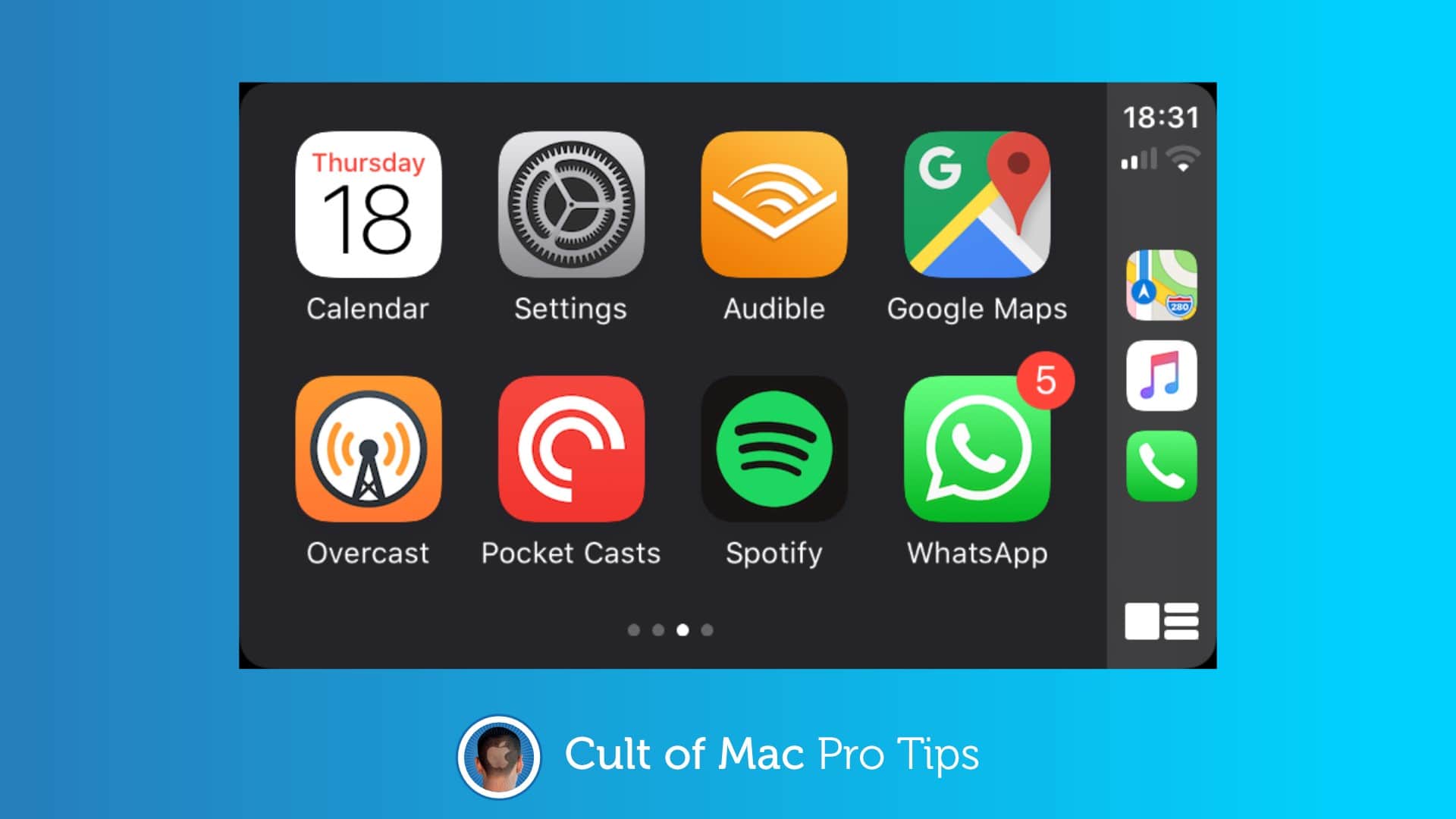
CarPlay makes it safe to use some of your favorite iPhone apps on the road, and by default, anything with CarPlay support will automatically appear in your car. But it doesn’t have to be that way.

Simplify your experience and make CarPlay even easier to use by customizing your layout and ditching apps you don’t need.

Change your Apple Watch Move goal to stay fit during lockdown [Pro tip]

By

Apple_Watch_Series_4_—_How_to_view_your_Activity_rings_—_Apple.gif
Increasing your Move goal can help you be even more active.
Photo: Apple

Pro-tip-4You might need to exercise a little more if you hope to stay fit while stuck at home for most of the day during a global pandemic. Give yourself a little push by increasing your Move goal on Apple Watch.

It’s easy to do, and if you’re one of the many Apple Watch owners who likes to complete their Move goal every day, it will help you burn a few additional calories to make up for spending most of the day on the couch.