Make sharing a Mac a little easier. Image: Killian Bell/Cult of Mac
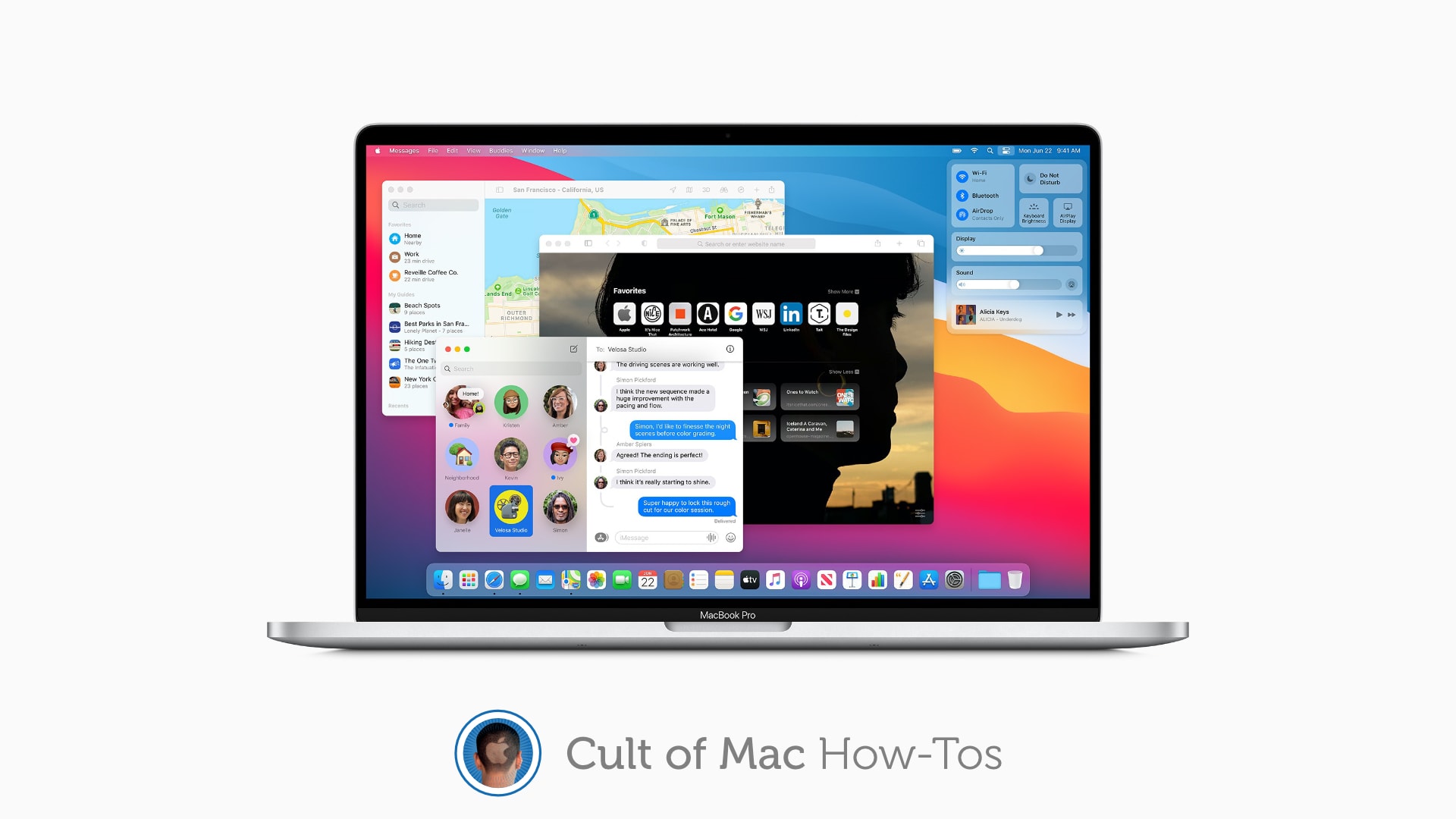
If you share a Mac with others and are frequently switching between user accounts, you’ll be pleased to know you can do that quicker than ever in macOS Big Sur, thanks to a new feature called fast user switching.
You’ll need to set it up yourself because Apple doesn’t enable it by default, but it’s super-simple to do. We’ll show you how.
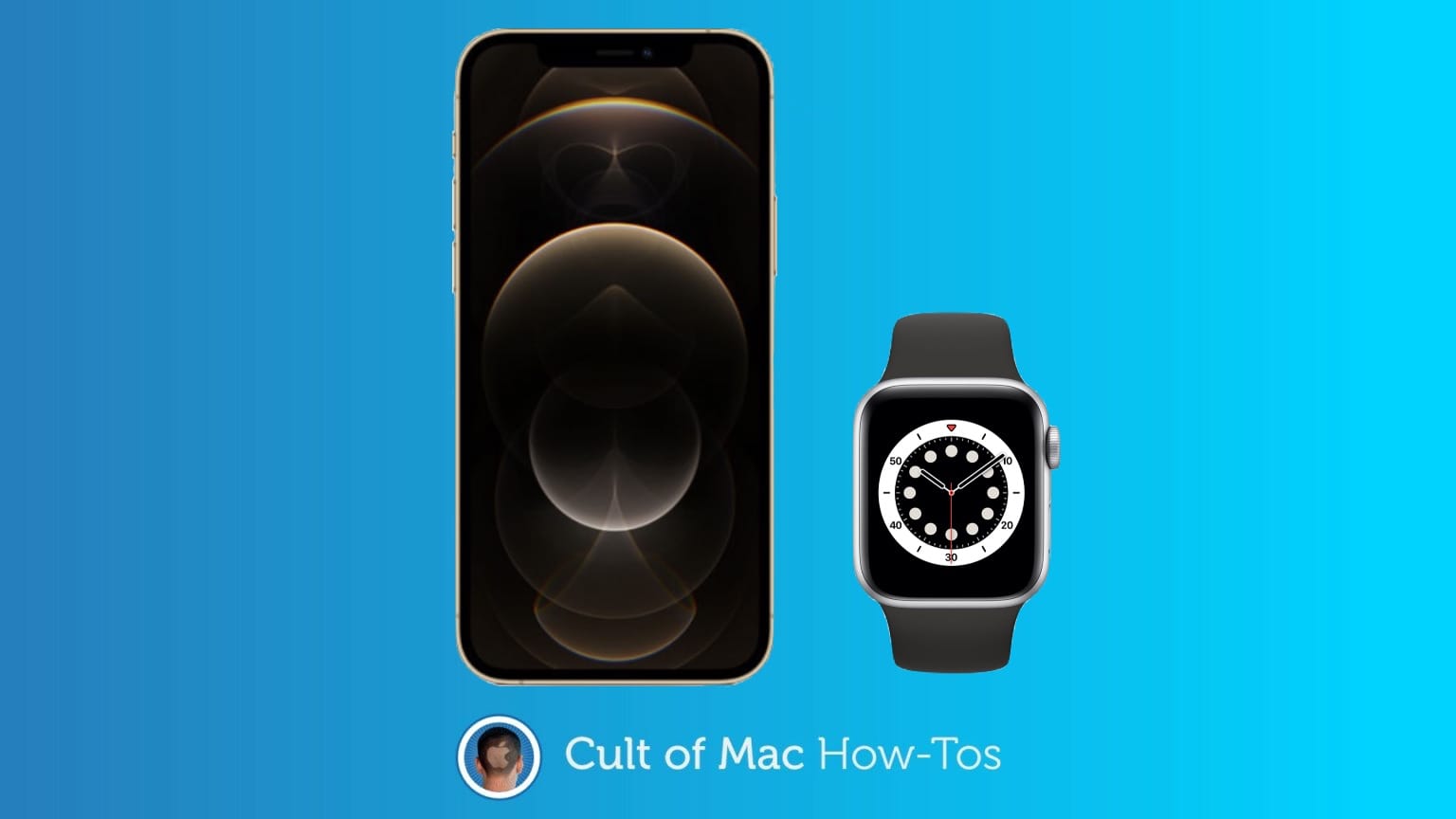
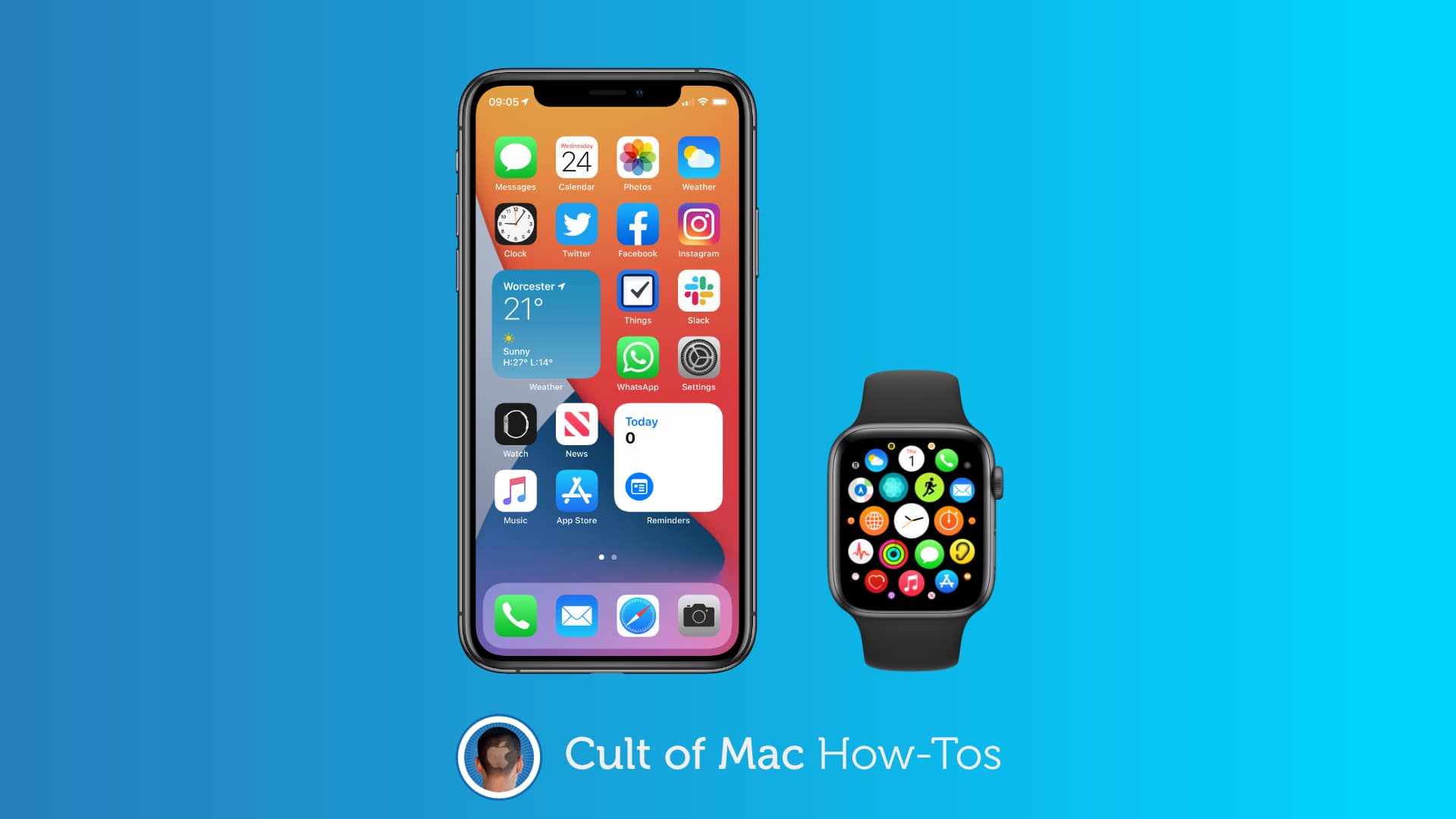
Here’s how to get your Apple Watch ready for your new iPhone. Photo: Cult of Mac
You just got a shiny new iPhone 12 and of course you want your Apple Watch to play nicely with it. You could reset the Watch to start out fresh, but there’s an easier way switch your Apple Watch to your new iPhone.
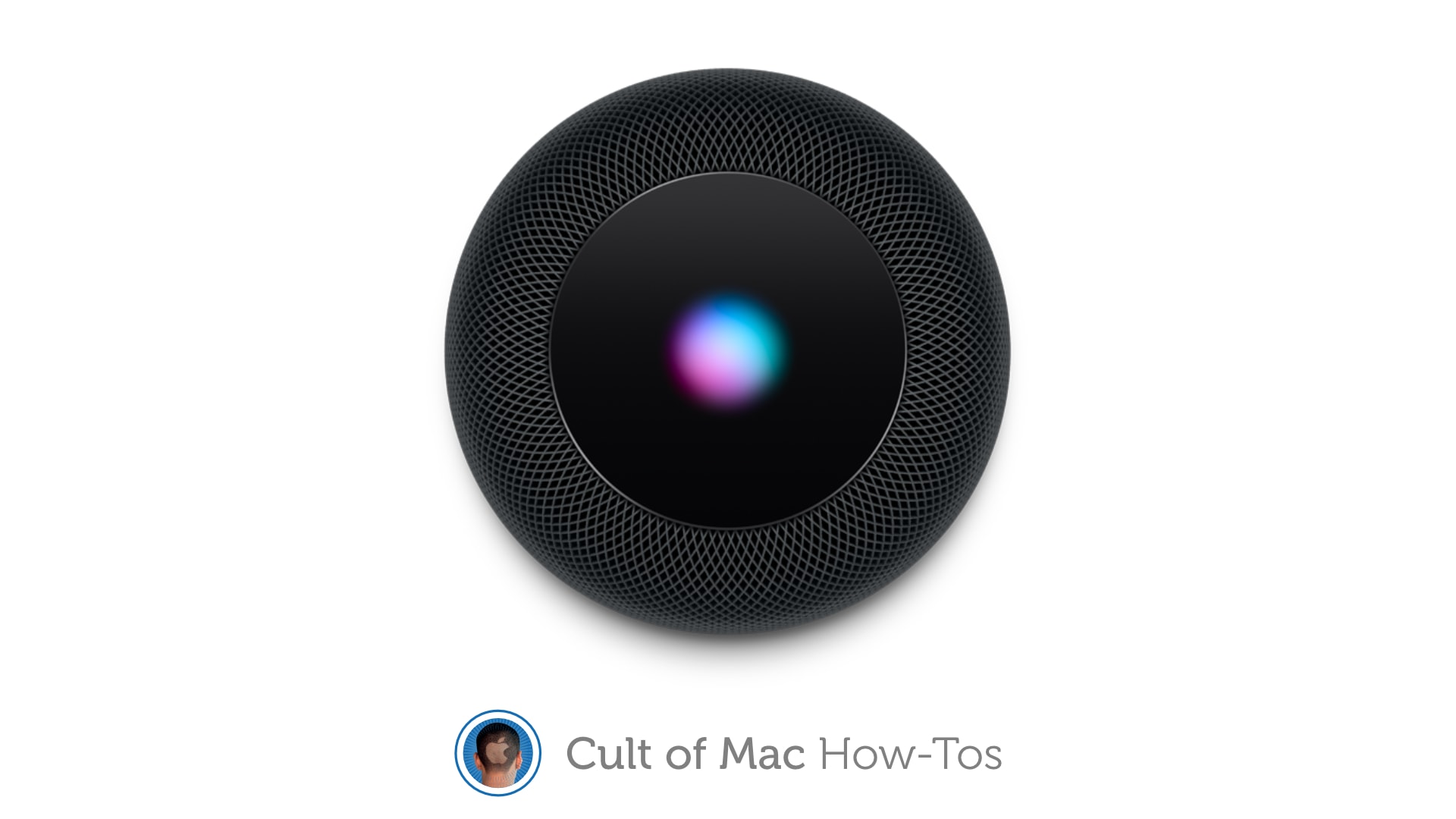
Bring an unresponsive HomePod back to life. Image: Killian Bell/Cult of Mac
Many of the glitches and frustrations you might encounter with HomePod and HomePod mini can usually be fixed with a simple factory reset. It’s easy to do and doesn’t take long, but Apple doesn’t make it immediately obvious how a reset is performed. So we’ll show you what you need to do.
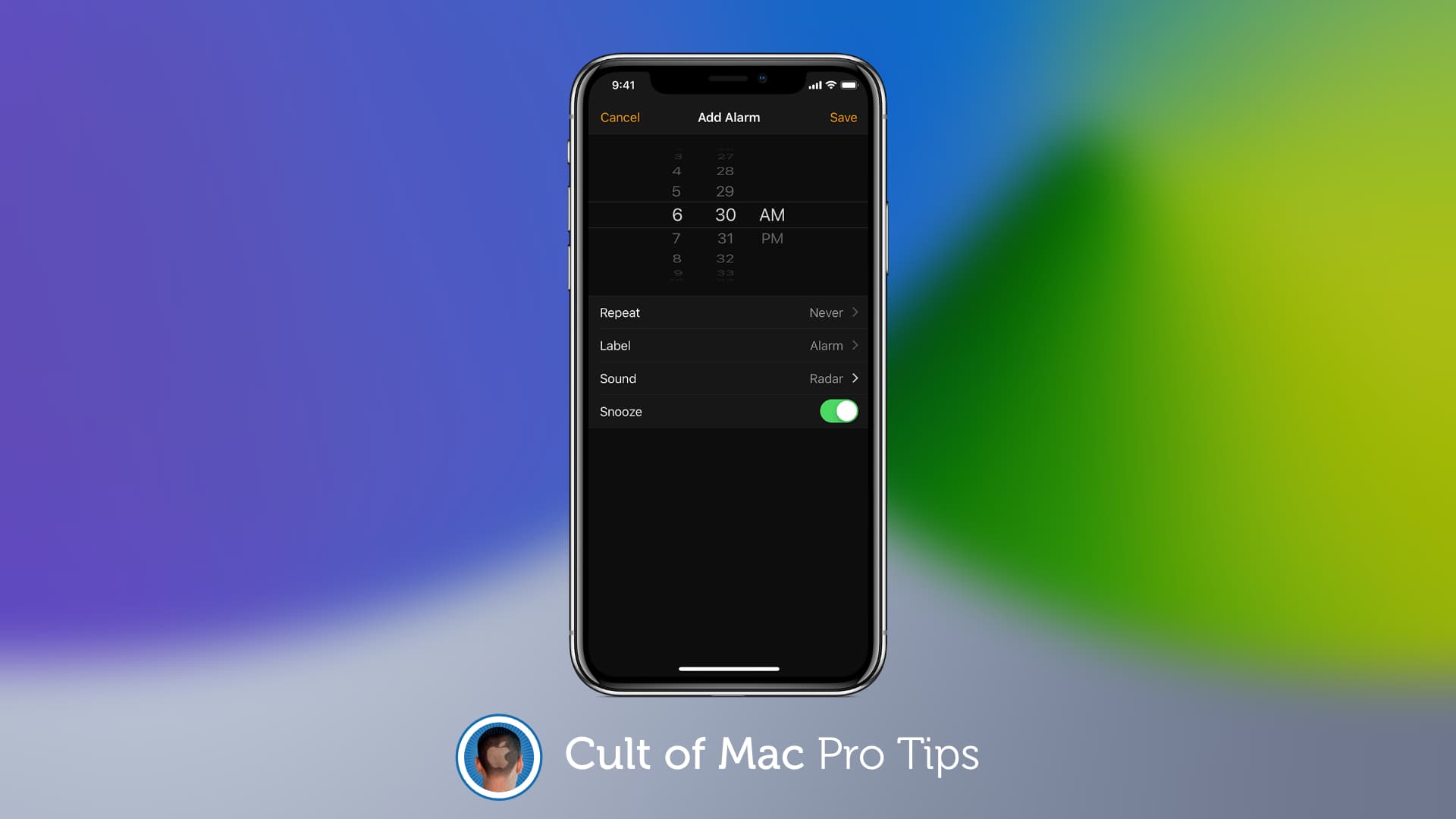
It's not quite the same as it was in iOS 13. Image: Killian Bell/Cult of Mac
Apple did away with the Clock app’s scroll wheel for setting alarms in iOS 14, swapping it for a numeric keypad instead. But the scroll wheel isn’t dead yet … if you know where to find it.
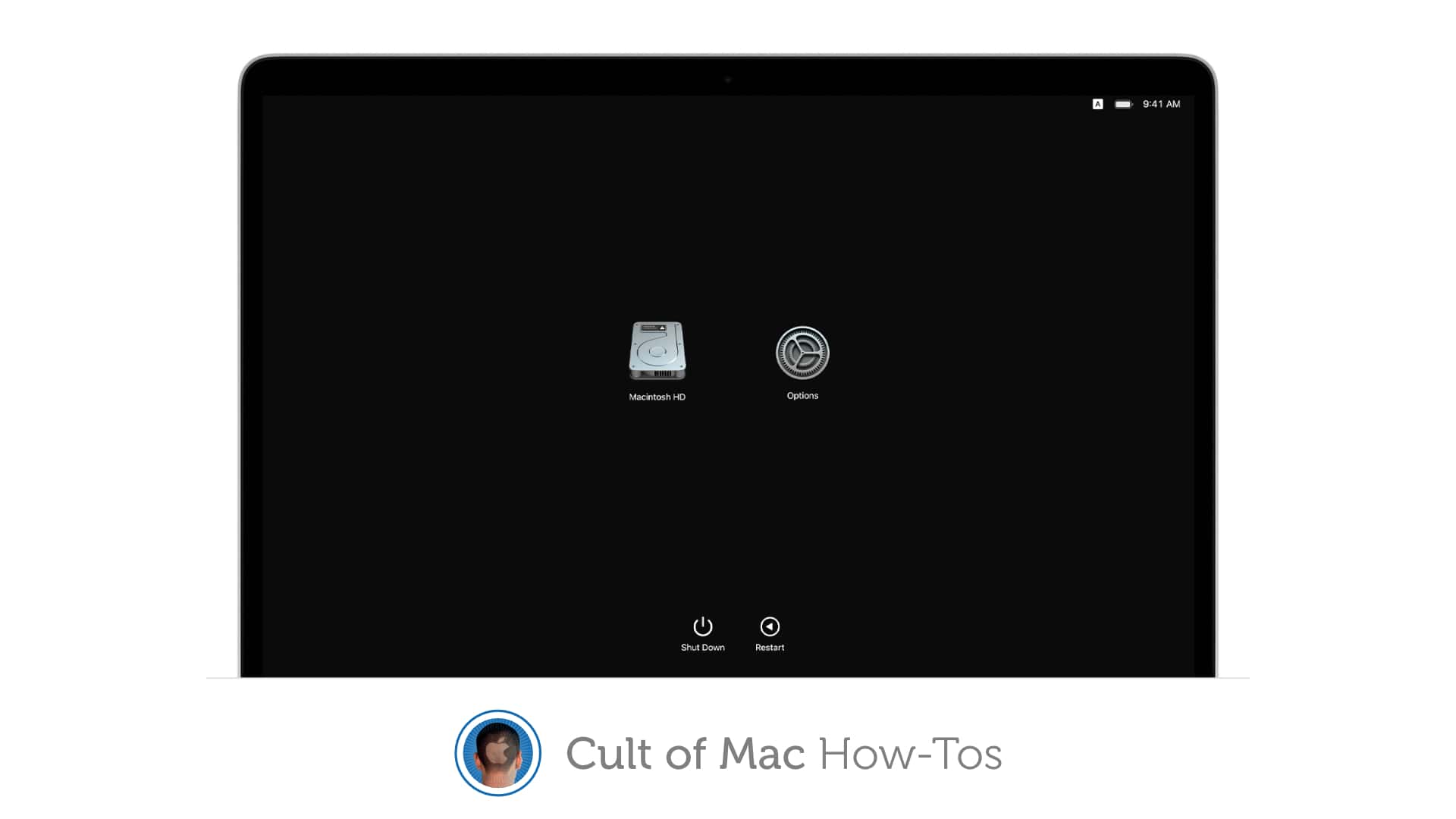
How to reinstall macOS when things go wrong. Image: Apple/Cult of Mac
Apple has confirmed that some M1 Mac owners may run into an error message when attempting to reinstall macOS on their new machine. If you’re one of them, there are some things you can do to avoid it.
These include using a bootable installer, rather than macOS Recovery, or initiating a reinstall from Terminal. We’ll show you how.
Get your Mac up and running again after Big Sur broke it. Photo: Apple
Apple this week published a support guide for those running into installation errors when updating to macOS Big Sur on a 2013 or 2014 MacBook Pro. Its tips may help bring bricked machines back to life.
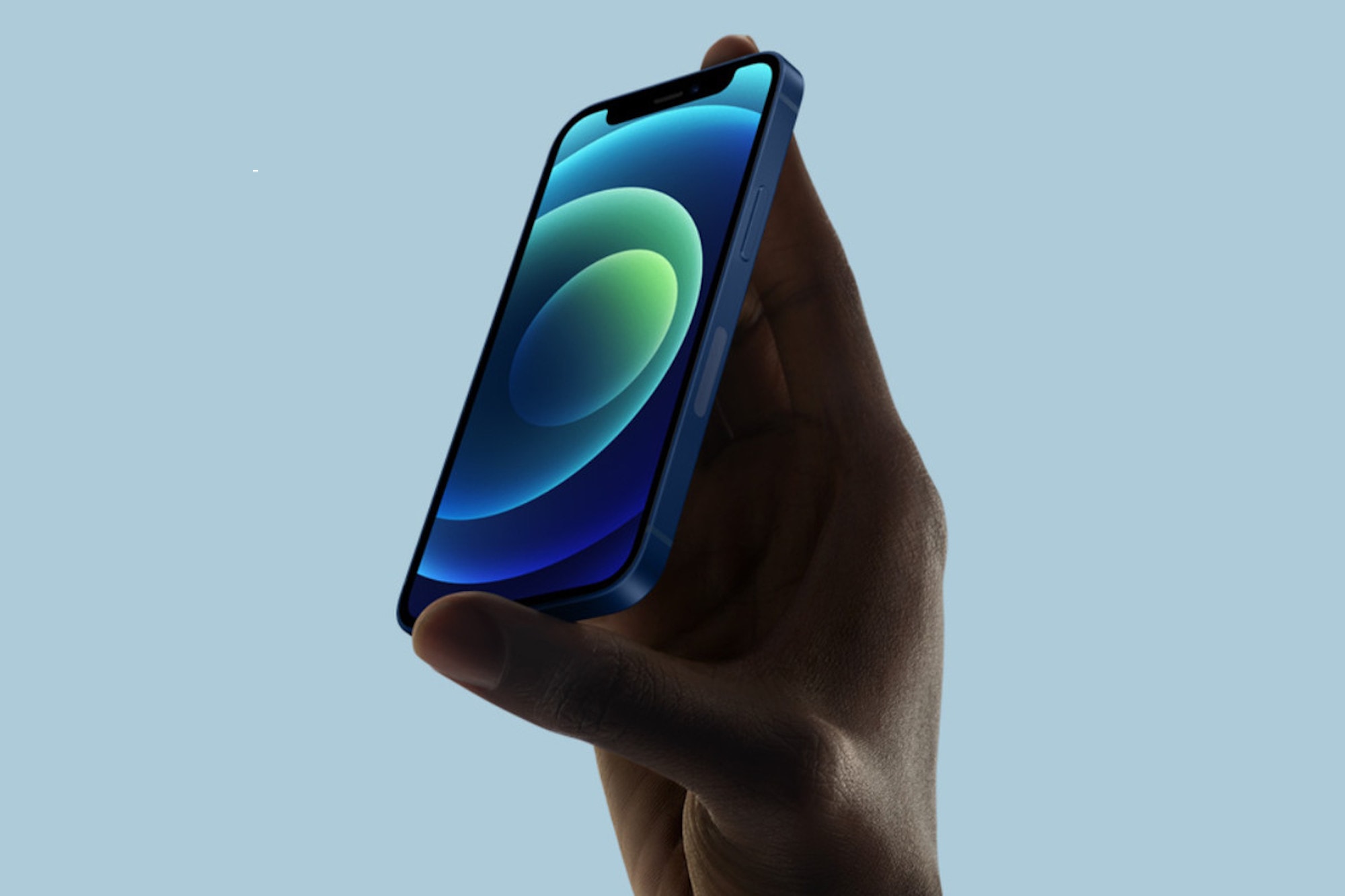
Get your new iPhone set up the right way. Photo: Apple
For many people, iPhone 12 will be radically different from previous iPhone models. Despite this, the iPhone setup process hasn’t changed much. However, while you might find yourself on familiar ground, there are still plenty of little things you really ought to do before you fire up your new phone for the first time (or pretty soon thereafter).
Let’s take a look at all the things you can do to get your iPhone set up exactly how you want it.
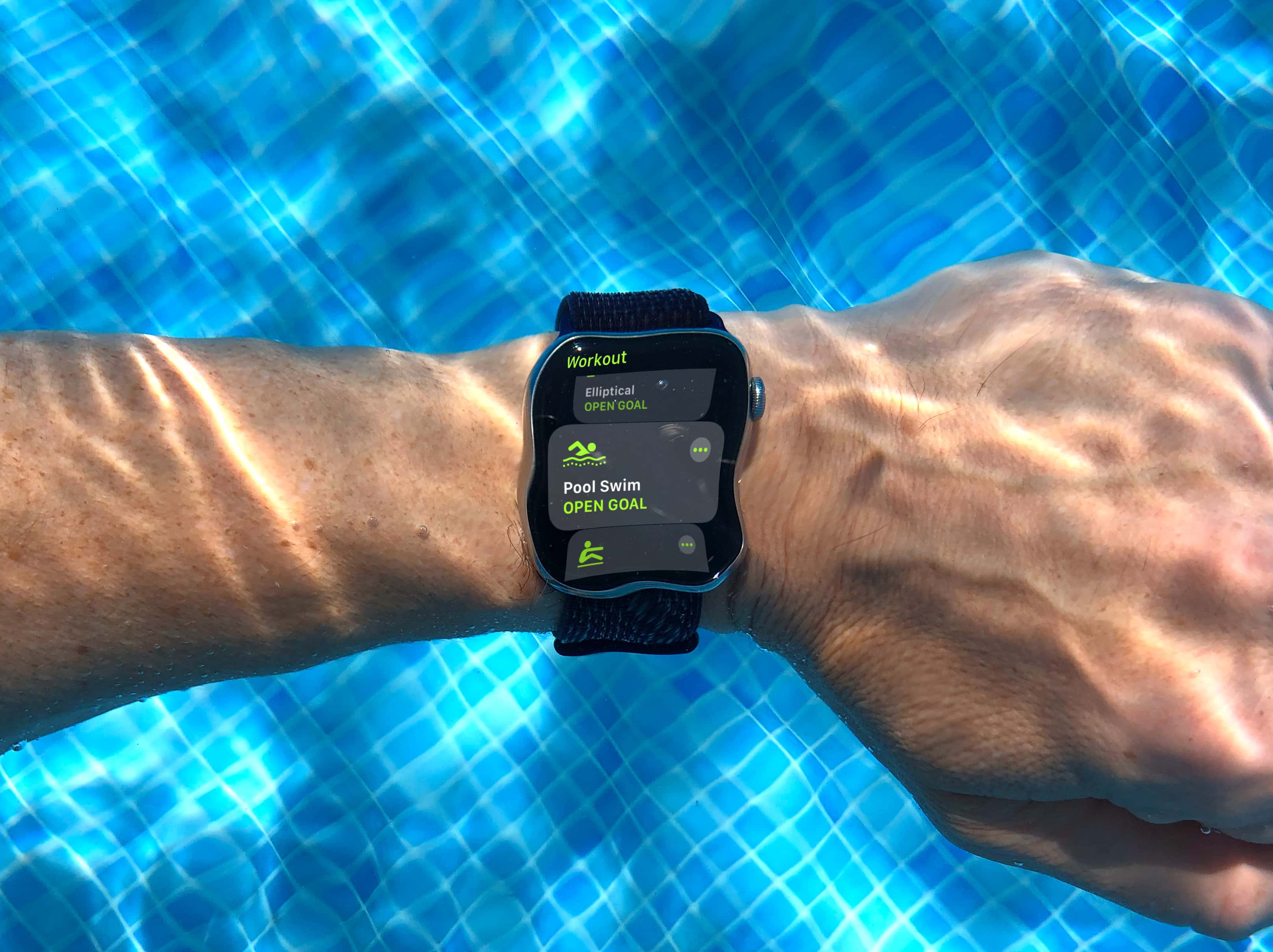
Do you know how Apple Watch counts your swim strokes? Photo: Graham Bower/Cult of Mac
Apple Watch is a great swimming companion, offering highly accurate length counts, pace measurements and stroke recognition. But the benefits to swimmers don’t stop there.
You’ll find plenty more useful swim stats in the Fitness app on your iPhone. Strokes Per 25/50/100 is especially valuable because it tracks your swim efficiency, which is key if you want to go faster, further or just look more cool in the pool.
But the way Apple Watch counts your strokes is not as simple as it seems. Whether you’re a beginner or an expert swimmer, it’s worth taking time out to understand exactly how it works.
Get ready for kickoff at 10 a.m. Pacific. Photo: Apple
Apple’s next big keynote of 2020 is less than a couple of hours away. We expect the “One more thing” event to bring the first Macs powered by Apple Silicon, new AirPods Studio headphones, and more.
When the keynote kicks off at 10 a.m. Pacific, you’ll be able to watch it live online from almost anywhere. We’ll tell you how.
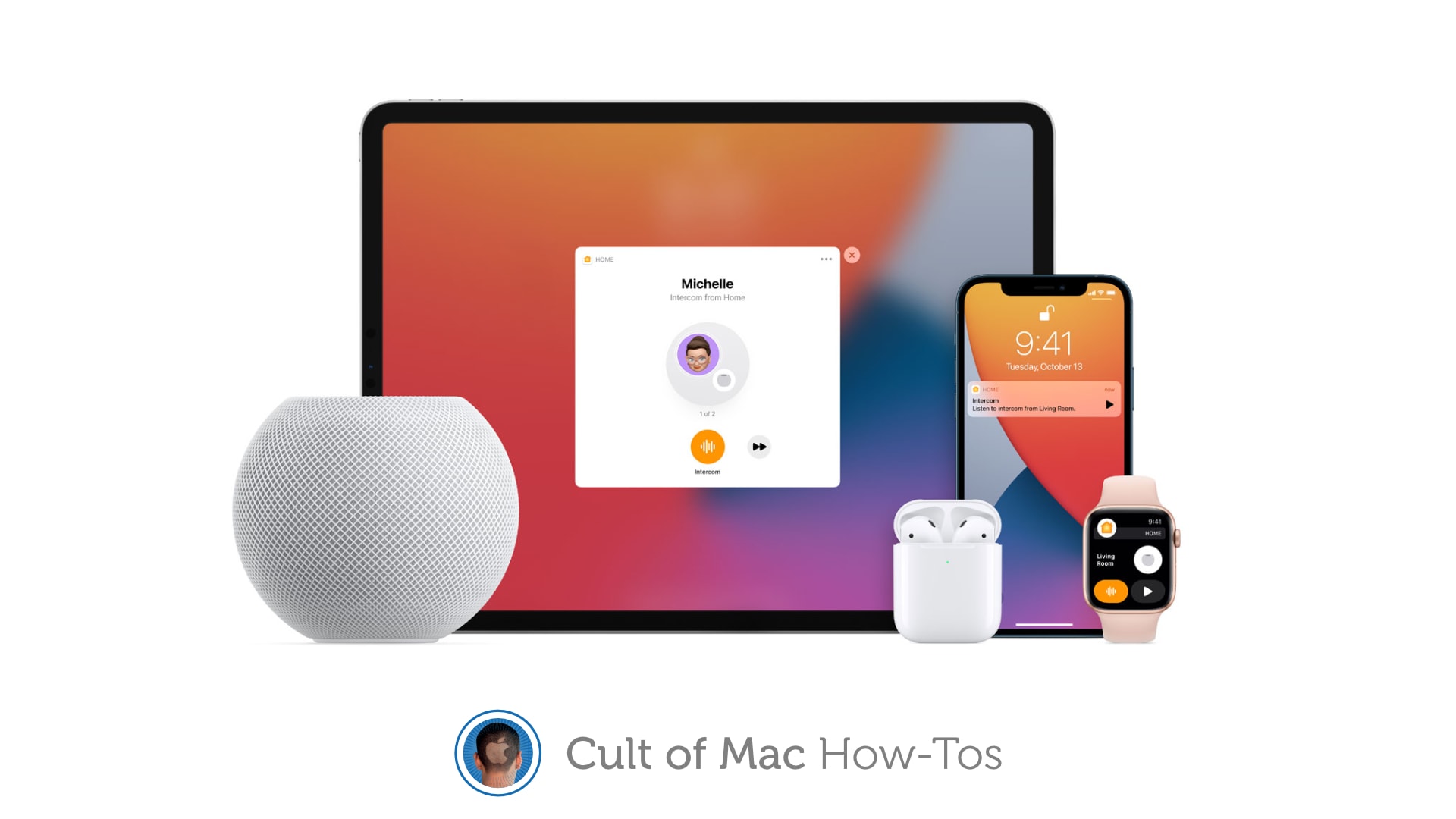
Intercom is on its way. Here's all you need to know. Image: Apple/Cult of Mac
Apple’s new Intercom feature lets you use HomePods to send short audio messages to almost anyone with an Apple device. While Apple showcased Intercom when unveiling the upcoming HomePod mini smart speaker, the feature also works with the regular HomePod as well as iPhone, iPad, Apple Watch and more.
If you a HomePod, and you’ve updated it (and your other Apple devices) with the latest software, you can use Intercom to communicate with your family or housemates in new ways.
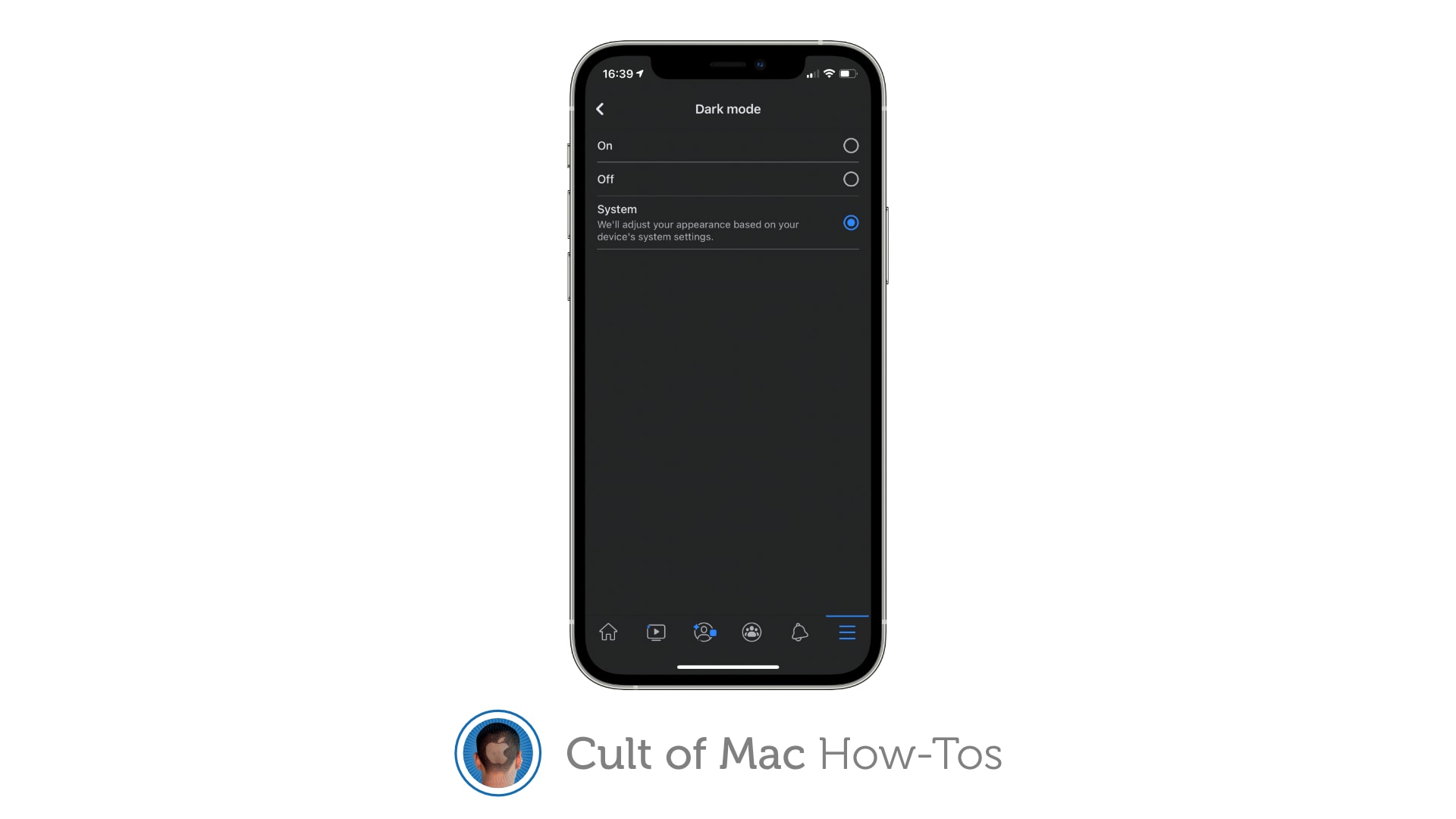
Do you have Facebook's new dark mode yet? Image: Killian Bell/Cult of Mac
Facebook this week quietly rolled out a brand-new dark mode for its iPhone app. It’s not yet available to every user, but it seems a large number of people are already able to activate it. We’ll show you how.
Speed through the preorder process on November 6. Photo: Apple
If you plan to preorder iPhone 12 mini or Pro Max on Friday, November 6, through the iPhone Upgrade Program, then do yourself a massive favor and get preapproved early. It will make the whole process quicker and easier.
What does your 5G icon mean? Image: Killian Bell/Cult of Mac
If you’re lucky enough to have already picked up an iPhone 12 or 12 Pro, and you live in an area where 5G is available, you may have noticed that you sometimes see different 5G icons in your status bar.
There are three altogether, and they change depending on what kind of 5G network you’re connected to. Here’s how to understand them.
Running an iOS beta can cause problems when you get a new device. Photo: Ed Hardy/Cult of Mac
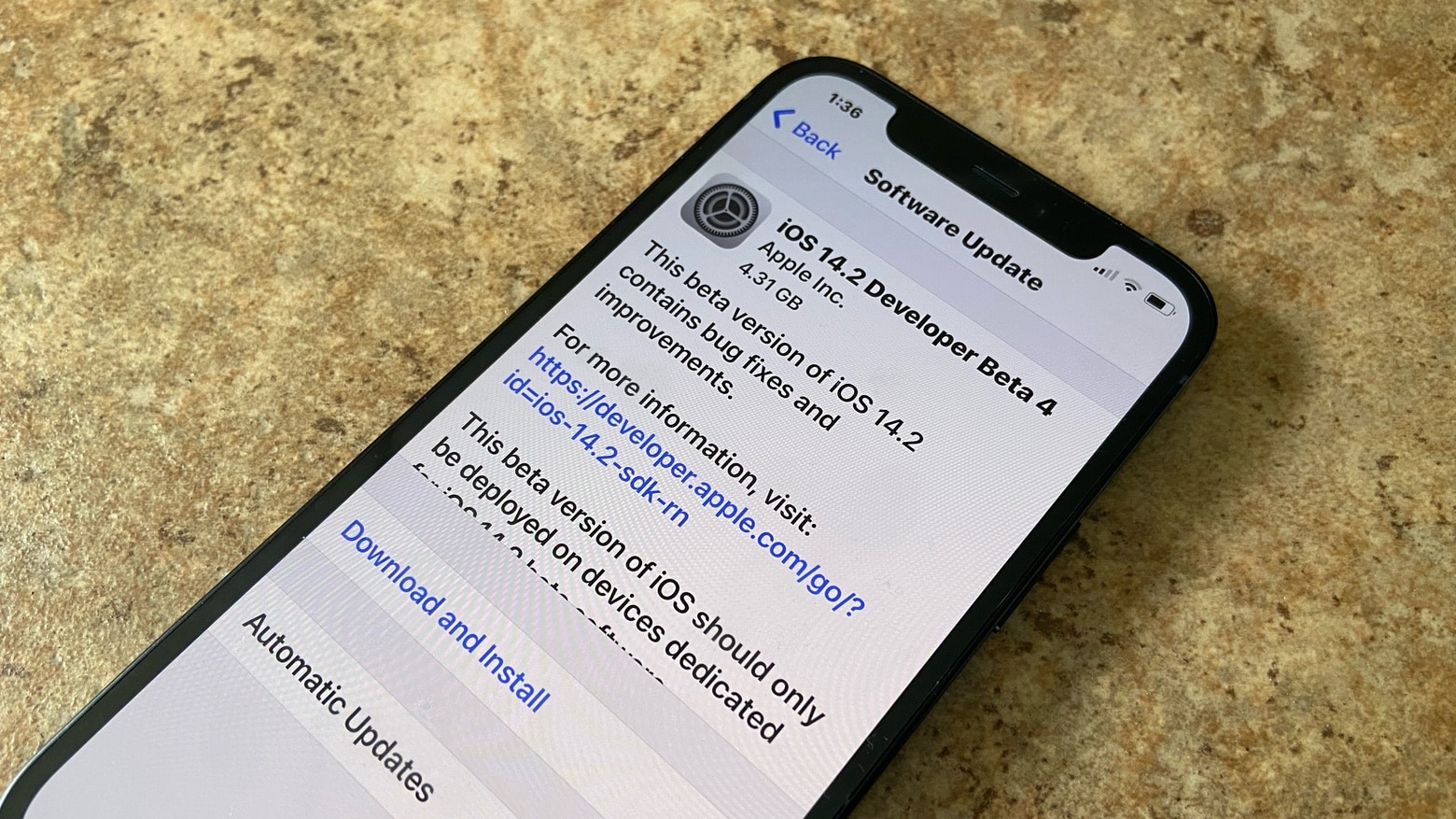
Everyone in Apple’s beta program is running a pre-release version of the next iOS version. Which is great, until you get a new iPhone or iPad. Then you can’t restore the new device from the backup made on your previous one because the old device is running a newer OS.
If you find yourself in this situation, don’t panic — there are a couple of possible solutions. We’ll walk you through both.
(If you live inside the U.S.) Image: Apple/Cult of Mac
Apple now has its very own music channel, dubbed Apple Music TV, that streams music videos and more 24 hours a day. You can watch it on any Apple device (as long as you live in the U.S.) absolutely free.
Shape recognition in iPadOS 14 makes your Apple Pencil even more useful. Photo: Apple/Cult of Mac
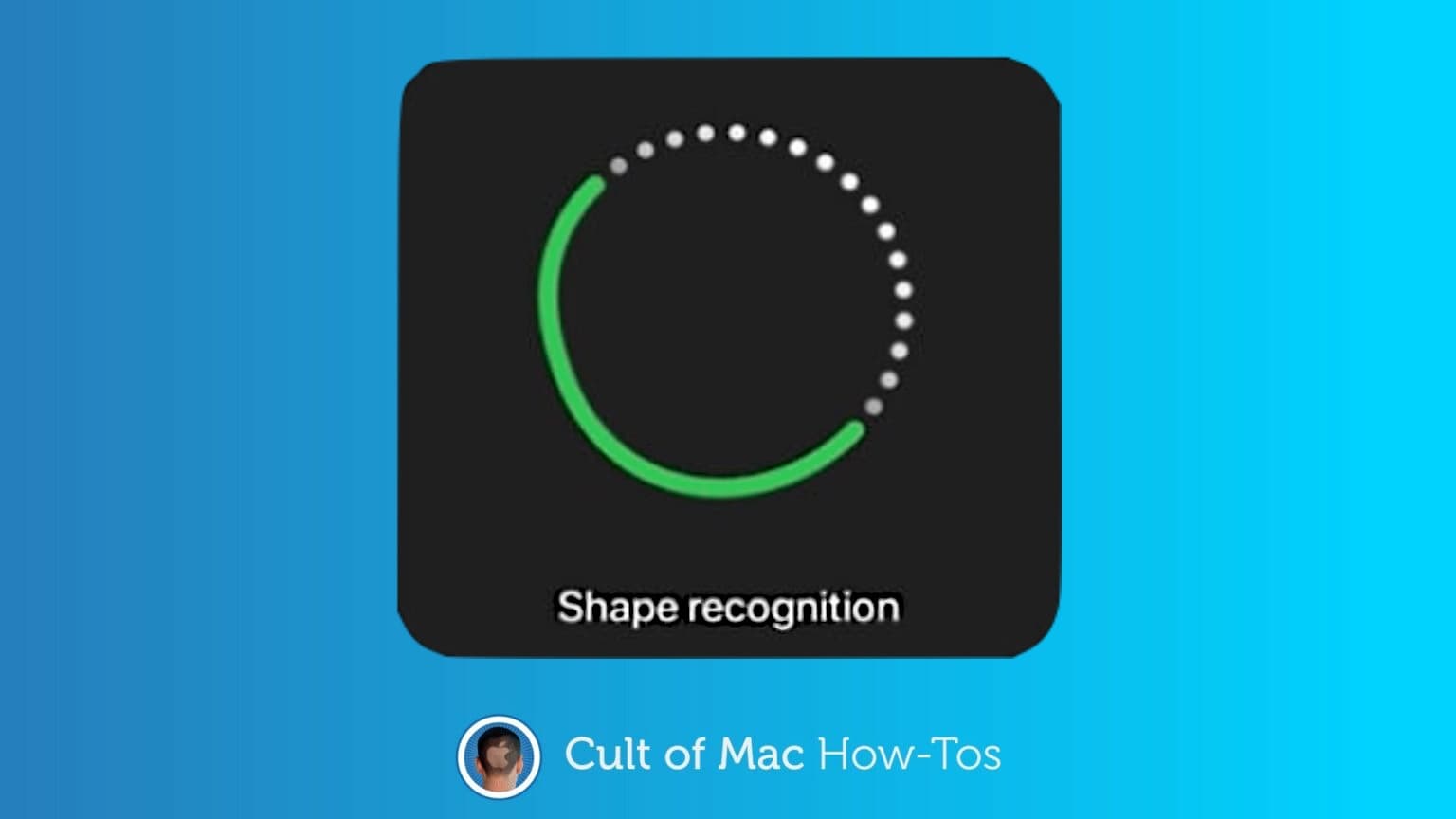
Most people’s drawing skills peaked in first grade. Which means the diagrams we include in handwritten notes often look like they were drawn by a moderately skilled raccoon. Fortunately, iPadOS 14 offers shape recognition, turning our scrawls into the neat geometric shapes we envisioned.
Using this feature in Apple Notes or Email is easy. But there’s a trick to it. Here’s how to use shape recognition with an iPad and any stylus.
The invite to the Apple October event includes a bit of augmented reality. Photo: Ed Hardy/Cult of Mac
Hidden in Tuesday’s invite to the October Apple event is a hint that the company is about to make a big push into augmented reality.
The graphic for the event invite is the Apple logo surrounded by bubbles. iPhone and iPad users can transfer that design to the real 3D world, and put it in motion.
Don't be stuck with buggy beta releases. Image: Cult of Mac
With the public release of macOS Big Sur right around the corner, it’s a good time to think about leaving the beta program — especially if you’ve been running the new release on your primary machine.
Dropping out ensures you get stable releases and quick fixes as soon as they’re available, and prevents potentially buggy future betas from being installed on your device. We’ll walk you through the process.
It's not easy, but it's essential. Image: Killian Bell/Cult of Mac
Apple has acknowledged problems with iOS 14 and watchOS 7 that can cause some users to lose GPS data and experience excessive battery drain on Apple Watch and iPhone — among other things.
There is a way to fix these issues and prevent future data loss, and it means resetting your devices. We’ll walk you through it.
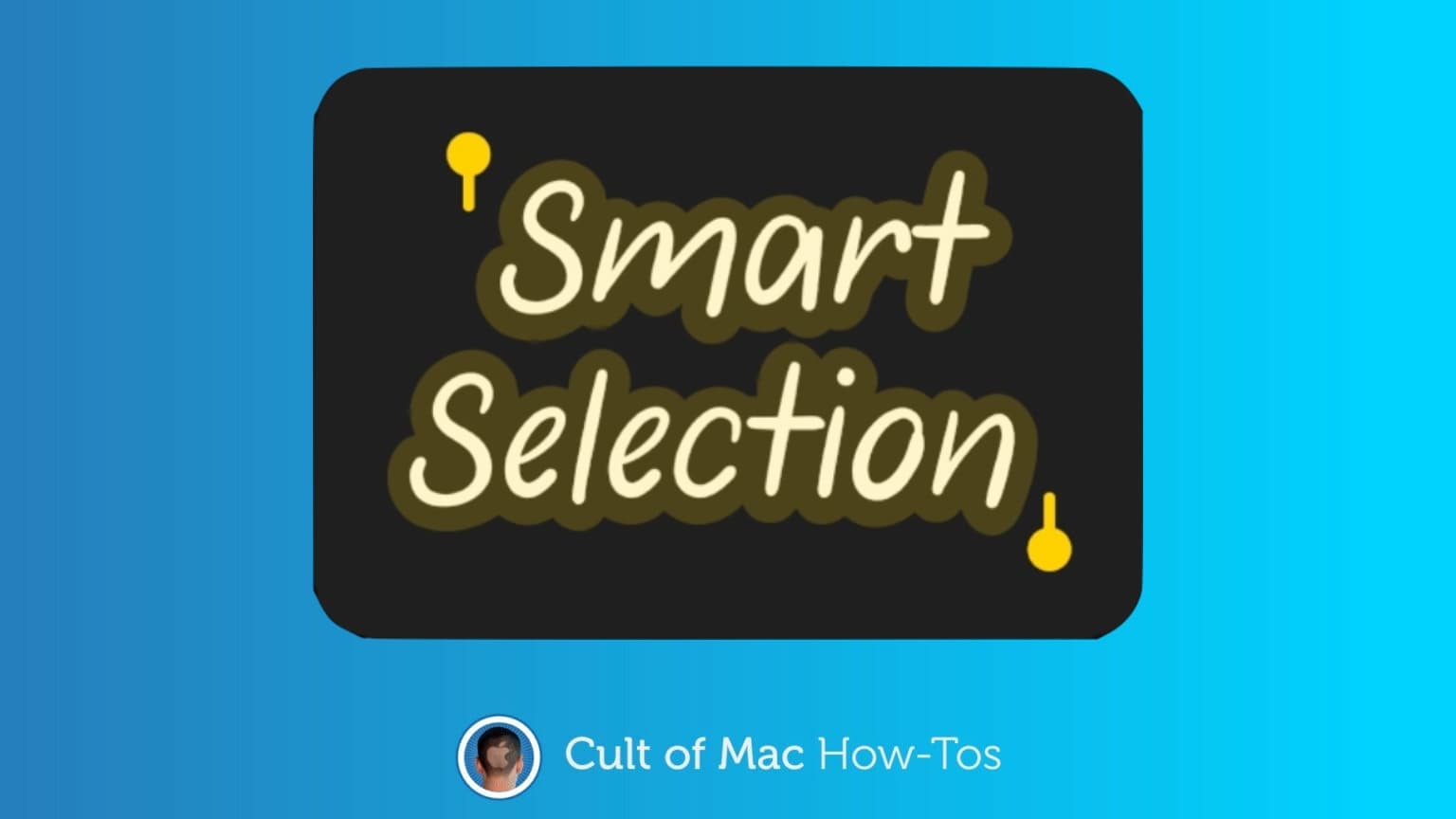
Smart Selection makes your iPad and stylus even more useful. Graphic: Apple/Cult of Mac
Smart Selection in iPadOS 14 can be amazingly useful for anyone who takes notes with their iPad. This new feature lets you handwrite some words, then turn them into text at any point later on.
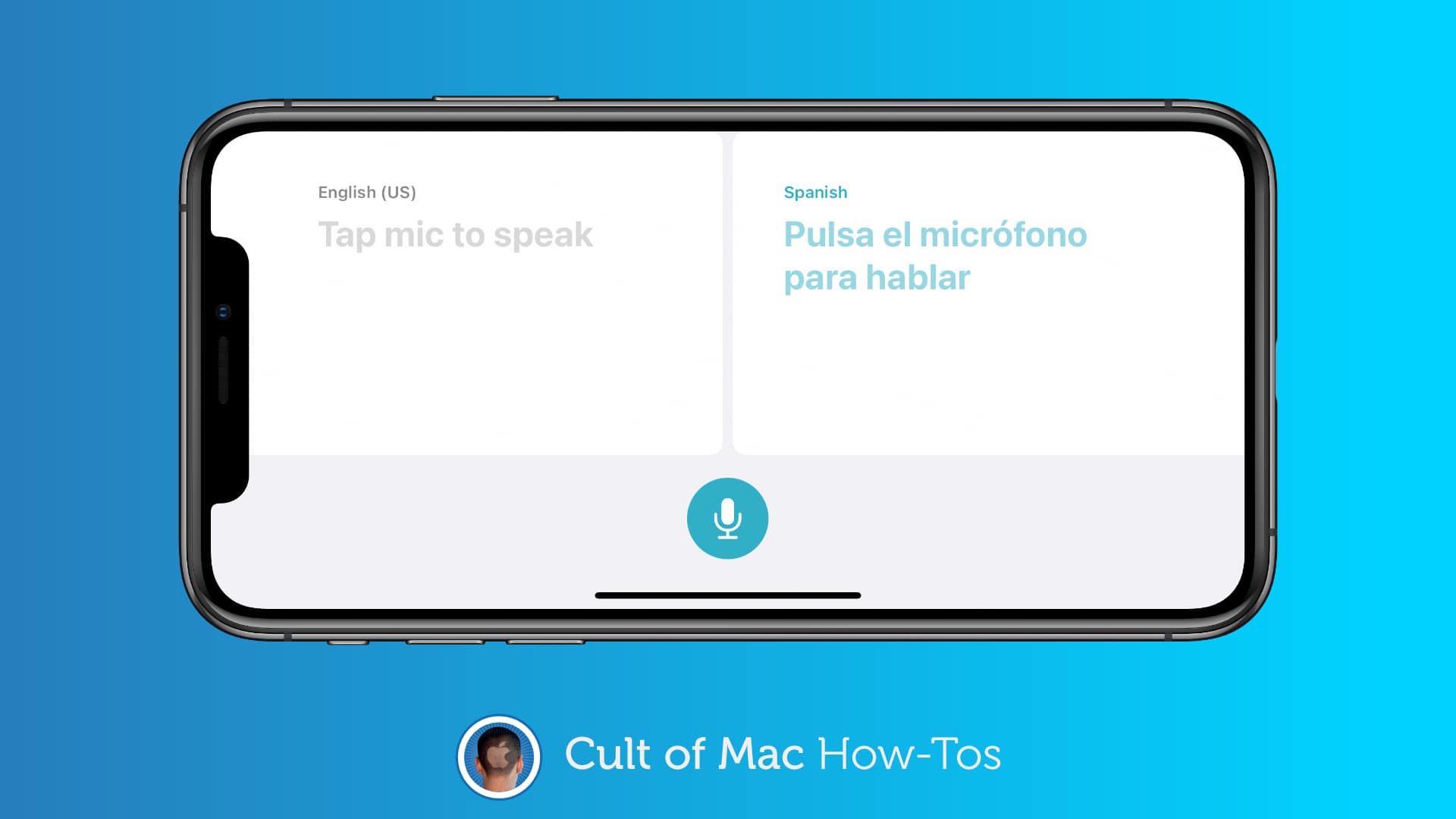
Don't waste your mobile data on translation. Image: Killian Bell/Cult of Mac
iOS 14 and iPadOS 14 put Apple’s brand-new Translate app on your iPhone and iPad. If you plan to use it the next time you’re in a foreign country, you’ll want to download some languages for offline access.
Take care of switching manually like you used to. Image: Killian Bell/Cult of Mac
Apple recently gave AirPods and AirPods Pro the ability to automatically switch between different devices depending on what you’re doing. Sometimes the feature is useful, but other times it’s really frustrating.
You may have noticed it after updating to iOS 14 on your iPhone or iPadOS 14 on your iPad. The good news is, it’s possible to disable the feature and take care of switching yourself.
A countless collection of faces to choose from. Image: Killian Bell/Cult of Mac
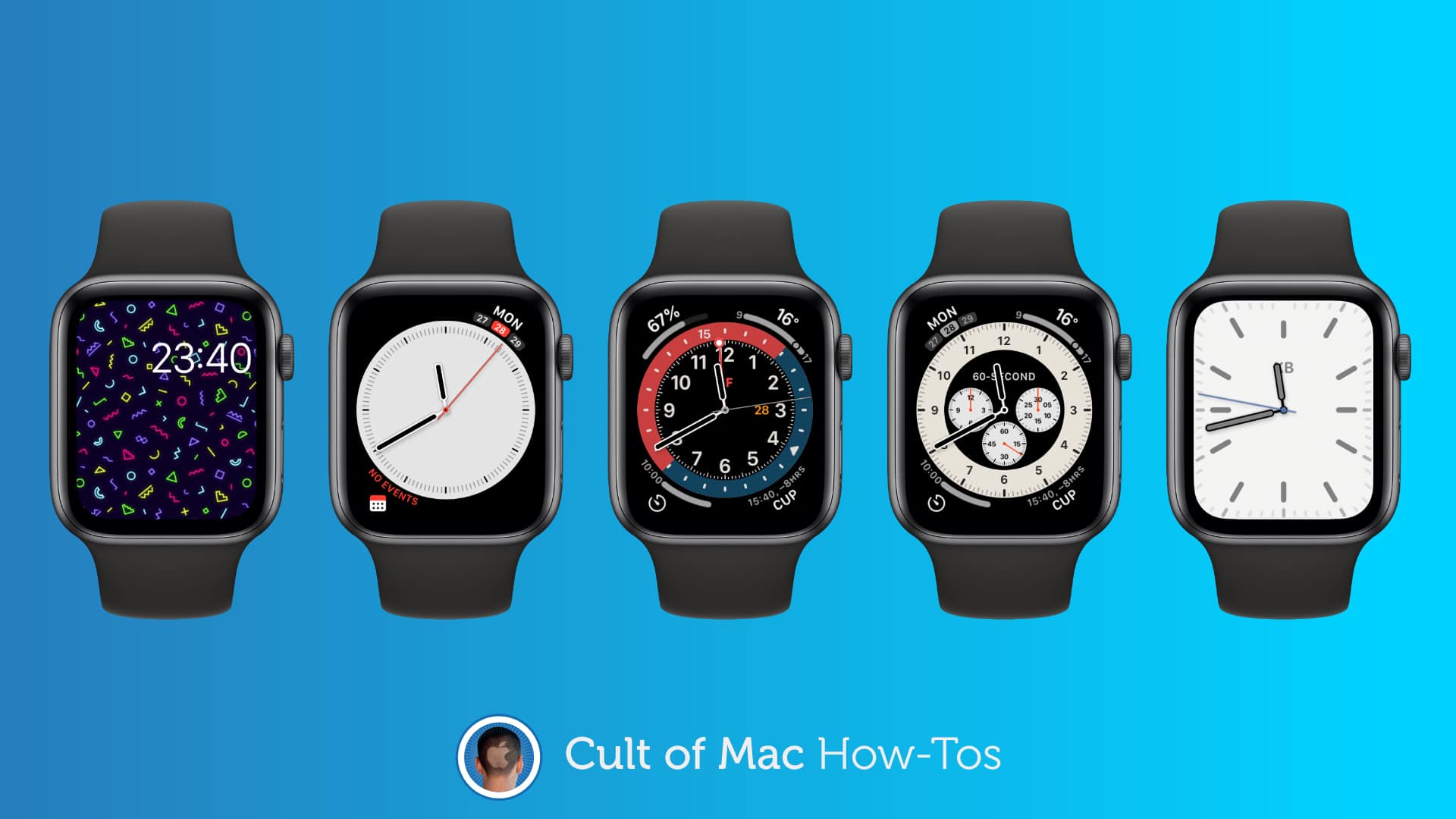
Apple’s new watchOS 7 update gives Apple Watch owners the ability to share their best faces for the first time. It also lets you download awesome faces designed by others — and it’s all incredibly simple.
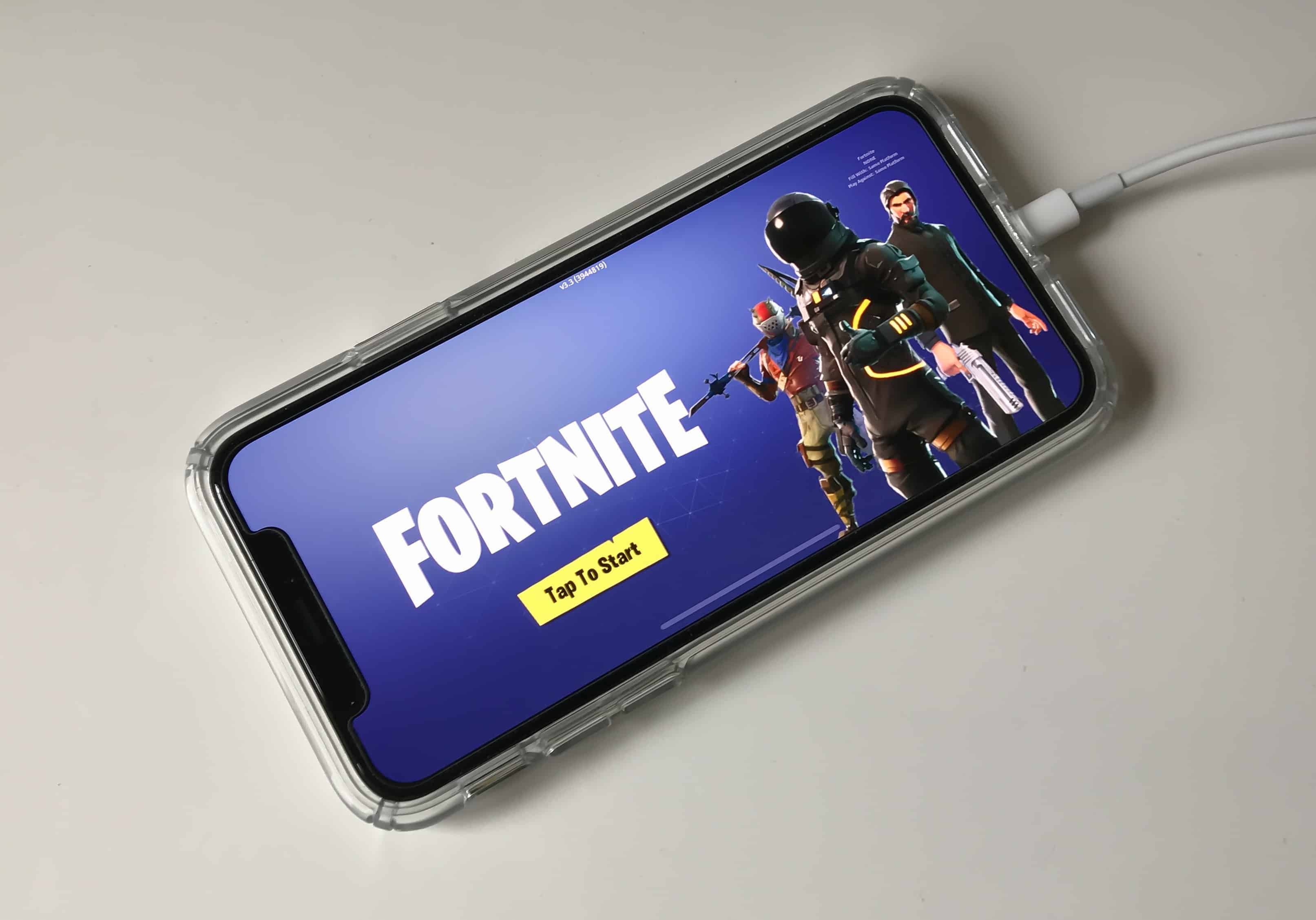
Don't lose Fortnite for good! Photo: Killian Bell/Cult of Mac
Fortnite developer Epic Games has warned iPhone and iPad users that they could lose access to its hit battle royale game when updating to iOS 14. But there is a way to ensure that doesn’t happen.
We’ll show you how before you start installing the latest update.
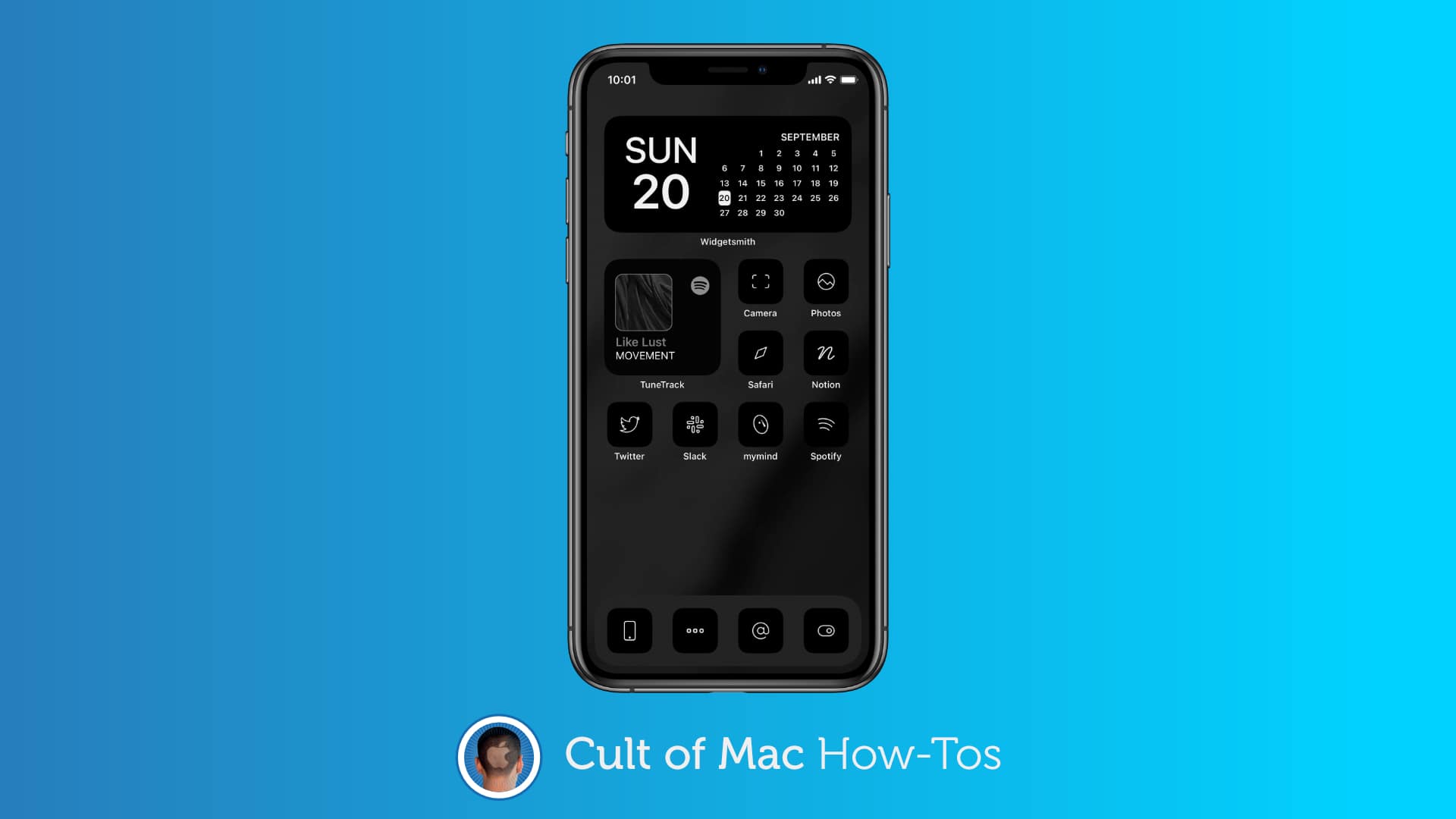
iOS 14 but with an entirely new look. Image: Killian Bell/Cult of Mac
It’s no longer necessary to jailbreak your iPhone to completely overhaul the appearance of its Home screen. All you need is the Shortcuts app in iOS 14, and you can use custom icons for any app you have installed.
With some simple tweaks and plenty of spare time, you can make your iPhone feel like a brand-new smartphone with a completely different operating system designed just by you. We’ll show you how.
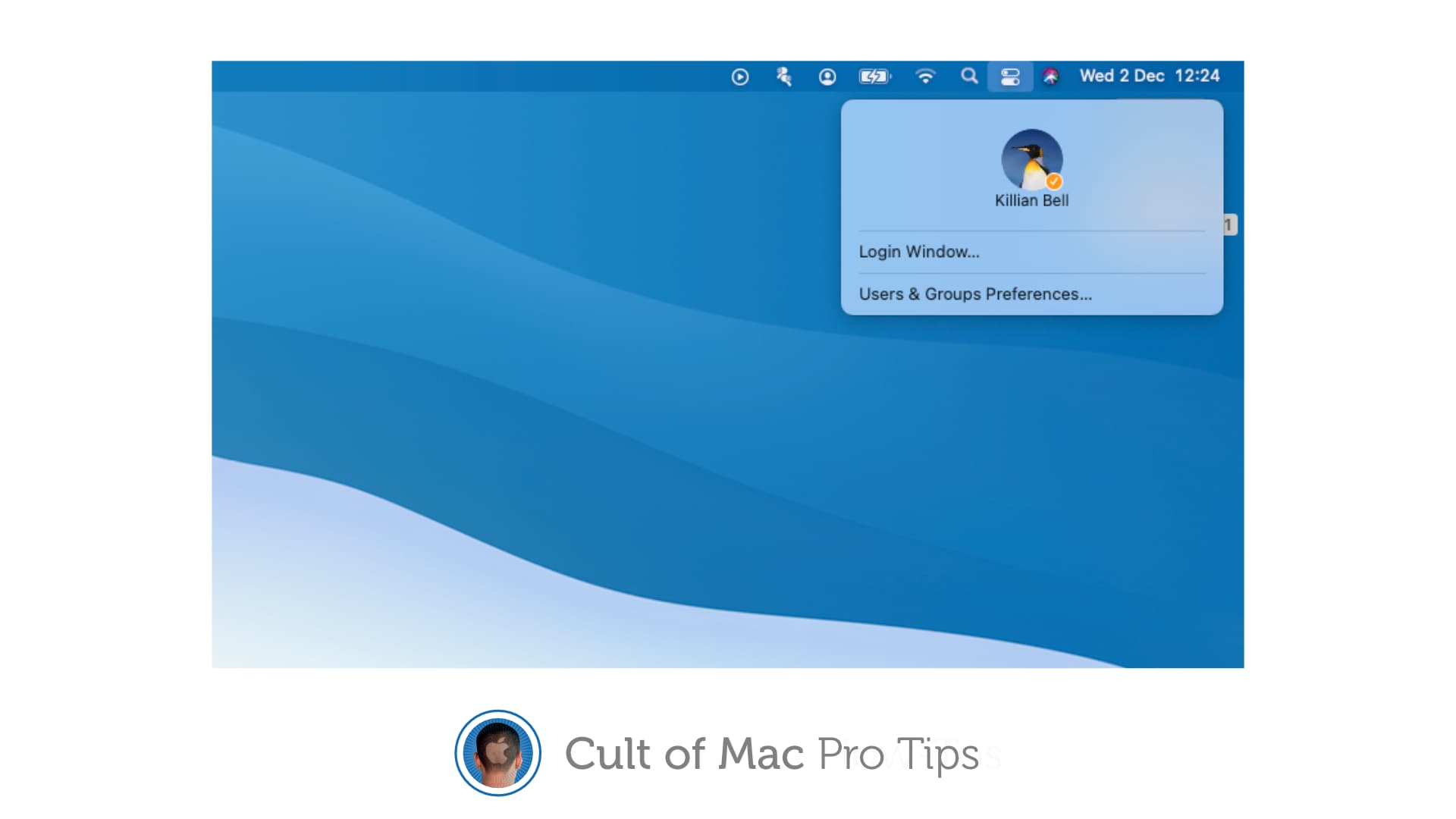
 If you share a Mac with others and are frequently switching between user accounts, you’ll be pleased to know you can do that quicker than ever in macOS Big Sur, thanks to a new feature called fast user switching.