Mobile menu toggle

David W. Martin - page 7

Parallels Desktop 7 for Mac: Faster, Virtualizes Mac OS X Lion And More
By

parallels7boxed

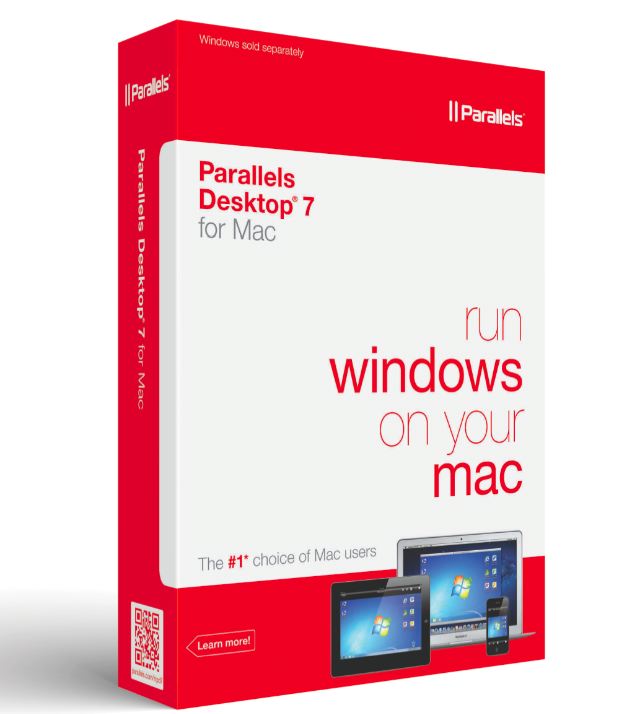
Parallels Desktop 7, a new version of the popular Mac virtual machine hosting software, has just been announced. It allows Mac users to run Windows, Linux, Snow Leopard Server, and now Lion (client or server). If the latter item wasn’t enough to catch your attention you’ll be pleased to know that it also ships with 90 new and enhanced features.

Discover The Hidden Password Reset Tool In Lion [OS X Tips]

By

davepwdwizard

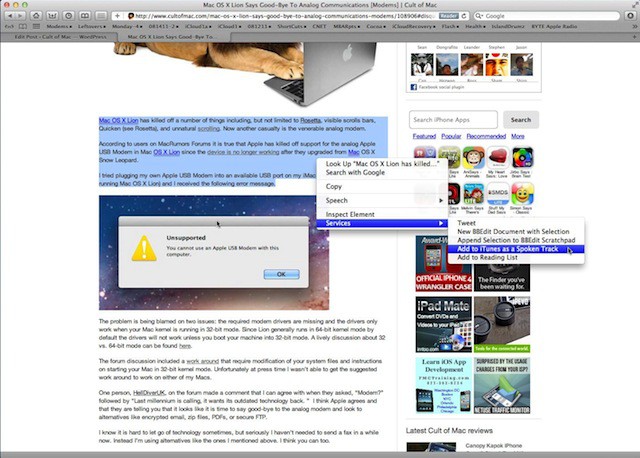
Apple provides a password reset utility that is very handy when you really need it. In versions of Mac OS X before Lion you accessed this utility by booting your Mac with the included restore DVD. Mac OS X Lion can still reset passwords, but for unknown reasons Apple decided to hide this ability.

Today’s tip will show you how to discover the hidden password reset tool in the Mac OS X Lion Recovery HD Utility.

Adjust Displayed Web Page Width In Full-Screen Safari [OS X Tips]

By

SafariWidth

The full-screen feature supported by some applications running on Mac OS X Lion is a welcome addition to OS X. Especially since it allows you to focus on what you are doing inside of that particular application without any distractions. However, sometimes it doesn’t work very well when you are using Safari and its Reader option.

The primary reason for this might be the width of the display you are using. Luckily you can adjust the width of the page view in Safari while it is running full-screen.

Quickly Access System Preferences Tied To Function Keys in Lion [OS X Tips]

By

MacBookAir2011Model

Mac OS X Lion has a lot of hidden features tied to the keyboard that are easy to miss. There are all kinds of key sequences that act as shortcuts to various system features. The tip for today will show you how to quickly access the System Preferences panes related to the function keys at the top of the keyboard on your Mac.

Cult Of Mac Readers React To News Of Jobs’ Resignation

By

steve-jobs


Cult of Mac readers are reacting to the news that Steve Jobs has resigned his place as CEO of Apple, Inc. and although he’ll still be around as the Chairman of Apple’s board many of you were just as shocked and surprised about the news just as much as we were at Cult of Mac.

If you haven’t read the comments on the posts about Steve Jobs you should since some of them are very interesting. I’d like to call your attention to a few of them written by readers after they read my post about  Jobs resigning as Apple’s CEO and COO Tim Cook named as his replacement.

So now I’ll step away from the podium and let you see what some of Cult of Mac’s readers had to say about yesterday’s announcement.

Steve Wozniak Comments On Jobs Resignation Announcement

By

image: freeasinfreedom/flickr

Gina Smith editor-in-chief of BYTE.com and co-author of  iWoz: How I Invented the Personal Computer and Had Fun Along the Way (available at the iBook Store) spoke to Apple co-founder Steve Wozniak yesterday and according to BYTE the announcement that Jobs was stepping down as Apple CEO made him “happy for Jobs. ”

Steve Jobs Resigns As CEO Of Apple, Names COO Tim Cook His Successor [Breaking]

By

SteveJobs3
image: allaboutstevejobs.com

Surprising news today from Cupertino that Steve Jobs resigned as CEO of Apple, Inc. Jobs has stepped down and the board is naming Tim Cook as his replacement. The company said, “Steve extraordinary vision and leadership saved Apple and guided it to its position as the world’s most innovative and valuable technology company, ” and Jobs stated:

I have always said if there ever came a day when I could no longer meet my duties and expectations as Apple’s CEO, I would be the first to let you know. Unfortunately, that day has come.

I hereby resign as CEO of Apple. I would like to serve, if the Board sees fit, as Chairman of the Board, director and Apple employee.

As far as my successor goes, I strongly recommend that we execute our succession plan and name Tim Cook as CEO of Apple.

I believe Apple’s brightest and most innovative days are ahead of it. And I look forward to watching and contributing to its success in a new role.

I have made some of the best friends of my life at Apple, and I thank you all for the many years of being able to work alongside you.

Steve

Steve Jobs will remain as the Chairman on Apple’s board. Check out the complete press release after the break.

iOS 5 Beta 6 Expires On September 29, 2011

By

ih8snowtweet

A Twitter user going by the name of iH8sn0w is claiming that iOS 5 Beta 6 will expire on September 29, 2011 just one second after 8:00 PM Eastern time. Is this a clue that offers some insight into the real release date of iOS 5?

Apple Starts Process To Yank Developer Access To UDID in iOS 5 [Privacy]

By

iOS-5-icon-banner

There are a lot of changes being made by Apple to iOS 5. Each new beta reveals a little more about the changes everyone can expect after iOS 5 is released to the public in a few months. There is one big change that Apple hasn’t said a lot about publicly and developers might be surprised by it.

Apple has notified developers via a recent update to iOS 5 documentation that they will be removing access to the unique device identifier (UDID) on the iPhone, iPod touch and iPad.

Get’em While They Are Hot HP TouchPads Starting At $99 [Liquidation]

By

hptouchpadsale

It looks like HP isn’t waiting to long to get rid of TouchPad stock since sales are cropping up with prices starting at $99. The fire sale comes just one day after HP announced that it would stop production of webOS devices. If you want one it might be time to head to the bargain section of your local electronics store or online retailers website.

AT&T’s New SMS Messaging Plans Are A Scam Right Out Of Mordor [Updated]

By

attsauron


It isn’t a secret that SMS messaging has always been a ripoff since cellular companies charge excessive fees to transport a tiny insignificant amount of data on their network. Now AT&T is going for your money by killing off their $10 messaging plan that includes 1,000 text messages and what do you get? You get the shaft.

AT&T will stick it to you by allowing you to choose from AT&T’s new “streamlined” messaging plans: $20 for unlimited messaging or go without a plan and pay $0.20 per SMS message.  We’d like to call it what it is — a big scam and one you should refuse to accept.

Quickly Switch Between Dashboard, Spaces & Full-Screen Apps in Lion [OS X Tips]

By

Mission Control

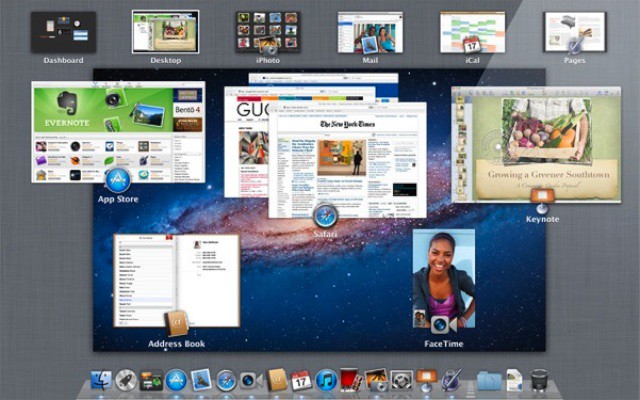
I don’t know about the rest of you, but I’m in love with Mission Control. I am especially fond of how easily it makes using spaces (virtual desktops) a part of my everyday work flow. Throw in a few full-screen applications like Mail or Safari and I’m happily zipping back and forth between them all. Now I’ve found a keyboard trick that allows me to move around my spaces zippy fast without taking my hands off of the keyboard.

Buyers Beware! Mac App Store Purchases Might Not Be What You Expect!

By

bbeditappstore2

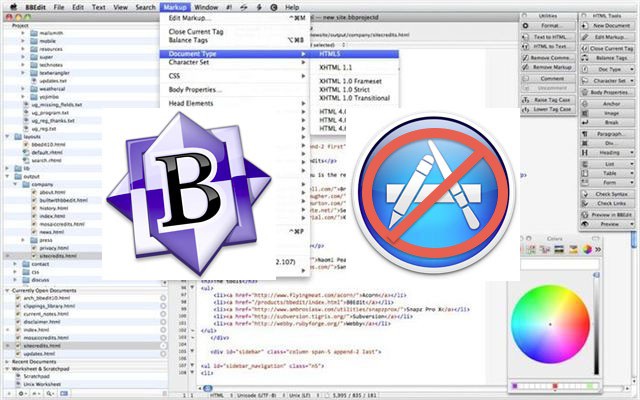
For all the convenience of the Mac App Store, sometimes buying your software directly from Apple isn’t the best choice if you want to get all the features and functionality an app is capable of.

Why? As the case of Bare Bone Software’s popular text editing program BBEdit makes clear, the devs of some of the best software on OS X have been forced to cripple their apps in order to comply with Apple’s Mac App Store developer guidelines.

Use The New Cancel Don’t Save Keyboard Shortcut In Lion [OS X Tips]

By

TextMateLion

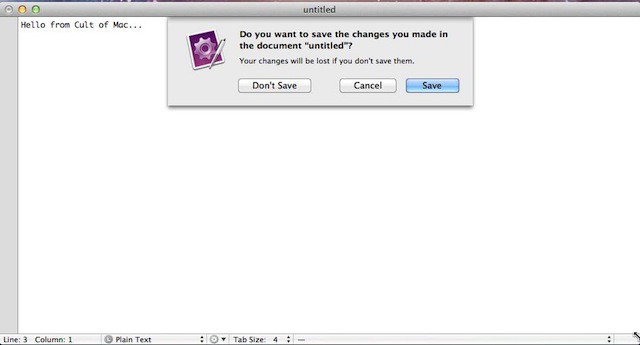
Apple provided some great default keyboard shortcuts in Mac OS X Snow Leopard and one of my favorites was Command+D. You could use that keyboard shortcut combination to select the Don’t Save option when closing a document you haven’t saved yet. Unfortunately Apple decided to change the keyboard shortcut combination in Mac OS X Lion.

Learn The Difference Between Finder Clean Up By & Arrange By On Lion [OS X Tips]

By

FinderLionDocs

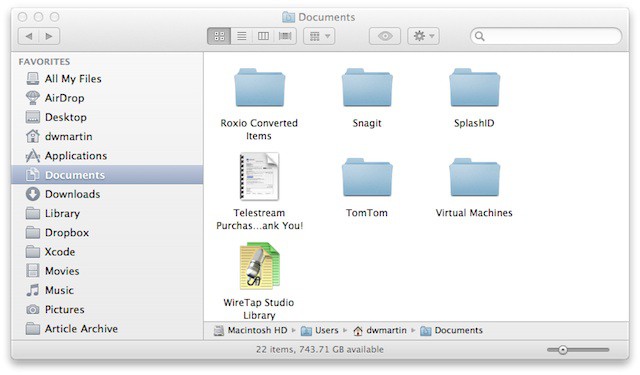
I like to keep my computer organized and this means that I like to keep my files and folders sorted alphabetically by name. Occasionally I might want to sort them temporarily by kind (i.e. PDF, JPEG, etc.) and afterwards I would sort them again by name. In Mac OS X Snow Leopard you had to toggle between one or the other manually and Leopard would only remember your last sort method selected.

Now Mac OS X Lion will let you decide how you want your files arranged and it remembers that arrangement, but it will also let you temporarily view them sorted in a different order. The next time you view the files they are sorted in the original method you selected, but in order to get this to work properly you need to know the difference between an old and new Finder view in Mac OS X Lion.