

The full-screen feature supported by some applications running on Mac OS X Lion is a welcome addition to OS X. Especially since it allows you to focus on what you are doing inside of that particular application without any distractions. However, sometimes it doesn’t work very well when you are using Safari and its Reader option.
The primary reason for this might be the width of the display you are using. Luckily you can adjust the width of the page view in Safari while it is running full-screen.
All you have to do is move the mouse pointer all the way to the left or right side of the screen. The pointer will change to a horizontal-resize symbol.
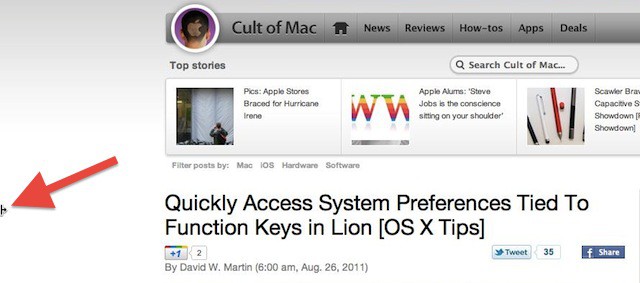
If you click and hold the left mouse button you can drag the horizontal-resize symbol towards the center of your display from either side independently. This will change the width of the page now displayed in Safari, but the application remains in full-screen mode and the page sits between two gray bars.

David W. Martin has more than 20 years of experience in the industry as a programmer, systems and business analyst, author, and consultant. David has written for CNET’s iPhoneatlas.com, MacLife.com, CultofMac.com, BYTE.com and recently for aNewDoman.net. He comes to Cult of Mac’s website with deep knowledge and passion for the all things Apple. Follow David on Twitter @david_w_martin or see what he’s up to now at davidwmartin.com.

