Cult of Mac’s buying guides help you make informed purchasing decisions. They provide detailed information about tech products in a range of categories.
Each buying guide describes key features, specifications and design as it goes through the pros and cons of various products.
In short, Cult of Mac buying guides serve up recommendations from experts.
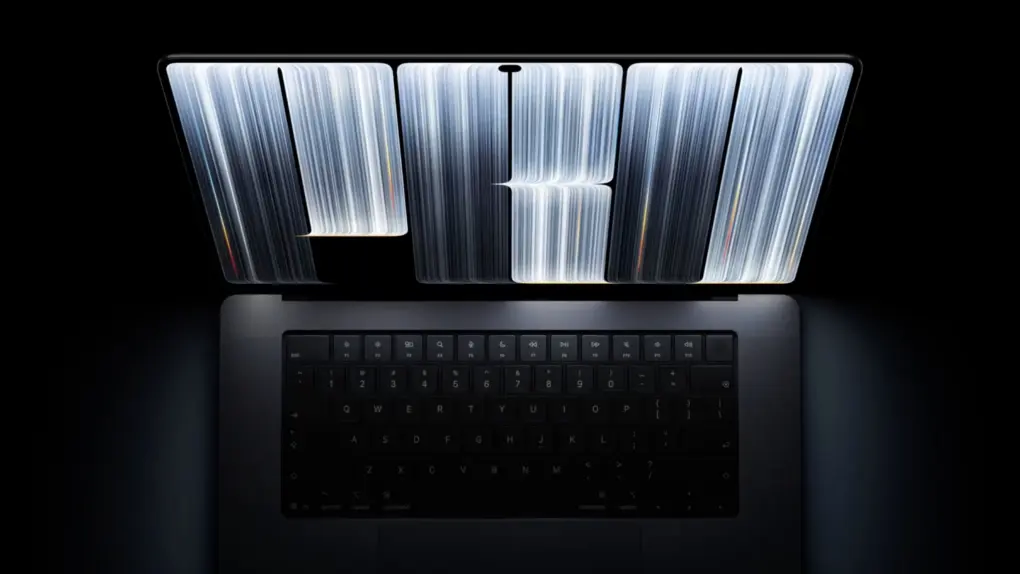
The OLED MacBook Pro is finally here. But the OLED touchscreen is not the main highlight of the new machine despite all the hullabaloo around it.
Apple’s newest MacBook Pro packs several other key upgrades, many of which make it a better everyday machine. These improvements come with a higher starting price, though. So, what exactly does the new touchscreen MacBook Pro bring over the regular MacBook Pro?
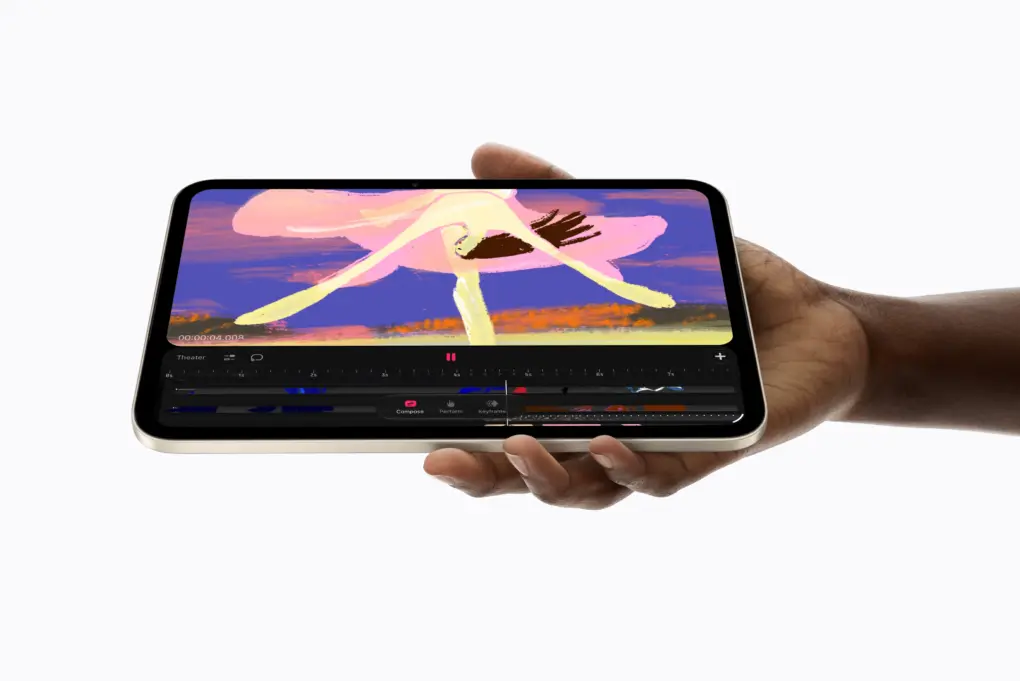
OLED iPad mini packs some big upgrades. Photo: Apple
With the iPad mini 8, Apple is giving its smallest iPad its biggest upgrade ever. It not only gets a new display technology, but also a faster chip, a thinner chassis and updated connectivity options.
But all these upgrades also come with a $100 higher starting price. So, does the OLED iPad Mini 8 come with enough changes to justify this price hike?
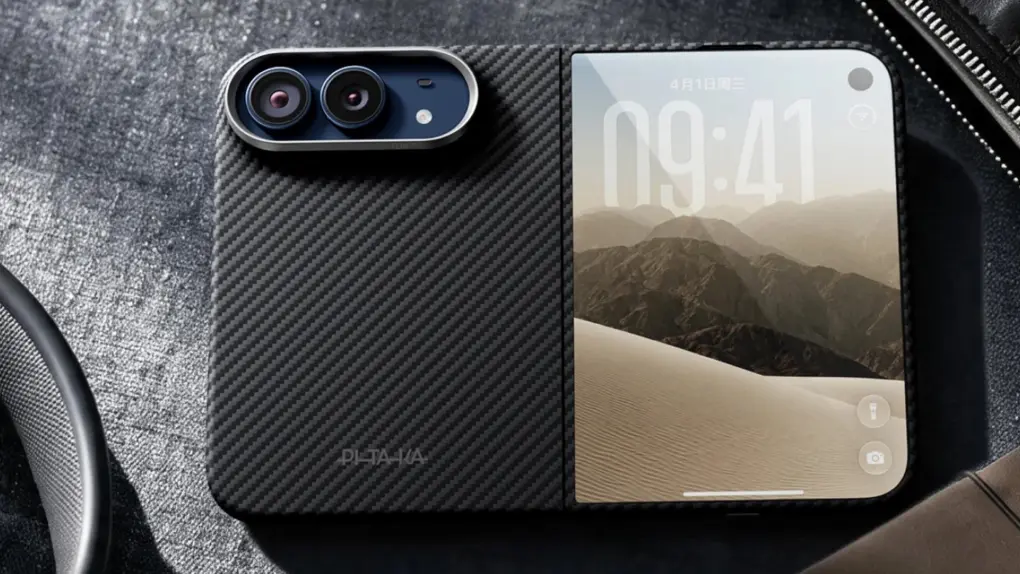
Pitaka's iPhone Duo case offers the best of both worlds. Photo: Pitaka
Picking up an iPhone Duo? Apple’s first foldable is also its most expensive iPhone, and probably its most delicate yet. The iPhone Duo has more to protect than any iPhone before it. It comes in two halves: an outer display and an inner display and a hinge that has to move freely without obstruction.
Unlike regular iPhones, the cases for the iPhone Duo are also special. To help you choose, we rounded up the best iPhone Duo cases from popular case makers, along with the standout options from each.
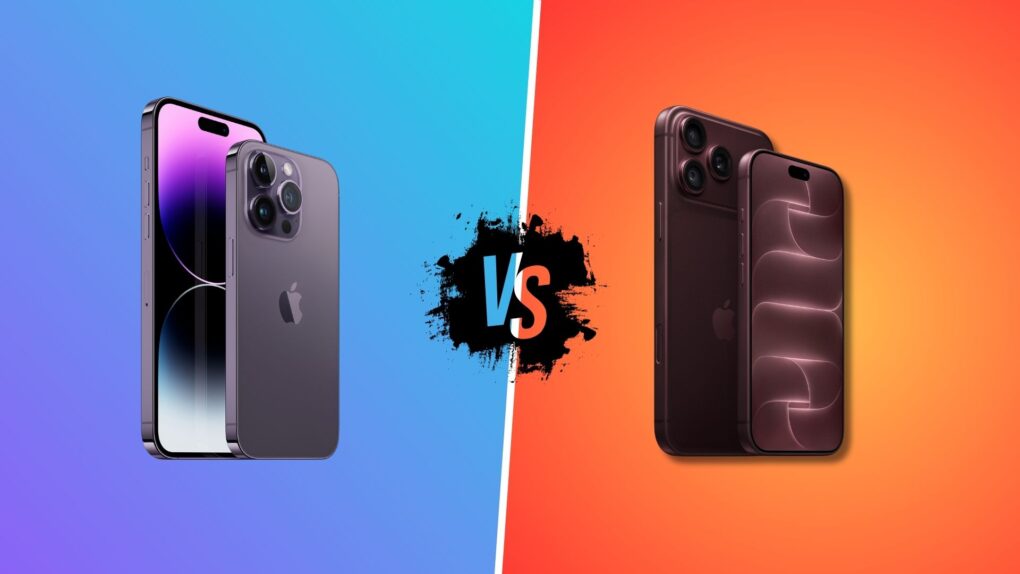
It's time to retire your iPhone 14 Pro. Photo: Apple/Rajesh Pandey/Cult of Mac
For a four-year-old device, the iPhone 14 Pro has aged well. But the iPhone 18 Pro offers some compelling everyday improvements that make it a worthwhile upgrade.
If you use an iPhone 14 Pro, it may just be time to upgrade. Here’s our iPhone 18 Pro vs. iPhone 14 Pro comparison to help you decide.
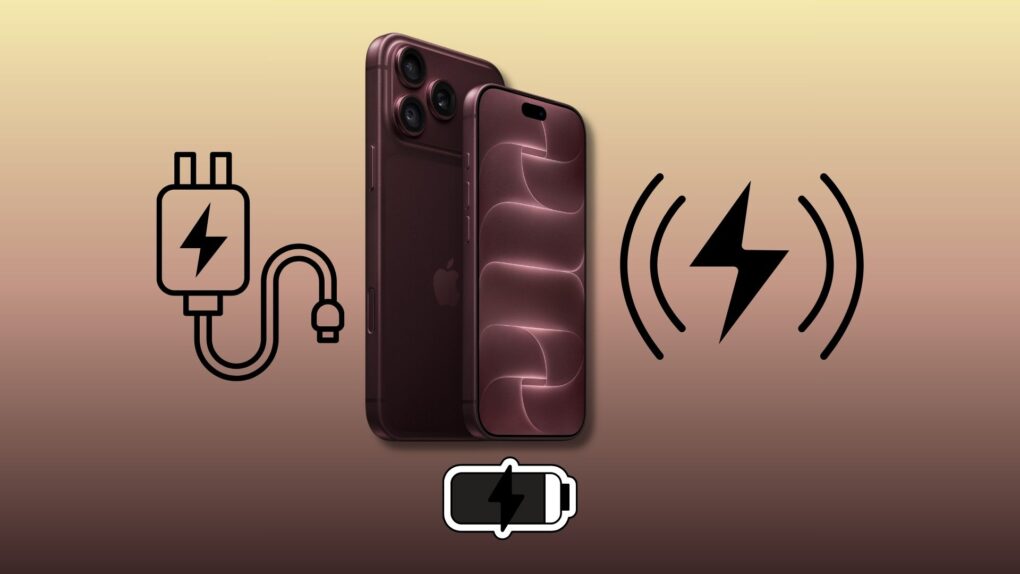
Fast charging iPhone 18 Pro requires a compatible charger. Photo: Apple/Rajesh Pandey/Cult of Mac
The iPhone 18 Pro and iPhone 18 Pro Max charge faster than any previous iPhone. This means a quick top-up will enable the phone to last a few additional hours.
However, to get the best speeds, you need to pick the right USB-C charger and cable for your iPhone. Here’s what you need for fast wired and wireless charging for the iPhone 18 Pro, and what to check before buying new accessories.
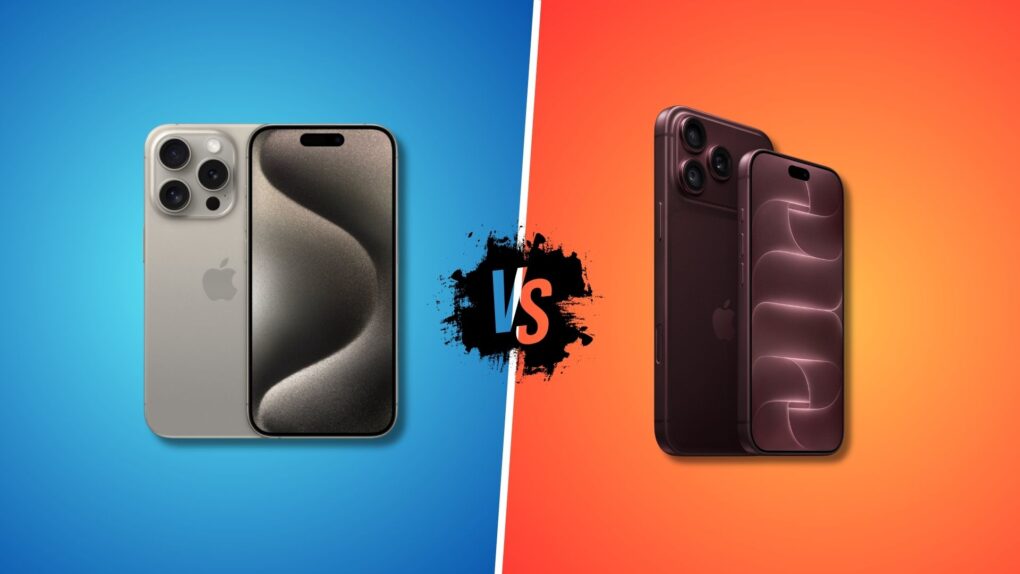
iPhone 18 Pro is a worthy upgrade from the iPhone 15 Pro. Photo: Apple/Rajesh Pandey/Cult of Mac
Three years is a long time in the tech world. And forever in the world of smartphones. If you got an iPhone 15 Pro in 2023, the iPhone 18 Pro will look mighty tempting.
Are the improved cameras, longer battery life and faster charging speeds enough to justify upgrading from the iPhone 15 Pro, especially with the higher starting price? Here’s how the two compare.
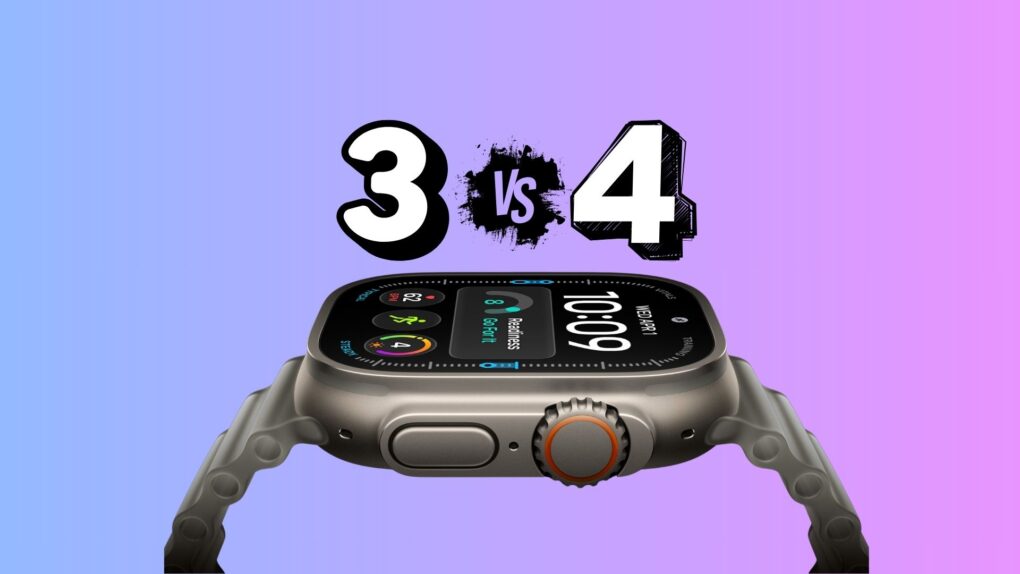
Don't ditch your Ultra smartwatch just yet. Photo: Apple/Rajesh Pandey/Cult of Mac
Apple Watch Ultra 4 arrives a year after the Ultra 3, building on its predecessor’s improvements. While the Ultra 4 looks the same, it features massive upgrades, including a new chip and new optical and electrical heart sensors.
There’s also Audio Intelligence, longer battery life and new recovery insights. But are these upgrades enough to justify upgrading from a year-old Ultra 3?
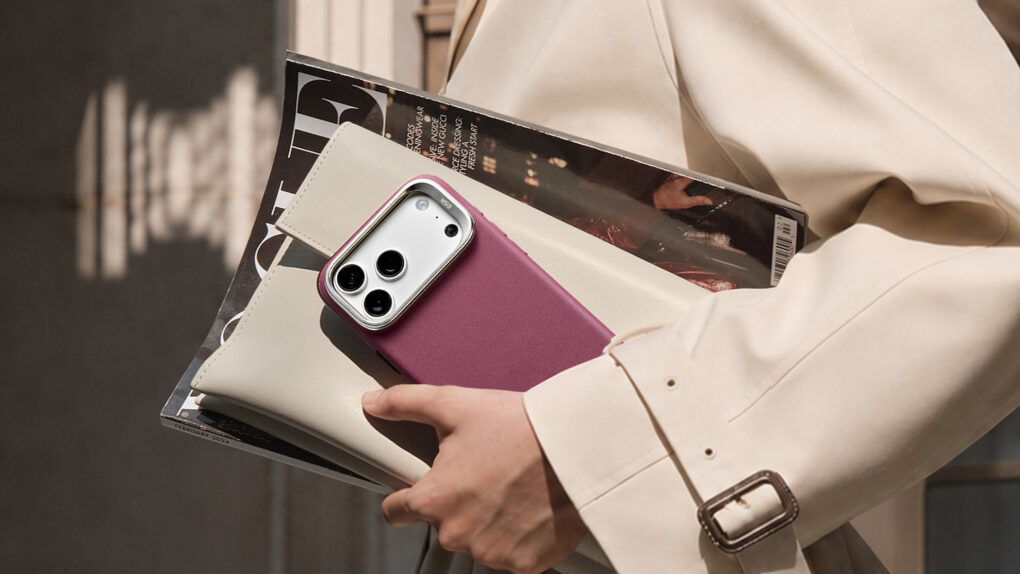
iPhone 18 Pro cases come in a variety of shapes, colors and sizes. Which one's right for you? Photo: ESR
Upgrading to the iPhone 18 Pro or Pro Max? You’ll need a new case to protect your expensive purchase. Since you’ll see and hold a case every day, it’s worth spending a few extra minutes choosing the right one.
To make the choice easier, check out our roundup of the best iPhone 18 Pro cases from popular case makers, along with some of their standout options.
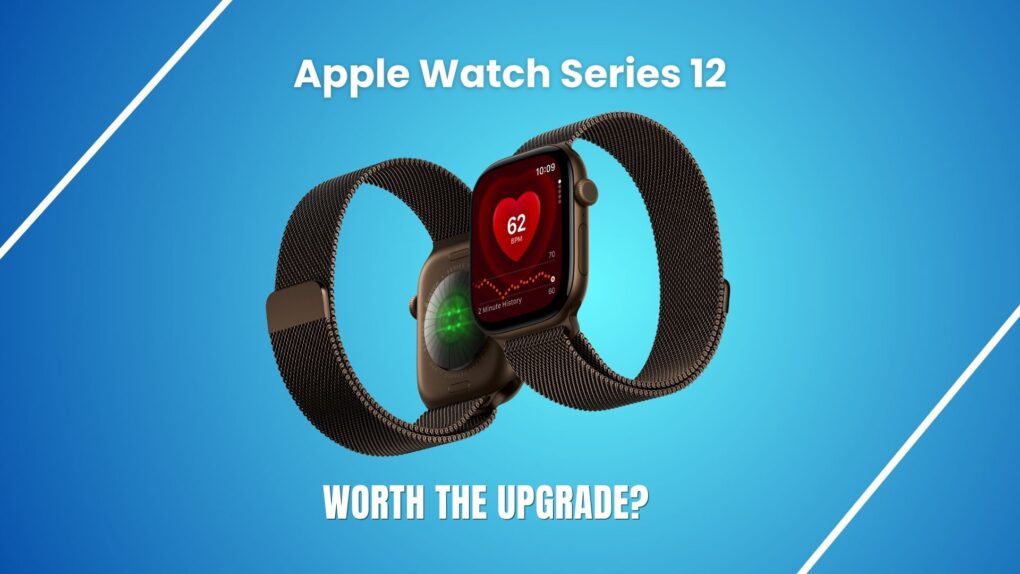
Apple Watch Series 12: Should you upgrade from Series 11? Photo: Apple/Rajesh Pandey/Cult of Mac
The Apple Watch Series 12 looks like the same watch as Series 11. But it’s the first real upgrade that Apple’s smartwatch has received in a while.
It packs upgraded health sensors, new recovery insights and Audio Intelligence. But are these improvements worth upgrading from the Apple Watch Series 11? Find out in this comparison.
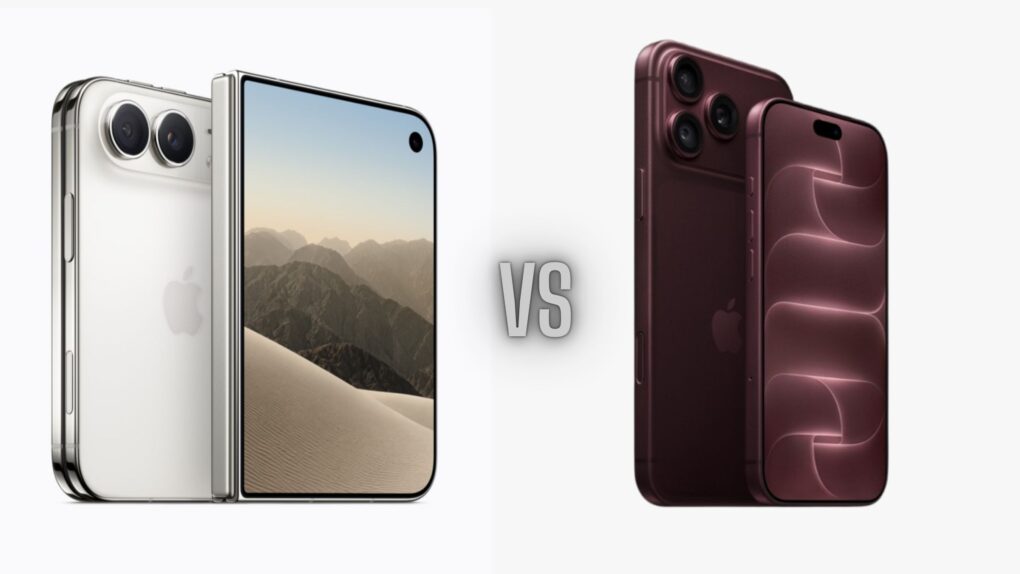
iPhone Duo vs iPhone 18 Pro: Apple’s foldable trades some flagship camera and security features for its folding design. Photo: Apple/Cult of Mac
So you’re eyeing the iPhone Duo. Before you preorder, know this: The iPhone Duo versus iPhone 18 Pro fight is closer than you might think, but the folding phone loses by more than a few rounds.
Apple’s latest flagships launched together during Wednesday’s Surprise and Shine event. But to achieve its cutting-edge design, the Duo trades some camera and other features that the two iPhone 18 Pro models keep. Here’s what you’d give up if you buy the first folding iPhone.
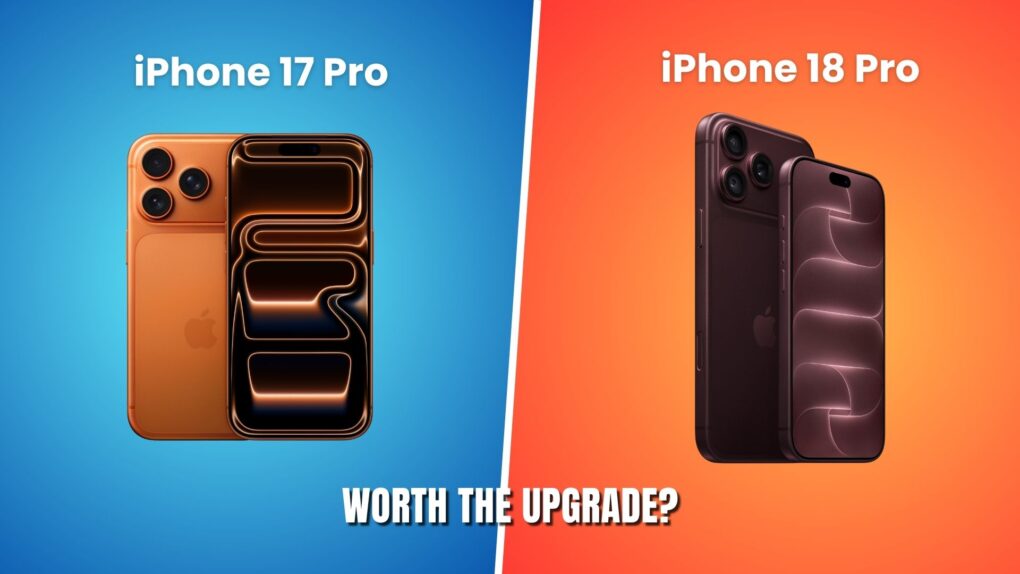
All the pro-differences a year makes. Photo: Apple/ Rajesh Pandey/Cult of Mac
The iPhone 18 Pro gets a flashy new main camera, longer battery life, and some other nice-to-have upgrades. But if you already got an iPhone 17 Pro last year, are these improvements enough to justify an upgrade?
While there’s plenty to like about the iPhone 18 Pro, the higher starting price makes the decision a little harder. Here is how Apple’s two Pro iPhones compare.
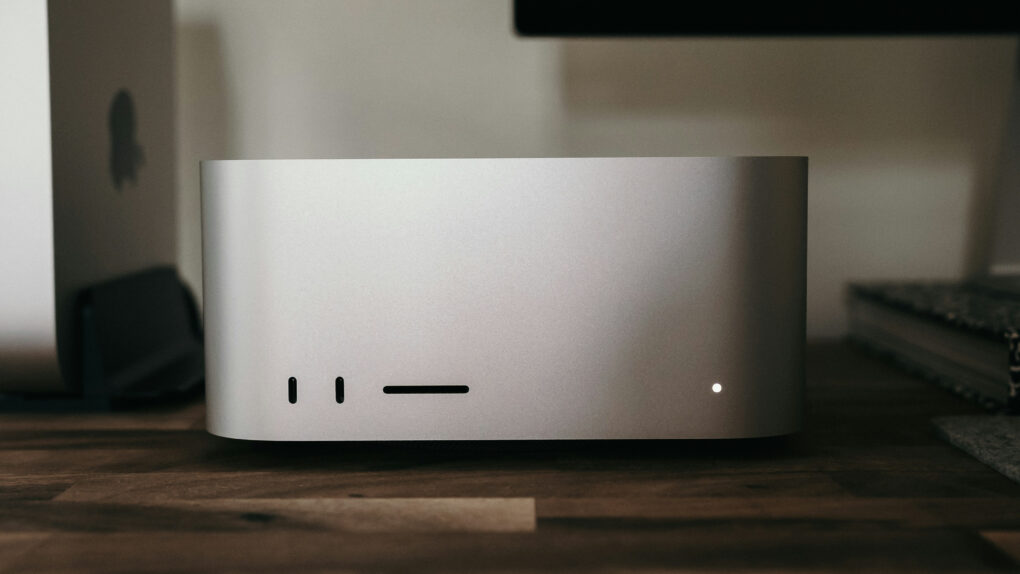
Several under-the-hood upgrades give the latest Mac Studio and Mac mini models a real boost. Photo: Joey Banks/Unsplash License
Apple’s latest Mac mini and Mac Studio computers don’t just come with faster M-series chips. They also pack certain underlying upgrades that make them even more capable and appealing than their predecessors.
That includes faster storage, better connectivity and boosted memory bandwidth. Here are five important Mac mini and Mac Studio upgrades you might have missed.
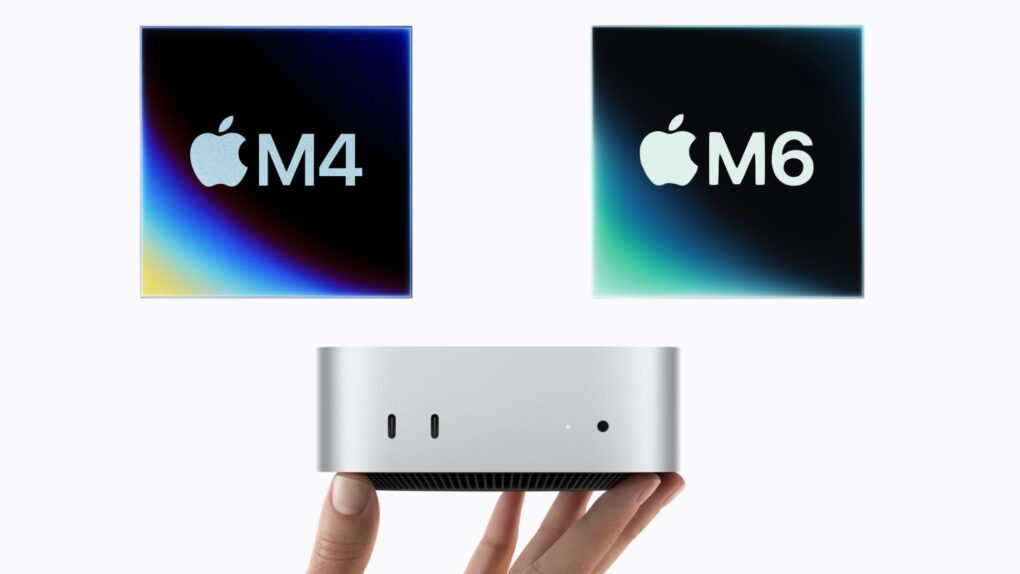
The M4 Mac mini just got replaced by a more powerful M6 model. Image: Apple/Cult of Mac
Apple’s just-launched Mac mini looks exactly the same on the outside as the previous model. But an M6 Mac mini versus M4 Mac mini comparison reveals a very different machine inside.
The all-new M6 chip is one option for the tiny desktop, and it’s the one designed for students and casual users. The Mac can also be configured with an M5 Pro processor, but that is for professionals and was discussed in a separate article. This one focuses on the benefits the M6 brings to consumers.
Apple's new M6 processor packs a 2nm punch, but the M5 Pro lives up to its name. Image: Cult of Mac
With the latest Mac mini, Apple launched its first 2nm chip: the M6. It stands out for several reasons, including enhanced single-core performance and dual Neural Engines for better AI performance.
But that does not automatically make it better than the M5 Pro, which trumps the M6 in some key areas.
Both are available in the new Mac mini, so it’s up to buyers to choose which is the better option for them. To help with the decision, here’s how the two stack up.
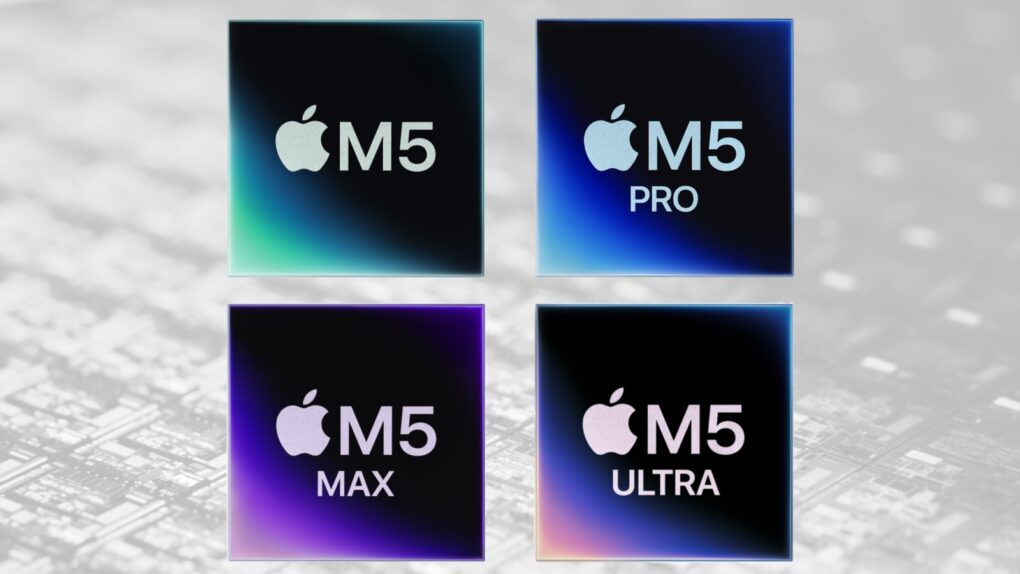
Apple filled out the M5 processor family. Which is right for your Mac? Image: Apple/Cult of Mac
With the launch of the M5 Ultra in the new Mac Studio, Apple’s M5 chip lineup is finally complete. The M5 is the entry-level chip for most Mac users, while the M5 Pro, Max and Ultra progressively add more CPU and GPU cores and unified memory.
Wondering how each differs from one another, and which is the best option for you? Here’s a detailed comparison of the M5 chip family.
Lease now or buy outright? The math tells the real story. AI image: ChatGPT
Apple Upgrade makes getting a new iPhone or Mac look surprisingly affordable. You select your preferred device, lease term and then pay for it in monthly installments. At the end of the lease, you can buy the device outright or upgrade to a newer model.
But is Apple Upgrade really worth leasing your next iPhone or Mac? I did the math to find out.
Apple’s nano-texture glass cuts glare, but comes with some downsides. Photo: Apple
Apple charges $100 to add nano-texture glass to the iPad Pro, and even more if you want to add the anti-glare tech to a MacBook Pro. The technology is undoubtedly impressive, but the real question is whether your work requires it.
Here’s what you need to know before spending your money on Apple’s matte display tech.
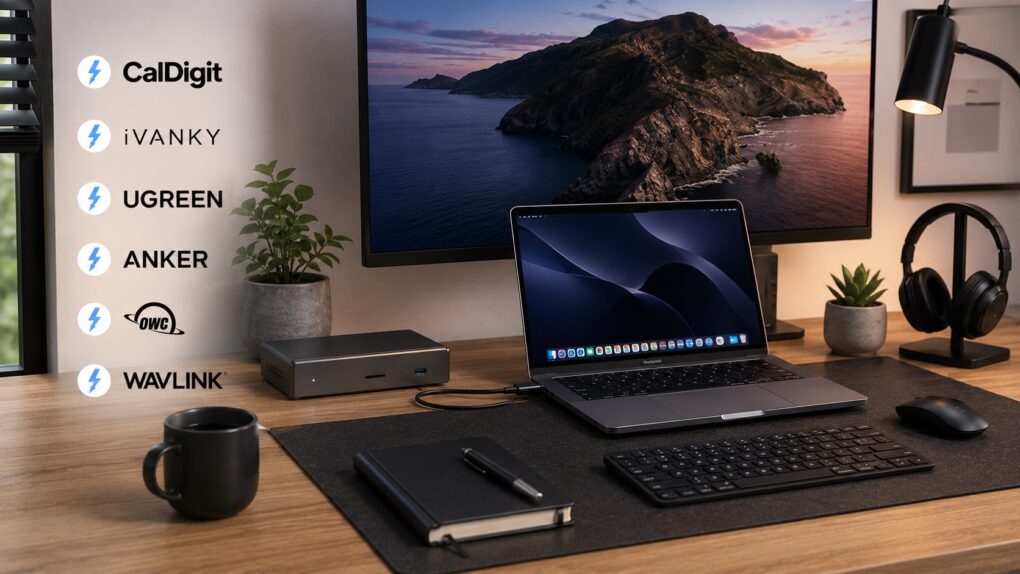
Turn your MacBook into the ultimate one-cable desktop setup with a Thunderbolt 5 dock. AI image: ChatGPT/Cult of Mac
Thunderbolt 5 docks turn your humble MacBook into a full-fledged desktop workstation. They allow for a clean, one-cable setup, with support for multiple monitors, external drives and other USB-C accessories.
There are plenty of Thunderbolt docks on the market, but not all of them are created equal. If you want the fastest speeds, the right mix of ports and seamless compatibility with your Mac, these are the best Thunderbolt 5 docking stations you can buy right now.
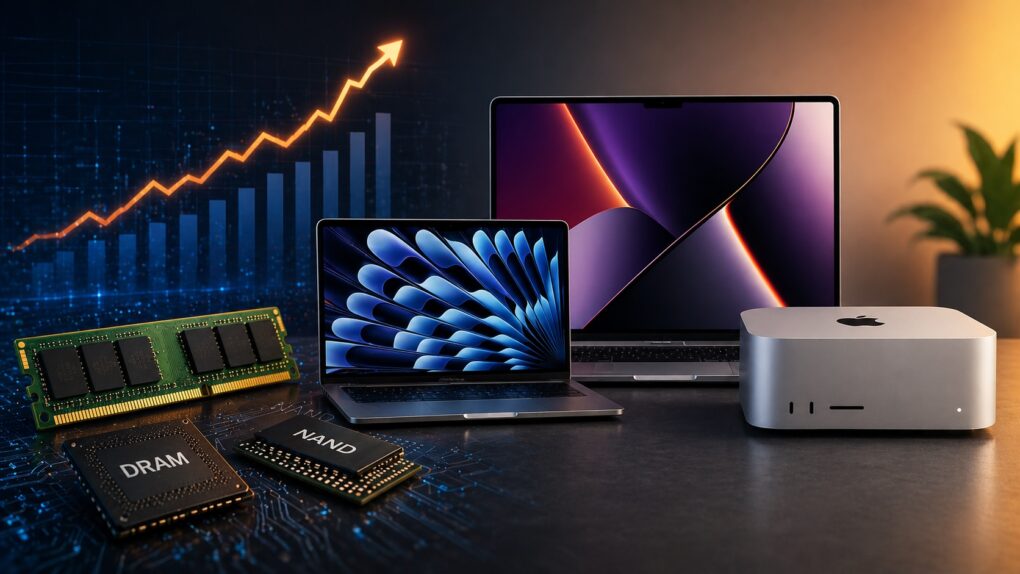
Rising memory costs and tightening supply means you should consider buying a Mac right now. AI image: ChatGPT
If you’ve been on the fence about buying a Mac, you might want to stop waiting. A growing DRAM and NAND shortage is about to make all kinds of computers more expensive and harder to find.
Right now, Apple is still (somewhat) ahead of that curve. But that window is closing fast. So, if you need to buy a Mac, now’s the best time to pull the trigger.
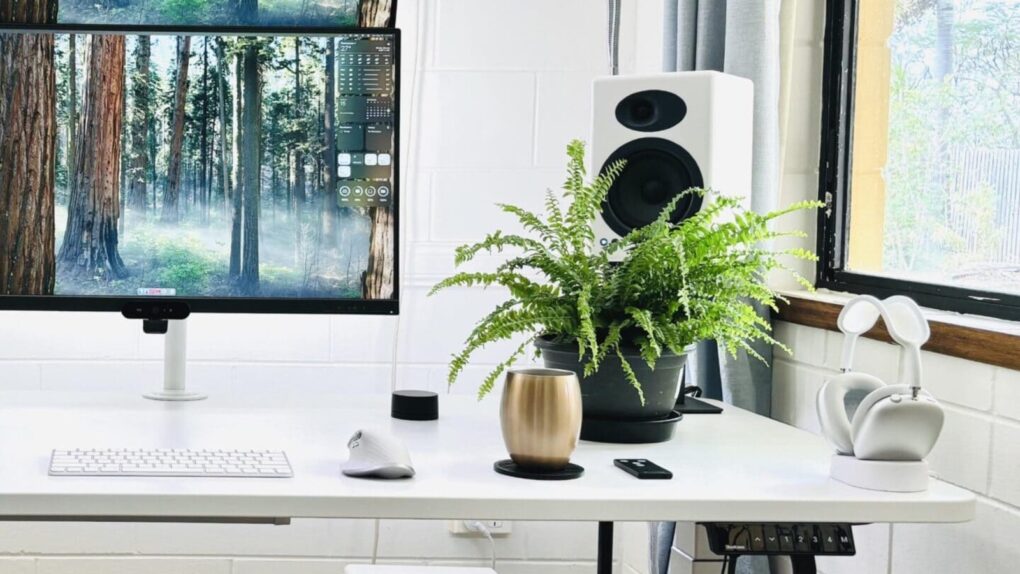
You can't really go wrong with Audioengine A5+ speakers, especially if you add a subwoofer. Photo: [email protected]
Your computer monitor’s built-in speakers aren’t doing your music, movies or video calls any favors. Whether you work from home, game a lot or simply stream your favorite playlist, a good pair of desktop speakers transforms the experience for the better. The good news is that you don’t need to spend a fortune to hear a real difference. Here are my picks for top budget computer speakers under $399 (with many way under that price).
I found that the around-$300 bracket has quietly become one of the most exciting categories in consumer audio. Brands like Audioengine, Edifier, Creative and Onkyo compete fiercely. That means the quality on offer today would have cost twice as much just a few years ago.
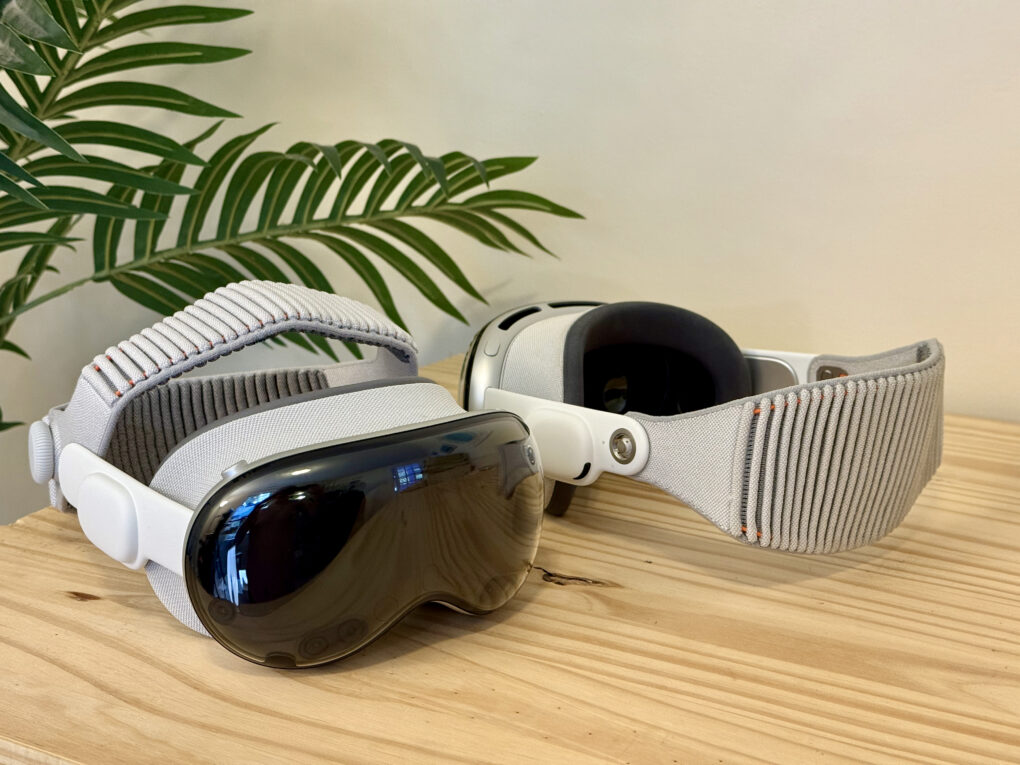
Trick out your Vision Pro with these essentials. Photo: D. Griffin Jones/Cult of Mac
After shelling out well over $3,499 for a Vision Pro, I hope you have some money left over to buy some of the must-have accessories that make Apple’s headset even better.
The experience out of the box is great, but to start, you’ll probably want a case to put your Vision Pro in. If you want to use the headset for browsing the web, messaging, writing or any amount of work, you’ll want a keyboard and trackpad. And for games, you’ll need a controller.
If you don’t have pockets (or the pockets you have prove insufficient), you’ll want a battery holster for walking around. And if you’re walking around, you’ll definitely want a protective cover for that expensive curved piece of glass.
Here are all the accessories I use to make the most of my Vision Pro.
Apple's iPad charger is bit rubbish. You can get a far better one. AI image: Apple/Perplexity/Cult of Mac
The charger that came with your iPad Pro or iPad Air is wasting your time. Your tablet could be charging almost twice as fast (up to three times as fast for the latest iPad Pro). Plus, the included charger is not well-designed for travel.
Here’s what’s going on, along with recommendations for better options.
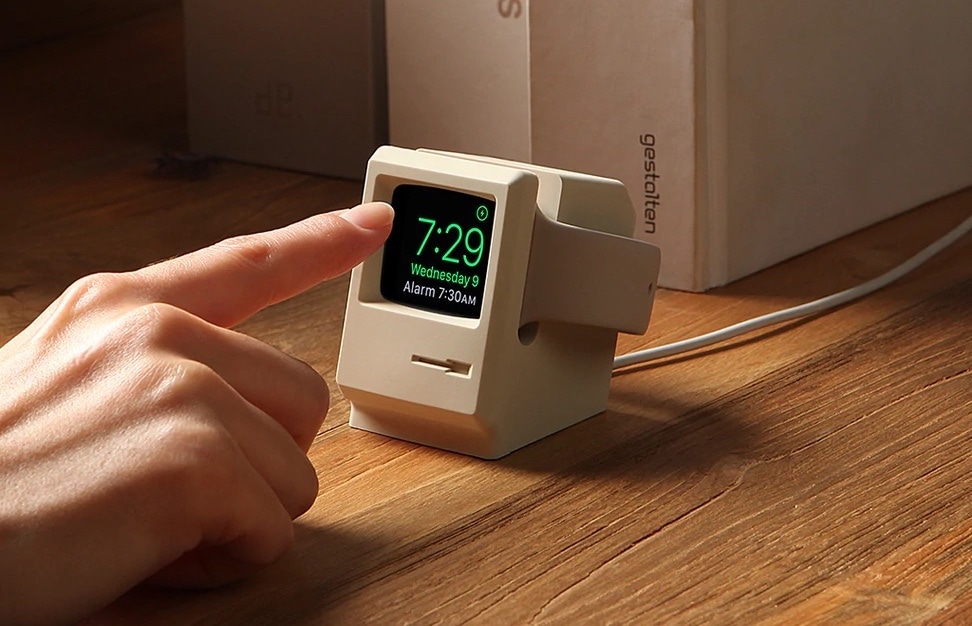
The Elago W3 Apple Watch Stand brings to mind a classic Mac. Photo: Elago
April 1 marks a milestone: Apple turns 50. Half a century after Steve Jobs, Steve Wozniak and Ronald Wayne signed the papers in a California garage, Apple has become one of the most valuable companies on Earth — and one of the most design-obsessed in history.
And lucky for gear fans, some of its brilliant products inspired other companies to make some great retro-futuristic Apple accessories.
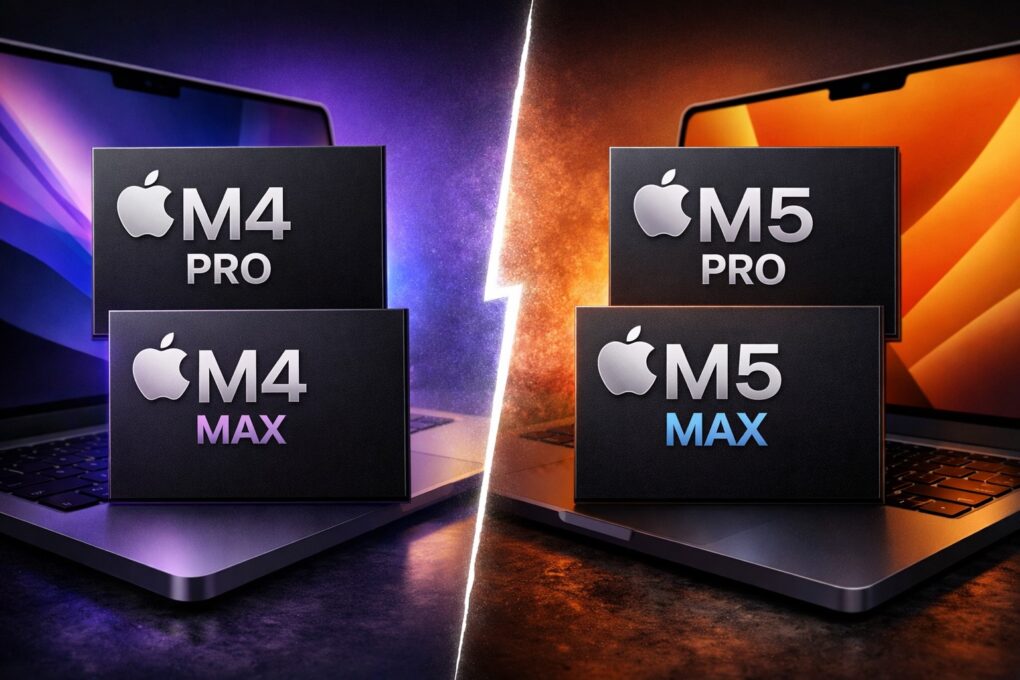
M5 Pro and M5 Max > M4 Pro and Max. Image: ChatGPT/Cult of Mac
Apple’s latest M5 Pro and M5 Max chips will serve as the company’s flagship SoCs until the M5 Ultra lands on the Mac Studio in a few months.
Power-hungry Mac fans want to know: Compared to the M4 Pro and M4 Max, what improvements do the M5 Pro and its Max sibling bring? Our comparison shows exactly how these Apple processors stack up.
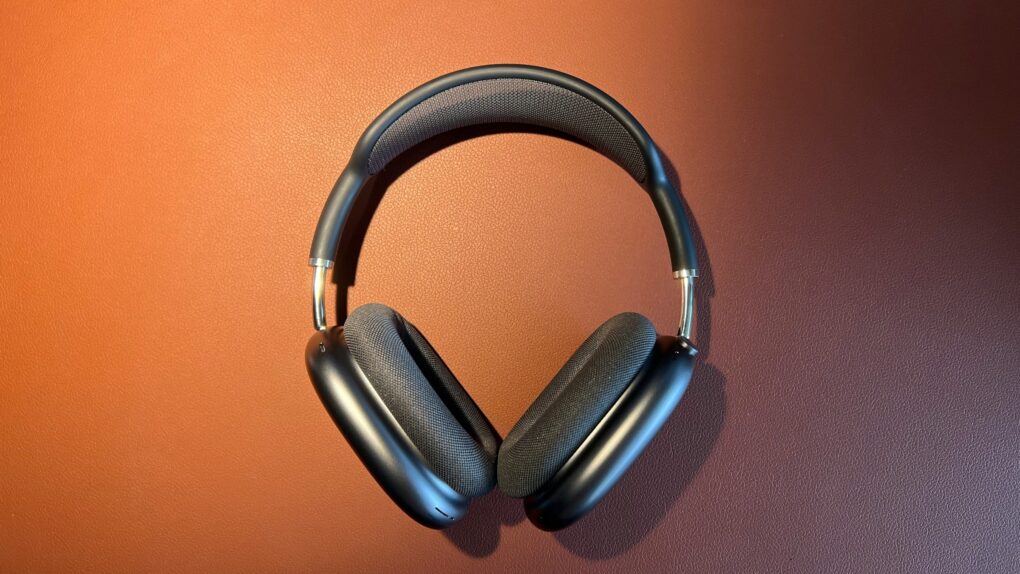
New model number, same old drawbacks. Photo: Jason Zhang/Unsplash License
Apple had years to refine its high-end headphones, the AirPods Max. But with the just-announced AirPods Max 2, the company played it safe.
An upgrade to Apple’s H2 chip brings some notable new features to AirPods Max 2. However, with many of the original model’s shortcomings still present, the revamp feels like a missed opportunity.